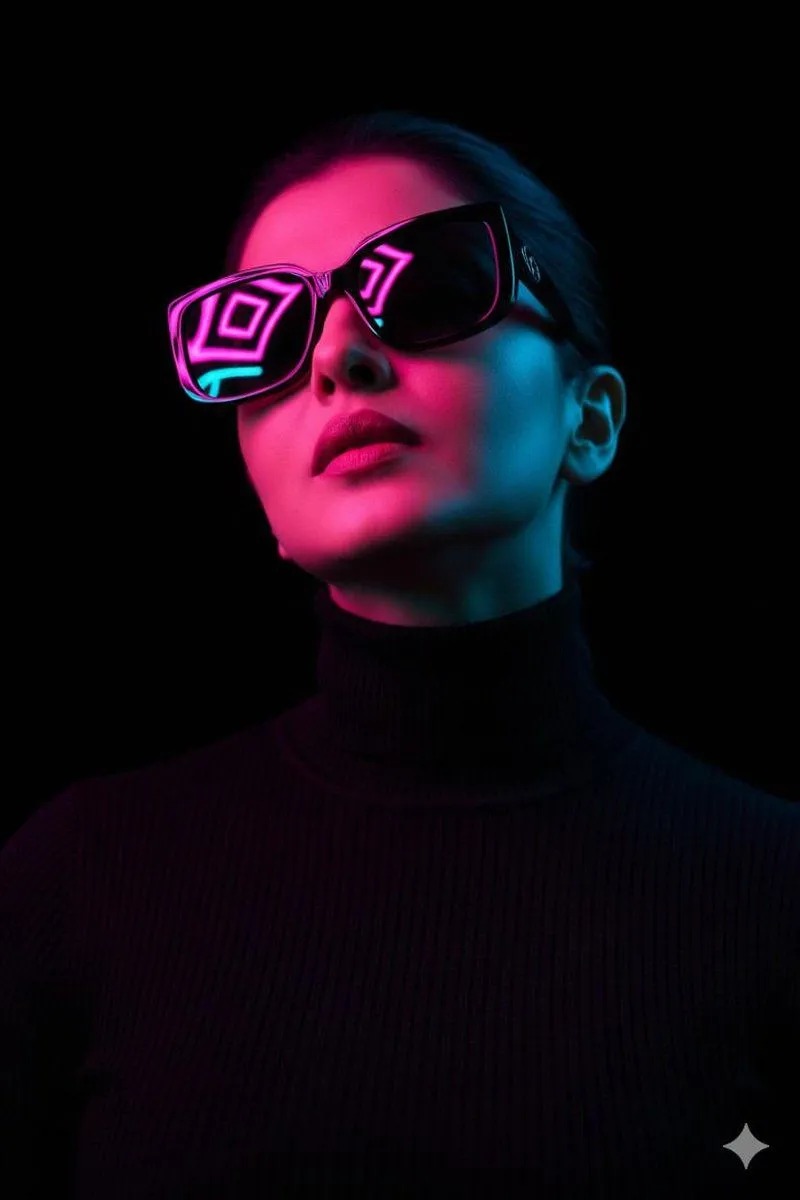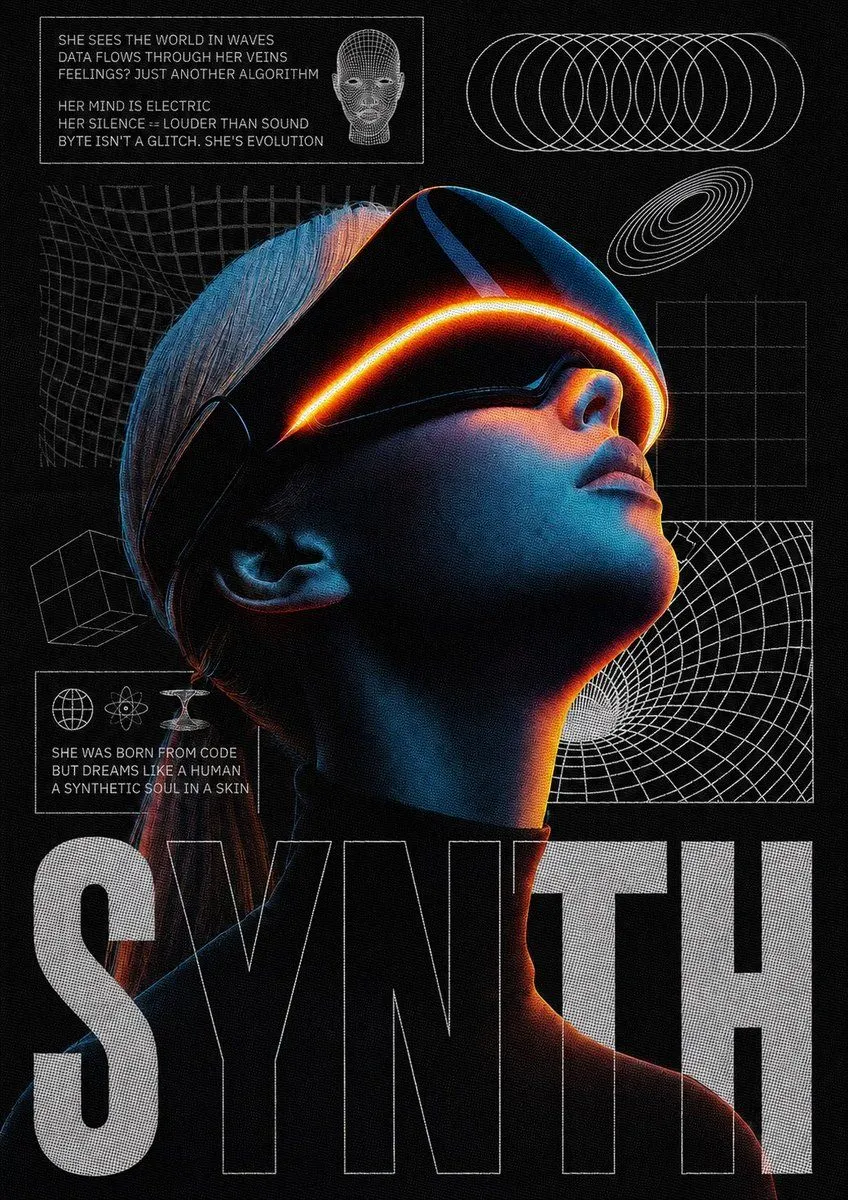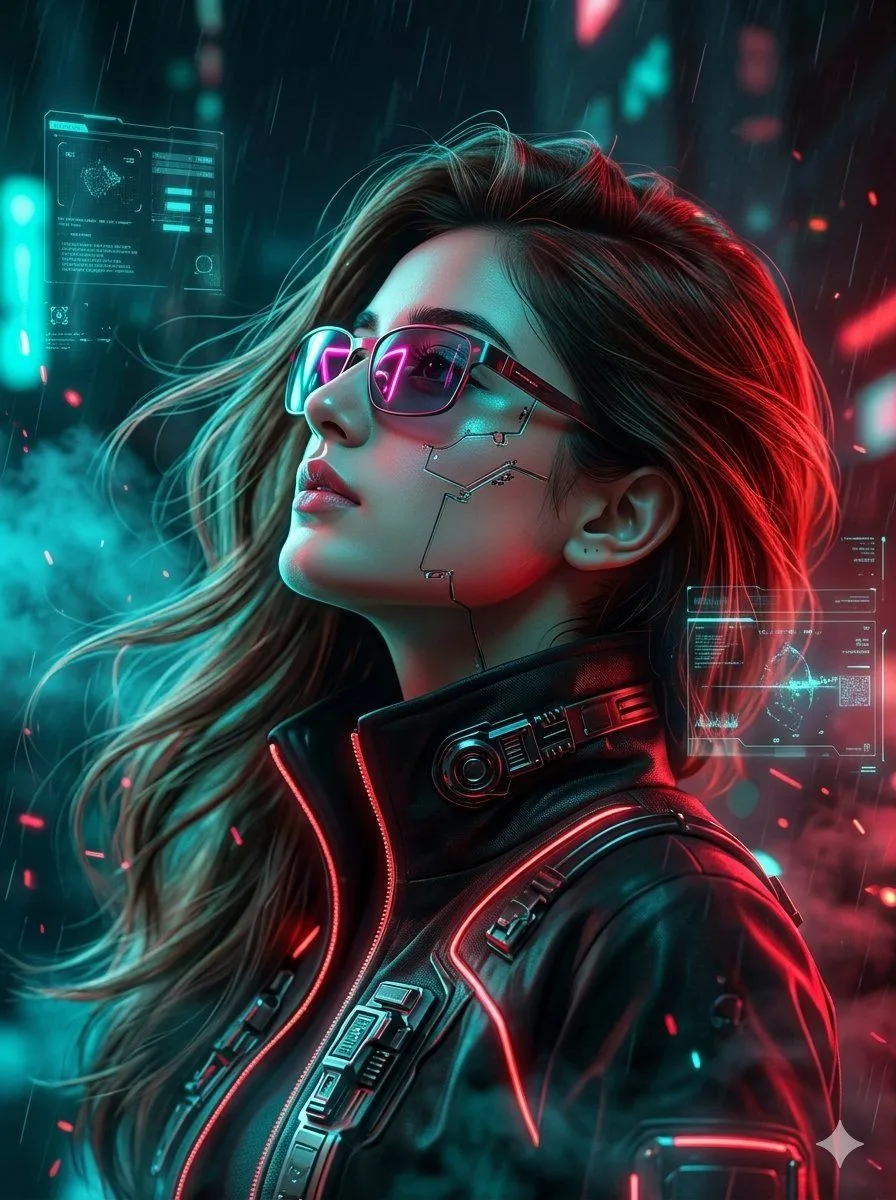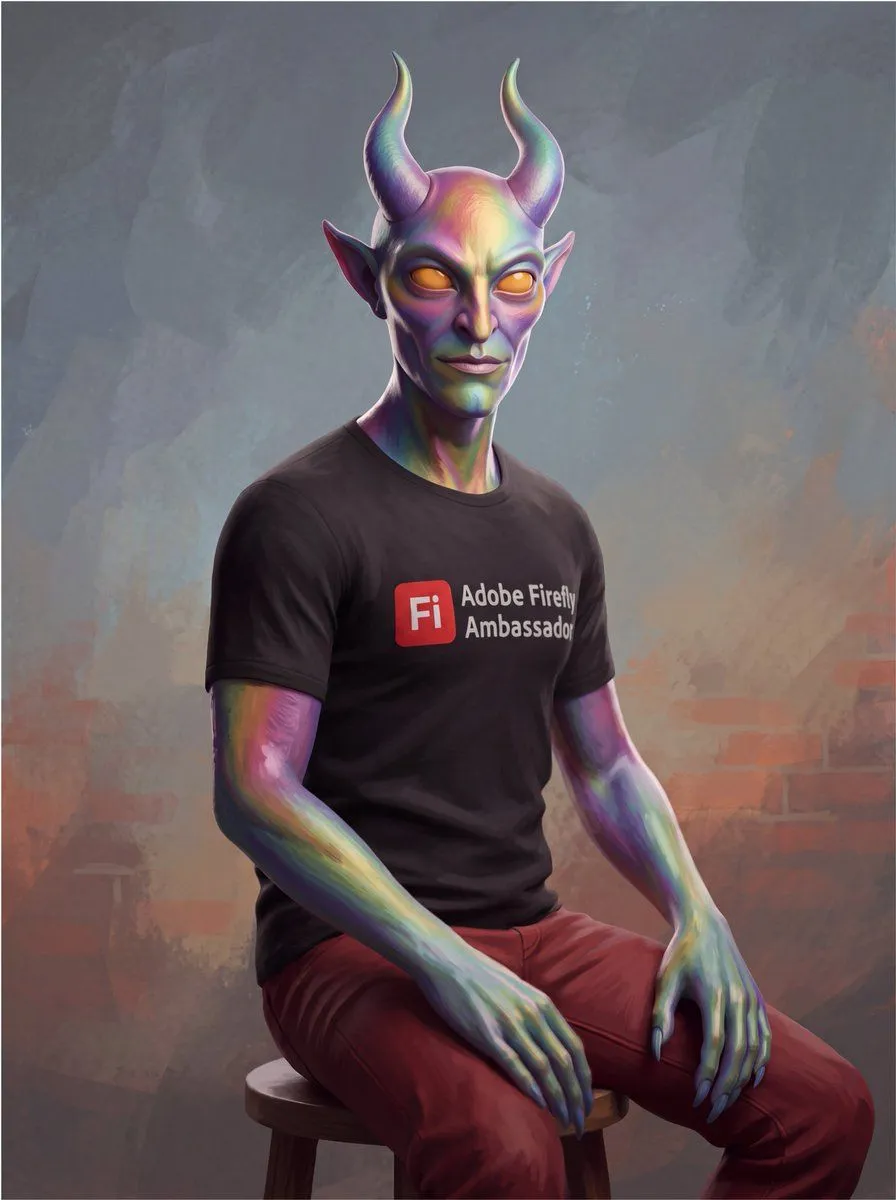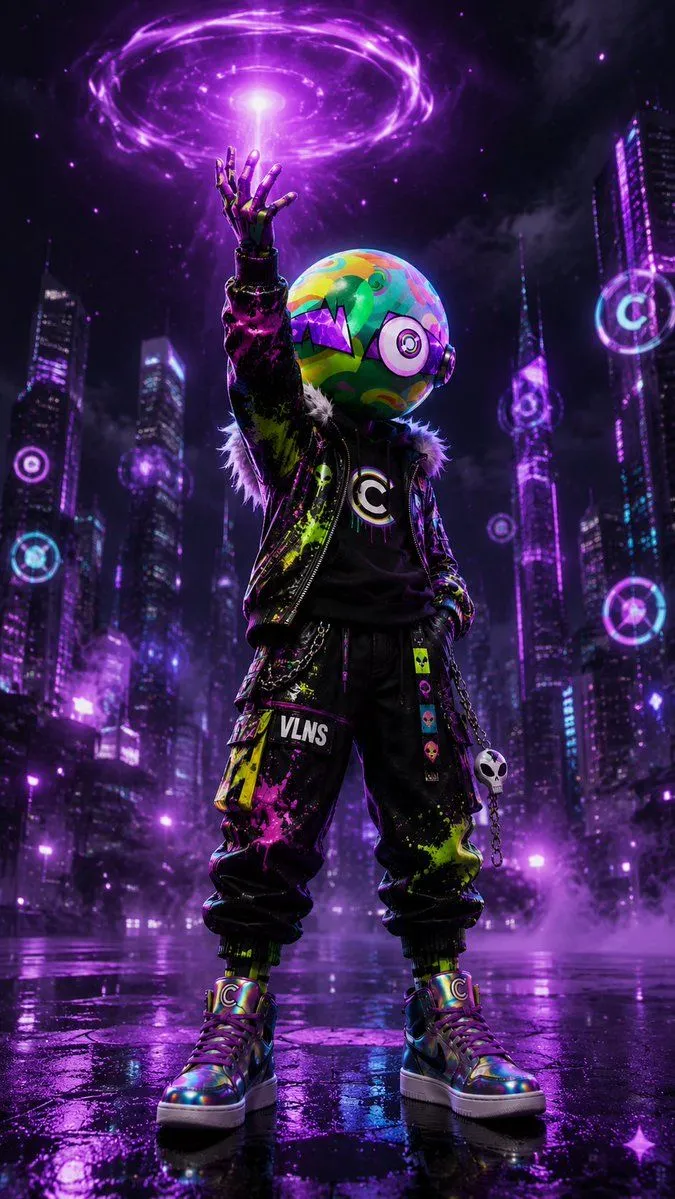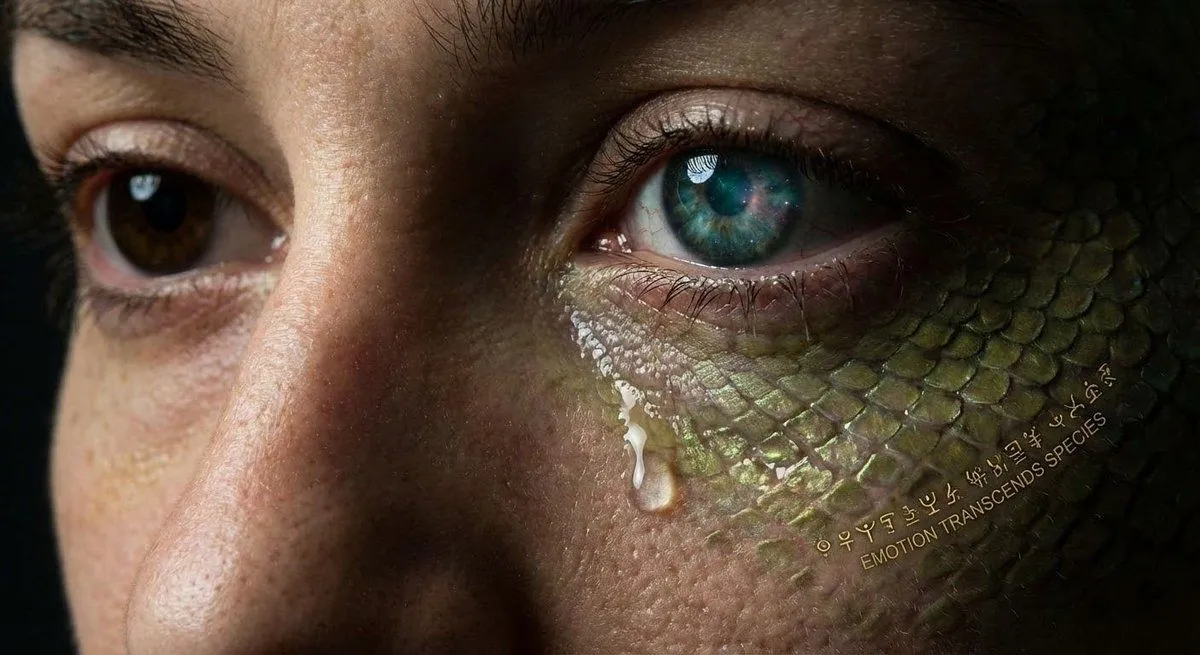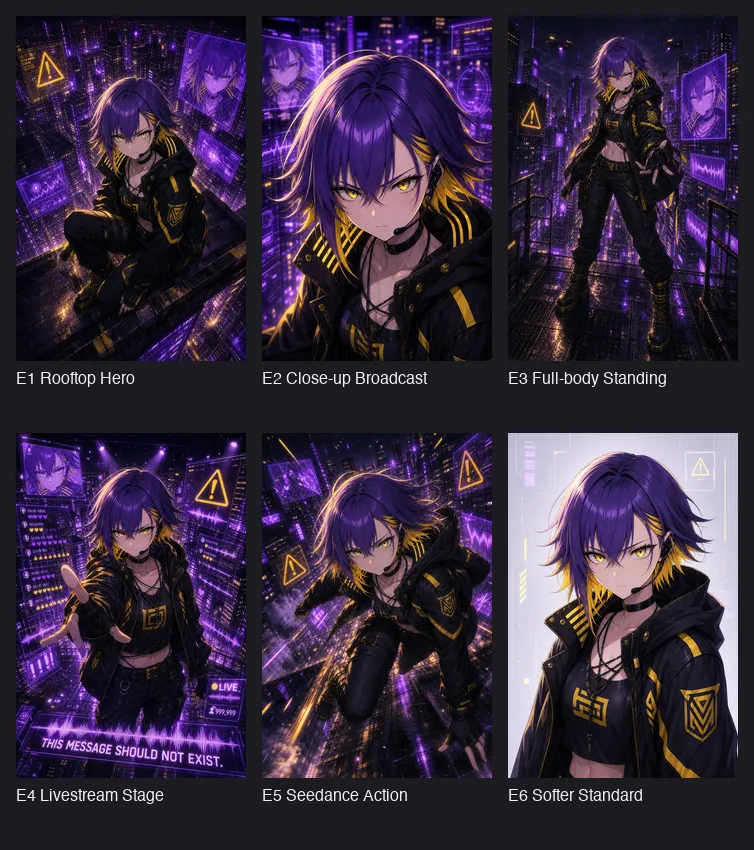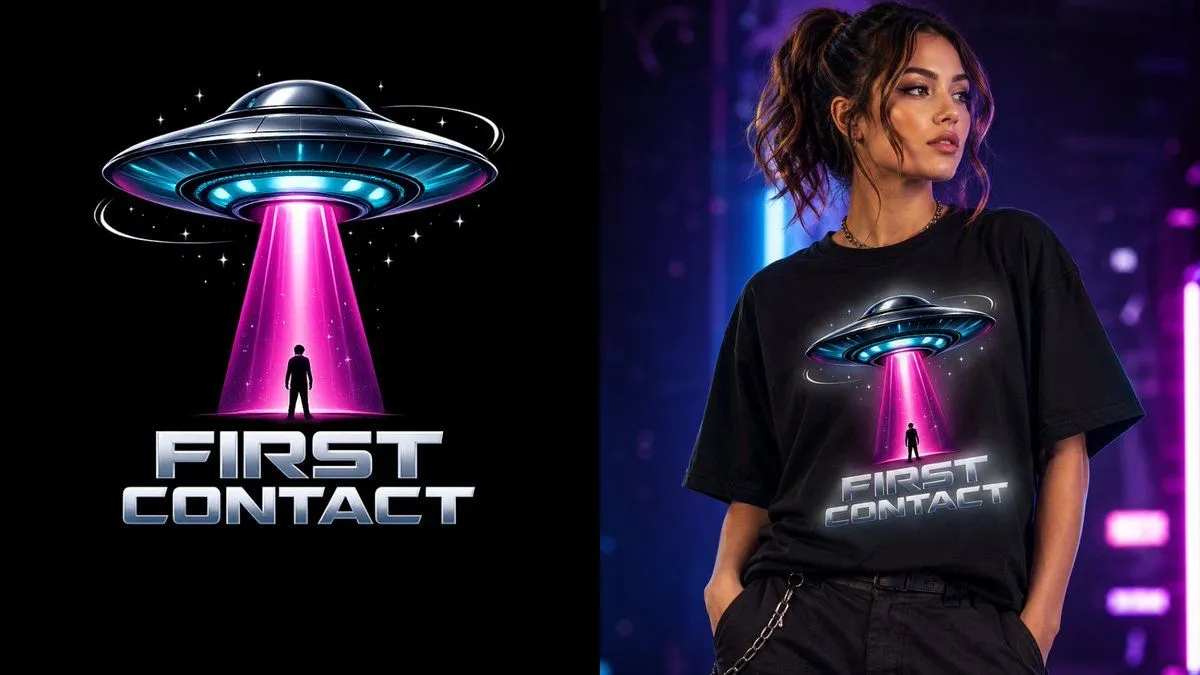
Made with GPT Image 2 in ChatGPT by Library Brand. Promptclay never generates images.
Did it work?
No reports yet. Tell others if it worked for you.
First Contact Sci-Fi T-Shirt Design
Prompt
3 blanks to fillA {theme} isolated on full transparency with no background, centered in a square canvas, featuring a {hero_object} as the hero object, designed with a sleek metallic chrome body, glowing cyan underside lights, and a luminous neon magenta beam projecting downward in a clean dramatic cone; beneath the UFO, a tiny silhouetted human figure looks upward in awe, kept simple and minimal for readability, while small floating stars and thin orbital ring fragments add just enough cosmic energy without clutter; the only text should be the {text_title} in a single bold futuristic display font, oversized, highly legible, and placed prominently below the UFO; no tiny text, no subtitles, no extra words, no scenery, no frame, no halo, no background elements, crisp sharp vector-clean edges, optimized for direct-to-garment printing and merch sales, high-resolution 4000x4000 px, professional 3D render quality, isolated on complete transparency, 1:1 square ratio.
Preview of your prompt
A premium pop nerd culture t-shirt graphic isolated on full transparency with no background, centered in a square canvas, featuring a bold 3D flying saucer as the hero object, designed with a sleek metallic chrome body, glowing cyan underside lights, and a luminous neon magenta beam projecting downward in a clean dramatic cone; beneath the UFO, a tiny silhouetted human figure looks upward in awe, kept simple and minimal for readability, while small floating stars and thin orbital ring fragments add just enough cosmic energy without clutter; the only text should be the large title “FIRST CONTACT” in a single bold futuristic display font, oversized, highly legible, and placed prominently below the UFO; no tiny text, no subtitles, no extra words, no scenery, no frame, no halo, no background elements, crisp sharp vector-clean edges, optimized for direct-to-garment printing and merch sales, high-resolution 4000x4000 px, professional 3D render quality, isolated on complete transparency, 1:1 square ratio.
DetailsVersions, settings and questions
Written for
What's in the prompt
- Subject
- Model
- GPT Image 2
If your face changes
keep my face exactly the sameQuestions
- Does this work in the ChatGPT app?
- Yes. Paste the prompt and attach your photo if it uses one.
- It changed my face. What do I do?
- Add "keep my face exactly the same" to the end and run it again.
- Can I use the images I make?
- Check the terms of the app you use. Promptclay never generates images and claims nothing you make.