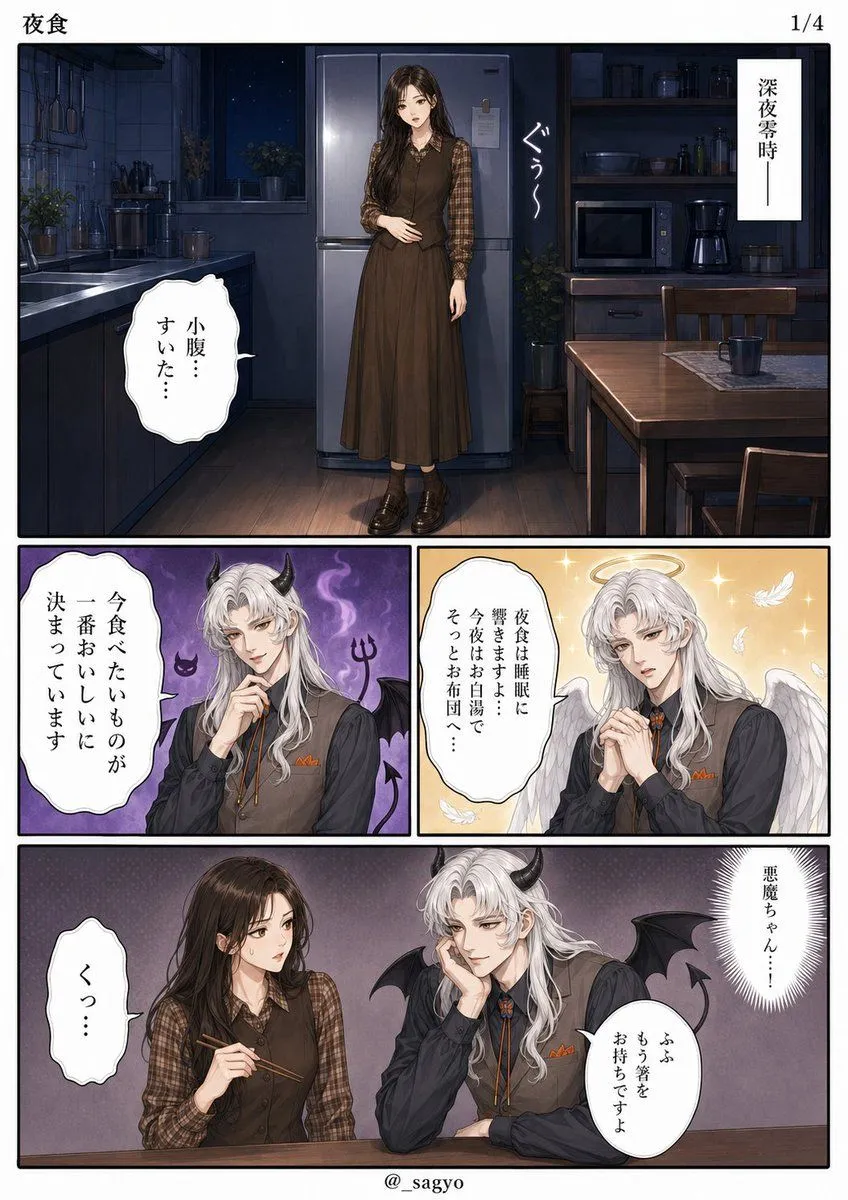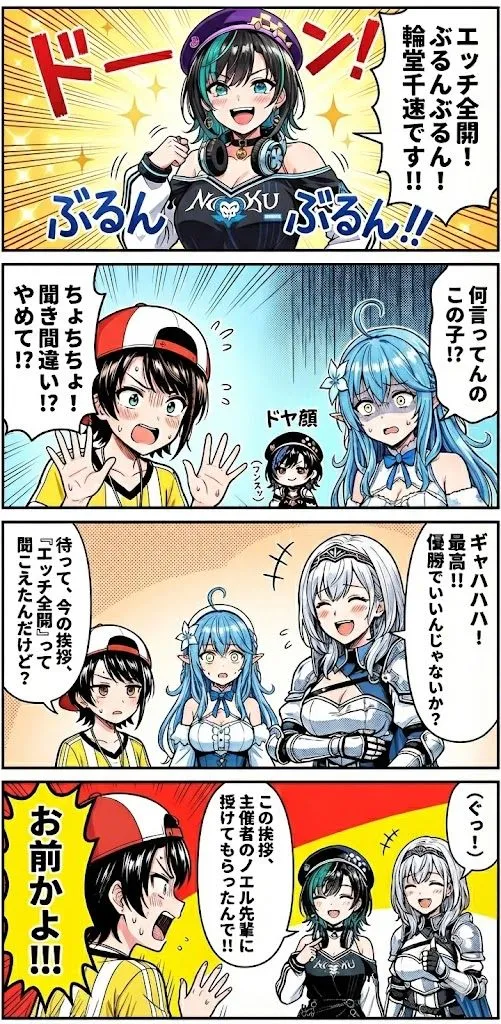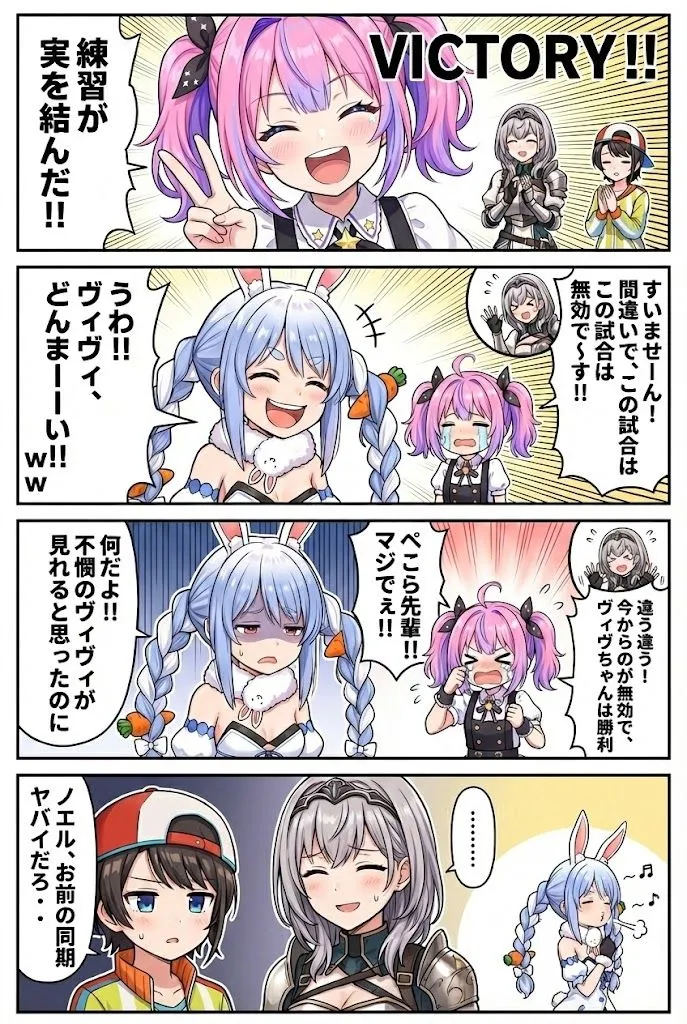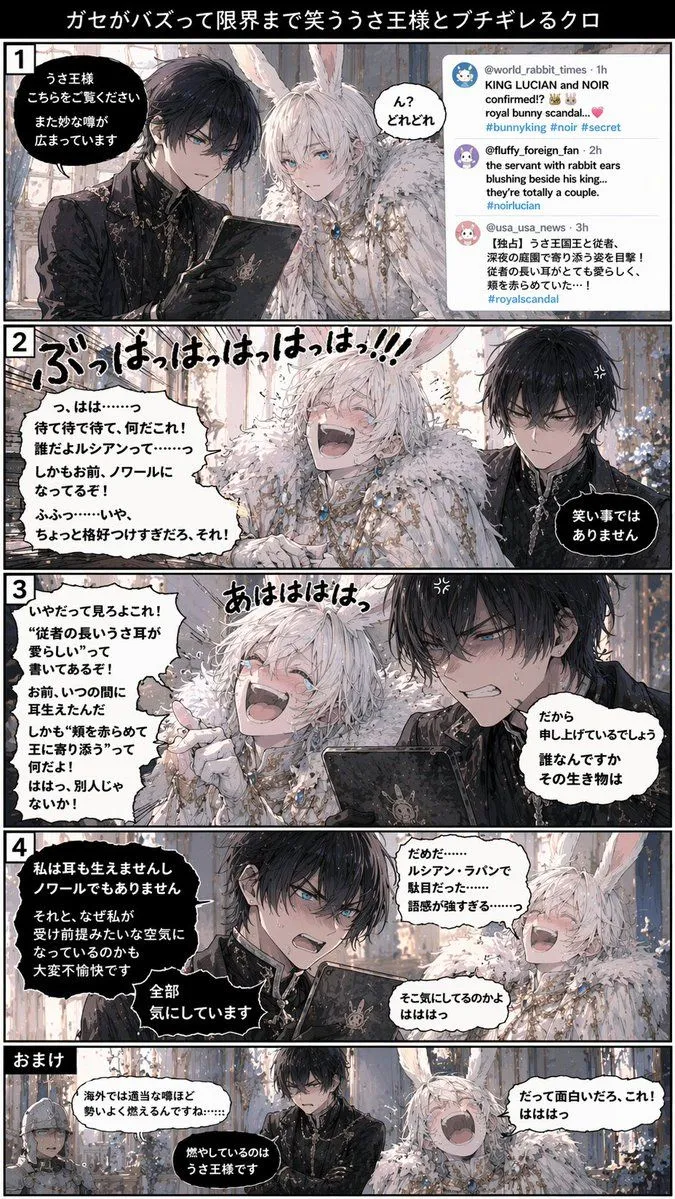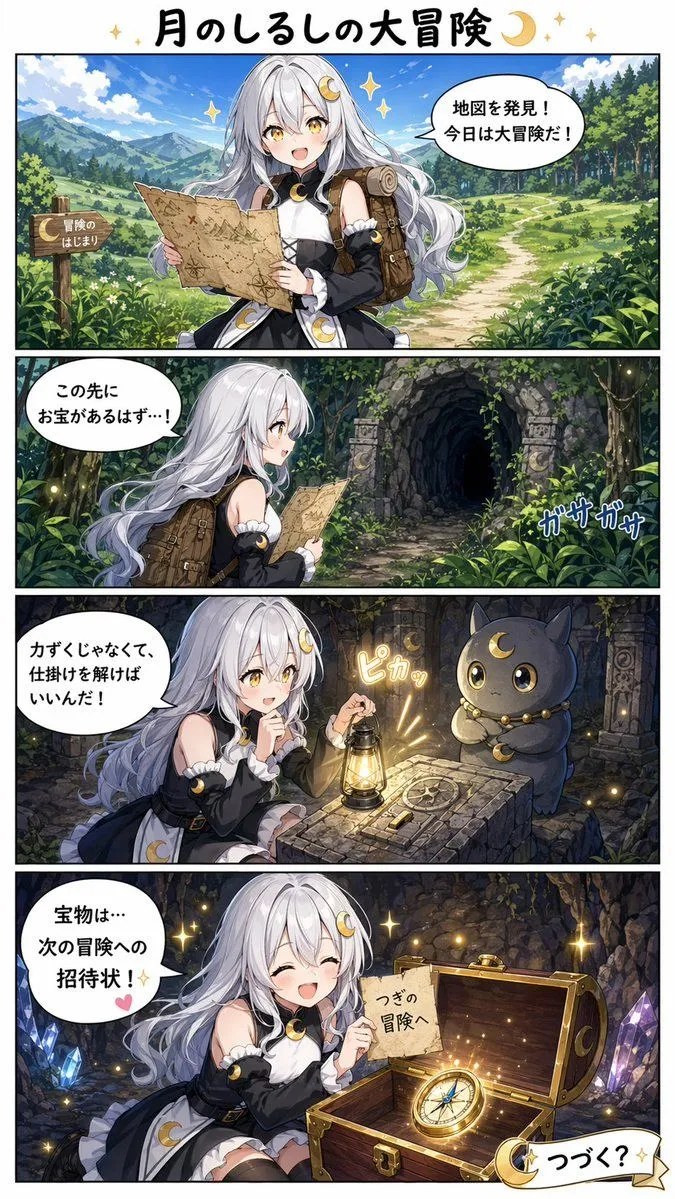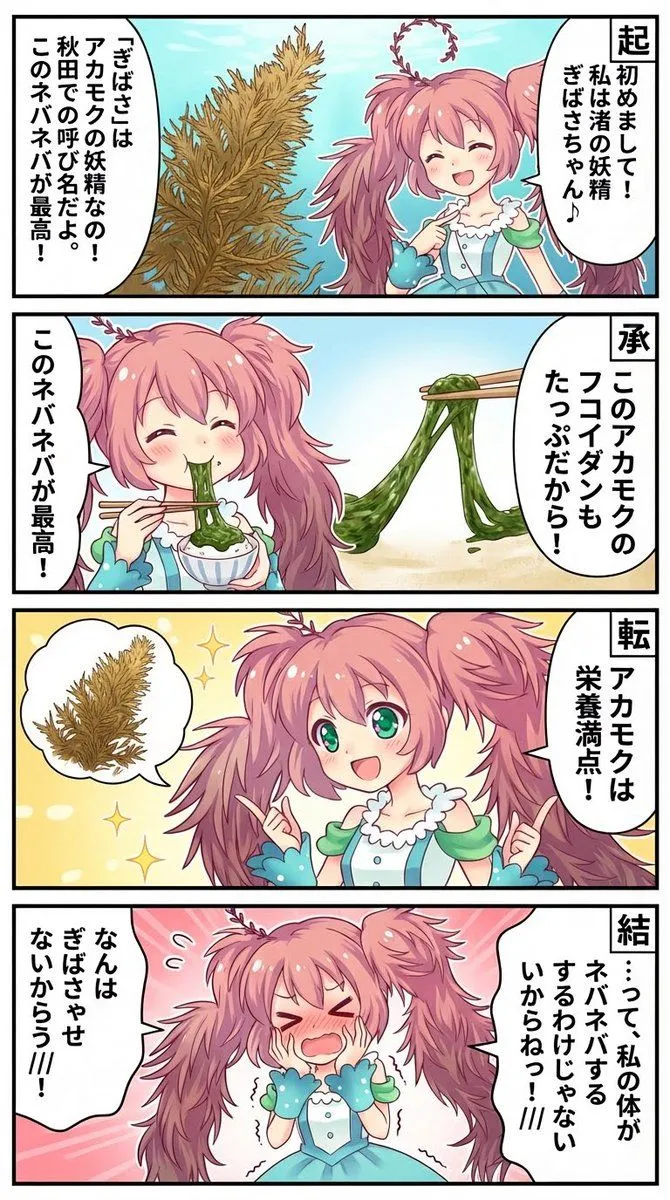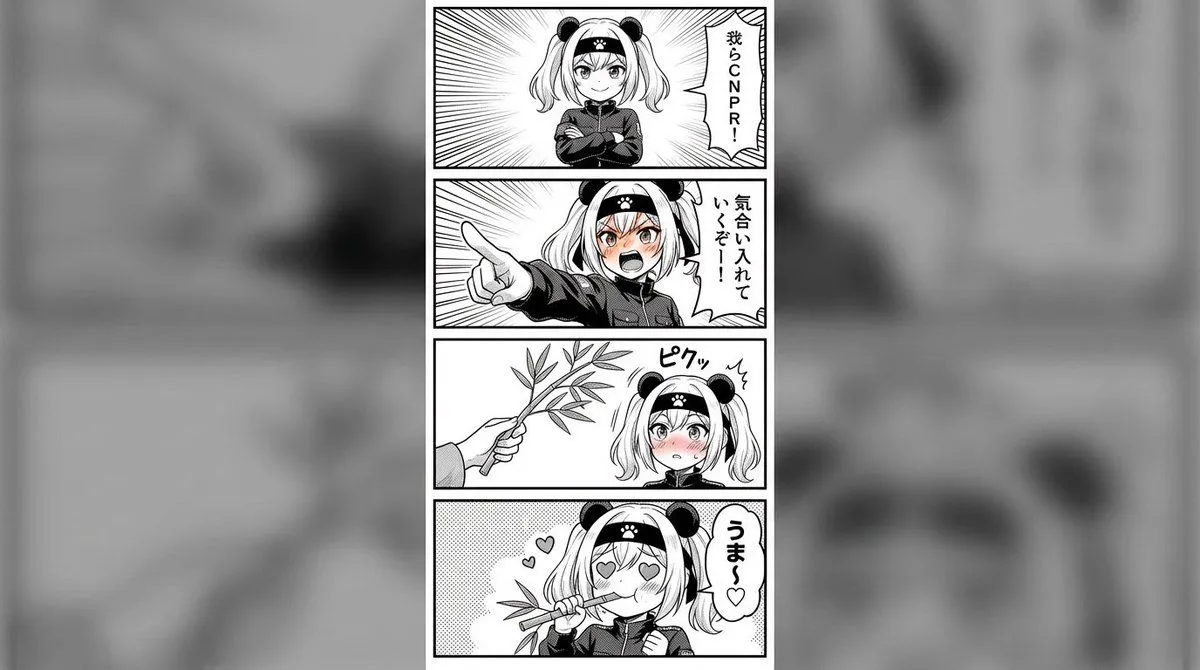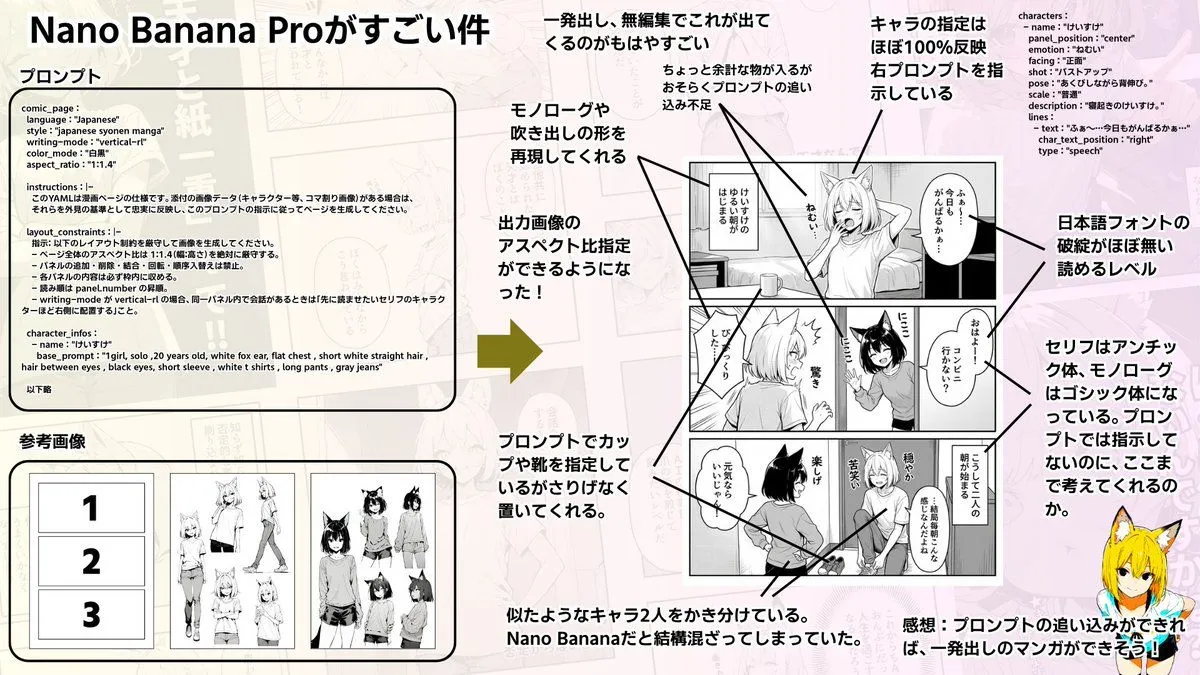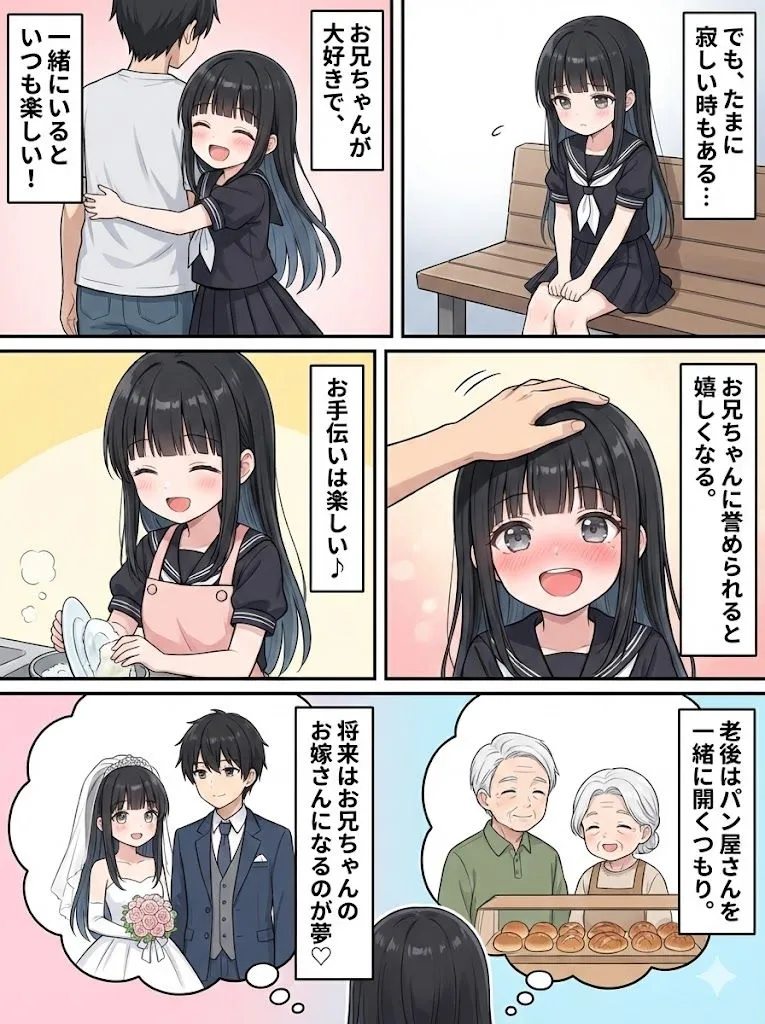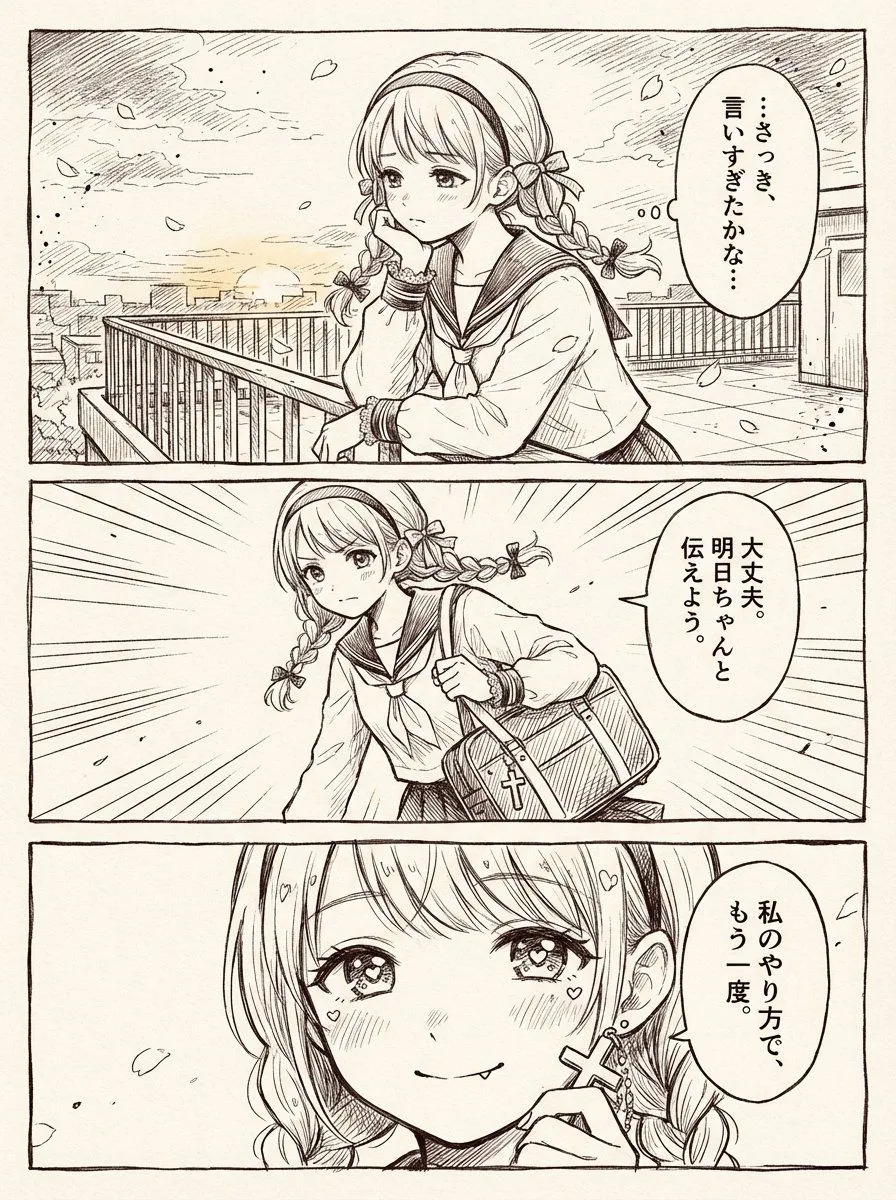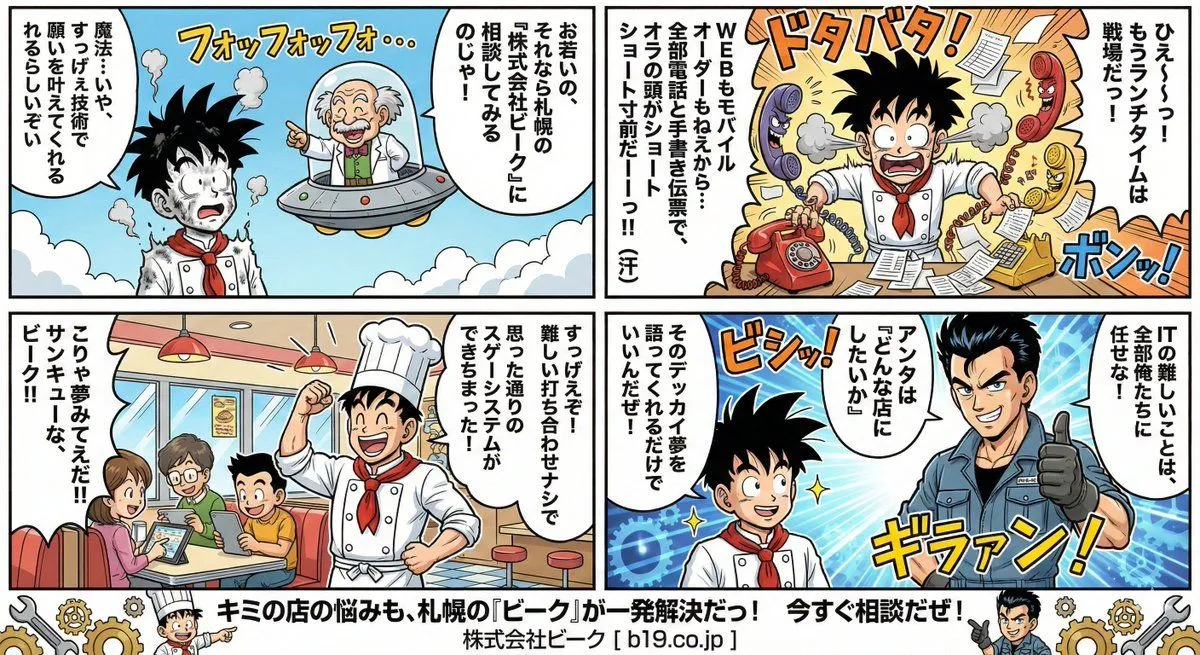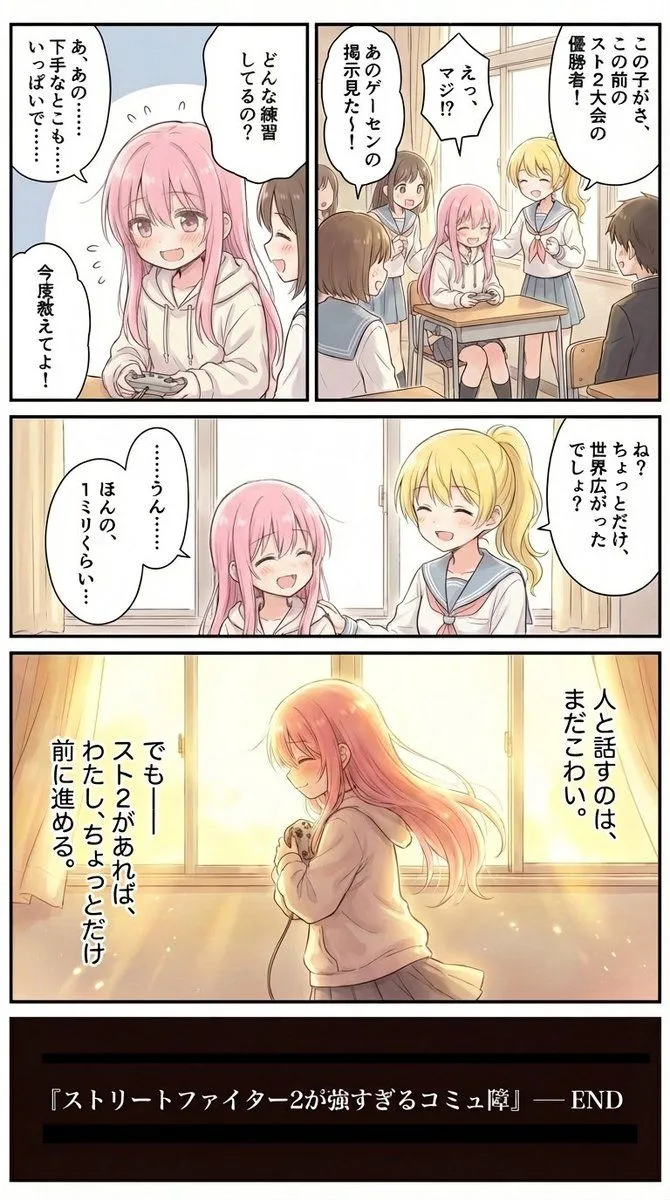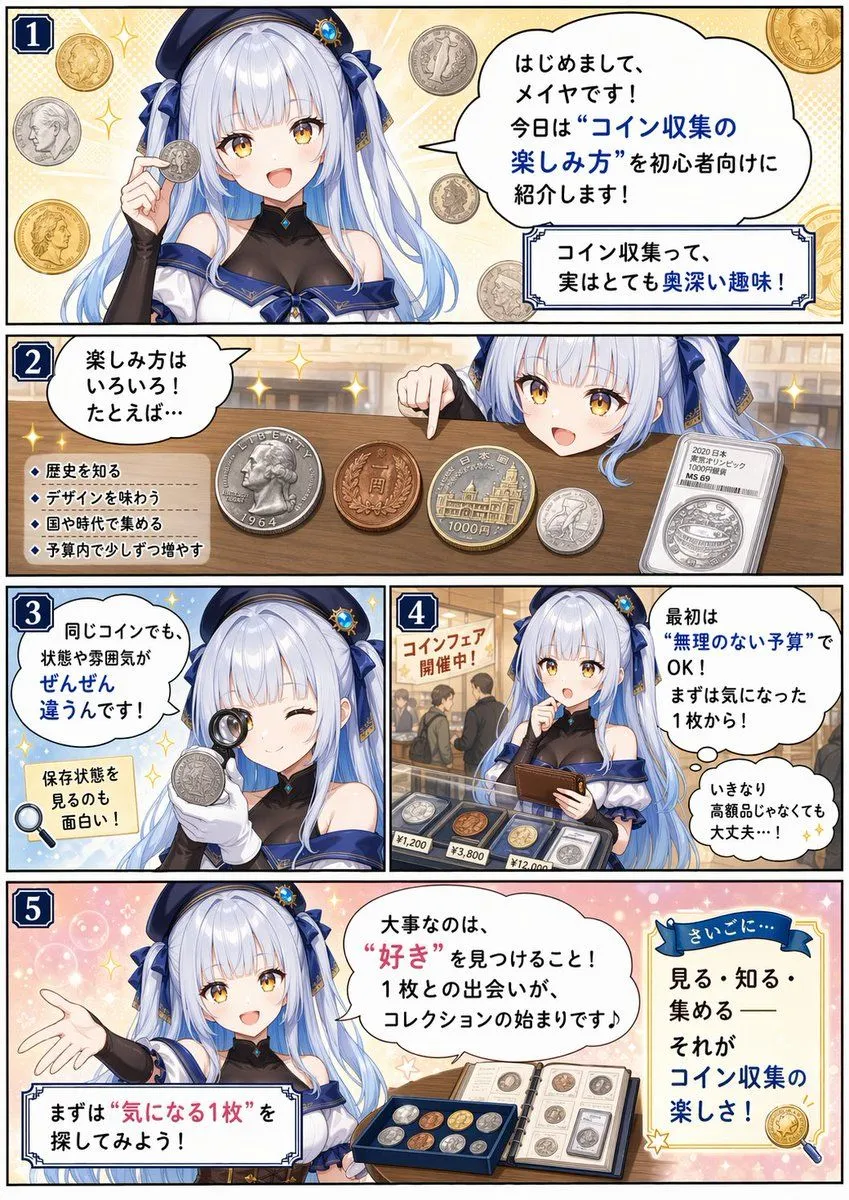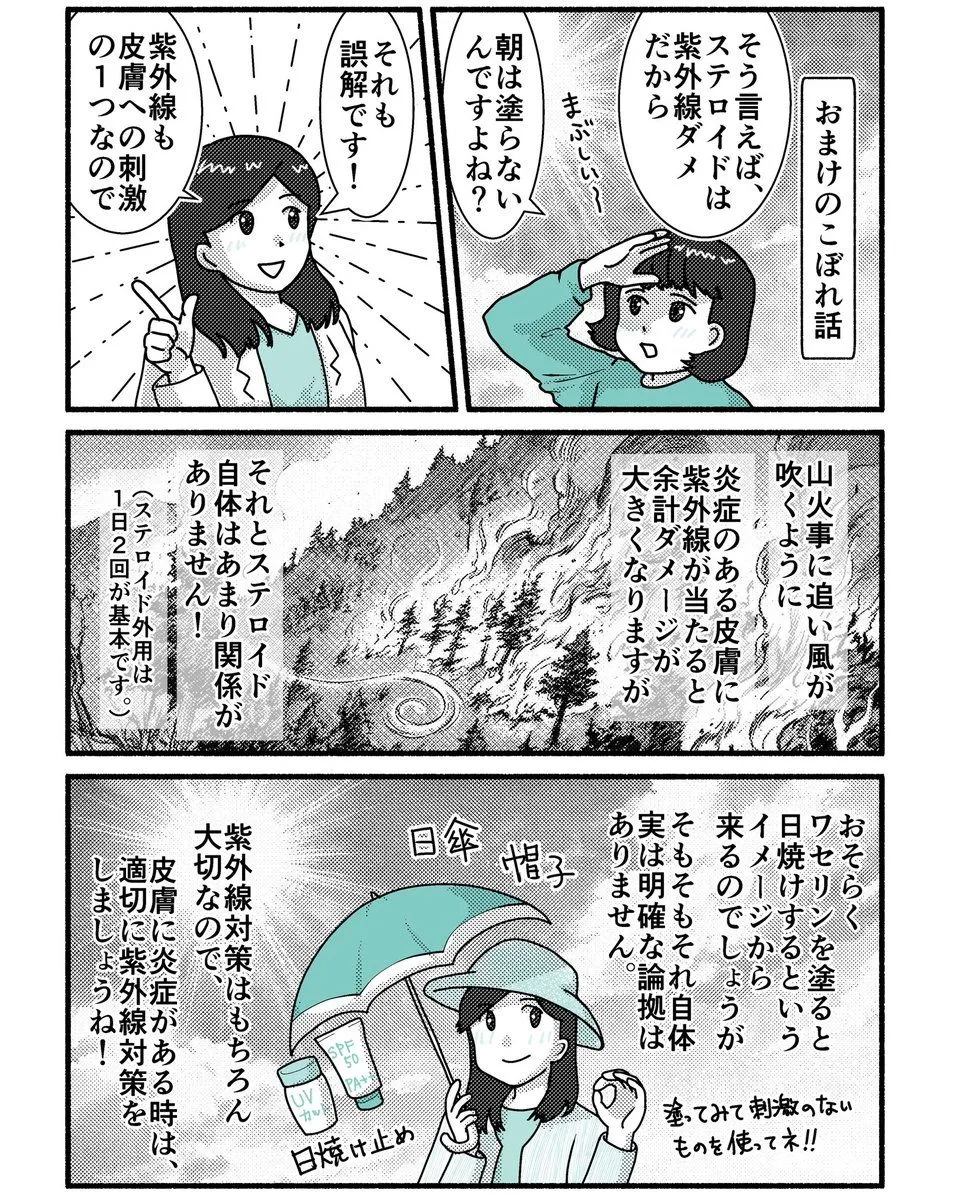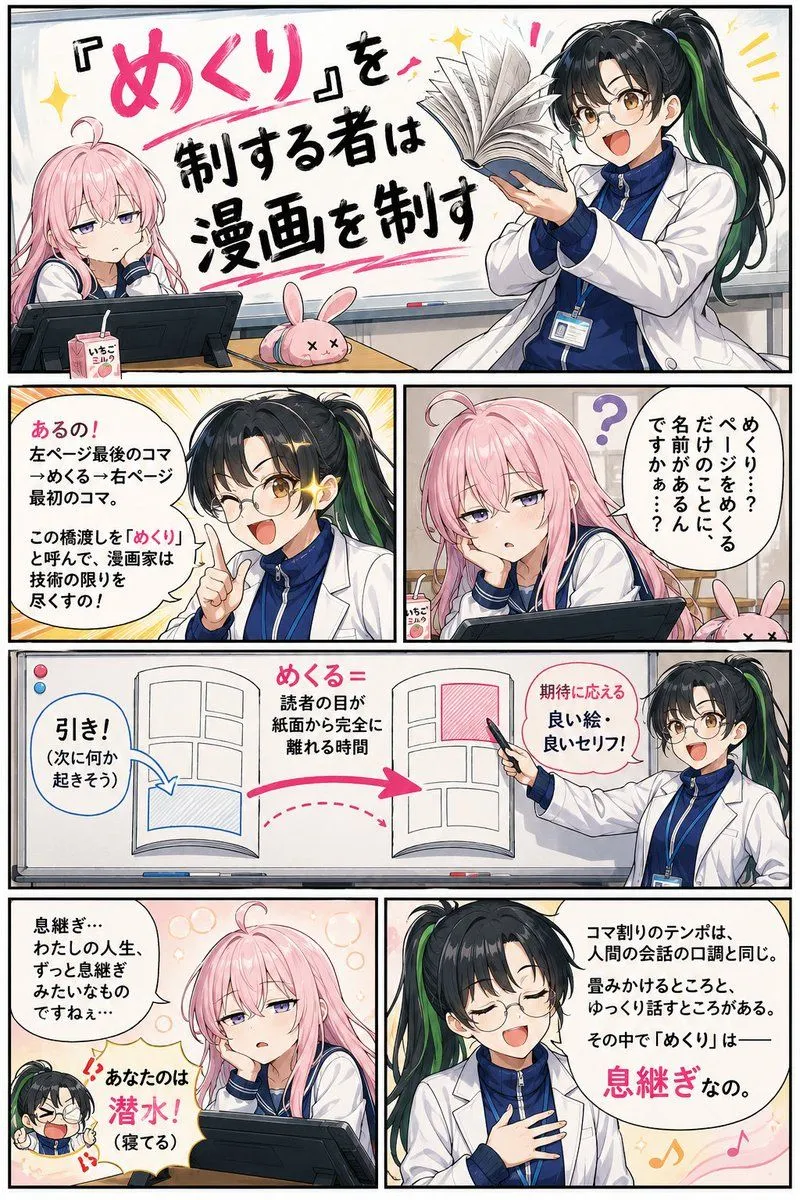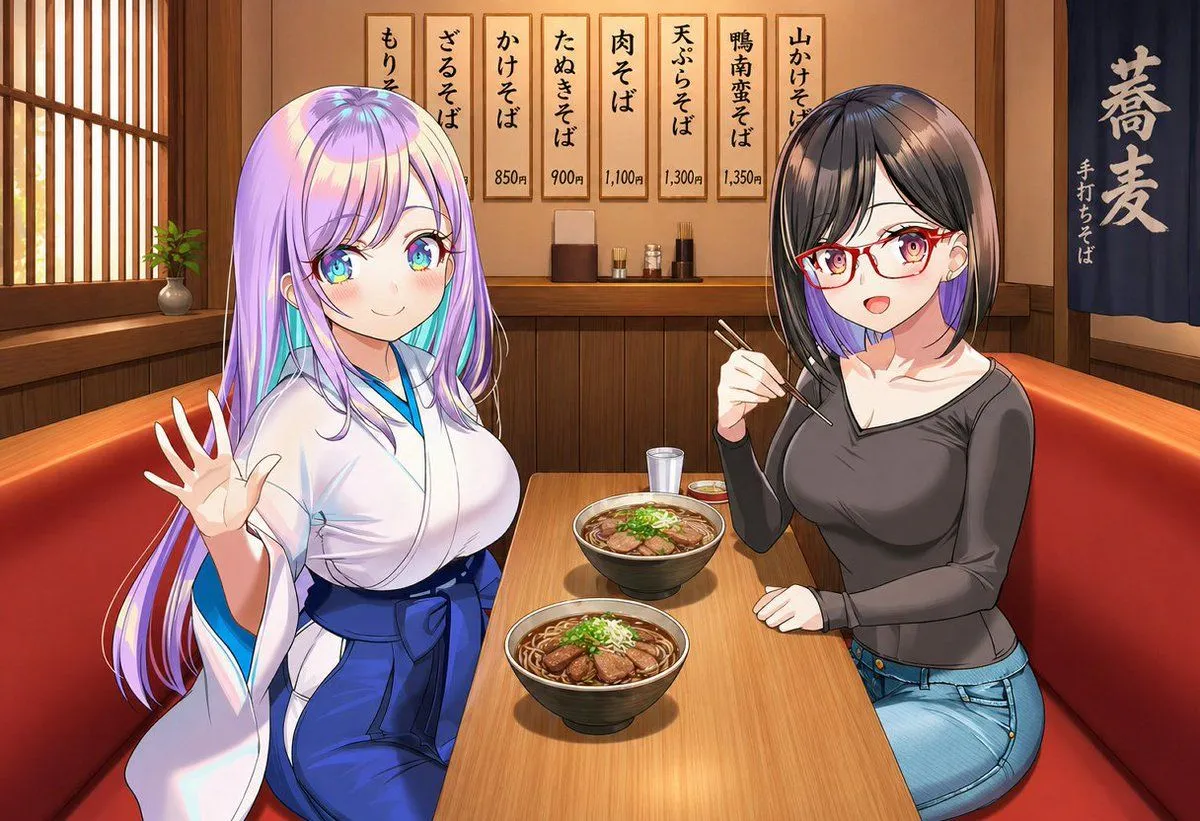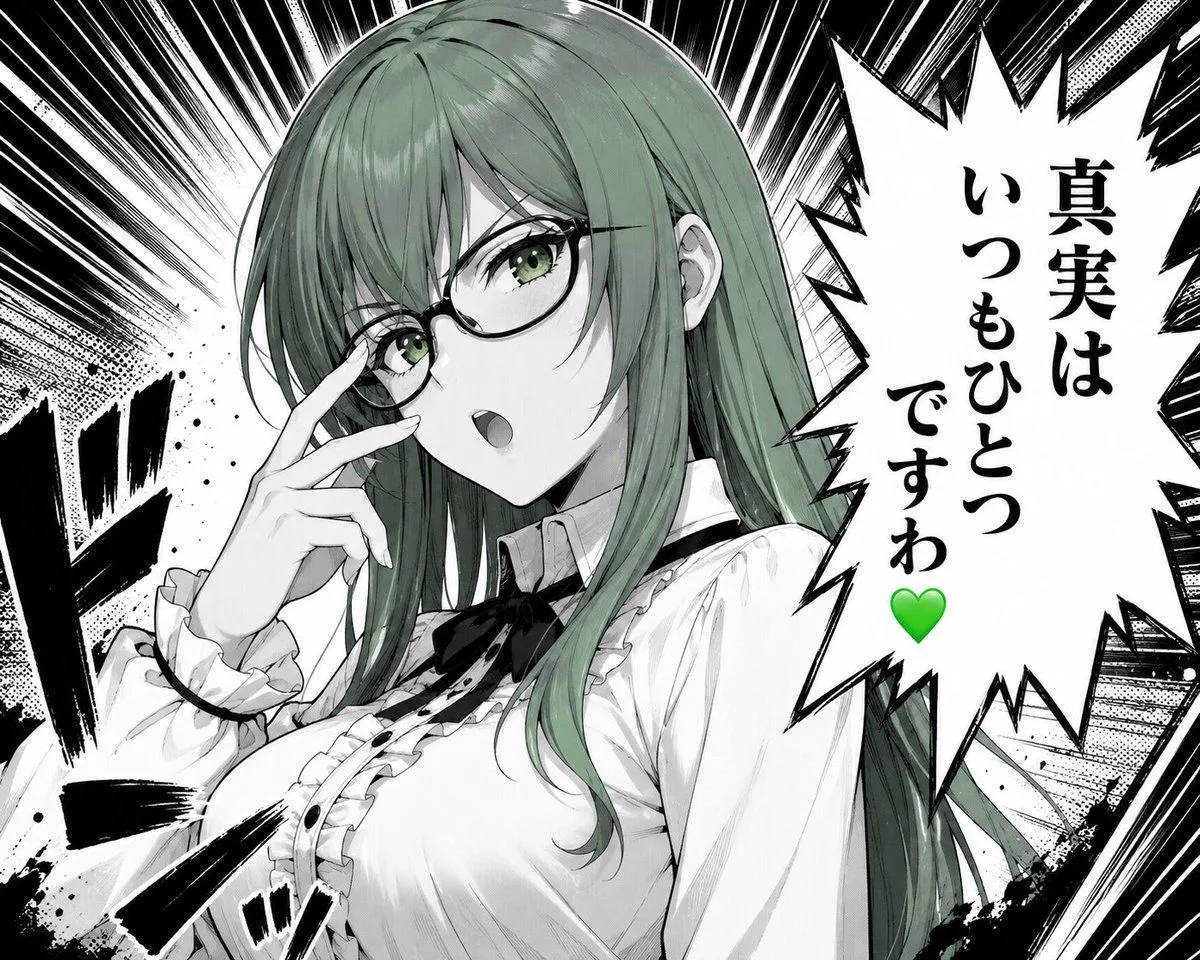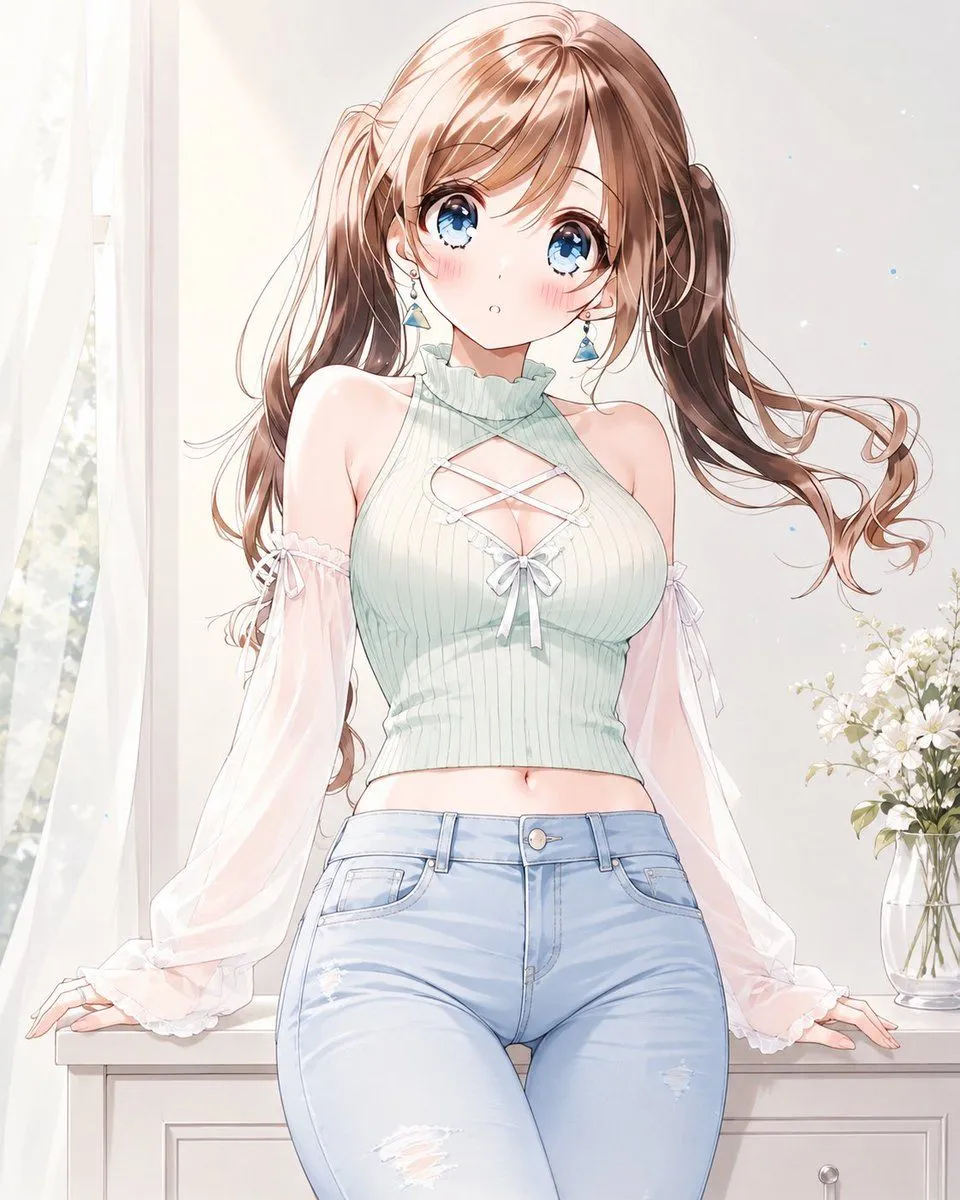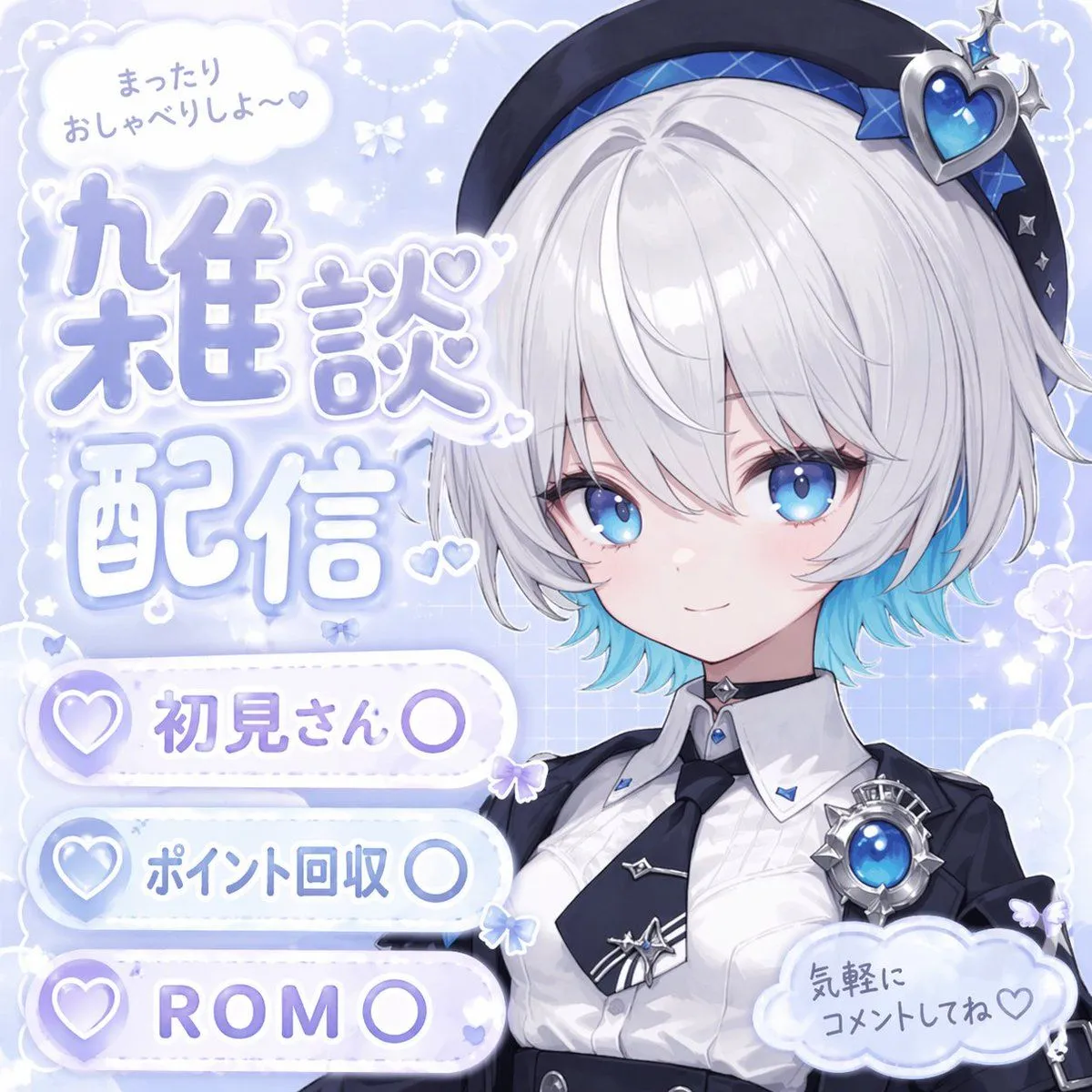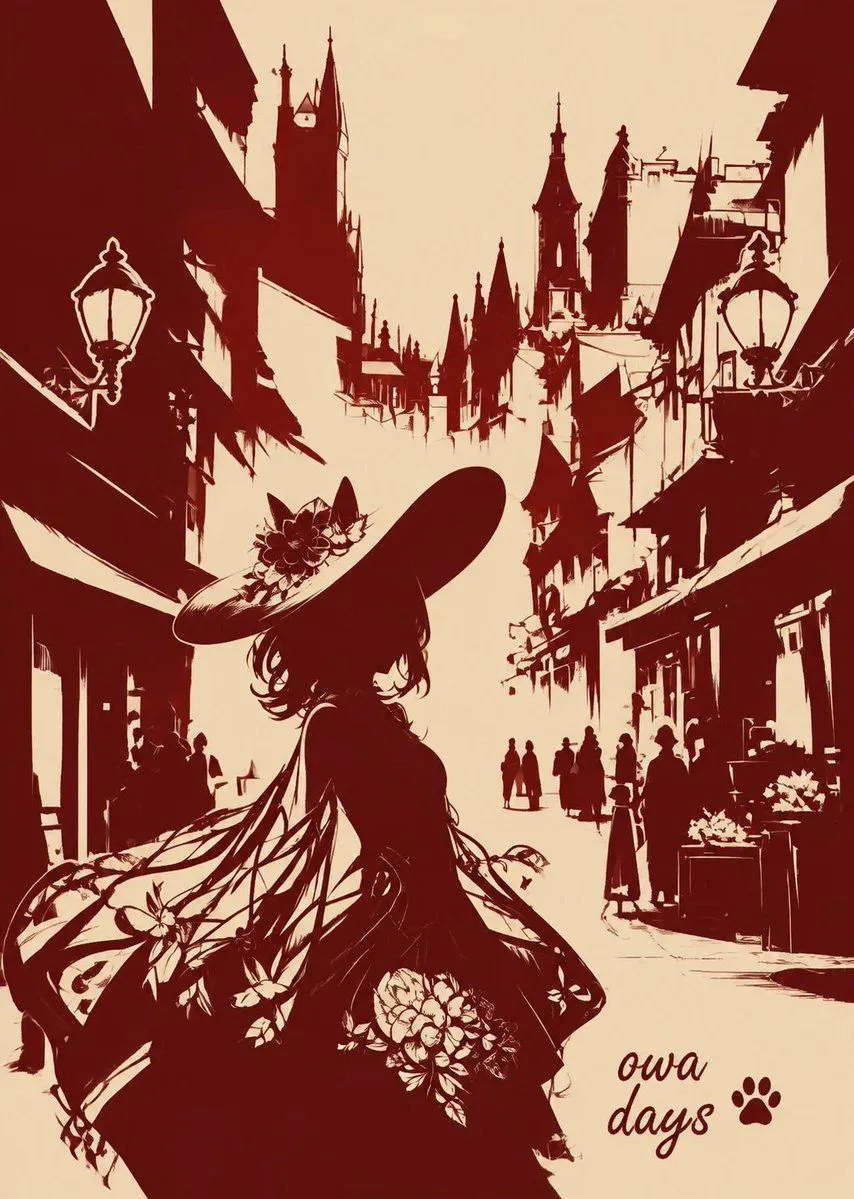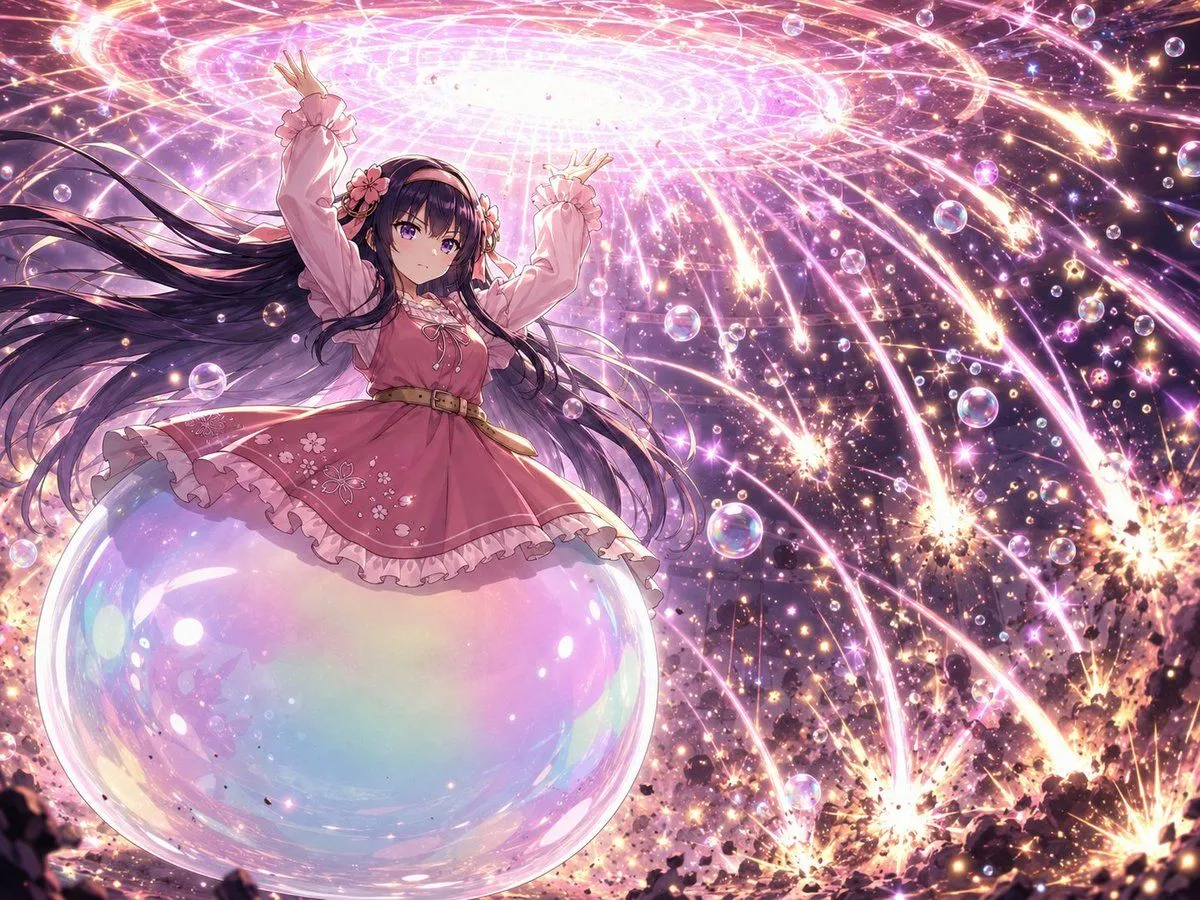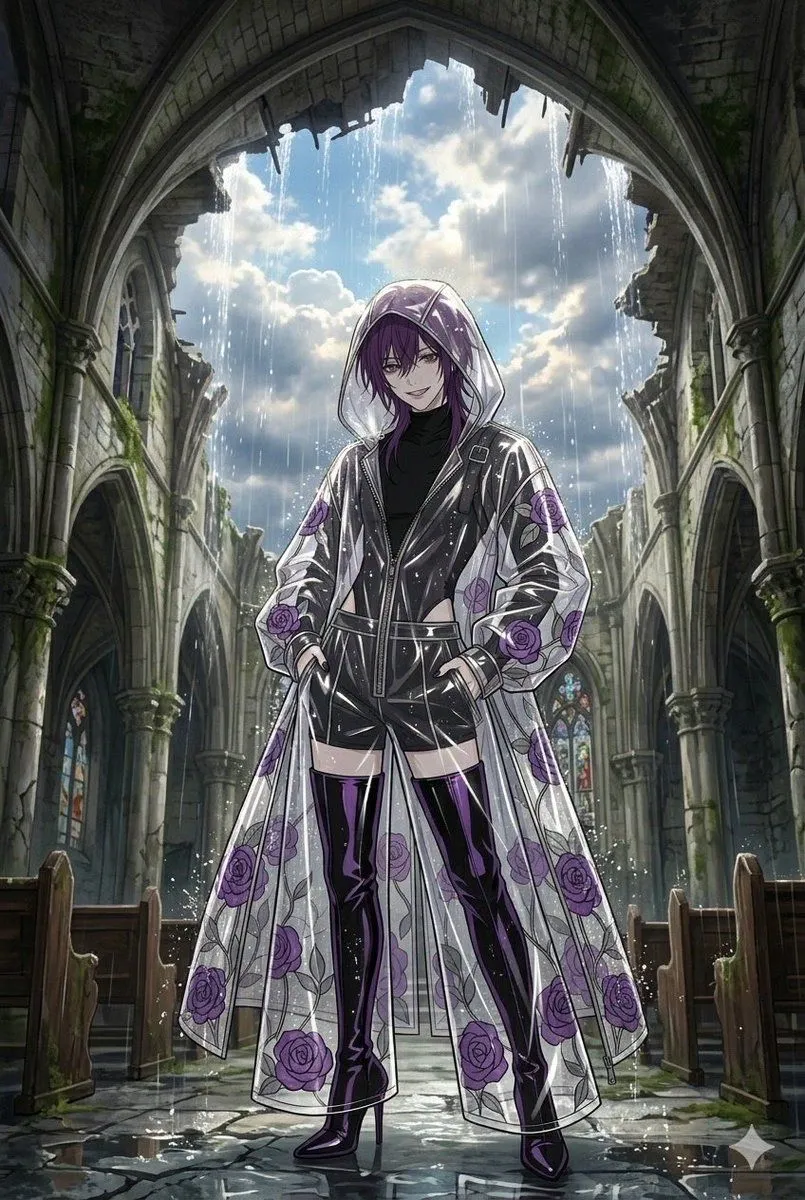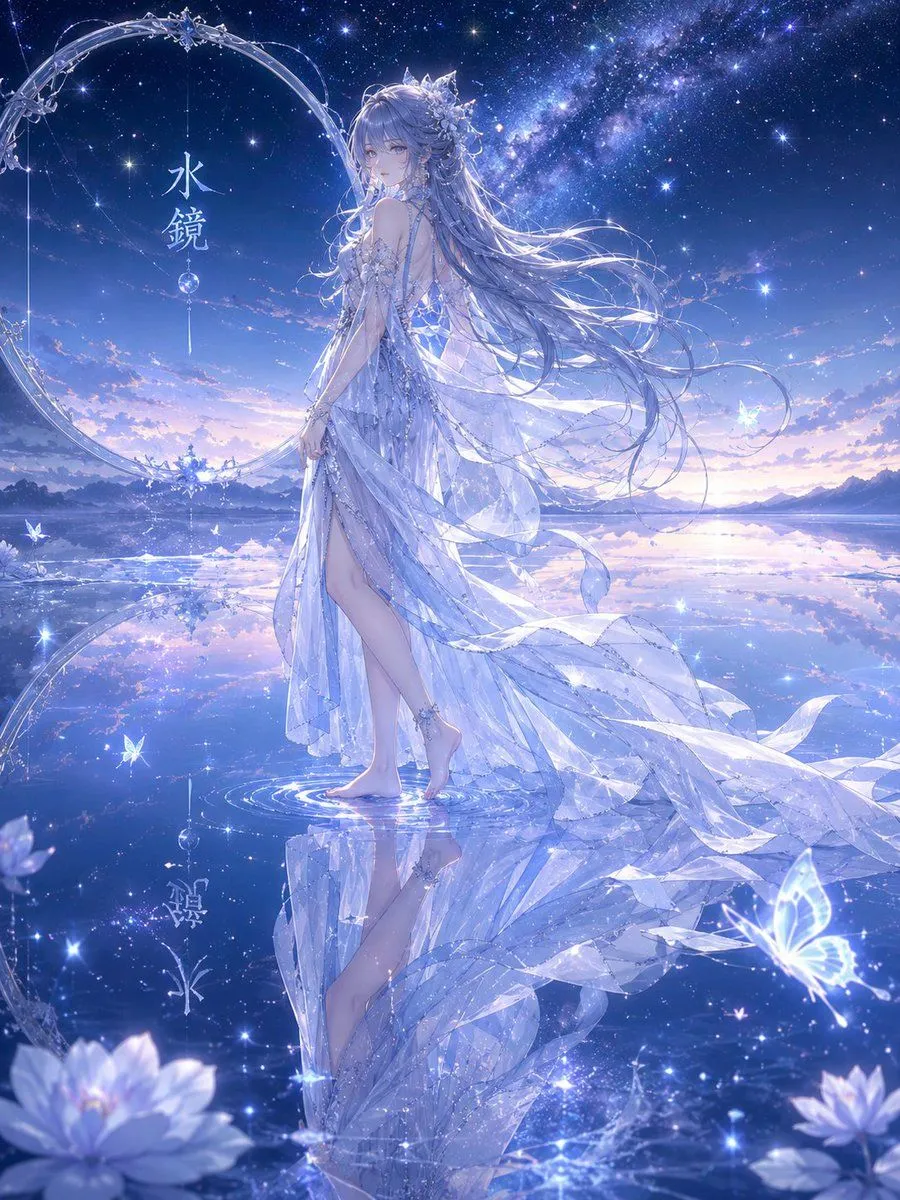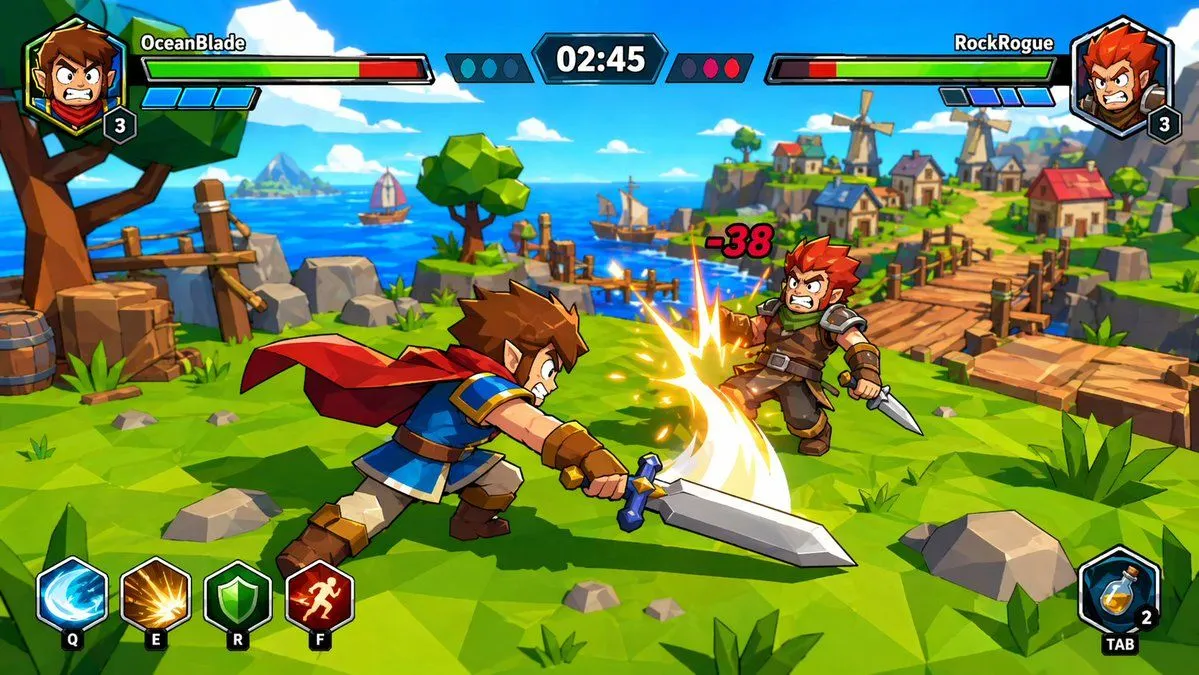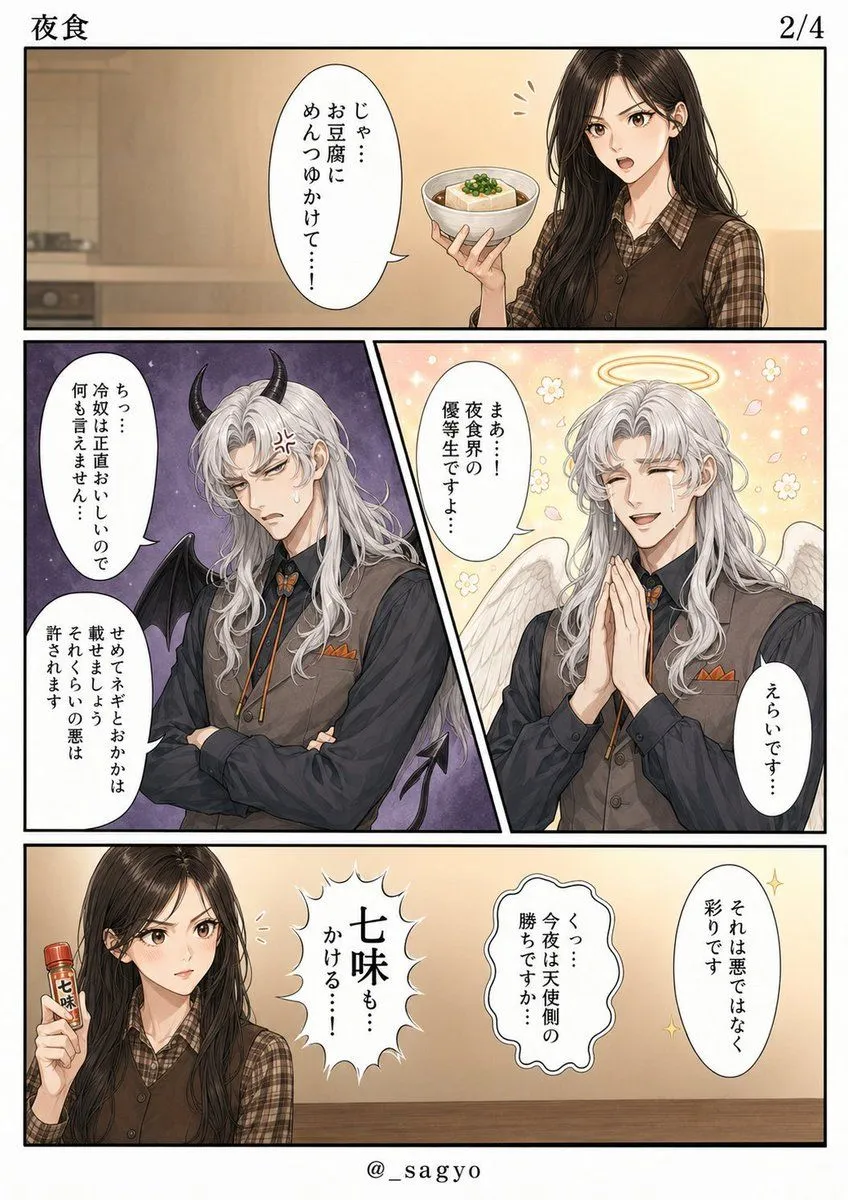
Made with GPT Image 2 in ChatGPT, collected by Library Anime. Promptclay never generates images.
Did it work?
No reports yet. Tell others if it worked for you.
Finished Manga Page From Storyboard
Prompt
7 blanks to fillGoal: Using REFERENCE_0 as the manga name/storyboard, convert it into a polished finished manga page while preserving the same page structure, panel order, speech-balloon placement, and story beats. Canvas and layout: Create a clean vertical black-and-white manga page with full-color illustration. Keep exactly 4 panels: 1 wide top panel, 2 diagonal split middle panels, and 1 wide bottom panel. Add the header title {title_text} at top left, page number {page_number} at top right, and artist handle {artist_handle} centered at the bottom. Transformations from the reference: Replace the rough placeholders with finished anime-style character art. The top panel should show the ordinary girl holding a bowl of tofu with sauce in a warm kitchen/dining setting. The middle-left placeholder labeled as the demon version should become a beautiful silver-haired demon man with black horns, dark wings, irritated expression, and a purple ominous background. The middle-right placeholder labeled as the angel version should become the same silver-haired man as an angel, smiling with clasped hands, white wings, halo, flowers, sparkles, and a soft golden background. The bottom panel should show the girl holding a small shichimi spice bottle, with the remaining dialogue effects and balloons arranged like the storyboard. Text: Use exactly 9 visible speech/effect balloons total, matching the reference positions: top panel has 1 balloon with {top_panel_dialogue}; middle-left panel has 2 balloons with {demon_panel_dialogue}; middle-right panel has 2 balloons with {angel_panel_dialogue}; bottom panel has 4 balloons/effects with {bottom_panel_dialogue}. Style: High-quality polished Japanese web-manga rendering, clean lineart, soft gradients, expressive faces, accurate balloon lettering, crisp black panel borders, no rough storyboard guides, no blue placeholder boxes, no panel-number markers, and no extra characters or extra text.
Preview of your prompt
Goal: Using REFERENCE_0 as the manga name/storyboard, convert it into a polished finished manga page while preserving the same page structure, panel order, speech-balloon placement, and story beats. Canvas and layout: Create a clean vertical black-and-white manga page with full-color illustration. Keep exactly 4 panels: 1 wide top panel, 2 diagonal split middle panels, and 1 wide bottom panel. Add the header title 夜食 at top left, page number 2/4 at top right, and artist handle @_sagyo centered at the bottom. Transformations from the reference: Replace the rough placeholders with finished anime-style character art. The top panel should show the ordinary girl holding a bowl of tofu with sauce in a warm kitchen/dining setting. The middle-left placeholder labeled as the demon version should become a beautiful silver-haired demon man with black horns, dark wings, irritated expression, and a purple ominous background. The middle-right placeholder labeled as the angel version should become the same silver-haired man as an angel, smiling with clasped hands, white wings, halo, flowers, sparkles, and a soft golden background. The bottom panel should show the girl holding a small shichimi spice bottle, with the remaining dialogue effects and balloons arranged like the storyboard. Text: Use exactly 9 visible speech/effect balloons total, matching the reference positions: top panel has 1 balloon with じゃ…\nお豆腐に\nめんつゆかけて…!; middle-left panel has 2 balloons with ちっ…\n冷奴は正直おいしいので\n何も言えません… / せめてネギとおかかは\n載せましょうよ\nそれくらいの悪は\n許されます; middle-right panel has 2 balloons with まぁ…!\n夜食界の\n優等生ですよ… / えらいです…; bottom panel has 4 balloons/effects with 七味も…\nかける…! / くっ…\n今夜は天使側の\n勝ちですか… / それは悪ではなく\n彩りです / 七味. Style: High-quality polished Japanese web-manga rendering, clean lineart, soft gradients, expressive faces, accurate balloon lettering, crisp black panel borders, no rough storyboard guides, no blue placeholder boxes, no panel-number markers, and no extra characters or extra text.
DetailsVersions, settings and questions
Written for
What's in the prompt
- Subject
- Model
- GPT Image 2
If your face changes
keep my face exactly the sameQuestions
- Does this work in the ChatGPT app?
- Yes. Paste the prompt and attach your photo if it uses one.
- It changed my face. What do I do?
- Add "keep my face exactly the same" to the end and run it again.
- Can I use the images I make?
- Check the terms of the app you use. Promptclay never generates images and claims nothing you make.