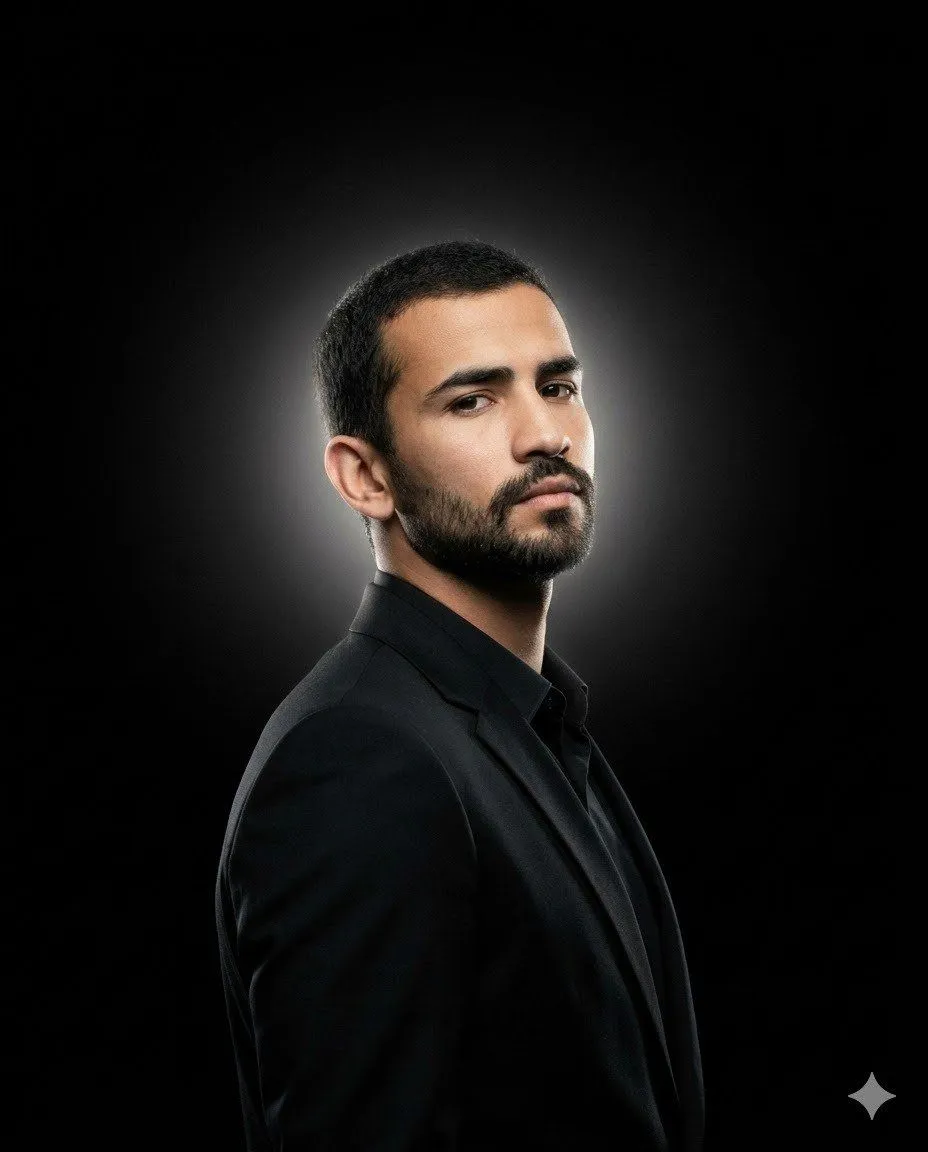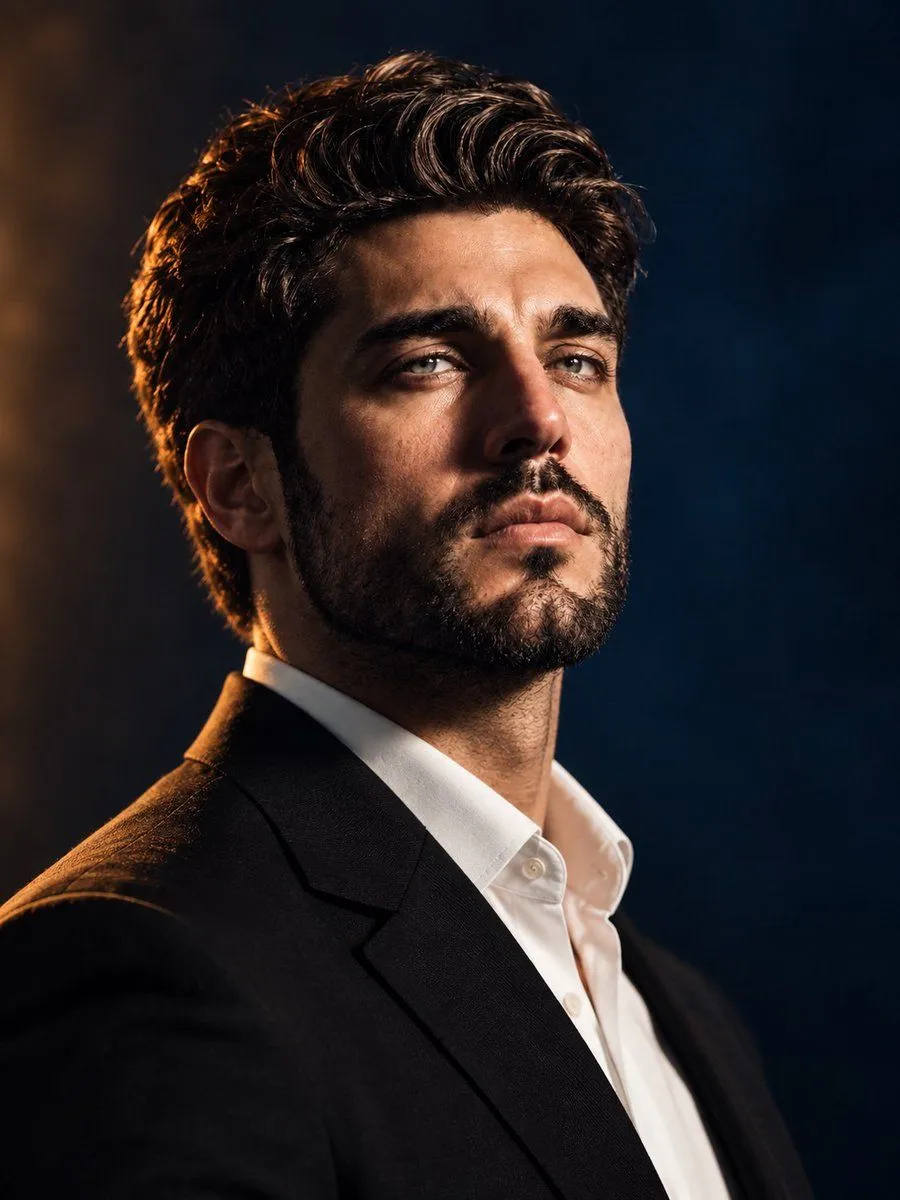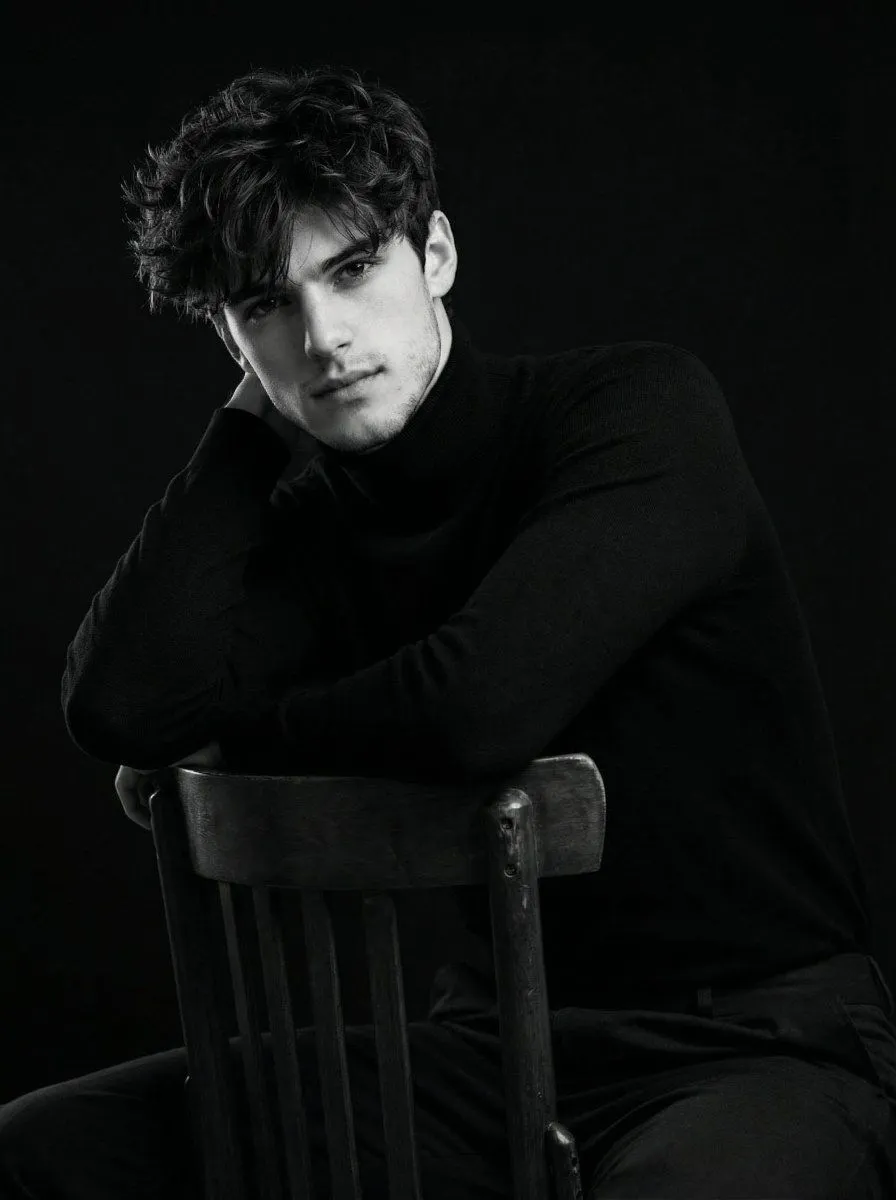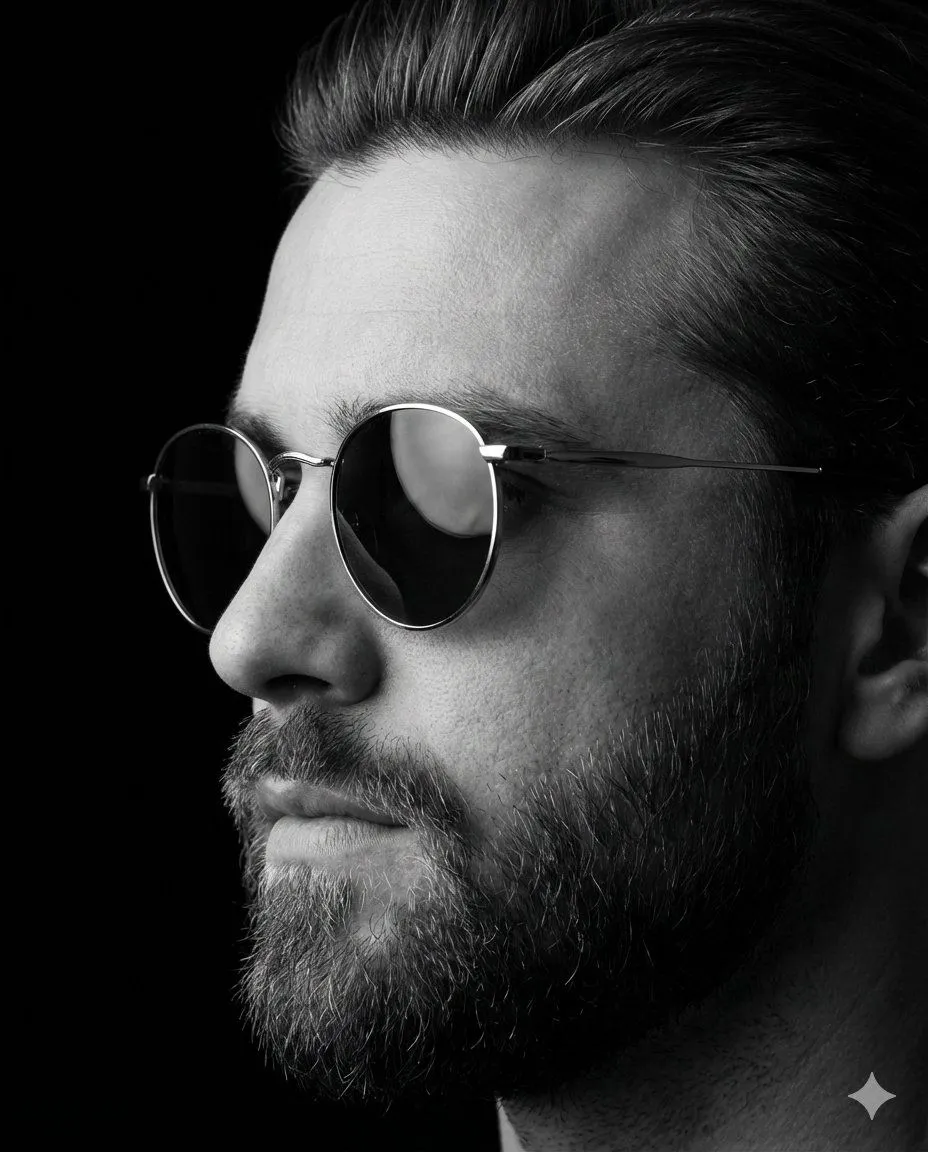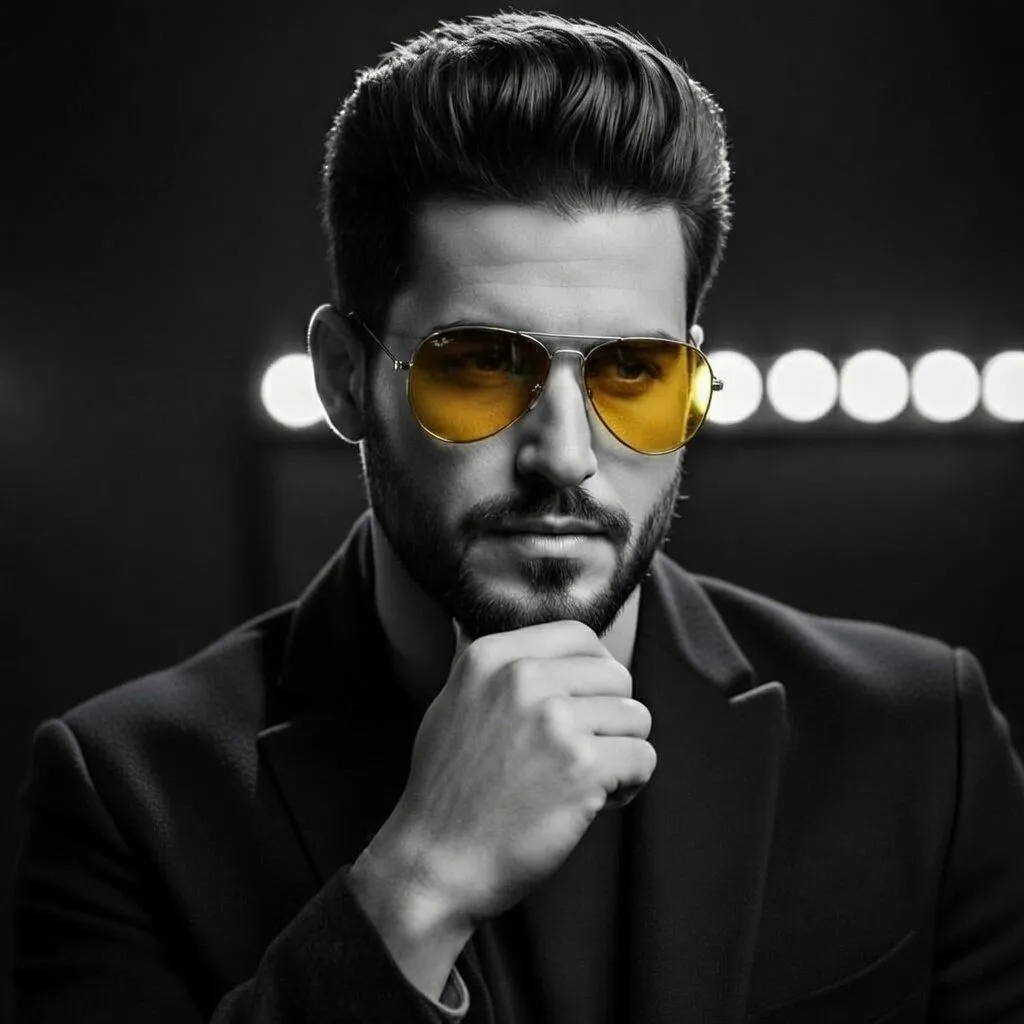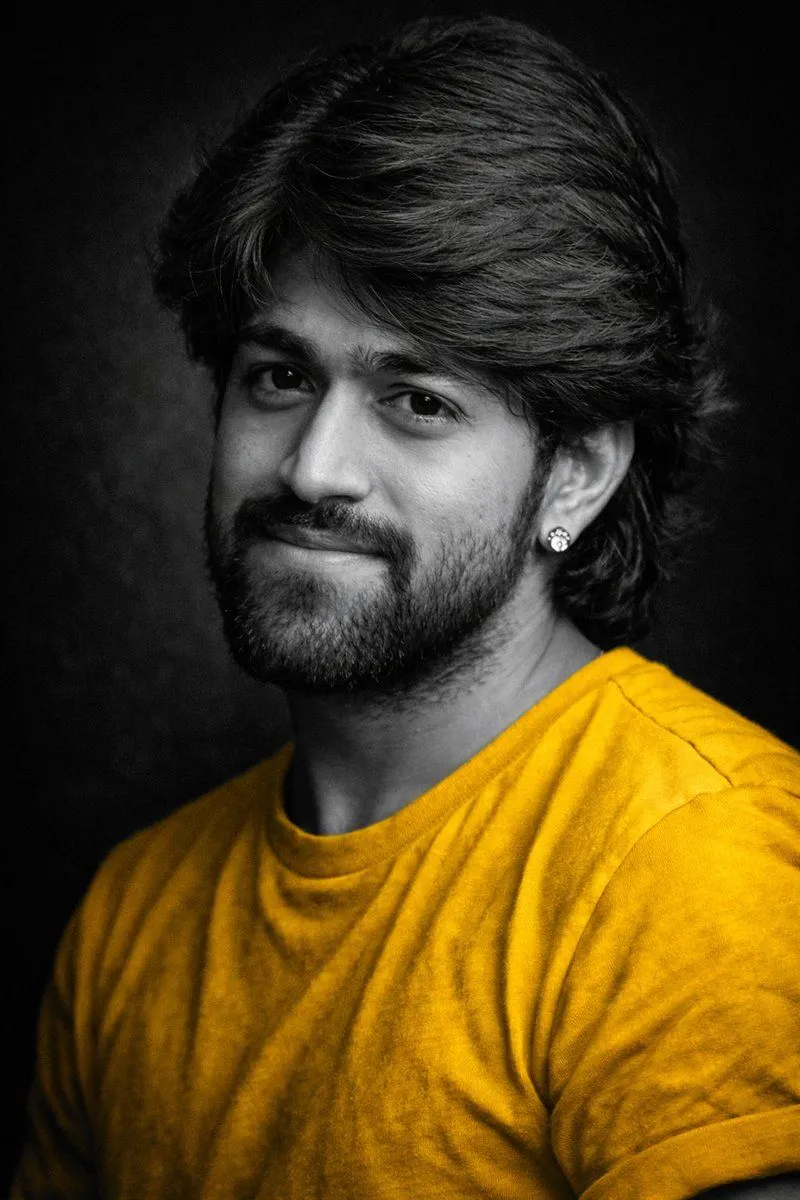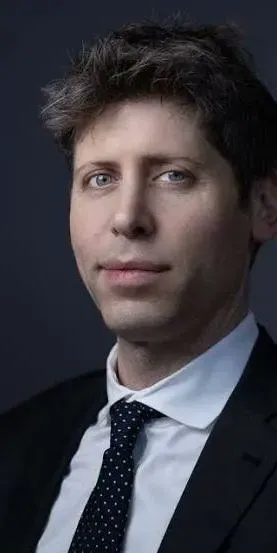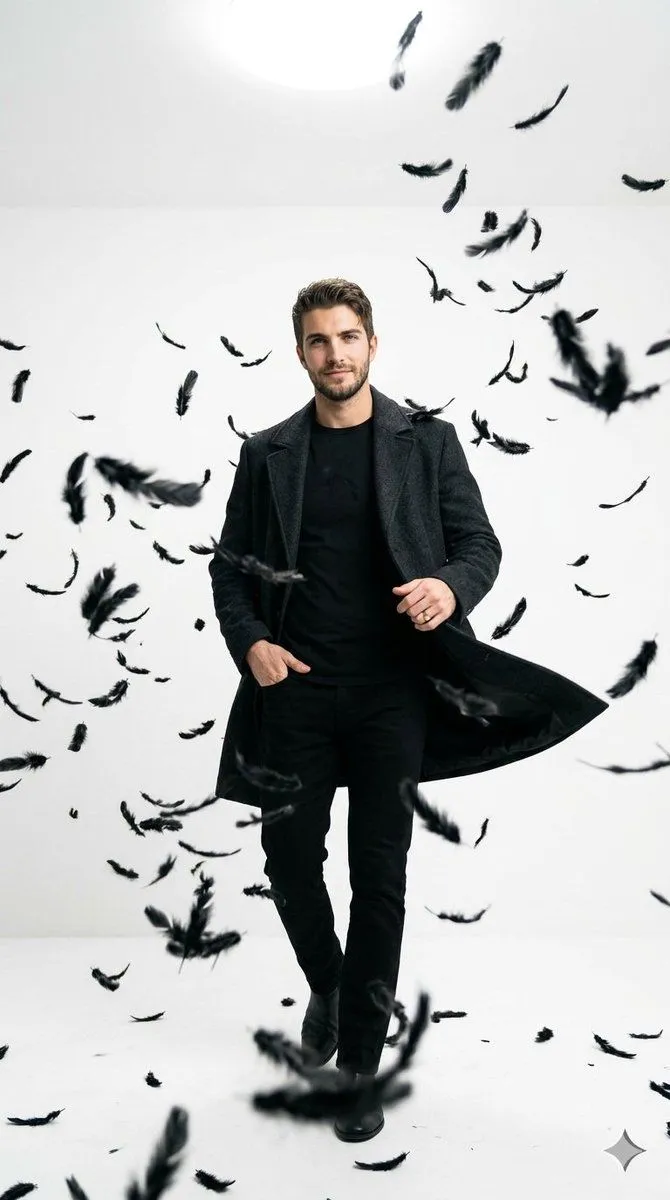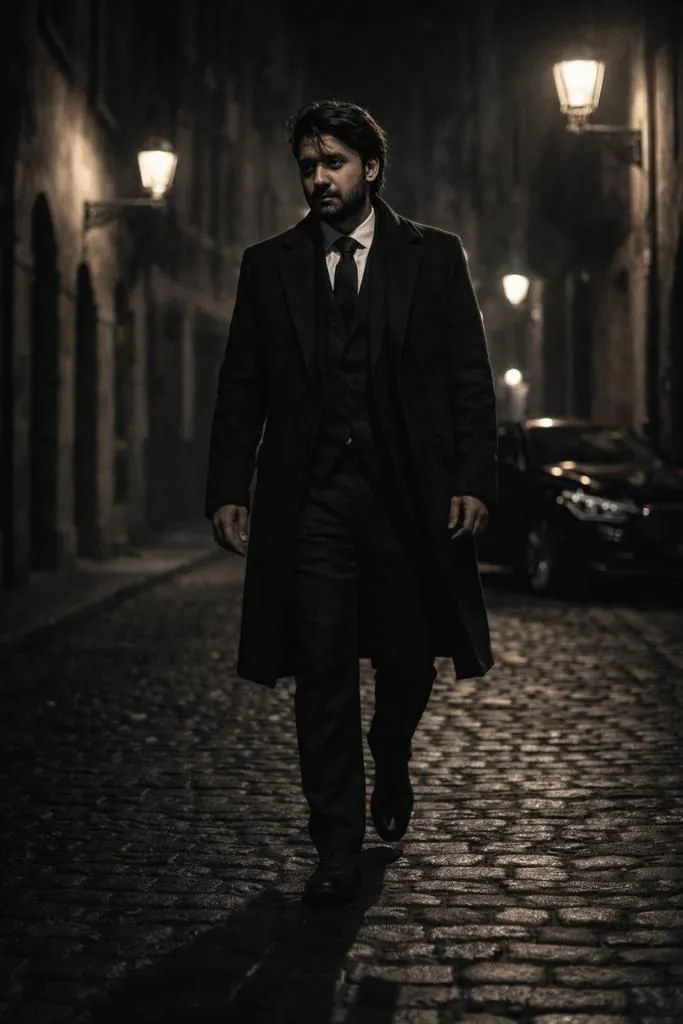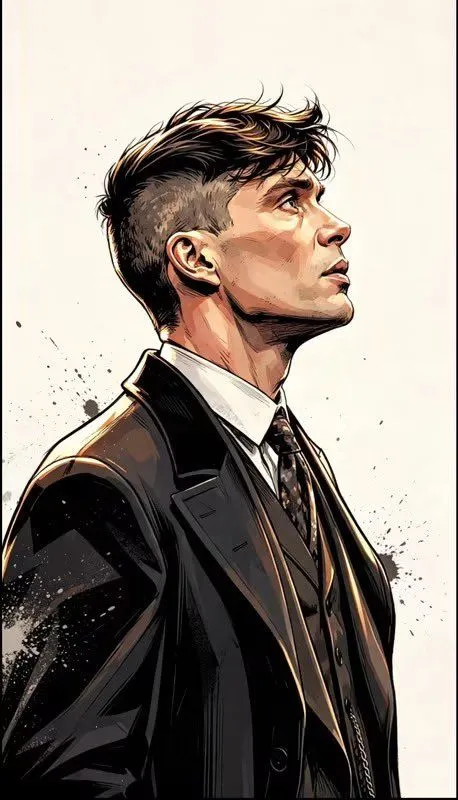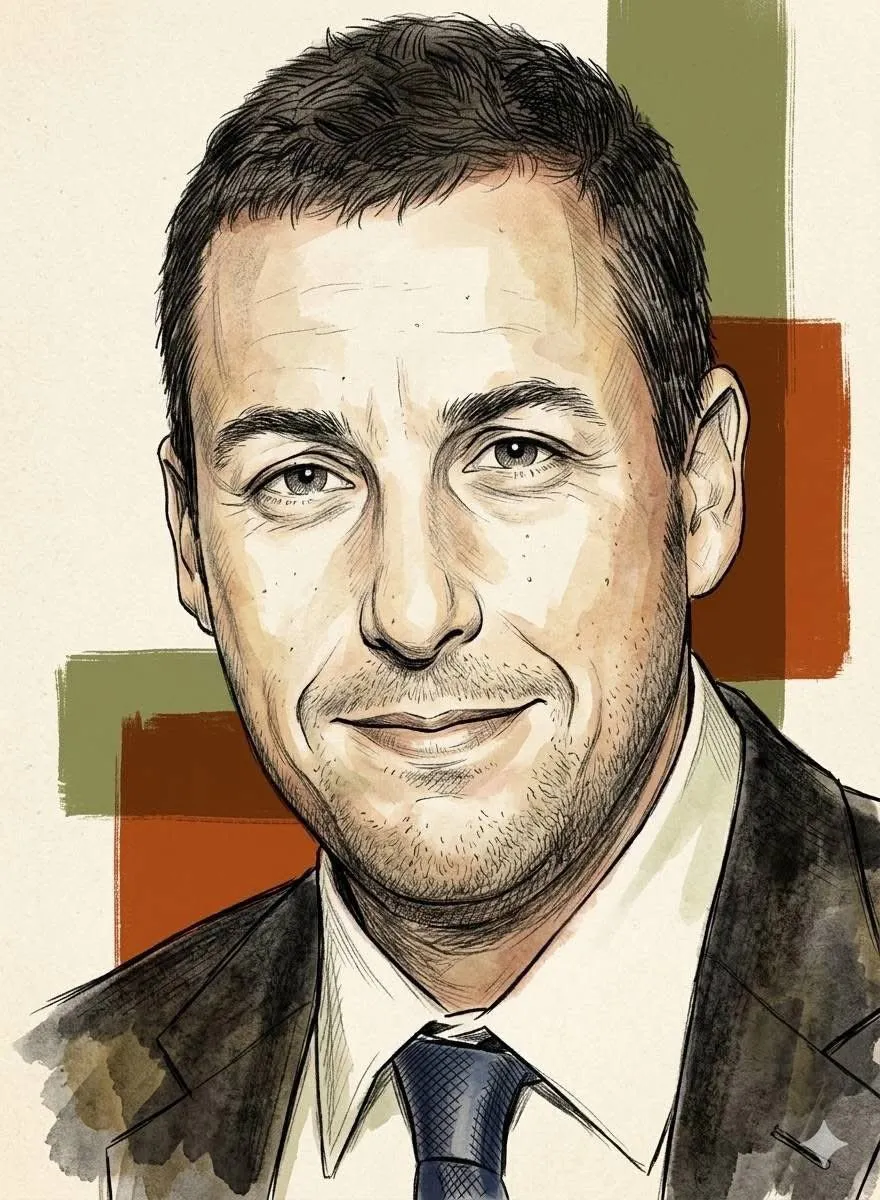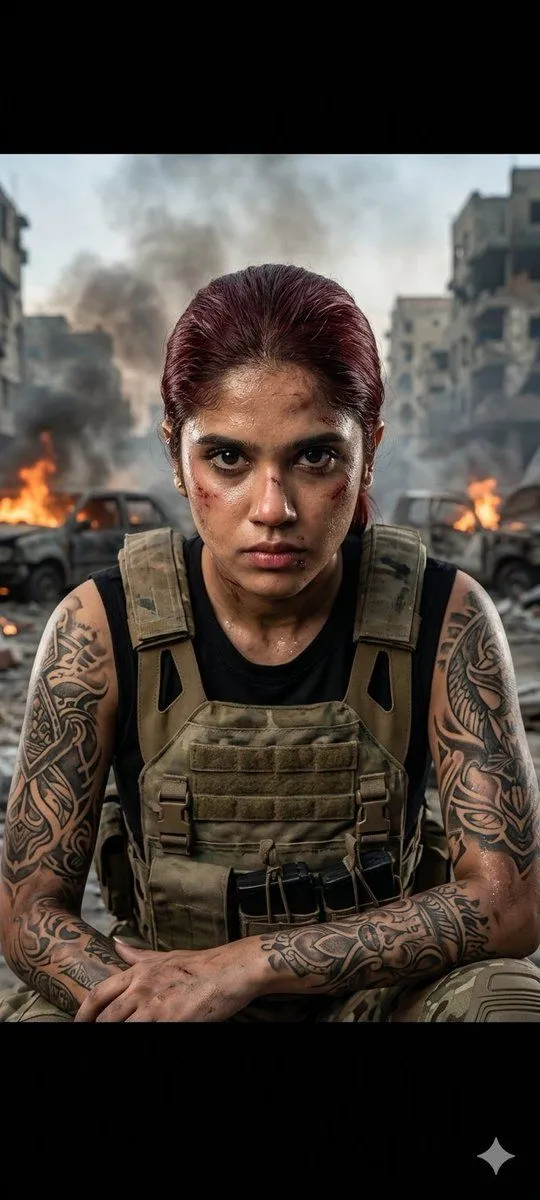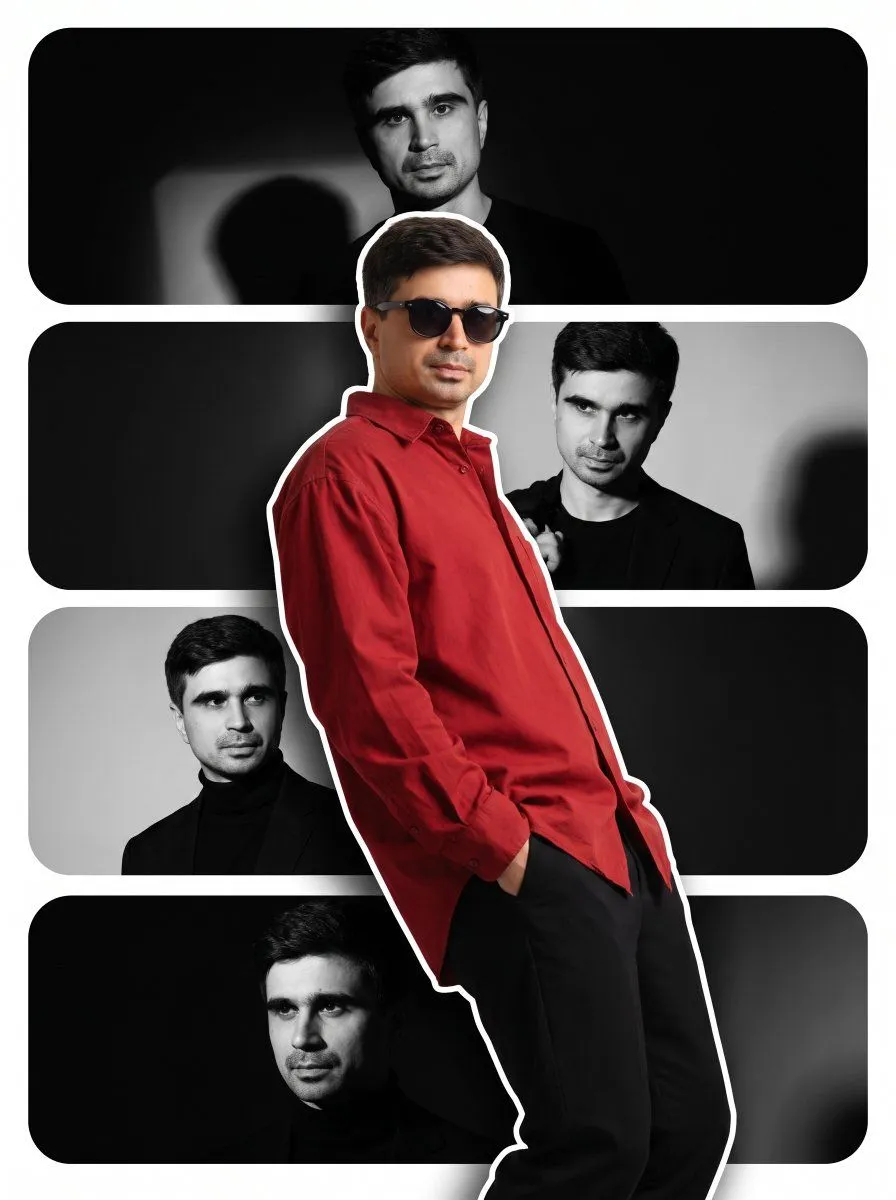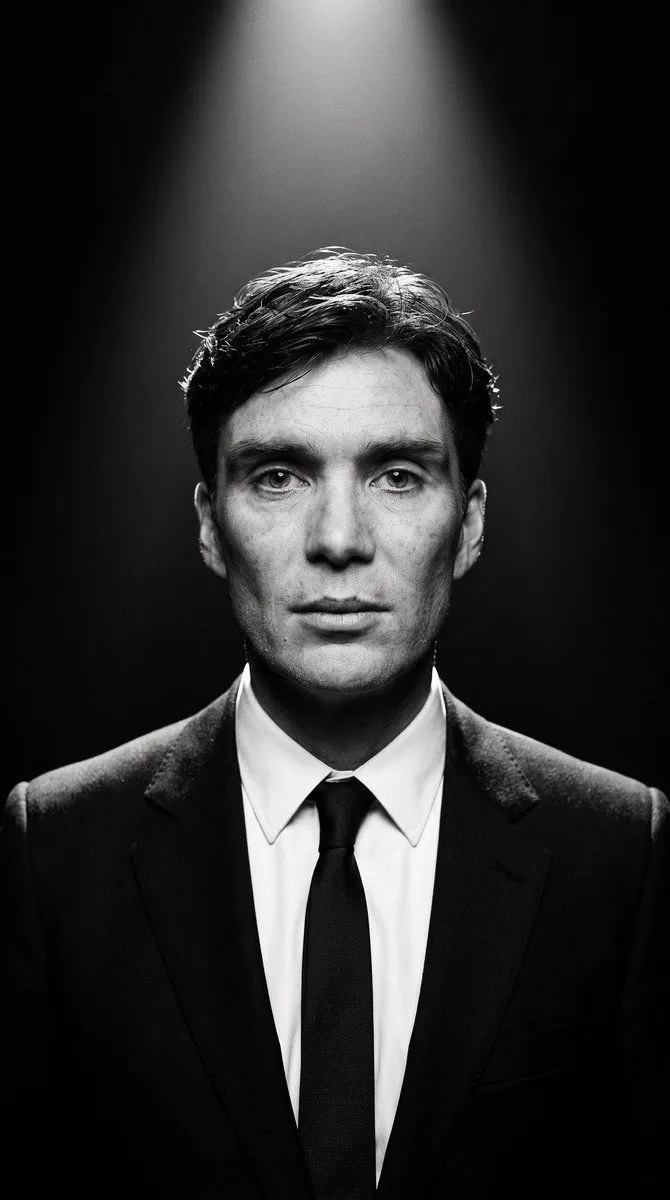
Made with Nano Banana Pro in Gemini, collected by Library Portraits. Promptclay never generates images.
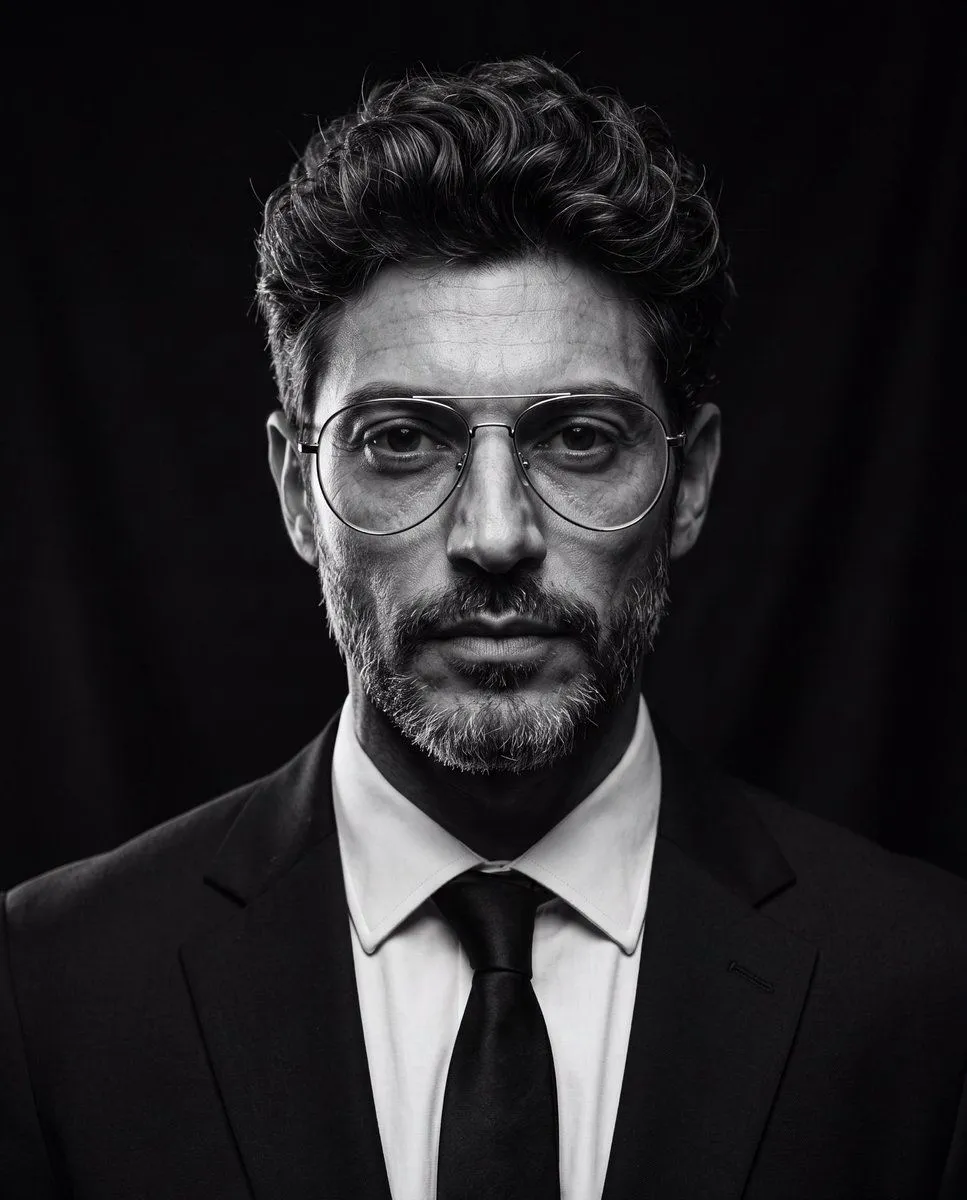
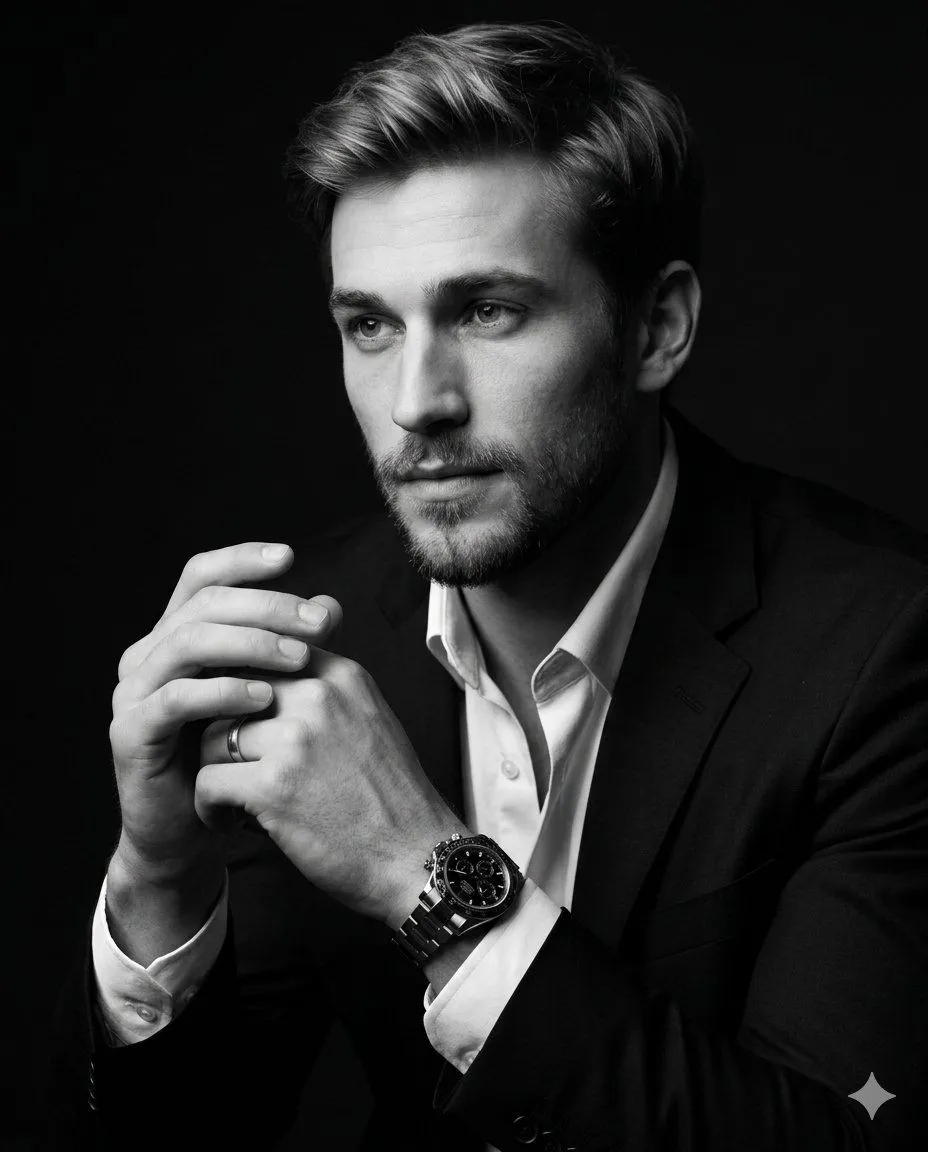
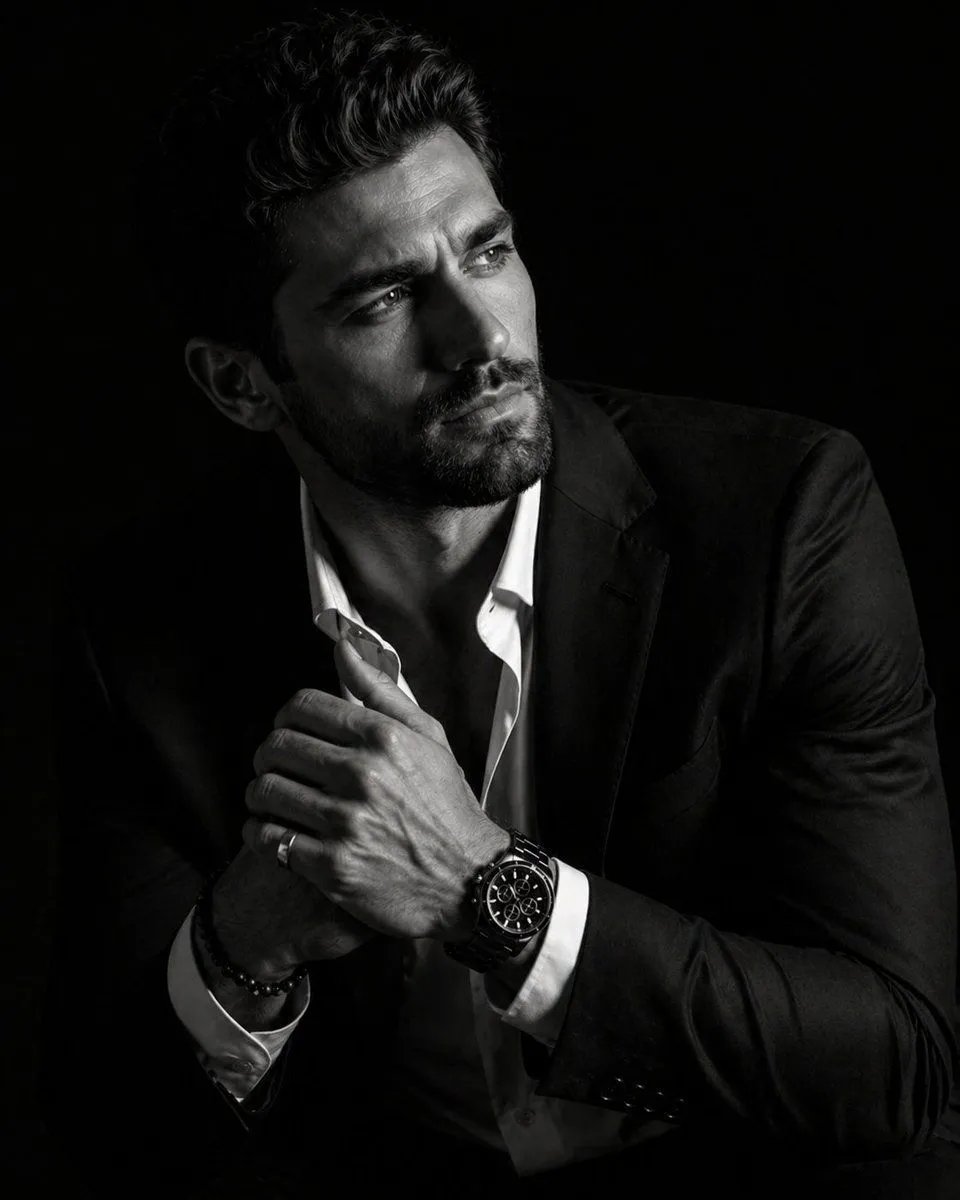
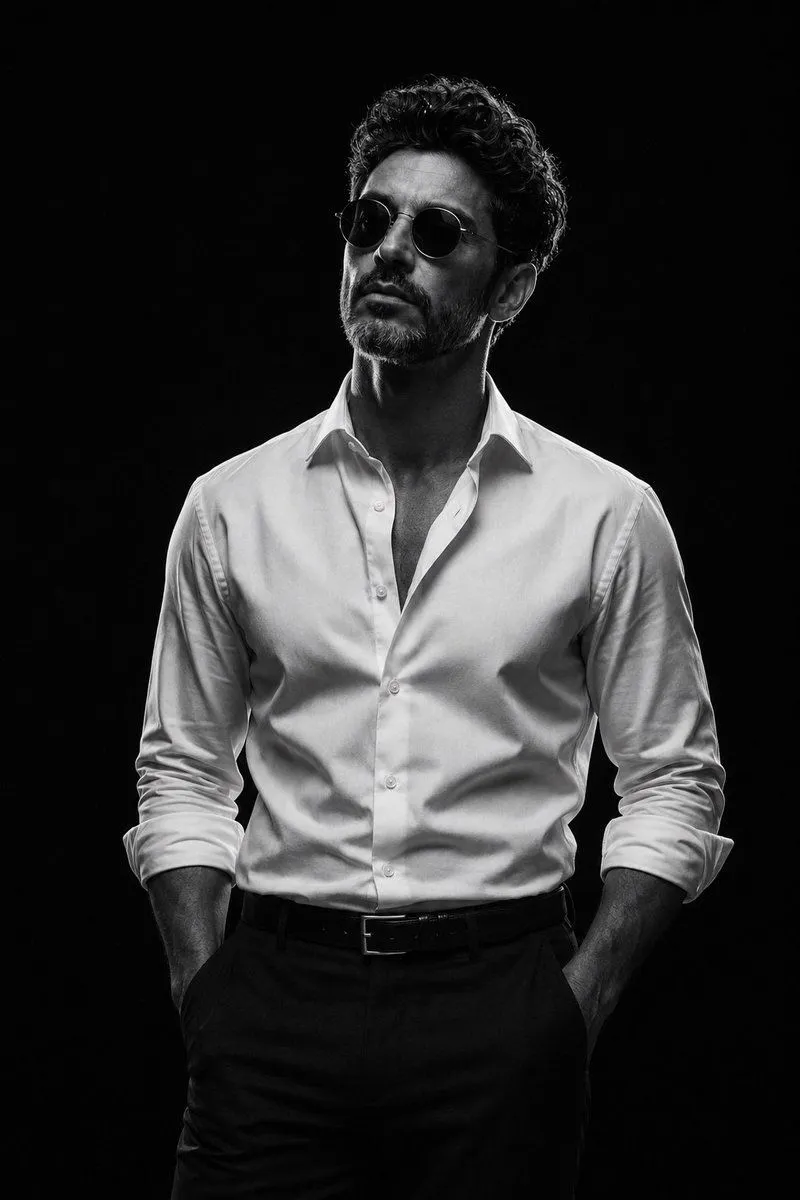
Fine-Art Studio Portrait with Butterfly Lighting
Prompt
1 blank to fill{ "style_prompt_template": { "subject": "{person}", "aspect_ratio": "9:16 vertical", "canvas_size_guidance": "1080x1920 or equivalent 9:16", "shot_type": "medium portrait shot, zoomed out 50% from tight close-up, head-to-mid-torso visible, facing camera", "photography_style": "dramatic black and white studio portrait, editorial/fine-art photography", "composition": { "face_position": "subject's face centered both horizontally and vertically in the frame", "face_size_in_frame": "face occupies roughly 20-25% of frame height, not tightly cropped, ample negative space around subject", "eye_line": "eyes aligned at approximate vertical center of the canvas", "headroom": "generous margin above the hair, clear dark space visible above head", "crop": "visible down to mid-chest or waist, more of the suit and shoulders shown, wider view than a tight headshot", "surrounding_space": "large area of negative black space surrounding subject on left, right, top, and bottom", "alignment": "subject facing straight into camera, symmetrical framing, no off-center offset" }, "lighting": { "type": "single hard top-down spotlight (butterfly/Paramount lighting)", "quality": "harsh, narrow beam creating strong falloff", "key_highlight": "top of hair and forehead catch bright rim light", "shadow_behavior": "deep shadows under brow, cheekbones, and jawline; steep light-to-dark gradient across face", "background_light": "none; background falls into near-total darkness with faint gradient near top edge, spotlight cone visible in wider frame" }, "color_treatment": "monochrome black and white, high contrast, deep blacks, no gray midtone flatness", "background": "solid black or near-black, subtle vignette, no visible texture or props, large expanse of negative space", "wardrobe": "dark tailored suit jacket, white dress shirt, dark tie, formal/business attire, full torso visible", "expression_and_pose": "neutral to serious expression, calm and composed, minimal smile, direct gaze into lens, relaxed shoulders", "skin_and_texture_detail": "visible natural skin texture, pores, fine wrinkles, stubble if present, unretouched realism", "hair_detail": "individual strands visible and crisply lit, natural texture, not overly styled", "camera_and_lens": "shot as if on medium format camera, 50mm-85mm equivalent lens, greater working distance from subject, shallow depth of field, tack-sharp focus on eyes", "grain_and_finish": "fine film-like grain, high dynamic range, crisp micro-contrast, glossy editorial finish", "mood": "intense, powerful, cinematic, timeless" }, "negative_prompt": "color cast, flat lighting, soft focus, blown highlights on face, busy background, smiling broad" }
Preview of your prompt
{ "style_prompt_template": { "subject": "{{PERSON_NAME_OR_IMAGE}}", "aspect_ratio": "9:16 vertical", "canvas_size_guidance": "1080x1920 or equivalent 9:16", "shot_type": "medium portrait shot, zoomed out 50% from tight close-up, head-to-mid-torso visible, facing camera", "photography_style": "dramatic black and white studio portrait, editorial/fine-art photography", "composition": { "face_position": "subject's face centered both horizontally and vertically in the frame", "face_size_in_frame": "face occupies roughly 20-25% of frame height, not tightly cropped, ample negative space around subject", "eye_line": "eyes aligned at approximate vertical center of the canvas", "headroom": "generous margin above the hair, clear dark space visible above head", "crop": "visible down to mid-chest or waist, more of the suit and shoulders shown, wider view than a tight headshot", "surrounding_space": "large area of negative black space surrounding subject on left, right, top, and bottom", "alignment": "subject facing straight into camera, symmetrical framing, no off-center offset" }, "lighting": { "type": "single hard top-down spotlight (butterfly/Paramount lighting)", "quality": "harsh, narrow beam creating strong falloff", "key_highlight": "top of hair and forehead catch bright rim light", "shadow_behavior": "deep shadows under brow, cheekbones, and jawline; steep light-to-dark gradient across face", "background_light": "none; background falls into near-total darkness with faint gradient near top edge, spotlight cone visible in wider frame" }, "color_treatment": "monochrome black and white, high contrast, deep blacks, no gray midtone flatness", "background": "solid black or near-black, subtle vignette, no visible texture or props, large expanse of negative space", "wardrobe": "dark tailored suit jacket, white dress shirt, dark tie, formal/business attire, full torso visible", "expression_and_pose": "neutral to serious expression, calm and composed, minimal smile, direct gaze into lens, relaxed shoulders", "skin_and_texture_detail": "visible natural skin texture, pores, fine wrinkles, stubble if present, unretouched realism", "hair_detail": "individual strands visible and crisply lit, natural texture, not overly styled", "camera_and_lens": "shot as if on medium format camera, 50mm-85mm equivalent lens, greater working distance from subject, shallow depth of field, tack-sharp focus on eyes", "grain_and_finish": "fine film-like grain, high dynamic range, crisp micro-contrast, glossy editorial finish", "mood": "intense, powerful, cinematic, timeless" }, "negative_prompt": "color cast, flat lighting, soft focus, blown highlights on face, busy background, smiling broad" }
DetailsVersions, settings and questions
Written for
What's in the prompt
- Subject
- Model
- Nano Banana Pro
If your face changes
keep my face exactly the sameQuestions
- Does this work in the Gemini app?
- Yes. Gemini runs Nano Banana, so paste the prompt and attach your photo if it uses one.
- It changed my face. What do I do?
- Add "keep my face exactly the same" to the end and run it again.
- Can I use the images I make?
- Check the terms of the app you use. Promptclay never generates images and claims nothing you make.