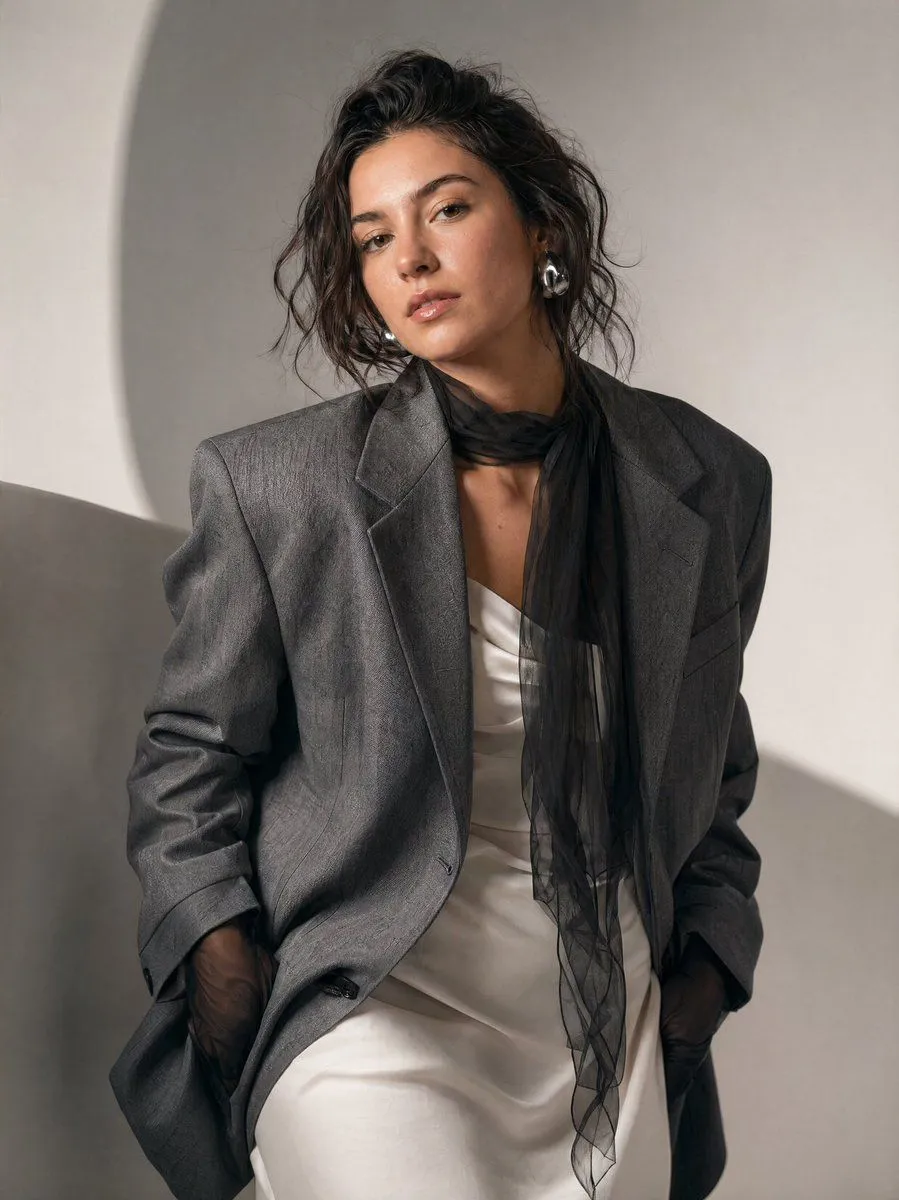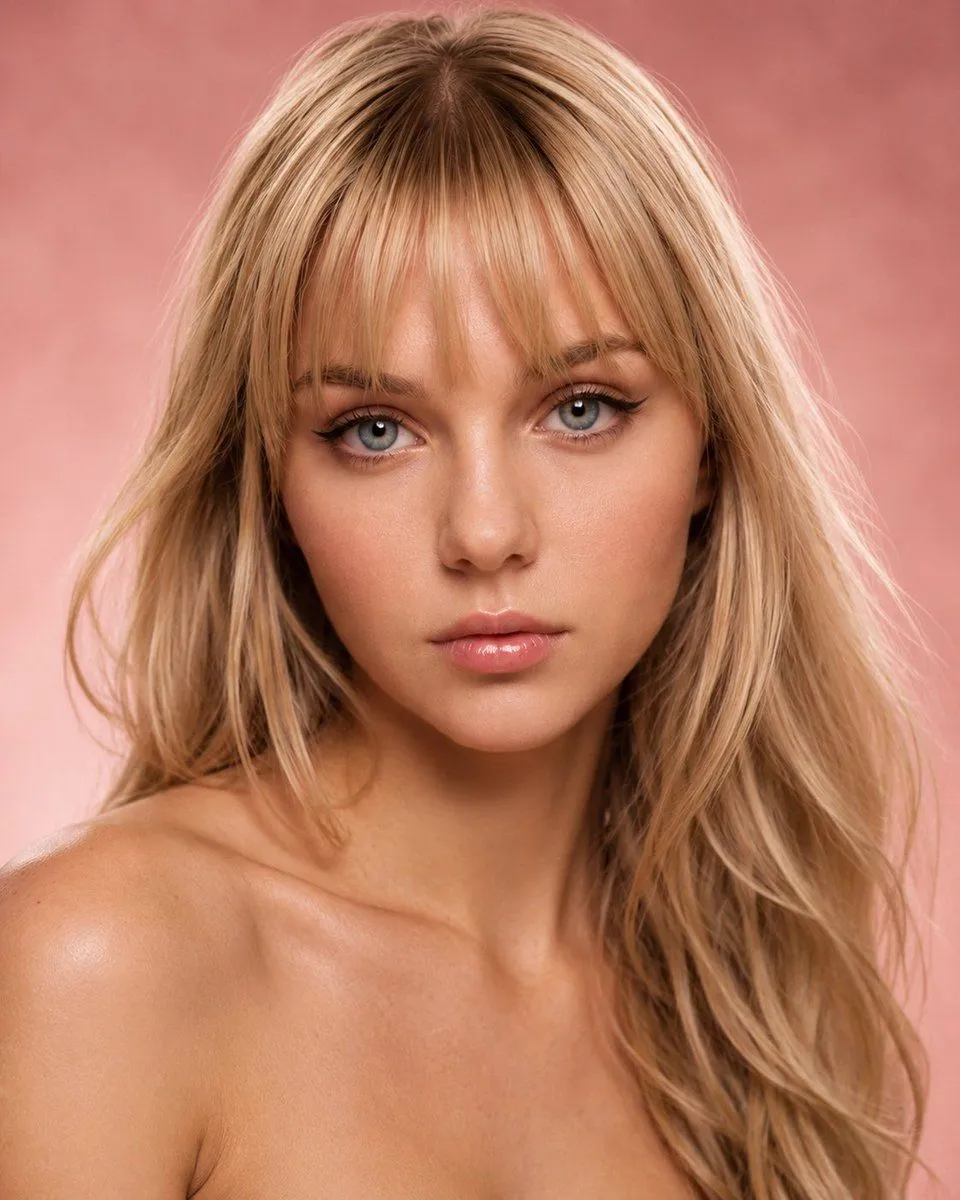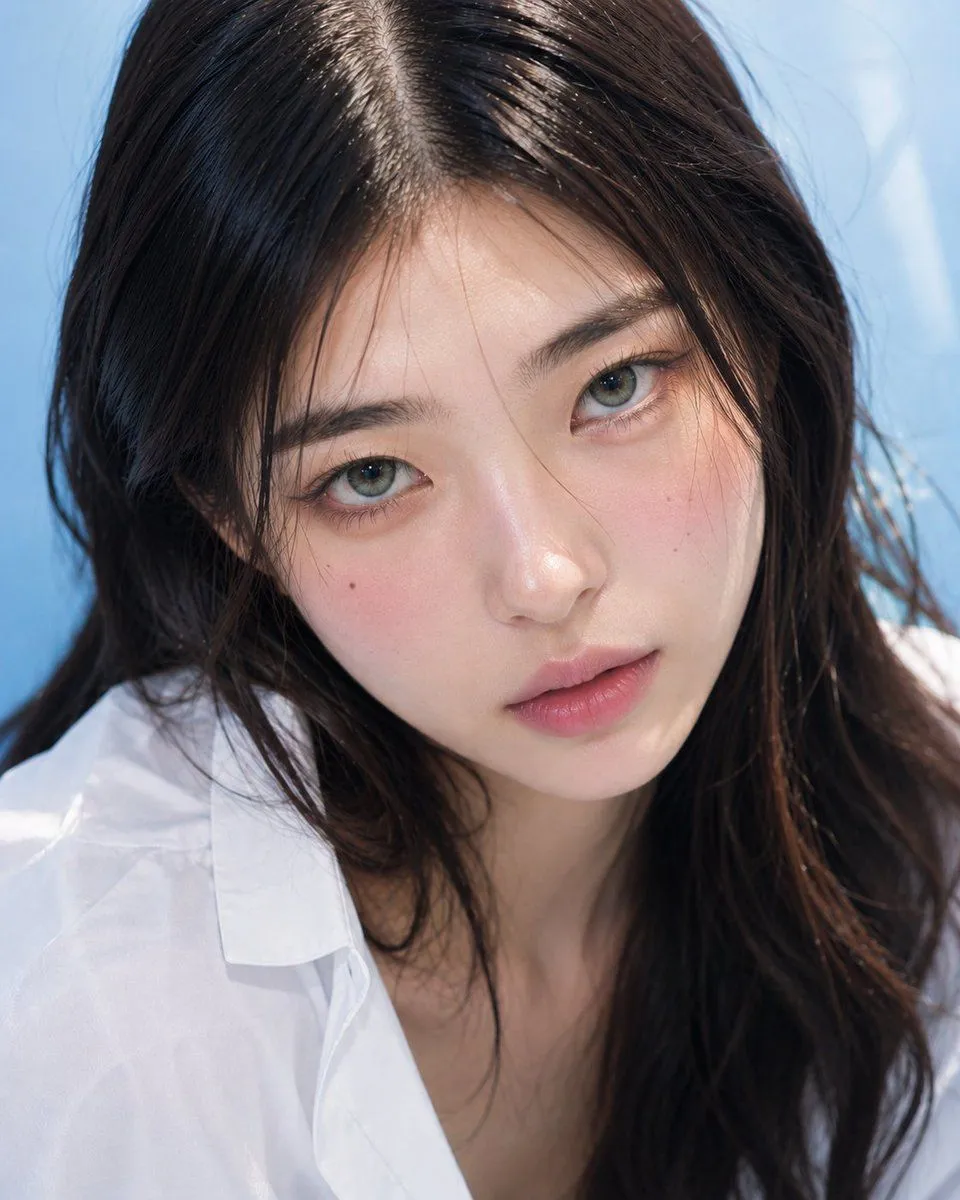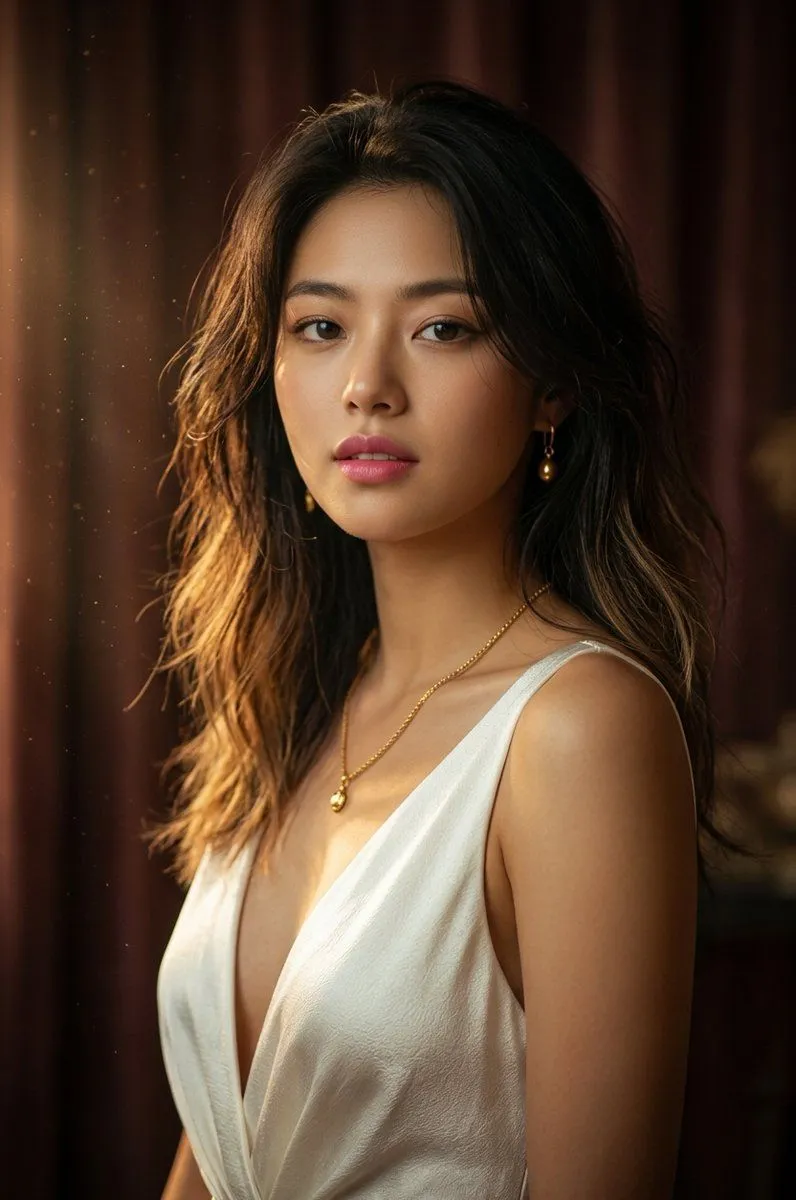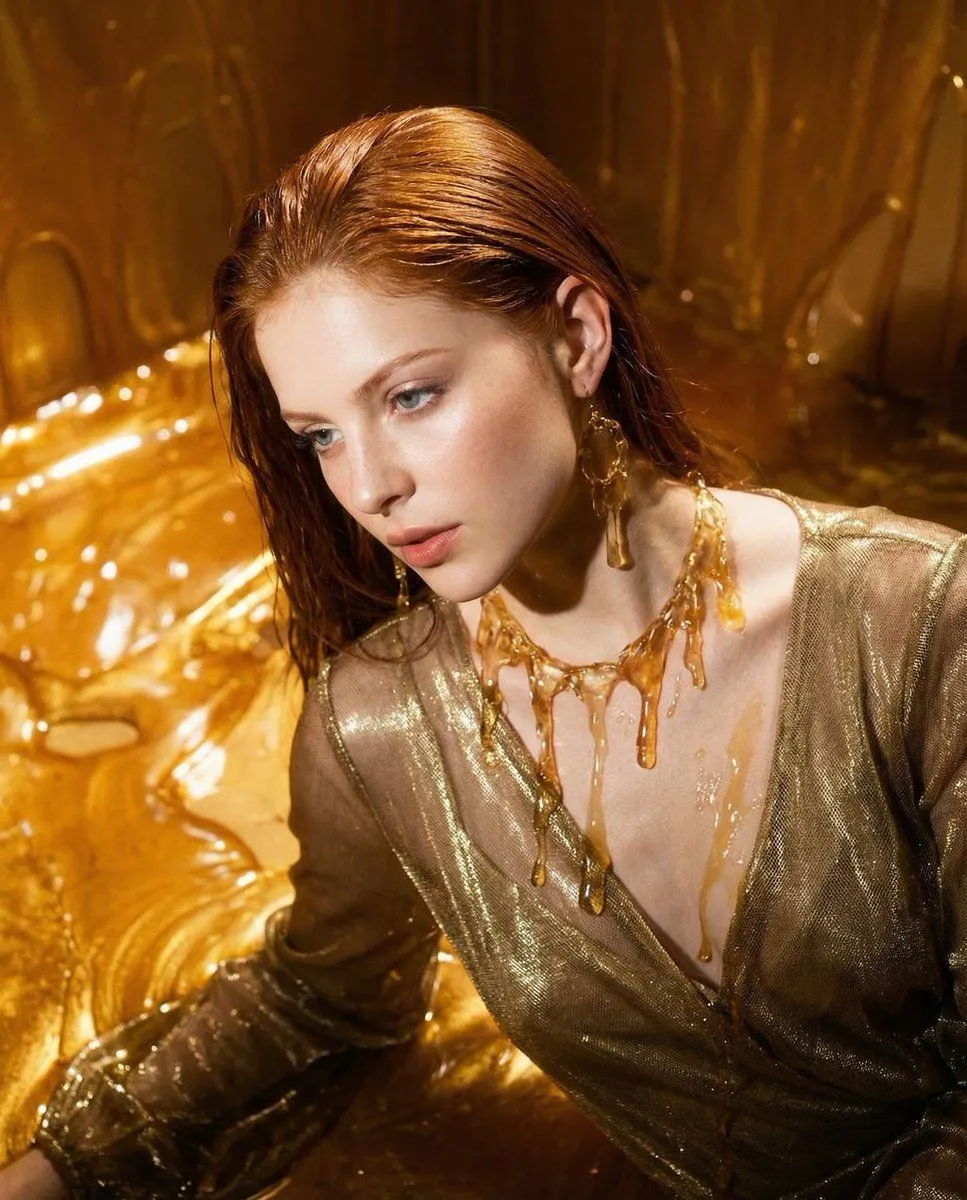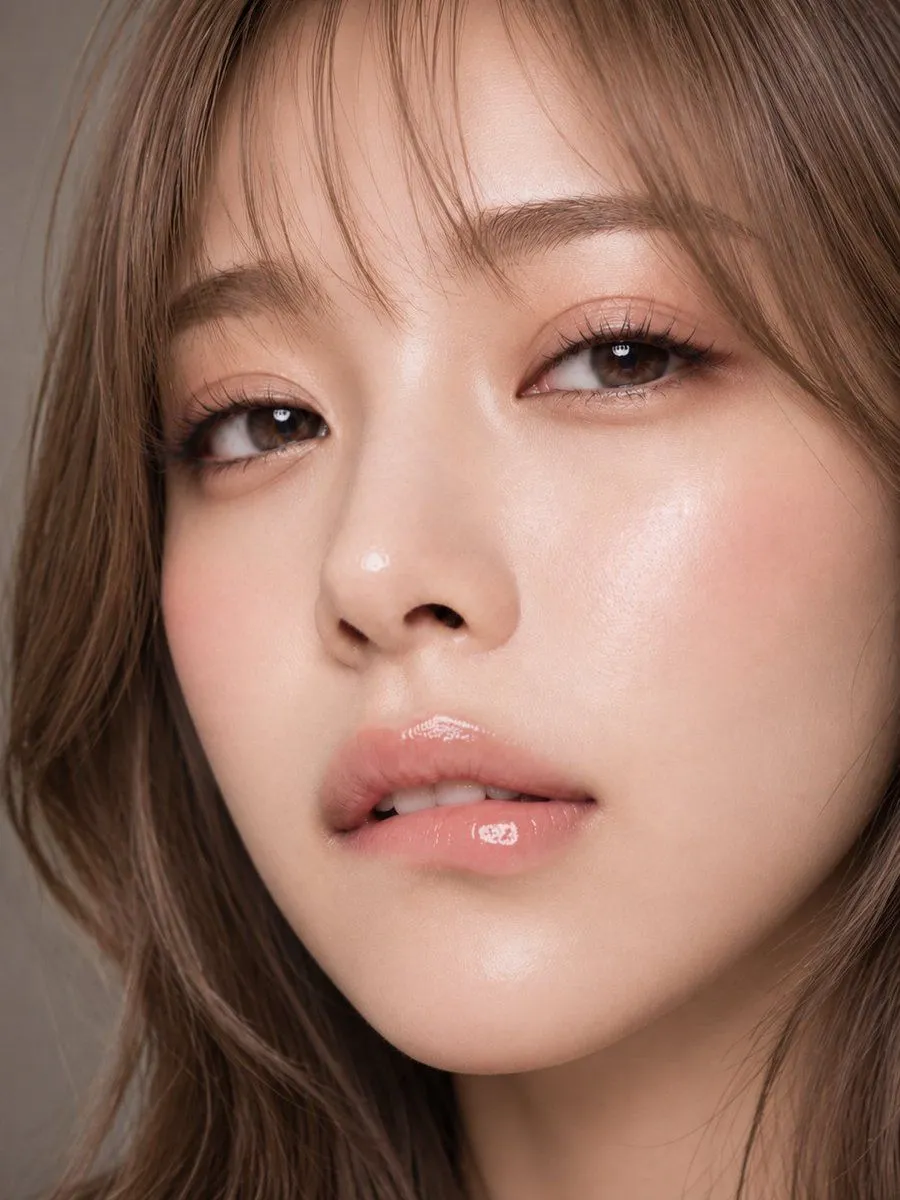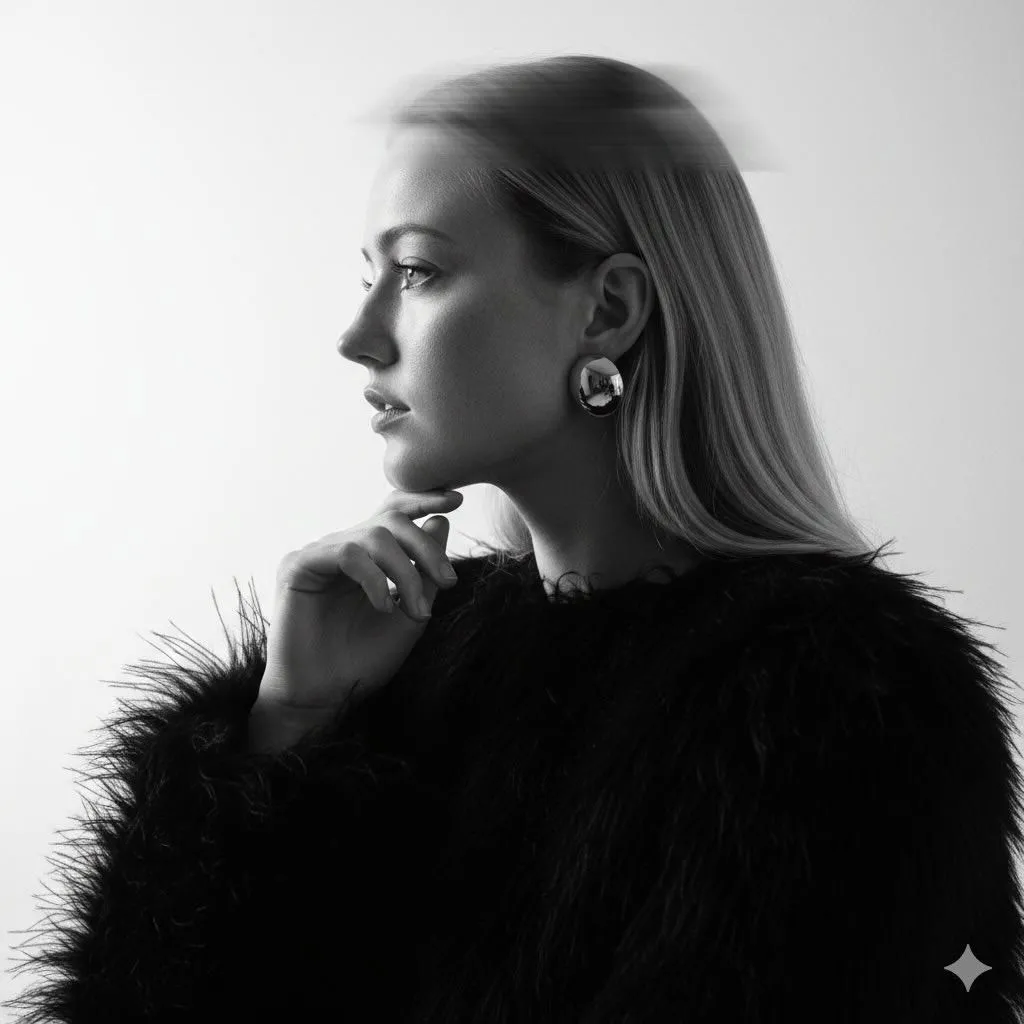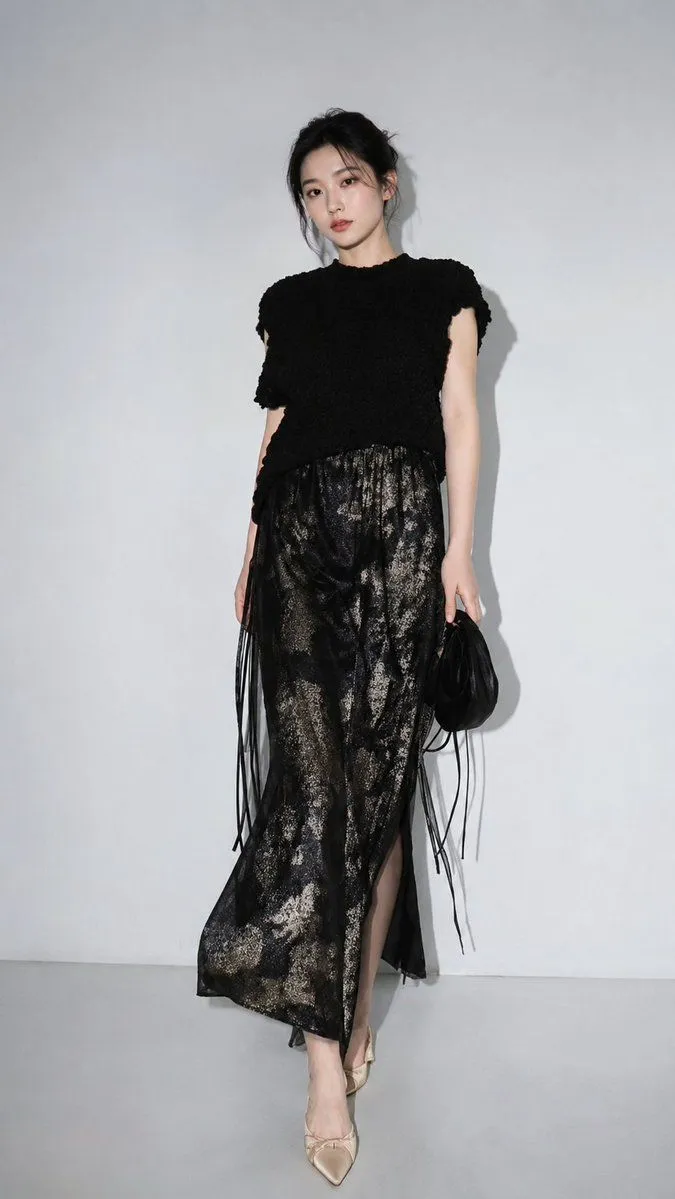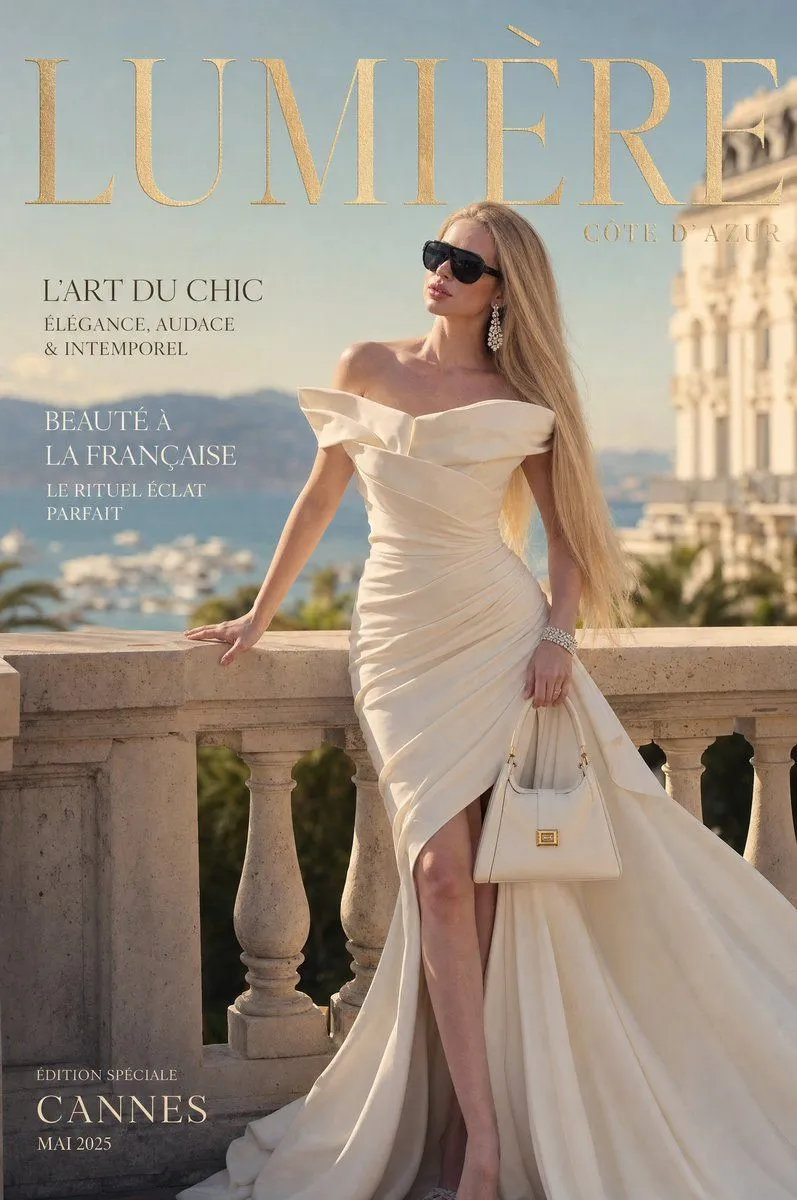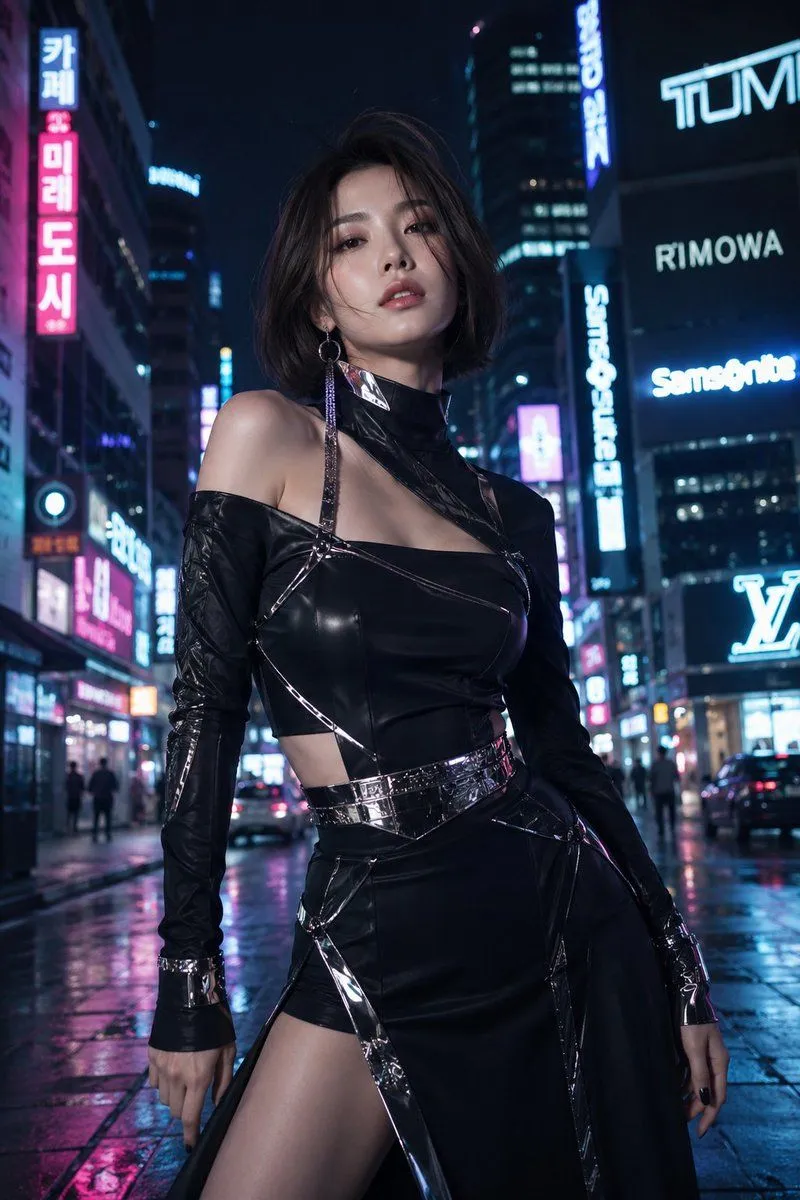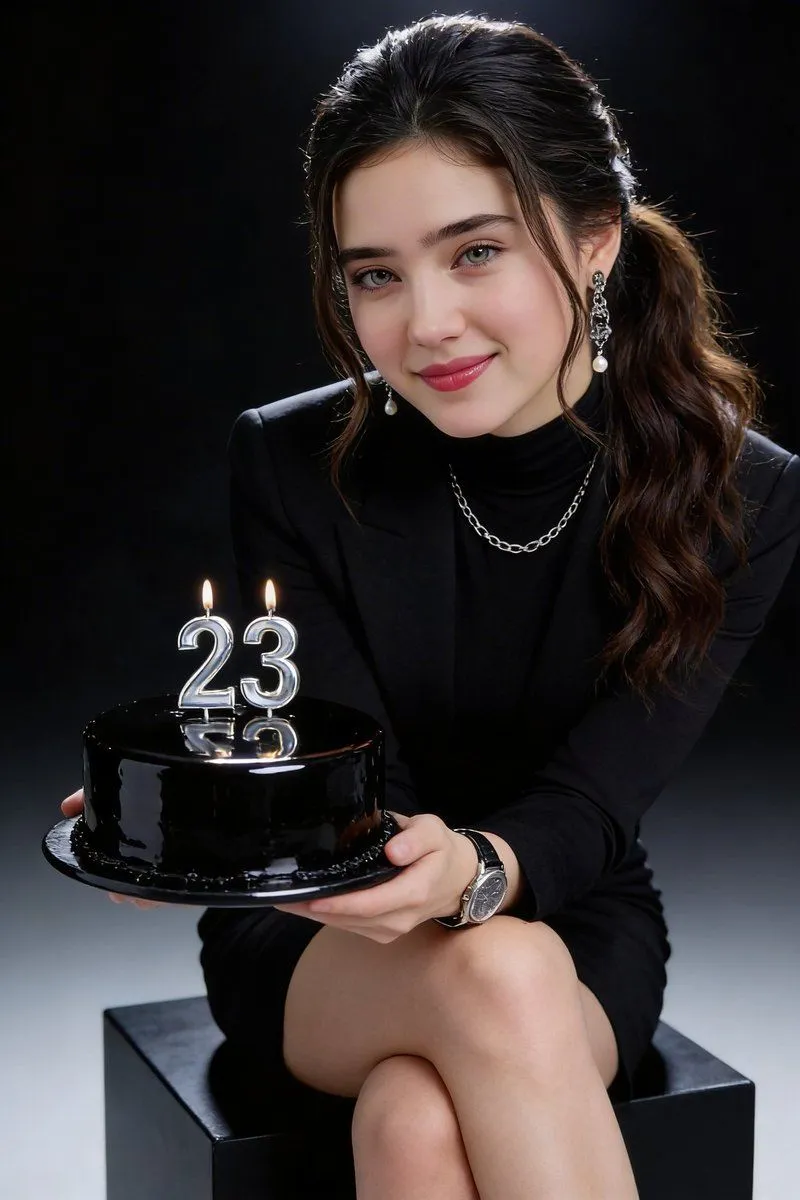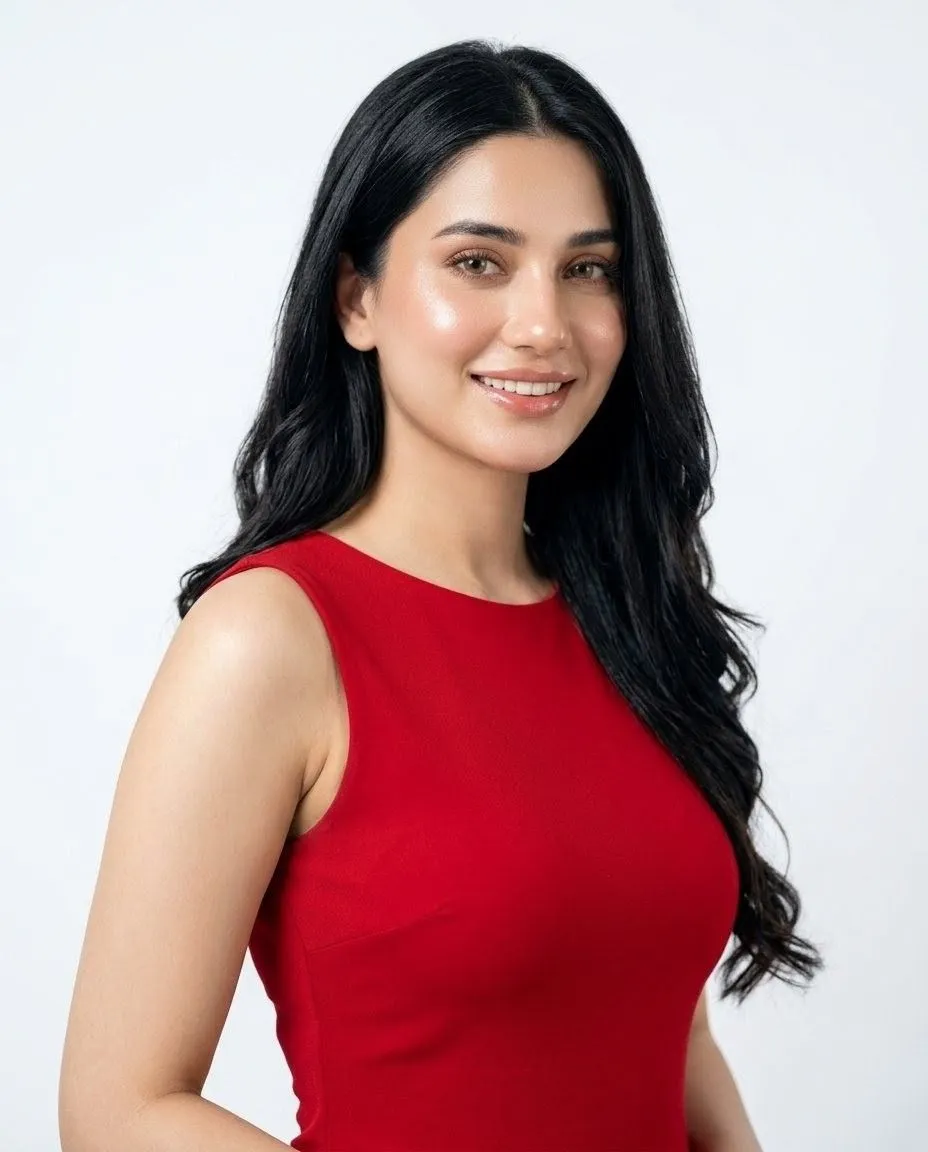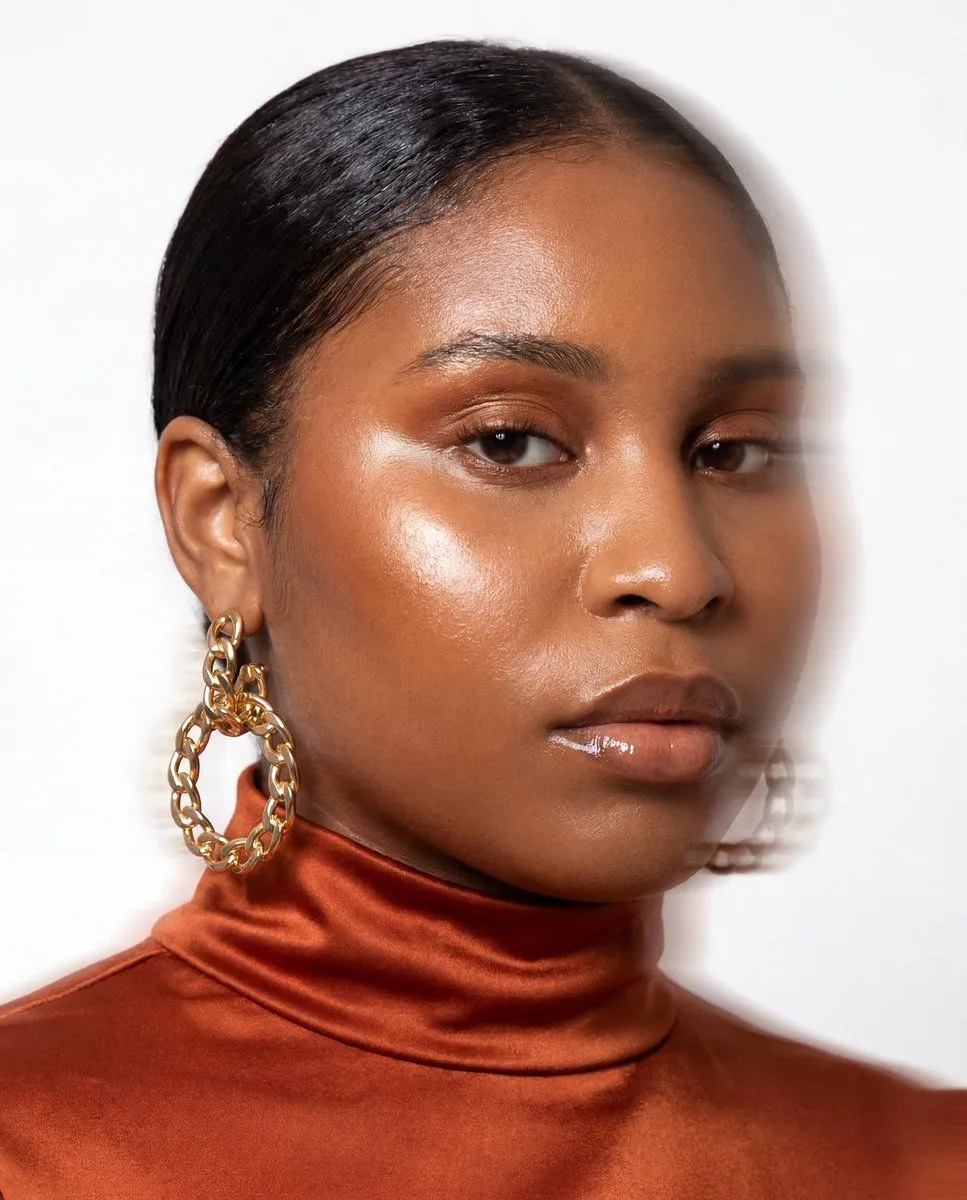
Made with GPT Image 2 in ChatGPT by Library Brand. Promptclay never generates images.
Fashion Portrait With Face Color Block
Prompt
2 blanks to fillCreate a high-fashion studio portrait of a {model_description} shown from the shoulders up against a clean white background. The model is turned slightly to the viewer’s left, with glossy slicked-back black hair parted near the side, one visible ear, and one oversized gold chain-link hoop earring hanging from the left ear. She wears a {outfit} with soft folds and subtle sheen. Lighting is bright editorial flash lighting with crisp detail, soft shadows on the background, and realistic skin, fabric, and jewelry texture. Place a large opaque square centered over the face, covering the entire facial area from the upper forehead down to the chin and extending across most of the head width; the square should have a smooth warm brown gradient from darker reddish brown on the left/bottom to lighter taupe beige on the right/top. Keep the composition tightly cropped like a fashion magazine beauty shot, with the top of the hair near the top edge and the shoulders filling the lower frame. Do not add text, logos, watermark, extra accessories, or additional people.
Preview of your prompt
Create a high-fashion studio portrait of a woman with medium-deep brown skin shown from the shoulders up against a clean white background. The model is turned slightly to the viewer’s left, with glossy slicked-back black hair parted near the side, one visible ear, and one oversized gold chain-link hoop earring hanging from the left ear. She wears a rust-orange satin turtleneck top with soft folds and subtle sheen. Lighting is bright editorial flash lighting with crisp detail, soft shadows on the background, and realistic skin, fabric, and jewelry texture. Place a large opaque square centered over the face, covering the entire facial area from the upper forehead down to the chin and extending across most of the head width; the square should have a smooth warm brown gradient from darker reddish brown on the left/bottom to lighter taupe beige on the right/top. Keep the composition tightly cropped like a fashion magazine beauty shot, with the top of the hair near the top edge and the shoulders filling the lower frame. Do not add text, logos, watermark, extra accessories, or additional people.
DetailsVersions, settings and questions
Written for
What's in the prompt
- Subject
- Model
- GPT Image 2
If your face changes
keep my face exactly the sameQuestions
- Does this work in the ChatGPT app?
- Yes. Paste the prompt and attach your photo if it uses one.
- It changed my face. What do I do?
- Add "keep my face exactly the same" to the end and run it again.
- Can I use the images I make?
- Check the terms of the app you use. Promptclay never generates images and claims nothing you make.