Tell us anything

An idea, a bug, something you love. We read every note.

⌘↵ to send. The page you're on comes along.

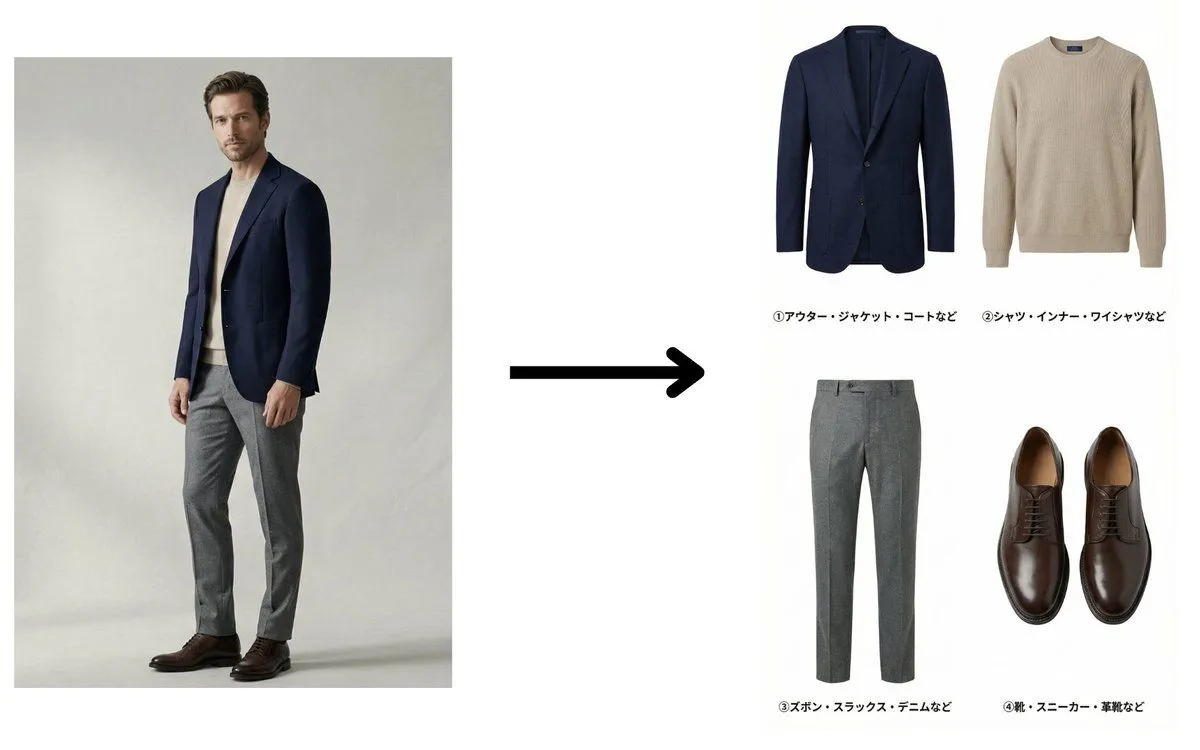
Fashion Catalog Item Extraction from Reference Image

Made with Nano Banana Pro in Gemini, collected by Library Product. Promptclay never generates images.

Did it work?

No reports yet. Tell others if it worked for you.

No comments yet. Be the first.

    Fashion Catalog Item Extraction from Reference Image

    Nano Banana Pro8:5AI-generated

    Prompt

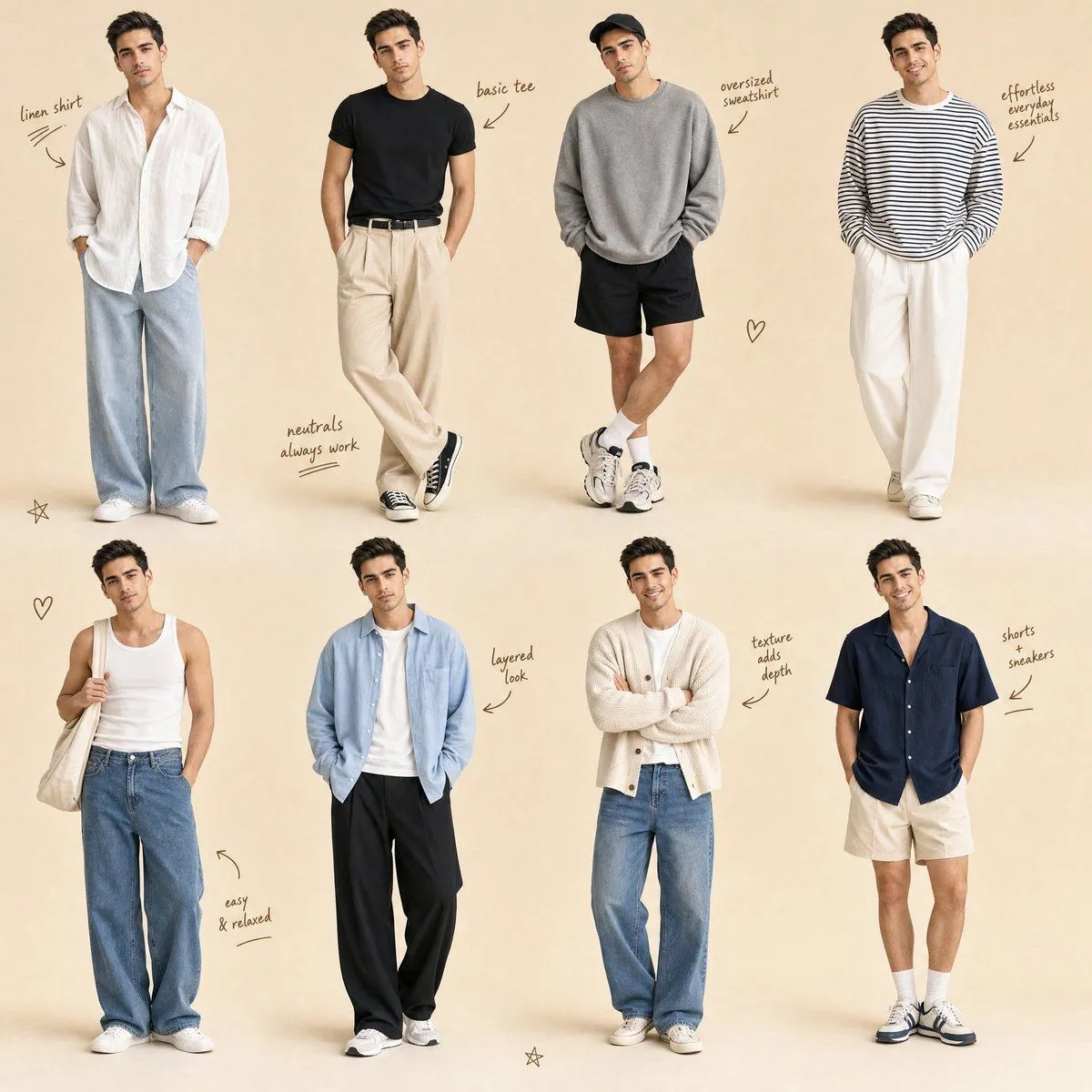
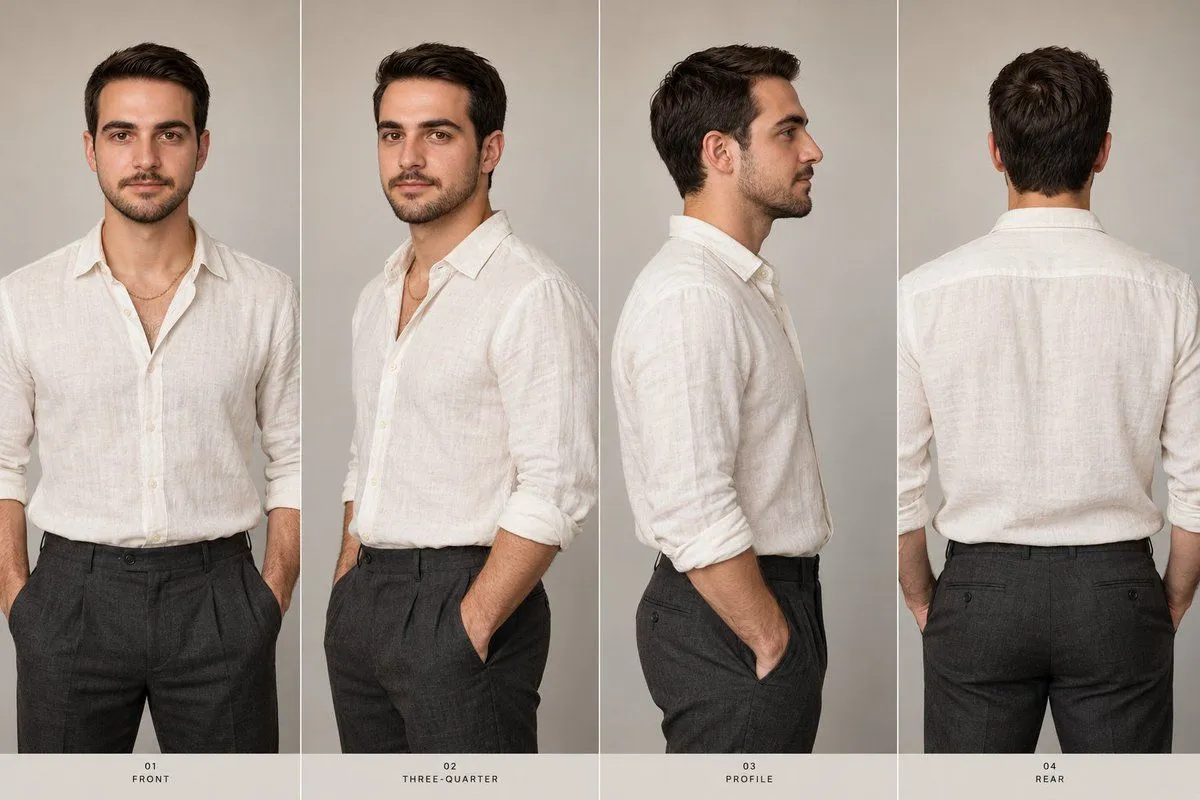
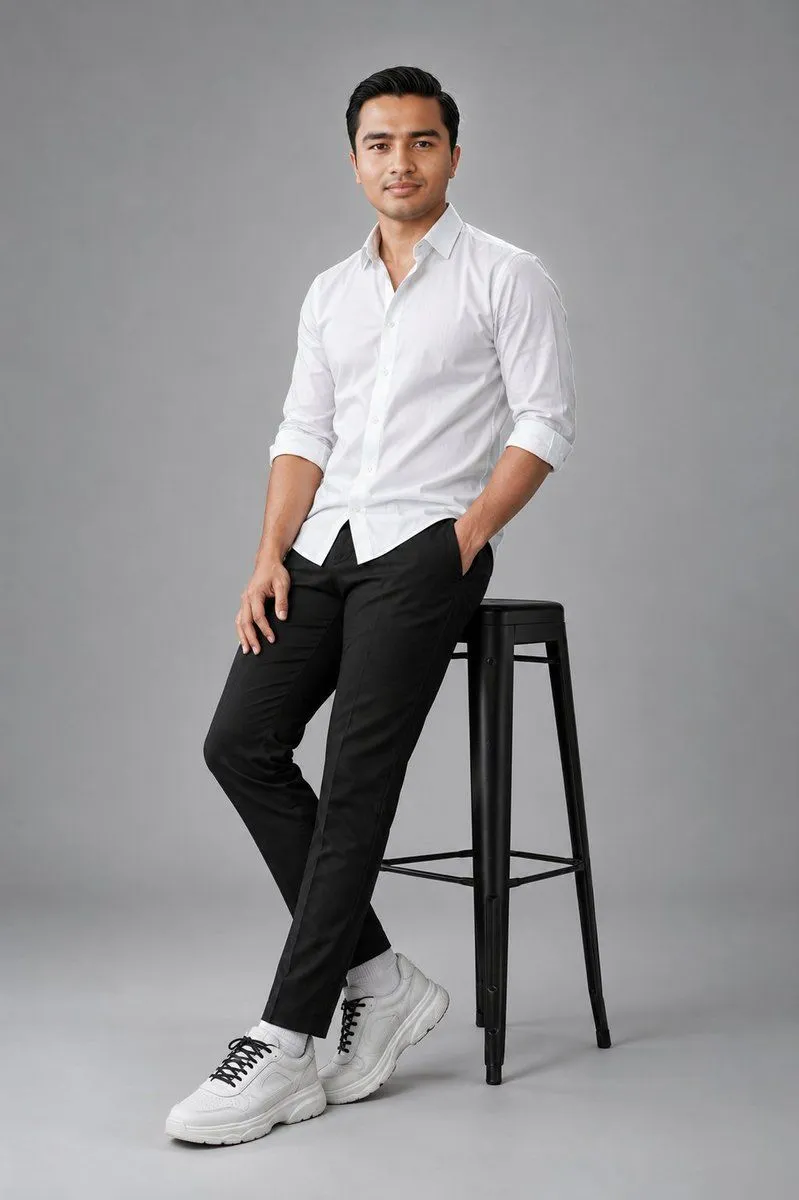
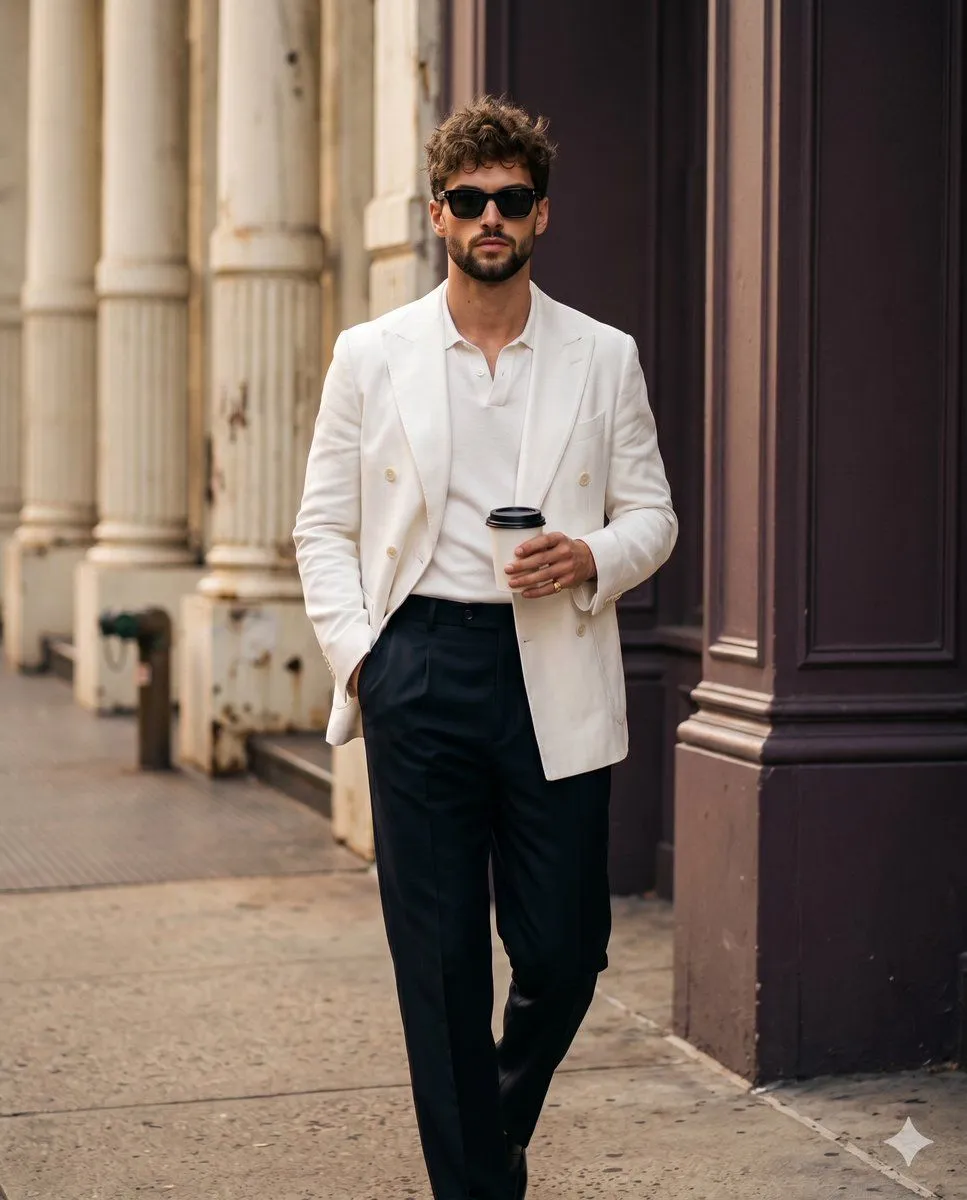
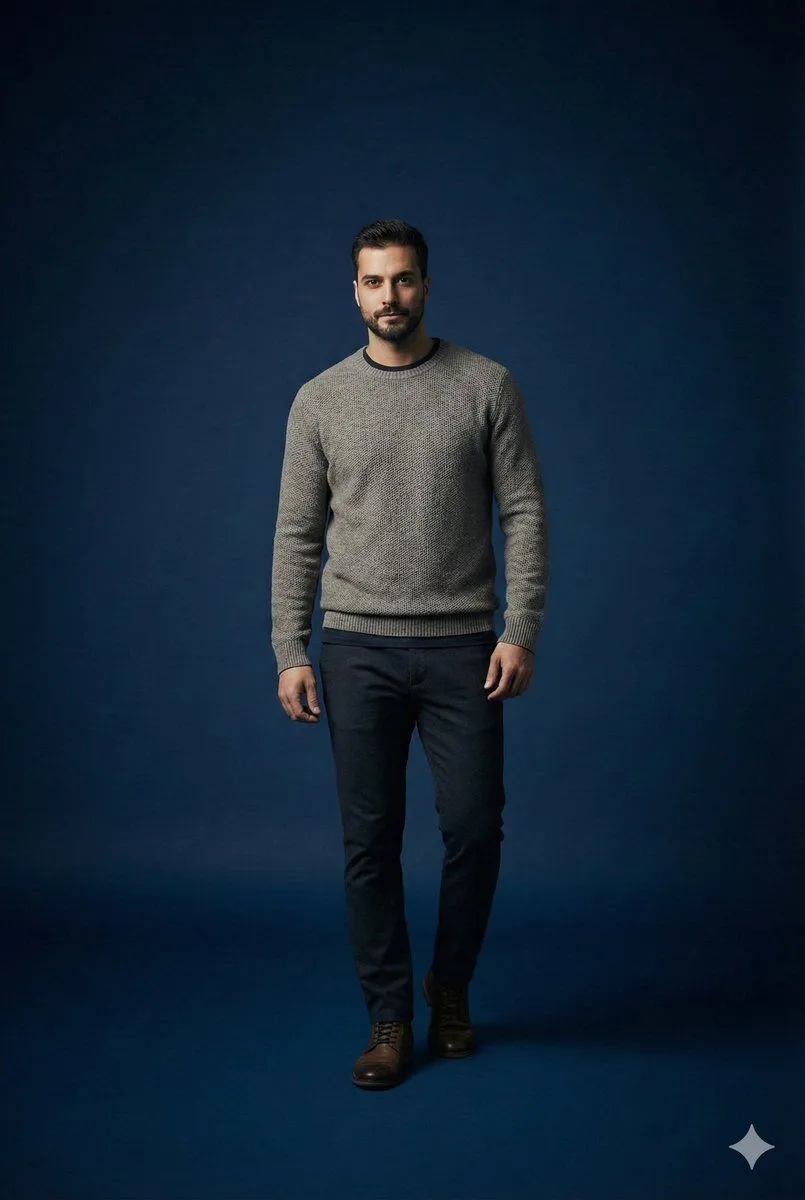
    You are a professional fashion catalog creator. Analyze the clothing worn by the man in the reference image. Based strictly on the actual designs of the clothes he is wearing, extract and separate them into the following four categories: ① Outerwear / jacket / coat ② Shirt / innerwear / dress shirt ③ Pants / slacks / denim ④ Shoes / sneakers / leather shoes Each extracted item must accurately reflect the original clothing’s color, material texture, shape, and details. Do NOT redesign, modify, stylize, or reinterpret the clothing in any way. Do NOT show the human body. Extract and display the clothing items only. The output image must be: ・white background ・front-facing view ・no shadows, no noise ・high-quality product photography, apparel e-commerce style Arrange the four items neatly in either a horizontal row or a 2×2 grid. Add Japanese labels to each item exactly as follows: ① Outerwear / jacket / coat, etc. ② Shirt / innerwear / dress shirt, etc. ③ Pants / slacks / denim, etc. ④ Shoes / sneakers / leather shoes, etc. Create a clean, easy-to-read catalog-style image. ultra high resolution, photorealistic, studio product lighting, flat lighting, extremely detailed fabric texture, apparel catalog quality Negative prompt: anime, illustration, cartoon, stylized, redesigned clothing, fashion sketch, mannequin, human body, model wearing clothes, background, shadow, reflection, blur, low quality, noisy image, dramatic lighting

    Works in
    Gemini, ChatGPT
    Status
    Free to copy
    0
    DetailsVersions, settings and questions

    Written for

    What's in the prompt

    Subject
    Model
    Nano Banana Pro

    If your face changes

    keep my face exactly the same

    Questions

    Does this work in the Gemini app?
    Yes. Gemini runs Nano Banana, so paste the prompt and attach your photo if it uses one.
    It changed my face. What do I do?
    Add "keep my face exactly the same" to the end and run it again.
    Can I use the images I make?
    Check the terms of the app you use. Promptclay never generates images and claims nothing you make.
    Similar prompts

    See more
    • Fashion Editorial Infographic Prompt
    • Fashion Brand Mood Board Layout
    • Korean Streetwear Fashion Blueprint
    • Technical Outerwear Design Sheet
    • High-Fashion Marketing Infographic
    • Minimalist Men's Fashion Collage
    • Five-Panel Luxury Menswear Collage
    • Luxury Menswear Fashion Collage
    • Man Film Character Sheet
    • Three-View Character Turnaround
    • Clean Studio Fashion Portrait
    • Professional Street Style Menswear Editorial
    • Modern Runway Fashion Montage
    • Fashion Magazine Editorial Spread
    • Luxury Fashion Editorial Scrapbook
    • Editorial Portrait Collage
    • Black and White Fashion Editorial Triptych
    • Studio portrait parameter-style prompt for a male subject
    • Dusk Ascension JSON Prompt for Nano Banana Pro
    • Black and White Aesthetic Image Generation
    • Vintage Magazine Red Cover Art
    • Three Character Asset Comparison Board
    • Executive Studio Portrait
    • Japanese MV Key Visual Sheet

    Show more

    Run it on your phone

    1. Prompt copiedRead it

      You are a professional fashion catalog creator. Analyze the clothing worn by the man in the reference image. Based strictly on the actual designs of the clothes he is wearing, extract and separate them into the following four categories: ① Outerwear / jacket / coat ② Shirt / innerwear / dress shirt ③ Pants / slacks / denim ④ Shoes / sneakers / leather shoes Each extracted item must accurately reflect the original clothing’s color, material texture, shape, and details. Do NOT redesign, modify, stylize, or reinterpret the clothing in any way. Do NOT show the human body. Extract and display the clothing items only. The output image must be: ・white background ・front-facing view ・no shadows, no noise ・high-quality product photography, apparel e-commerce style Arrange the four items neatly in either a horizontal row or a 2×2 grid. Add Japanese labels to each item exactly as follows: ① Outerwear / jacket / coat, etc. ② Shirt / innerwear / dress shirt, etc. ③ Pants / slacks / denim, etc. ④ Shoes / sneakers / leather shoes, etc. Create a clean, easy-to-read catalog-style image. ultra high resolution, photorealistic, studio product lighting, flat lighting, extremely detailed fabric texture, apparel catalog quality Negative prompt: anime, illustration, cartoon, stylized, redesigned clothing, fashion sketch, mannequin, human body, model wearing clothes, background, shadow, reflection, blur, low quality, noisy image, dramatic lighting

    2. Open your app

    3. Paste and run

      Press and hold the message box, then tap Paste. Add your photo first if the prompt uses one. You may need to sign in.

    Fashion Catalog Item Extraction from Reference Image