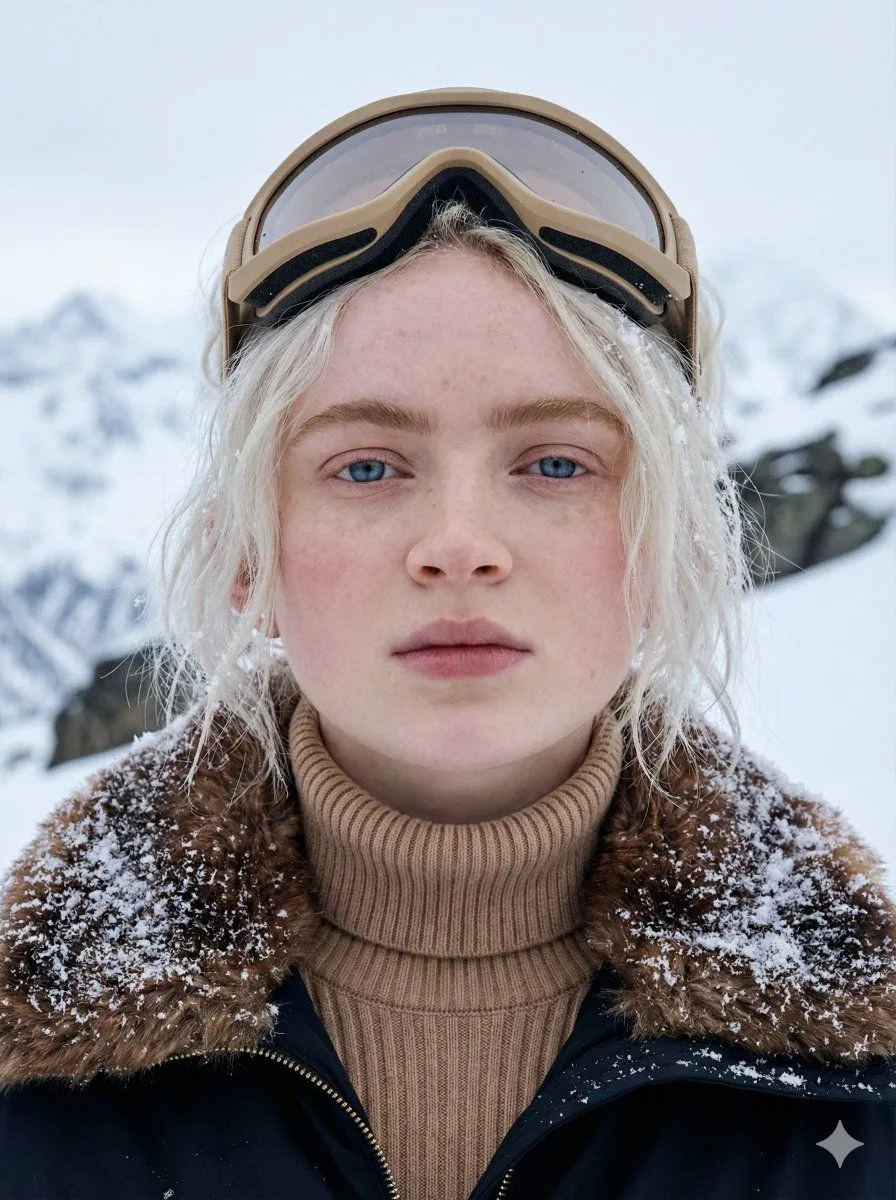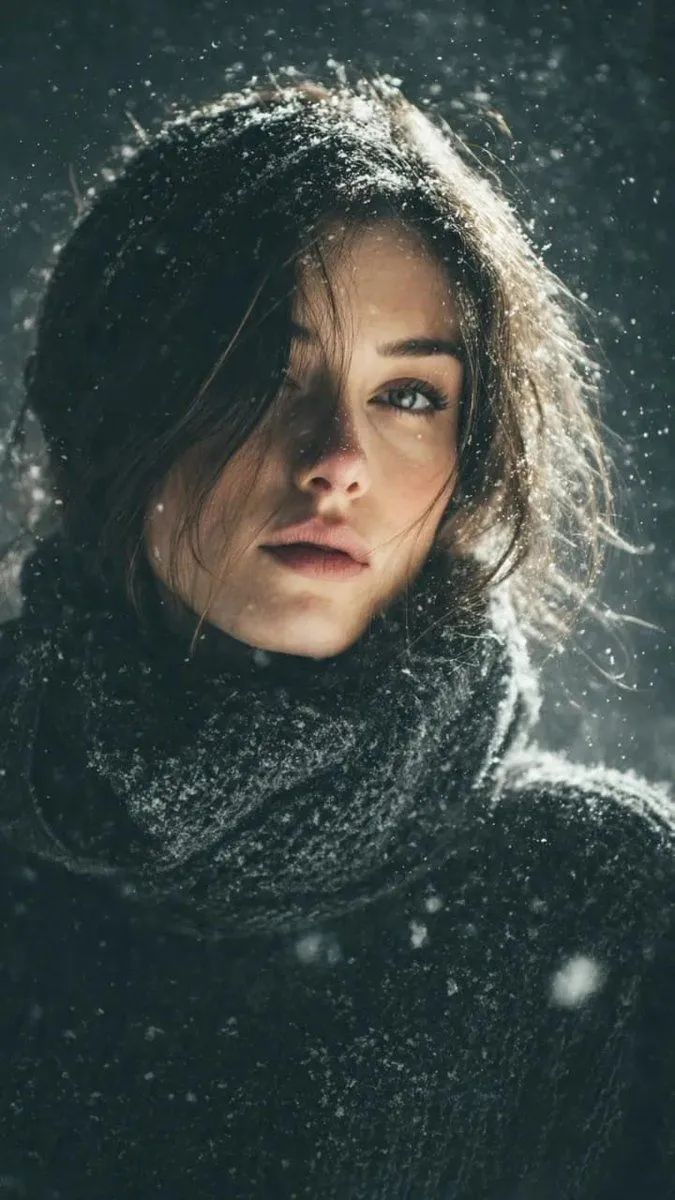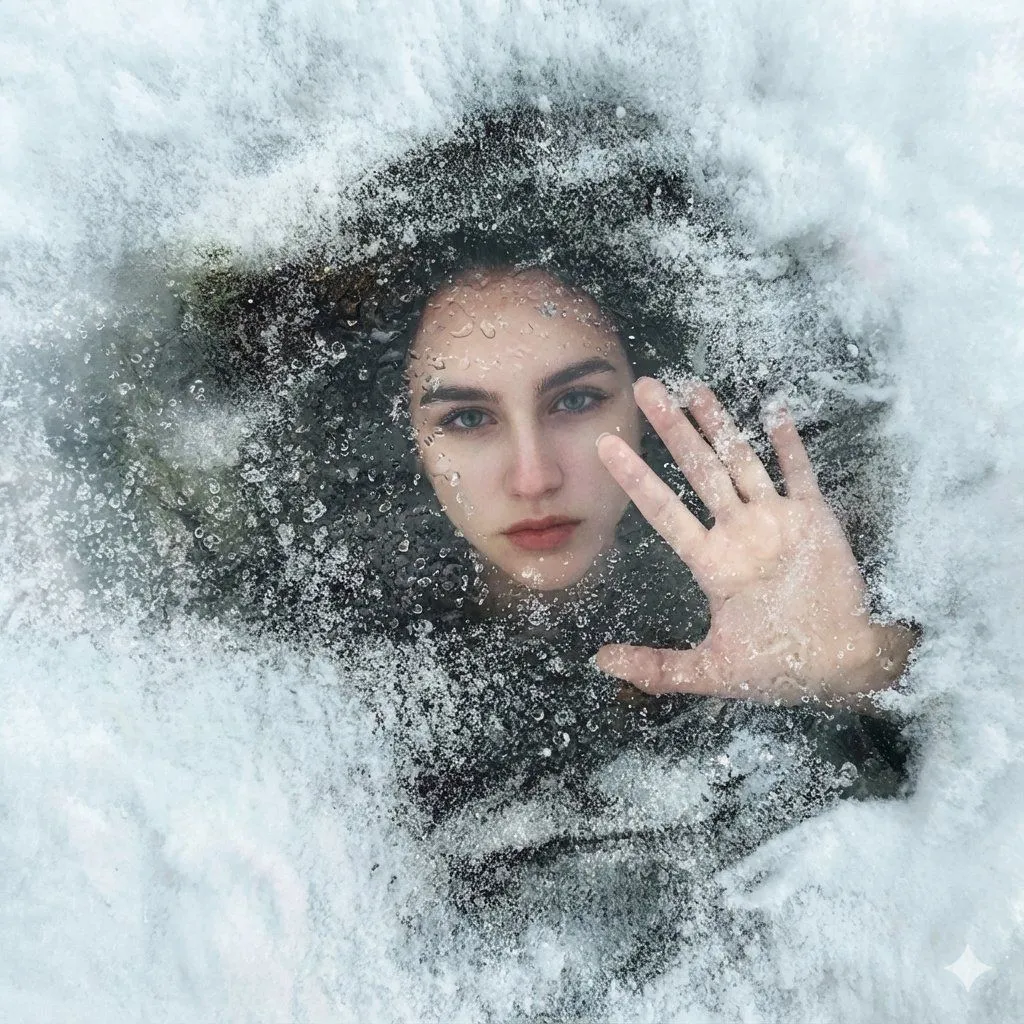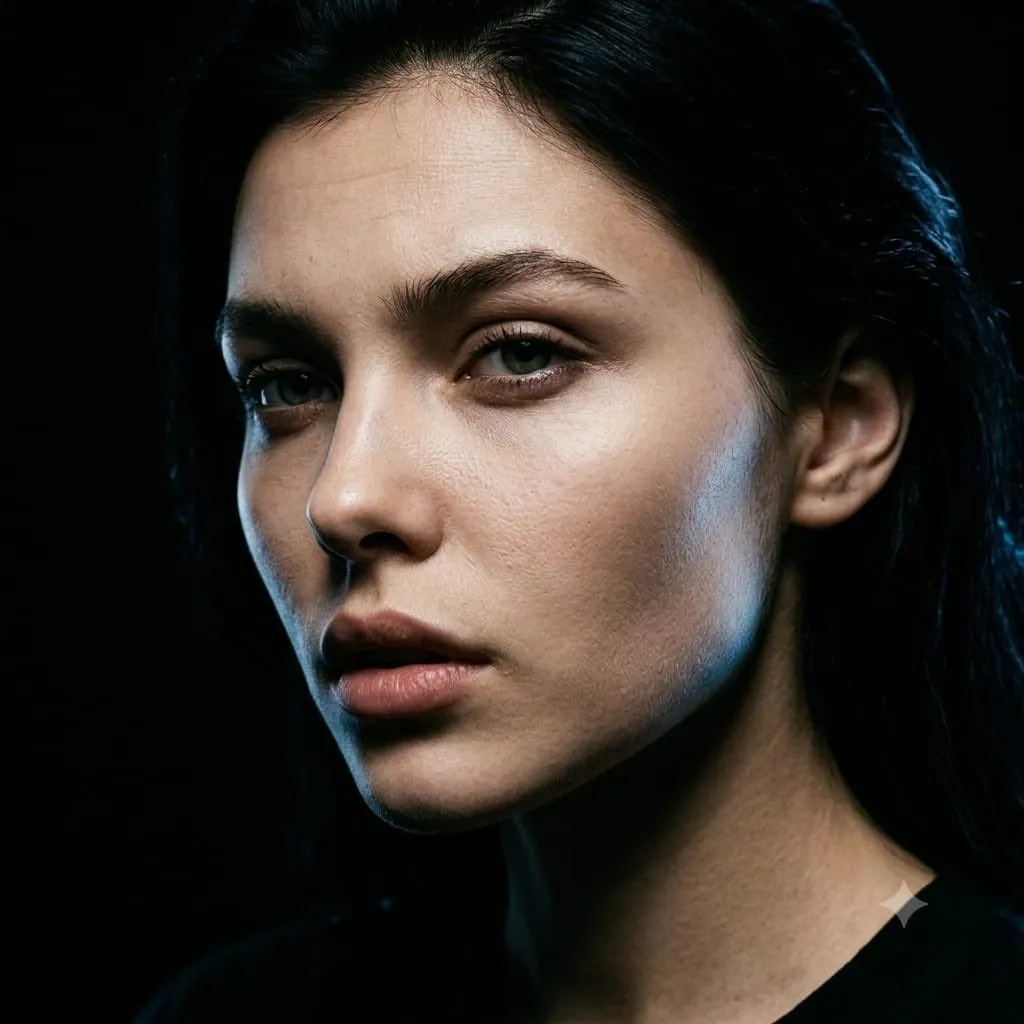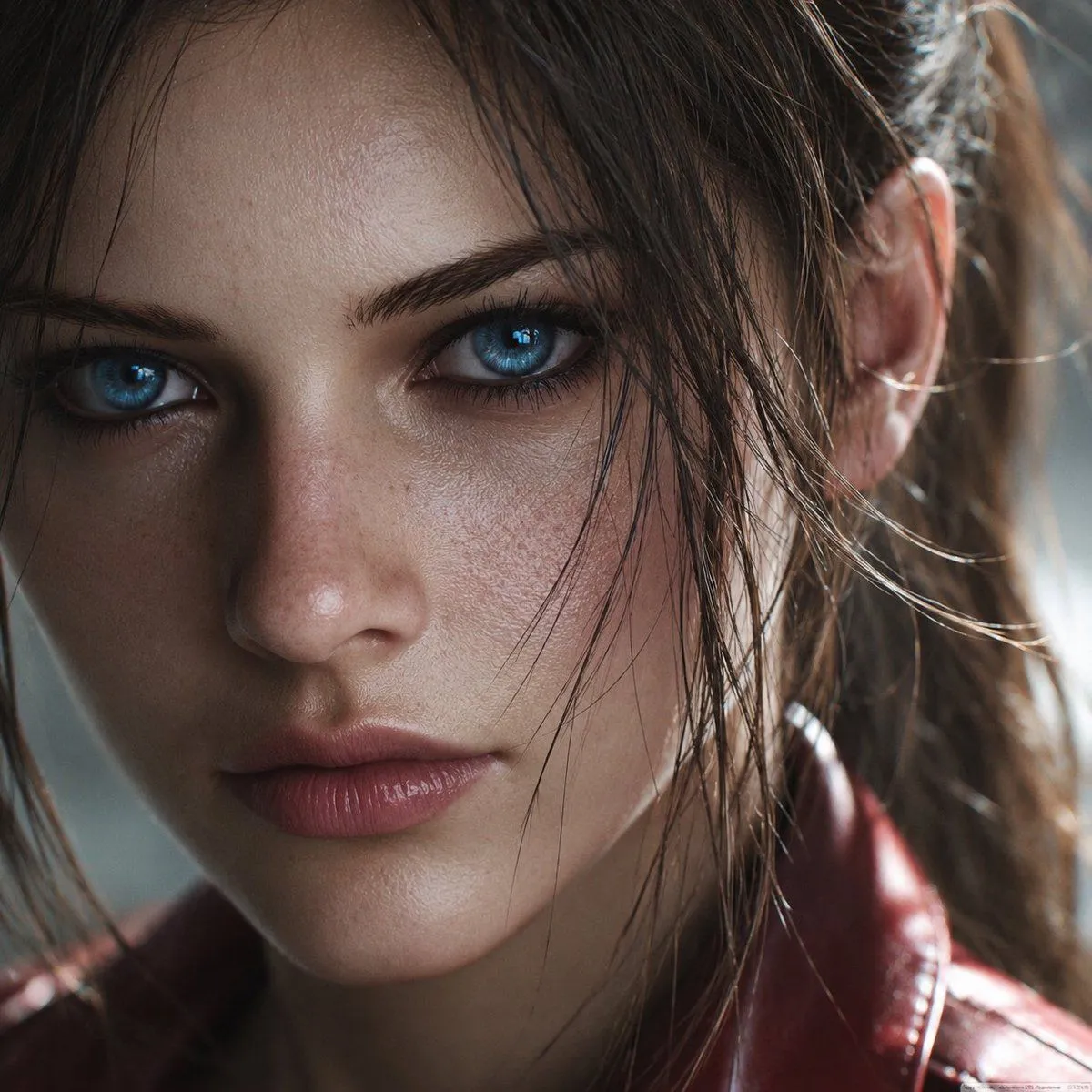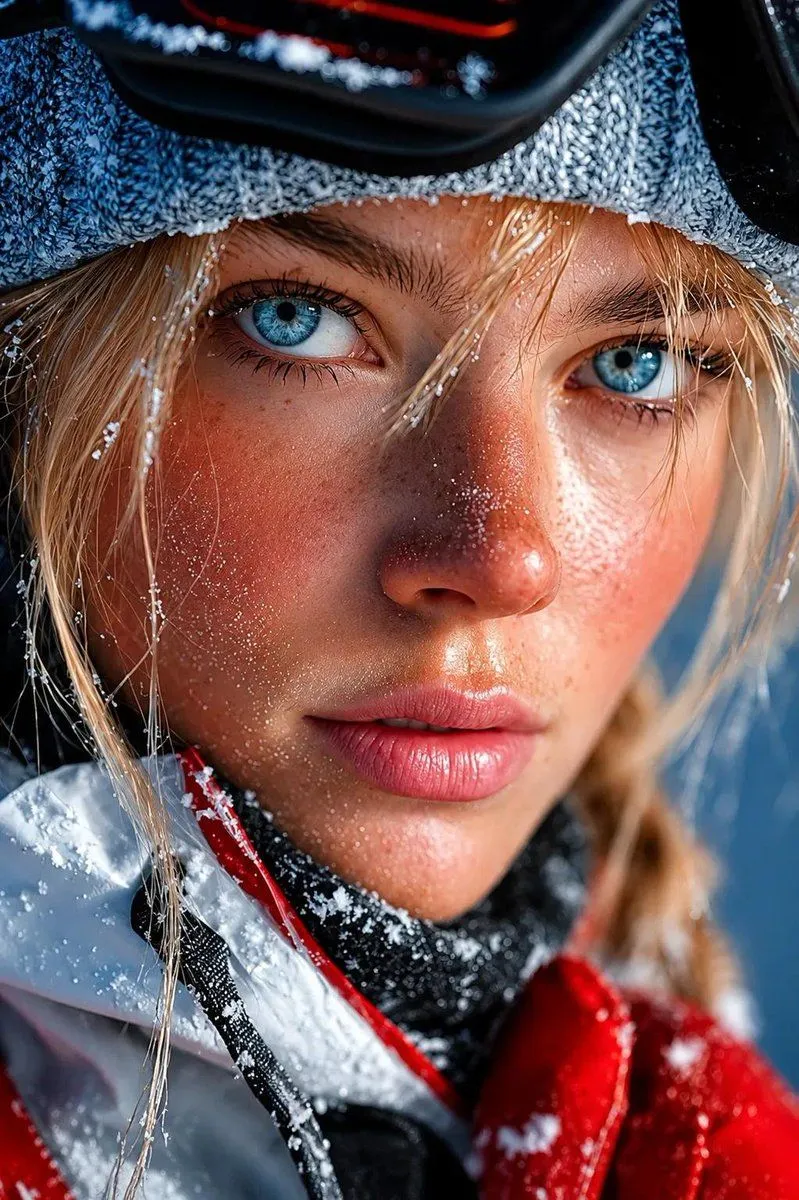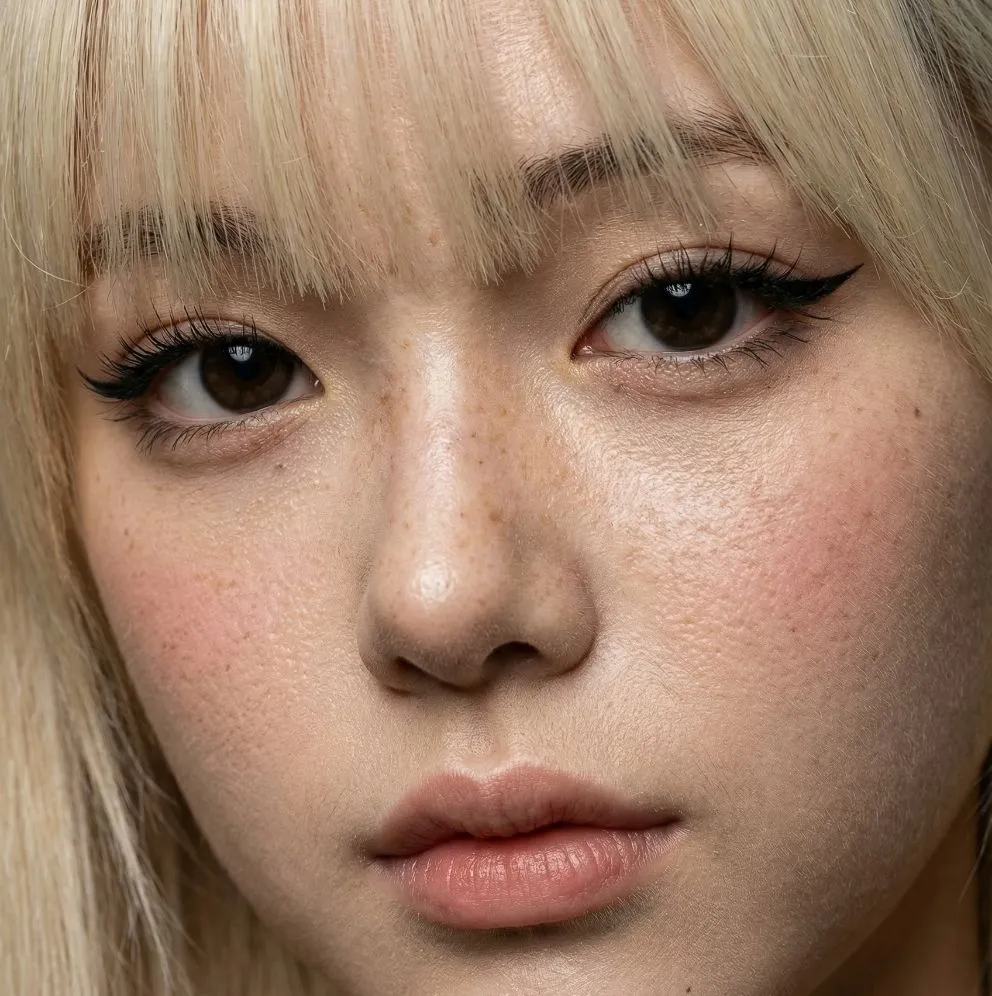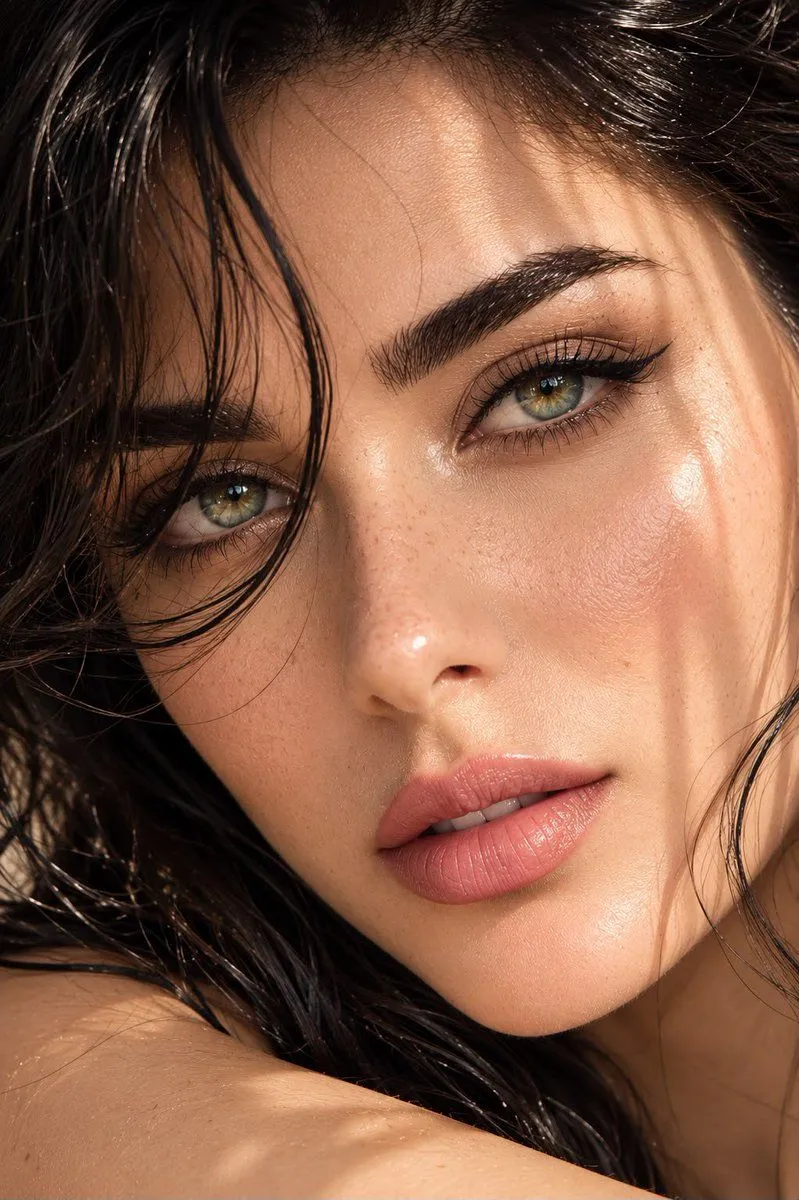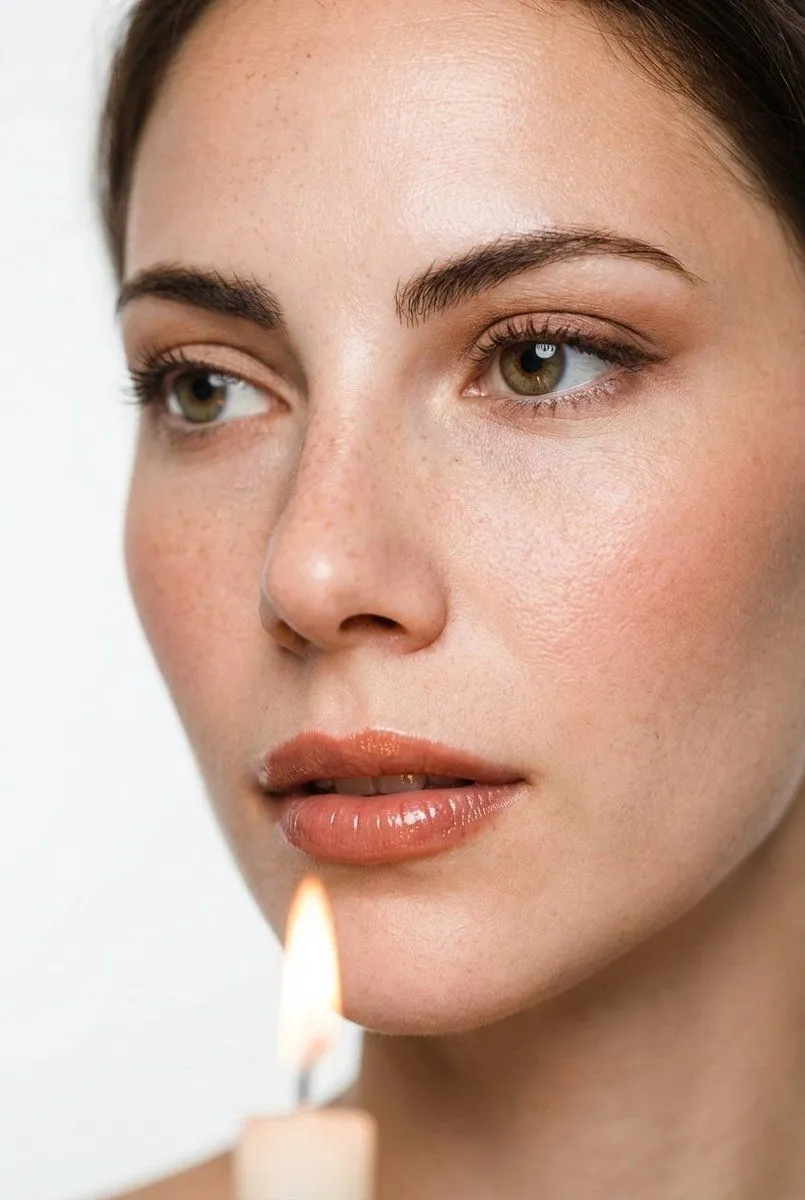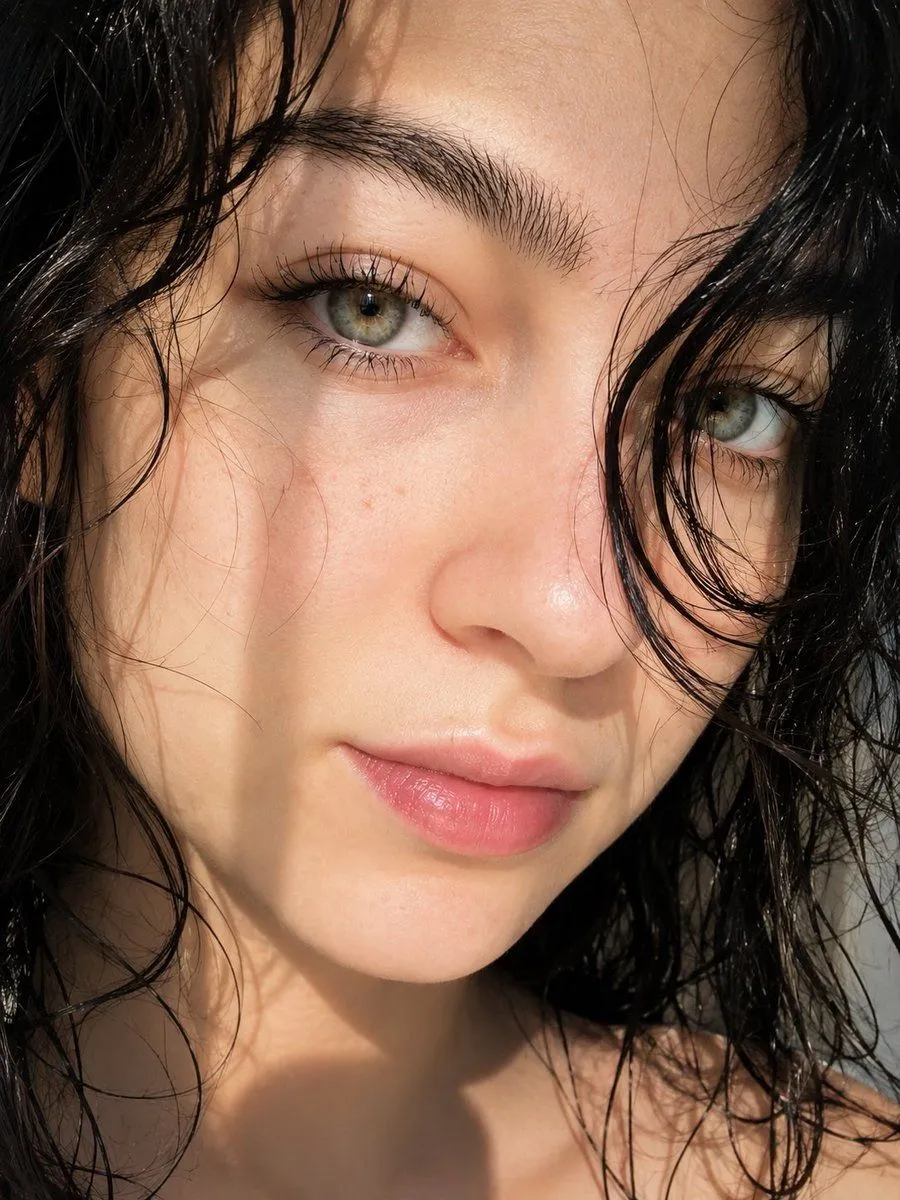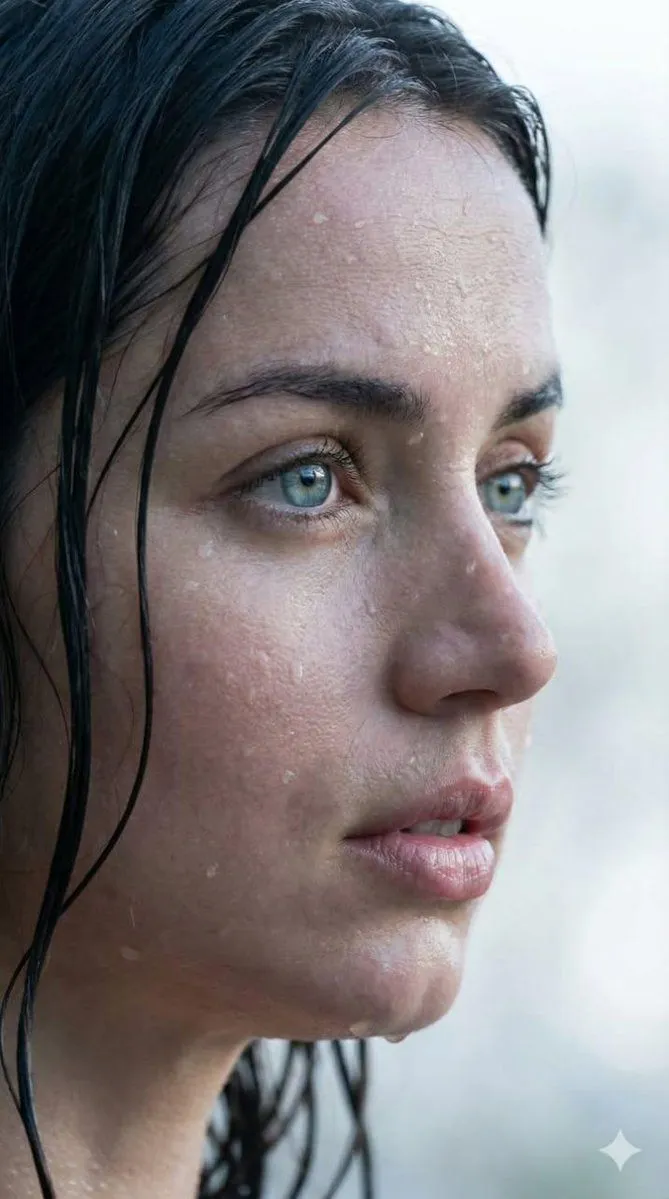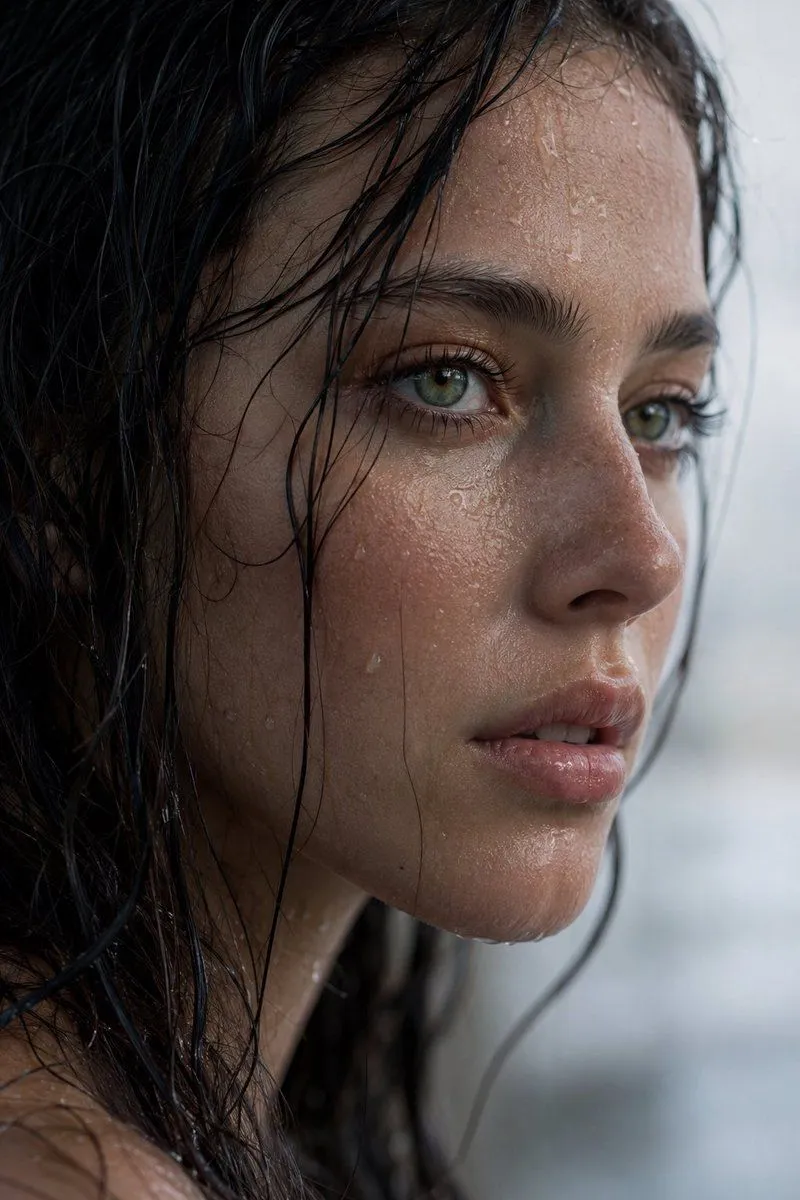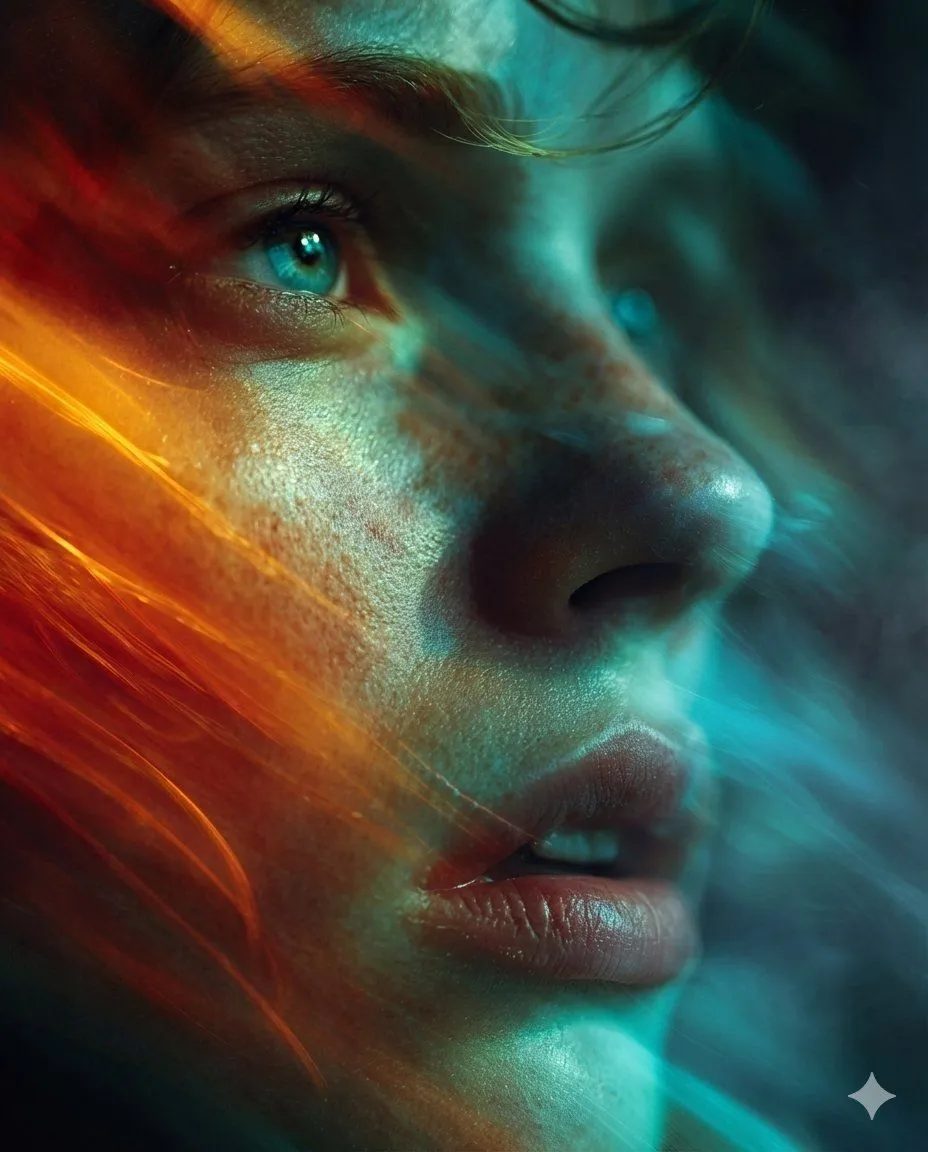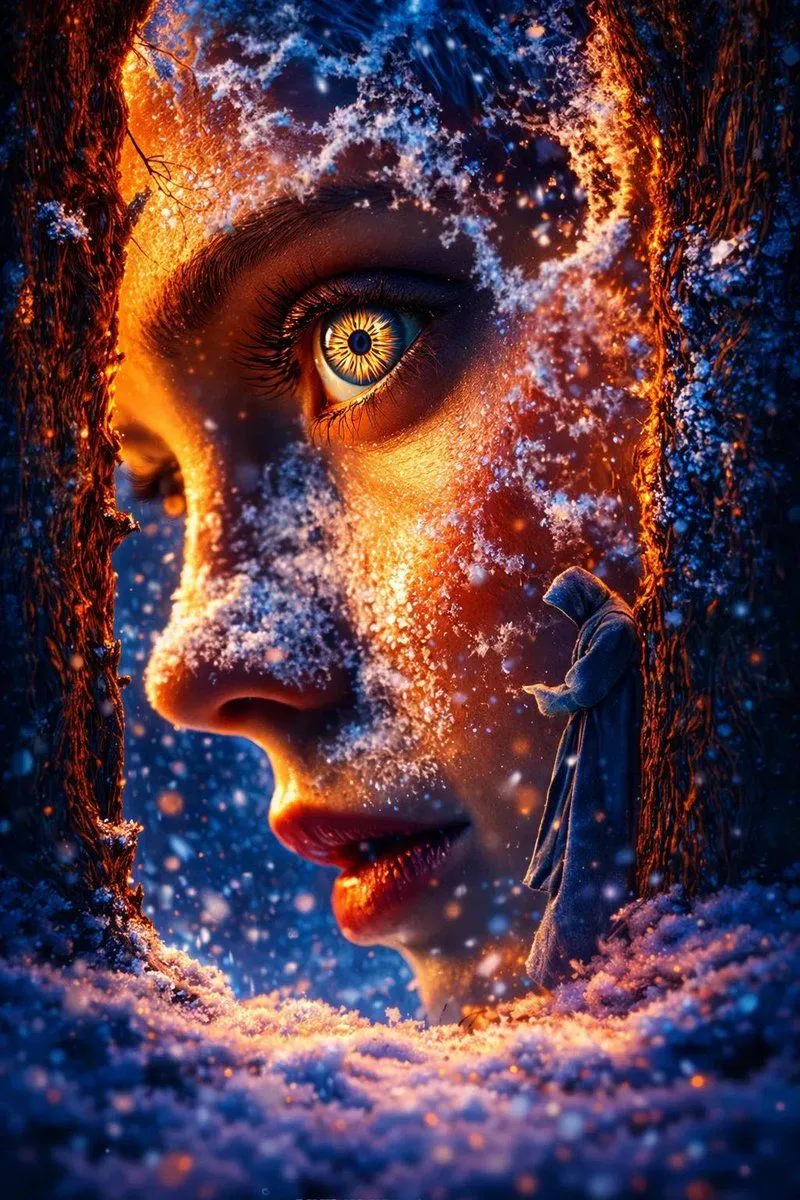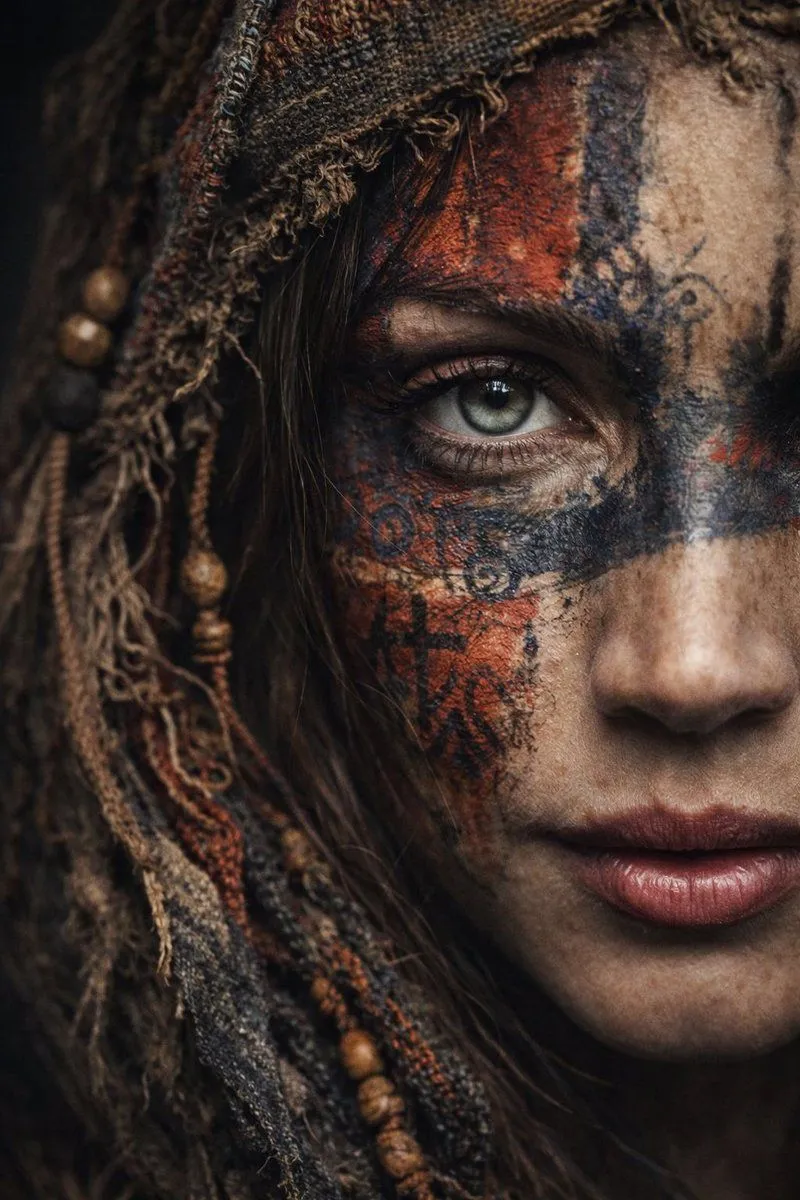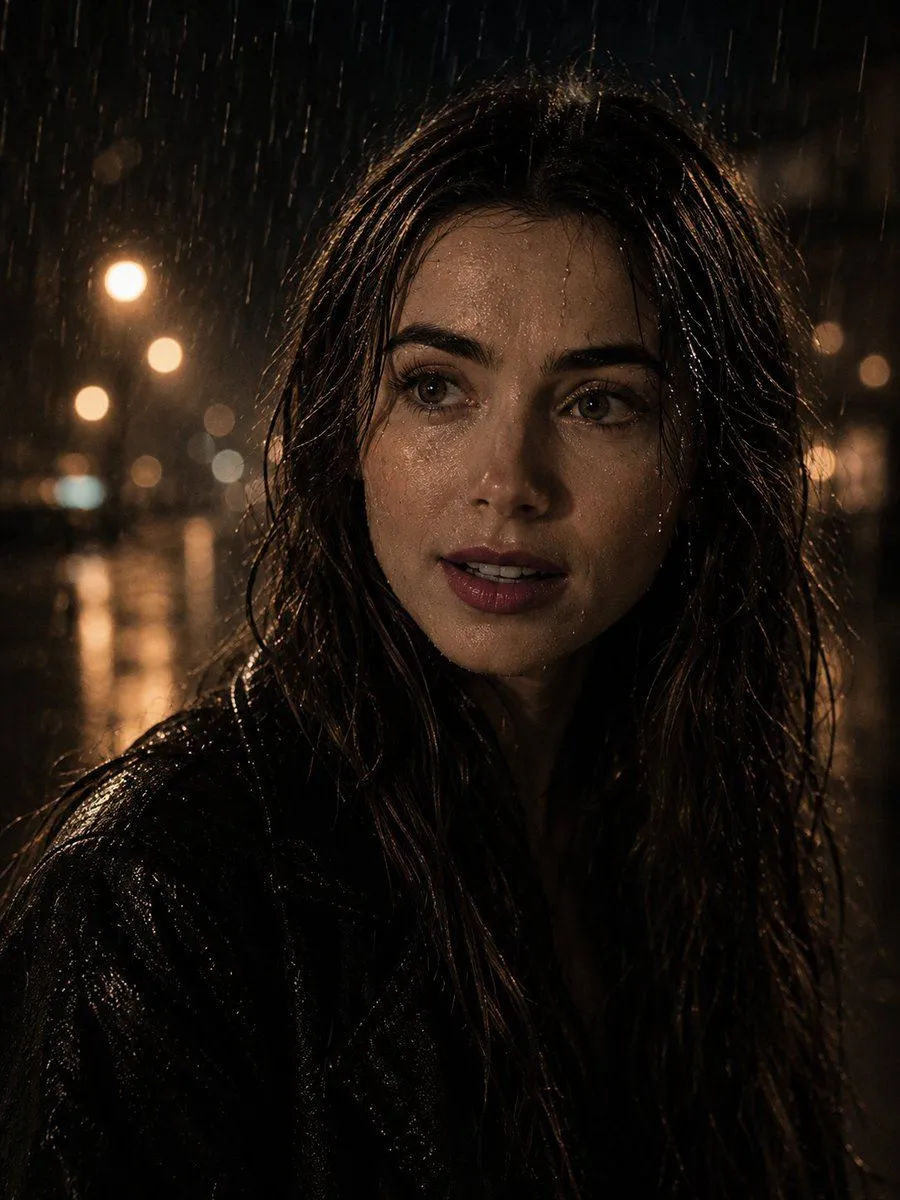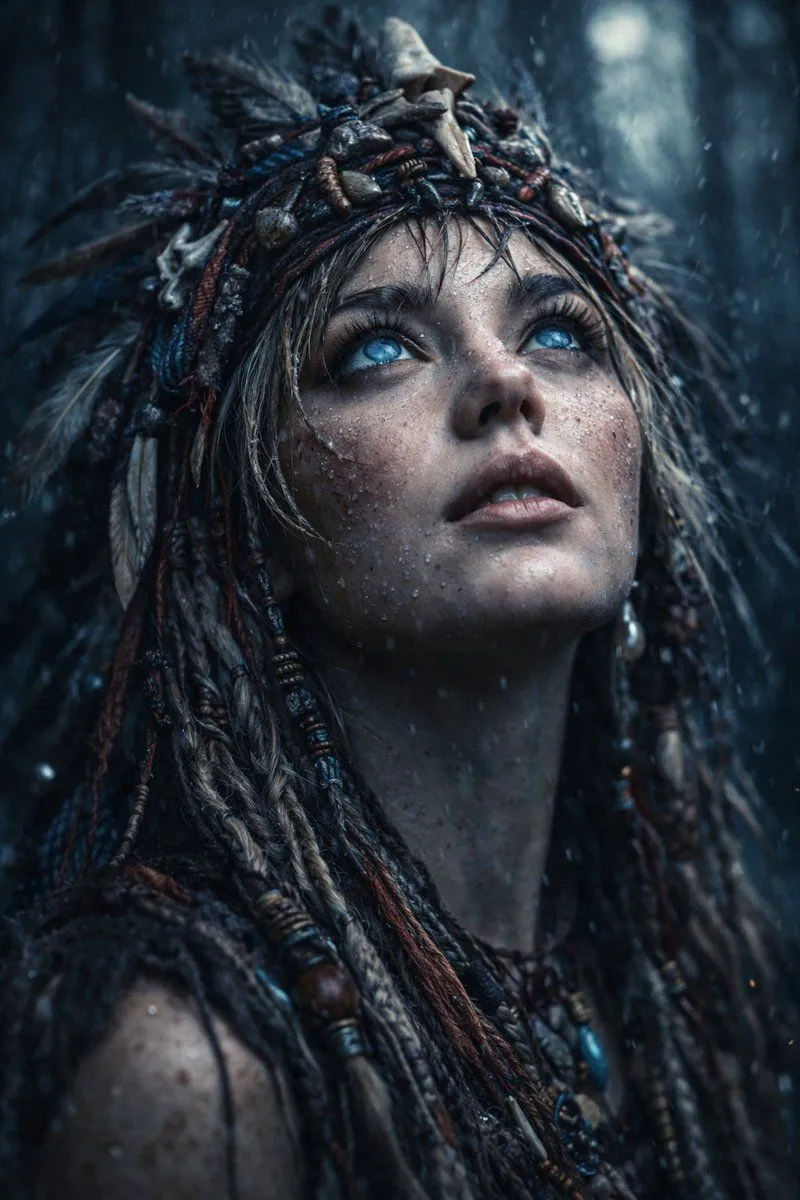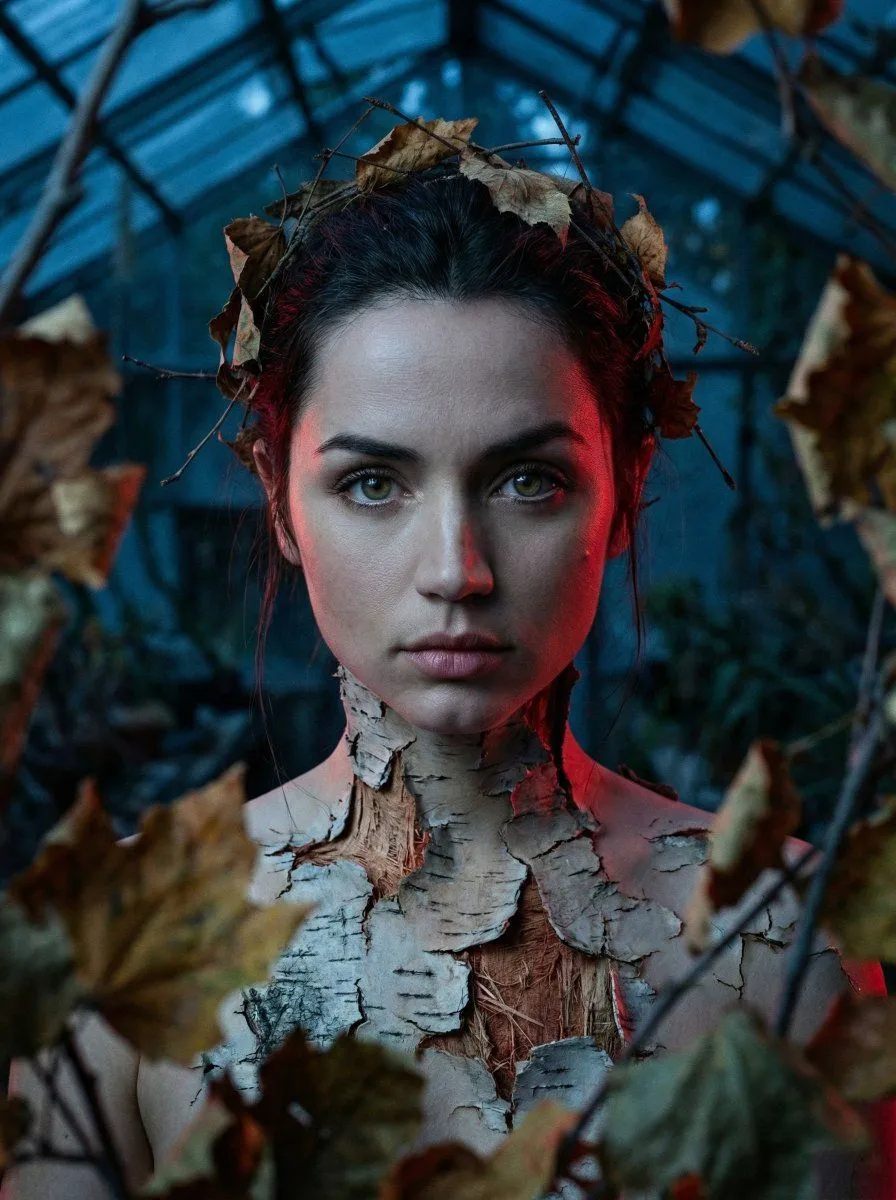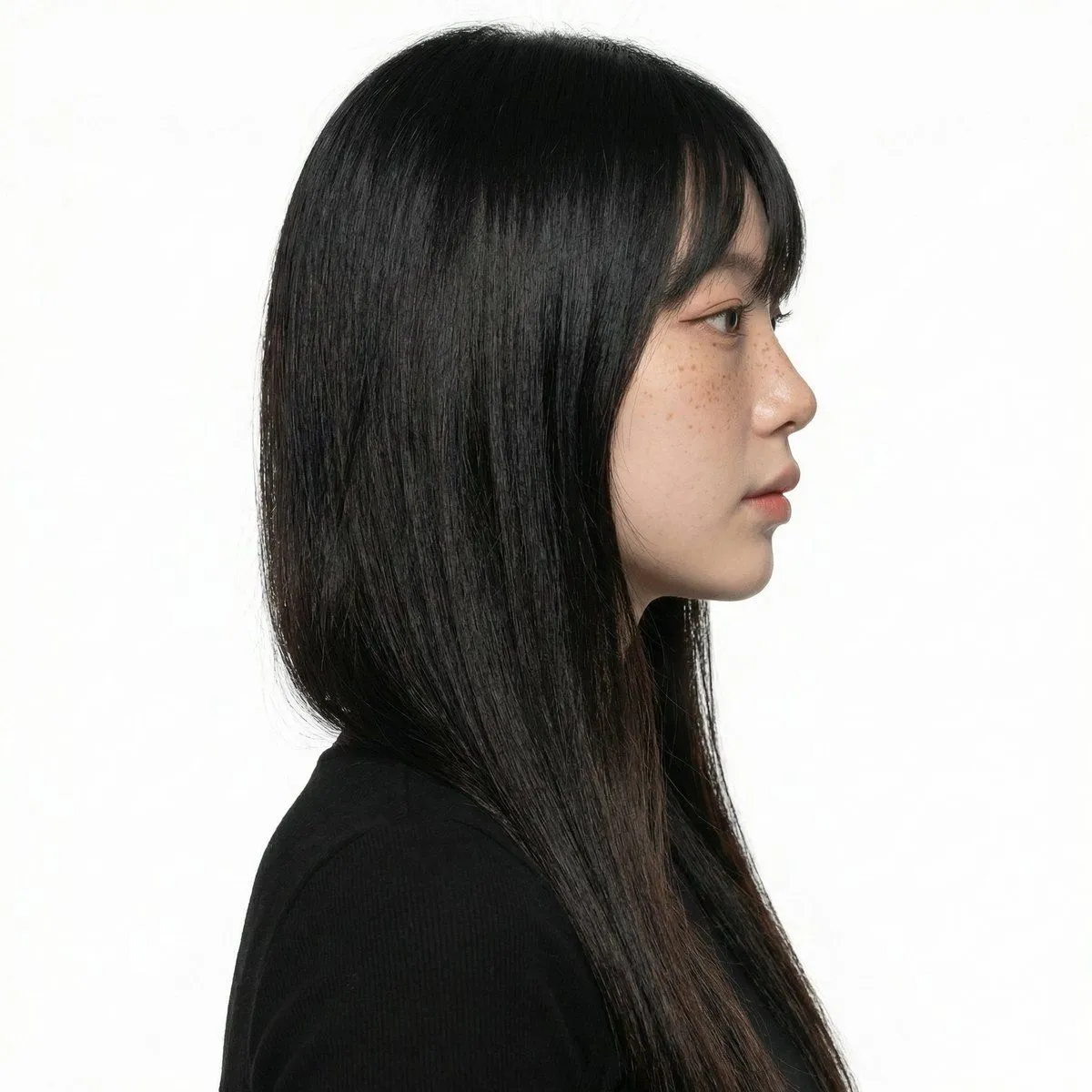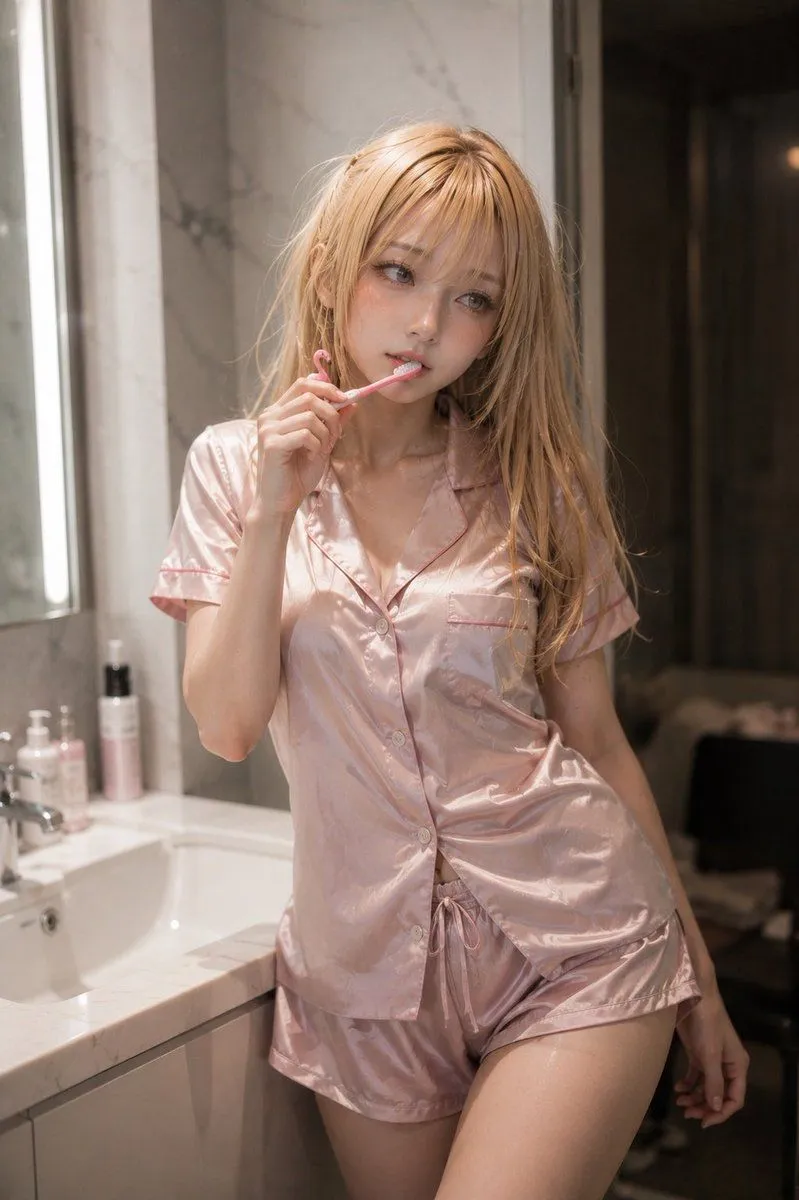
Made with GPT Image 1.5 in ChatGPT by Library Concept. Promptclay never generates images.
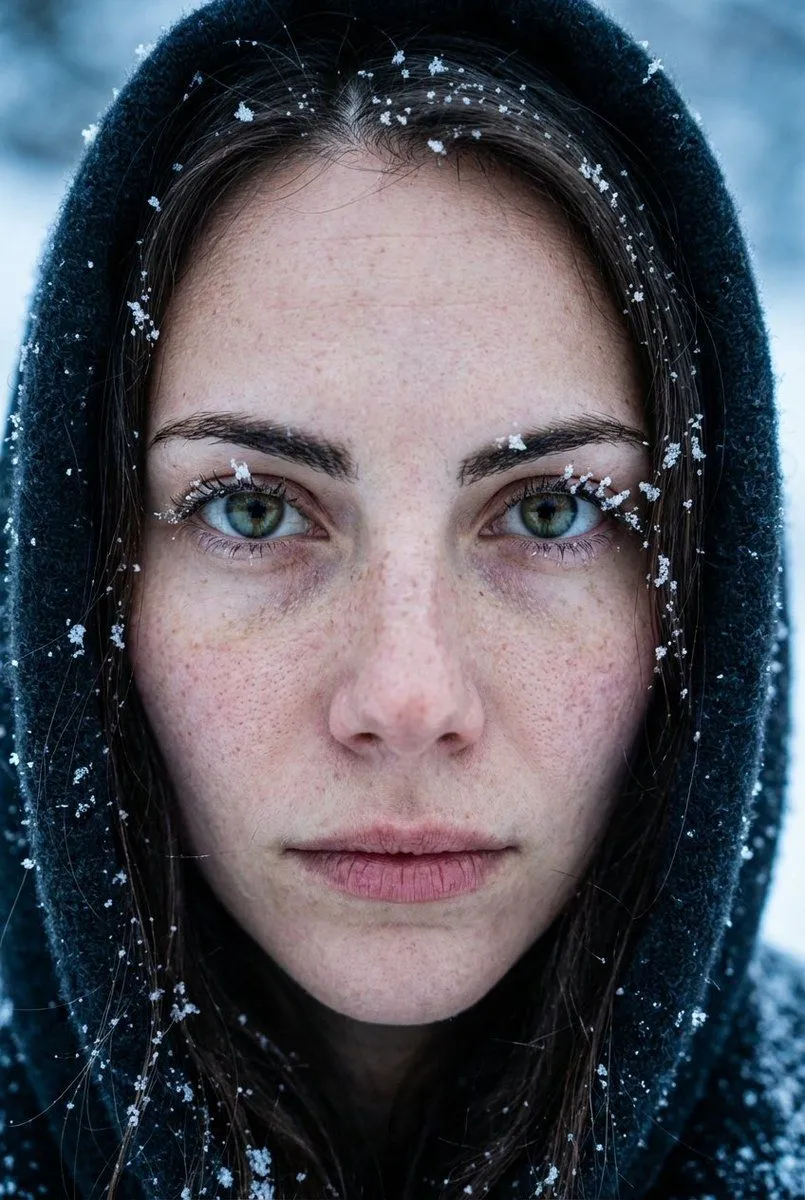
Extreme Close-Up Portrait with Realistic Skin Texture
Prompt
{ "mode": "image_edit", "face_preservation": { "enabled": true, "strength": 1.0, "notes": "Skin texture, freckles, pores must stay realistic" }, "composition": { "shot_type": "extreme close-up portrait", "camera_angle": "straight-on", "expression": "neutral, intense eye contact" }, "lighting": { "type": "natural cold daylight", "contrast": "low", "skin_detail": "ultra realistic, no retouch" }, "scene": { "environment": "winter outdoors", "props": ["snow on face", "hood around face"], "weather": "cold, snowy" }, "style": { "mood": "raw, documentary, emotional", "color_palette": "cool blues, pale skin tones" }, "camera": { "lens": "85mm macro portrait", "focus": "extreme sharpness on eyes" }, "negative_prompt": [ "smooth skin", "beauty filter", "face morphing", "cartoon look" ] }
DetailsVersions, settings and questions
Written for
What's in the prompt
- Subject
- Model
- GPT Image 1.5
If your face changes
keep my face exactly the sameQuestions
- Does this work in the ChatGPT app?
- Yes. Paste the prompt and attach your photo if it uses one.
- It changed my face. What do I do?
- Add "keep my face exactly the same" to the end and run it again.
- Can I use the images I make?
- Check the terms of the app you use. Promptclay never generates images and claims nothing you make.