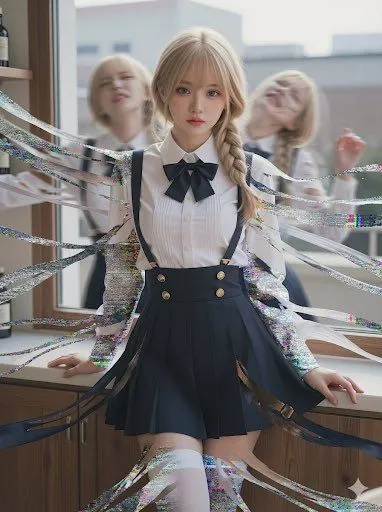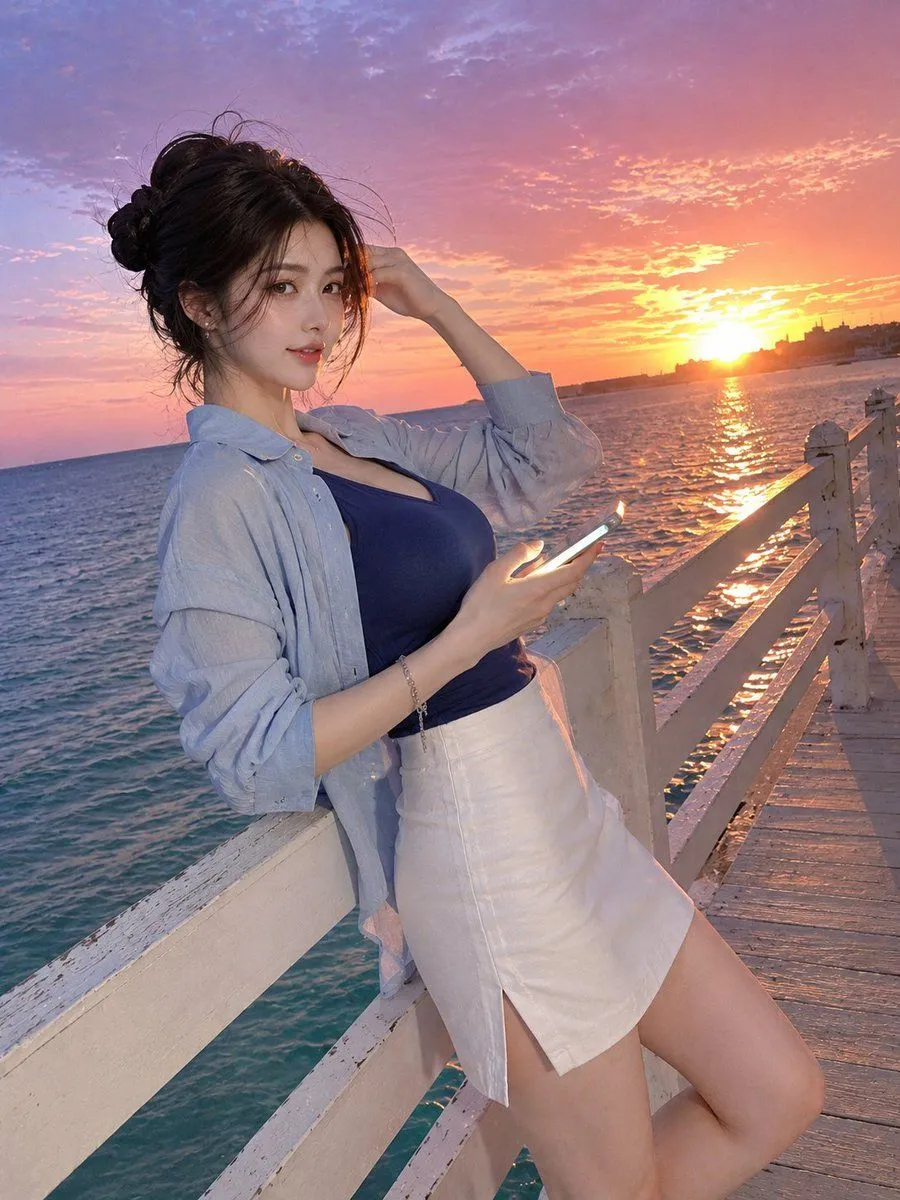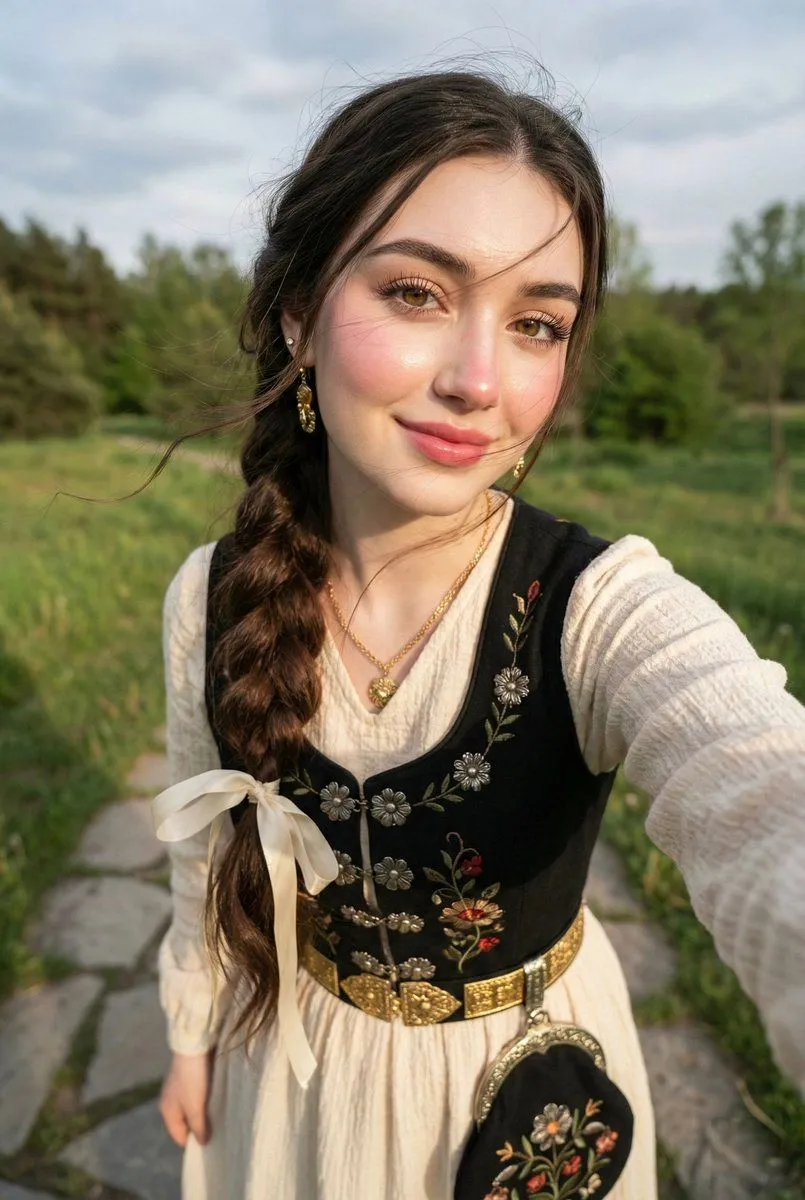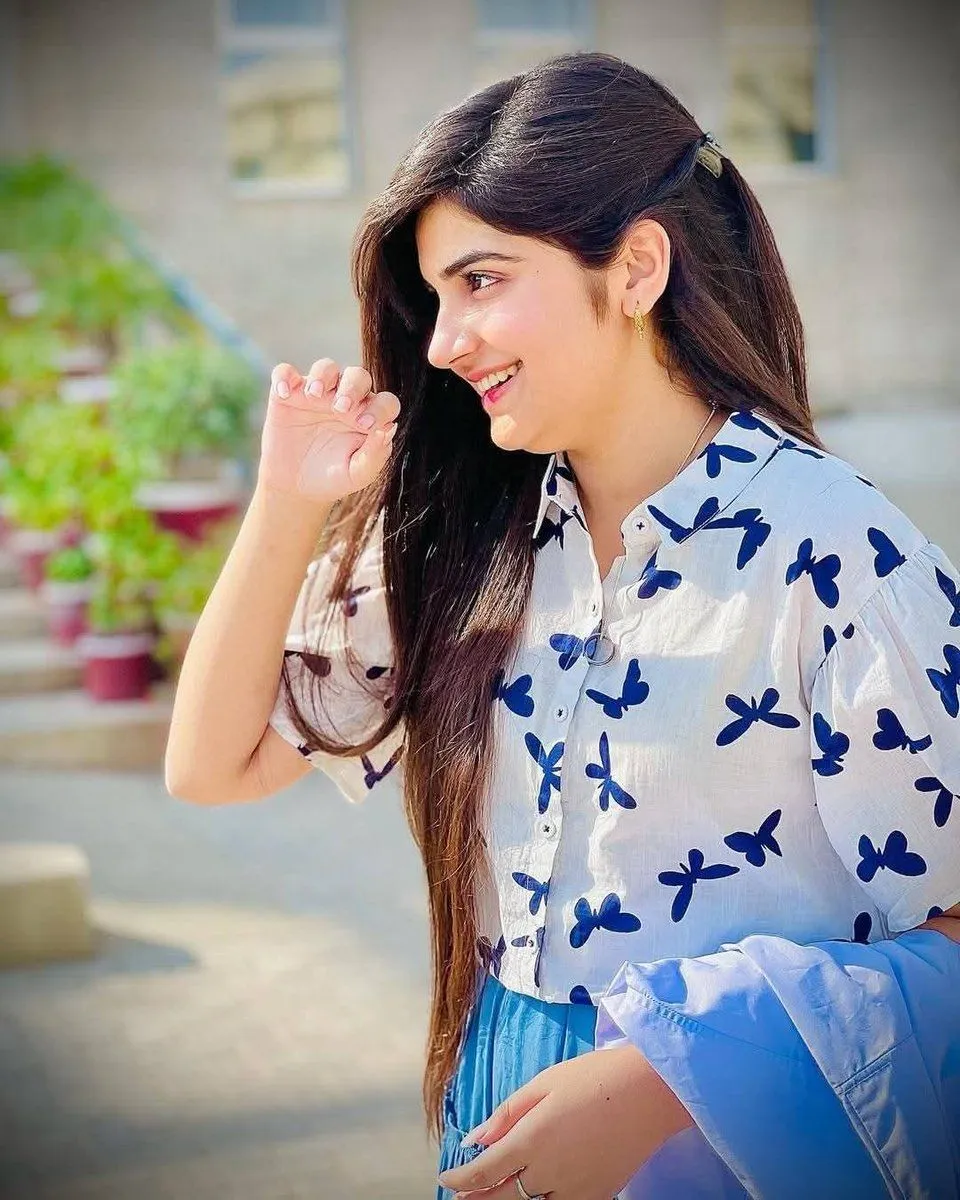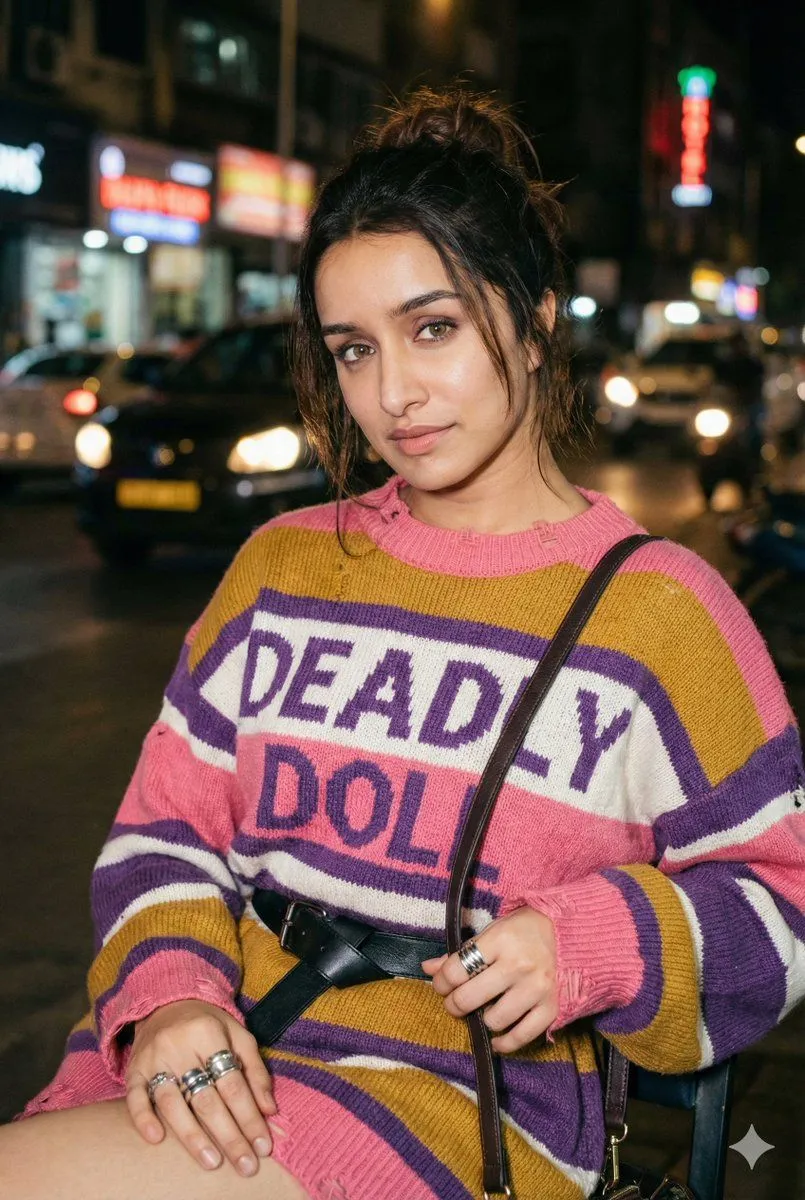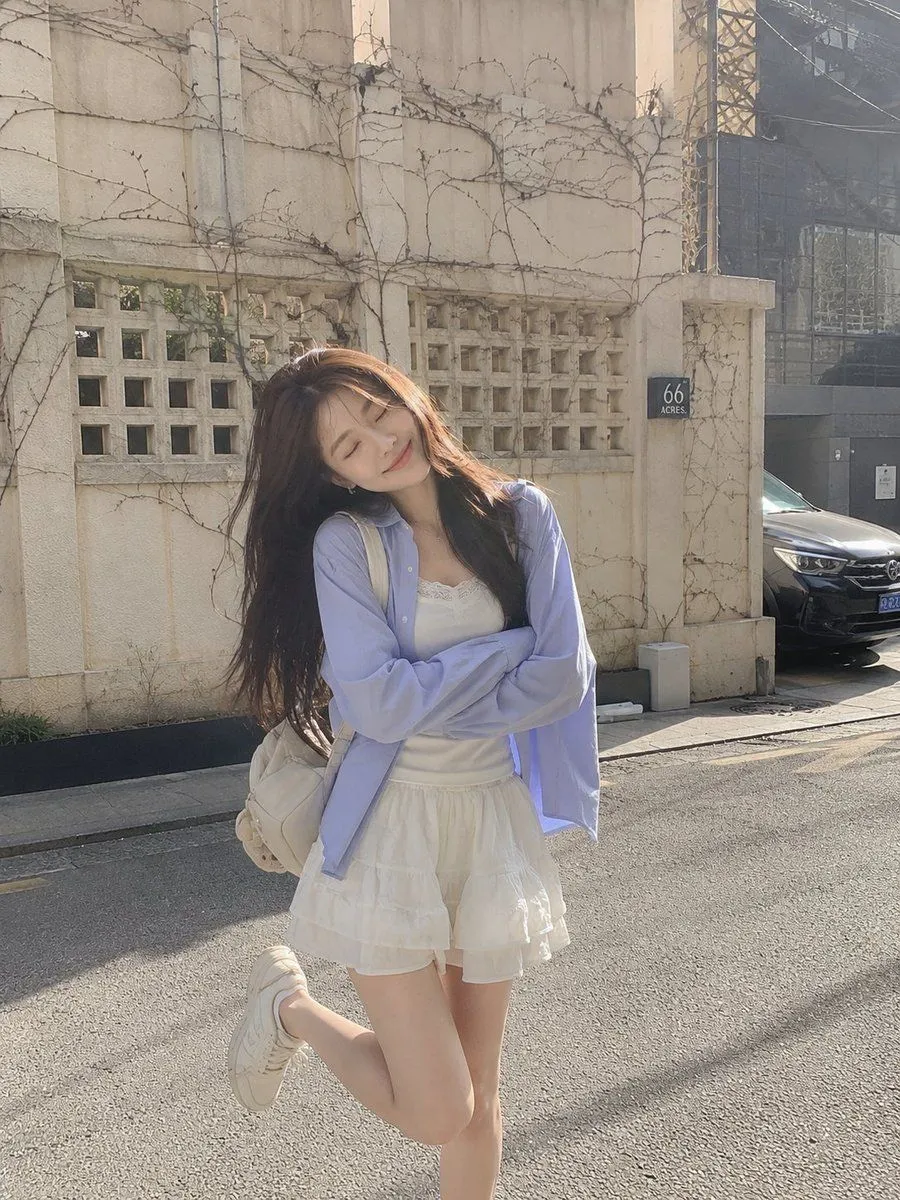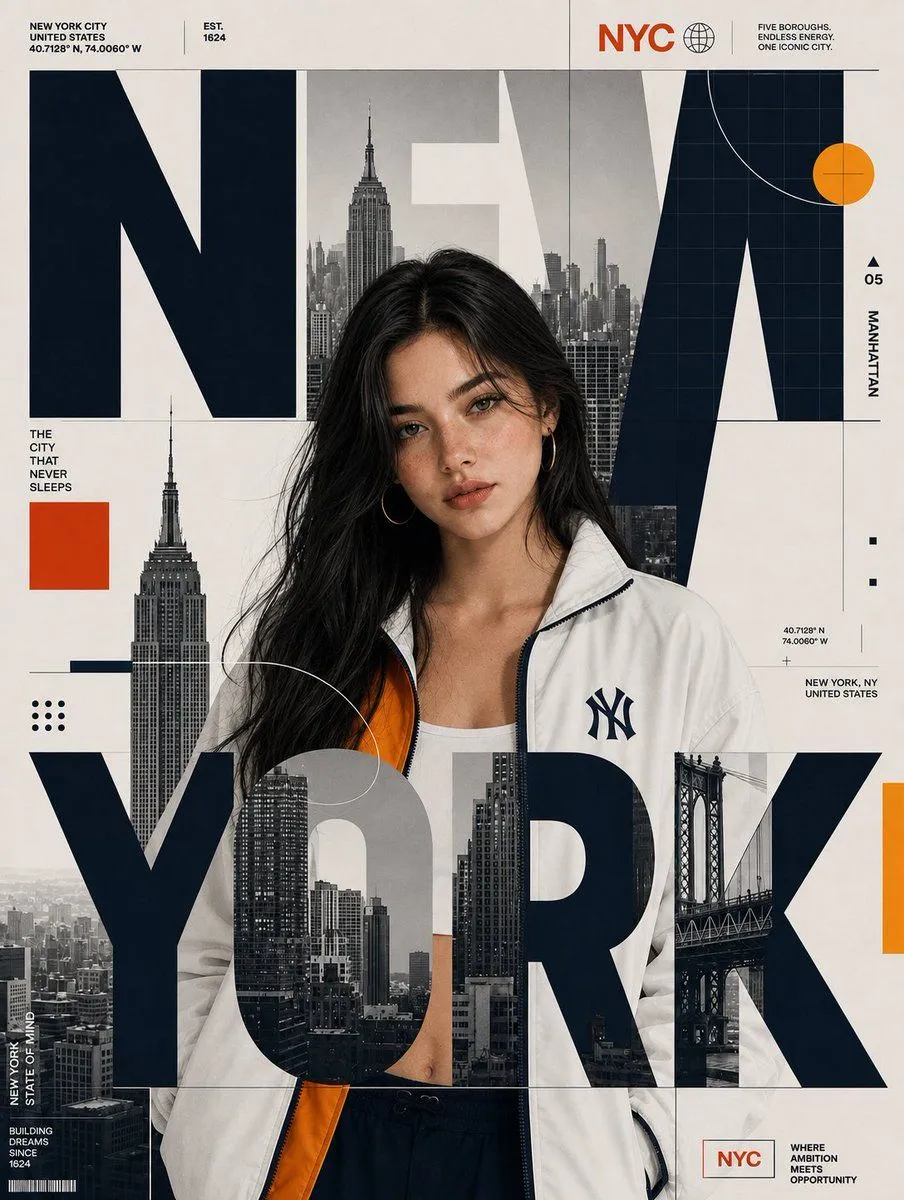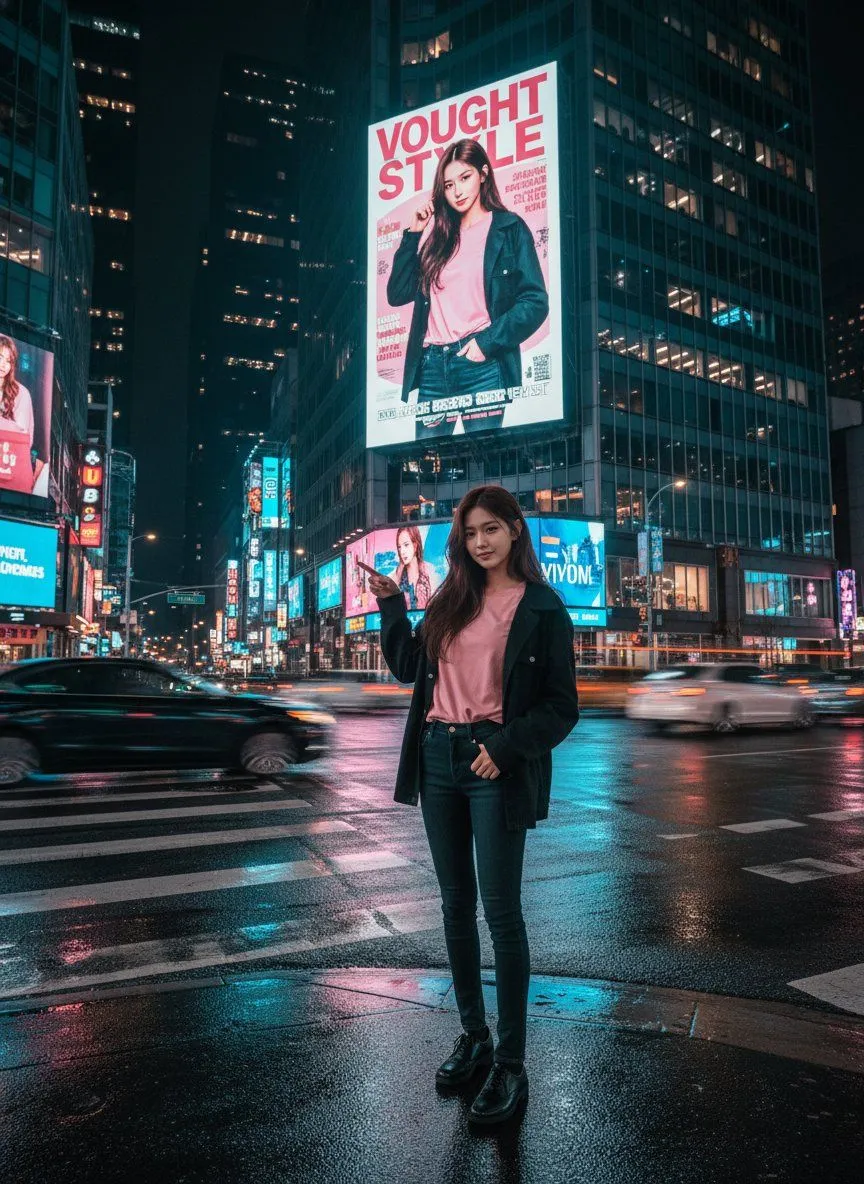
Made with GPT Image 2 in ChatGPT by Library Typography. Promptclay never generates images.
Did it work?
No reports yet. Tell others if it worked for you.
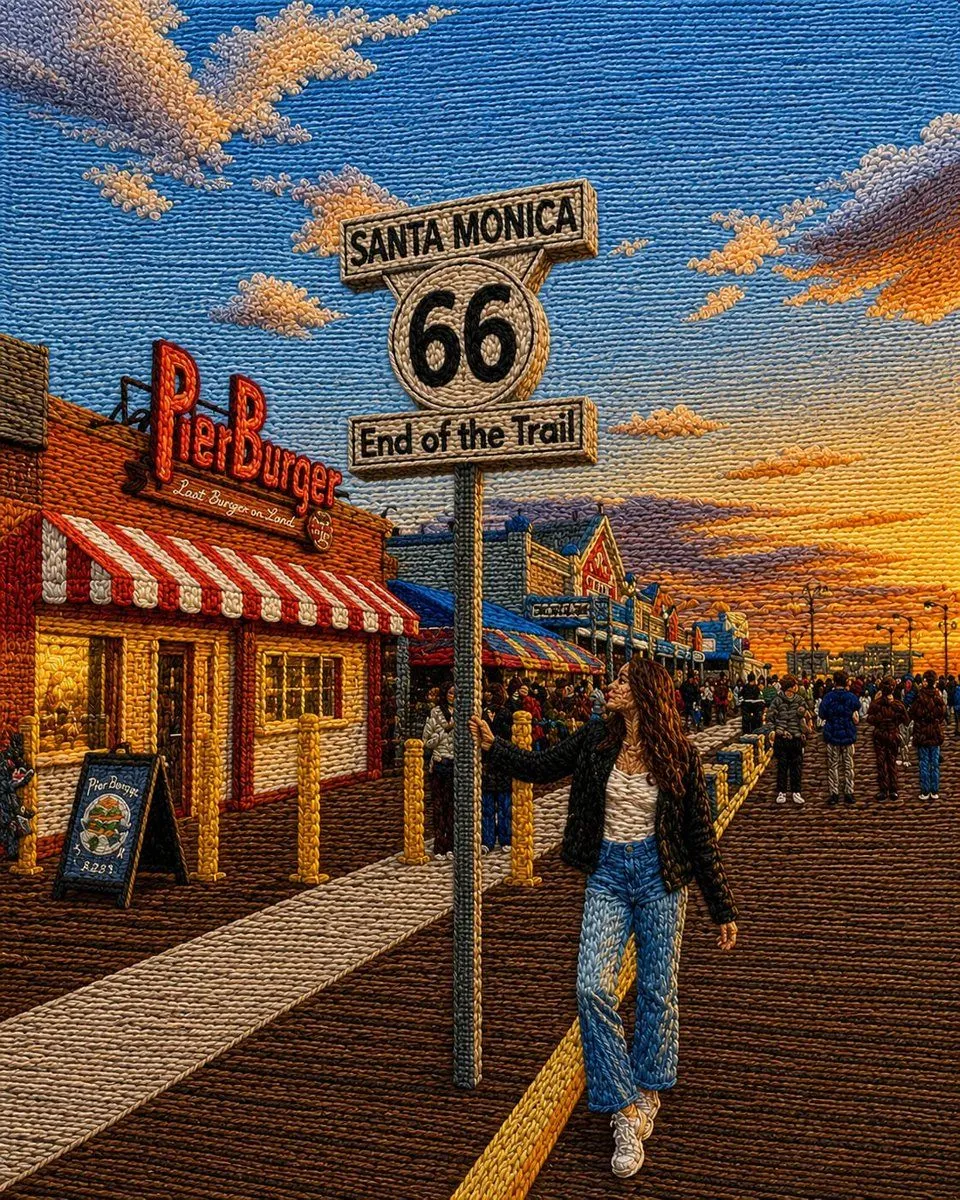
Embroidered Santa Monica Pier Photo
Prompt
5 blanks to fillUsing the provided reference image as the base, transform the entire scene into a richly textured embroidered tapestry / punch-needle yarn artwork while preserving the original composition, perspective, pose, sign placement, pier setting, buildings, crowd layout, and golden-hour atmosphere. Style: Make every visible surface look hand-stitched with thick yarn loops, raised threads, woven fibers, and tactile embroidery texture. Use dense directional stitching to define the sky, clouds, wooden pier boards, clothing, buildings, signage, and people. Keep the image highly detailed and colorful, with a warm cinematic sunset palette. Subject and scene: Keep the young woman standing beside the Santa Monica Route 66 sign in the same pose and position. Preserve the iconic sign text: “SANTA MONICA”, “66”, and “End of the Trail”. Keep the Pier Burger storefront and lively pier crowd, but render all details as embroidered thread rather than photographic realism. Visual treatment: Add strong handcrafted relief, visible yarn ridges, looped thread outlines, stitched shadows, and woven highlights. The result should look like a realistic fiber-art recreation of the reference photo, not a flat filter. Customizable settings: Convert the reference into a {art_style} with a {color_palette} and {texture_intensity}. Keep the location sign text as {sign_text} and preserve the overall mood as {scene_mood}. Constraints: Do not change the main composition or replace the landmark sign. Do not remove the woman, the Pier Burger storefront, or the pier crowd. Avoid adding extra text or modern graphic overlays.
Preview of your prompt
Using the provided reference image as the base, transform the entire scene into a richly textured embroidered tapestry / punch-needle yarn artwork while preserving the original composition, perspective, pose, sign placement, pier setting, buildings, crowd layout, and golden-hour atmosphere. Style: Make every visible surface look hand-stitched with thick yarn loops, raised threads, woven fibers, and tactile embroidery texture. Use dense directional stitching to define the sky, clouds, wooden pier boards, clothing, buildings, signage, and people. Keep the image highly detailed and colorful, with a warm cinematic sunset palette. Subject and scene: Keep the young woman standing beside the Santa Monica Route 66 sign in the same pose and position. Preserve the iconic sign text: “SANTA MONICA”, “66”, and “End of the Trail”. Keep the Pier Burger storefront and lively pier crowd, but render all details as embroidered thread rather than photographic realism. Visual treatment: Add strong handcrafted relief, visible yarn ridges, looped thread outlines, stitched shadows, and woven highlights. The result should look like a realistic fiber-art recreation of the reference photo, not a flat filter. Customizable settings: Convert the reference into a embroidered punch-needle yarn tapestry with a warm golden-hour sunset palette and very dense raised yarn texture. Keep the location sign text as SANTA MONICA 66 End of the Trail and preserve the overall mood as lively cinematic Santa Monica Pier at sunset. Constraints: Do not change the main composition or replace the landmark sign. Do not remove the woman, the Pier Burger storefront, or the pier crowd. Avoid adding extra text or modern graphic overlays.
DetailsVersions, settings and questions
Written for
What's in the prompt
- Subject
- Model
- GPT Image 2
If your face changes
keep my face exactly the sameQuestions
- Does this work in the ChatGPT app?
- Yes. Paste the prompt and attach your photo if it uses one.
- It changed my face. What do I do?
- Add "keep my face exactly the same" to the end and run it again.
- Can I use the images I make?
- Check the terms of the app you use. Promptclay never generates images and claims nothing you make.