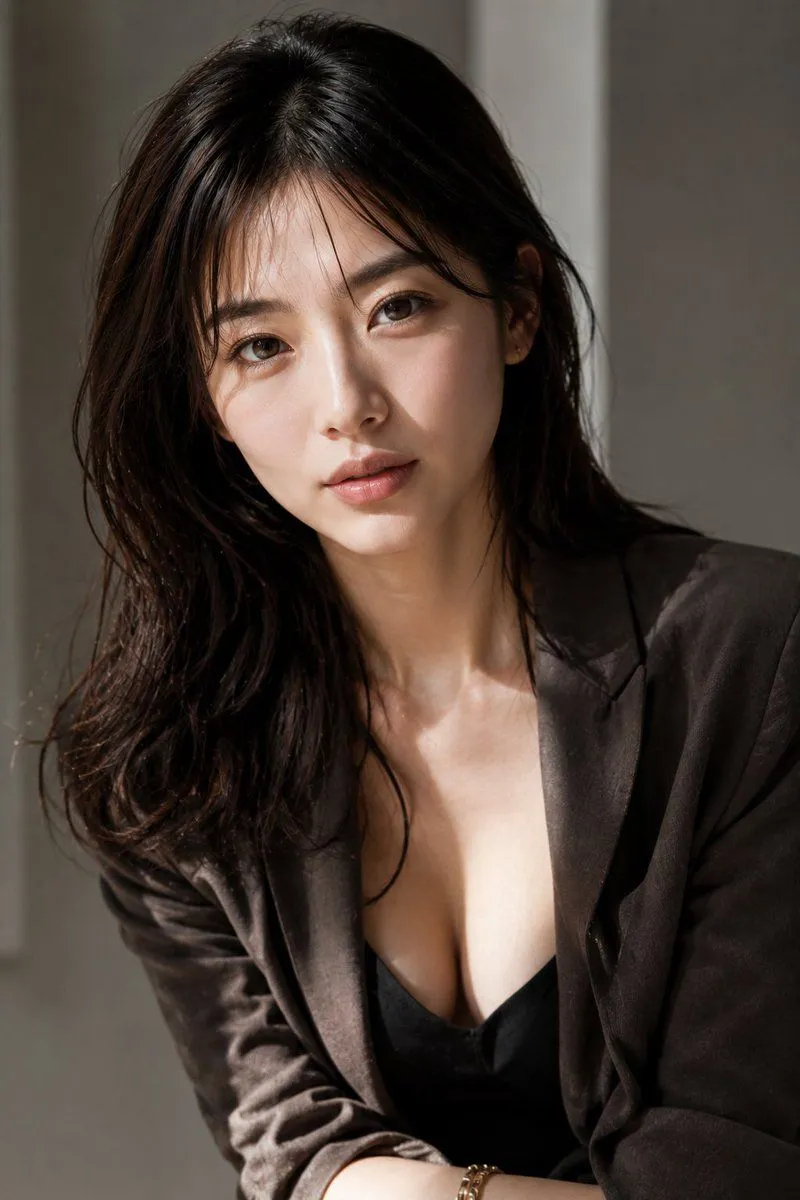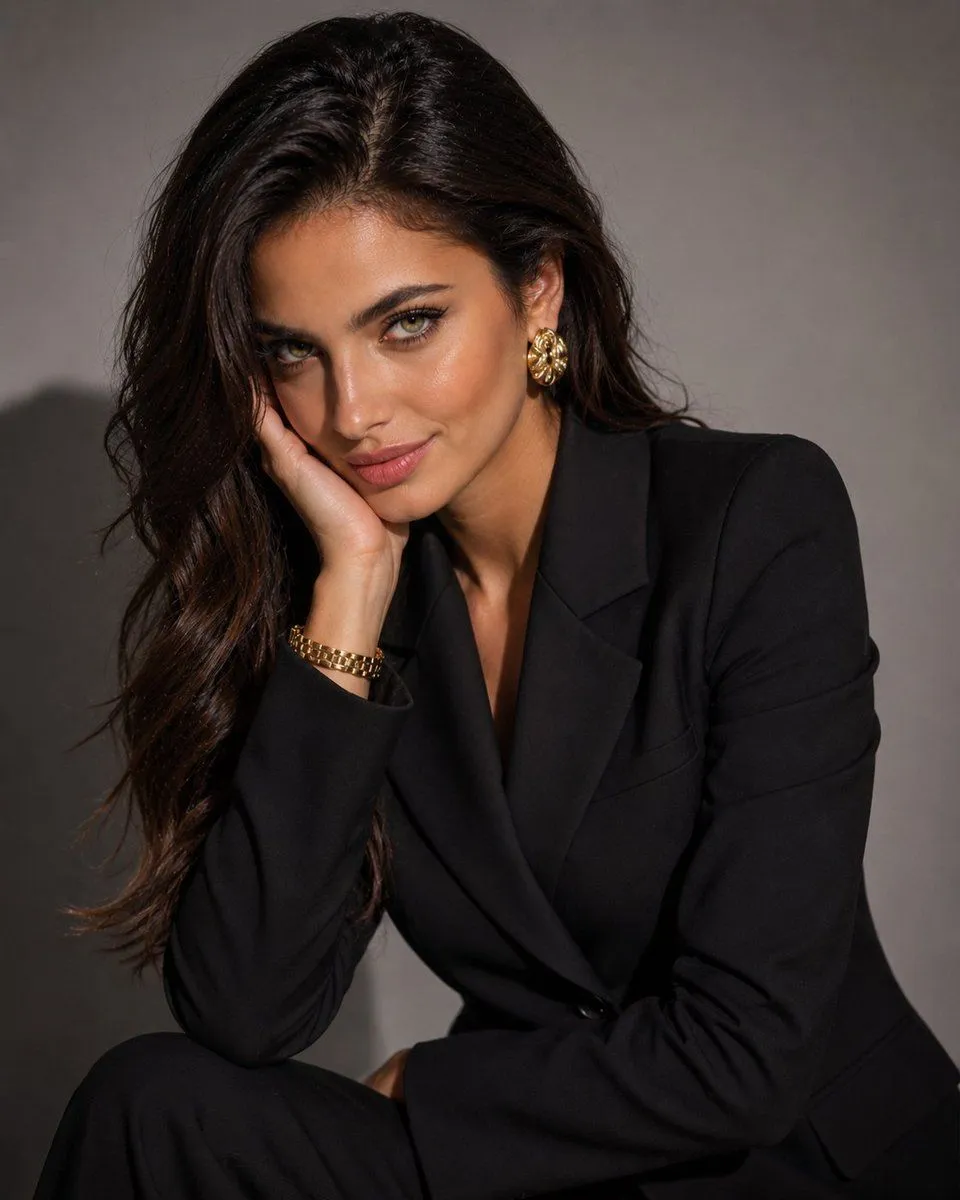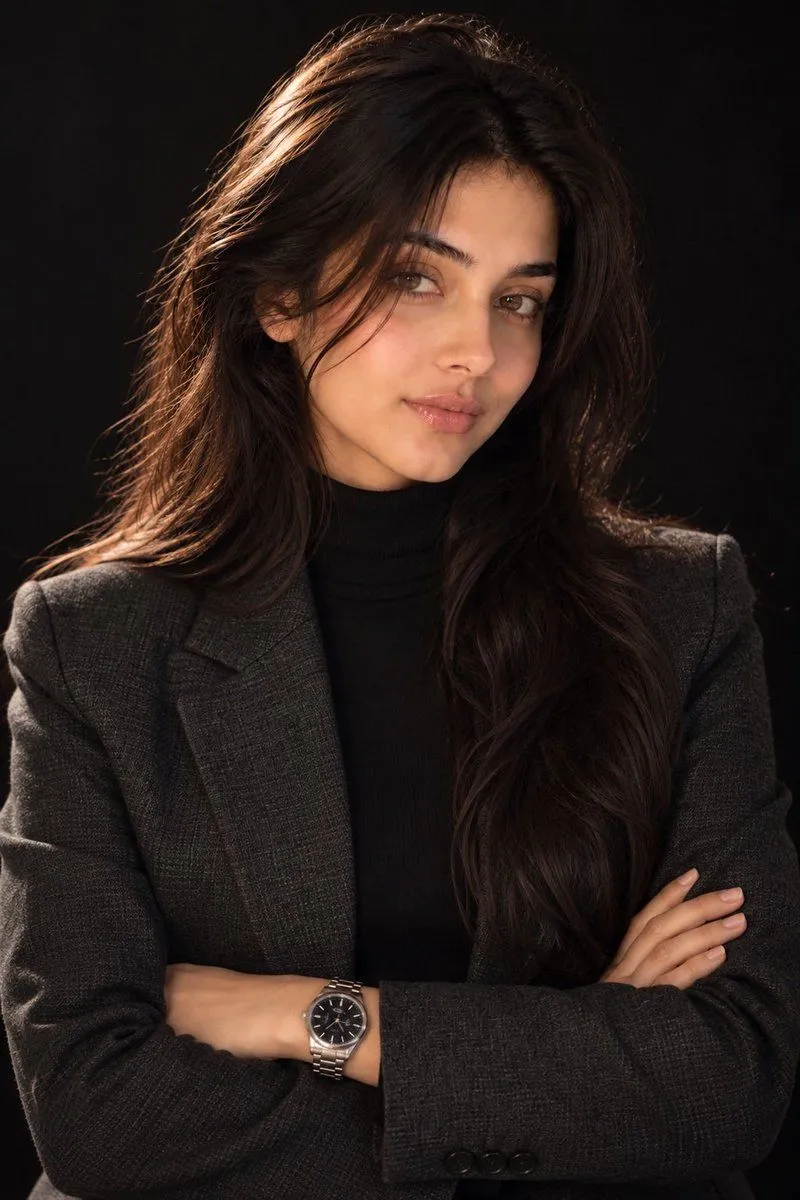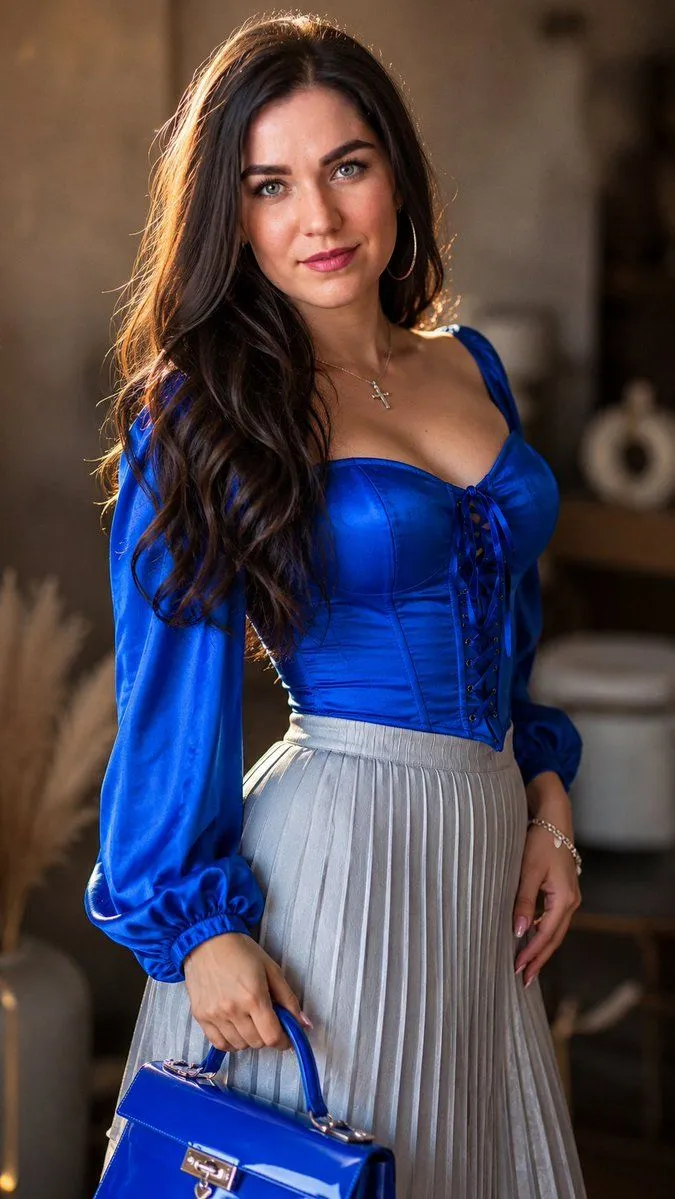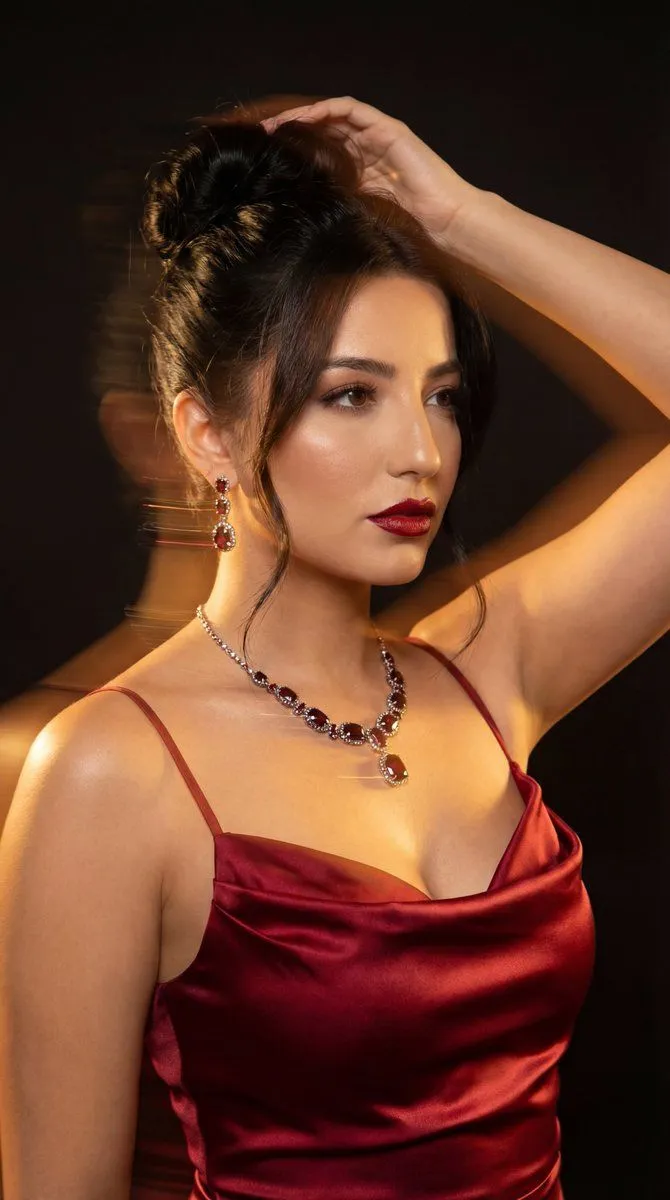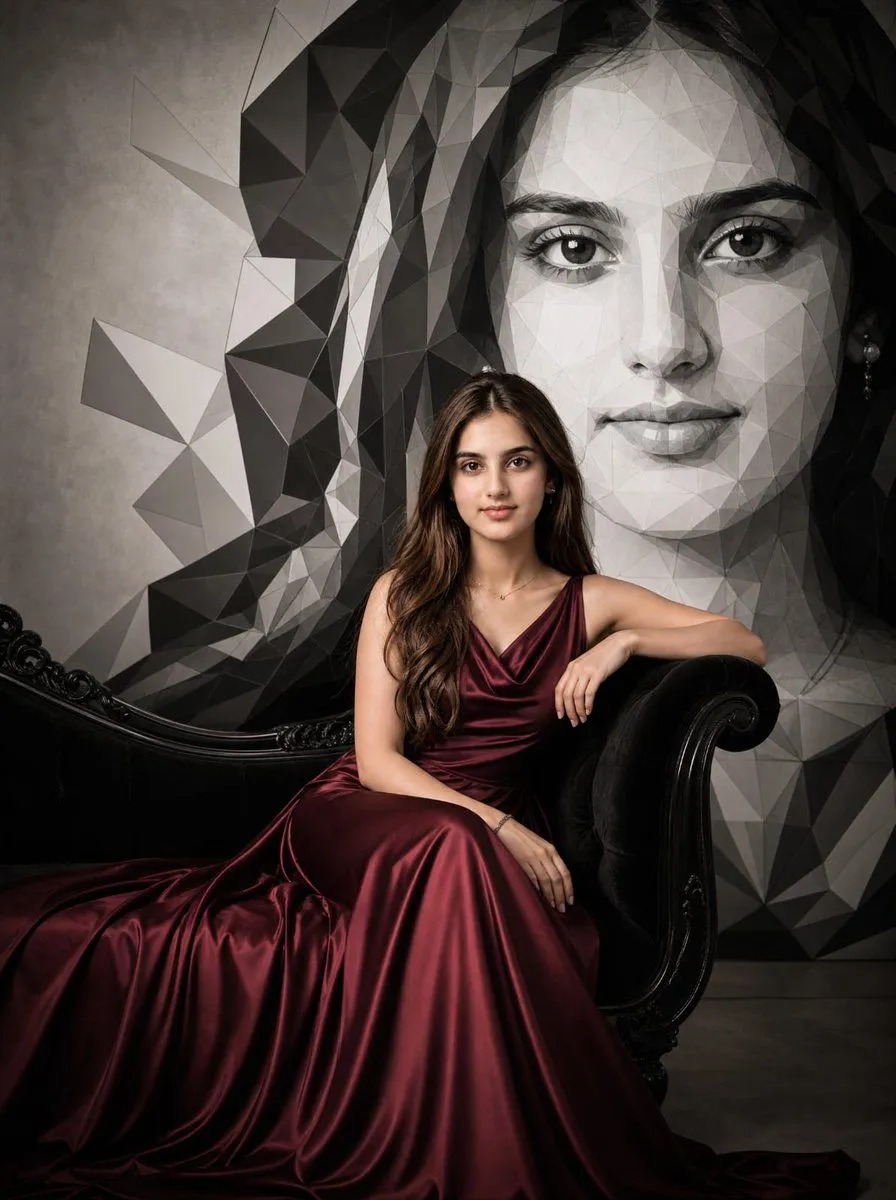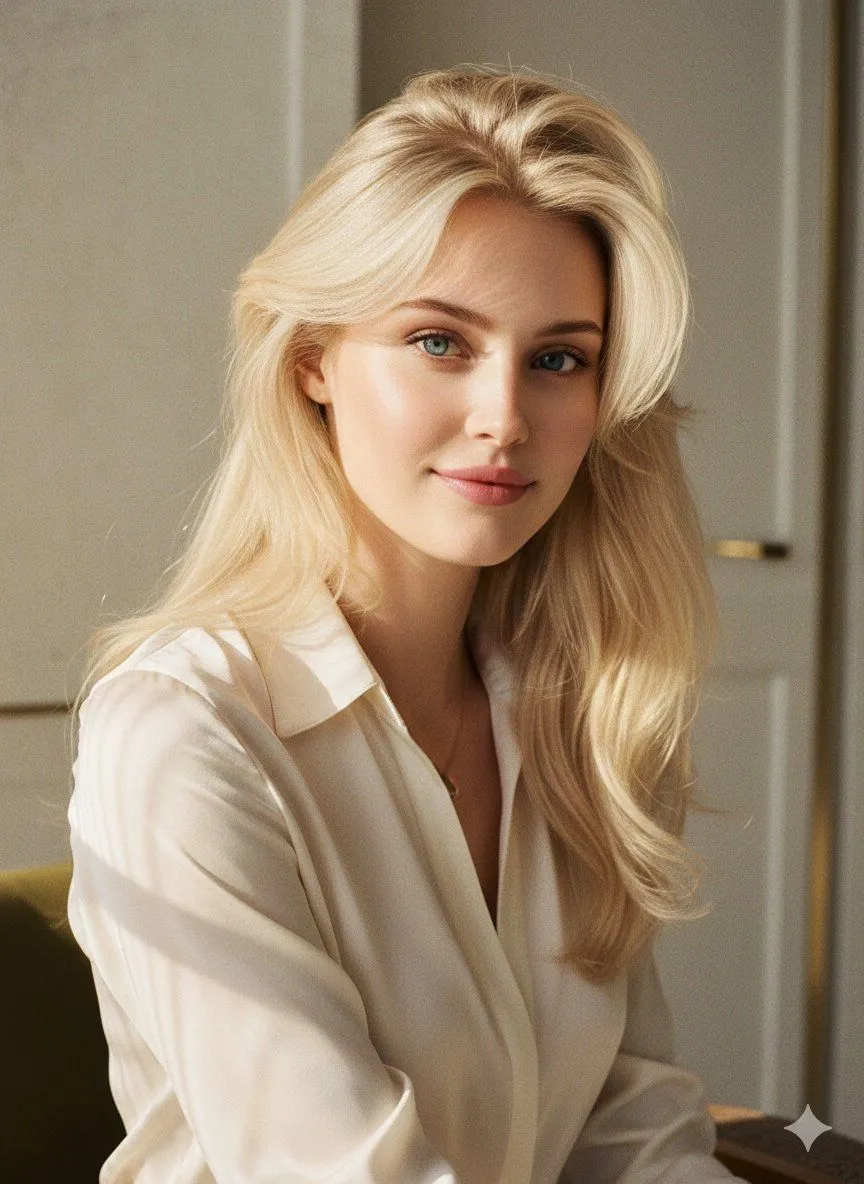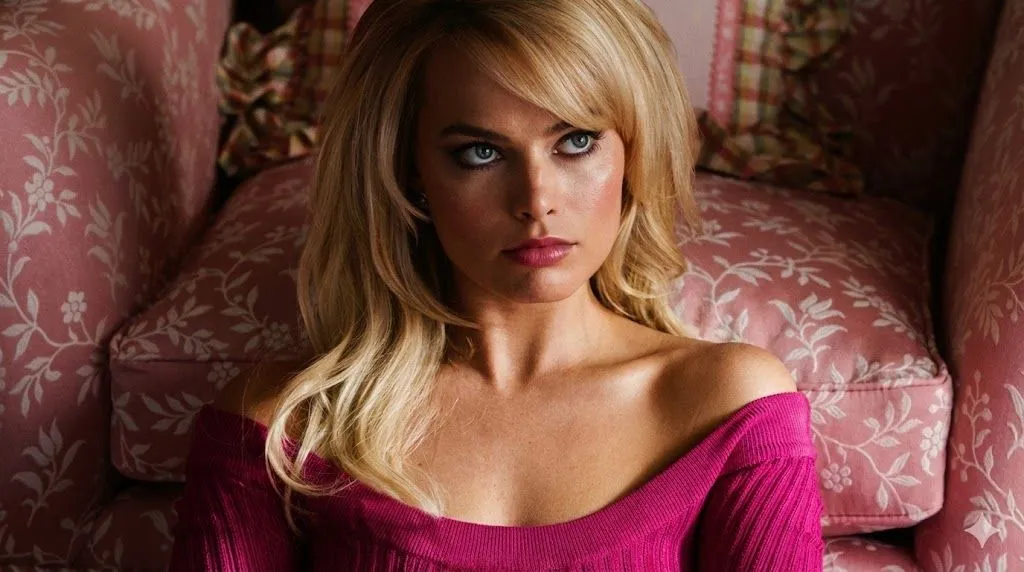
Made with GPT Image 2 in ChatGPT by Library Avatars. Promptclay never generates images.
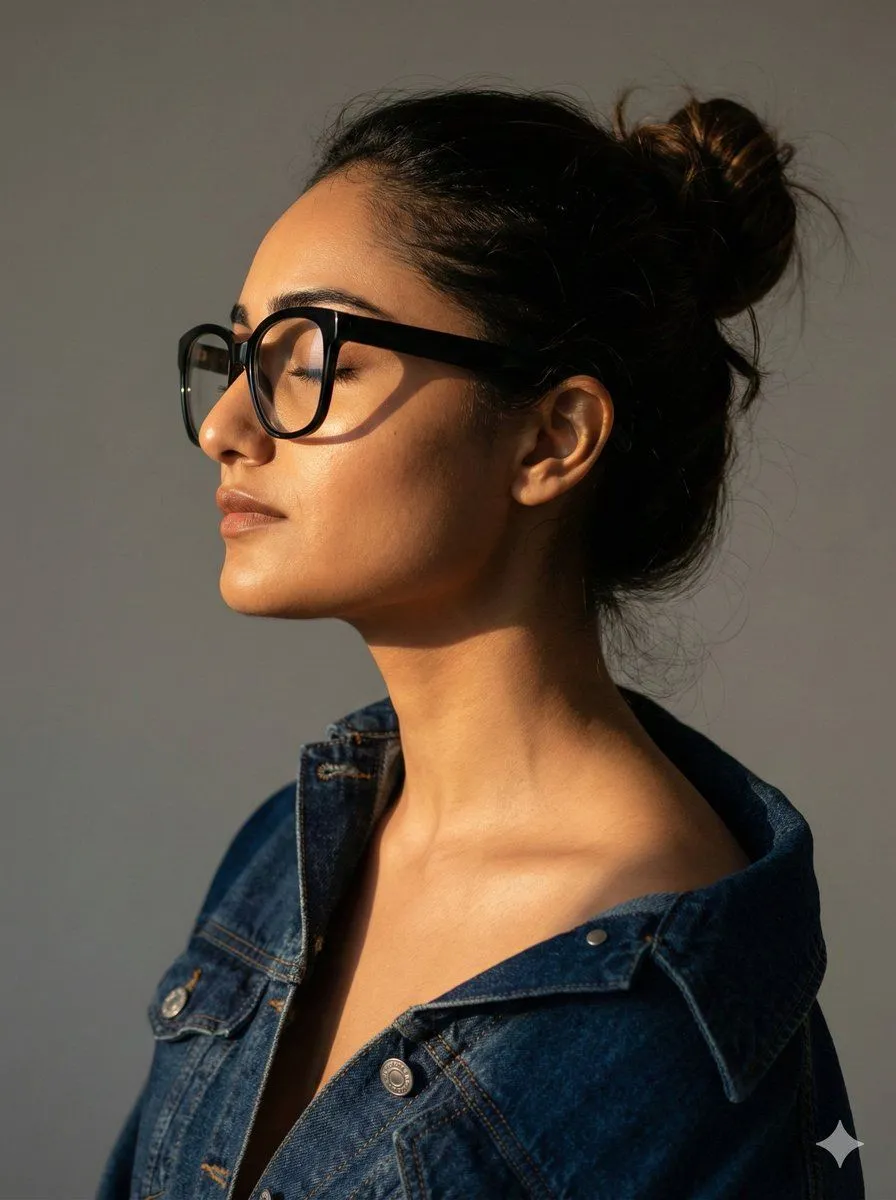
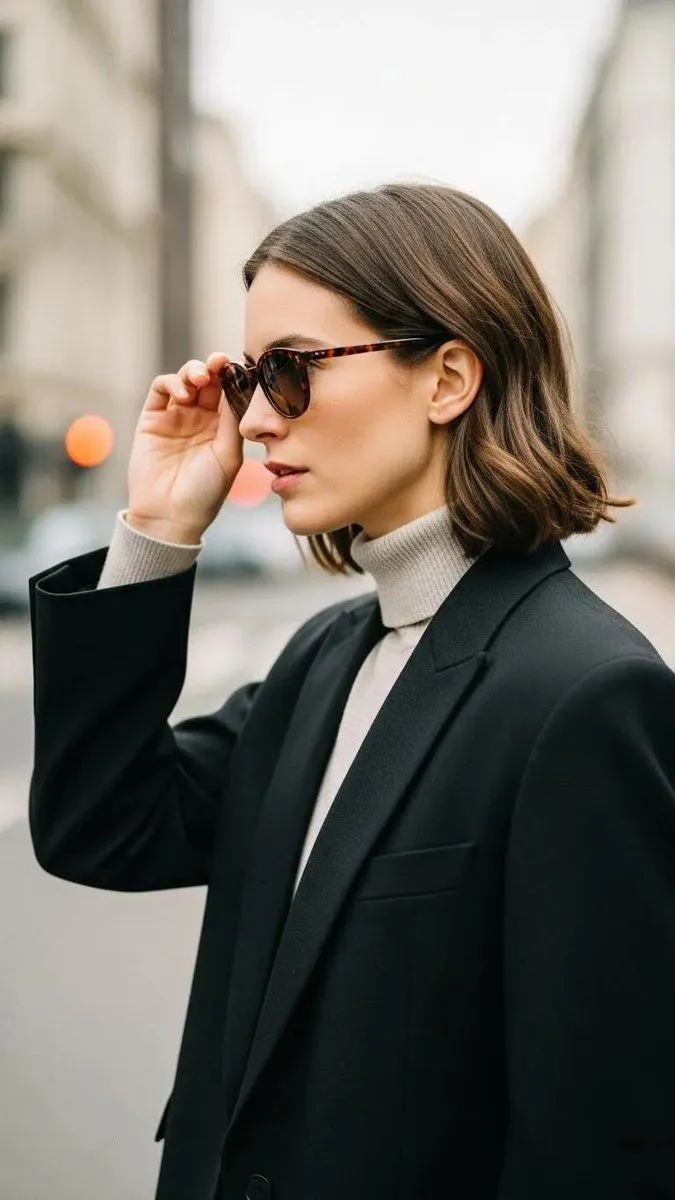
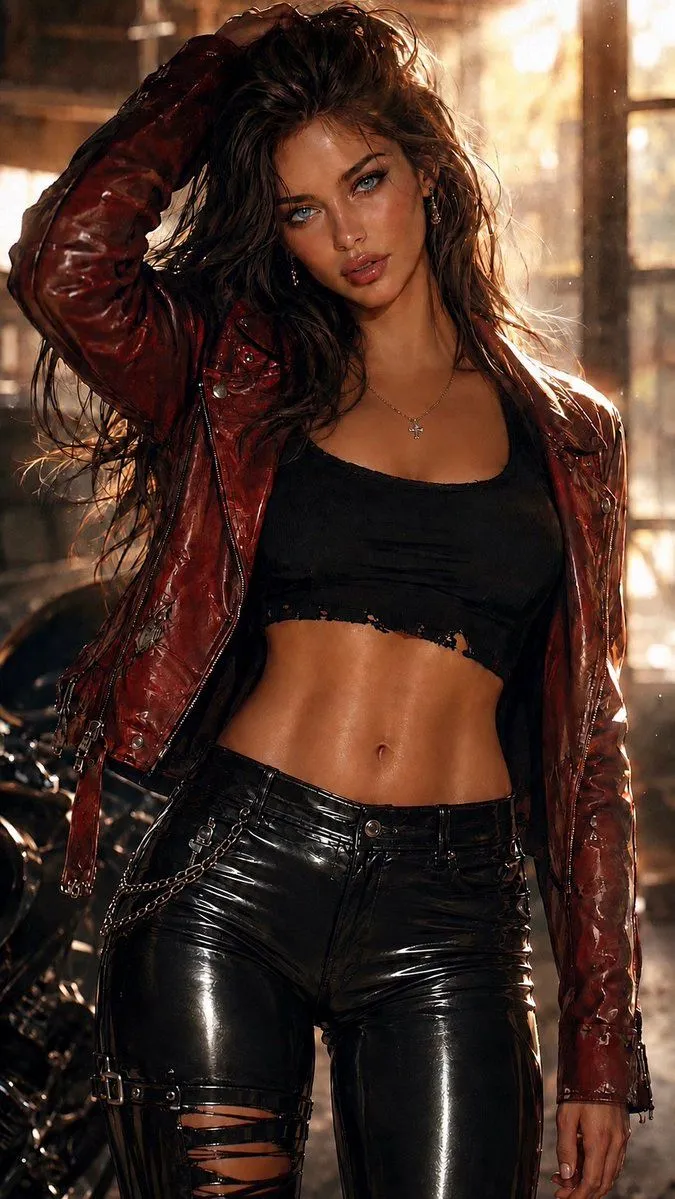
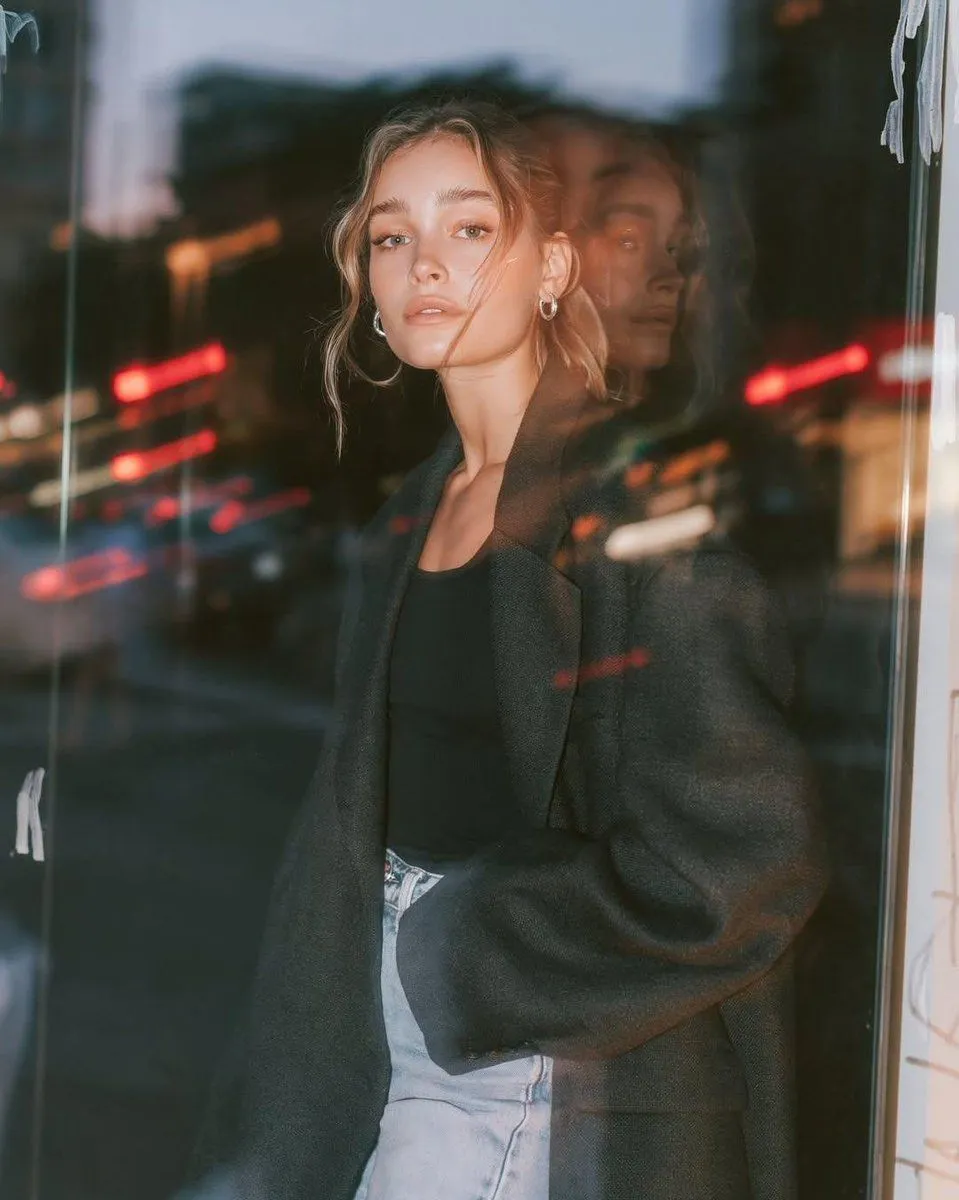
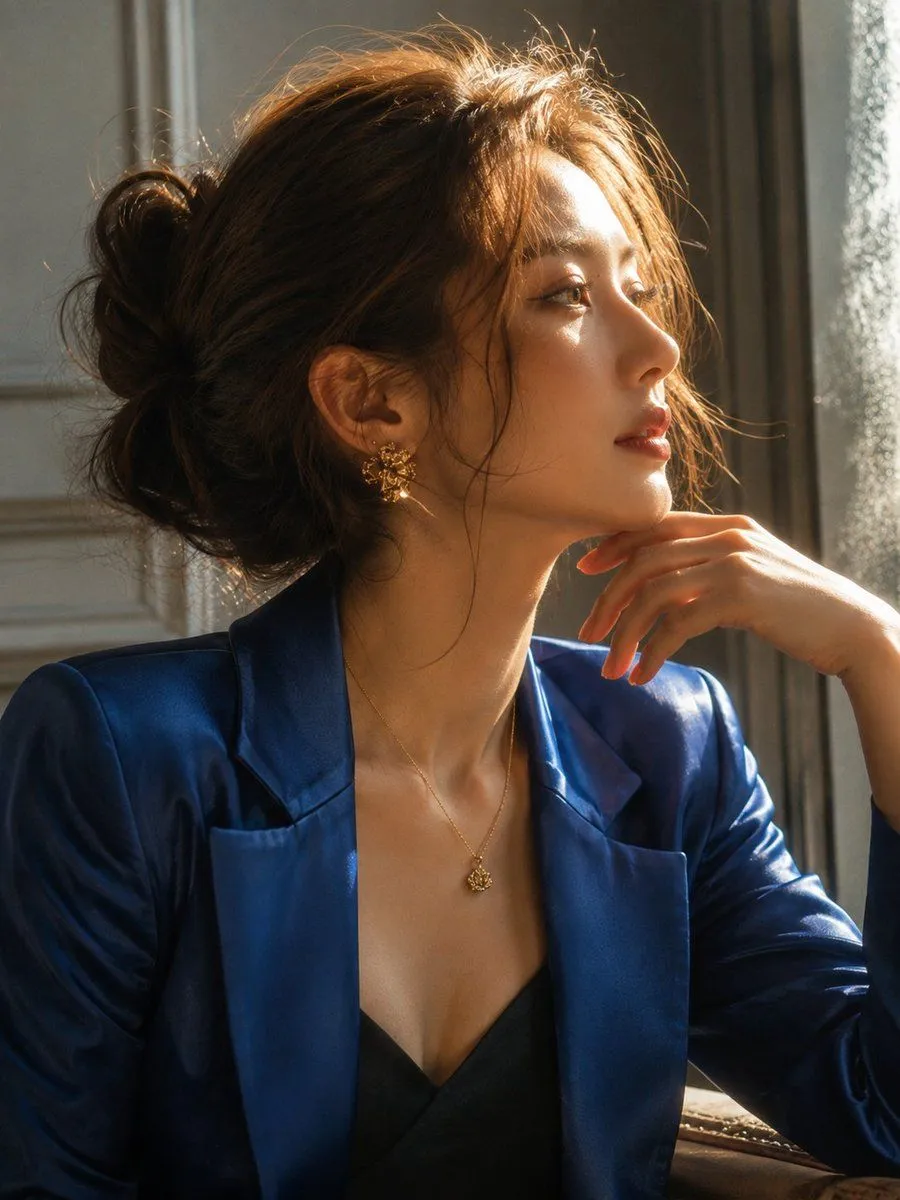
Elegant Profile Portrait in Blue Blazer
Prompt
3 blanks to fillA close-up cinematic portrait of a {subject} shown in elegant side profile, facing toward the right. She has light brown hair gathered into a loose messy bun with delicate flyaway strands catching the light. Her features are softly illuminated by warm natural sunlight streaming from the side, creating a beautiful glow along her hair, cheek, and neck. She wears a {outfit} over a dark inner top, paired with a {jewelry}. Her makeup is refined and natural, with subtle eyeliner, softly defined brows, and muted rosy lips. Her expression is calm, poised, and thoughtful. Soft indoor background with cool neutral tones, strong warm window light, gentle reflections, dreamy atmospheric glow, shallow depth of field, realistic skin texture, fine hair detail, elegant fashion editorial photography, cinematic lighting, subtle film grain, sophisticated blue-and-gold color palette, high-resolution photography, vertical composition, 4:5 aspect ratio.
Preview of your prompt
A close-up cinematic portrait of a young woman shown in elegant side profile, facing toward the right. She has light brown hair gathered into a loose messy bun with delicate flyaway strands catching the light. Her features are softly illuminated by warm natural sunlight streaming from the side, creating a beautiful glow along her hair, cheek, and neck. She wears a luxurious deep royal-blue satin blazer over a dark inner top, paired with a delicate gold necklace and ornate gold statement earrings. Her makeup is refined and natural, with subtle eyeliner, softly defined brows, and muted rosy lips. Her expression is calm, poised, and thoughtful. Soft indoor background with cool neutral tones, strong warm window light, gentle reflections, dreamy atmospheric glow, shallow depth of field, realistic skin texture, fine hair detail, elegant fashion editorial photography, cinematic lighting, subtle film grain, sophisticated blue-and-gold color palette, high-resolution photography, vertical composition, 4:5 aspect ratio.
DetailsVersions, settings and questions
Written for
What's in the prompt
- Subject
- Model
- GPT Image 2
If your face changes
keep my face exactly the sameQuestions
- Does this work in the ChatGPT app?
- Yes. Paste the prompt and attach your photo if it uses one.
- It changed my face. What do I do?
- Add "keep my face exactly the same" to the end and run it again.
- Can I use the images I make?
- Check the terms of the app you use. Promptclay never generates images and claims nothing you make.