Tell us anything

An idea, a bug, something you love. We read every note.

⌘↵ to send. The page you're on comes along.

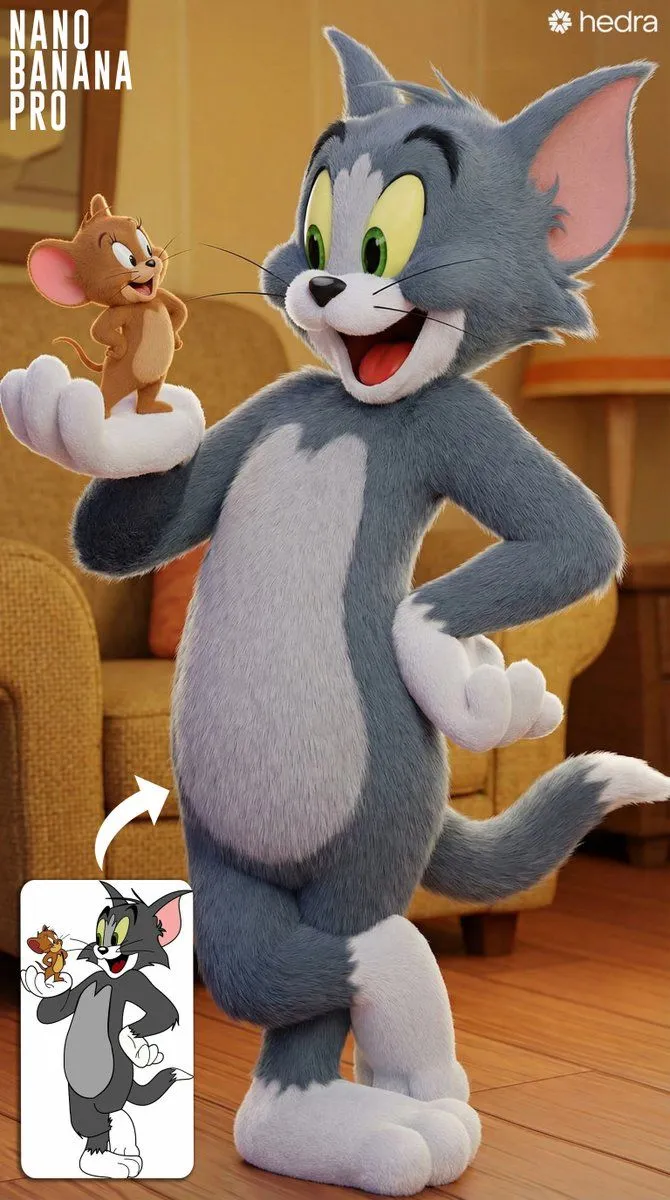
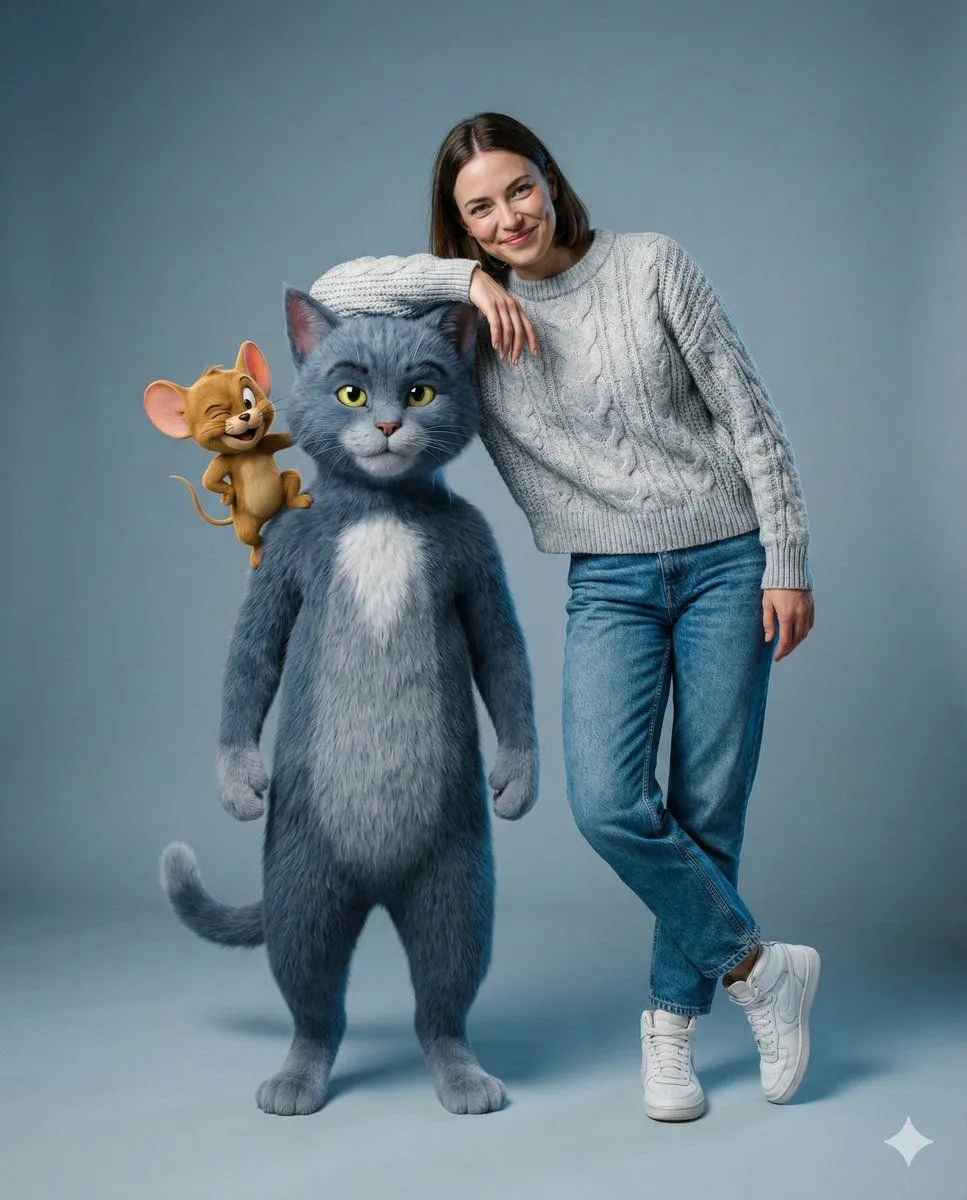
Editorial Studio Photography of Tom & Jerry with Human

Made with Nano Banana Pro in Gemini by Library Social. Promptclay never generates images.

Did it work?

No reports yet. Tell others if it worked for you.

No comments yet. Be the first.

    Editorial Studio Photography of Tom & Jerry with Human

    Nano Banana Pro4:5AI-generated

    Prompt

    { "meta": { "quality": "8k, ultra-photorealistic, raw photo", "style": "editorial studio photography, biological realism, cinematic lighting", "camera": "85mm portrait lens, f/2.8 aperture, sharp focus on eyes" }, "scene": { "environment": "minimalist grey-blue cyclorama studio background", "lighting": "soft 3-point setup, rim light highlighting fur textures, cool fill light" }, "subjects": { "human": { "face": "preserve_identity, natural skin texture, playful smile", "pose": "casual standing, arm draped affectionately over Tom", "outfit": { "top": "heavy grey wool cable-knit sweater (visible fibers)", "bottom": "high-waisted vintage blue denim jeans (detailed weave)", "shoes": "white leather high-top sneakers" } }, "tom": { "type": "Giant anthropomorphic Russian Blue cat (human scale)", "texture": "dense velvety grey fur, wet nose, organic eye refraction", "pose": "standing upright, confident, leaning into hug", "realism": "anatomically correct feline features, no plastic/cartoon look" }, "jerry": { "type": "Realistic field mouse (macro details)", "location": "perched on Tom's shoulder", "details": "soft brown fur, pink translucent ears (subsurface scattering), tiny paws gripping wool" } }, "render_details": { "textures": "heavy wool fuzz, denim grain, organic fur sheen, skin pores", "ambience": "clean, professional, high-end commercial look" } }

    Works in
    Gemini, ChatGPT
    Status
    Free to copy
    0
    DetailsVersions, settings and questions

    Written for

    What's in the prompt

    Subject
    Model
    Nano Banana Pro

    If your face changes

    keep my face exactly the same

    Questions

    Does this work in the Gemini app?
    Yes. Gemini runs Nano Banana, so paste the prompt and attach your photo if it uses one.
    It changed my face. What do I do?
    Add "keep my face exactly the same" to the end and run it again.
    Can I use the images I make?
    Check the terms of the app you use. Promptclay never generates images and claims nothing you make.
    Similar prompts

    See more
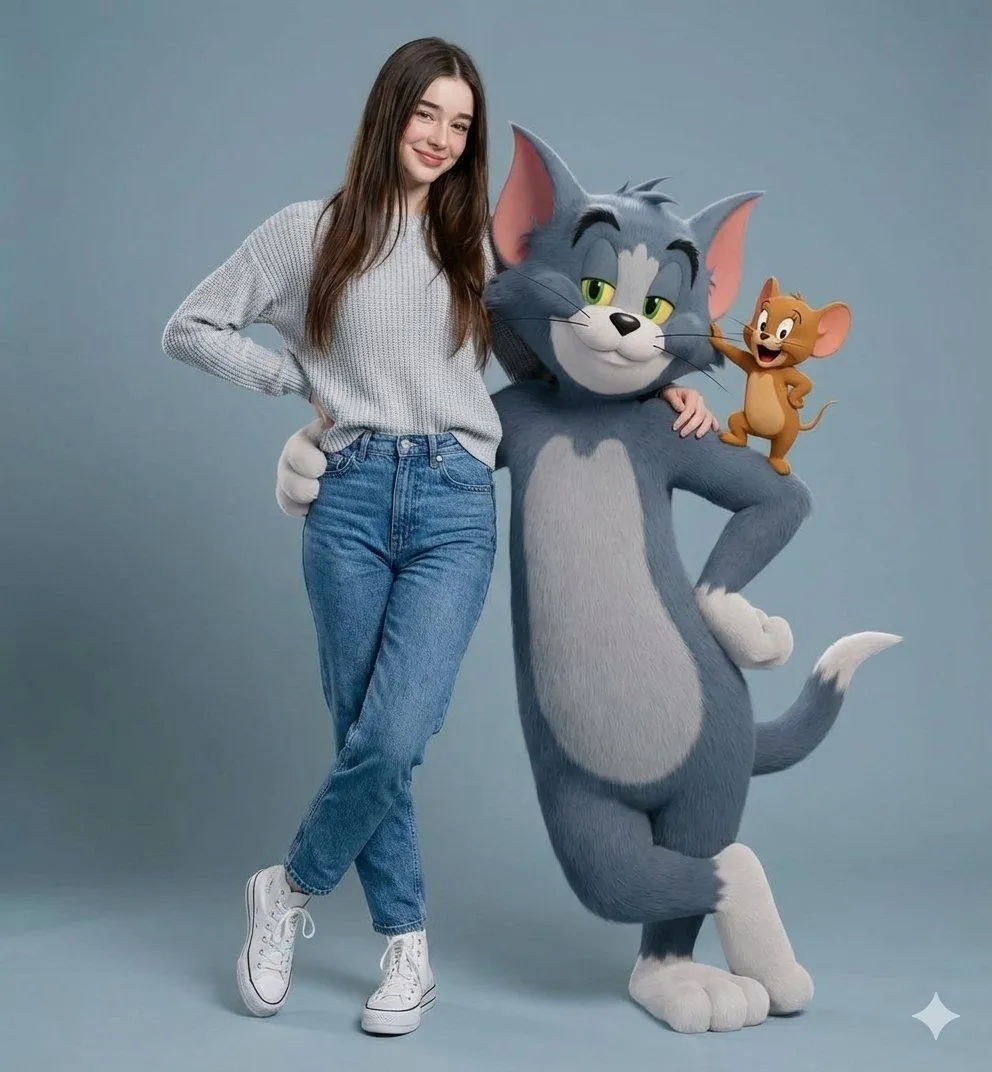
    • Hyper-realistic Portrait with Tom & Jerry 3D Characters
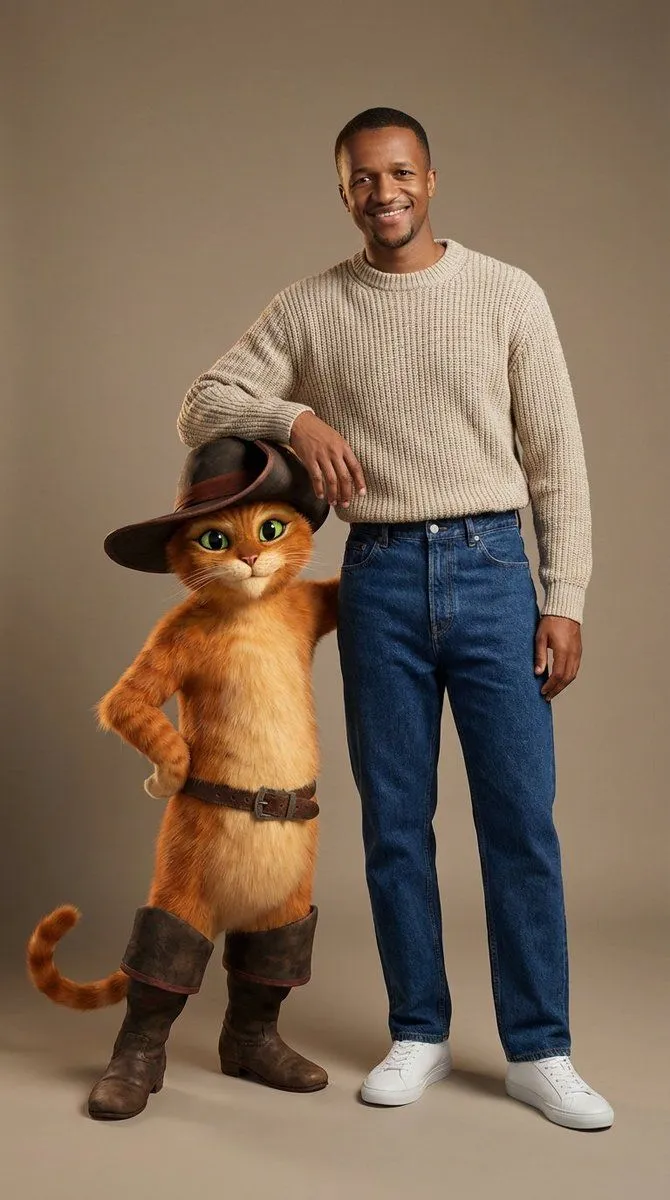
    • Fashion Portrait with Puss in Boots 3D Character
    • Cozy Portrait with a Giant Cat and Bunny
    • Fashion Photography with Cartoon Companion
    • Hybrid Live-Action and Cartoon Portrait
    • Hyper-Realistic Zootopia Cosplay Portrait with Identity Lock
    • Humorous Cat and Human Studio Portrait
    • Cinematic Woman and Cat Portrait
    • Convert 2D Sketch to 3D Animated Style
    • Blueprint-style technical schematic generation
    • Woman Riding a Giant Cat Commute
    • Anonymized Red Dress Studio Portrait
    • Split Portrait Editorial Photography
    • Vintage Studio Portrait with Picture-in-Picture Effect
    • Artistic Portrait Editing for Girls (Image-to-Image)
    • Miniature Painter Studio Portrait
    • Cute Tiger Cub Wall Doodle
    • Cosmic Science Visualization Portrait
    • Cosmic Mural Studio Portrait Sequence
    • Autumn Squirrel Child Street Portrait
    • Cheshire Cat Plush Toy
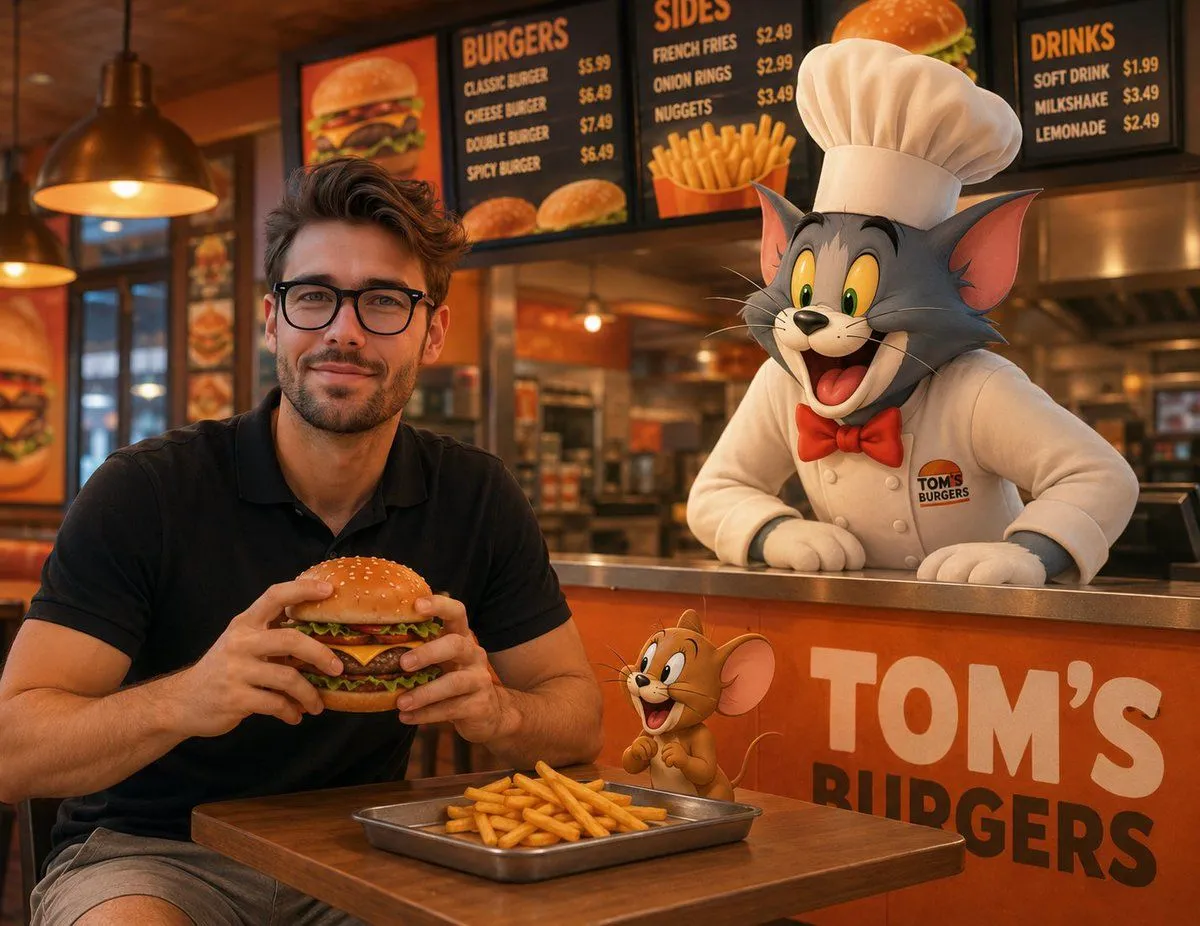
    • Joyful Fast-food Restaurant Crossover Scene
    • 3D Anthropomorphic Bunny Character Prompt
    • Four-Panel Bankrupt Mouse Storyboard

    Show more

    Run it on your phone

    1. Prompt copiedRead it

      { "meta": { "quality": "8k, ultra-photorealistic, raw photo", "style": "editorial studio photography, biological realism, cinematic lighting", "camera": "85mm portrait lens, f/2.8 aperture, sharp focus on eyes" }, "scene": { "environment": "minimalist grey-blue cyclorama studio background", "lighting": "soft 3-point setup, rim light highlighting fur textures, cool fill light" }, "subjects": { "human": { "face": "preserve_identity, natural skin texture, playful smile", "pose": "casual standing, arm draped affectionately over Tom", "outfit": { "top": "heavy grey wool cable-knit sweater (visible fibers)", "bottom": "high-waisted vintage blue denim jeans (detailed weave)", "shoes": "white leather high-top sneakers" } }, "tom": { "type": "Giant anthropomorphic Russian Blue cat (human scale)", "texture": "dense velvety grey fur, wet nose, organic eye refraction", "pose": "standing upright, confident, leaning into hug", "realism": "anatomically correct feline features, no plastic/cartoon look" }, "jerry": { "type": "Realistic field mouse (macro details)", "location": "perched on Tom's shoulder", "details": "soft brown fur, pink translucent ears (subsurface scattering), tiny paws gripping wool" } }, "render_details": { "textures": "heavy wool fuzz, denim grain, organic fur sheen, skin pores", "ambience": "clean, professional, high-end commercial look" } }

    2. Open your app

    3. Paste and run

      Press and hold the message box, then tap Paste. Add your photo first if the prompt uses one. You may need to sign in.

    Editorial Studio Photography of Tom & Jerry with Human