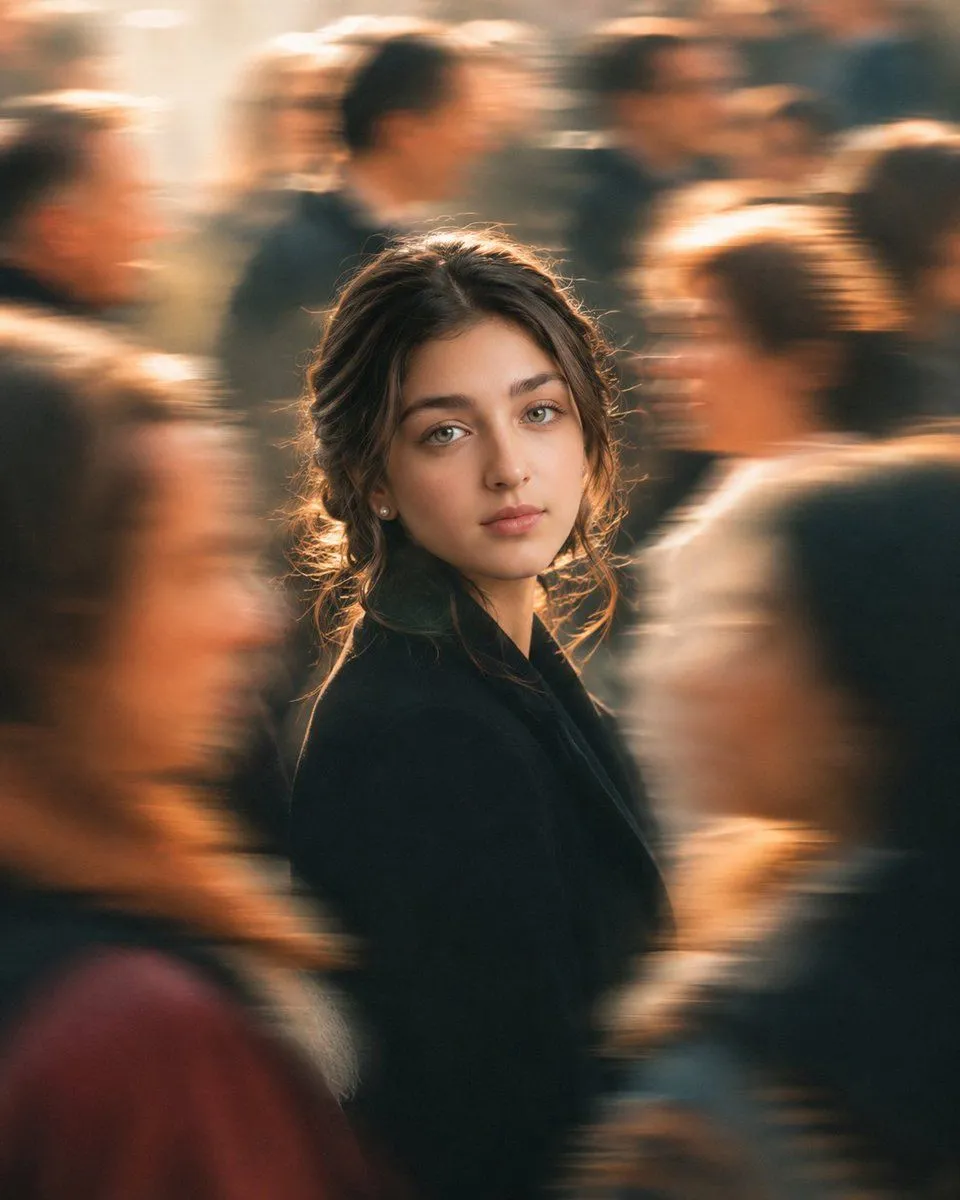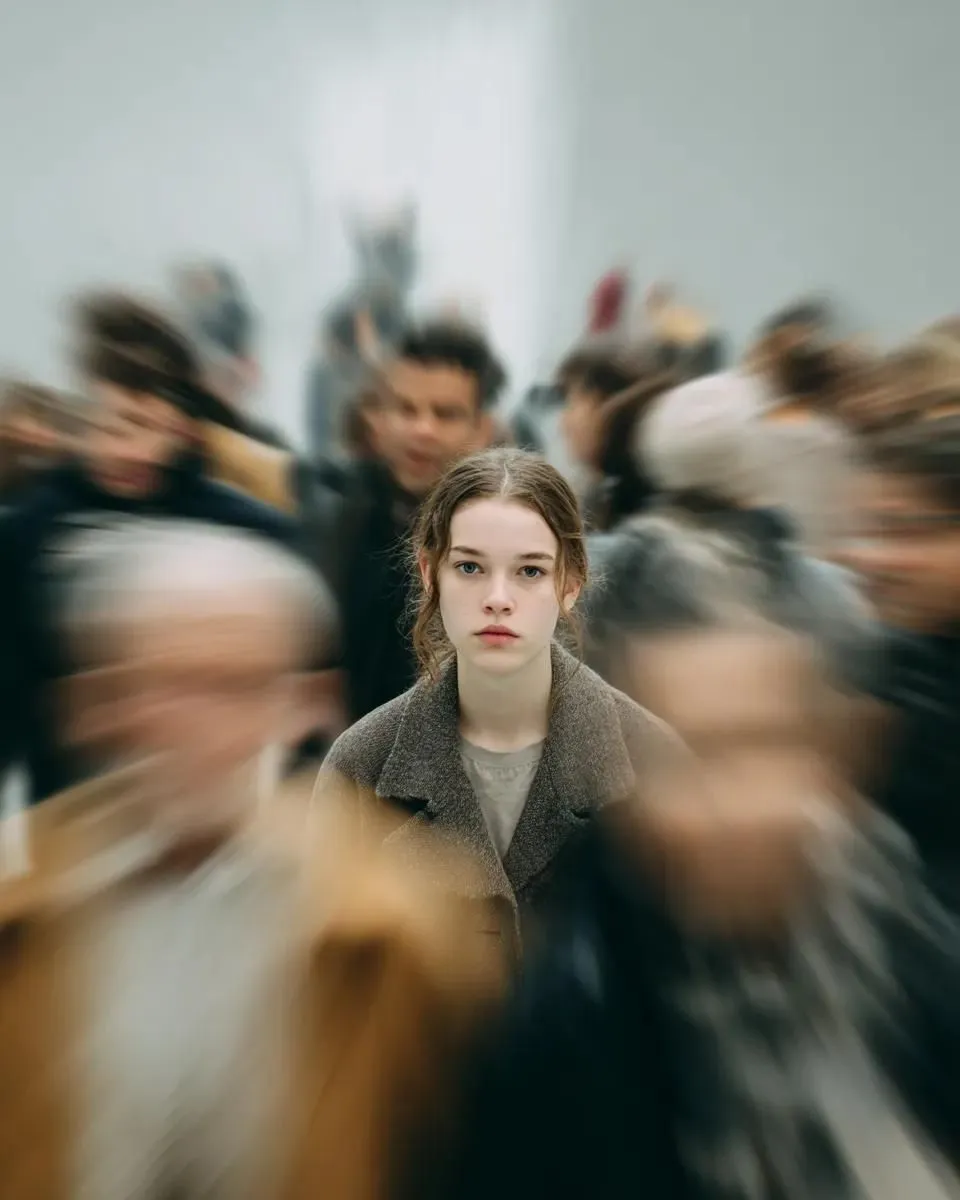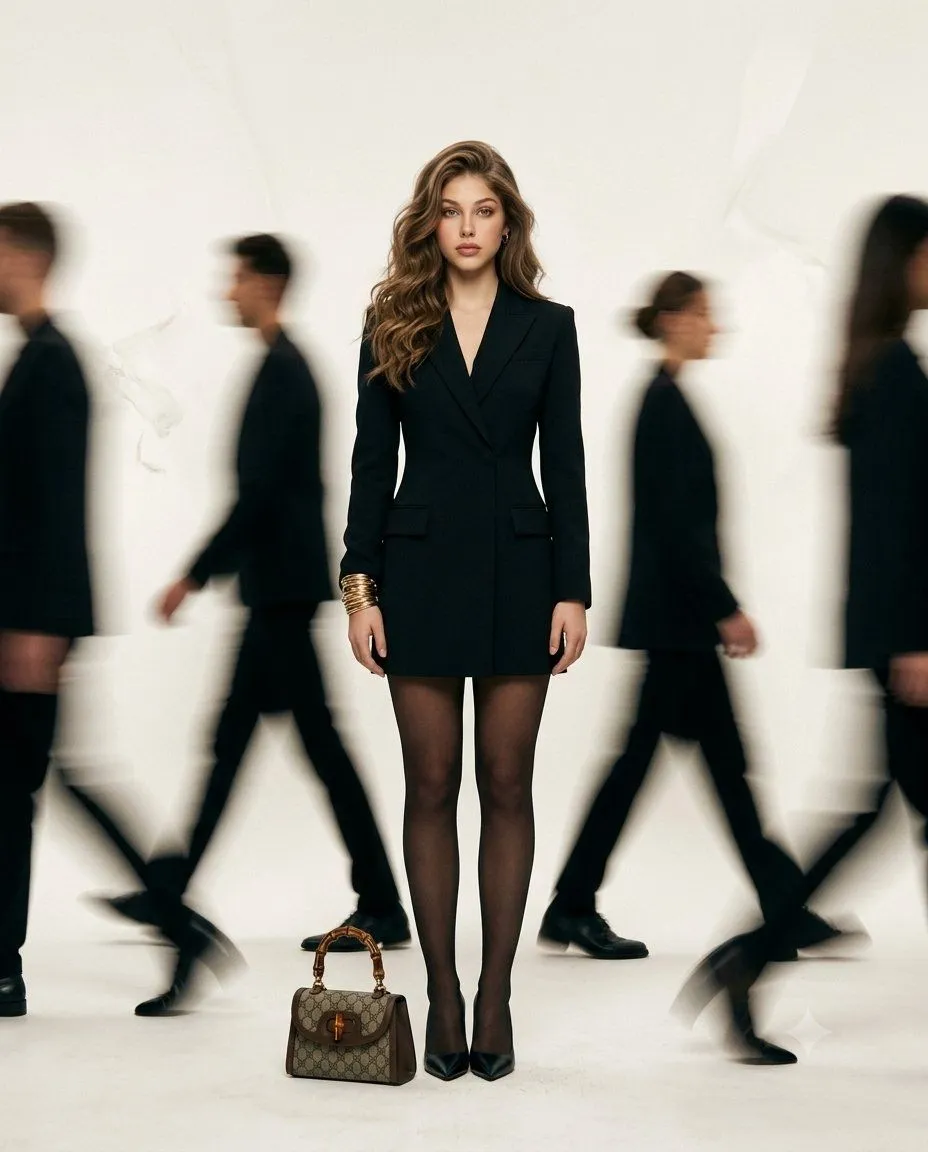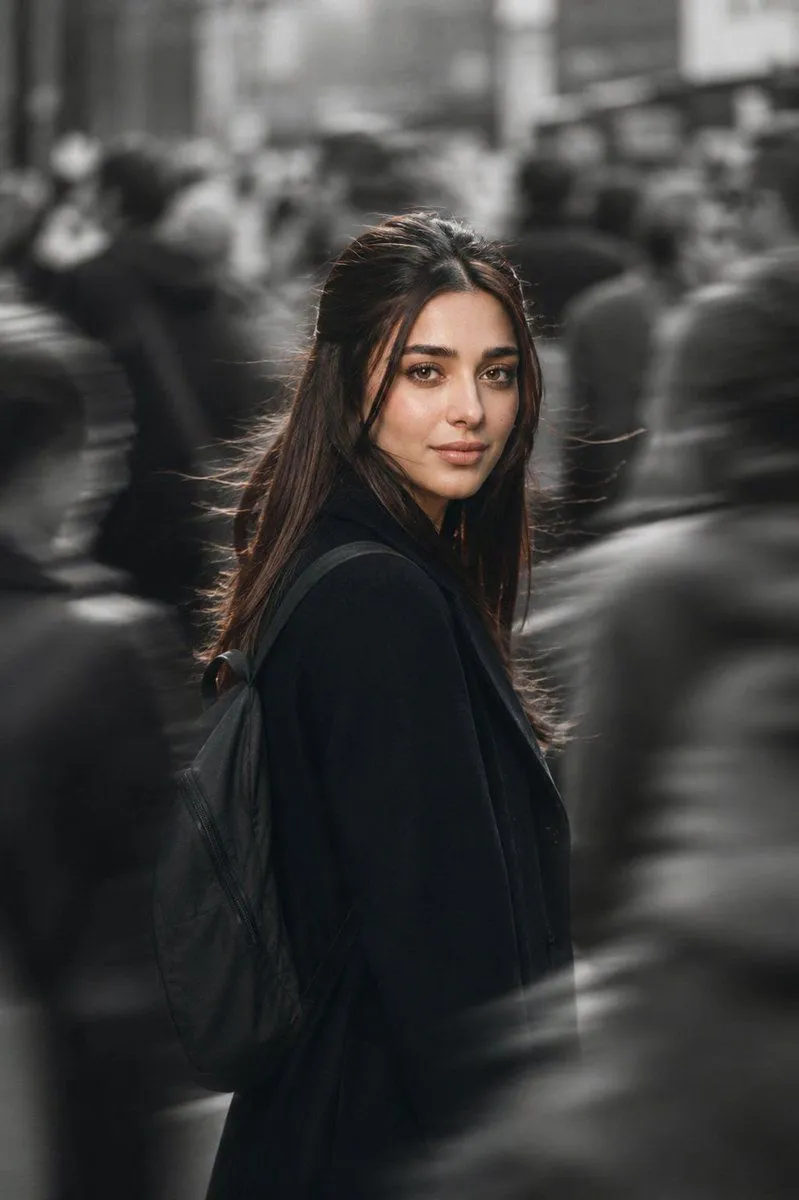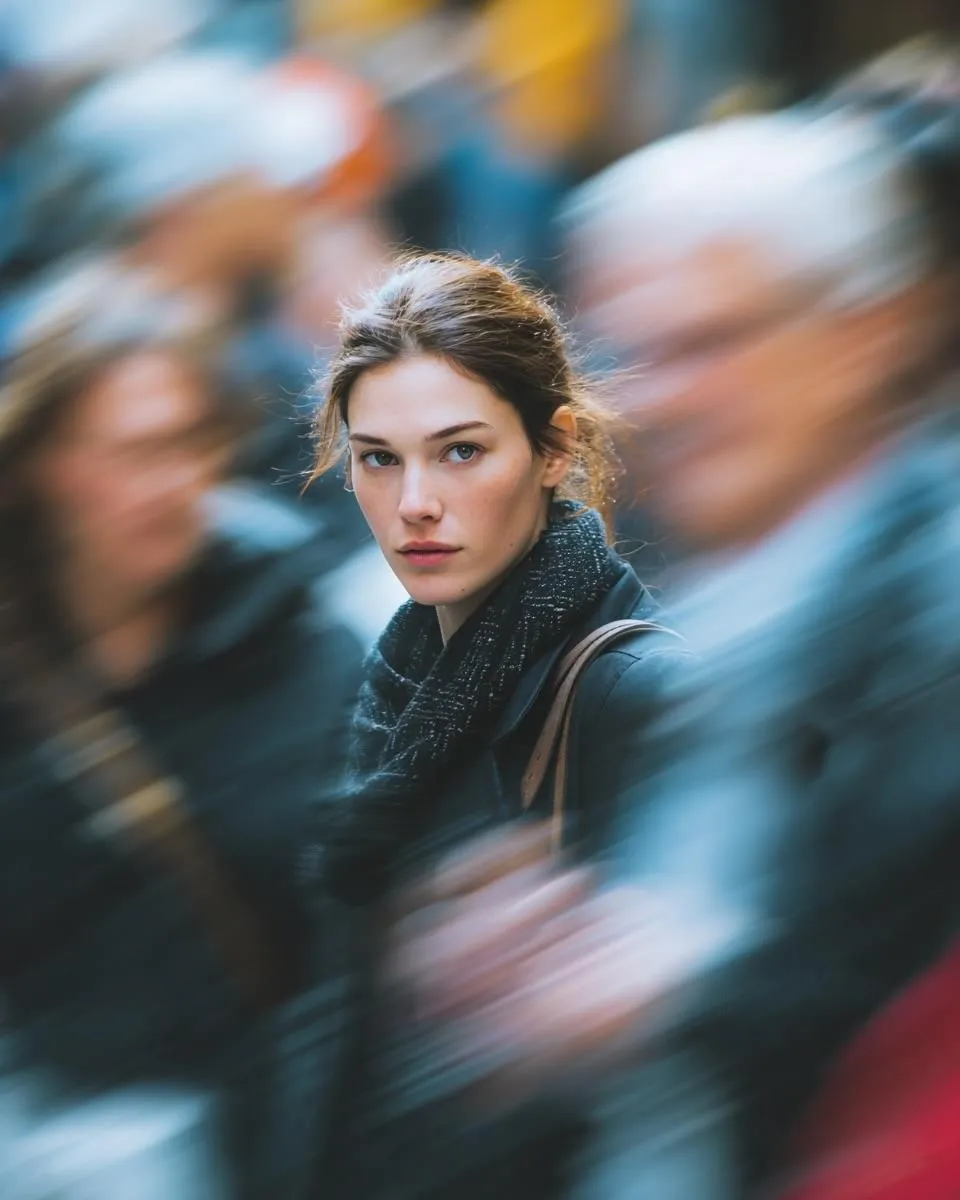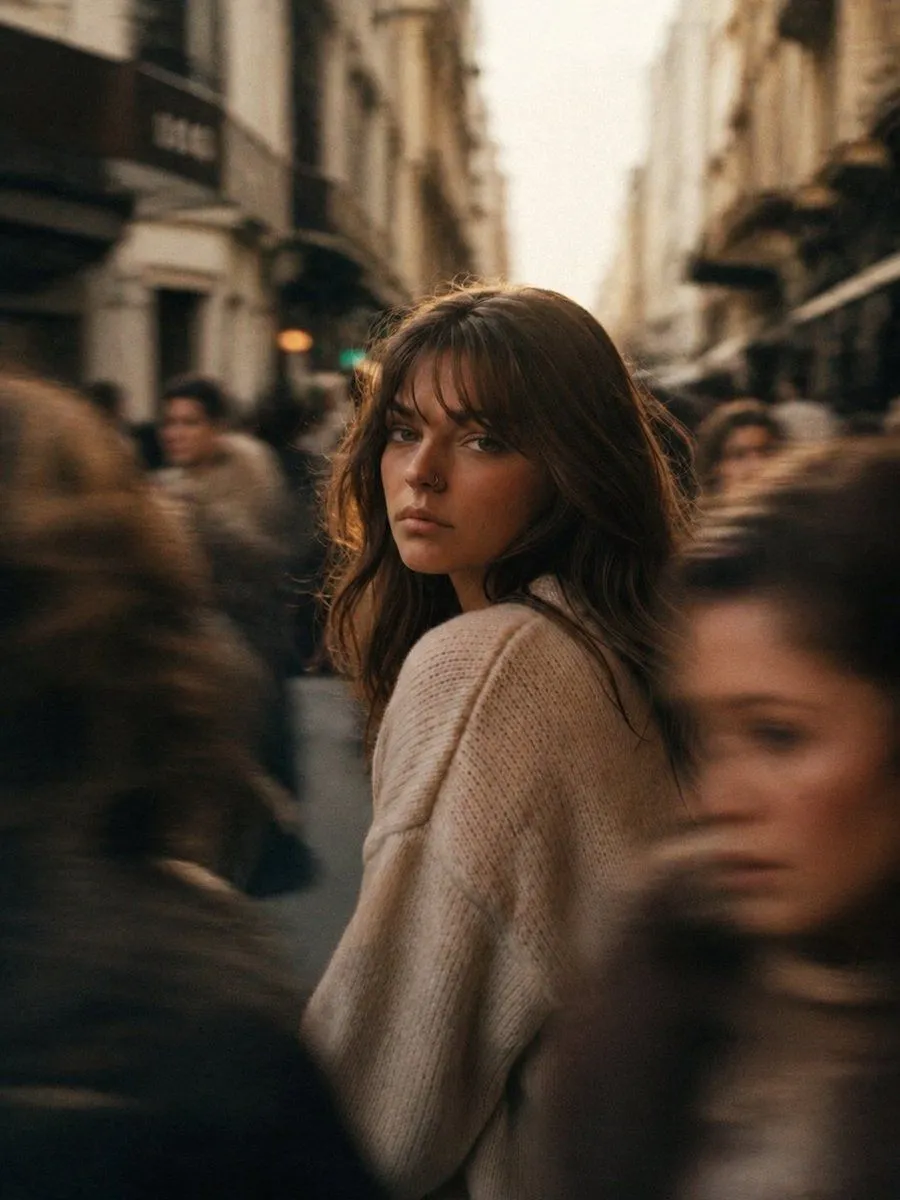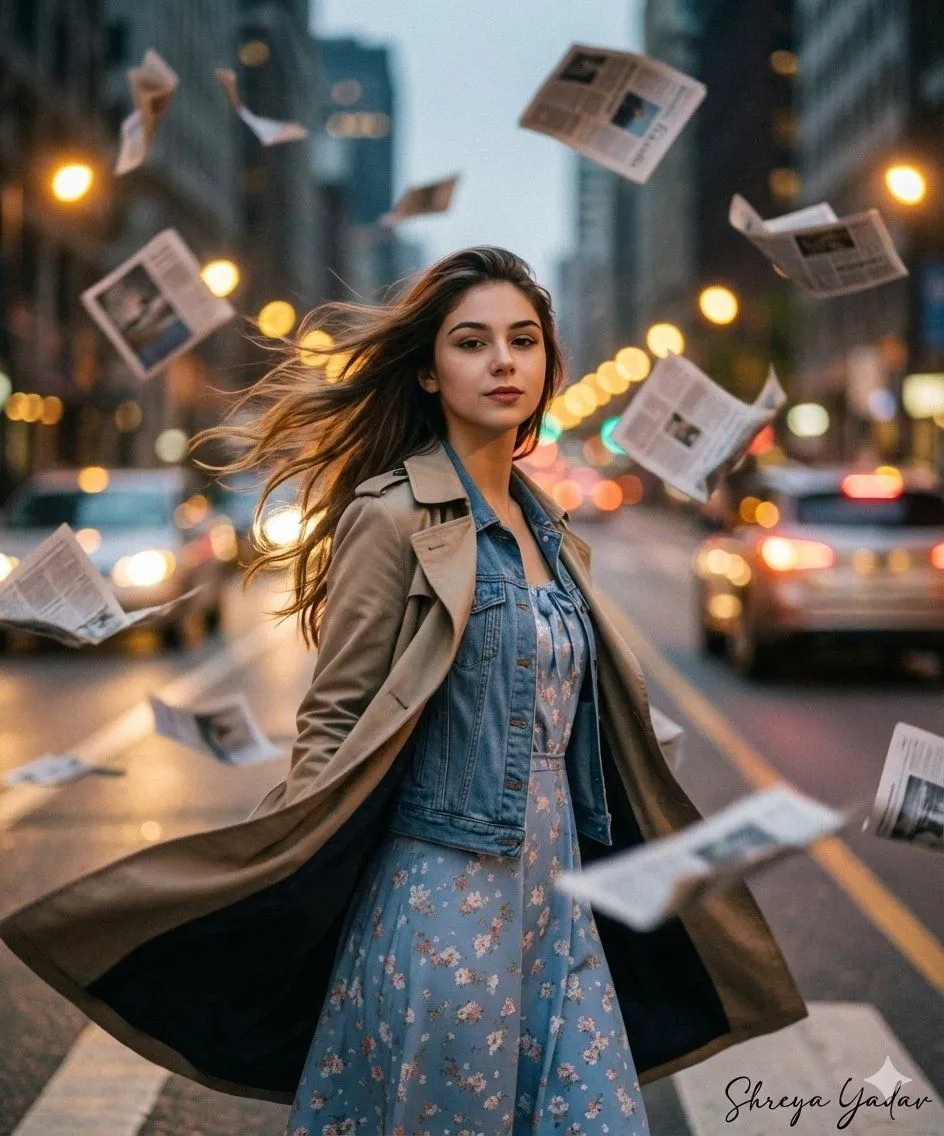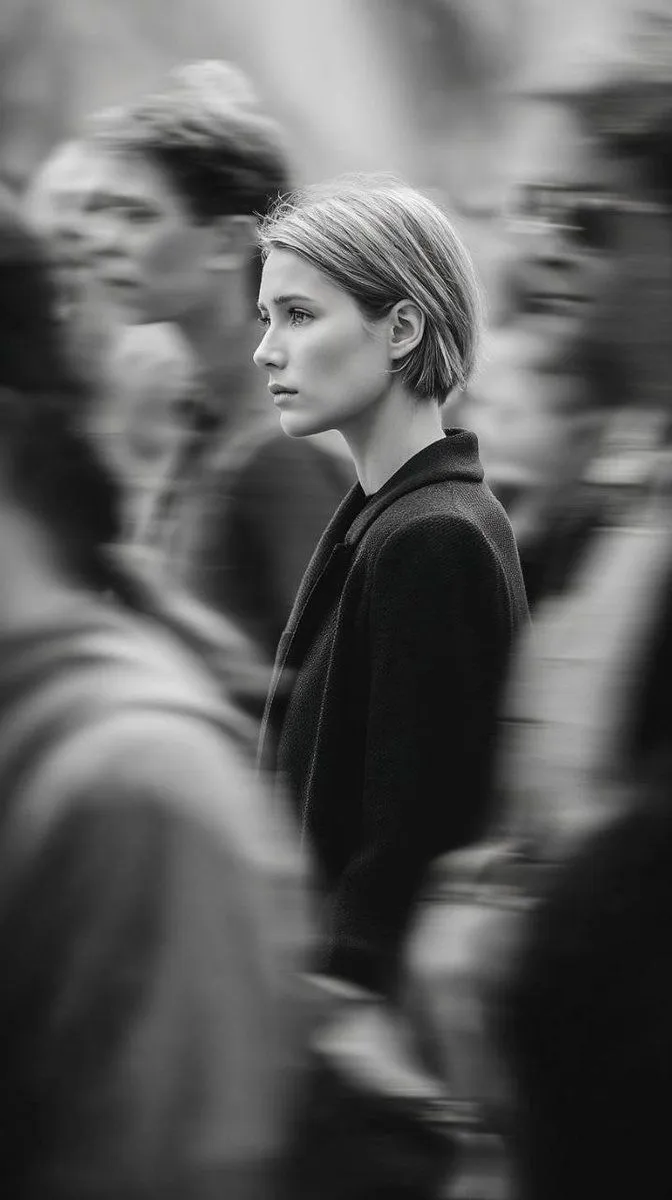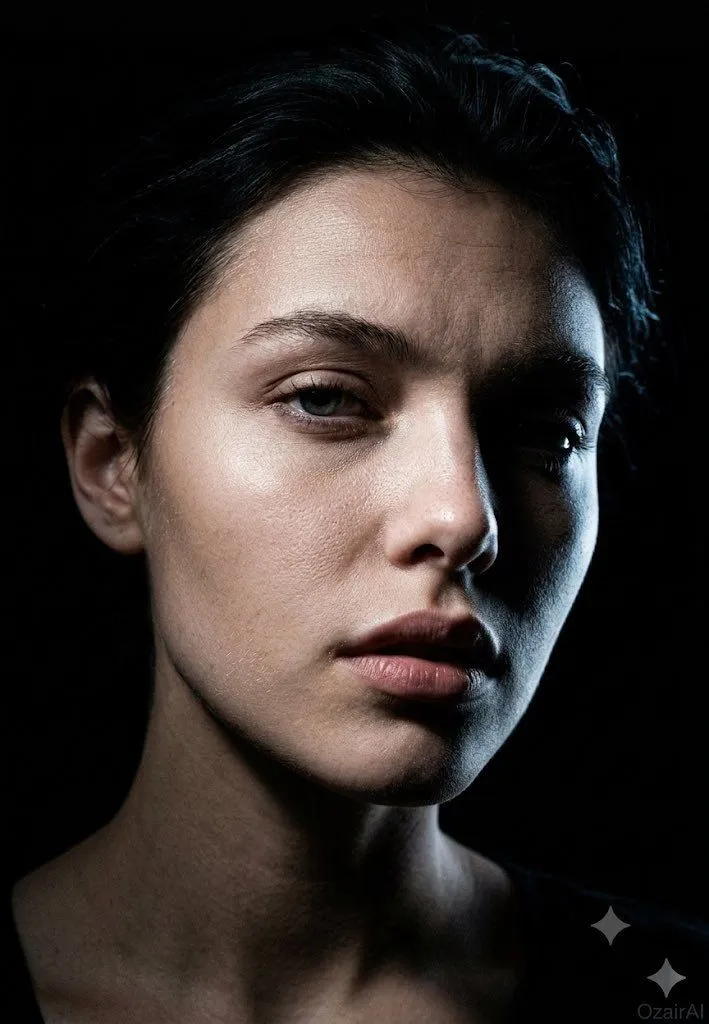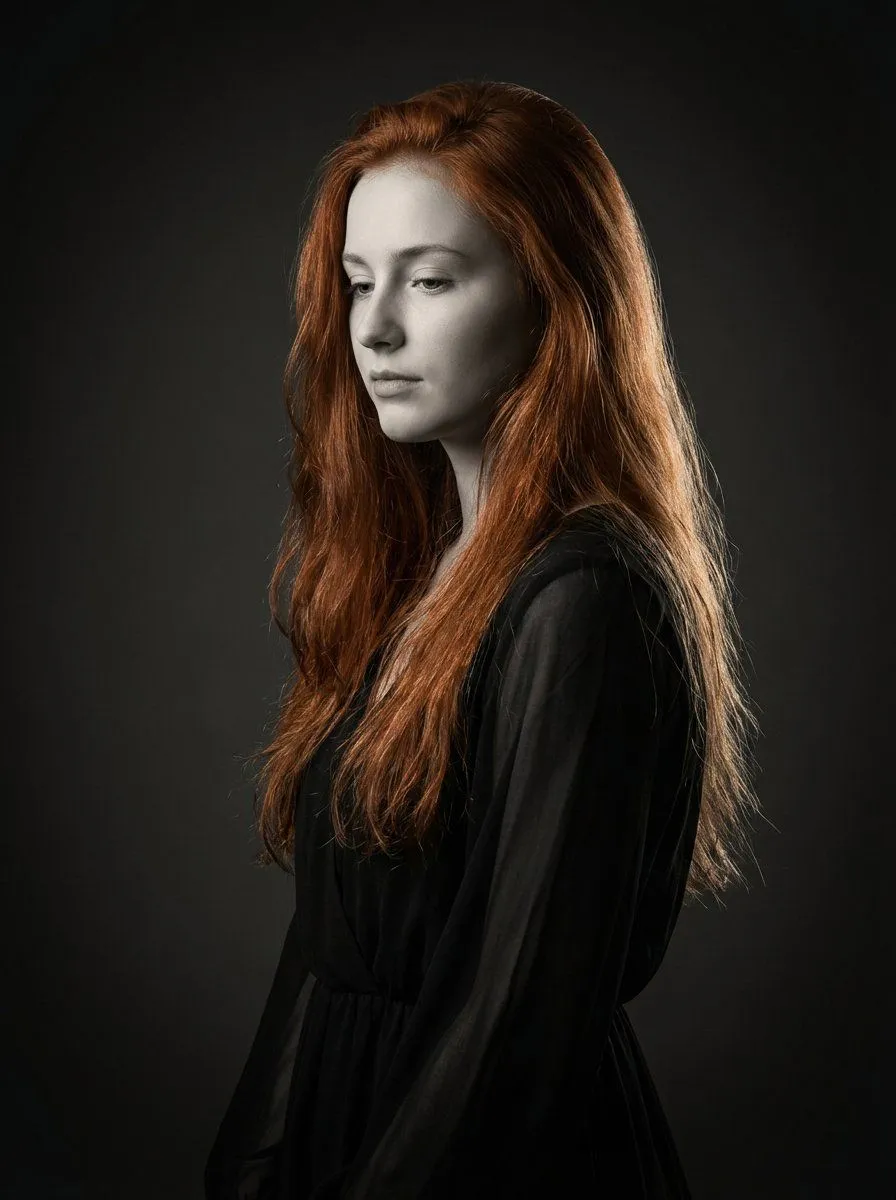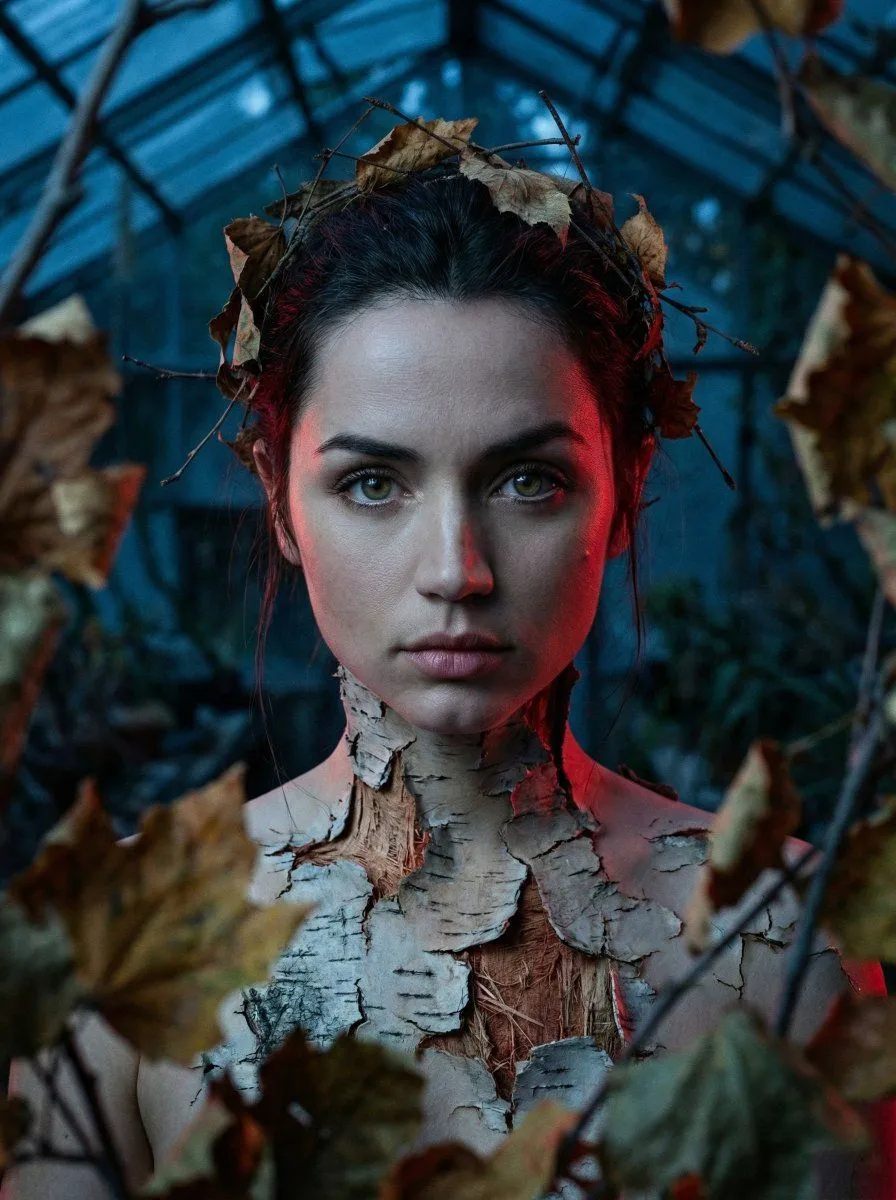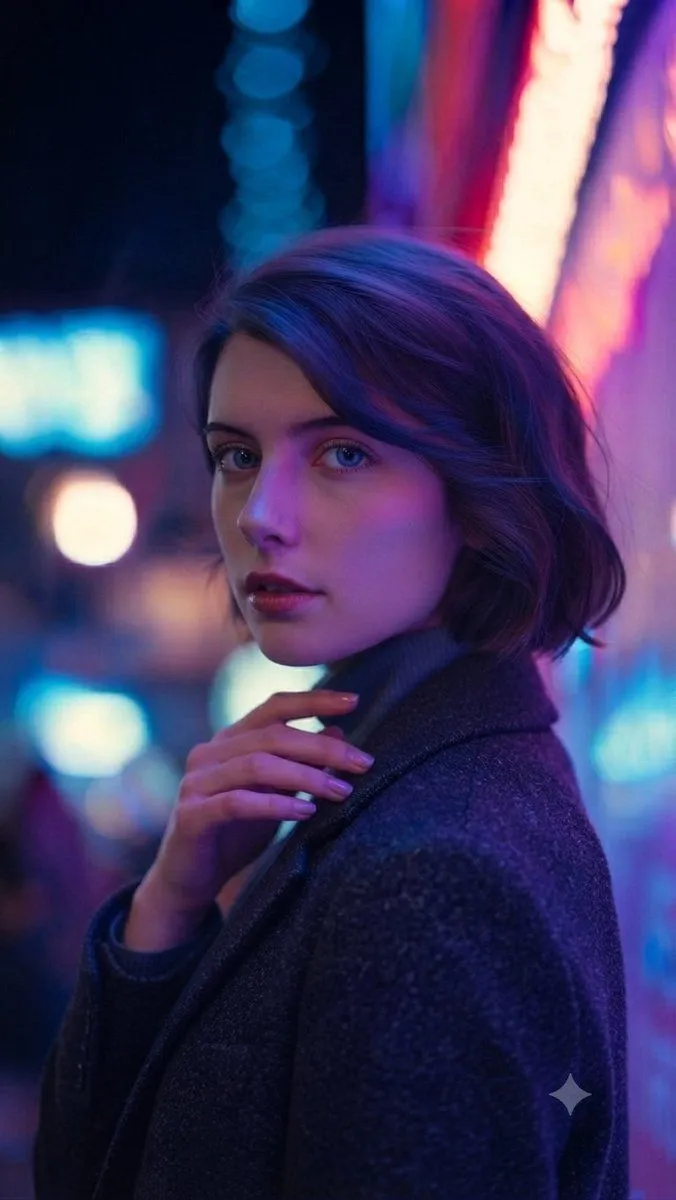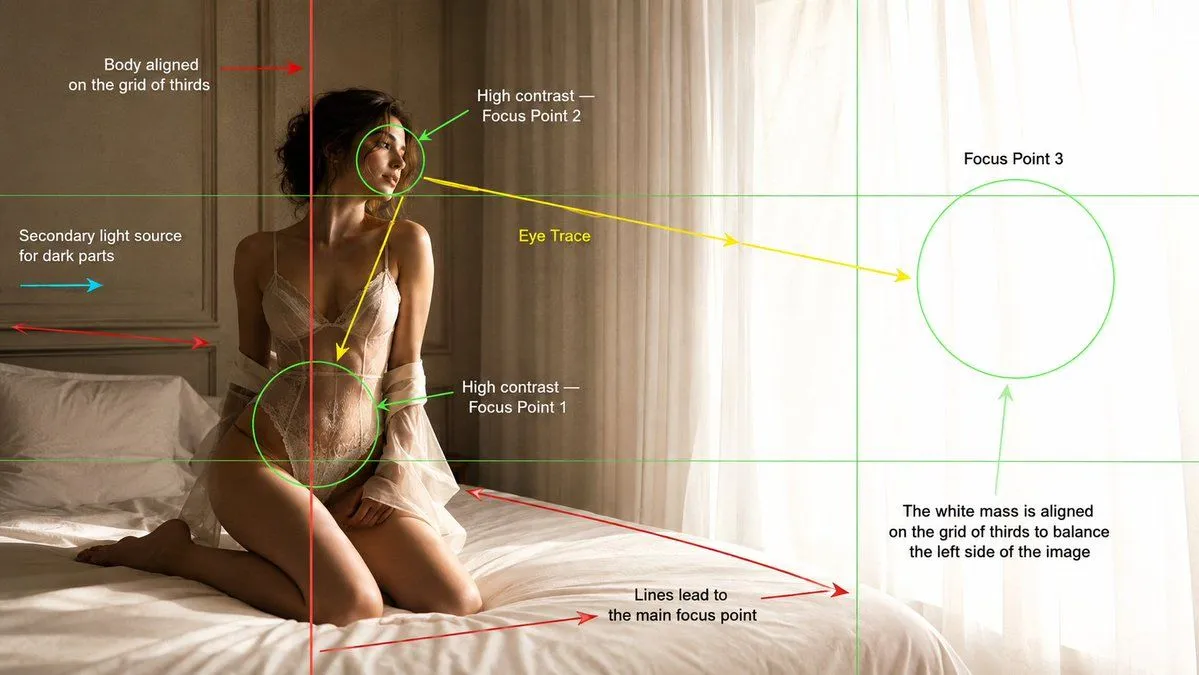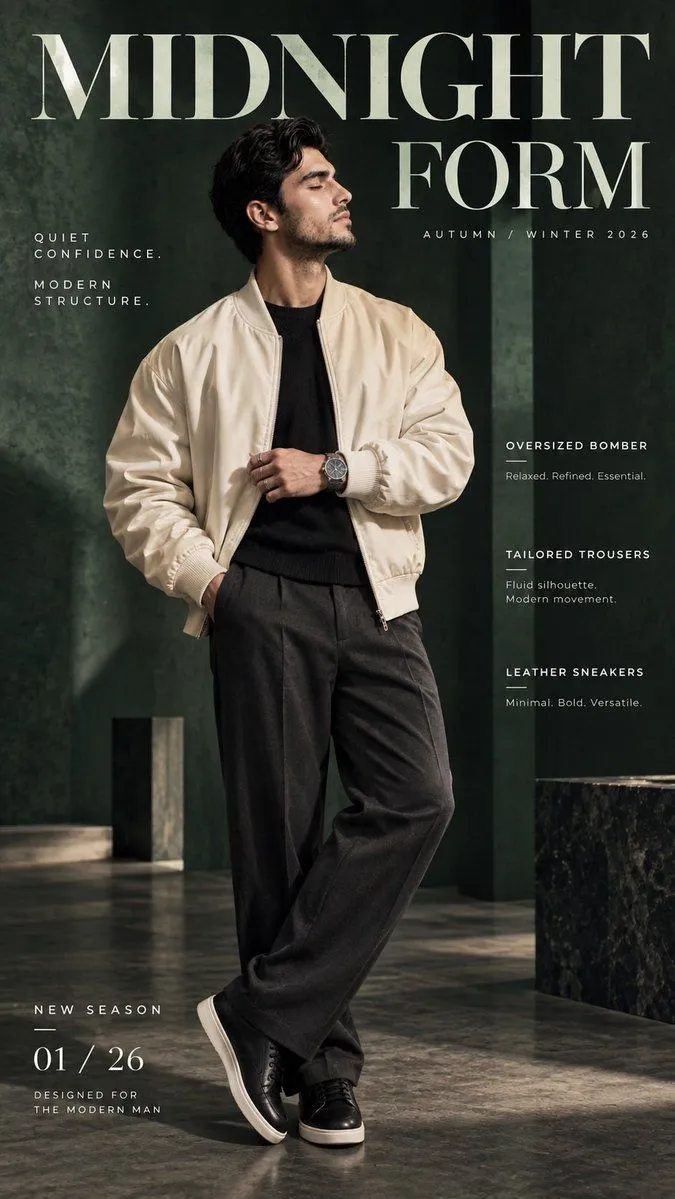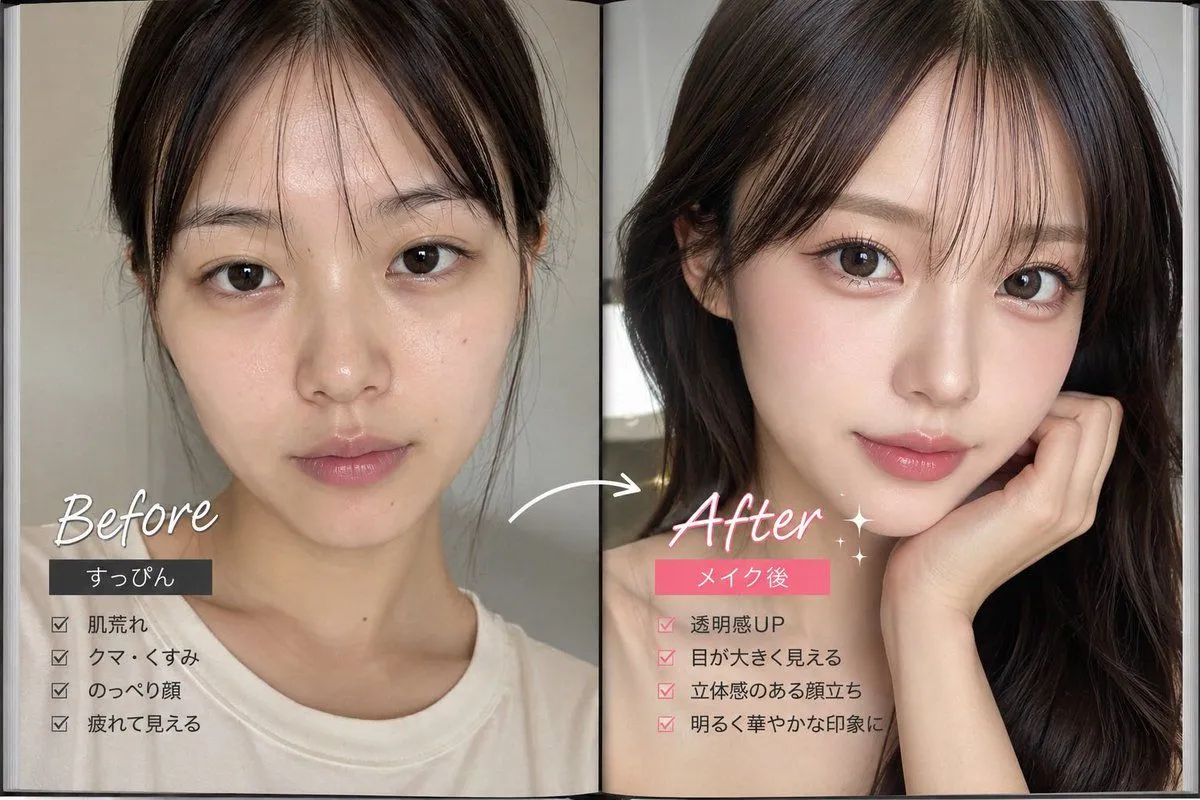
Made with GPT Image 2 in ChatGPT by Library Lifestyle. Promptclay never generates images.
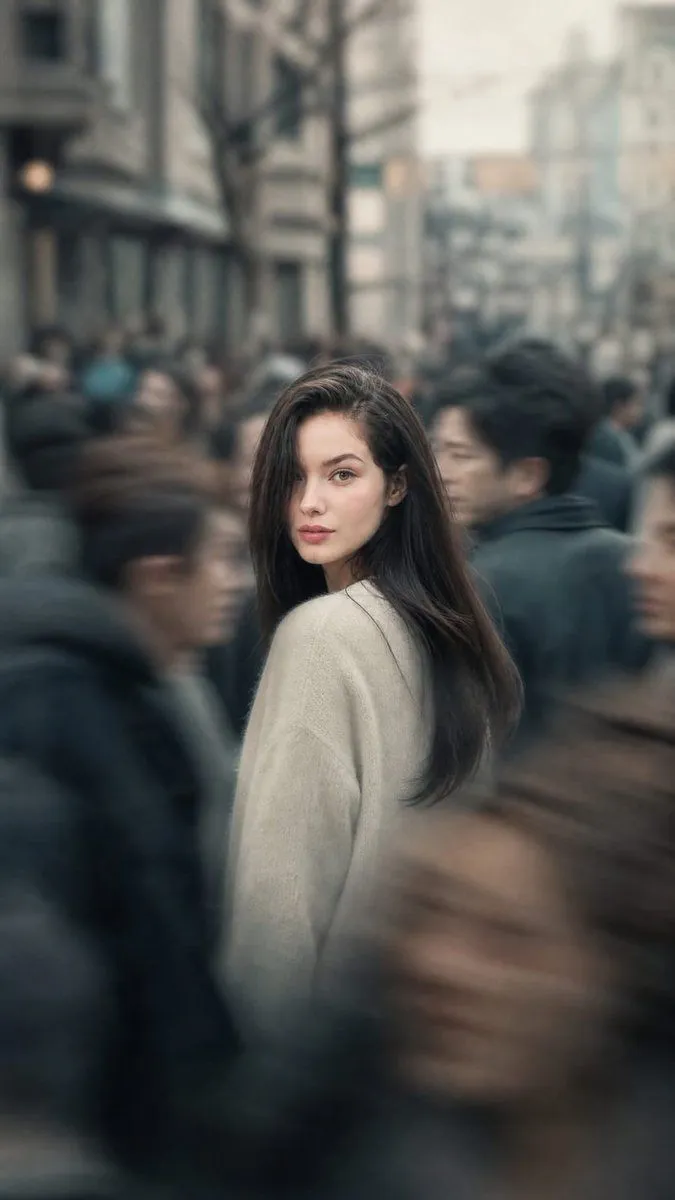
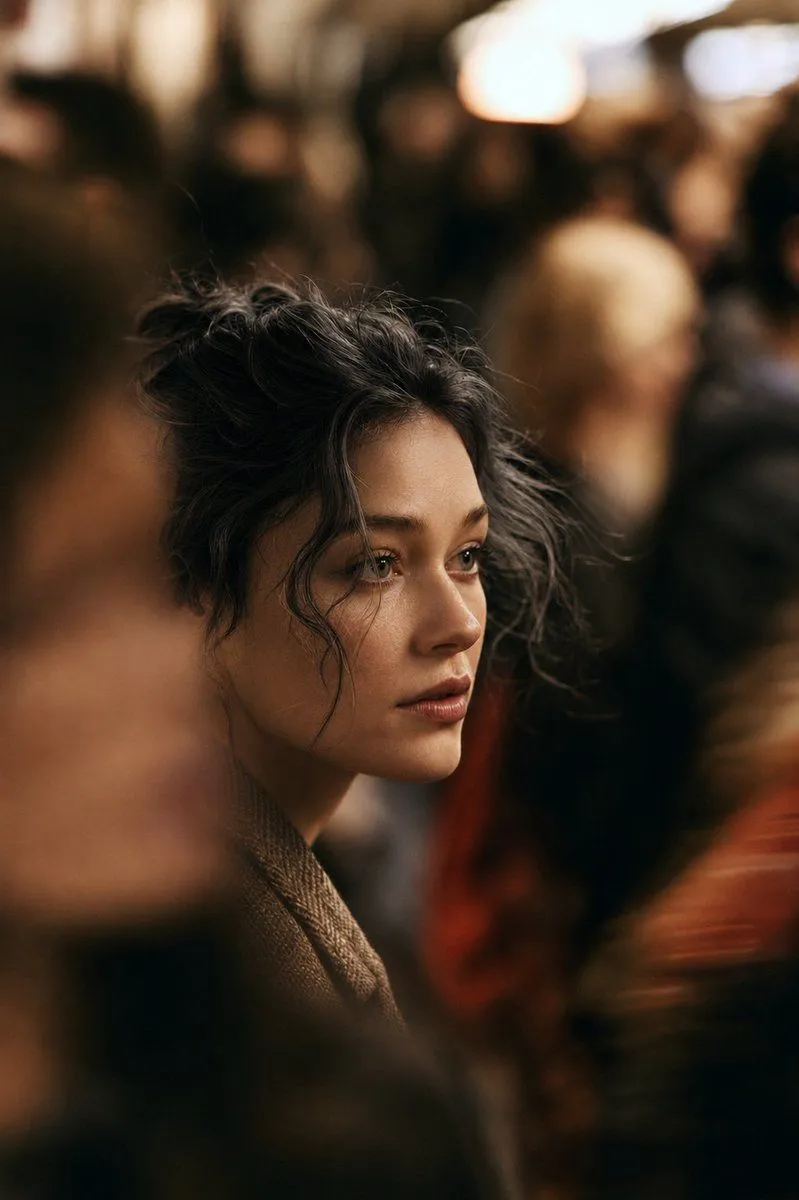
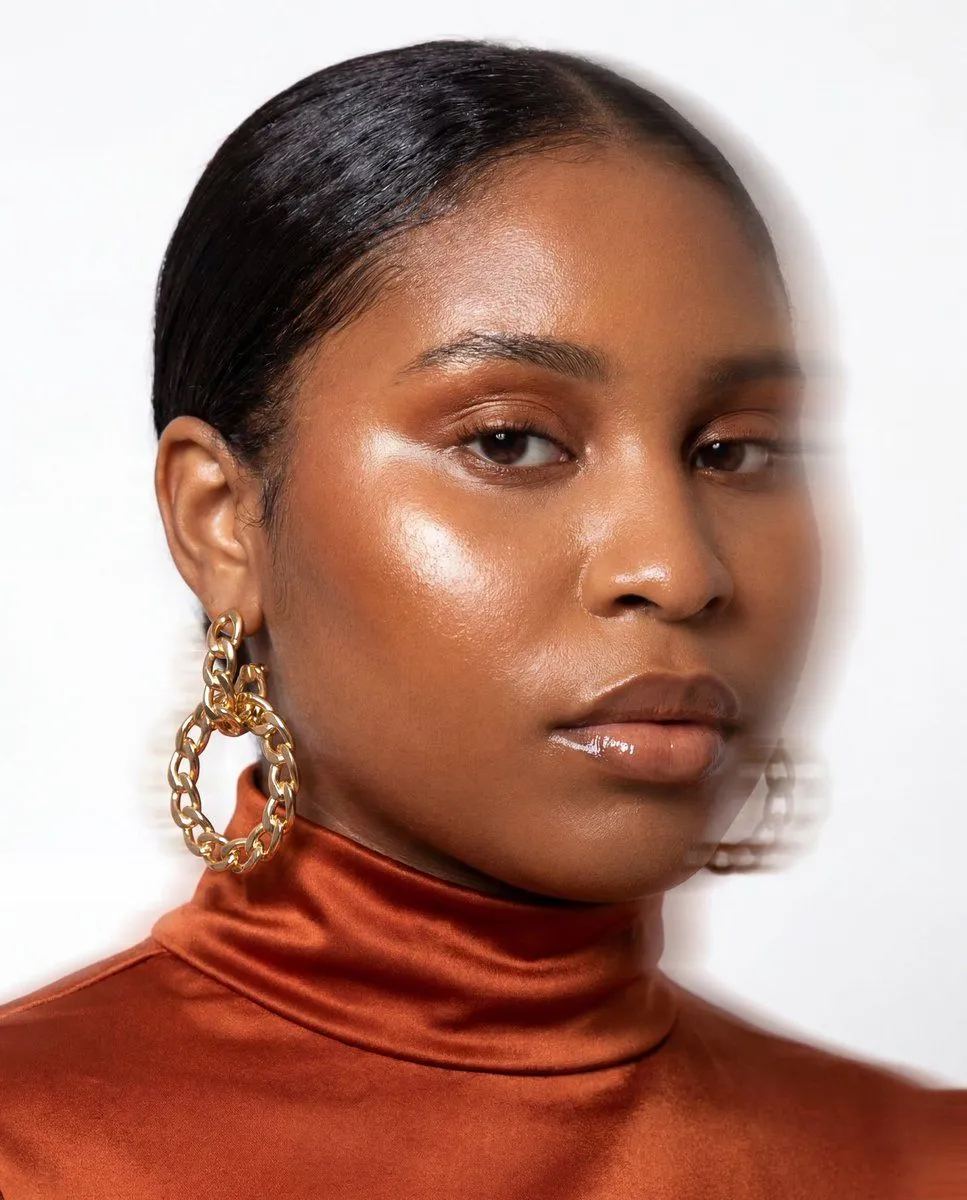
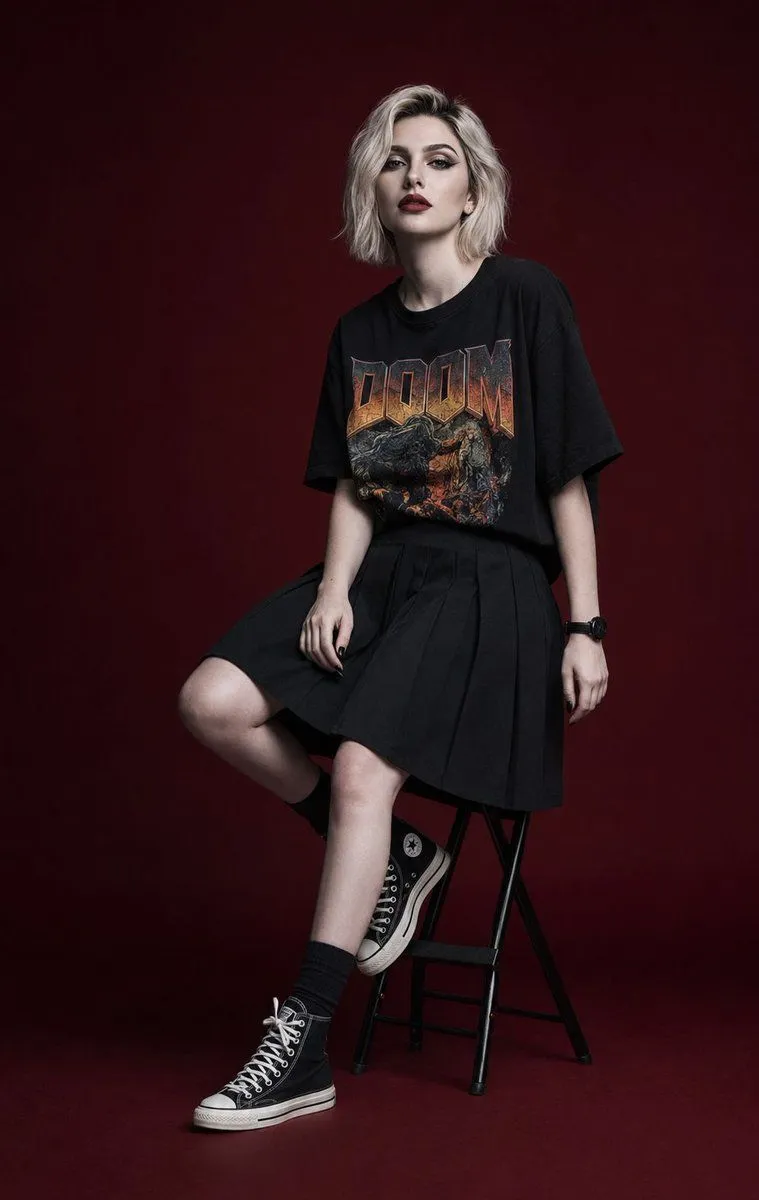
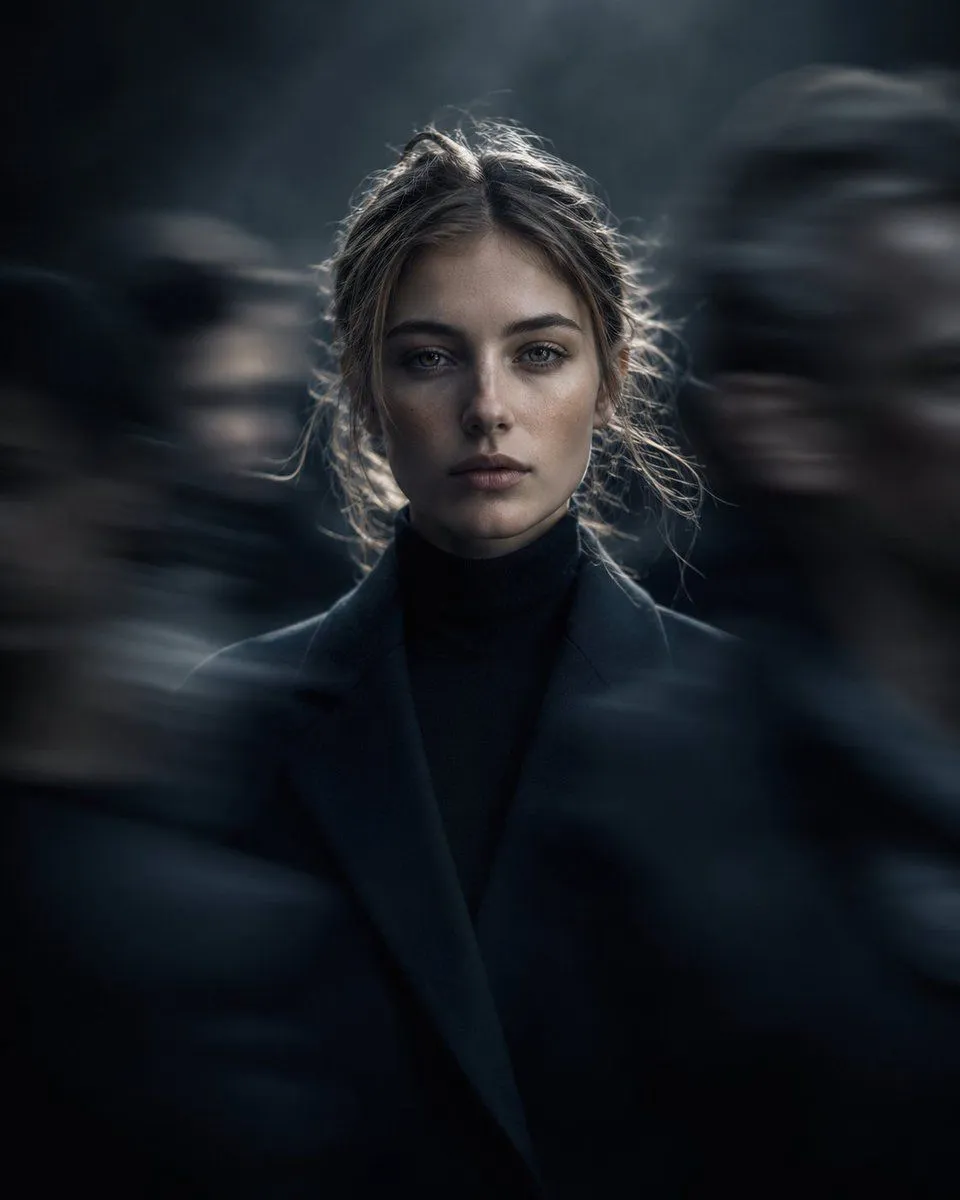
Editorial Portrait in Moving Crowd
Prompt
3 blanks to fillHigh-fashion editorial portrait of a {subject}, positioned centrally and standing perfectly still amid a moving crowd. She maintains direct eye contact with the camera, her expression calm, stoic, and emotionally distant. Motion-blurred pedestrians drift around her as abstract dark blue-grey silhouettes, heavily defocused to emphasize isolation and contrast. The background is a minimal {background_style} with subtle atmospheric depth and delicate back rim lighting outlining her figure. Captured on an {lens_choice} for ultra-shallow depth of field, dramatic cinematic compression, and extreme separation from the surroundings. Color grading features deep crushed blacks, cool cyan-tinted shadows, balanced natural skin tones, and subtle anamorphic lens characteristics. Premium campaign-level fashion photography with a refined editorial art direction, cinematic atmosphere, and sophisticated visual storytelling. Vertical composition, close-up portrait framing.
Preview of your prompt
High-fashion editorial portrait of a European woman in her early 20s, positioned centrally and standing perfectly still amid a moving crowd. She maintains direct eye contact with the camera, her expression calm, stoic, and emotionally distant. Motion-blurred pedestrians drift around her as abstract dark blue-grey silhouettes, heavily defocused to emphasize isolation and contrast. The background is a minimal charcoal-black fog gradient with subtle atmospheric depth and delicate back rim lighting outlining her figure. Captured on an 85mm lens at f/1.2 for ultra-shallow depth of field, dramatic cinematic compression, and extreme separation from the surroundings. Color grading features deep crushed blacks, cool cyan-tinted shadows, balanced natural skin tones, and subtle anamorphic lens characteristics. Premium campaign-level fashion photography with a refined editorial art direction, cinematic atmosphere, and sophisticated visual storytelling. Vertical composition, close-up portrait framing.
DetailsVersions, settings and questions
Written for
What's in the prompt
- Subject
- Model
- GPT Image 2
If your face changes
keep my face exactly the sameQuestions
- Does this work in the ChatGPT app?
- Yes. Paste the prompt and attach your photo if it uses one.
- It changed my face. What do I do?
- Add "keep my face exactly the same" to the end and run it again.
- Can I use the images I make?
- Check the terms of the app you use. Promptclay never generates images and claims nothing you make.