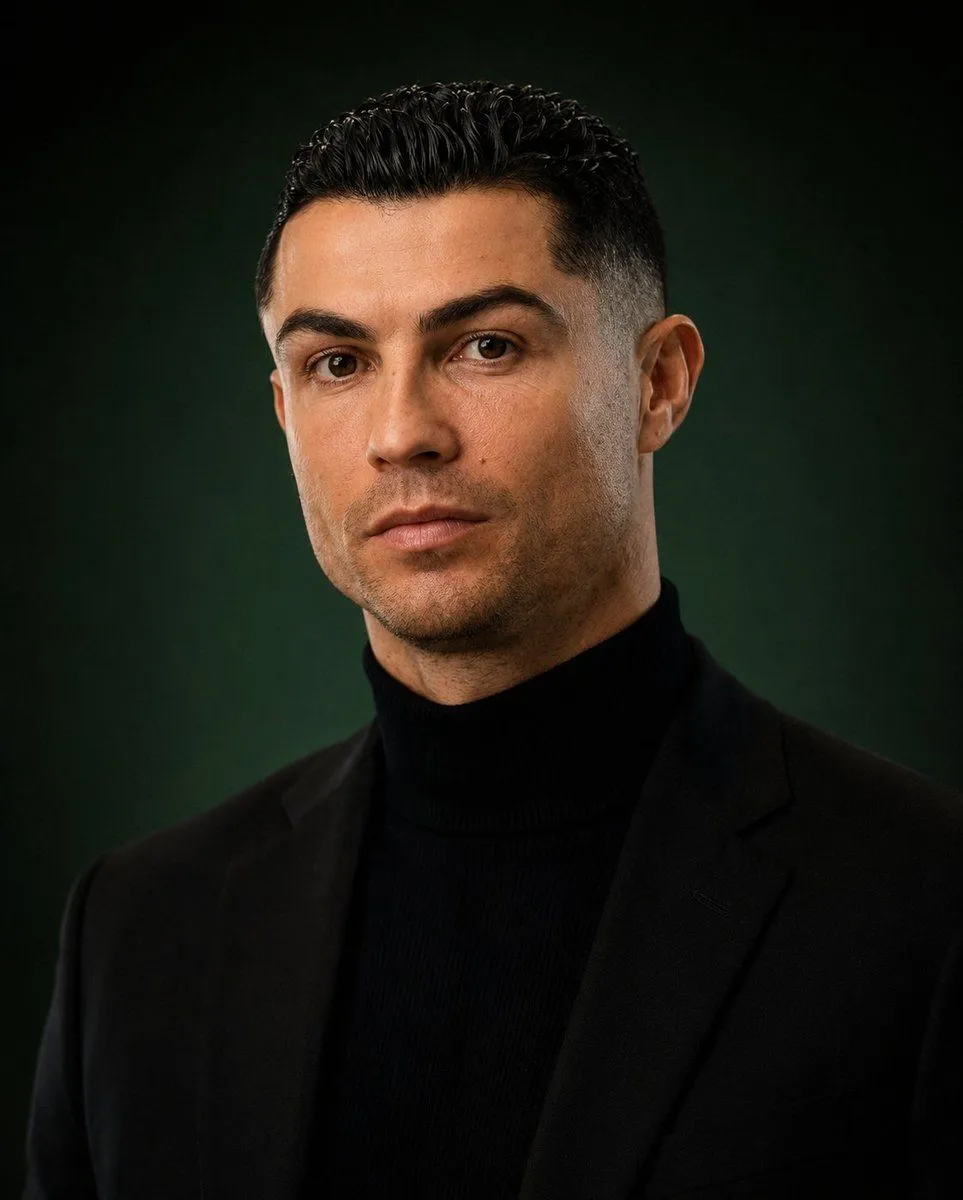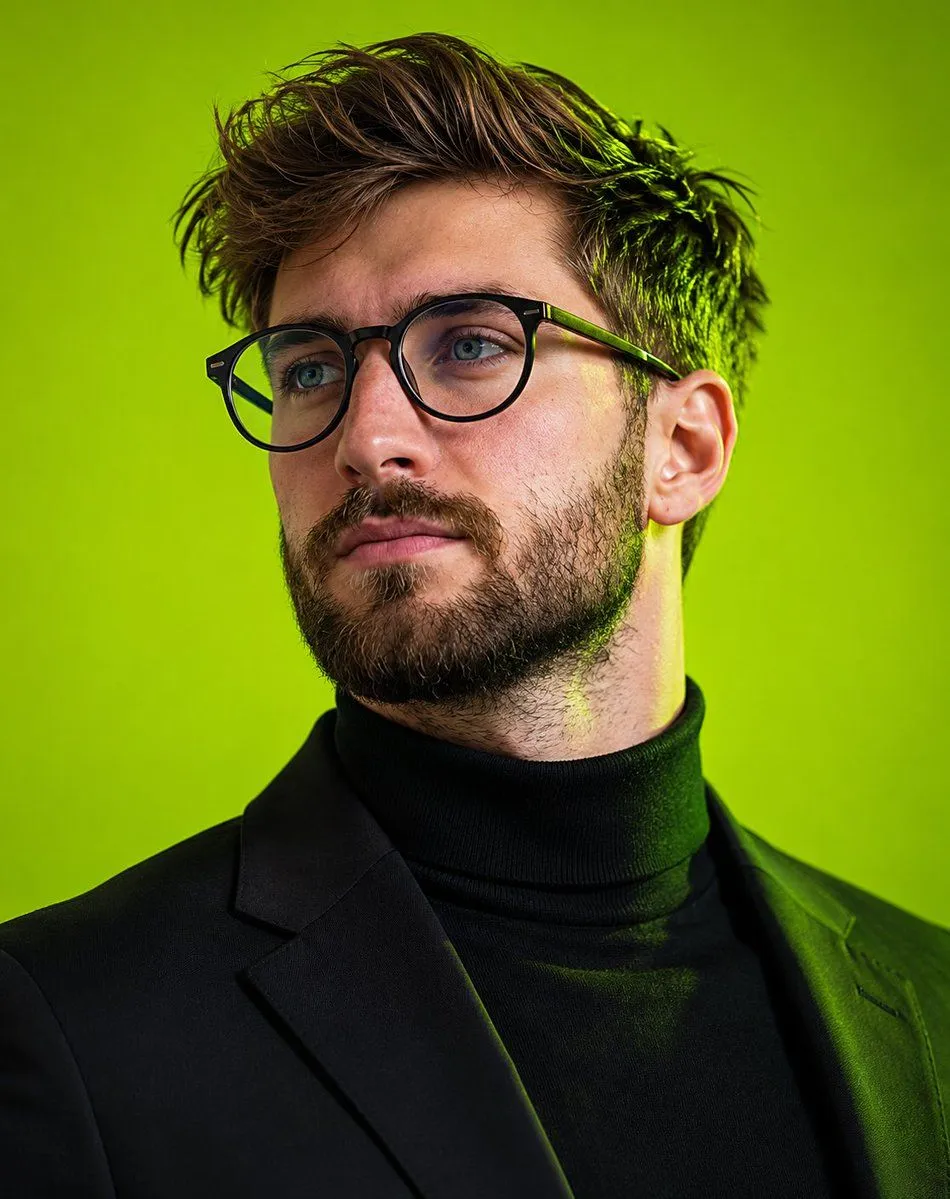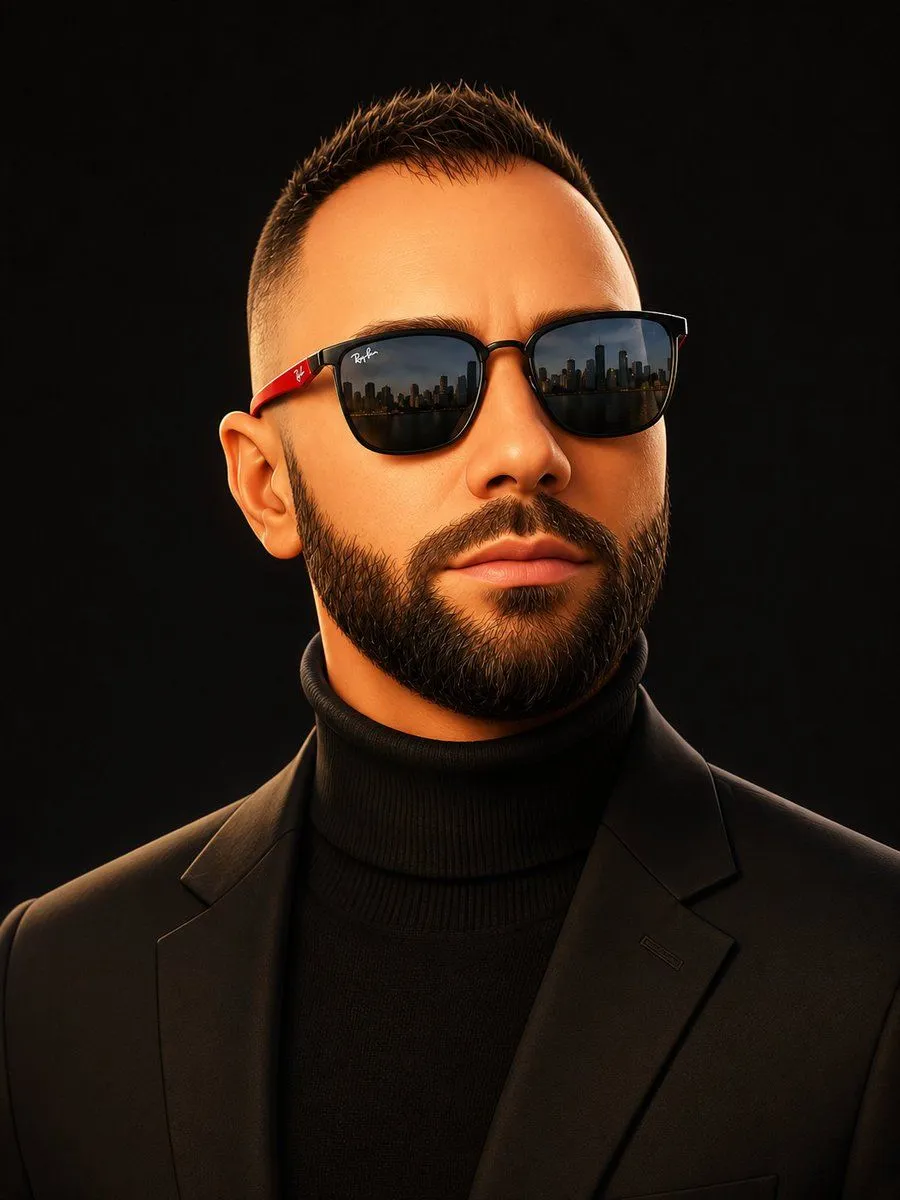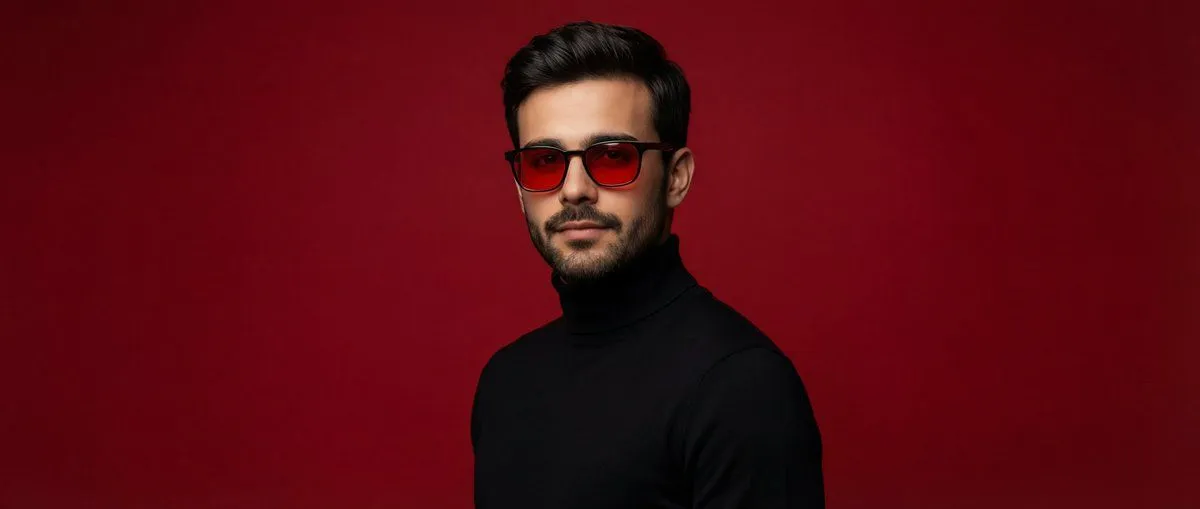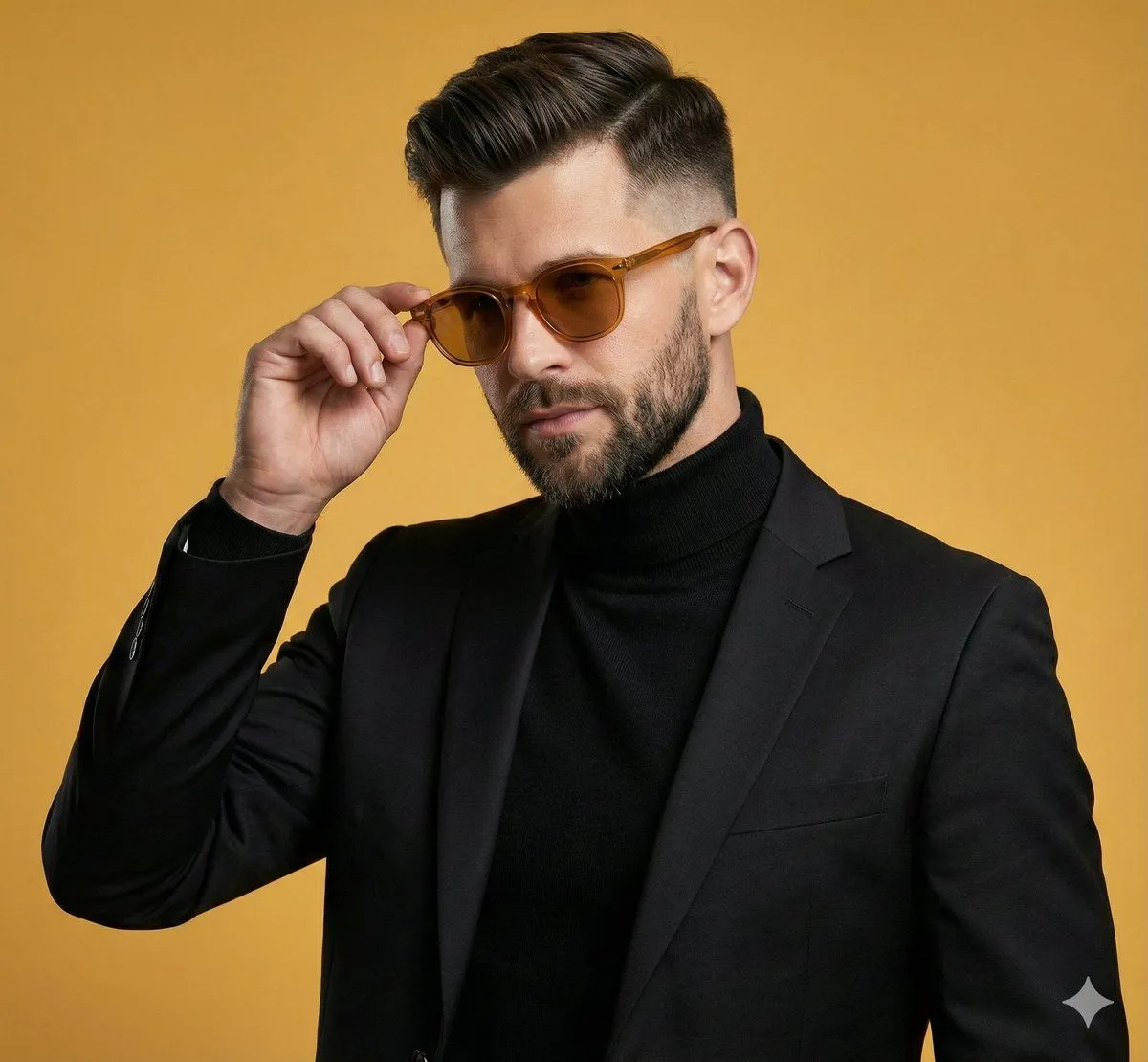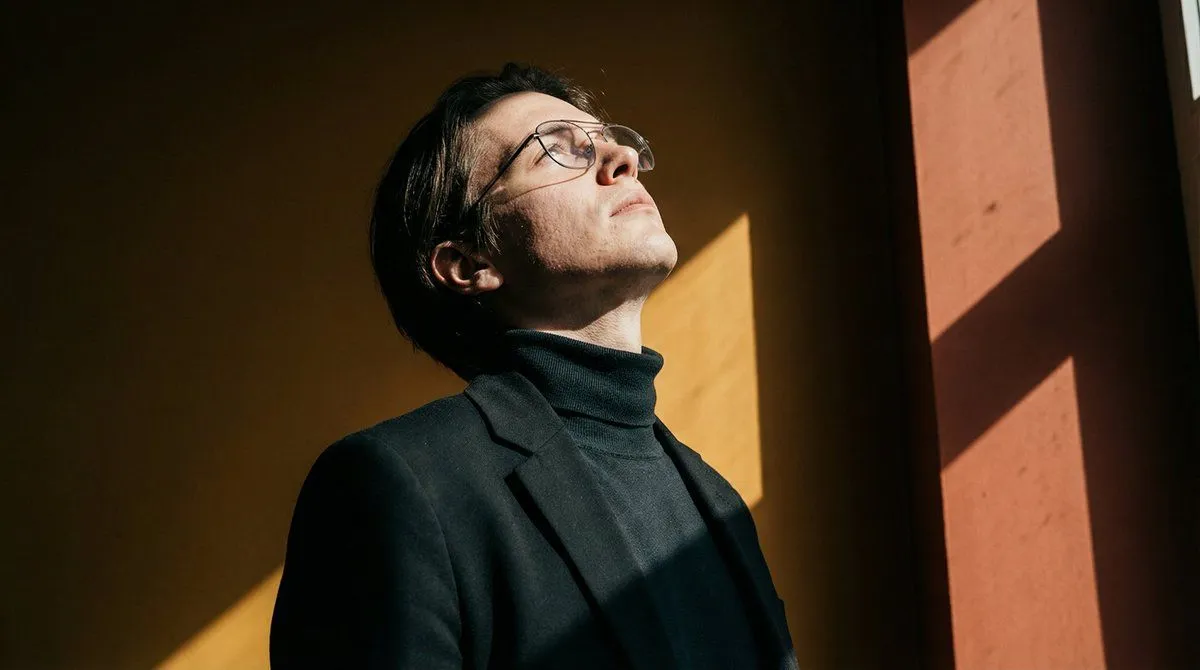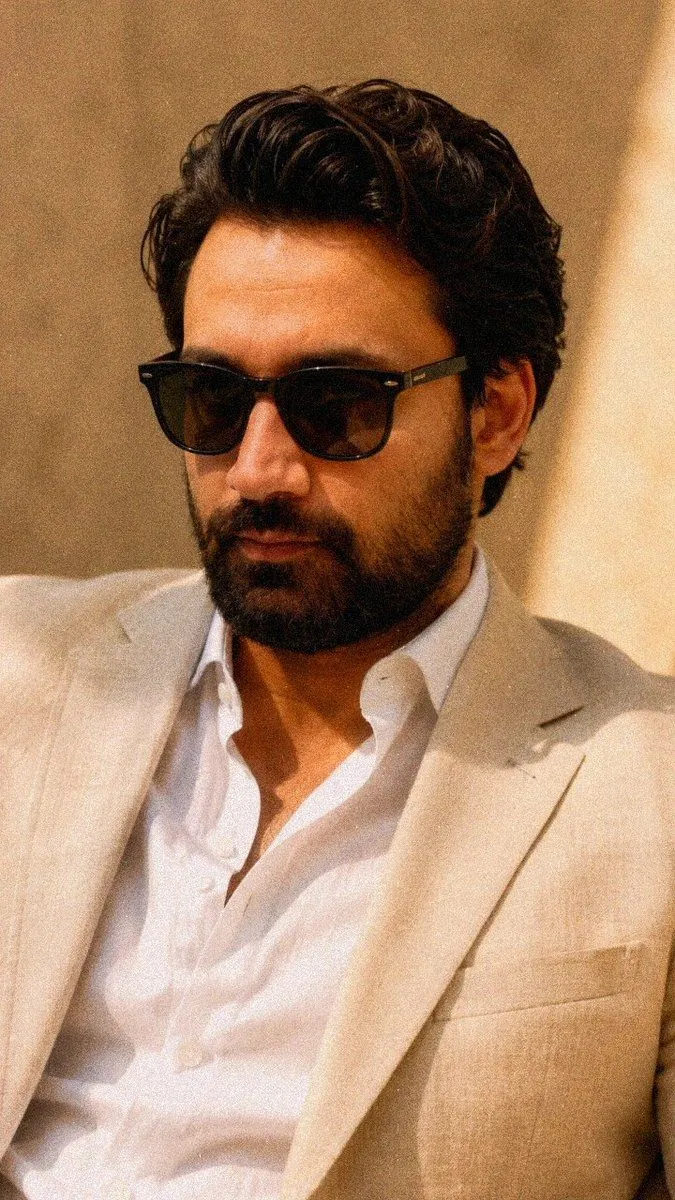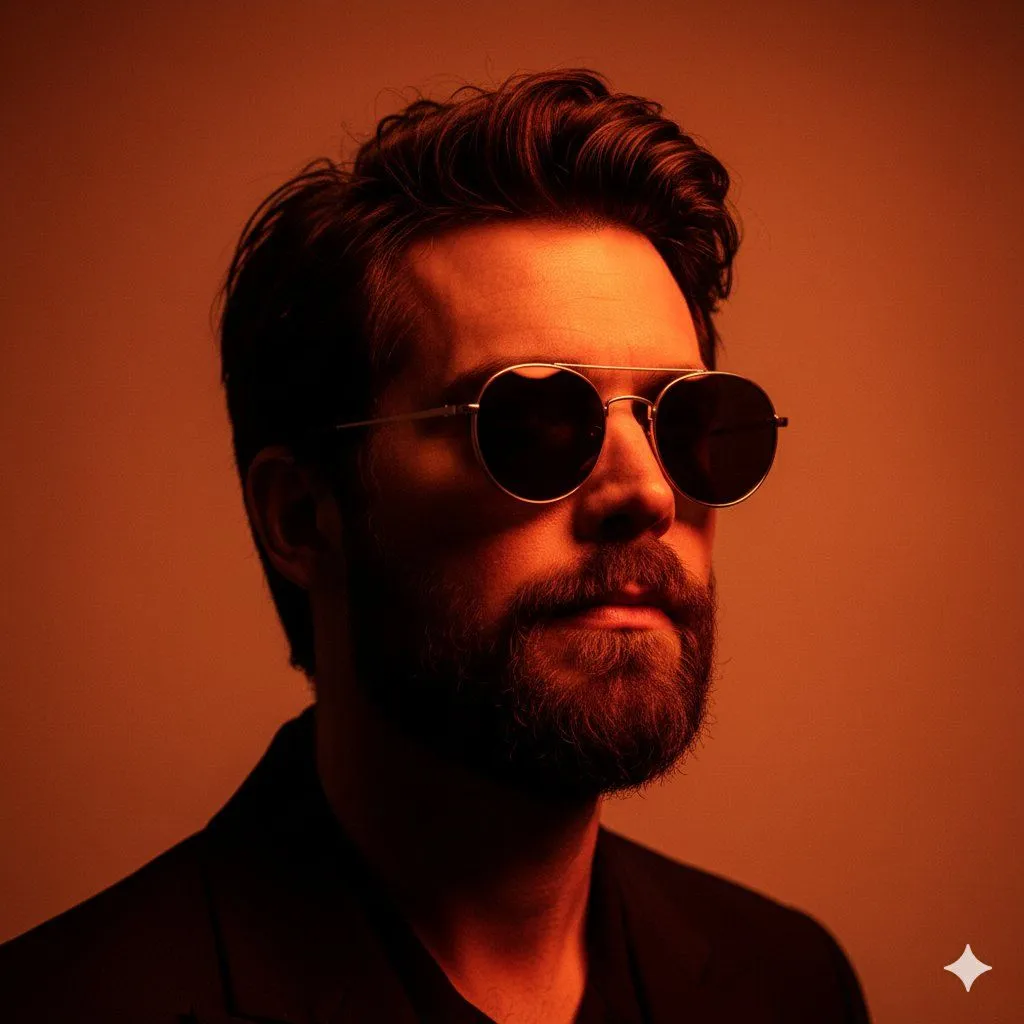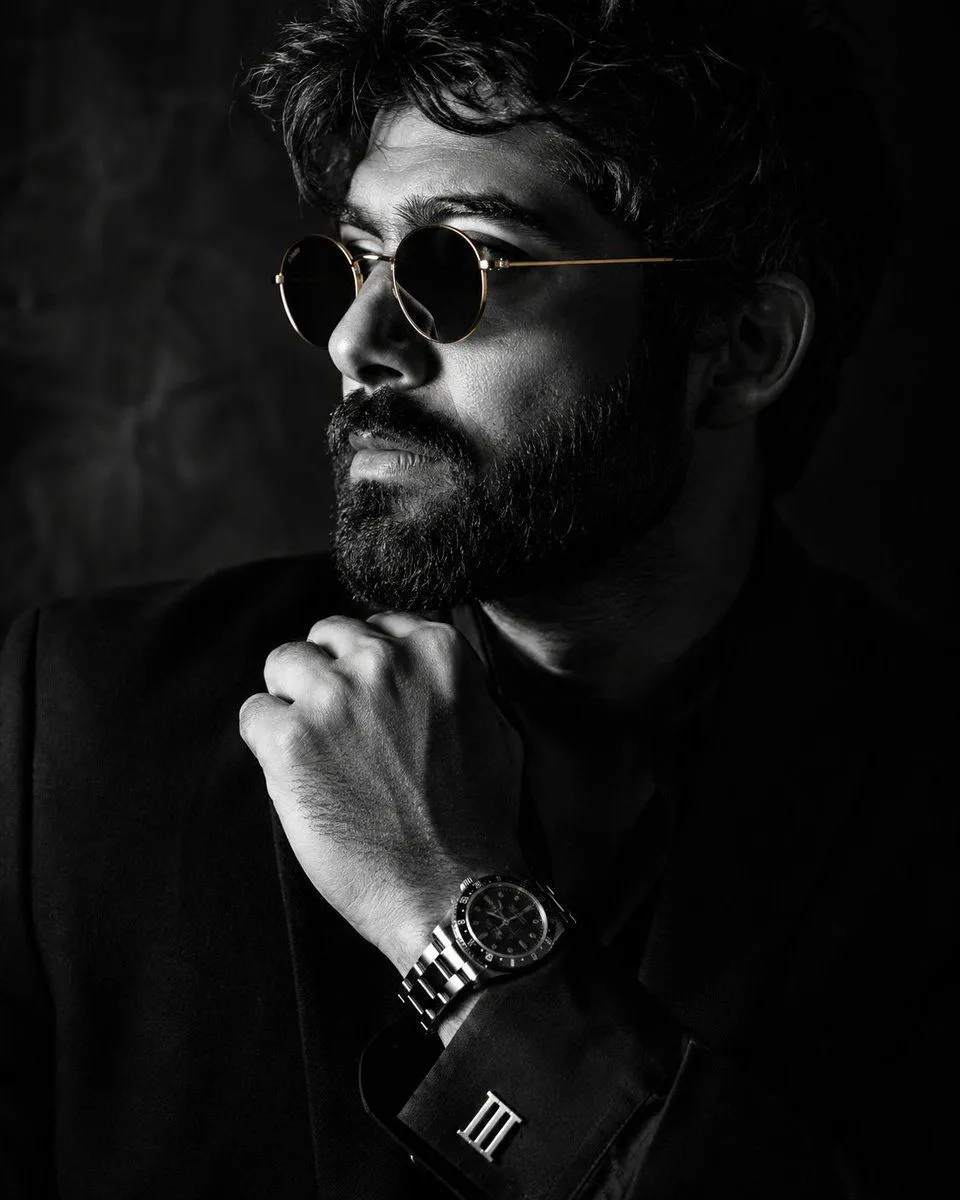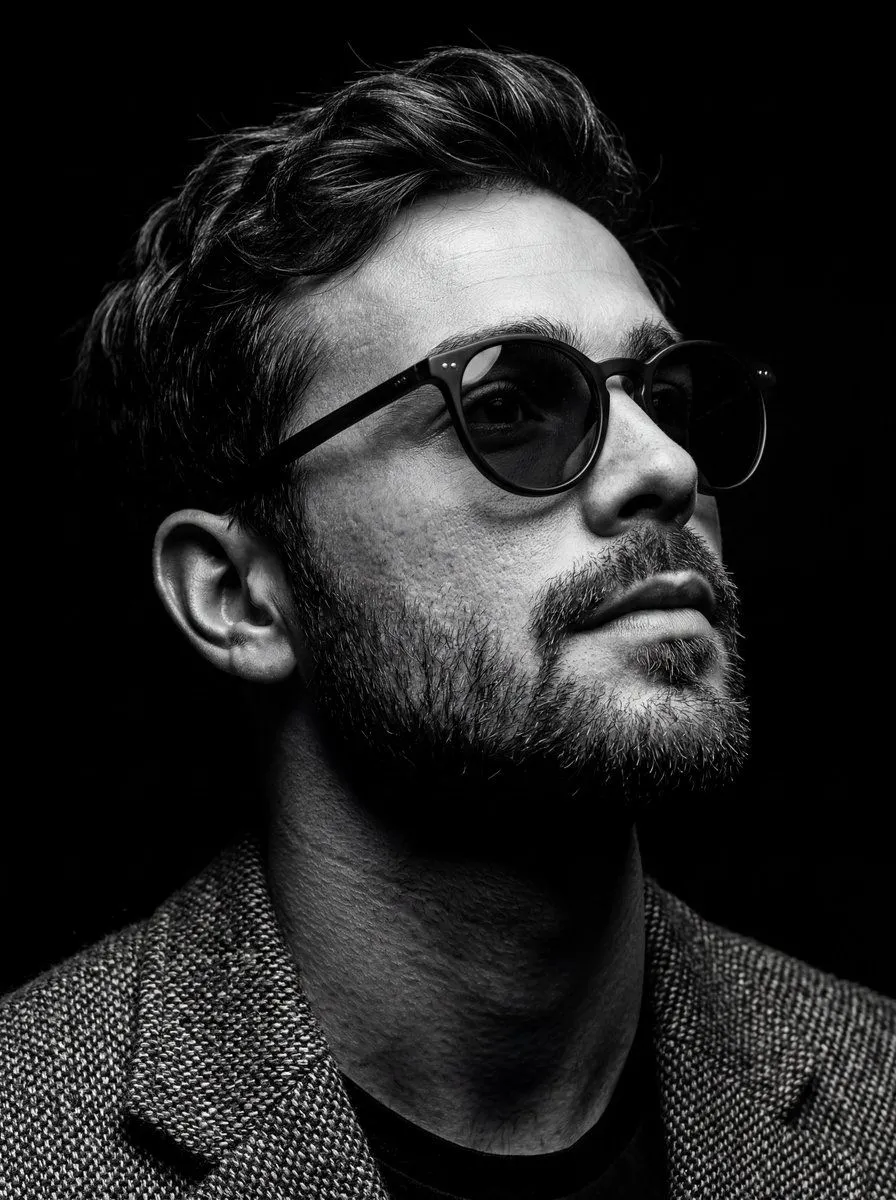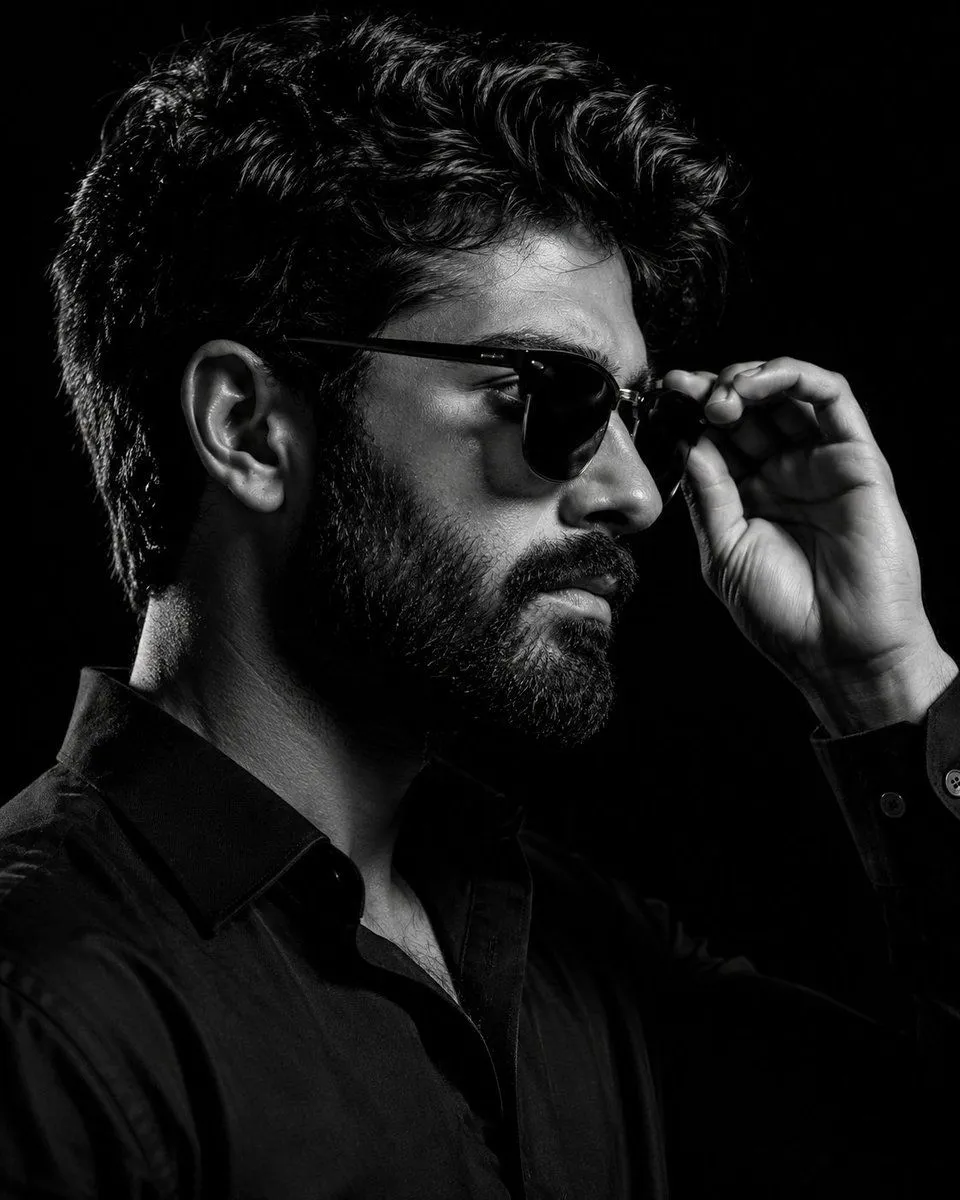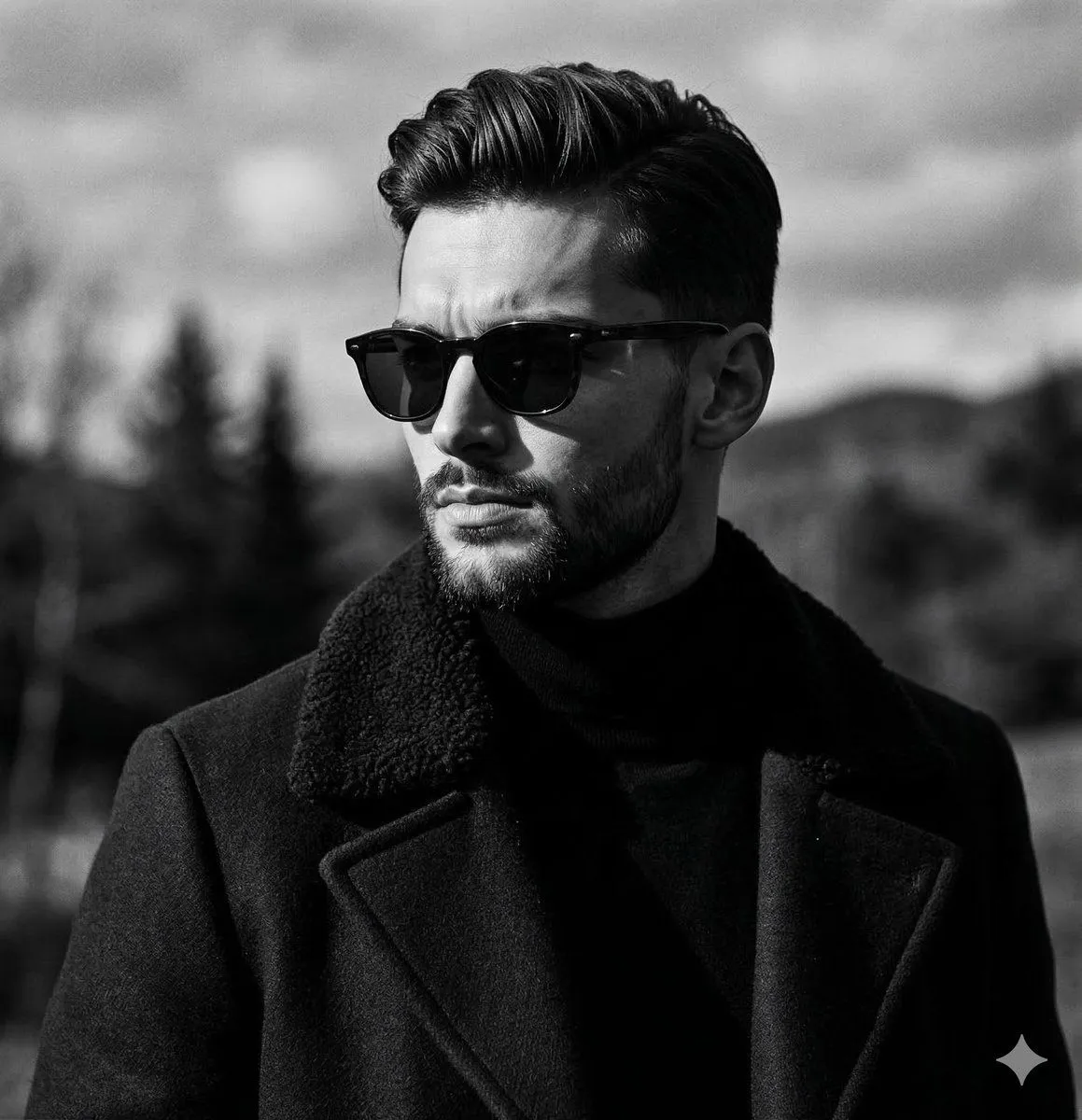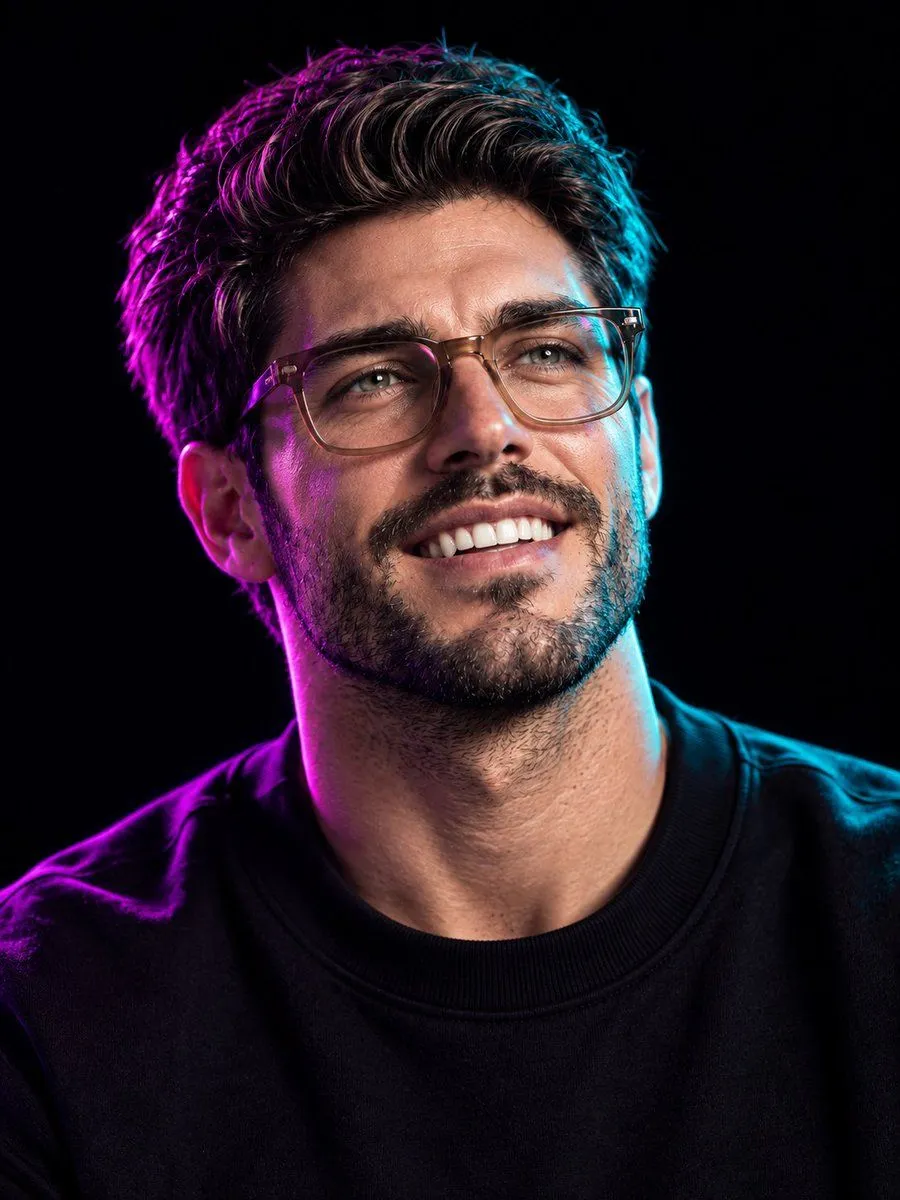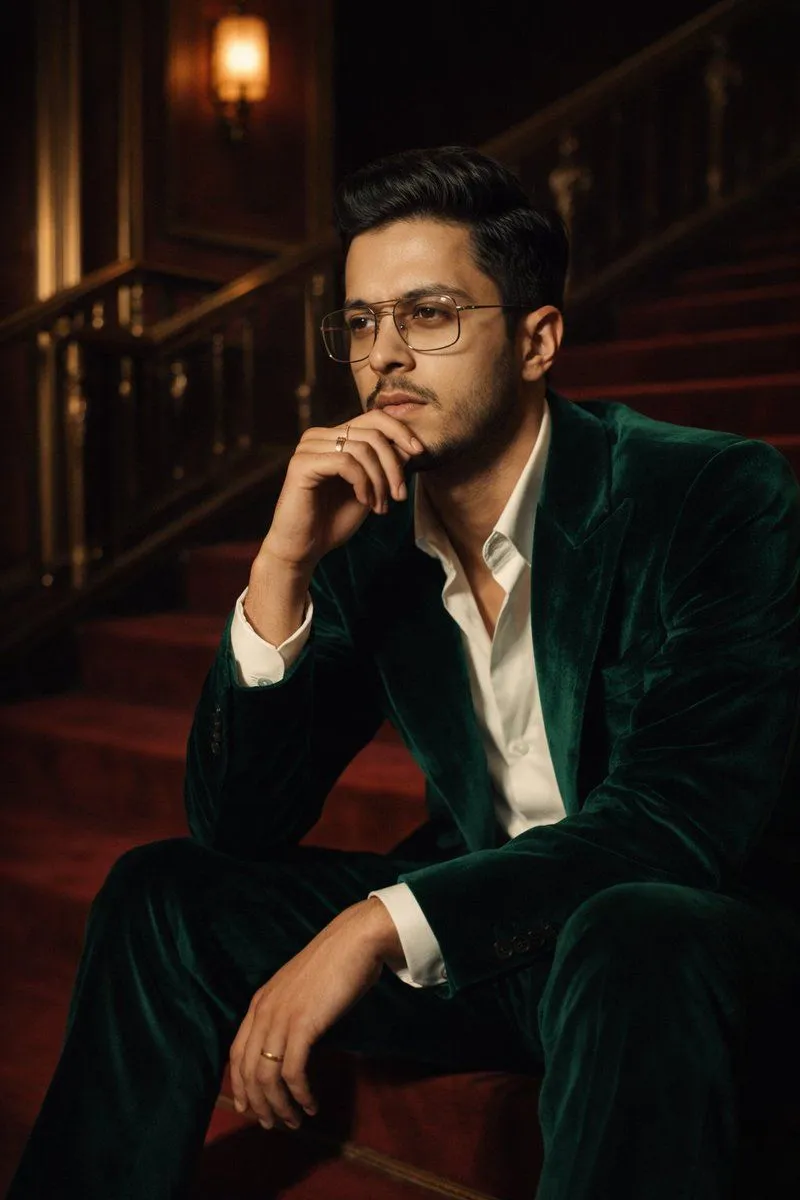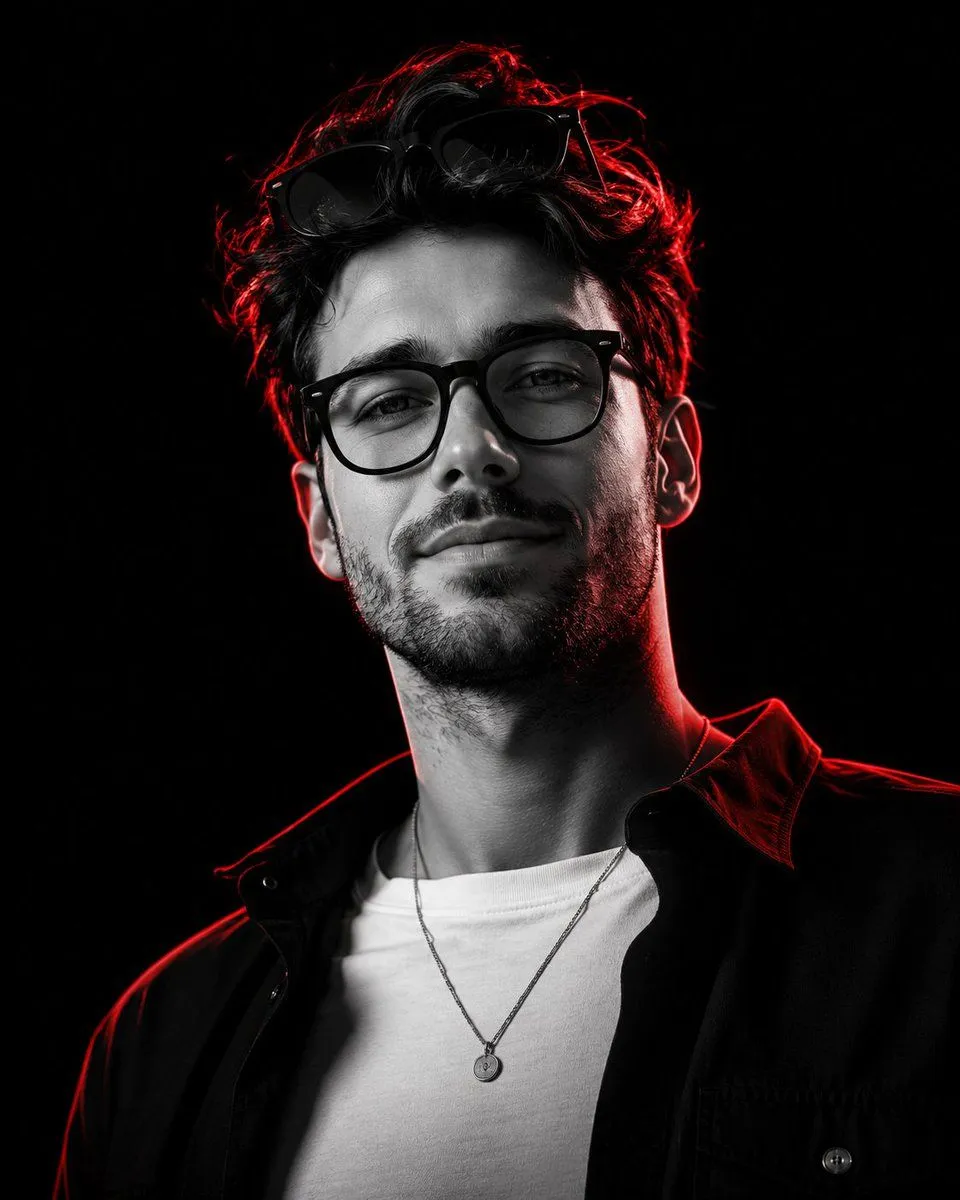
Made with GPT Image 2 in ChatGPT, collected by Library Avatars. Promptclay never generates images.
Editorial Portrait Background Replacement
Prompt
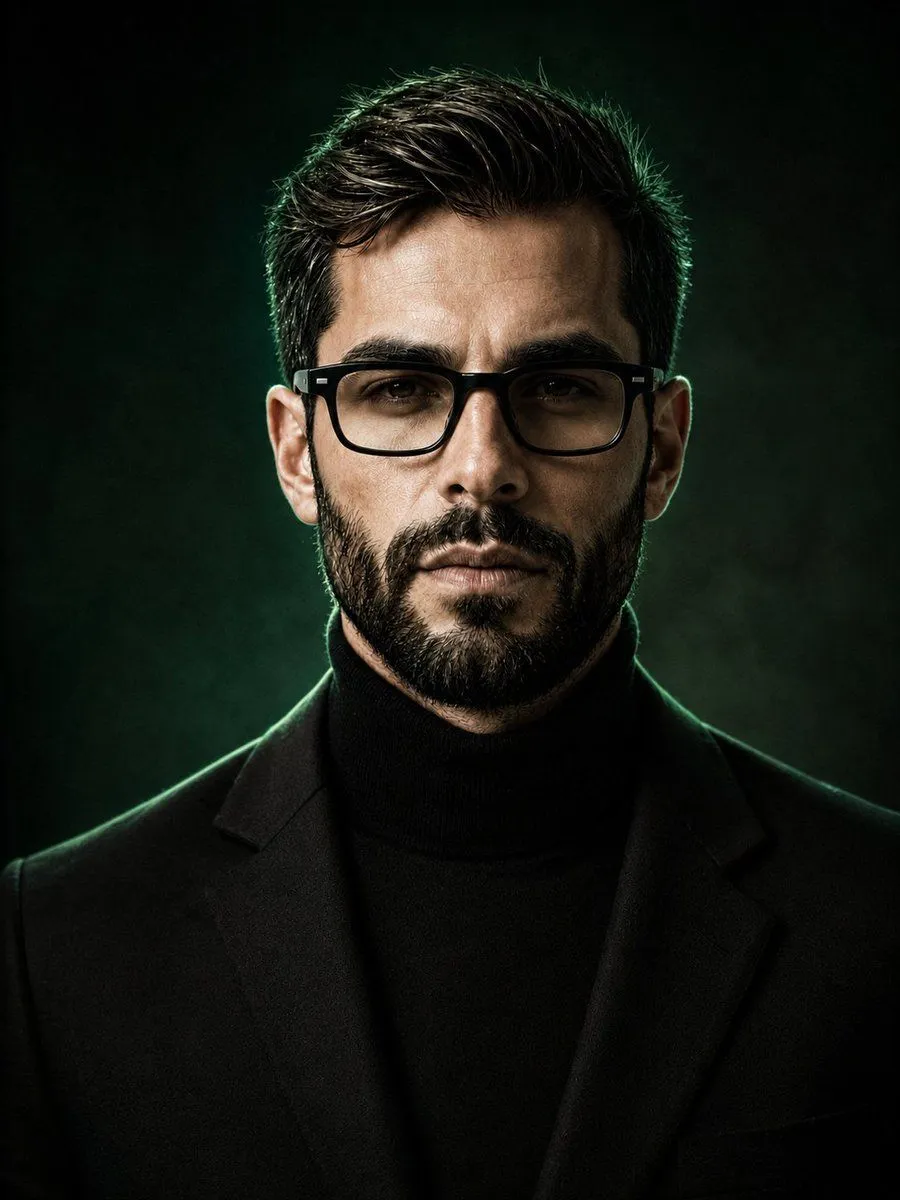
2 blanks to fillCreate a photorealistic portrait using the uploaded image as the reference. Keep the man’s face, hairstyle, beard, body proportions, clothing, pose, and overall appearance unchanged. Replace the existing lake and mountain background with a {background_style}, featuring subtle dark emerald tones, soft black shadows, cinematic depth, and a premium luxury atmosphere. Add {rim_lighting} around the subject, with soft green highlights along the edges of his hair and shoulders. Keep the subject sharply focused while the background remains smoothly blurred and atmospheric. High-end fashion editorial photography, realistic skin texture, natural lighting, dramatic contrast, elegant masculine aesthetic, 4K detail.
Preview of your prompt
Create a photorealistic portrait using the uploaded image as the reference. Keep the man’s face, hairstyle, beard, body proportions, clothing, pose, and overall appearance unchanged. Replace the existing lake and mountain background with a sophisticated deep green and black gradient background, featuring subtle dark emerald tones, soft black shadows, cinematic depth, and a premium luxury atmosphere. Add gentle studio-style rim lighting around the subject, with soft green highlights along the edges of his hair and shoulders. Keep the subject sharply focused while the background remains smoothly blurred and atmospheric. High-end fashion editorial photography, realistic skin texture, natural lighting, dramatic contrast, elegant masculine aesthetic, 4K detail.
DetailsVersions, settings and questions
Written for
What's in the prompt
- Subject
- Model
- GPT Image 2
If your face changes
keep my face exactly the sameQuestions
- Does this work in the ChatGPT app?
- Yes. Paste the prompt and attach your photo if it uses one.
- It changed my face. What do I do?
- Add "keep my face exactly the same" to the end and run it again.
- Can I use the images I make?
- Check the terms of the app you use. Promptclay never generates images and claims nothing you make.