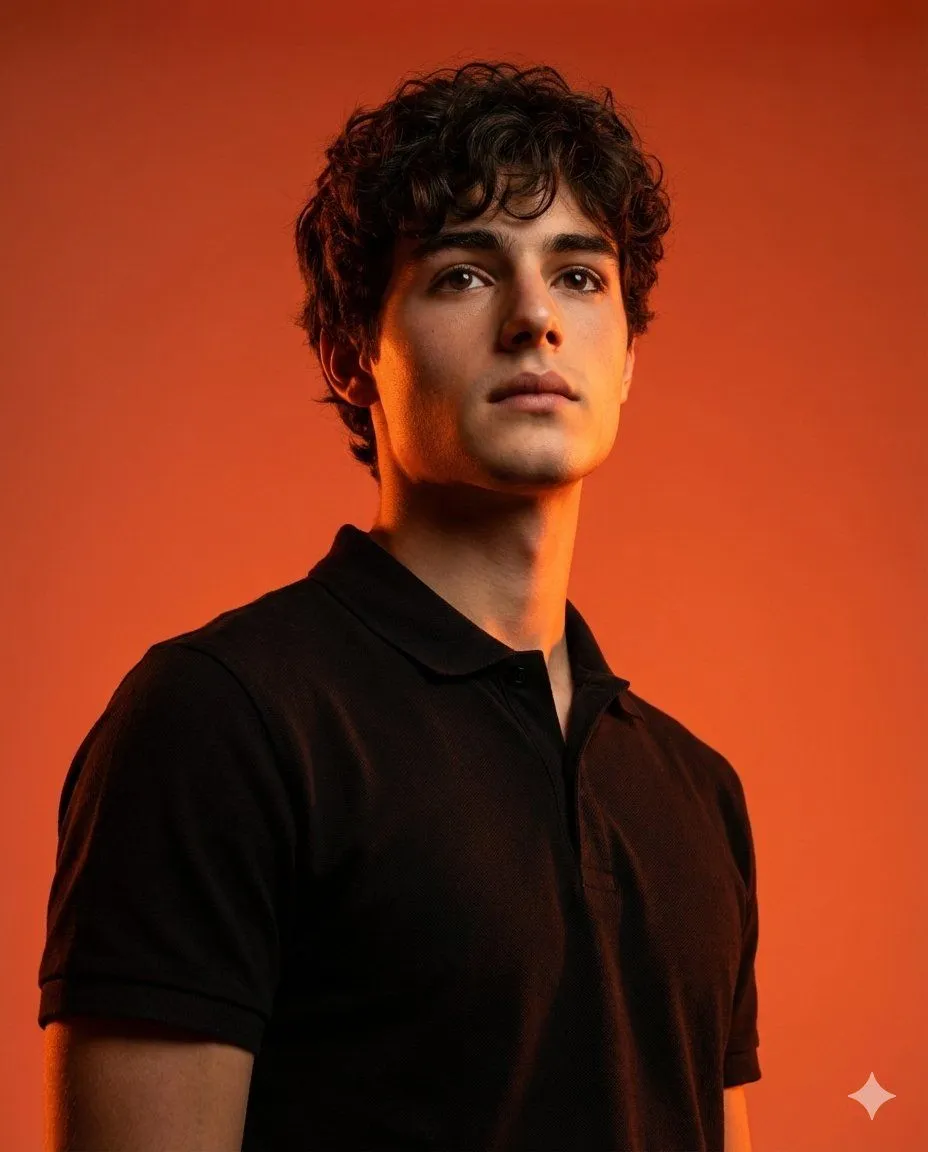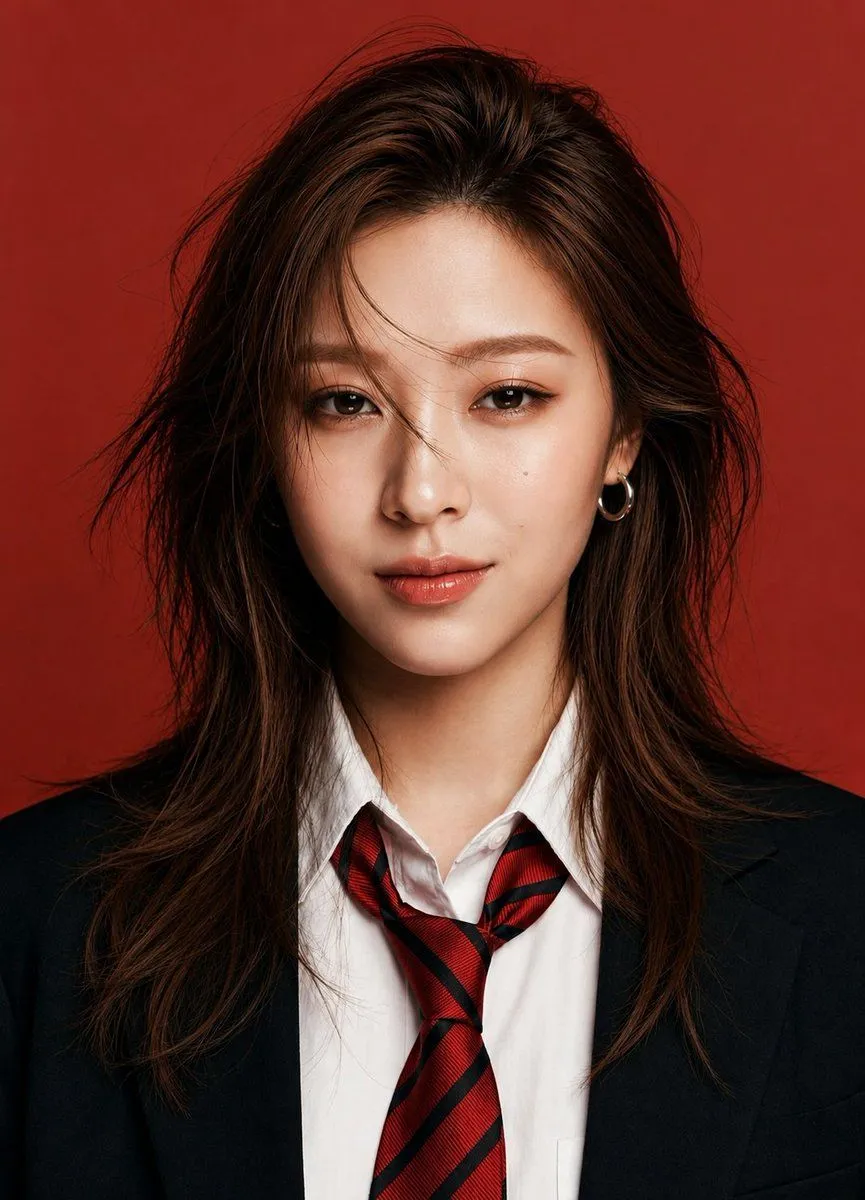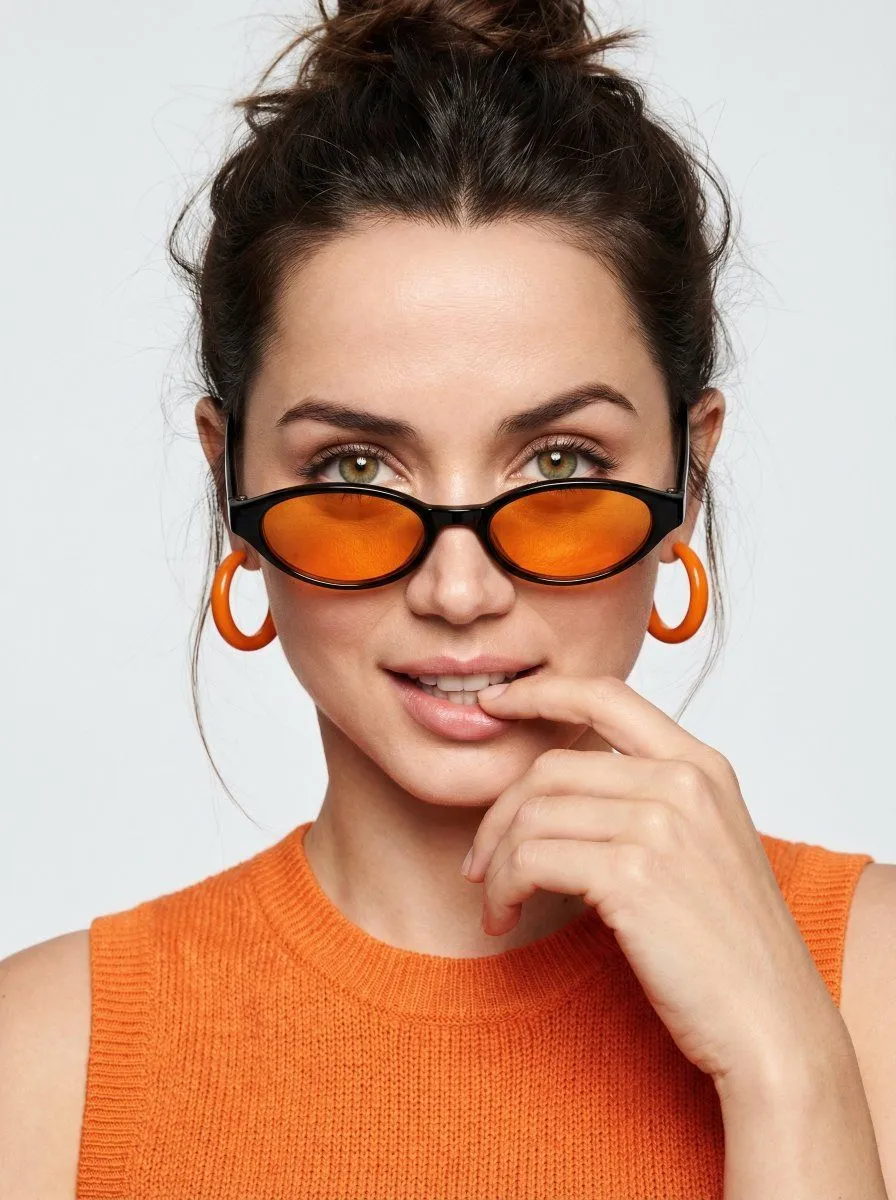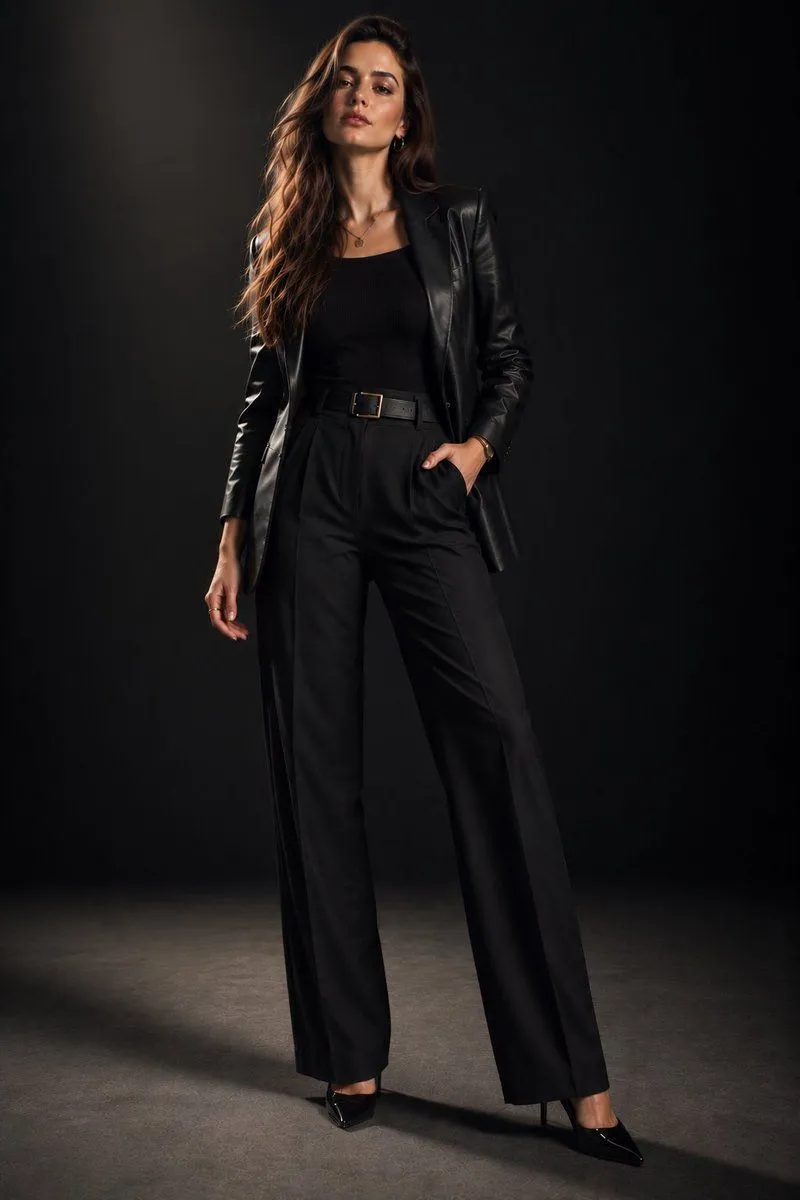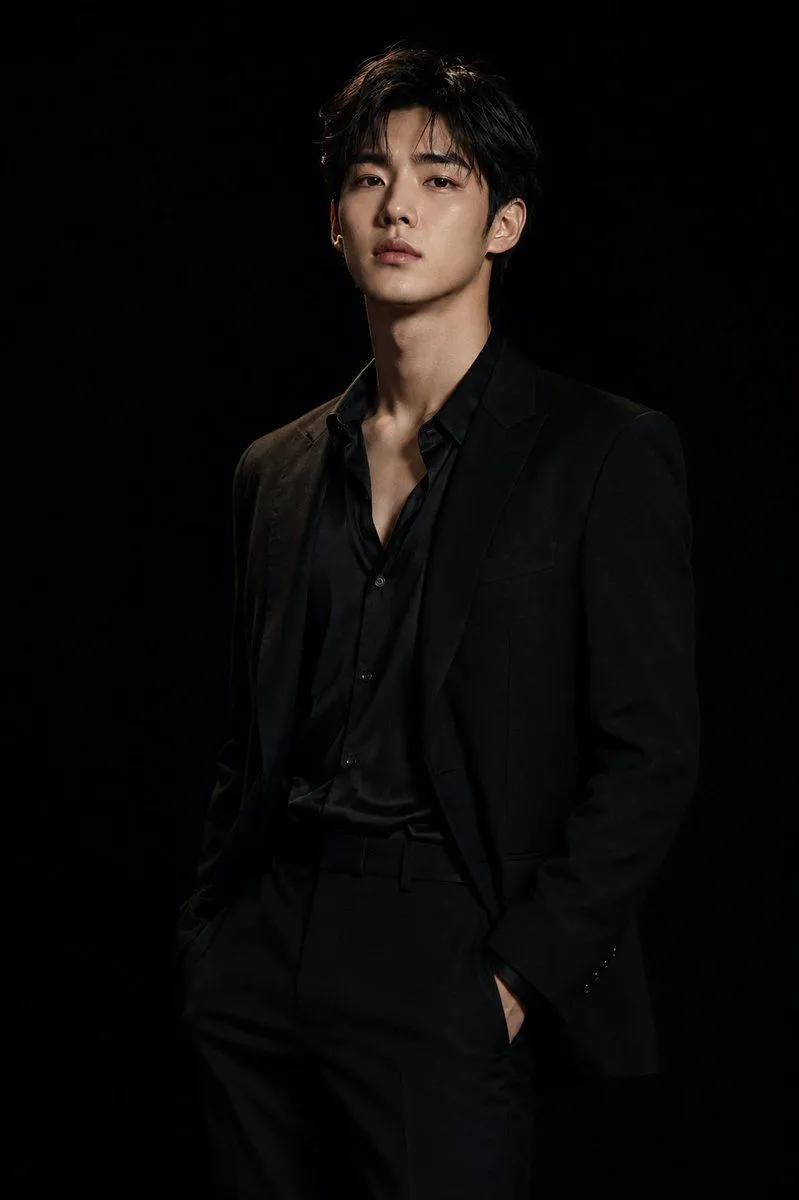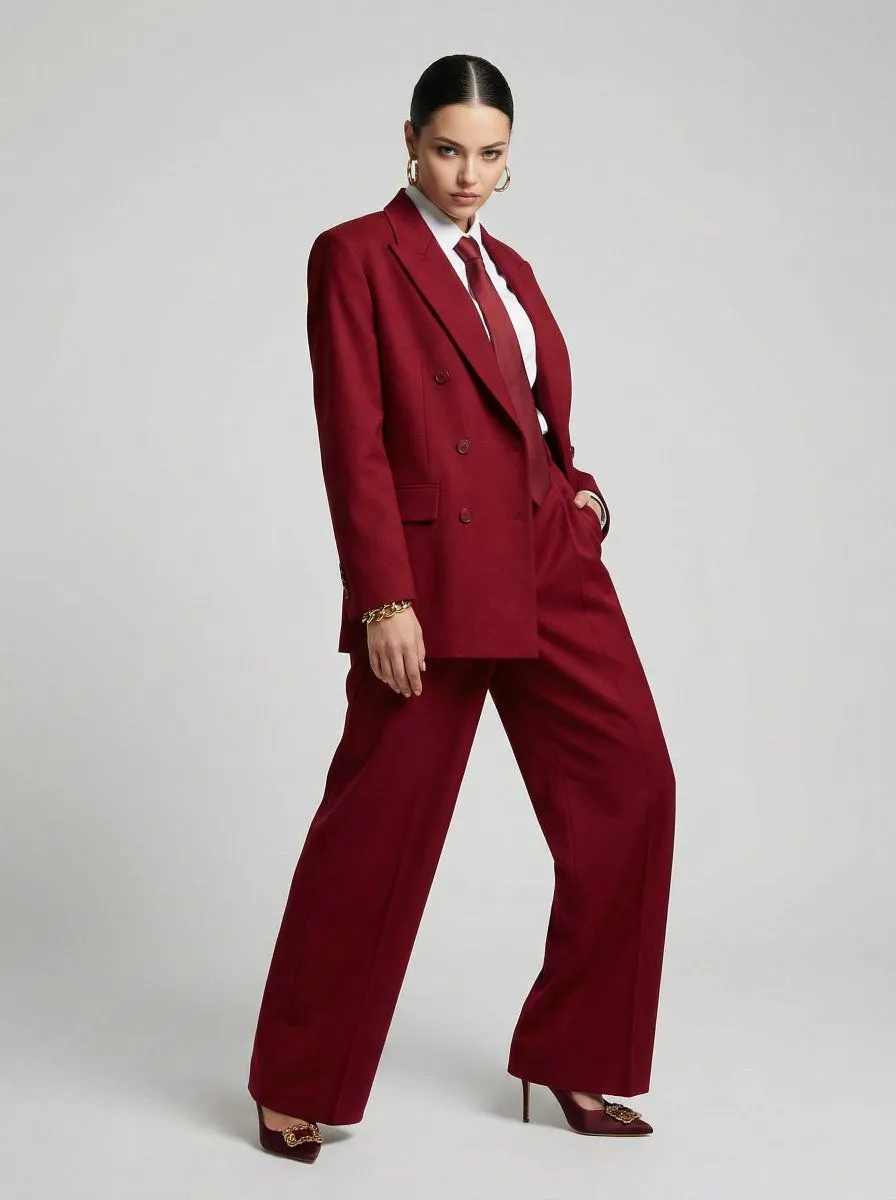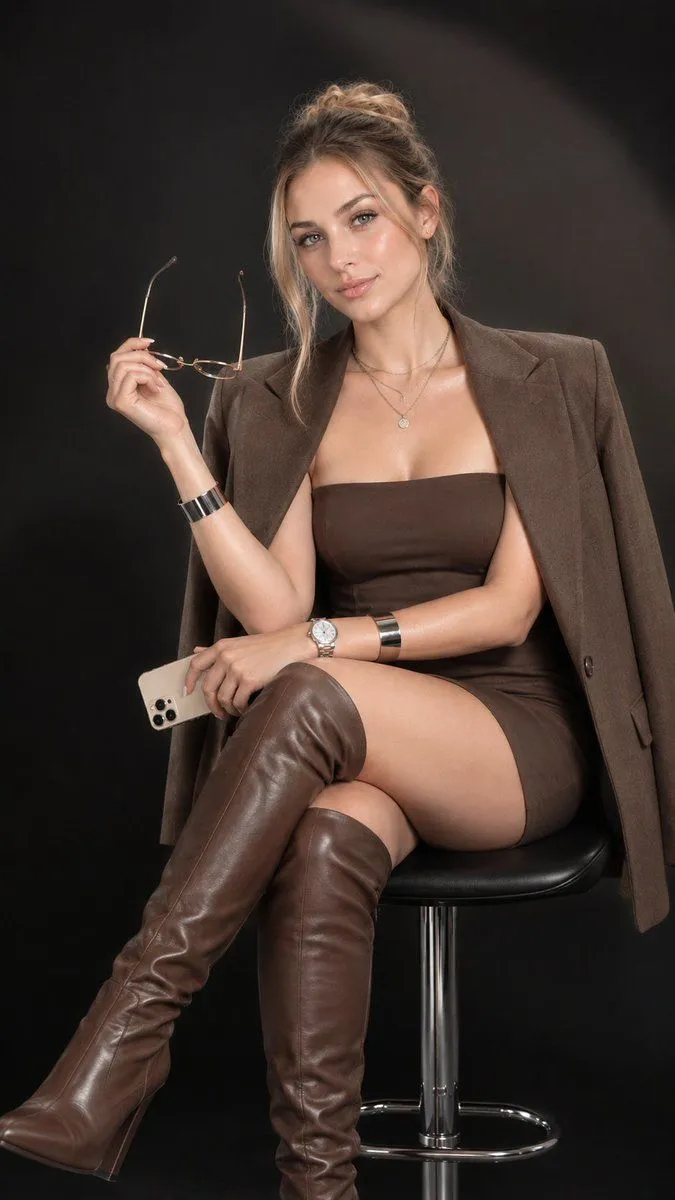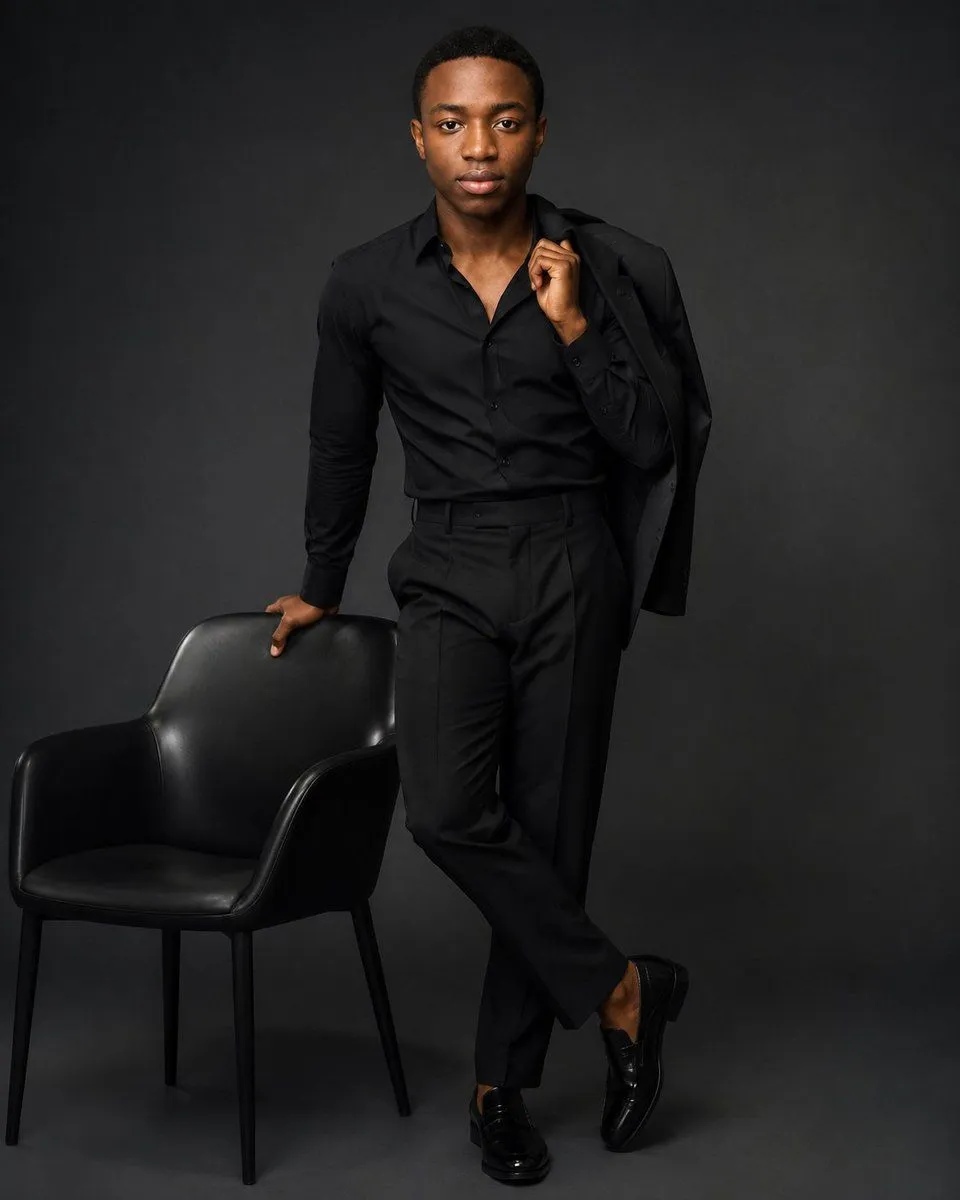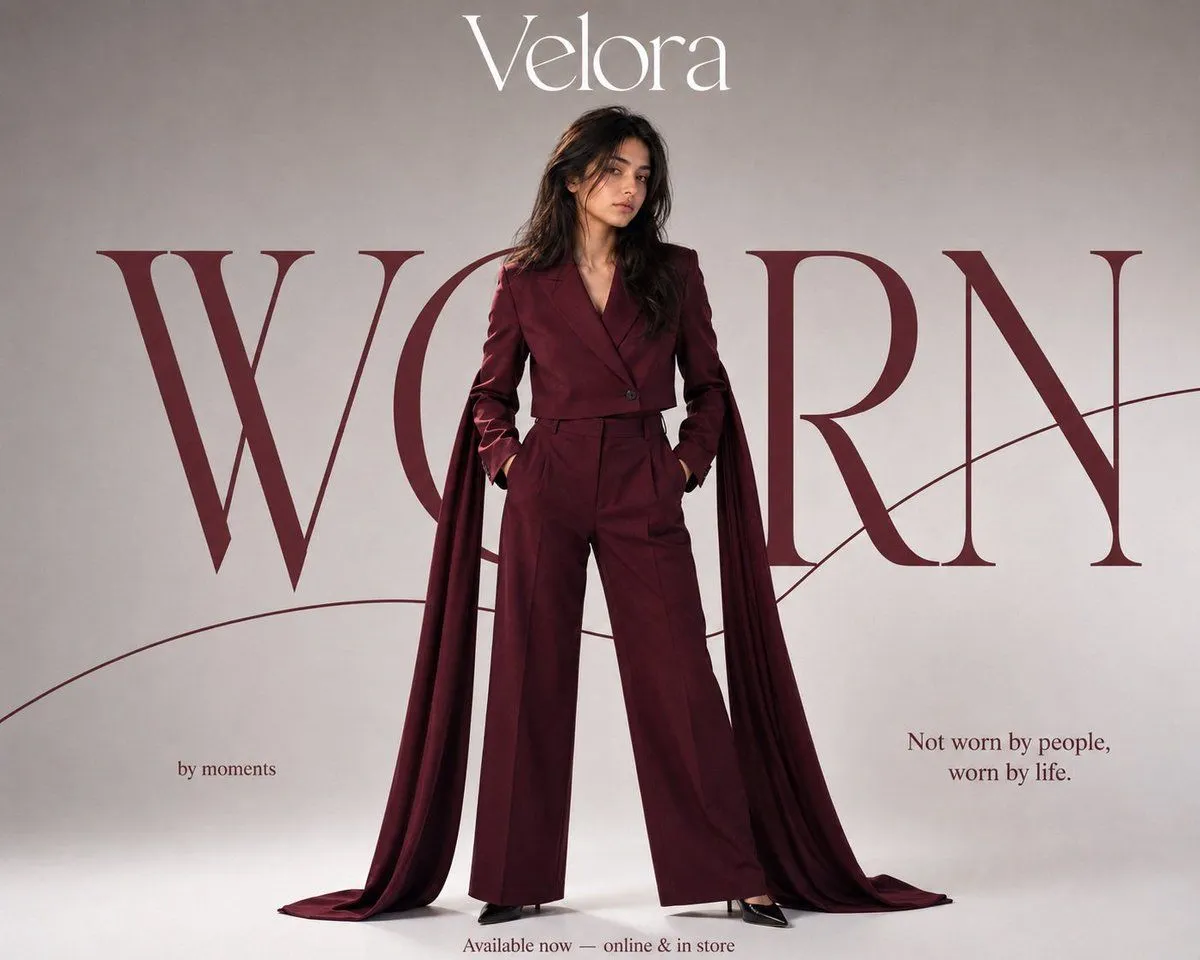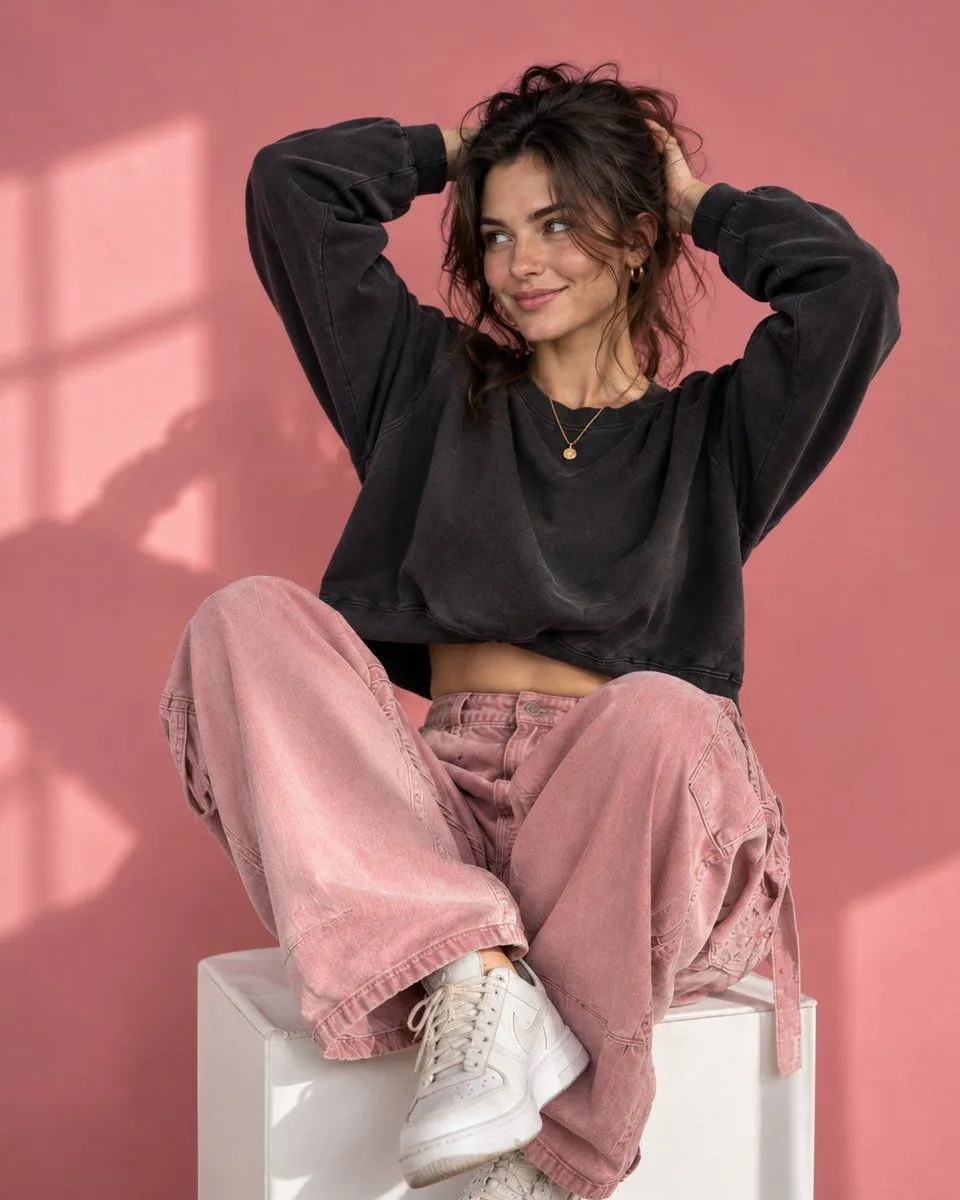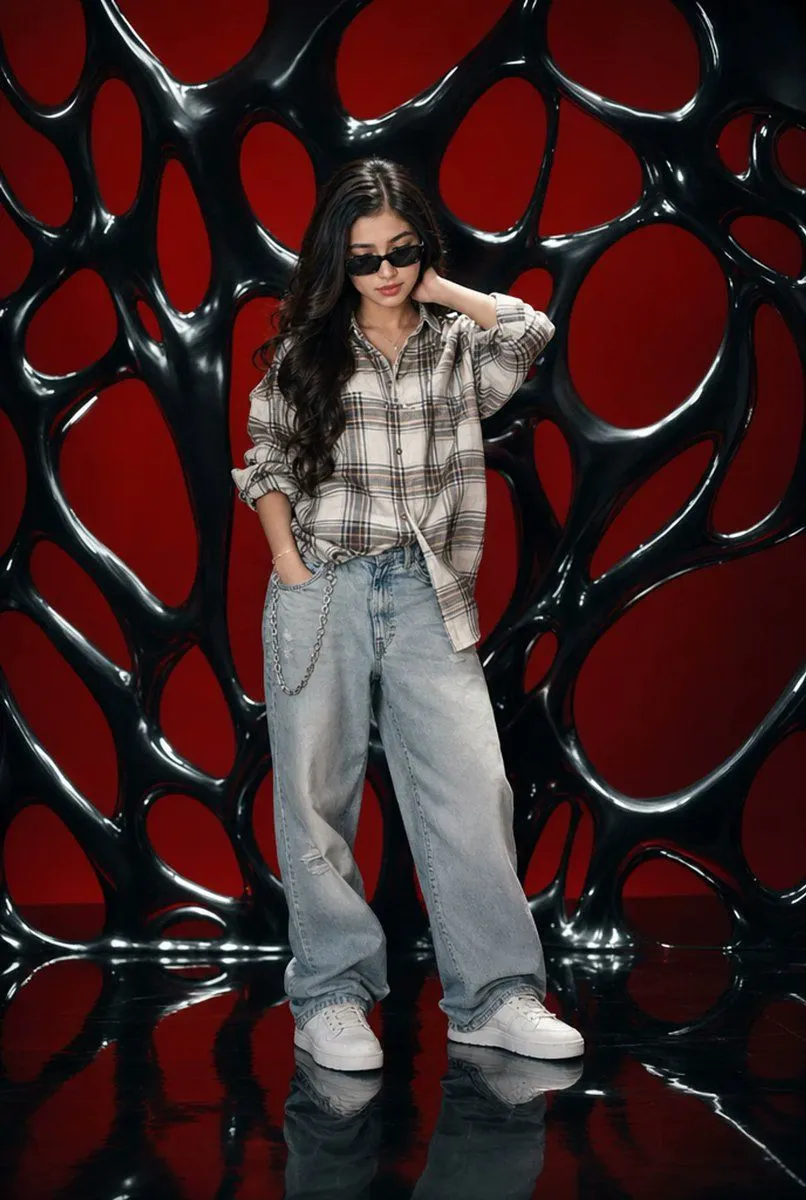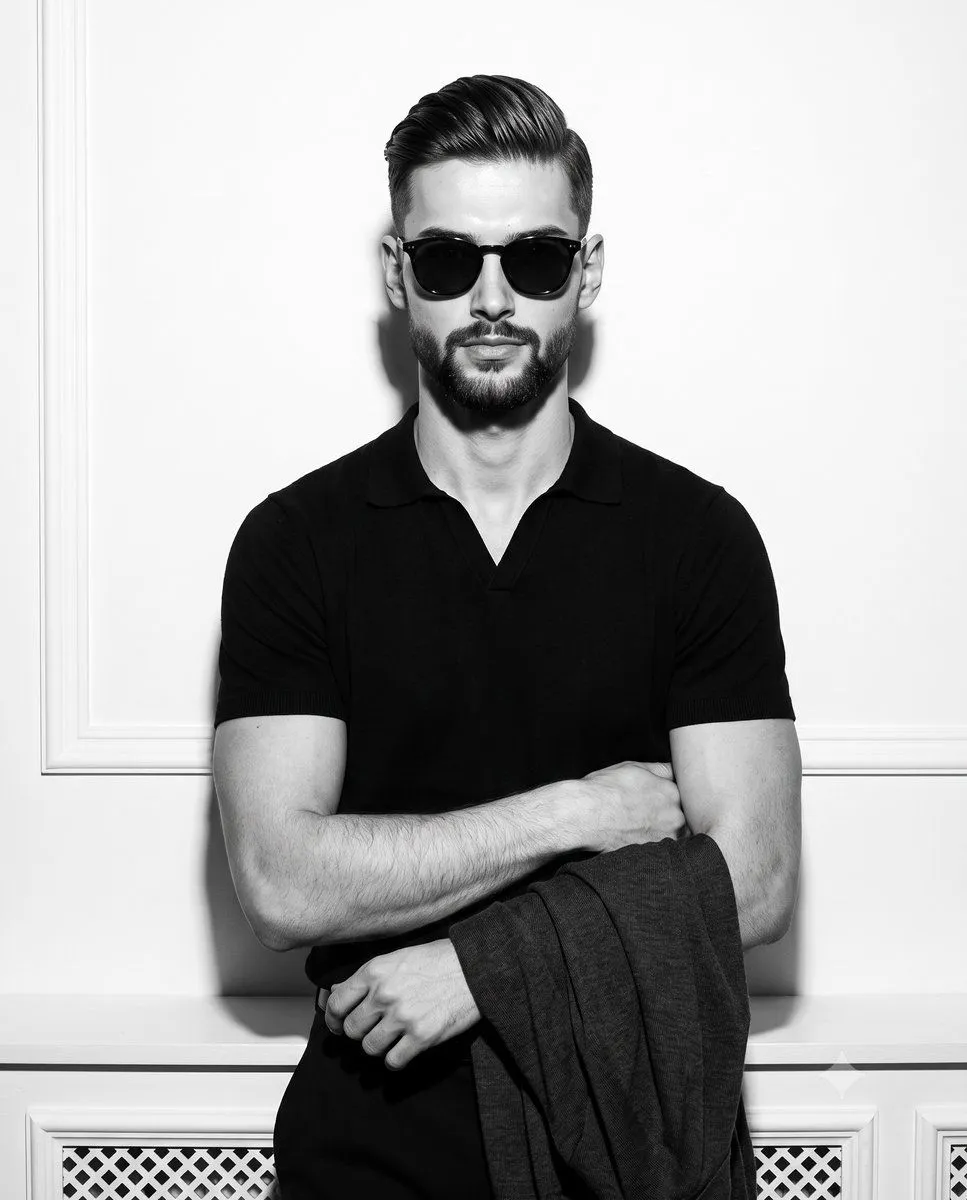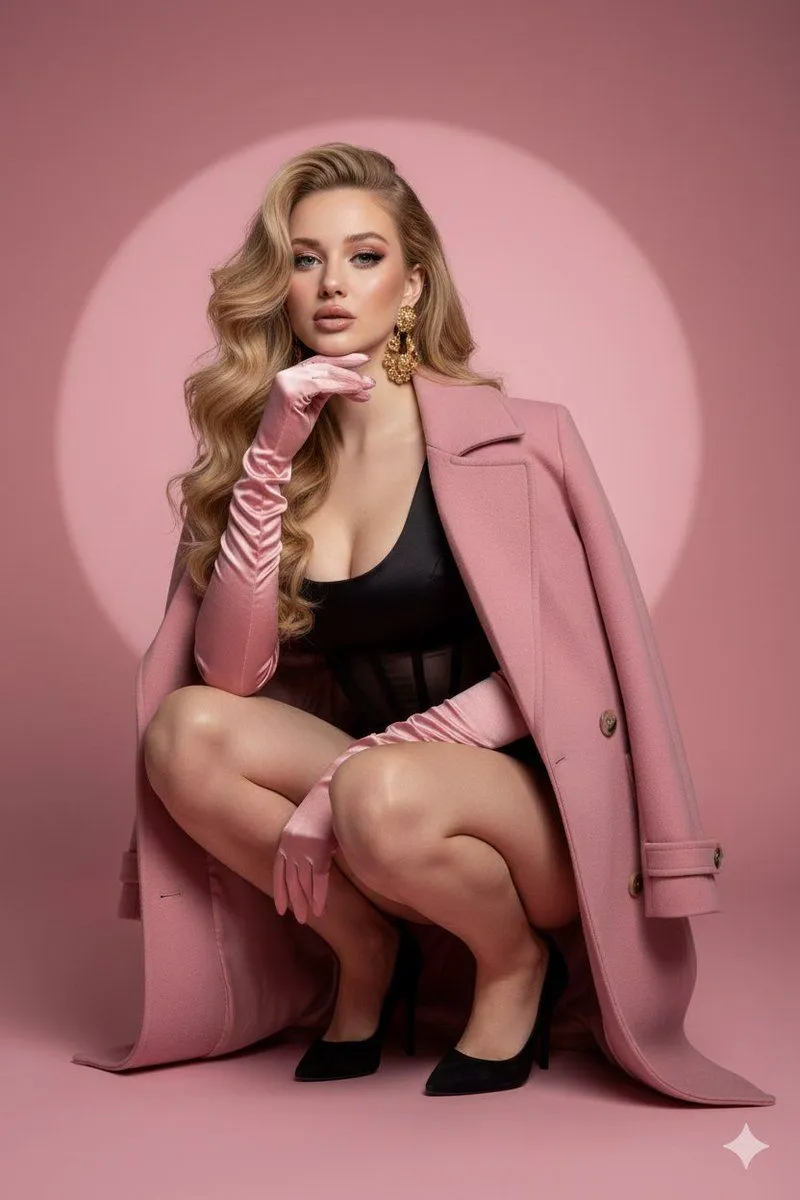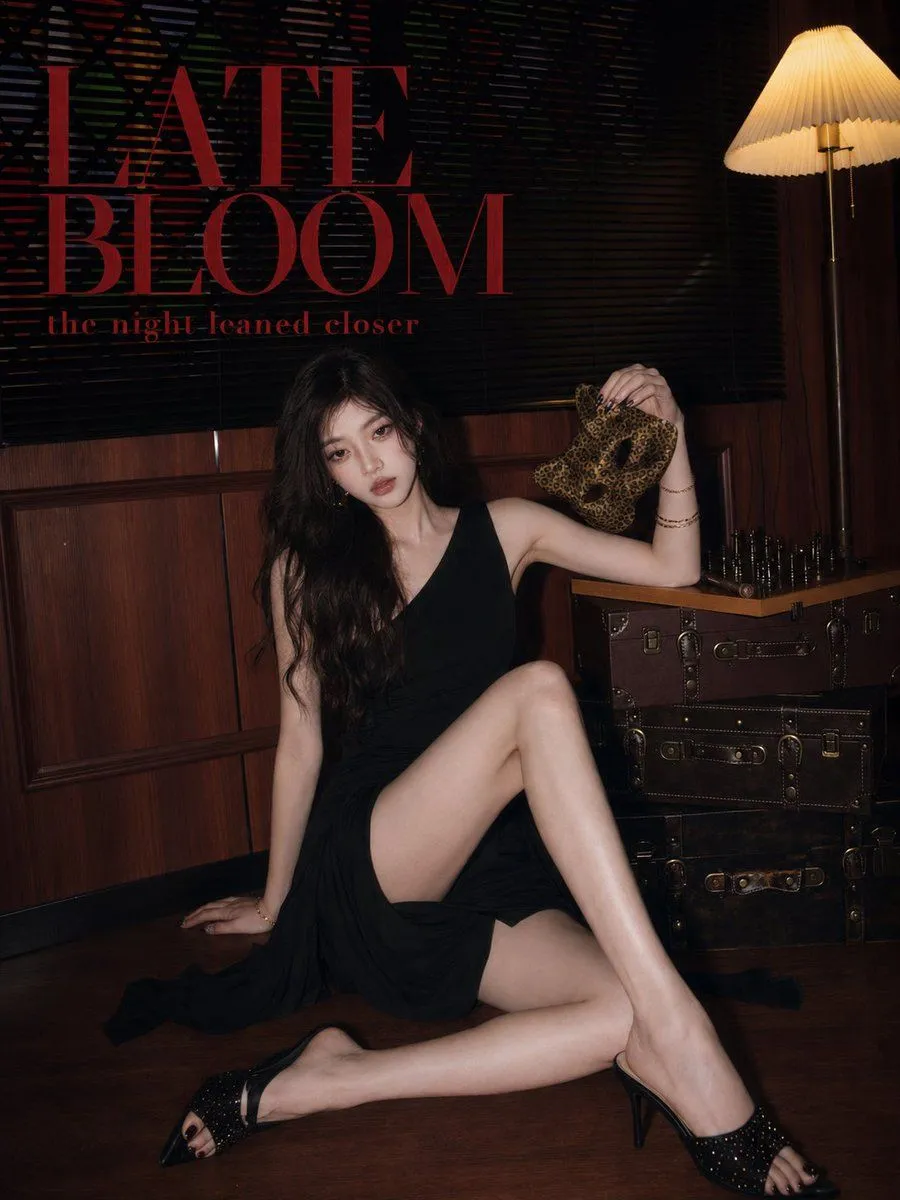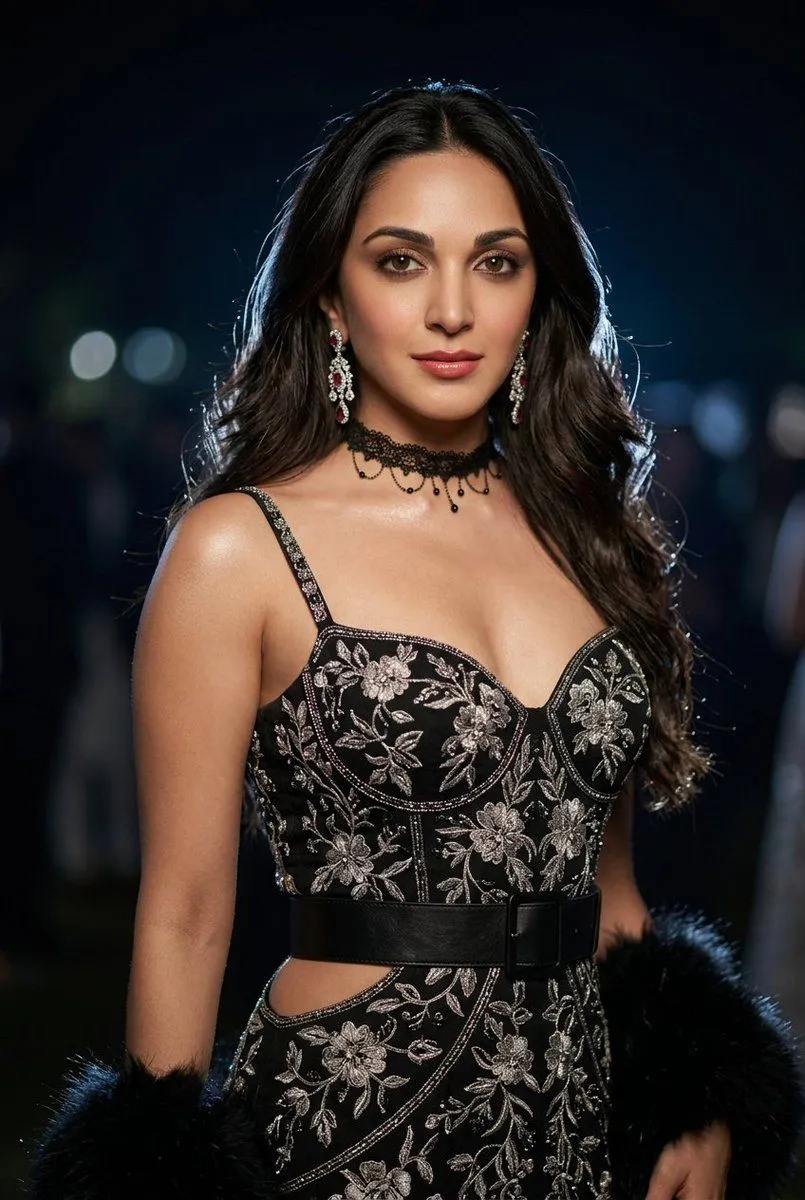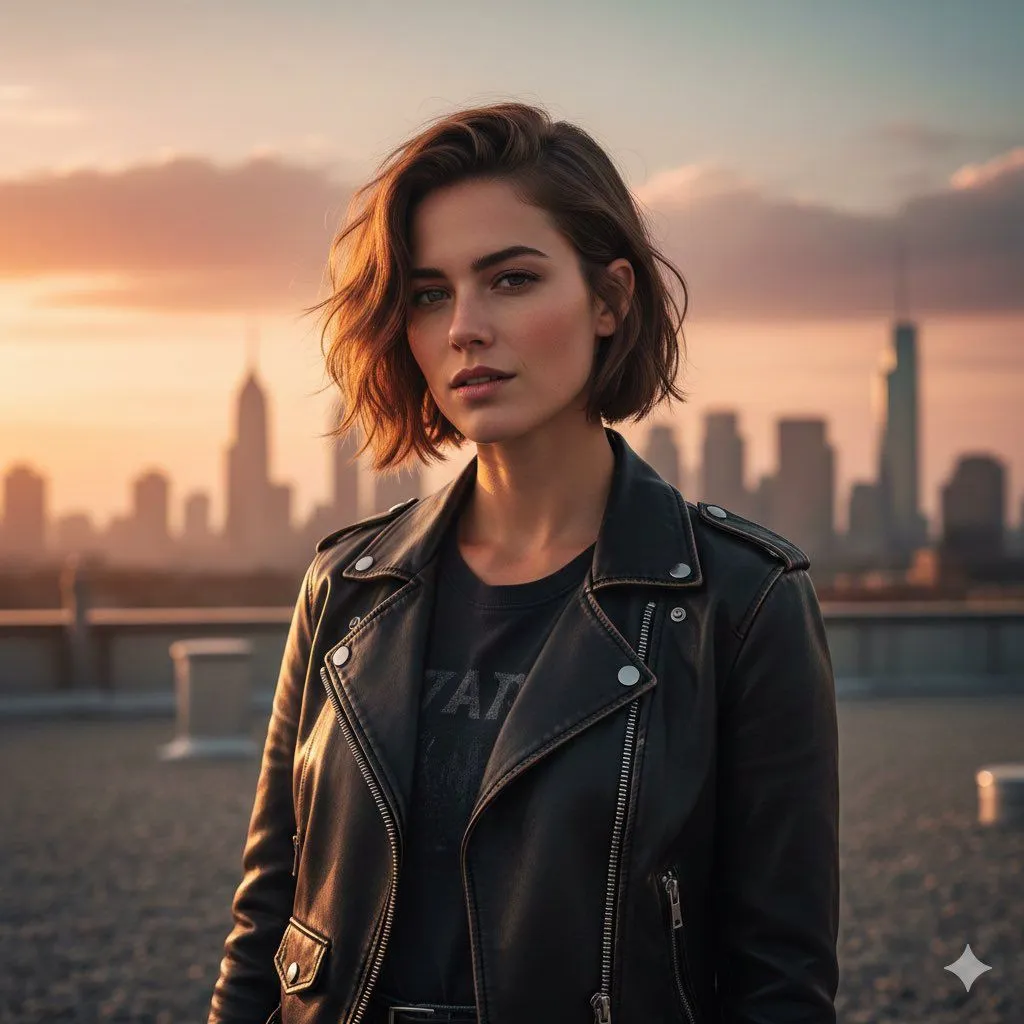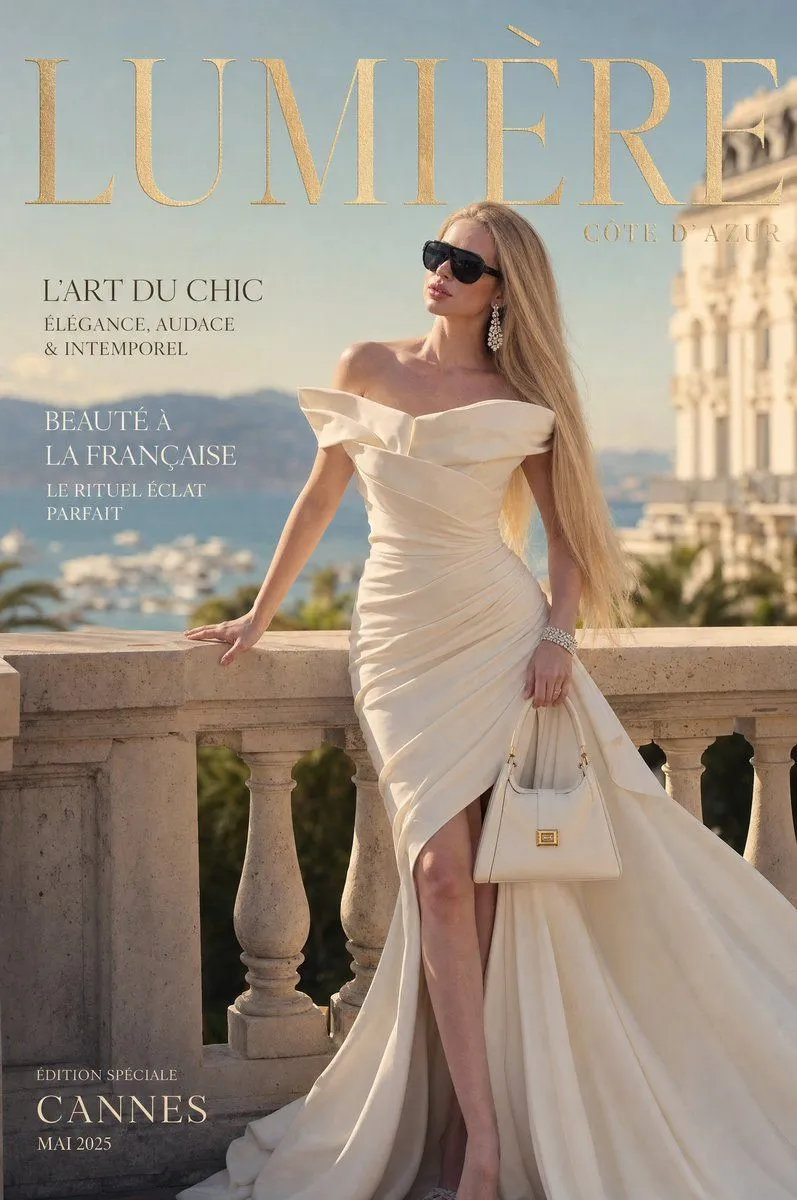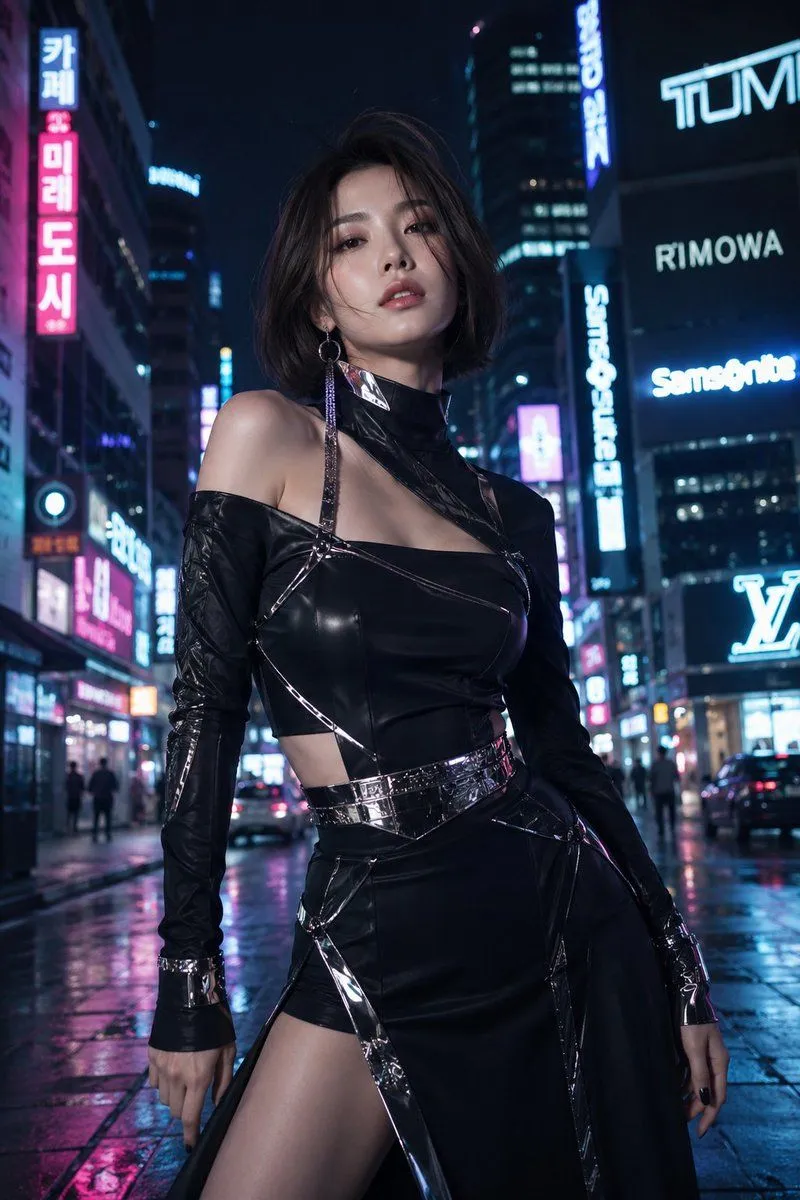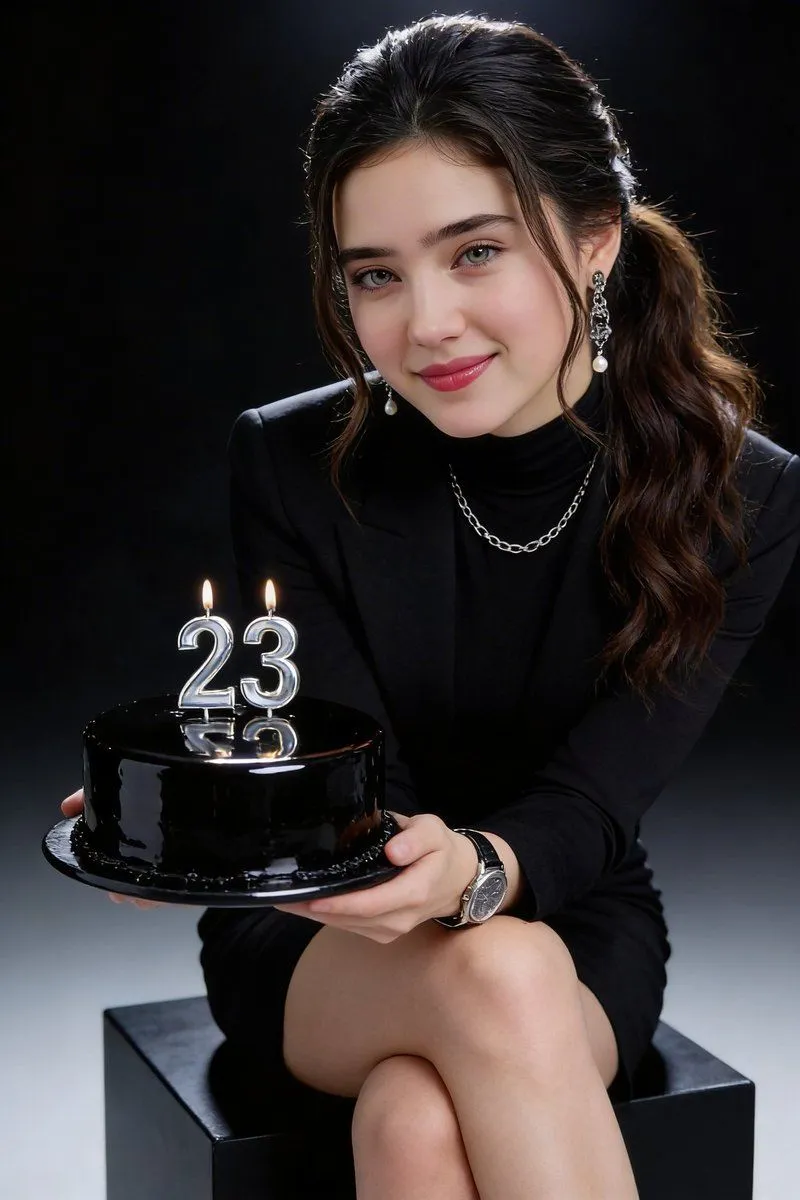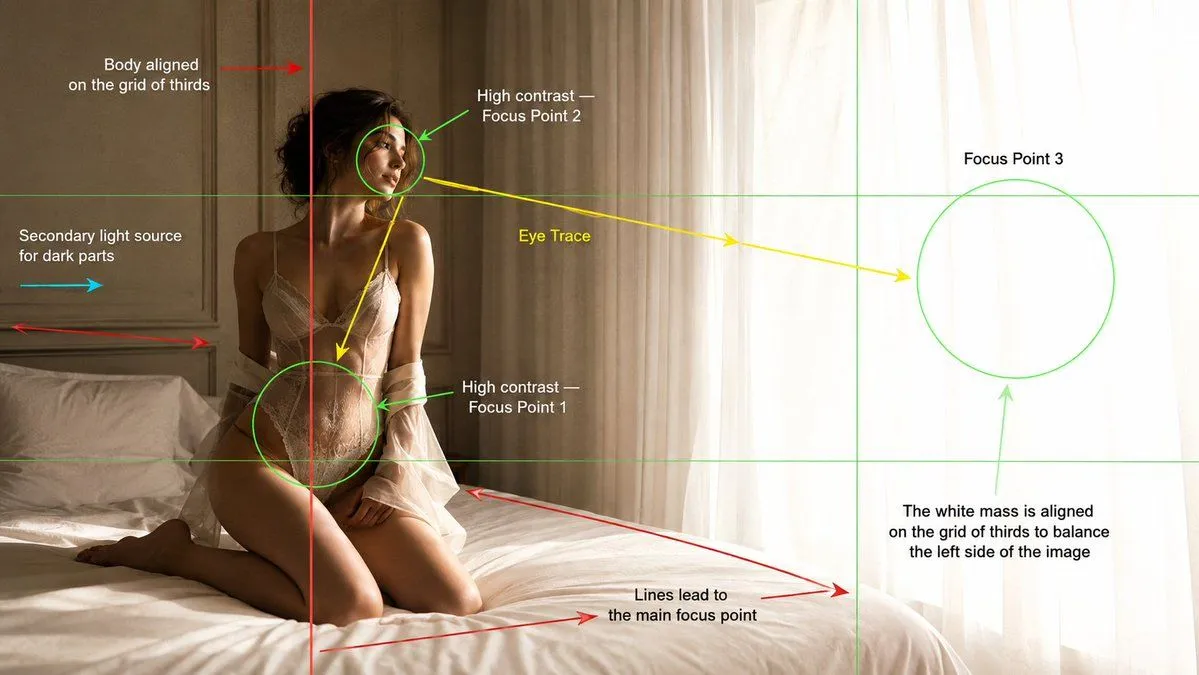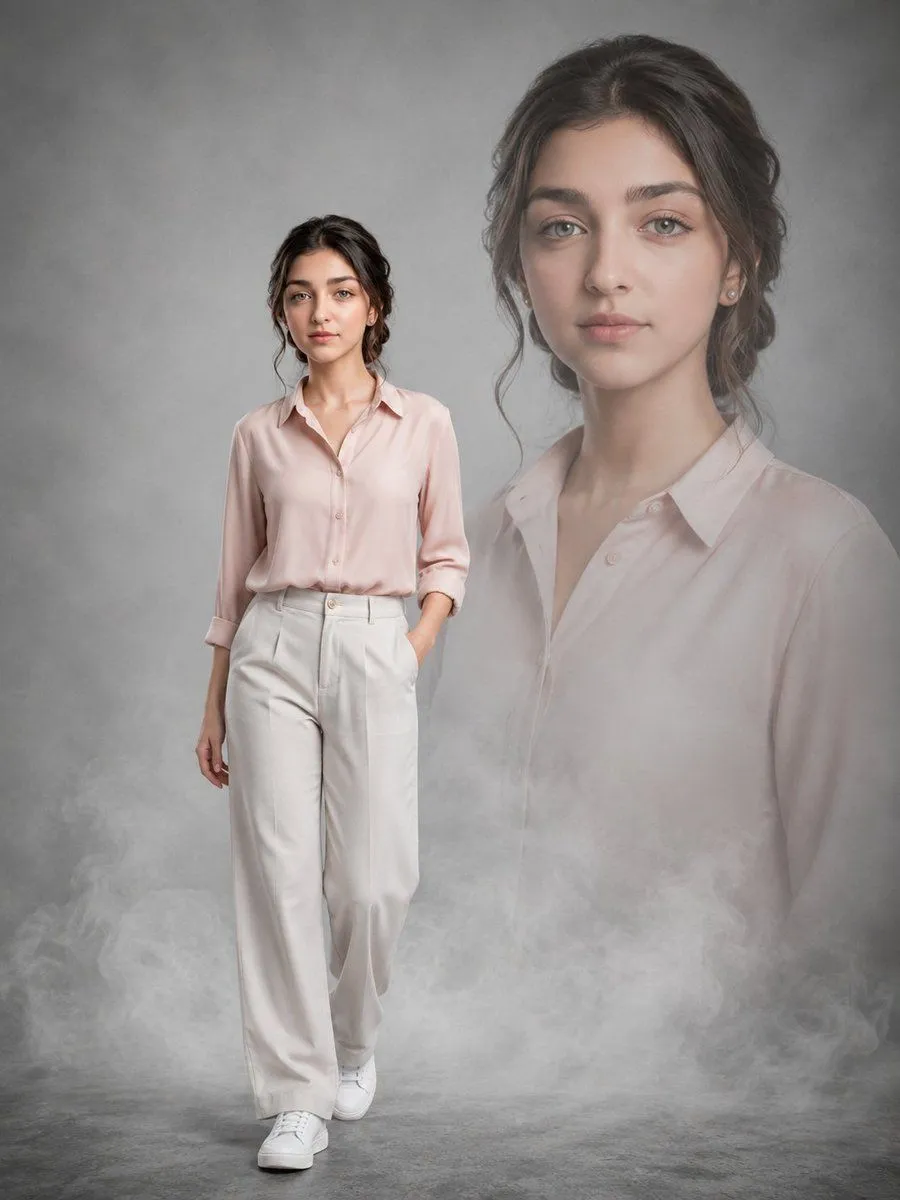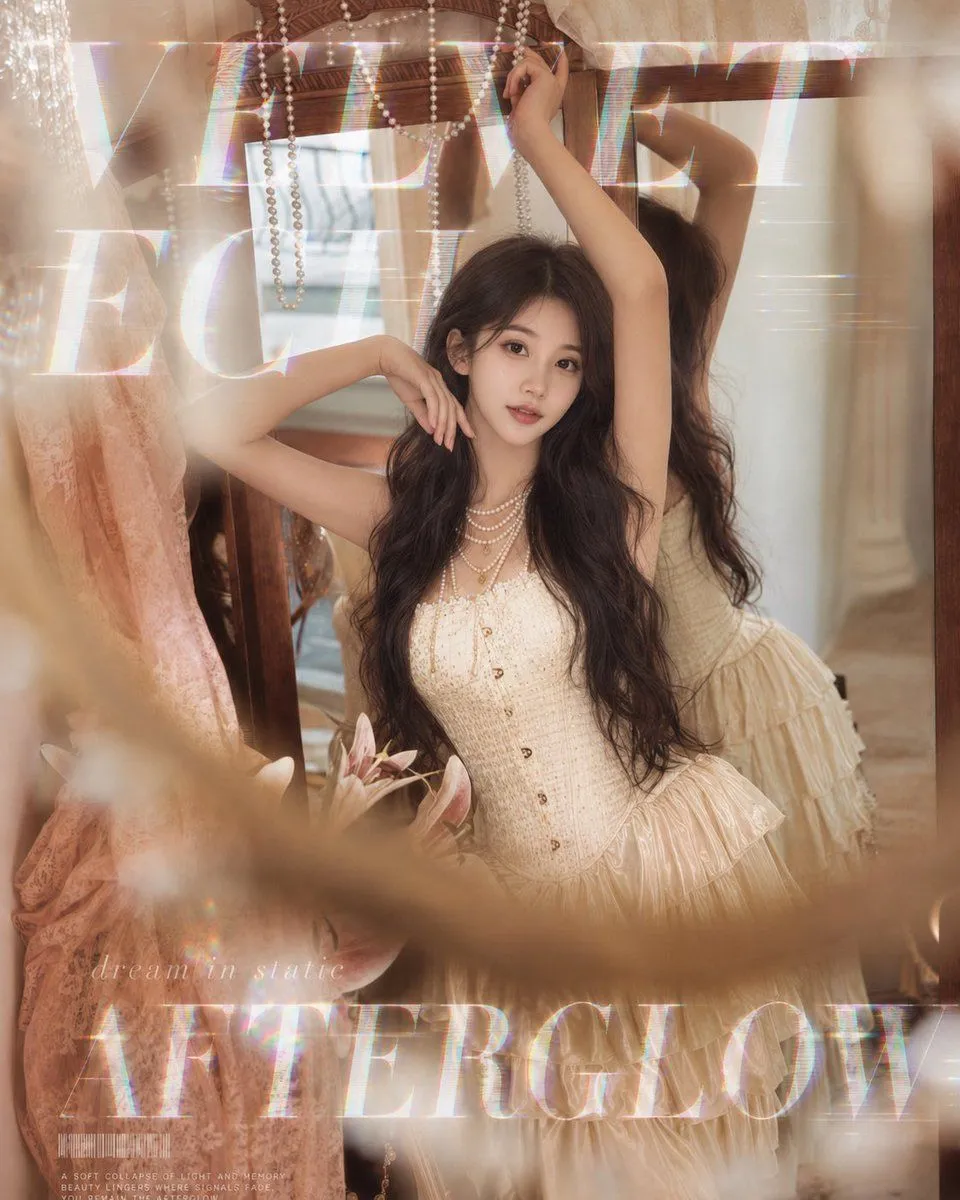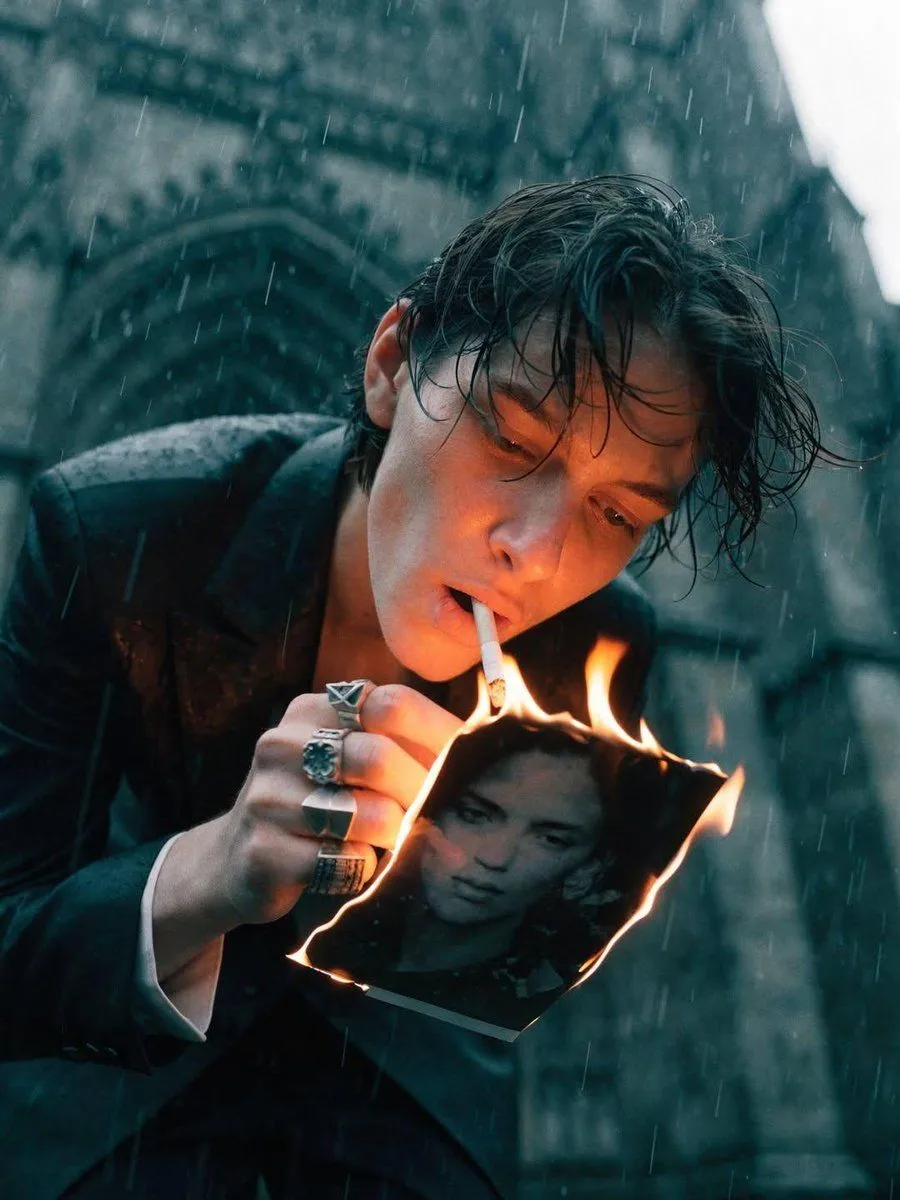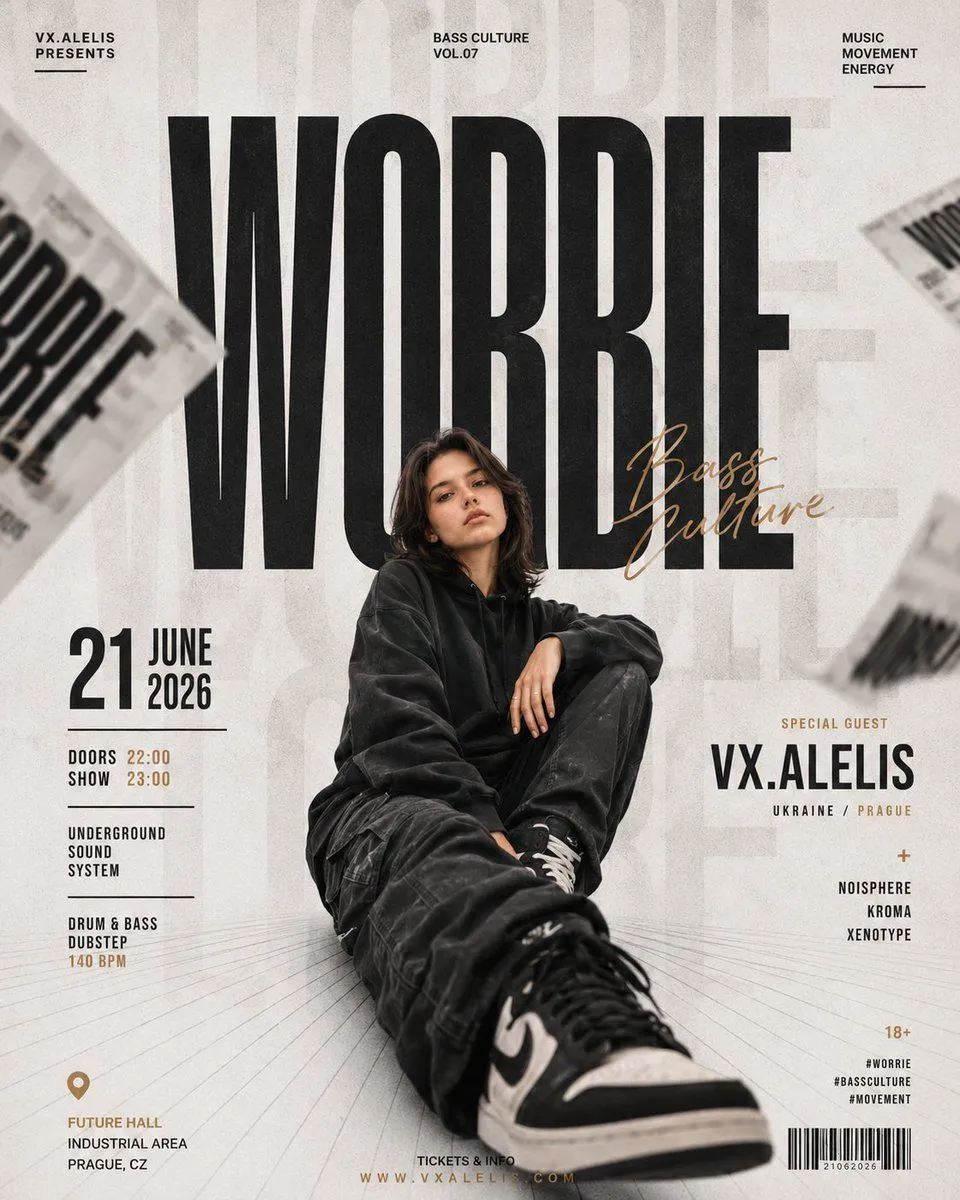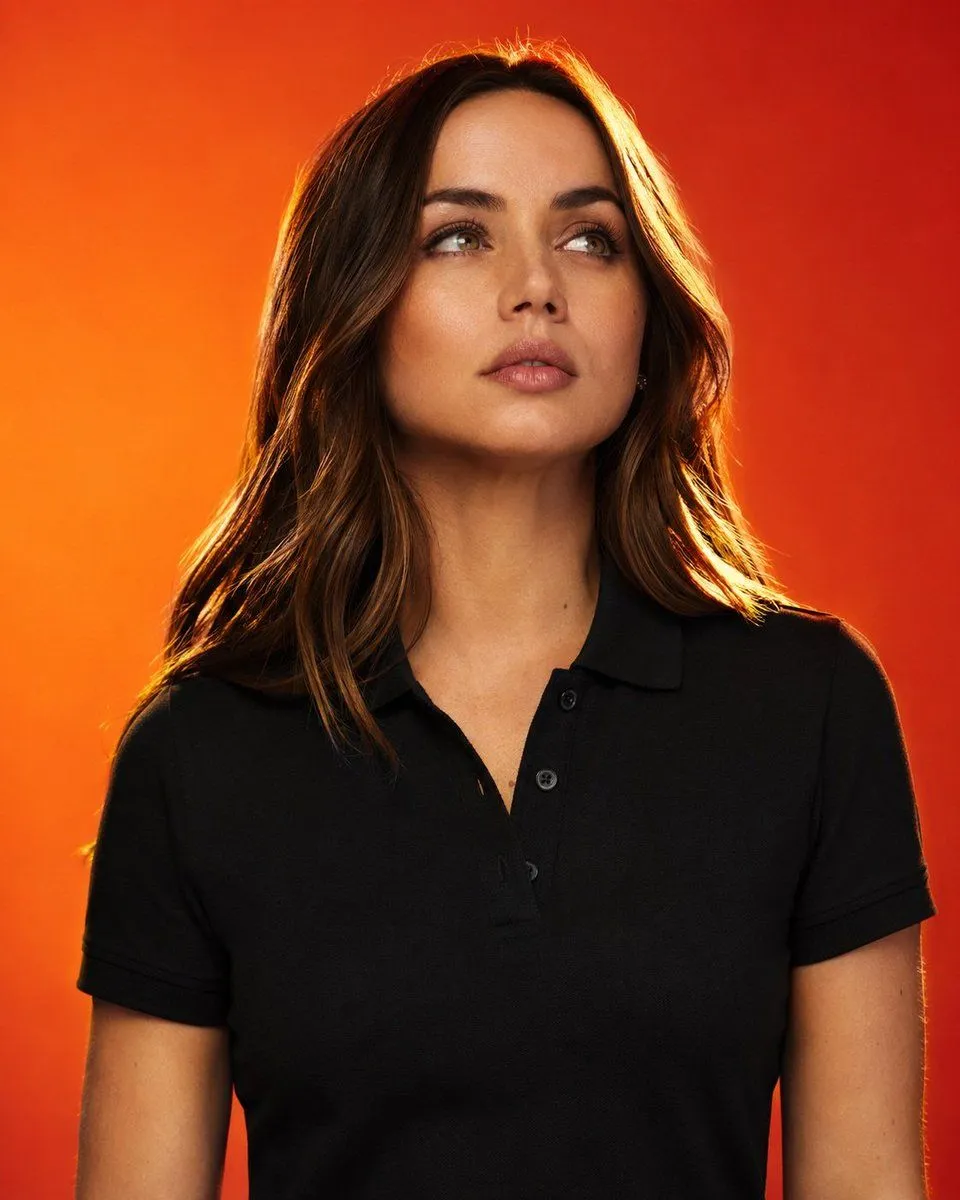
Made with GPT Image 2 in ChatGPT by Library Brand. Promptclay never generates images.
Did it work?
No reports yet. Tell others if it worked for you.
Editorial Fashion Campaign Photography
Prompt
3 blanks to fill{ "style_reference": { "genre": "hyper-realistic editorial studio photography", "subject": { "name": "{name}", "type": "self-assured fashion model", "wardrobe": "{wardrobe}", "framing": "cropped at the waist", "gaze": "tilted upward, eyes diverted from lens", "expression": "bold, cinematic, emotionally charged" }, "background": { "palette": "{background_palette}", "treatment": "seamless, minimal, uncluttered" }, "lighting": { "rim_light": "radiant golden edge light tracing hair and shoulder line", "backlight": "dramatic, high-contrast separation from background", "key_light": "gentle beauty light sculpting the face", "overall": "punchy contrast, controlled highlights and shadows" }, "skin_and_detail": { "texture": "immaculate, pore-level skin rendering", "sharpness": "crisp, precise facial detail" }, "aesthetic_direction": { "category": "high-end commercial fashion advertising", "use_case": "premium clothing brand campaign", "color_grade": "warm, rich tonal balance", "mood": "powerful, confident, editorial-grade" }, "camera_specs": { "lens": "85mm prime", "aperture": "f/2.0", "depth_of_field": "shallow, subject-isolating", "focus": "tack-sharp on subject" }, "technical_quality": [ "ultra-fine detail rendering", "HDR dynamic range", "photo-real fidelity", "editorial magazine polish", "balanced symmetrical composition", "8K output resolution" ] }, "exclusions": [ "blur or softness", "low-res or pixelated output", "grain or digital noise", "blown-out highlights", "crushed/underexposed shadows", "facial distortion or warping", "extra or malformed limbs", "anatomical errors", "duplicated features", "watermarks", "logos or branding marks", "embedded text", "head cut off frame", "cluttered or busy backdrop", "artificial-looking skin", "cartoon or illustrated style", "painterly rendering", "CGI or 3D-render look", "oversaturation", "motion blur artifacts", "soft/out-of-focus result", "flat or unflattering lighting" ] }
Preview of your prompt
{ "style_reference": { "genre": "hyper-realistic editorial studio photography", "subject": { "name": "[PERSON_NAME]", "type": "self-assured fashion model", "wardrobe": "solid black polo shirt", "framing": "cropped at the waist", "gaze": "tilted upward, eyes diverted from lens", "expression": "bold, cinematic, emotionally charged" }, "background": { "palette": "blazing orange-into-red gradient", "treatment": "seamless, minimal, uncluttered" }, "lighting": { "rim_light": "radiant golden edge light tracing hair and shoulder line", "backlight": "dramatic, high-contrast separation from background", "key_light": "gentle beauty light sculpting the face", "overall": "punchy contrast, controlled highlights and shadows" }, "skin_and_detail": { "texture": "immaculate, pore-level skin rendering", "sharpness": "crisp, precise facial detail" }, "aesthetic_direction": { "category": "high-end commercial fashion advertising", "use_case": "premium clothing brand campaign", "color_grade": "warm, rich tonal balance", "mood": "powerful, confident, editorial-grade" }, "camera_specs": { "lens": "85mm prime", "aperture": "f/2.0", "depth_of_field": "shallow, subject-isolating", "focus": "tack-sharp on subject" }, "technical_quality": [ "ultra-fine detail rendering", "HDR dynamic range", "photo-real fidelity", "editorial magazine polish", "balanced symmetrical composition", "8K output resolution" ] }, "exclusions": [ "blur or softness", "low-res or pixelated output", "grain or digital noise", "blown-out highlights", "crushed/underexposed shadows", "facial distortion or warping", "extra or malformed limbs", "anatomical errors", "duplicated features", "watermarks", "logos or branding marks", "embedded text", "head cut off frame", "cluttered or busy backdrop", "artificial-looking skin", "cartoon or illustrated style", "painterly rendering", "CGI or 3D-render look", "oversaturation", "motion blur artifacts", "soft/out-of-focus result", "flat or unflattering lighting" ] }
DetailsVersions, settings and questions
Written for
What's in the prompt
- Subject
- Model
- GPT Image 2
If your face changes
keep my face exactly the sameQuestions
- Does this work in the ChatGPT app?
- Yes. Paste the prompt and attach your photo if it uses one.
- It changed my face. What do I do?
- Add "keep my face exactly the same" to the end and run it again.
- Can I use the images I make?
- Check the terms of the app you use. Promptclay never generates images and claims nothing you make.