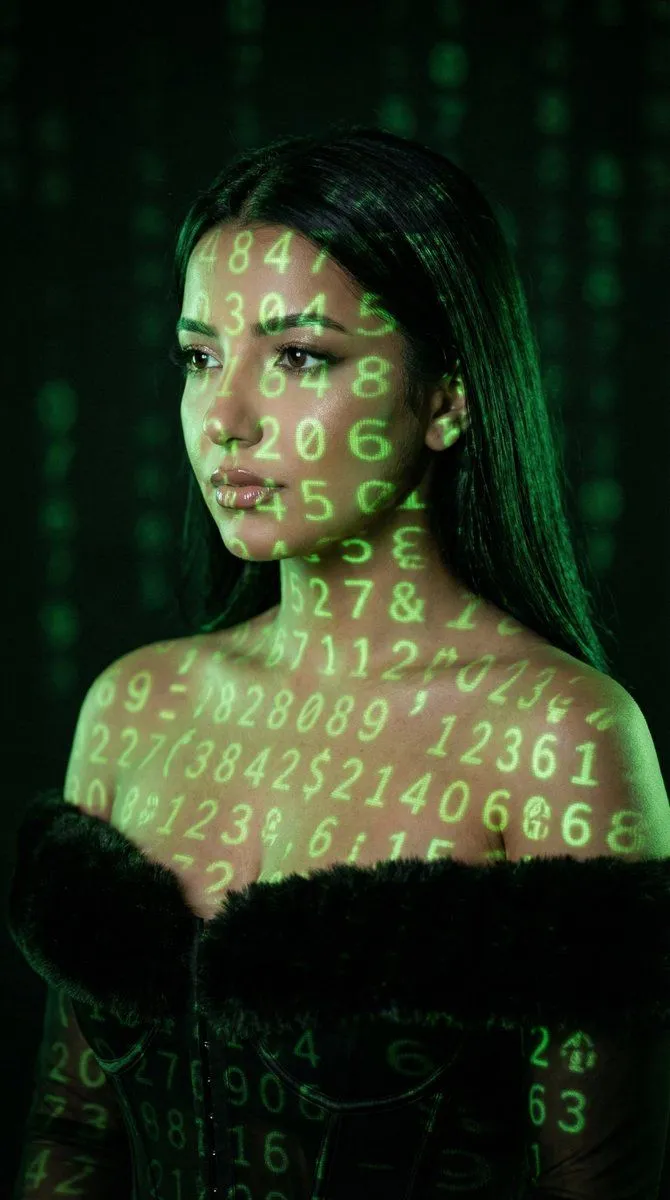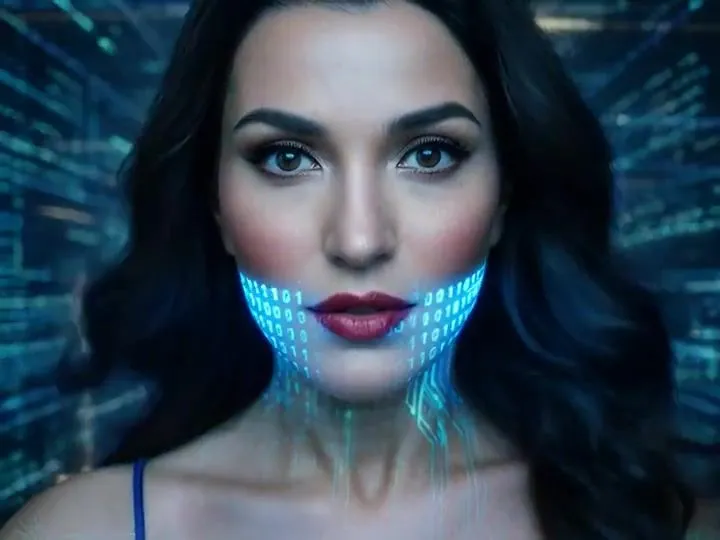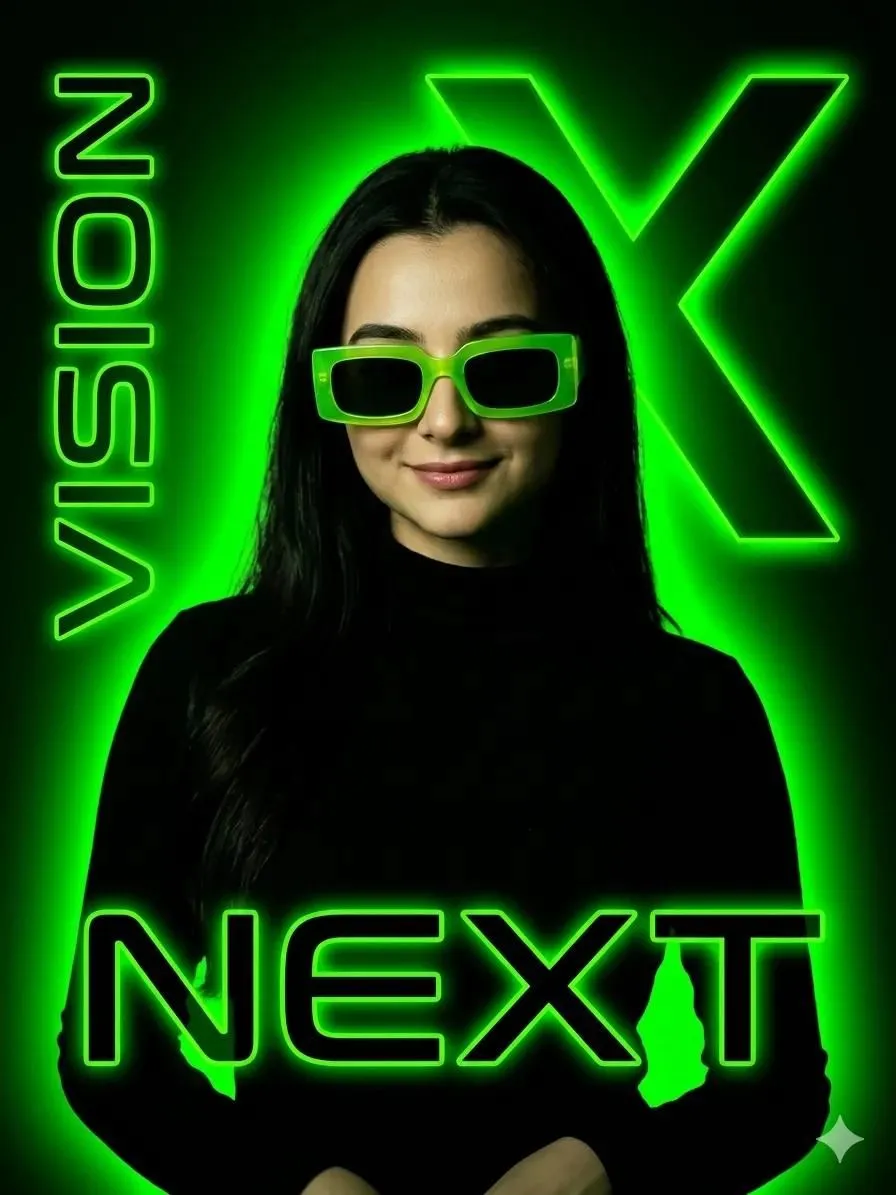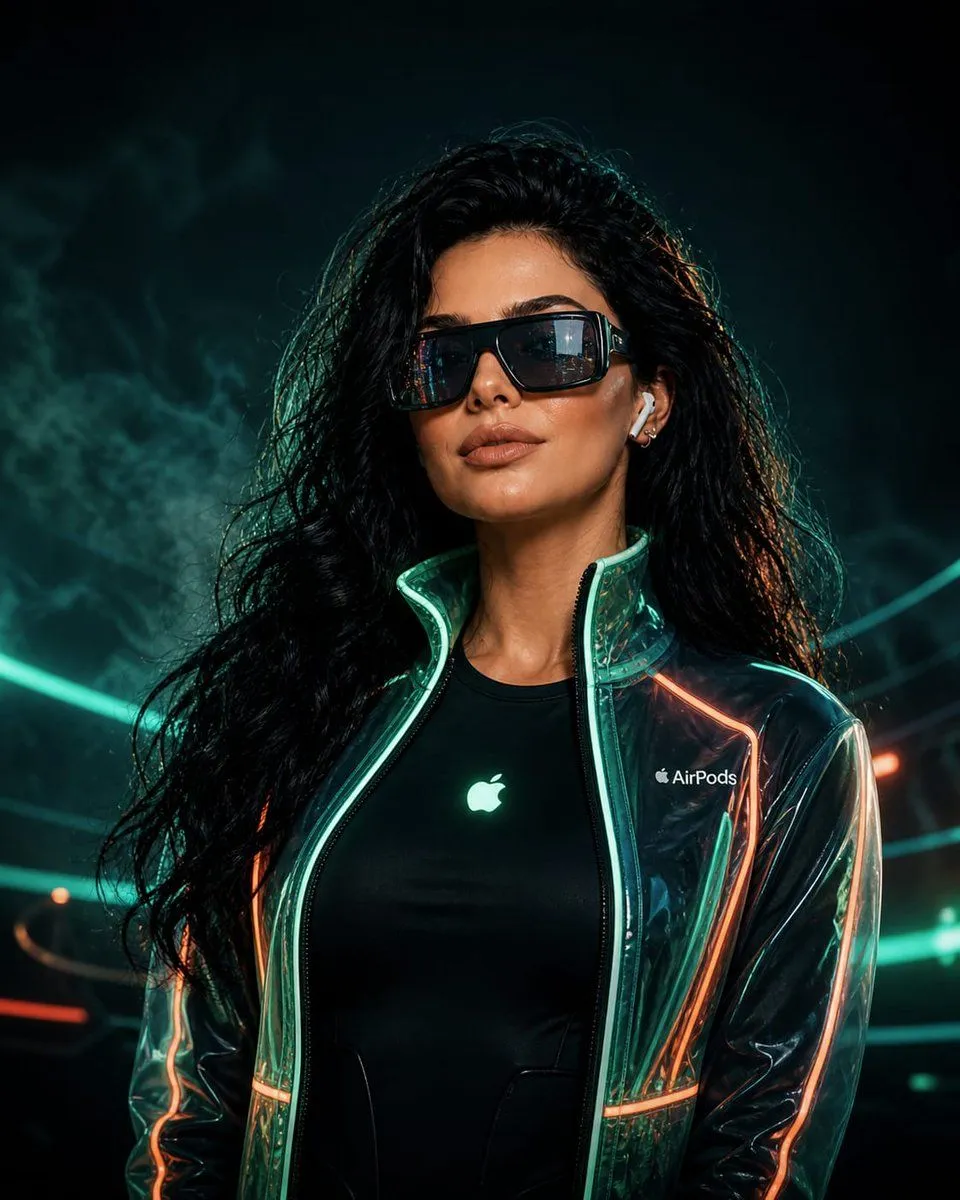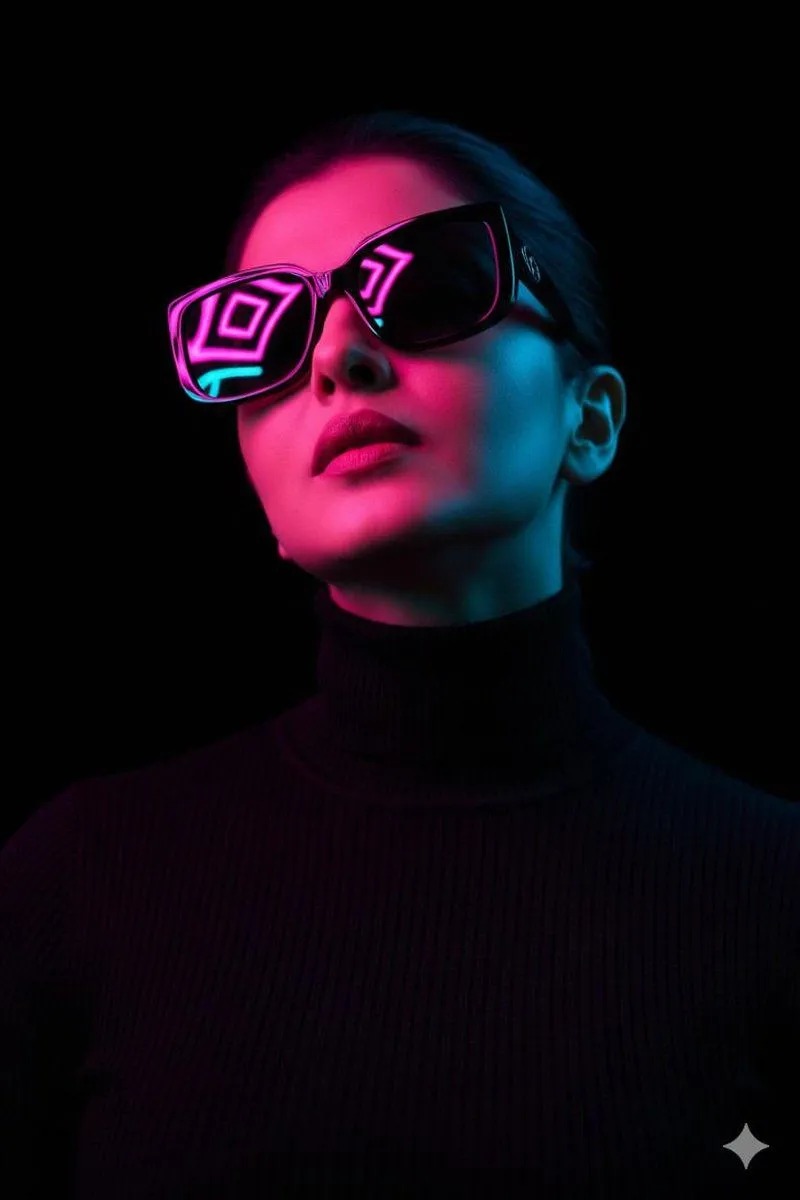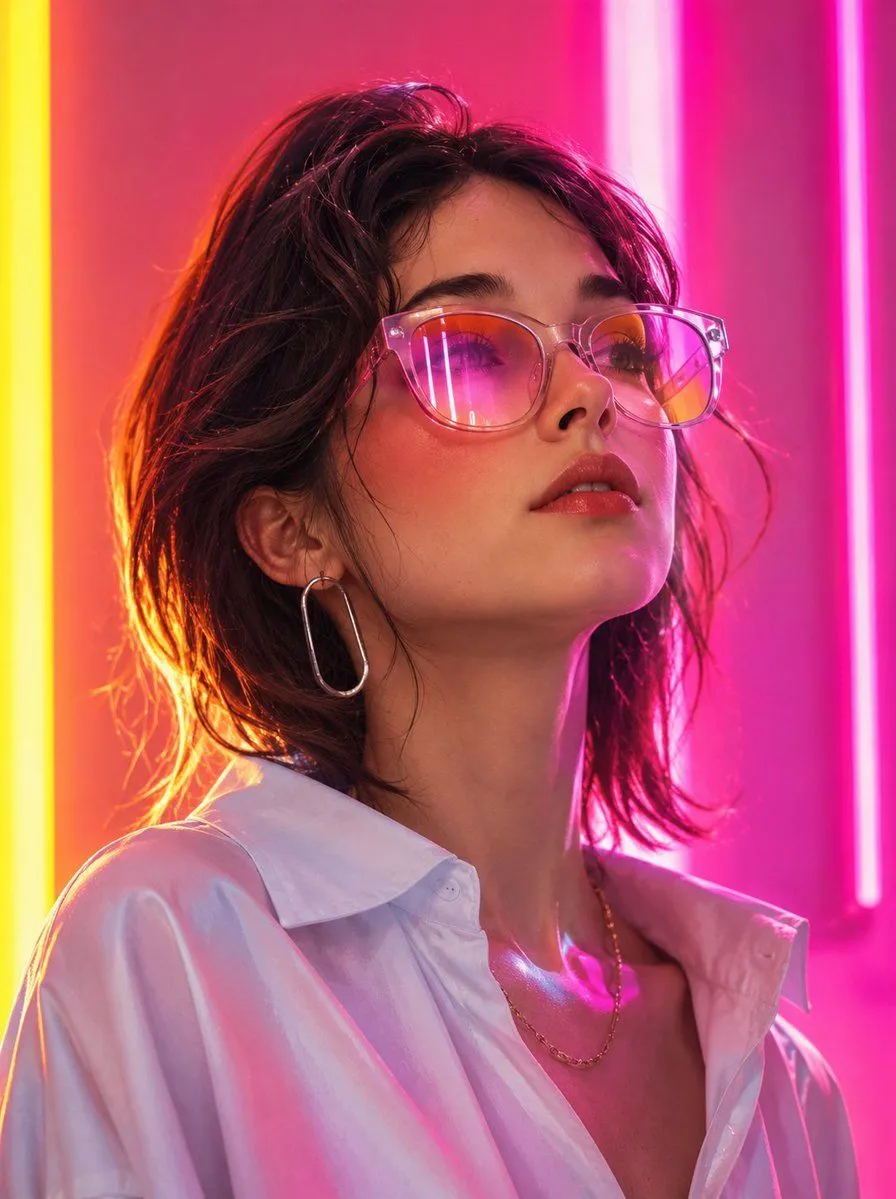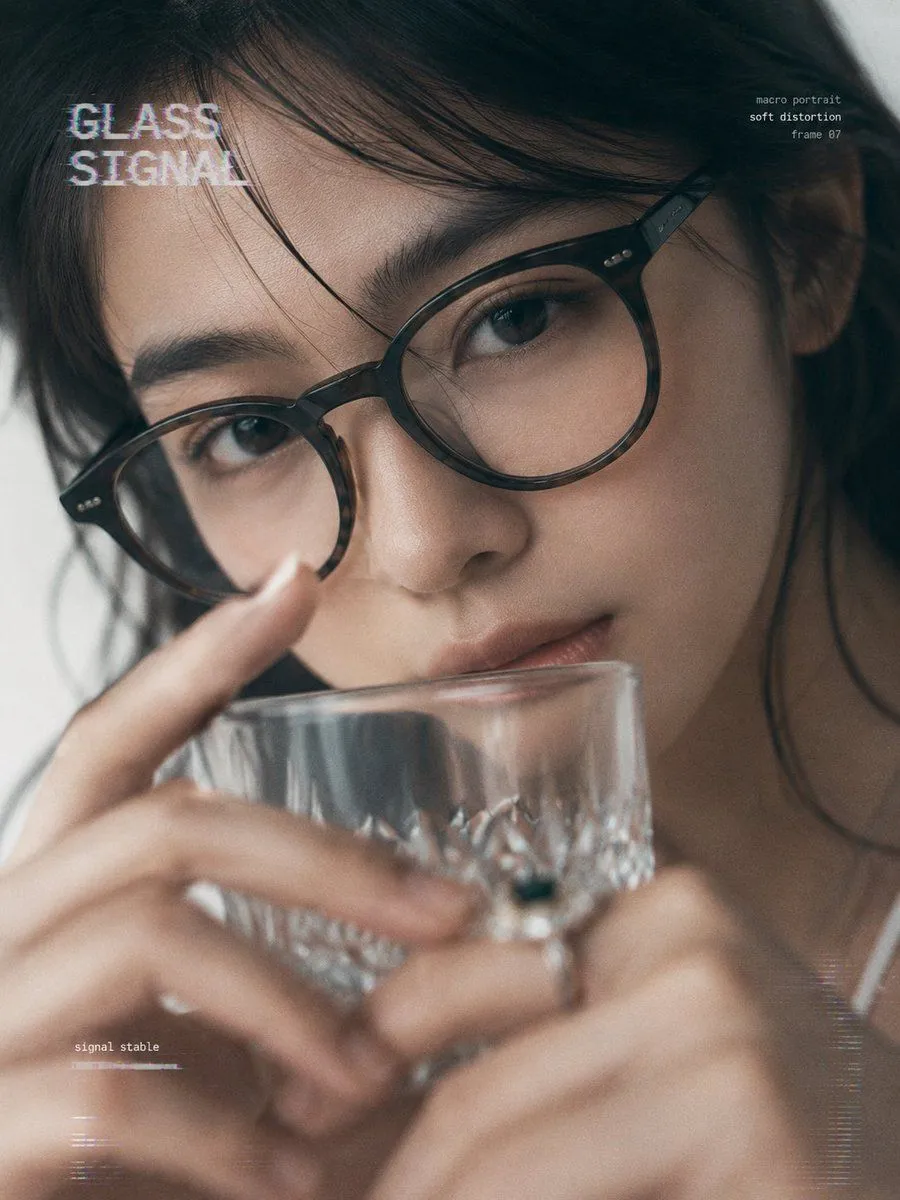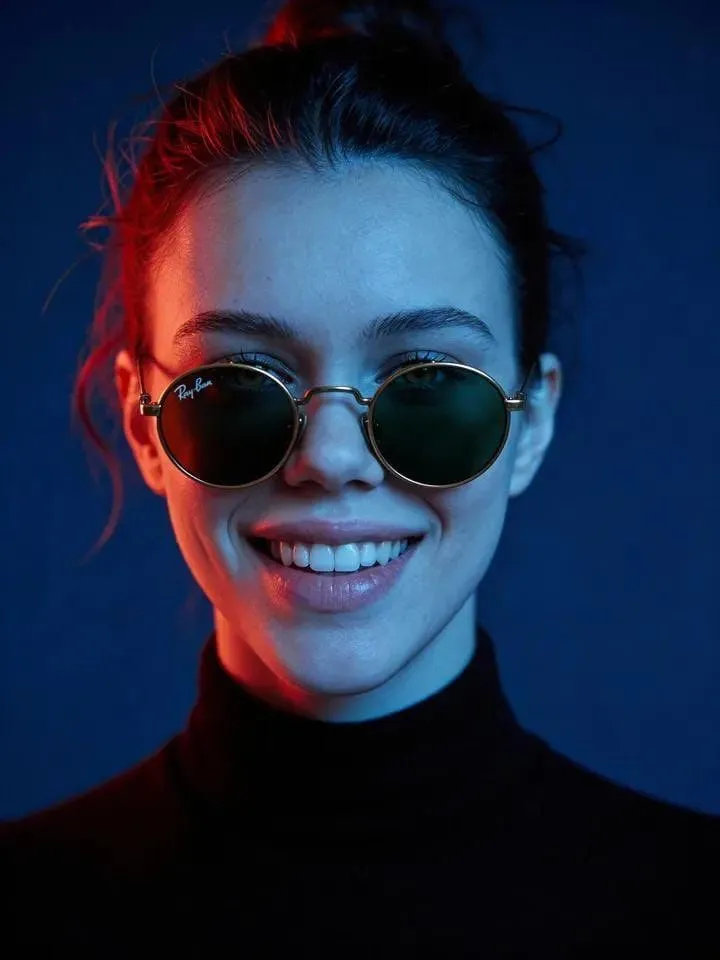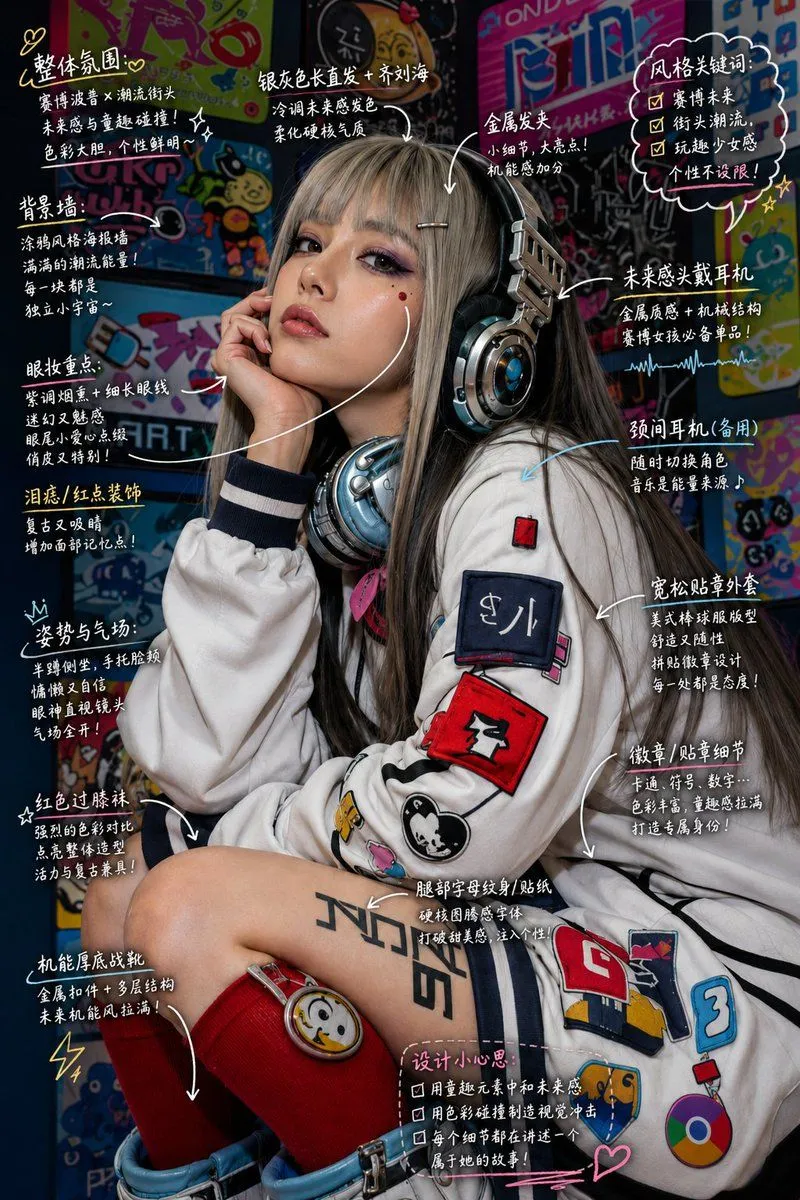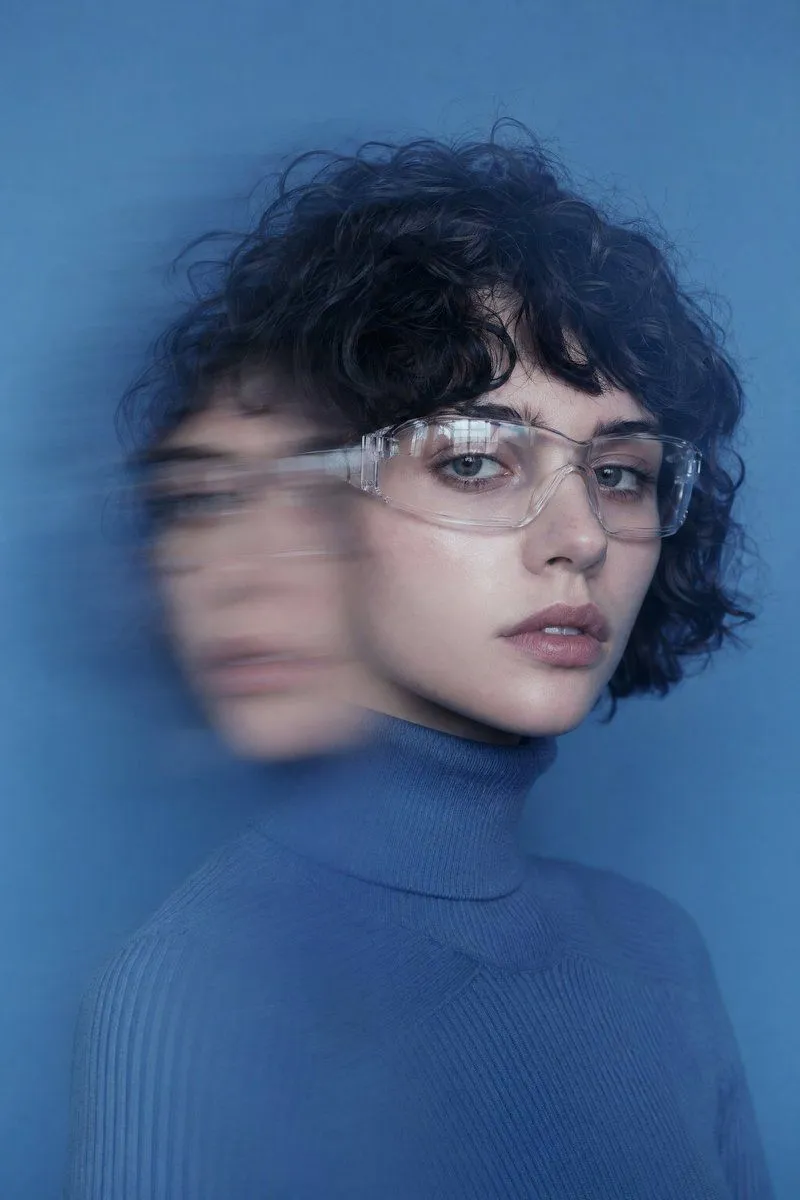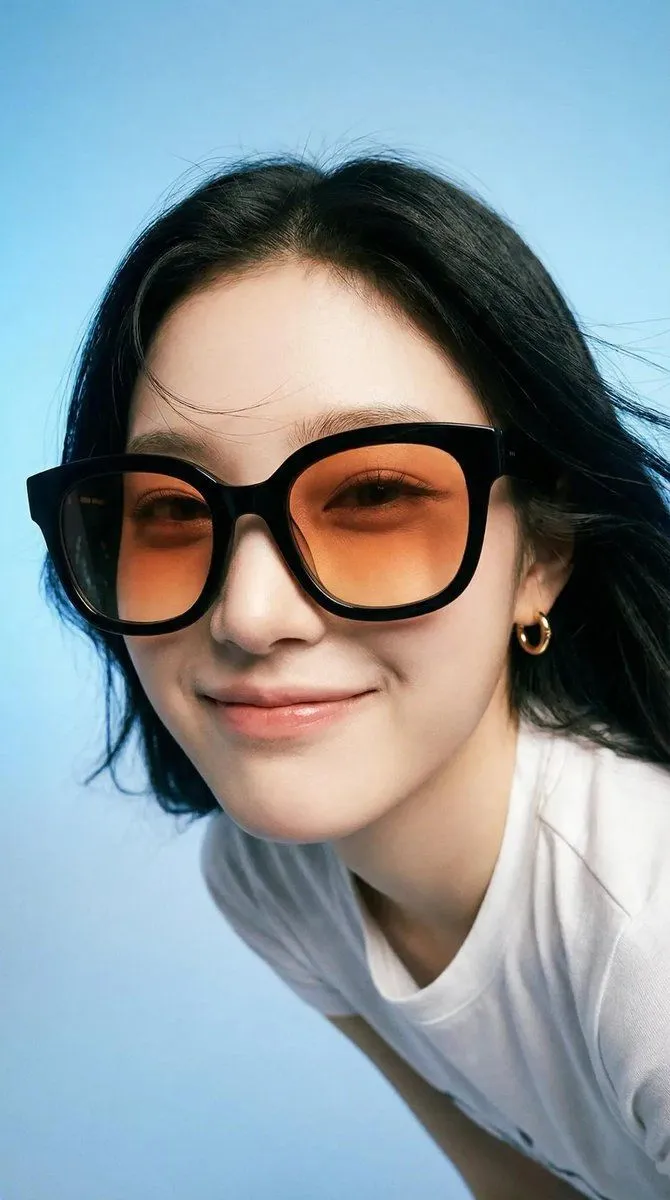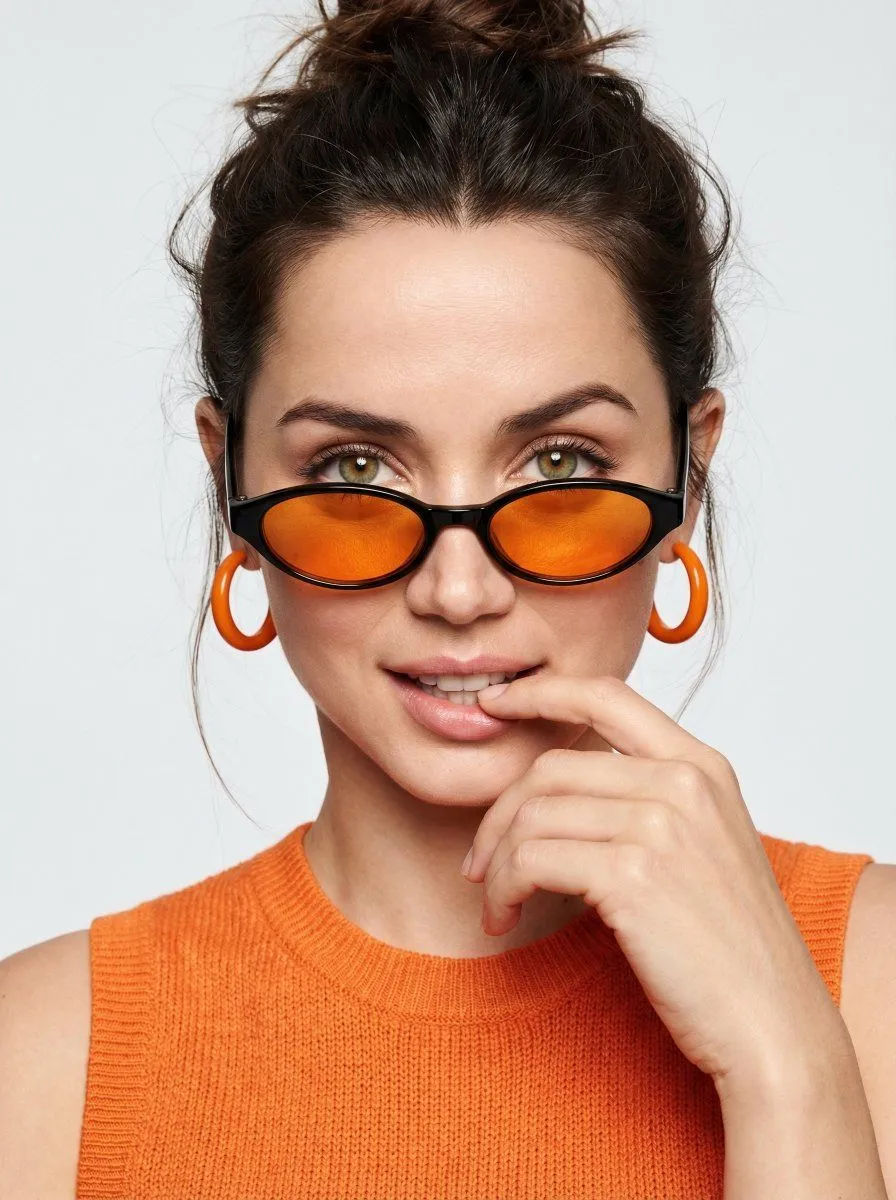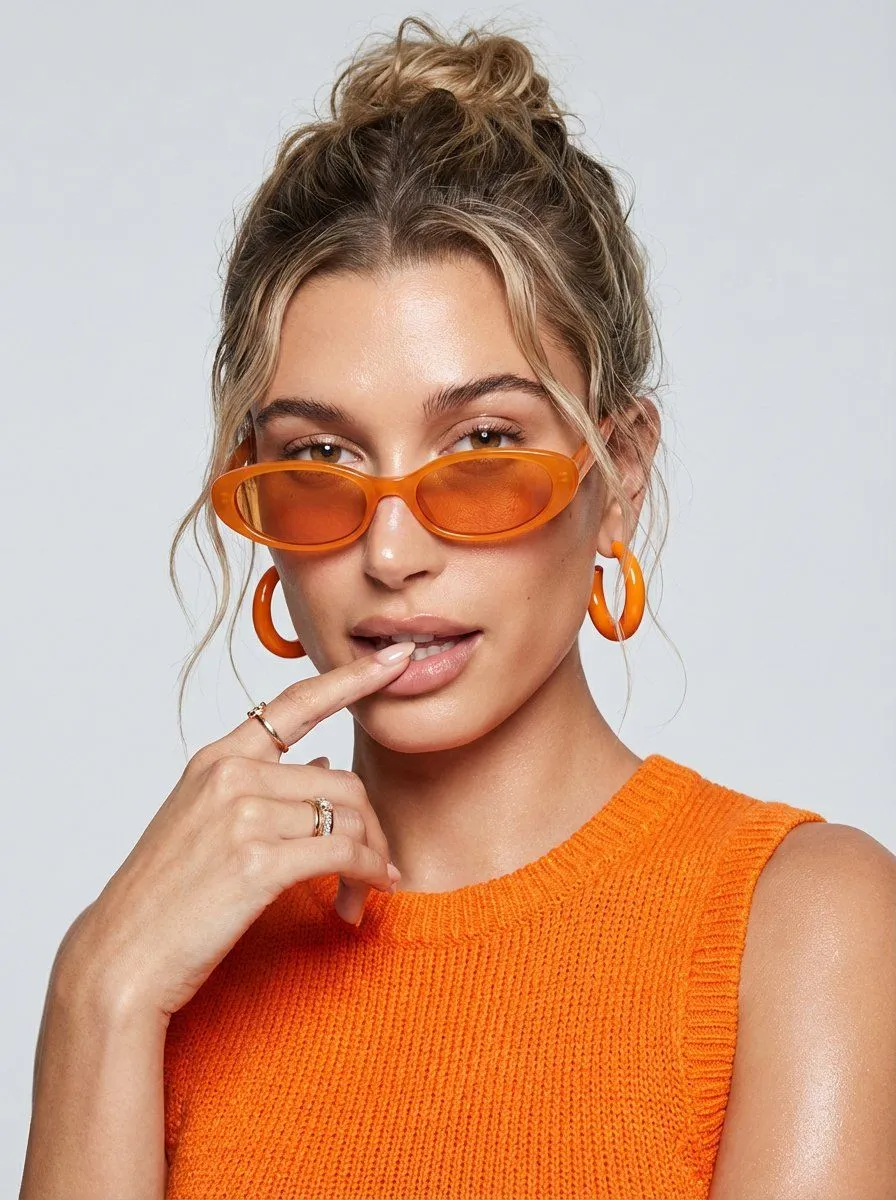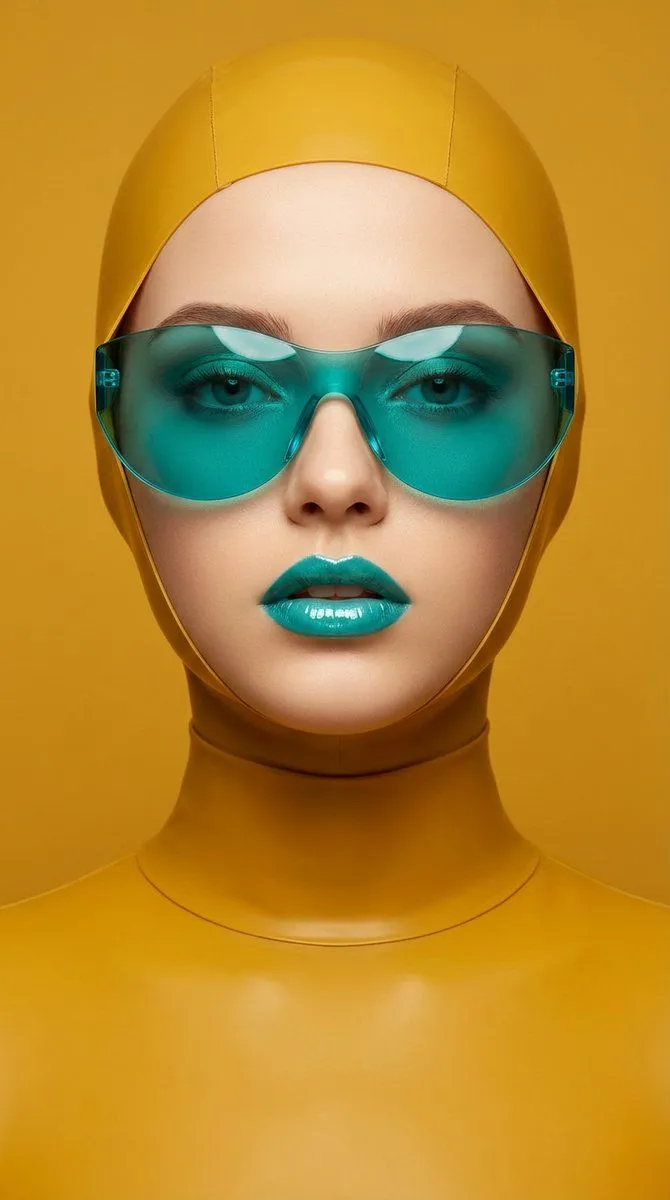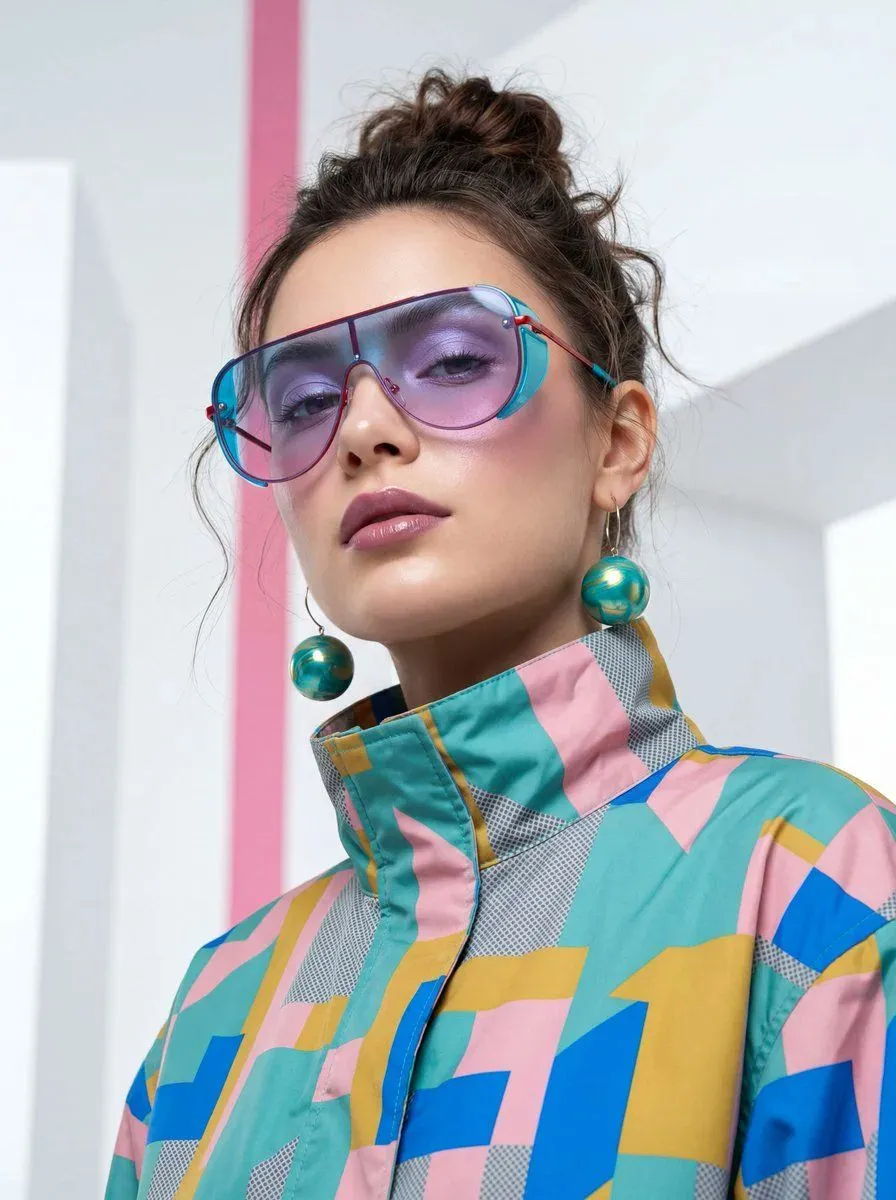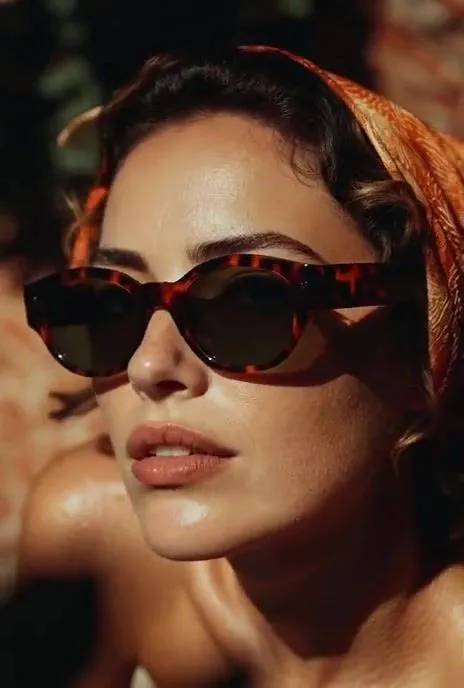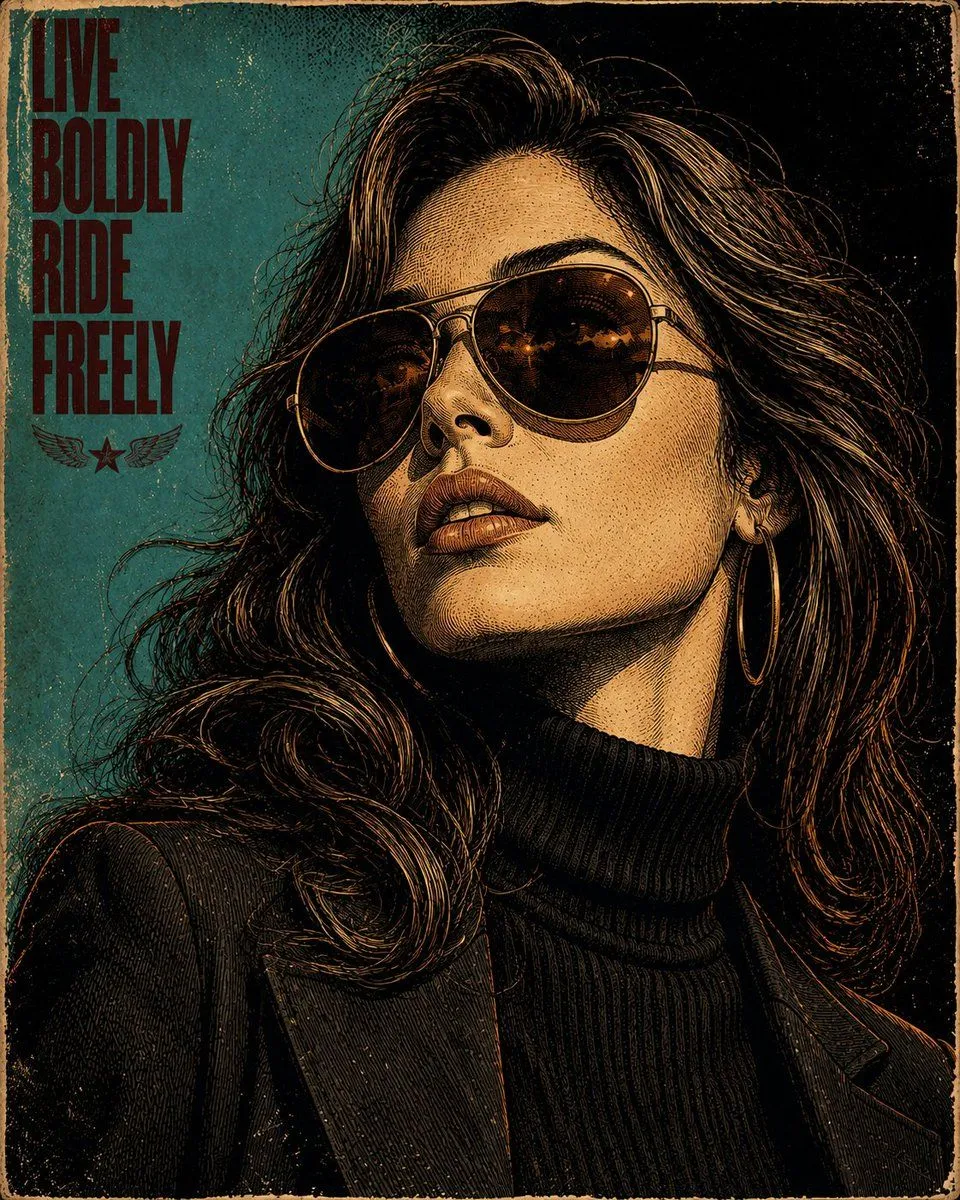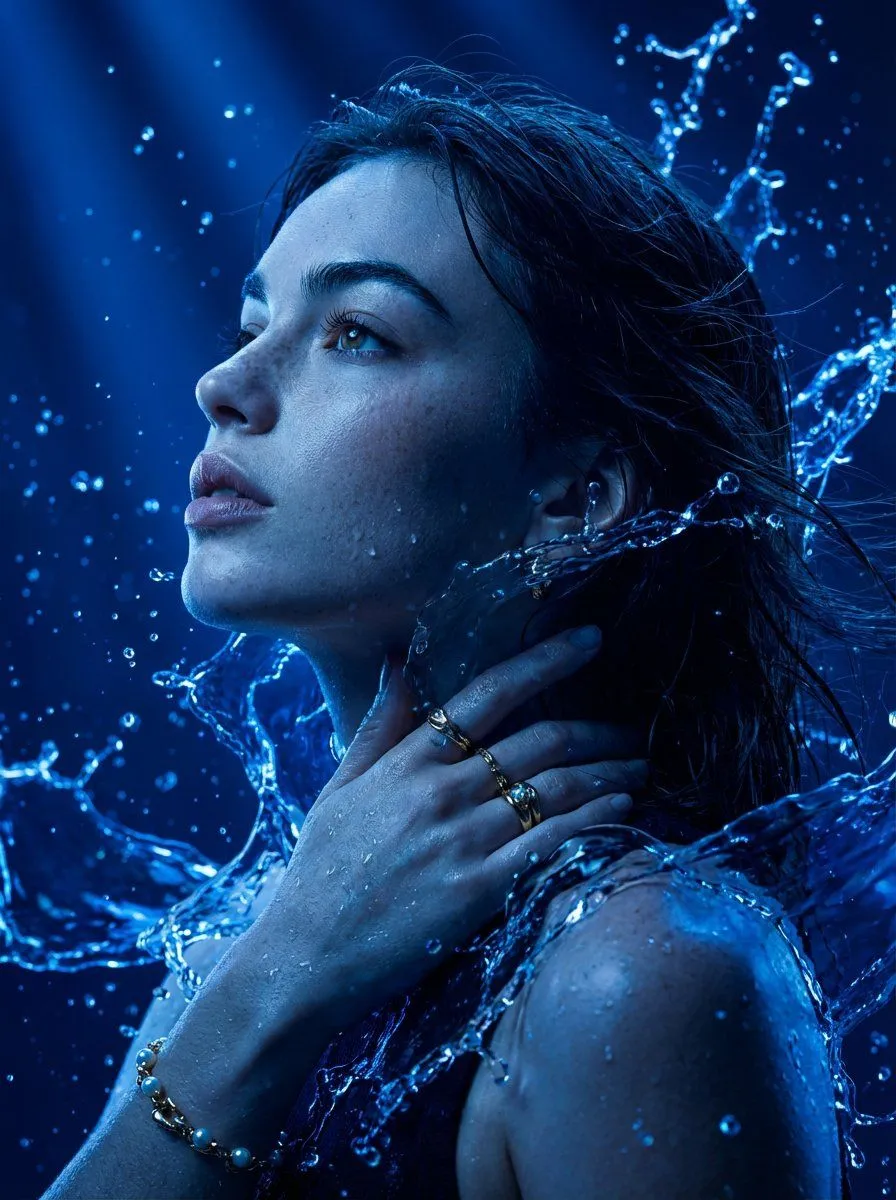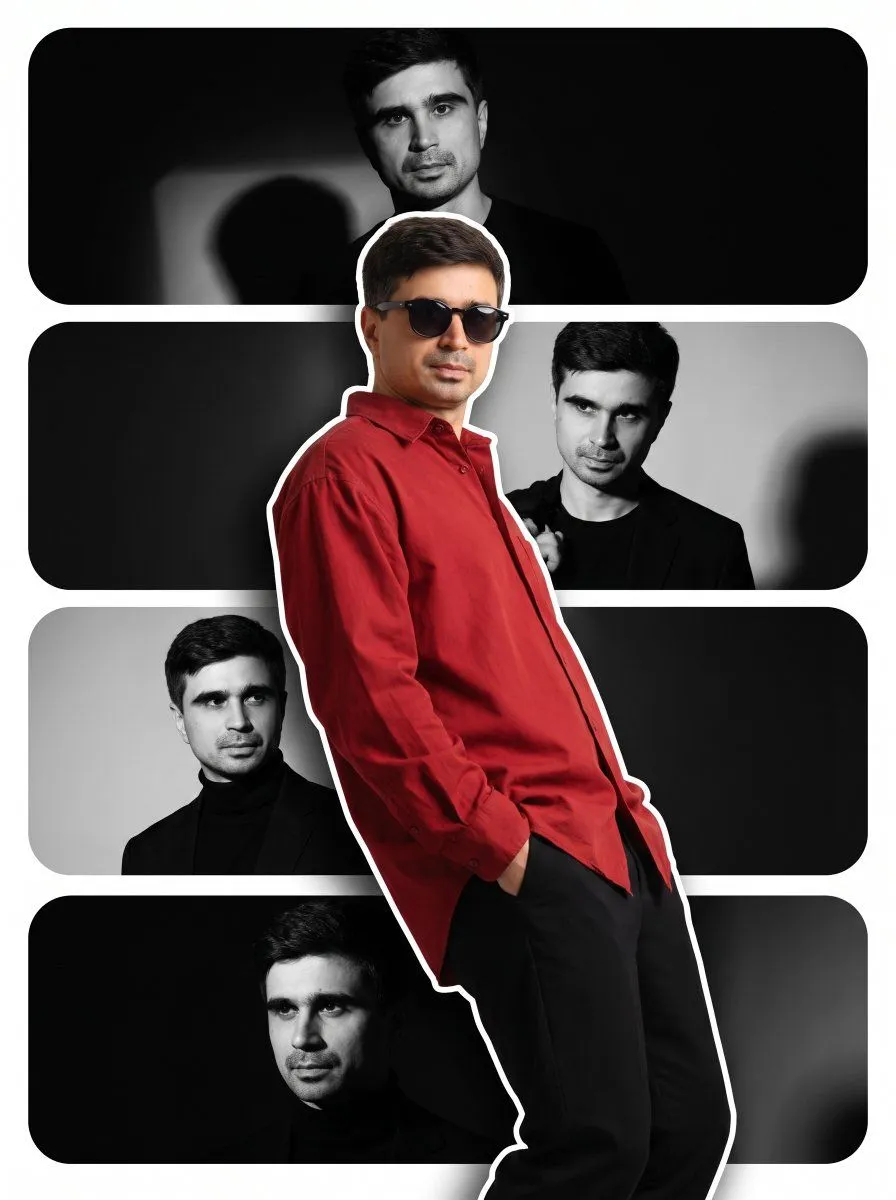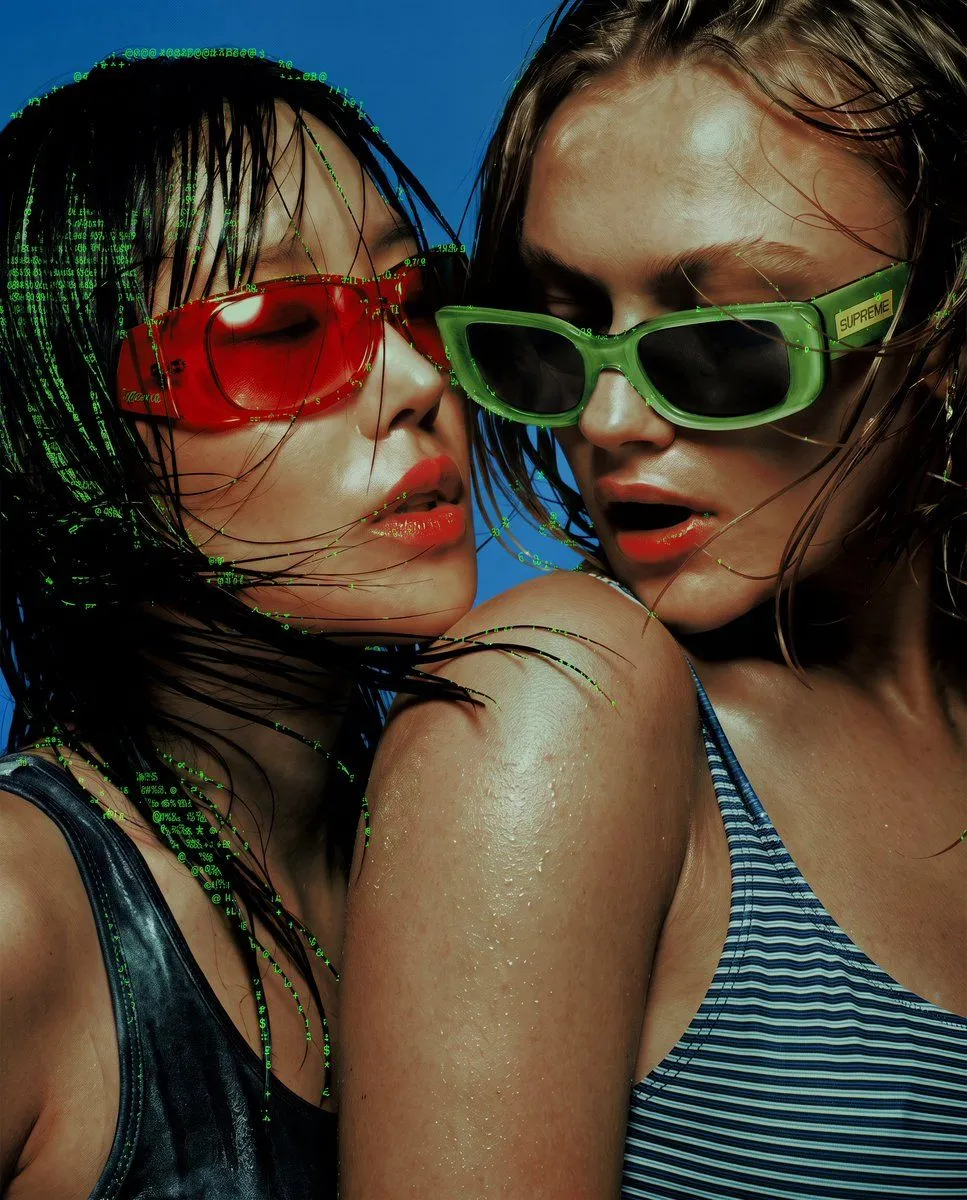
Made with Nano Banana Pro in Gemini by Library Social. Promptclay never generates images.
Did it work?
No reports yet. Tell others if it worked for you.
Edge Aware ASCII Art Conversion
Prompt
3 blanks to fillApply an ASCII-art rendering effect to the reference image, where the ASCII character density and placement is driven by the underlying tonal contrast and edges of the photo, like a true edge-aware ASCII-art conversion. Dense character clusters follow the natural contours, silhouette lines, and high-detail areas (such as hair strands, fabric folds, and background structure), while flatter, low-contrast areas (such as smooth skin) stay comparatively clean with minimal or no texture. The effect should look like the ASCII characters are tracing the actual shapes and edges present in the photo, not a uniform overlay pasted on top of everything equally. Use a classic {color_scheme} terminal character set ({character_set}), {density} overall density, with the original photo still legible underneath.
Preview of your prompt
Apply an ASCII-art rendering effect to the reference image, where the ASCII character density and placement is driven by the underlying tonal contrast and edges of the photo, like a true edge-aware ASCII-art conversion. Dense character clusters follow the natural contours, silhouette lines, and high-detail areas (such as hair strands, fabric folds, and background structure), while flatter, low-contrast areas (such as smooth skin) stay comparatively clean with minimal or no texture. The effect should look like the ASCII characters are tracing the actual shapes and edges present in the photo, not a uniform overlay pasted on top of everything equally. Use a classic green-on-black or grayscale terminal character set (@ # % & * + . :), medium overall density, with the original photo still legible underneath.
DetailsVersions, settings and questions
Written for
What's in the prompt
- Subject
- Model
- Nano Banana Pro
If your face changes
keep my face exactly the sameQuestions
- Does this work in the Gemini app?
- Yes. Gemini runs Nano Banana, so paste the prompt and attach your photo if it uses one.
- It changed my face. What do I do?
- Add "keep my face exactly the same" to the end and run it again.
- Can I use the images I make?
- Check the terms of the app you use. Promptclay never generates images and claims nothing you make.