Tell us anything

An idea, a bug, something you love. We read every note.

⌘↵ to send. The page you're on comes along.

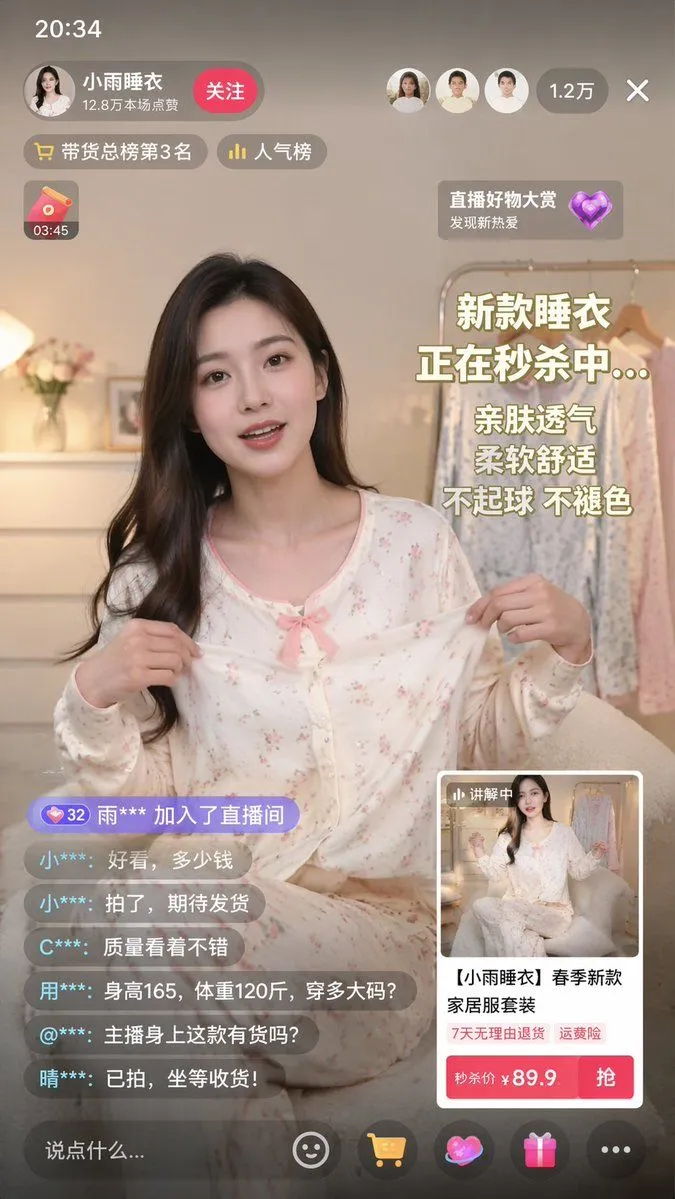
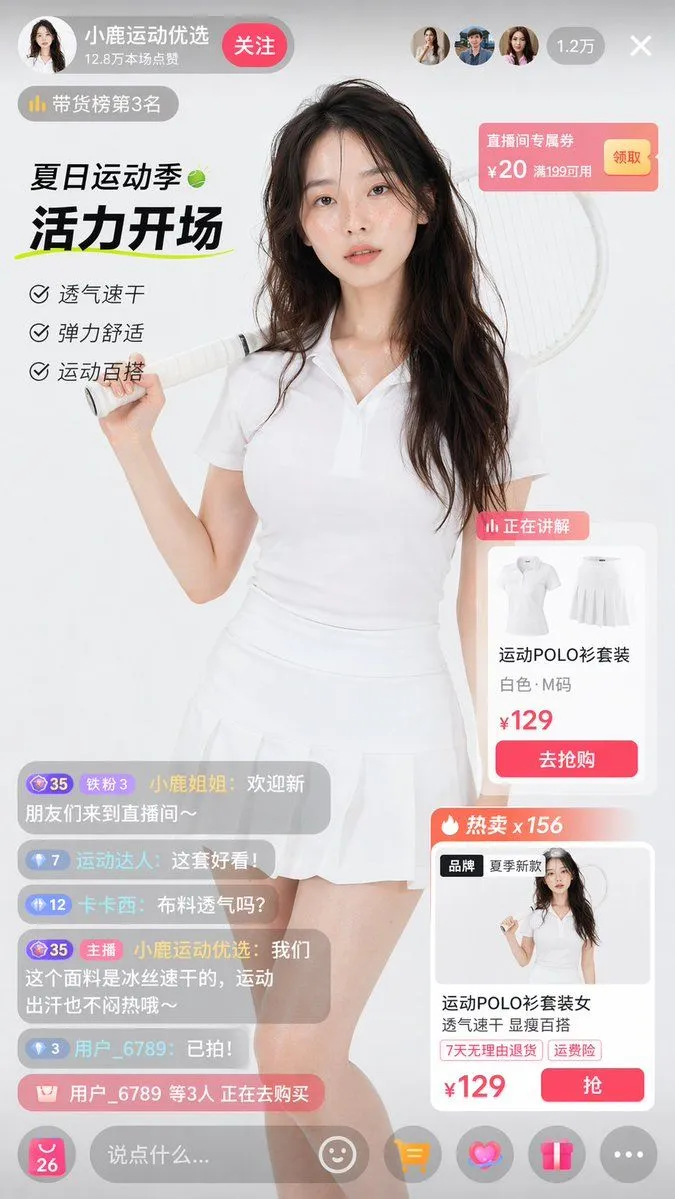
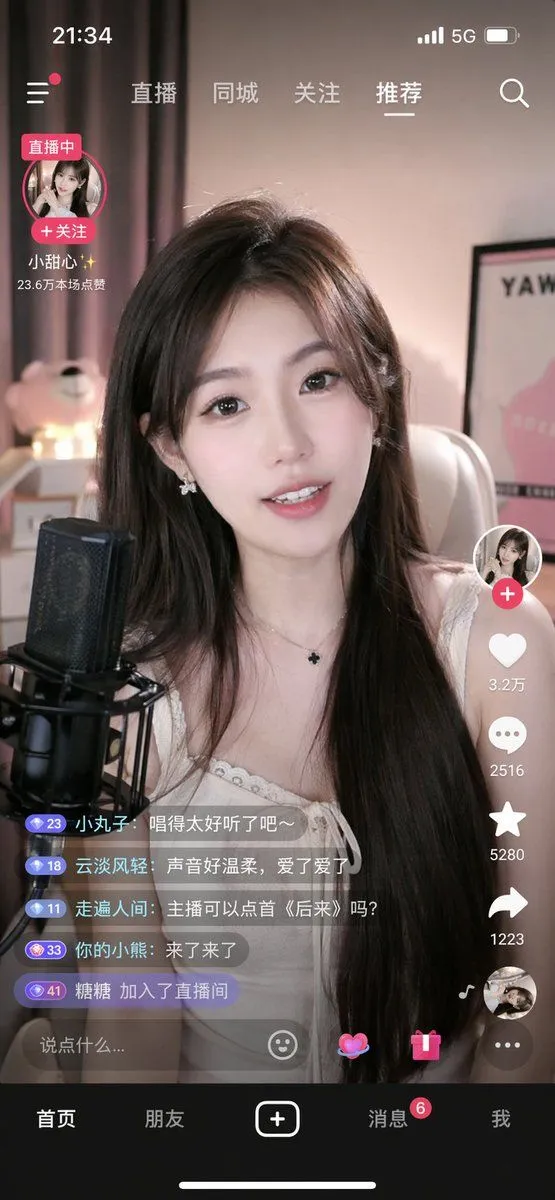
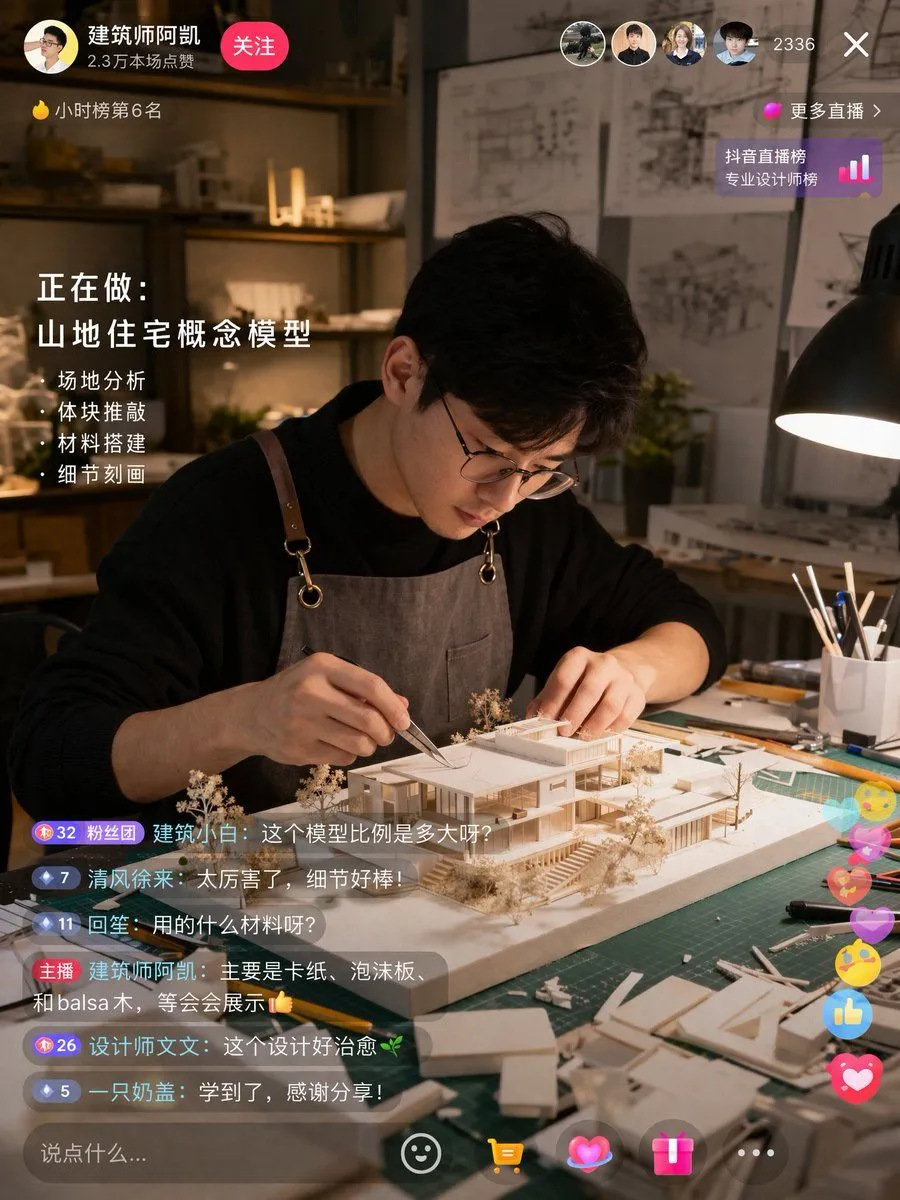
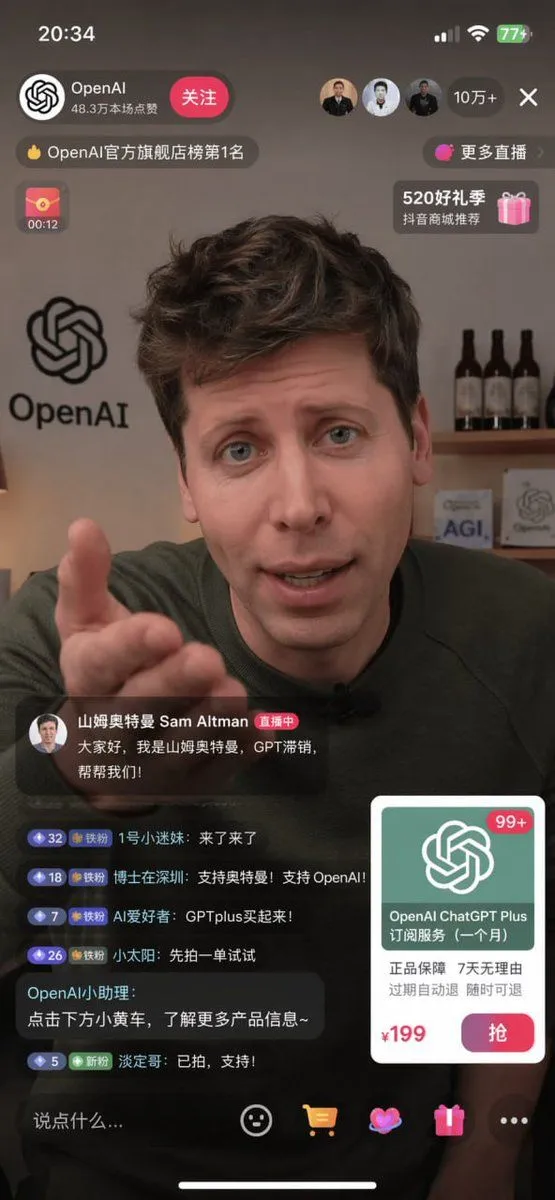
E-commerce Livestream UI Mockup

Made with GPT Image 2 in ChatGPT by Library Lifestyle. Promptclay never generates images.

Did it work?

No reports yet. Tell others if it worked for you.

No comments yet. Be the first.

    E-commerce Livestream UI Mockup

    GPT Image 2AI-generated

    Prompt

    { "type": "mobile livestream screenshot", "subject": { "person": "Sam Altman", "action": "looking directly at the camera, gesturing with right hand extended forward", "clothing": "dark green sweater" }, "background": "room with a shelf containing 3 wine bottles, a sign saying 'AGI', and an OpenAI logo on the wall", "layout": { "top_bar": { "time": "20:34", "battery": "77+" }, "streamer_info": { "name": "{argument name=\"streamer name\" default=\"OpenAI\"}", "likes": "48.3万本场点赞", "button": "关注" }, "viewer_stats": { "viewers": "10万+", "avatars_count": 3 }, "banners": { "count": 4, "labels": ["OpenAI官方旗舰店榜第1名", "更多直播", "00:12", "520好礼季"] }, "host_label": { "name": "{argument name=\"host name\" default=\"山姆奥特曼 Sam Altman\"}", "status": "直播中", "subtitle": "{argument name=\"host quote\" default=\"大家好,我是山姆奥特曼,GPT滞销,帮帮我们!\"}" }, "chat_box": { "message_count": 6, "messages": [ "1号小迷妹: 来了来了", "博士在深圳: 支持奥特曼!支持 OpenAI!", "AI爱好者: GPTplus买起来!", "小太阳: 先拍一单试试", "OpenAI小助理: 点击下方小黄车,了解更多产品信息~", "淡定哥: 已拍,支持!" ] }, "product_card": { "title": "{argument name=\"product name\" default=\"OpenAI ChatGPT Plus 订阅服务 (一个月)\"}", "features": "正品保障 7天无理由 过期自动退 随时可退", "price": "{argument name=\"product price\" default=\"¥199\"}", "button": "抢" }, "bottom_bar": { "input_placeholder": "说点什么...", "icons_count": 4 } } }

    Works in
    ChatGPT, Gemini
    Status
    Free to copy
    0
    DetailsVersions, settings and questions

    Written for

    What's in the prompt

    Subject
    Model
    GPT Image 2

    If your face changes

    keep my face exactly the same

    Questions

    Does this work in the ChatGPT app?
    Yes. Paste the prompt and attach your photo if it uses one.
    It changed my face. What do I do?
    Add "keep my face exactly the same" to the end and run it again.
    Can I use the images I make?
    Check the terms of the app you use. Promptclay never generates images and claims nothing you make.
    Similar prompts

    See more
    • Livestream UI Mockup with Host
    • E-commerce Livestream UI Mockup
    • Live E-commerce UI Mockup
    • E-commerce Livestream UI Mockup
    • Live-Streaming App Interface Mockup
    • Mobile Live Streaming App Interface
    • Architect Live Stream UI Mockup
    • YouTube Livestream Interface Mockup
    • YouTube Live Presentation UI Mockup
    • Five High-Efficiency Nano Banana Pro Prompts for Business Graphics
    • Historical Social Media Feed Mockup
    • Video Generation Prompt: Animating Mobile ScreensVideo, 0:10
    • Nano-banana Pro Persona Generation Prompt
    • Generating Hollywood Detective Scene Images with Character Reference
    • Tech Keynote Presentation Slide
    • Natural Social Media Style Photo Prompt
    • LLM Instruction to Prohibit Nano Banana Generation
    • Ecosystem trophic levels infographic
    • Immersive Music Player UI Poster
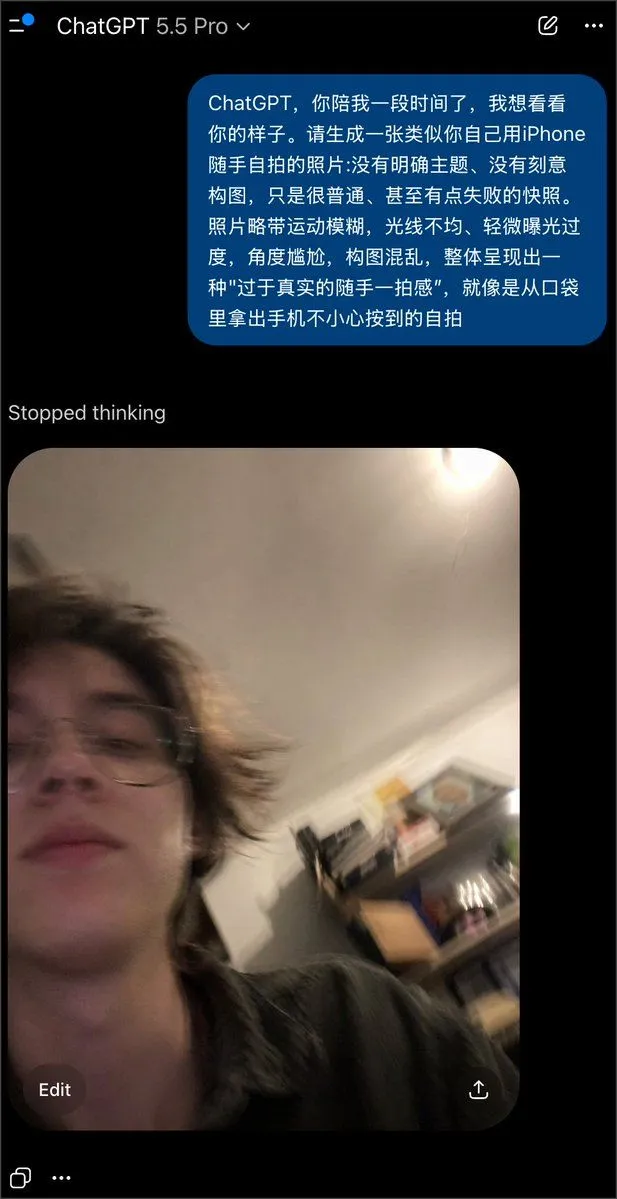
    • Realistically Imperfect AI Selfie
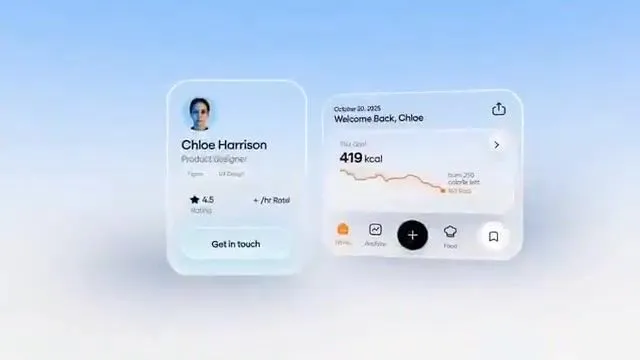
    • Fluent-style App Ad Generation PromptVideo, 0:15
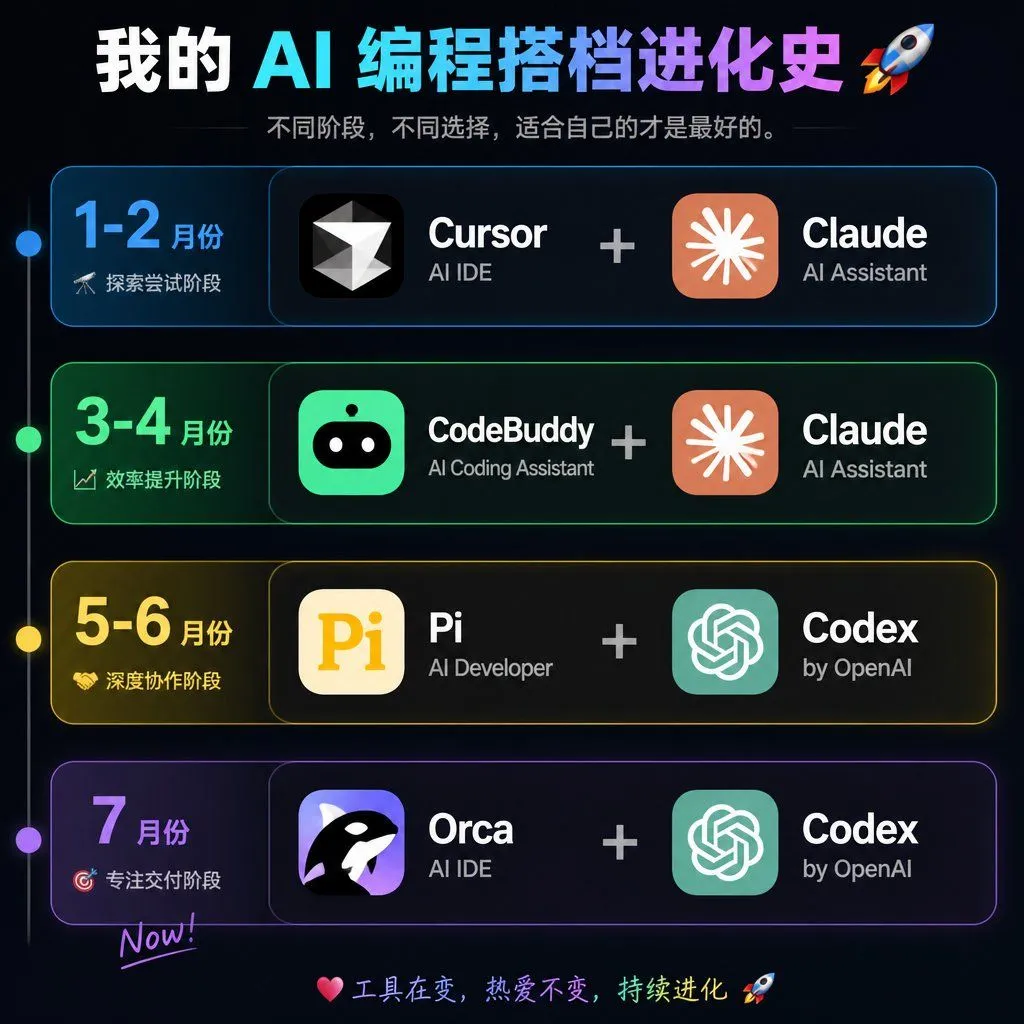
    • AI Coding Partner Timeline
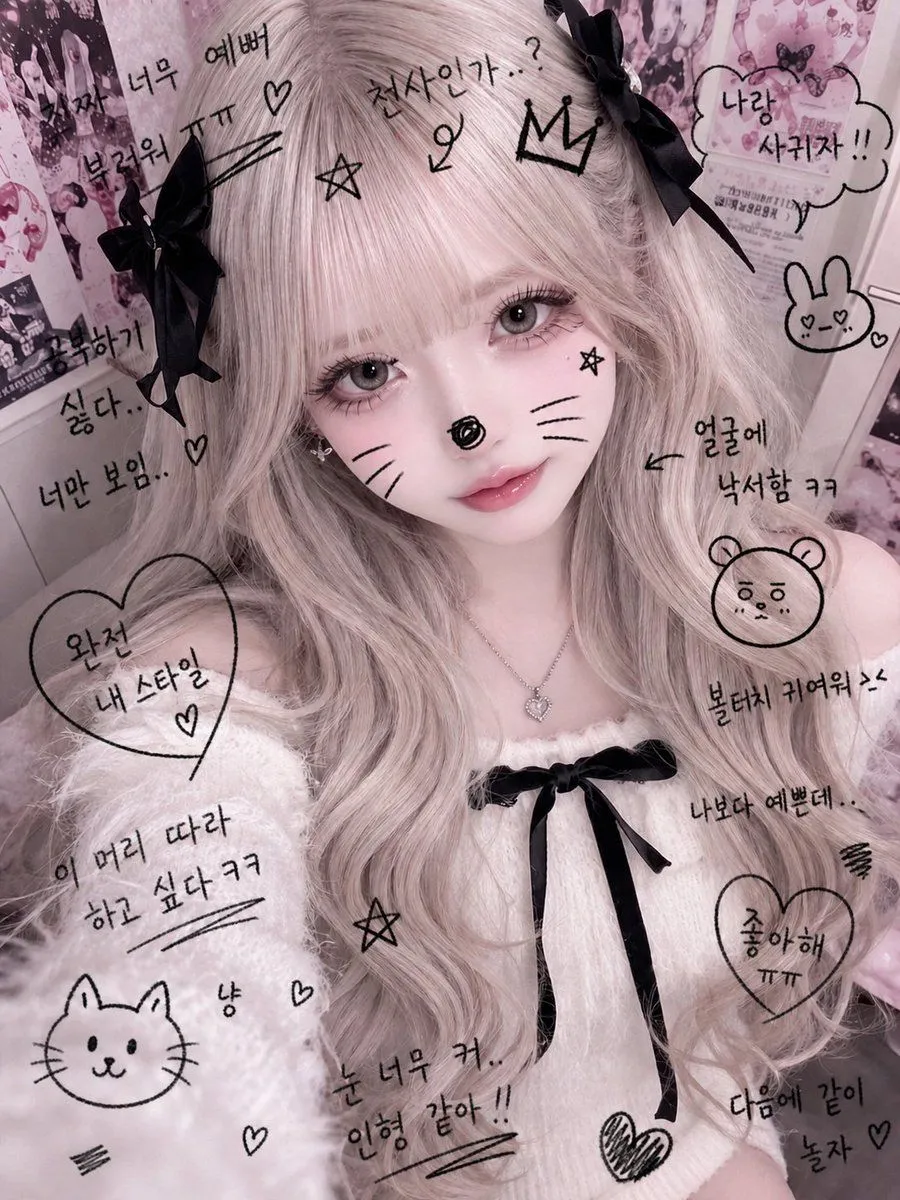
    • Cute Student Photo Doodle
    • Melancholic Storm Editorial Fashion

    Show more

    Run it on your phone

    1. Prompt copiedRead it

      { "type": "mobile livestream screenshot", "subject": { "person": "Sam Altman", "action": "looking directly at the camera, gesturing with right hand extended forward", "clothing": "dark green sweater" }, "background": "room with a shelf containing 3 wine bottles, a sign saying 'AGI', and an OpenAI logo on the wall", "layout": { "top_bar": { "time": "20:34", "battery": "77+" }, "streamer_info": { "name": "{argument name=\"streamer name\" default=\"OpenAI\"}", "likes": "48.3万本场点赞", "button": "关注" }, "viewer_stats": { "viewers": "10万+", "avatars_count": 3 }, "banners": { "count": 4, "labels": ["OpenAI官方旗舰店榜第1名", "更多直播", "00:12", "520好礼季"] }, "host_label": { "name": "{argument name=\"host name\" default=\"山姆奥特曼 Sam Altman\"}", "status": "直播中", "subtitle": "{argument name=\"host quote\" default=\"大家好,我是山姆奥特曼,GPT滞销,帮帮我们!\"}" }, "chat_box": { "message_count": 6, "messages": [ "1号小迷妹: 来了来了", "博士在深圳: 支持奥特曼!支持 OpenAI!", "AI爱好者: GPTplus买起来!", "小太阳: 先拍一单试试", "OpenAI小助理: 点击下方小黄车,了解更多产品信息~", "淡定哥: 已拍,支持!" ] }, "product_card": { "title": "{argument name=\"product name\" default=\"OpenAI ChatGPT Plus 订阅服务 (一个月)\"}", "features": "正品保障 7天无理由 过期自动退 随时可退", "price": "{argument name=\"product price\" default=\"¥199\"}", "button": "抢" }, "bottom_bar": { "input_placeholder": "说点什么...", "icons_count": 4 } } }

    2. Open your app

    3. Paste and run

      Press and hold the message box, then tap Paste. Add your photo first if the prompt uses one. You may need to sign in.

    E-commerce Livestream UI Mockup