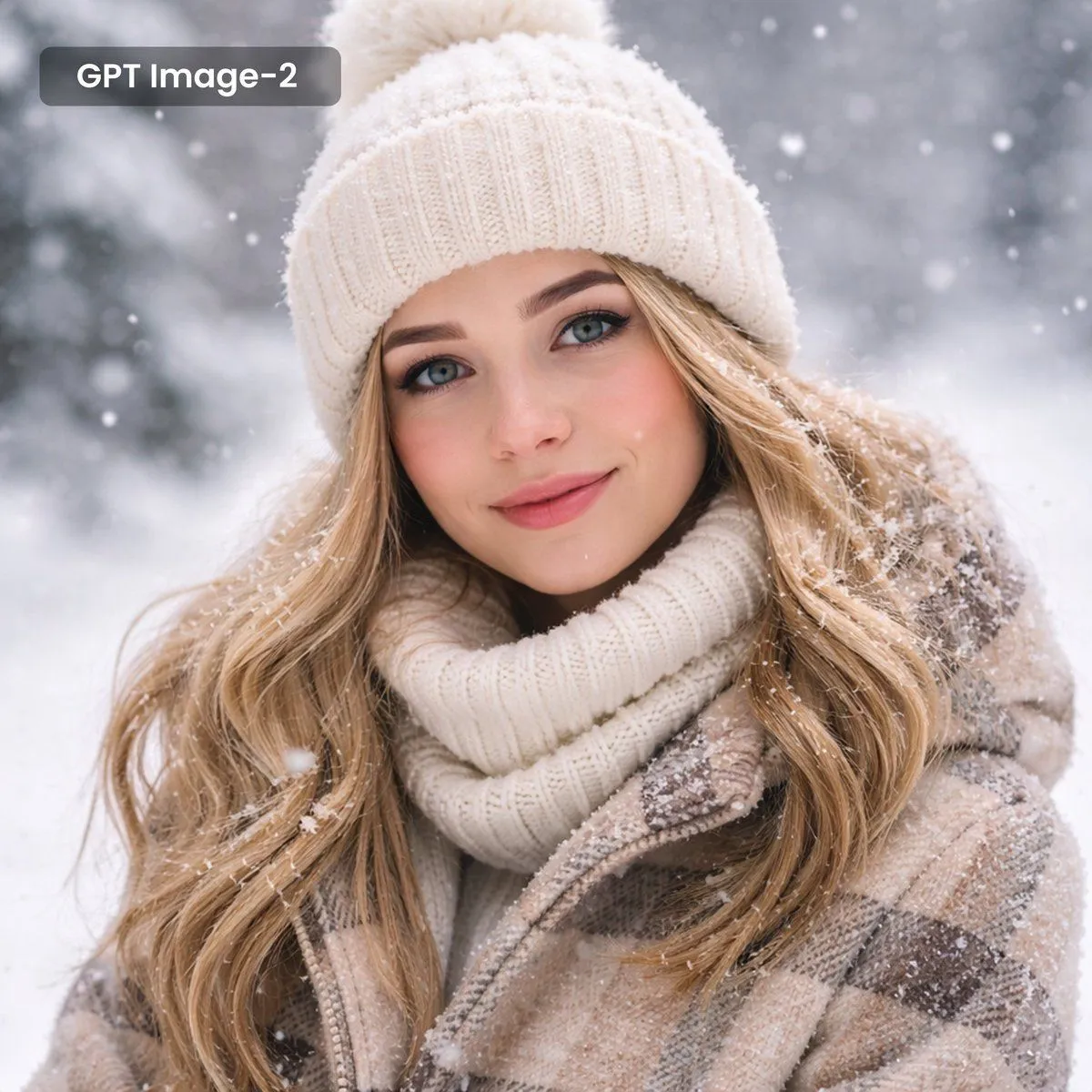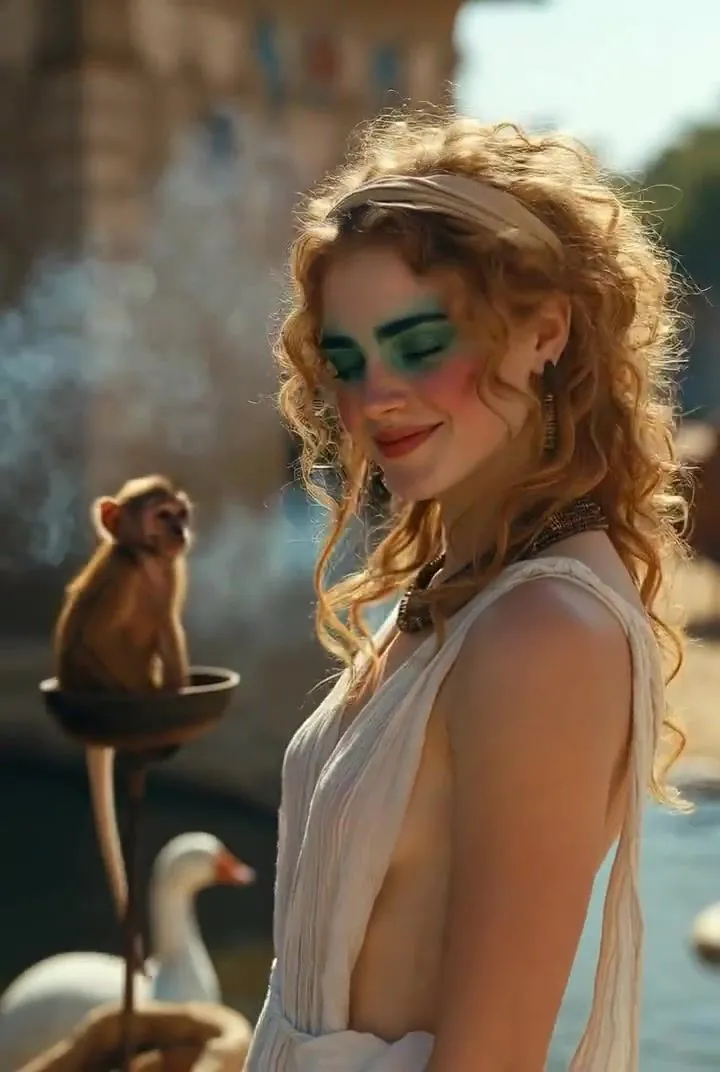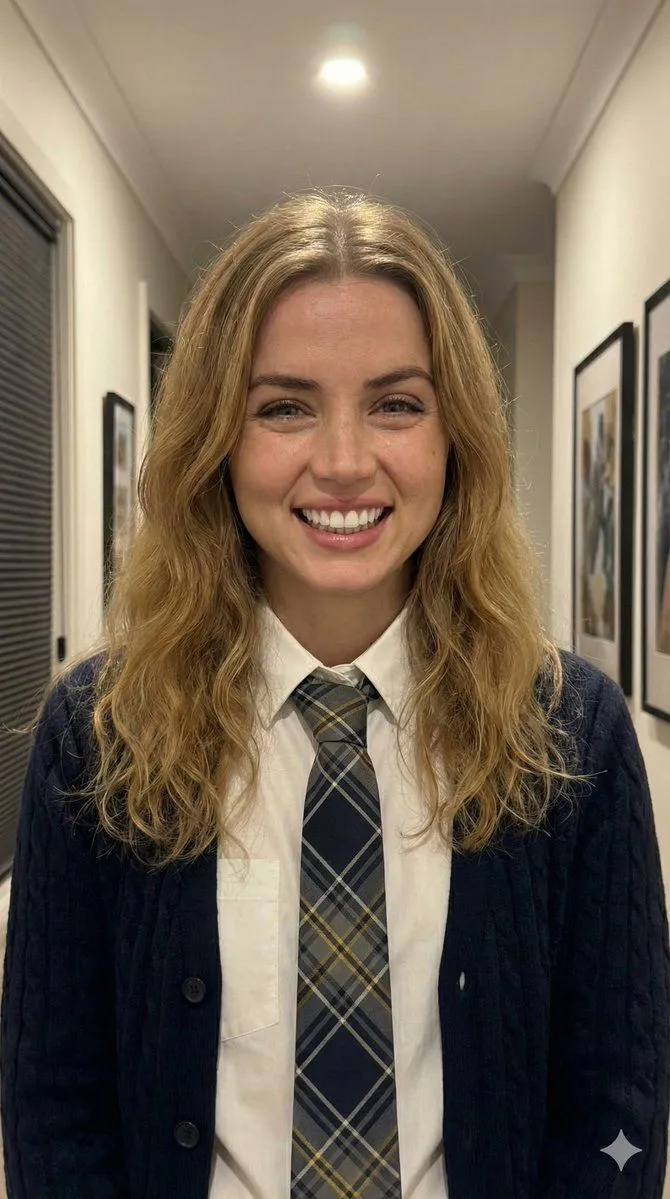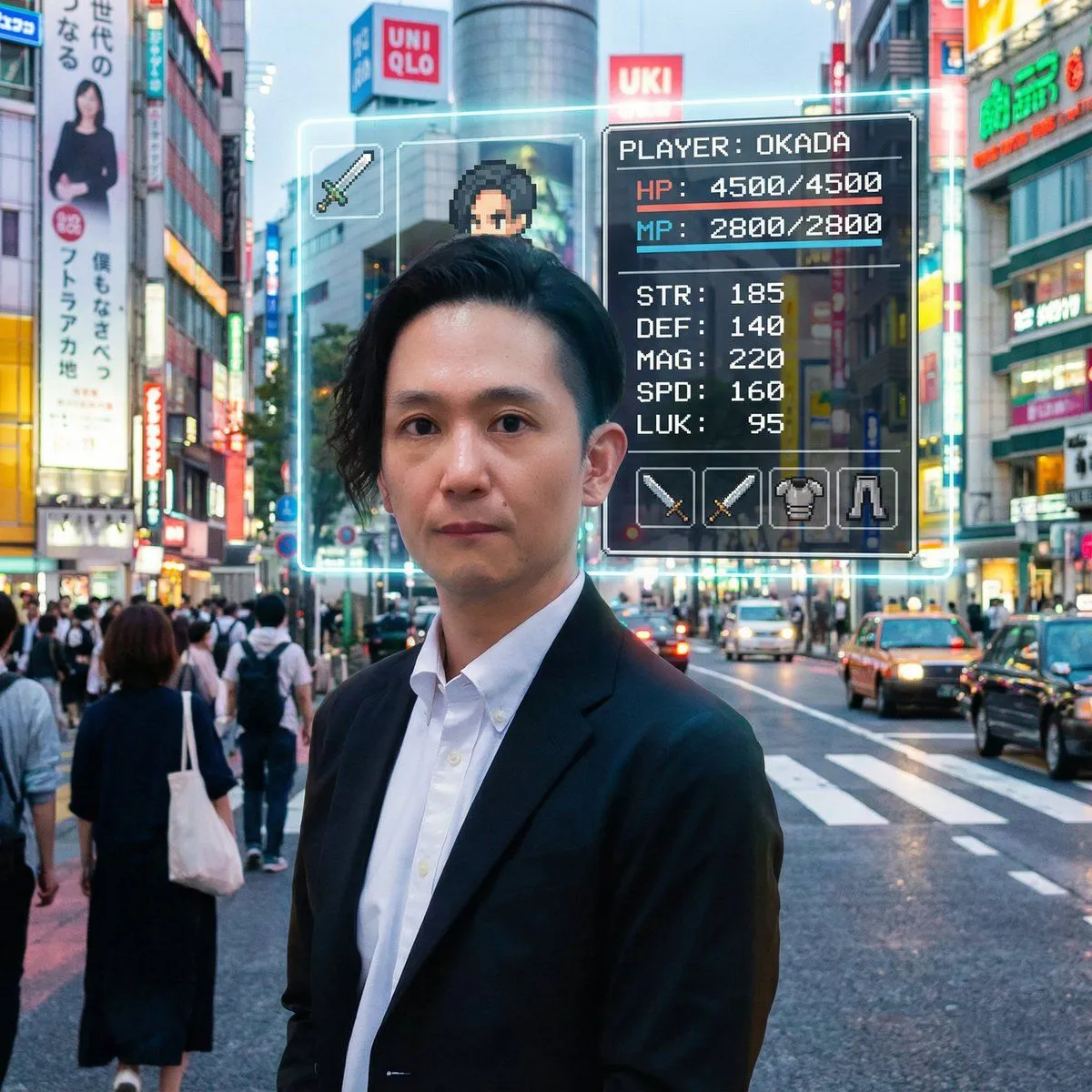
Made with Nano Banana Pro in Gemini, collected by Library Social. Promptclay never generates images.
Dual Expression Split-Panel Portrait
Prompt
3 blanks to fillA split-panel or side-by-side portrait of a {subject} styled half-up, wearing a {clothing} and a layered silver and gold chain necklace. In the first view, she is captured in a candid three-quarter profile, resting her chin on her hand with a joyful, beaming smile, looking slightly off-camera. In the second view, she looks directly at the camera with a playful, mischievous expression, crinkling her nose and gently biting her lower lip. Both shots share a {background} with soft lighting, a blurred bookshelf, and a textured brick wall in the background, maintaining perfect facial and stylistic consistency across both expressions.
Preview of your prompt
A split-panel or side-by-side portrait of a woman with wavy, light brown hair styled half-up, wearing a cozy black knit sweater and a layered silver and gold chain necklace. In the first view, she is captured in a candid three-quarter profile, resting her chin on her hand with a joyful, beaming smile, looking slightly off-camera. In the second view, she looks directly at the camera with a playful, mischievous expression, crinkling her nose and gently biting her lower lip. Both shots share a warm, natural indoor setting with soft lighting, a blurred bookshelf, and a textured brick wall in the background, maintaining perfect facial and stylistic consistency across both expressions.
DetailsVersions, settings and questions
Written for
What's in the prompt
- Subject
- Model
- Nano Banana Pro
If your face changes
keep my face exactly the sameQuestions
- Does this work in the Gemini app?
- Yes. Gemini runs Nano Banana, so paste the prompt and attach your photo if it uses one.
- It changed my face. What do I do?
- Add "keep my face exactly the same" to the end and run it again.
- Can I use the images I make?
- Check the terms of the app you use. Promptclay never generates images and claims nothing you make.