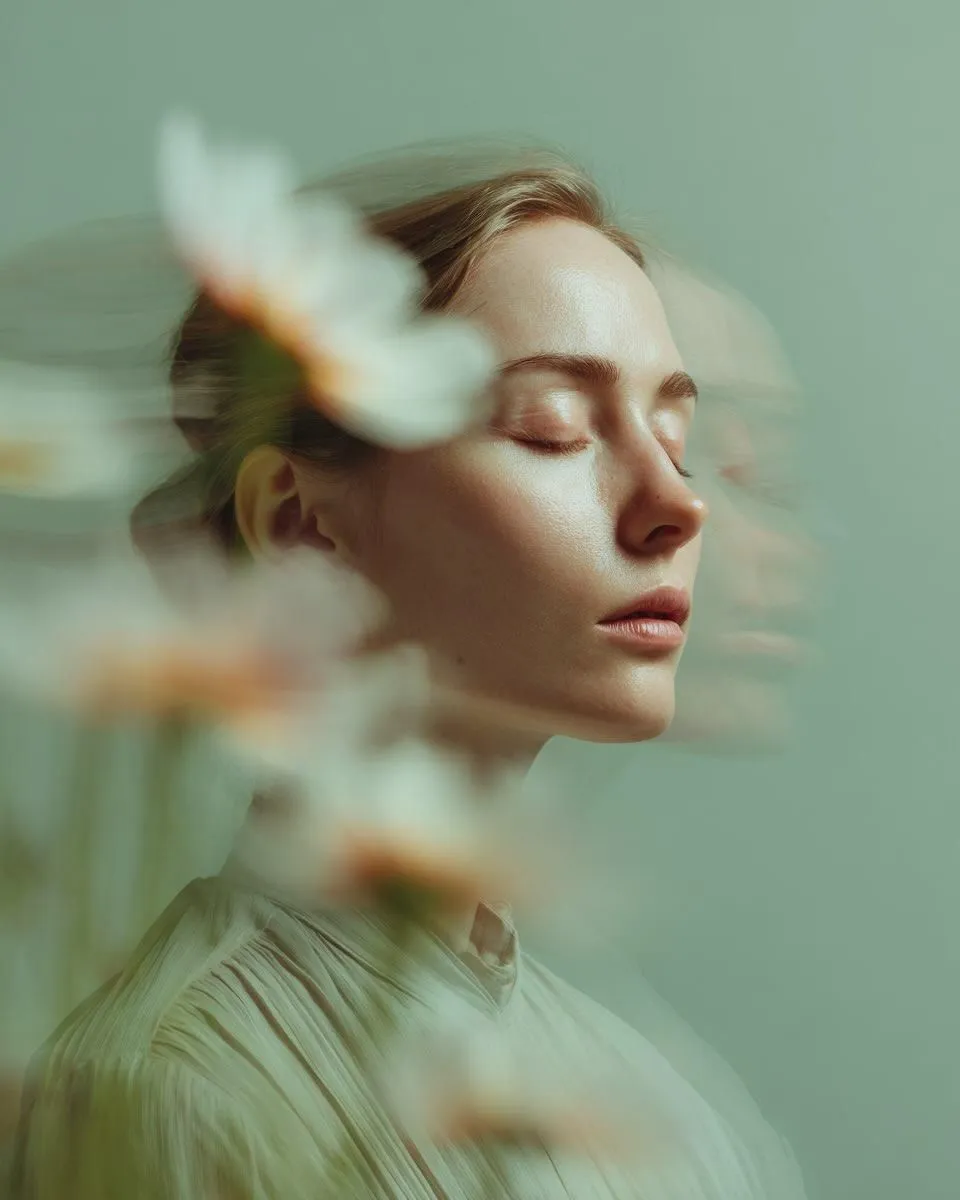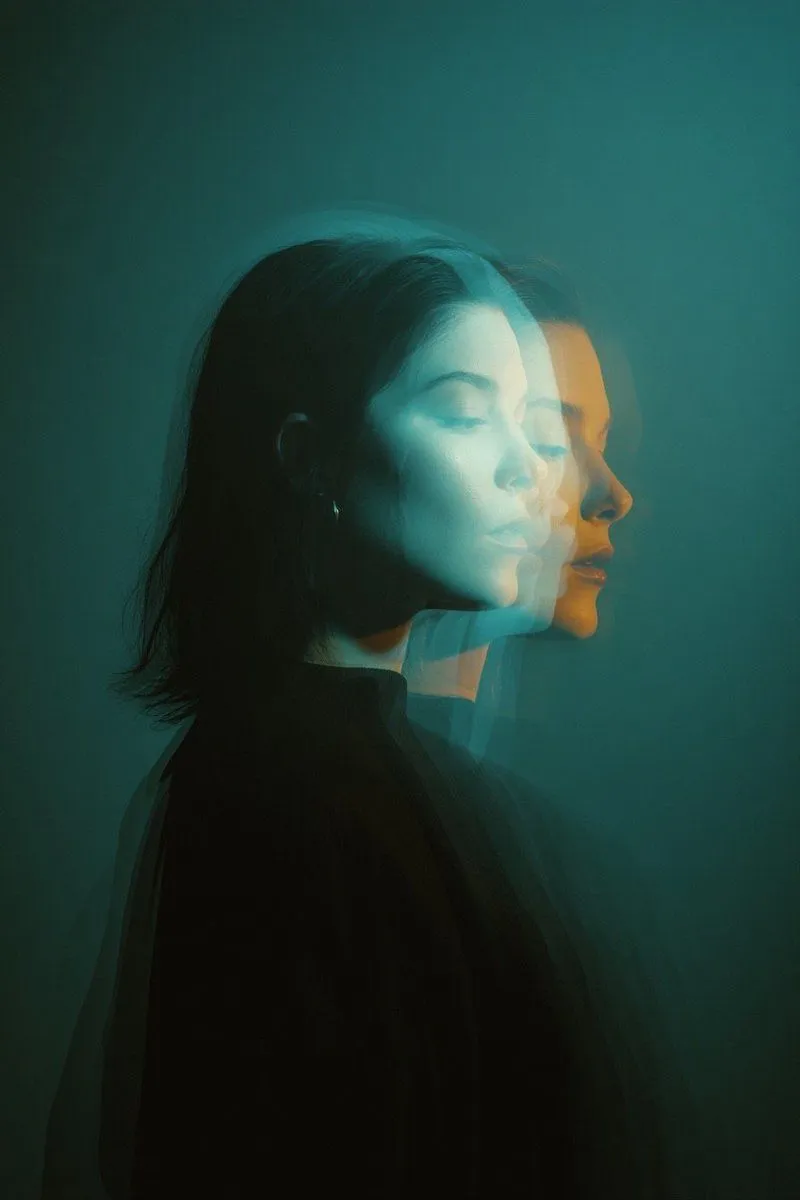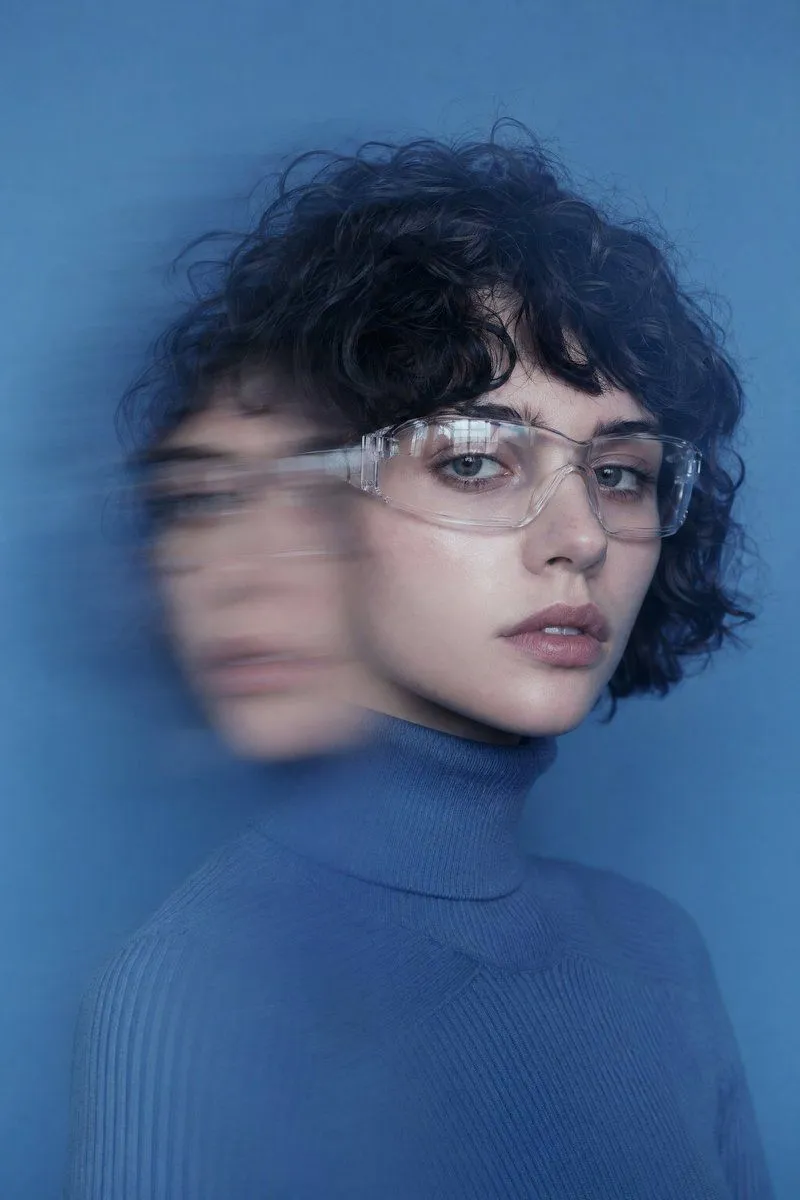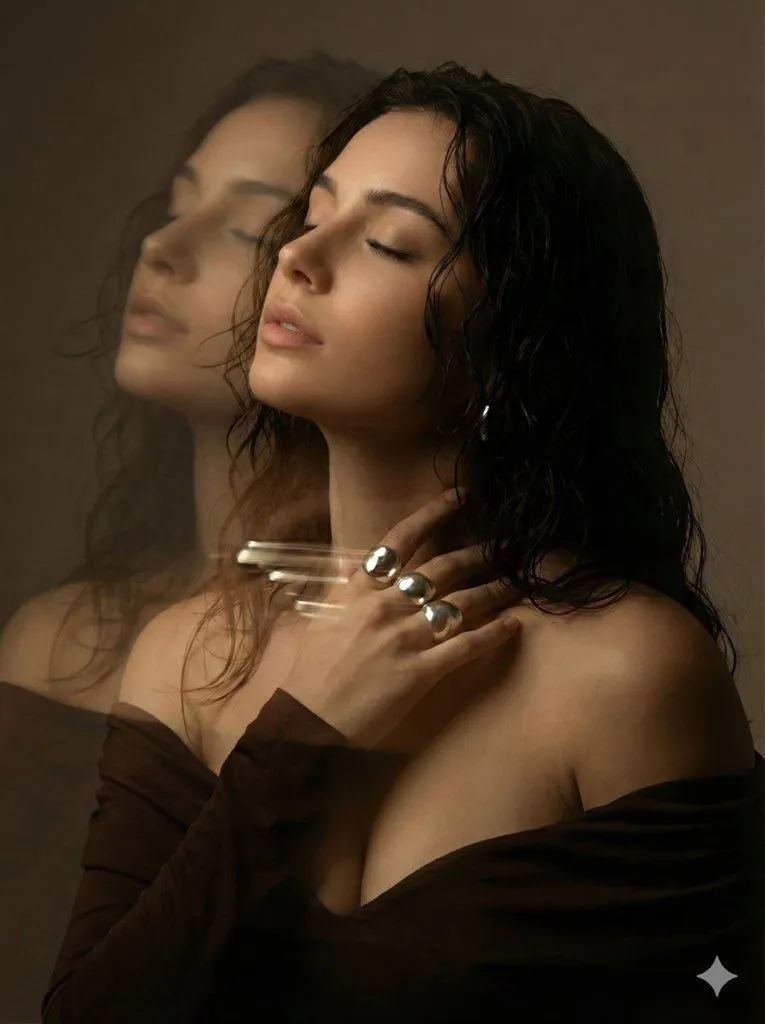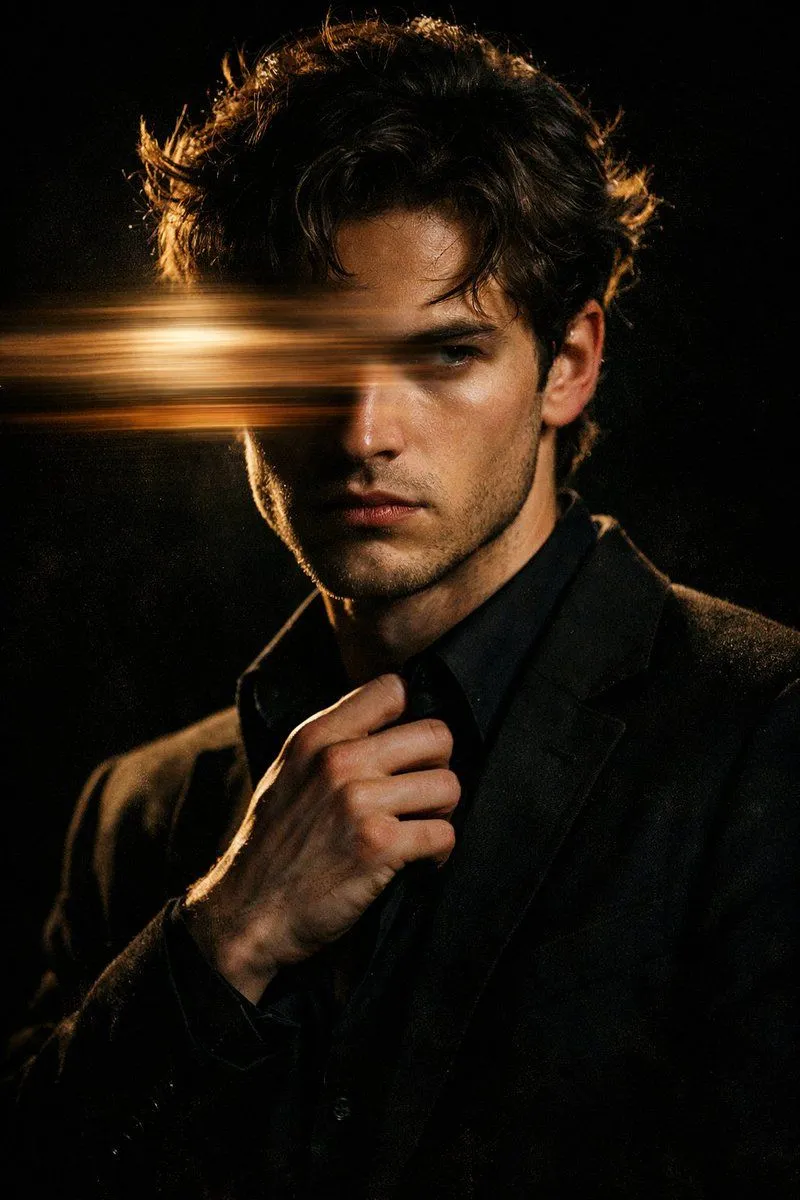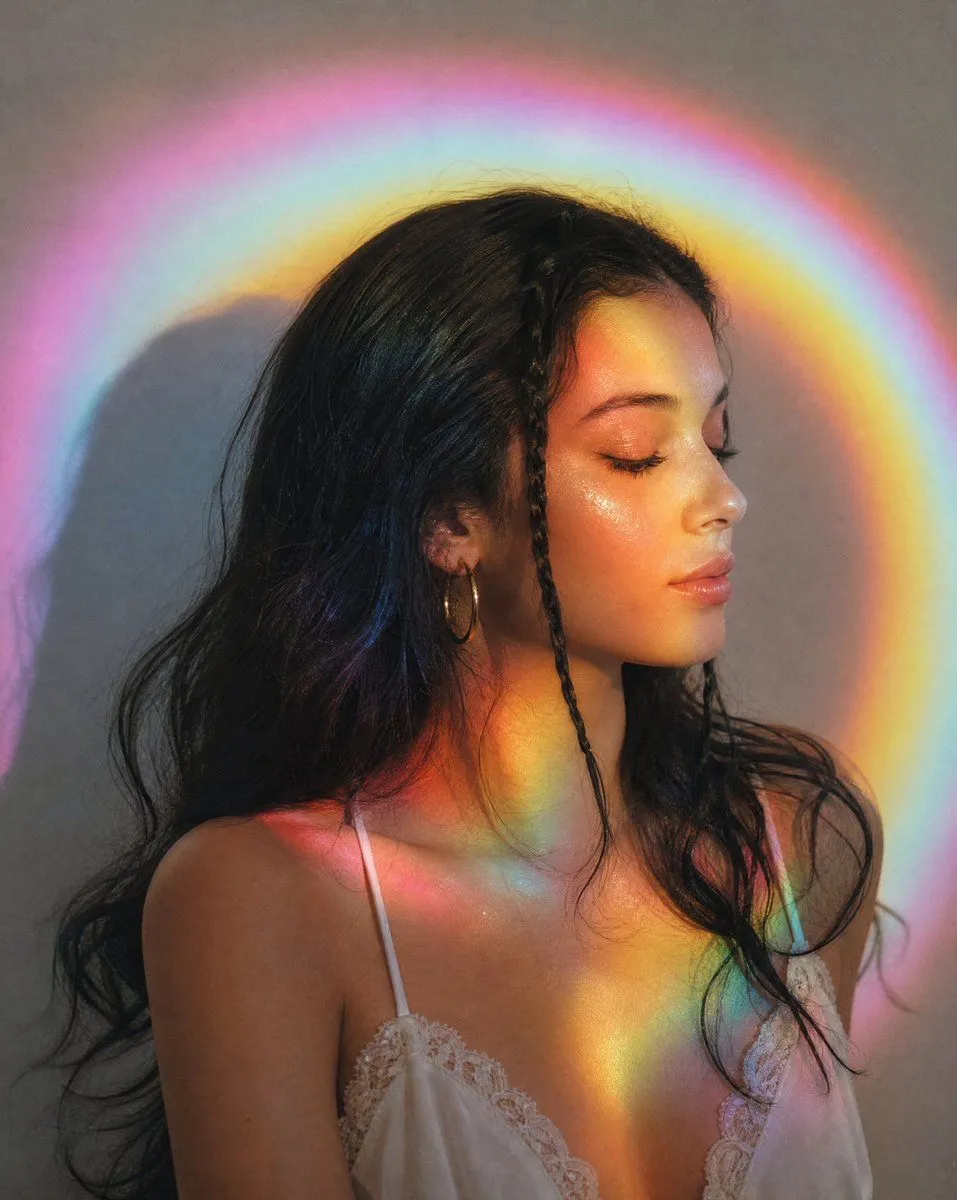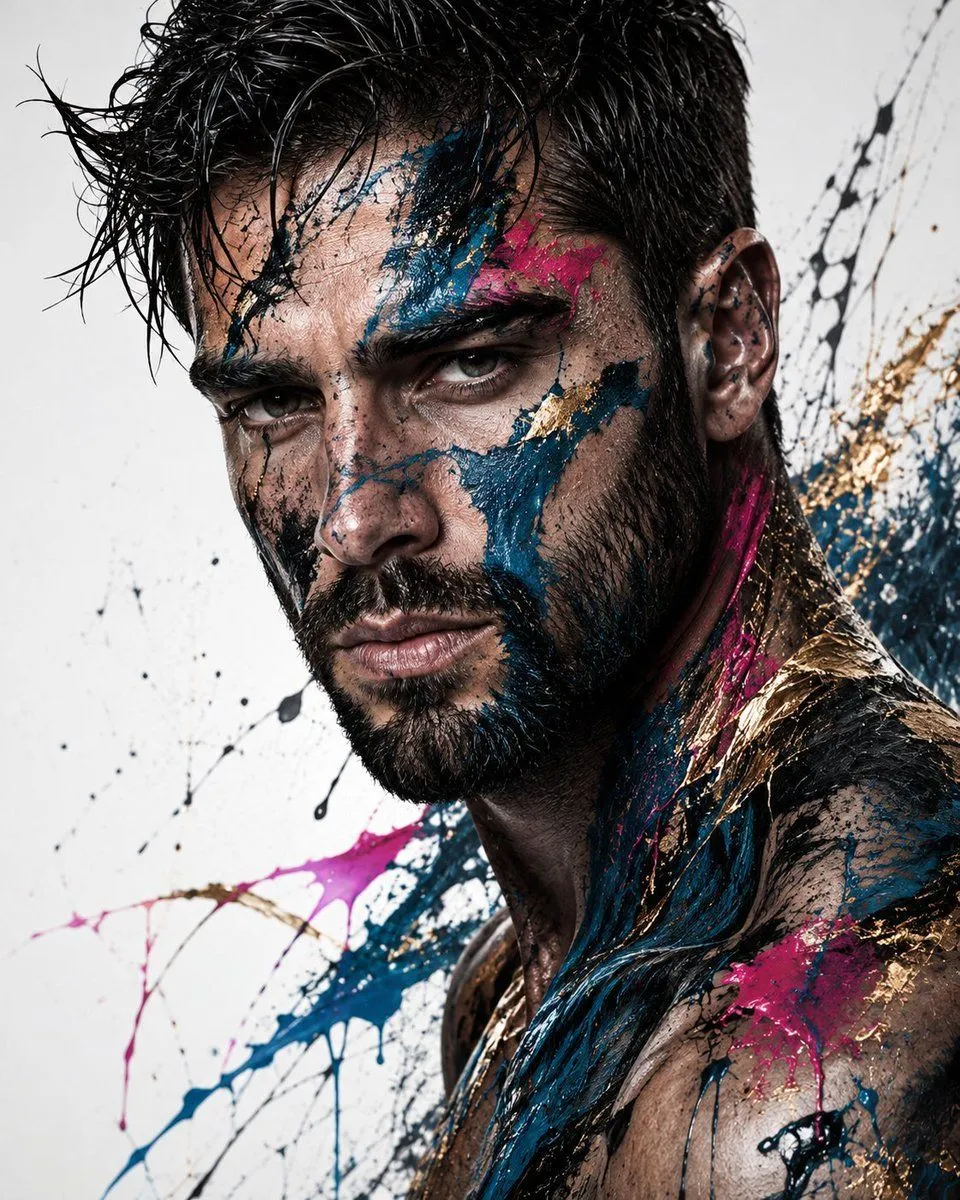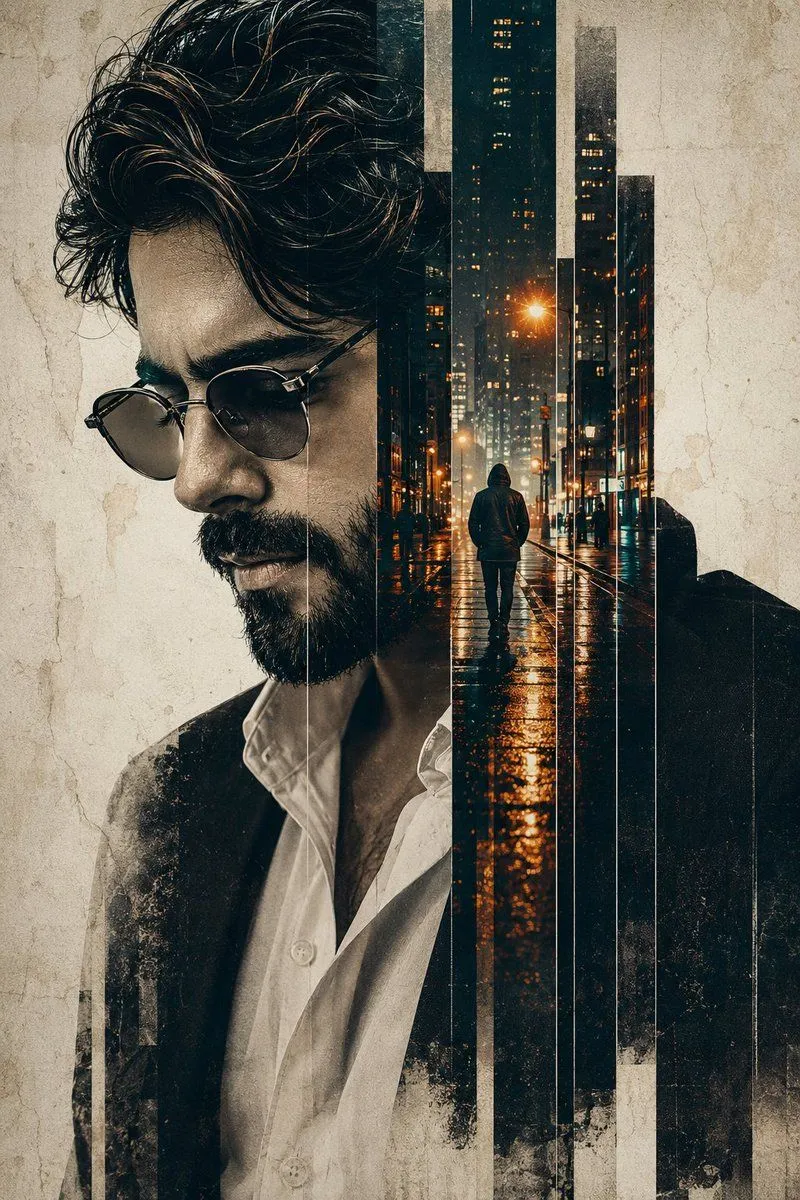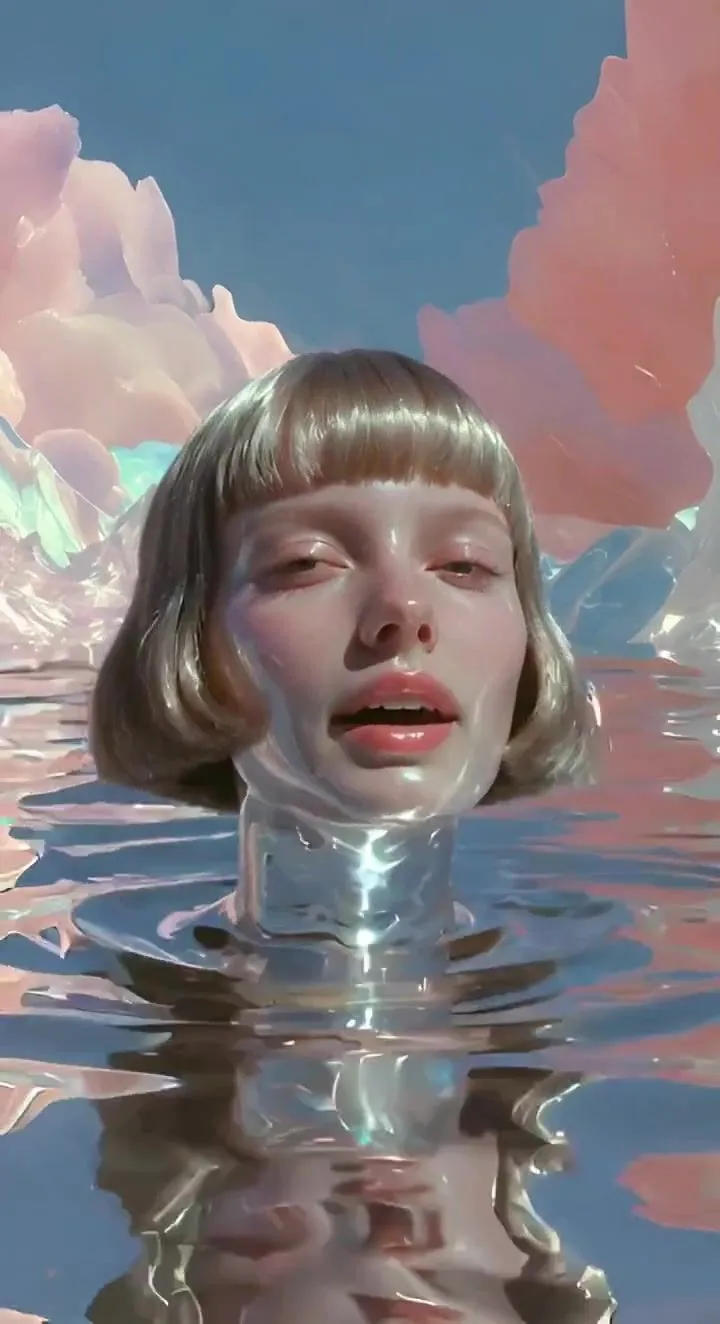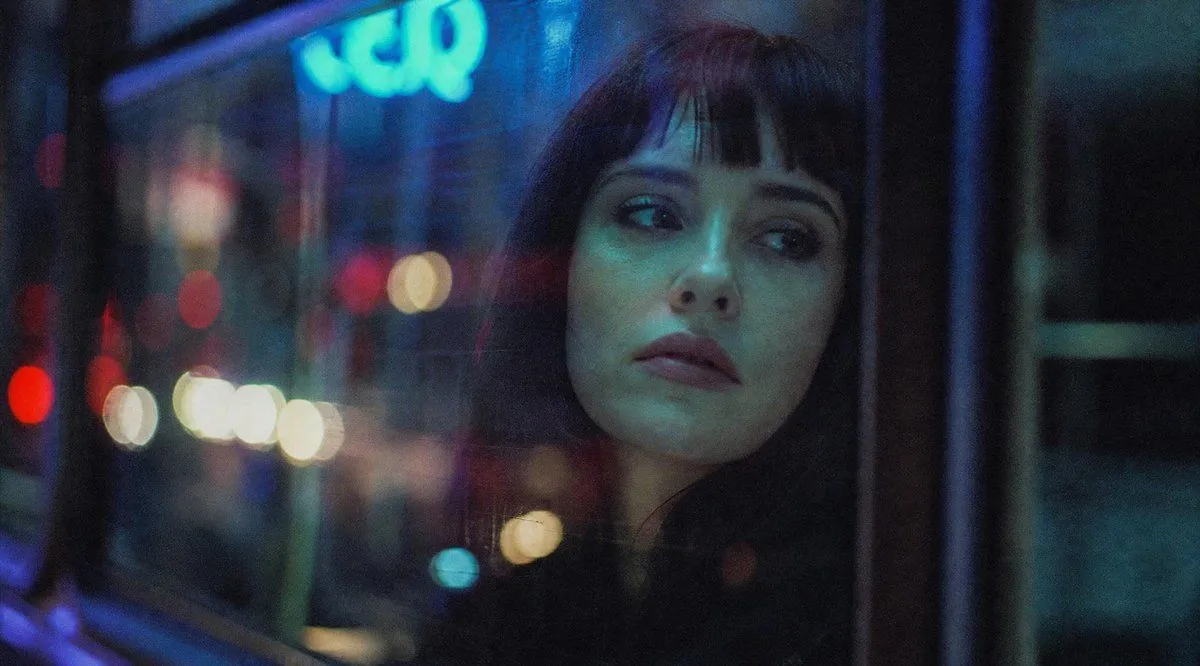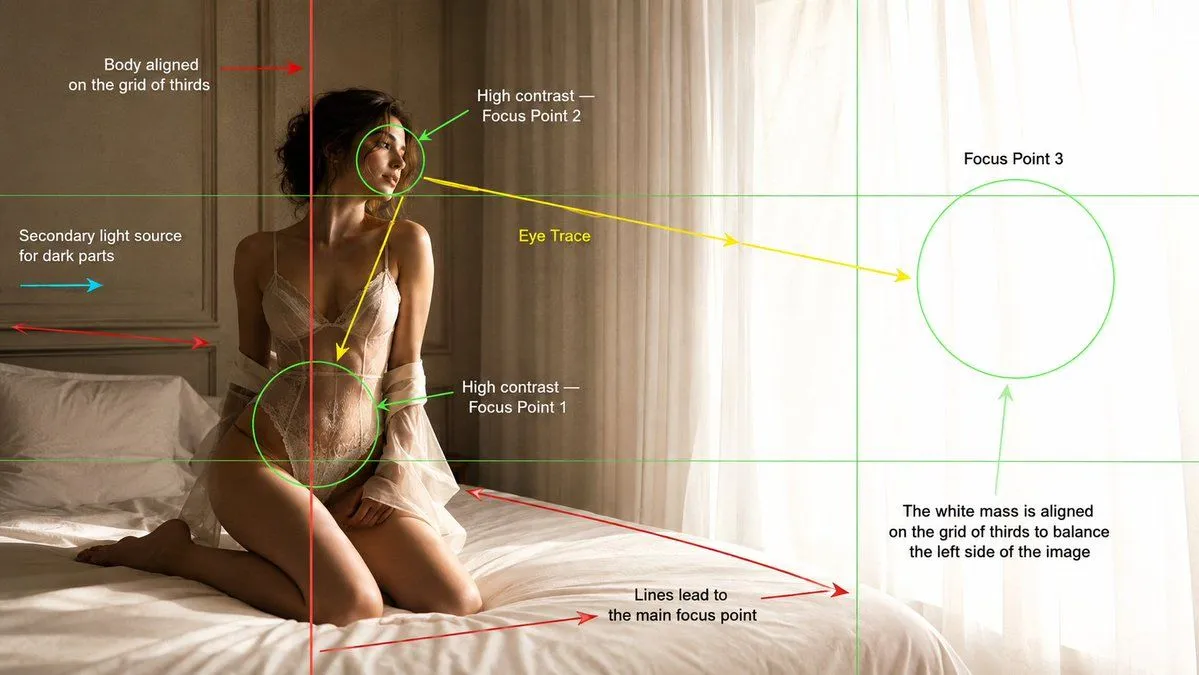
Made with GPT Image 2 in ChatGPT by Library Lifestyle. Promptclay never generates images.
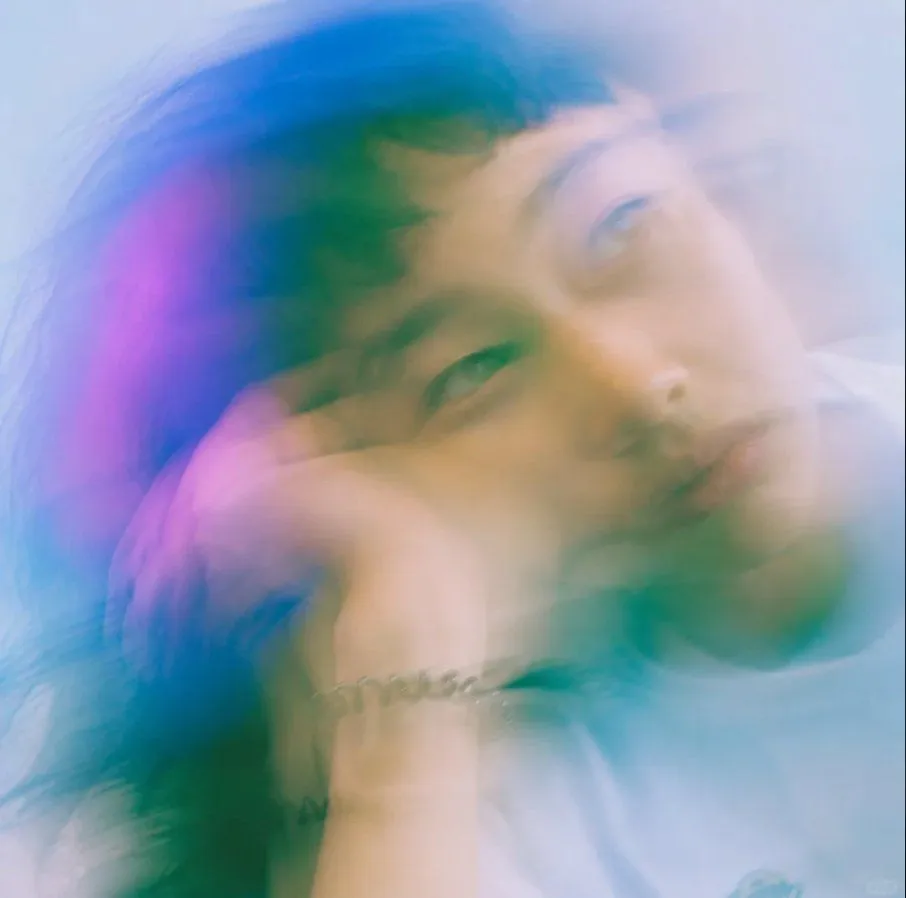
Dreamy Motion Blur Portrait
Prompt
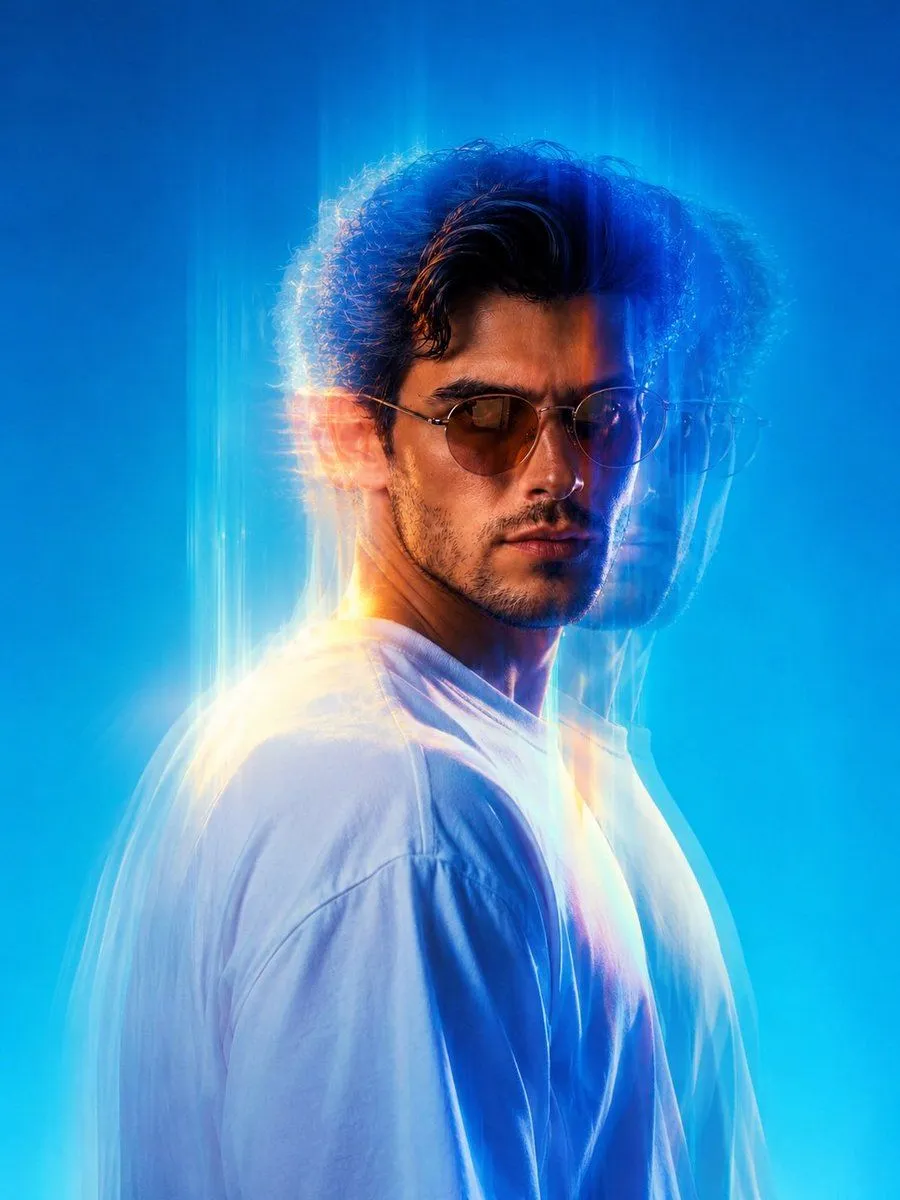
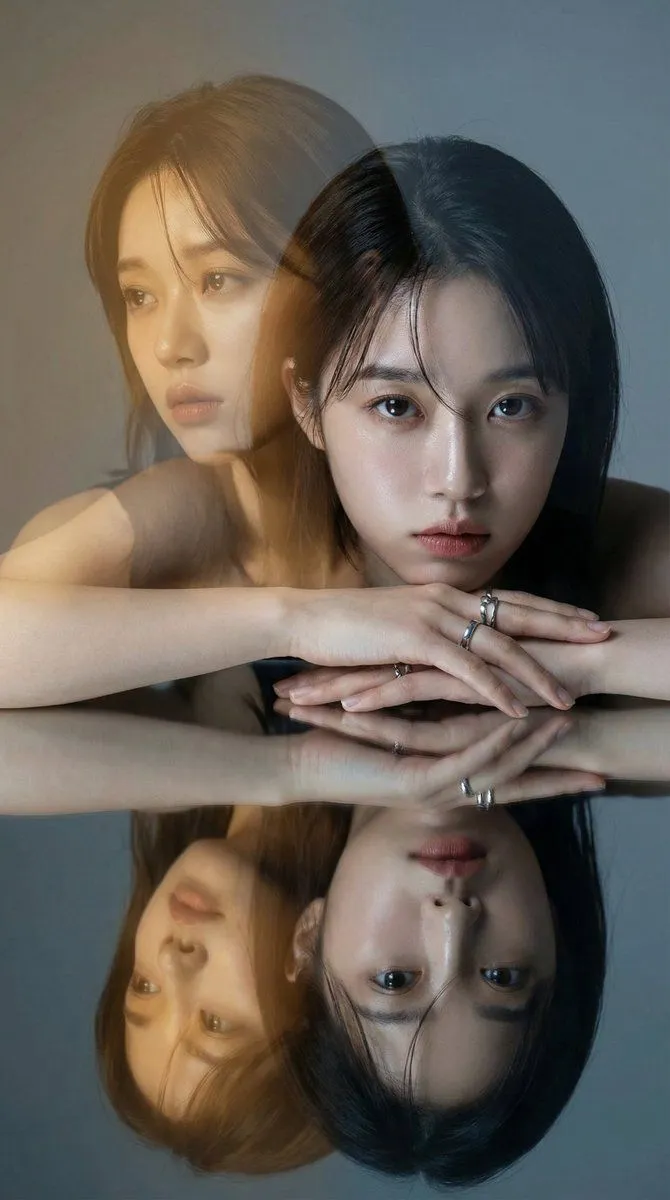
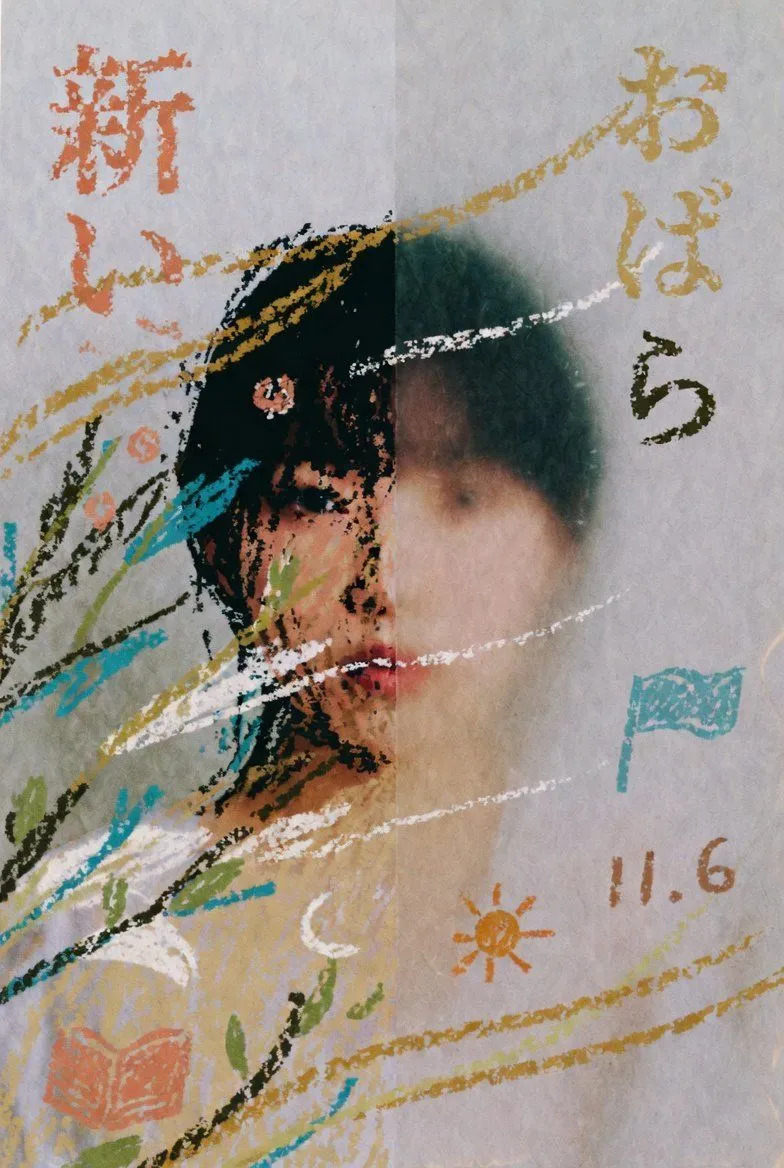
2 blanks to fillCreate a square, close-up editorial portrait of {subject} in a dreamy high-fashion style, with his head tilted and resting on a bent arm near the bottom of the frame. Use extreme soft focus, long-exposure motion blur, and double/triple exposure ghosting so the face appears repeated and smeared diagonally across the image, with one clearer eye near the center-left and another translucent face shifted toward the upper right. The expression is calm, distant, and introspective, lips relaxed, gaze slightly off-camera. Show dark tousled hair blending into the blur, pale skin, a white shirt at the lower right, and a small silver chain bracelet on the wrist near the lower center. Lighting should be ethereal and overexposed, with a cool misty background in pale blue and white. Add translucent color washes of {accent_colors} across the hair and face, like prism flare or light leaks. Make the image feel analog, romantic, hazy, and painterly, with no sharp edges except faint facial features; use shallow depth of field, airy glow, and smooth pastel gradients. No text, no logos, no hard outlines, no realistic studio crispness.
Preview of your prompt
Create a square, close-up editorial portrait of a young East Asian man in a dreamy high-fashion style, with his head tilted and resting on a bent arm near the bottom of the frame. Use extreme soft focus, long-exposure motion blur, and double/triple exposure ghosting so the face appears repeated and smeared diagonally across the image, with one clearer eye near the center-left and another translucent face shifted toward the upper right. The expression is calm, distant, and introspective, lips relaxed, gaze slightly off-camera. Show dark tousled hair blending into the blur, pale skin, a white shirt at the lower right, and a small silver chain bracelet on the wrist near the lower center. Lighting should be ethereal and overexposed, with a cool misty background in pale blue and white. Add translucent color washes of cyan, teal, deep blue, and magenta-pink across the hair and face, like prism flare or light leaks. Make the image feel analog, romantic, hazy, and painterly, with no sharp edges except faint facial features; use shallow depth of field, airy glow, and smooth pastel gradients. No text, no logos, no hard outlines, no realistic studio crispness.
DetailsVersions, settings and questions
Written for
What's in the prompt
- Subject
- Model
- GPT Image 2
If your face changes
keep my face exactly the sameQuestions
- Does this work in the ChatGPT app?
- Yes. Paste the prompt and attach your photo if it uses one.
- It changed my face. What do I do?
- Add "keep my face exactly the same" to the end and run it again.
- Can I use the images I make?
- Check the terms of the app you use. Promptclay never generates images and claims nothing you make.