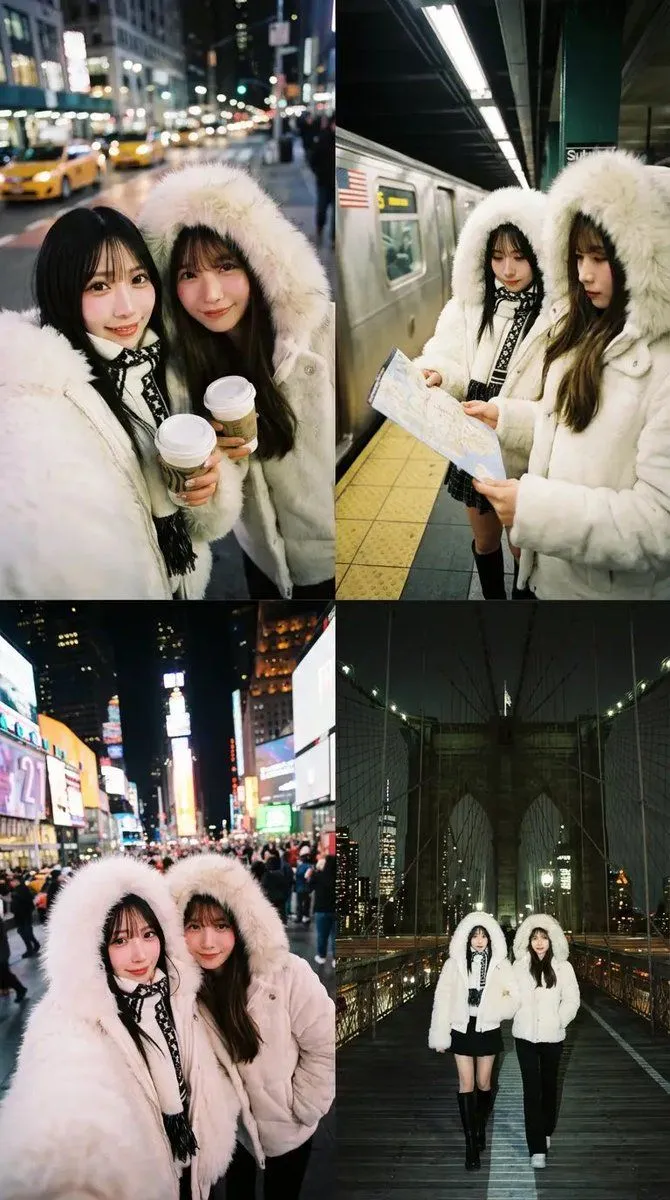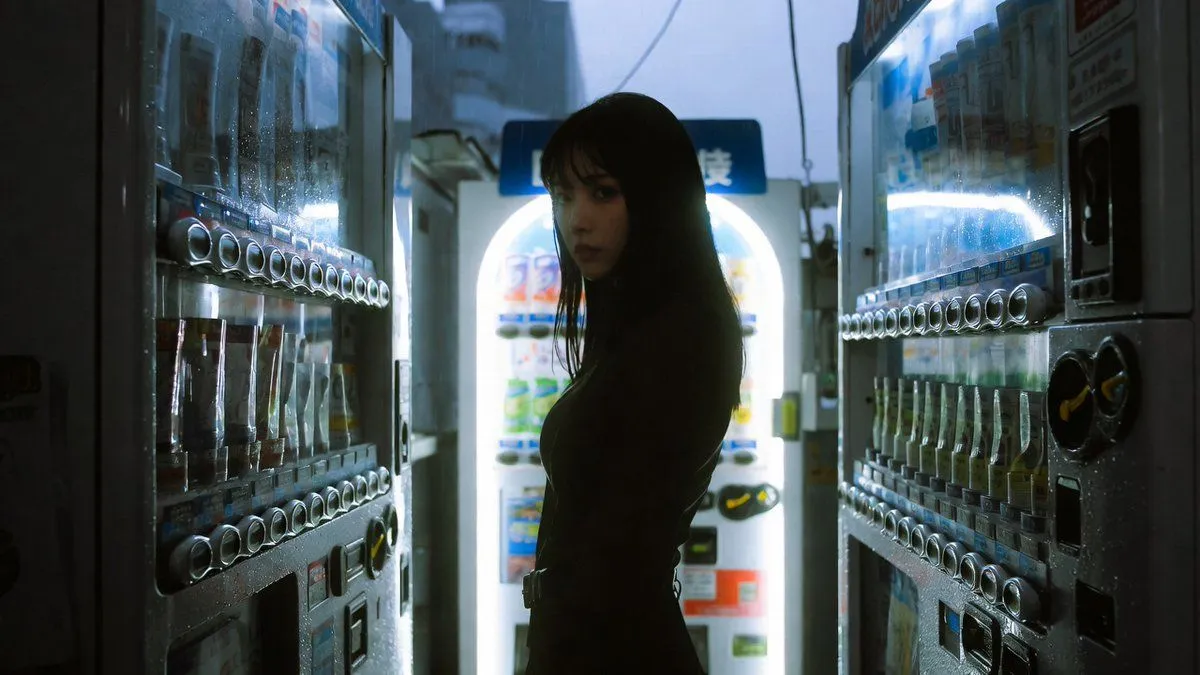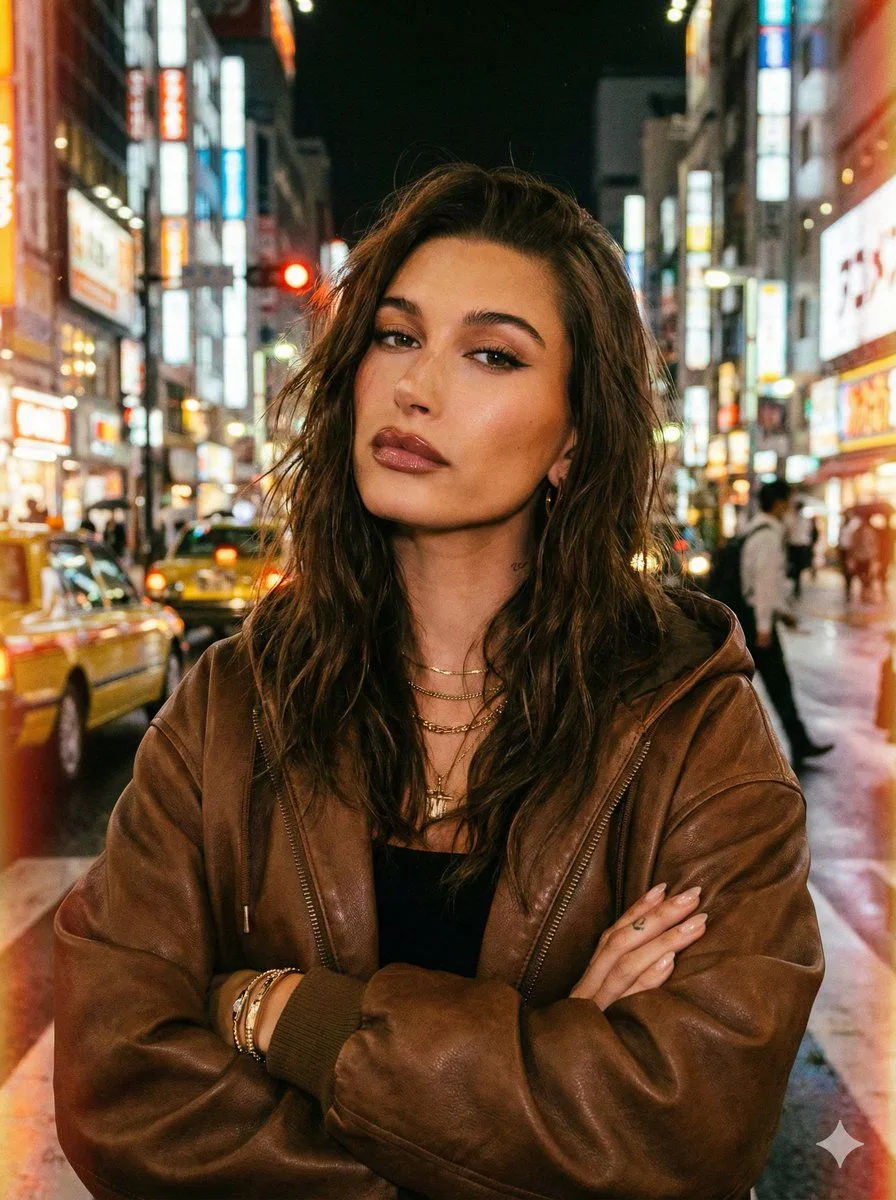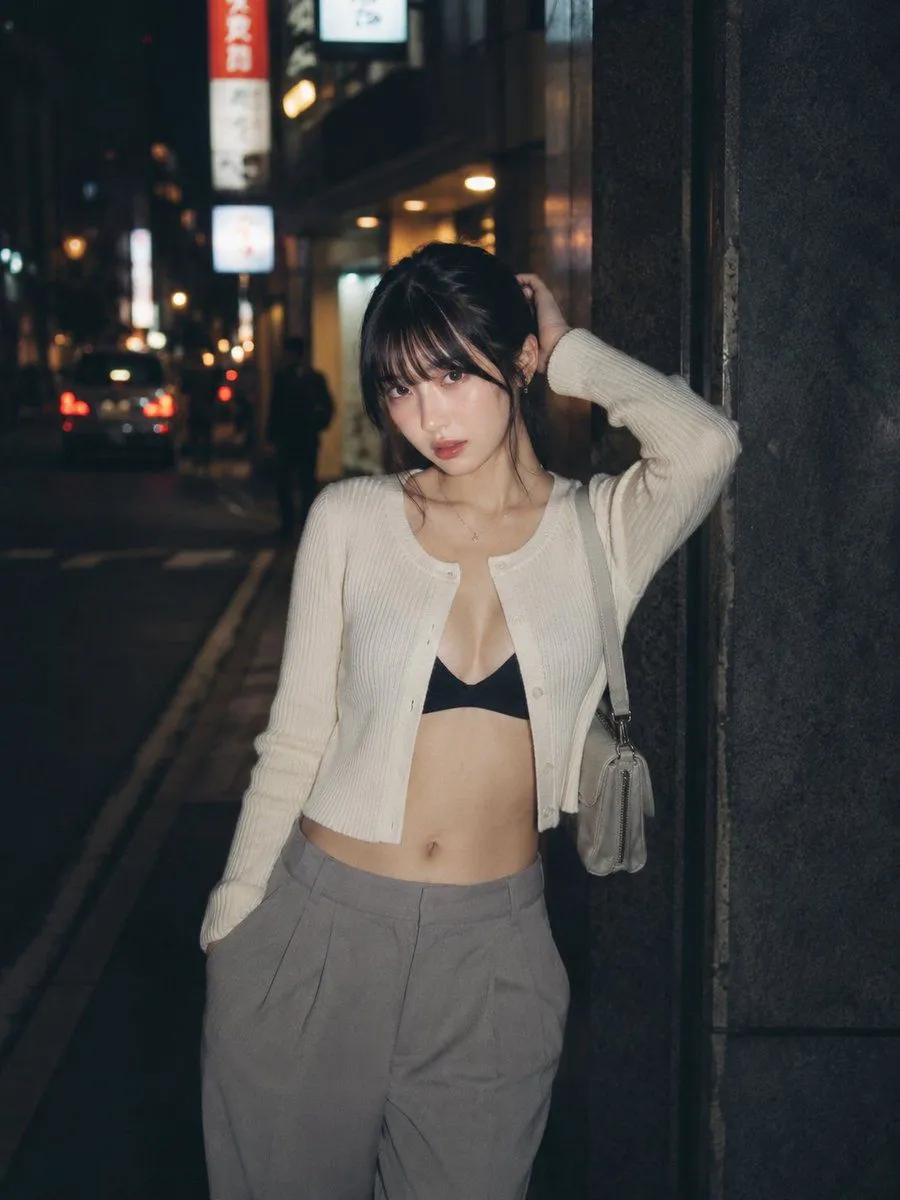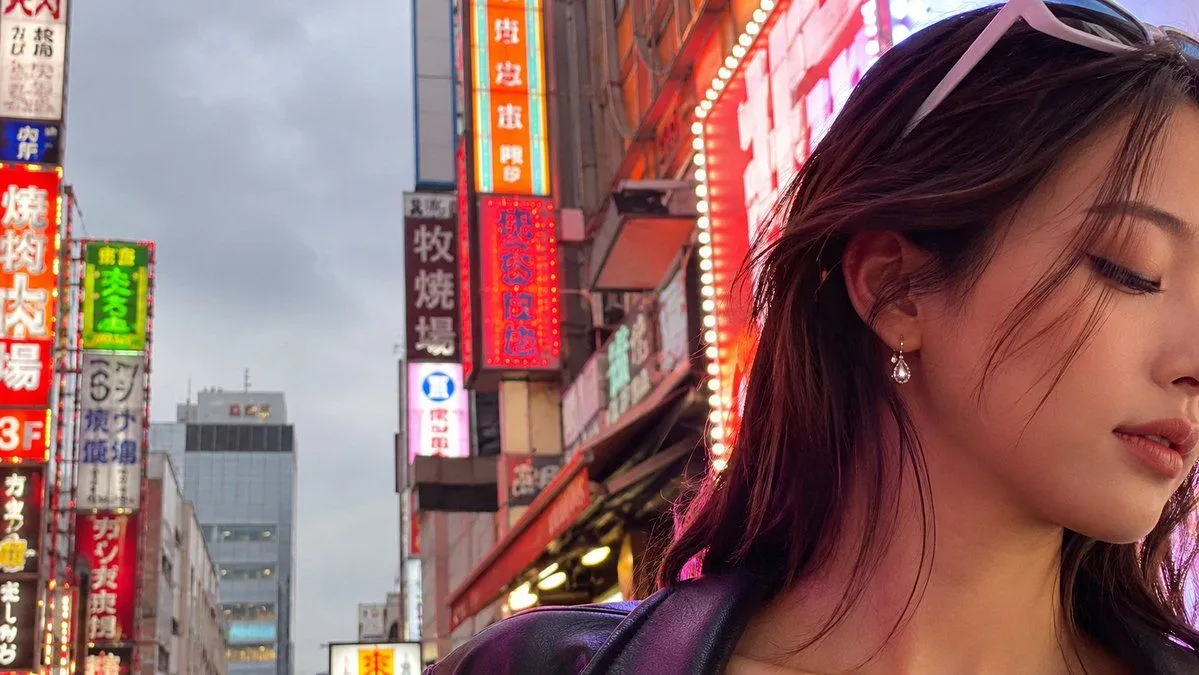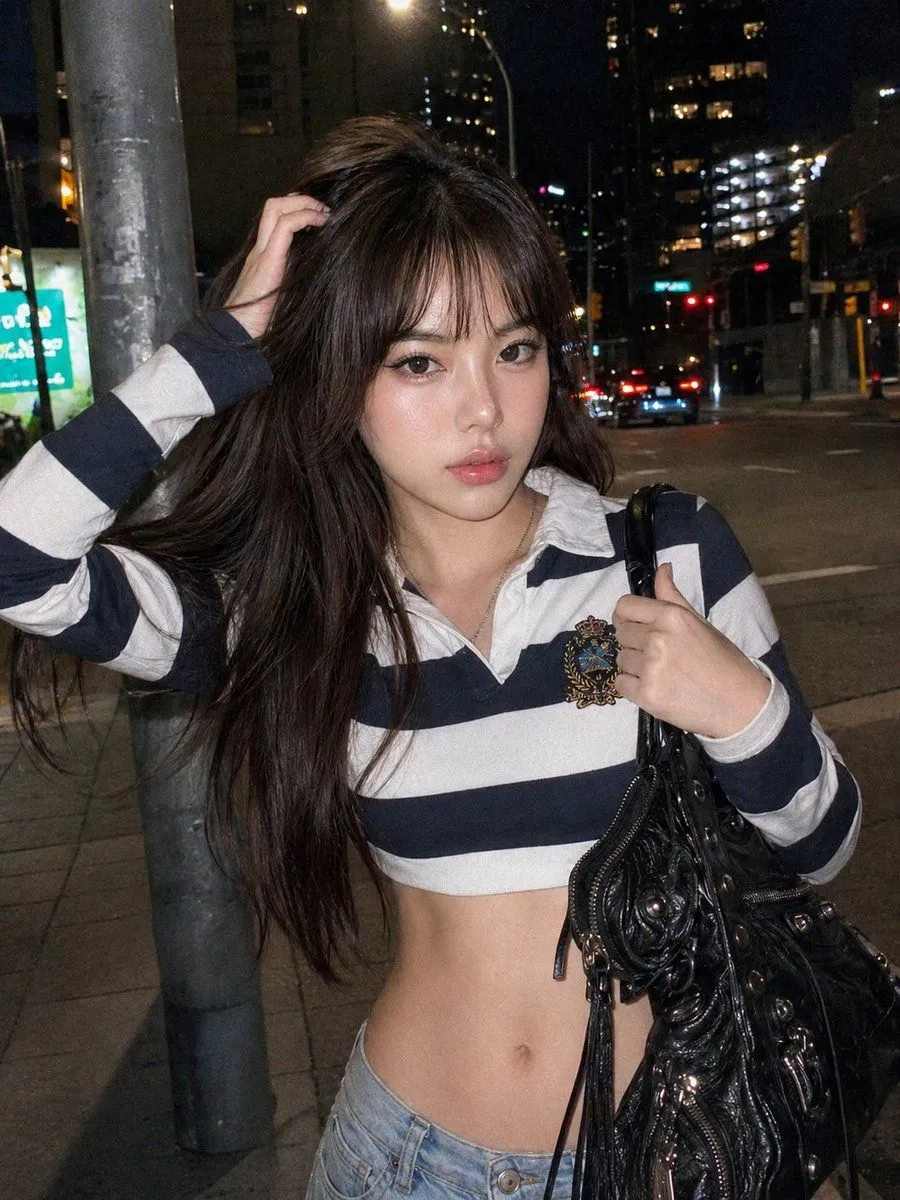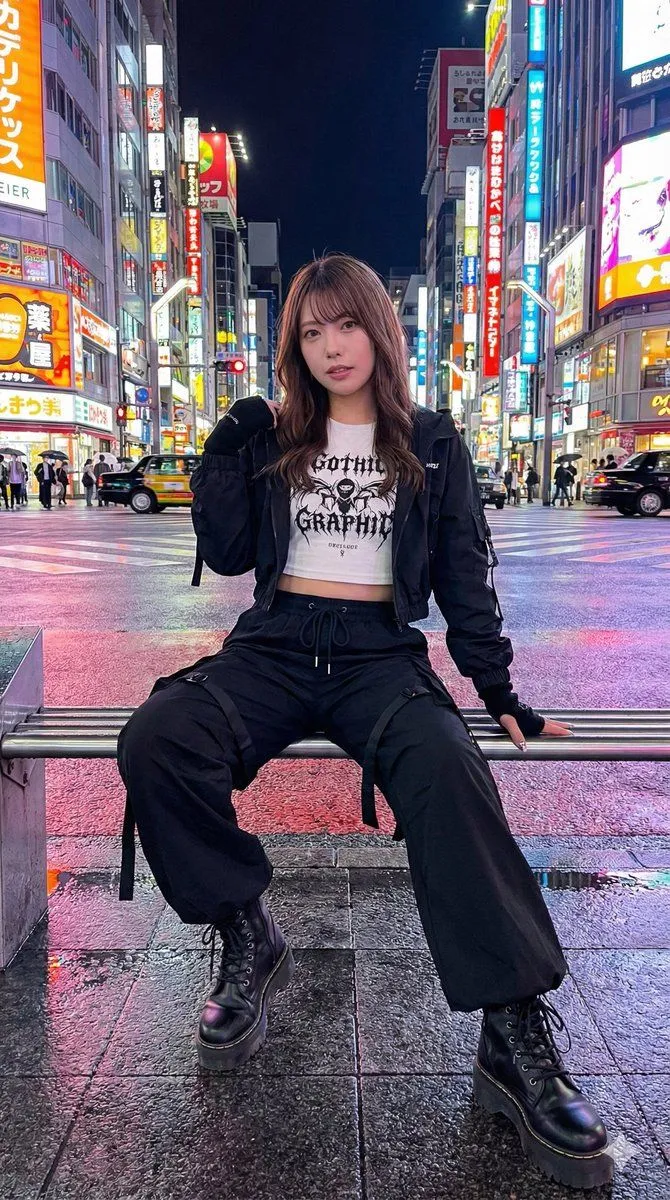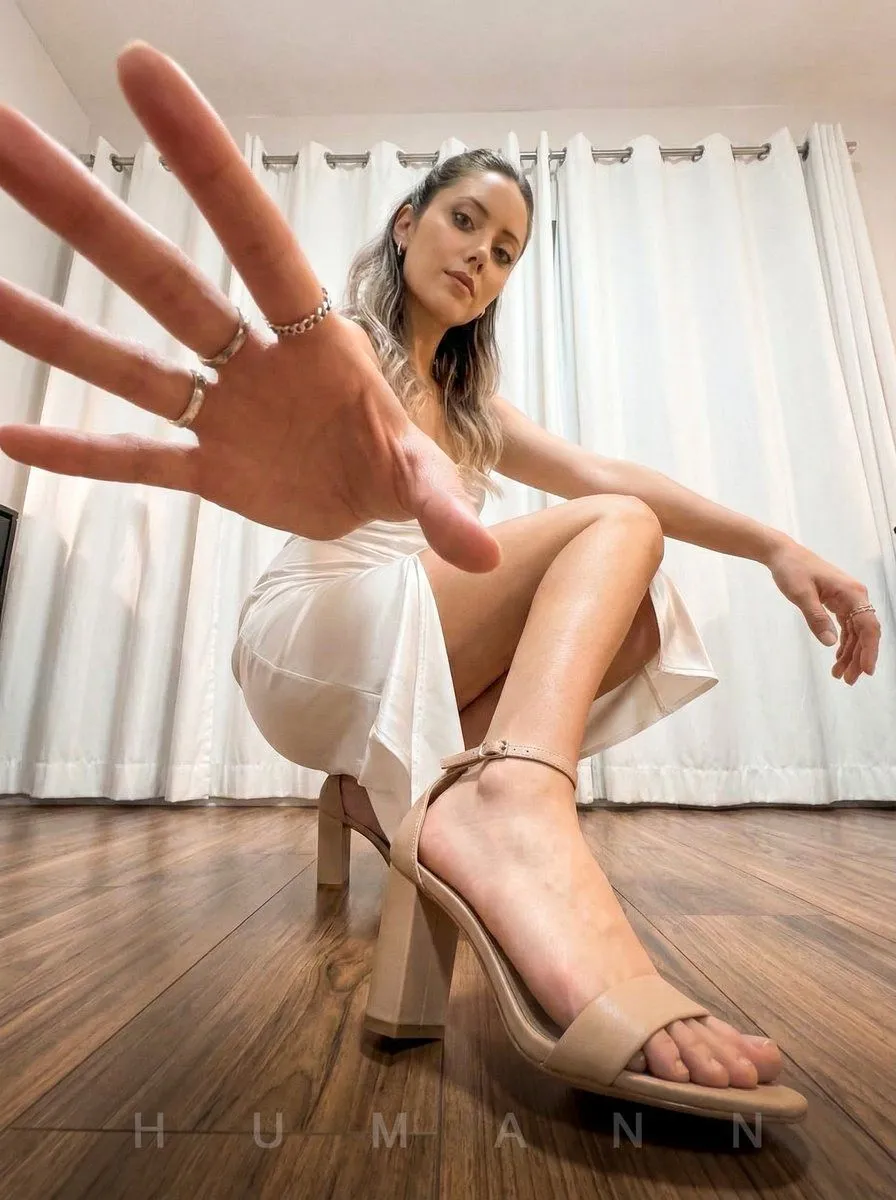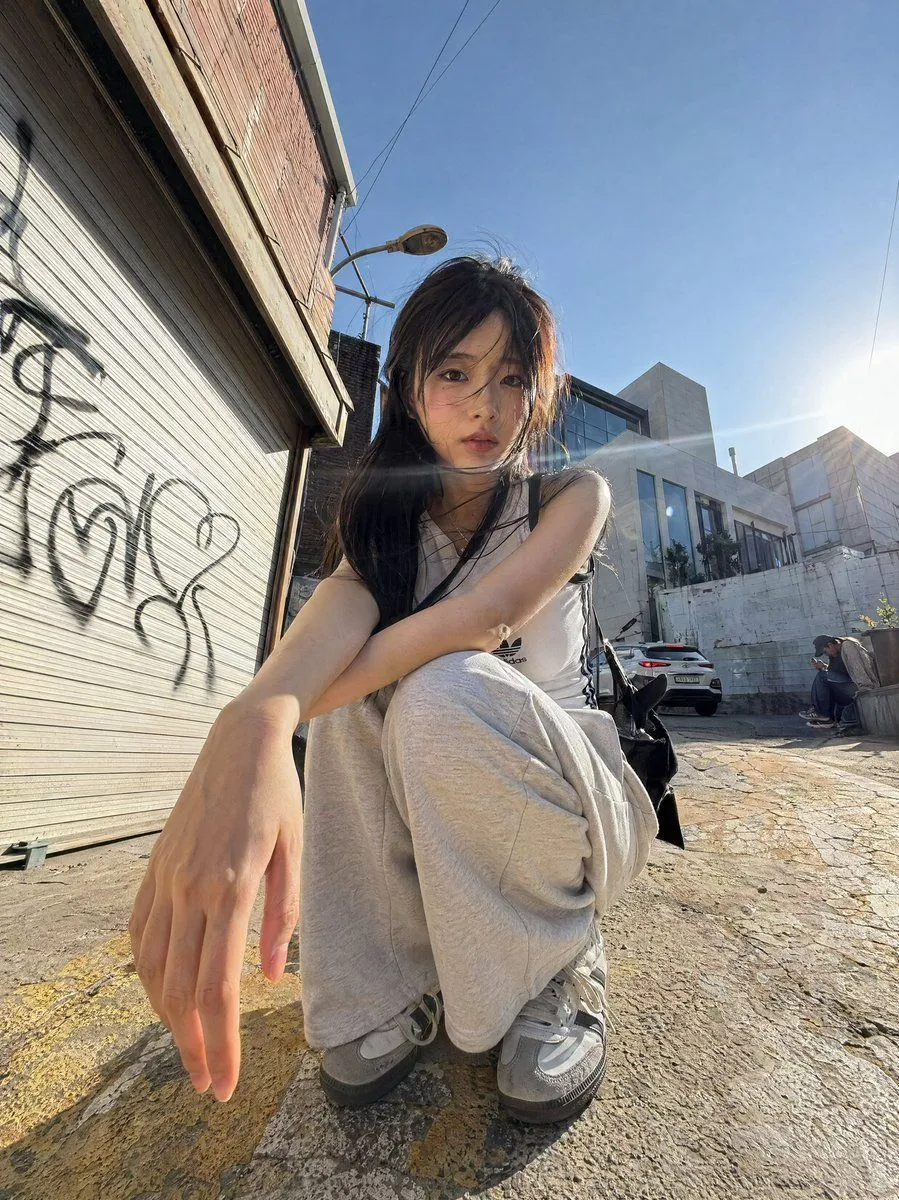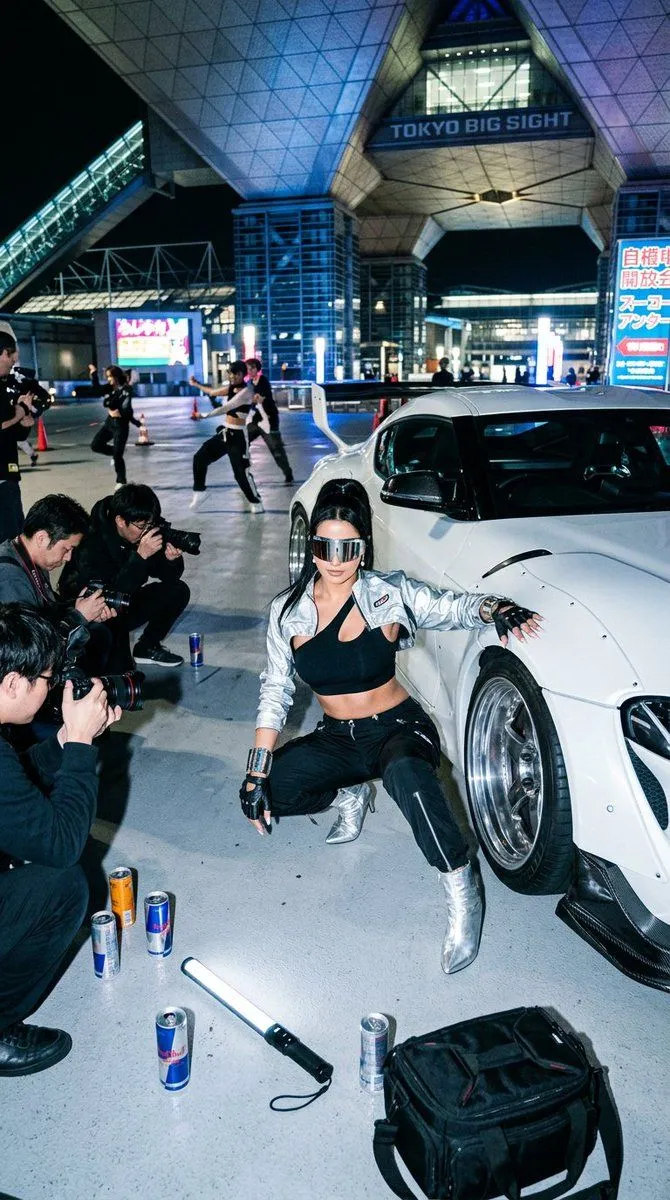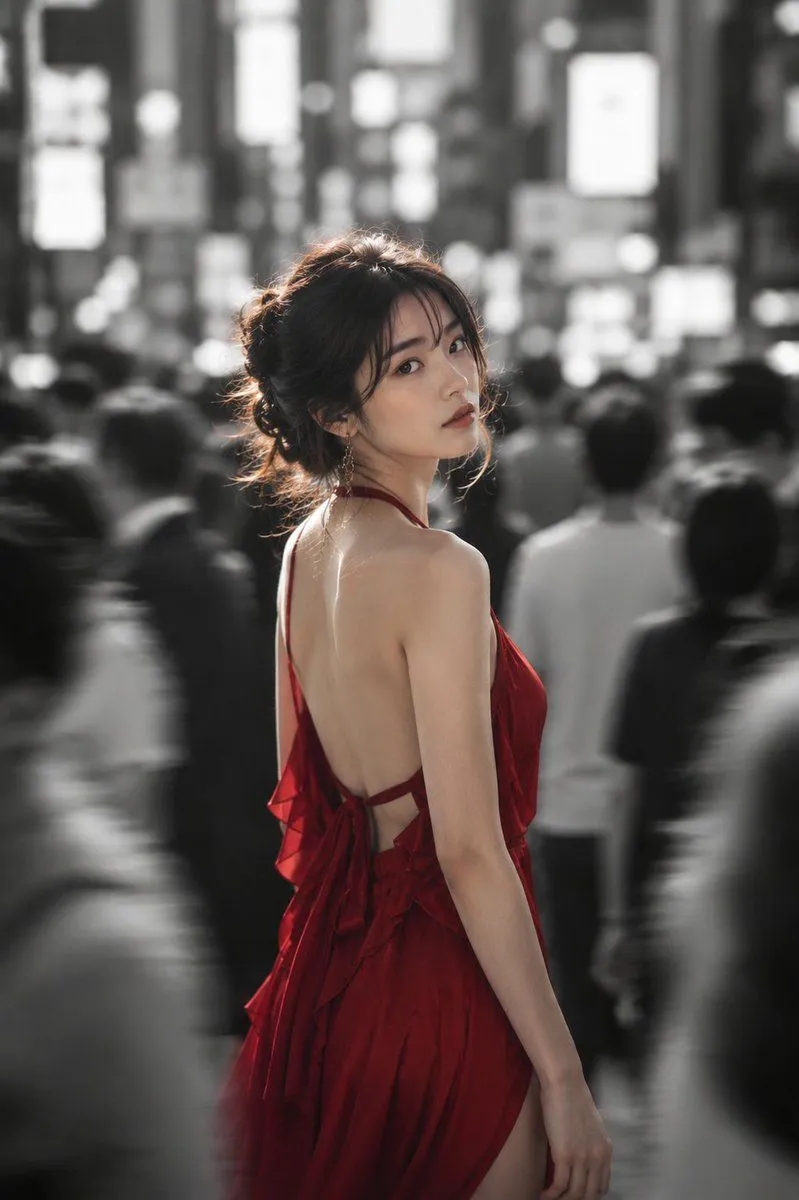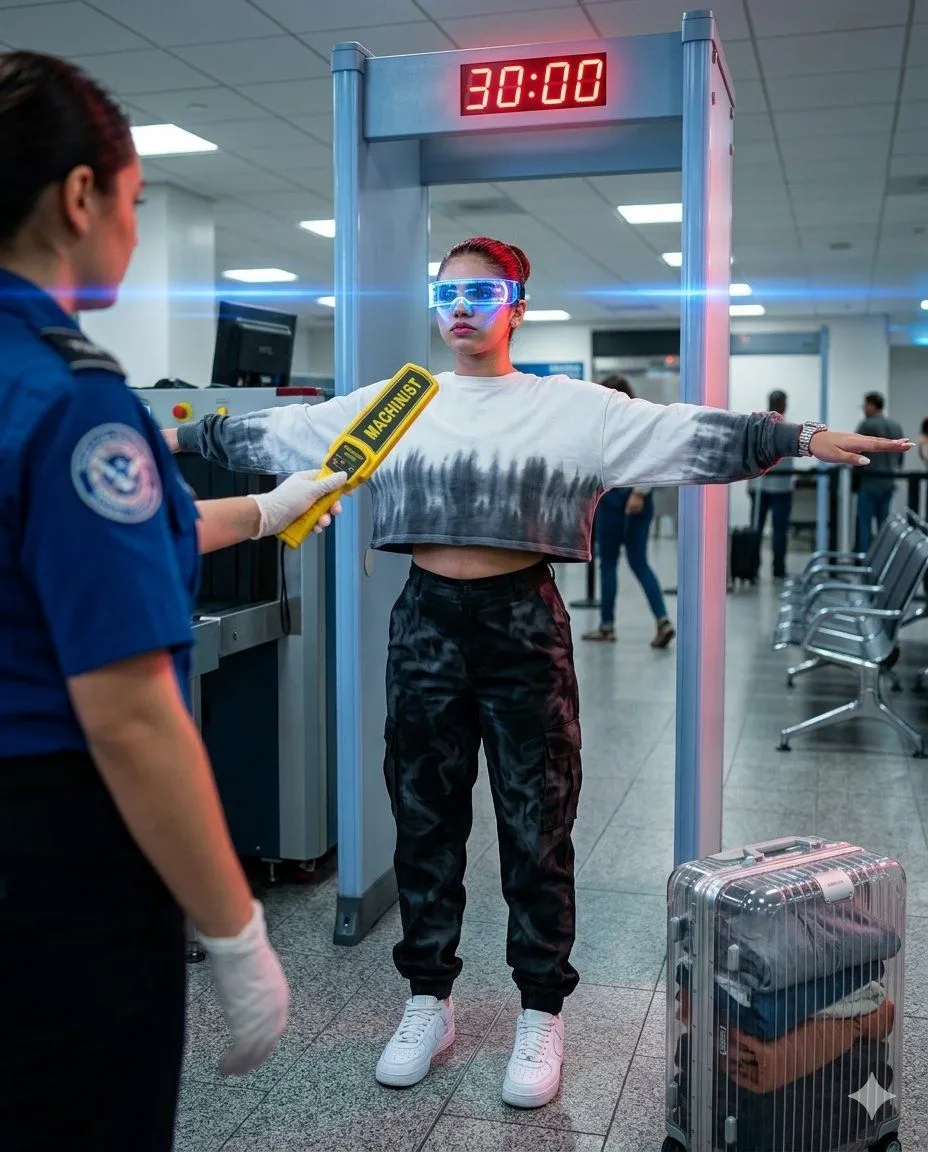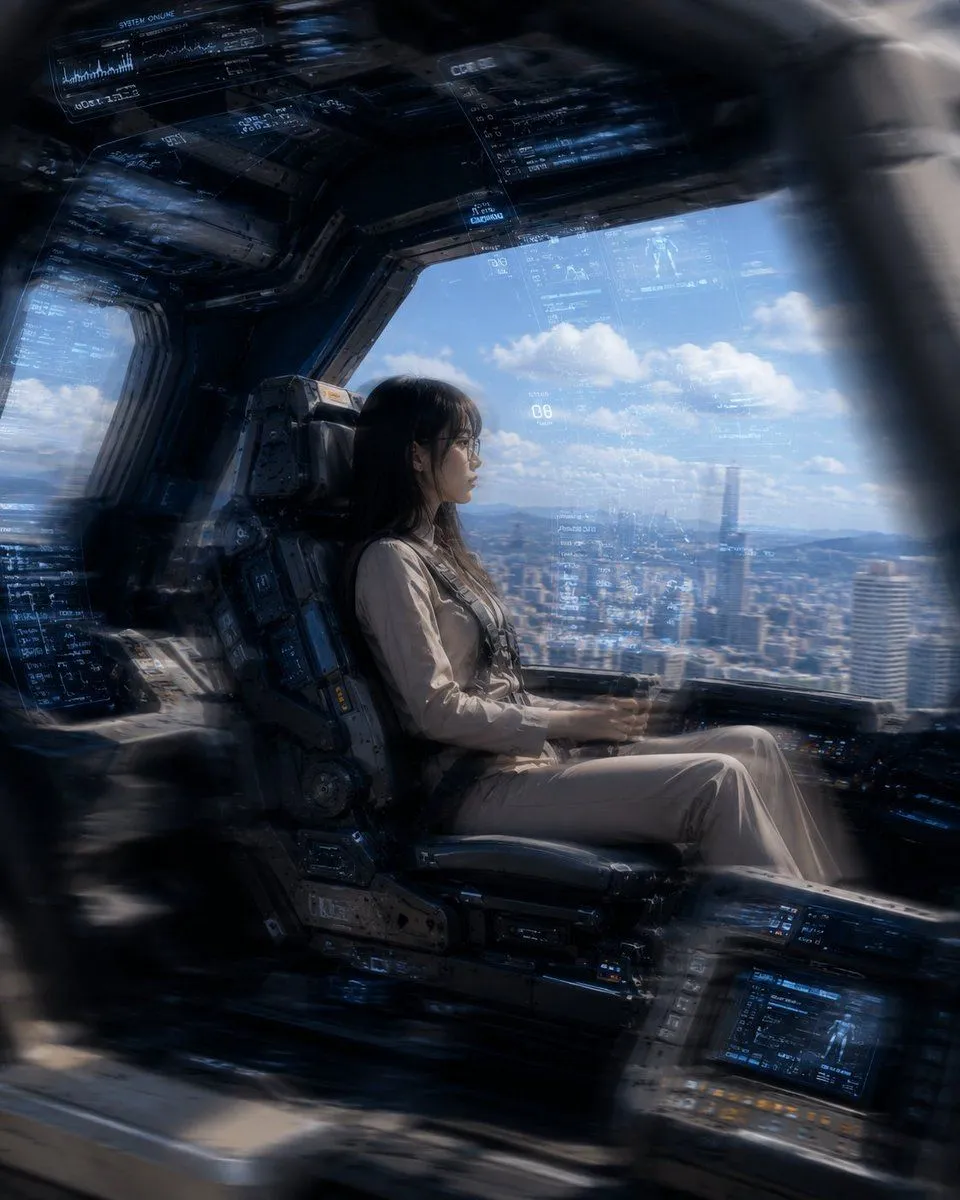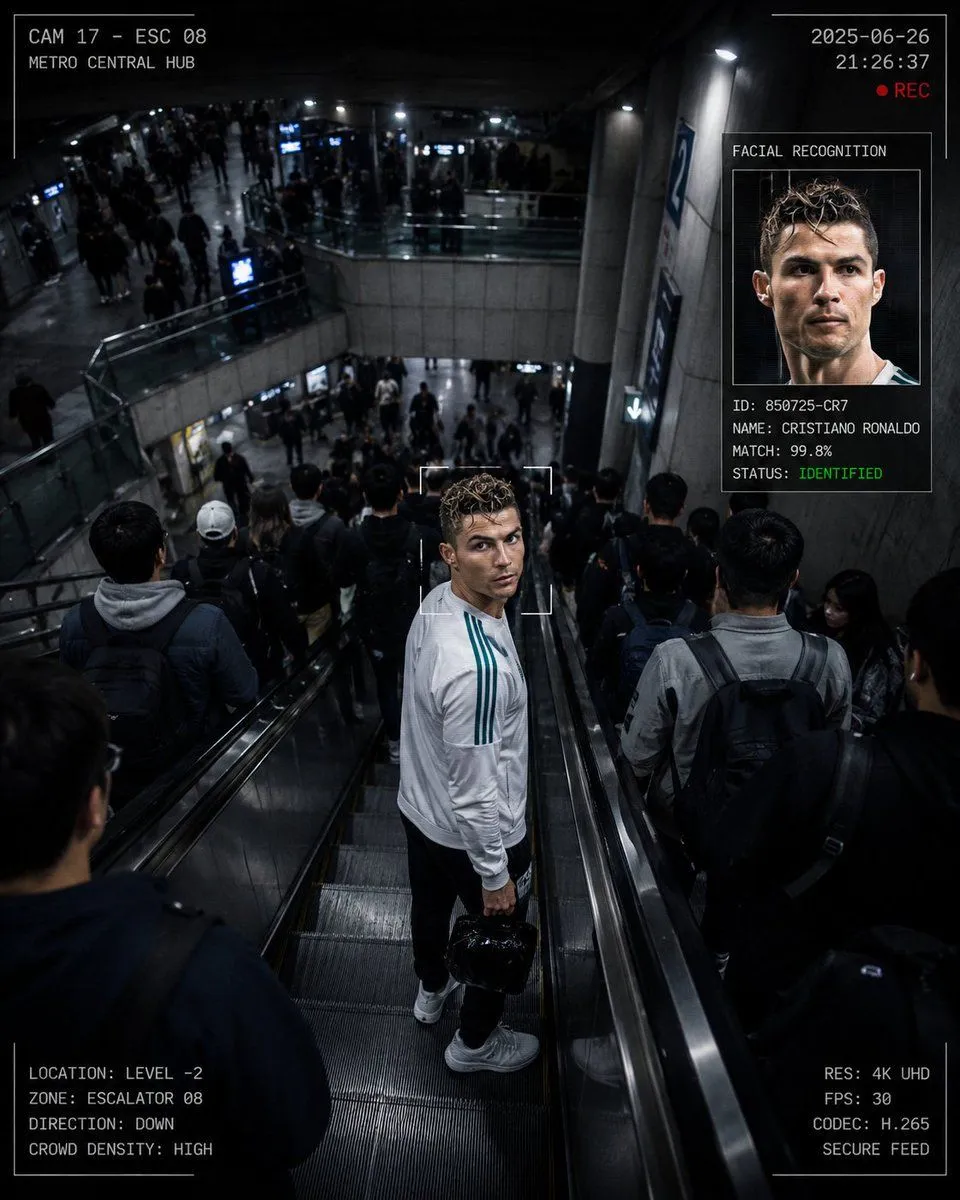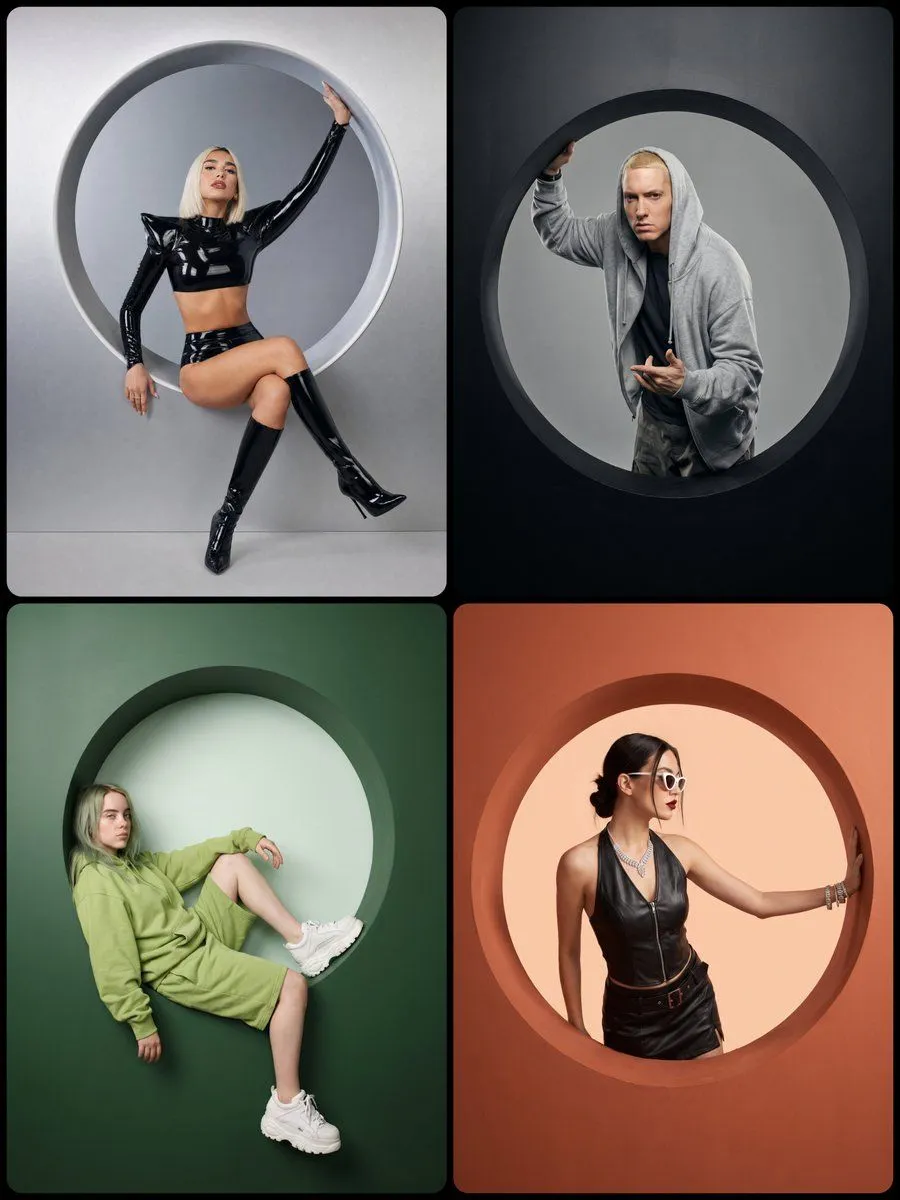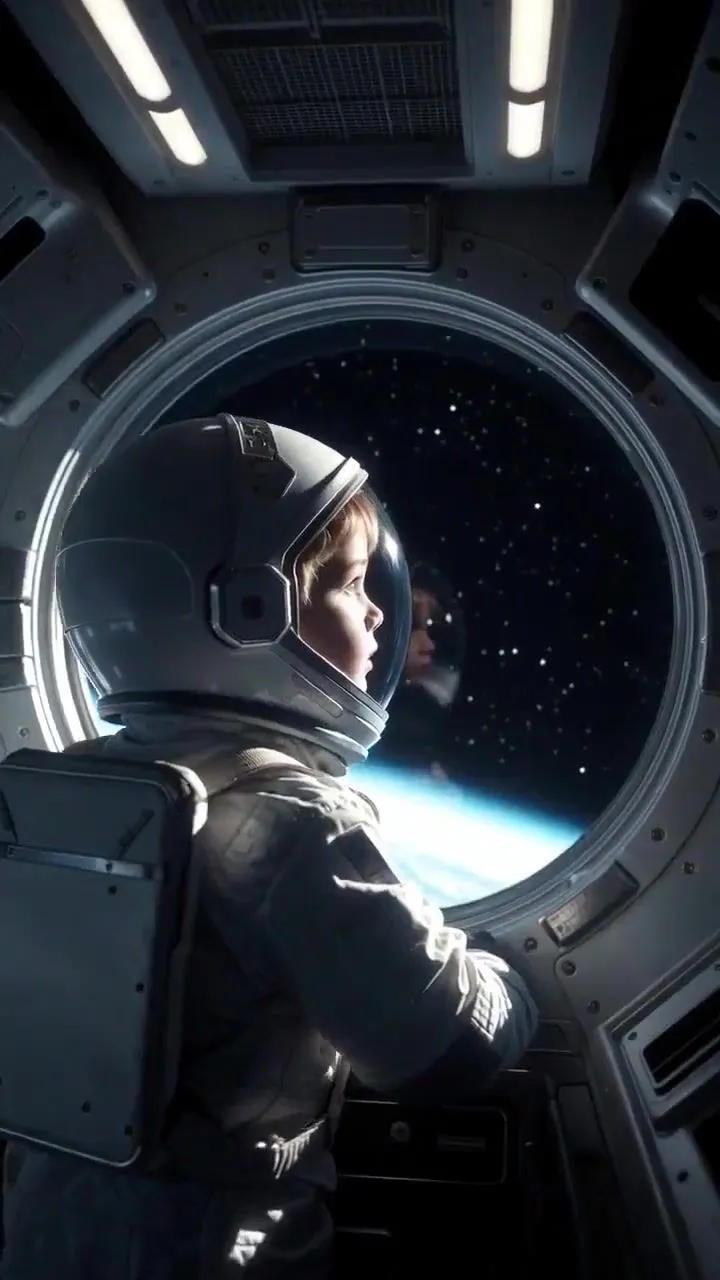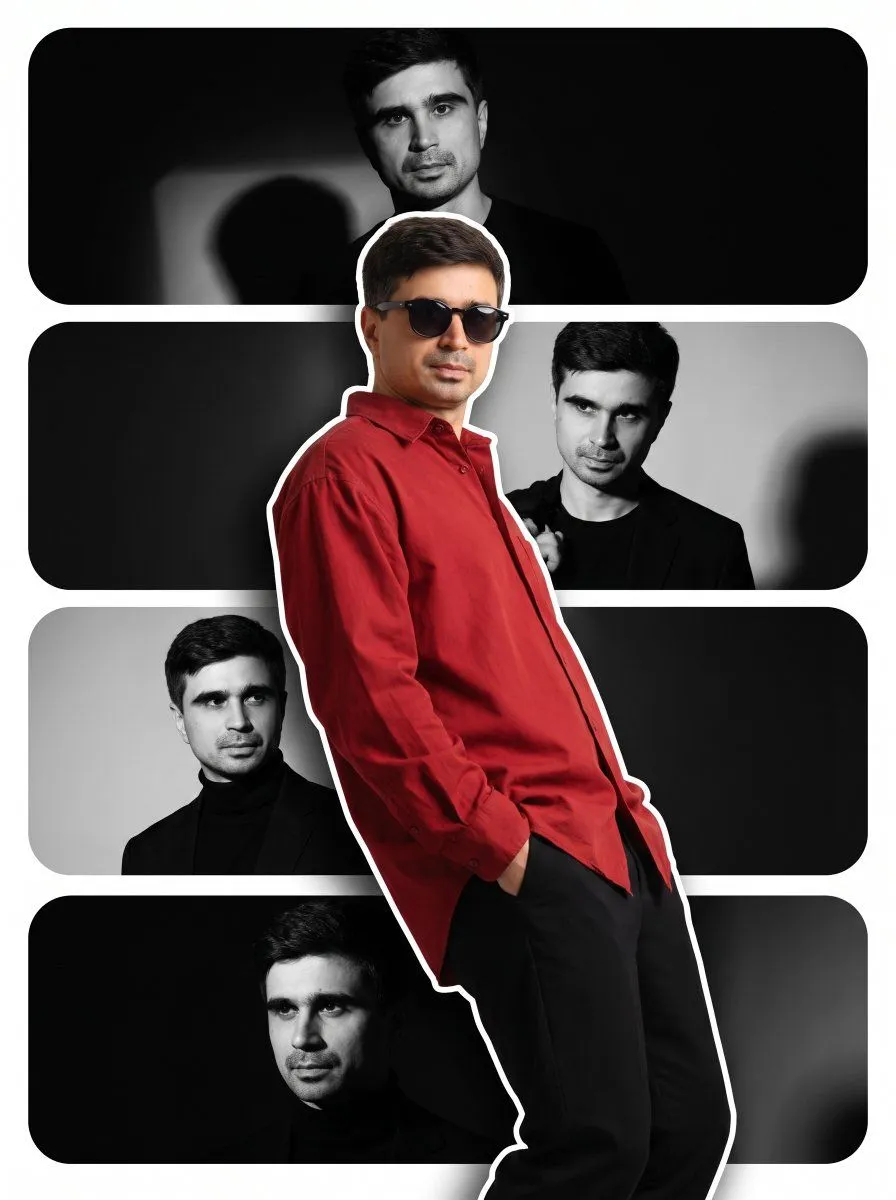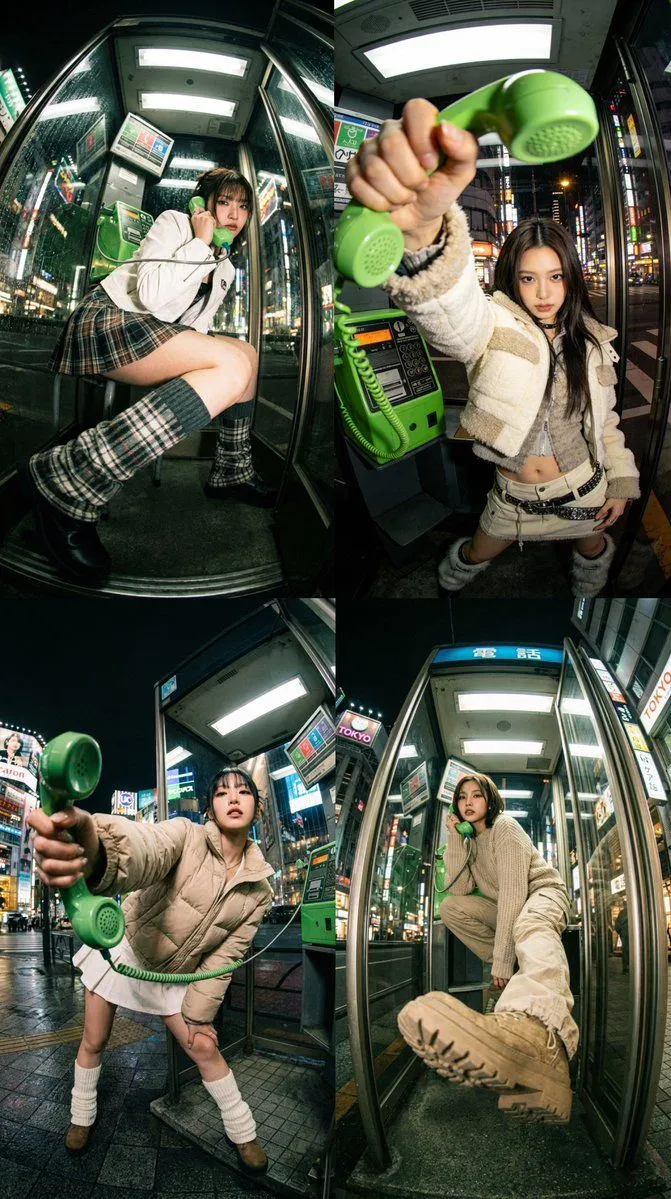
Made with Nano Banana Pro in Gemini by Library Social. Promptclay never generates images.
Did it work?
No reports yet. Tell others if it worked for you.
Dramatic Ultra Wide-Angle Photorealistic Edit Prompt
Prompt
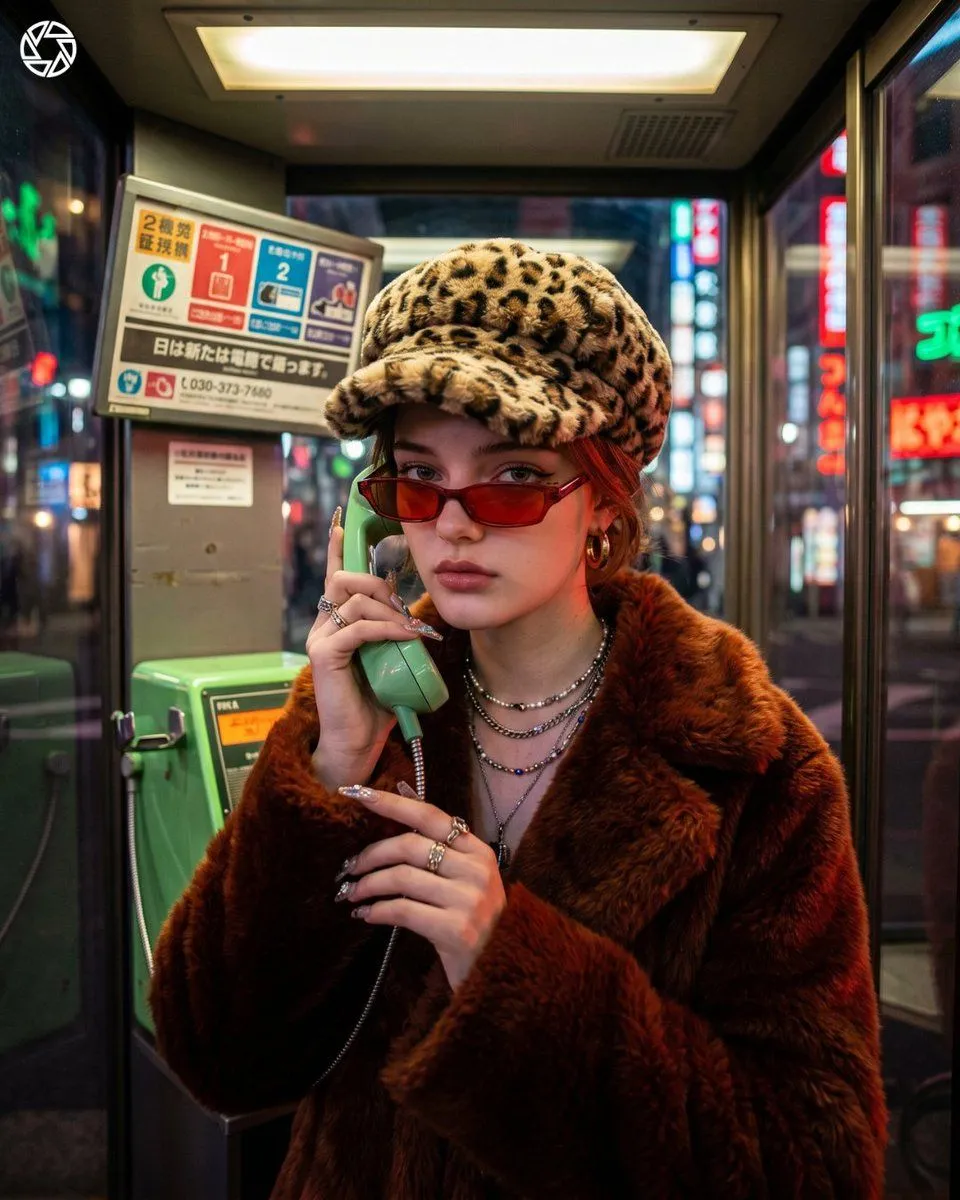
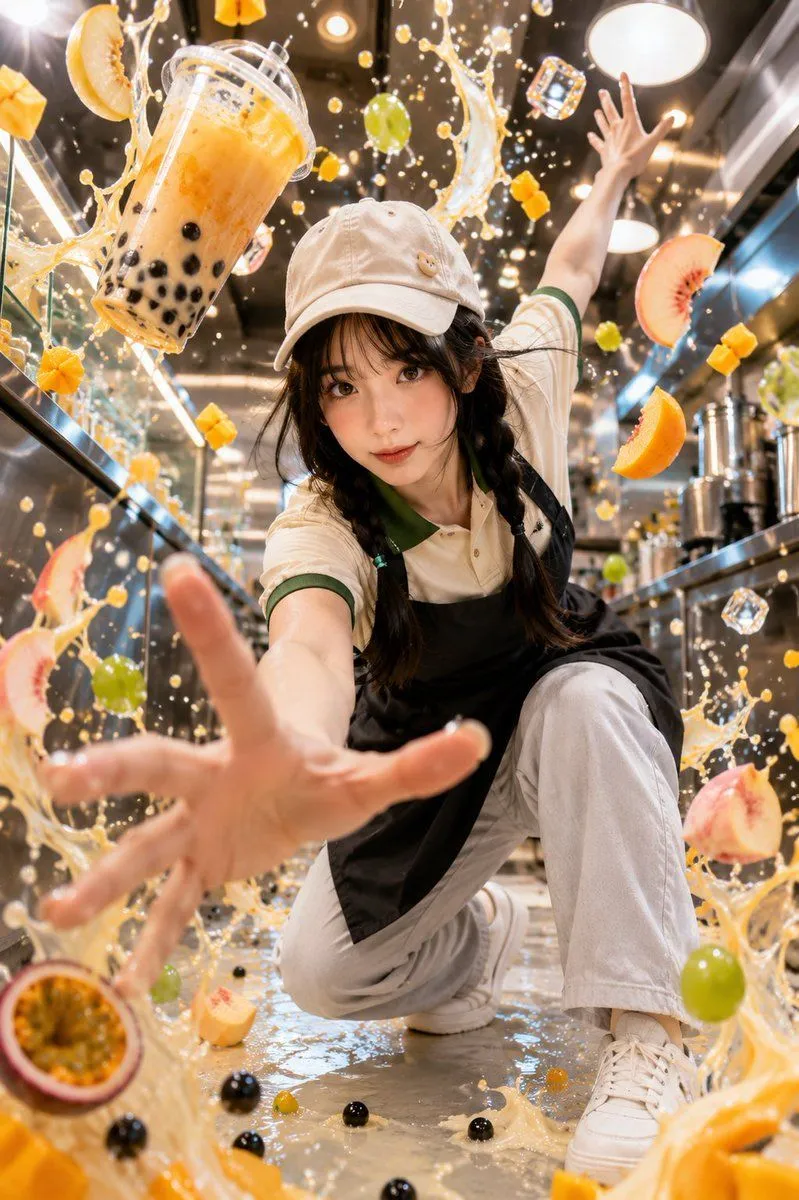
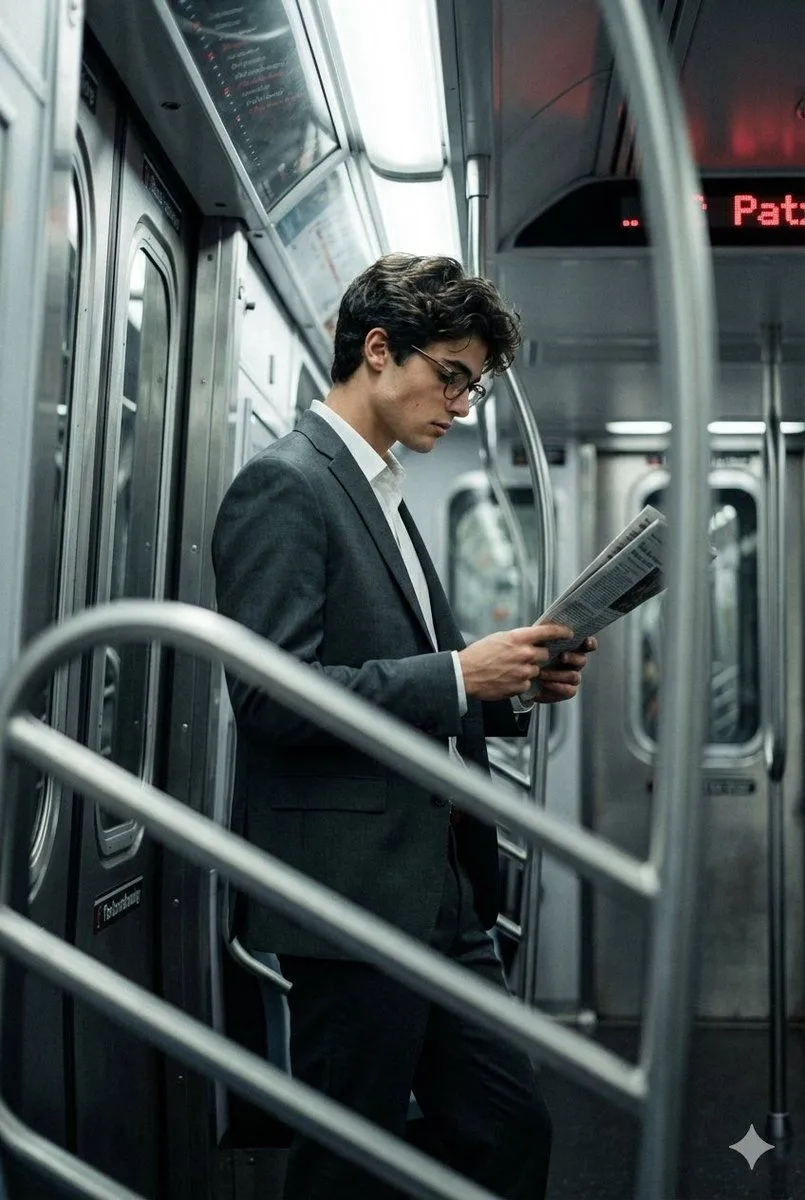
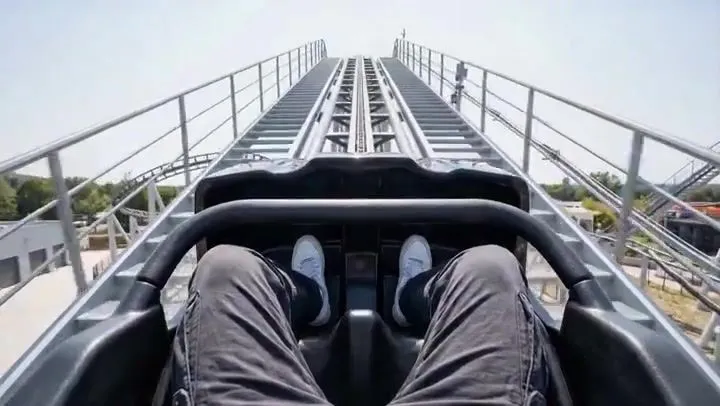
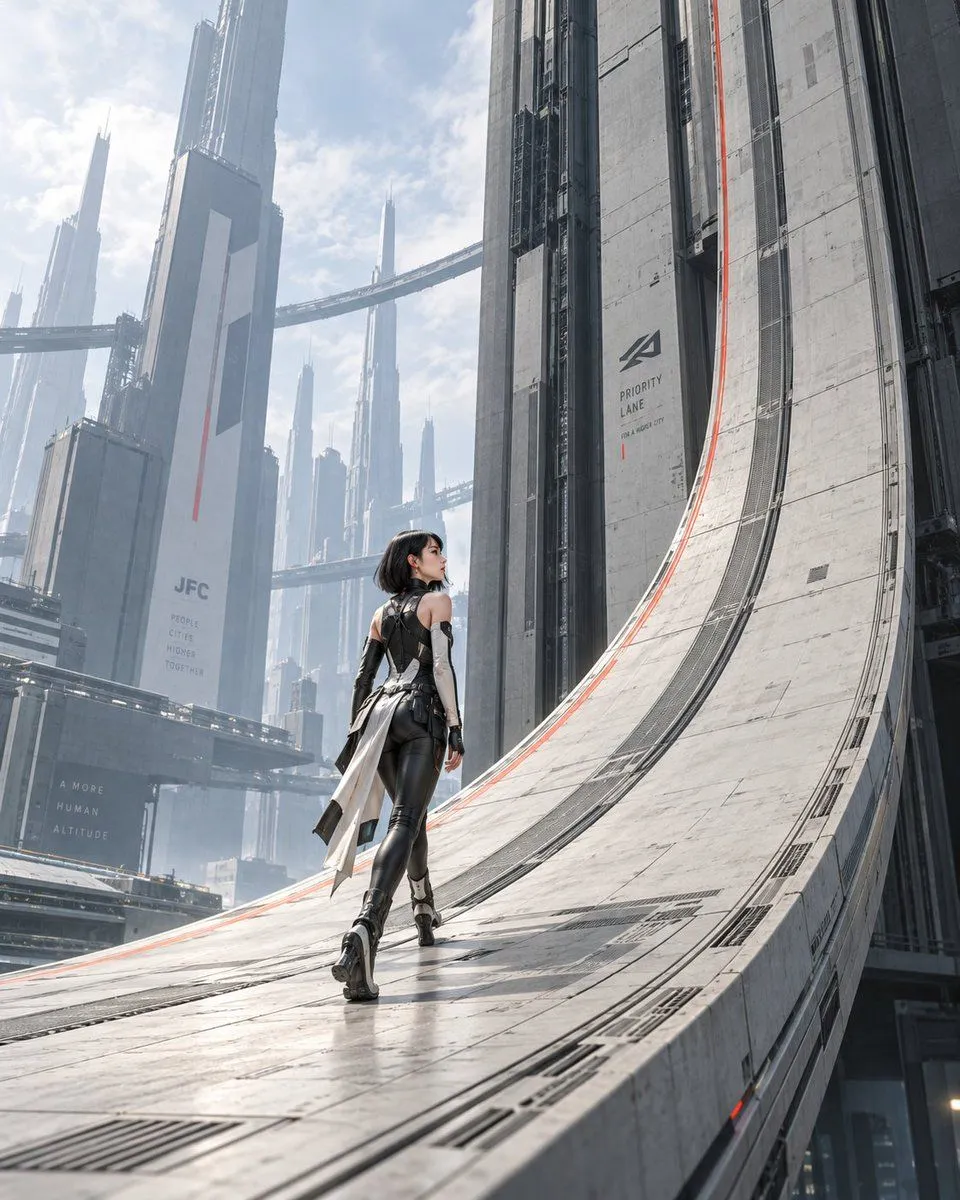
2 blanks to fillExtreme wide-angle perspective and dynamic pose remix edit. This is an EDIT of the original image, not a new character. Overall: Transform the original photo into a dramatic, photorealistic, ultra wide-angle shot with an extreme camera angle (including views from directly below or above), where one or more body parts are right next to the lens and look huge, the rest of the body recedes in perspective, and the same person strikes a stylish, complex, powerful pose in a consistent, expanded version of the original environment. Also, below is the prompt for generating the original image. Please use it as a reference. photograph of {subject} in {clothing_style} winter natural color art fashion,Public Facility Environment with a TOKYO in City Night view, gritty lo-fi film aesthetic, an JAPAN telephone booth, candid tilt view, telephone receiver, Without earmuffs, a green coiled telephone cord
Preview of your prompt
Extreme wide-angle perspective and dynamic pose remix edit. This is an EDIT of the original image, not a new character. Overall: Transform the original photo into a dramatic, photorealistic, ultra wide-angle shot with an extreme camera angle (including views from directly below or above), where one or more body parts are right next to the lens and look huge, the rest of the body recedes in perspective, and the same person strikes a stylish, complex, powerful pose in a consistent, expanded version of the original environment. Also, below is the prompt for generating the original image. Please use it as a reference. photograph of a women in clothing style winter natural color art fashion,Public Facility Environment with a TOKYO in City Night view, gritty lo-fi film aesthetic, an JAPAN telephone booth, candid tilt view, telephone receiver, Without earmuffs, a green coiled telephone cord
DetailsVersions, settings and questions
Written for
What's in the prompt
- Subject
- Model
- Nano Banana Pro
If your face changes
keep my face exactly the sameQuestions
- Does this work in the Gemini app?
- Yes. Gemini runs Nano Banana, so paste the prompt and attach your photo if it uses one.
- It changed my face. What do I do?
- Add "keep my face exactly the same" to the end and run it again.
- Can I use the images I make?
- Check the terms of the app you use. Promptclay never generates images and claims nothing you make.