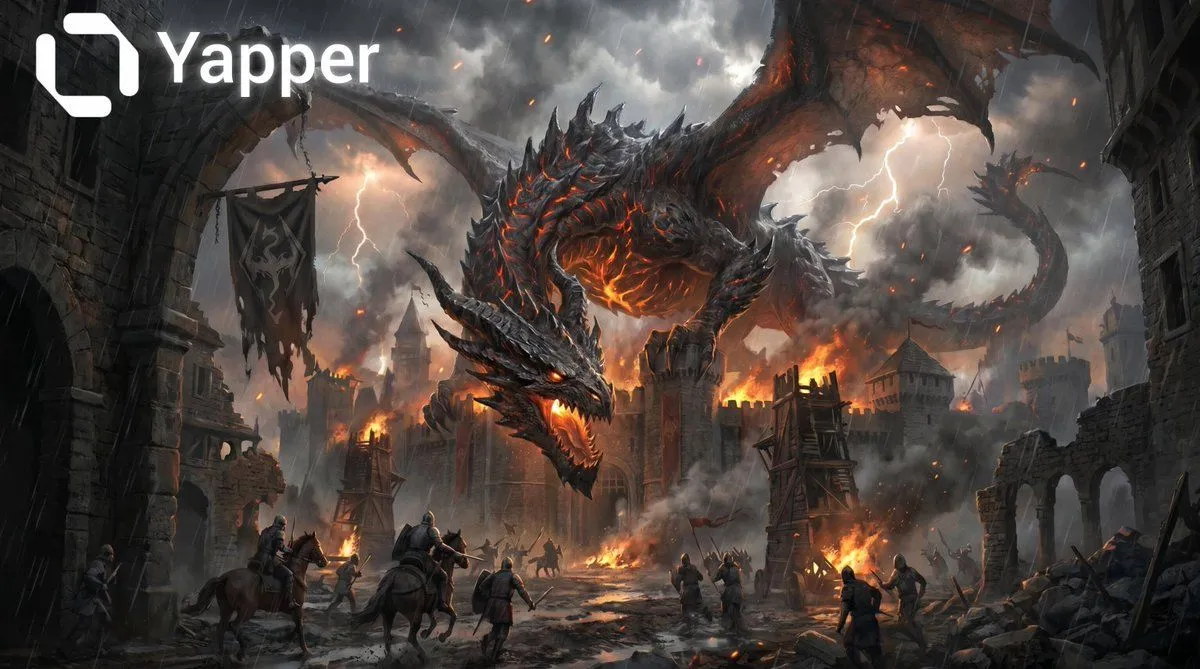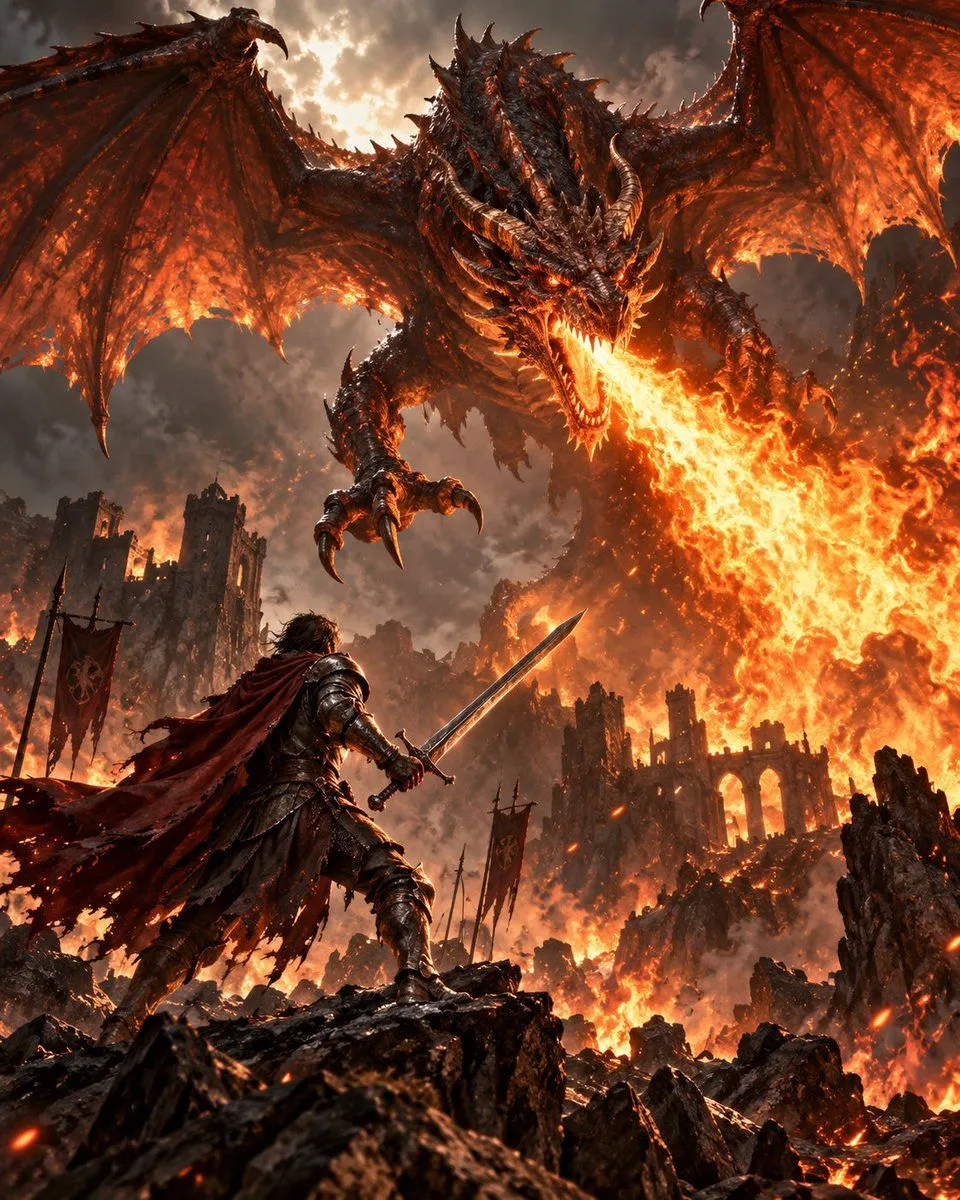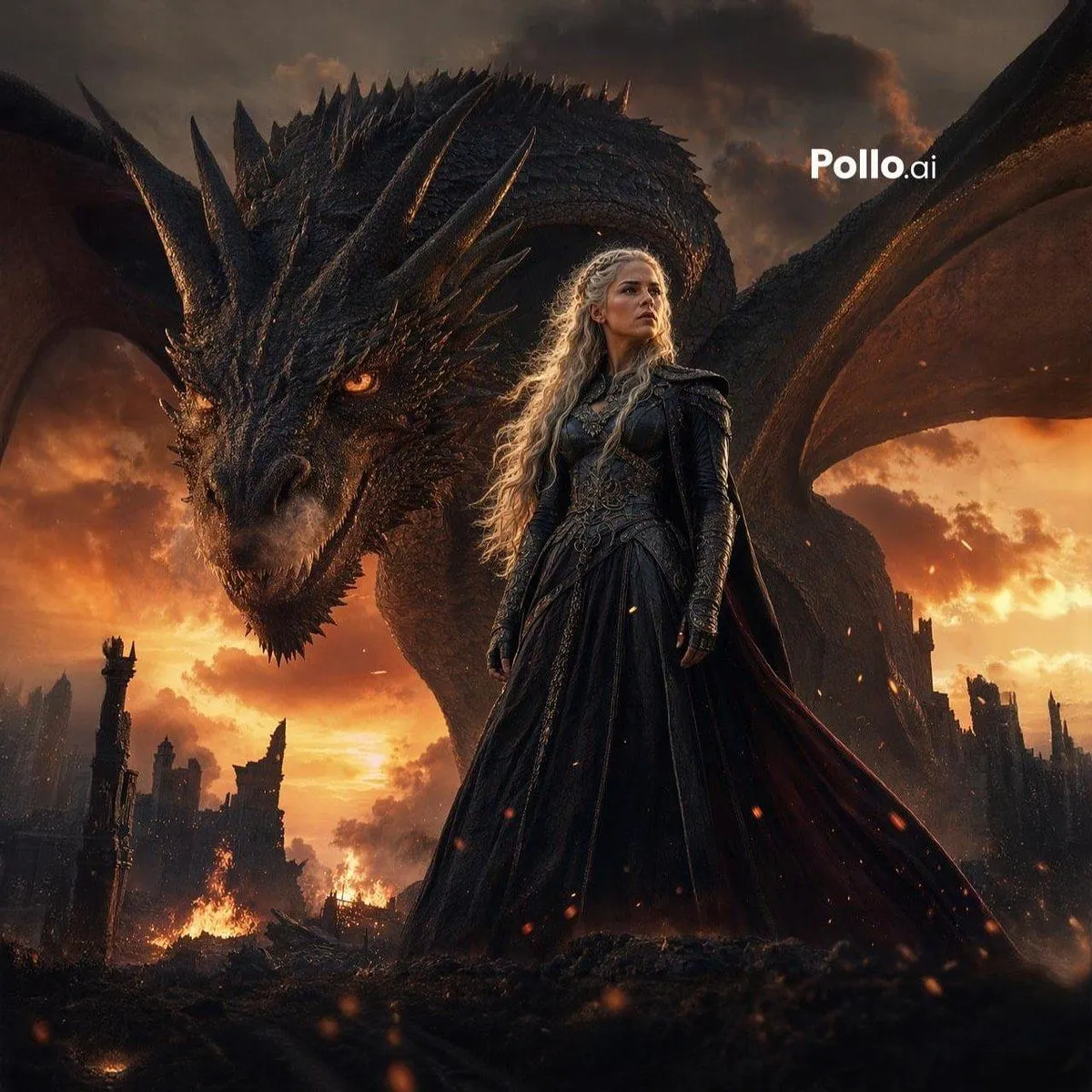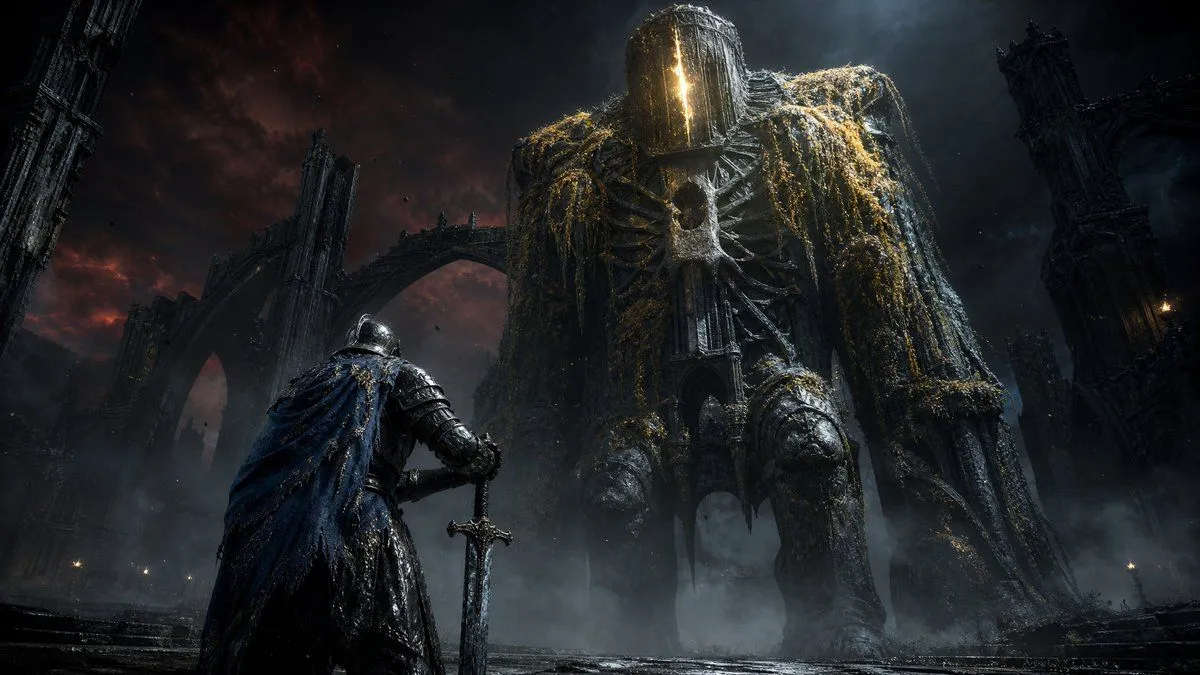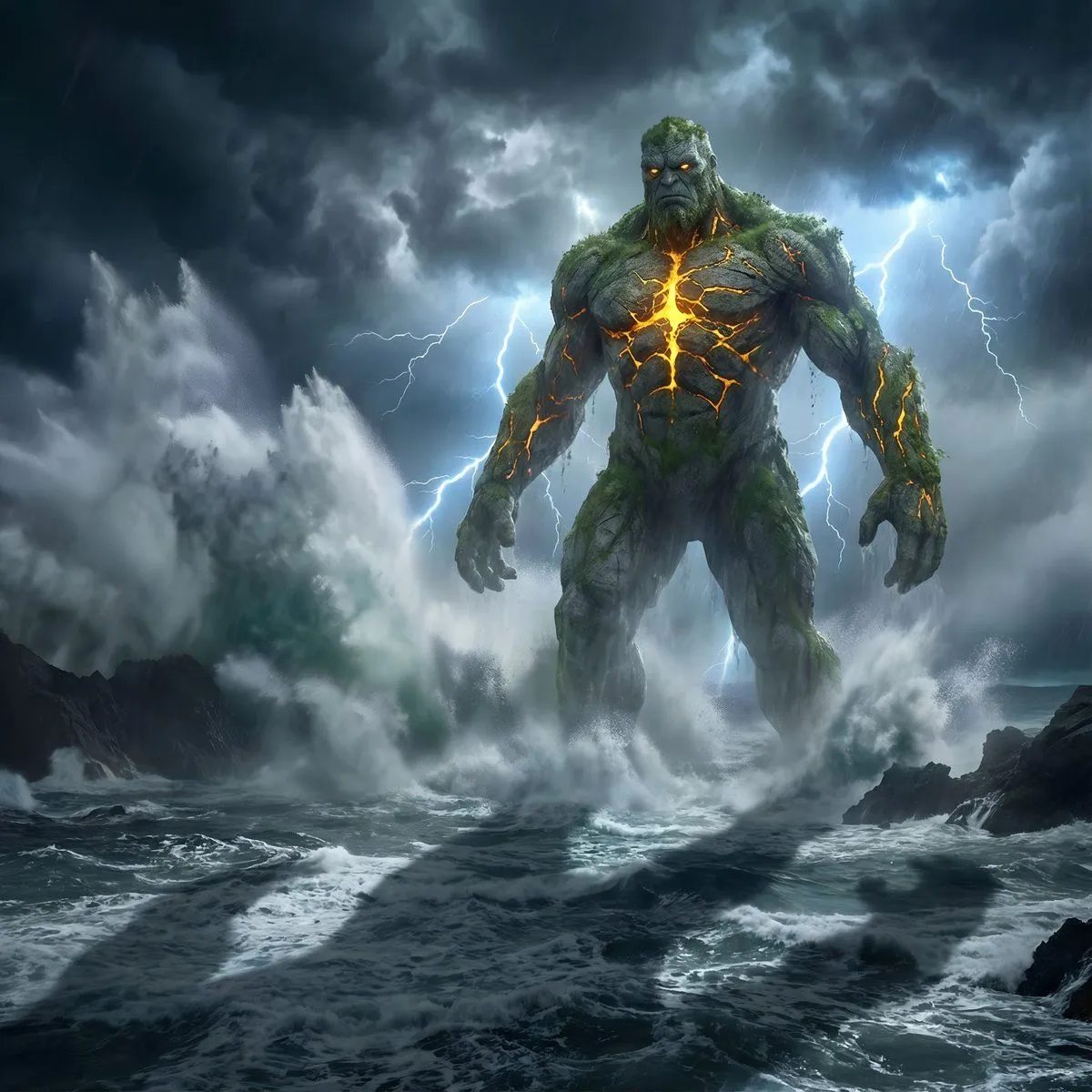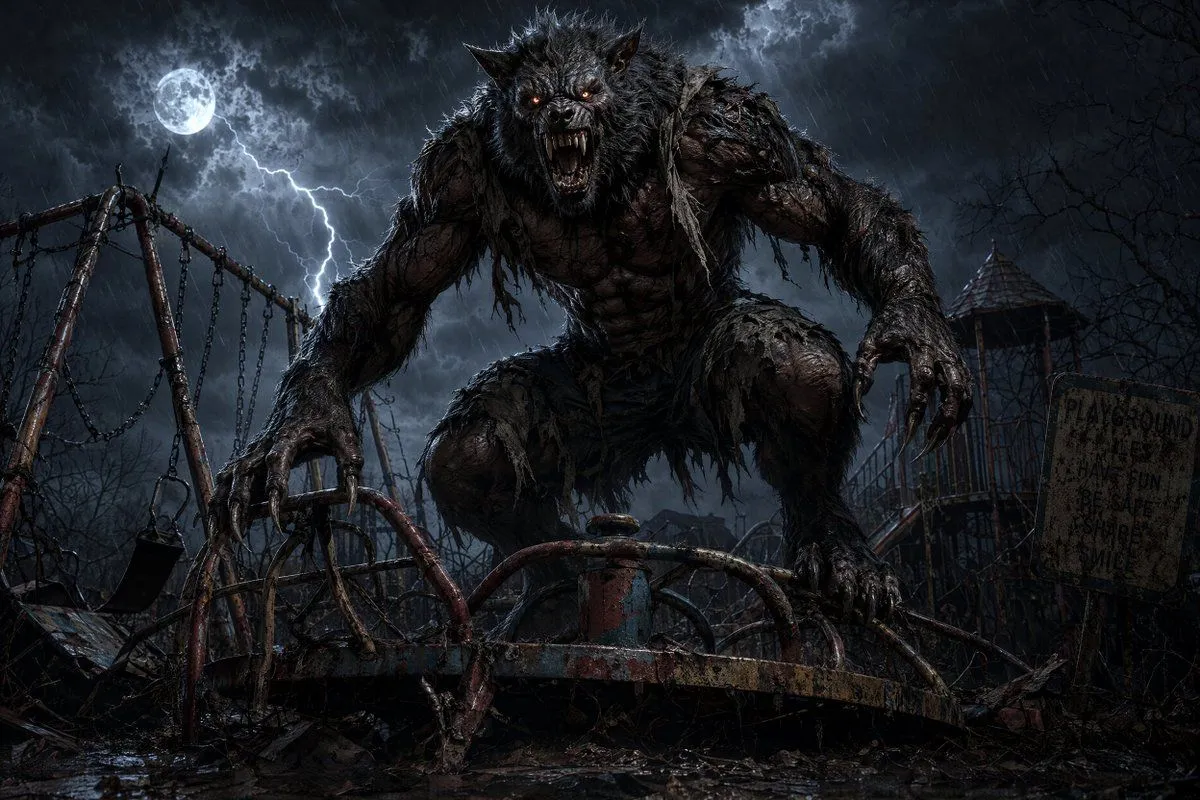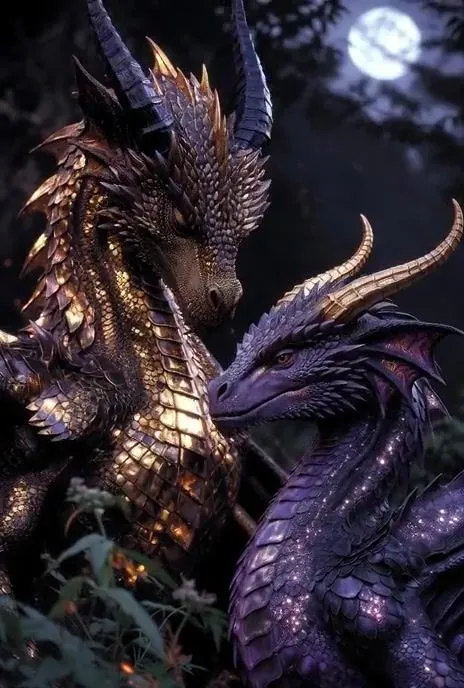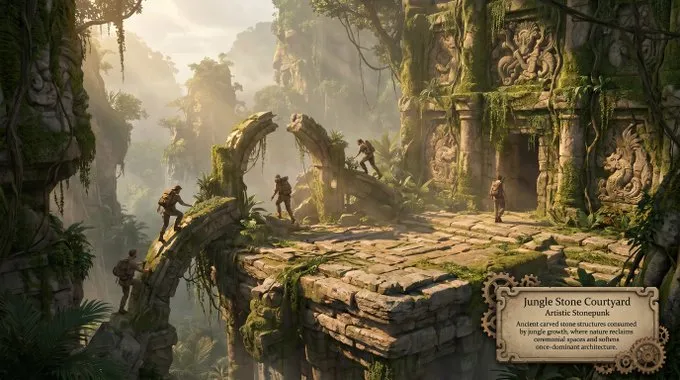
Made with GPT Image 2 in ChatGPT by Library Lifestyle. Promptclay never generates images.
Did it work?
No reports yet. Tell others if it worked for you.
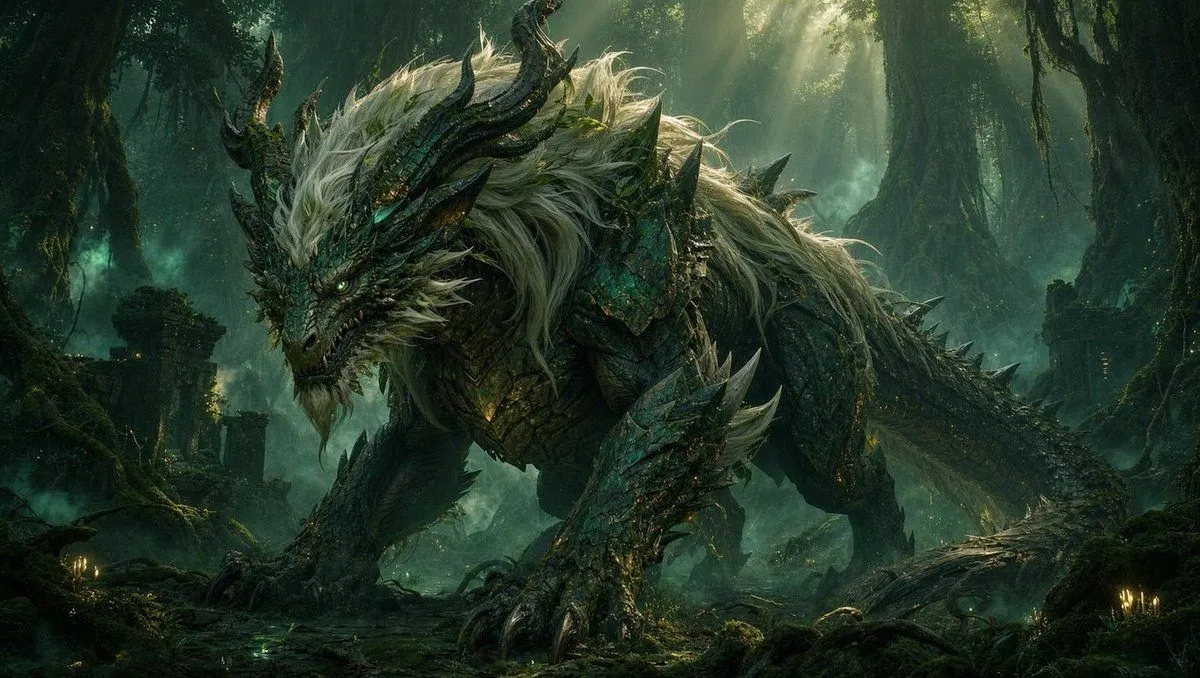
Dragon Wolf in Jungle Ruins
Prompt
1 blank to fillCreate a cinematic dark fantasy concept-art scene in a dense ancient jungle ruin. A colossal dragon-wolf chimera dominates the frame, crouched low and prowling from left to right, with a snarling reptilian dragon head, glowing green eyes, sharp teeth, twisted black horns, a long scaled tail, huge clawed forelegs, and layered emerald-black armor-like scales. Give the creature a wild mane of long {mane_color} hair flowing over its head, neck, shoulders, and back, with jagged dorsal spines and thorn-like spikes along its limbs and tail. Set it among mossy stone ruins, broken pillars, tangled roots, hanging vines, wet forest floor, small candle-like glows, and teal mist. Use dramatic sunbeams breaking through the high canopy, volumetric fog, backlighting, rim light on the fur and scales, deep shadows, rich green and turquoise color grading, highly detailed textures, epic scale, ultra-realistic fantasy illustration, wide landscape composition, no text, no watermark.
Preview of your prompt
Create a cinematic dark fantasy concept-art scene in a dense ancient jungle ruin. A colossal dragon-wolf chimera dominates the frame, crouched low and prowling from left to right, with a snarling reptilian dragon head, glowing green eyes, sharp teeth, twisted black horns, a long scaled tail, huge clawed forelegs, and layered emerald-black armor-like scales. Give the creature a wild mane of long silver-white hair flowing over its head, neck, shoulders, and back, with jagged dorsal spines and thorn-like spikes along its limbs and tail. Set it among mossy stone ruins, broken pillars, tangled roots, hanging vines, wet forest floor, small candle-like glows, and teal mist. Use dramatic sunbeams breaking through the high canopy, volumetric fog, backlighting, rim light on the fur and scales, deep shadows, rich green and turquoise color grading, highly detailed textures, epic scale, ultra-realistic fantasy illustration, wide landscape composition, no text, no watermark.
DetailsVersions, settings and questions
Written for
What's in the prompt
- Subject
- Model
- GPT Image 2
If your face changes
keep my face exactly the sameQuestions
- Does this work in the ChatGPT app?
- Yes. Paste the prompt and attach your photo if it uses one.
- It changed my face. What do I do?
- Add "keep my face exactly the same" to the end and run it again.
- Can I use the images I make?
- Check the terms of the app you use. Promptclay never generates images and claims nothing you make.