Tell us anything

An idea, a bug, something you love. We read every note.

⌘↵ to send. The page you're on comes along.

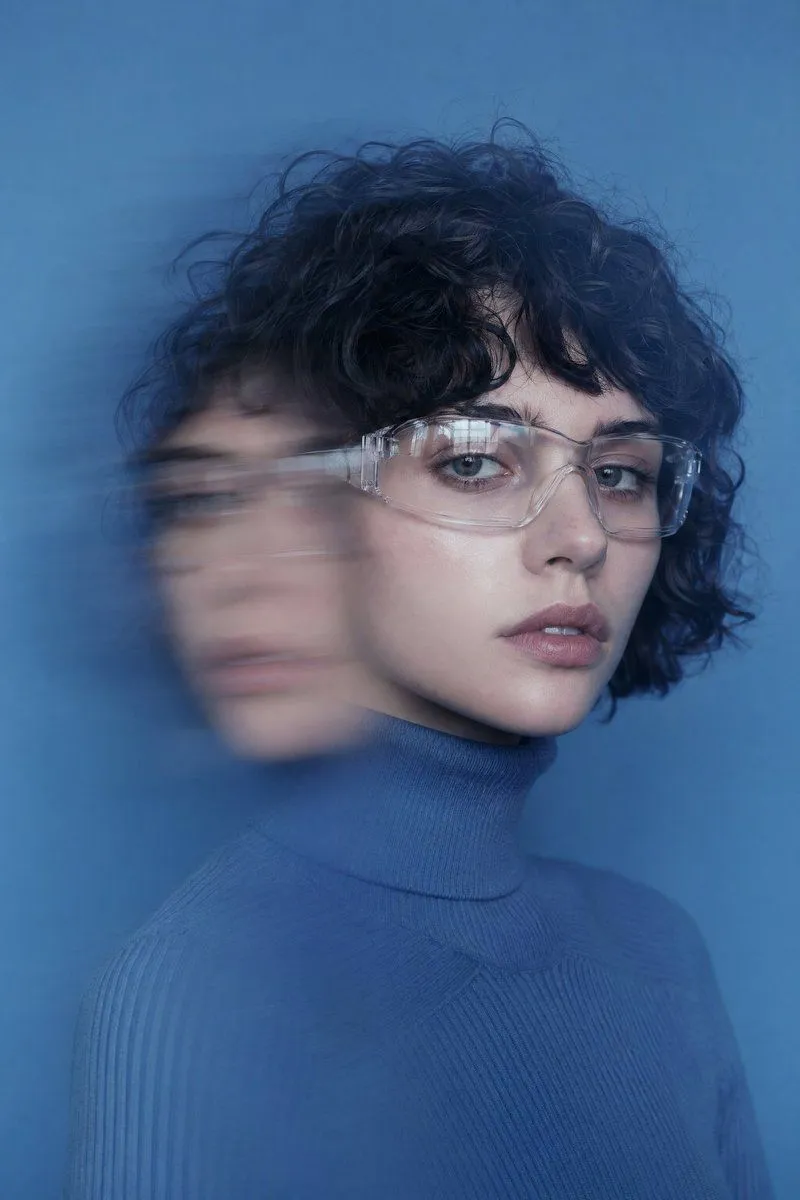
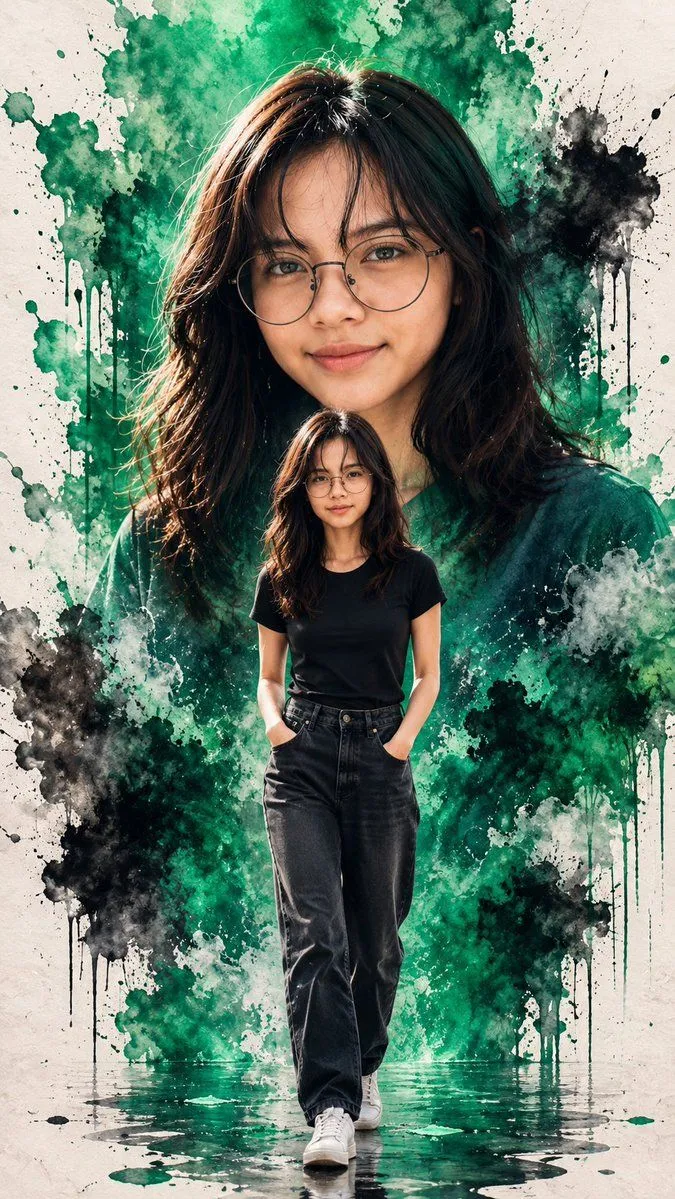
Double Exposure Motion Blur Portrait

Made with GPT Image 2 in ChatGPT by Library Avatars. Promptclay never generates images.

Did it work?

No reports yet. Tell others if it worked for you.

No comments yet. Be the first.

    Double Exposure Motion Blur Portrait

    GPT Image 22:3AI-generated

    Prompt

    3 blanks to fill

    portrait of a young woman with {hair_color} hair and {skin_tone} skin, wearing transparent safety goggles and a {clothing}, seated in front of a solid azure blue background, double-exposure motion blur effect to the left side of the face, subtle soft reflections on the glasses, cold ambient lighting, high sharpness on facial features with dreamlike blur trail overlaying second face, fashion editorial studio setup, icy color palette, futuristic retro mood.

    Works in
    ChatGPT, Gemini
    Status
    Free to copy
    0
    DetailsVersions, settings and questions

    Written for

    What's in the prompt

    Subject
    Model
    GPT Image 2

    If your face changes

    keep my face exactly the same

    Questions

    Does this work in the ChatGPT app?
    Yes. Paste the prompt and attach your photo if it uses one.
    It changed my face. What do I do?
    Add "keep my face exactly the same" to the end and run it again.
    Can I use the images I make?
    Check the terms of the app you use. Promptclay never generates images and claims nothing you make.
    Similar prompts

    See more
    • Double Exposure Fashion Portrait
    • Emerald Double Exposure Fashion Portrait
    • Double Exposure Fashion Portrait
    • Double Exposure Foggy Forest Portrait
    • Artistic Long Exposure Beauty Portrait
    • Cinematic Identity Preserving Portrait
    • 提示词: { "task": "portrait_replacement_editorial_
    • Minimalist Studio Fashion Portrait Prompt
    • Cinematic Profile Portrait with Identity Preservation
    • Modern Fashion Editorial Portrait (JSON)
    • High-Impact Editorial Studio Portrait with Identity Lock
    • High Fashion Editorial Portrait in Golden Hour
    • High-Angle Korean Street Style Portrait
    • Multi-Ethnic Editorial Fashion Portraits
    • Premium Editorial Split-Canvas Poster
    • Black and White Fragmented Photo Collage
    • Elegant 23rd Birthday Studio Portrait
    • Split Portrait Editorial Photography
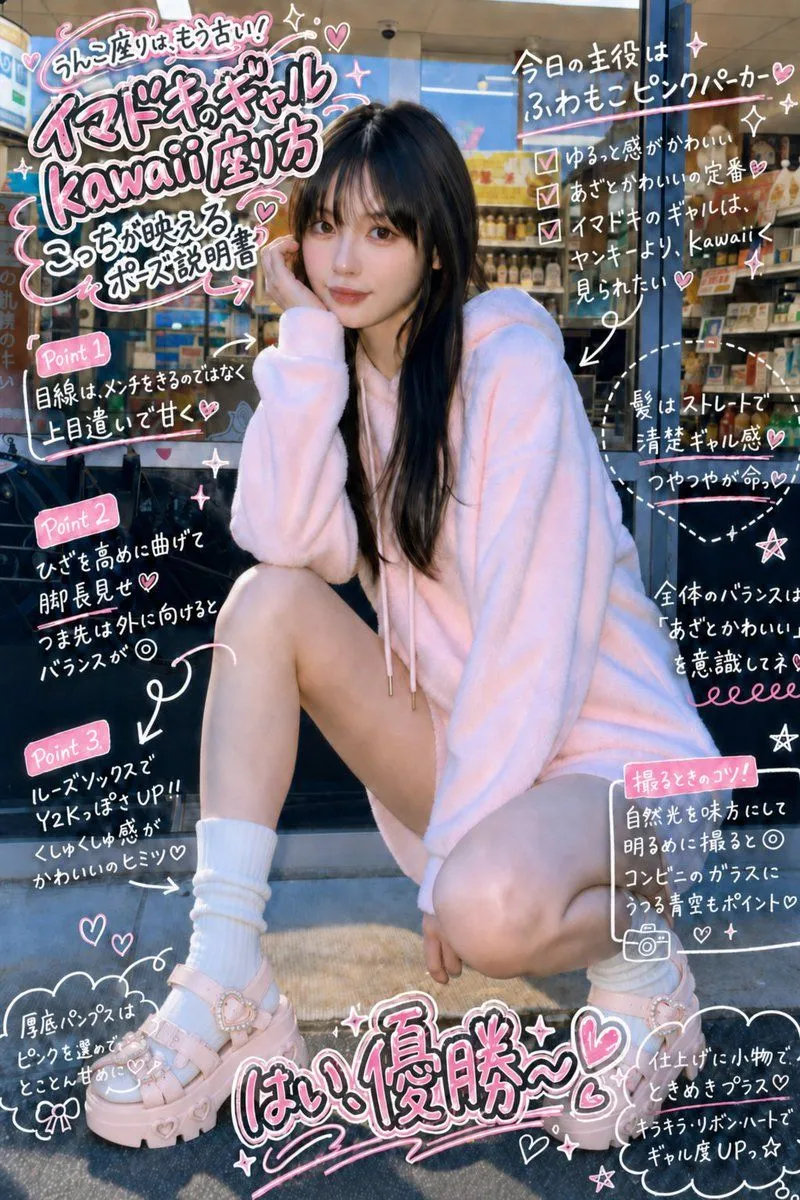
    • Gyaru Style Instruction Manual Edit
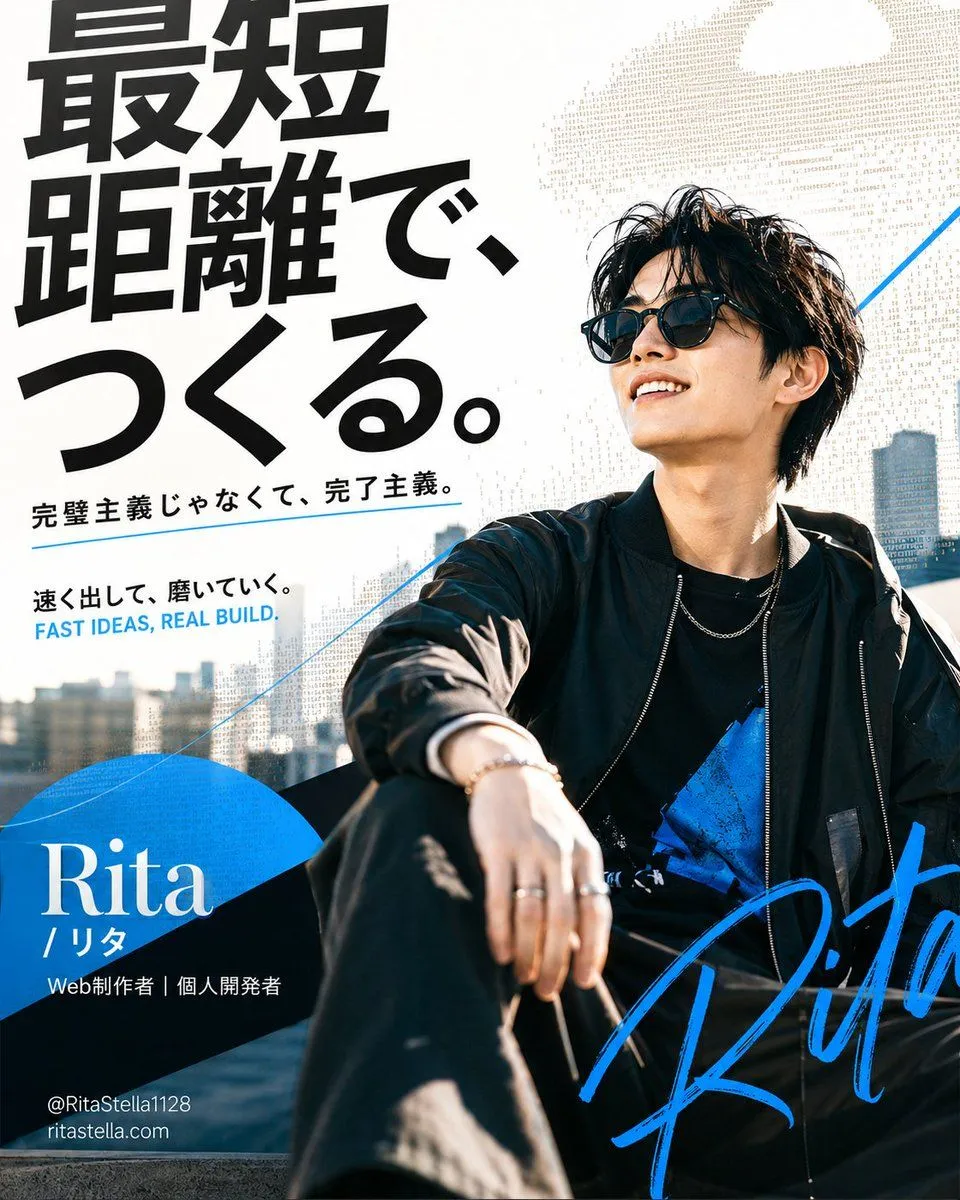
    • Japanese Creator Branding Poster
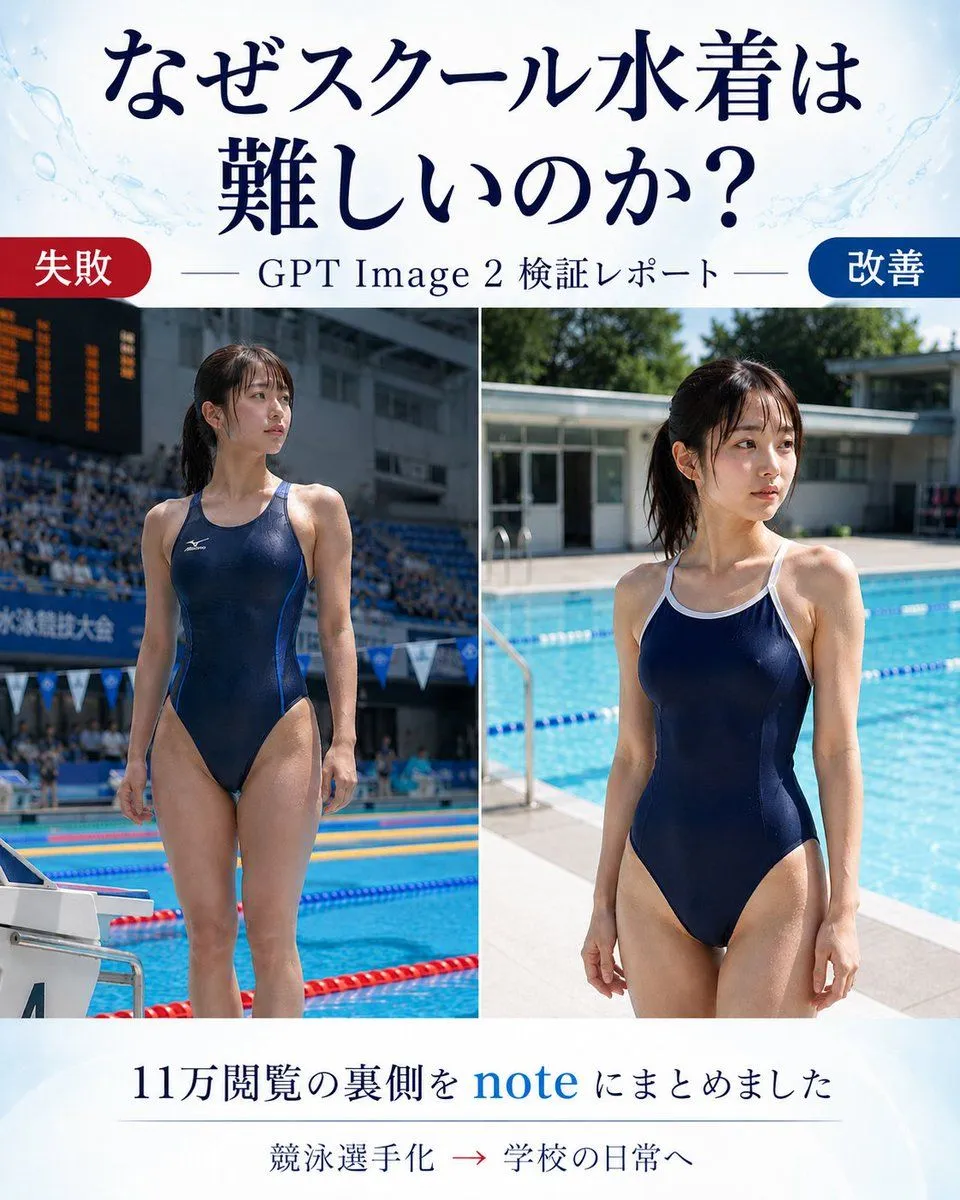
    • Japanese GPT Image 2 Swimsuit Report Poster
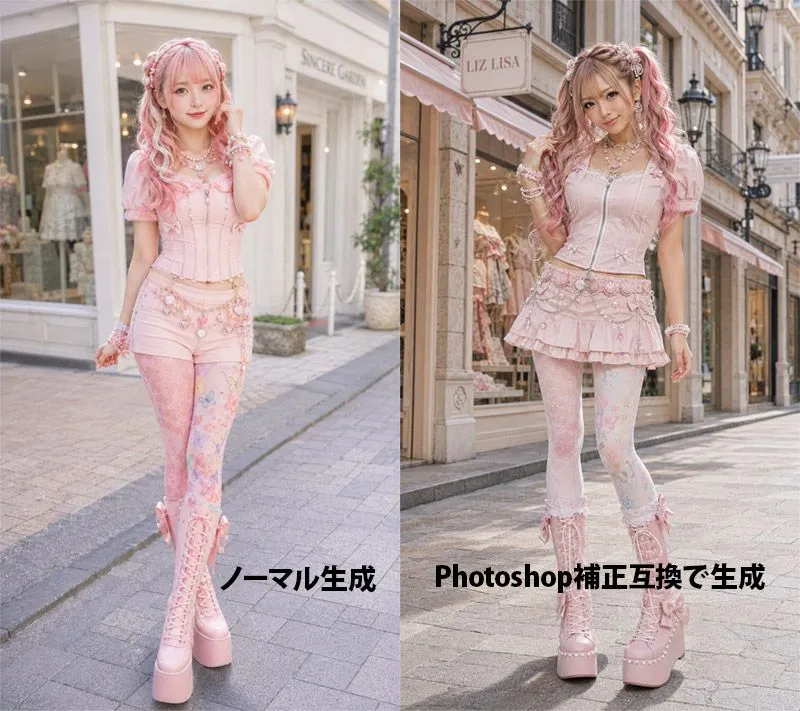
    • Pink Lolita Color Correction Comparison
    • Vintage Editorial Portrait Collage
    • Vogue Fashion Editorial Storyboard Grid

    Show more

    Run it on your phone

    1. Prompt copiedRead it

      portrait of a young woman with {hair_color} hair and {skin_tone} skin, wearing transparent safety goggles and a {clothing}, seated in front of a solid azure blue background, double-exposure motion blur effect to the left side of the face, subtle soft reflections on the glasses, cold ambient lighting, high sharpness on facial features with dreamlike blur trail overlaying second face, fashion editorial studio setup, icy color palette, futuristic retro mood.

    2. Open your app

    3. Paste and run

      Press and hold the message box, then tap Paste. Add your photo first if the prompt uses one. You may need to sign in.

    Double Exposure Motion Blur Portrait