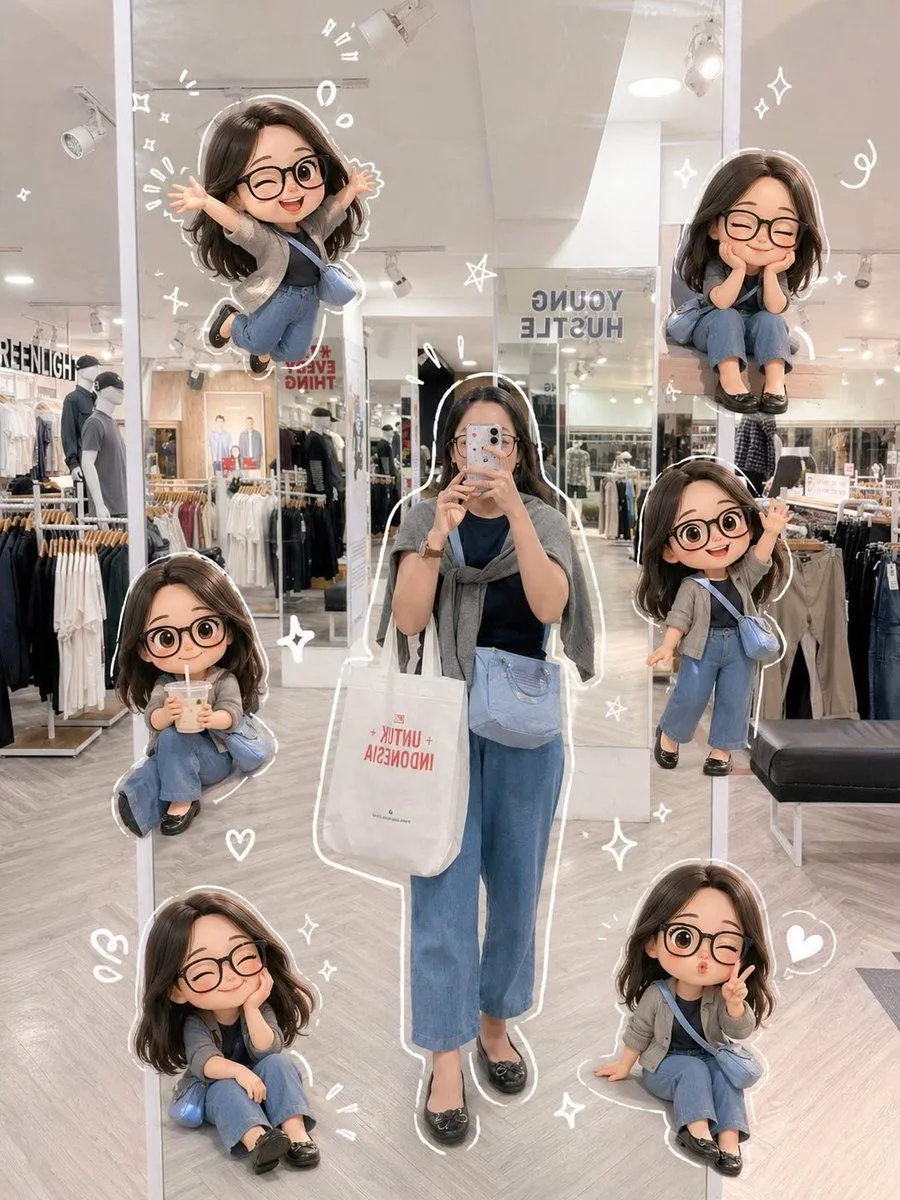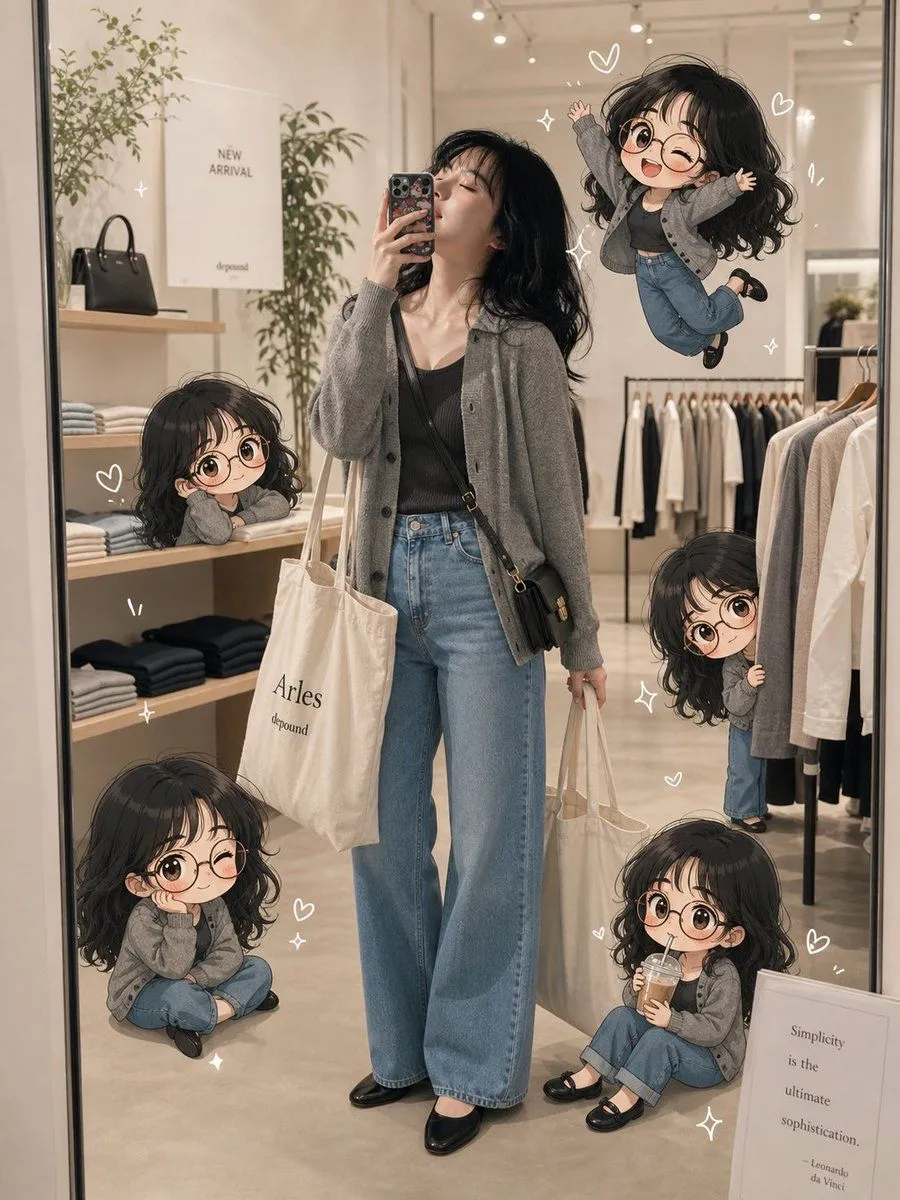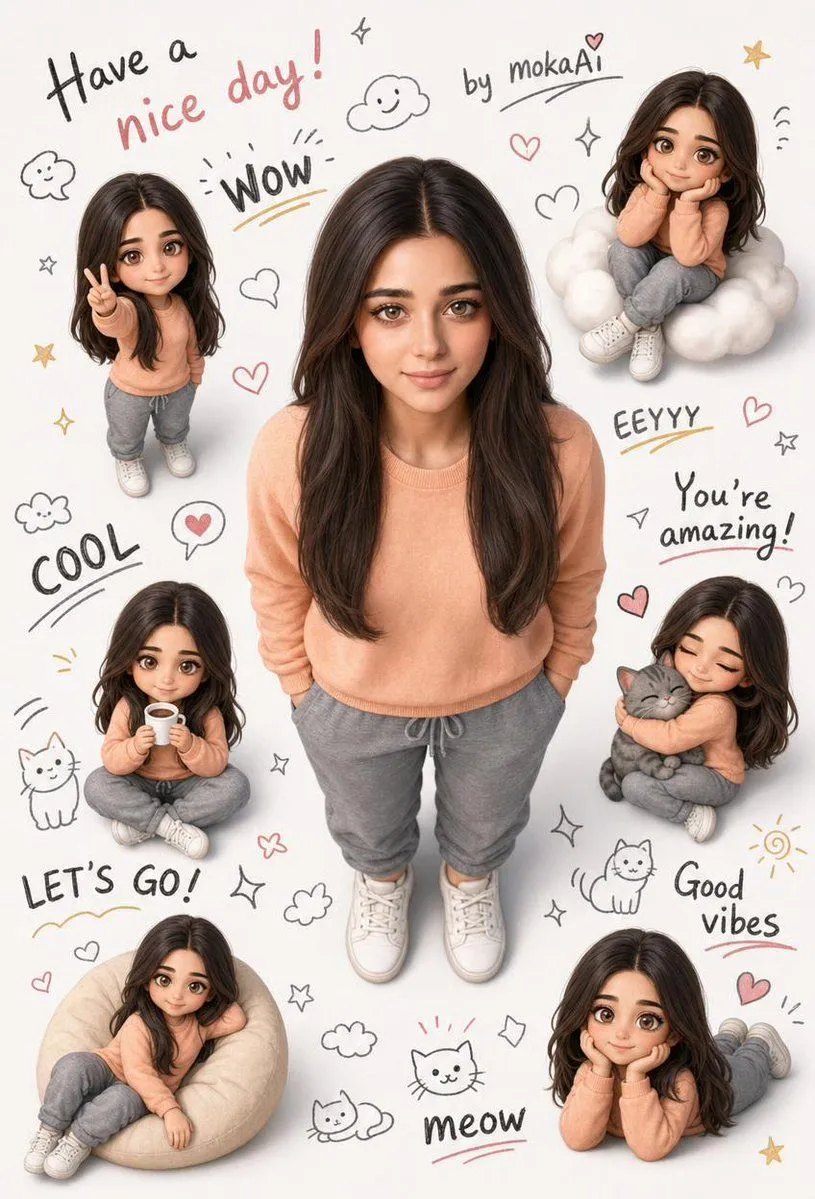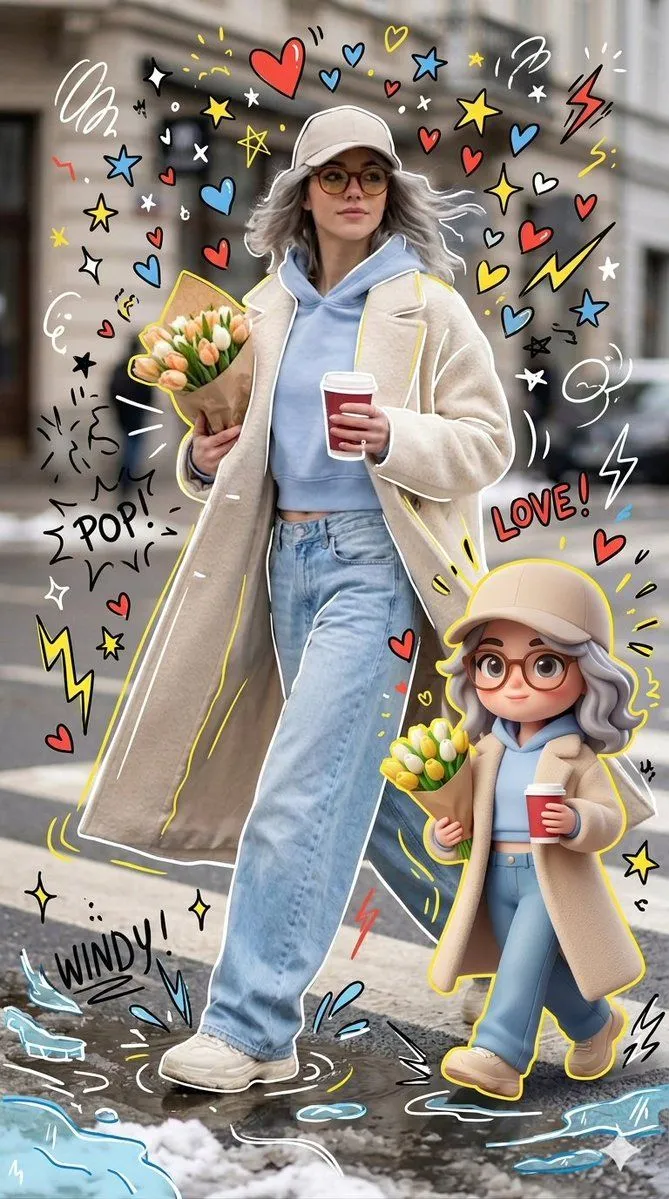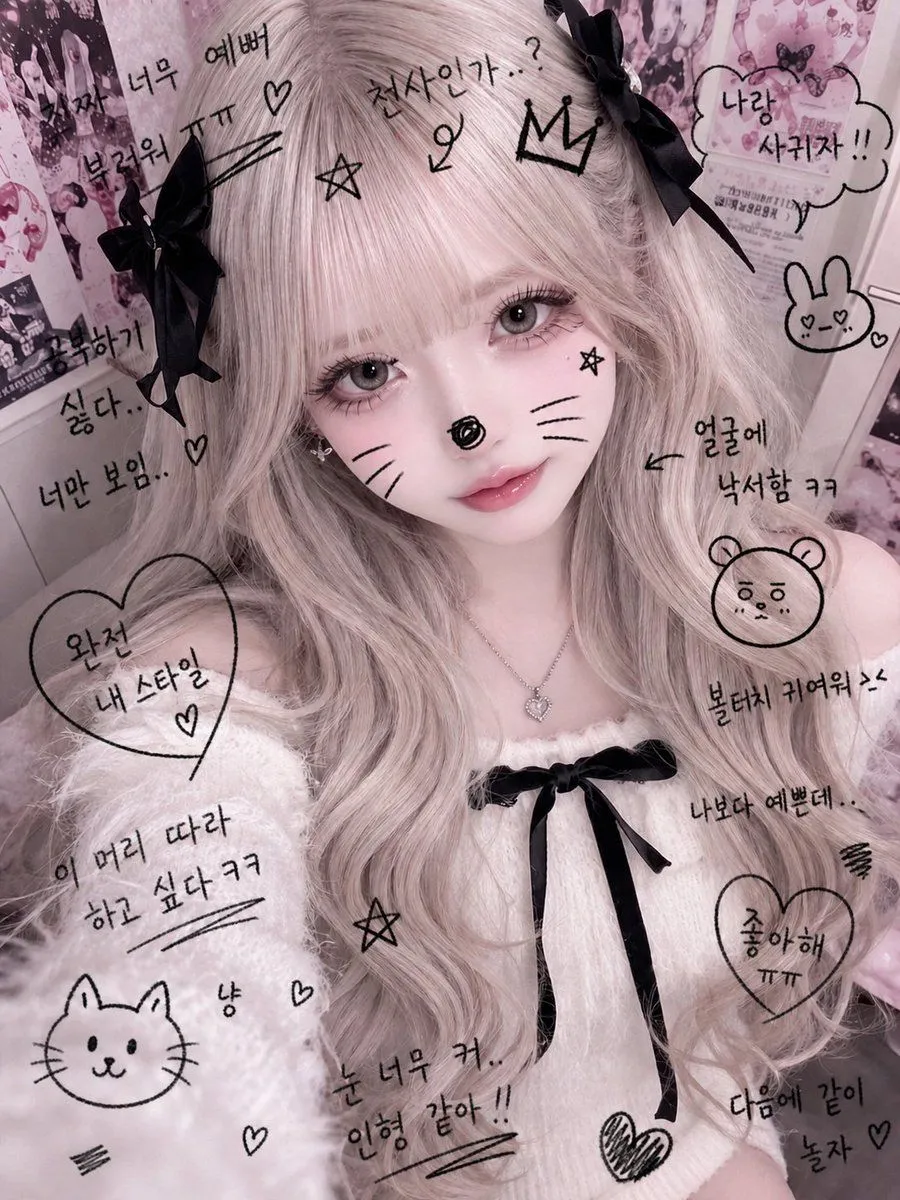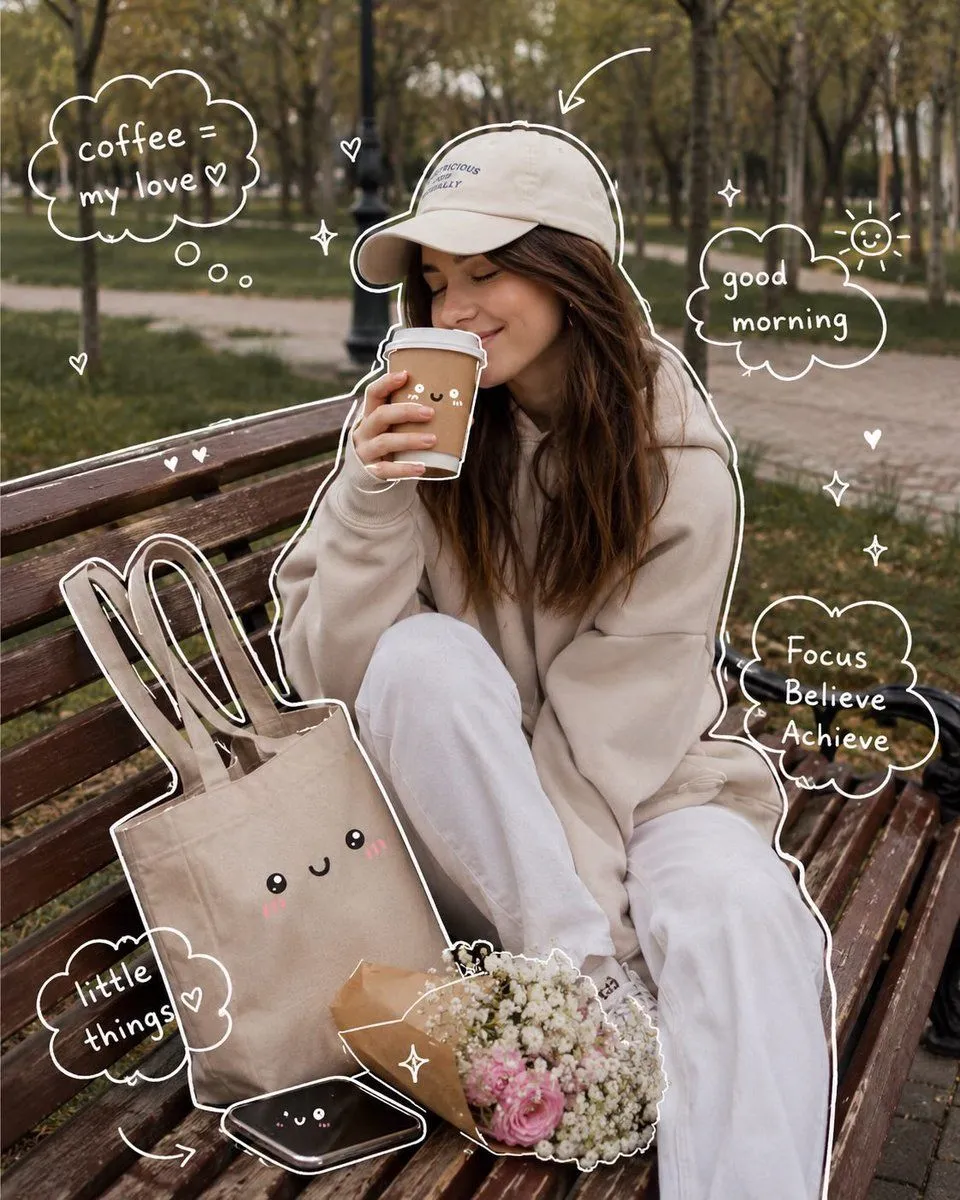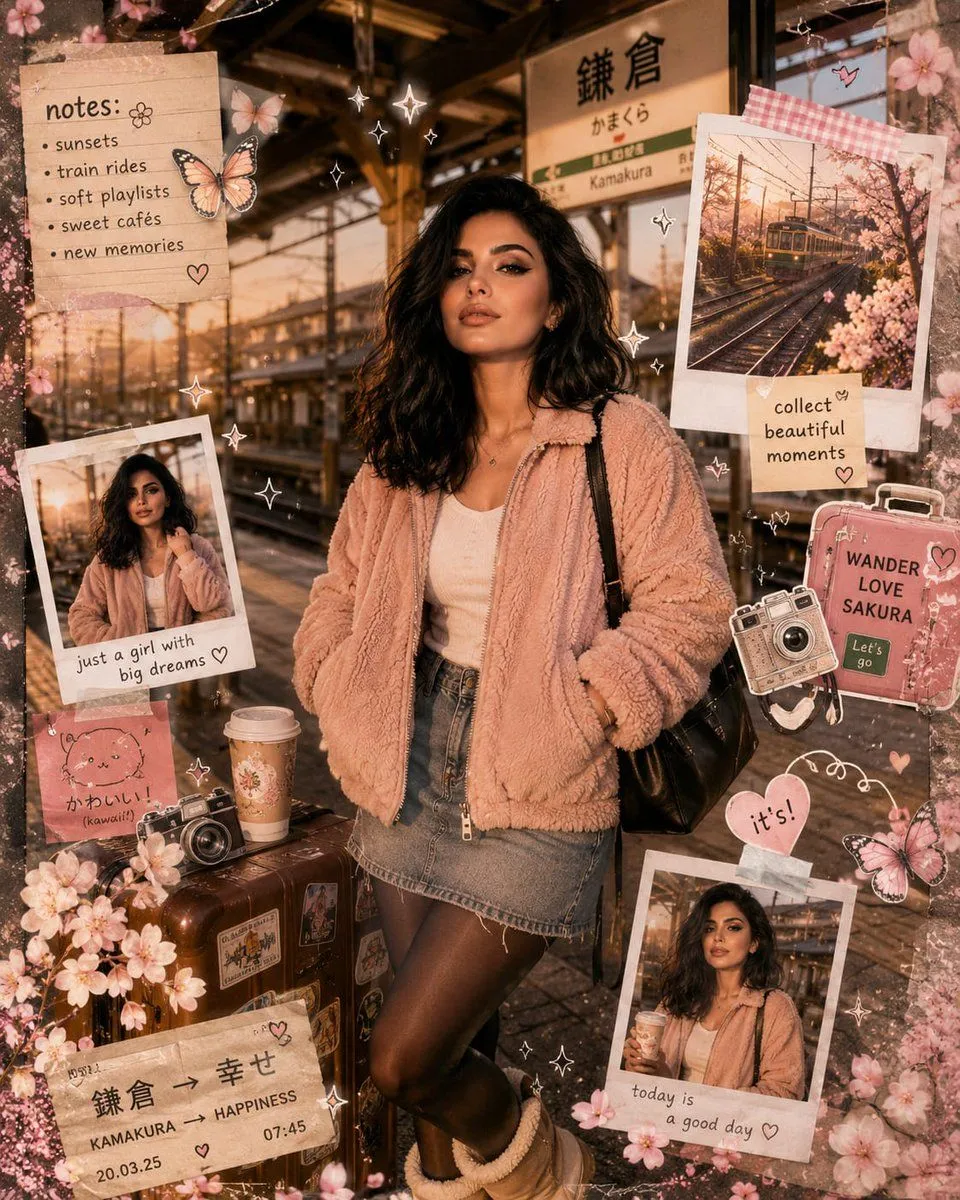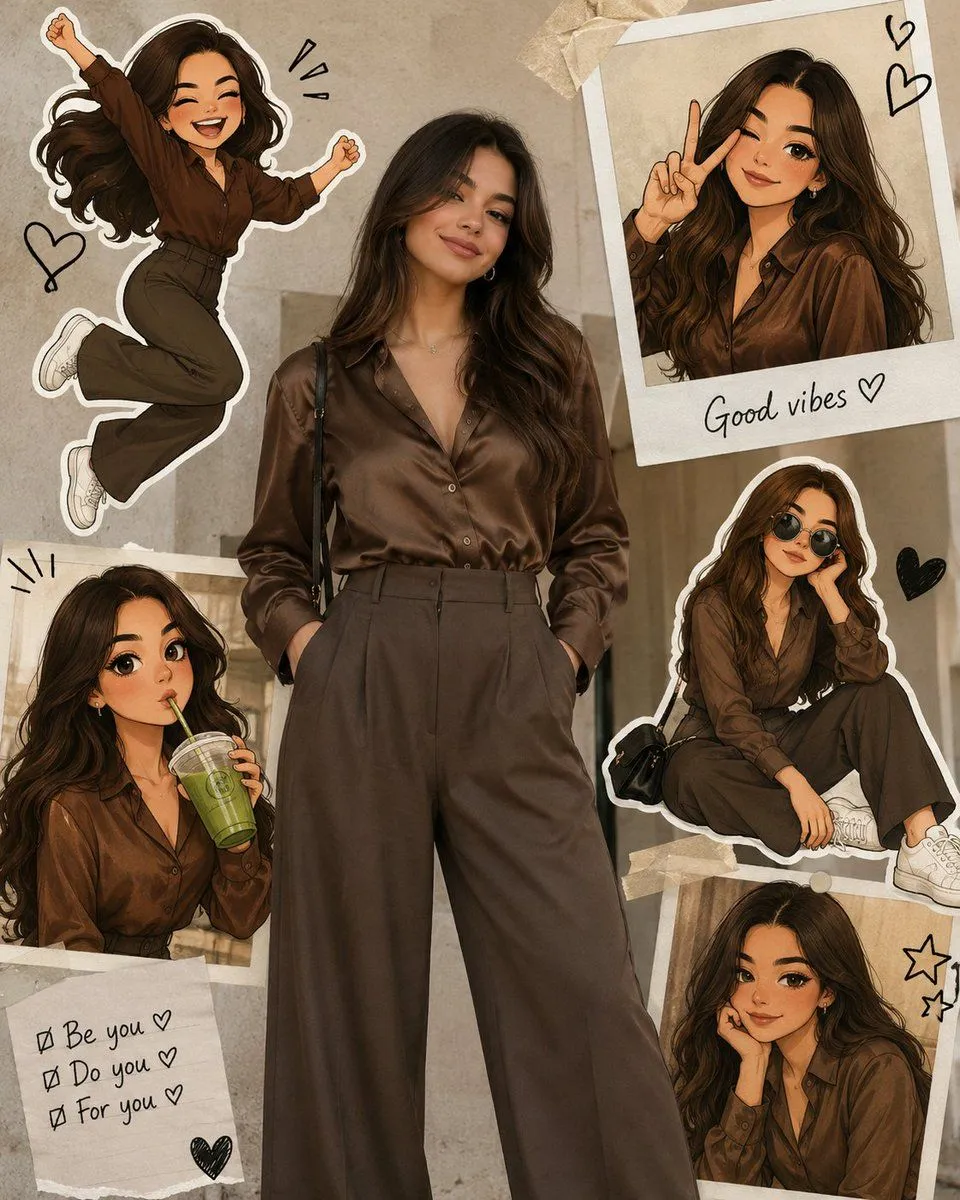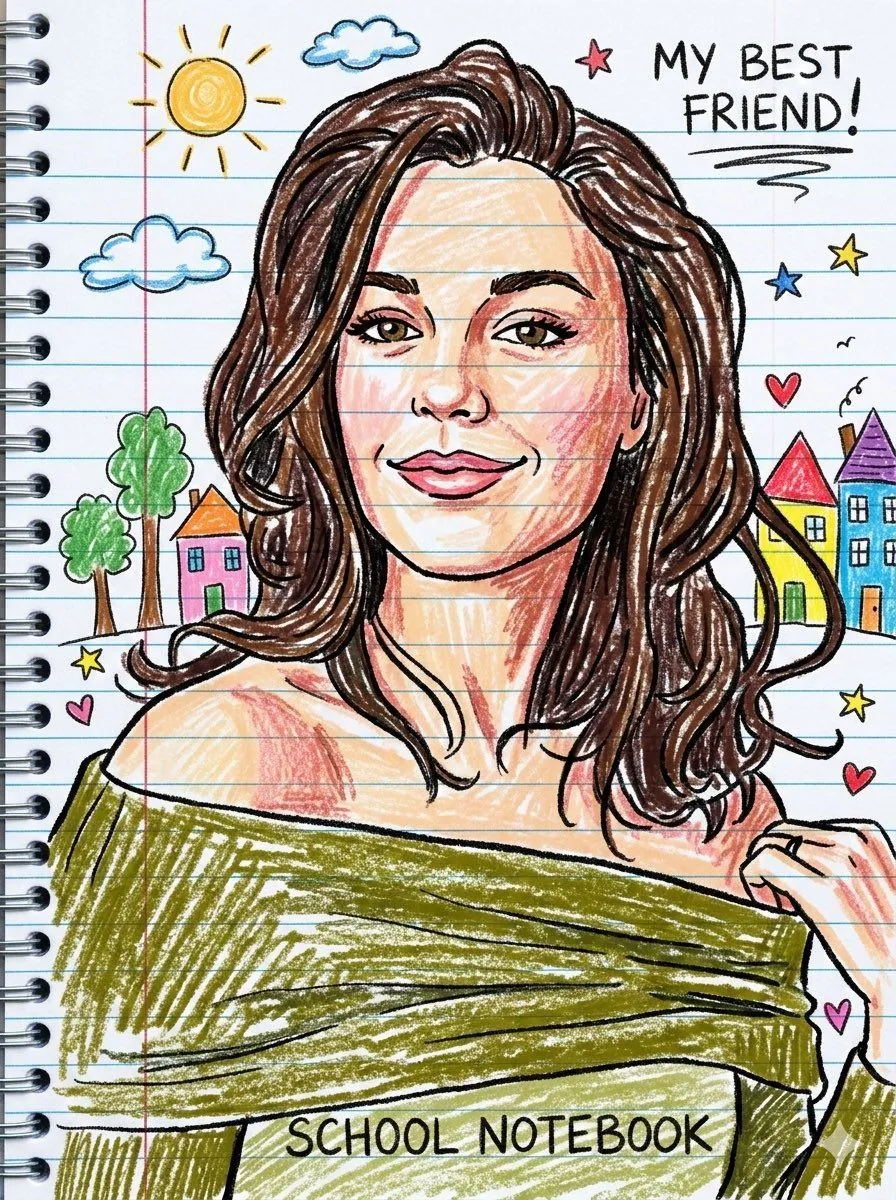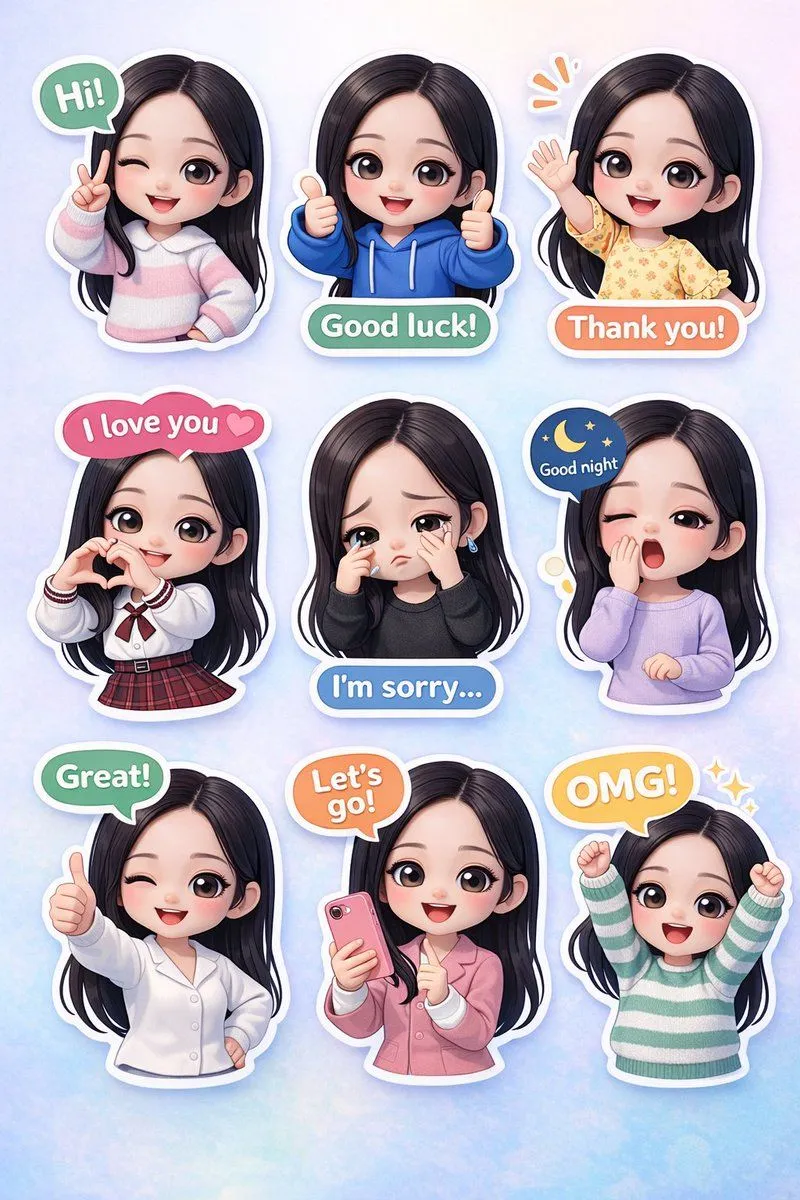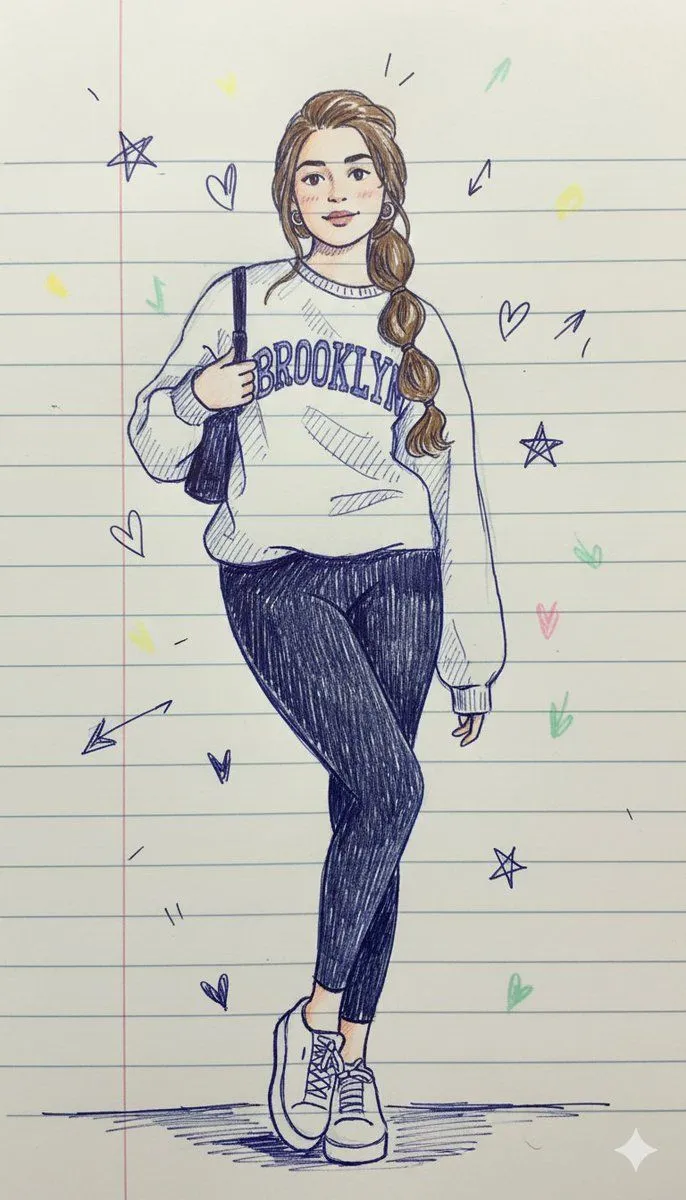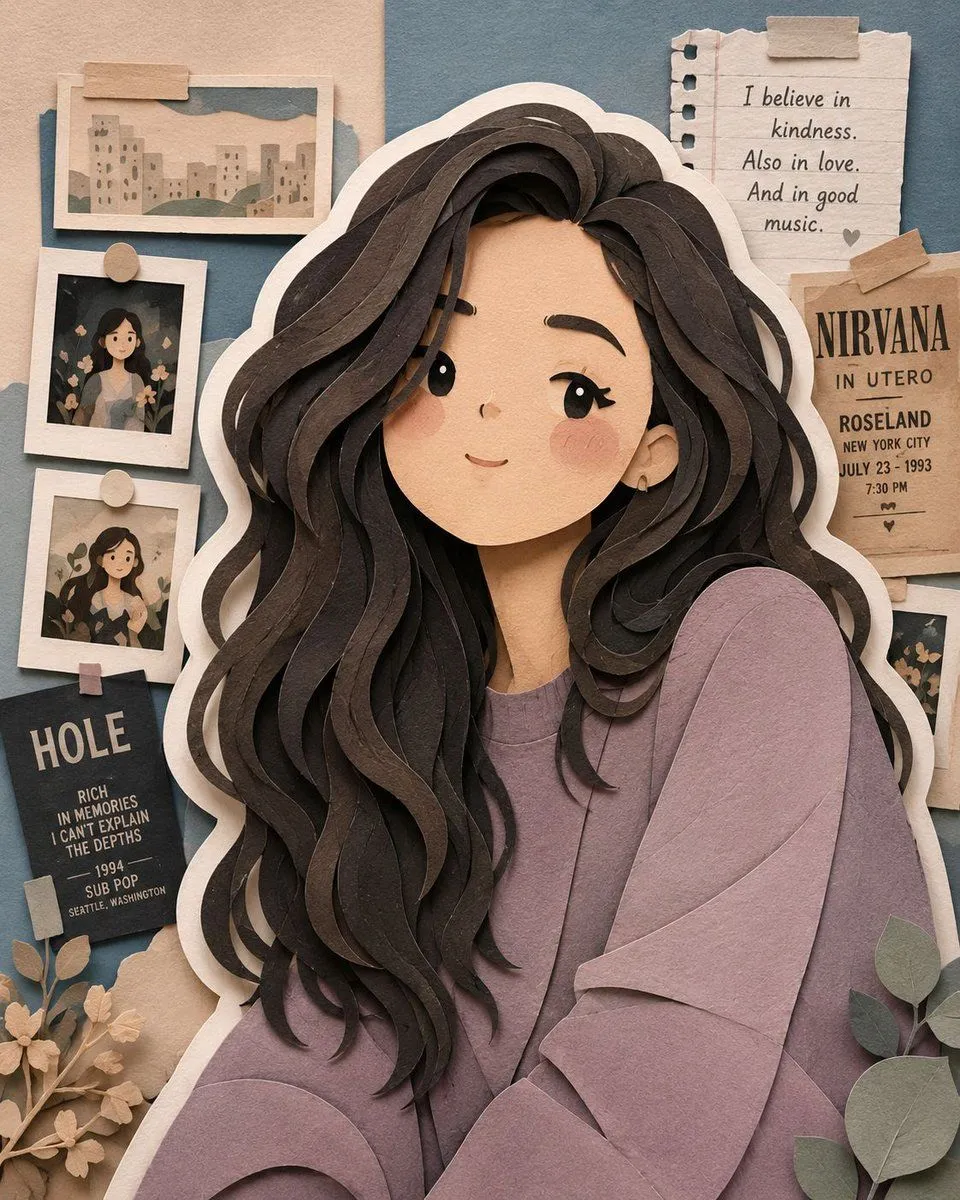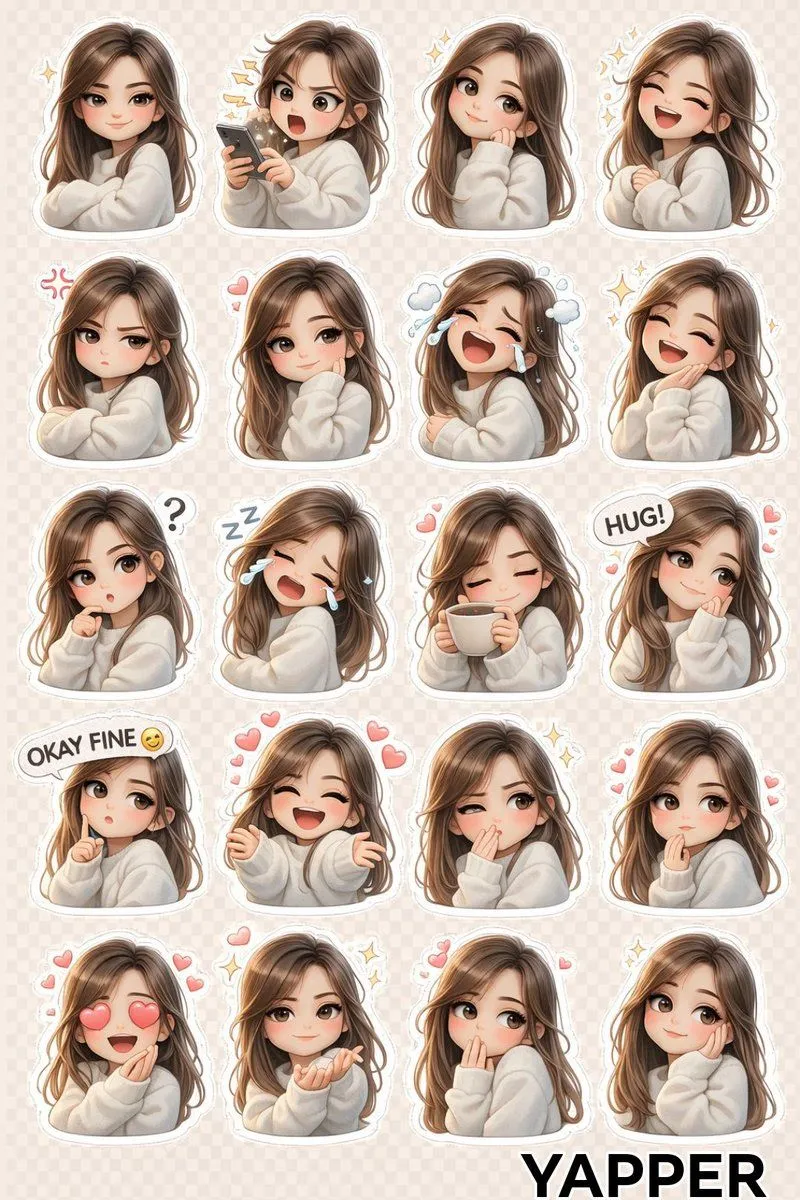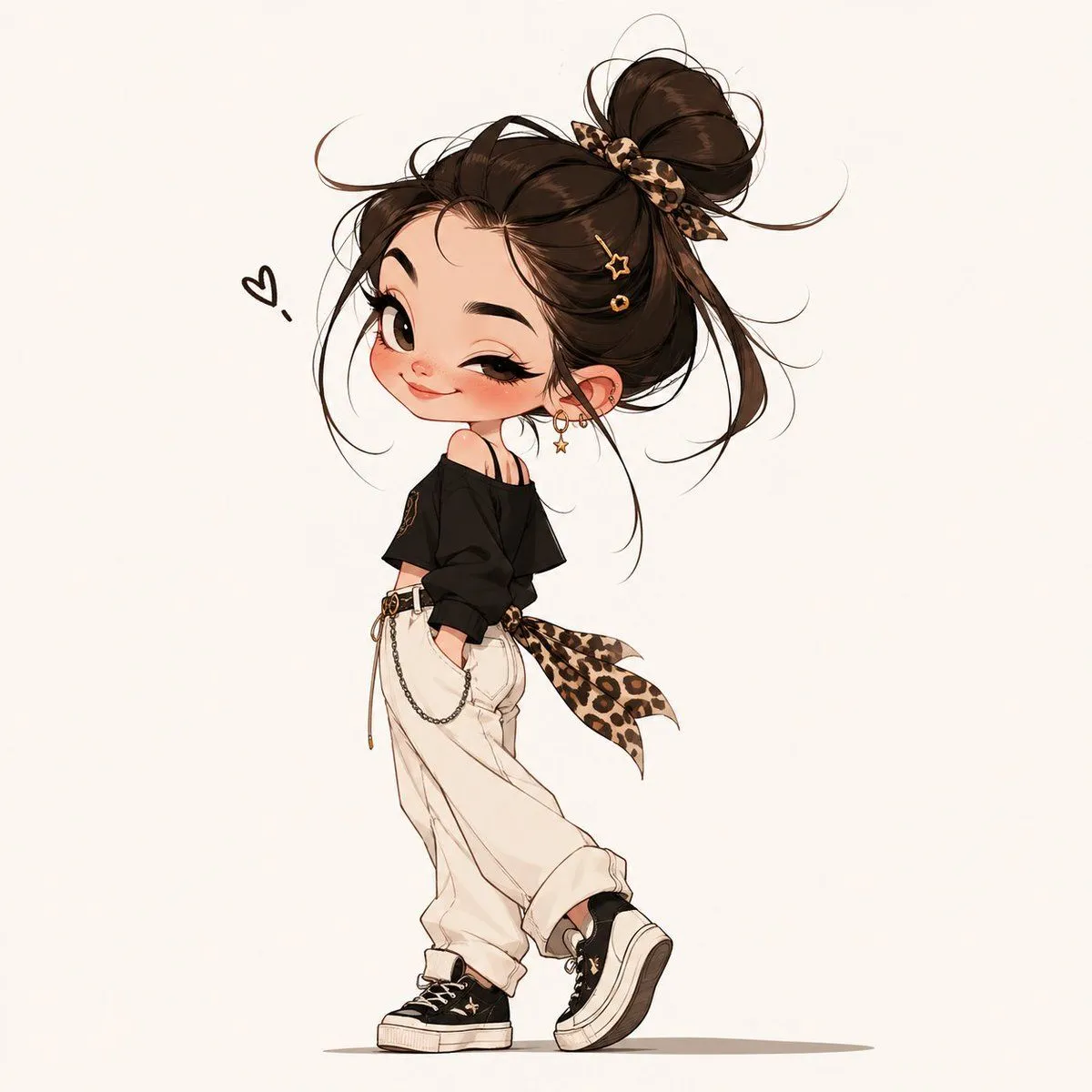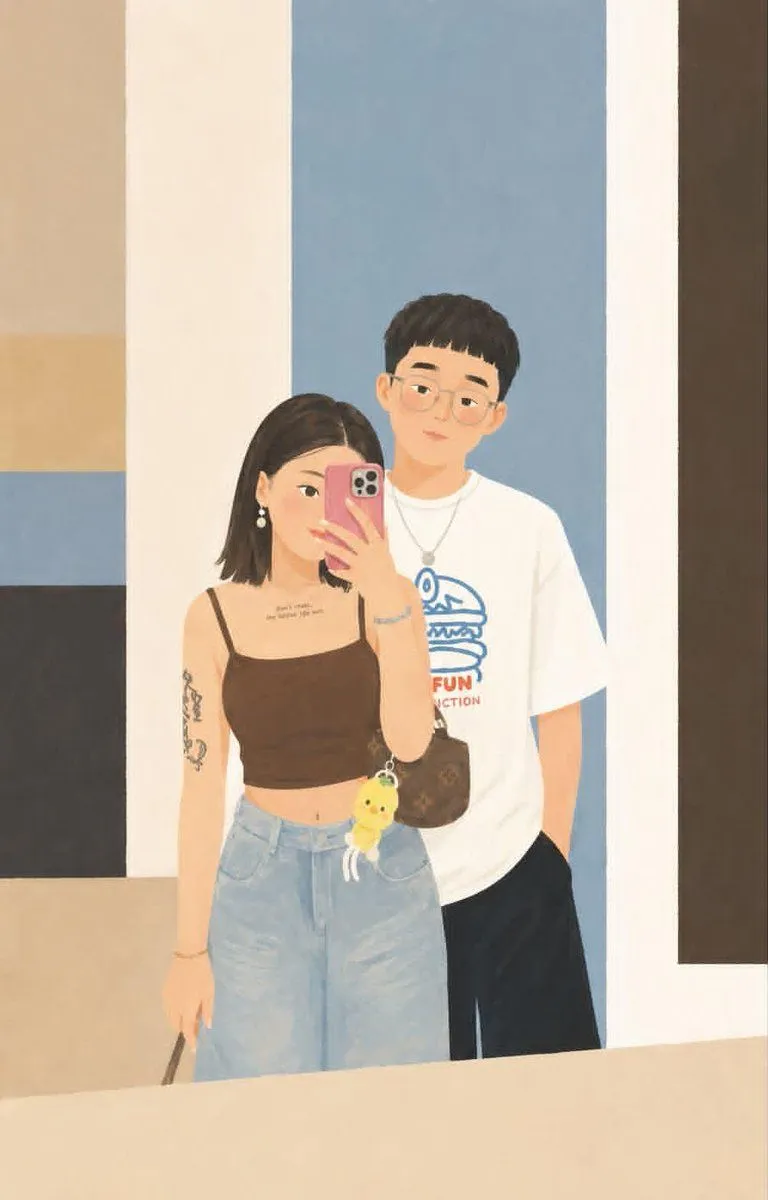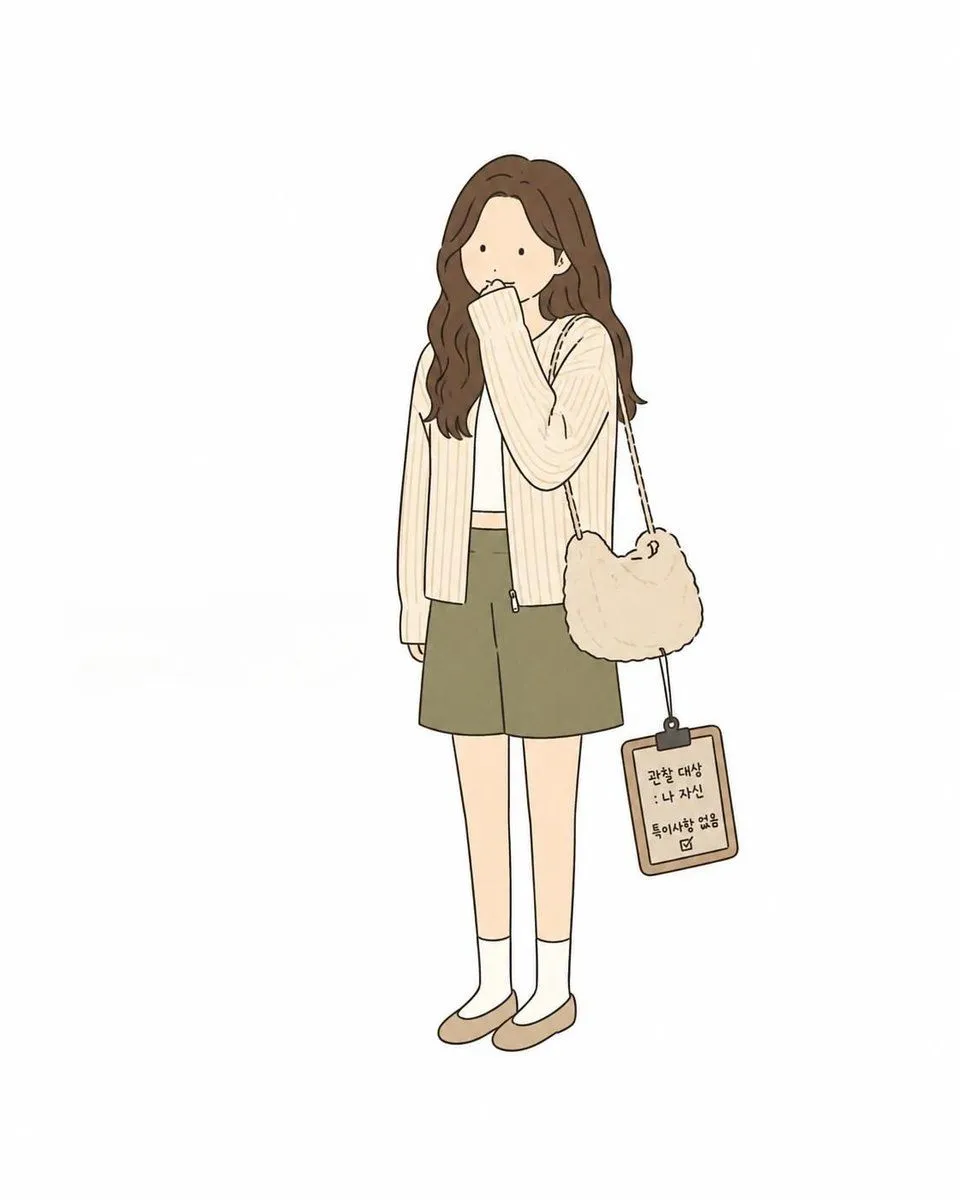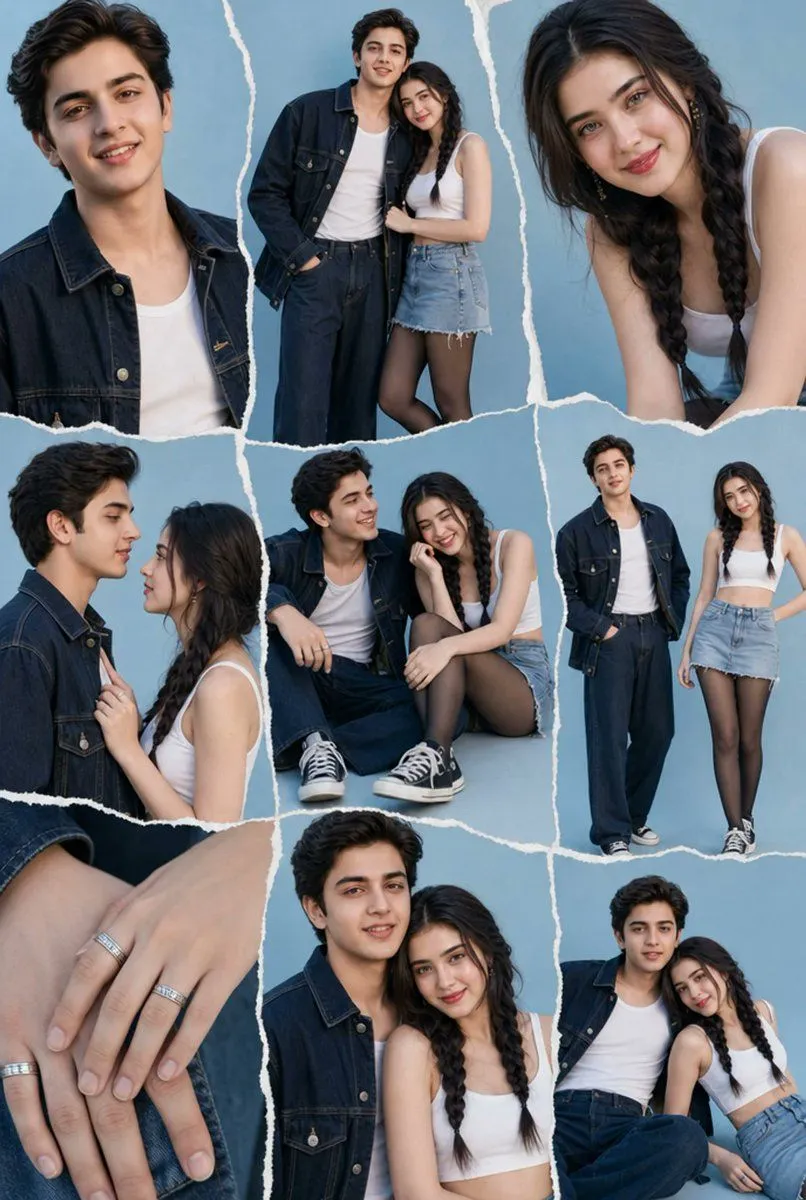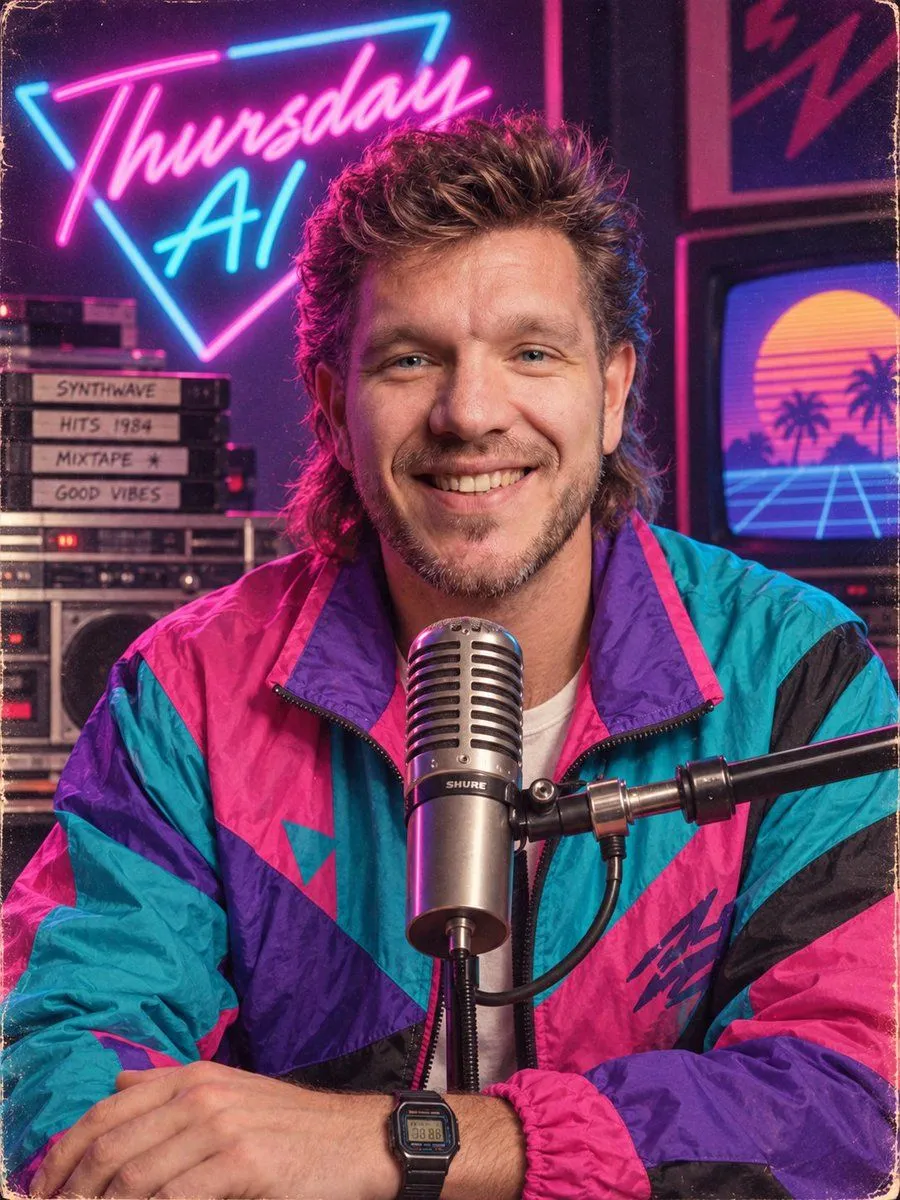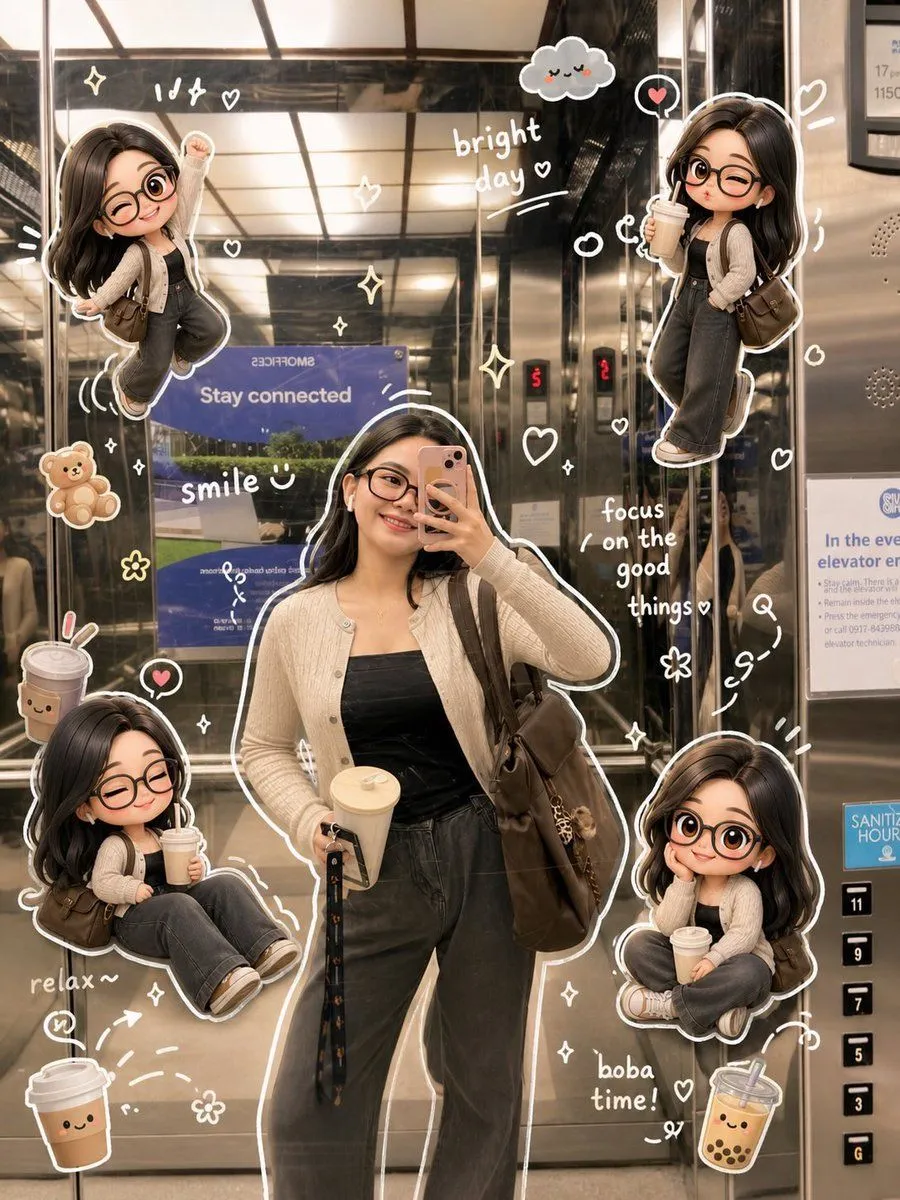
Made with GPT Image 2 in ChatGPT by Library Lifestyle. Promptclay never generates images.
Did it work?
No reports yet. Tell others if it worked for you.
Doodle Aesthetic Social Media Photo Edit
Prompt
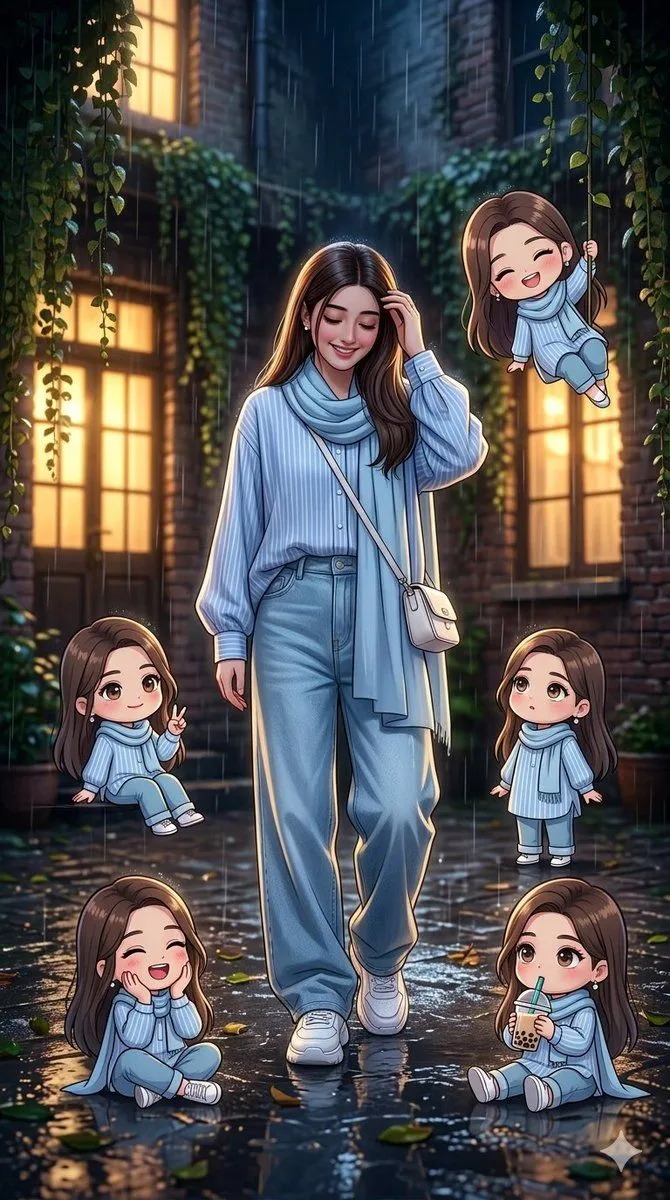
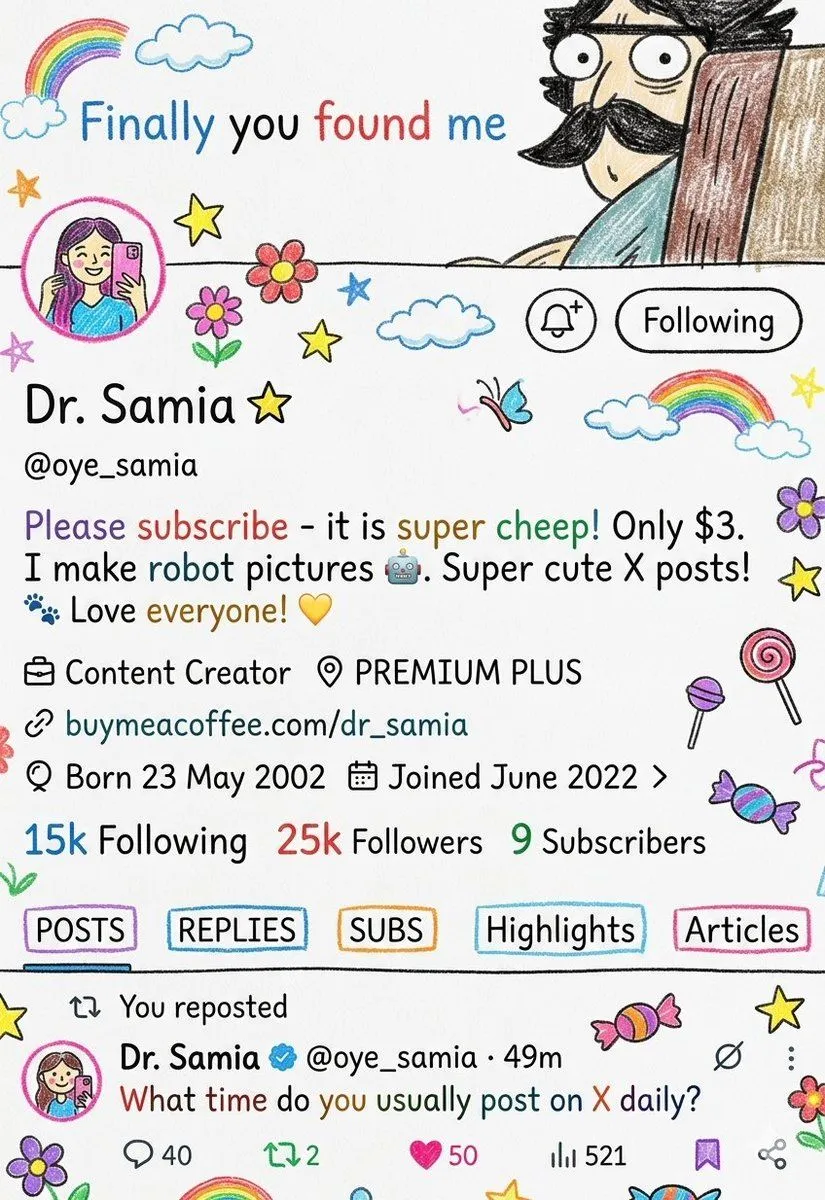
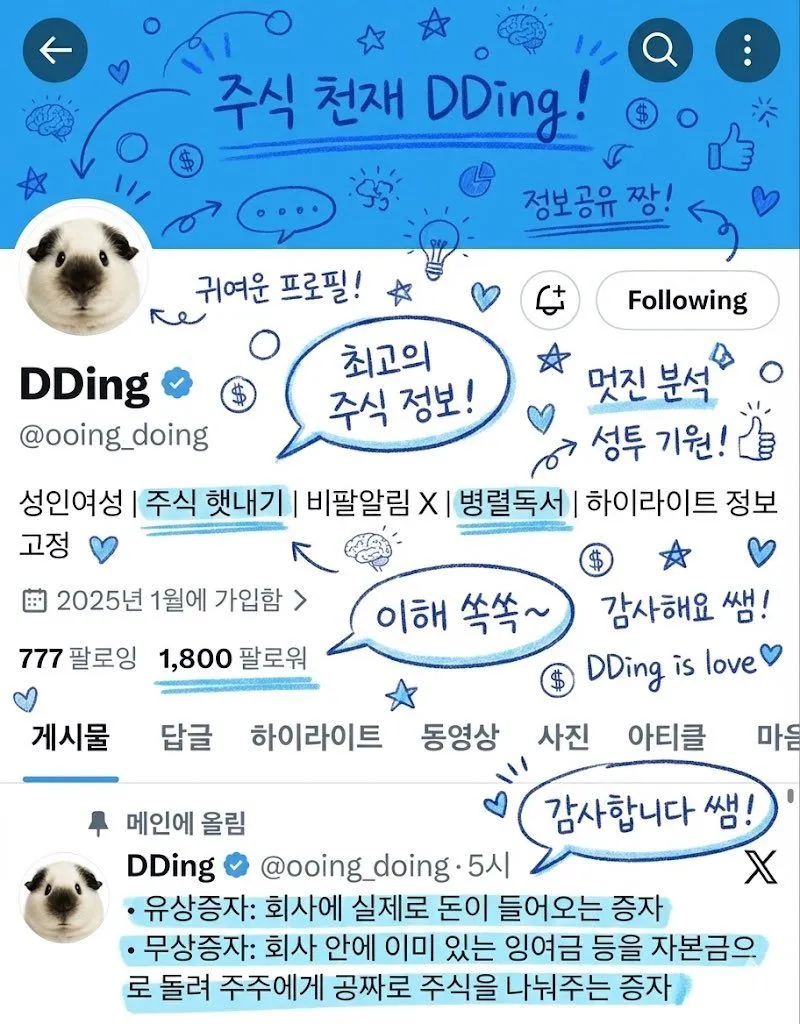
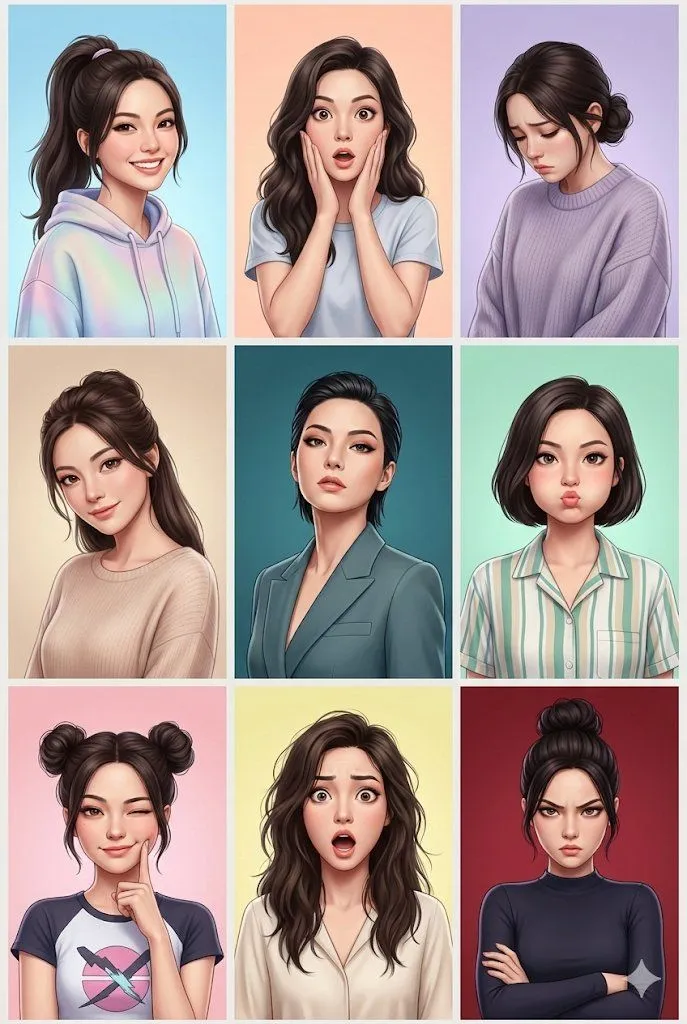
3 blanks to fillEdit this photo into a cute Xiaohongshu/Pinterest style {style}, keeping the original composition and natural colors. Do not significantly change the lighting. Keep tones soft, transparent, and realistic. Add hand-drawn doodle elements like 'white outlines', 'sparkles', 'stars', and 'hearts' around the main subject. Add matching {mascots}. Add several mini {character_versions} of the person with various poses. Use white handwritten text for brief captions. The overall style should be clean with white sticker outlines and soft pastel tones.
Preview of your prompt
Edit this photo into a cute Xiaohongshu/Pinterest style doodle aesthetic, keeping the original composition and natural colors. Do not significantly change the lighting. Keep tones soft, transparent, and realistic. Add hand-drawn doodle elements like 'white outlines', 'sparkles', 'stars', and 'hearts' around the main subject. Add matching cute mascot doodles like bears or smiling drinks. Add several mini 3D cute chibi versions of the person with various poses. Use white handwritten text for brief captions. The overall style should be clean with white sticker outlines and soft pastel tones.
DetailsVersions, settings and questions
Written for
What's in the prompt
- Subject
- Model
- GPT Image 2
If your face changes
keep my face exactly the sameQuestions
- Does this work in the ChatGPT app?
- Yes. Paste the prompt and attach your photo if it uses one.
- It changed my face. What do I do?
- Add "keep my face exactly the same" to the end and run it again.
- Can I use the images I make?
- Check the terms of the app you use. Promptclay never generates images and claims nothing you make.