Tell us anything

An idea, a bug, something you love. We read every note.

⌘↵ to send. The page you're on comes along.

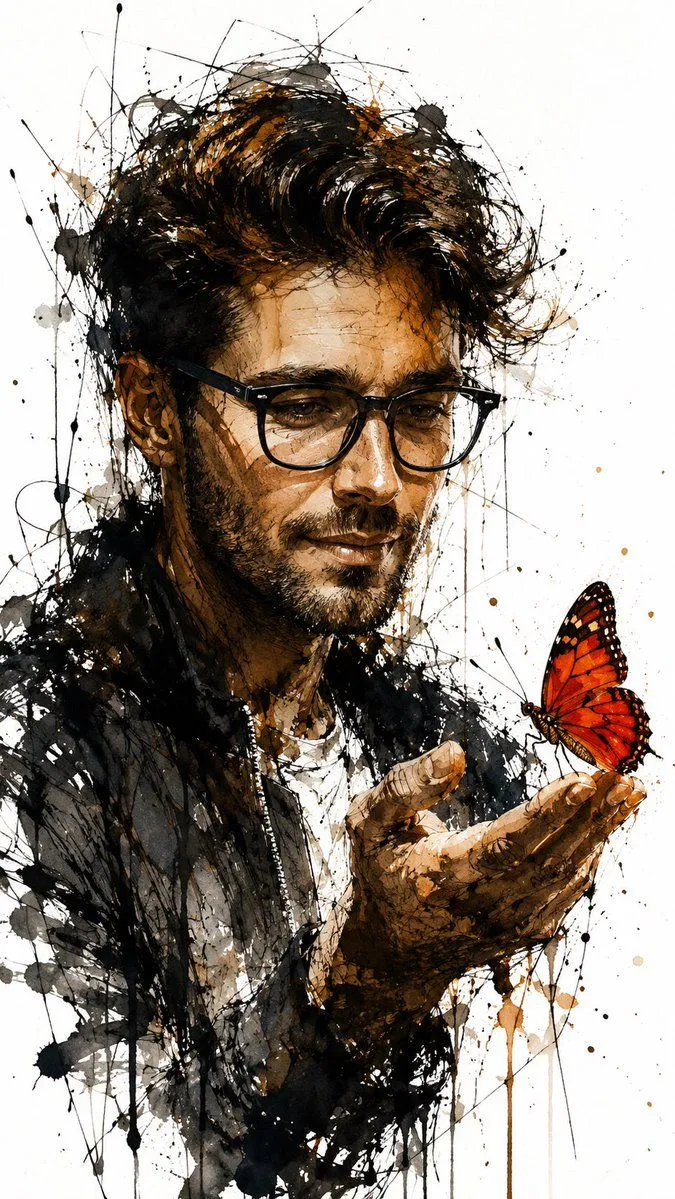
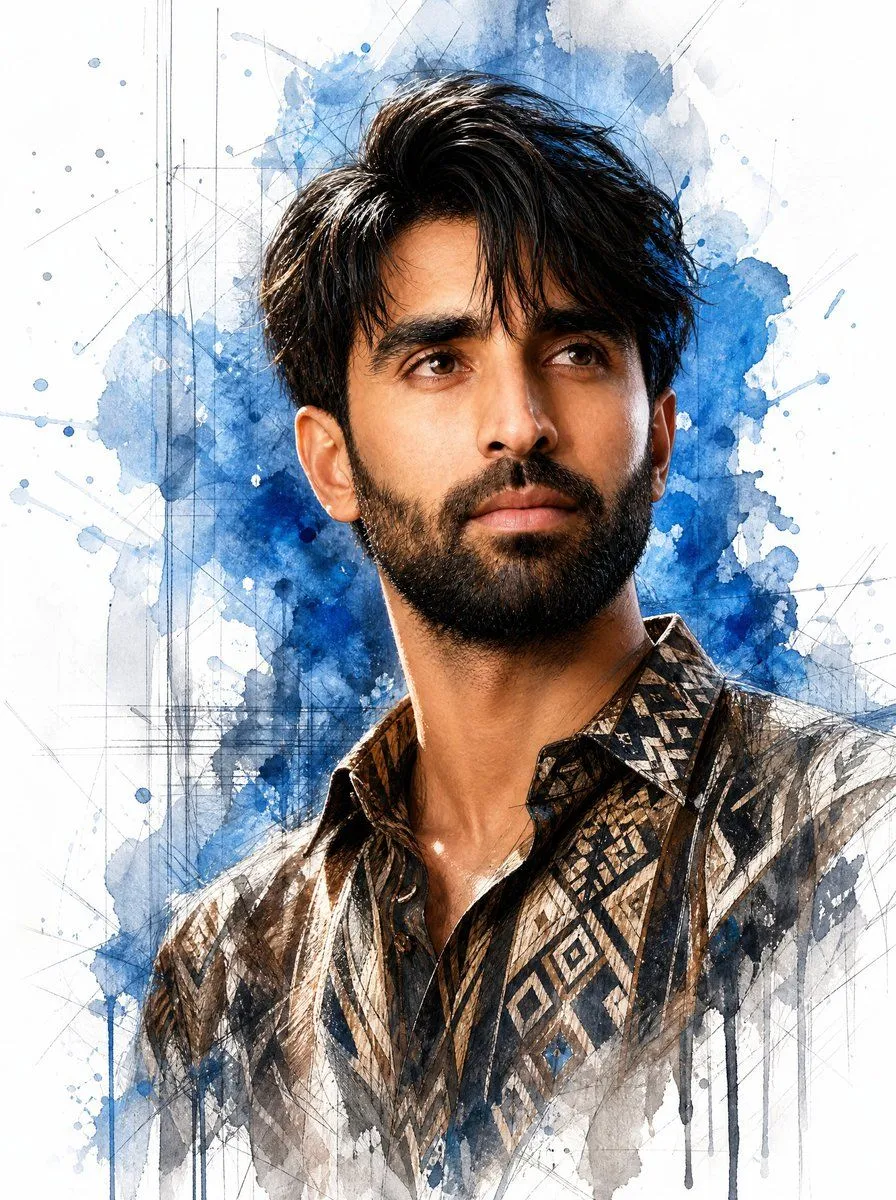
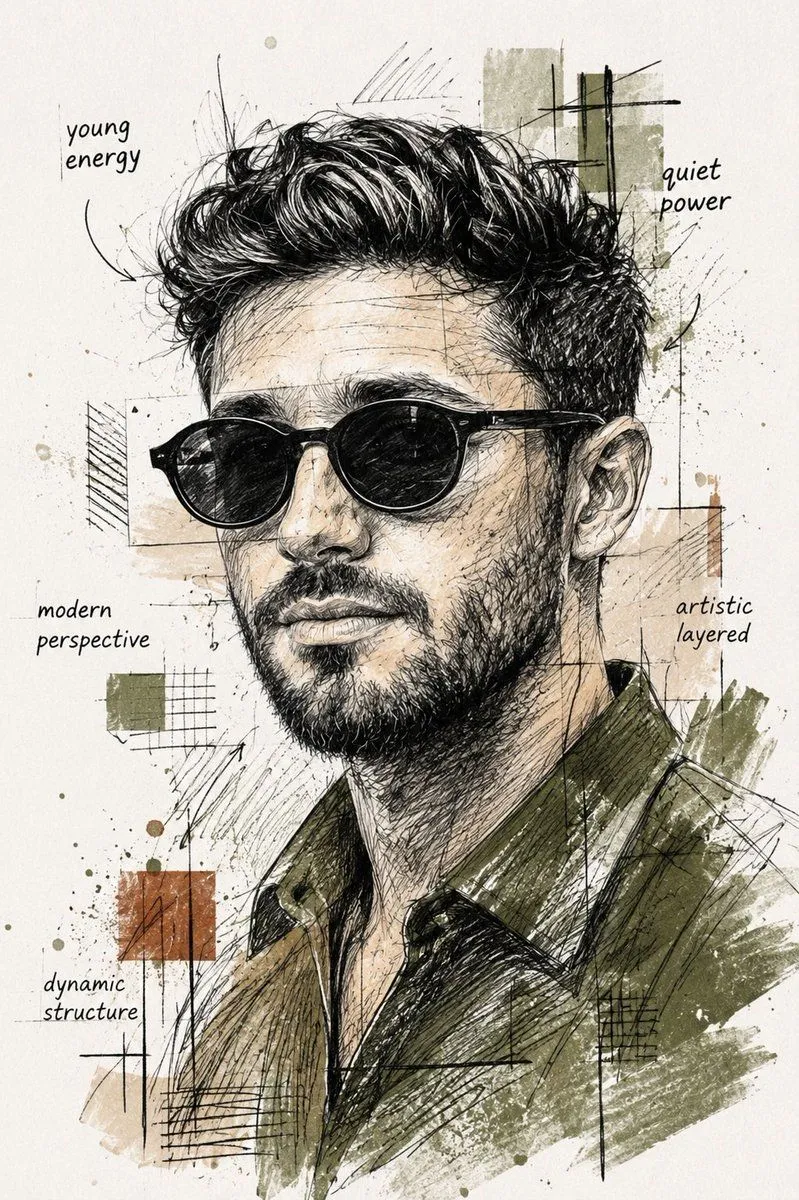
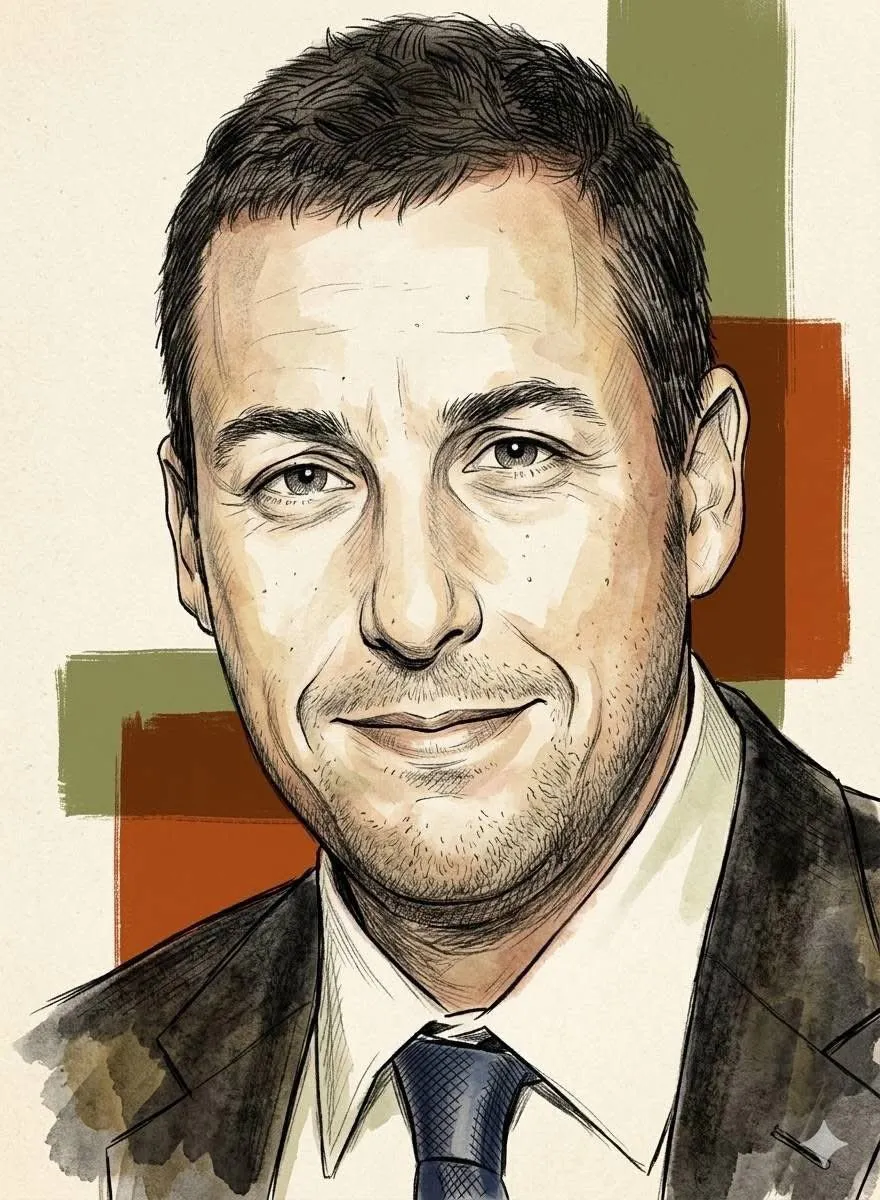
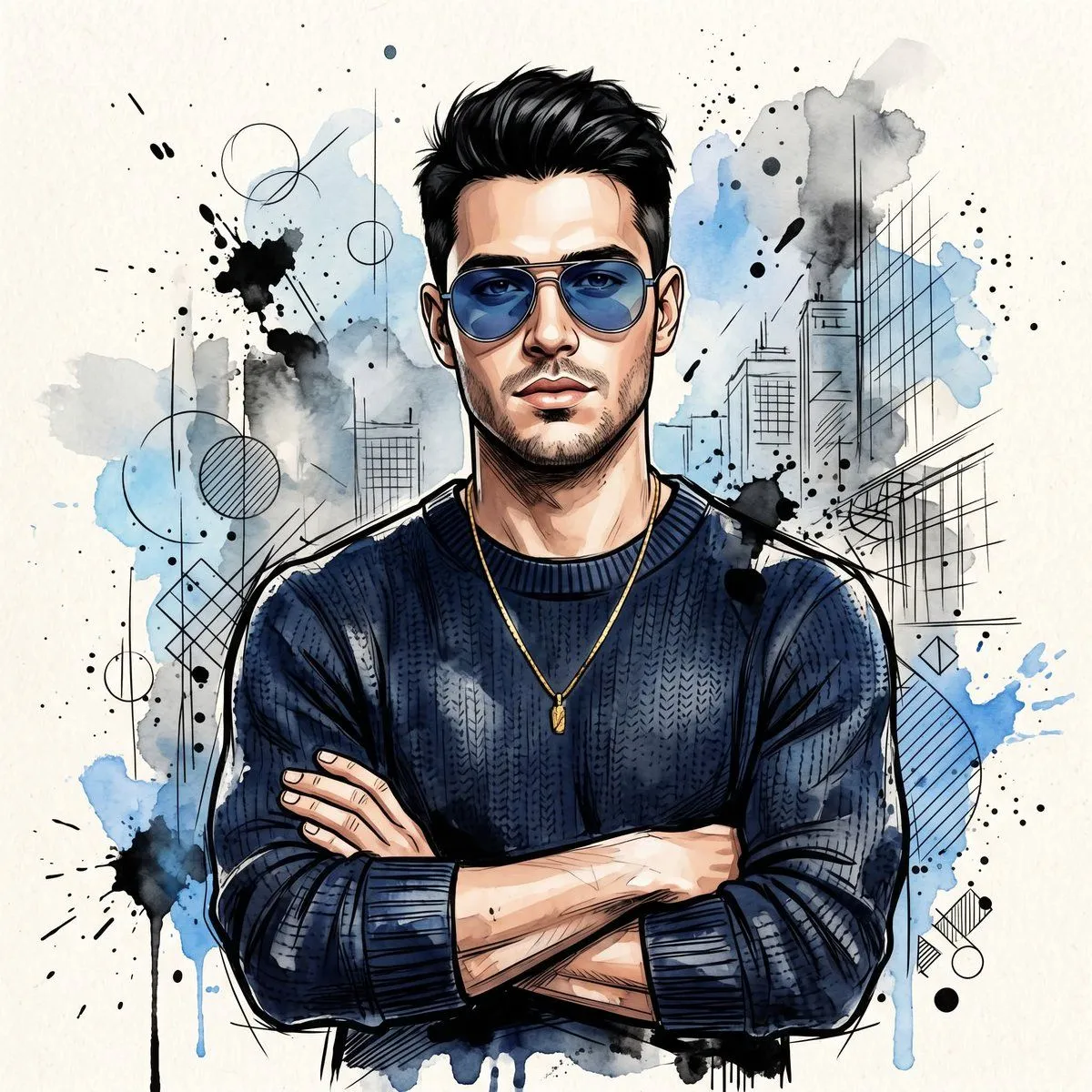
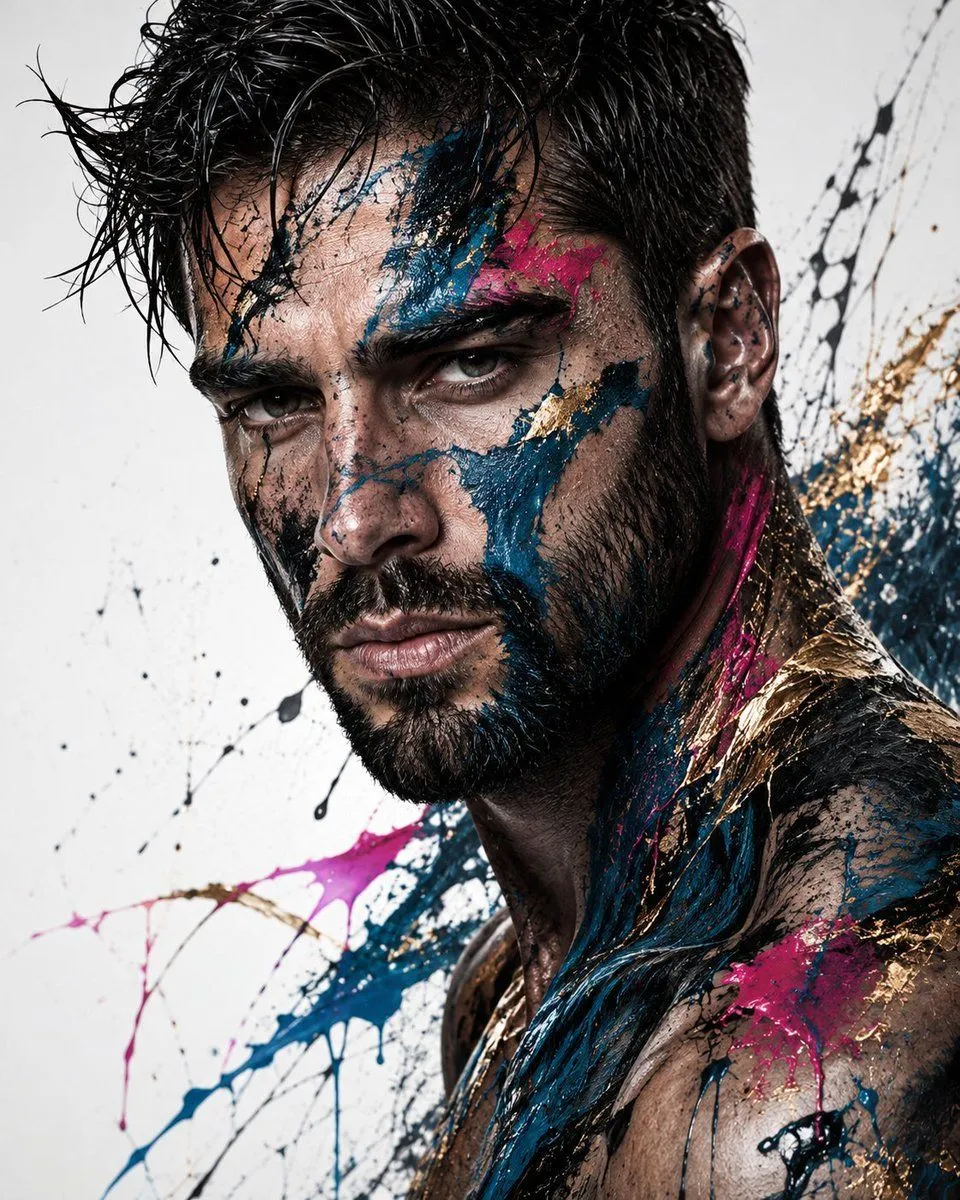
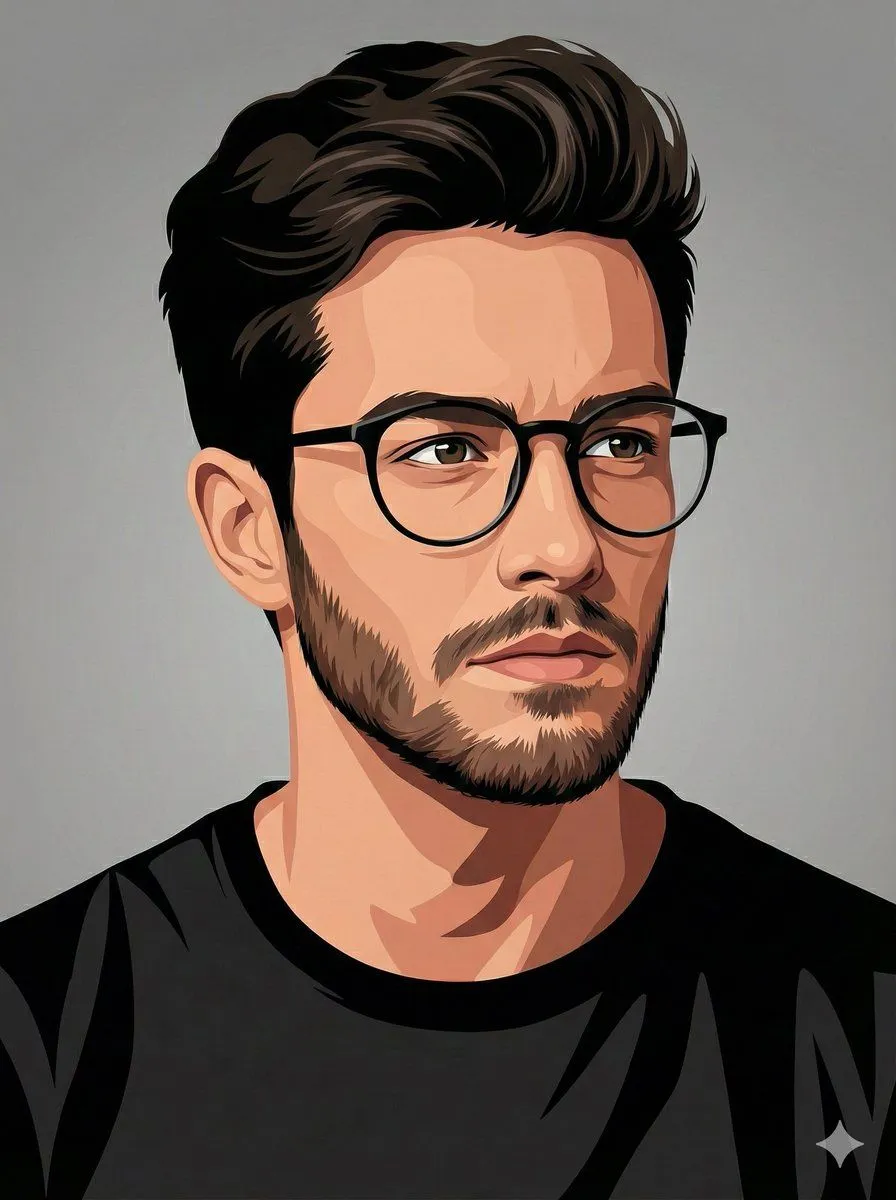
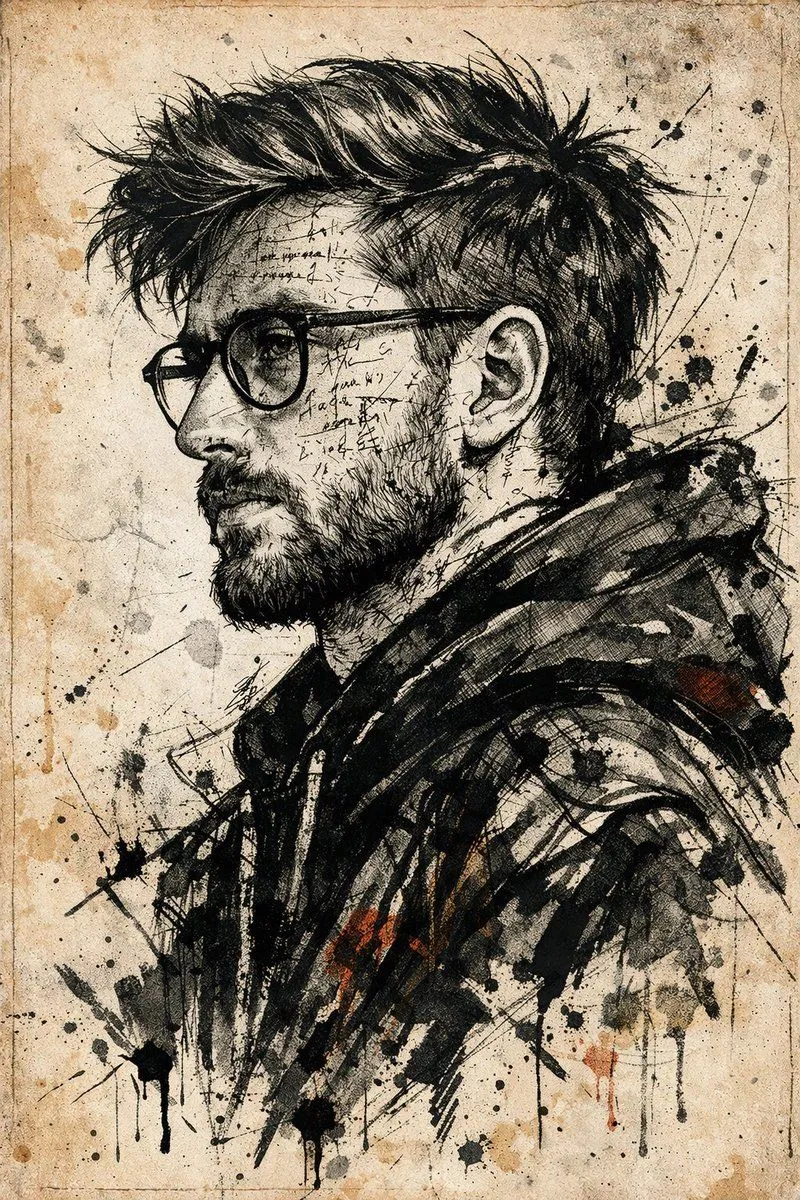
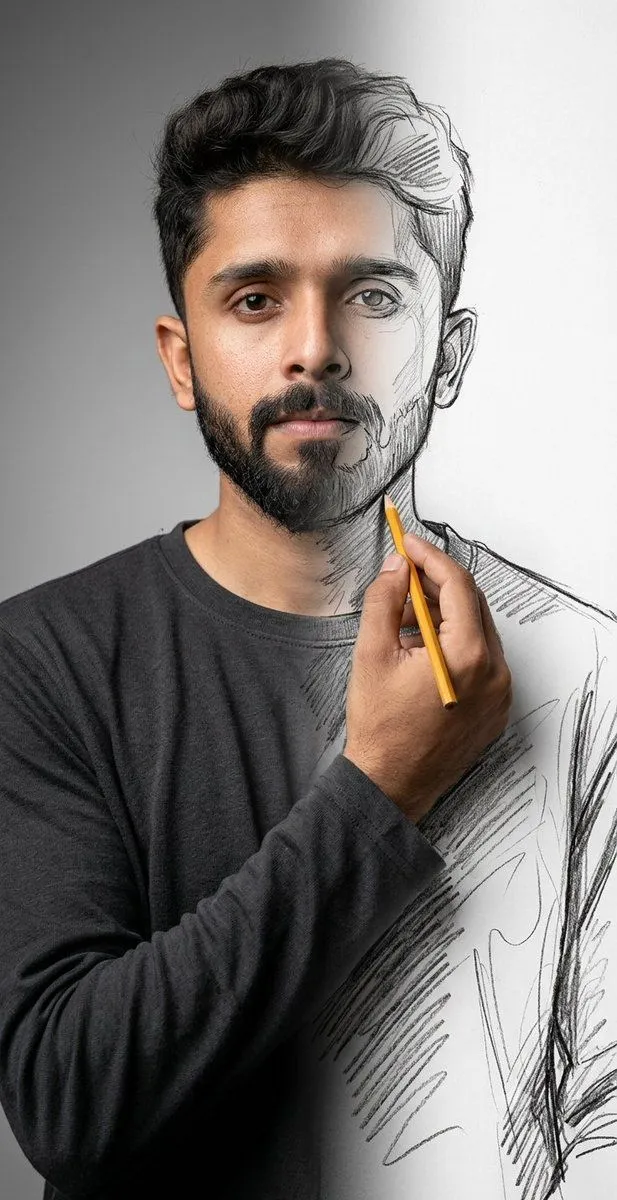
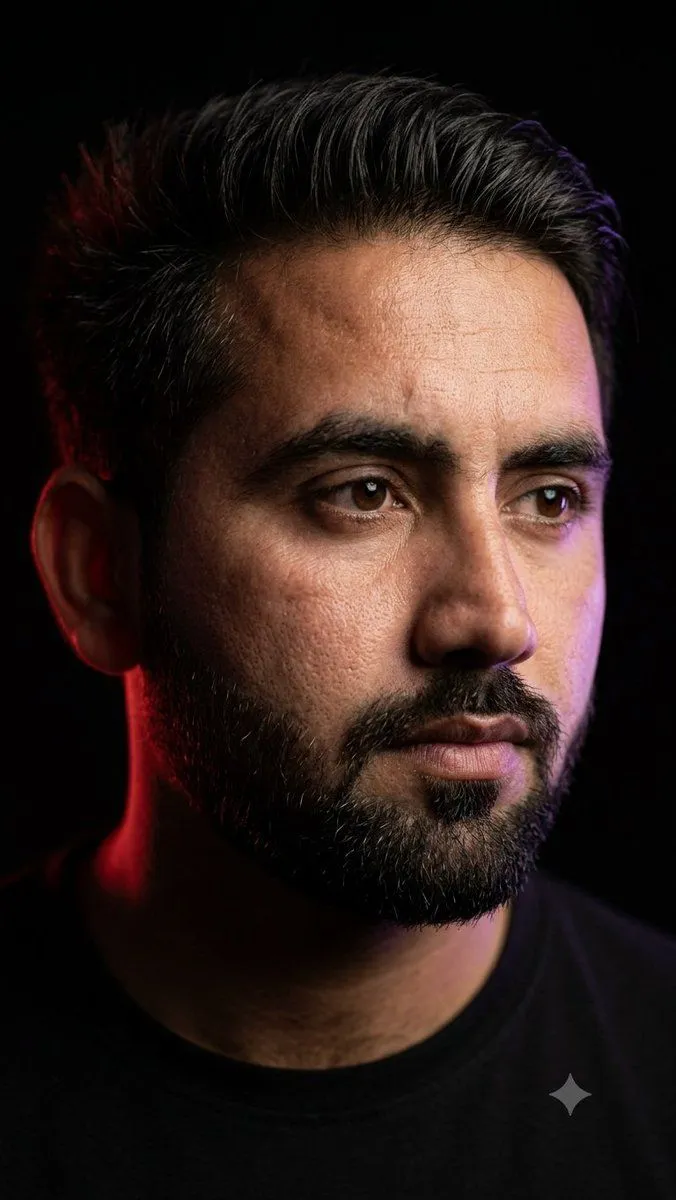
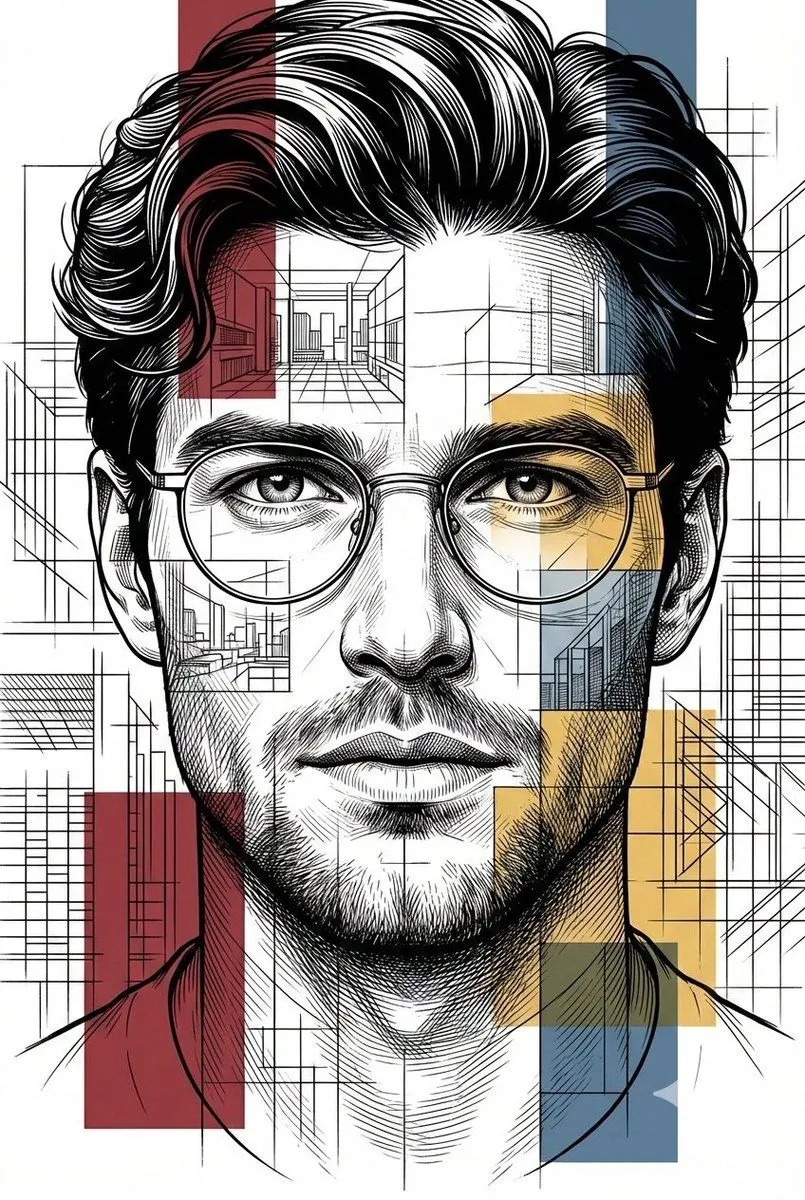
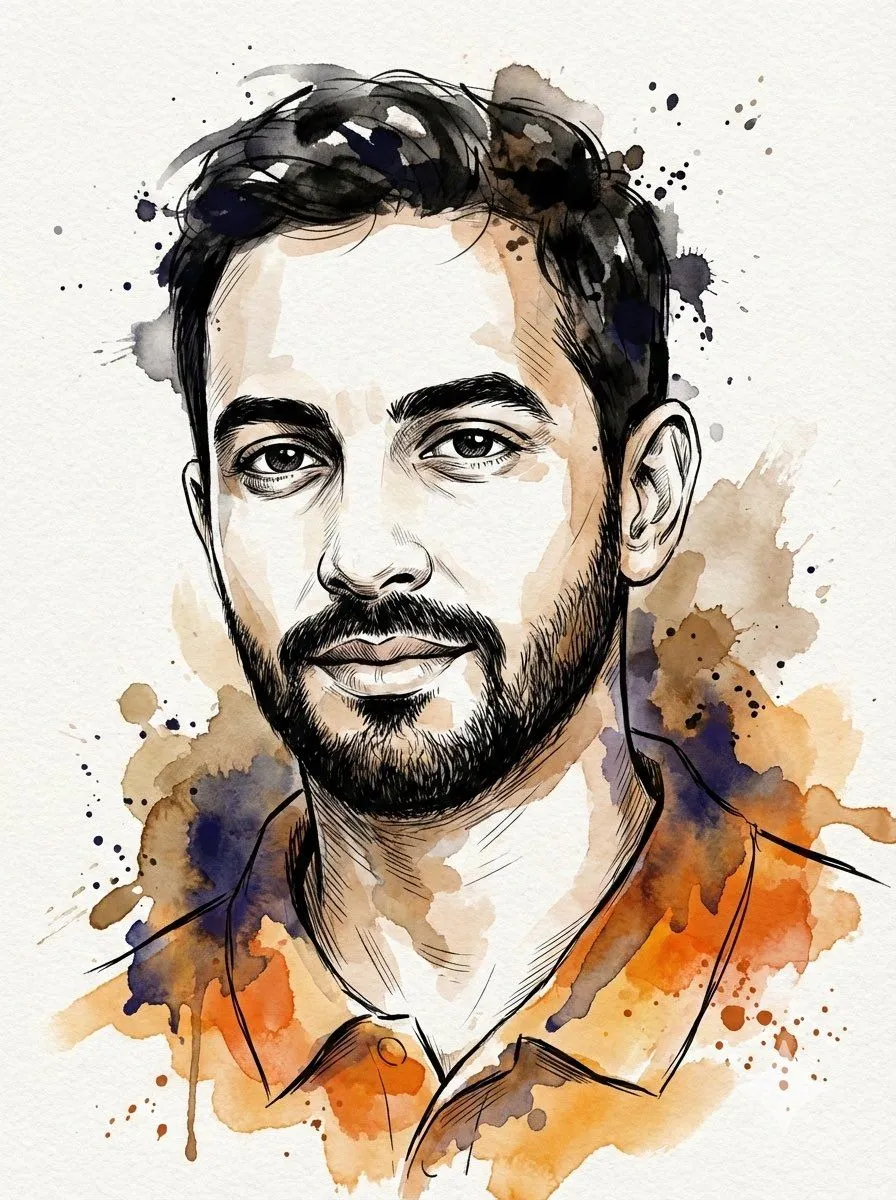
Digital Splashes-and-Ink Portrait from Photo

Made with Nano Banana Pro in Gemini by Library Art. Promptclay never generates images.

Did it work?

No reports yet. Tell others if it worked for you.

No comments yet. Be the first.

    Digital Splashes-and-Ink Portrait from Photo

    Nano Banana Pro3:4Needs your photoAI-generated

    Prompt

    Create a vertical 3:4 digital splashes-and-ink portrait using my photo as the subject, rendered in illustrative sketch realism with painterly abstraction. Frame a medium close-up in a subtle half-quarter turn with a calm but intense, direct gaze; keep crisp linework and highest detail around the eyes, brows, and mouth, while allowing hair strands to stay loose and slightly wind-tossed.

    Use only photos you have the right to usePhoto tips
    • Your photo stays with your app. You upload it to Gemini, ChatGPT or the app you use. Promptclay never sees or stores it.
    • Crop to what the prompt needs. Your face for a portrait. Leave out other people, house numbers, cards and screens.
    • Check the result before you post. Apps sometimes add things that were not in your photo, like a mole, a tattoo or bare shoulders. Run it again or ask the app to remove them.
    Works in
    Gemini, ChatGPT
    Status
    Free to copy
    0
    DetailsVersions, settings and questions

    Written for

    What's in the prompt

    Subject
    Model
    Nano Banana Pro

    If your face changes

    keep my face exactly the same

    Questions

    Does this work in the Gemini app?
    Yes. Gemini runs Nano Banana, so paste the prompt and attach your photo if it uses one.
    It changed my face. What do I do?
    Add "keep my face exactly the same" to the end and run it again.
    Can I use the images I make?
    Check the terms of the app you use. Promptclay never generates images and claims nothing you make.
    Similar prompts

    See more
    • Watercolor and Ink Portrait with Identity Lock
    • Watercolor Mixed-Media Male Portrait
    • Ink and Watercolor Butterfly Portrait
    • Mixed-Media Watercolor Male Portrait
    • Vibrant Watercolor Portrait with Dynamic Paint Splashes
    • Image-to-Watercolor Illustration Prompt
    • Mixed Media Sketch Portrait
    • Editorial Sketch Portrait Illustration
    • Watercolor Man Portrait with City Skyline
    • Abstract Fine-Art Editorial Portrait
    • Vector-Style Character Illustration Portrait
    • Expressive Ink Manuscript Portrait
    • Surreal Mixed-Media Charcoal Portrait
    • Modern Flat Illustration Avatar
    • Cinematic Rembrandt Studio Headshot
    • Architectural Blueprint Style Portrait
    • Dark Monochrome Illustration Style Prompt with Reference Photo
    • Childlike Colored Pencil Drawing
    • Hand-Drawn Pencil Sketch Portrait
    • Rotoscoping animation style conversion
    • Ancient Egyptian Print Illustration
    • Ethereal Floral Portrait
    • Line and Shape Hybrid Illustration Prompt
    • Romantic Rainy City Moment

    Show more

    Run it on your phone

    1. Prompt copiedRead it

      Create a vertical 3:4 digital splashes-and-ink portrait using my photo as the subject, rendered in illustrative sketch realism with painterly abstraction. Frame a medium close-up in a subtle half-quarter turn with a calm but intense, direct gaze; keep crisp linework and highest detail around the eyes, brows, and mouth, while allowing hair strands to stay loose and slightly wind-tossed.

    2. Open your app

    3. Paste and run

      Press and hold the message box, then tap Paste. Add your photo first if the prompt uses one. You may need to sign in.

    Digital Splashes-and-Ink Portrait from Photo