Tell us anything

An idea, a bug, something you love. We read every note.

⌘↵ to send. The page you're on comes along.

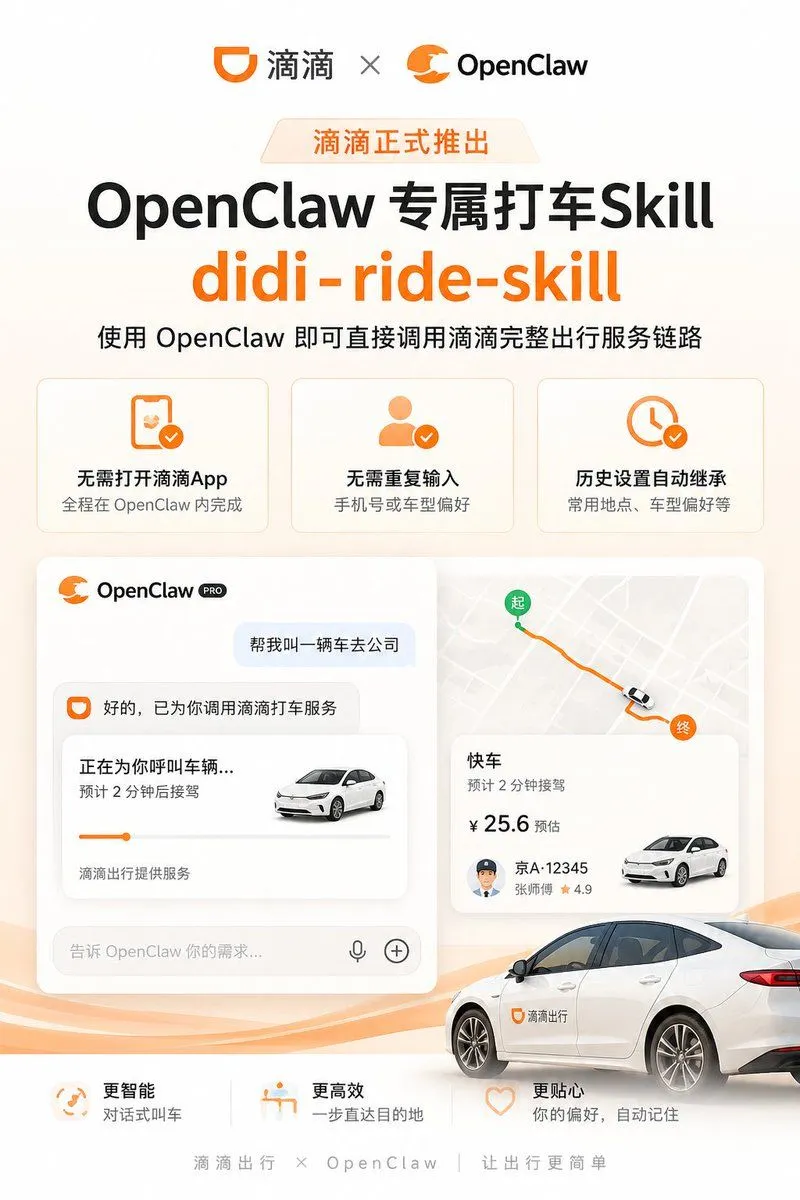
Didi OpenClaw Ride Skill Poster

Made with GPT Image 2 in ChatGPT, collected by Library Brand. Promptclay never generates images.

Did it work?

No reports yet. Tell others if it worked for you.

No comments yet. Be the first.

    Didi OpenClaw Ride Skill Poster

    GPT Image 22:3AI-generated

    Prompt

    {"type":"clean Chinese tech launch poster / product announcement for a ride-hailing AI skill integration","format":"vertical 3:4 social media poster","style":"modern SaaS marketing, warm white and pale orange gradient background, rounded cards, soft shadows, orange brand accents, bold black typography, polished vector UI mockup, high-resolution commercial design","color_palette":"white, cream, bright orange, black, light gray, subtle peach waves","branding":{"top_logos":{"count":2,"items":["滴滴 logo and wordmark on the left","OpenClaw orange claw logo and wordmark on the right"],"separator":"gray multiplication symbol between the two logos"},"main_badge":"{argument name=\"launch badge text\" default=\"滴滴正式推出\"}","headline":"{argument name=\"headline text\" default=\"OpenClaw 专属打车Skill\"}","english_skill_name":"{argument name=\"skill name\" default=\"didi-ride-skill\"}","subheadline":"{argument name=\"subheadline text\" default=\"使用 OpenClaw 即可直接调用滴滴完整出行服务链路\"}"},"layout":{"top_section":"centered logos at the very top, small orange launch badge below, large bold headline, oversized orange skill name, one-line explanatory subtitle","feature_cards":{"position":"upper middle","count":3,"cards":[{"icon":"orange smartphone with check mark","title":"无需打开滴滴App","description":"全程在 OpenClaw 内完成"},{"icon":"orange user silhouette with check mark","title":"无需重复输入","description":"手机号或车型偏好"},{"icon":"orange clock with check mark","title":"历史设置自动继承","description":"常用地点、车型偏好等"}]},"main_demo_area":{"position":"center","count":2,"panels":[{"panel":"left chat UI card","header":"OpenClaw PRO","elements":["user message bubble: 帮我叫一辆车去公司","assistant reply: 好的,已为你调用滴滴打车服务","ride status card title: 正在为你呼叫车辆...","status detail: 预计 2 分钟后接驾","small white sedan image","orange progress line","footer text: 滴滴出行提供服务","input bar placeholder: 告诉 OpenClaw 你的需求...","microphone icon","plus icon"]},{"panel":"right map and ride info card","elements":["light-gray city map","orange route line","green start pin labeled 起","orange destination pin labeled 终","small car marker on route","ride card title: 快车","arrival text: 预计 2 分钟接驾","estimated price: ¥ 25.6 预估","driver plate: 京A·12345","driver name and rating: 张师傅 ★ 4.9","small white sedan image"]}]},"vehicle_visual":"large realistic white sedan in the lower right foreground, partially cropped, with orange Didi logo and 滴滴出行 text on the front door, parked over flowing orange wave graphics","bottom_benefits":{"position":"bottom above footer","count":3,"items":[{"icon":"orange circular smart icon","title":"更智能","description":"对话式叫车"},{"icon":"orange destination/seat icon","title":"更高效","description":"一步直达目的地"},{"icon":"orange heart outline","title":"更贴心","description":"你的偏好,自动记住"}]},"footer":"滴滴出行 × OpenClaw | 让出行更简单"},"typography":"large heavy sans-serif Chinese headline in black, English skill name in bold bright orange, smaller gray body copy, consistent rounded UI type","composition":"ample whitespace, symmetrical top hierarchy, cards aligned in neat grid, central UI mockup occupying most of the poster, car overlaps the mockup for depth, subtle orange waves across the bottom","rendering_notes":"make all Chinese text crisp and legible, use authentic app-style rounded rectangles and shadows, avoid clutter, keep a premium official product-launch feeling"}

    Works in
    ChatGPT, Gemini
    Status
    Free to copy
    0
    DetailsVersions, settings and questions

    Written for

    What's in the prompt

    Subject
    Model
    GPT Image 2

    If your face changes

    keep my face exactly the same

    Questions

    Does this work in the ChatGPT app?
    Yes. Paste the prompt and attach your photo if it uses one.
    It changed my face. What do I do?
    Add "keep my face exactly the same" to the end and run it again.
    Can I use the images I make?
    Check the terms of the app you use. Promptclay never generates images and claims nothing you make.
    Similar prompts

    See more
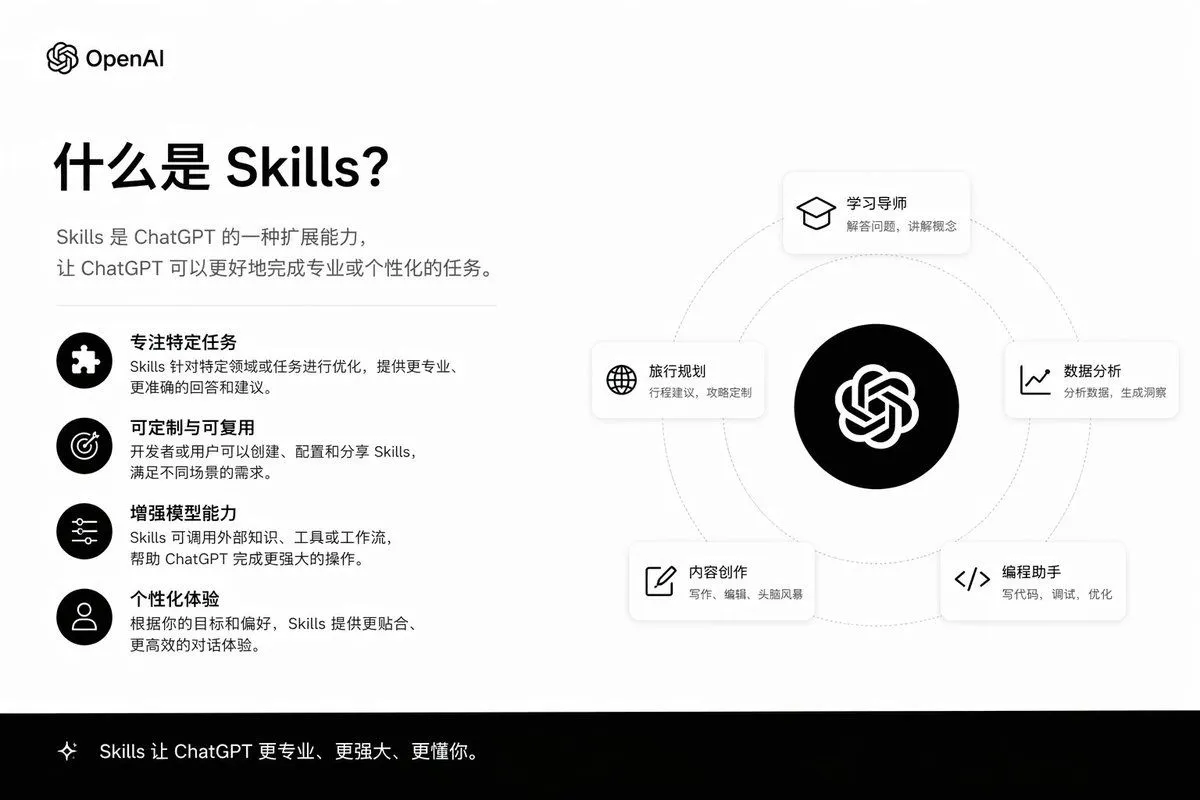
    • Skills Introduction PPT Slide
    • Professional Tool Launch Poster
    • Five GitHub AI Tools Tech Poster
    • Japanese AI App Promo Banner
    • Neon Japanese AI IDE Landing Poster
    • Fake Apple CEO Announcement Poster
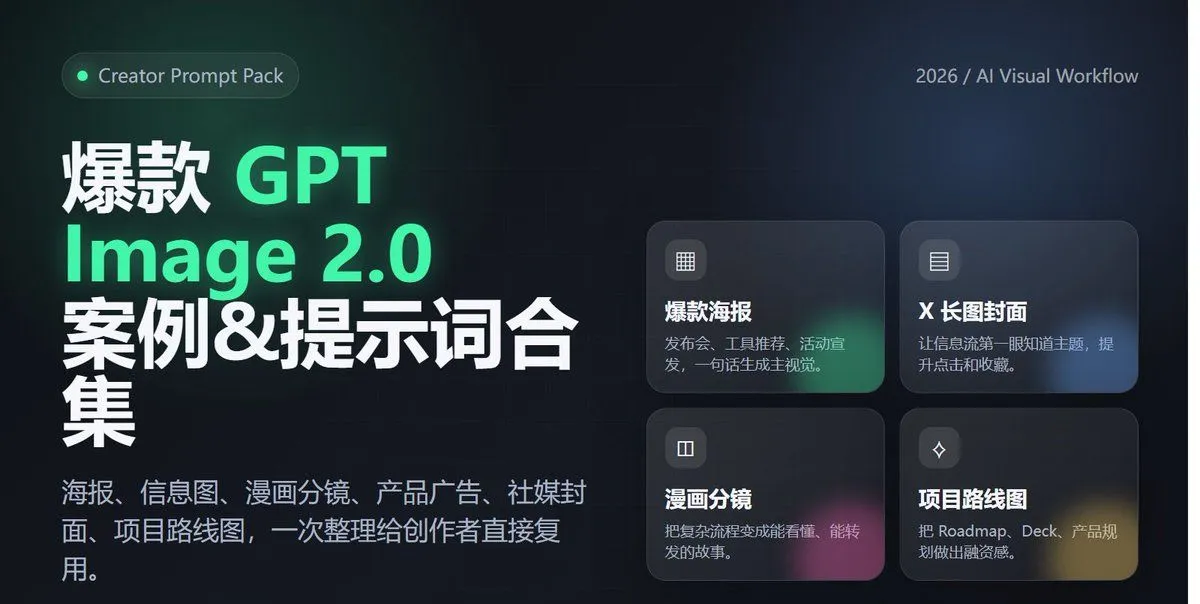
    • Comparing Nano Banana Pro and 2 with a Profile Flyer Prompt
    • AI Assistant App UI Mockup
    • System Prompt for Nano Banana Pro Image Prompt Deconstruction
    • Futuristic AI Windows Login Poster
    • Futuristic AI Summit Poster
    • OpenAI CEO Announcement Mockup
    • Selective Material Image Editing
    • AI Comic Production Workflow and Infographic Prompt
    • Turn photo into a Lamborghini ad
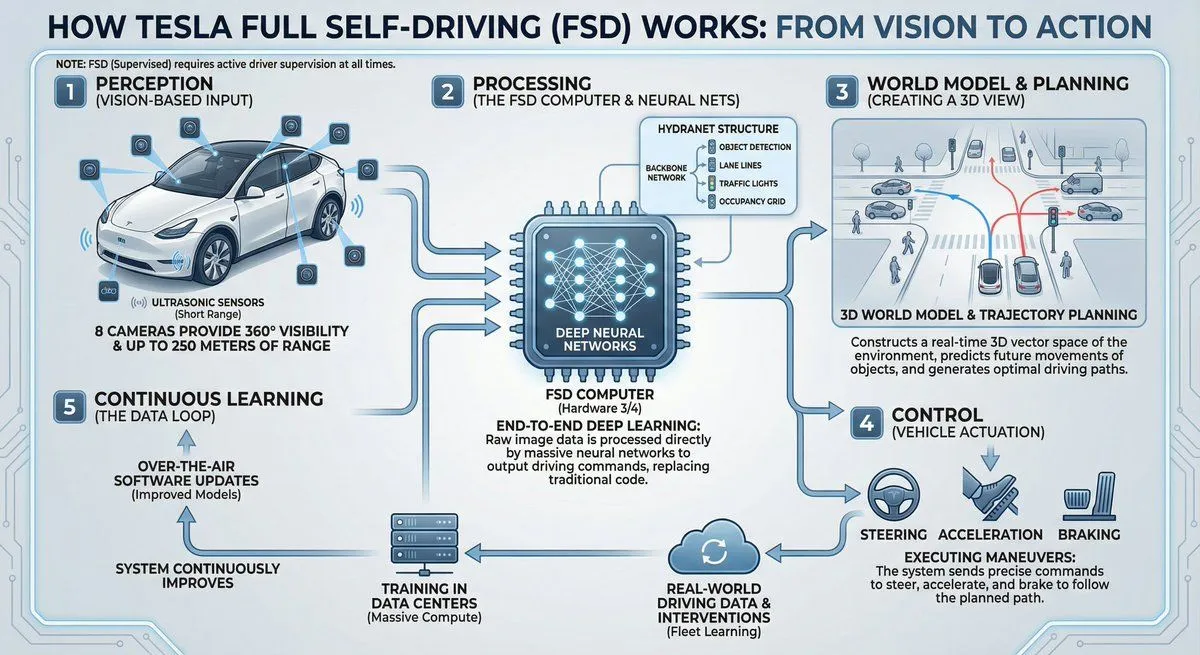
    • Tesla FSD explainer infographic
    • Chinese Live-Streaming App UI Mockup
    • Reverse-Engineering Reusable Prompt Templates for Advertising
    • Premium Studio Ad Visual for Starbucks Frappuccino
    • Aggressive Trolling Prompt with Tieba Slang
    • AI Girl Daily Routine Poster
    • Anime Knife Day Merchant Stall
    • Mechanical Keyboard Product Page Mockup
    • Tech Tutorial Thumbnail with UI Mockup

    Show more

    Run it on your phone

    1. Prompt copiedRead it

      {"type":"clean Chinese tech launch poster / product announcement for a ride-hailing AI skill integration","format":"vertical 3:4 social media poster","style":"modern SaaS marketing, warm white and pale orange gradient background, rounded cards, soft shadows, orange brand accents, bold black typography, polished vector UI mockup, high-resolution commercial design","color_palette":"white, cream, bright orange, black, light gray, subtle peach waves","branding":{"top_logos":{"count":2,"items":["滴滴 logo and wordmark on the left","OpenClaw orange claw logo and wordmark on the right"],"separator":"gray multiplication symbol between the two logos"},"main_badge":"{argument name=\"launch badge text\" default=\"滴滴正式推出\"}","headline":"{argument name=\"headline text\" default=\"OpenClaw 专属打车Skill\"}","english_skill_name":"{argument name=\"skill name\" default=\"didi-ride-skill\"}","subheadline":"{argument name=\"subheadline text\" default=\"使用 OpenClaw 即可直接调用滴滴完整出行服务链路\"}"},"layout":{"top_section":"centered logos at the very top, small orange launch badge below, large bold headline, oversized orange skill name, one-line explanatory subtitle","feature_cards":{"position":"upper middle","count":3,"cards":[{"icon":"orange smartphone with check mark","title":"无需打开滴滴App","description":"全程在 OpenClaw 内完成"},{"icon":"orange user silhouette with check mark","title":"无需重复输入","description":"手机号或车型偏好"},{"icon":"orange clock with check mark","title":"历史设置自动继承","description":"常用地点、车型偏好等"}]},"main_demo_area":{"position":"center","count":2,"panels":[{"panel":"left chat UI card","header":"OpenClaw PRO","elements":["user message bubble: 帮我叫一辆车去公司","assistant reply: 好的,已为你调用滴滴打车服务","ride status card title: 正在为你呼叫车辆...","status detail: 预计 2 分钟后接驾","small white sedan image","orange progress line","footer text: 滴滴出行提供服务","input bar placeholder: 告诉 OpenClaw 你的需求...","microphone icon","plus icon"]},{"panel":"right map and ride info card","elements":["light-gray city map","orange route line","green start pin labeled 起","orange destination pin labeled 终","small car marker on route","ride card title: 快车","arrival text: 预计 2 分钟接驾","estimated price: ¥ 25.6 预估","driver plate: 京A·12345","driver name and rating: 张师傅 ★ 4.9","small white sedan image"]}]},"vehicle_visual":"large realistic white sedan in the lower right foreground, partially cropped, with orange Didi logo and 滴滴出行 text on the front door, parked over flowing orange wave graphics","bottom_benefits":{"position":"bottom above footer","count":3,"items":[{"icon":"orange circular smart icon","title":"更智能","description":"对话式叫车"},{"icon":"orange destination/seat icon","title":"更高效","description":"一步直达目的地"},{"icon":"orange heart outline","title":"更贴心","description":"你的偏好,自动记住"}]},"footer":"滴滴出行 × OpenClaw | 让出行更简单"},"typography":"large heavy sans-serif Chinese headline in black, English skill name in bold bright orange, smaller gray body copy, consistent rounded UI type","composition":"ample whitespace, symmetrical top hierarchy, cards aligned in neat grid, central UI mockup occupying most of the poster, car overlaps the mockup for depth, subtle orange waves across the bottom","rendering_notes":"make all Chinese text crisp and legible, use authentic app-style rounded rectangles and shadows, avoid clutter, keep a premium official product-launch feeling"}

    2. Open your app

      This prompt is long, so it is copied instead of sent in the link. Paste it in the app.

    3. Paste and run

      Press and hold the message box, then tap Paste. Add your photo first if the prompt uses one. You may need to sign in.

    Didi OpenClaw Ride Skill Poster