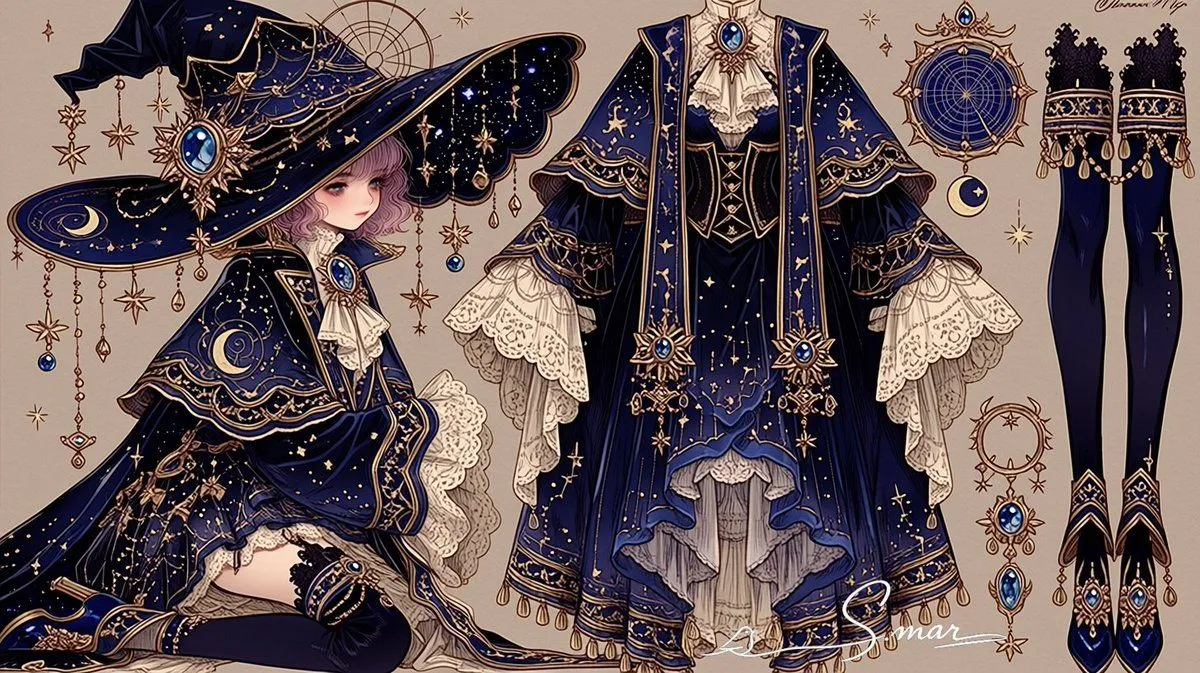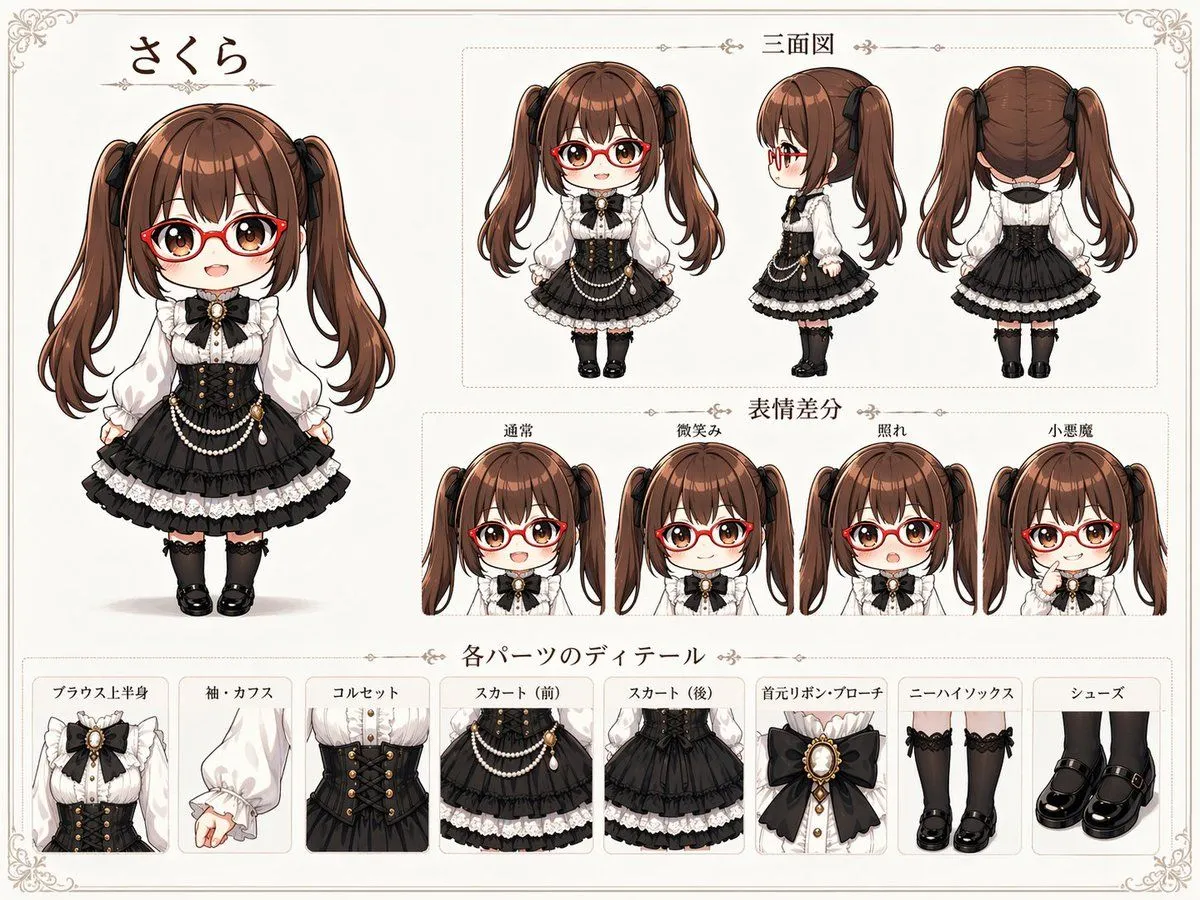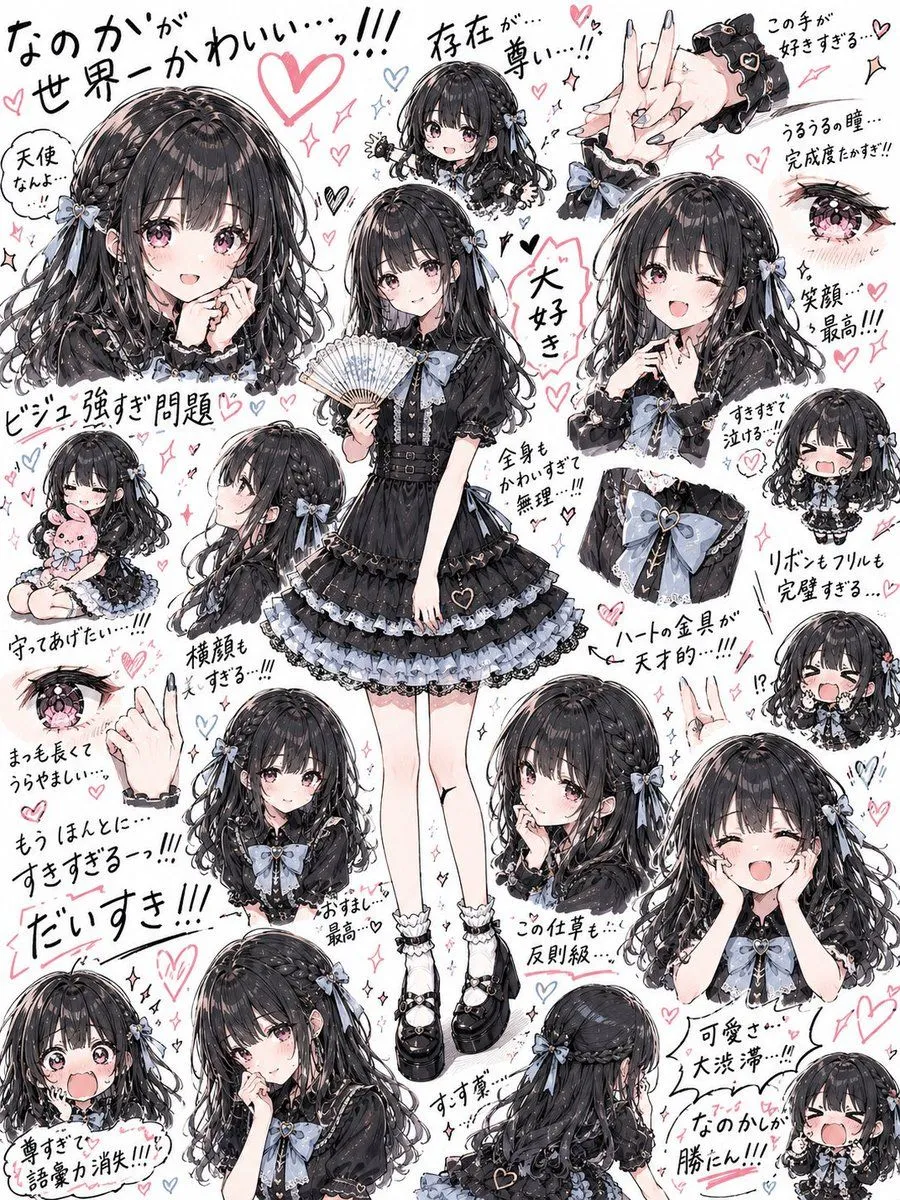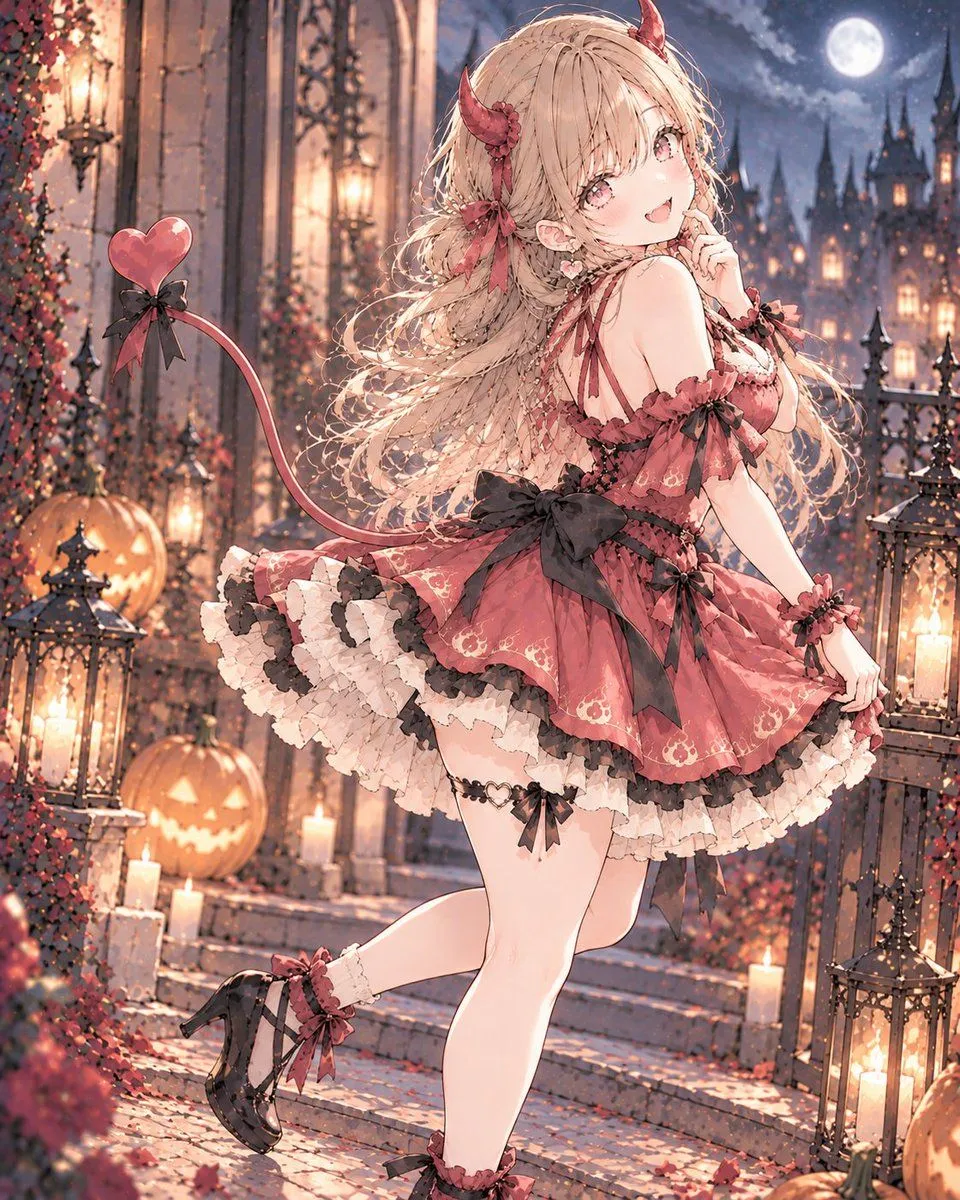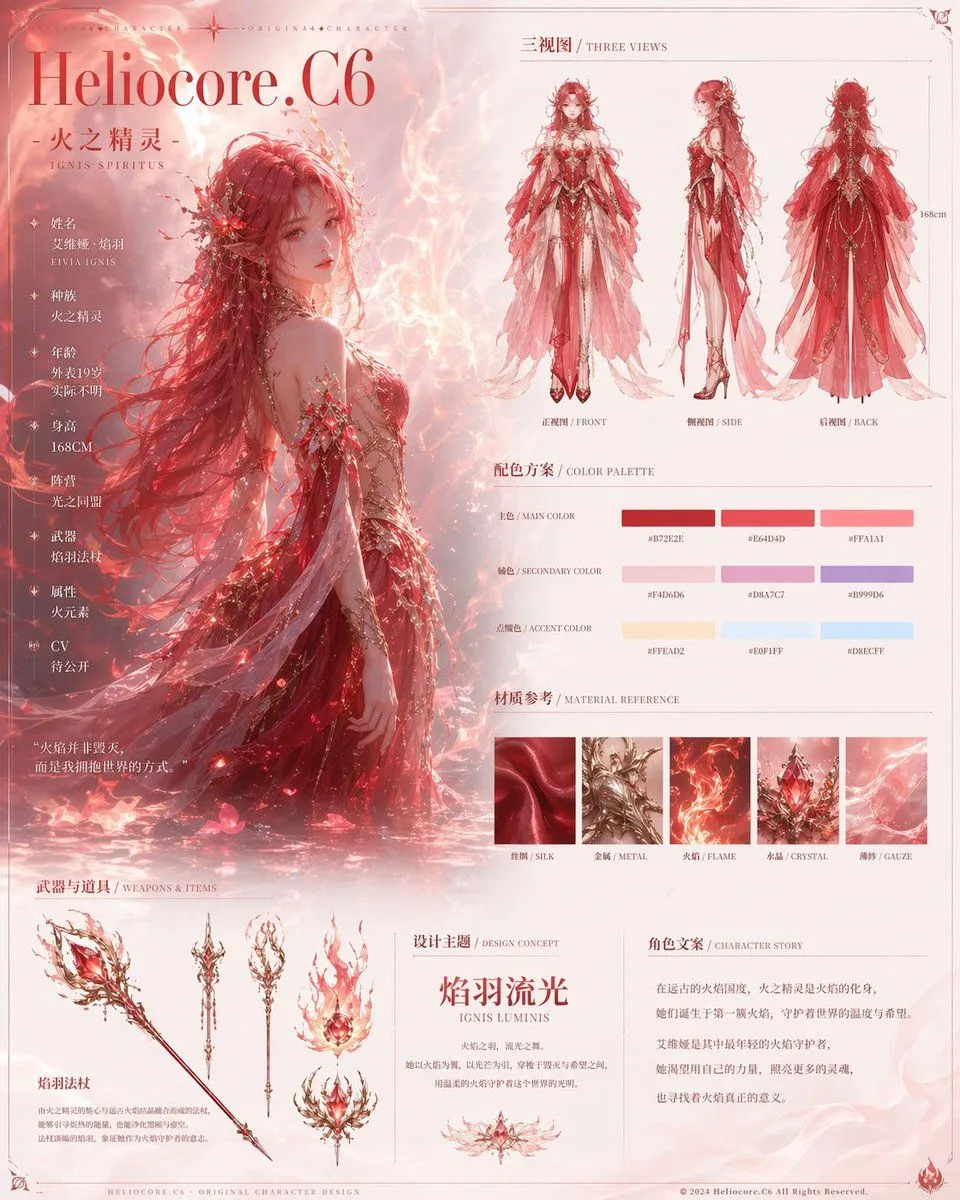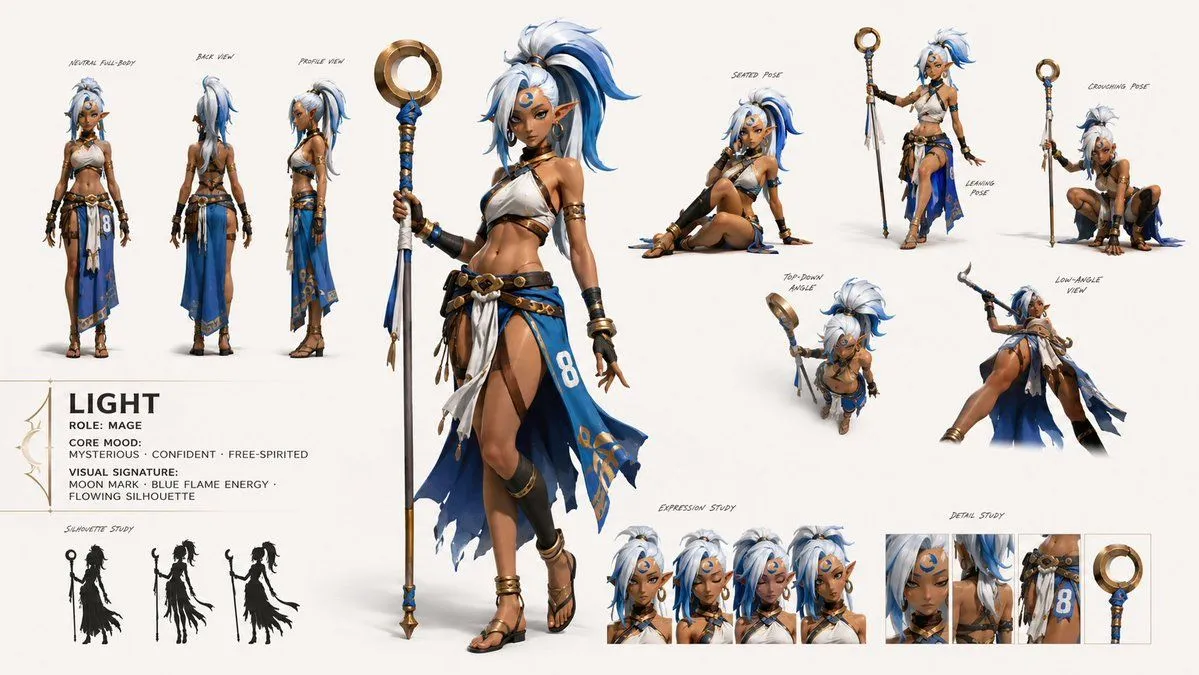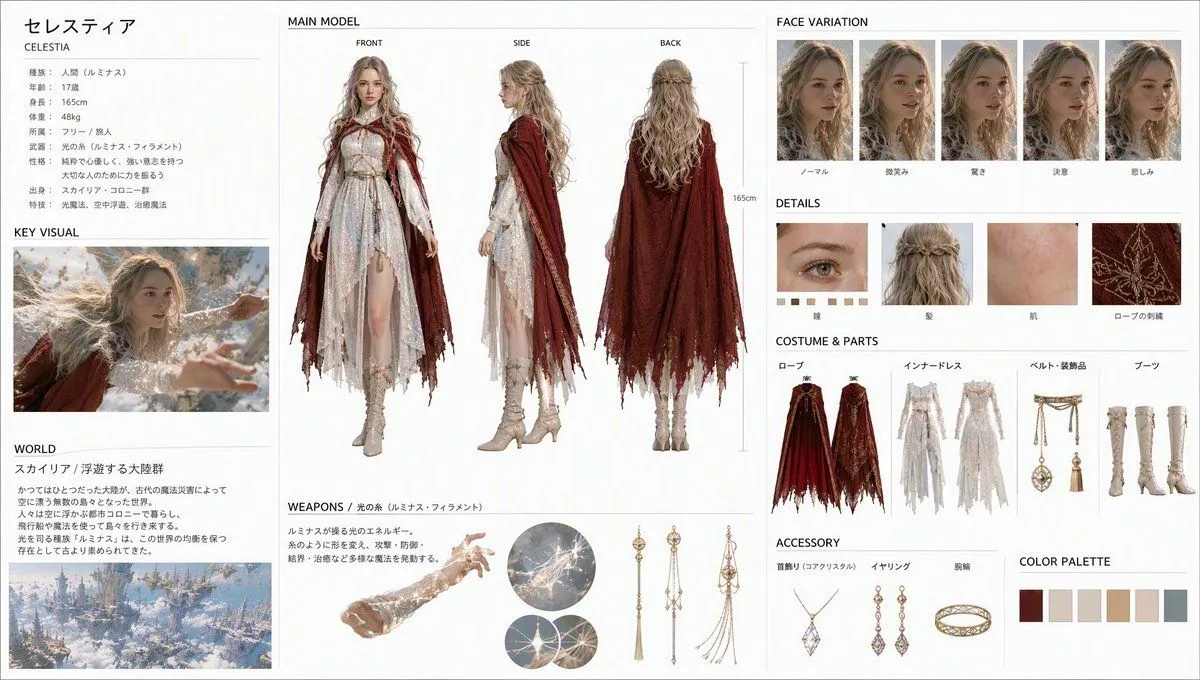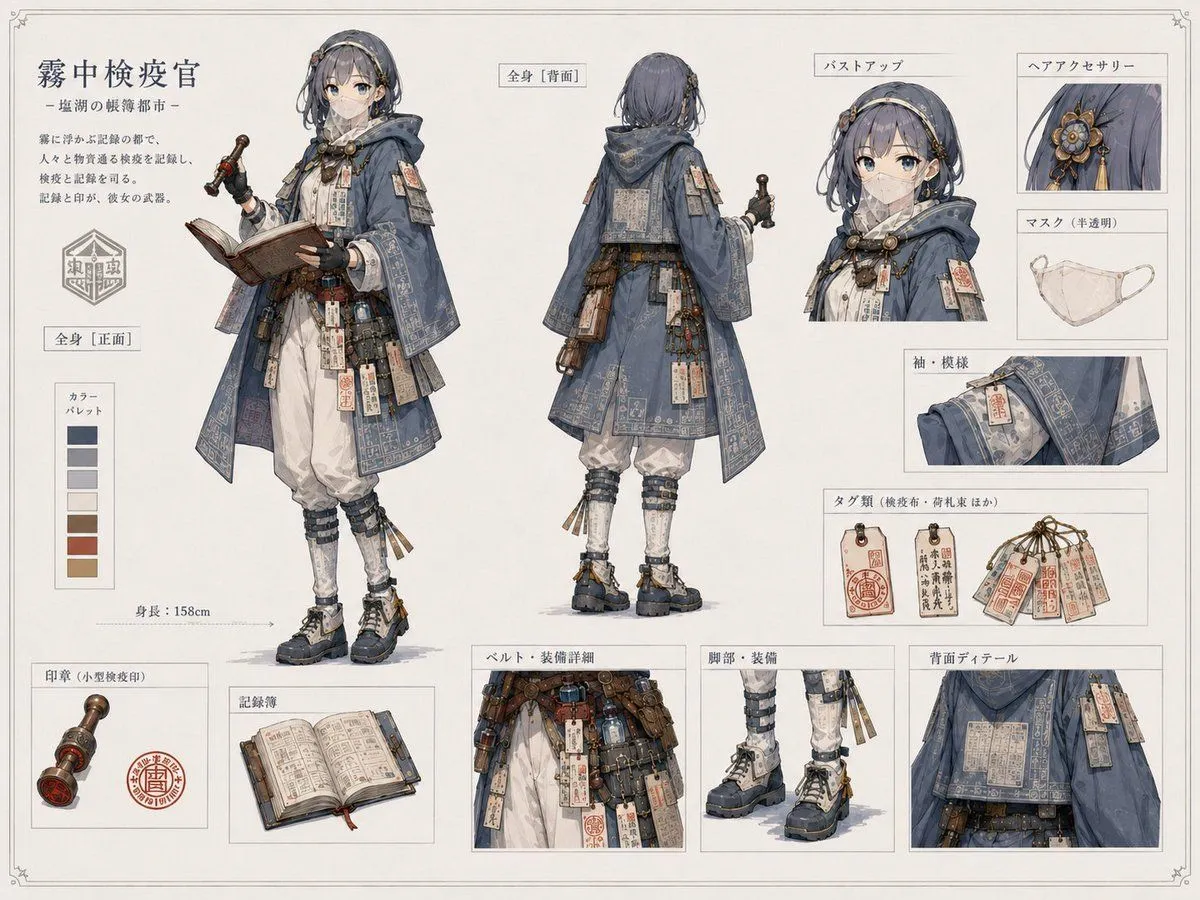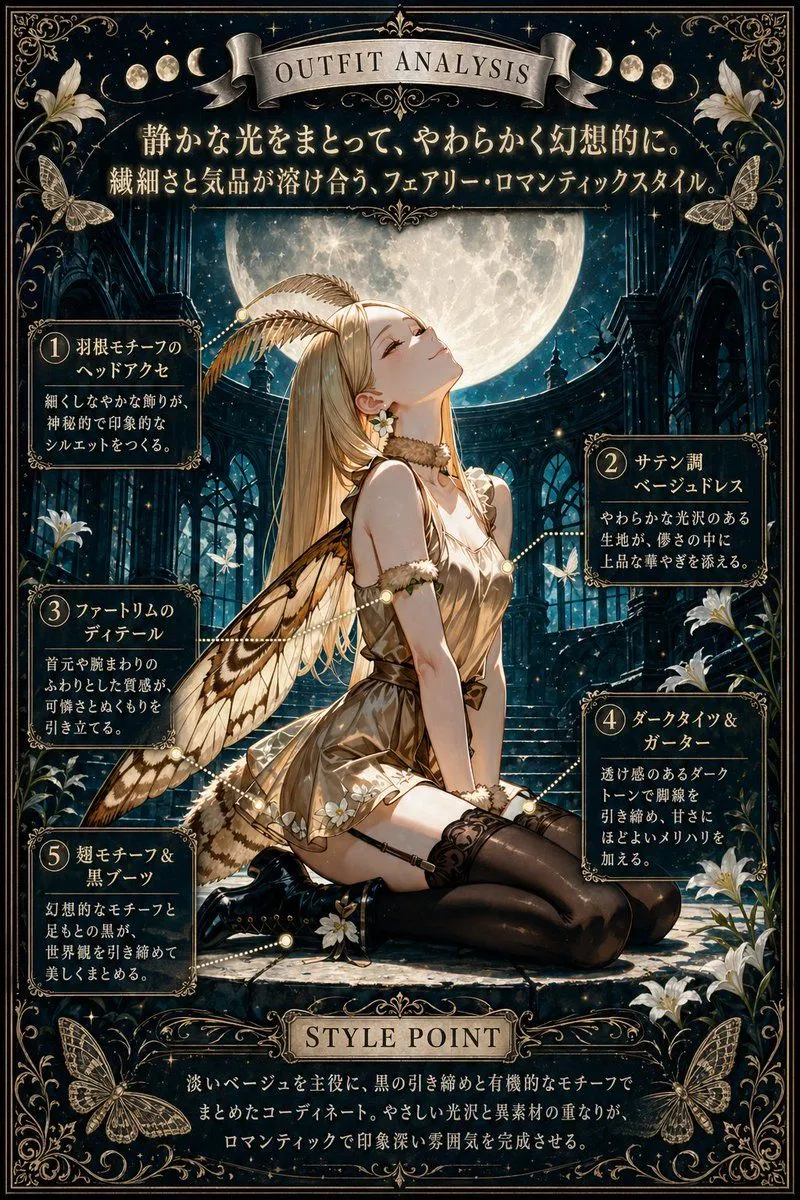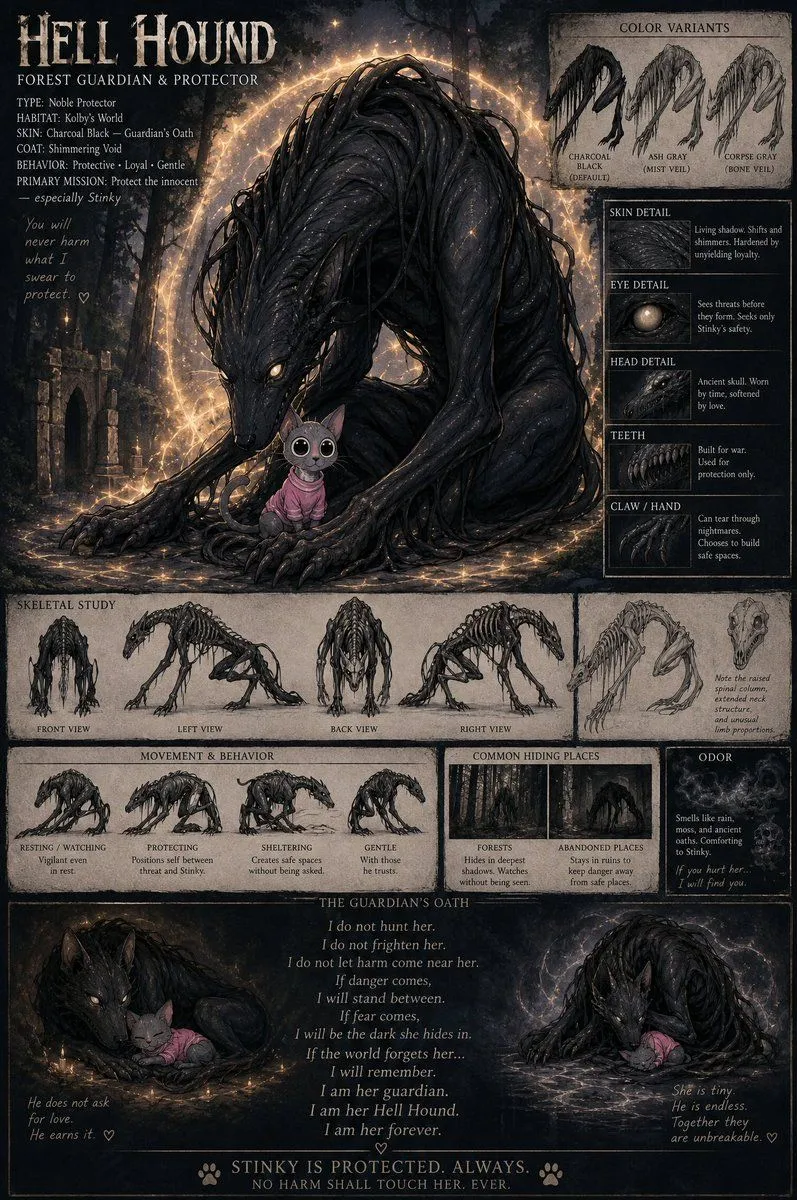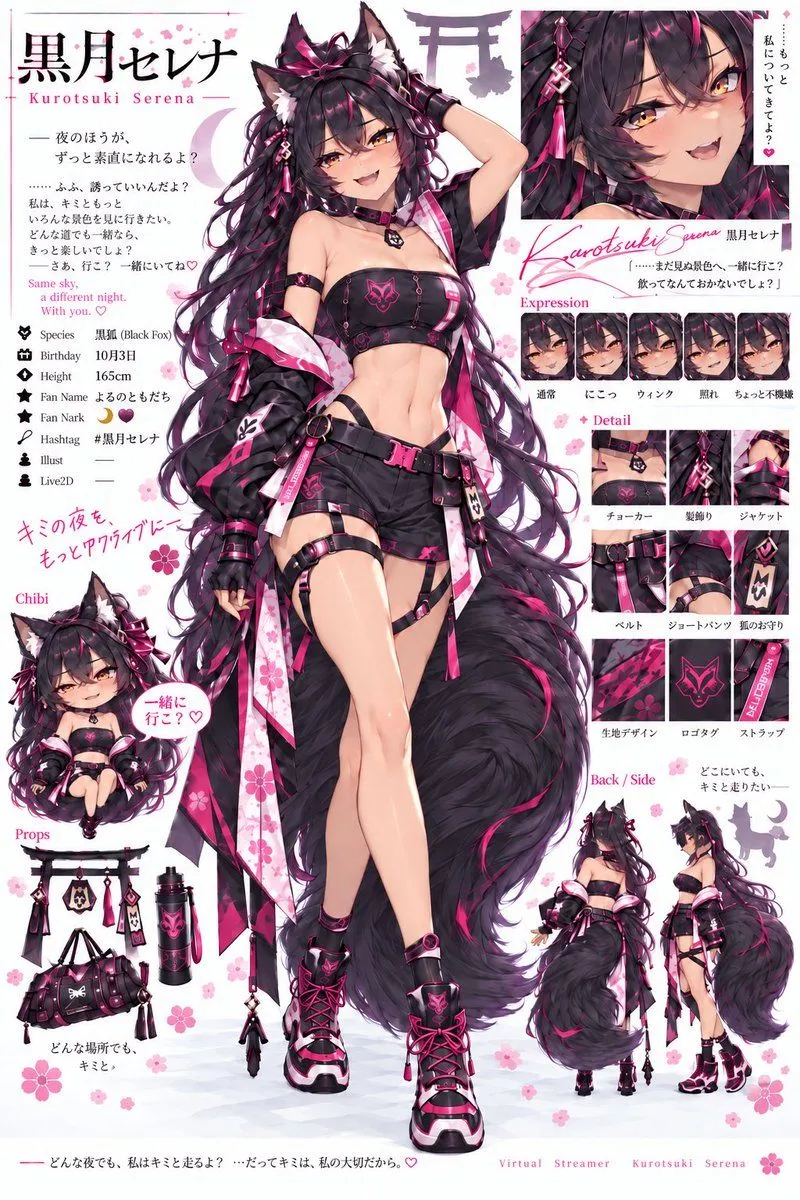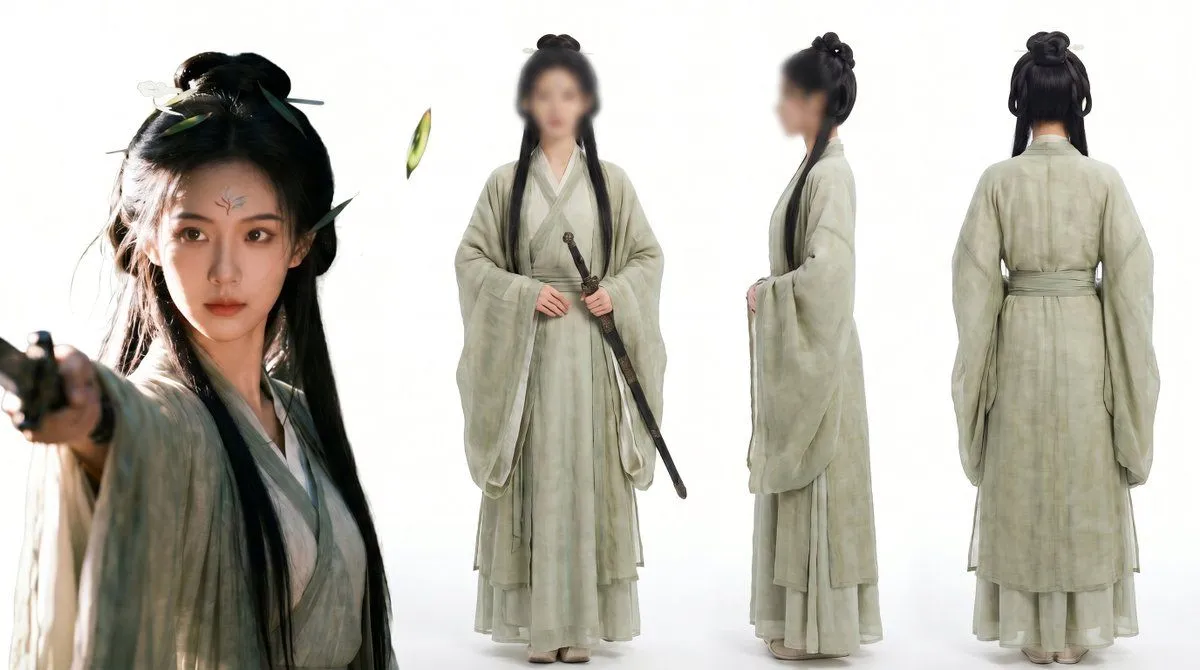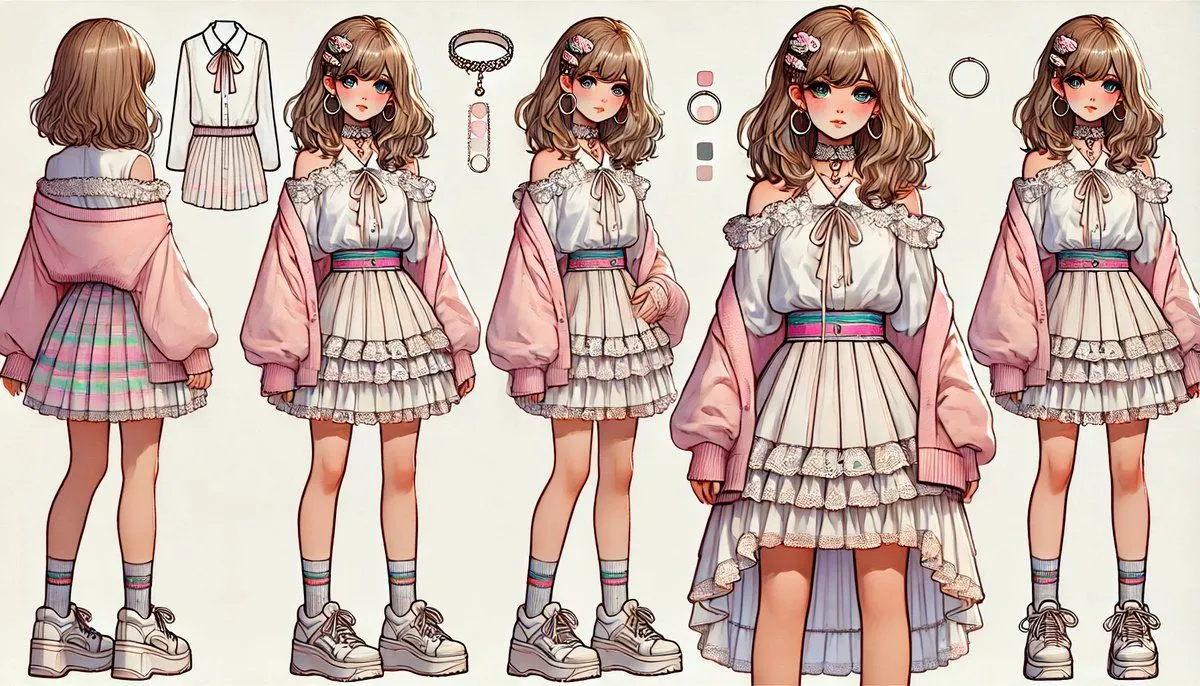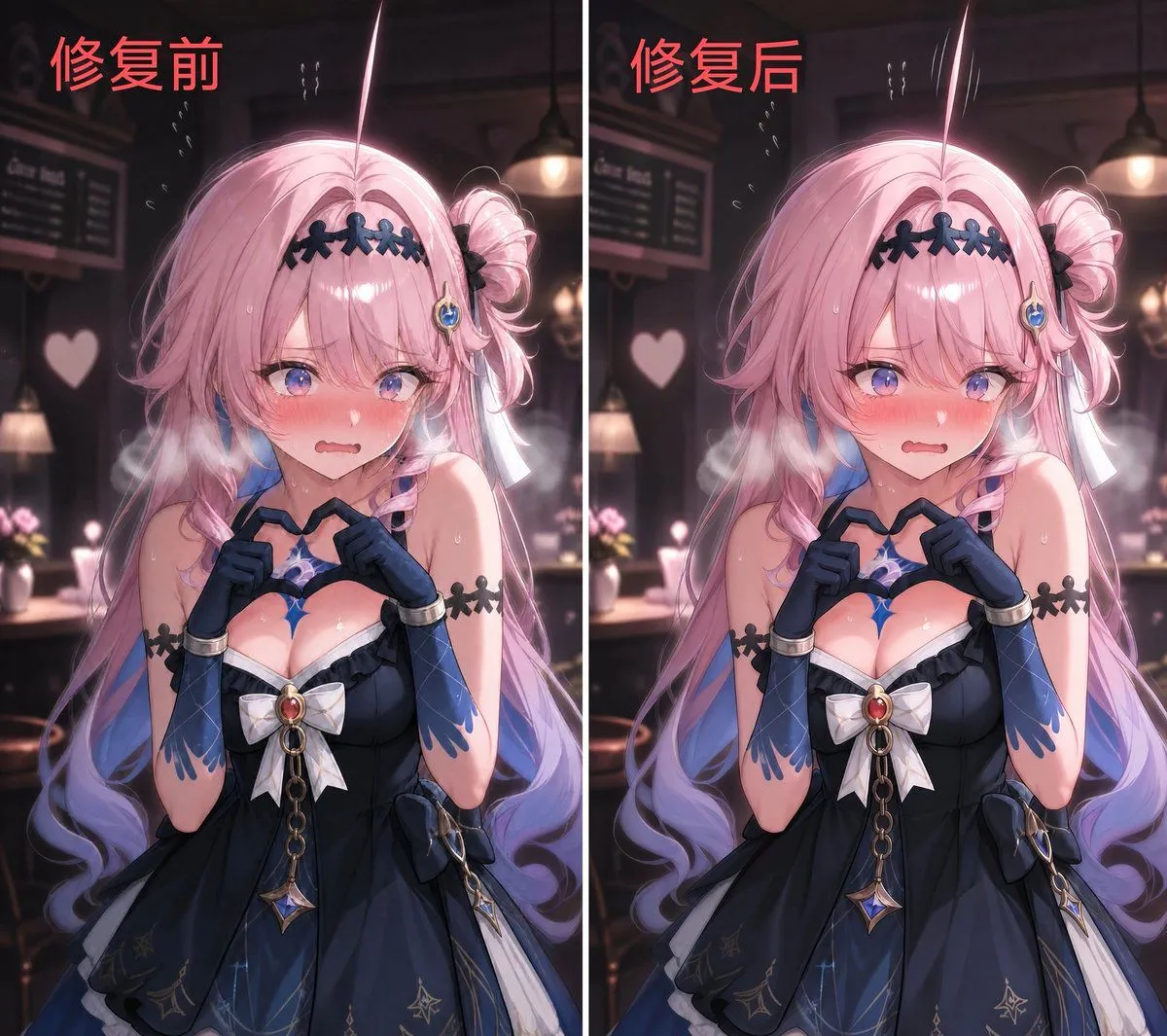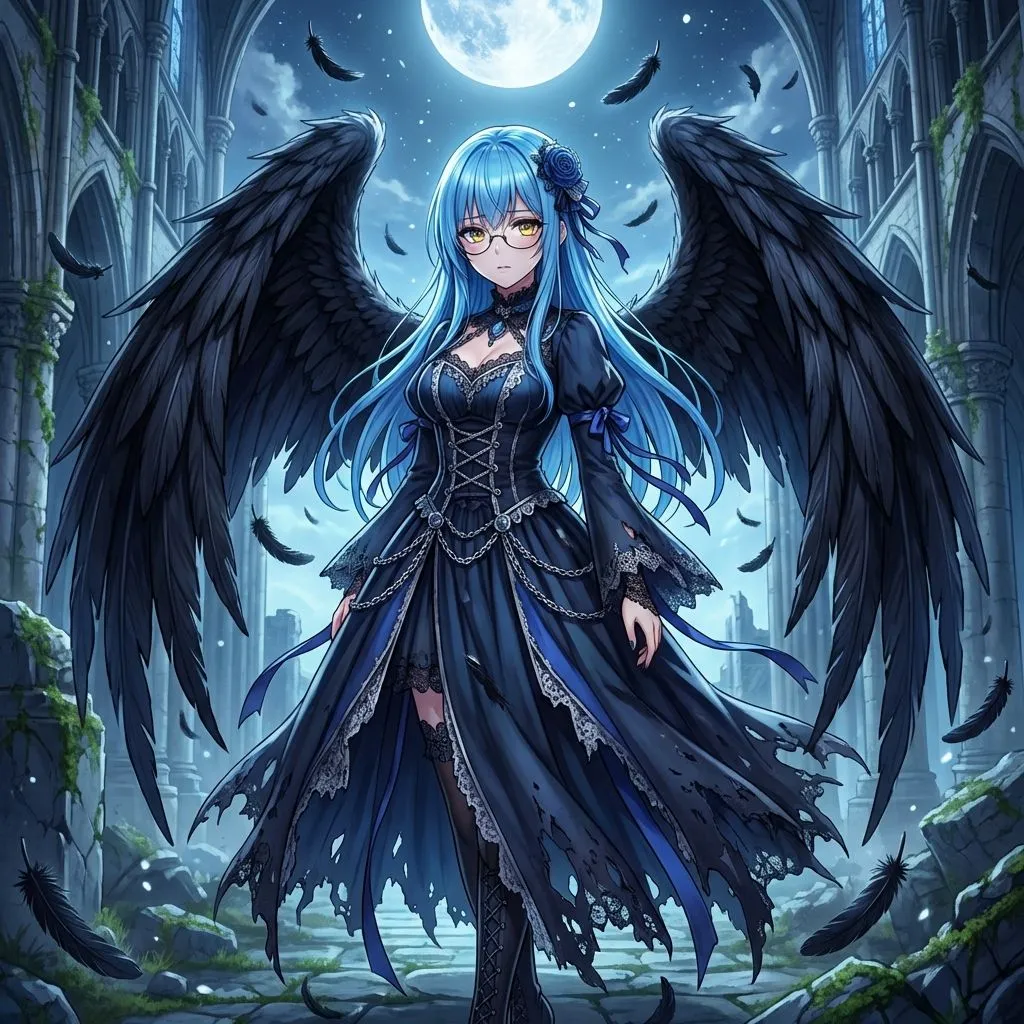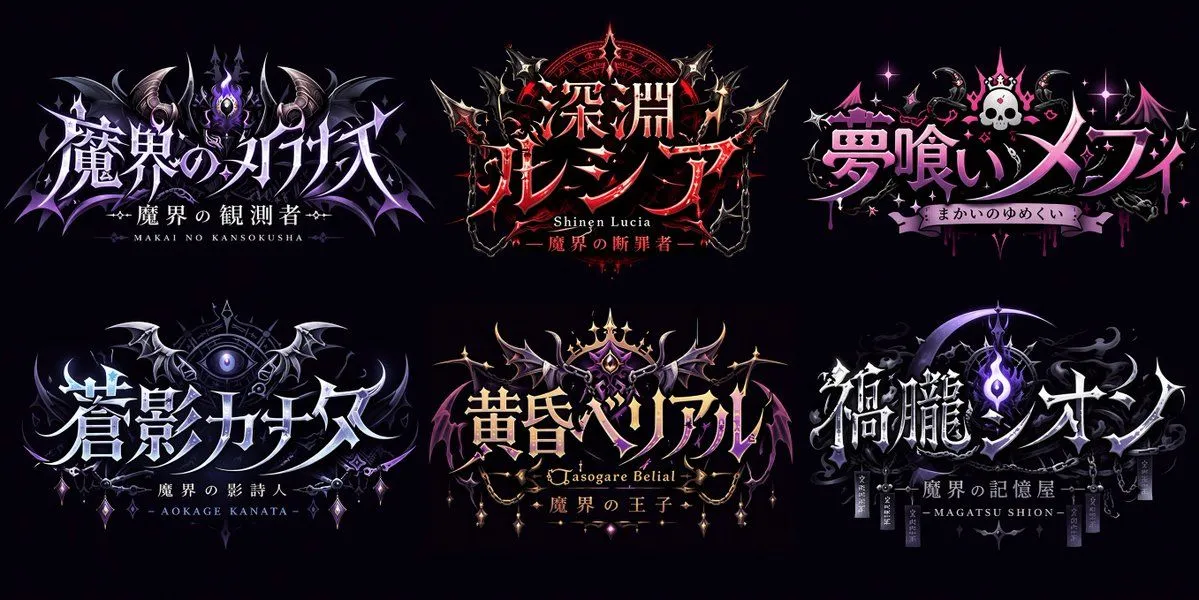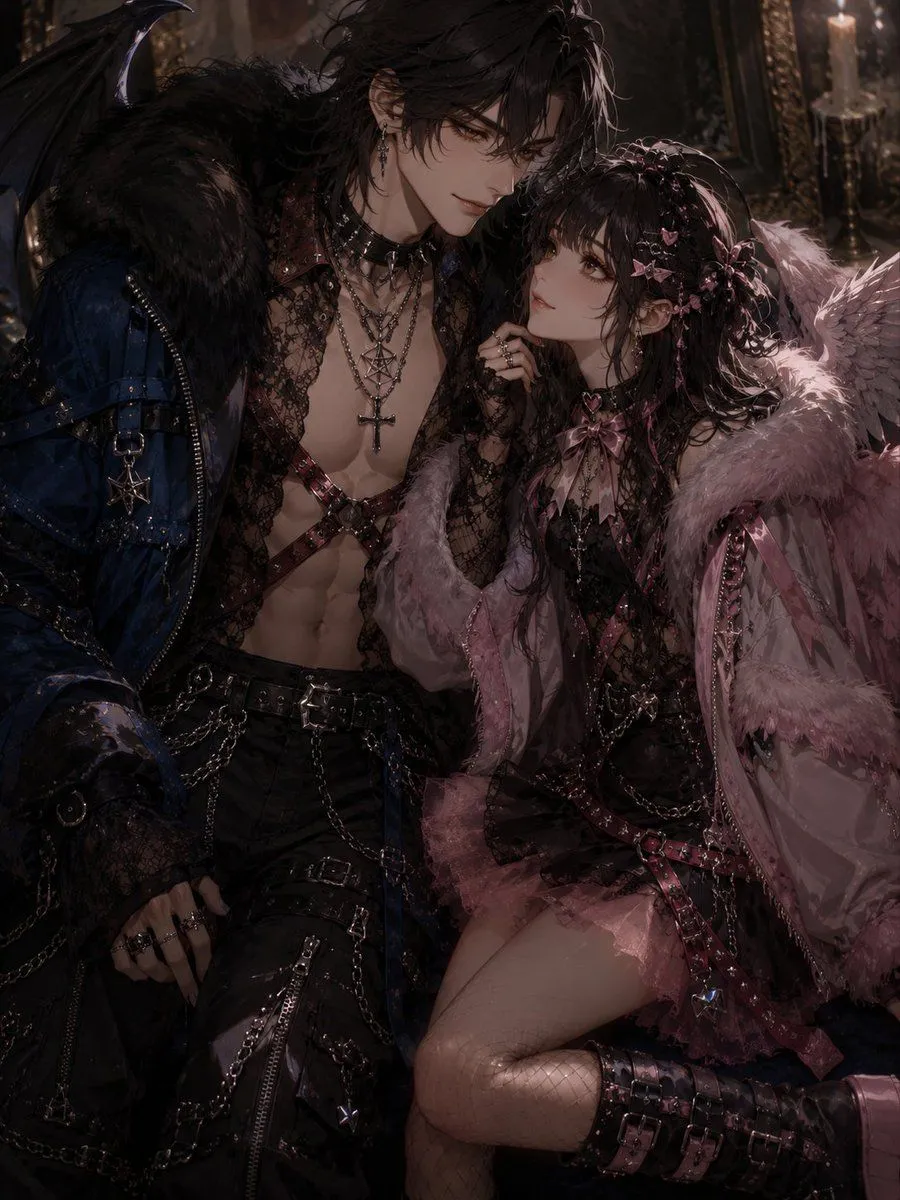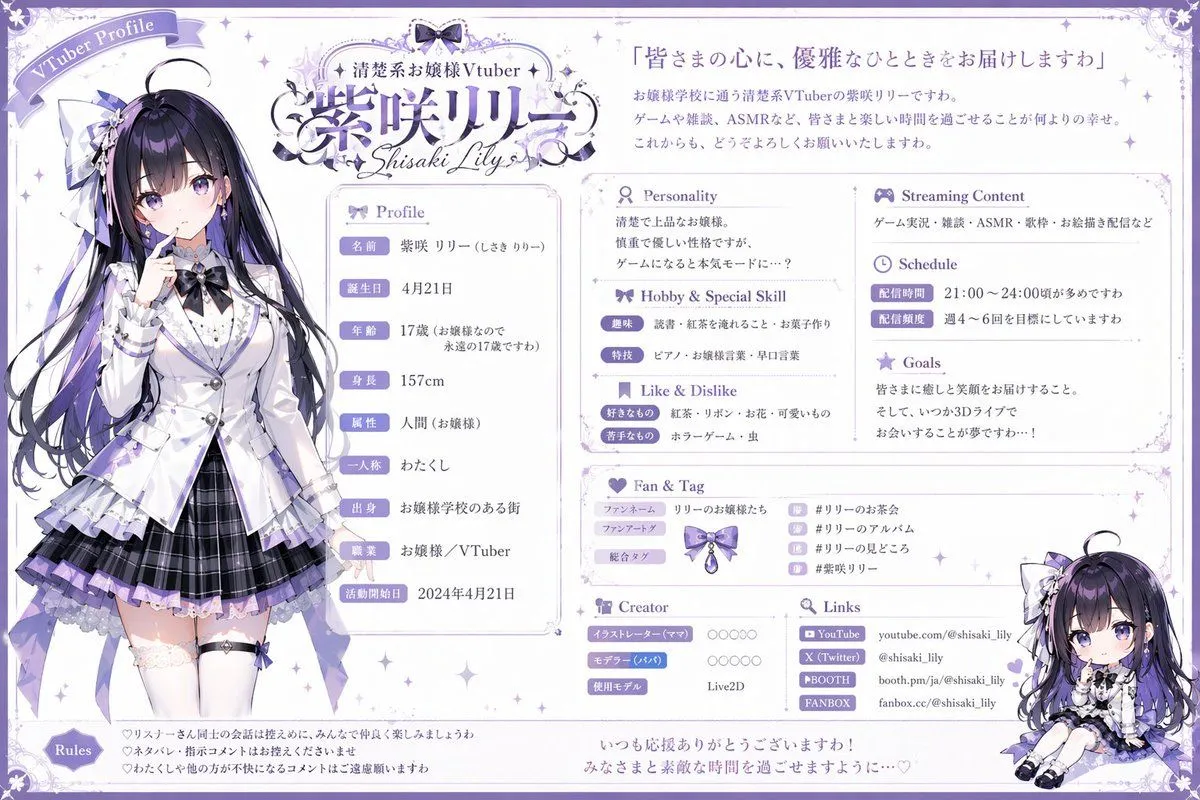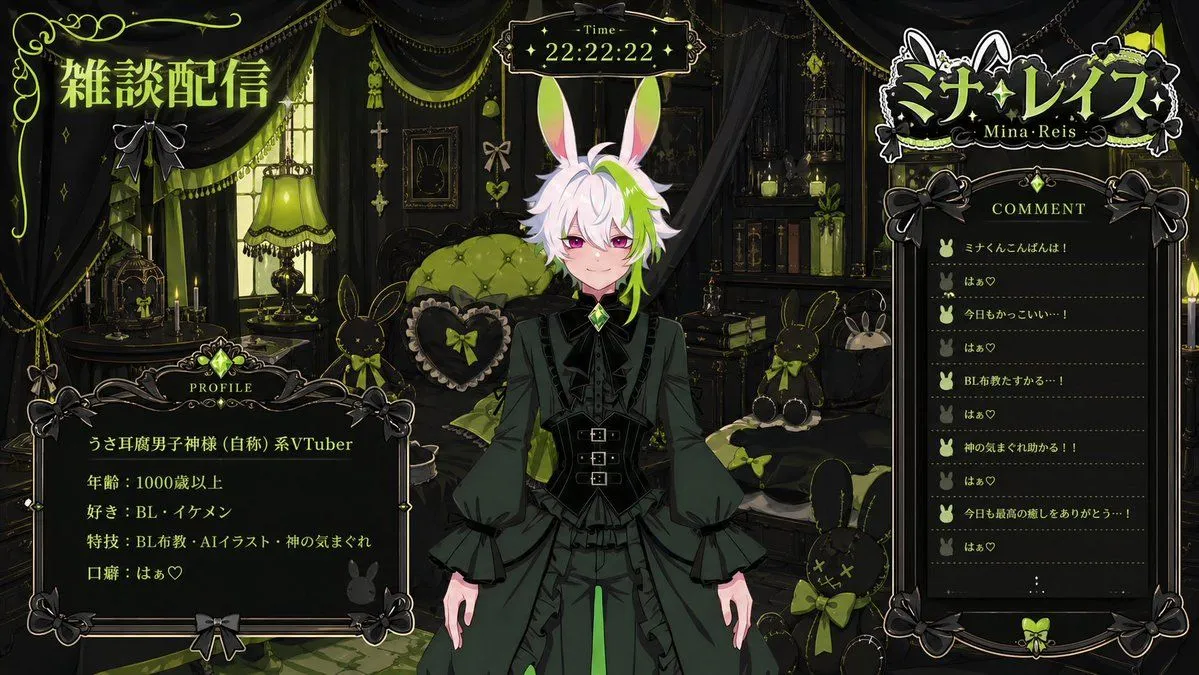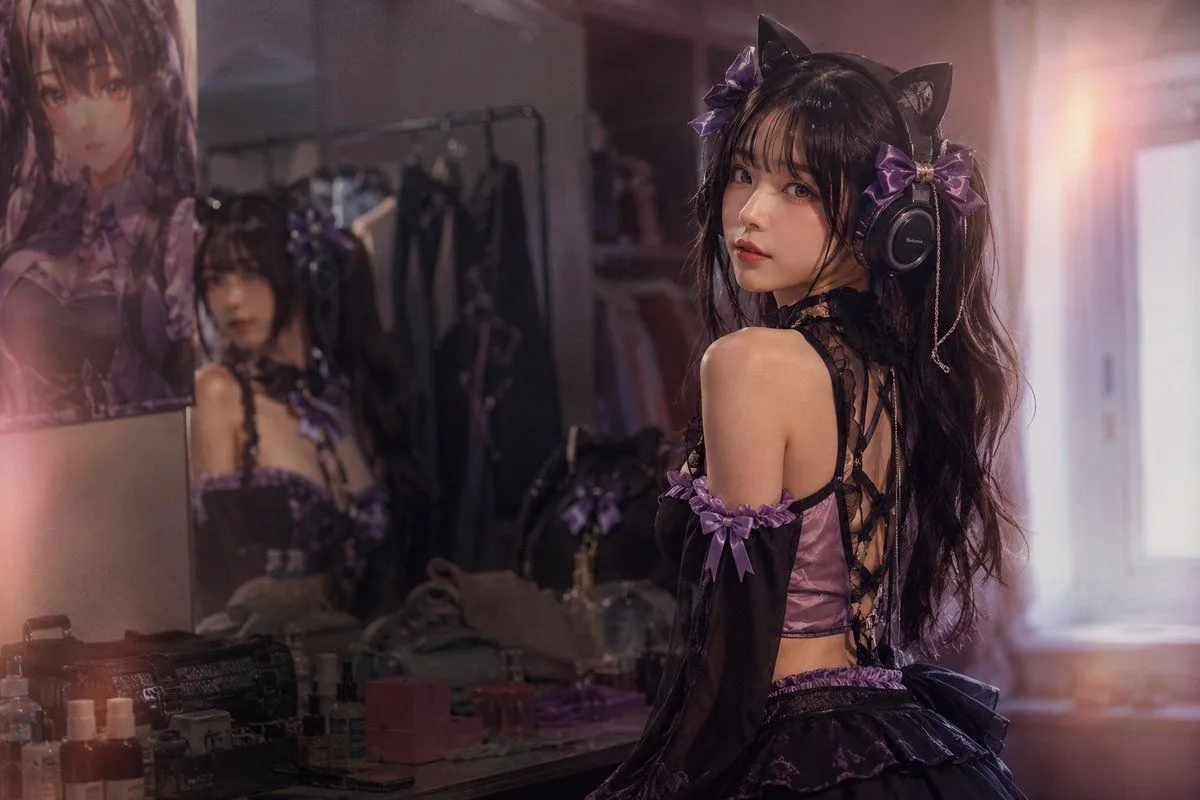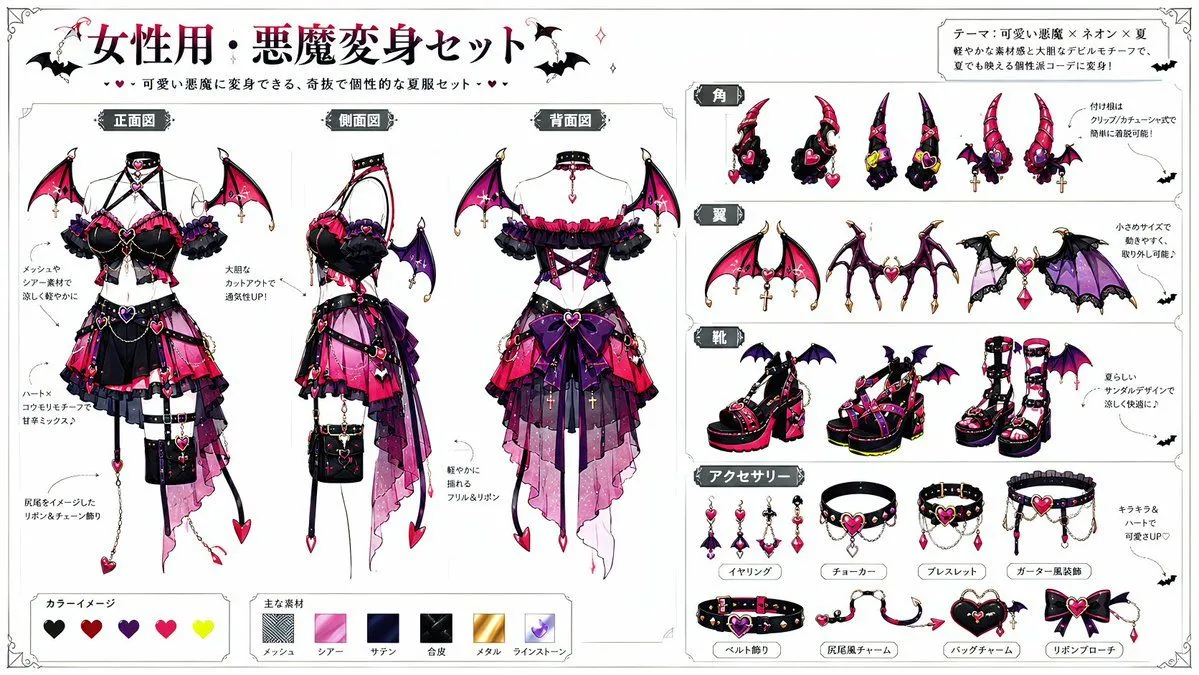
Made with GPT Image 2 in ChatGPT, collected by Library Anime. Promptclay never generates images.
Did it work?
No reports yet. Tell others if it worked for you.
Devil Transformation Character Design
Prompt
3 blanks to fill[Information Input Field] Character Name: [{character_name}] (Required) Additional Notes: [{additional_notes}] (Enter if there is anything you want to tell the AI) ----------------- [Image Generation Instructions] Based on the character in attached image 1, dress them using the devil transformation set in attached image 2. Read the character's appearance, atmosphere, age, expression, equipment, and personality traits from the input character name and attached image 1. Automatically devise a background, situation, posing, expression, composition, lighting, and a short phrase within the image. Maintain the original character's hairstyle, hair color, eye color, physique, facial features, age, atmosphere, and character personality. Reflect the design elements of the devil transformation set so they blend naturally with the original character. It should not just be layering a costume, but an integrated design showing the original character transformed into a devil. Pay particular attention to the placement of horns and tails, depicting them to look anatomically and visually natural. Horns should sprout naturally from the head and not look like they are roughly placed on top of the hair. The base of the horns should be at the top of the head, near the forehead, or around the temples in a reasonable position, with balanced symmetry, orientation, length, thickness, and a proper sense of connection. The tail should sprout naturally from the lower back as an extension of the tailbone, and not from unnatural positions like the abdomen, chest, legs, or arms. Adjust the horns and tail to look natural according to the pose and costume, ensuring no awkward connections, floating bases, nonsensical numbers, unnatural curves, or strange growth patterns. Construct a new background and situation as a scene that strongly conveys the character's charm, without relying on standard compositions. Make the character's expression, costume, pose, gaze, and gestures the main focus, rather than just flashy backgrounds. Treat the expression as a high-priority item. Do not use expressionless, straight, flatly calm, or standard 'cool' faces. Create an impressive expression that looks like multiple emotions are layered, rather than a single simple emotion. Add variety to the expression using eyebrows, eye direction, pupil highlights, corners of the mouth, cheeks, face angle, and neck tilt. Make it a natural expression that is slightly broken rather than perfectly symmetrical. Create an expression that makes viewers want to imagine the character's inner thoughts. For posing, prioritize showing the entire costume while creating a dynamic composition that conveys the character's personality and the atmosphere after transformation. Do not use a pose where the character is just standing. Emphasize character traits using weapons, wings, horns, tails, chains, accessories, hand gestures, and gaze direction. Utilize the eccentricity of the devil transformation set but do not crush the original character's individuality. Ensure the original character does not look like a different person. In the top-left or bottom-right of the screen, automatically generate a title with decorations, with the first line being the '[Character Name]' and the second line being the title/nickname gained this time, placed at the same font size. The text should be a size that does not interfere with the image. Only if there is content in the additional notes of the information field, reflect that content in the generated image. Style: - High-quality 2D animation - Language: Japanese - Genre: Dark fantasy leaning, but do not make the background too dark. - Delicate costume design - Character-focused - Impressive expressions - Dramatic lighting Aspect Ratio: {aspect_ratio}
Preview of your prompt
[Information Input Field] Character Name: [{character_name}] (Required) Additional Notes: [optional] (Enter if there is anything you want to tell the AI) ----------------- [Image Generation Instructions] Based on the character in attached image 1, dress them using the devil transformation set in attached image 2. Read the character's appearance, atmosphere, age, expression, equipment, and personality traits from the input character name and attached image 1. Automatically devise a background, situation, posing, expression, composition, lighting, and a short phrase within the image. Maintain the original character's hairstyle, hair color, eye color, physique, facial features, age, atmosphere, and character personality. Reflect the design elements of the devil transformation set so they blend naturally with the original character. It should not just be layering a costume, but an integrated design showing the original character transformed into a devil. Pay particular attention to the placement of horns and tails, depicting them to look anatomically and visually natural. Horns should sprout naturally from the head and not look like they are roughly placed on top of the hair. The base of the horns should be at the top of the head, near the forehead, or around the temples in a reasonable position, with balanced symmetry, orientation, length, thickness, and a proper sense of connection. The tail should sprout naturally from the lower back as an extension of the tailbone, and not from unnatural positions like the abdomen, chest, legs, or arms. Adjust the horns and tail to look natural according to the pose and costume, ensuring no awkward connections, floating bases, nonsensical numbers, unnatural curves, or strange growth patterns. Construct a new background and situation as a scene that strongly conveys the character's charm, without relying on standard compositions. Make the character's expression, costume, pose, gaze, and gestures the main focus, rather than just flashy backgrounds. Treat the expression as a high-priority item. Do not use expressionless, straight, flatly calm, or standard 'cool' faces. Create an impressive expression that looks like multiple emotions are layered, rather than a single simple emotion. Add variety to the expression using eyebrows, eye direction, pupil highlights, corners of the mouth, cheeks, face angle, and neck tilt. Make it a natural expression that is slightly broken rather than perfectly symmetrical. Create an expression that makes viewers want to imagine the character's inner thoughts. For posing, prioritize showing the entire costume while creating a dynamic composition that conveys the character's personality and the atmosphere after transformation. Do not use a pose where the character is just standing. Emphasize character traits using weapons, wings, horns, tails, chains, accessories, hand gestures, and gaze direction. Utilize the eccentricity of the devil transformation set but do not crush the original character's individuality. Ensure the original character does not look like a different person. In the top-left or bottom-right of the screen, automatically generate a title with decorations, with the first line being the '[Character Name]' and the second line being the title/nickname gained this time, placed at the same font size. The text should be a size that does not interfere with the image. Only if there is content in the additional notes of the information field, reflect that content in the generated image. Style: - High-quality 2D animation - Language: Japanese - Genre: Dark fantasy leaning, but do not make the background too dark. - Delicate costume design - Character-focused - Impressive expressions - Dramatic lighting Aspect Ratio: 3:4
DetailsVersions, settings and questions
Written for
What's in the prompt
- Subject
- Model
- GPT Image 2
If your face changes
keep my face exactly the sameQuestions
- Does this work in the ChatGPT app?
- Yes. Paste the prompt and attach your photo if it uses one.
- It changed my face. What do I do?
- Add "keep my face exactly the same" to the end and run it again.
- Can I use the images I make?
- Check the terms of the app you use. Promptclay never generates images and claims nothing you make.