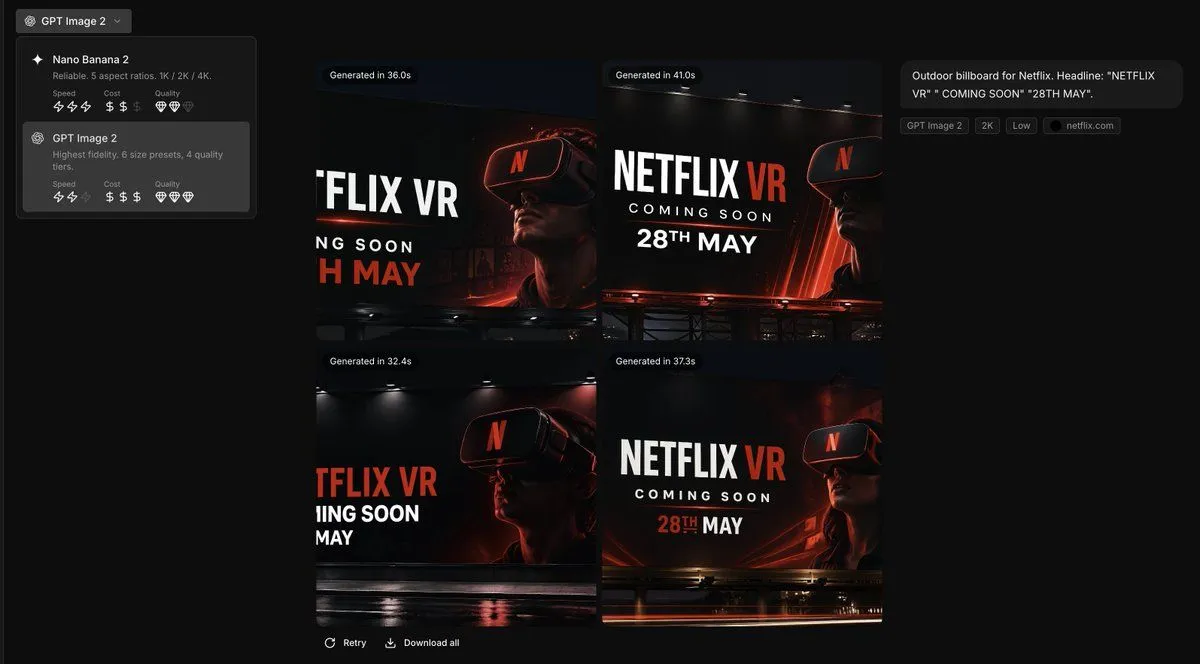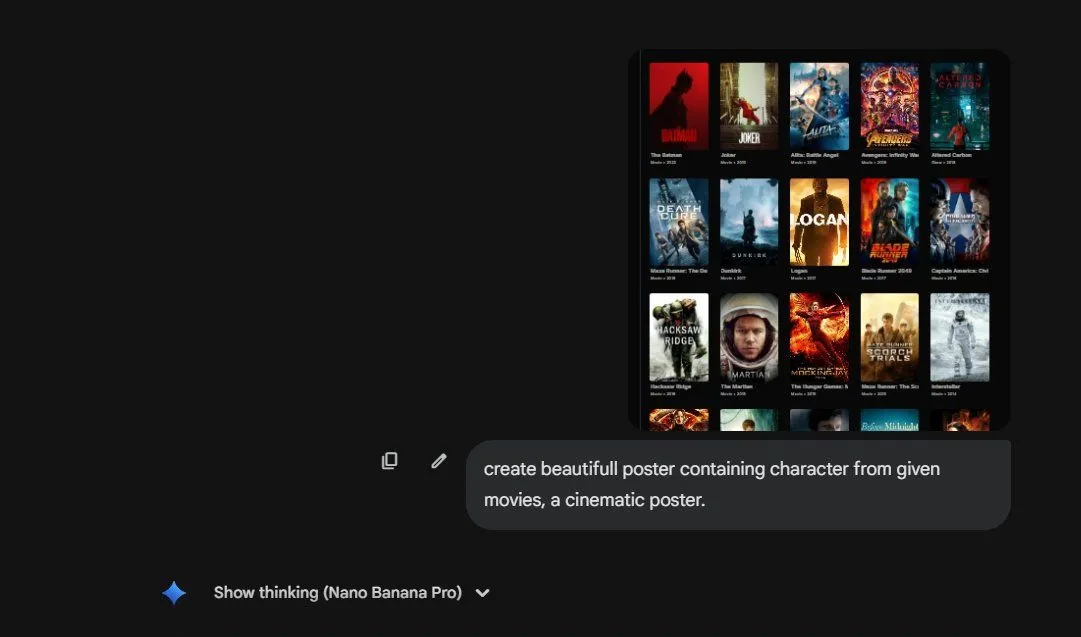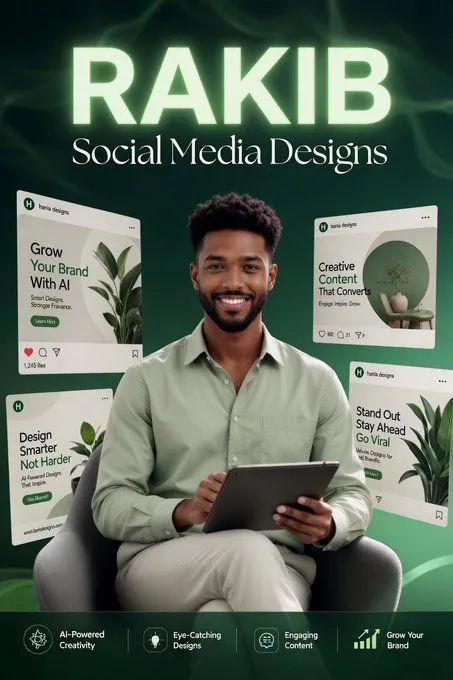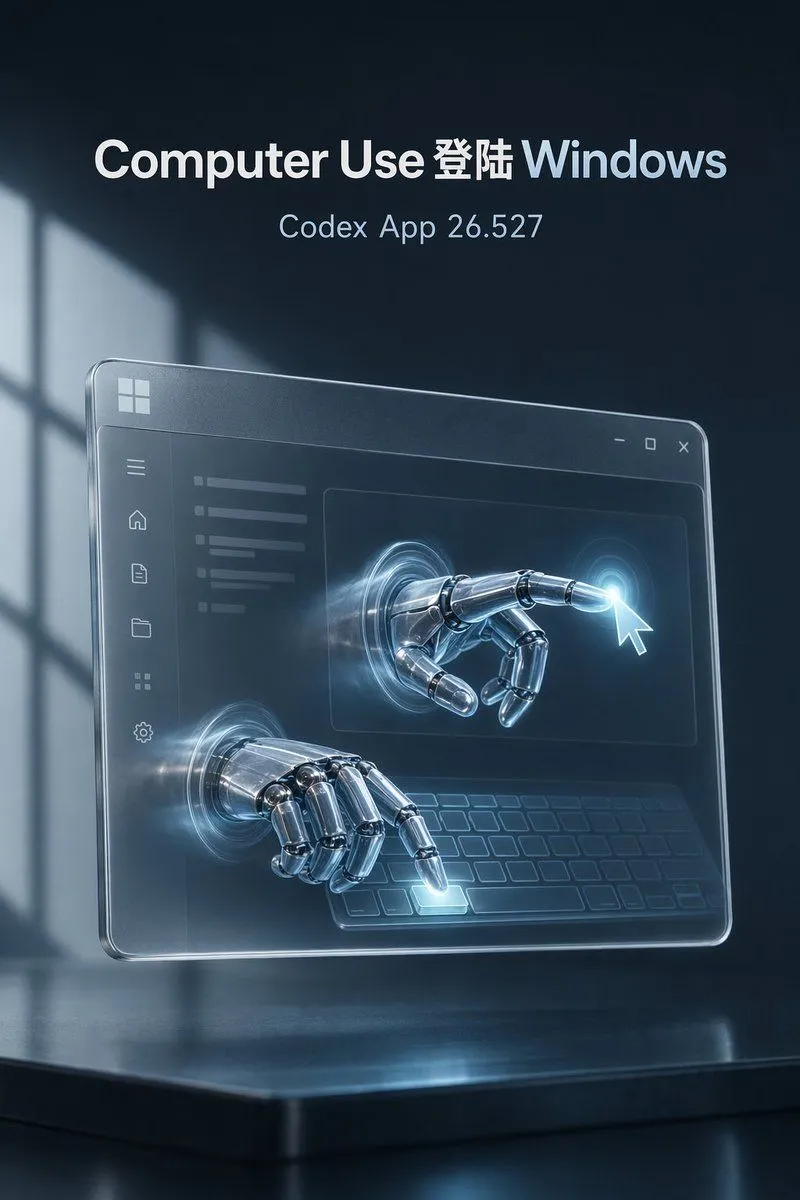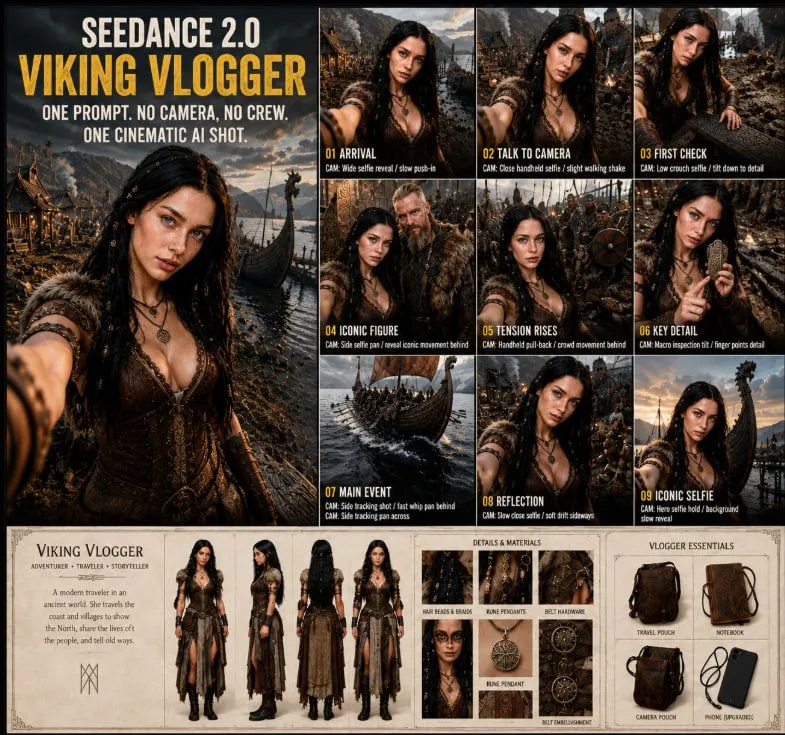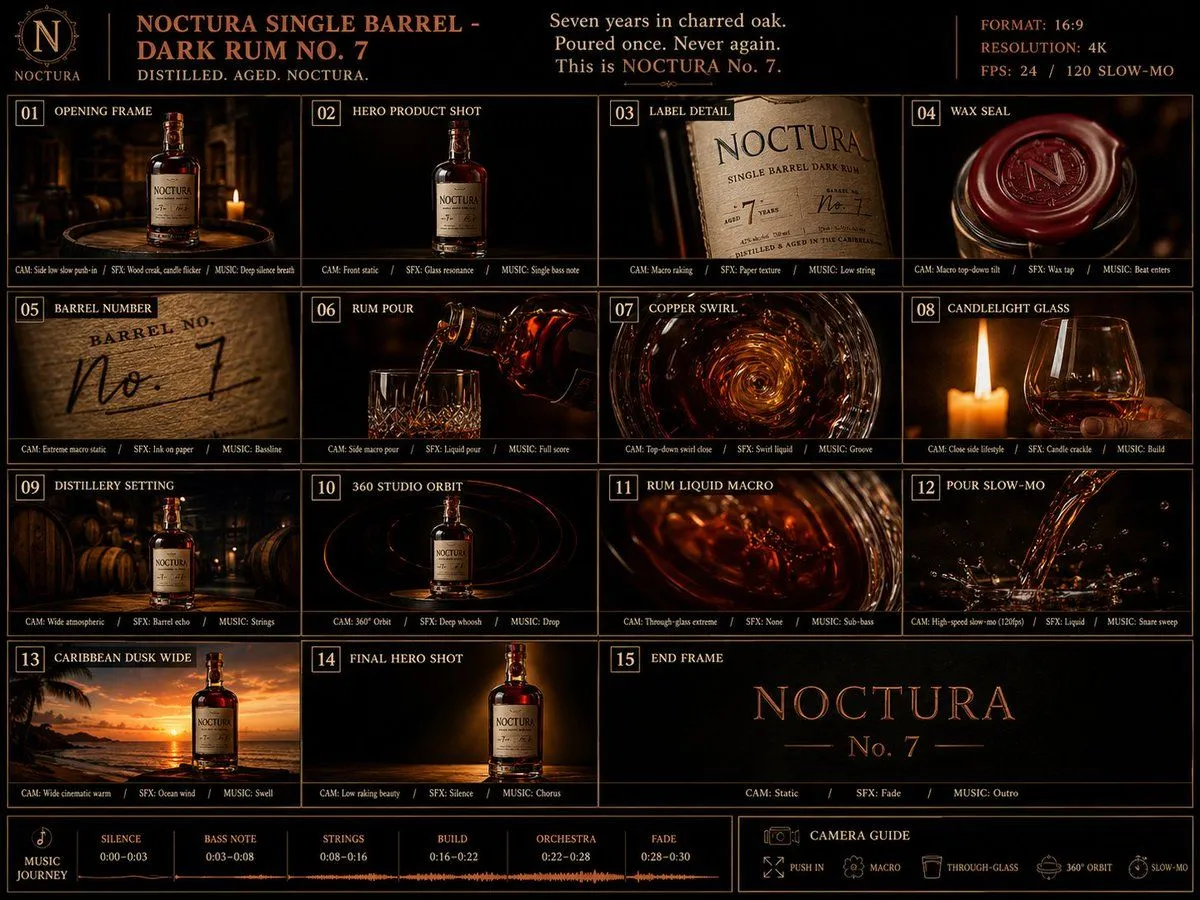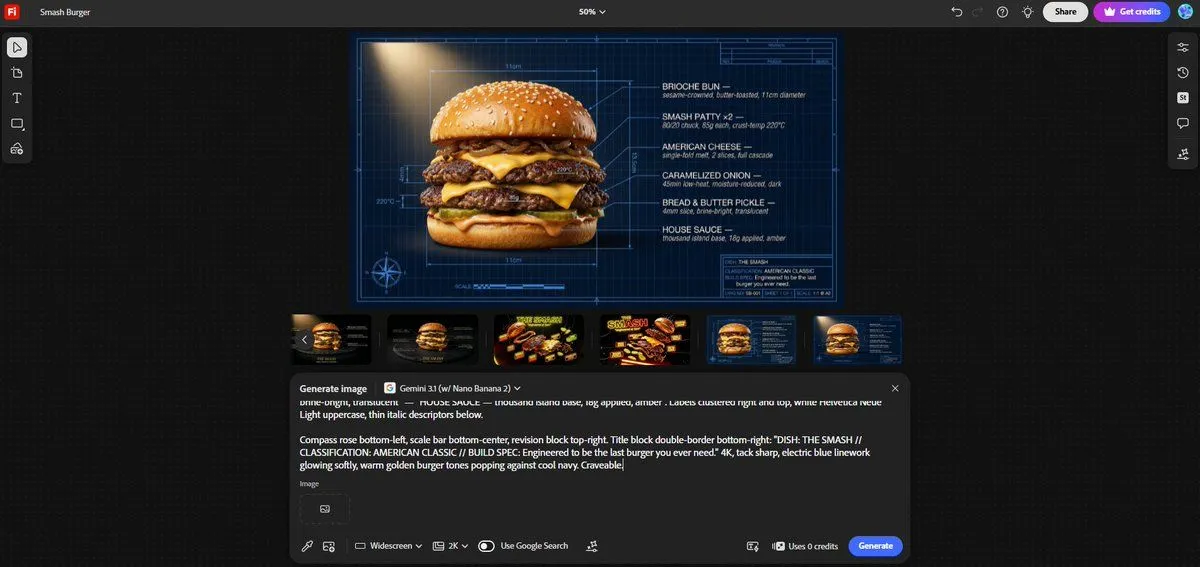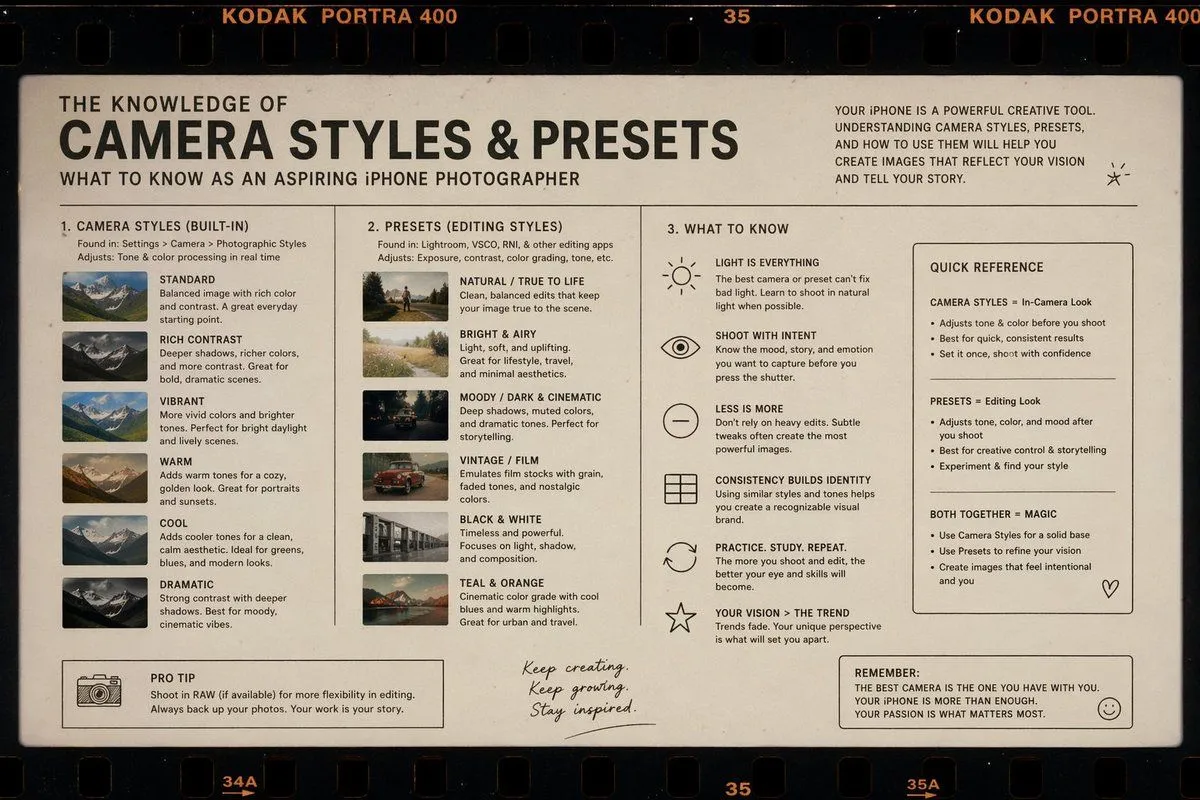
Made with GPT Image 2 in ChatGPT by Library Lifestyle. Promptclay never generates images.
Did it work?
No reports yet. Tell others if it worked for you.
Dark Tech Carousel-to-Video Slide
Prompt
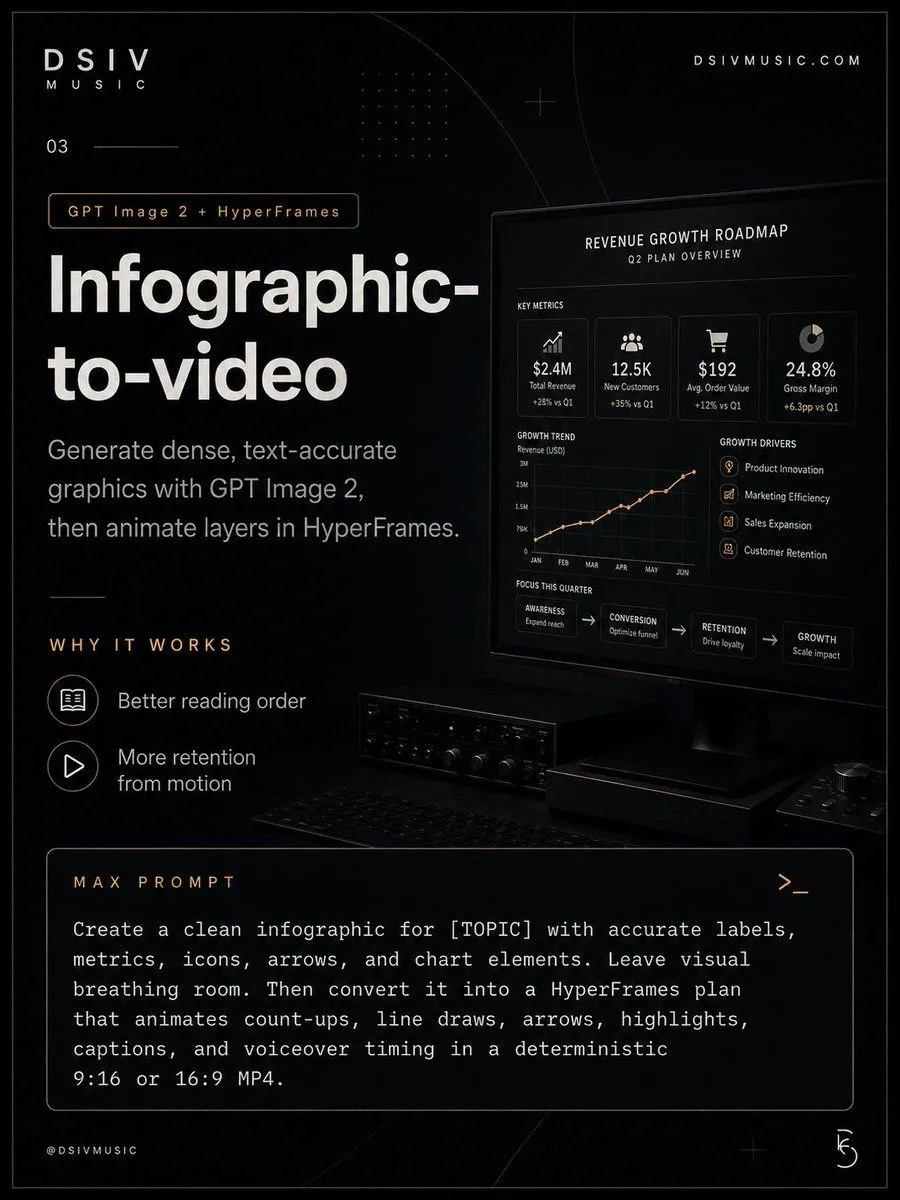
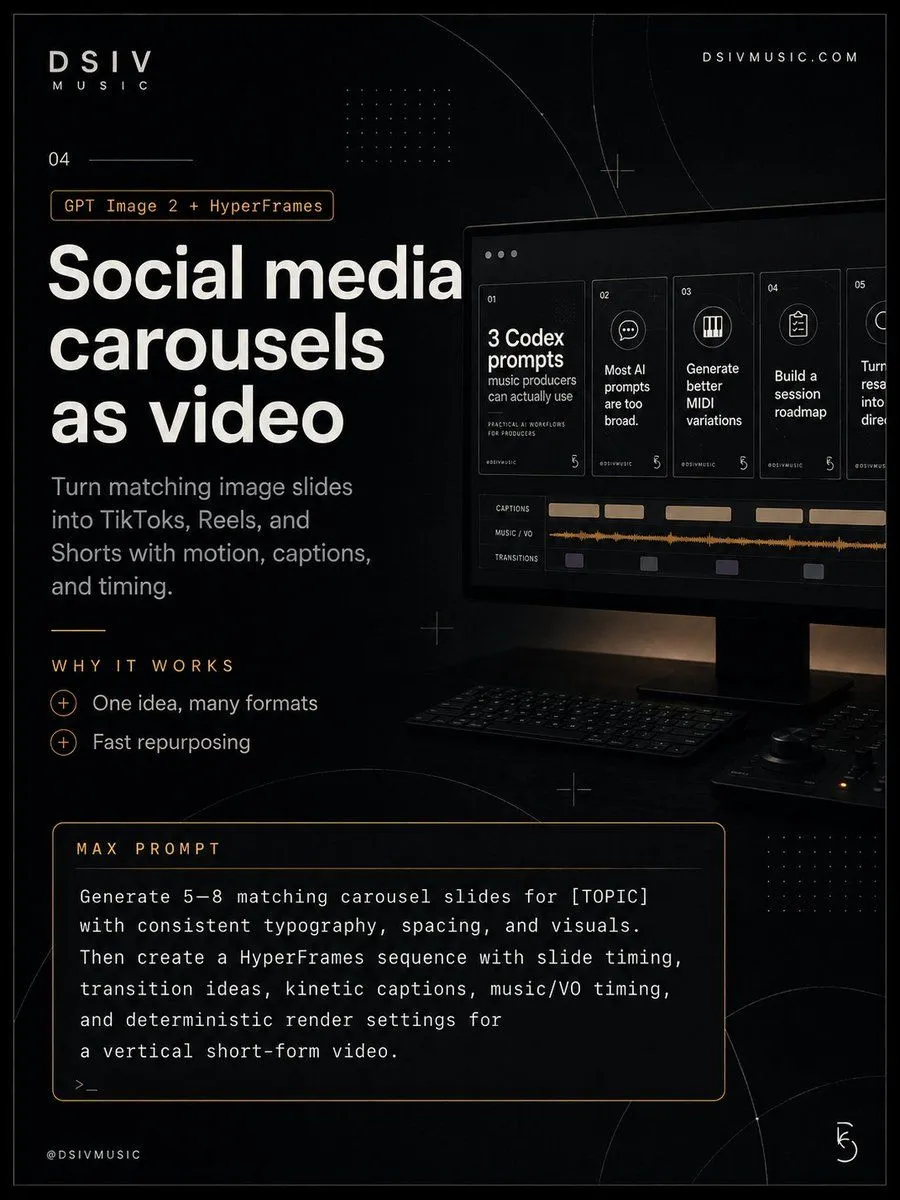
3 blanks to fillGoal: Create a dark, premium tech carousel slide promoting {headline_text}, branded as DSIV Music, with a cinematic desktop-production setup and instructional marketing copy. Canvas: Vertical 3:4 poster, about 900 × 1200 px, black charcoal background with subtle grain, thin gray border, faint geometric arcs, crosshair marks, dotted grid accents, and warm amber highlight lines. Layout: Use a left-heavy editorial layout with a product mockup on the right. Top left shows the brand text “DSIV” with “MUSIC” beneath it; top right shows “DSIVMUSIC.COM”. Under the brand, place the slide number “04” with a thin horizontal rule. Below that, add a small outlined amber pill label reading {tool_label}. The main headline occupies the left center in very large bold white sans-serif type across four lines. Beneath it, add the subheading: {subheading_text} Right visual: Show a realistic dark monitor angled slightly in perspective on a desk, with a keyboard and small audio/control device in shadow. On the monitor, display a carousel-to-video editing interface: exactly 5 vertical slide cards across the top, numbered 01, 02, 03, 04, and 05. Card 01 reads “3 Codex prompts” with smaller text “music producers can actually use”; card 02 reads “Most AI prompts are too broad.”; card 03 reads “Generate better MIDI variations”; card 04 reads “Build a session roadmap”; card 05 is partially cropped and begins with “Turn...” as if continuing offscreen. Below the cards, show exactly 3 labeled timeline rows: “CAPTIONS”, “MUSIC / VO”, and “TRANSITIONS”, with beige caption blocks, an orange audio waveform, and small purple/gray transition blocks. Middle-left section: Add a small amber divider line, then the spaced uppercase label “WHY IT WORKS”. Under it list exactly 2 benefits, each preceded by a circled plus icon: “One idea, many formats” and “Fast repurposing”. Bottom section: Add a large rounded rectangle prompt box outlined in amber. Header text inside the box says “MAX PROMPT”. Body text uses a monospaced typewriter style and reads: “Generate 5–8 matching carousel slides for [TOPIC] with consistent typography, spacing, and visuals. Then create a HyperFrames sequence with slide timing, transition ideas, kinetic captions, music/VO timing, and deterministic render settings for a vertical short-form video.” End with a small terminal-style “>_”. Bottom left footer reads “@DSIVMUSIC”; bottom right has a small abstract circular DSIV-style mark. Visual style: Sleek black-and-white SaaS/creator-economy aesthetic, high contrast typography, warm amber accents, subtle photographic realism on the monitor and desk, clean modern Swiss grid composition, cinematic lighting, crisp legible text, no extra logos beyond DSIV branding.
Preview of your prompt
Goal: Create a dark, premium tech carousel slide promoting Social media carousels as video, branded as DSIV Music, with a cinematic desktop-production setup and instructional marketing copy. Canvas: Vertical 3:4 poster, about 900 × 1200 px, black charcoal background with subtle grain, thin gray border, faint geometric arcs, crosshair marks, dotted grid accents, and warm amber highlight lines. Layout: Use a left-heavy editorial layout with a product mockup on the right. Top left shows the brand text “DSIV” with “MUSIC” beneath it; top right shows “DSIVMUSIC.COM”. Under the brand, place the slide number “04” with a thin horizontal rule. Below that, add a small outlined amber pill label reading GPT Image 2 + HyperFrames. The main headline occupies the left center in very large bold white sans-serif type across four lines. Beneath it, add the subheading: Turn matching image slides into TikToks, Reels, and Shorts with motion, captions, and timing. Right visual: Show a realistic dark monitor angled slightly in perspective on a desk, with a keyboard and small audio/control device in shadow. On the monitor, display a carousel-to-video editing interface: exactly 5 vertical slide cards across the top, numbered 01, 02, 03, 04, and 05. Card 01 reads “3 Codex prompts” with smaller text “music producers can actually use”; card 02 reads “Most AI prompts are too broad.”; card 03 reads “Generate better MIDI variations”; card 04 reads “Build a session roadmap”; card 05 is partially cropped and begins with “Turn...” as if continuing offscreen. Below the cards, show exactly 3 labeled timeline rows: “CAPTIONS”, “MUSIC / VO”, and “TRANSITIONS”, with beige caption blocks, an orange audio waveform, and small purple/gray transition blocks. Middle-left section: Add a small amber divider line, then the spaced uppercase label “WHY IT WORKS”. Under it list exactly 2 benefits, each preceded by a circled plus icon: “One idea, many formats” and “Fast repurposing”. Bottom section: Add a large rounded rectangle prompt box outlined in amber. Header text inside the box says “MAX PROMPT”. Body text uses a monospaced typewriter style and reads: “Generate 5–8 matching carousel slides for [TOPIC] with consistent typography, spacing, and visuals. Then create a HyperFrames sequence with slide timing, transition ideas, kinetic captions, music/VO timing, and deterministic render settings for a vertical short-form video.” End with a small terminal-style “>_”. Bottom left footer reads “@DSIVMUSIC”; bottom right has a small abstract circular DSIV-style mark. Visual style: Sleek black-and-white SaaS/creator-economy aesthetic, high contrast typography, warm amber accents, subtle photographic realism on the monitor and desk, clean modern Swiss grid composition, cinematic lighting, crisp legible text, no extra logos beyond DSIV branding.
DetailsVersions, settings and questions
Written for
What's in the prompt
- Subject
- Model
- GPT Image 2
If your face changes
keep my face exactly the sameQuestions
- Does this work in the ChatGPT app?
- Yes. Paste the prompt and attach your photo if it uses one.
- It changed my face. What do I do?
- Add "keep my face exactly the same" to the end and run it again.
- Can I use the images I make?
- Check the terms of the app you use. Promptclay never generates images and claims nothing you make.