Tell us anything

An idea, a bug, something you love. We read every note.

⌘↵ to send. The page you're on comes along.

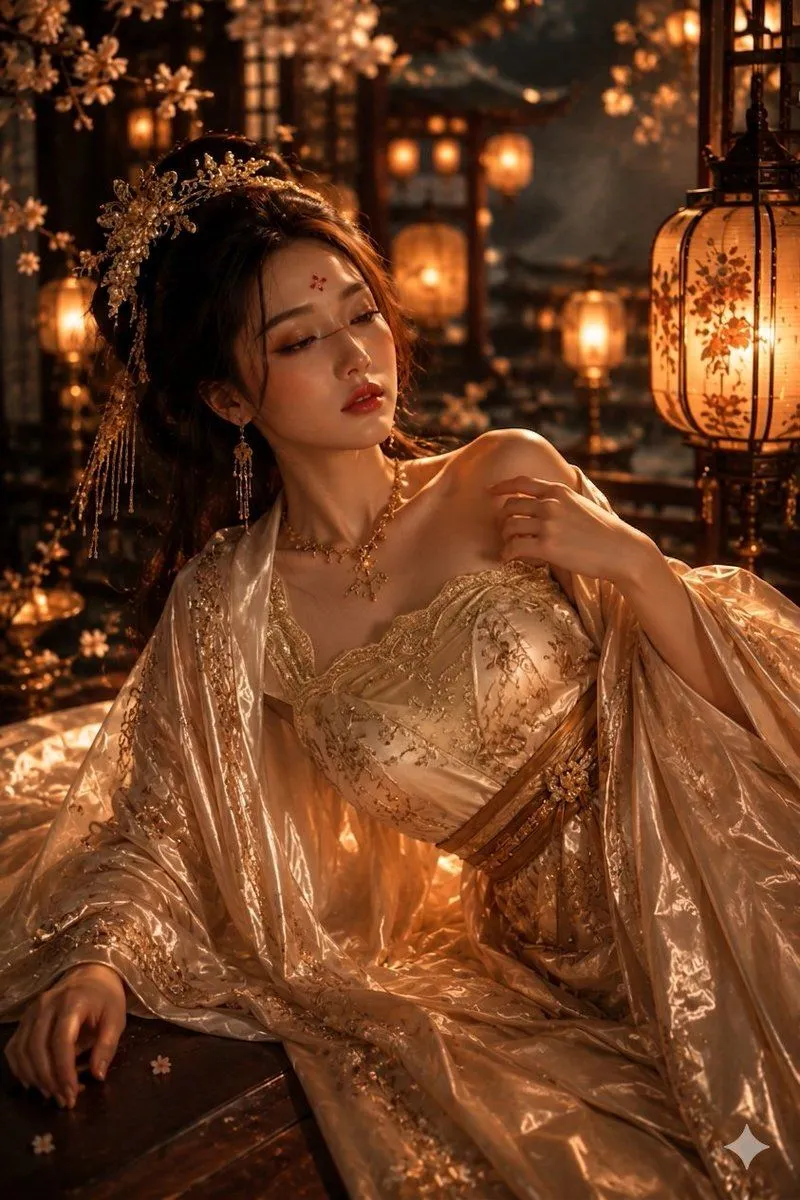
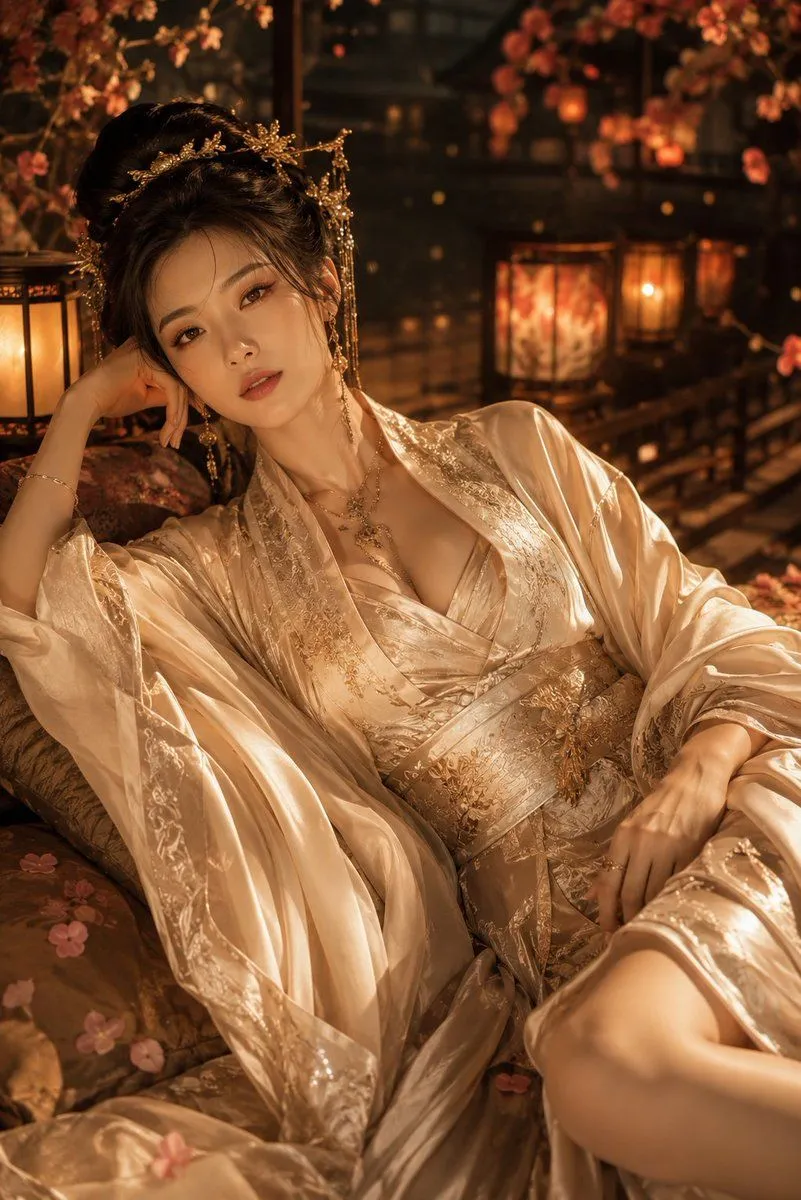
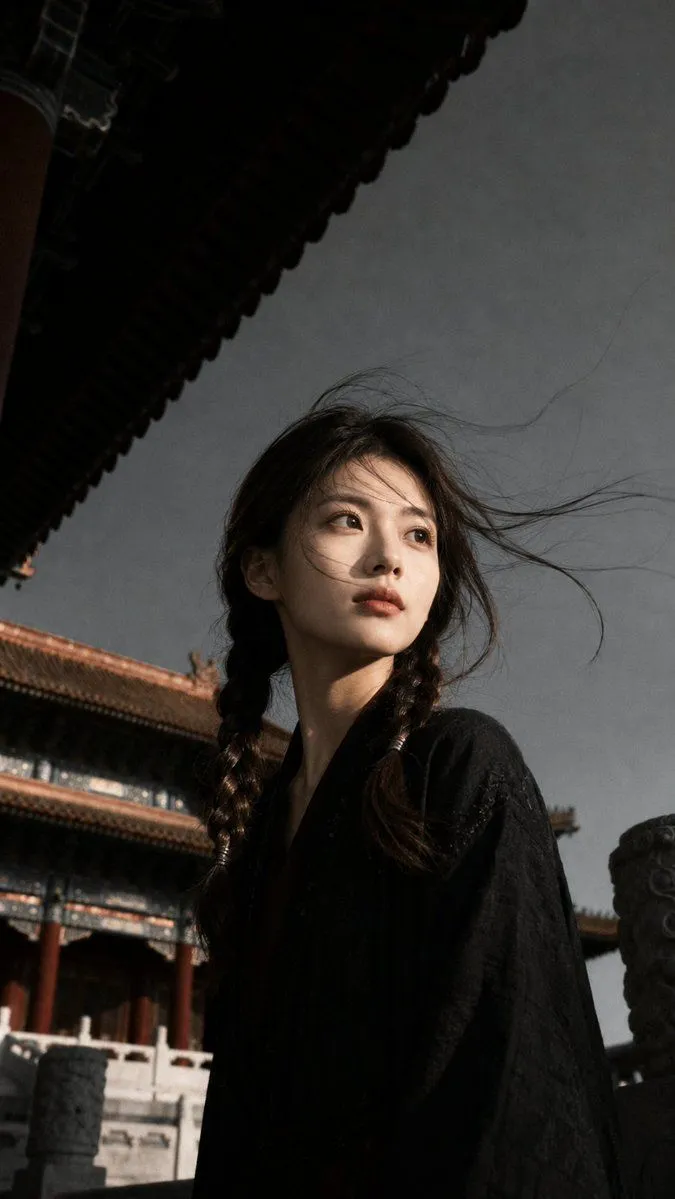
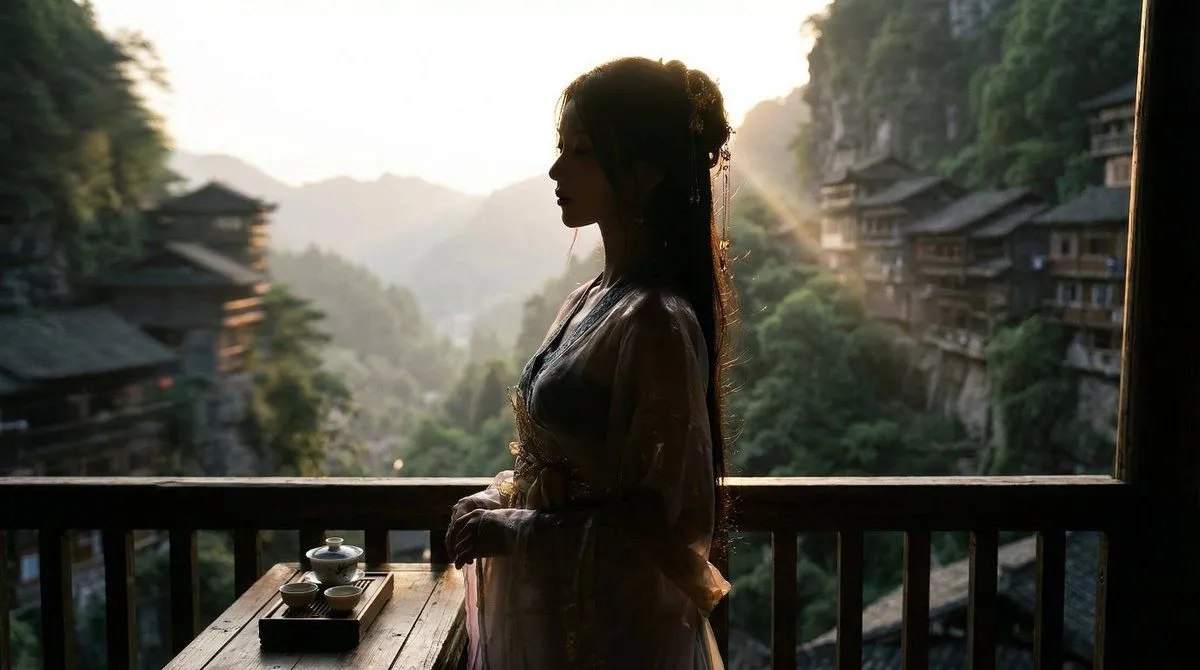
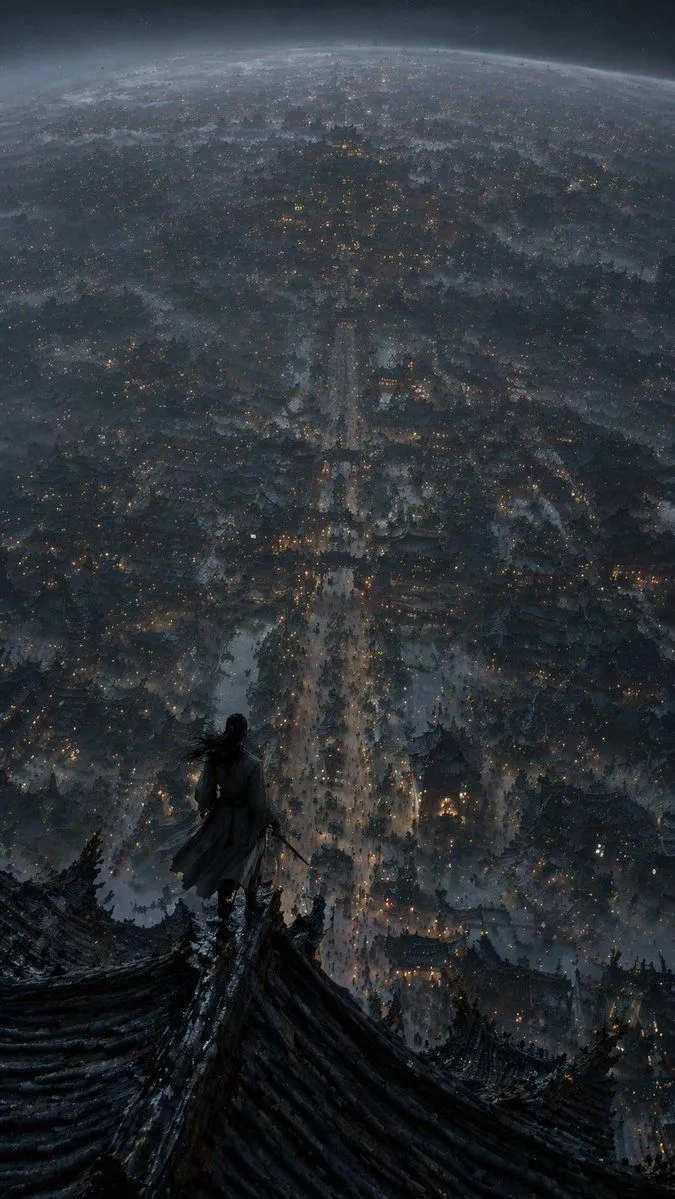
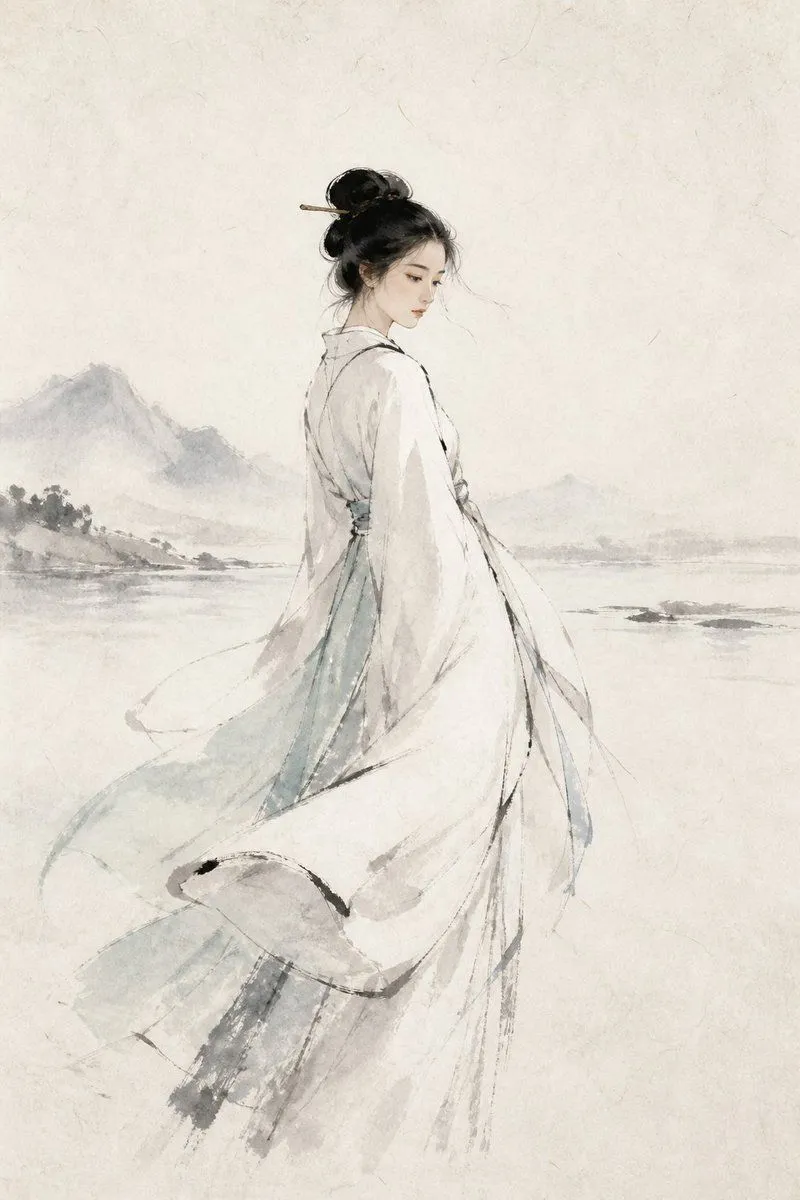
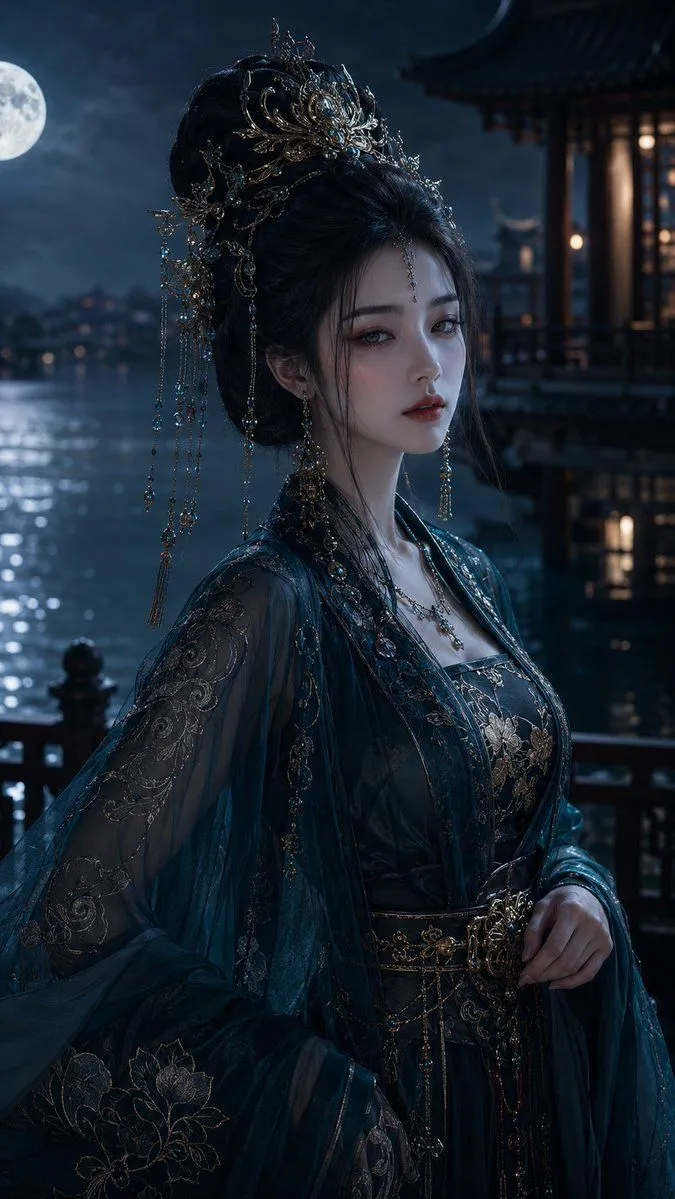
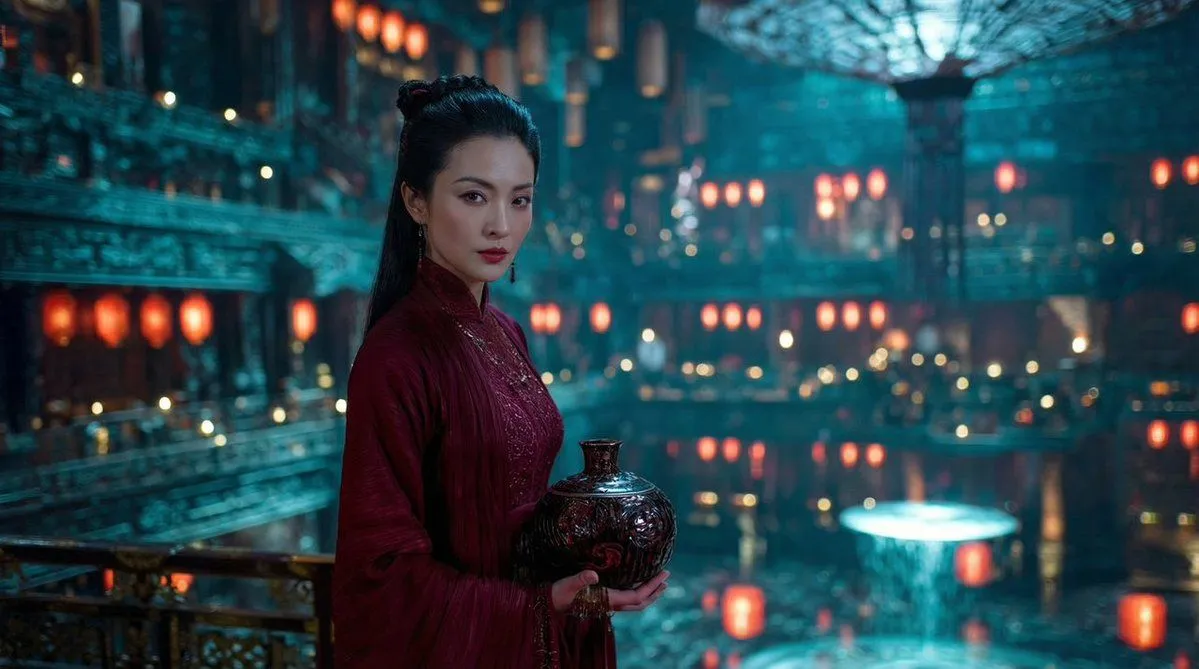
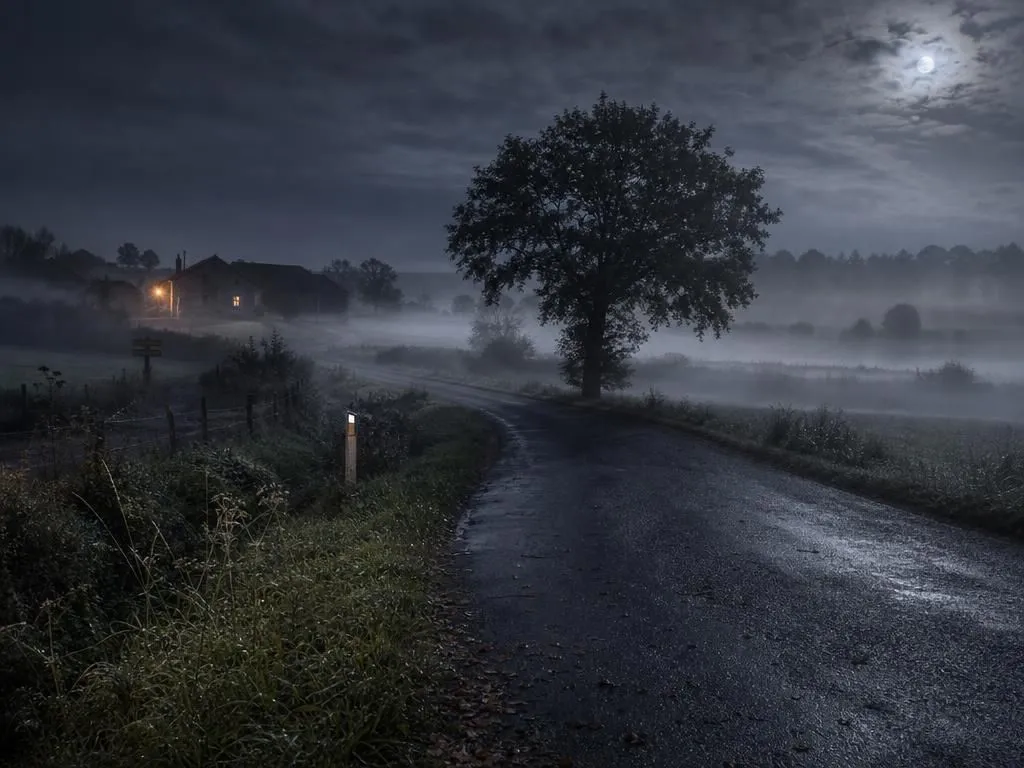
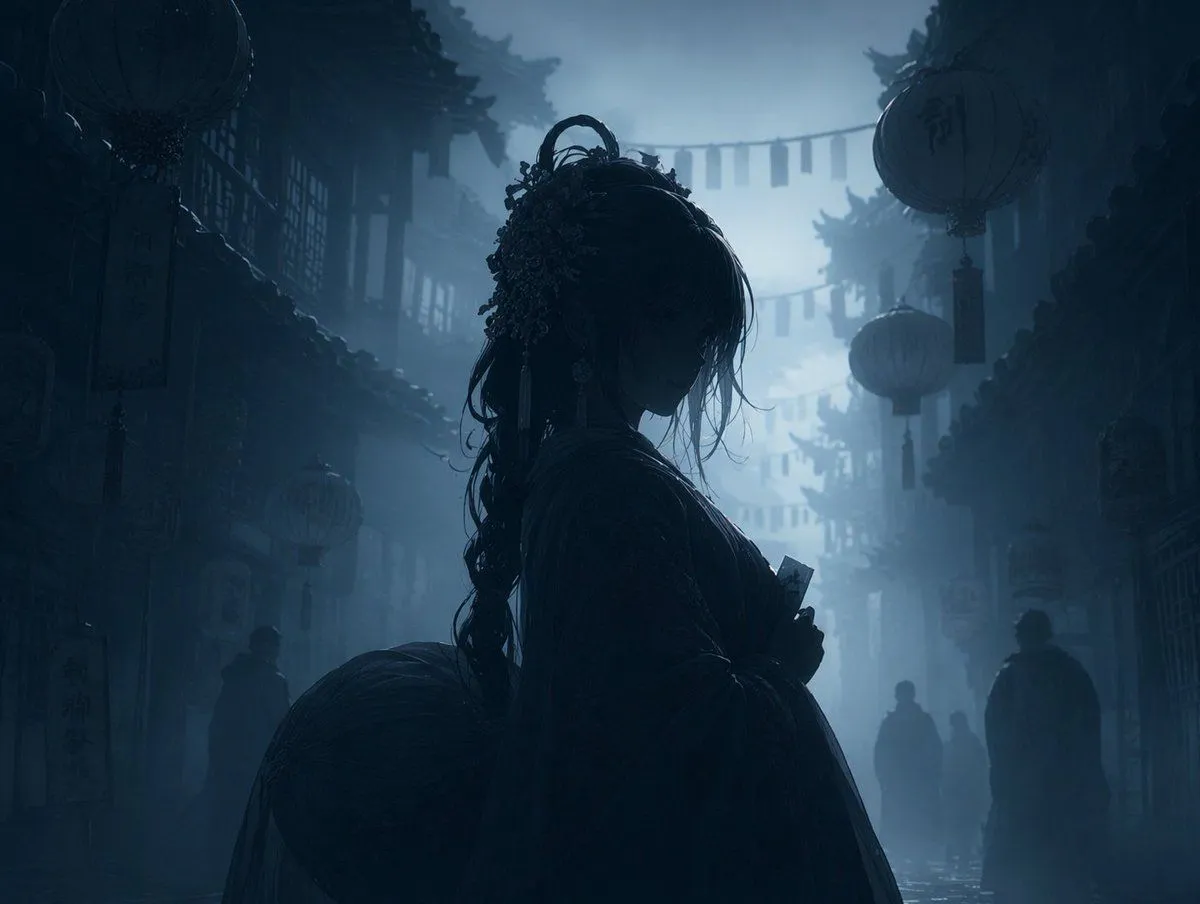
Dark Silhouette & Fog Style Transfer

Made with GPT Image 2 in ChatGPT by Library Anime. Promptclay never generates images.

Did it work?

No reports yet. Tell others if it worked for you.

No comments yet. Be the first.

    Dark Silhouette & Fog Style Transfer

    GPT Image 24:3AI-generated

    Prompt

    3 blanks to fill

    Using REFERENCE_0, transform the image into a {atmosphere} night scene. Apply a {color_palette} color grading. Render the main character, lanterns, and foreground elements as {lighting_style} against the misty background. Preserve the exact original composition, character pose, and background architecture.

    Works in
    ChatGPT, Gemini
    Status
    Free to copy
    0
    DetailsVersions, settings and questions

    Written for

    What's in the prompt

    Subject
    Model
    GPT Image 2

    If your face changes

    keep my face exactly the same

    Questions

    Does this work in the ChatGPT app?
    Yes. Paste the prompt and attach your photo if it uses one.
    It changed my face. What do I do?
    Add "keep my face exactly the same" to the end and run it again.
    Can I use the images I make?
    Check the terms of the app you use. Promptclay never generates images and claims nothing you make.
    Similar prompts

    See more
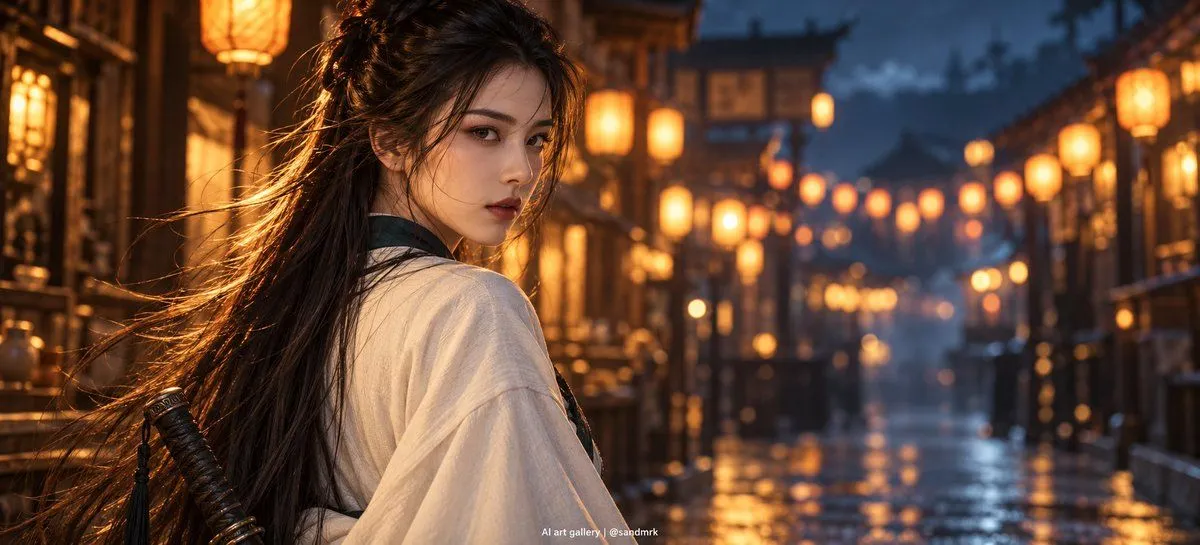
    • Cinematic Night Market Swordswoman
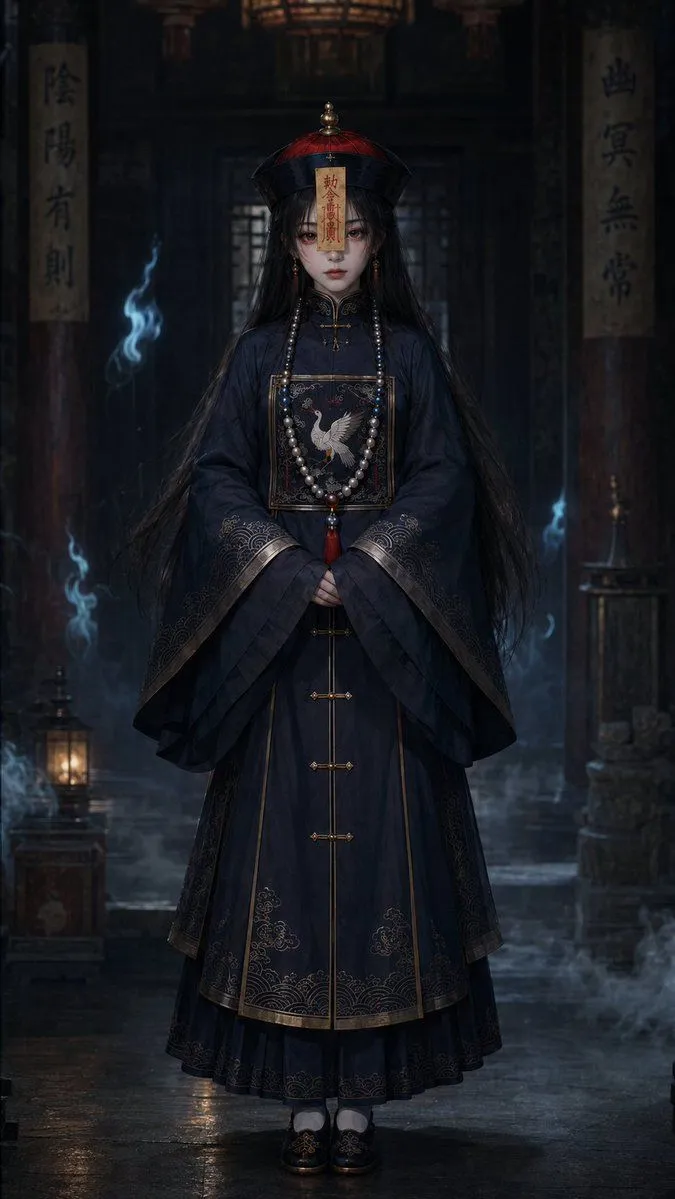
    • Dark Jiangshi Temple Portrait
    • Ancient Chinese Empress Palace Portrait
    • Cinematic Hanfu Fashion Editorial Portrait
    • Ancient Chinese Cinematic Still
    • Classical Chinese Romance Landscape with Hanfu
    • Xianxia Cityscape from God's-Eye View
    • Chinese Ink Wash Portrait
    • Palace Banquet Traditional Portrait
    • Cinematic Character and Scene Fusion
    • Traditional Chinese Beauty Portrait
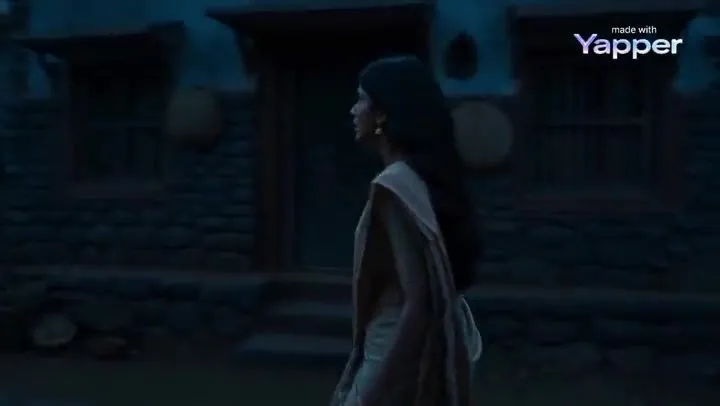
    • Spectral Courier Gothic Alley
    • Misty Countryside Night with Old Farmhouse
    • Modern Beauty to Ancient Warrior Transformation PromptVideo, 0:25
    • AI Mythological Realism Scene: Divine Intervention in IndiaVideo, 0:08
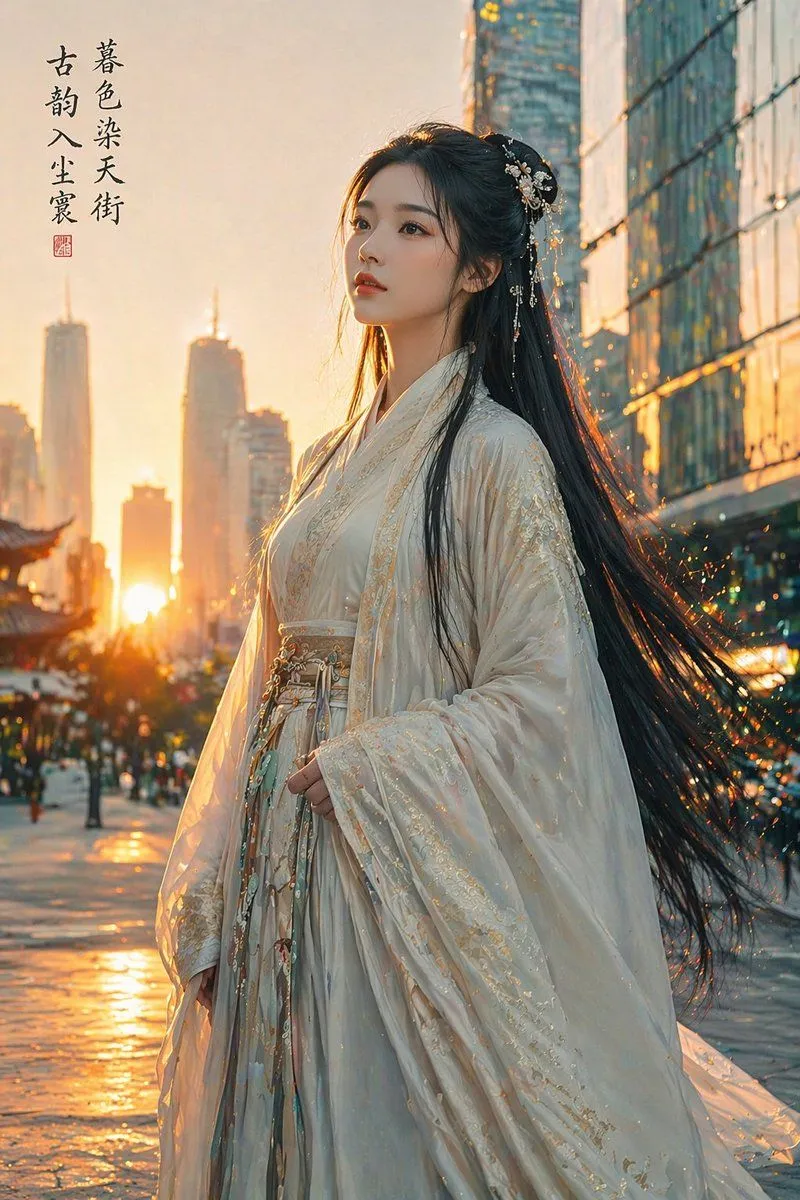
    • Classical Beauty in Modern Urban Sunset
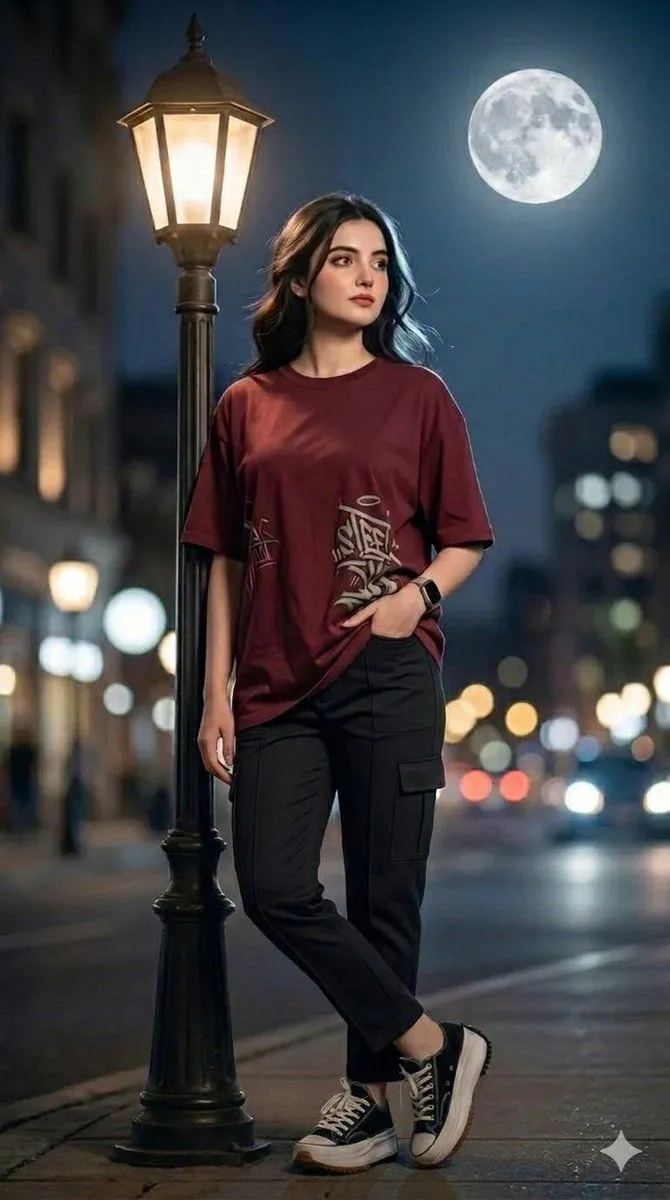
    • Urban Night Portrait with Soft Bokeh
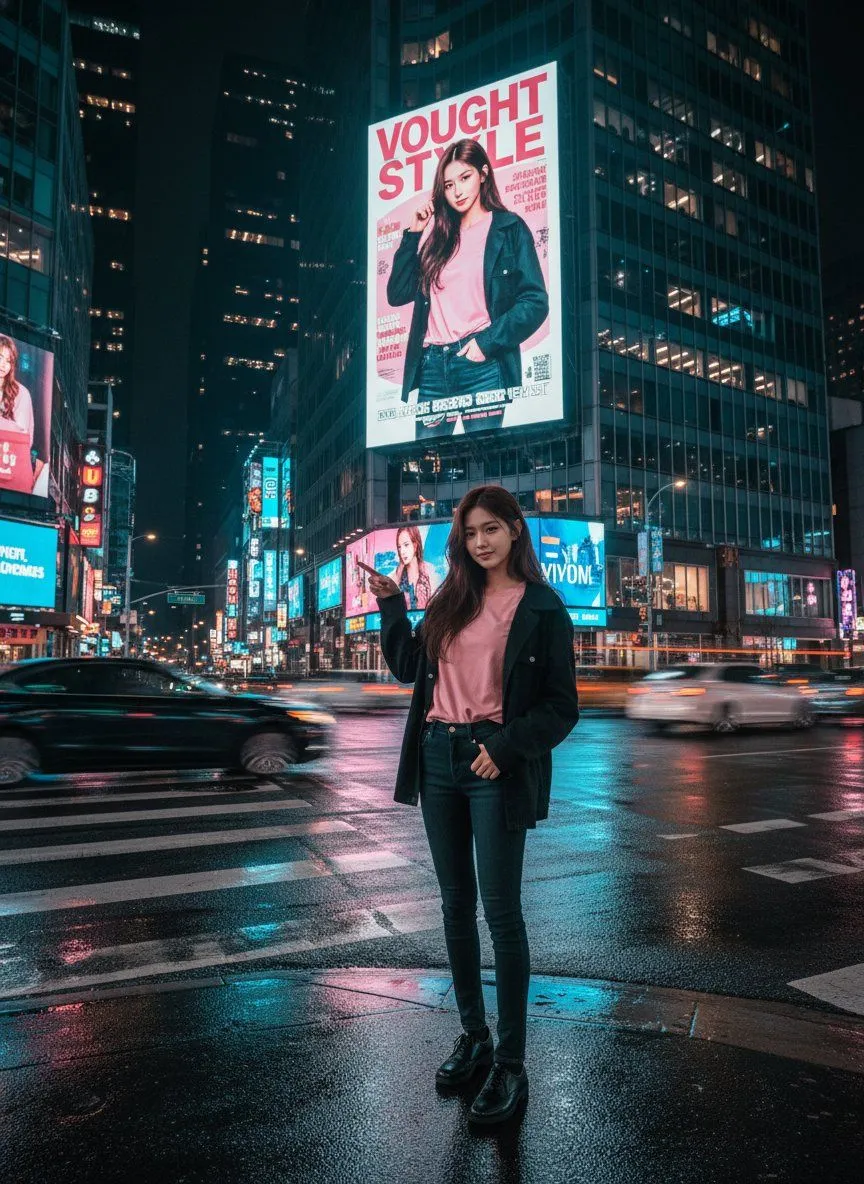
    • Cinematic Urban Night Billboard Portrait
    • Neon City Cyber-Noir Portrait
    • Cinematic Kodak Film Poster
    • Oriental Fantasy Heroine 3D Poster
    • Cyberpunk Ming Dynasty Warrior Poster
    • Luxury Japanese Fantasy Anime Kimono
    • Risograph Style Poetic Illustration

    Show more

    Run it on your phone

    1. Prompt copiedRead it

      Using REFERENCE_0, transform the image into a {atmosphere} night scene. Apply a {color_palette} color grading. Render the main character, lanterns, and foreground elements as {lighting_style} against the misty background. Preserve the exact original composition, character pose, and background architecture.

    2. Open your app

    3. Paste and run

      Press and hold the message box, then tap Paste. Add your photo first if the prompt uses one. You may need to sign in.

    Dark Silhouette & Fog Style Transfer