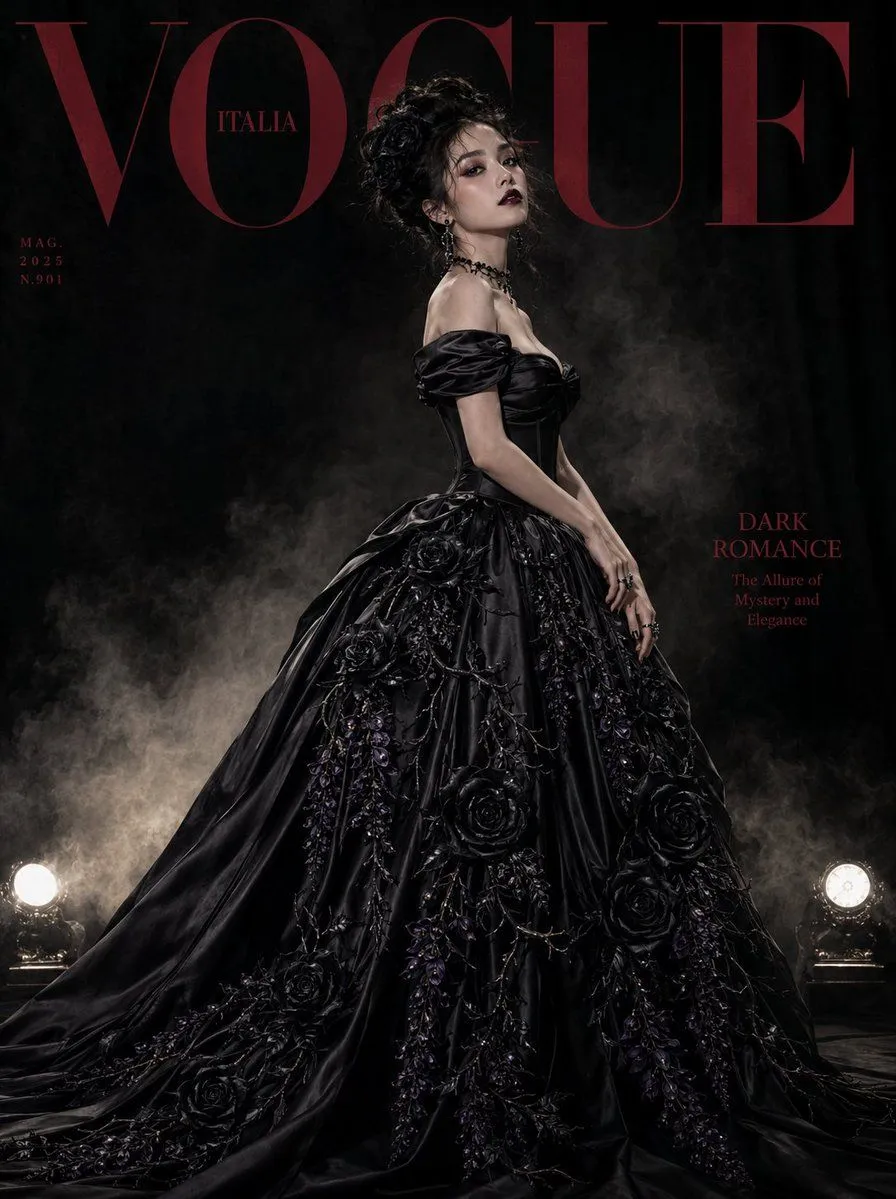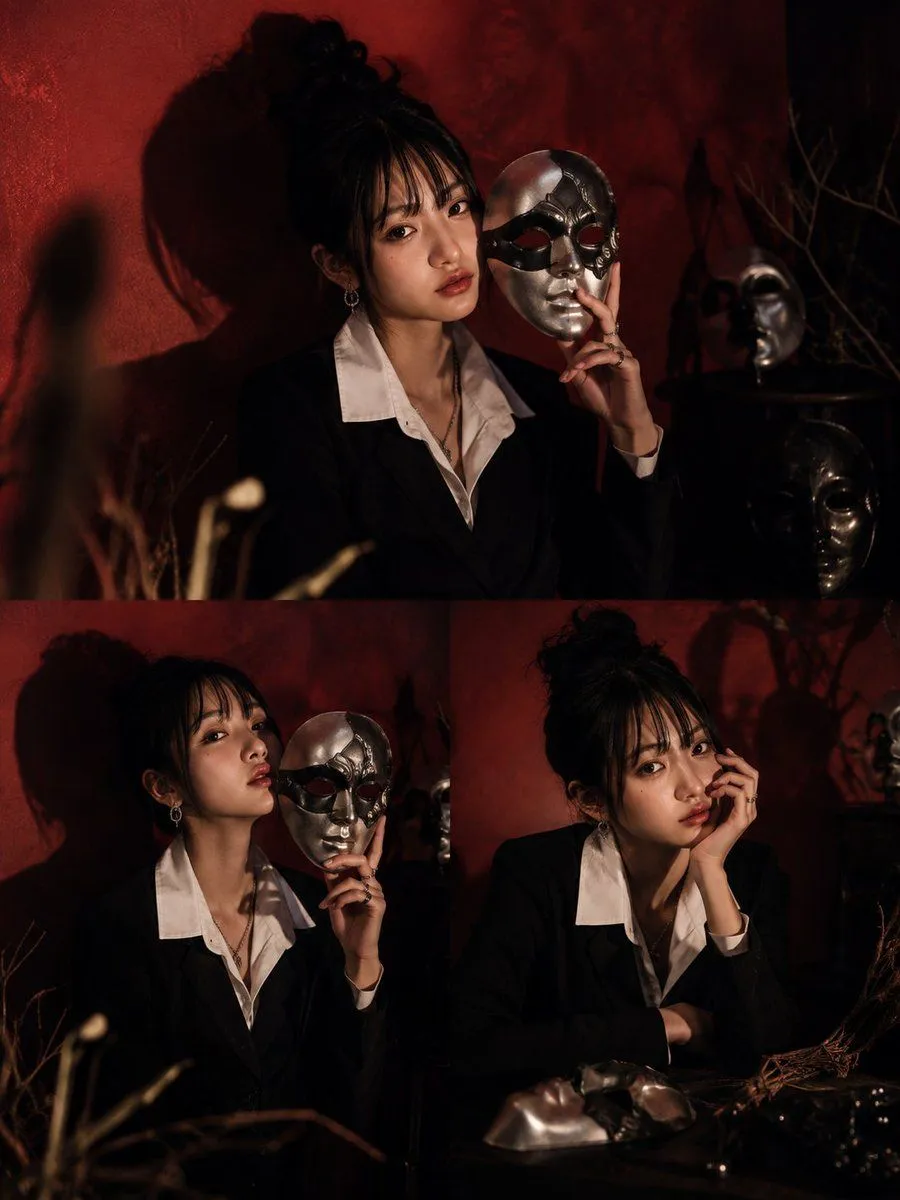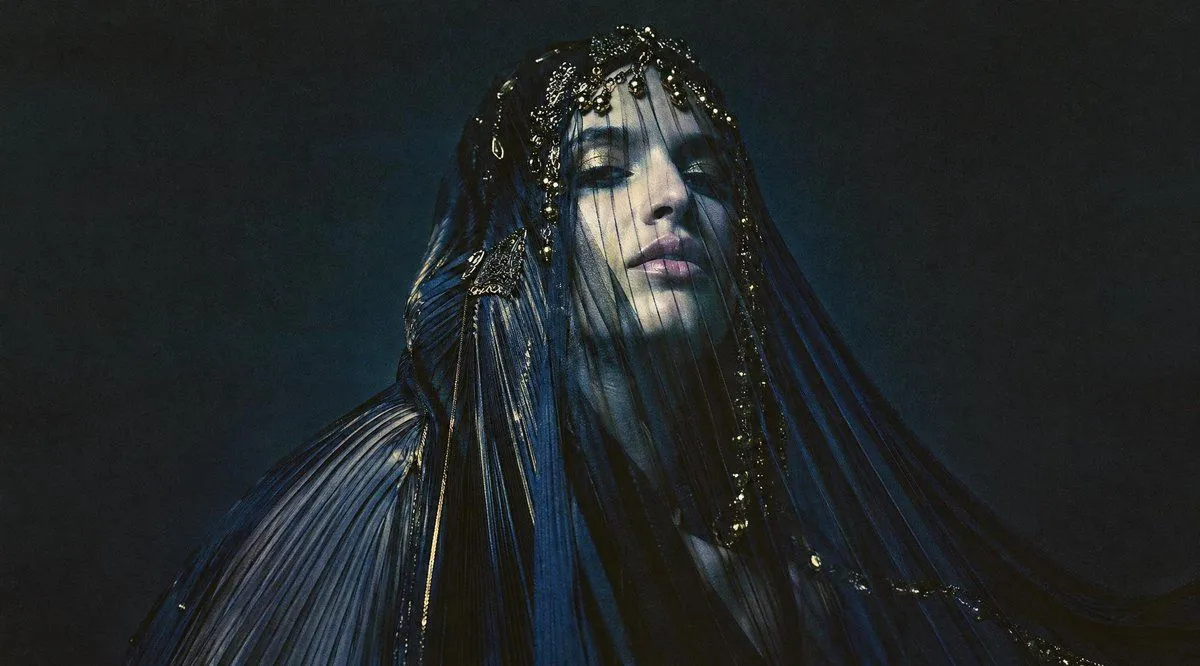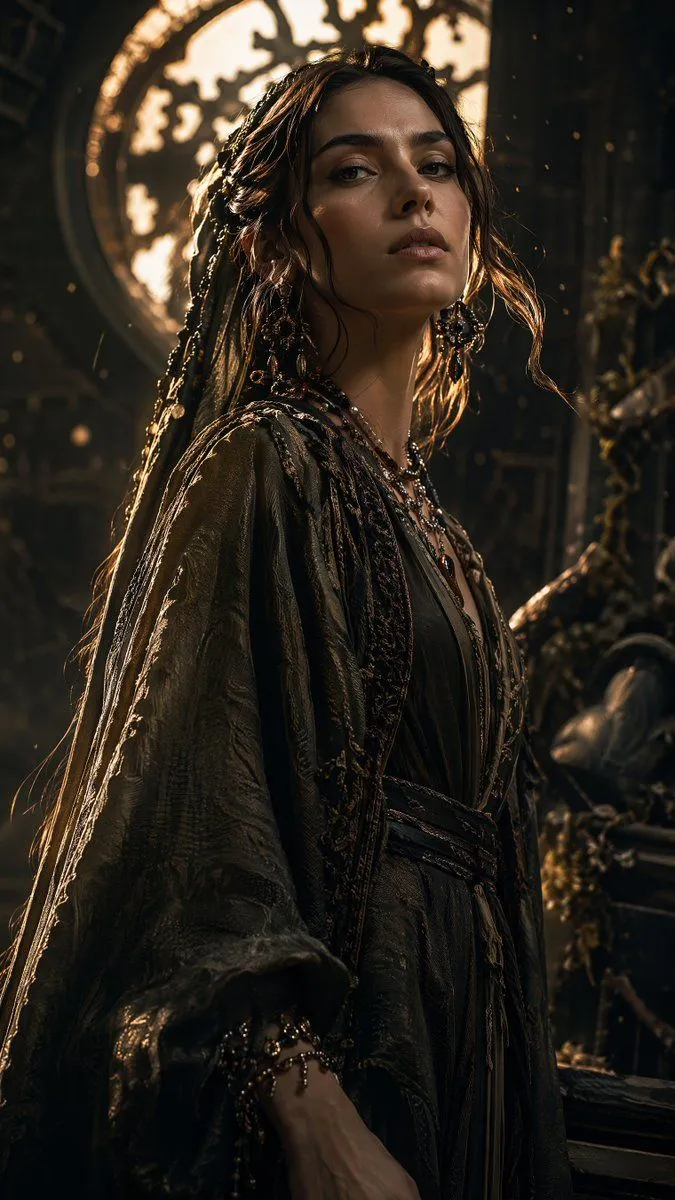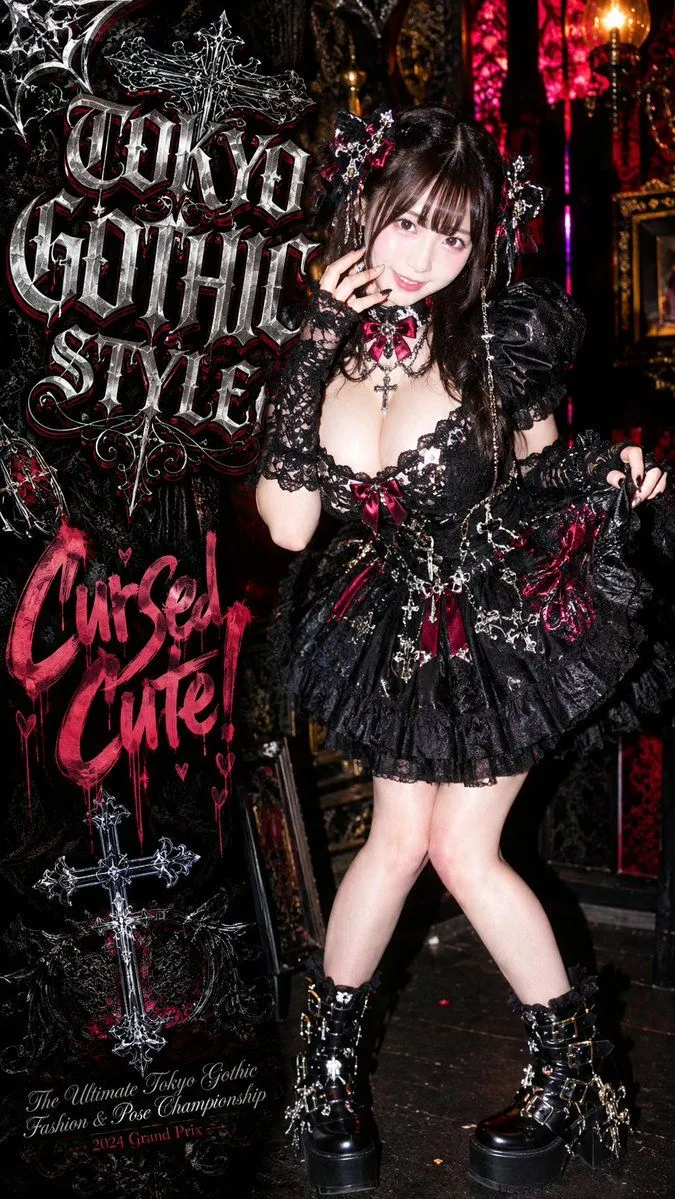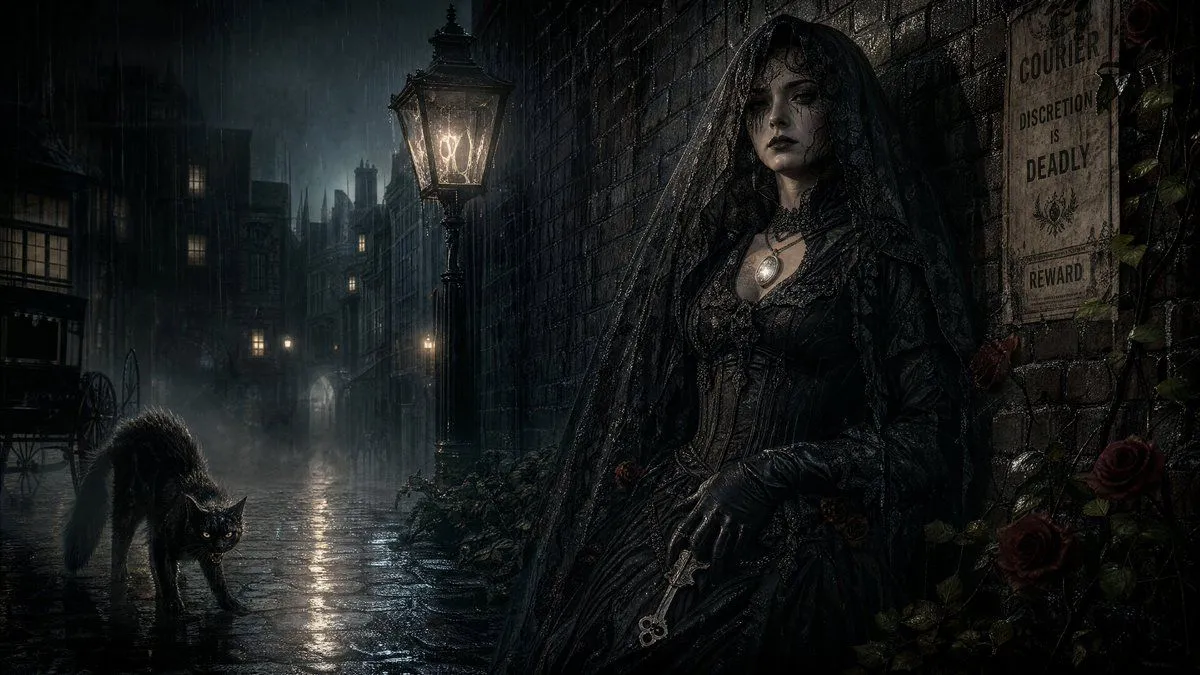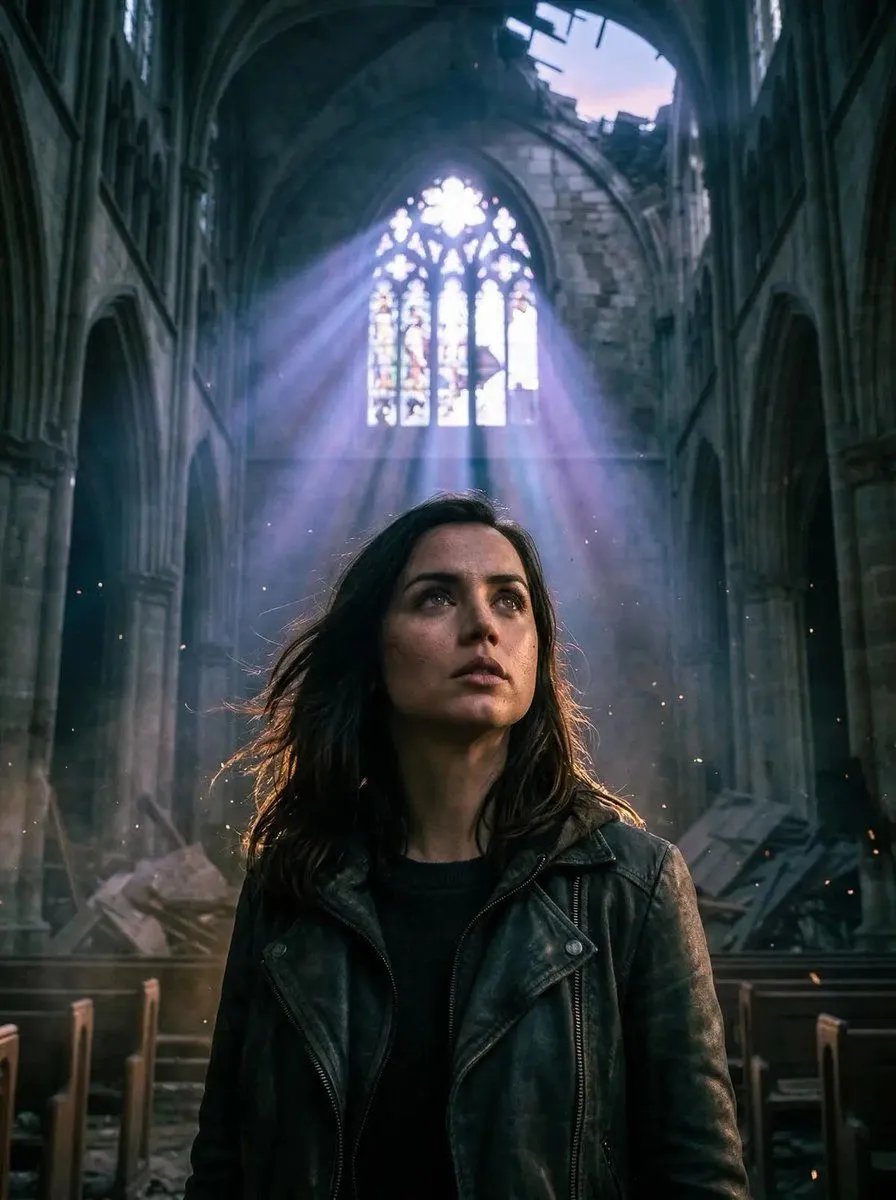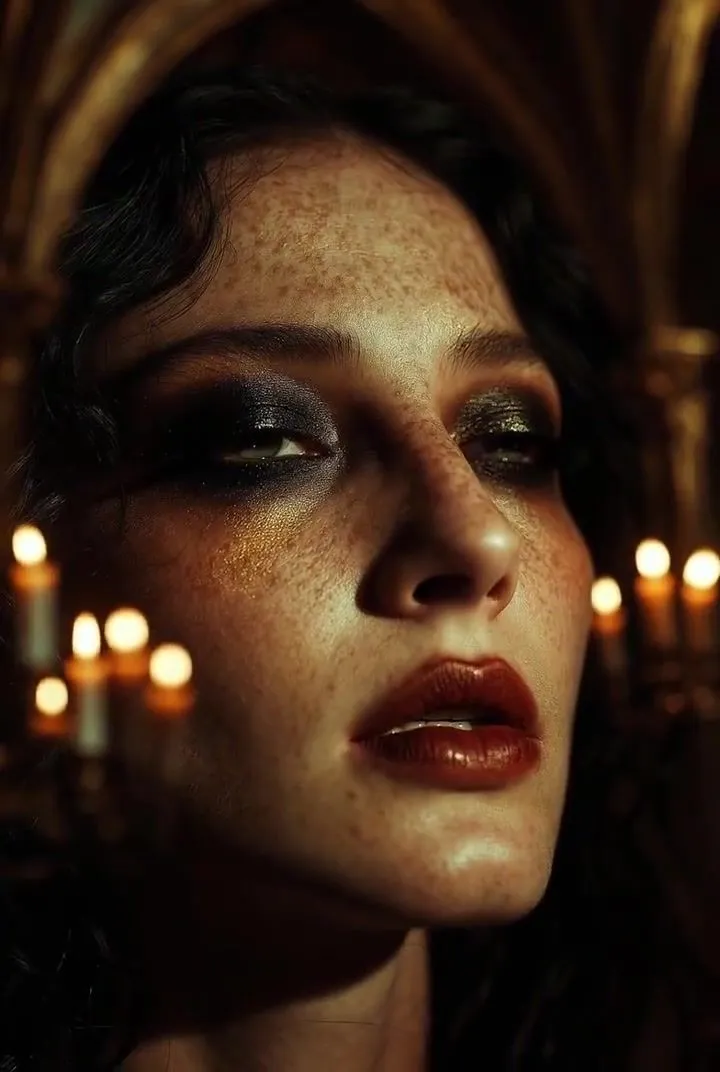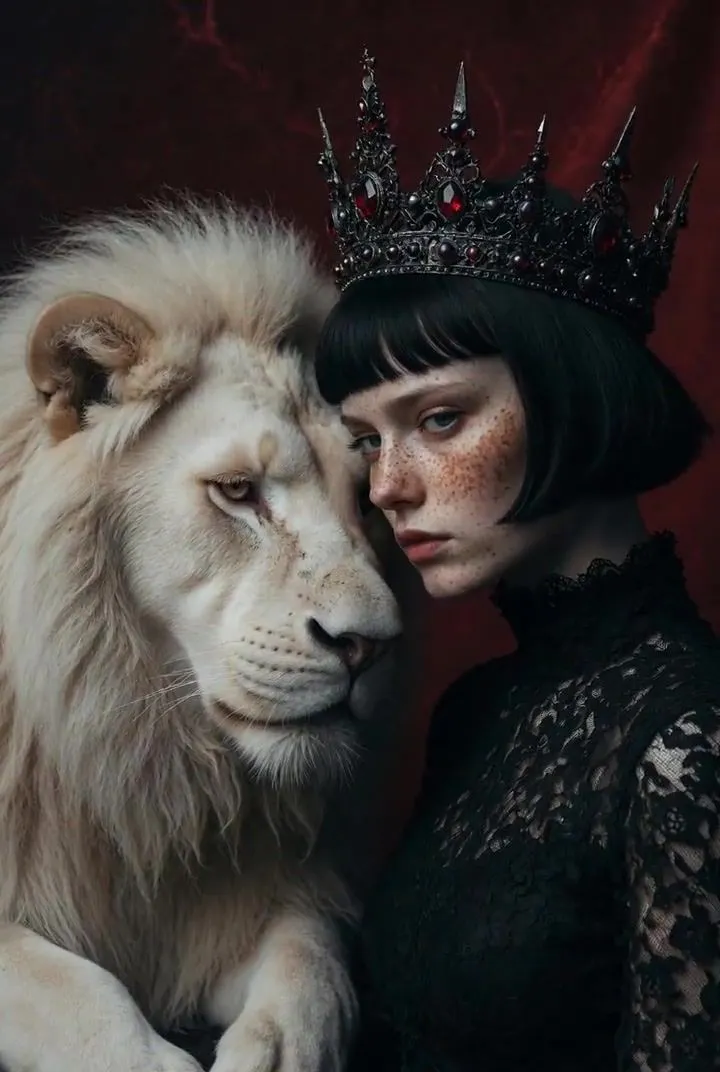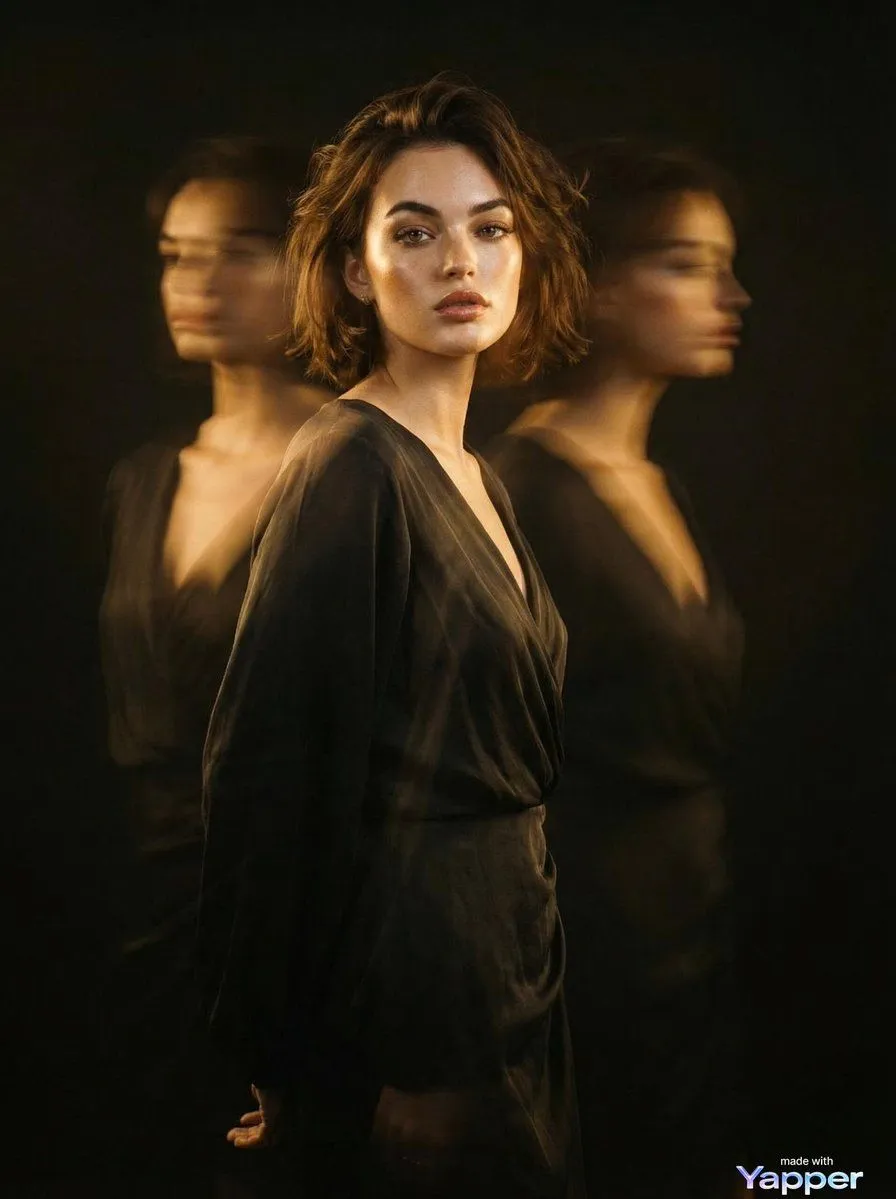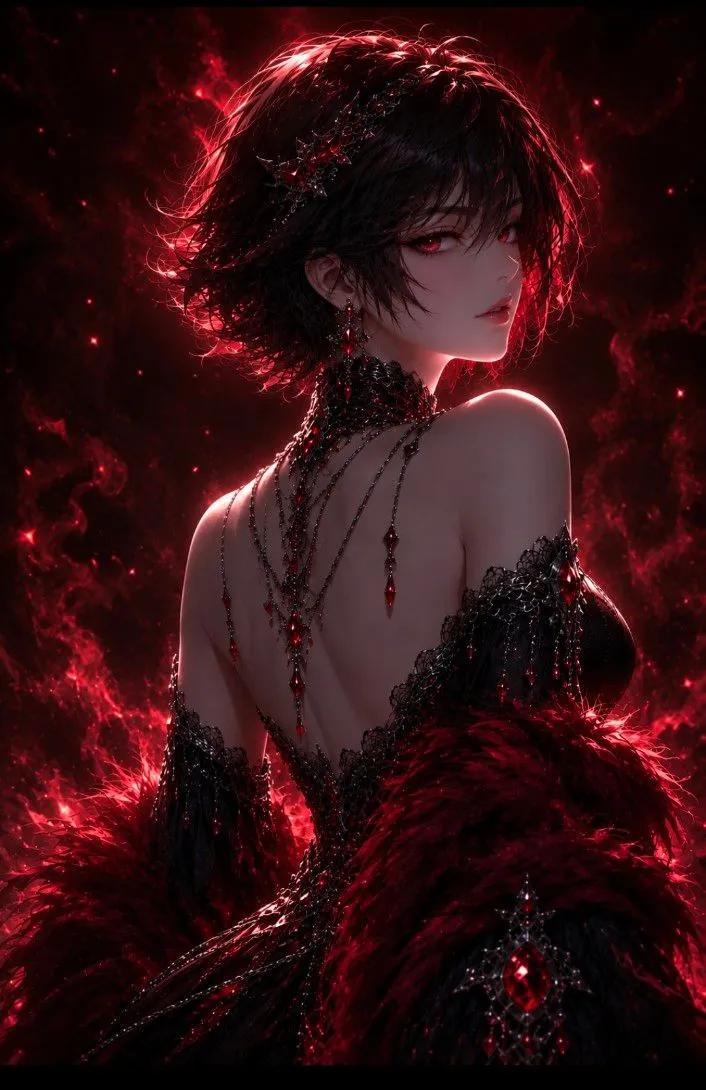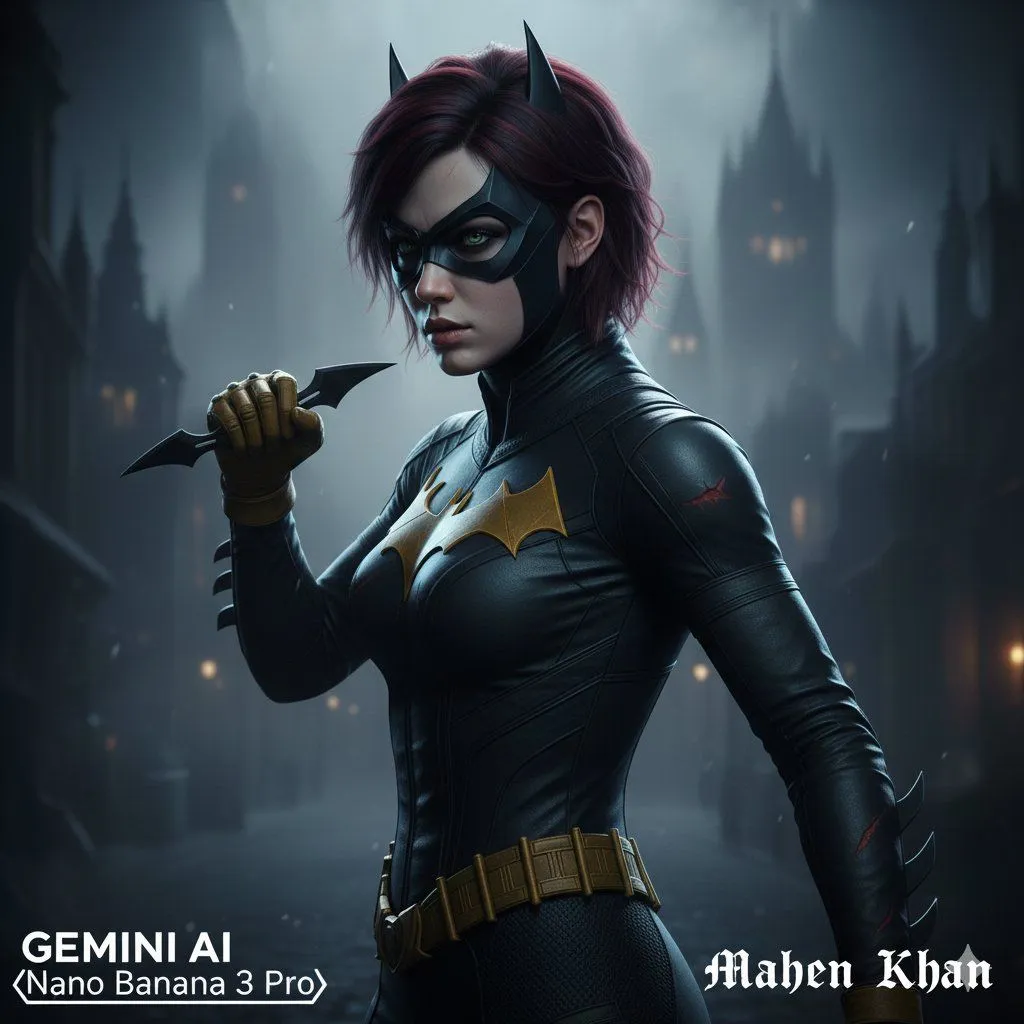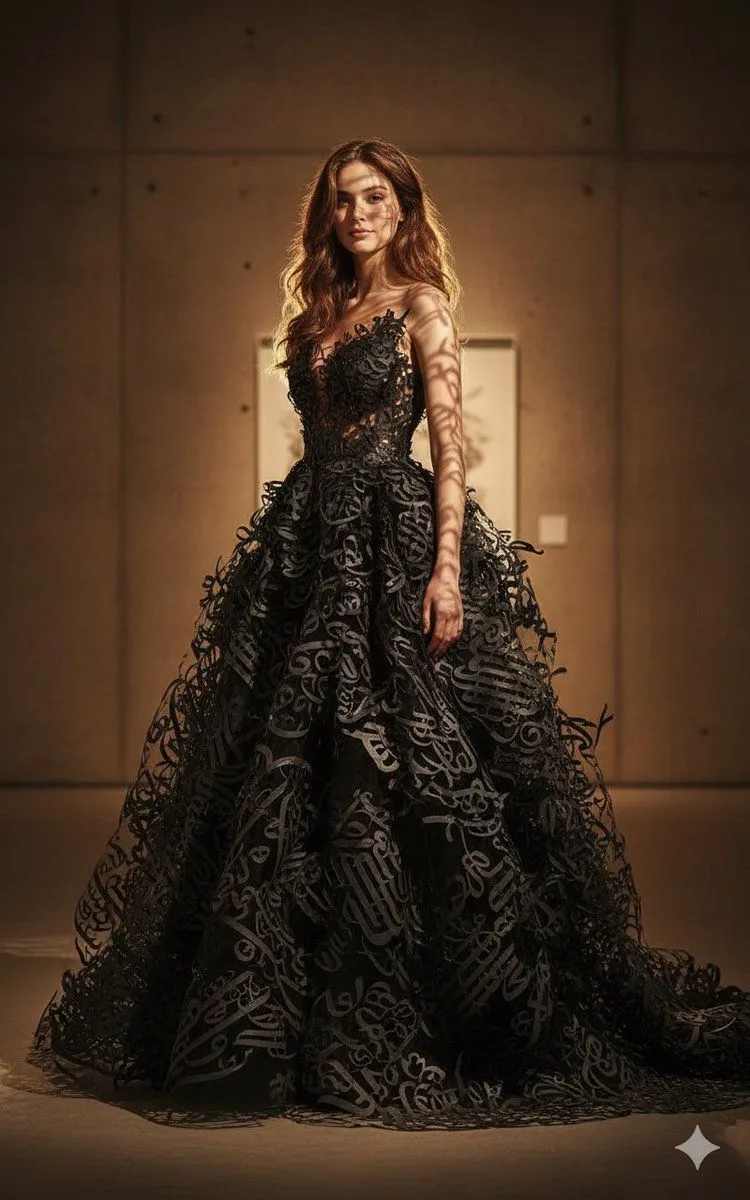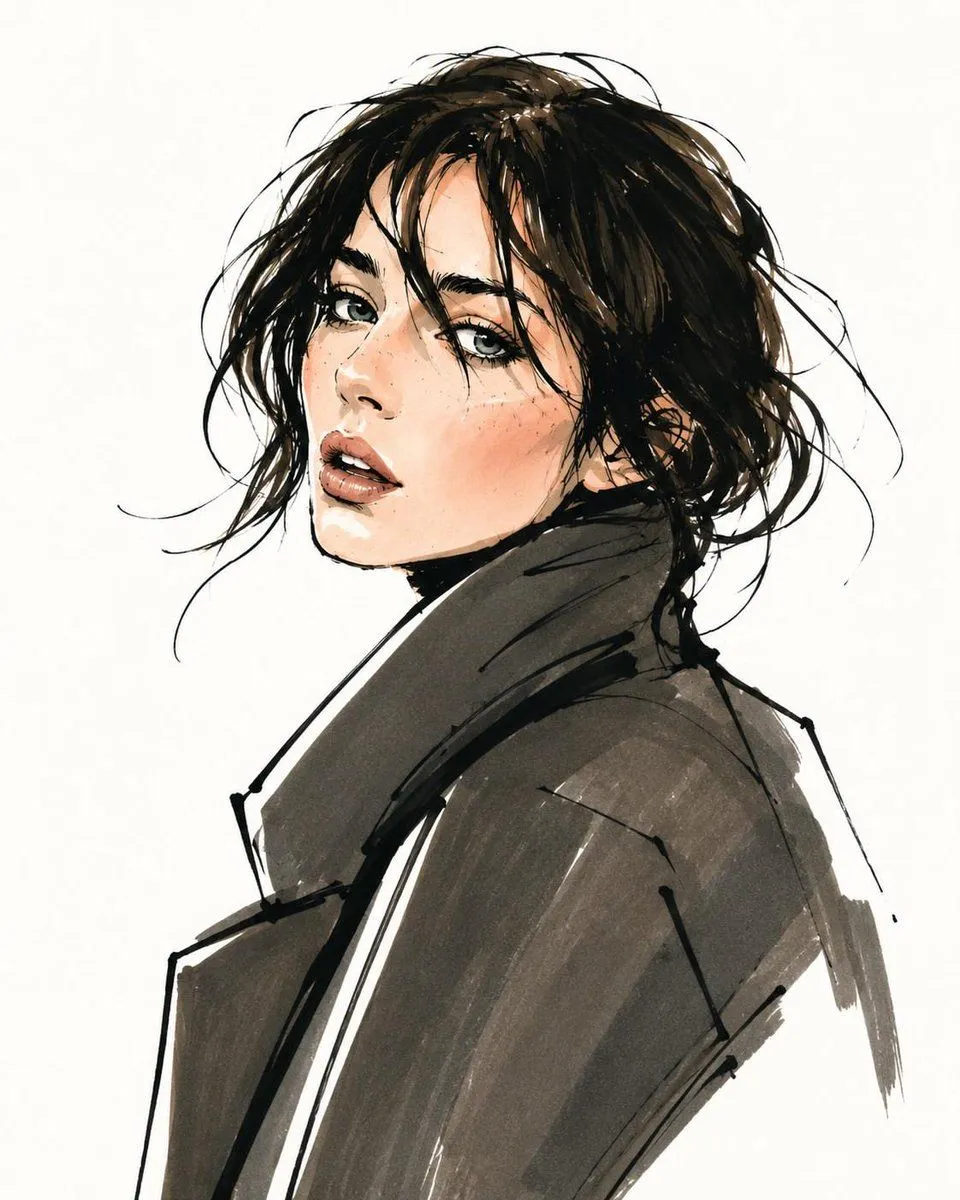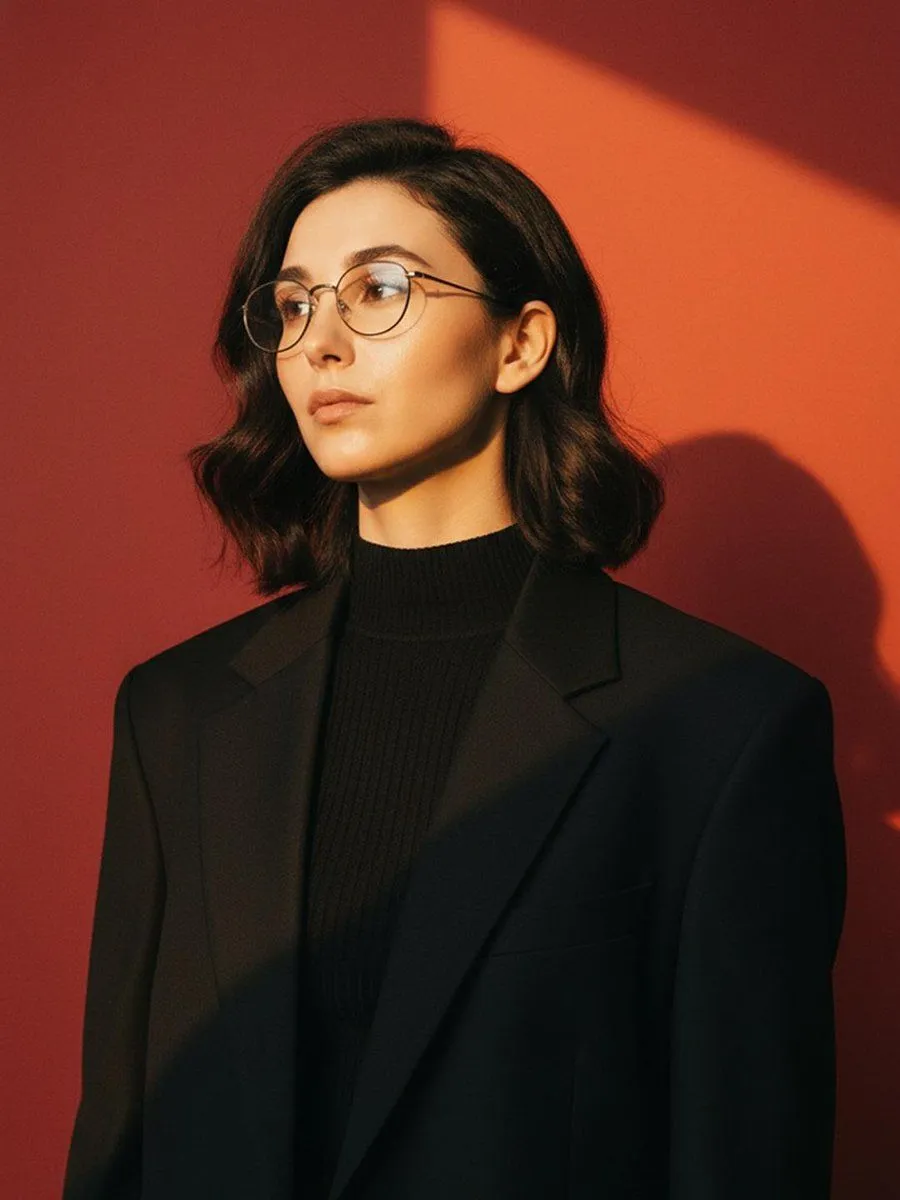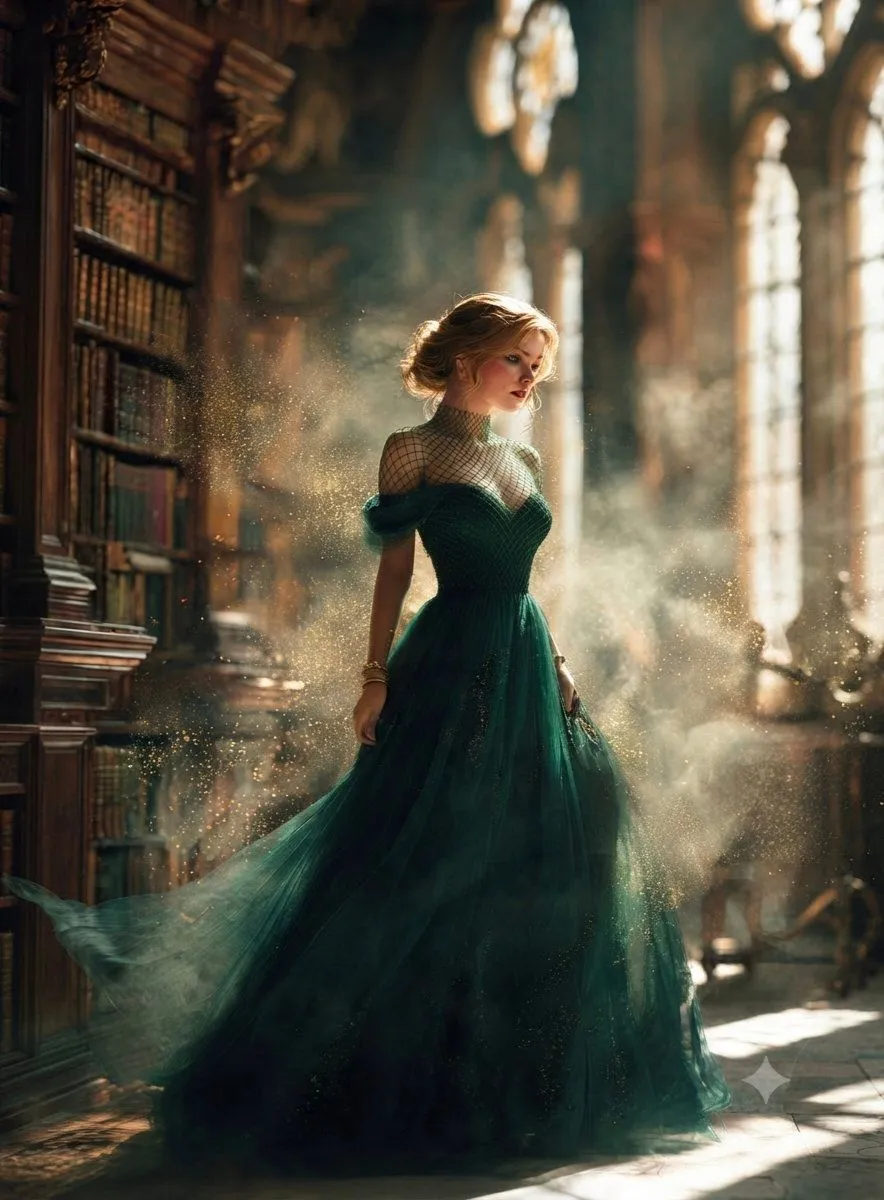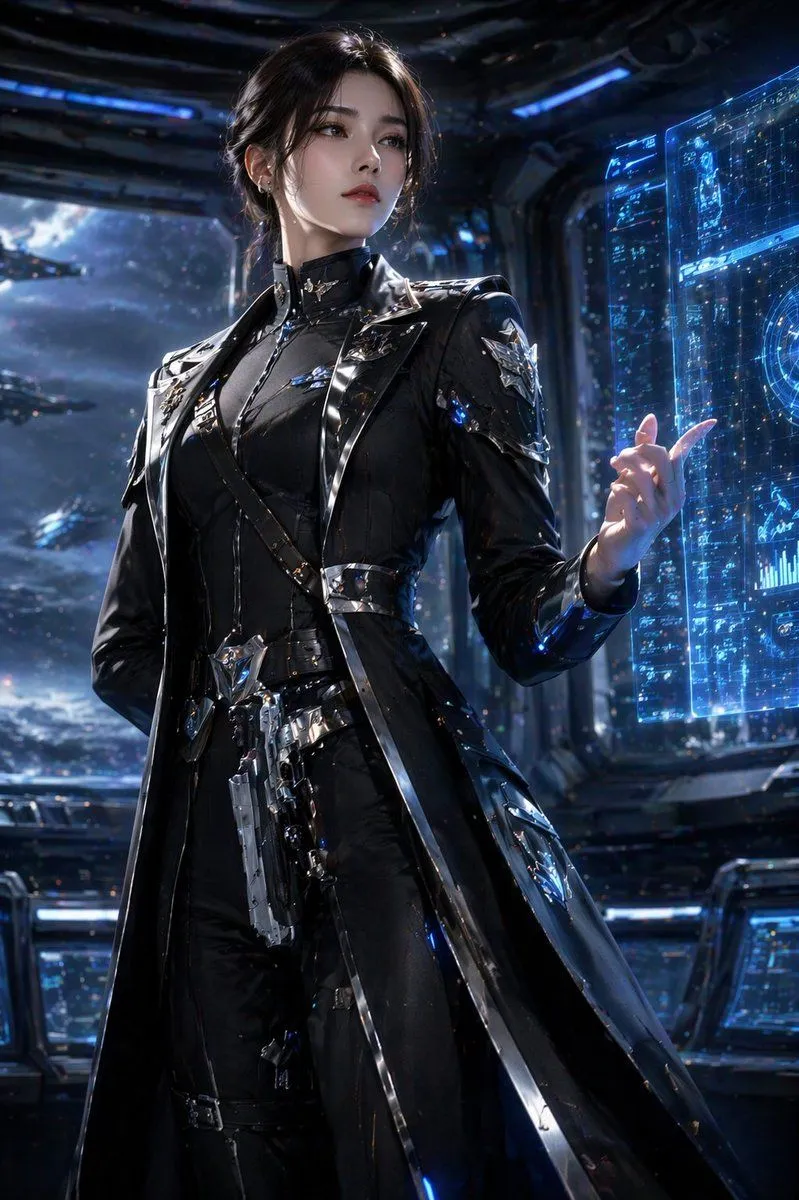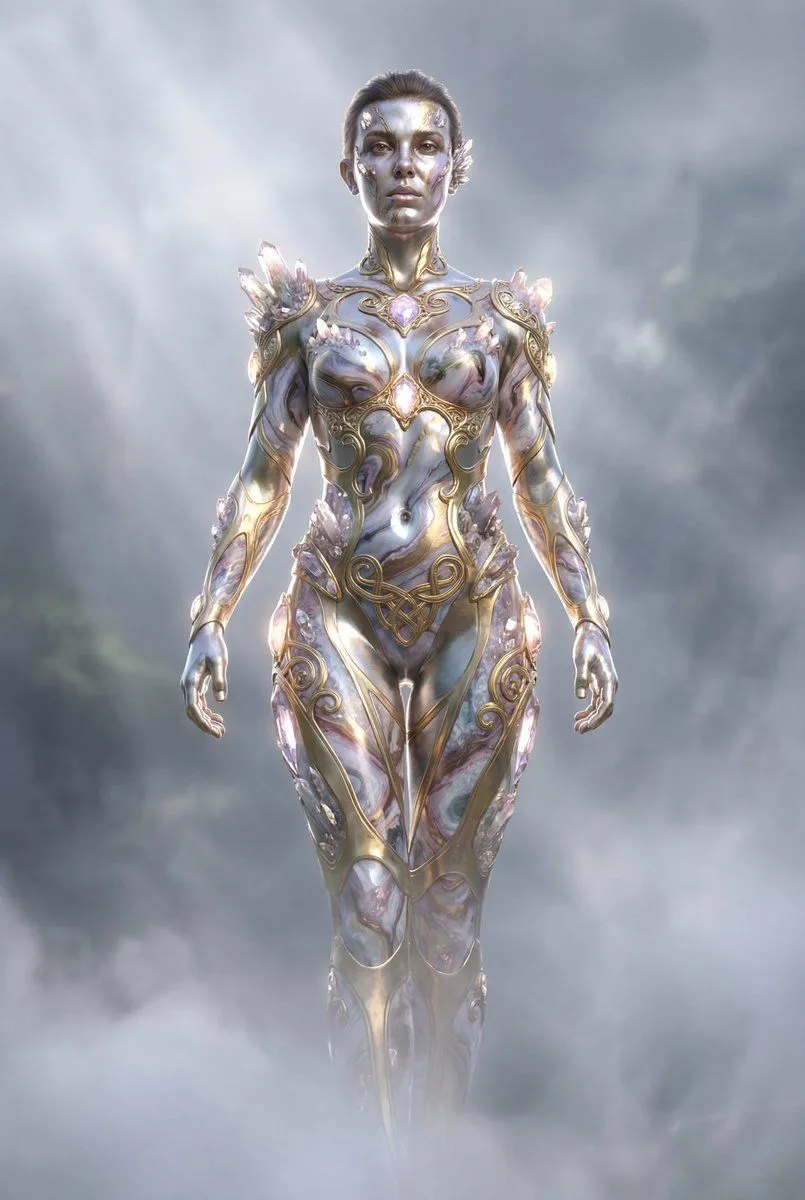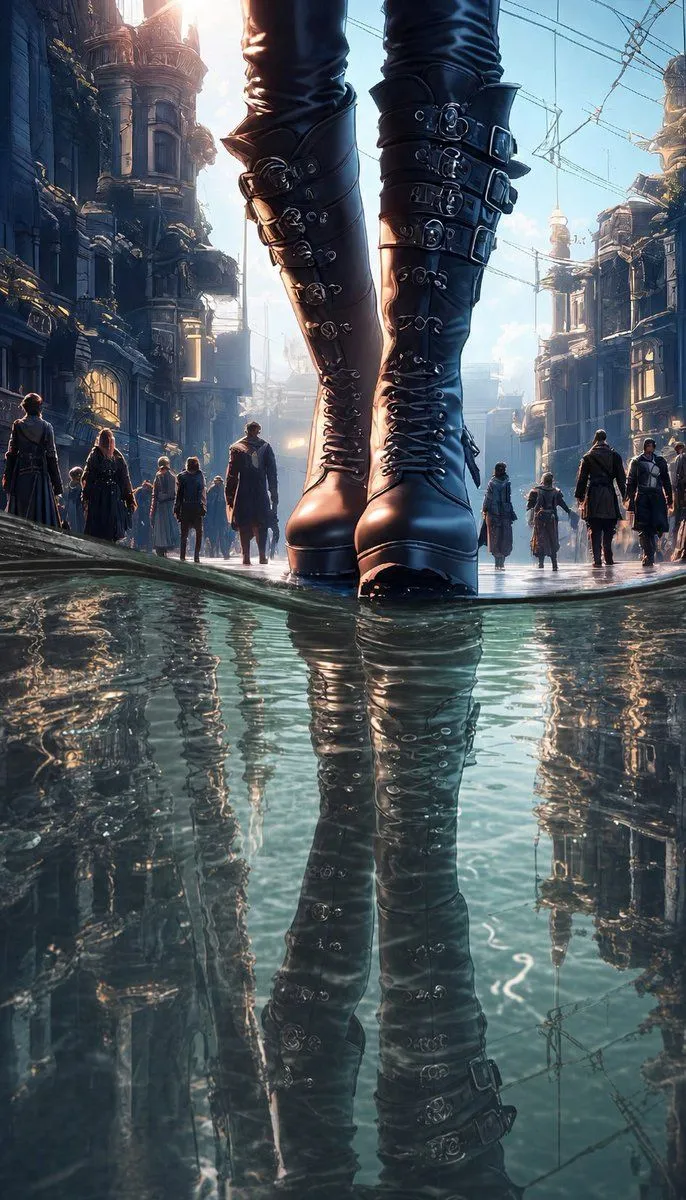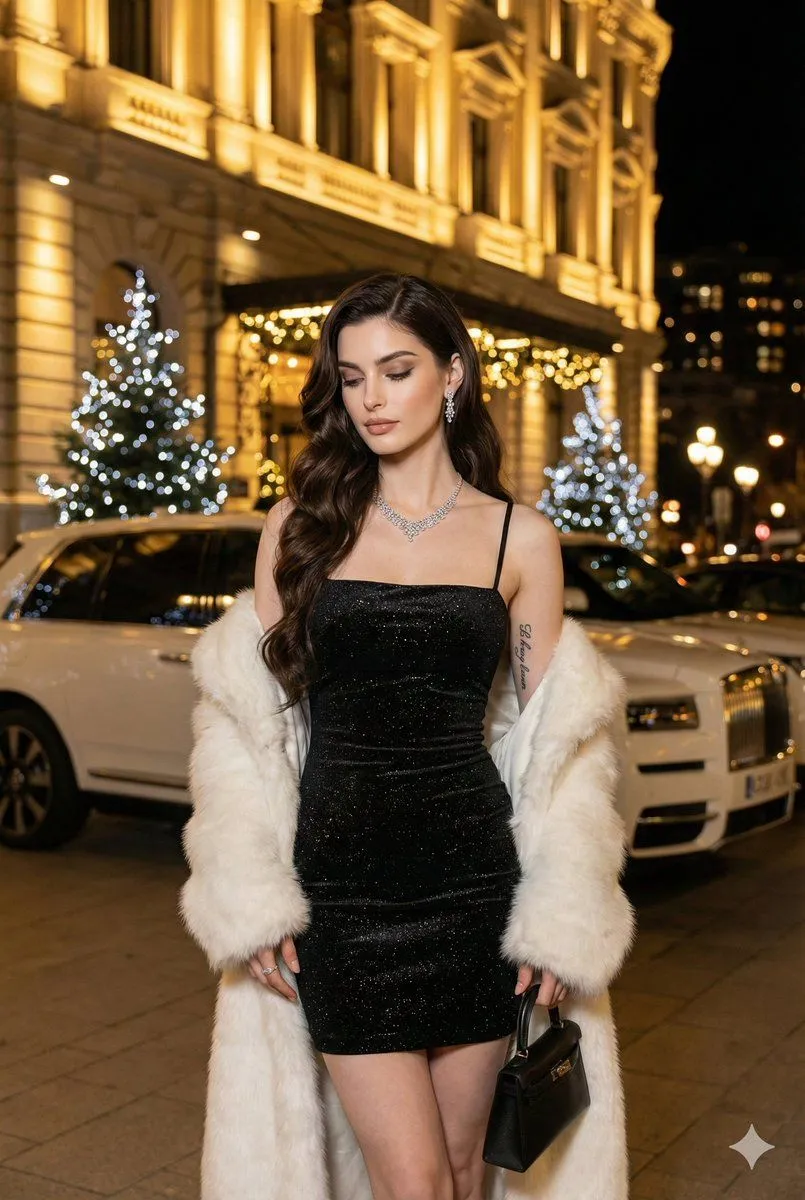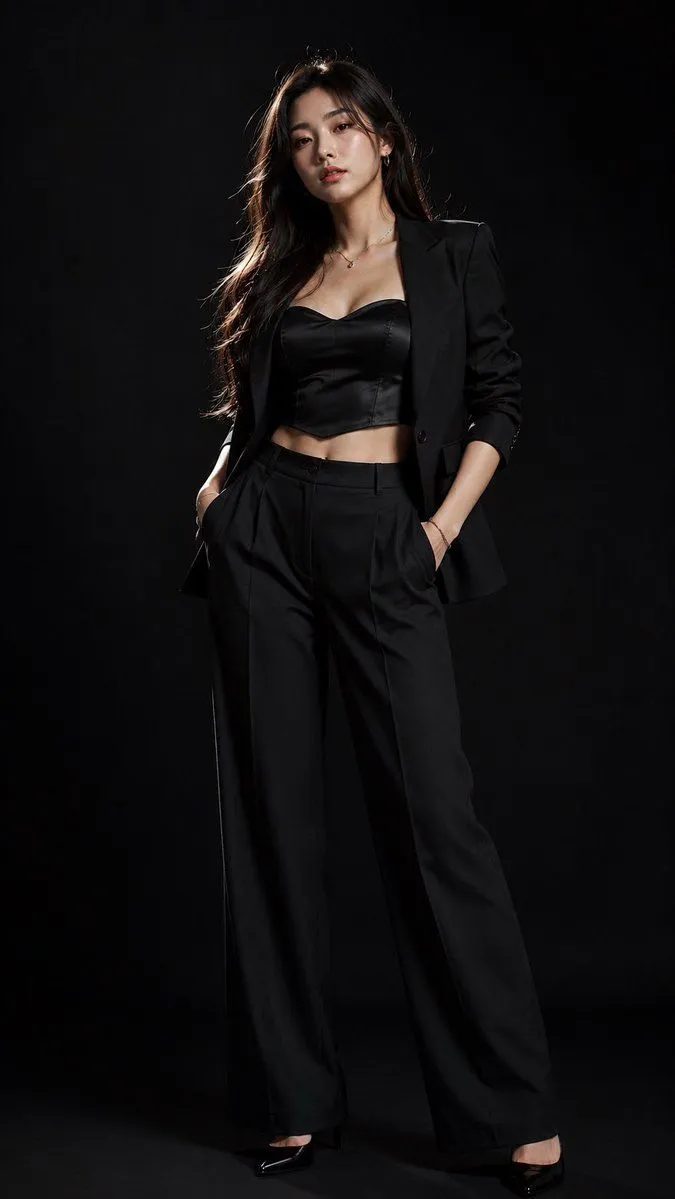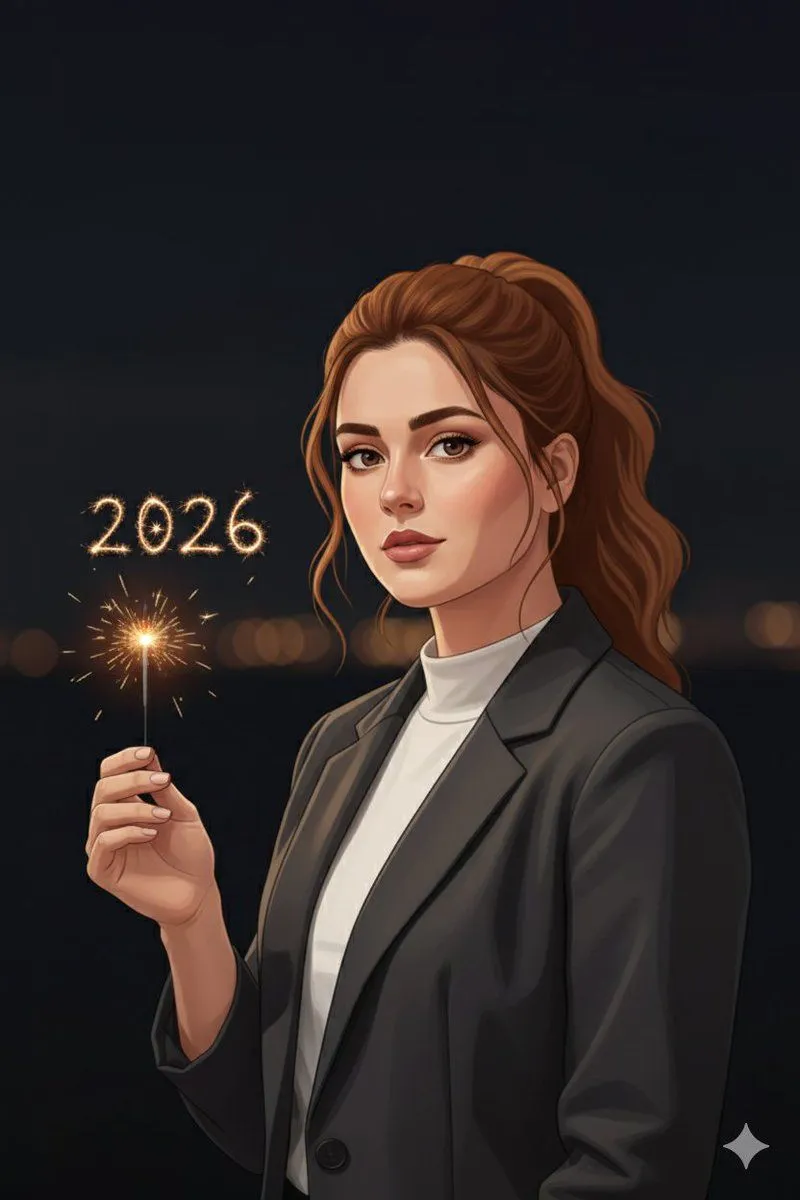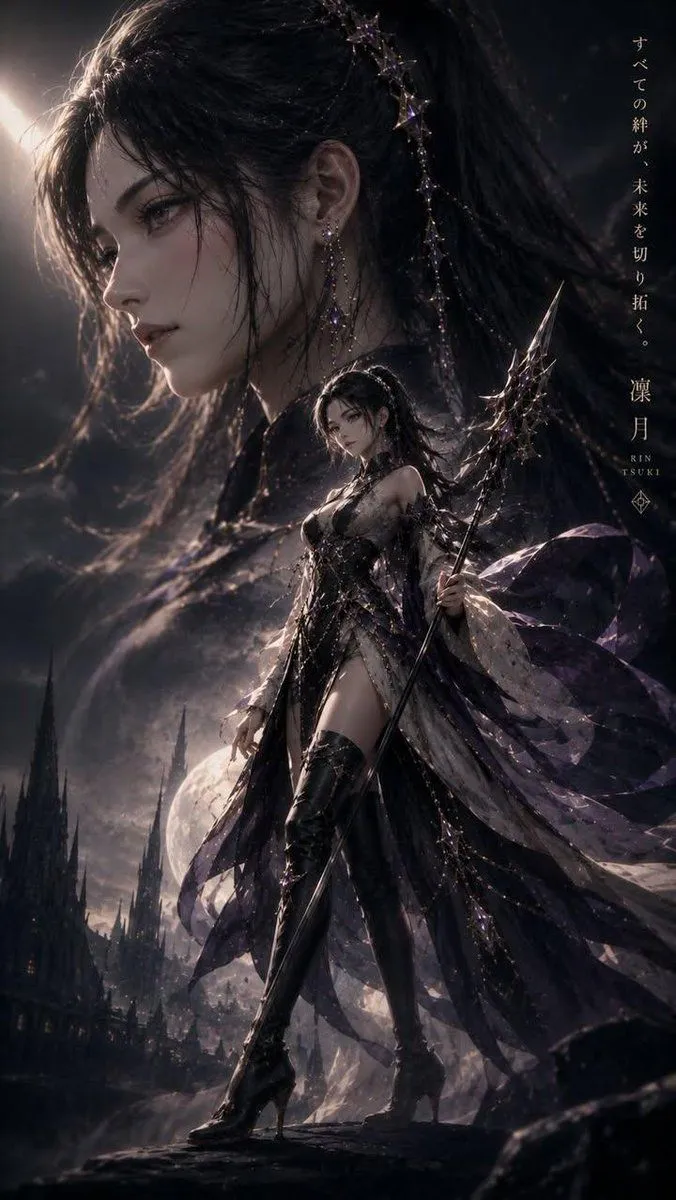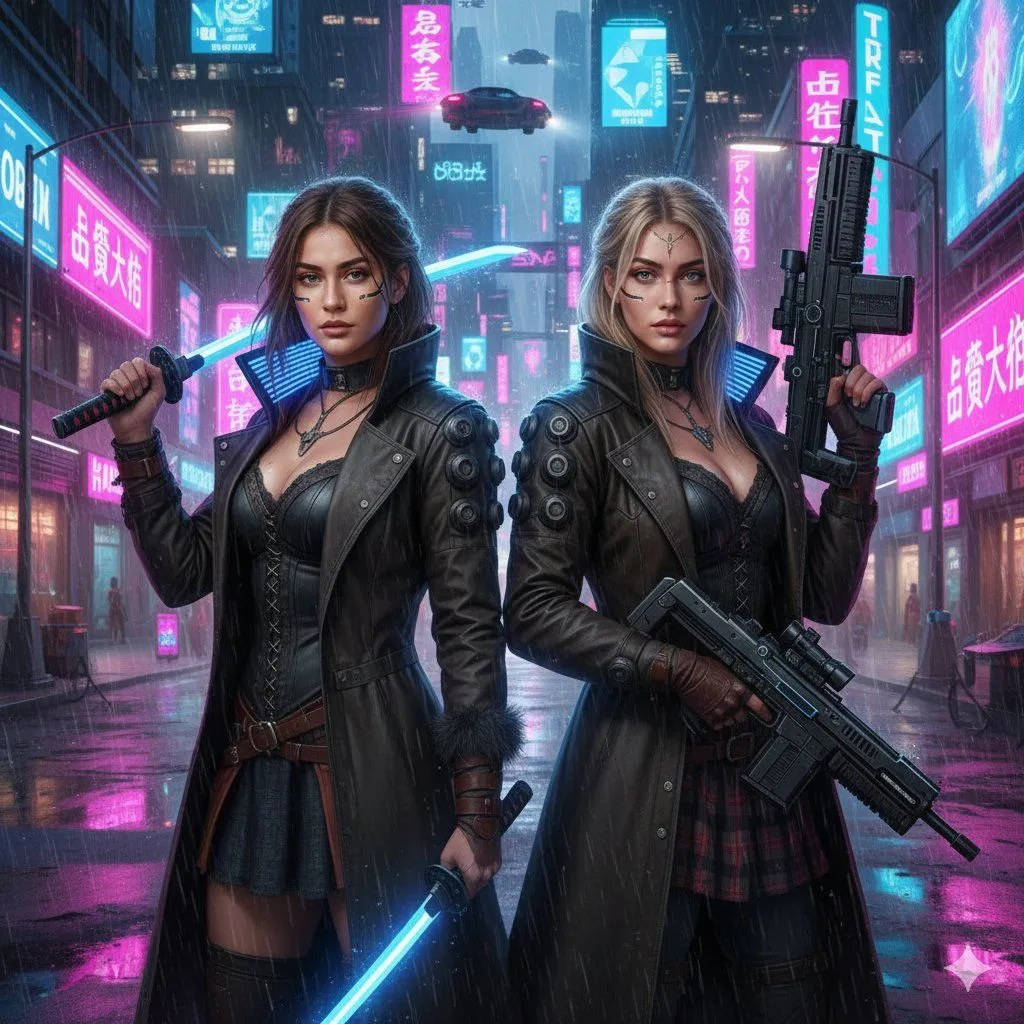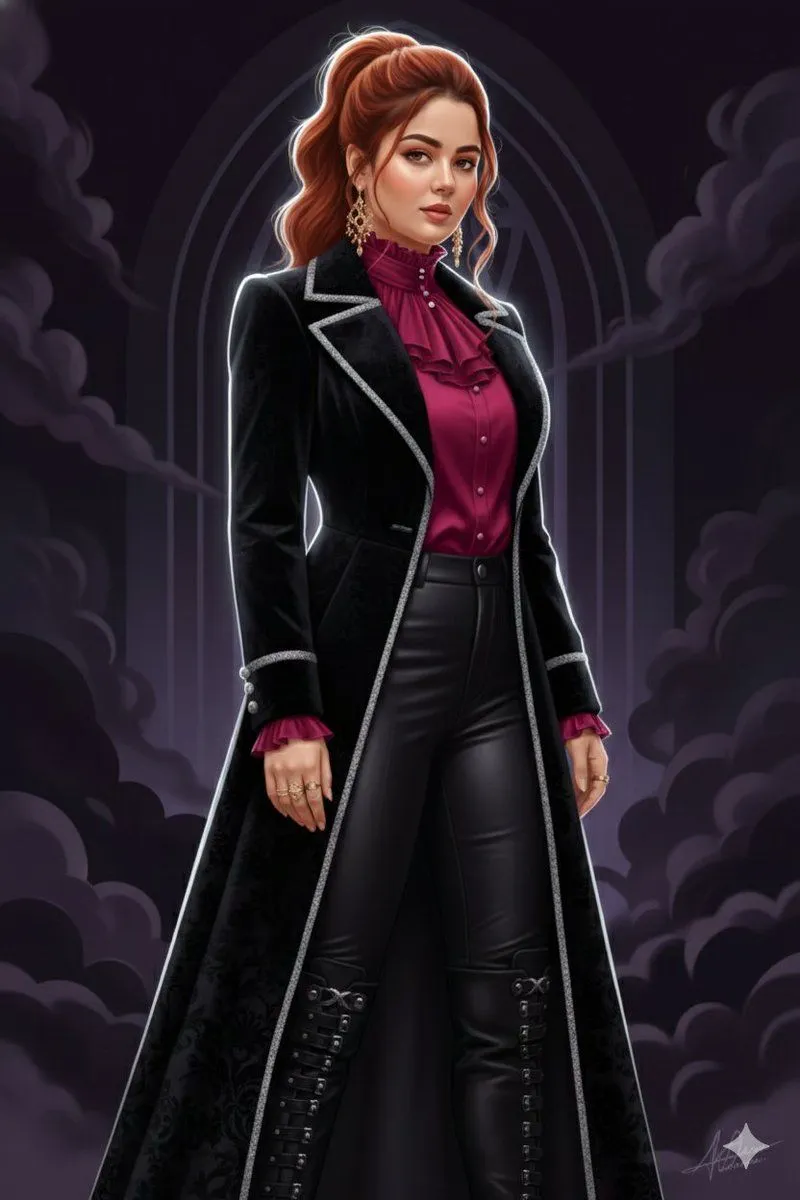
Made with Nano Banana Pro in Gemini by Library Social. Promptclay never generates images.
Did it work?
No reports yet. Tell others if it worked for you.
Dark Gothic Cinematic Illustration from Reference
Prompt
1 blank to fill{ "prompt": "Use the uploaded image strictly as an identity reference. Preserve 100% exact face match, facial structure, expressions, skin tone, hairstyle, and identity of every person visible in the reference image. Do not add or remove any person. Create a dark art / gothic cinematic pose (for example: standing in shadows, dramatic side profile, intense forward gaze, slow powerful posture) while keeping anatomy natural. Style the subjects in gothic-inspired luxury outfits—long coats, dark fabrics, leather, subtle metallic details—without changing facial identity. Convert the scene into a cinematic illustration blended with clean vector art. Use bold shadows, high contrast, sharp silhouettes, textured gradients, and subtle grain-like artistic shading (not noise) for a dramatic gothic poster feel. Lighting should be low-key cinematic lighting with strong rim light or top light creating depth and mystery. Color palette should be dark and rich—{color_palette}. Background should be a dark abstract or gothic architectural setting simplified into layered vector forms with fog or smoke elements. Render in ultra high resolution with crisp edges, dramatic contrast, and a polished dark cinematic finish.", "negative_prompt": "face mismatch, identity change, extra person, missing person, horror gore, anime exaggeration, chibi, wrong facial features, wrong skin tone, bad anatomy, extra fingers, extra limbs, flat lighting, photorealism, low quality, blur, noise, grain, watermark, logo, text", "style": "dark gothic cinematic illustration + vector art", "mood": "mysterious, intense, dramatic", "lighting": "low-key cinematic lighting with rim highlights", "background": "dark abstract or gothic vector backdrop", "detail_level": "high dramatic detail", "render_quality": "ultra high resolution, cinematic poster clarity", "composition": "same persons, new intense gothic pose", "reference_strength": 0.9 }
Preview of your prompt
{ "prompt": "Use the uploaded image strictly as an identity reference. Preserve 100% exact face match, facial structure, expressions, skin tone, hairstyle, and identity of every person visible in the reference image. Do not add or remove any person. Create a dark art / gothic cinematic pose (for example: standing in shadows, dramatic side profile, intense forward gaze, slow powerful posture) while keeping anatomy natural. Style the subjects in gothic-inspired luxury outfits—long coats, dark fabrics, leather, subtle metallic details—without changing facial identity. Convert the scene into a cinematic illustration blended with clean vector art. Use bold shadows, high contrast, sharp silhouettes, textured gradients, and subtle grain-like artistic shading (not noise) for a dramatic gothic poster feel. Lighting should be low-key cinematic lighting with strong rim light or top light creating depth and mystery. Color palette should be dark and rich—black, deep crimson, burgundy, charcoal, muted gold accents. Background should be a dark abstract or gothic architectural setting simplified into layered vector forms with fog or smoke elements. Render in ultra high resolution with crisp edges, dramatic contrast, and a polished dark cinematic finish.", "negative_prompt": "face mismatch, identity change, extra person, missing person, horror gore, anime exaggeration, chibi, wrong facial features, wrong skin tone, bad anatomy, extra fingers, extra limbs, flat lighting, photorealism, low quality, blur, noise, grain, watermark, logo, text", "style": "dark gothic cinematic illustration + vector art", "mood": "mysterious, intense, dramatic", "lighting": "low-key cinematic lighting with rim highlights", "background": "dark abstract or gothic vector backdrop", "detail_level": "high dramatic detail", "render_quality": "ultra high resolution, cinematic poster clarity", "composition": "same persons, new intense gothic pose", "reference_strength": 0.9 }
DetailsVersions, settings and questions
Written for
What's in the prompt
- Subject
- Model
- Nano Banana Pro
If your face changes
keep my face exactly the sameQuestions
- Does this work in the Gemini app?
- Yes. Gemini runs Nano Banana, so paste the prompt and attach your photo if it uses one.
- It changed my face. What do I do?
- Add "keep my face exactly the same" to the end and run it again.
- Can I use the images I make?
- Check the terms of the app you use. Promptclay never generates images and claims nothing you make.