Tell us anything

An idea, a bug, something you love. We read every note.

⌘↵ to send. The page you're on comes along.

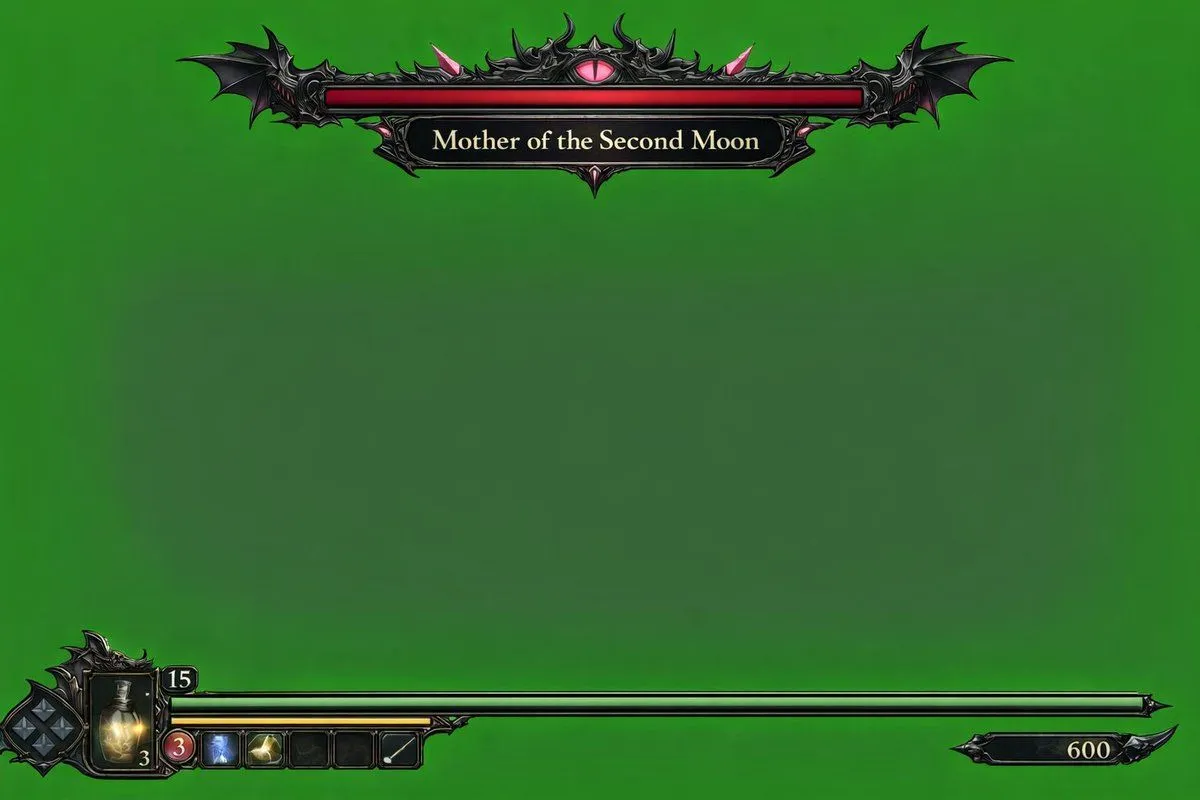
Dark Fantasy Game HUD on Green Screen

Made with GPT Image 2 in ChatGPT, collected by Library Game Art. Promptclay never generates images.

Did it work?

No reports yet. Tell others if it worked for you.

No comments yet. Be the first.

    Dark Fantasy Game HUD on Green Screen

    GPT Image 23:2AI-generated

    Prompt

    { "type": "video game HUD overlay", "background": "{argument name=\"background color\" default=\"solid chroma key green\"}", "theme": "{argument name=\"UI theme\" default=\"dark fantasy gothic\"}", "layout": { "top_center": { "component": "boss health bar", "design": "ornate black metal frame with bat wings on the edges and a glowing pink eye in the top center", "bar_color": "{argument name=\"boss health bar color\" default=\"red\"}", "label": "{argument name=\"boss name\" default=\"Mother of the Second Moon\"}" }, "bottom_left": { "component": "player status HUD", "design": "intricate dark metal frame", "elements": [ "diamond-shaped D-pad indicator", "glowing yellow potion flask with the number '3'", "number '15' in a small top frame", "long {argument name=\"player health bar color\" default=\"green\"} health bar extending to the right", "shorter yellow bar underneath the green bar", "row of 5 square quick-select inventory slots (slot 1: red circle with '3', slot 2: blue icon, slot 3: yellow icon, slot 4: empty, slot 5: white diagonal line)" ] }, "bottom_right": { "component": "score or currency indicator", "design": "small black decorative plaque with the number '600'" } } }

    Works in
    ChatGPT, Gemini
    Status
    Free to copy
    0
    DetailsVersions, settings and questions

    Written for

    What's in the prompt

    Subject
    Model
    GPT Image 2

    If your face changes

    keep my face exactly the same

    Questions

    Does this work in the ChatGPT app?
    Yes. Paste the prompt and attach your photo if it uses one.
    It changed my face. What do I do?
    Add "keep my face exactly the same" to the end and run it again.
    Can I use the images I make?
    Check the terms of the app you use. Promptclay never generates images and claims nothing you make.
    Similar prompts

    See more
    • Arcane Siege Mobile Deck UI
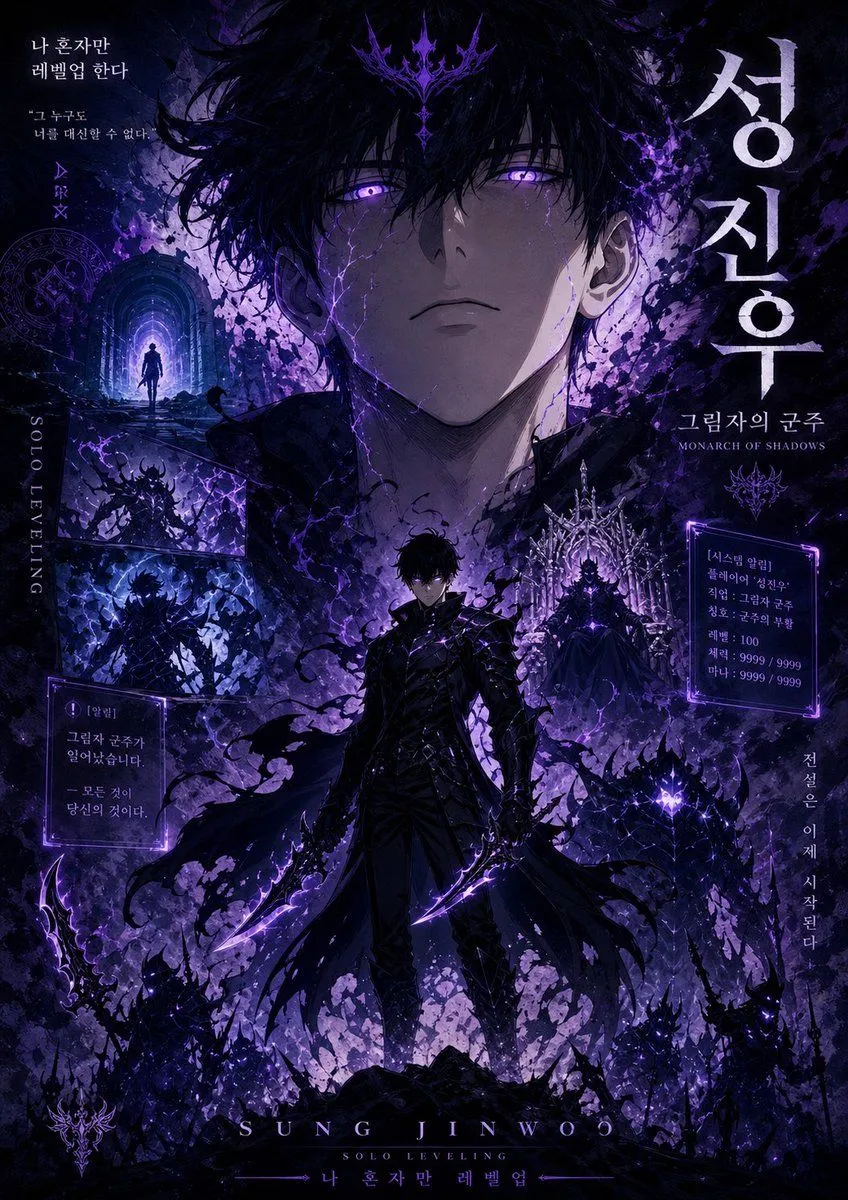
    • Shadow Monarch Manhwa Cover
    • Cinematic Fantasy Character Poster Grid
    • Emerald Dark Sorceress Ritual
    • Image Generation Prompt for Stylized 3D Caricature
    • Retro PC-98 Fantasy RPG UI
    • World of Warcraft Style Raid
    • Sci-Fi Light Freighter Schematic HUD
    • Immersive Music Player UI Poster
    • 图3的提示词:请只生成无文字背景图,保留深绿色渐变、玻璃拟态卡片、科技金融质感,但所有文字区域留空,
    • Dark Research Figure Gallery UI
    • PC-98 Gothic Adventure Game UI
    • Treasure Map Adventure Prompt for Nano Banana 2
    • YouTube Subtitle Base Generation Prompt
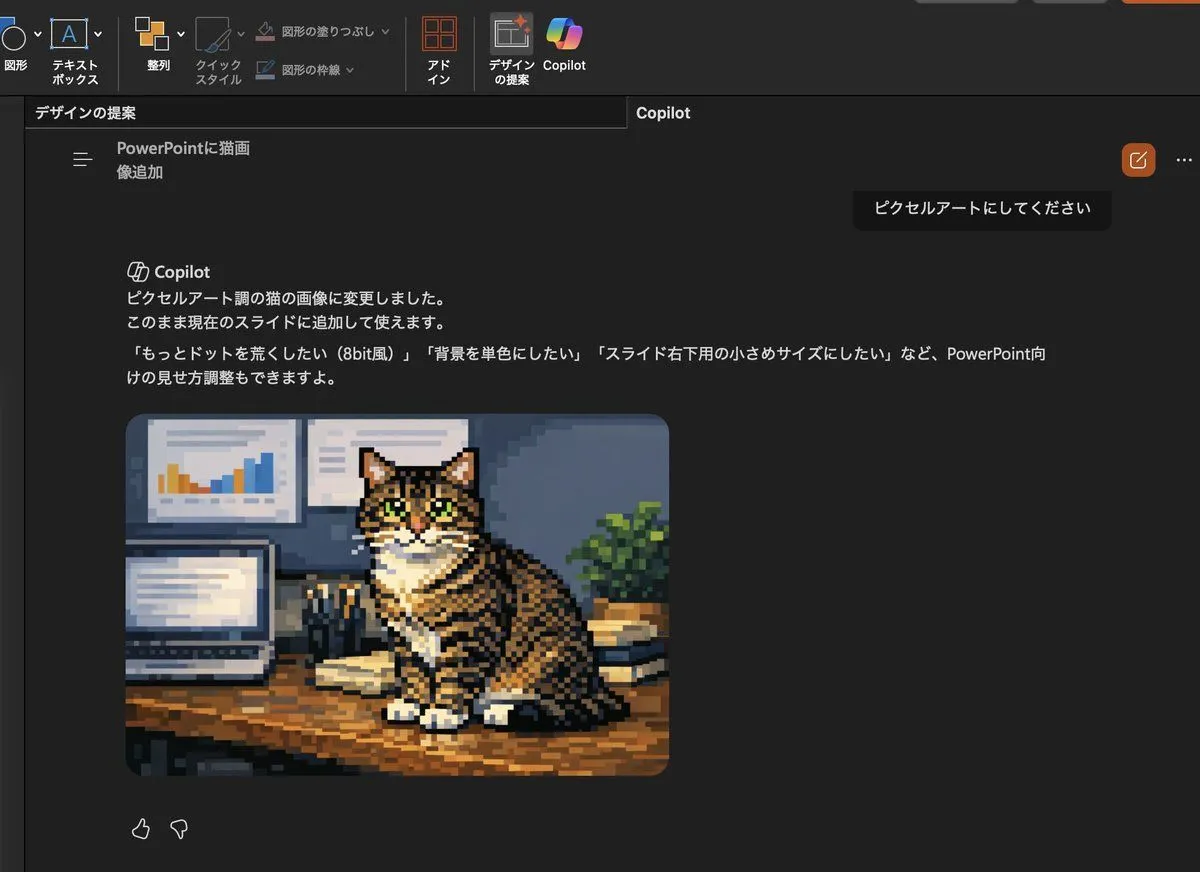
    • Convert Copilot cat image to pixel art
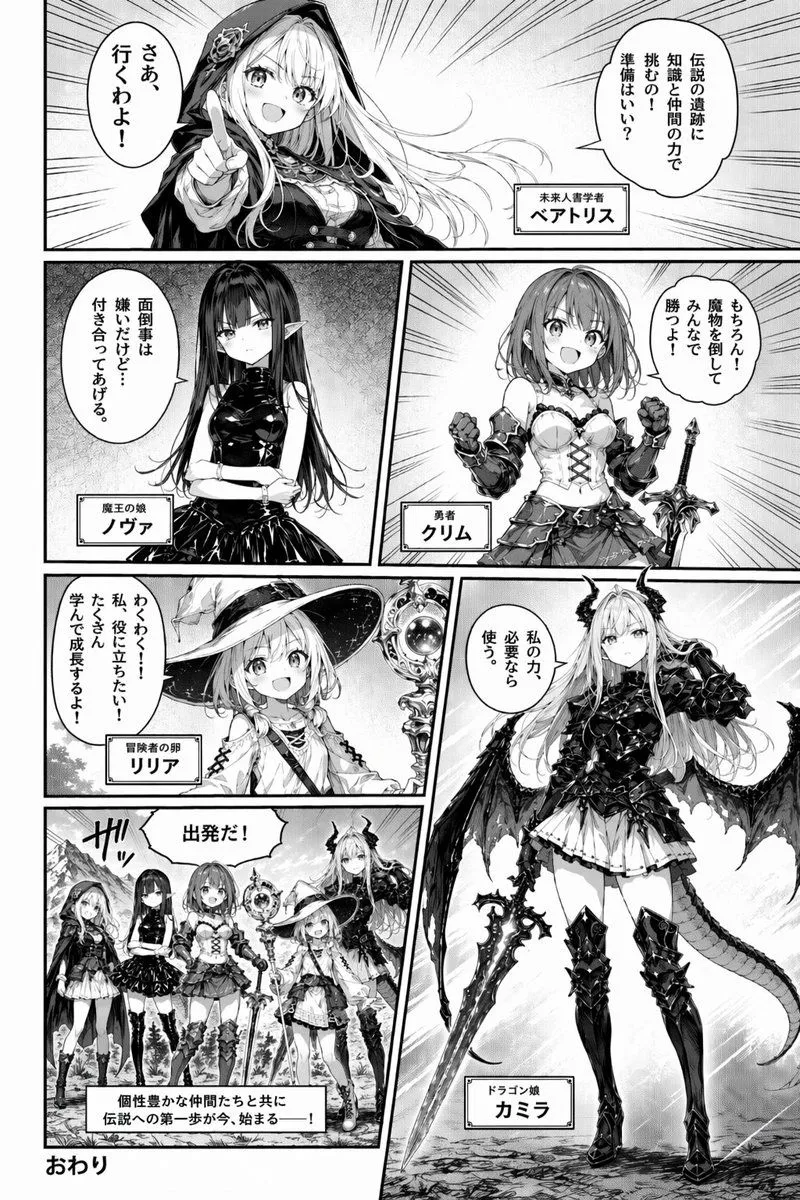
    • Fantasy Manga Character Introduction Page
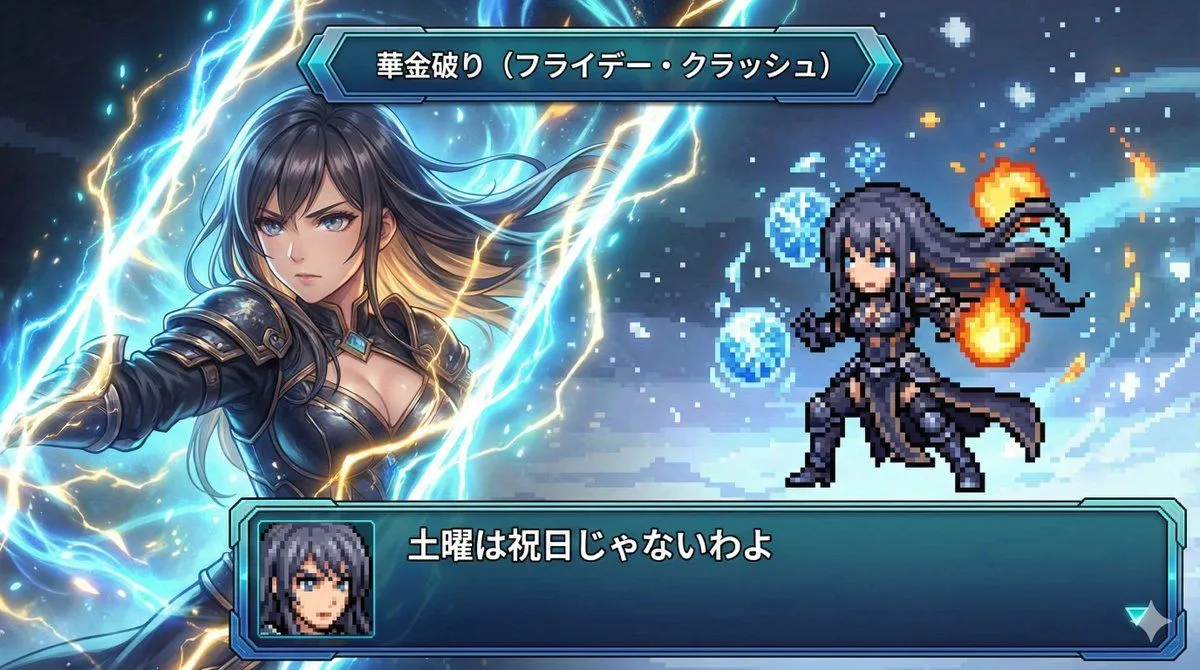
    • Super Robot Wars Style Witch Rejecting Friday
    • @mitte_ai Seedance 2.0 Storyboard-to-Video Prompt:
    • Isolated Tree on Checkerboard
    • Photorealistic Fur Coat Character Sheet
    • Pixel Art Dragon on Castle
    • Elegant 23rd Birthday Studio Portrait
    • Neon Bug Text Logo
    • Zen-Style Oolong Tea Ecommerce Detail Page

    Show more

    Run it on your phone

    1. Prompt copiedRead it

      { "type": "video game HUD overlay", "background": "{argument name=\"background color\" default=\"solid chroma key green\"}", "theme": "{argument name=\"UI theme\" default=\"dark fantasy gothic\"}", "layout": { "top_center": { "component": "boss health bar", "design": "ornate black metal frame with bat wings on the edges and a glowing pink eye in the top center", "bar_color": "{argument name=\"boss health bar color\" default=\"red\"}", "label": "{argument name=\"boss name\" default=\"Mother of the Second Moon\"}" }, "bottom_left": { "component": "player status HUD", "design": "intricate dark metal frame", "elements": [ "diamond-shaped D-pad indicator", "glowing yellow potion flask with the number '3'", "number '15' in a small top frame", "long {argument name=\"player health bar color\" default=\"green\"} health bar extending to the right", "shorter yellow bar underneath the green bar", "row of 5 square quick-select inventory slots (slot 1: red circle with '3', slot 2: blue icon, slot 3: yellow icon, slot 4: empty, slot 5: white diagonal line)" ] }, "bottom_right": { "component": "score or currency indicator", "design": "small black decorative plaque with the number '600'" } } }

    2. Open your app

    3. Paste and run

      Press and hold the message box, then tap Paste. Add your photo first if the prompt uses one. You may need to sign in.

    Dark Fantasy Game HUD on Green Screen