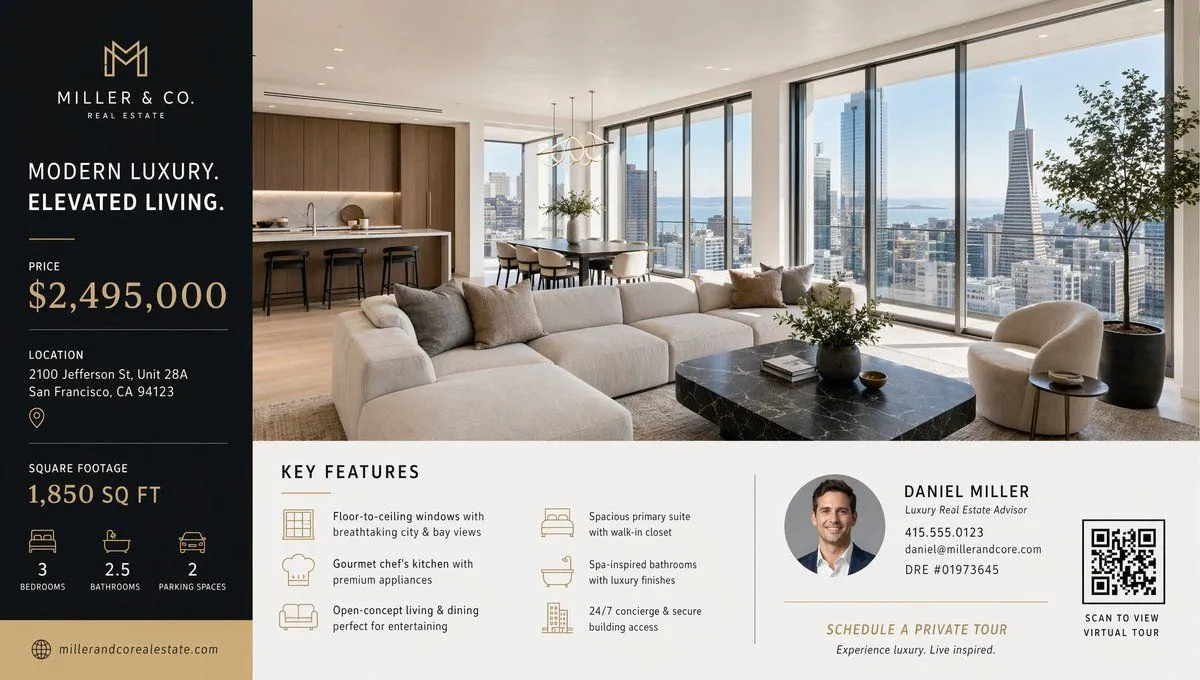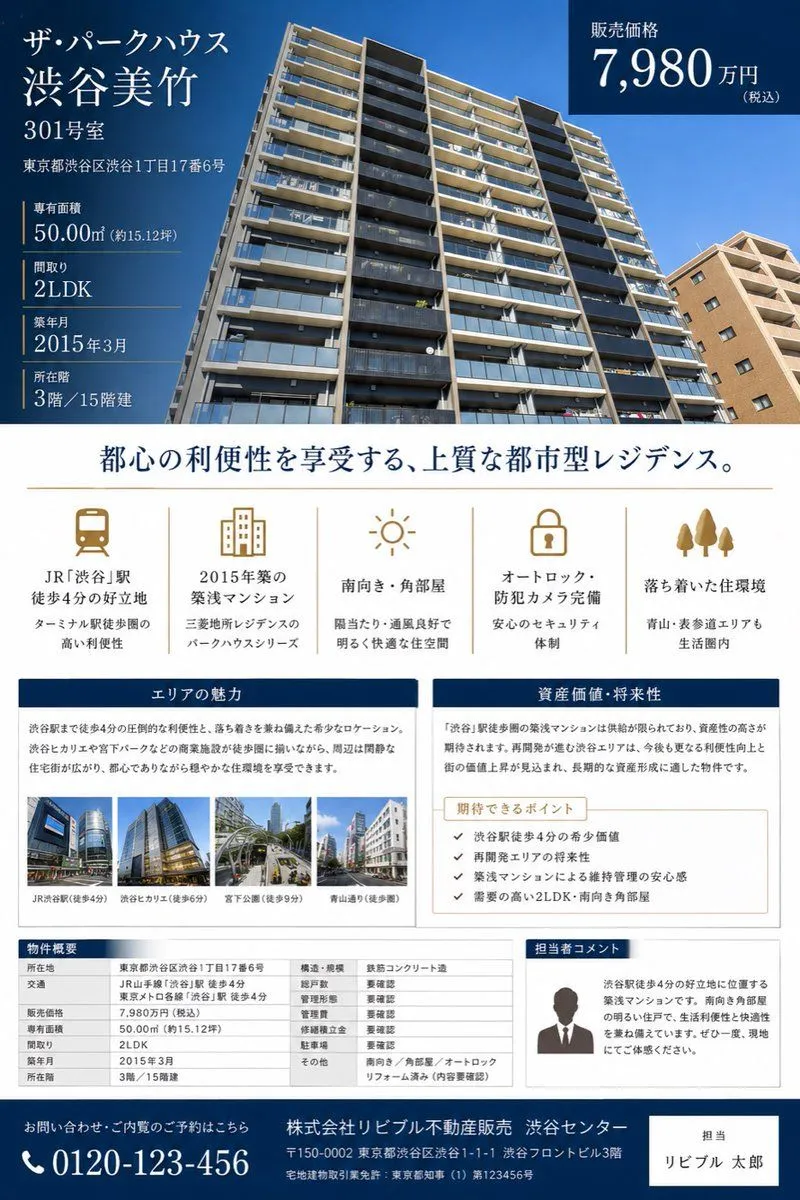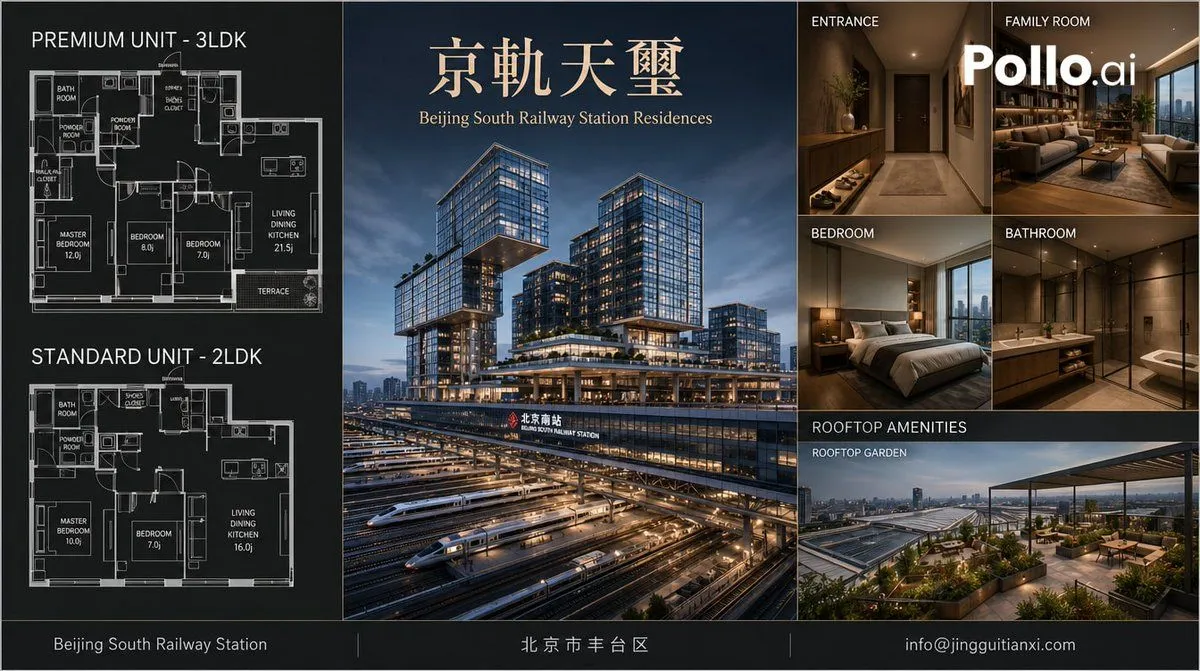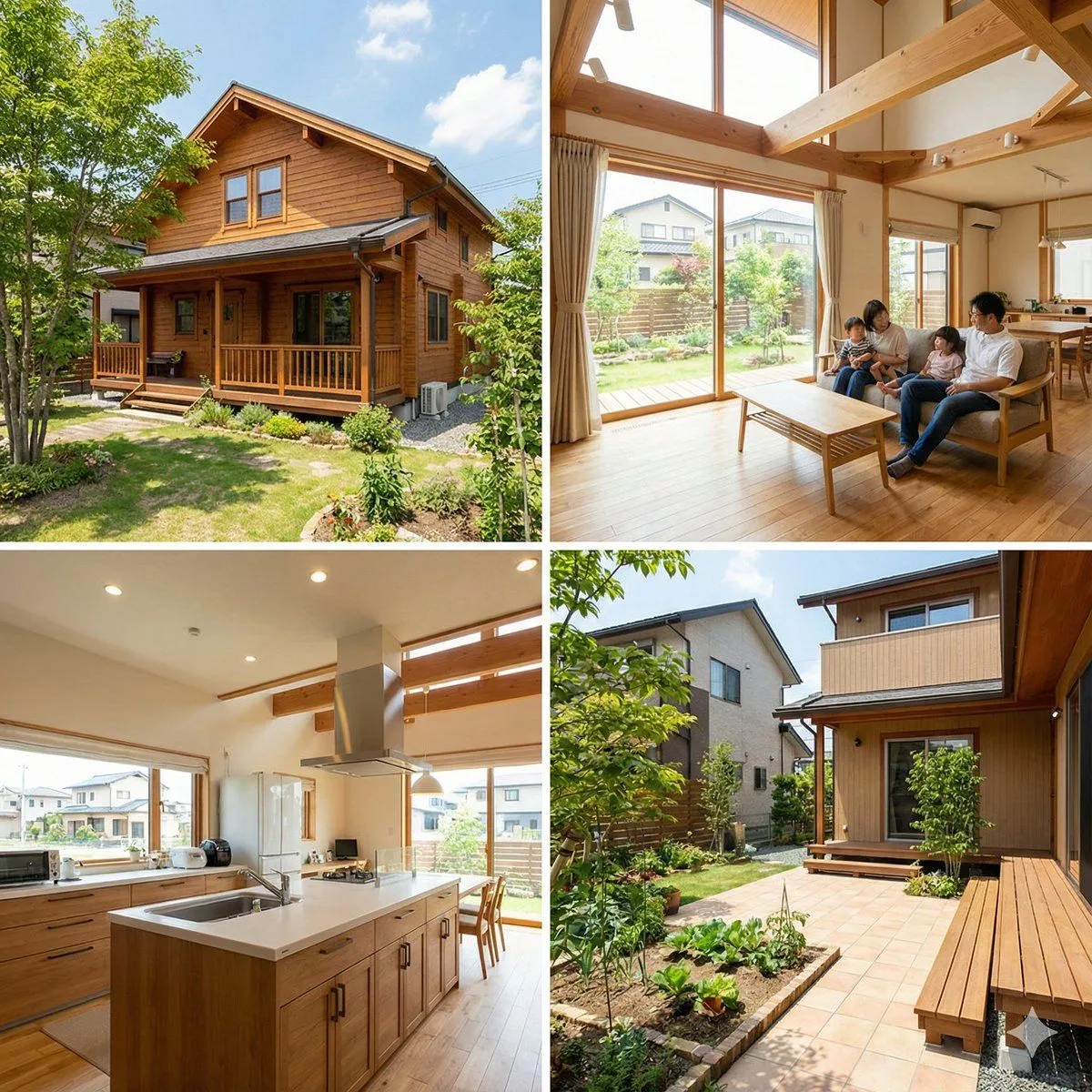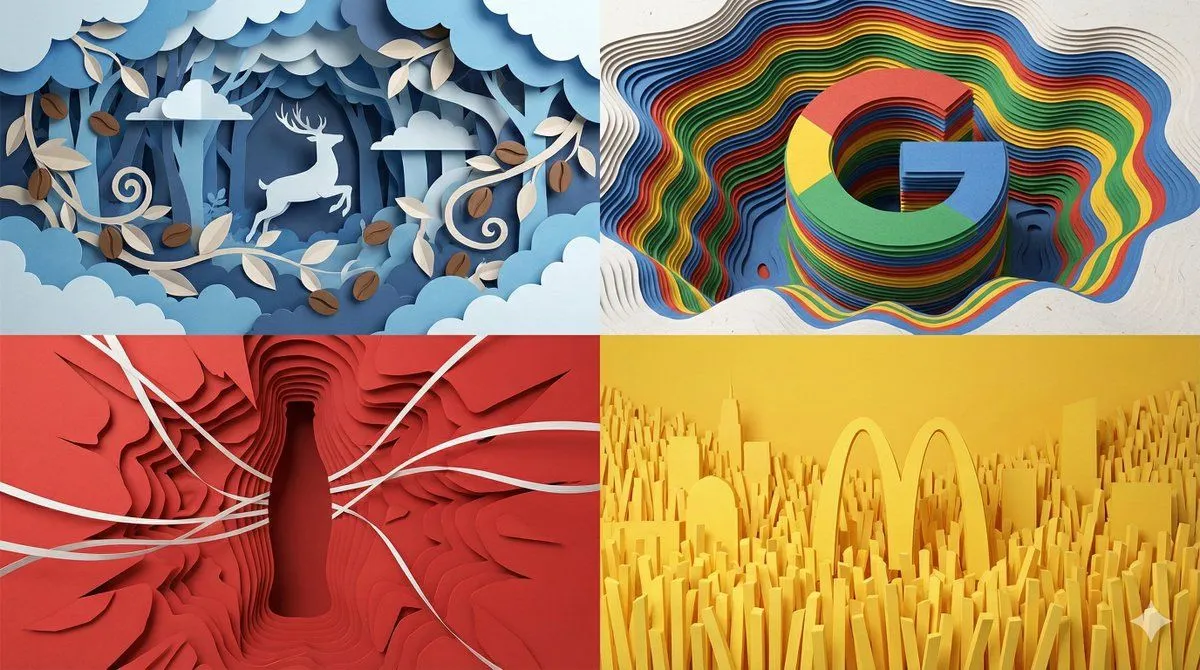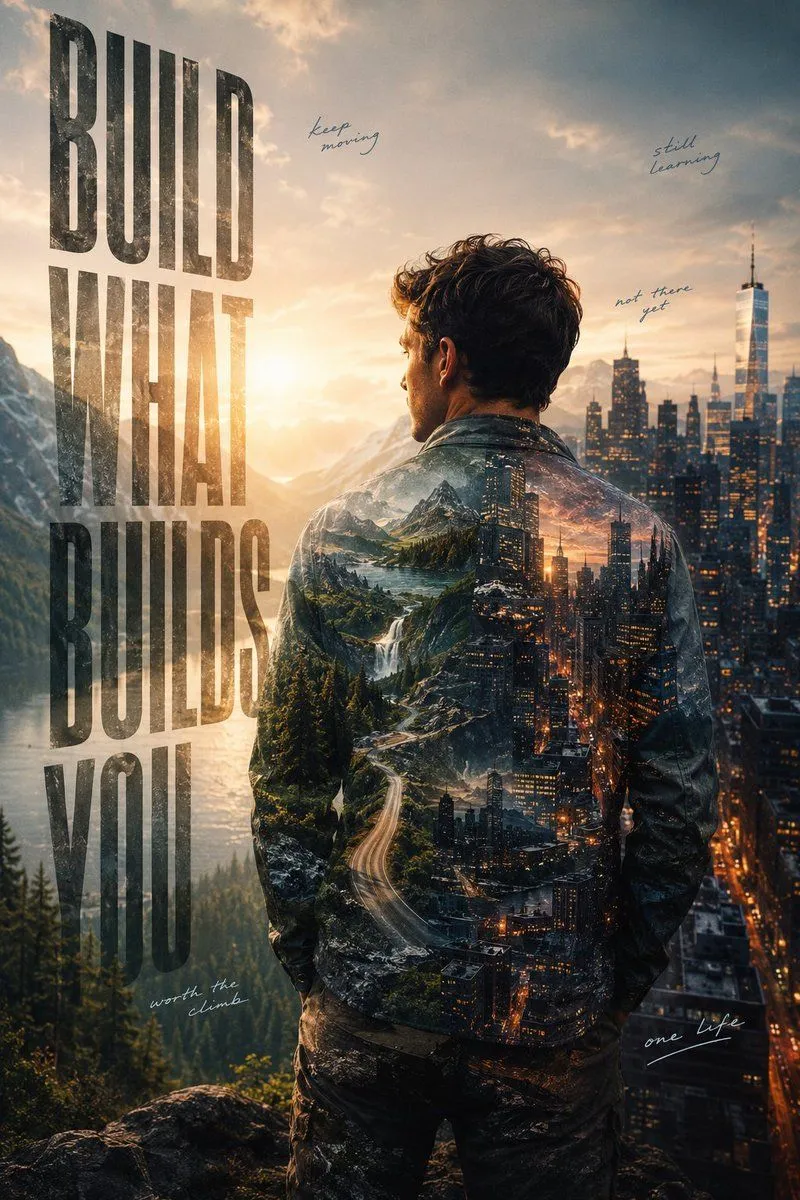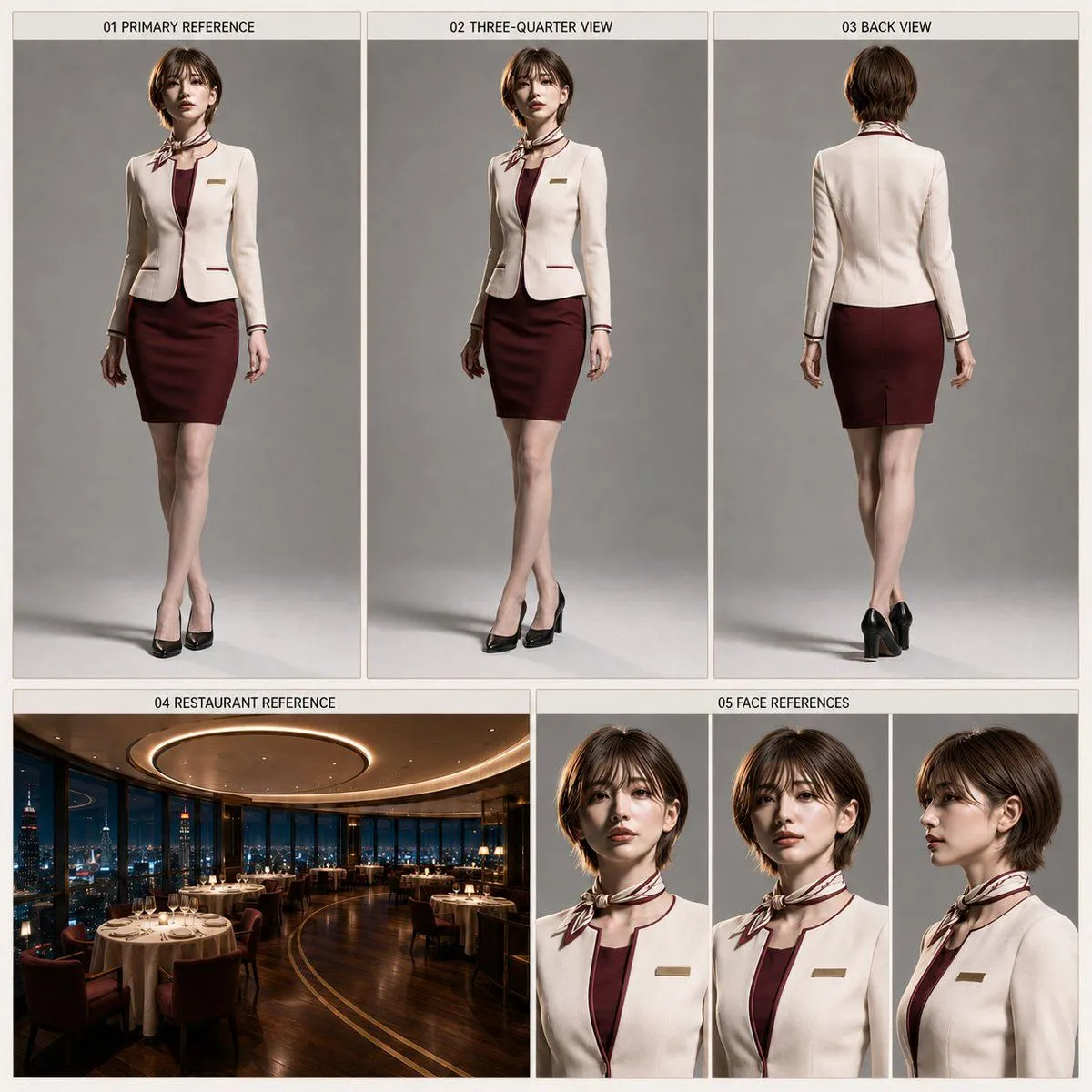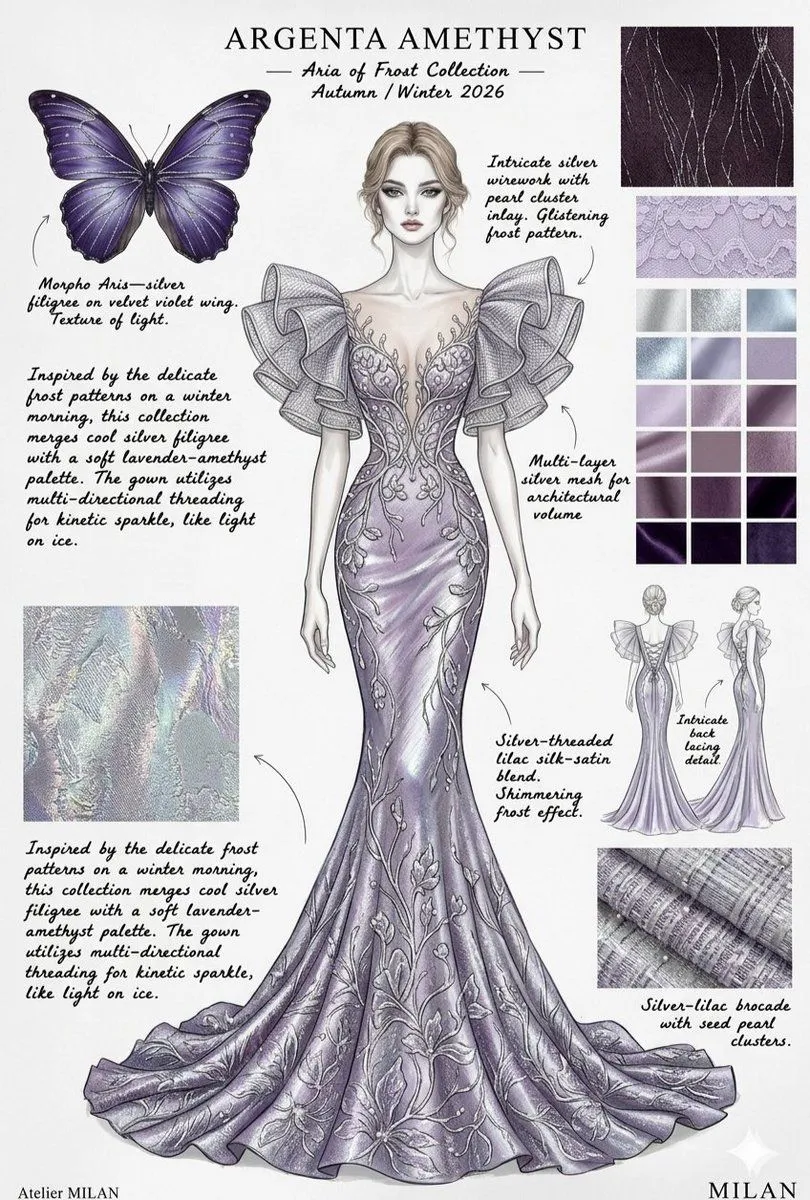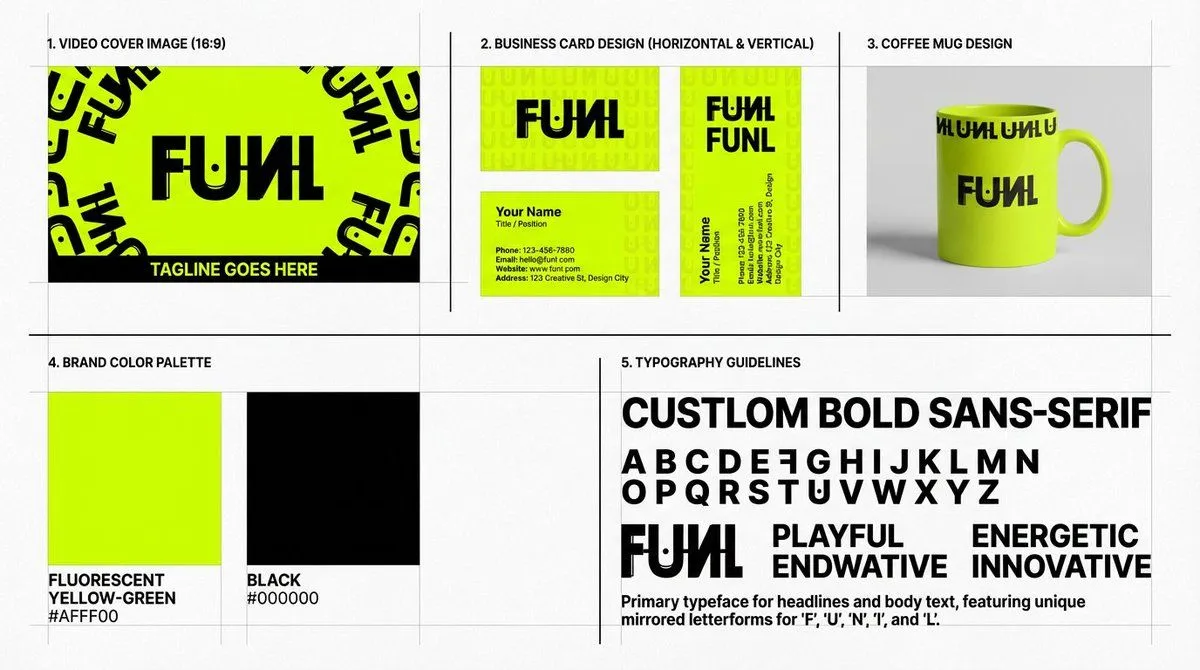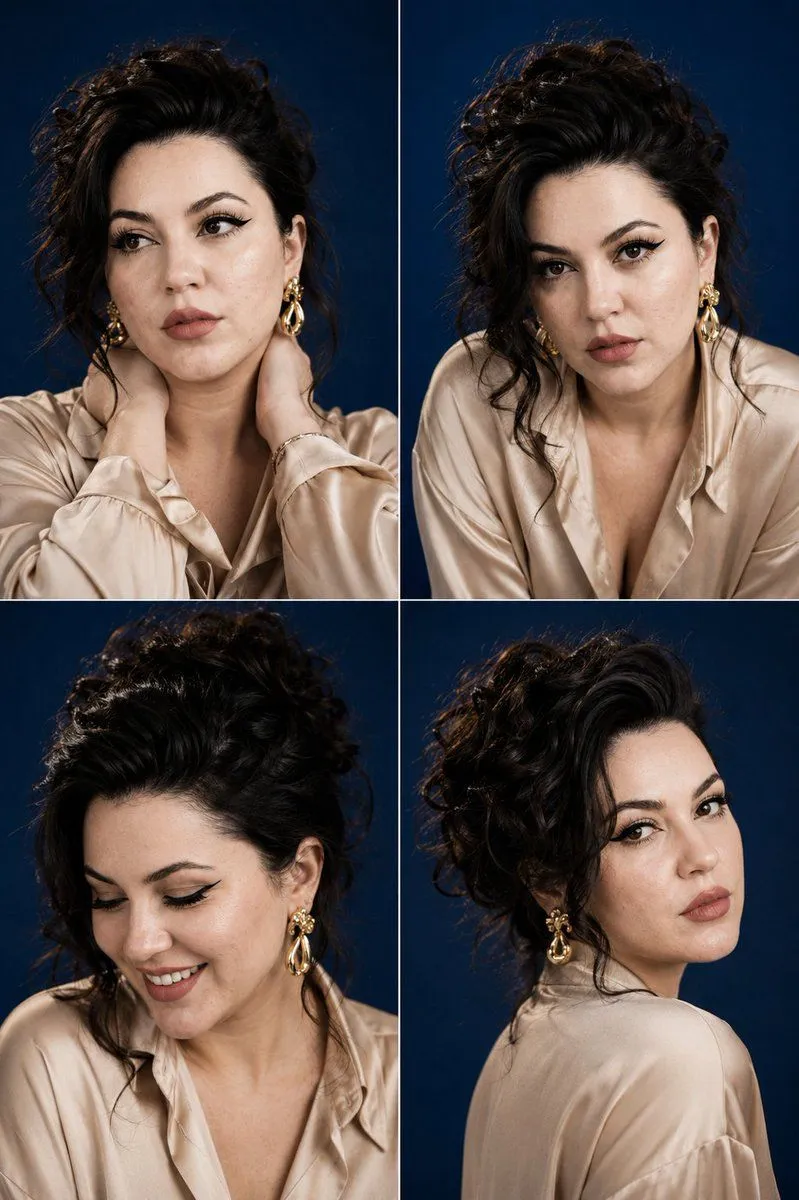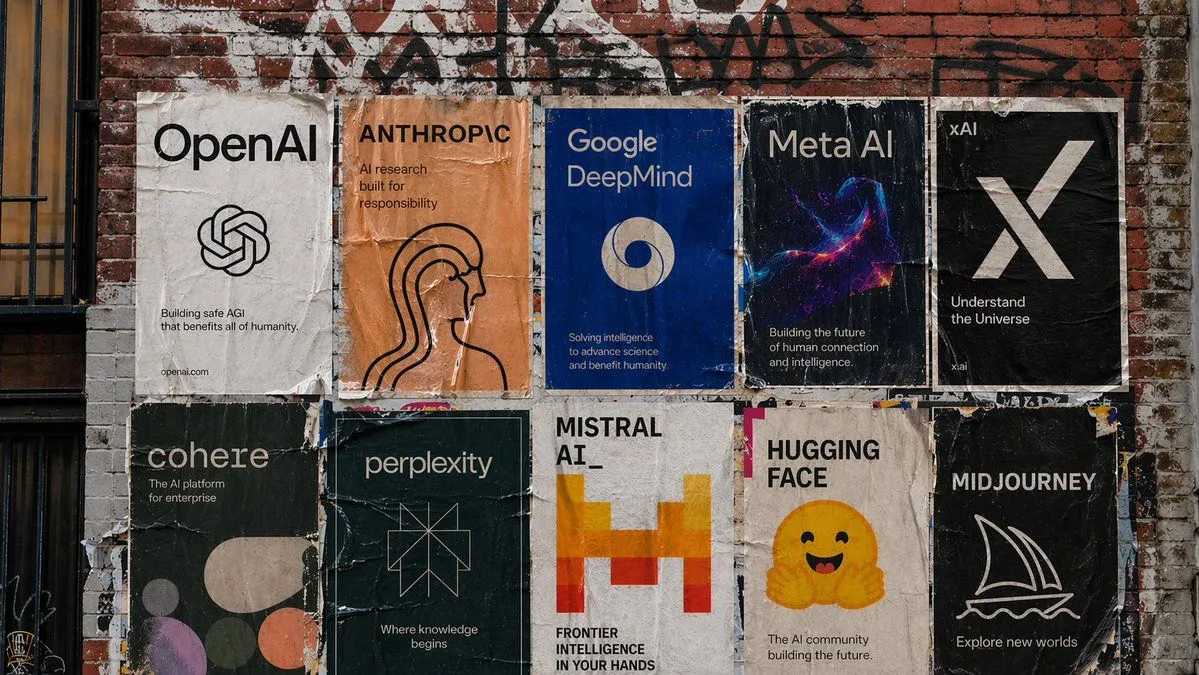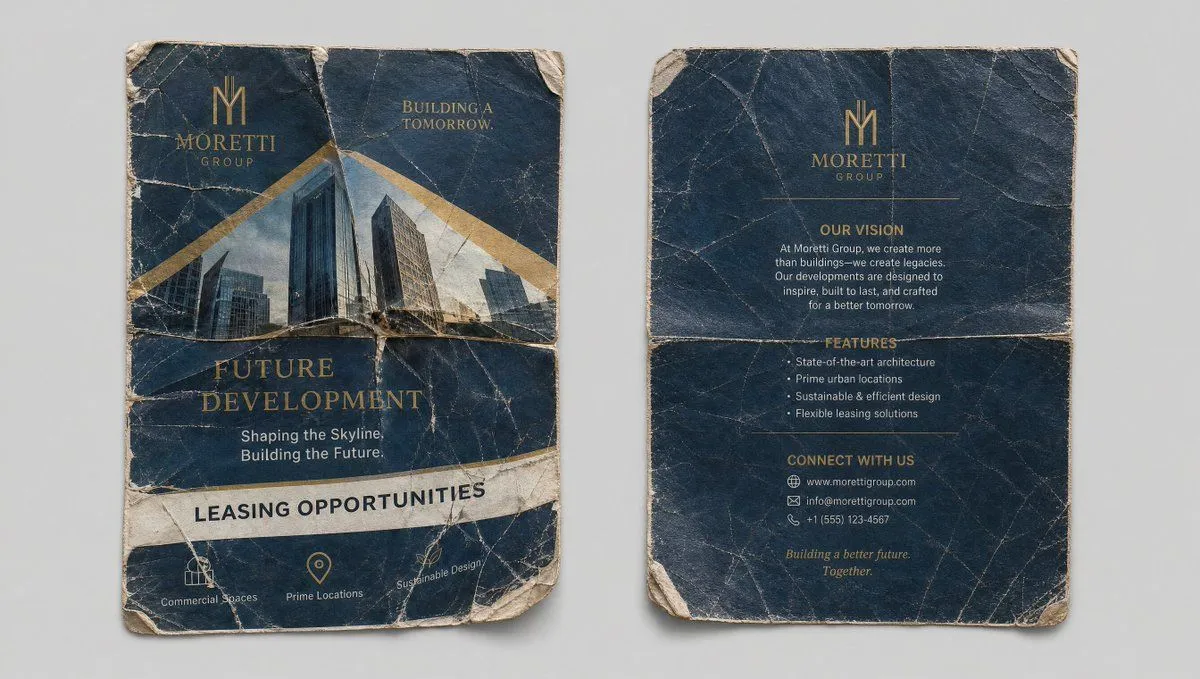
Made with GPT Image 2 in ChatGPT, collected by Library Brand. Promptclay never generates images.
Did it work?
No reports yet. Tell others if it worked for you.
Crumpled Flyer Reference Sheet
Prompt
2 blanks to fillClean reference sheet, two panels side by side on a neutral light gray background. Left panel: Front of the crumpled, well-worn "{flyer_title}" flyer. Highly detailed texture with creases, tears, and wear. Visible text: "{company_name}", "Future Development", "Shaping the Skyline. Building the Future.", "Leasing Opportunities", with images of modern buildings. Right panel: Back of the same crumpled flyer, showing any reverse side details, creases, and texture. Photorealistic, high detail on paper texture, folds, and wear. Same quality and lighting as the uploaded flyer image. Clean, organized layout perfect for use as a reference element. --ar 16:9
Preview of your prompt
Clean reference sheet, two panels side by side on a neutral light gray background. Left panel: Front of the crumpled, well-worn "Future Development" flyer. Highly detailed texture with creases, tears, and wear. Visible text: "Moretti Group", "Future Development", "Shaping the Skyline. Building the Future.", "Leasing Opportunities", with images of modern buildings. Right panel: Back of the same crumpled flyer, showing any reverse side details, creases, and texture. Photorealistic, high detail on paper texture, folds, and wear. Same quality and lighting as the uploaded flyer image. Clean, organized layout perfect for use as a reference element. --ar 16:9
DetailsVersions, settings and questions
Written for
What's in the prompt
- Subject
- Model
- GPT Image 2
If your face changes
keep my face exactly the sameQuestions
- Does this work in the ChatGPT app?
- Yes. Paste the prompt and attach your photo if it uses one.
- It changed my face. What do I do?
- Add "keep my face exactly the same" to the end and run it again.
- Can I use the images I make?
- Check the terms of the app you use. Promptclay never generates images and claims nothing you make.