Tell us anything

An idea, a bug, something you love. We read every note.

⌘↵ to send. The page you're on comes along.

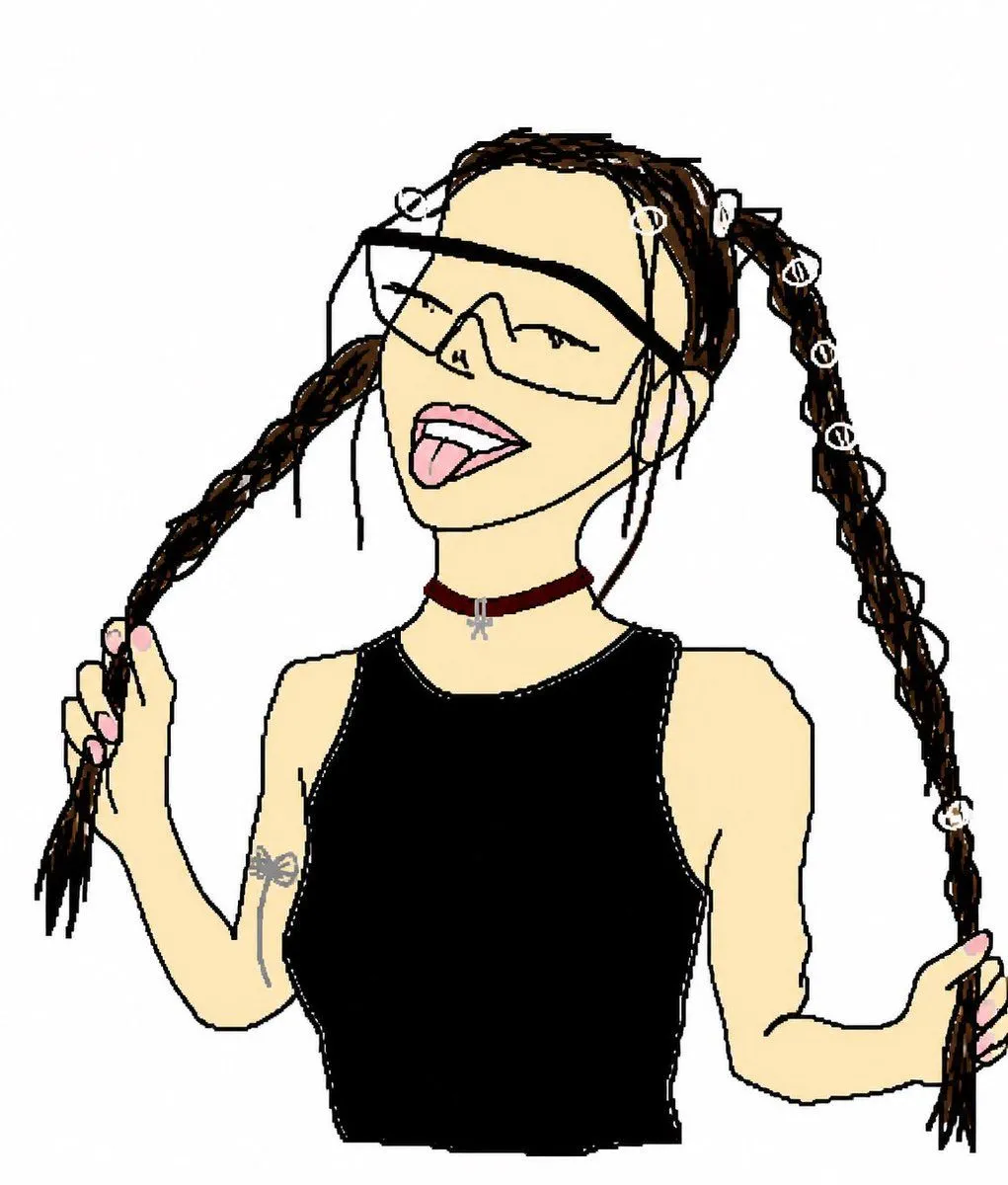
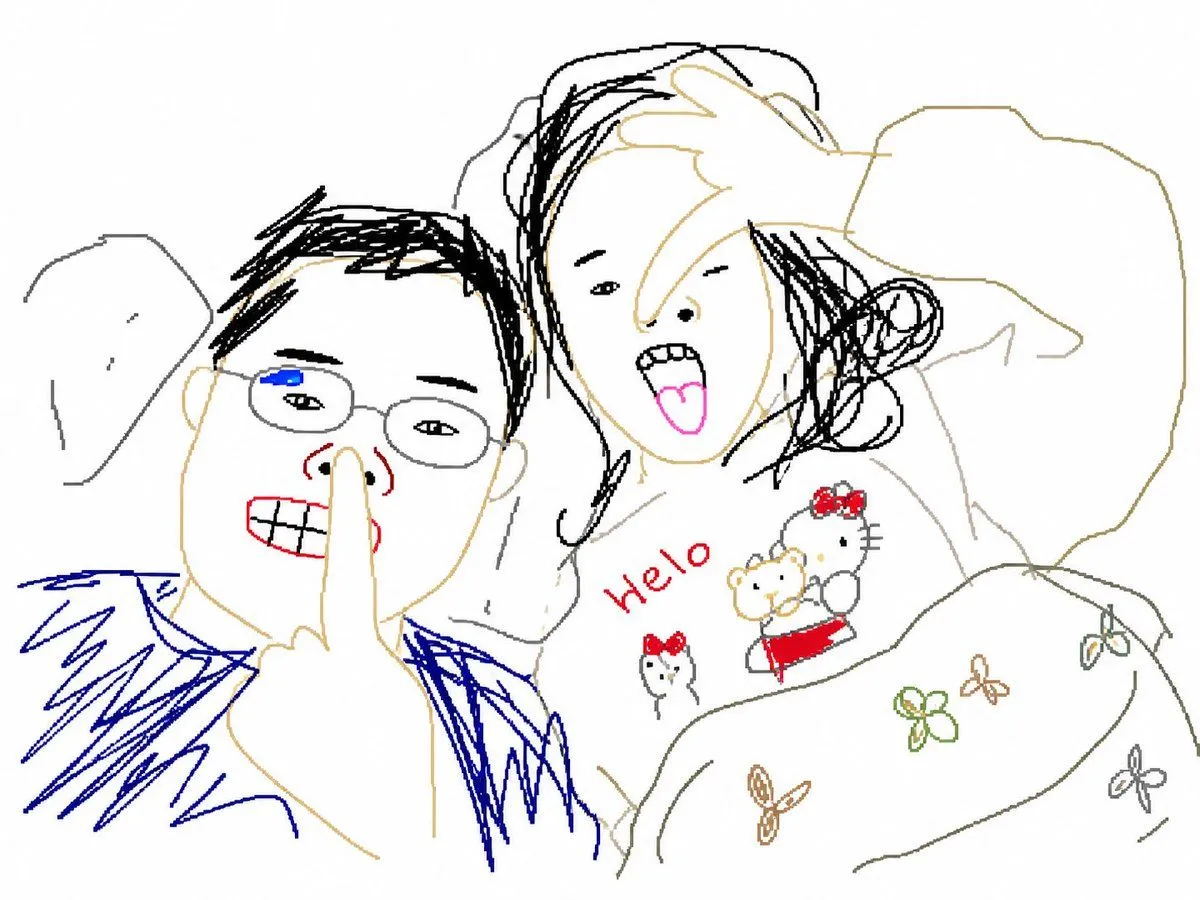
Crude MS Paint Photo Doodle

Made with GPT Image 2 in ChatGPT by Library Avatars. Promptclay never generates images.

Did it work?

No reports yet. Tell others if it worked for you.

No comments yet. Be the first.

    Crude MS Paint Photo Doodle

    GPT Image 2AI-generated

    Prompt

    Using REFERENCE_0 as the subject and pose reference, transform the photo into an intentionally crude hand-drawn digital doodle, like a simple MS Paint/cartoon trace made with thick uneven black lines, flat colors, minimal shading, and a plain white background. Preserve the same upper-body framing, twin braided pigtail pose with both hands holding the braids, black sleeveless top, burgundy choker with small silver charm, arm tattoo, pink nails, and the seven visible white loop hair accessories: top-left loop, forehead loop, right-top loop, and four loops down the right braid. Replace the obscured face with a playful cartoon face: oversized angular wraparound sunglasses, closed smiling eyes, open mouth, and tongue sticking out. Remove the concrete wall and street background completely. Make the result look deliberately imperfect, loose, funny, and hand-drawn rather than polished.

    Works in
    ChatGPT, Gemini
    Status
    Free to copy
    0
    DetailsVersions, settings and questions

    Written for

    What's in the prompt

    Subject
    Model
    GPT Image 2

    If your face changes

    keep my face exactly the same

    Questions

    Does this work in the ChatGPT app?
    Yes. Paste the prompt and attach your photo if it uses one.
    It changed my face. What do I do?
    Add "keep my face exactly the same" to the end and run it again.
    Can I use the images I make?
    Check the terms of the app you use. Promptclay never generates images and claims nothing you make.
    Similar prompts

    See more
    • Scribbly MS Paint Redraw
    • Bad MS Paint Redraw
    • Clumsy MS Paint Style Redraw
    • Pathetic MS Paint Style Sketch
    • MS Paint Doodle Remake
    • MS Paint Childlike Redraw
    • Kindergarten Crayon Doodle Illustration Prompt
    • Flying Maid Knight Doodle
    • Digital Doodle Portal Transition
    • GPT Image 2 Prompt: Minimalist Doodle Street Scene
    • Illustration Anthropomorphism Prompt
    • Ink Splatter Hand-Drawn Sketch
    • Kawaii Girl With Manga Wall Doodle
    • Dark Sketch Mode Monster Doodle
    • Whimsical Childlike Doodle Reconstruction
    • Graphic Cut-Paper Editorial Portrait
    • Handcrafted Paper Diorama Transformation
    • Anime Streetwear Character Concept
    • 3D Wireframe Illustration Transformation
    • Pigtails Portrait Close-up
    • Vintage Glamour Fashion Portrait
    • Wireframe Censored Portrait
    • Elegant Accessories Maximization Prompt for Nano Banana
    • Mixed-Media Digital Illustration Style

    Show more

    Run it on your phone

    1. Prompt copiedRead it

      Using REFERENCE_0 as the subject and pose reference, transform the photo into an intentionally crude hand-drawn digital doodle, like a simple MS Paint/cartoon trace made with thick uneven black lines, flat colors, minimal shading, and a plain white background. Preserve the same upper-body framing, twin braided pigtail pose with both hands holding the braids, black sleeveless top, burgundy choker with small silver charm, arm tattoo, pink nails, and the seven visible white loop hair accessories: top-left loop, forehead loop, right-top loop, and four loops down the right braid. Replace the obscured face with a playful cartoon face: oversized angular wraparound sunglasses, closed smiling eyes, open mouth, and tongue sticking out. Remove the concrete wall and street background completely. Make the result look deliberately imperfect, loose, funny, and hand-drawn rather than polished.

    2. Open your app

    3. Paste and run

      Press and hold the message box, then tap Paste. Add your photo first if the prompt uses one. You may need to sign in.

    Crude MS Paint Photo Doodle