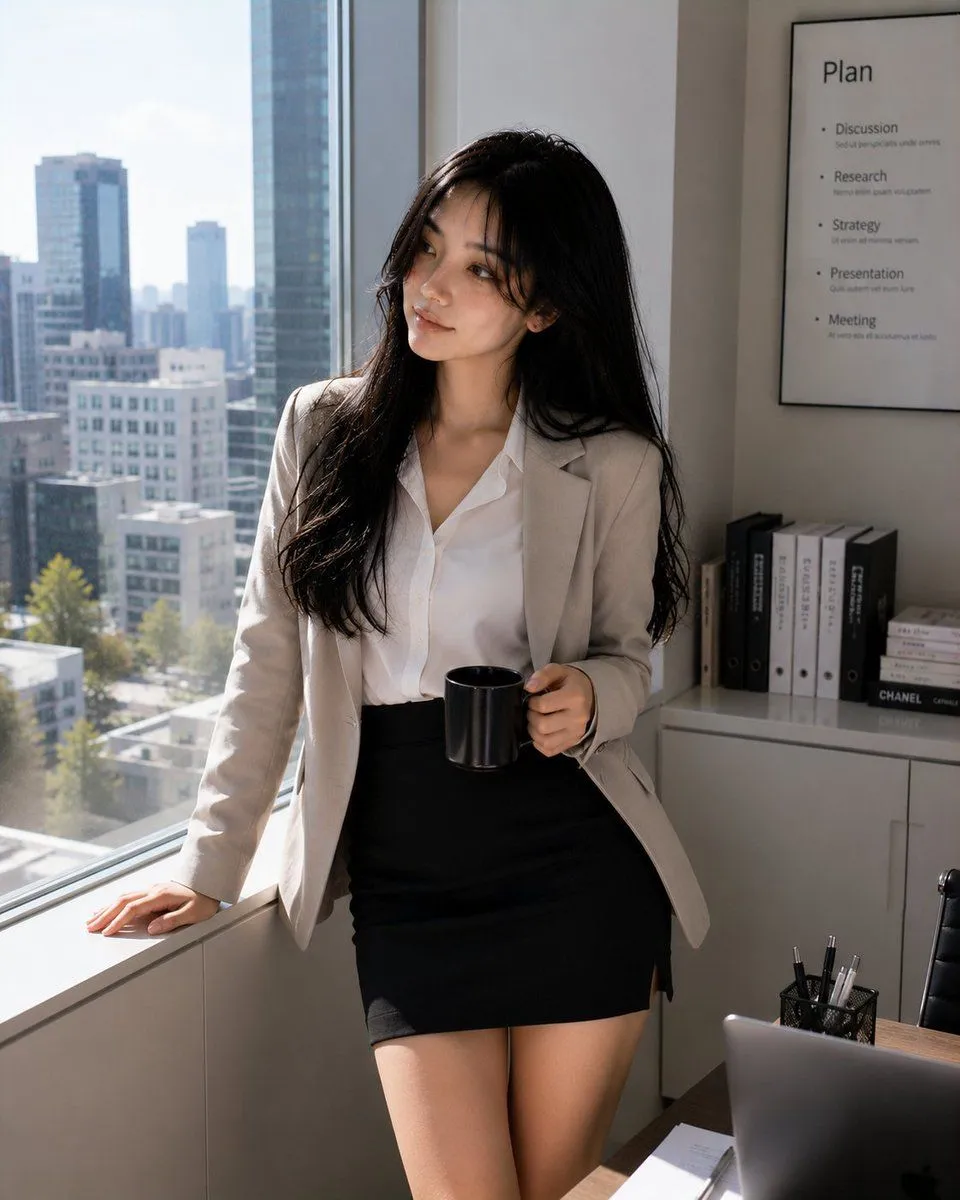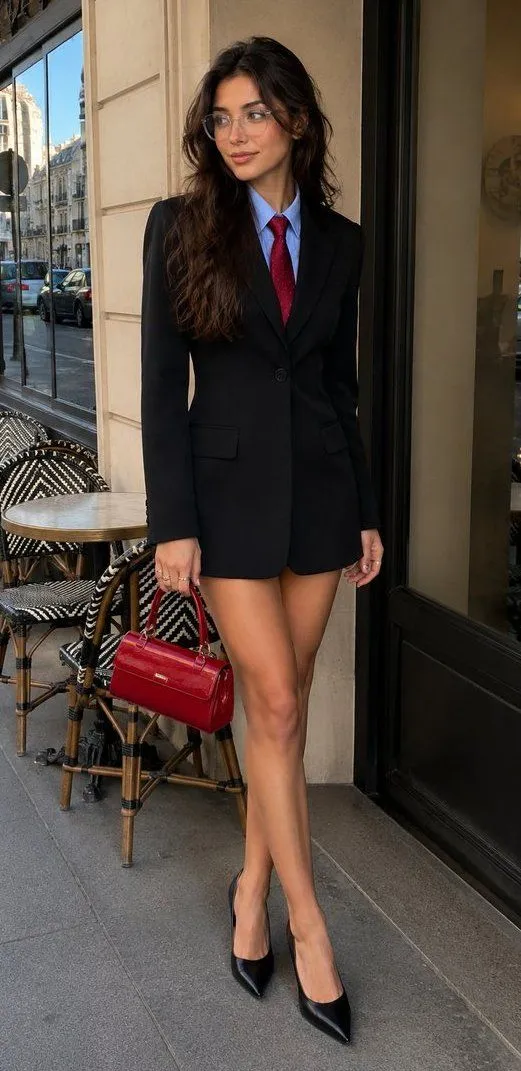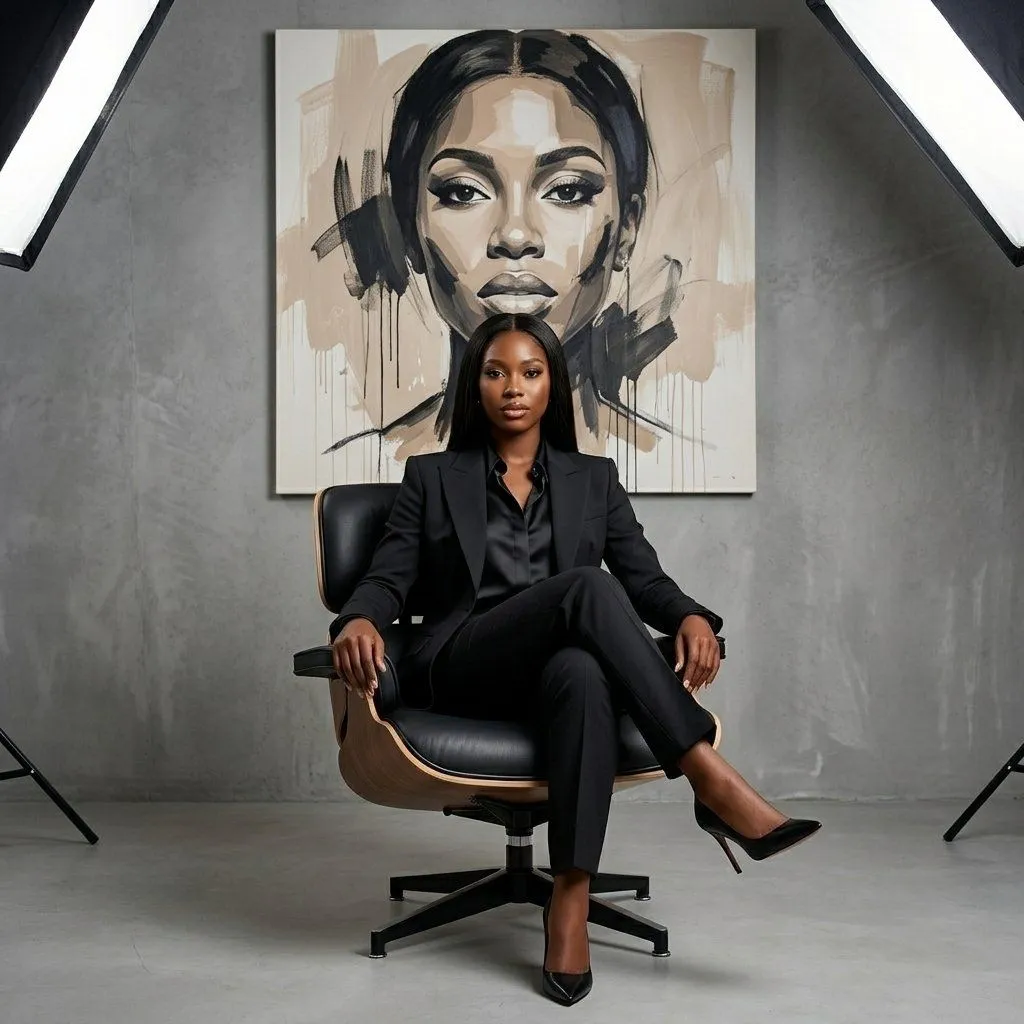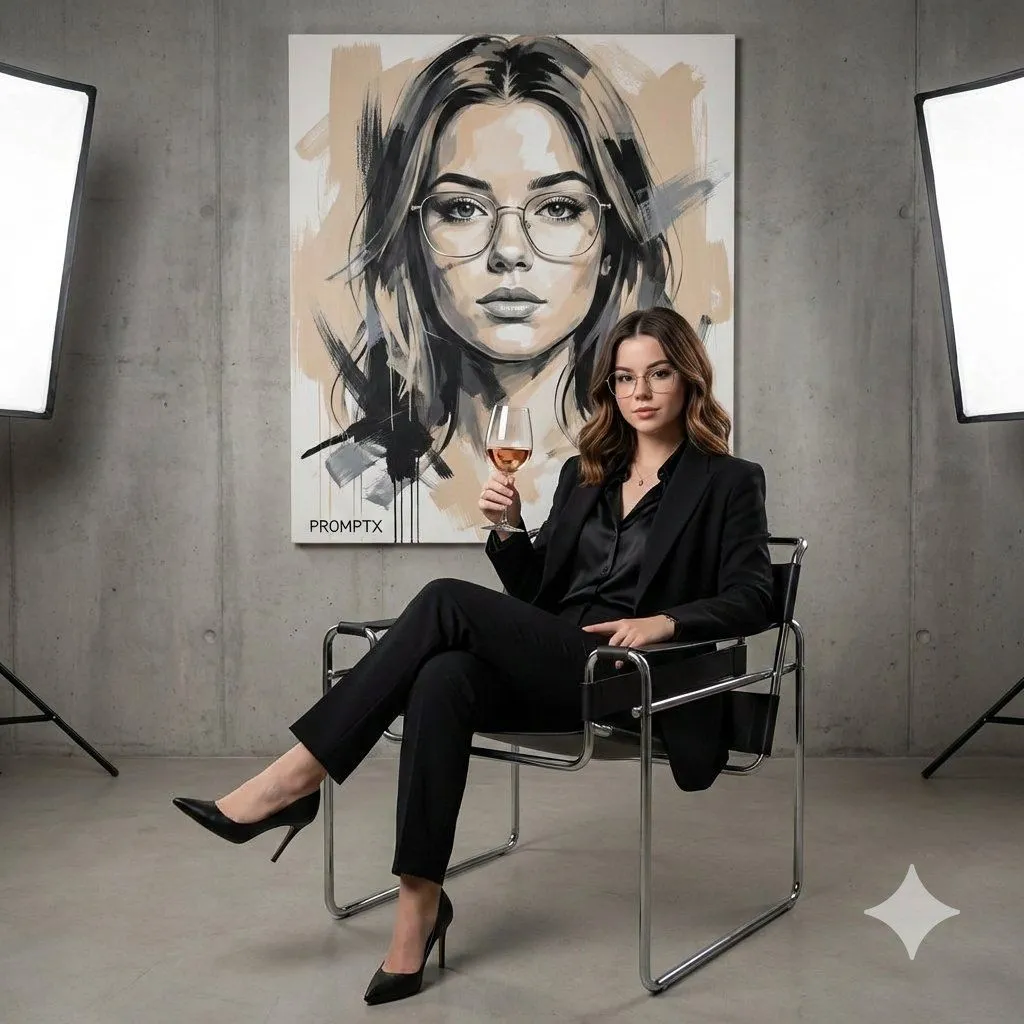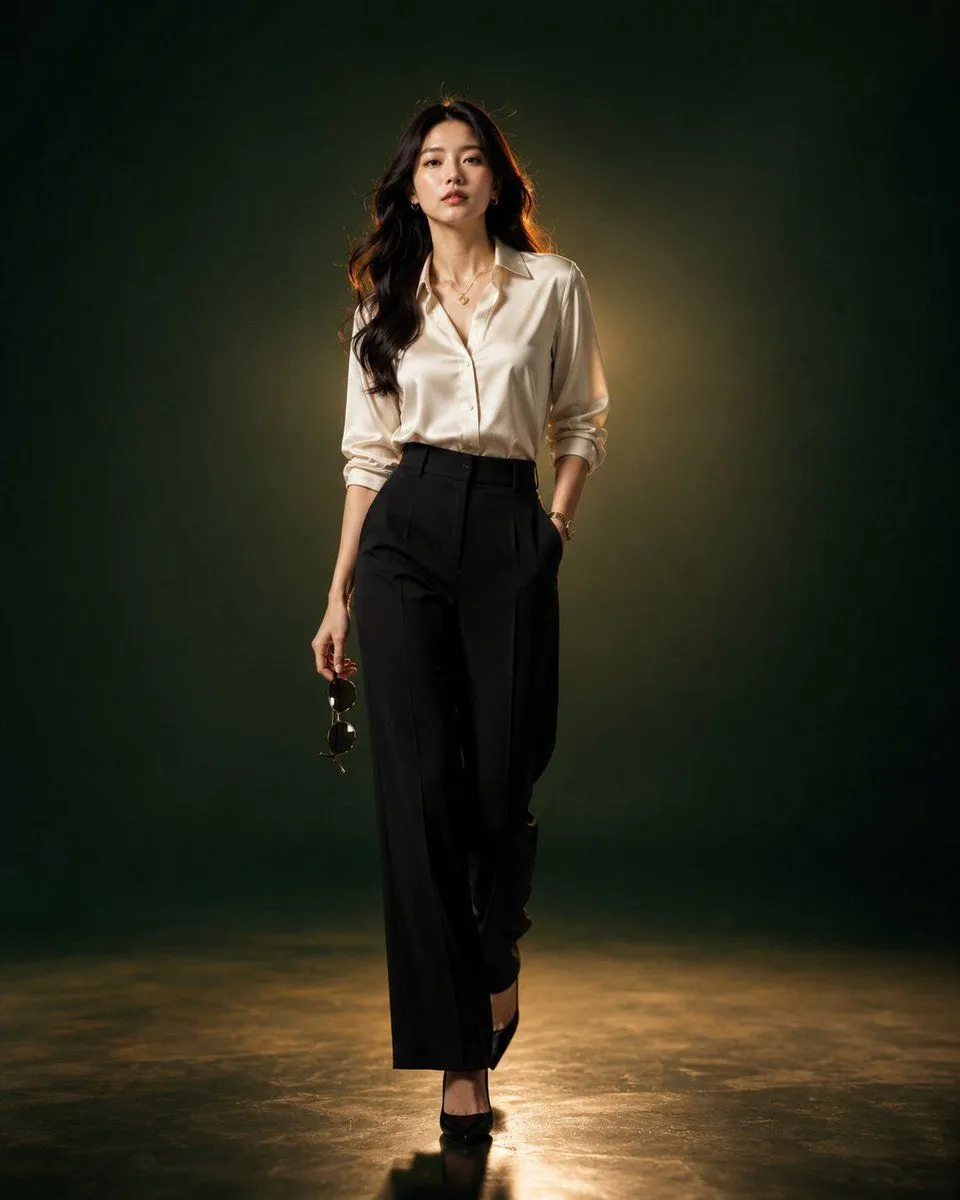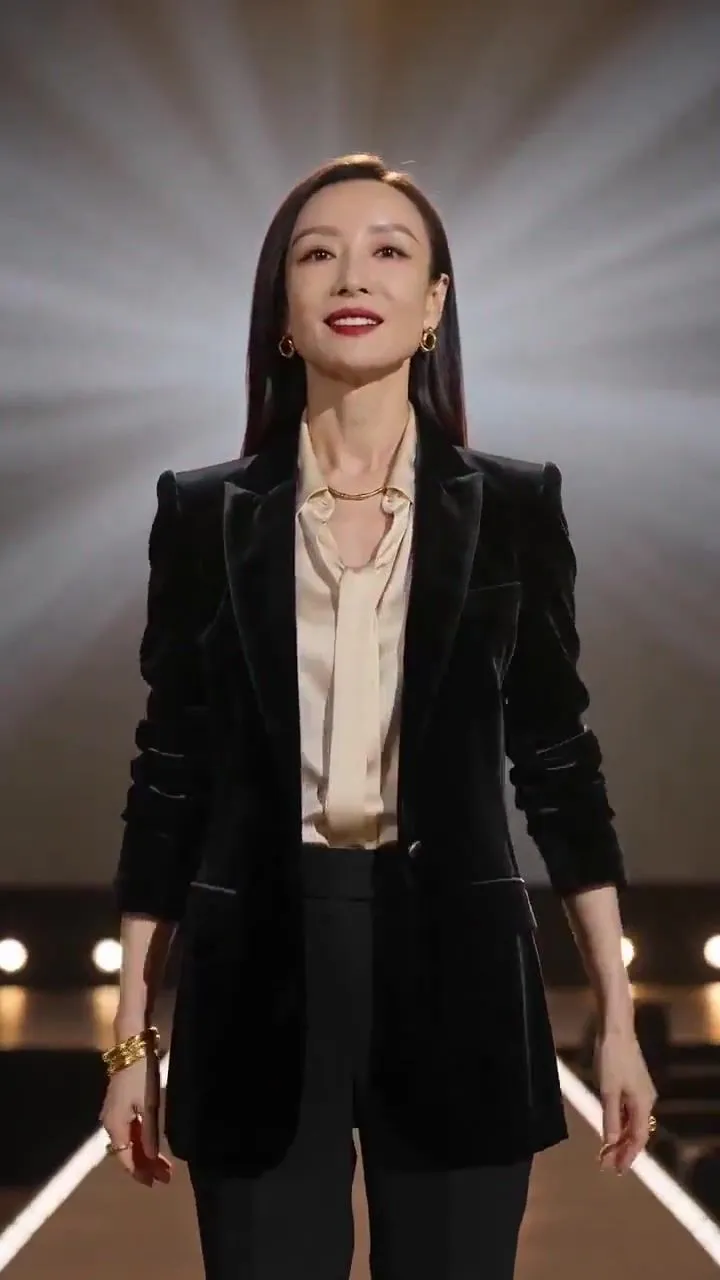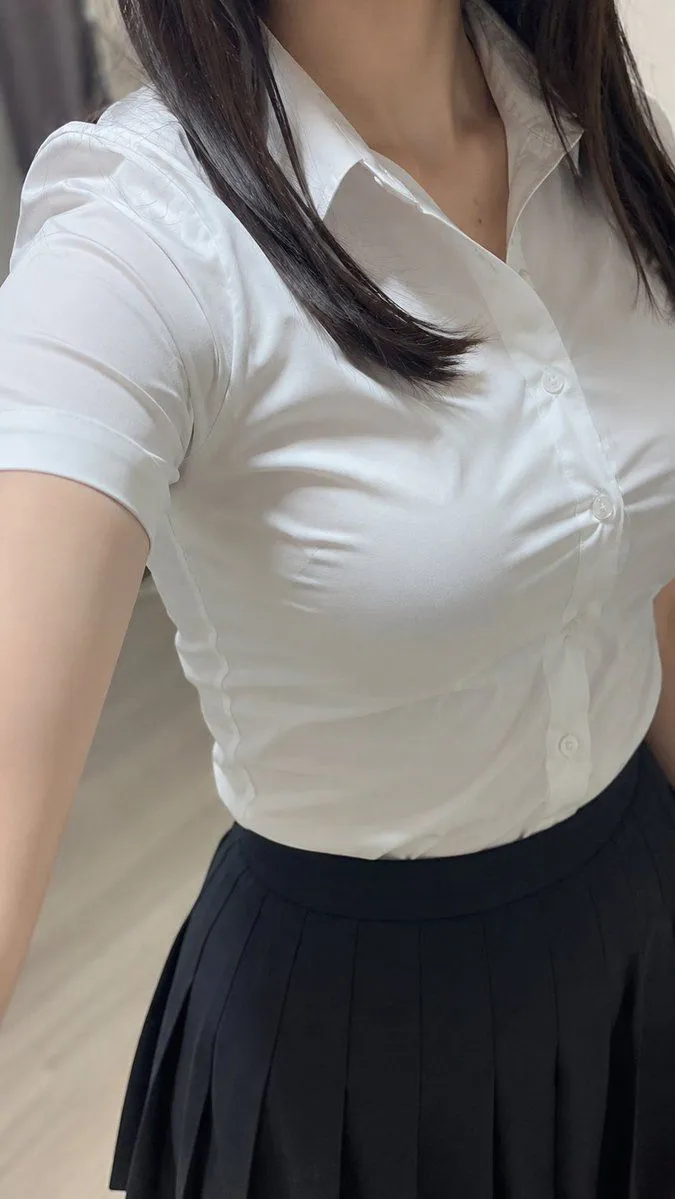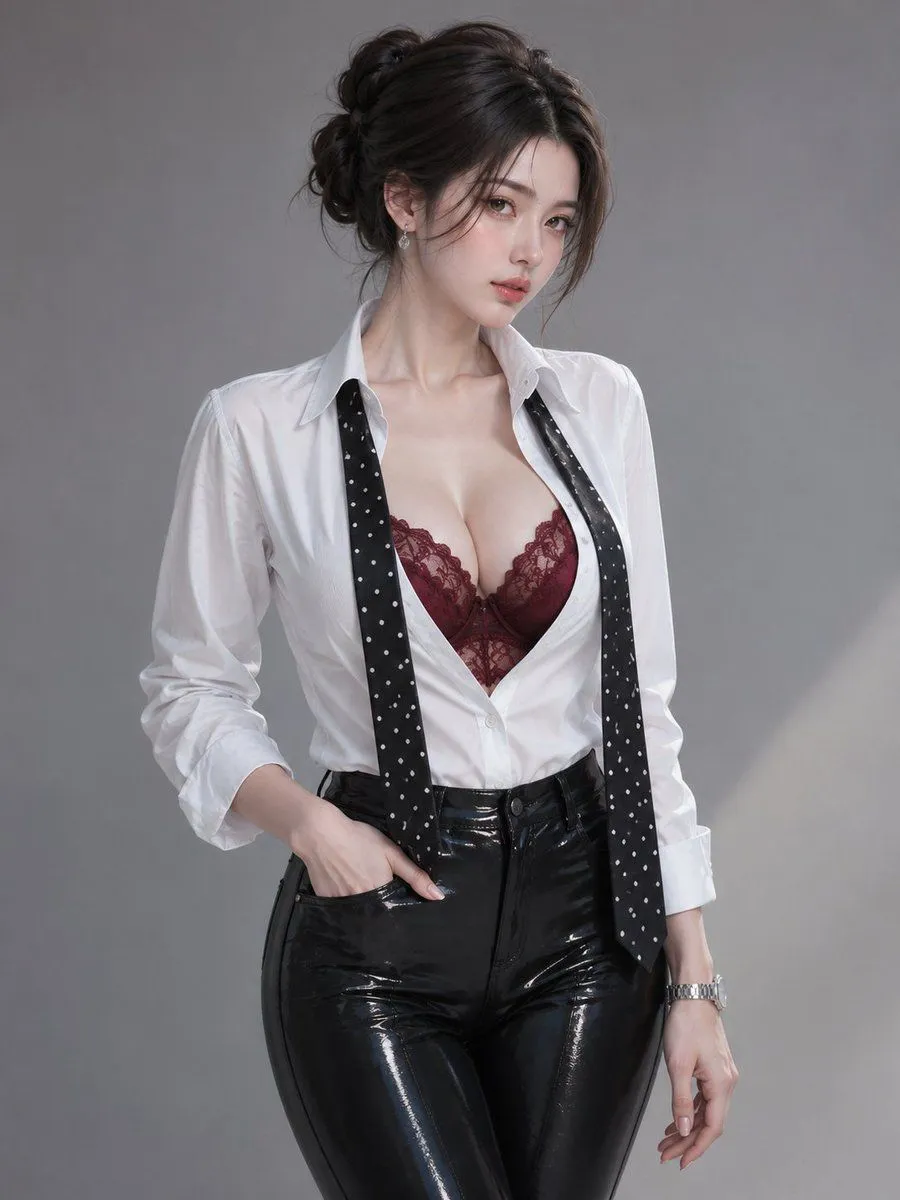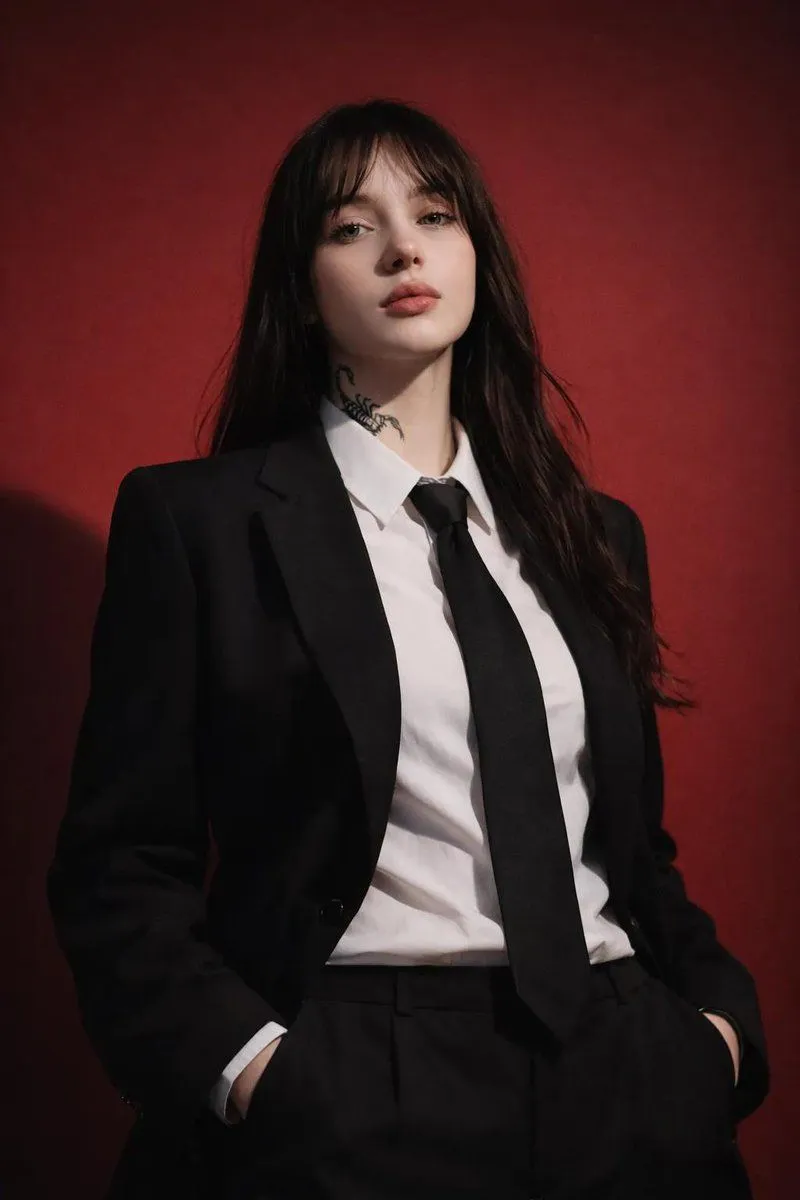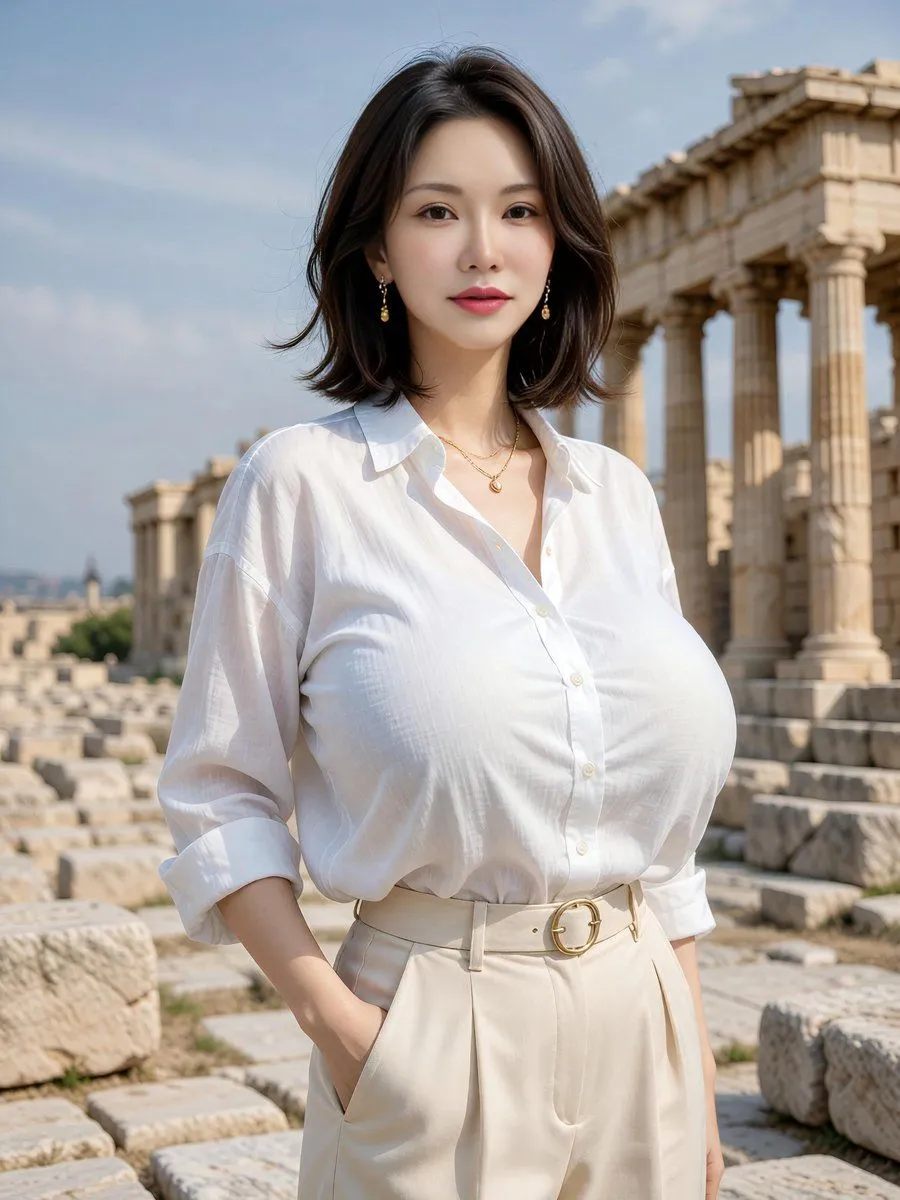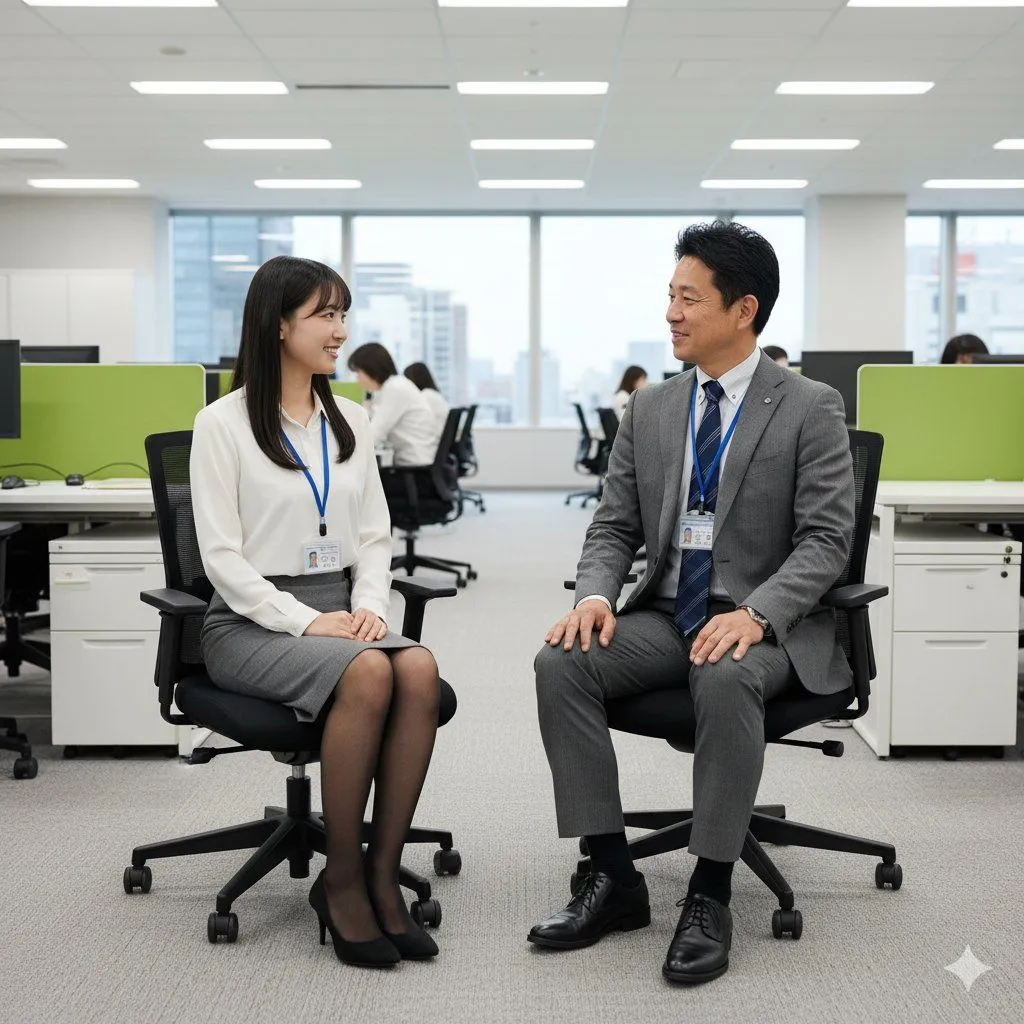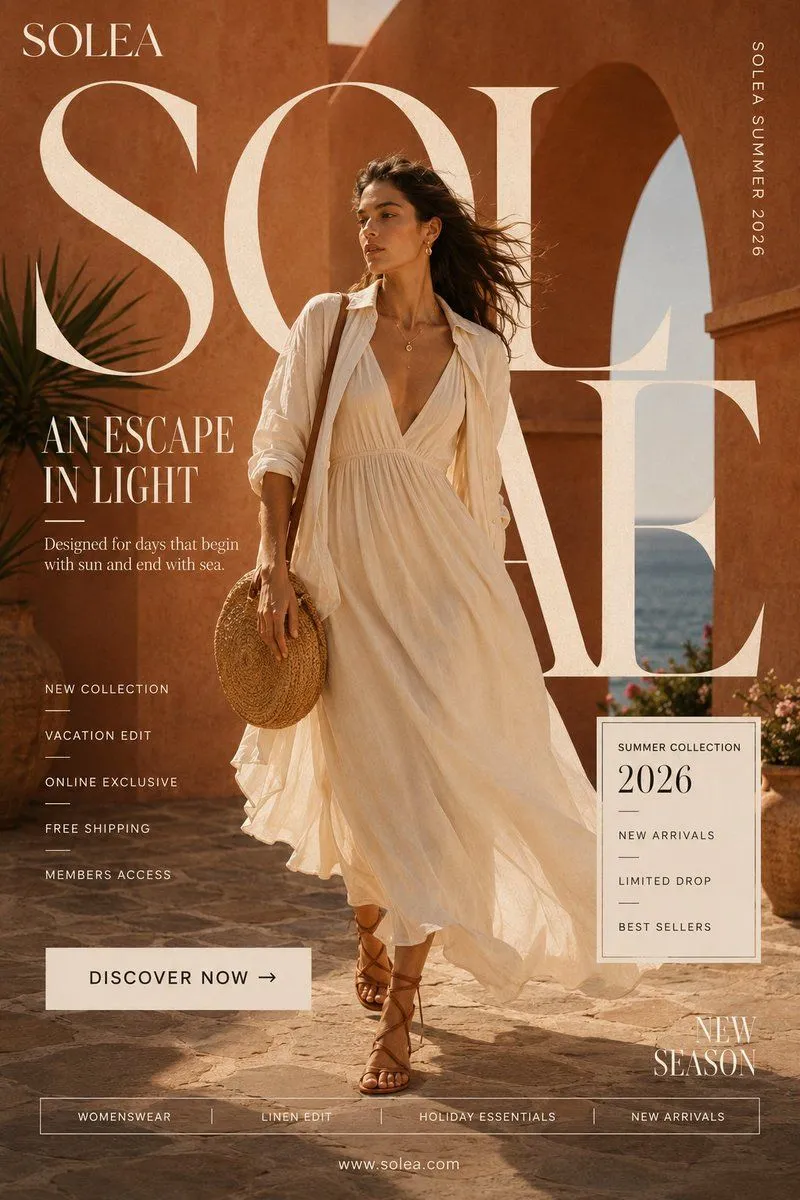
Made with GPT Image 2 in ChatGPT by Library Avatars. Promptclay never generates images.
Did it work?
No reports yet. Tell others if it worked for you.
Cropped Business Suit Portrait
Prompt
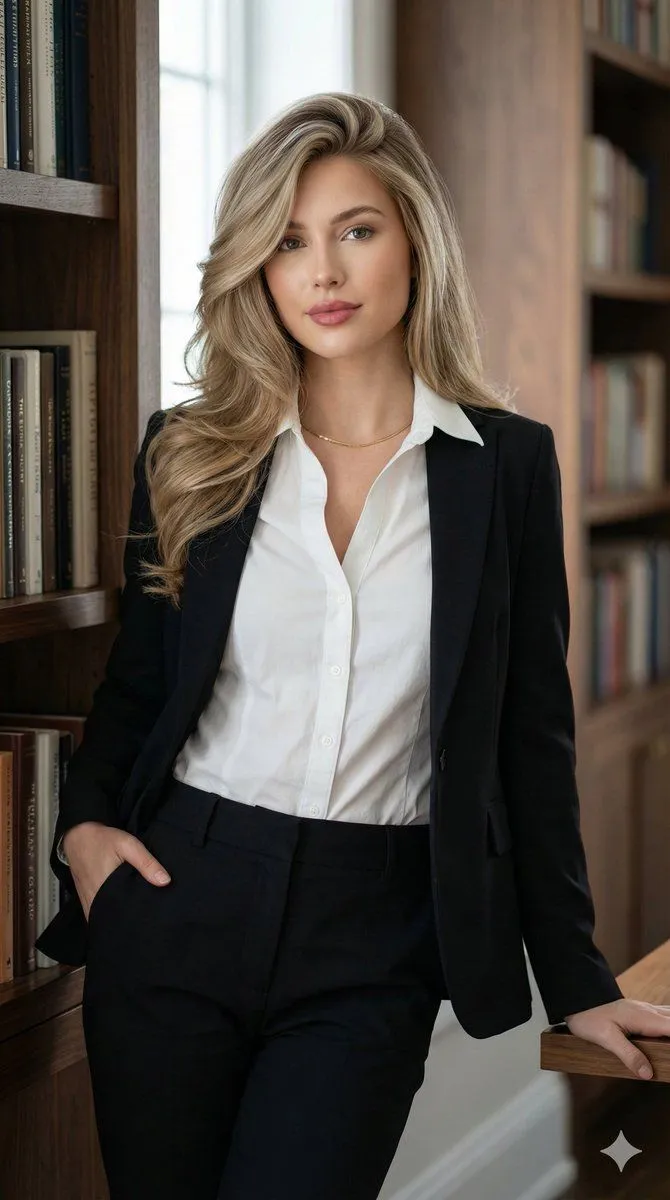
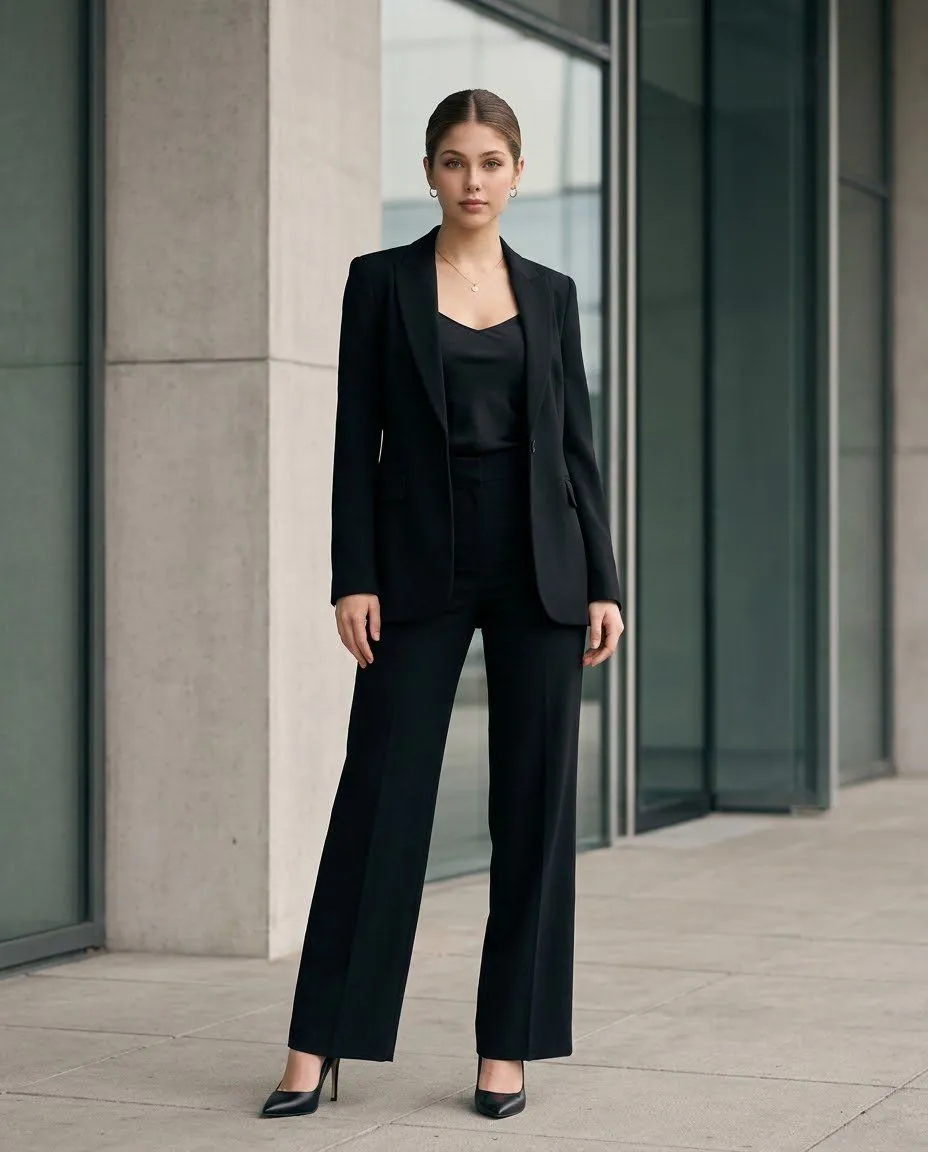
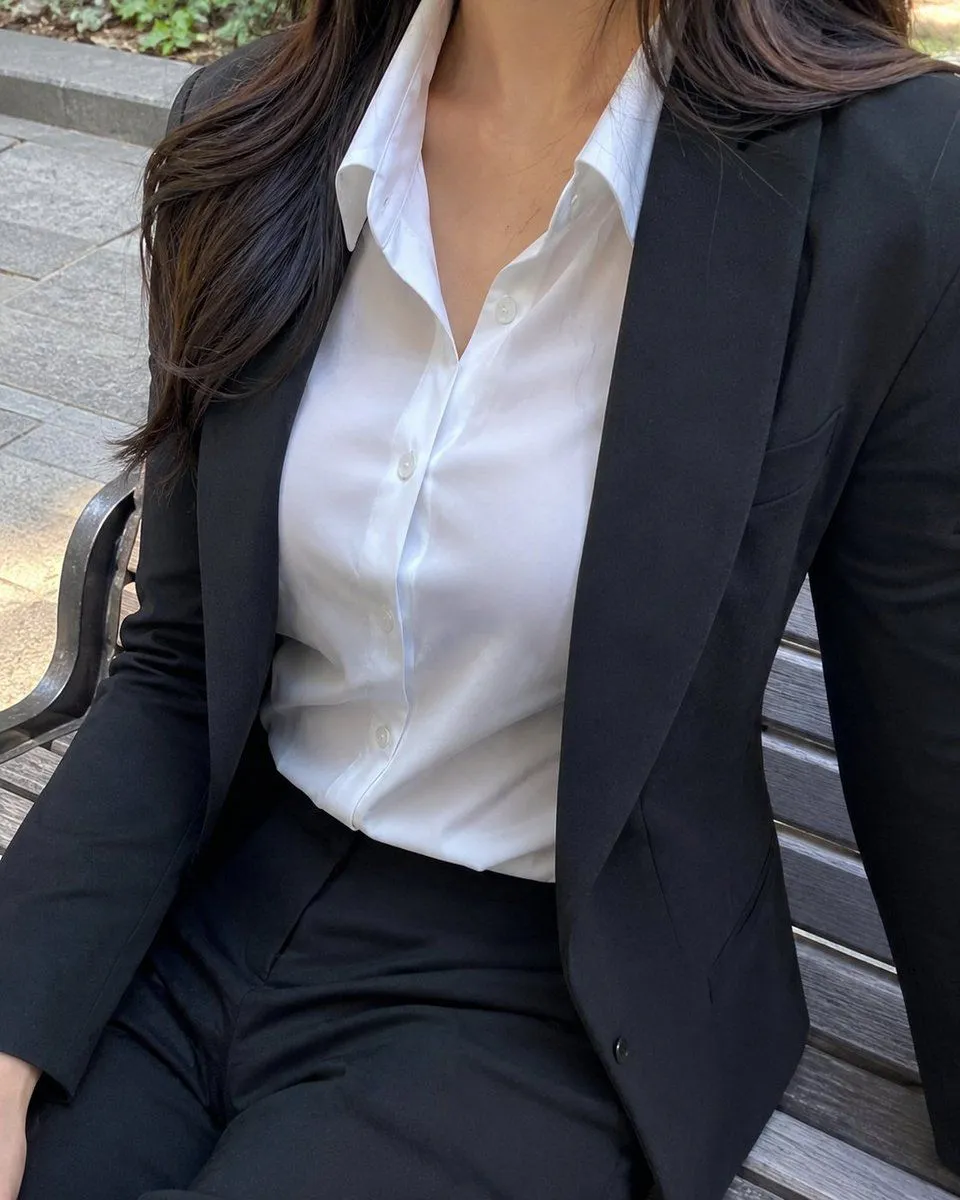
3 blanks to fillCreate a realistic vertical smartphone-style photo of a professional woman seated on an outdoor wooden bench, cropped from just below the nose to the upper thighs so the face is not visible. She wears a fitted {suit_color} business suit with a tailored blazer and matching trousers, over a crisp {shirt_color} button-down blouse with an open collar and visible white buttons. Her {hair_color} hair falls naturally over one shoulder with soft waves. The pose is casual but polished, one arm resting along the bench and the torso angled slightly toward the camera, creating a close-up fashion/lifestyle composition. The setting is an outdoor urban park or plaza with gray stone paving, a wooden slat bench with dark metal armrests, and a small strip of greenery in the background. Use natural daylight, soft shadows, realistic fabric texture, subtle wrinkles in the shirt and trousers, accurate anatomy, and a candid high-resolution photographic look. Keep the image elegant, professional, and non-glamour, with no visible text, logos, watermark, or extra people.
Preview of your prompt
Create a realistic vertical smartphone-style photo of a professional woman seated on an outdoor wooden bench, cropped from just below the nose to the upper thighs so the face is not visible. She wears a fitted black business suit with a tailored blazer and matching trousers, over a crisp white button-down blouse with an open collar and visible white buttons. Her long dark brown hair falls naturally over one shoulder with soft waves. The pose is casual but polished, one arm resting along the bench and the torso angled slightly toward the camera, creating a close-up fashion/lifestyle composition. The setting is an outdoor urban park or plaza with gray stone paving, a wooden slat bench with dark metal armrests, and a small strip of greenery in the background. Use natural daylight, soft shadows, realistic fabric texture, subtle wrinkles in the shirt and trousers, accurate anatomy, and a candid high-resolution photographic look. Keep the image elegant, professional, and non-glamour, with no visible text, logos, watermark, or extra people.
DetailsVersions, settings and questions
Written for
What's in the prompt
- Subject
- Model
- GPT Image 2
If your face changes
keep my face exactly the sameQuestions
- Does this work in the ChatGPT app?
- Yes. Paste the prompt and attach your photo if it uses one.
- It changed my face. What do I do?
- Add "keep my face exactly the same" to the end and run it again.
- Can I use the images I make?
- Check the terms of the app you use. Promptclay never generates images and claims nothing you make.