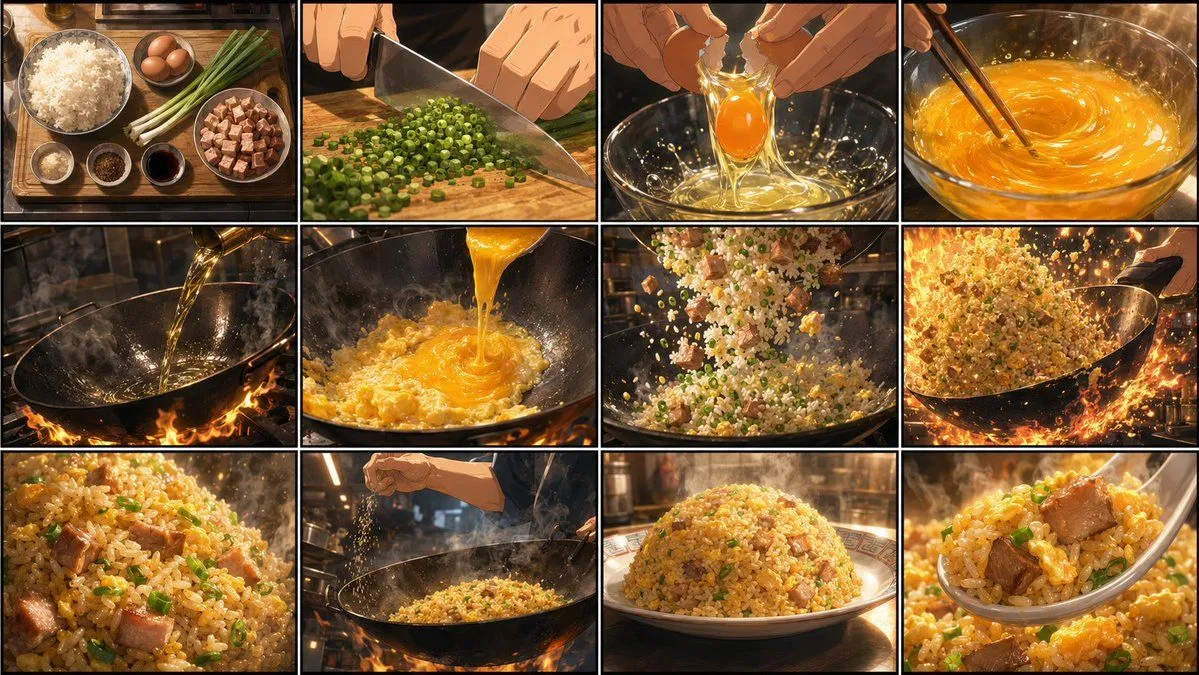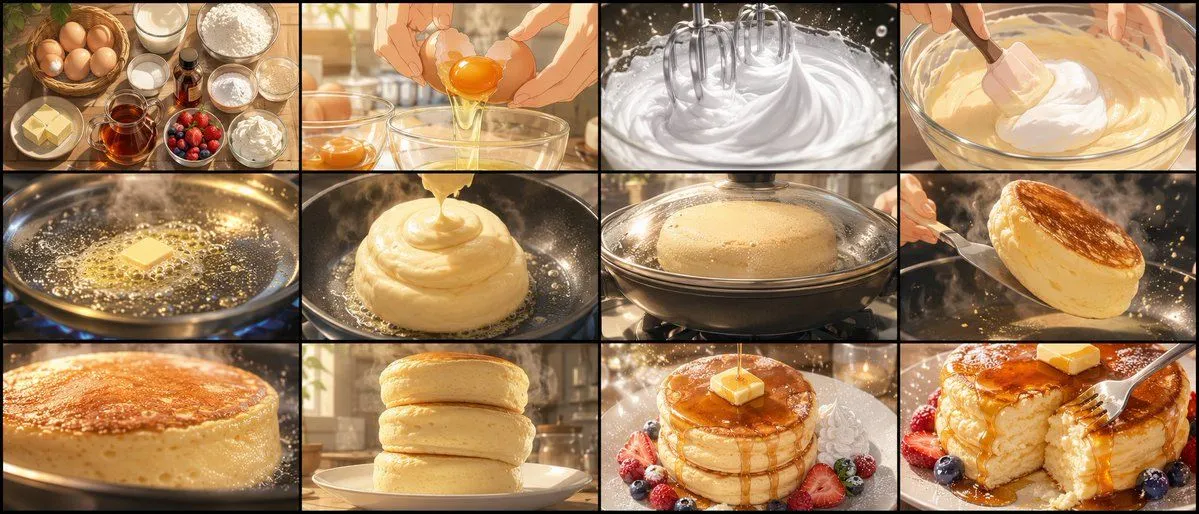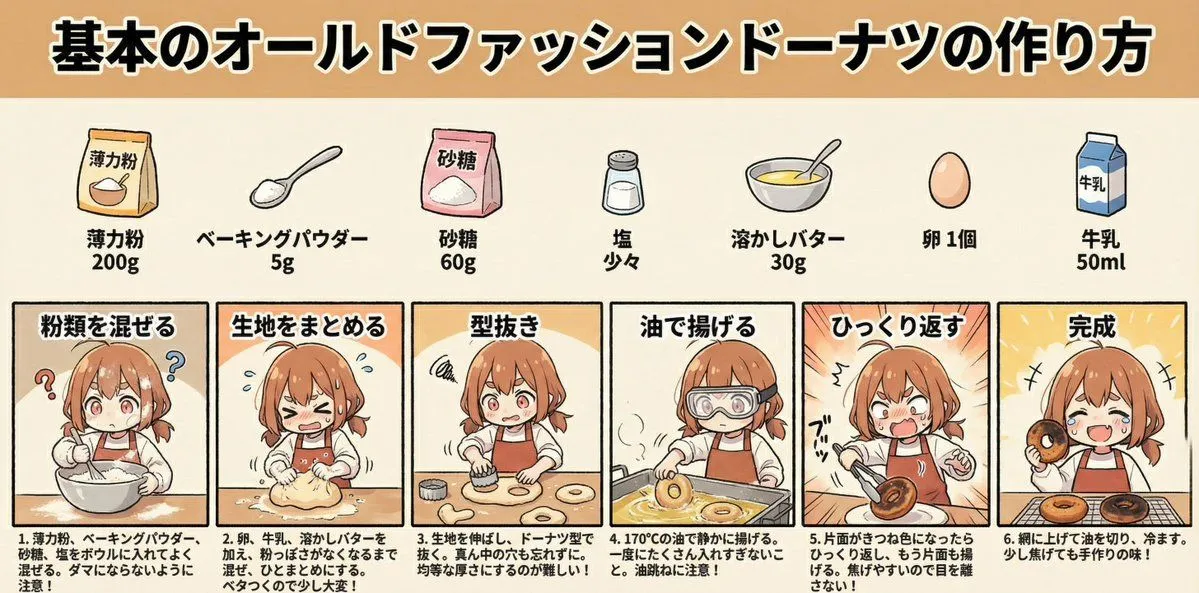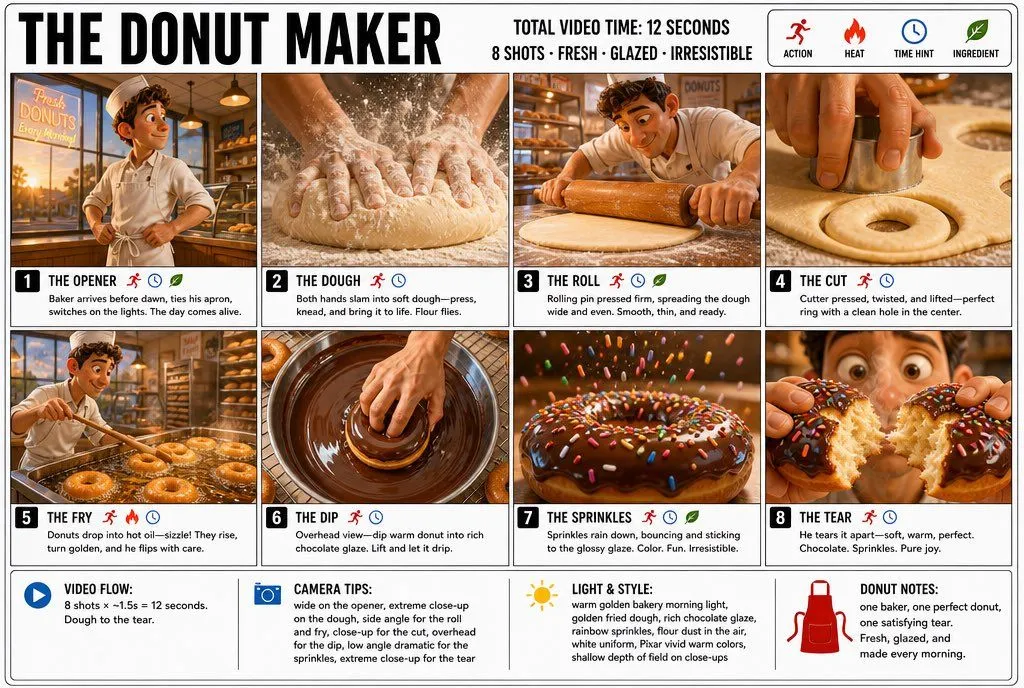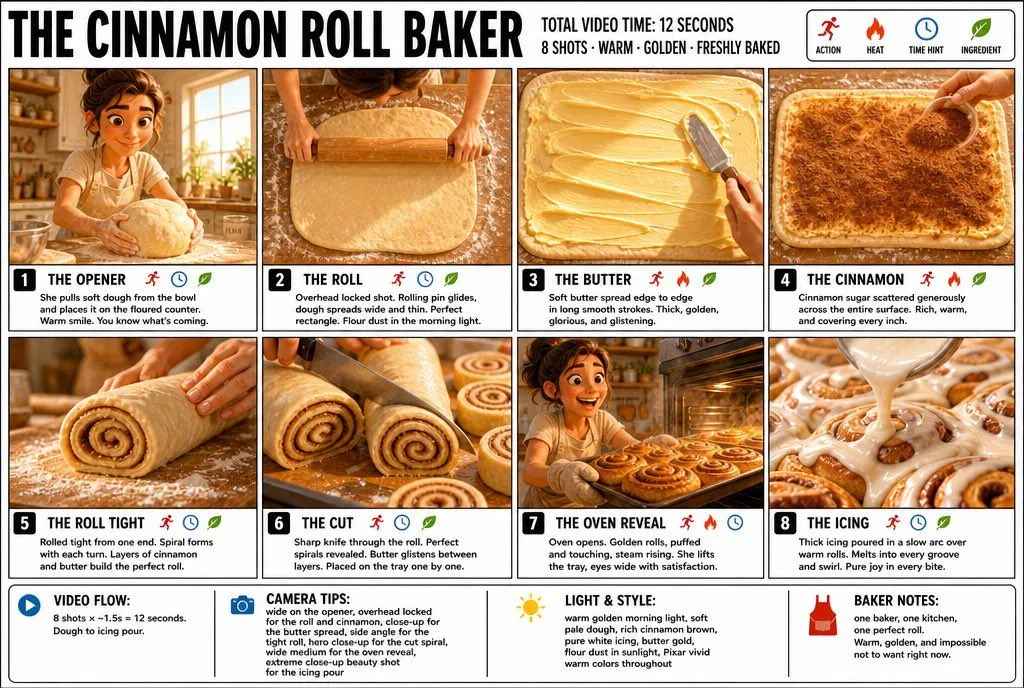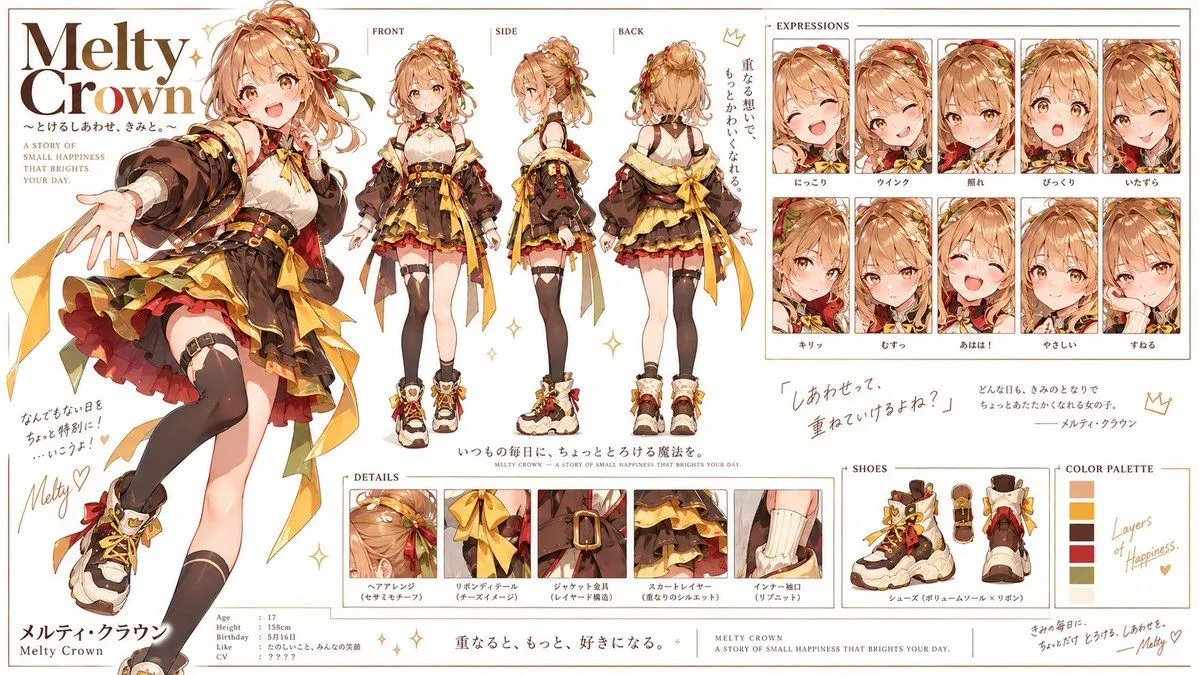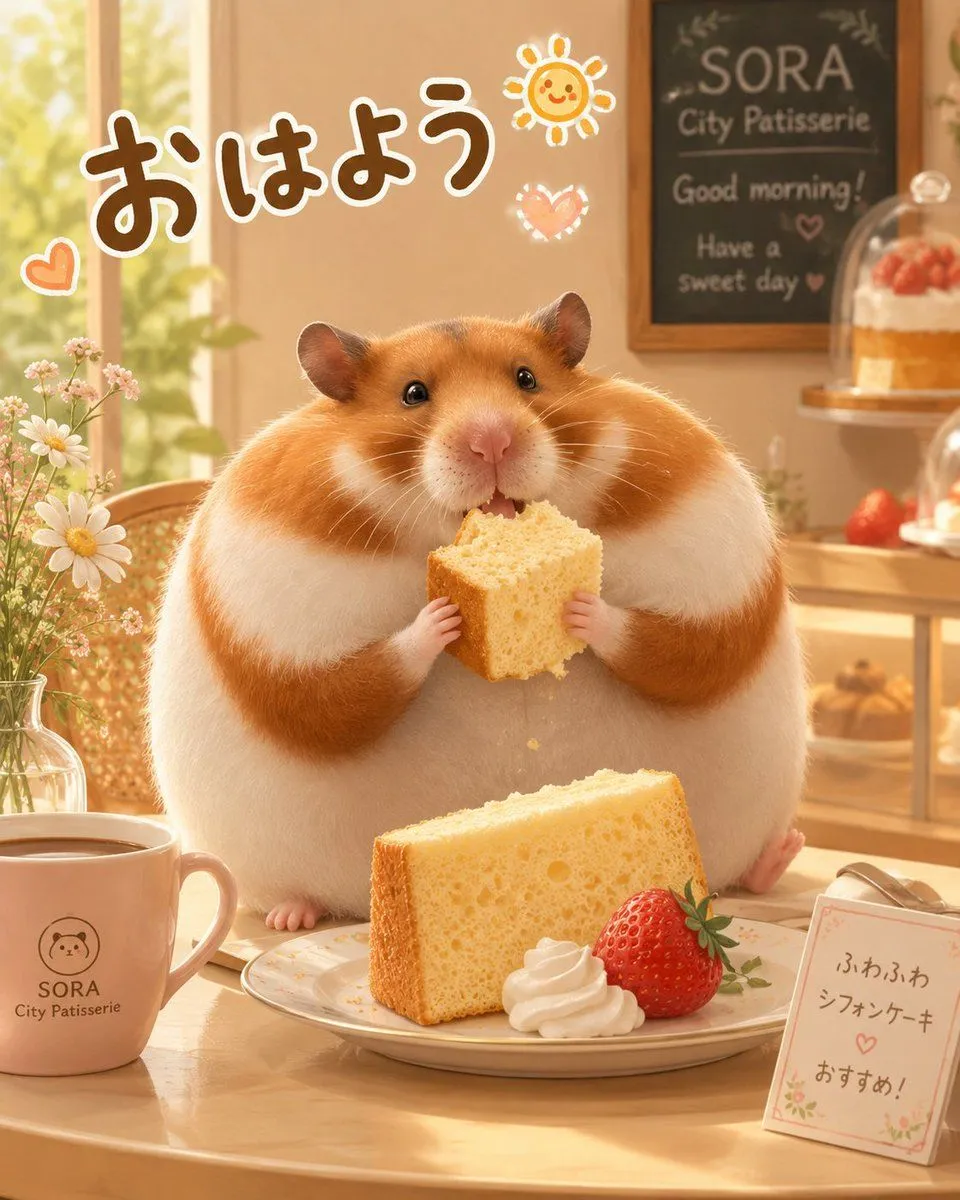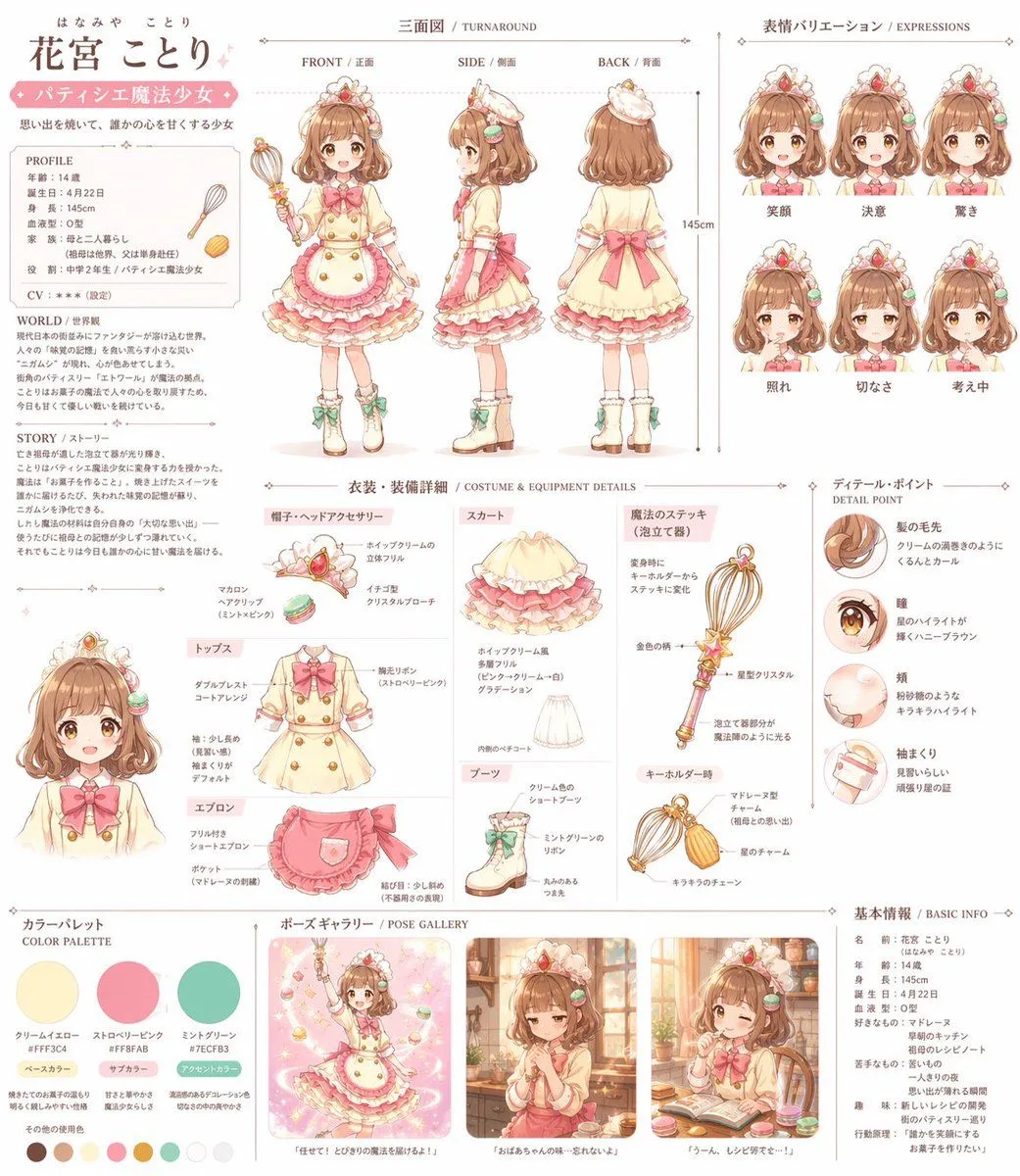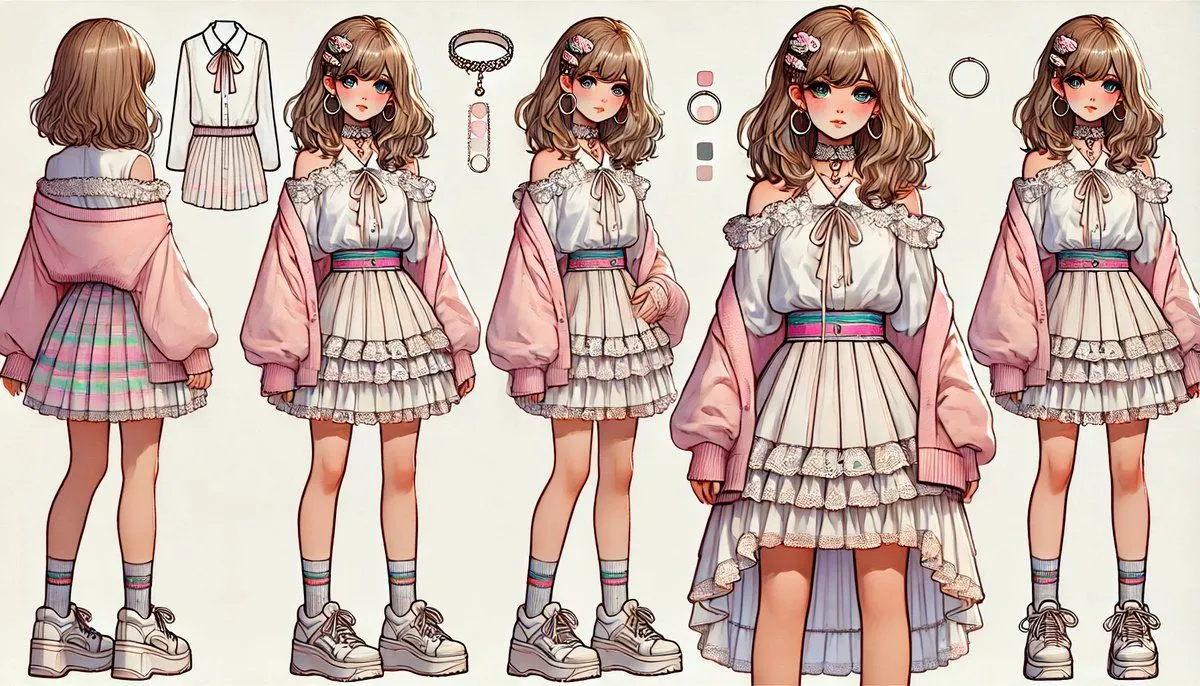
Made with GPT Image 2 in ChatGPT, collected by Library Explainers. Promptclay never generates images.
Did it work?
No reports yet. Tell others if it worked for you.
Croissant Ghibli Reference Sheet
Prompt
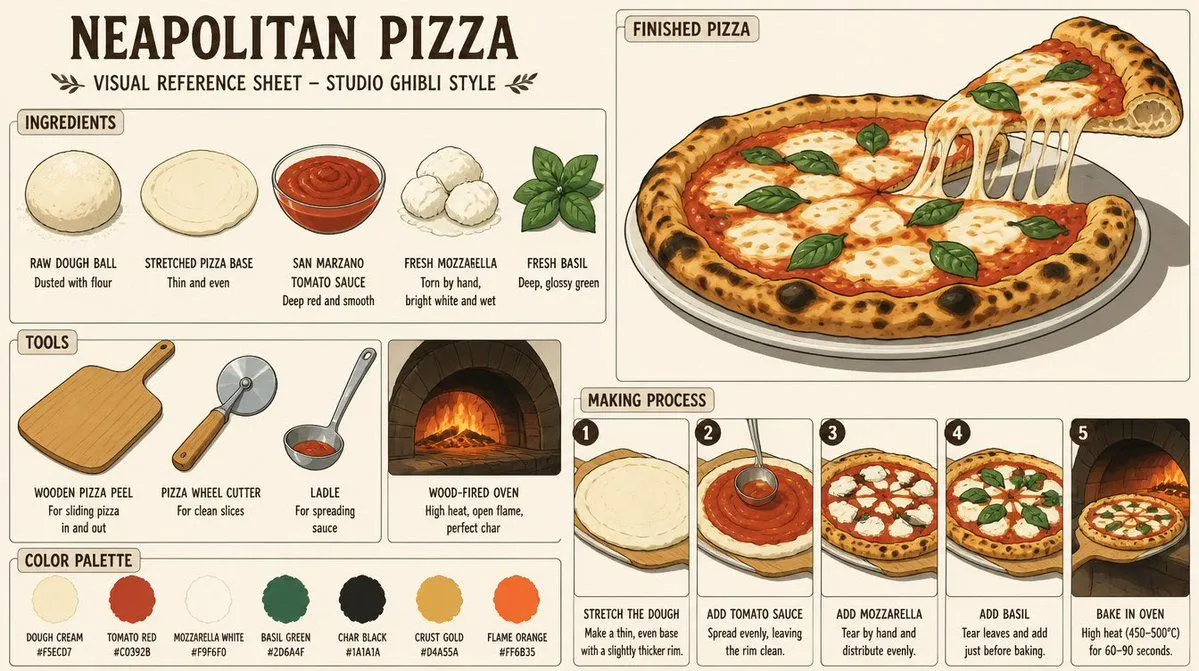
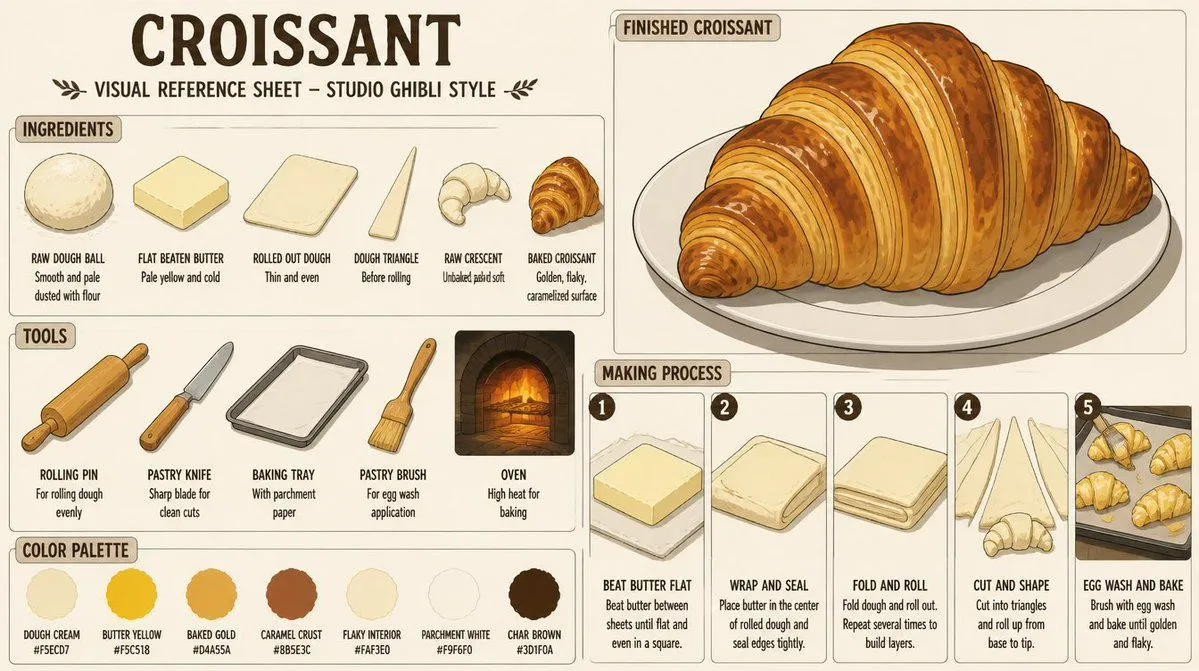
3 blanks to fillGoal: Create a detailed vintage illustrated visual reference sheet for {food_subject} in a warm hand-drawn {art_style}, like a pastry-making guide from an old cookbook. Canvas: Wide horizontal 16:9 composition on warm cream parchment paper, with thin brown rounded panel borders, muted sepia ink outlines, soft watercolor shading, and cozy bakery lighting. Use an off-white background with subtle paper texture. Header: Large bold hand-lettered title at the top left reading “{headline_text}”. Beneath it, smaller uppercase subtitle: “VISUAL REFERENCE SHEET – STUDIO GHIBLI STYLE”, flanked by small decorative leaf sprigs. Layout: Divide the sheet into 5 main areas: 1 large ingredients panel on the upper left, 1 tools panel on the lower left, 1 color palette strip along the bottom left, 1 large finished croissant showcase panel on the upper right, and 1 making process panel with 5 numbered steps on the lower right. Ingredients panel: Label the panel “INGREDIENTS”. Show exactly 6 ingredient illustrations arranged left to right, each with a bold uppercase label and a short note: 1) raw dough ball, smooth and pale, dusted with flour; 2) flat beaten butter, pale yellow and cold; 3) rolled out dough, thin and even rectangular sheet; 4) dough triangle, before rolling; 5) raw crescent, unbaked and pale soft; 6) baked croissant, golden and flaky with caramelized surface. Tools panel: Label the panel “TOOLS”. Show exactly 5 tools arranged left to right: 1) wooden rolling pin, captioned for rolling dough evenly; 2) pastry knife with wooden handle, captioned sharp blade for clean cuts; 3) metal baking tray lined with parchment paper; 4) pastry brush with wooden handle, captioned for egg wash application; 5) brick oven with glowing fire, captioned high heat for baking. Finished croissant panel: Label it “FINISHED CROISSANT”. Show one large finished croissant on a white oval plate, angled slightly from lower left to upper right. The croissant is oversized, glossy, golden brown, crescent-shaped, with many visible laminated layers, darker caramelized ridges, flaky cracks, toasted spots, and a soft shadow on the plate. Making process panel: Label it “MAKING PROCESS”. Include exactly 5 vertical numbered cards from left to right, each with a dark circular number badge and a small illustration above text: 1) “BEAT BUTTER FLAT” showing a square block of butter on parchment, note that butter is beaten between sheets until flat and even in a square; 2) “WRAP AND SEAL” showing dough folded around butter, note to place butter in the center of rolled dough and seal edges tightly; 3) “FOLD AND ROLL” showing a folded laminated dough stack, note to fold dough and roll out and repeat several times to build layers; 4) “CUT AND SHAPE” showing long dough triangles and a raw crescent, note to cut into triangles and roll up from base to tip; 5) “EGG WASH AND BAKE” showing several croissants on a baking tray, note to brush with egg wash and bake until golden and flaky. Color palette strip: Label it “COLOR PALETTE”. Show exactly 7 circular color swatches with names and hex codes: 1) Dough Cream #F5ECD7, 2) Butter Yellow #F5C518, 3) Baked Gold #D4A55A, 4) Caramel Crust #8B5E3C, 5) Flaky Interior #FAF3E0, 6) Parchment White #F9F6F0, 7) Char Brown #3D1F0A. Typography and style: Use bold condensed hand-drawn uppercase lettering for labels, smaller neat handwritten captions, dark chocolate-brown ink, rounded cream label tabs, and consistent old-fashioned bakery reference-sheet design. Keep all illustrations charming, clean, and readable, with soft painterly shadows and warm amber highlights. Constraints: Include no people, no photorealism, no modern UI elements, no watermark, and no extra sections beyond the described 5 main areas. Keep all visible English text legible and spelled correctly.
Preview of your prompt
Goal: Create a detailed vintage illustrated visual reference sheet for Croissant in a warm hand-drawn Studio Ghibli style, like a pastry-making guide from an old cookbook. Canvas: Wide horizontal 16:9 composition on warm cream parchment paper, with thin brown rounded panel borders, muted sepia ink outlines, soft watercolor shading, and cozy bakery lighting. Use an off-white background with subtle paper texture. Header: Large bold hand-lettered title at the top left reading “CROISSANT”. Beneath it, smaller uppercase subtitle: “VISUAL REFERENCE SHEET – STUDIO GHIBLI STYLE”, flanked by small decorative leaf sprigs. Layout: Divide the sheet into 5 main areas: 1 large ingredients panel on the upper left, 1 tools panel on the lower left, 1 color palette strip along the bottom left, 1 large finished croissant showcase panel on the upper right, and 1 making process panel with 5 numbered steps on the lower right. Ingredients panel: Label the panel “INGREDIENTS”. Show exactly 6 ingredient illustrations arranged left to right, each with a bold uppercase label and a short note: 1) raw dough ball, smooth and pale, dusted with flour; 2) flat beaten butter, pale yellow and cold; 3) rolled out dough, thin and even rectangular sheet; 4) dough triangle, before rolling; 5) raw crescent, unbaked and pale soft; 6) baked croissant, golden and flaky with caramelized surface. Tools panel: Label the panel “TOOLS”. Show exactly 5 tools arranged left to right: 1) wooden rolling pin, captioned for rolling dough evenly; 2) pastry knife with wooden handle, captioned sharp blade for clean cuts; 3) metal baking tray lined with parchment paper; 4) pastry brush with wooden handle, captioned for egg wash application; 5) brick oven with glowing fire, captioned high heat for baking. Finished croissant panel: Label it “FINISHED CROISSANT”. Show one large finished croissant on a white oval plate, angled slightly from lower left to upper right. The croissant is oversized, glossy, golden brown, crescent-shaped, with many visible laminated layers, darker caramelized ridges, flaky cracks, toasted spots, and a soft shadow on the plate. Making process panel: Label it “MAKING PROCESS”. Include exactly 5 vertical numbered cards from left to right, each with a dark circular number badge and a small illustration above text: 1) “BEAT BUTTER FLAT” showing a square block of butter on parchment, note that butter is beaten between sheets until flat and even in a square; 2) “WRAP AND SEAL” showing dough folded around butter, note to place butter in the center of rolled dough and seal edges tightly; 3) “FOLD AND ROLL” showing a folded laminated dough stack, note to fold dough and roll out and repeat several times to build layers; 4) “CUT AND SHAPE” showing long dough triangles and a raw crescent, note to cut into triangles and roll up from base to tip; 5) “EGG WASH AND BAKE” showing several croissants on a baking tray, note to brush with egg wash and bake until golden and flaky. Color palette strip: Label it “COLOR PALETTE”. Show exactly 7 circular color swatches with names and hex codes: 1) Dough Cream #F5ECD7, 2) Butter Yellow #F5C518, 3) Baked Gold #D4A55A, 4) Caramel Crust #8B5E3C, 5) Flaky Interior #FAF3E0, 6) Parchment White #F9F6F0, 7) Char Brown #3D1F0A. Typography and style: Use bold condensed hand-drawn uppercase lettering for labels, smaller neat handwritten captions, dark chocolate-brown ink, rounded cream label tabs, and consistent old-fashioned bakery reference-sheet design. Keep all illustrations charming, clean, and readable, with soft painterly shadows and warm amber highlights. Constraints: Include no people, no photorealism, no modern UI elements, no watermark, and no extra sections beyond the described 5 main areas. Keep all visible English text legible and spelled correctly.
DetailsVersions, settings and questions
Written for
What's in the prompt
- Subject
- Model
- GPT Image 2
If your face changes
keep my face exactly the sameQuestions
- Does this work in the ChatGPT app?
- Yes. Paste the prompt and attach your photo if it uses one.
- It changed my face. What do I do?
- Add "keep my face exactly the same" to the end and run it again.
- Can I use the images I make?
- Check the terms of the app you use. Promptclay never generates images and claims nothing you make.