Tell us anything

An idea, a bug, something you love. We read every note.

⌘↵ to send. The page you're on comes along.

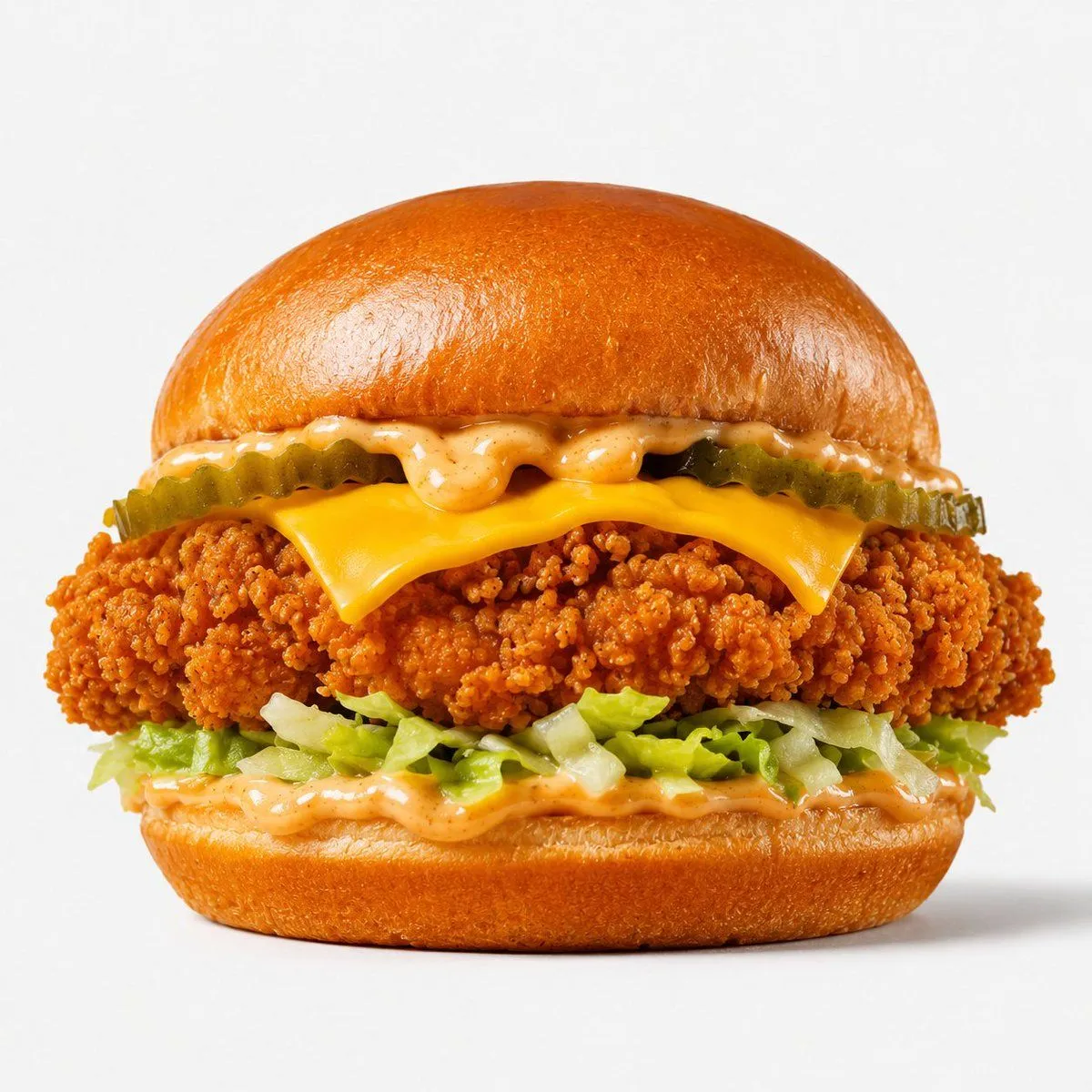
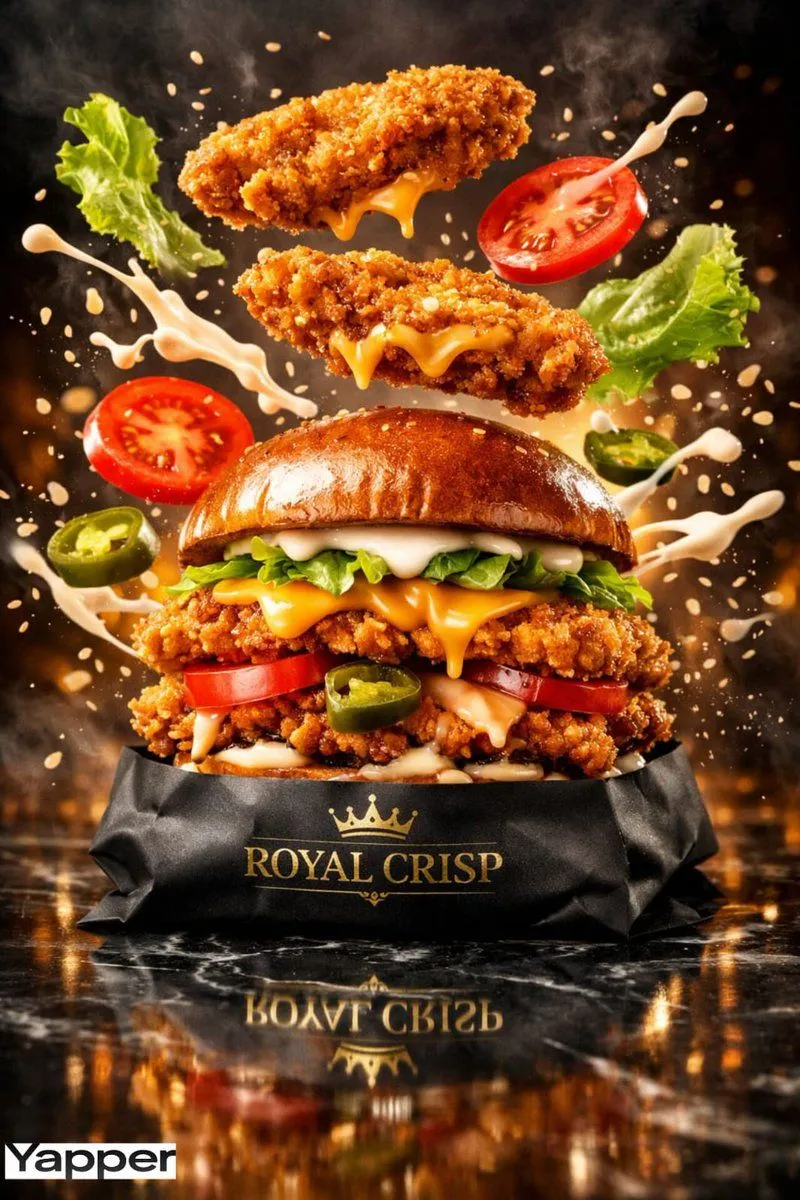
Crispy Chicken Burger Product Photo

Made with GPT Image 2 in ChatGPT by Library Brand. Promptclay never generates images.

Did it work?

No reports yet. Tell others if it worked for you.

No comments yet. Be the first.

    Crispy Chicken Burger Product Photo

    GPT Image 21:1AI-generated

    Prompt

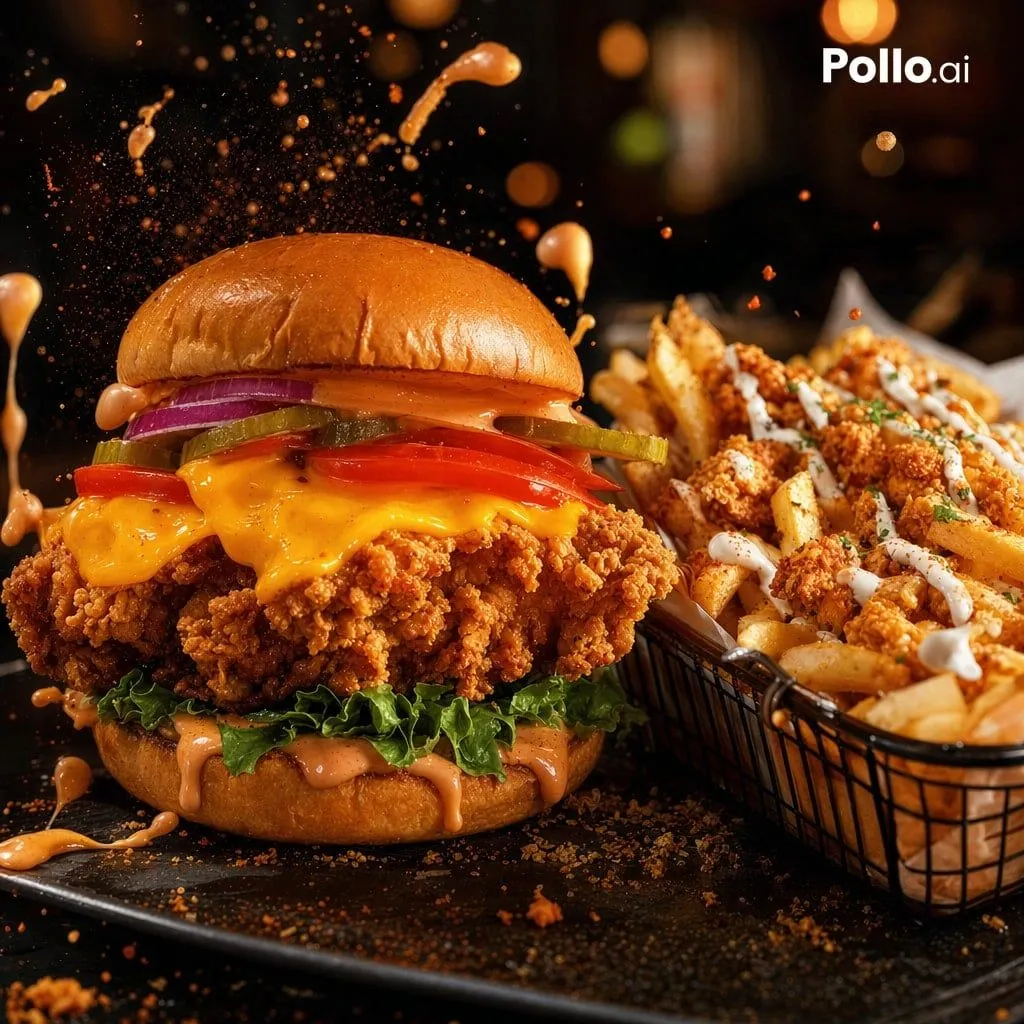
    Create a high-quality professional product photograph of a crispy chicken burger centered on a clean white seamless studio background. Show the burger in a straight-on close-up hero composition with no plate, props, hands, text, or branding. The burger has exactly 6 visible layers from top to bottom: 1 glossy toasted brioche top bun with a smooth golden-brown dome, 2 creamy orange speckled sauce dripping slightly beneath the bun, 3 crinkle-cut pickle slices forming a green row, 4 melted American cheese slice folded over the edges, 5 thick golden-orange crispy fried chicken fillet with highly detailed crunchy breading, and 6 shredded iceberg lettuce over more creamy orange sauce on a glossy toasted brioche bottom bun. Use bright even studio lighting, subtle soft shadow beneath the burger, ultra-sharp food photography detail, appetizing saturated colors, realistic textures, square 1:1 framing, isolated commercial advertising style.

    Works in
    ChatGPT, Gemini
    Status
    Free to copy
    0
    DetailsVersions, settings and questions

    Written for

    What's in the prompt

    Subject
    Model
    GPT Image 2

    If your face changes

    keep my face exactly the same

    Questions

    Does this work in the ChatGPT app?
    Yes. Paste the prompt and attach your photo if it uses one.
    It changed my face. What do I do?
    Add "keep my face exactly the same" to the end and run it again.
    Can I use the images I make?
    Check the terms of the app you use. Promptclay never generates images and claims nothing you make.
    Similar prompts

    See more
    • Floating Gourmet Burger Commercial Shot
    • Luxury Chicken Burger Ingredient Explosion Commercial
    • Cinematic Fried Chicken Burger Ad
    • Ultra-Realistic Luxury Fast-Food Ad Shot
    • Ultra-realistic Commercial Veg Burger Photography and Exploded View
    • Cinematic Close-Up of Crispy Chicken Nuggets
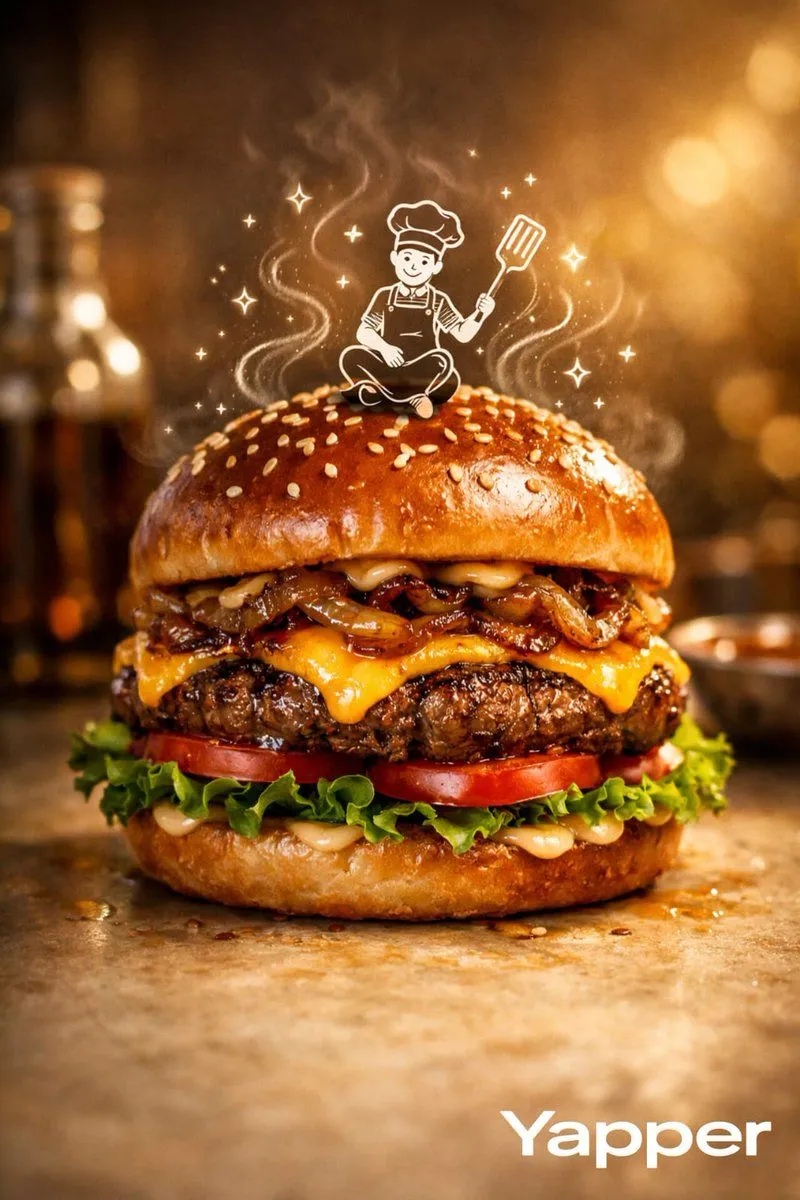
    • Luxury Food Advertisement Photography with Illustrated Chef
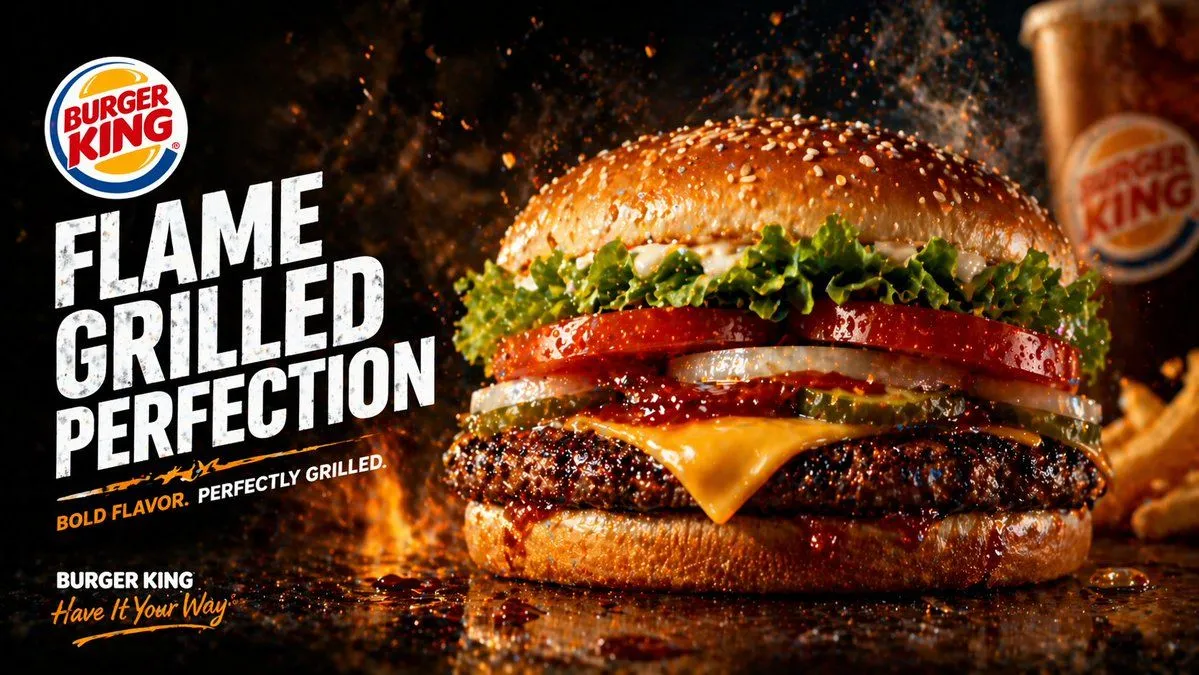
    • Flame-Grilled Burger Ad Poster
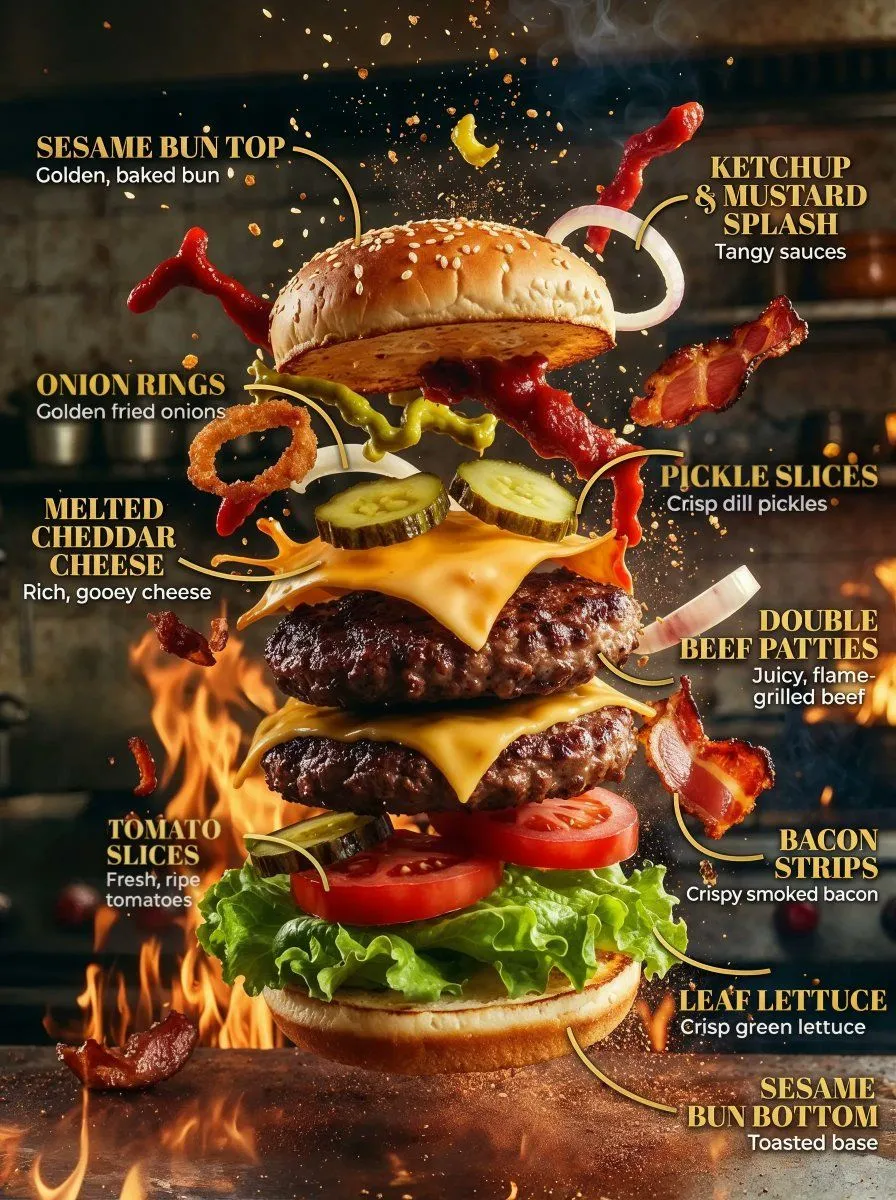
    • Product Ingredient Labeling Prompt
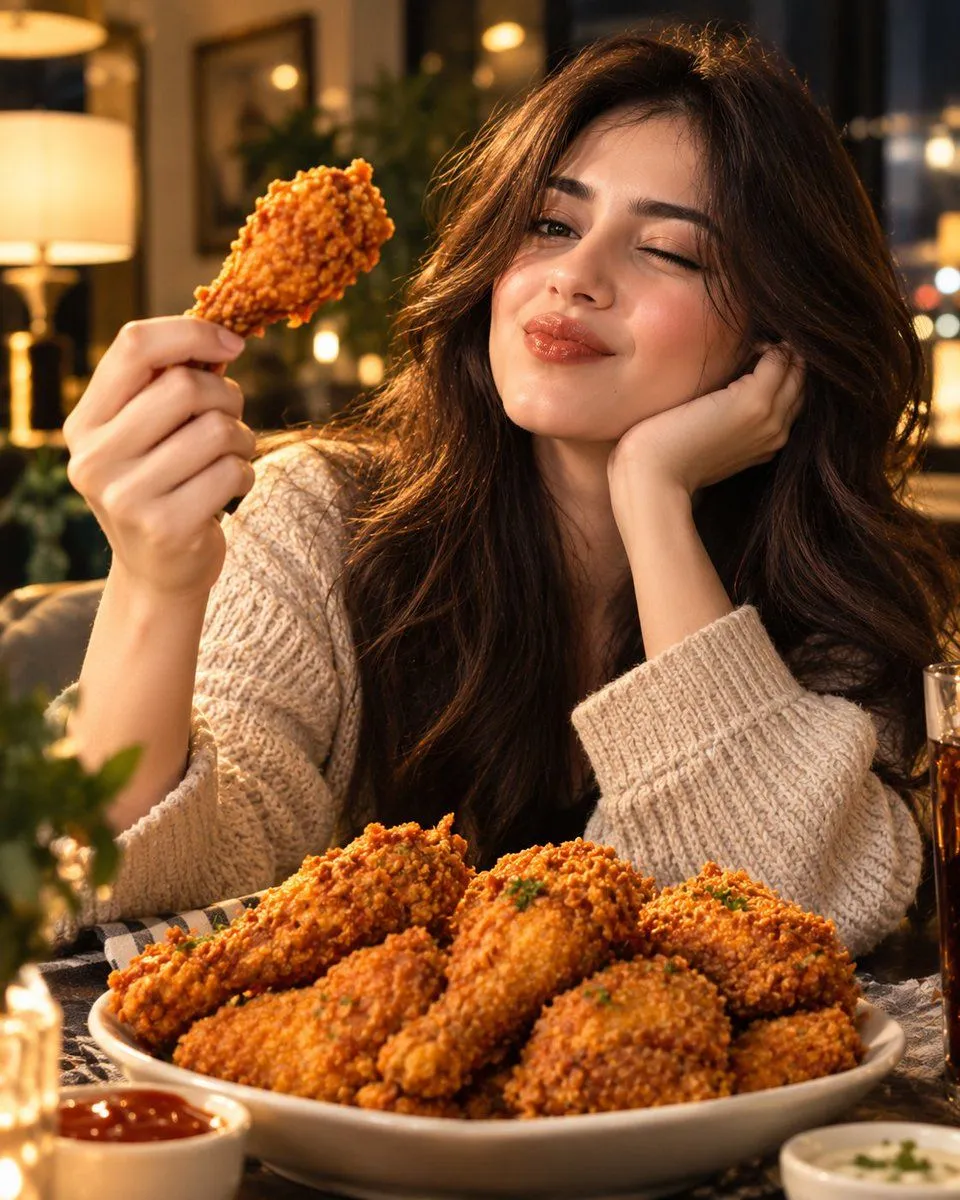
    • Cinematic Fried Chicken Food Advertisement
    • Modern Cafe Food Product Tray Photography
    • Natural Restaurant Meal Regeneration
    • Premium Fast-Food Product Shot
    • Gourmet Burger Commercial Photography
    • Japanese labeled-ingredients dish photo
    • Frosted Glass Portfolio Cover Aesthetic
    • Product Photo Doodle Overlay
    • Surreal Cyberpunk Pizza Car Prompt
    • Joyful Fast-food Restaurant Crossover Scene
    • Premium Commercial Food Photography
    • Realistic Shoyu Ramen Bowl
    • Luxury Kaiseki Wagyu and Sashimi Plate
    • Luxury Tropical Juice Bottle Ad
    • Matcha Ice Cream Dessert Swap

    Show more

    Run it on your phone

    1. Prompt copiedRead it

      Create a high-quality professional product photograph of a crispy chicken burger centered on a clean white seamless studio background. Show the burger in a straight-on close-up hero composition with no plate, props, hands, text, or branding. The burger has exactly 6 visible layers from top to bottom: 1 glossy toasted brioche top bun with a smooth golden-brown dome, 2 creamy orange speckled sauce dripping slightly beneath the bun, 3 crinkle-cut pickle slices forming a green row, 4 melted American cheese slice folded over the edges, 5 thick golden-orange crispy fried chicken fillet with highly detailed crunchy breading, and 6 shredded iceberg lettuce over more creamy orange sauce on a glossy toasted brioche bottom bun. Use bright even studio lighting, subtle soft shadow beneath the burger, ultra-sharp food photography detail, appetizing saturated colors, realistic textures, square 1:1 framing, isolated commercial advertising style.

    2. Open your app

    3. Paste and run

      Press and hold the message box, then tap Paste. Add your photo first if the prompt uses one. You may need to sign in.

    Crispy Chicken Burger Product Photo