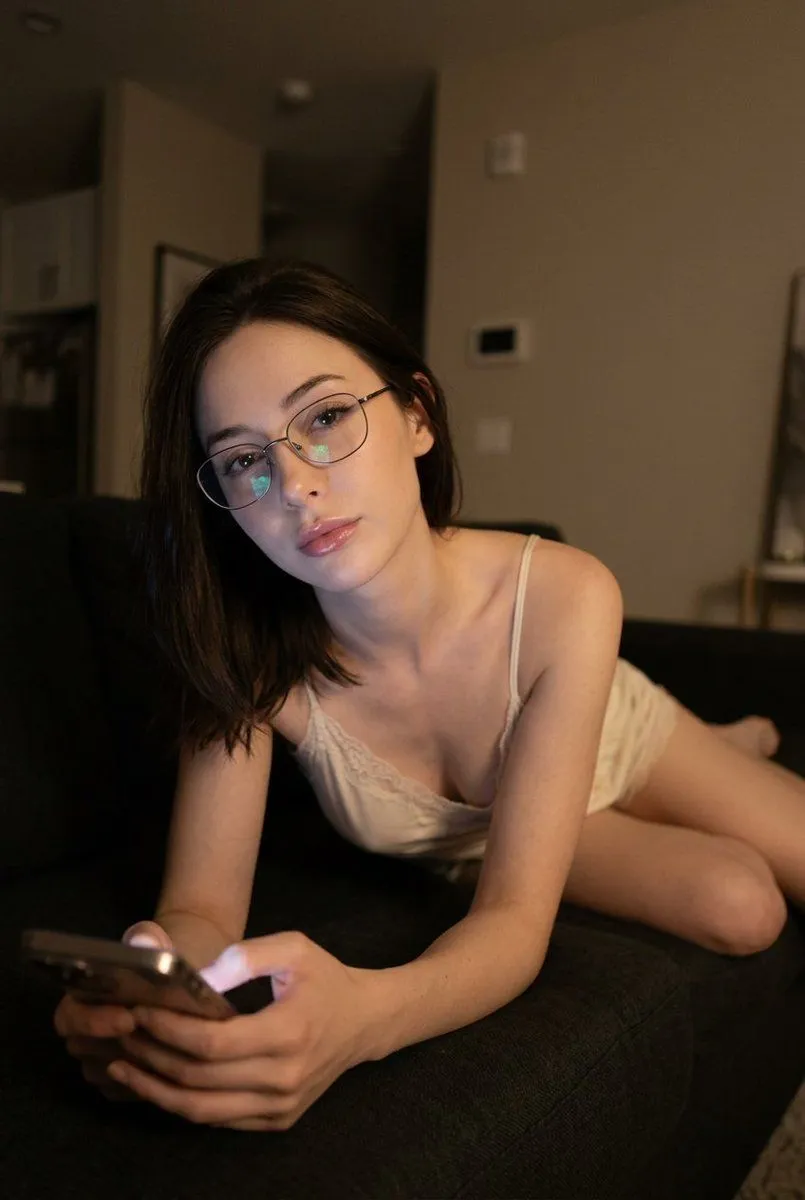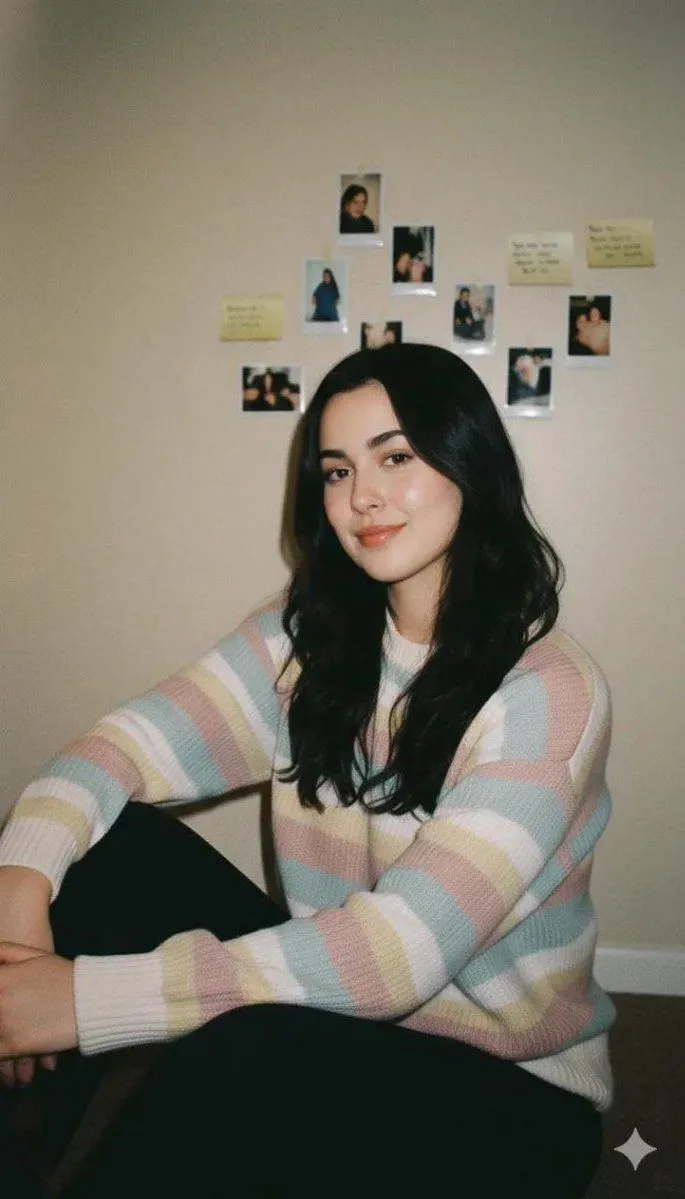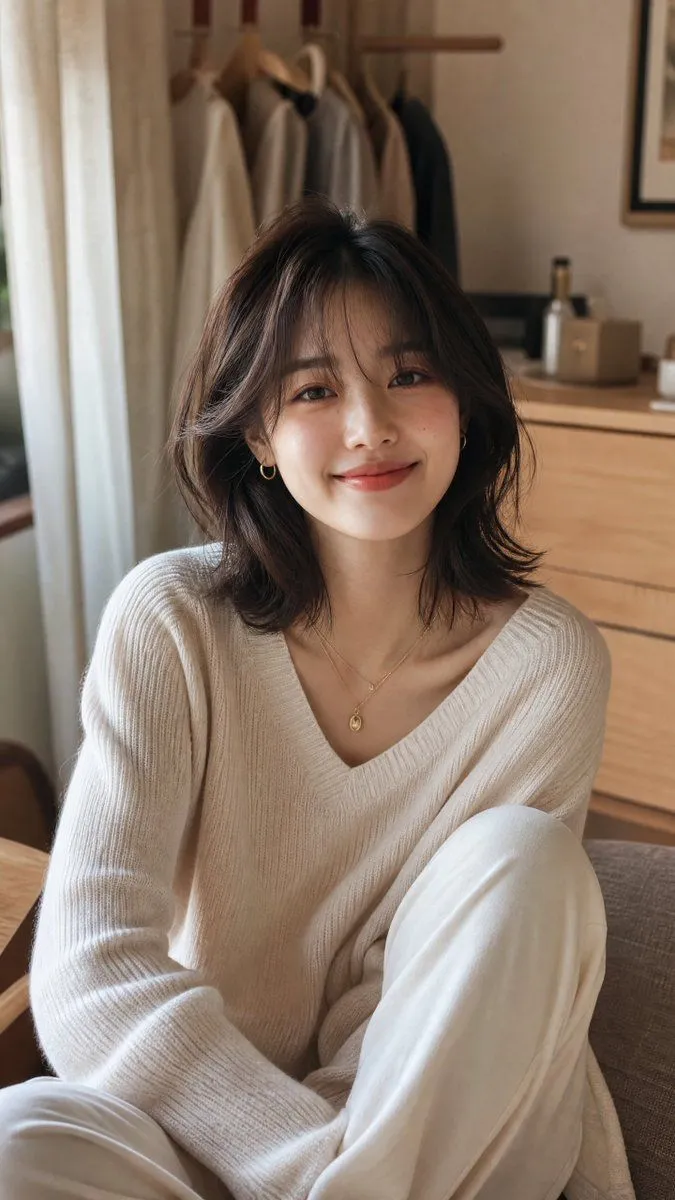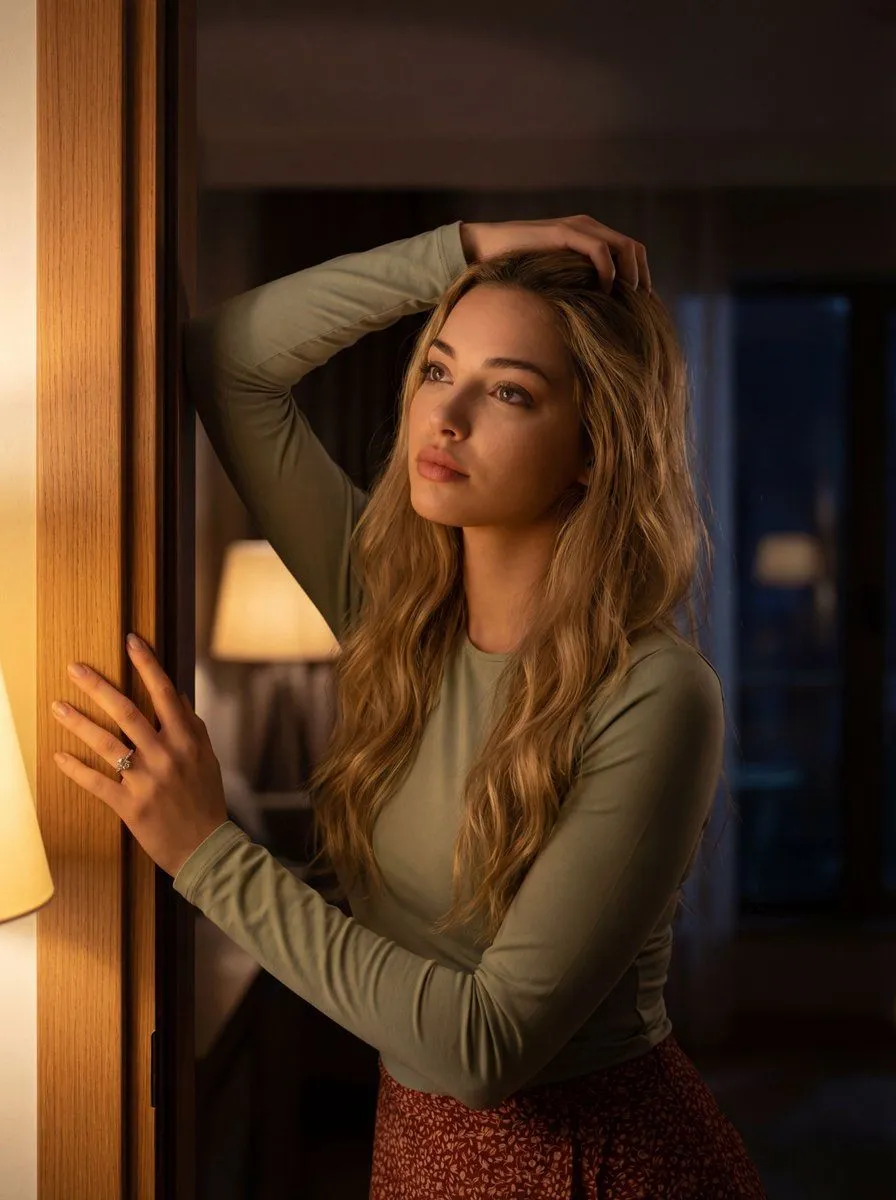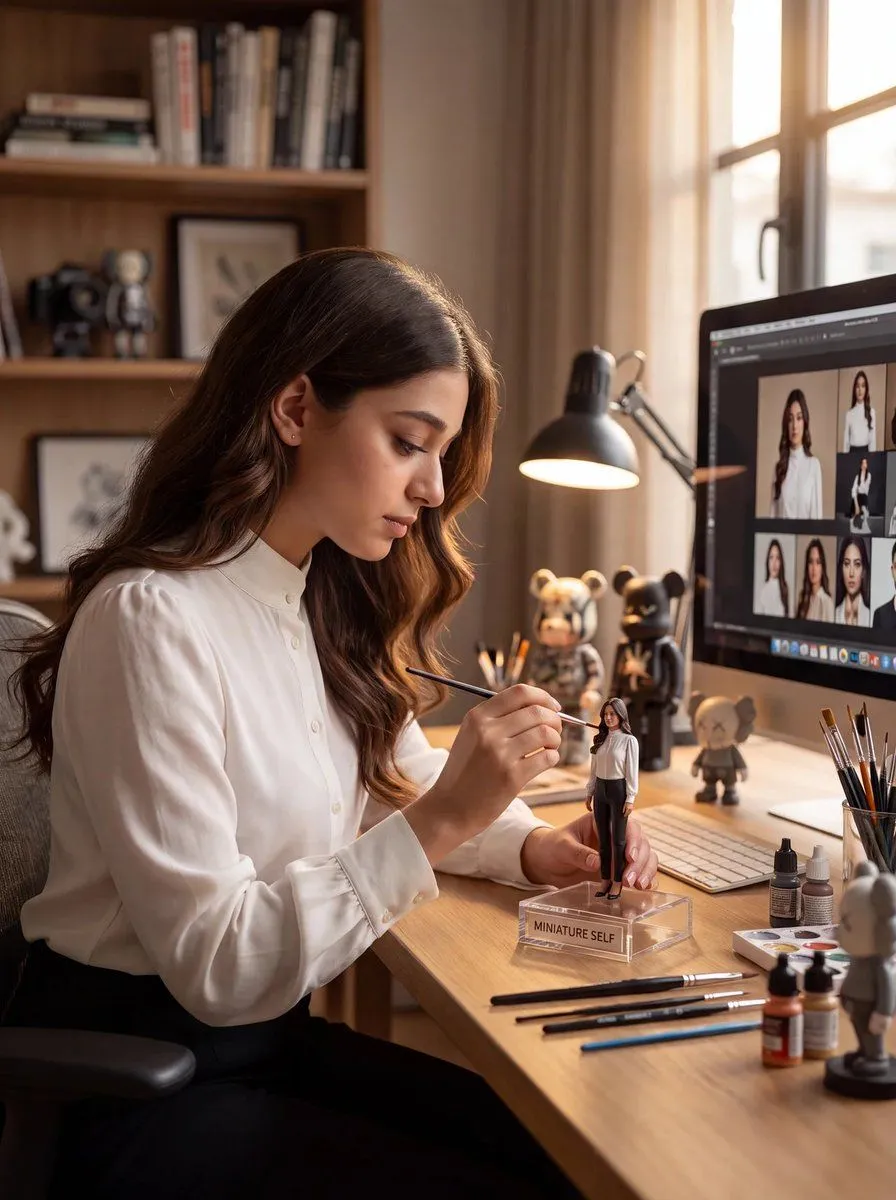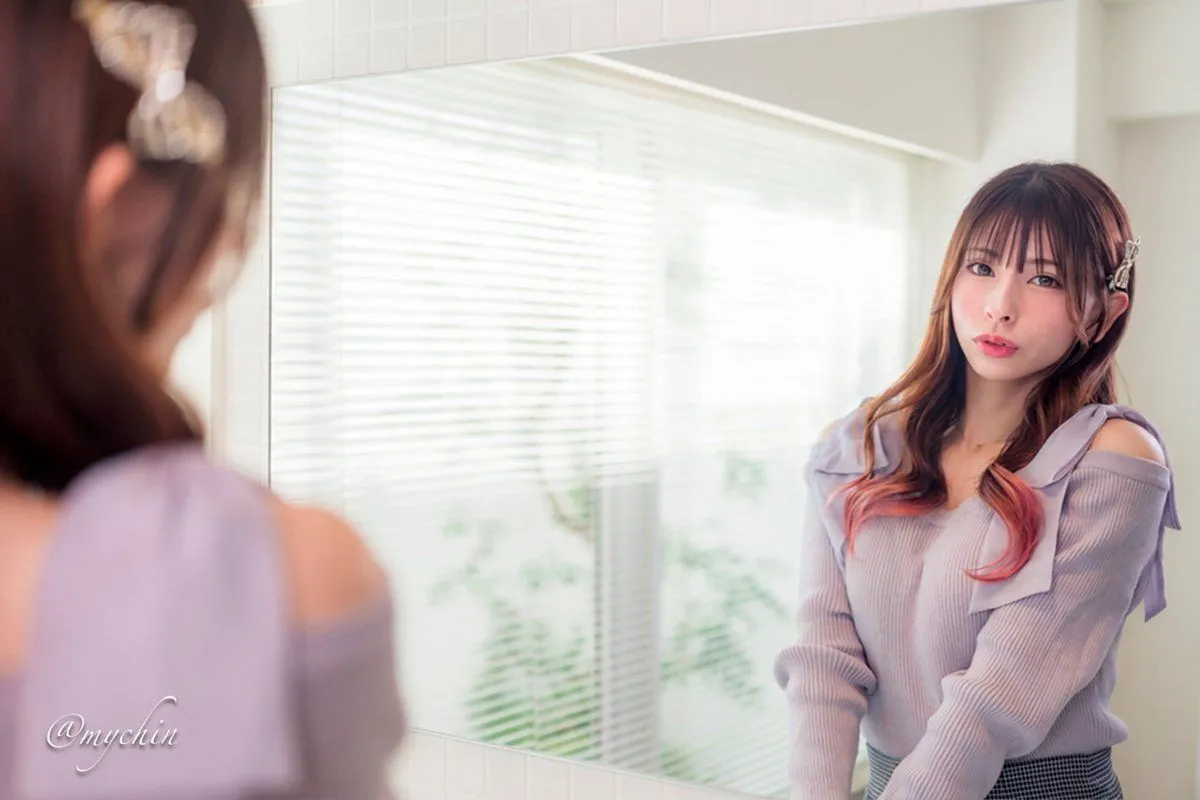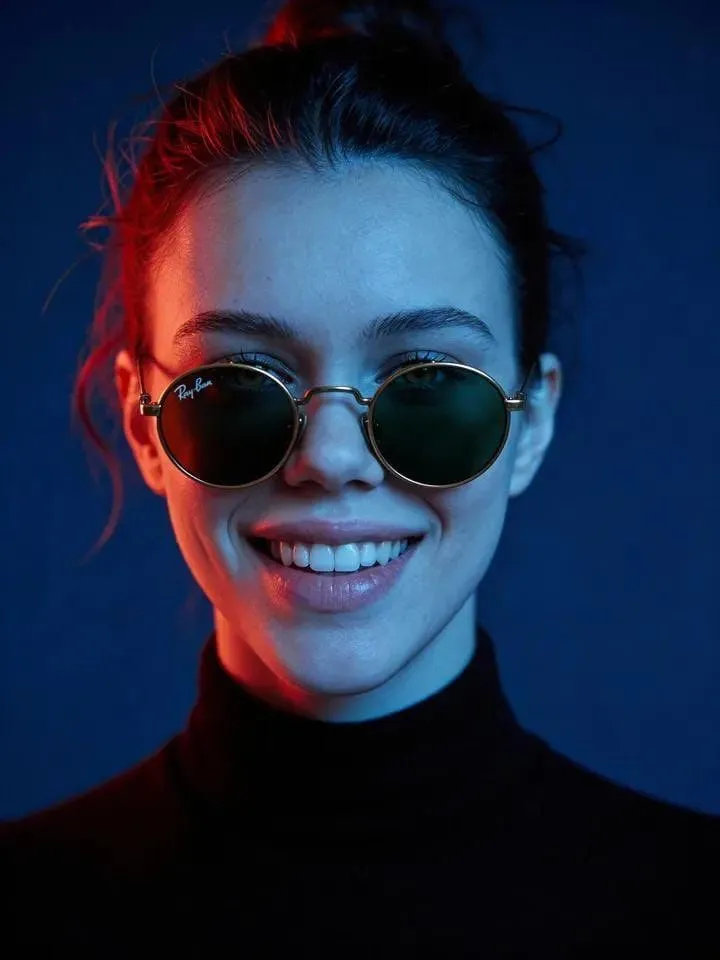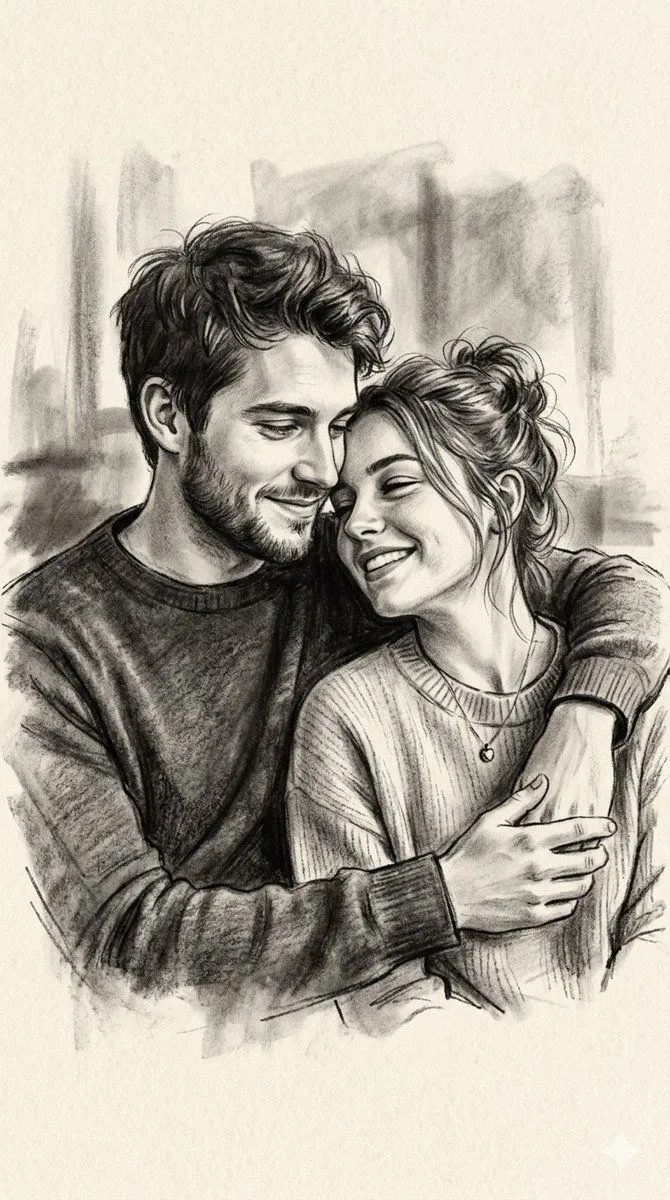
Made with Nano Banana Pro in Gemini, collected by Library Social. Promptclay never generates images.
Cozy Work-From-Home Portrait Prompt
Prompt
2 blanks to fill{ "image_description": { "subject": { "gender": "female", "hair": "long, dark, wavy", "expression": "smiling, soft smile", "pose": "sitting at desk, looking at camera, leaning slightly forward" }, "attire": { "glasses": "clear frame eyeglasses, transparent frames", "top": "chunky knit sweater, {sweater_color} color, textured wool" }, "environment": { "setting": "indoor workspace, home office, desk setup", "lighting": "natural daylight from window, soft, bright", "background": "window with white frame, city buildings faintly visible outside" }, "objects": [ "open laptop (MacBook style)", "document or text editor visible on screen", "open notebook", "pen", "ceramic mug ({mug_color})" ], "style": "realistic, selfie angle, casual, cozy, academic, work-from-home aesthetic" }, "prompt": "A realistic photo of a young woman with long dark wavy hair wearing clear glasses and a chunky cream knit sweater, sitting at a wooden desk near a window. She is smiling gently at the camera. In front of her is an open laptop displaying a document, a notebook with a pen, and a ceramic mug. The lighting is bright and natural, creating a cozy study or work-from-home atmosphere." }
Preview of your prompt
{ "image_description": { "subject": { "gender": "female", "hair": "long, dark, wavy", "expression": "smiling, soft smile", "pose": "sitting at desk, looking at camera, leaning slightly forward" }, "attire": { "glasses": "clear frame eyeglasses, transparent frames", "top": "chunky knit sweater, cream or beige color, textured wool" }, "environment": { "setting": "indoor workspace, home office, desk setup", "lighting": "natural daylight from window, soft, bright", "background": "window with white frame, city buildings faintly visible outside" }, "objects": [ "open laptop (MacBook style)", "document or text editor visible on screen", "open notebook", "pen", "ceramic mug (beige/white)" ], "style": "realistic, selfie angle, casual, cozy, academic, work-from-home aesthetic" }, "prompt": "A realistic photo of a young woman with long dark wavy hair wearing clear glasses and a chunky cream knit sweater, sitting at a wooden desk near a window. She is smiling gently at the camera. In front of her is an open laptop displaying a document, a notebook with a pen, and a ceramic mug. The lighting is bright and natural, creating a cozy study or work-from-home atmosphere." }
DetailsVersions, settings and questions
Written for
What's in the prompt
- Subject
- Model
- Nano Banana Pro
If your face changes
keep my face exactly the sameQuestions
- Does this work in the Gemini app?
- Yes. Gemini runs Nano Banana, so paste the prompt and attach your photo if it uses one.
- It changed my face. What do I do?
- Add "keep my face exactly the same" to the end and run it again.
- Can I use the images I make?
- Check the terms of the app you use. Promptclay never generates images and claims nothing you make.