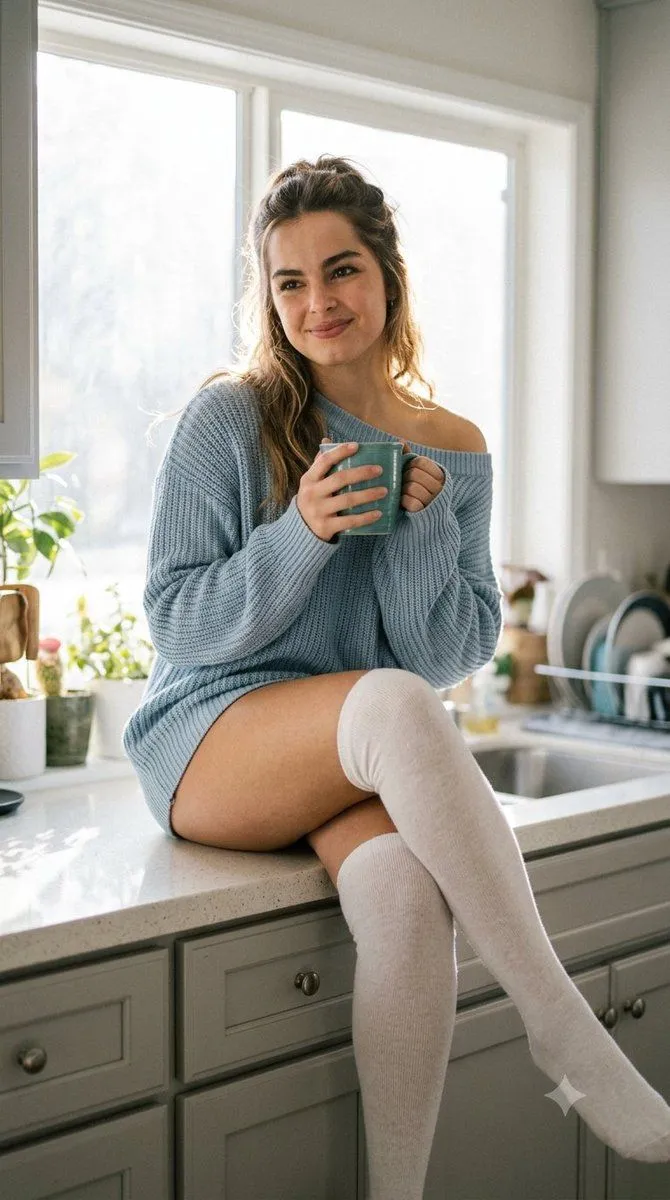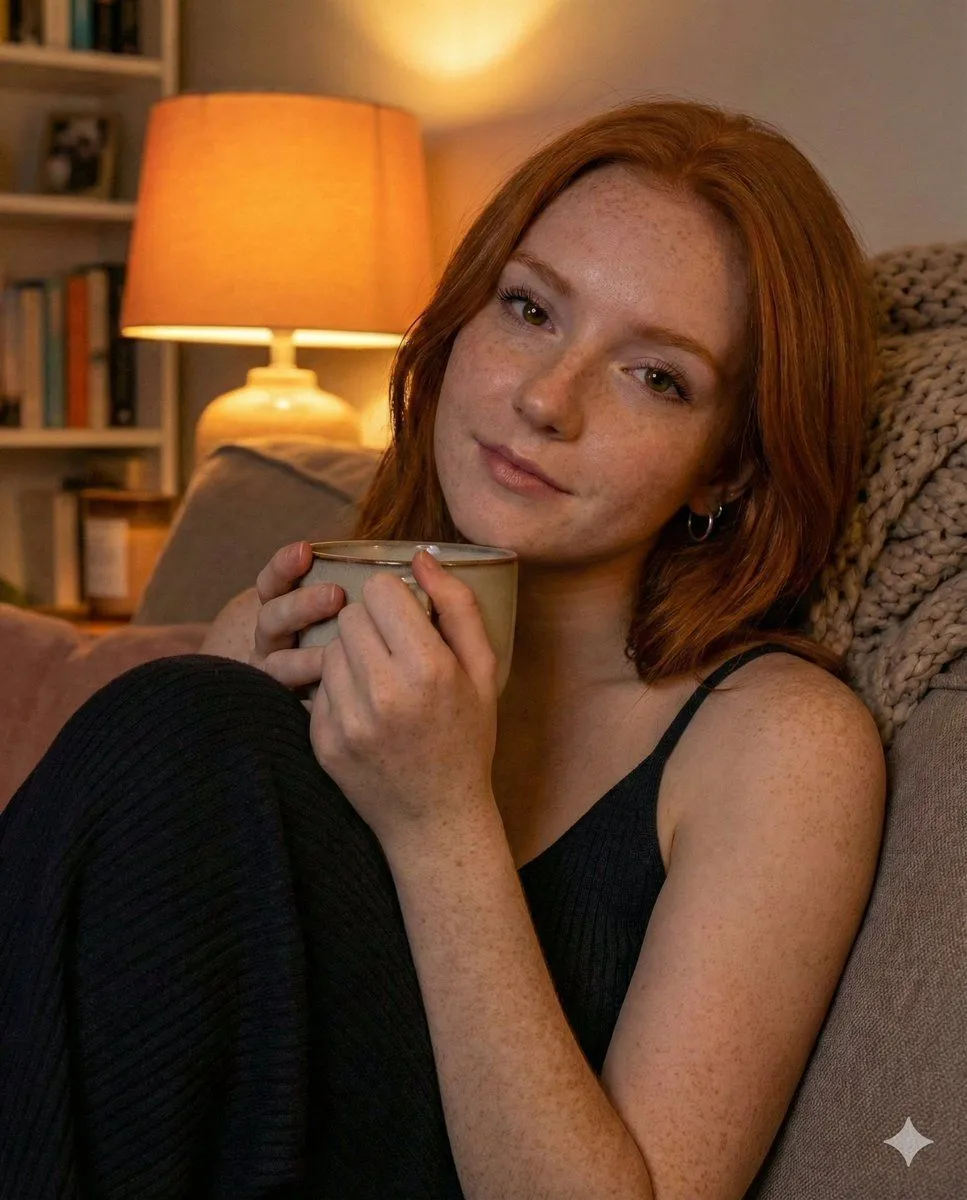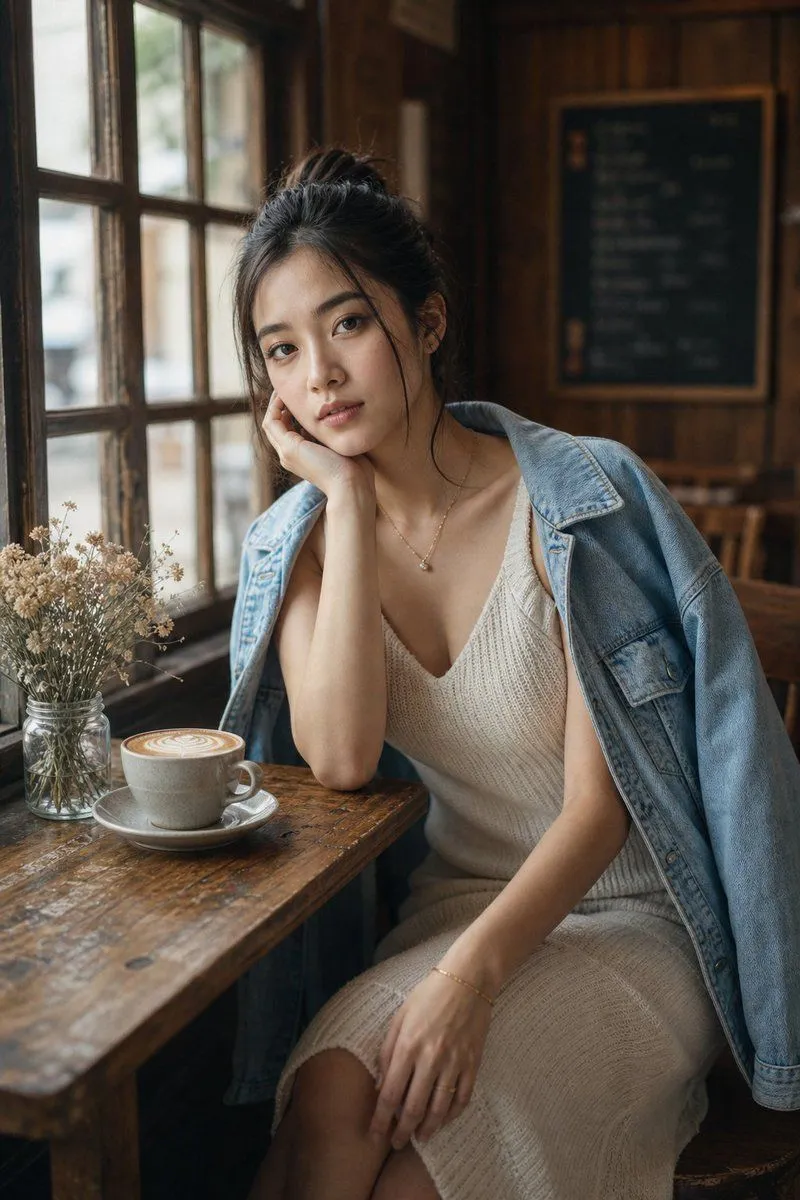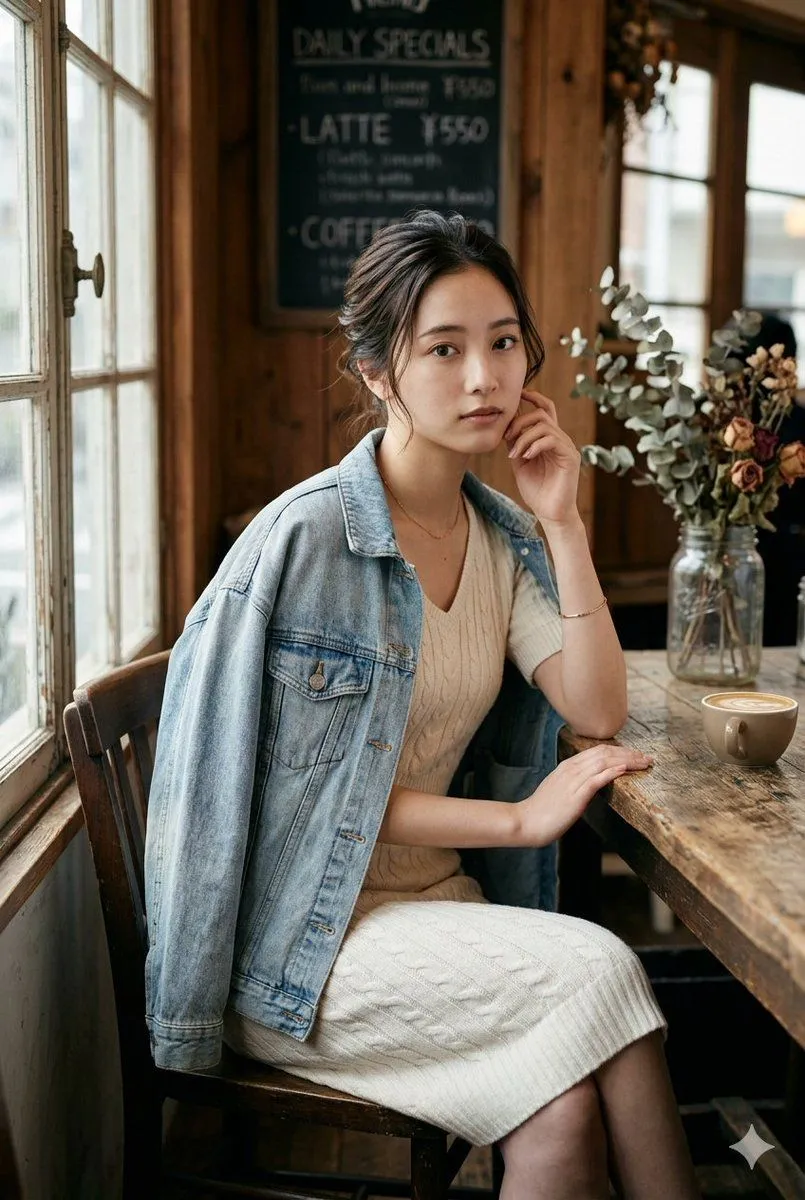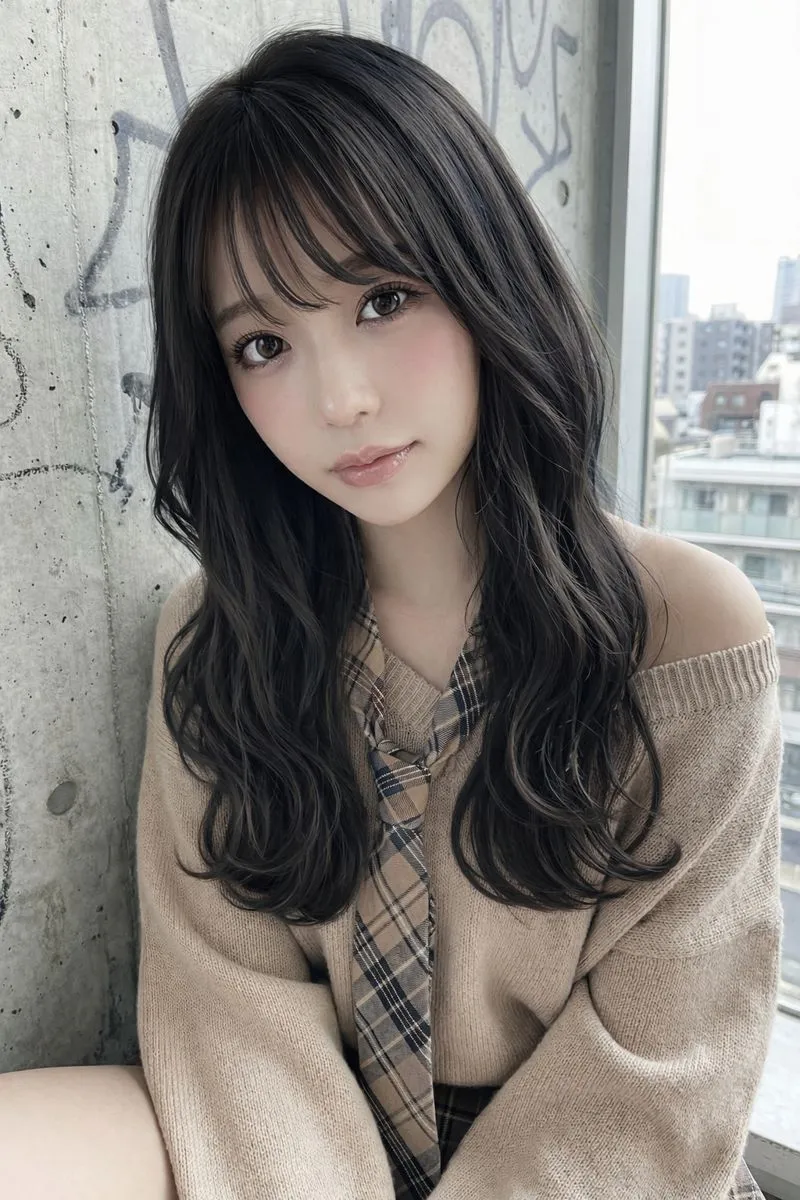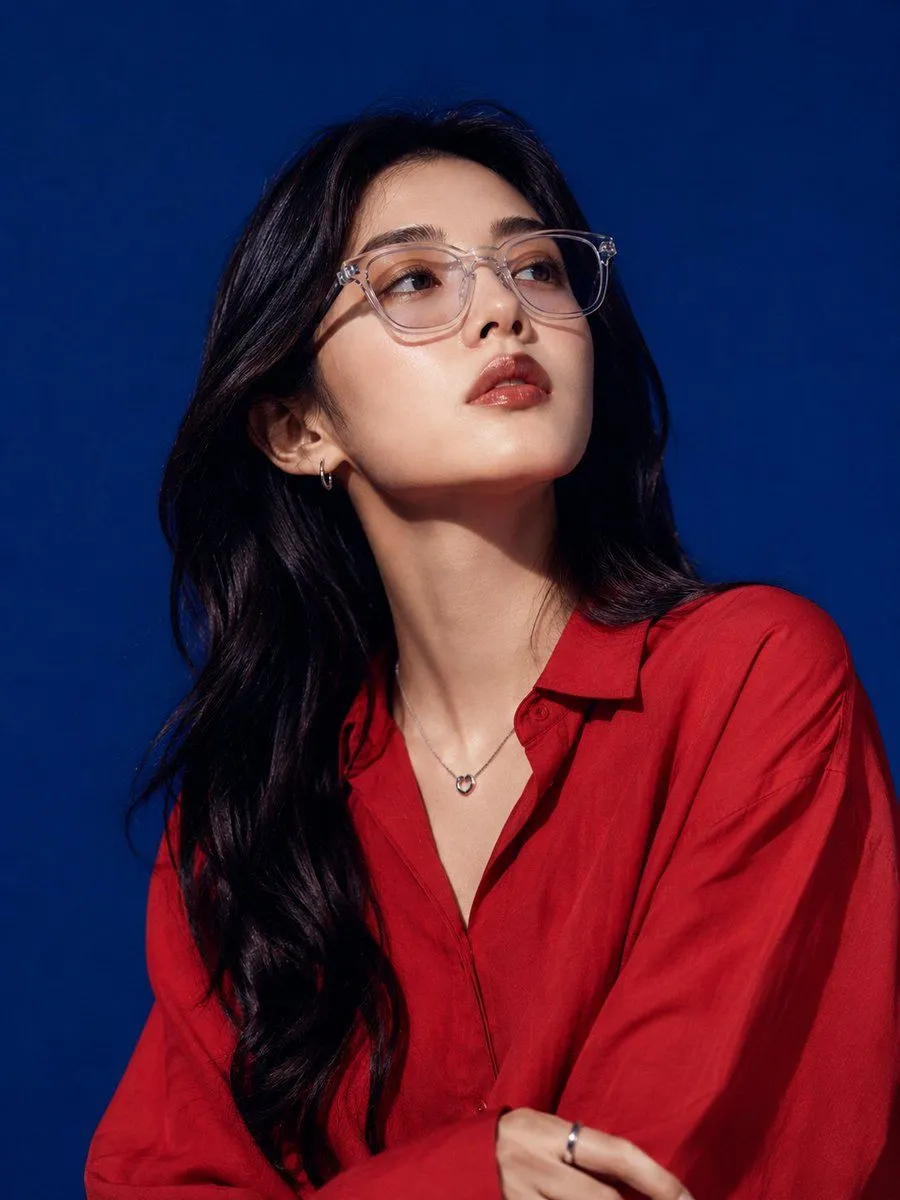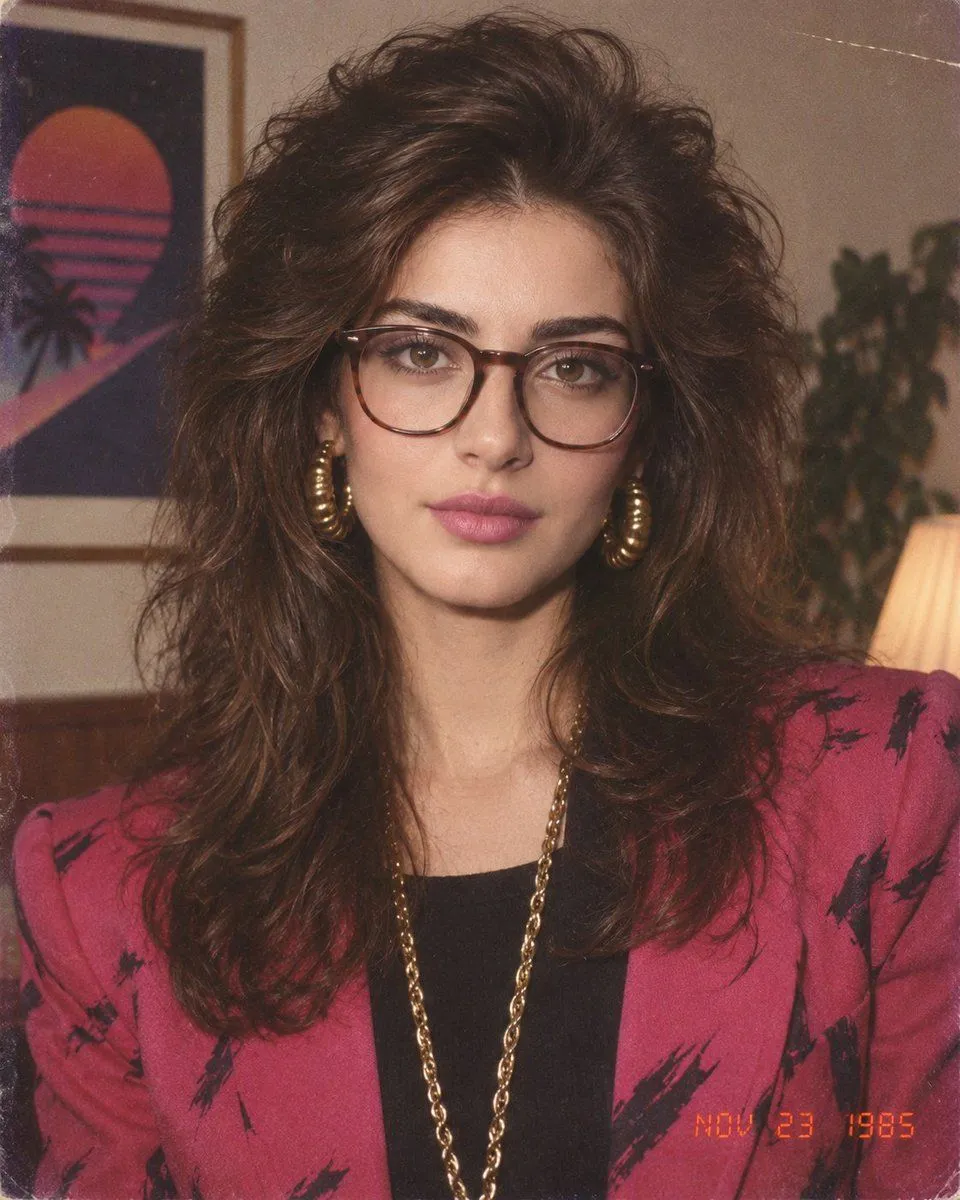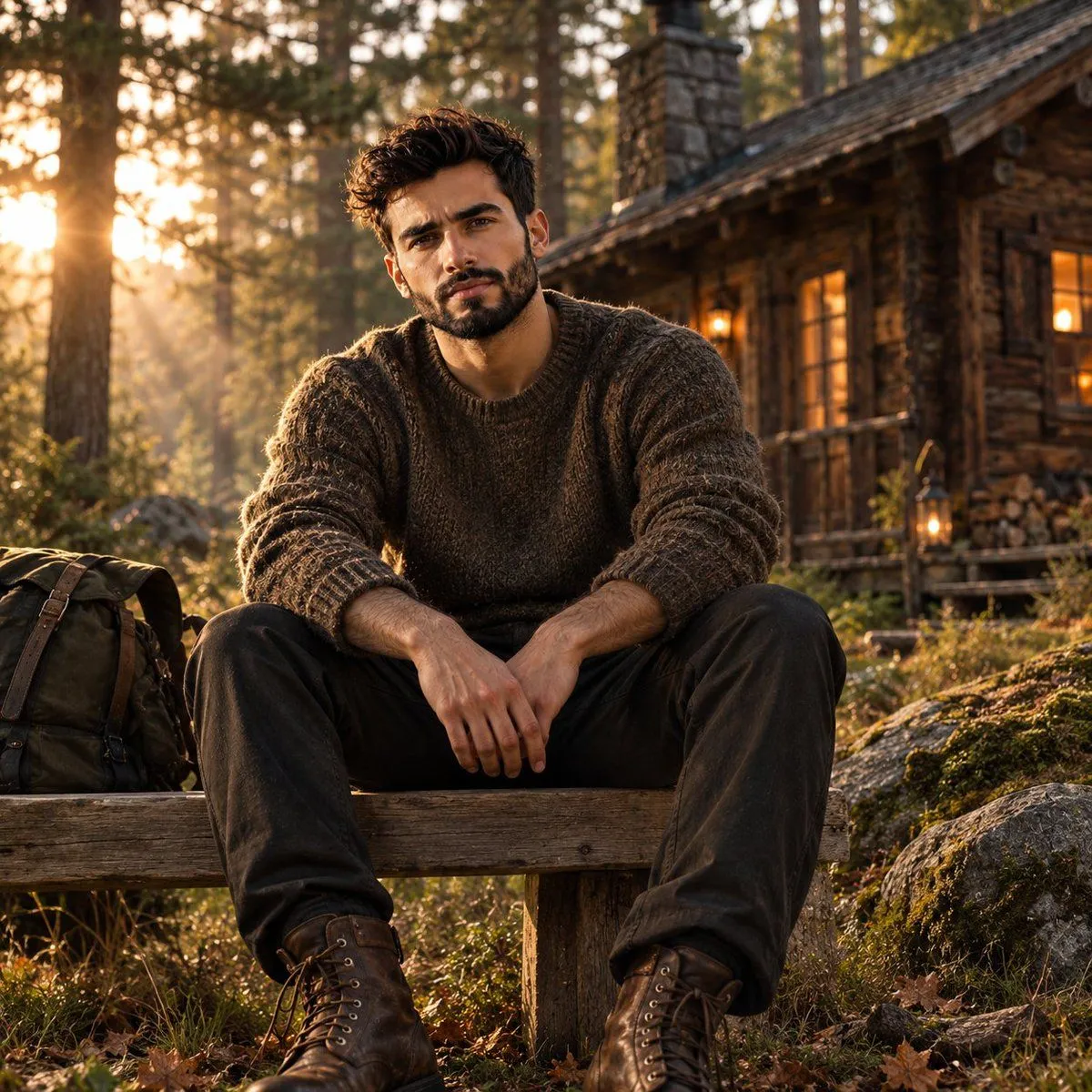
Made with GPT Image 2 in ChatGPT, collected by Library Avatars. Promptclay never generates images.
Cozy Window Portrait With Privacy Block
Prompt
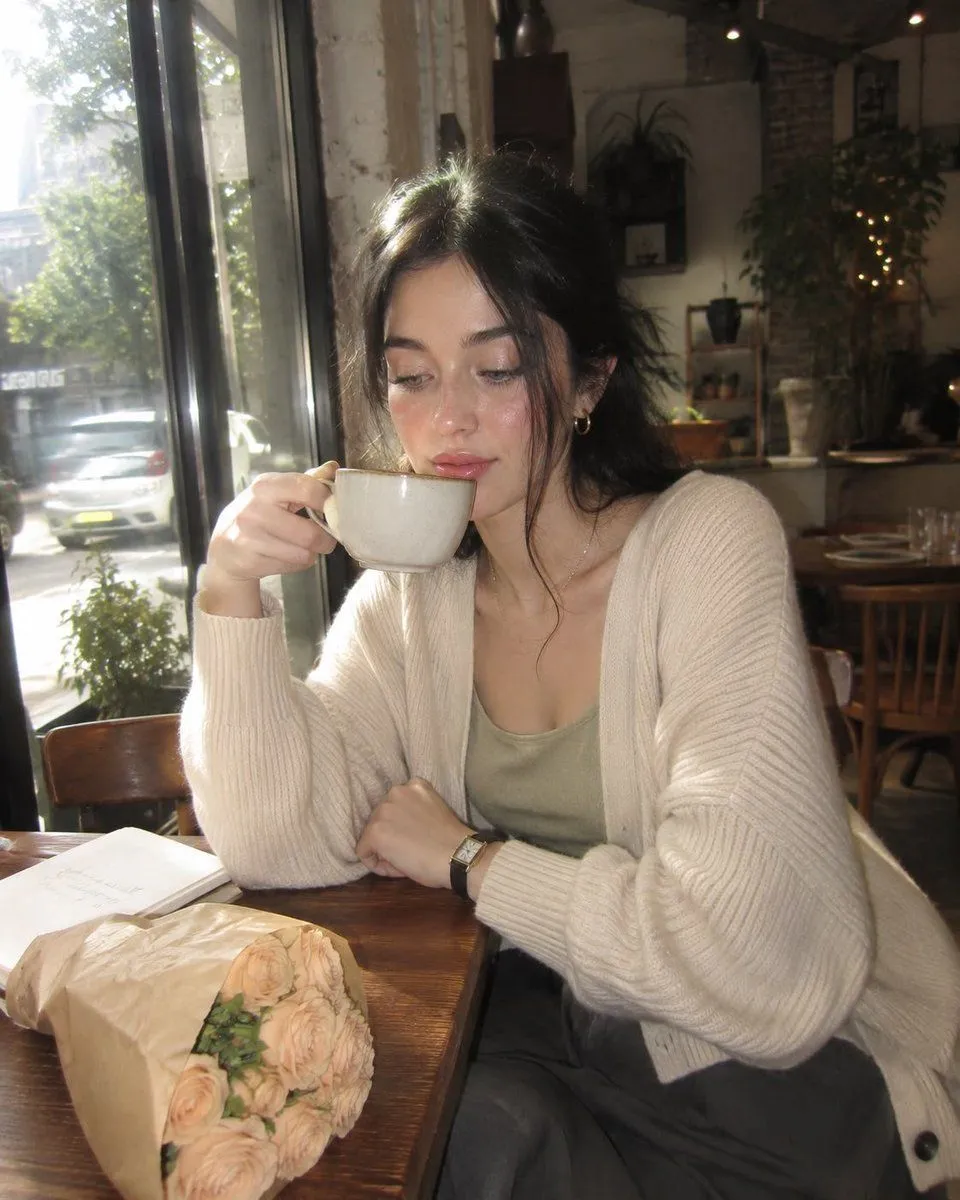
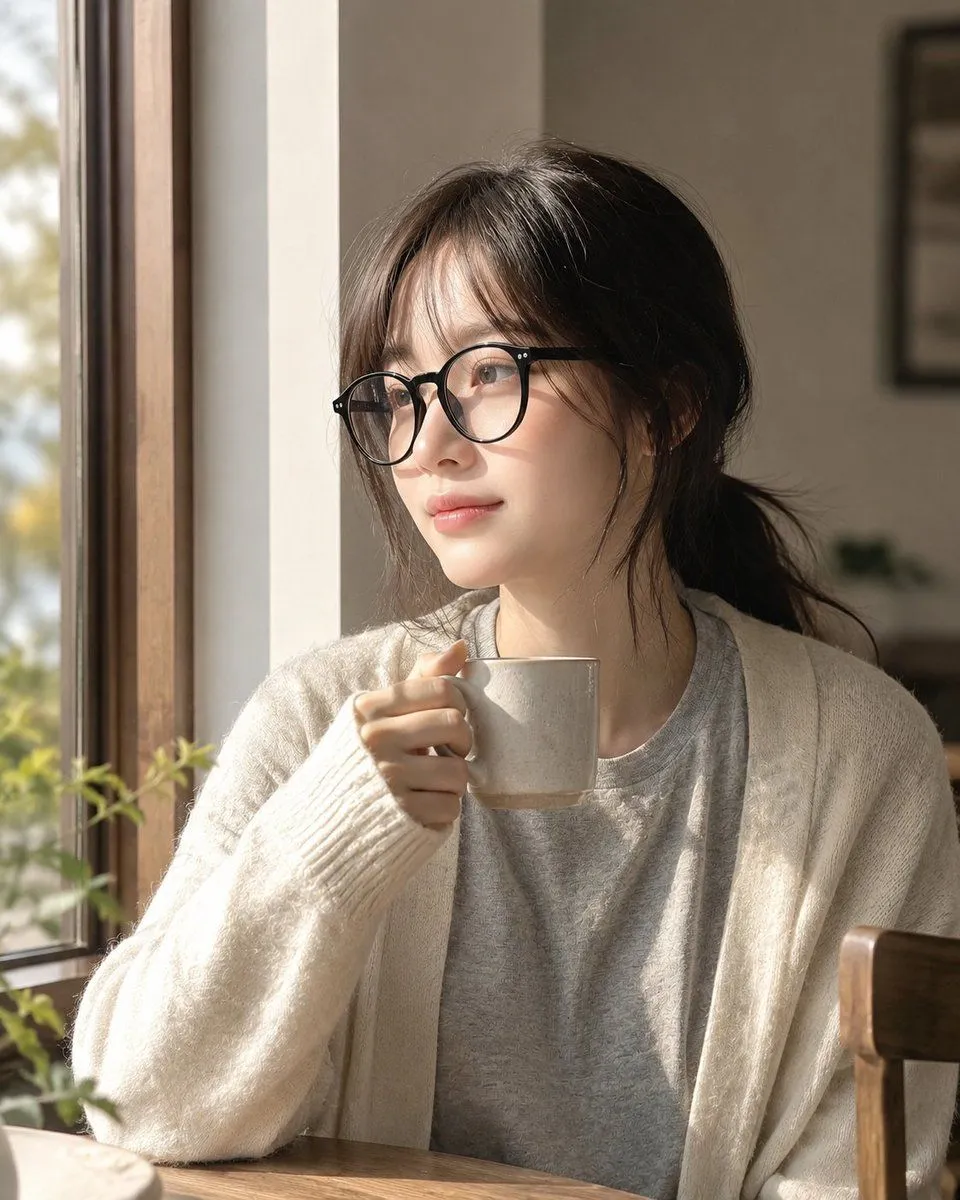
3 blanks to fillCreate a realistic, softly lit indoor lifestyle portrait of {subject} sitting at a wooden table beside a large window on the left, holding a small beige ceramic mug near her mouth with one hand. She has {hair_color_and_style} and wears {outfit}. Add black eyeglasses partially visible at the left side of the face. The face must be fully covered by one centered opaque square privacy block in a muted warm taupe color, extending from the forehead to below the mouth, with sharp edges and no facial features visible. The setting is a cozy home interior with warm morning sunlight streaming through the window, soft shadows on the cardigan and mug, blurred greenery outside, a small plant near the windowsill, neutral beige walls, and a wooden chair back on the right edge. Use shallow depth of field, natural window light, realistic photography, vertical 4:5 composition, calm intimate mood, no text, no watermark, no extra people.
Preview of your prompt
Create a realistic, softly lit indoor lifestyle portrait of a young woman sitting at a wooden table beside a large window on the left, holding a small beige ceramic mug near her mouth with one hand. She has dark brown hair tied back in a loose low ponytail with wispy strands and wears a light gray T-shirt under an oversized cream knit cardigan with long sleeves. Add black eyeglasses partially visible at the left side of the face. The face must be fully covered by one centered opaque square privacy block in a muted warm taupe color, extending from the forehead to below the mouth, with sharp edges and no facial features visible. The setting is a cozy home interior with warm morning sunlight streaming through the window, soft shadows on the cardigan and mug, blurred greenery outside, a small plant near the windowsill, neutral beige walls, and a wooden chair back on the right edge. Use shallow depth of field, natural window light, realistic photography, vertical 4:5 composition, calm intimate mood, no text, no watermark, no extra people.
DetailsVersions, settings and questions
Written for
What's in the prompt
- Subject
- Model
- GPT Image 2
If your face changes
keep my face exactly the sameQuestions
- Does this work in the ChatGPT app?
- Yes. Paste the prompt and attach your photo if it uses one.
- It changed my face. What do I do?
- Add "keep my face exactly the same" to the end and run it again.
- Can I use the images I make?
- Check the terms of the app you use. Promptclay never generates images and claims nothing you make.