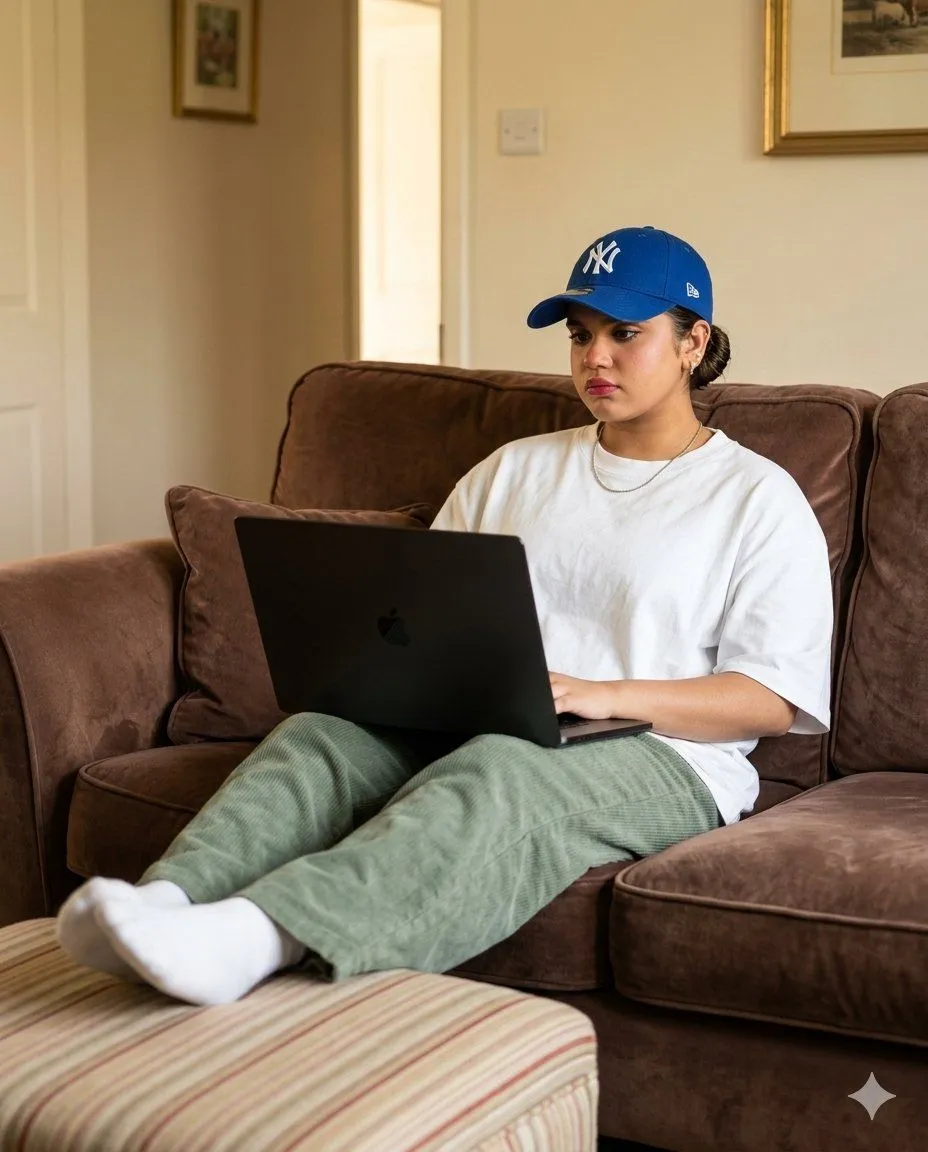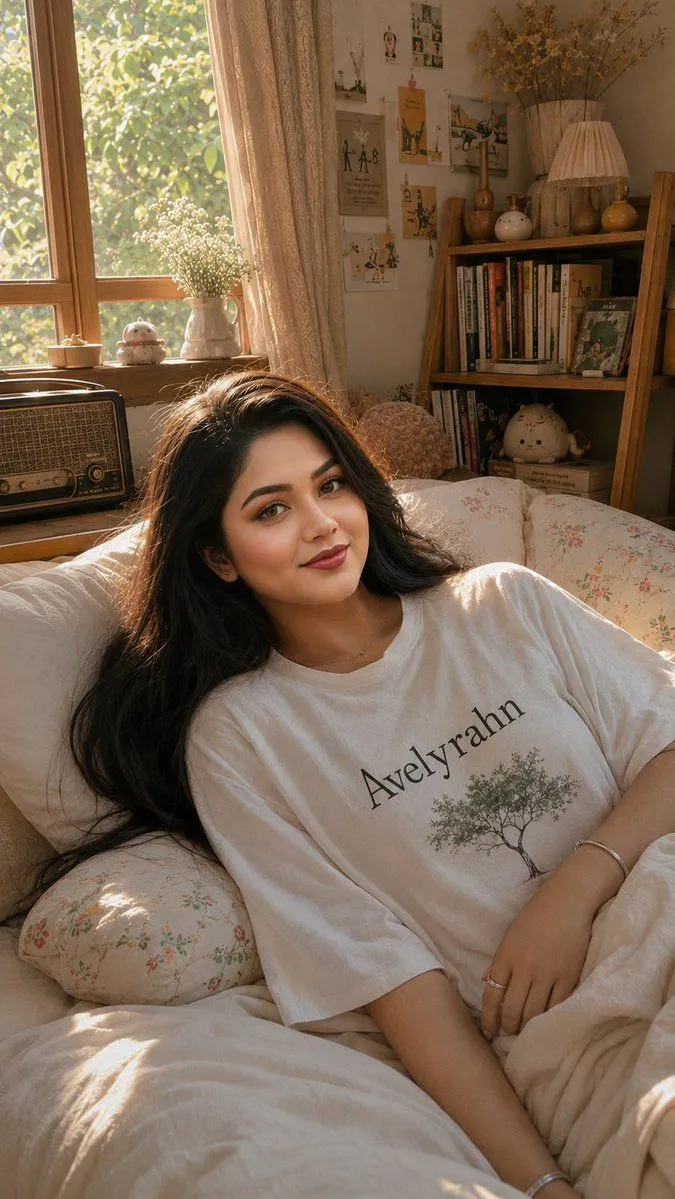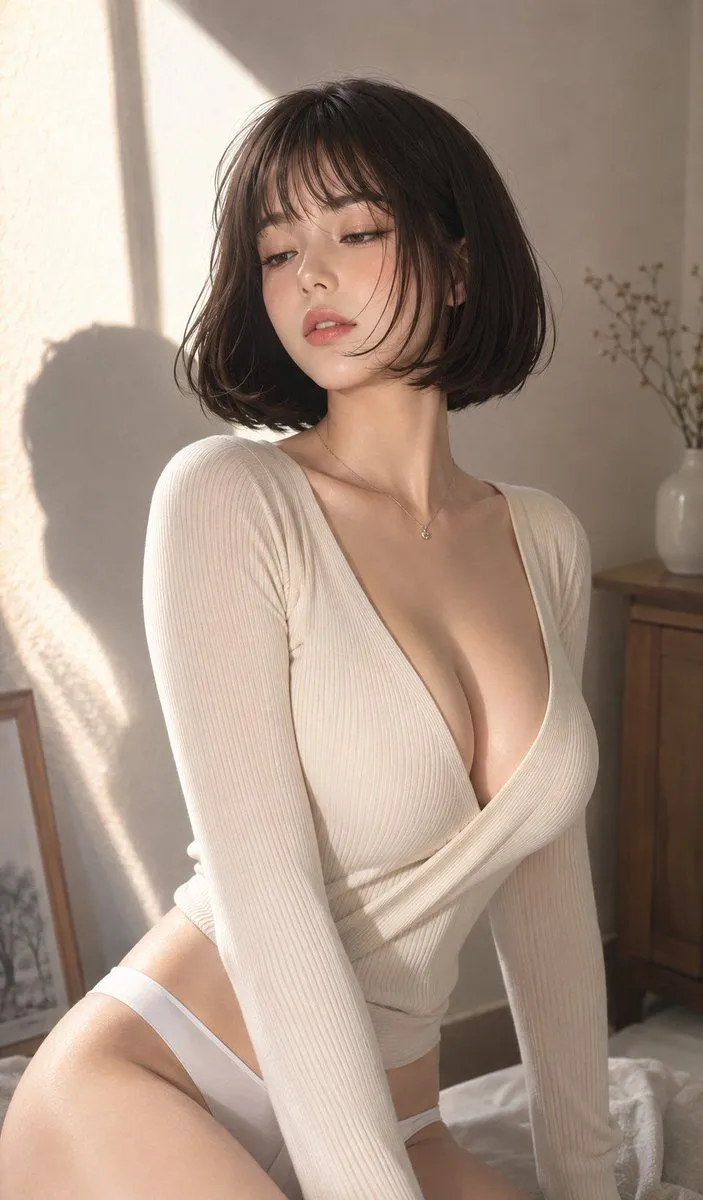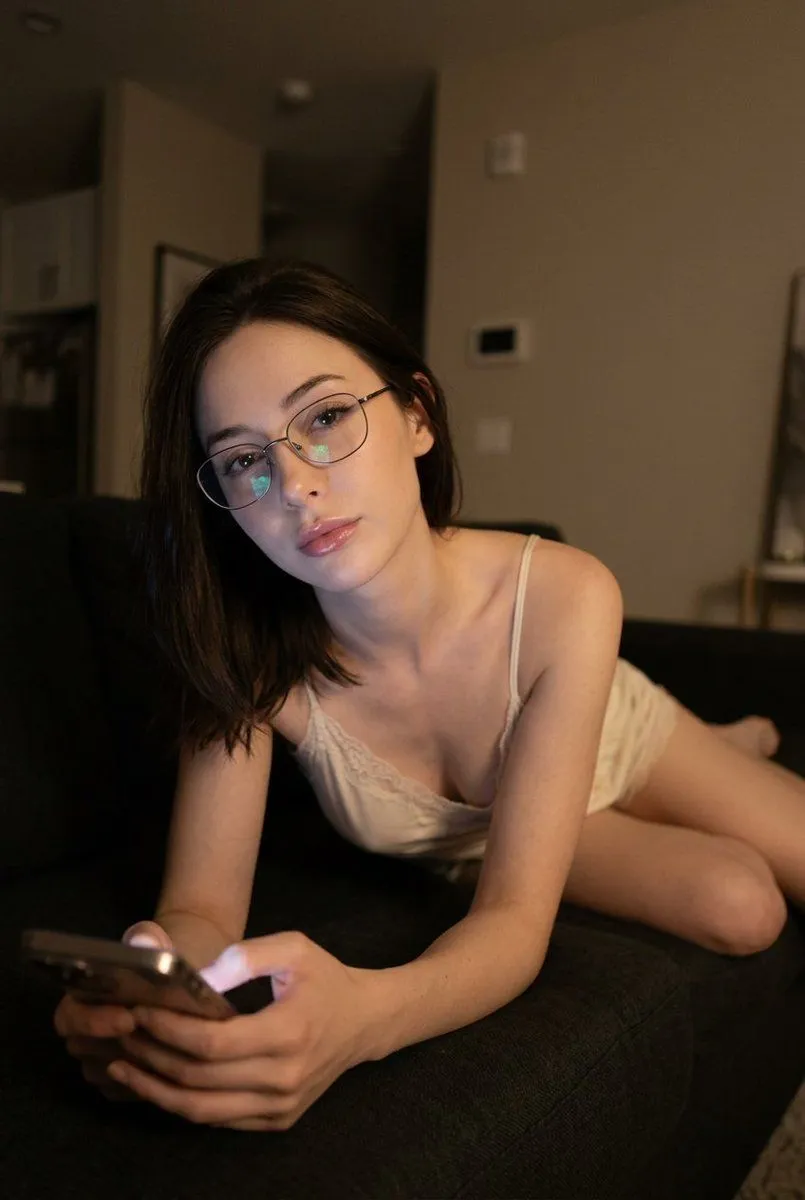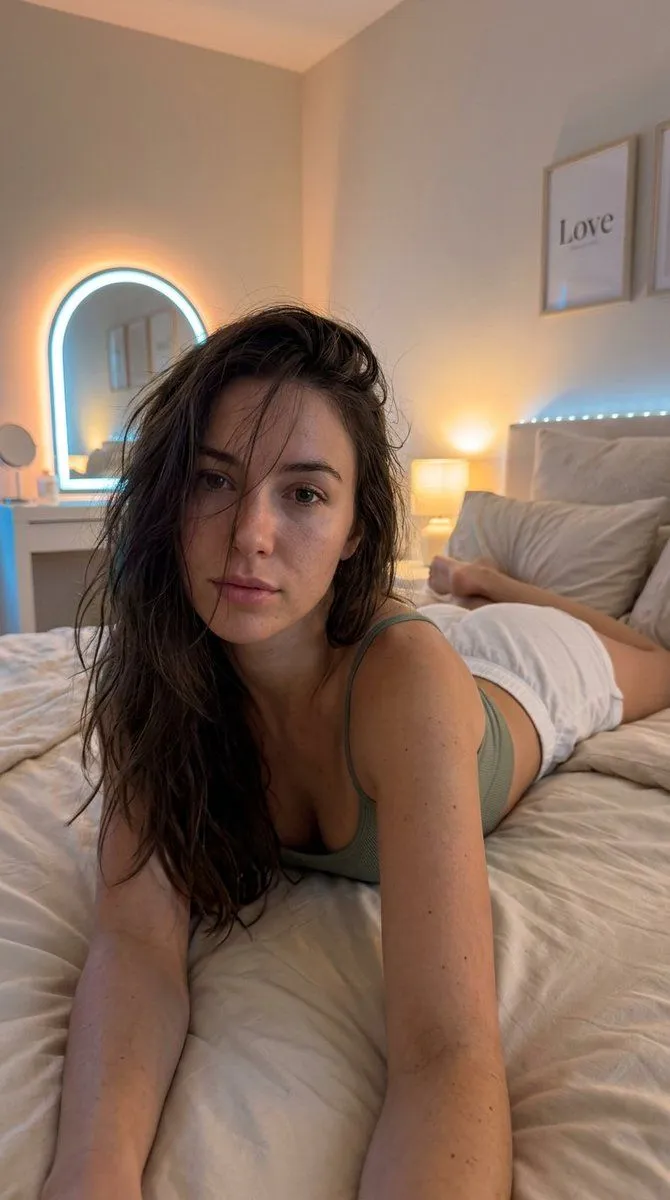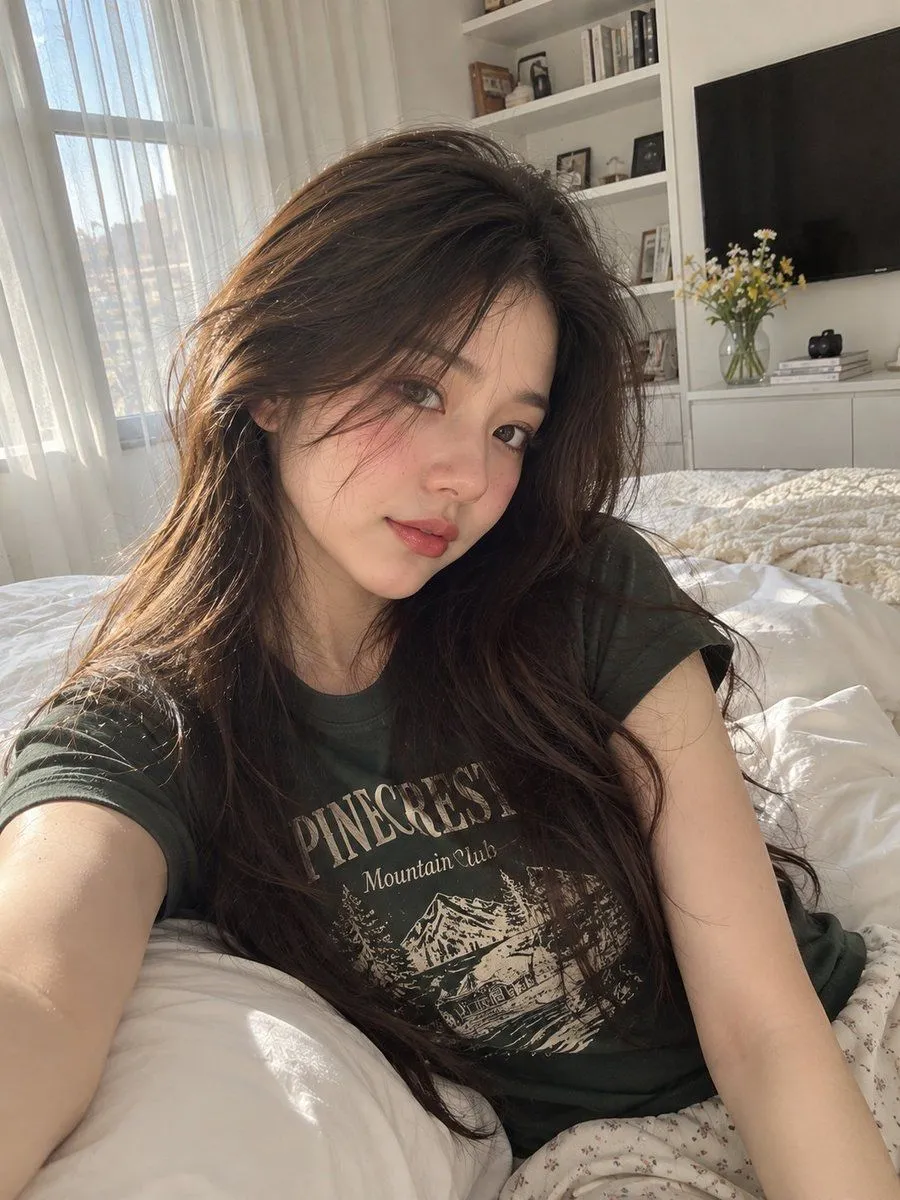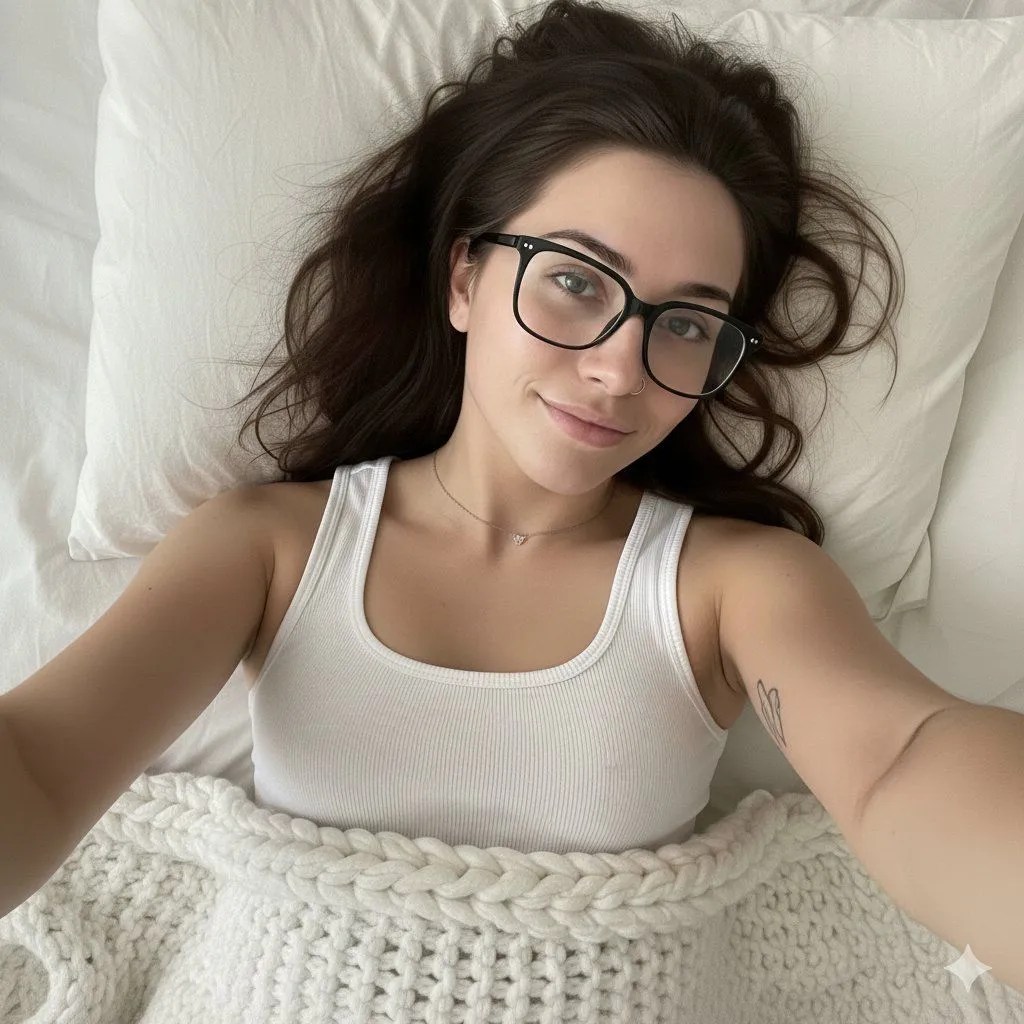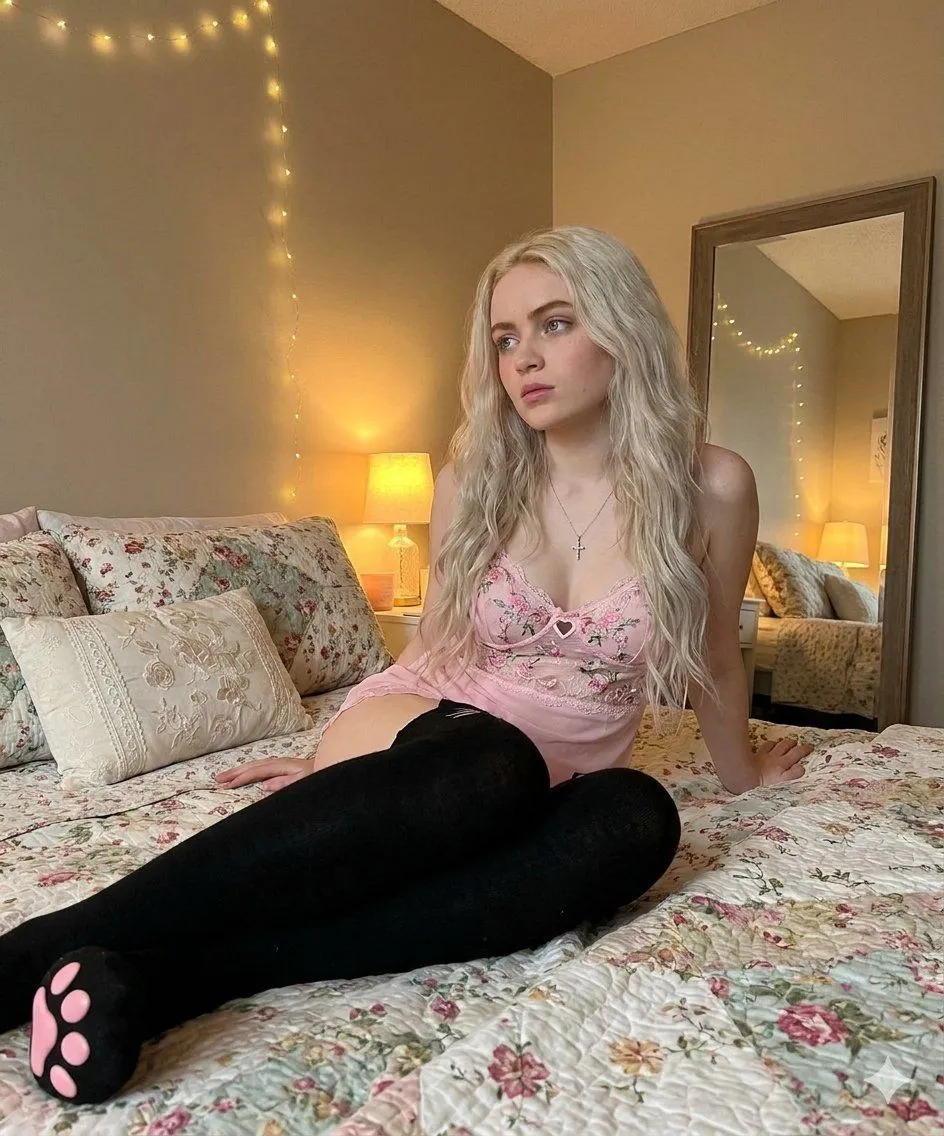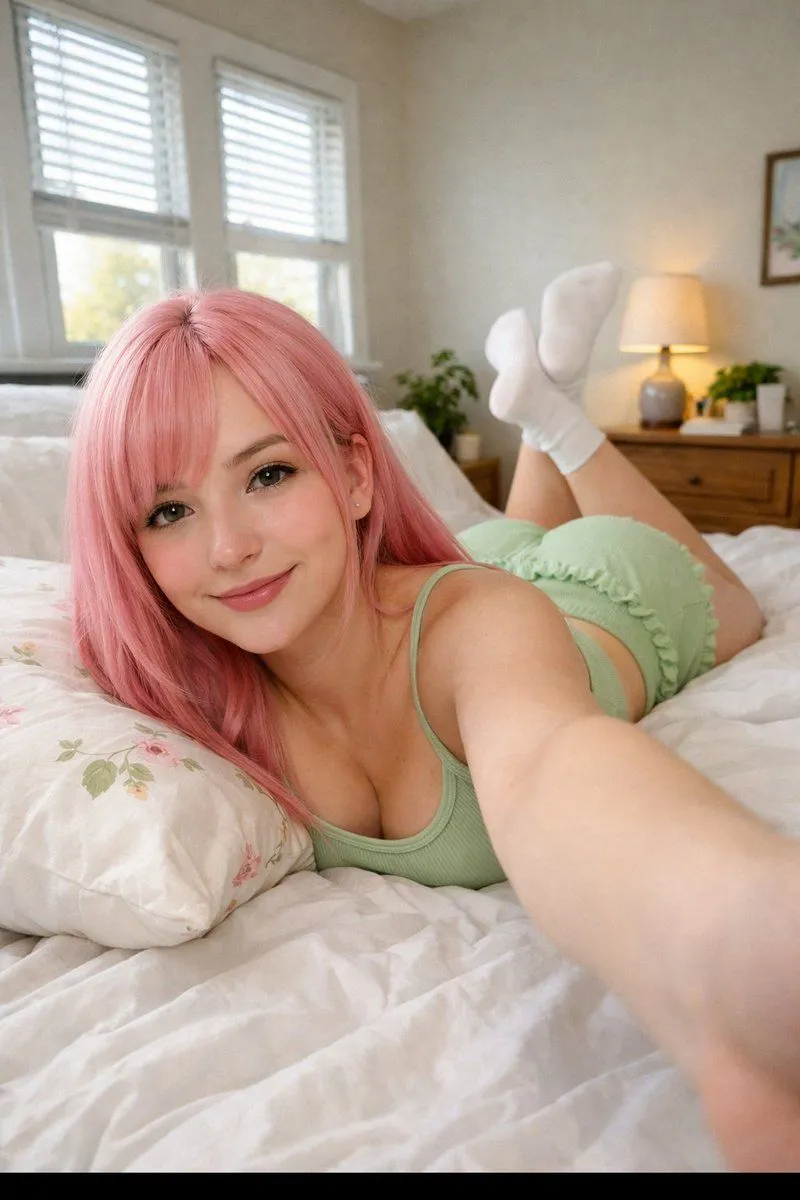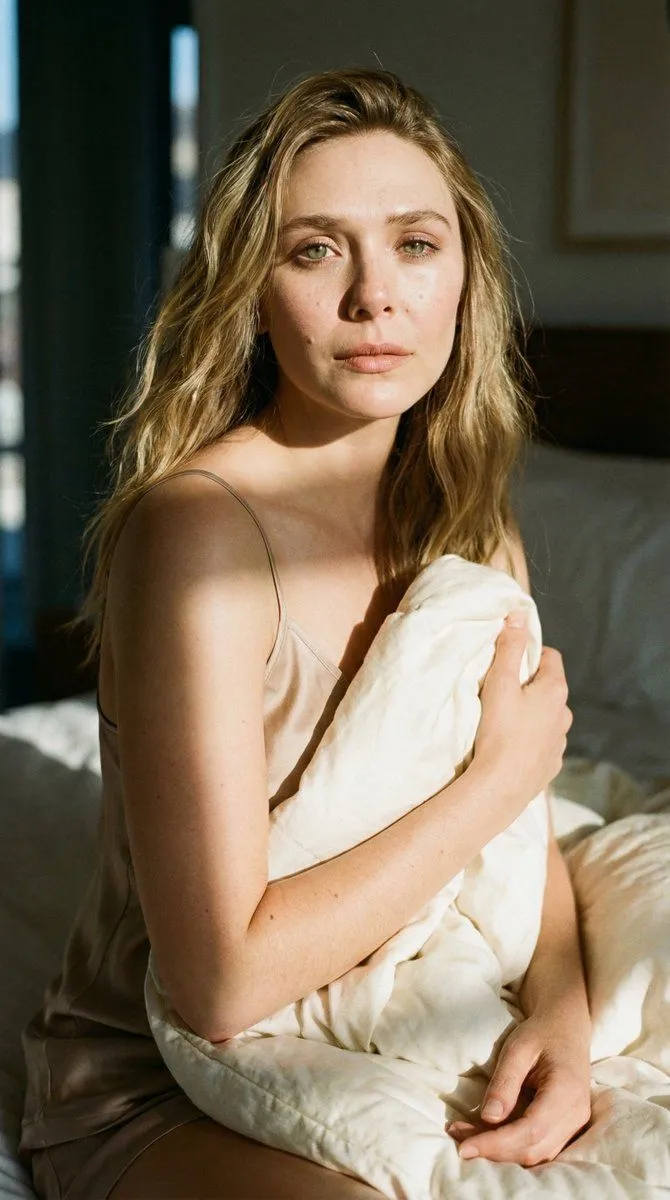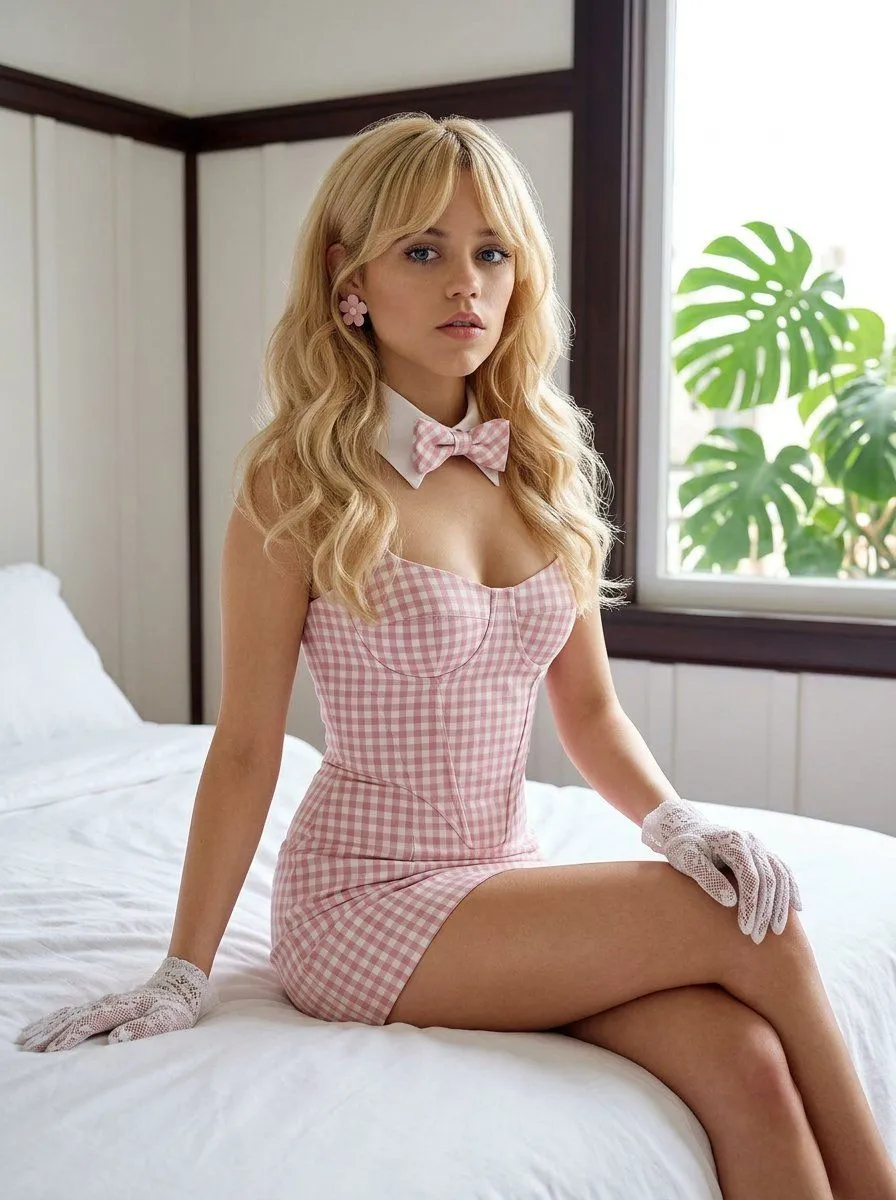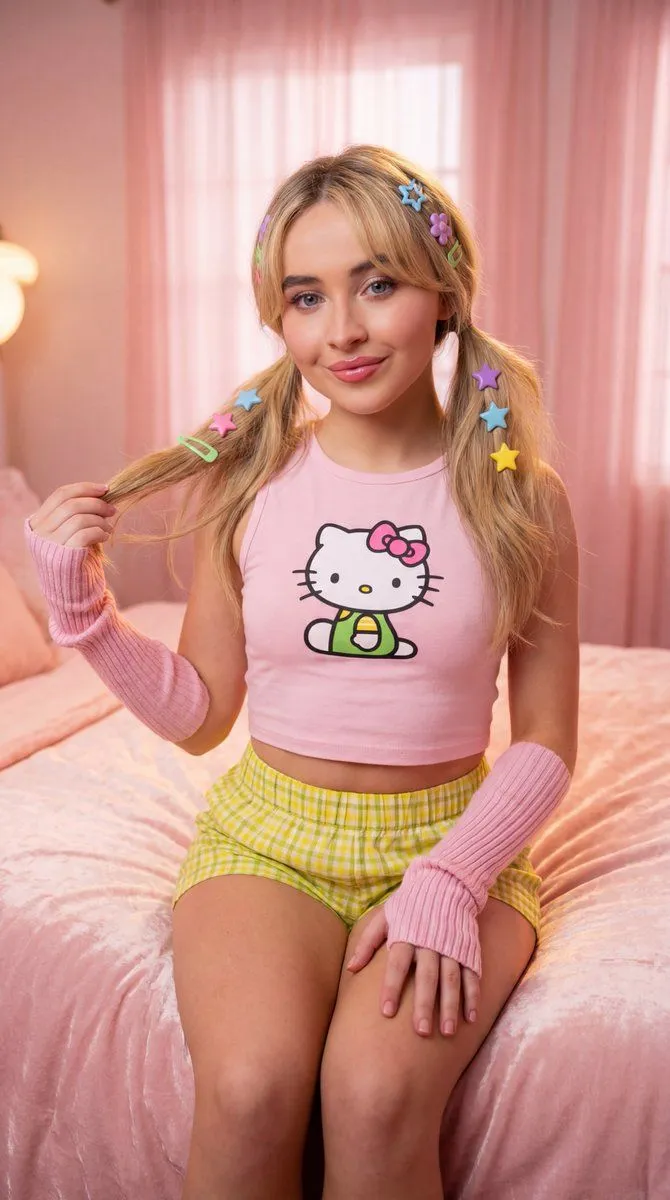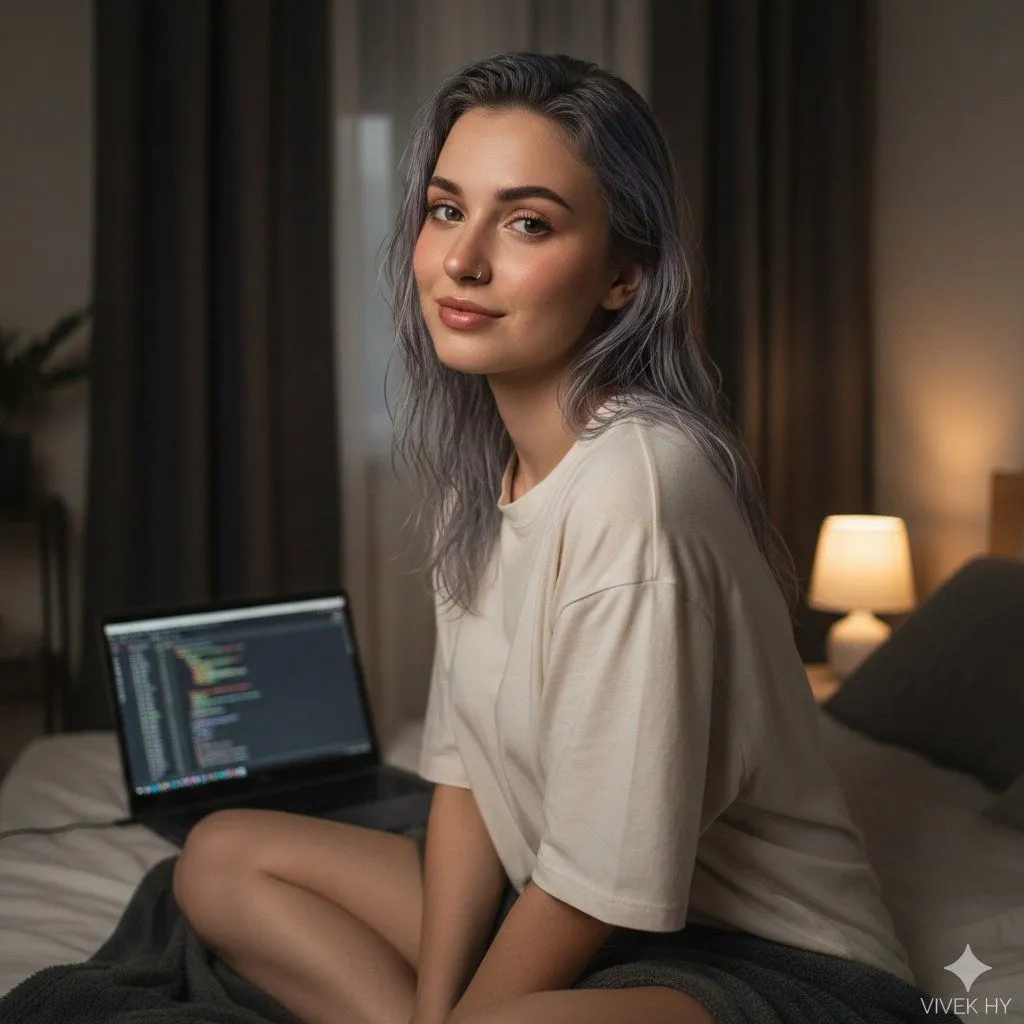
Made with Nano Banana Pro in Gemini, collected by Library Portraits. Promptclay never generates images.
Cozy Bedroom Portrait with Code Editor Prompt
Prompt
1 blank to fill{ "image_prompt": { "quality": "8K ultra hyper-realistic", "mode": "photo-real portrait", "face_preservation": { "use_reference_face": true, "accuracy": "match exactly", "preserve_features": [ "eyes and eyebrow shape", "natural skin texture", "nose structure and piercing", "lip shape and gloss level", "hairline and hairstyle" ] }, "subject": { "gender": "female", "age_range": "young adult", "description": "girl with wet silver-grey hair parted loosely, soft natural makeup, subtle blush and highlight", "clothing": "oversized off-white t-shirt", "pose": "sitting cross-legged on bed, upper body slightly turned, gentle smile while looking into the camera", "expressions": "calm, relaxed, slightly playful" }, "environment": { "location": "cozy bedroom at night", "background": "dark curtains behind her, minimalistic room setup", "props": [ "open laptop showing code editor with highlighted syntax", "soft dark blanket on the bed", "warm bedside lamp on the right side" ], "textures": [ "smooth bedsheet", "slightly fluffy blanket", "soft skin highlights" ] }, "lighting": { "type": "soft diffused warm light", "source": "bedside lamp and subtle ambient fill", "effects": "natural shadows, clean highlights on face and hair, cozy warm ambiance" }, "camera_settings": { "angle": "eye-level portrait angle", "lens": "35mm shallow depth of field", "focus": "sharp on face, soft background blur", "color_tone": "warm-neutral with realistic contrast" }, "signature": "{signature}" } }
Preview of your prompt
{ "image_prompt": { "quality": "8K ultra hyper-realistic", "mode": "photo-real portrait", "face_preservation": { "use_reference_face": true, "accuracy": "match exactly", "preserve_features": [ "eyes and eyebrow shape", "natural skin texture", "nose structure and piercing", "lip shape and gloss level", "hairline and hairstyle" ] }, "subject": { "gender": "female", "age_range": "young adult", "description": "girl with wet silver-grey hair parted loosely, soft natural makeup, subtle blush and highlight", "clothing": "oversized off-white t-shirt", "pose": "sitting cross-legged on bed, upper body slightly turned, gentle smile while looking into the camera", "expressions": "calm, relaxed, slightly playful" }, "environment": { "location": "cozy bedroom at night", "background": "dark curtains behind her, minimalistic room setup", "props": [ "open laptop showing code editor with highlighted syntax", "soft dark blanket on the bed", "warm bedside lamp on the right side" ], "textures": [ "smooth bedsheet", "slightly fluffy blanket", "soft skin highlights" ] }, "lighting": { "type": "soft diffused warm light", "source": "bedside lamp and subtle ambient fill", "effects": "natural shadows, clean highlights on face and hair, cozy warm ambiance" }, "camera_settings": { "angle": "eye-level portrait angle", "lens": "35mm shallow depth of field", "focus": "sharp on face, soft background blur", "color_tone": "warm-neutral with realistic contrast" }, "signature": "VIVEK HY" } }
DetailsVersions, settings and questions
Written for
What's in the prompt
- Subject
- Model
- Nano Banana Pro
If your face changes
keep my face exactly the sameQuestions
- Does this work in the Gemini app?
- Yes. Gemini runs Nano Banana, so paste the prompt and attach your photo if it uses one.
- It changed my face. What do I do?
- Add "keep my face exactly the same" to the end and run it again.
- Can I use the images I make?
- Check the terms of the app you use. Promptclay never generates images and claims nothing you make.