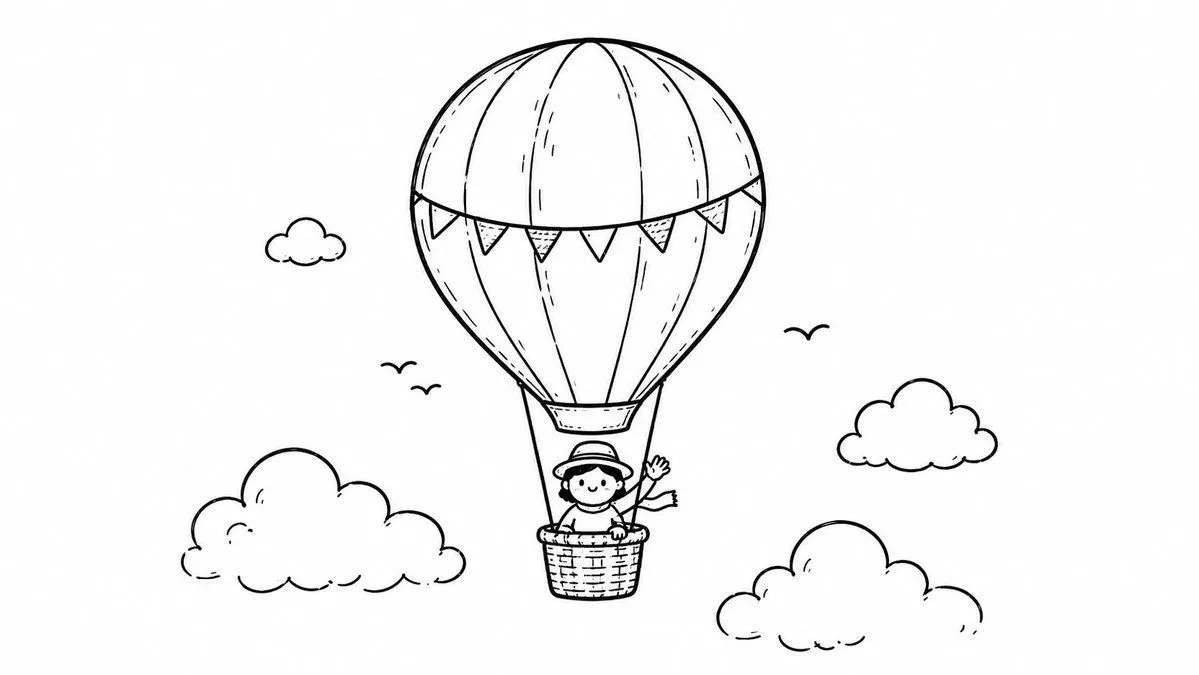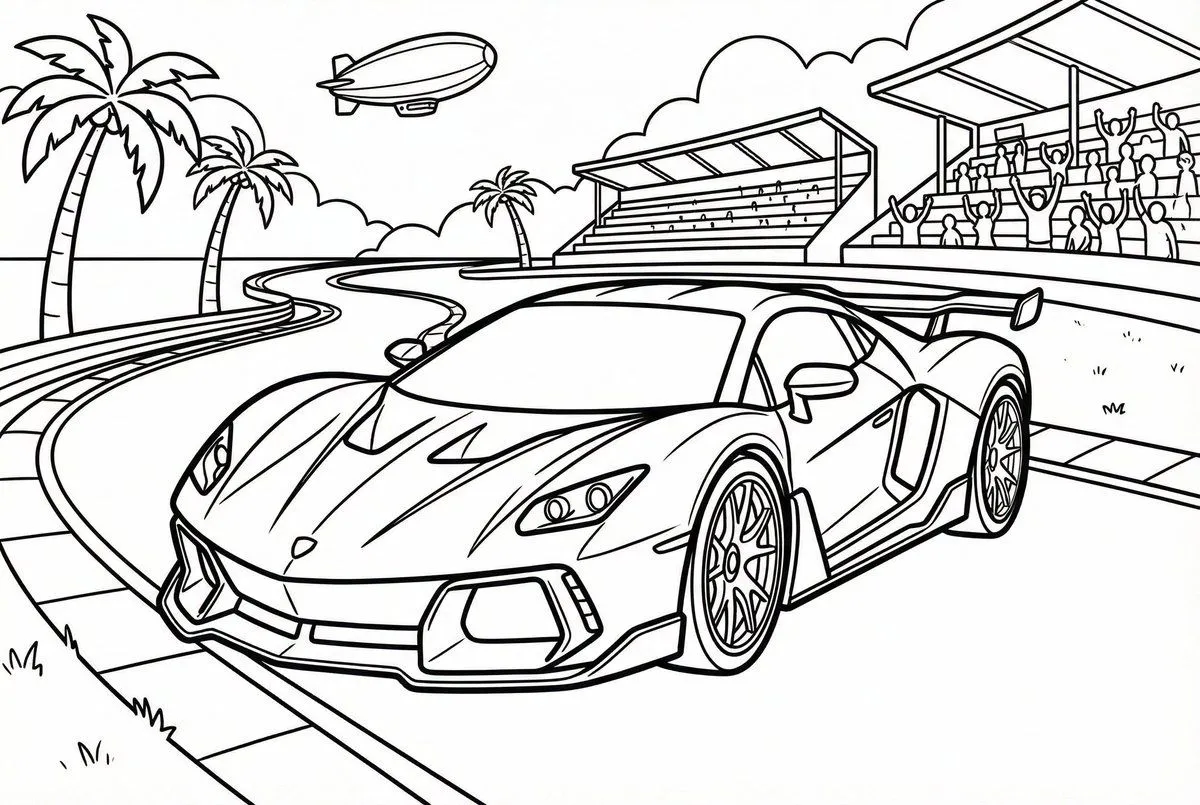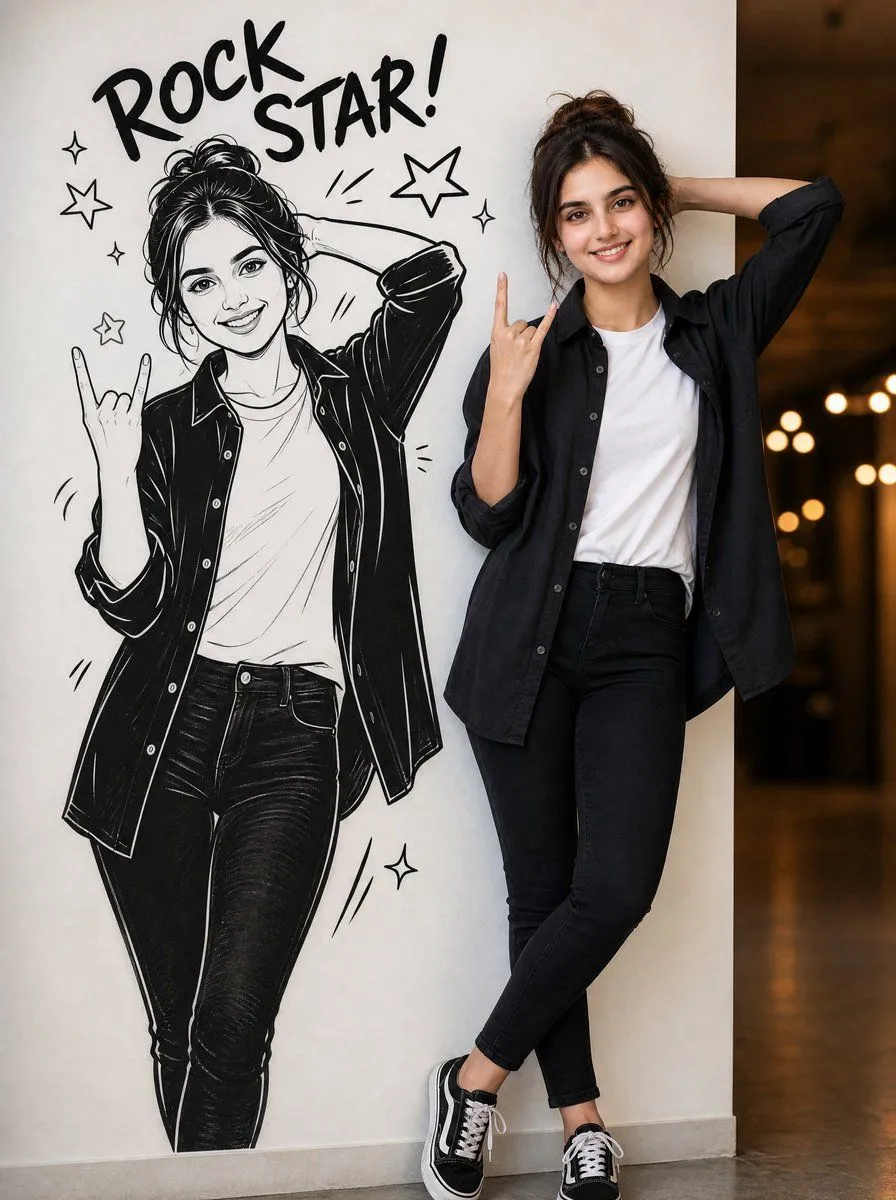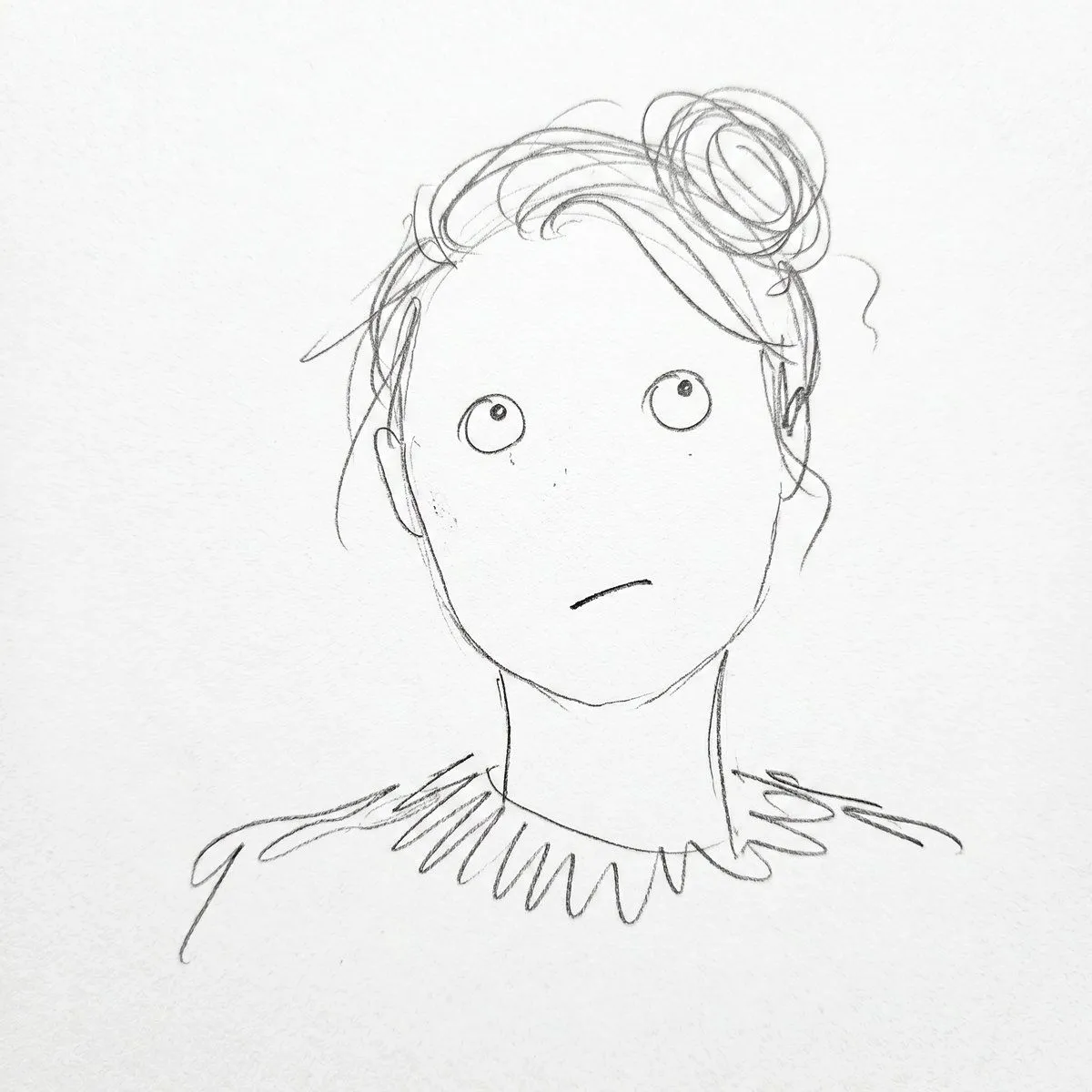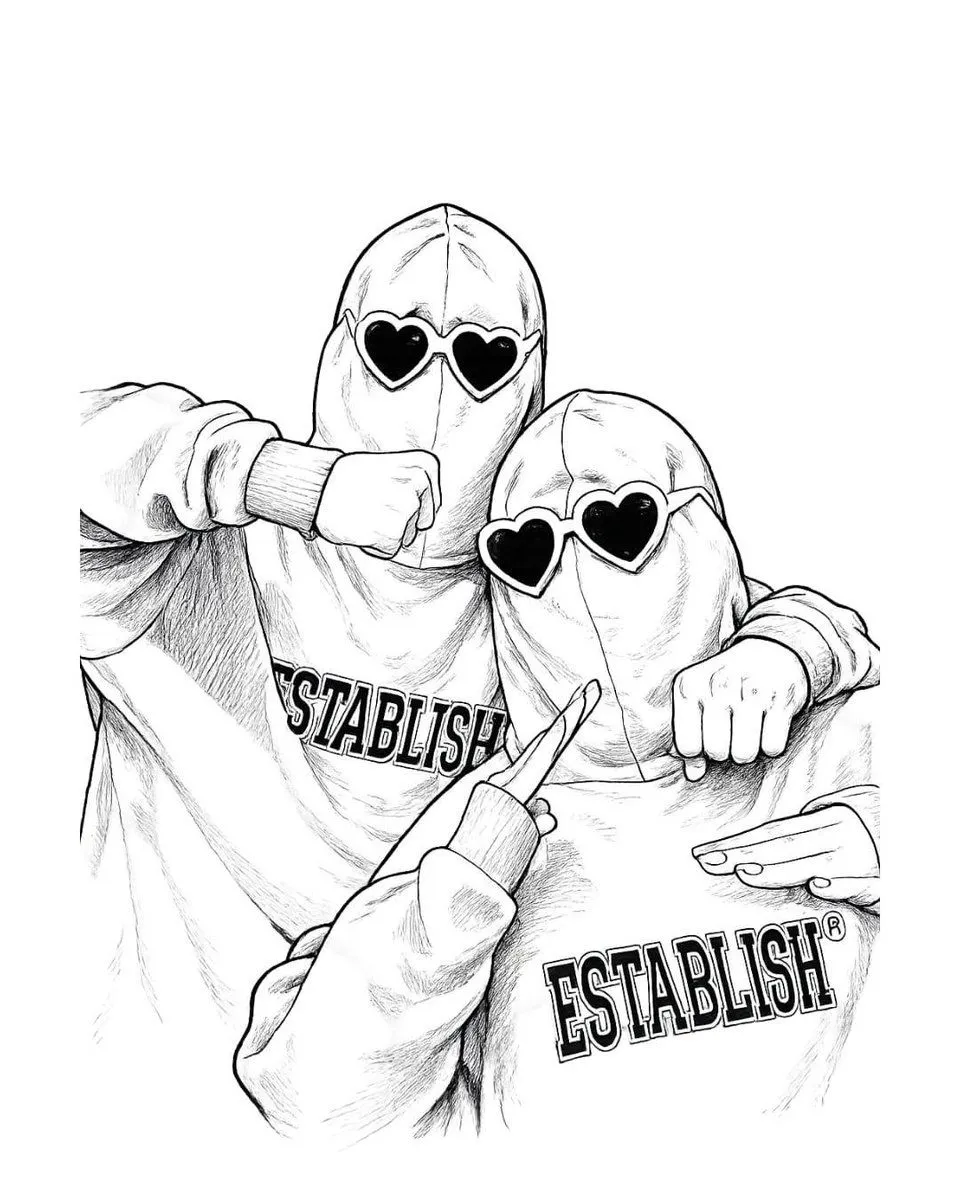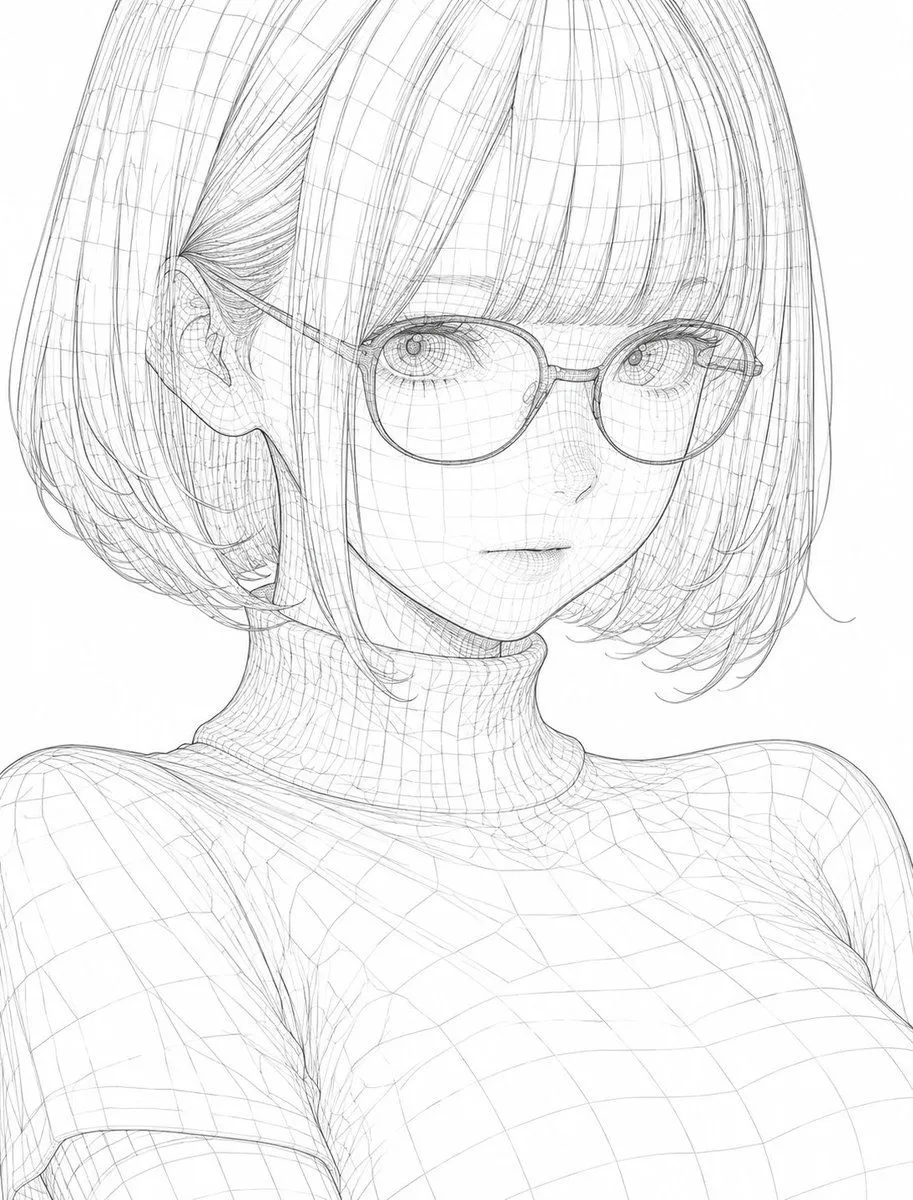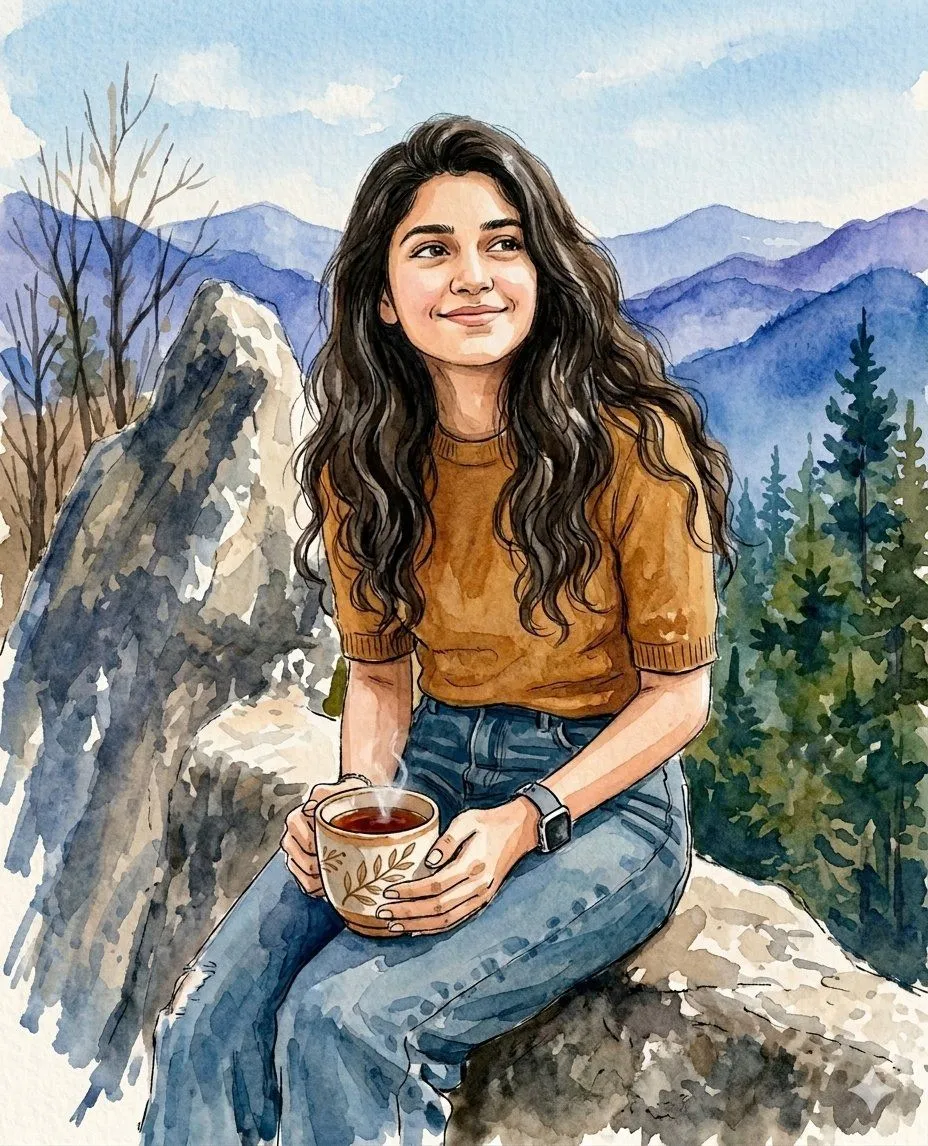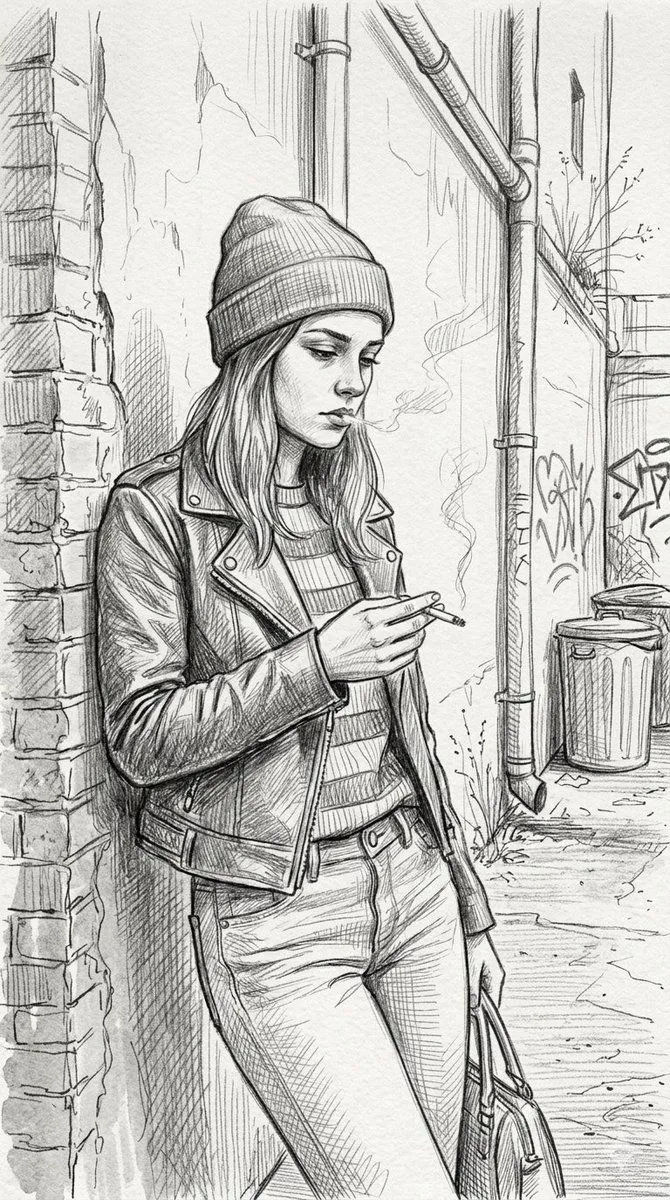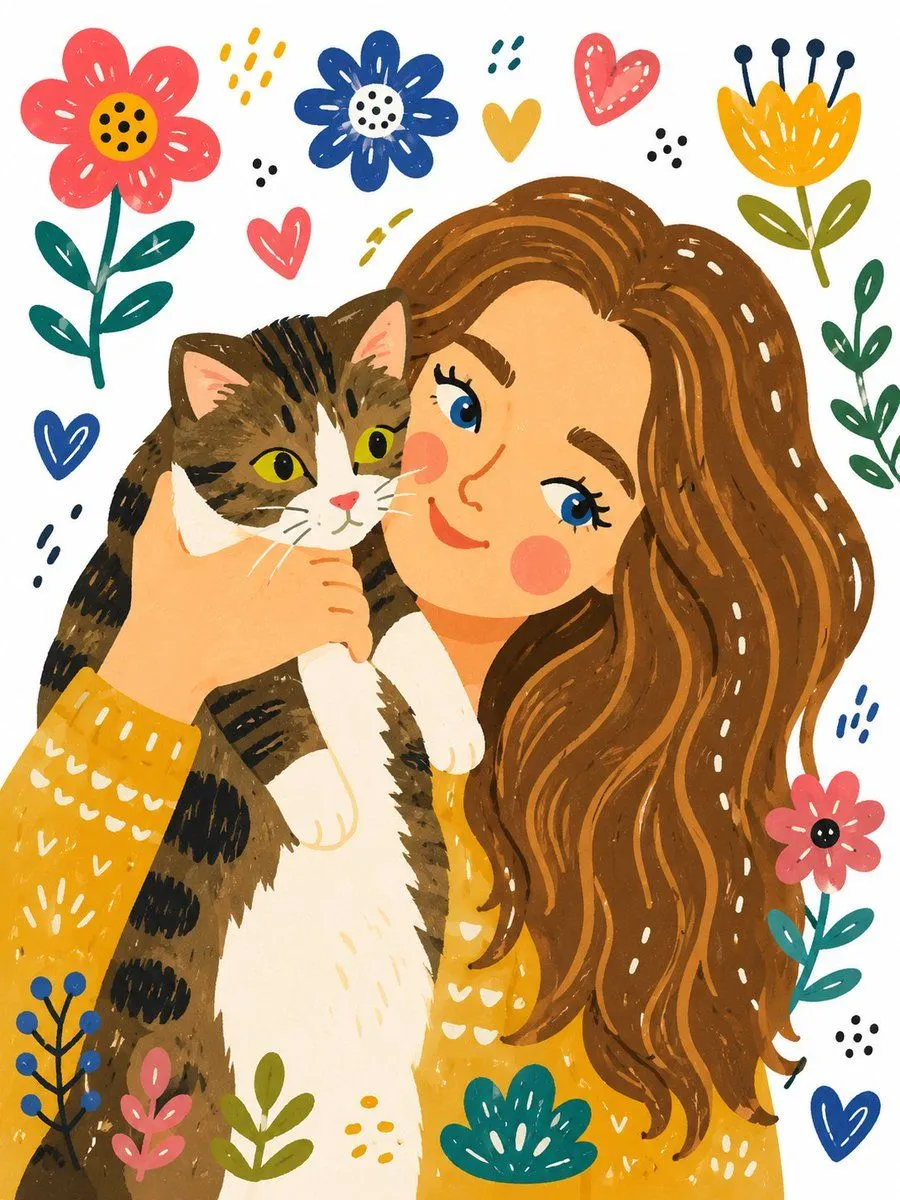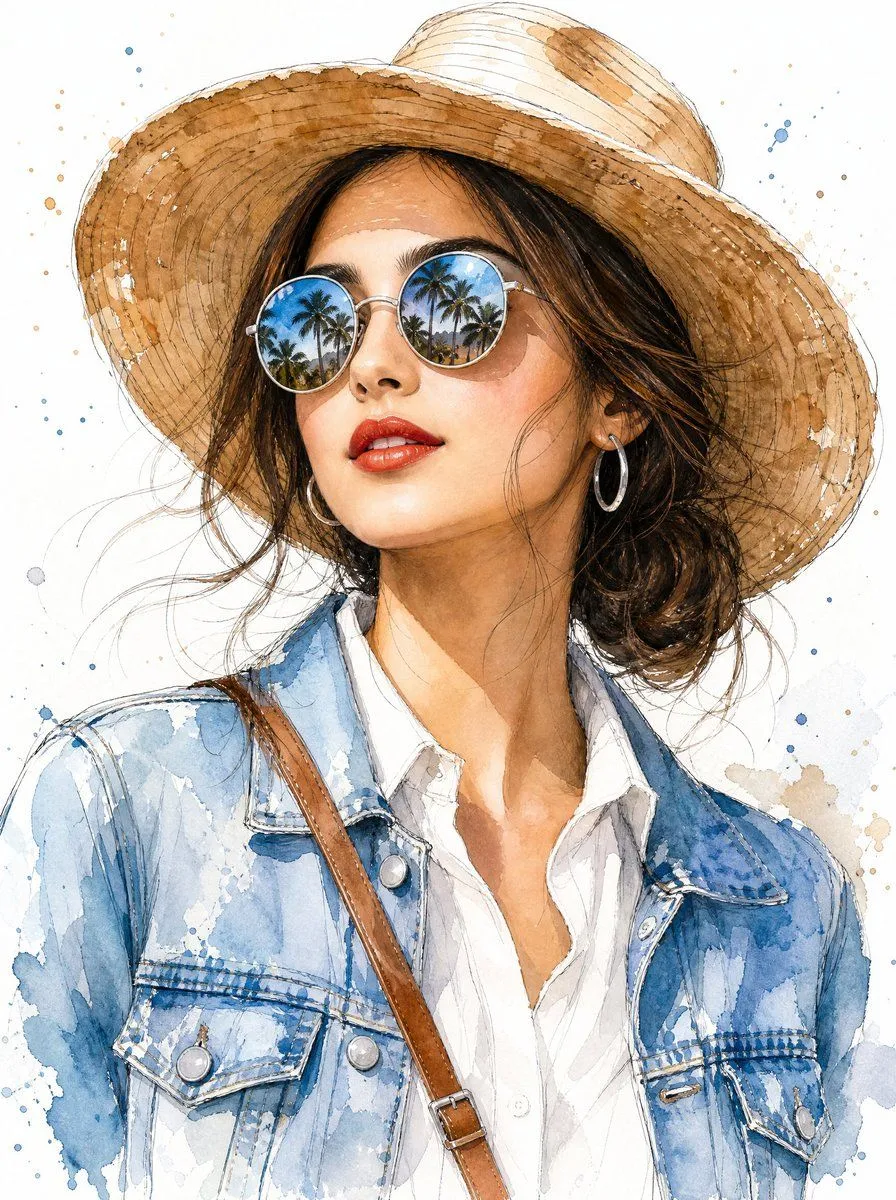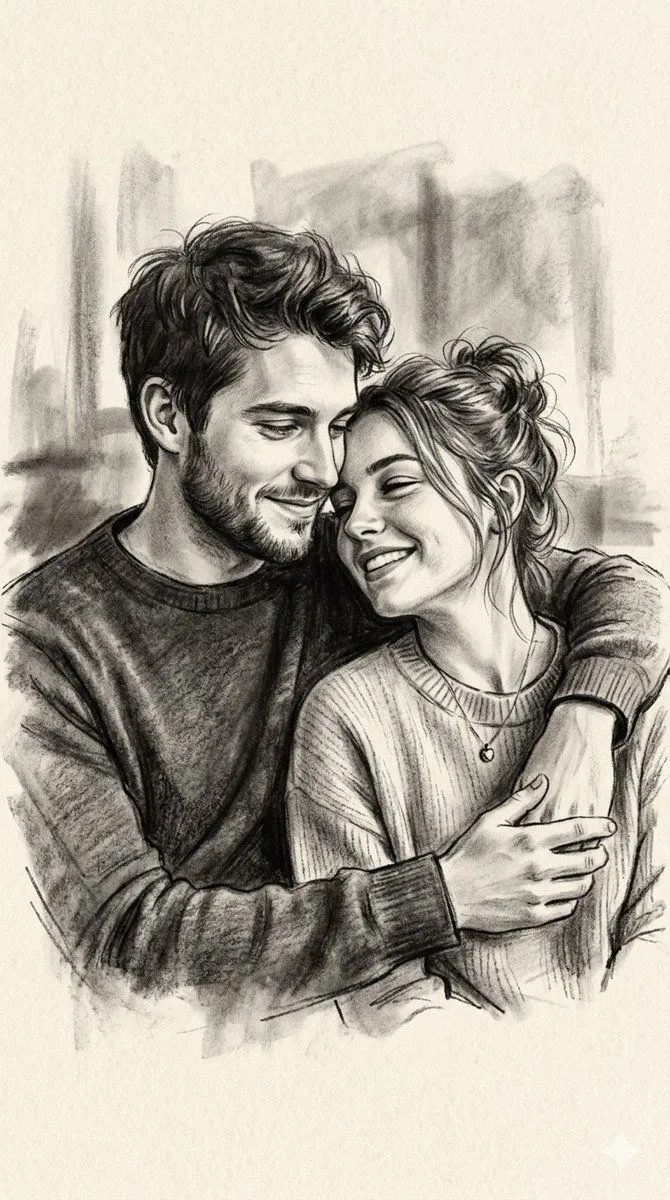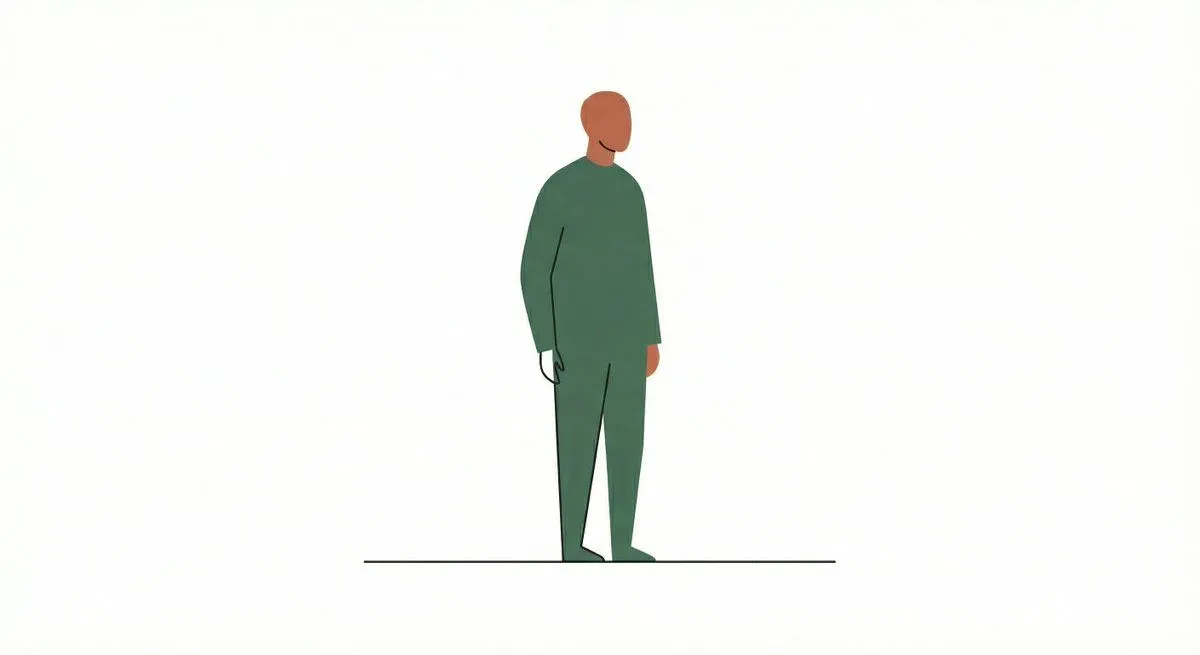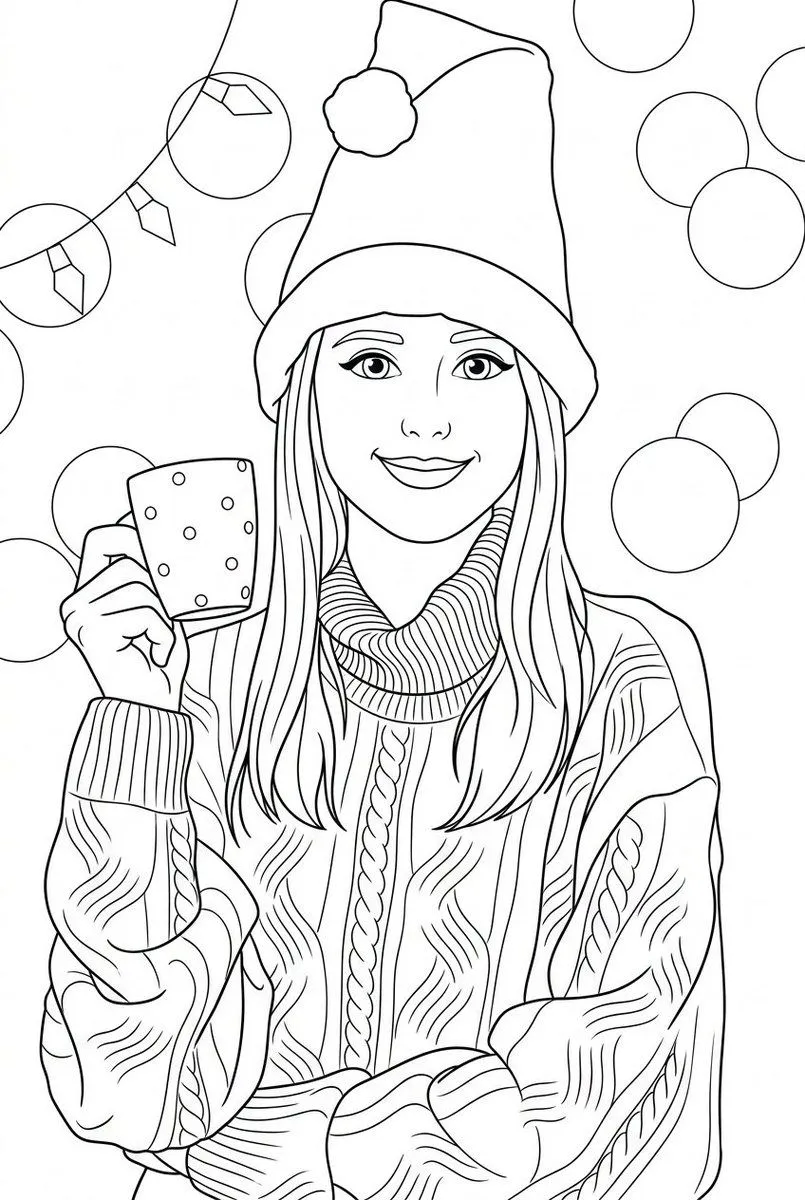
Made with Nano Banana Pro in Gemini by Library Social. Promptclay never generates images.
Did it work?
No reports yet. Tell others if it worked for you.
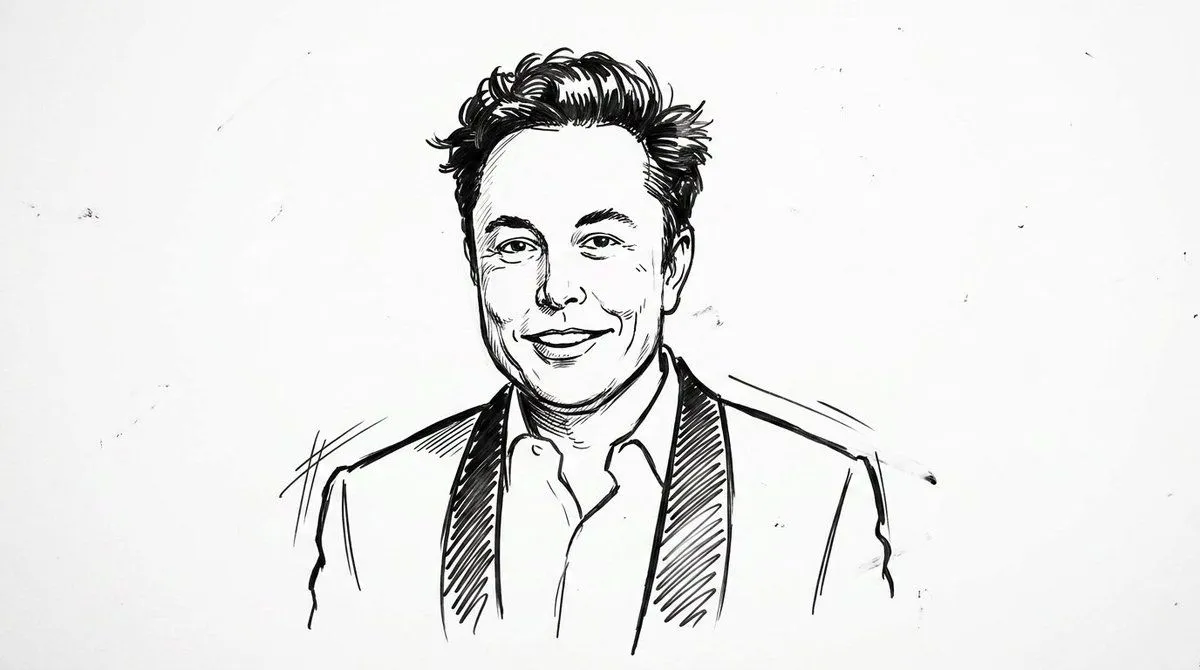
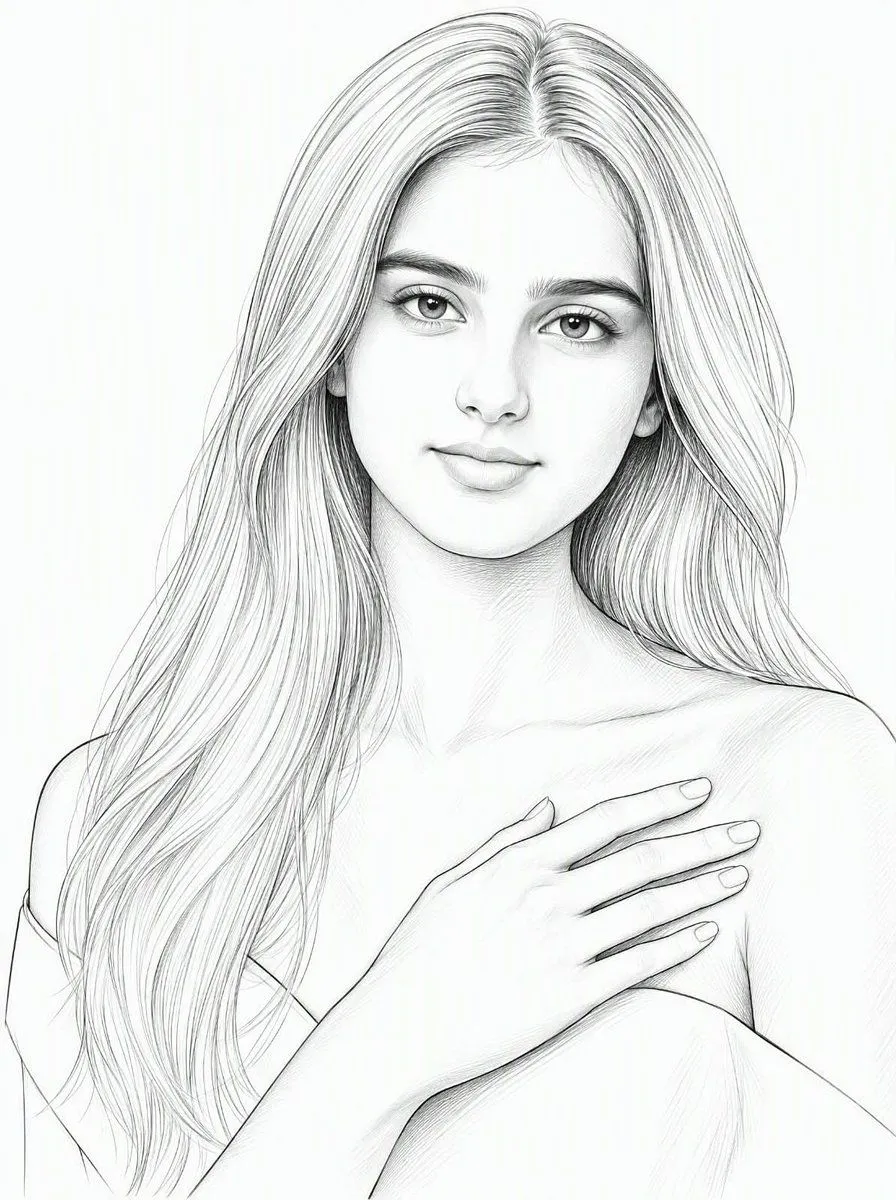
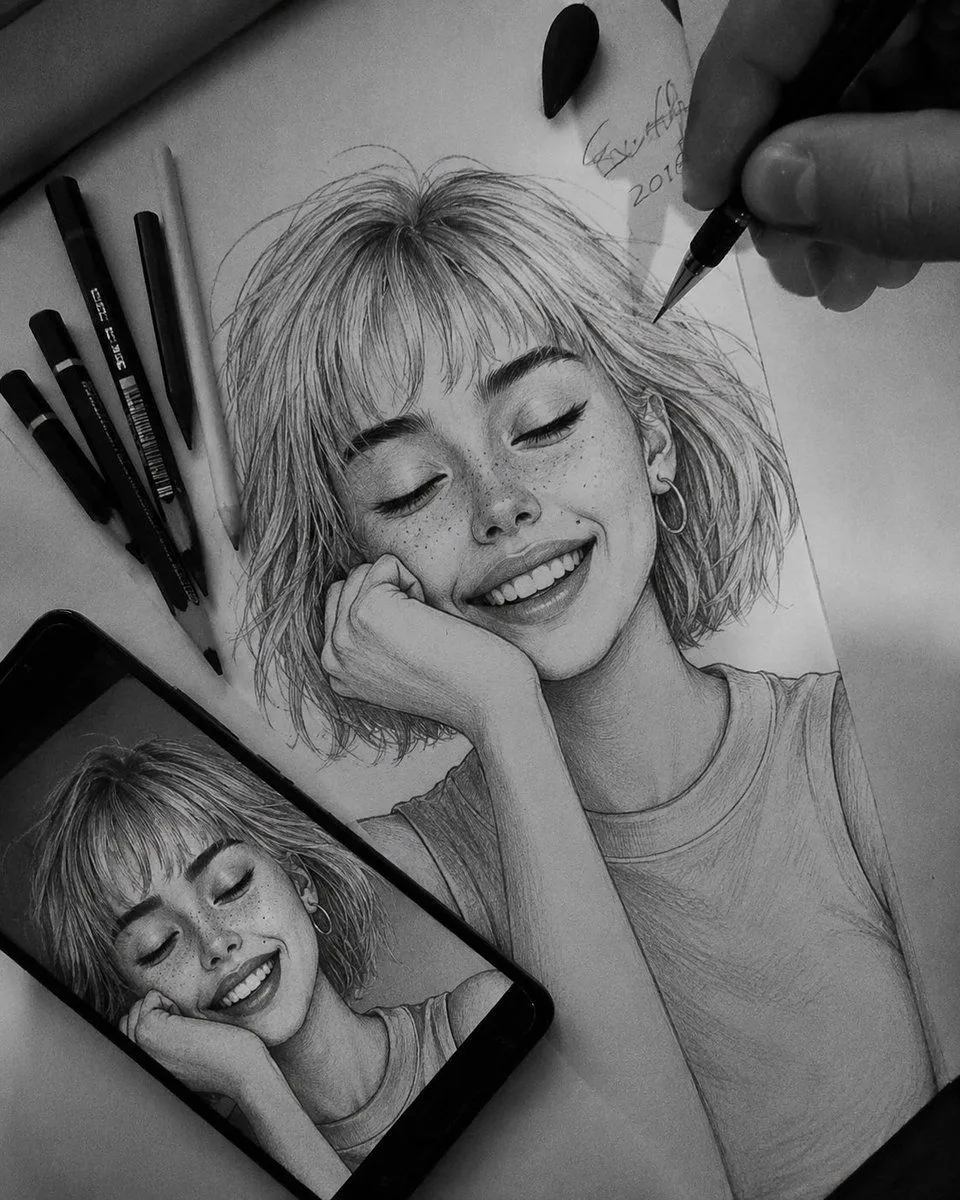
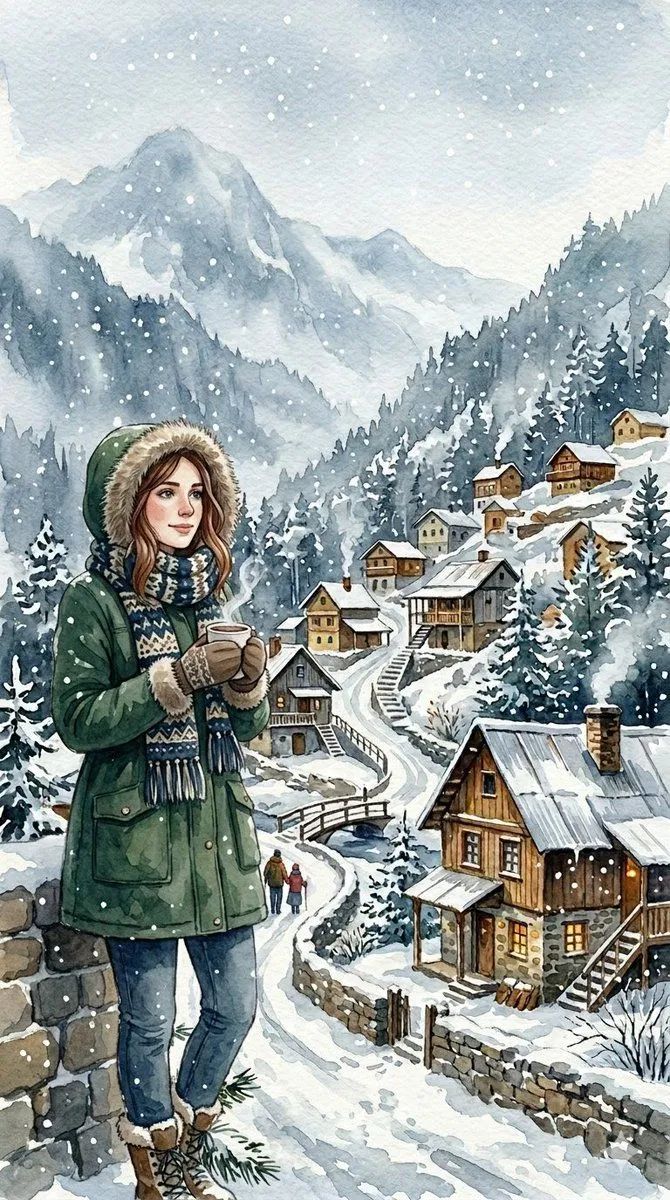
Convert Photo to Black and White Coloring Page
Prompt
Convert the provided photo into a black and white coloring page. Preserve the original composition, proportions, and recognizable facial features from the original photo. Style: children's illustration with a soft cartoonish look, inspired by Pixar aesthetics, but simplified for coloring. Lines: clean, smooth, medium-thickness outlines, clear closed shapes, no broken lines, no sketchiness. Shading: no gray colors, no shadows, no gradients — outlines only. Details: simplified but accurate, preserving the recognizability of key objects and expressions, removing unnecessary background. Faces: expressive, friendly, slightly rounded features, kid-friendly, maintaining likeness. Background: simplified interior or environmental elements, minimalistic yet readable. Composition: centered, balanced, with comfortable margins for printing. Technical requirements: – clean black lines on a white background – high contrast – printable A4 / US Letter format – suitable for coloring with pencils or markers No color, no textures, no realism, no photo effects, no hatching, no cross-hatching.
DetailsVersions, settings and questions
Written for
What's in the prompt
- Subject
- Model
- Nano Banana Pro
If your face changes
keep my face exactly the sameQuestions
- Does this work in the Gemini app?
- Yes. Gemini runs Nano Banana, so paste the prompt and attach your photo if it uses one.
- It changed my face. What do I do?
- Add "keep my face exactly the same" to the end and run it again.
- Can I use the images I make?
- Check the terms of the app you use. Promptclay never generates images and claims nothing you make.