Tell us anything

An idea, a bug, something you love. We read every note.

⌘↵ to send. The page you're on comes along.

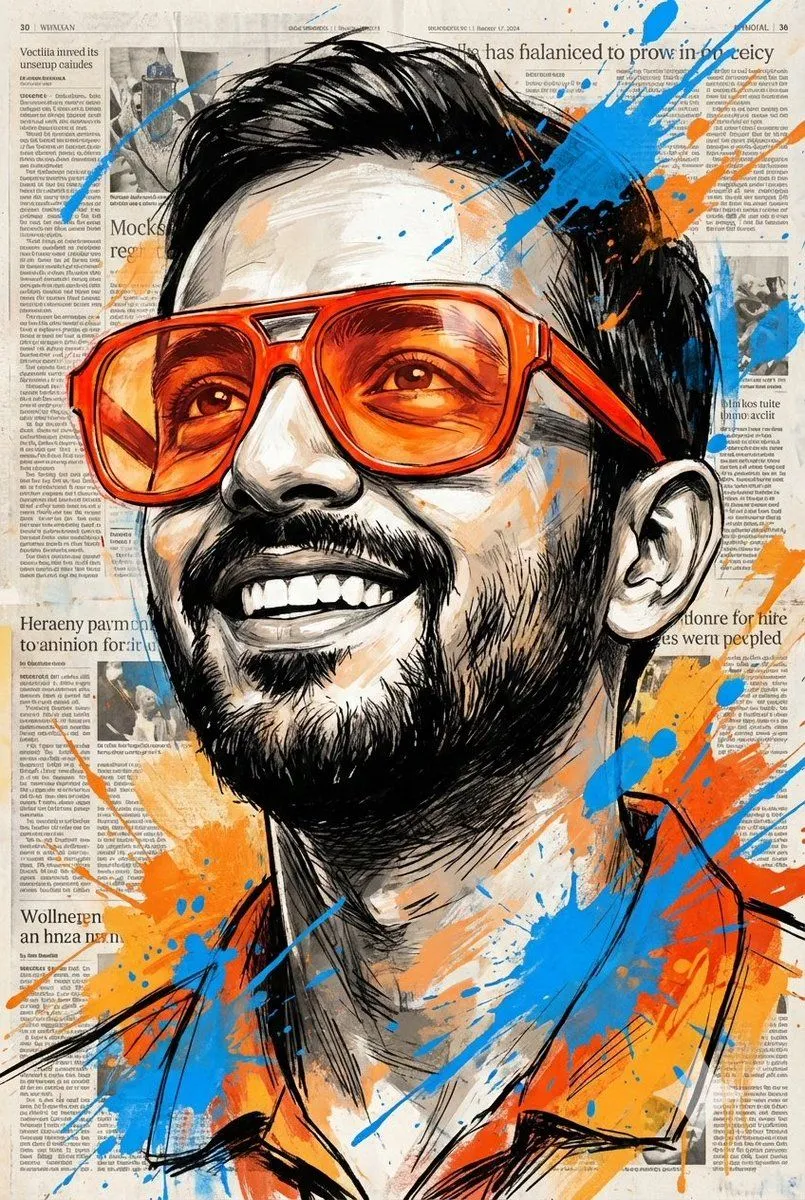
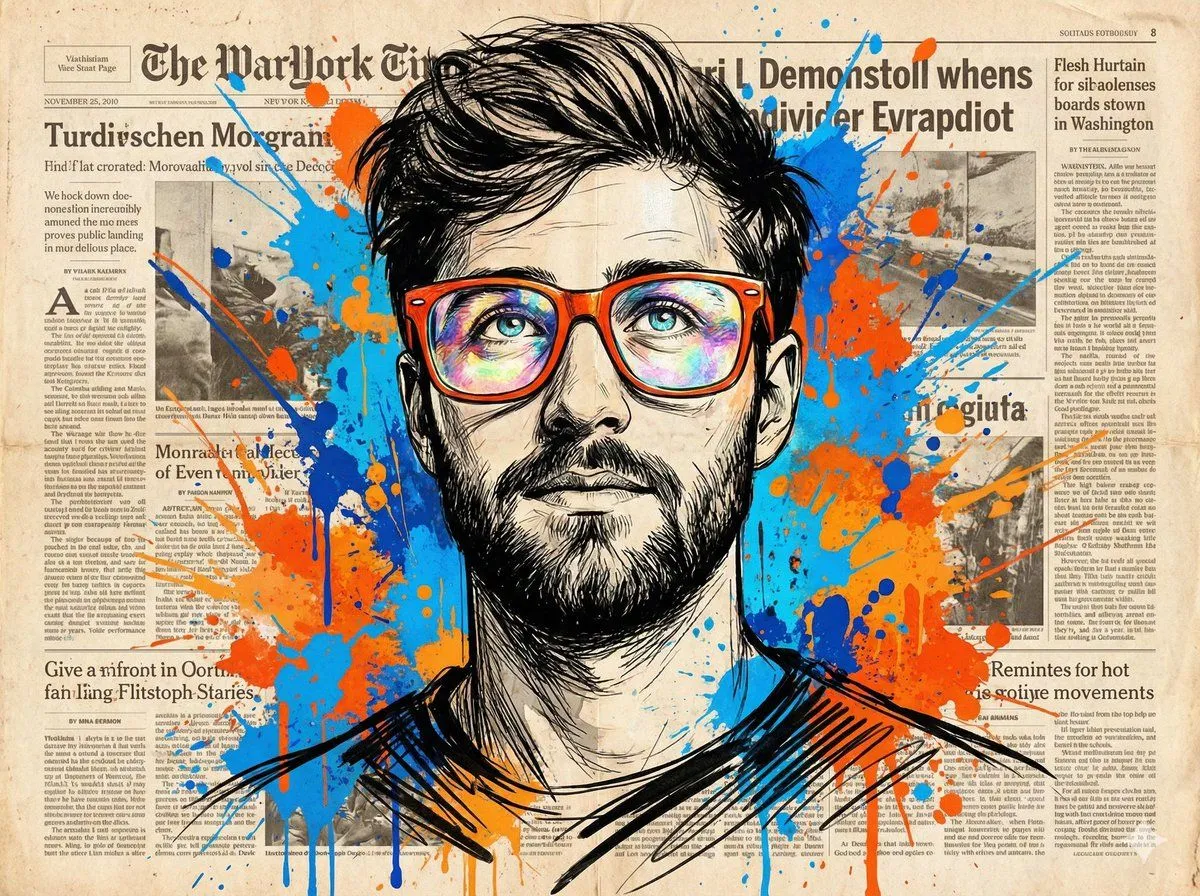
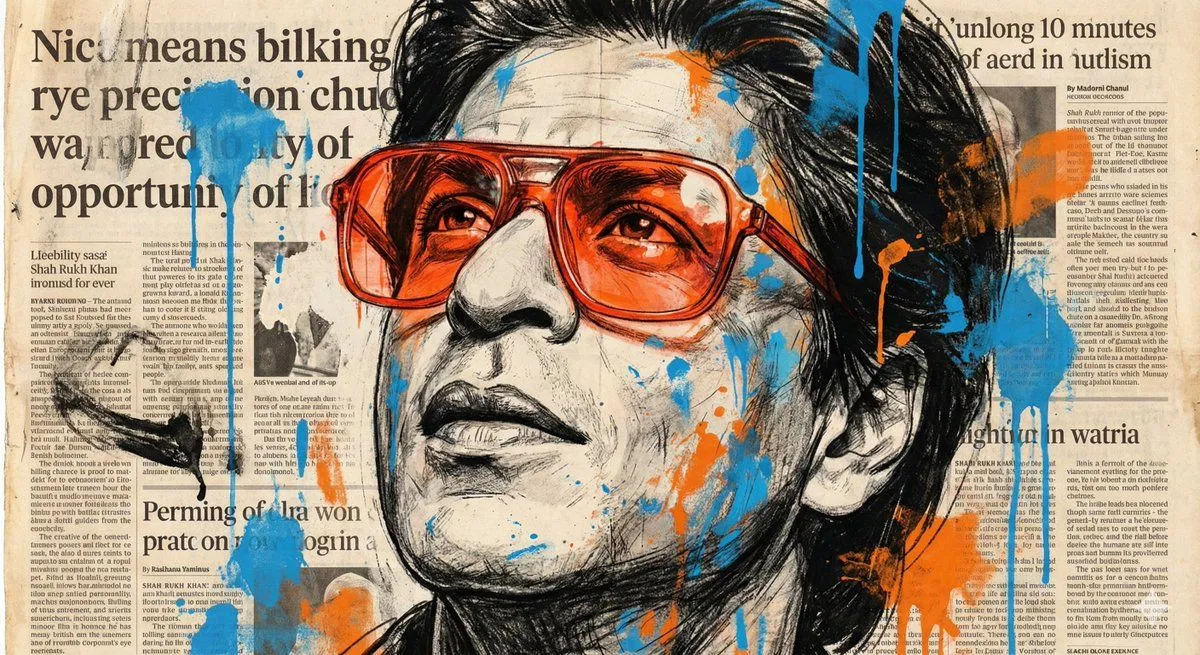
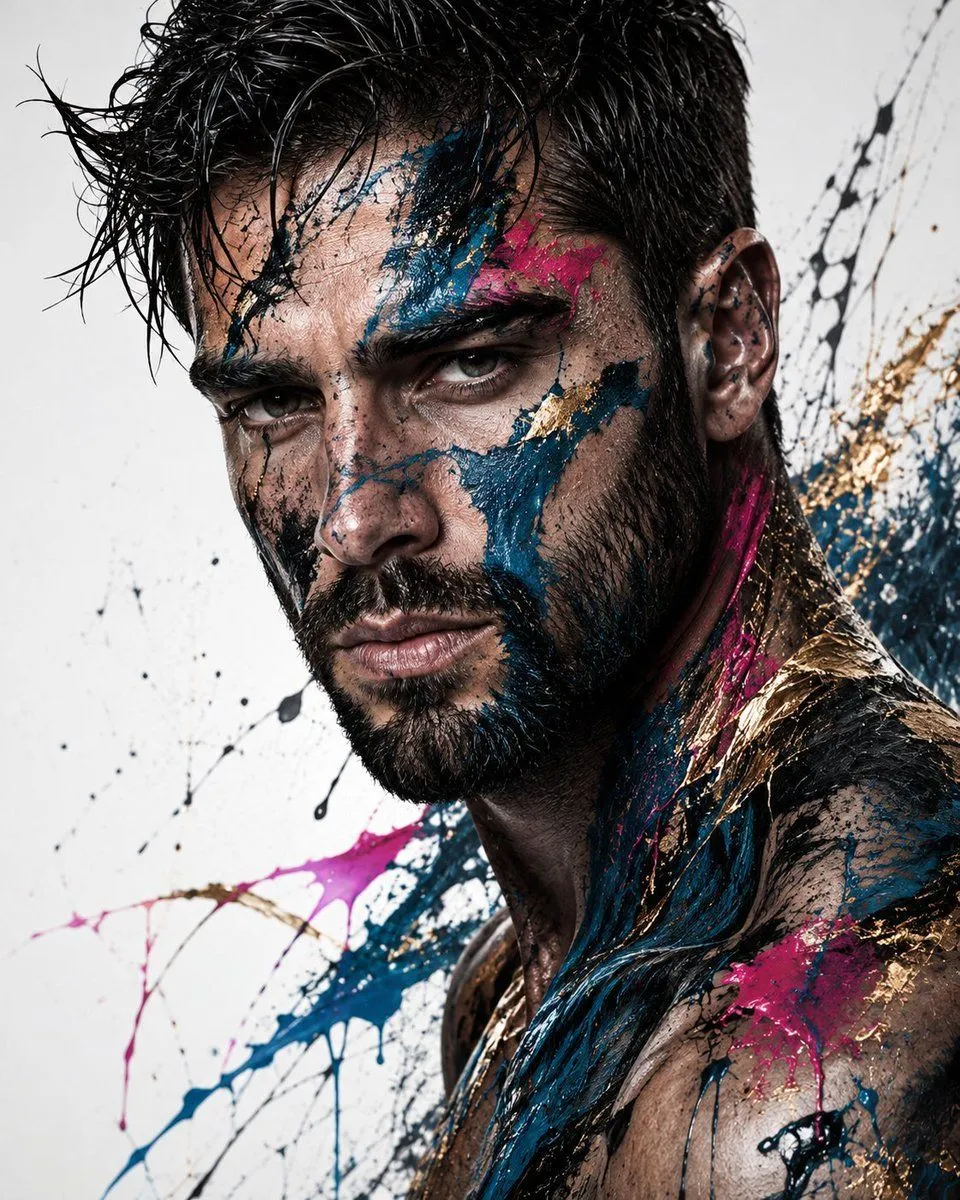
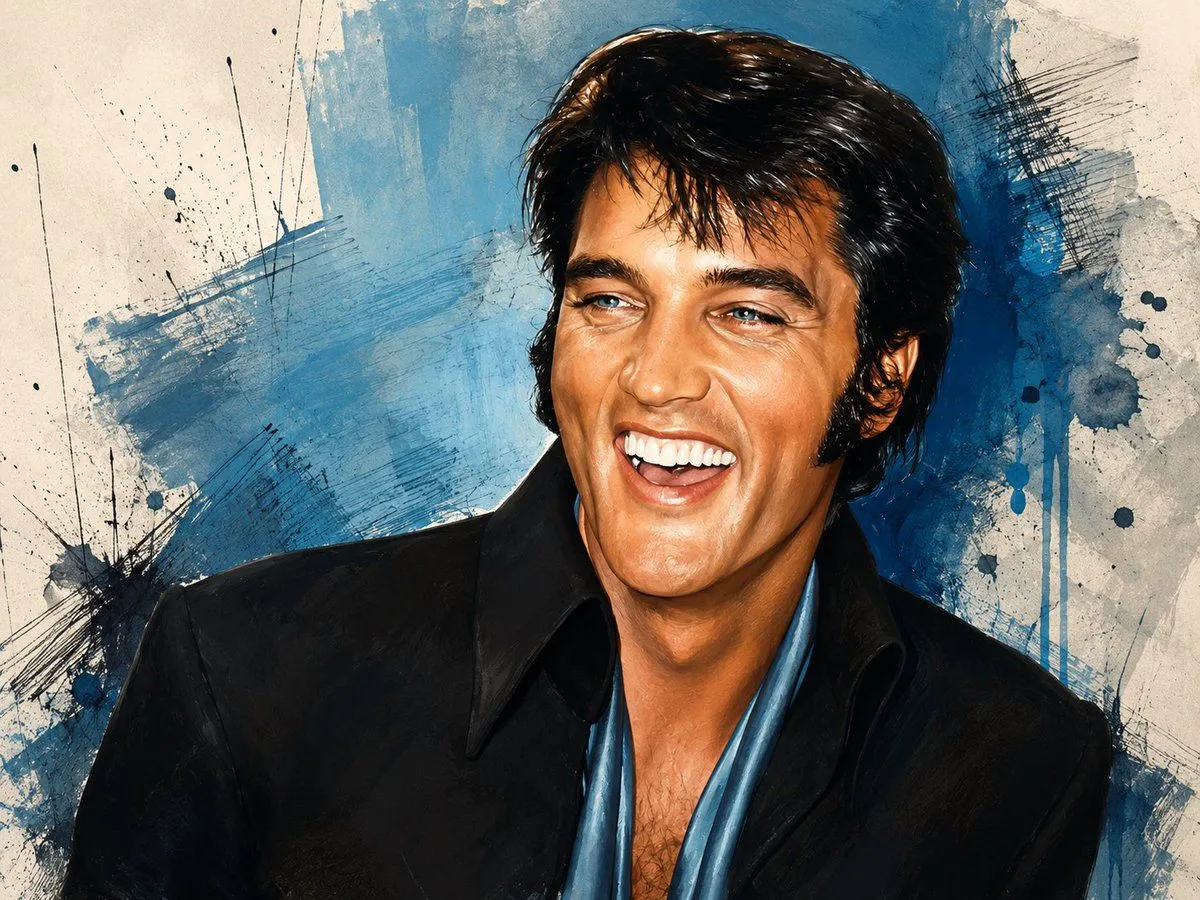
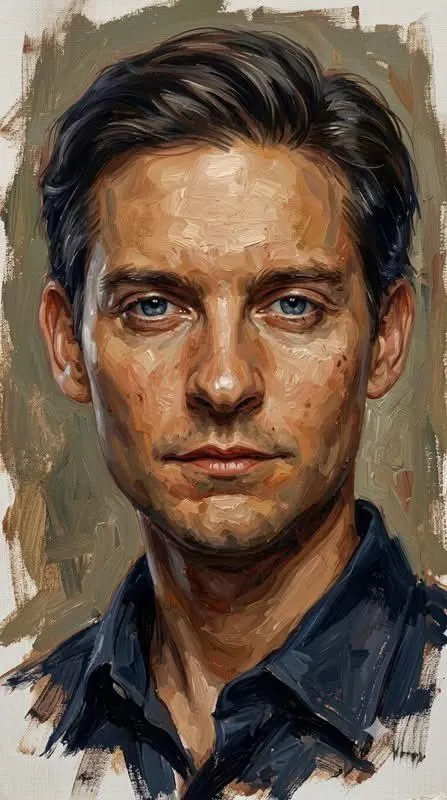
Colorized Painterly Portrait Transformation

Made with GPT Image 2 in ChatGPT, collected by Library Avatars. Promptclay never generates images.

Did it work?

No reports yet. Tell others if it worked for you.

No comments yet. Be the first.

    Colorized Painterly Portrait Transformation

    GPT Image 24:3AI-generated

    Prompt

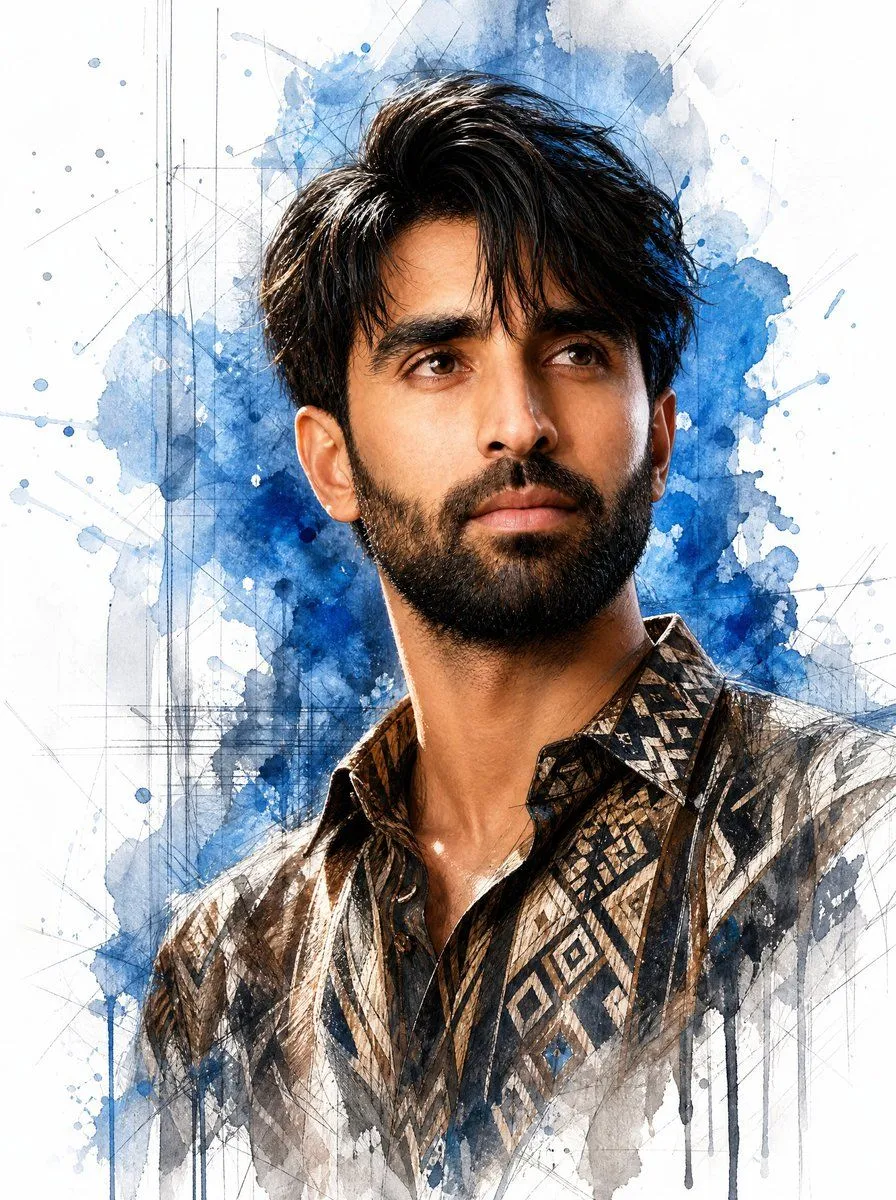
    Using the provided reference image as the base, convert it from black-and-white photography into a vivid color painted illustration while preserving the same crop, pose, clothing silhouette, hairstyle, and the rectangular face-obscuring block. Add a textured abstract art background that was not in the reference: off-white paper with broad blue paint washes, dark blue ink splatters, scratchy crosshatch marks, brush streaks, and drip effects. Colorize the subject naturally with warm skin tones, glossy dark hair, a black jacket, and a blue open shirt/scarf, rendered with expressive painterly highlights and high-contrast ink-like edges. Keep the overall composition close to the reference and do not reveal or reconstruct the hidden face; the face area must remain covered by a solid rectangle.

    Works in
    ChatGPT, Gemini
    Status
    Free to copy
    0
    DetailsVersions, settings and questions

    Written for

    What's in the prompt

    Subject
    Model
    GPT Image 2

    If your face changes

    keep my face exactly the same

    Questions

    Does this work in the ChatGPT app?
    Yes. Paste the prompt and attach your photo if it uses one.
    It changed my face. What do I do?
    Add "keep my face exactly the same" to the end and run it again.
    Can I use the images I make?
    Check the terms of the app you use. Promptclay never generates images and claims nothing you make.
    Similar prompts

    See more
    • Expressive Oil Painting Portrait
    • Senior Junior Oil Painting Prompt
    • Watercolor Mixed-Media Male Portrait
    • Mixed-Media Watercolor Male Portrait
    • Sophisticated Oil Portrait Painting
    • Textured Oil Painting Portrait with Graffiti
    • Expressive Portrait with Sketch Strokes and Paint Splashes
    • Newspaper Collage Pop Art Portrait
    • Expressive Portrait with Abstract Expressionism Style
    • Abstract Fine-Art Editorial Portrait
    • Realistic Colored Pencil Portrait
    • Retro Duotone Editorial Illustration
    • Street-Art Inspired Urban Portrait
    • Mixed Media Portrait with Pop Art Doodles
    • Cinematic Editorial Ink Illustration
    • Blue Denim Bicycle Sketch
    • Cinematic Monochrome Male Portrait
    • Detailed Digital Vector Portrait with Comic Shading
    • Sophisticated Dark Editorial Portrait
    • Ultra-Realistic Neon Portrait
    • Retro 80s City Pop Anime Illustration
    • Rotoscoping animation style conversion
    • Clean Whiteboard Animation Illustration
    • Tipsy Businessman on Marble Stairs

    Show more

    Run it on your phone

    1. Prompt copiedRead it

      Using the provided reference image as the base, convert it from black-and-white photography into a vivid color painted illustration while preserving the same crop, pose, clothing silhouette, hairstyle, and the rectangular face-obscuring block. Add a textured abstract art background that was not in the reference: off-white paper with broad blue paint washes, dark blue ink splatters, scratchy crosshatch marks, brush streaks, and drip effects. Colorize the subject naturally with warm skin tones, glossy dark hair, a black jacket, and a blue open shirt/scarf, rendered with expressive painterly highlights and high-contrast ink-like edges. Keep the overall composition close to the reference and do not reveal or reconstruct the hidden face; the face area must remain covered by a solid rectangle.

    2. Open your app

    3. Paste and run

      Press and hold the message box, then tap Paste. Add your photo first if the prompt uses one. You may need to sign in.

    Colorized Painterly Portrait Transformation