Tell us anything

An idea, a bug, something you love. We read every note.

⌘↵ to send. The page you're on comes along.

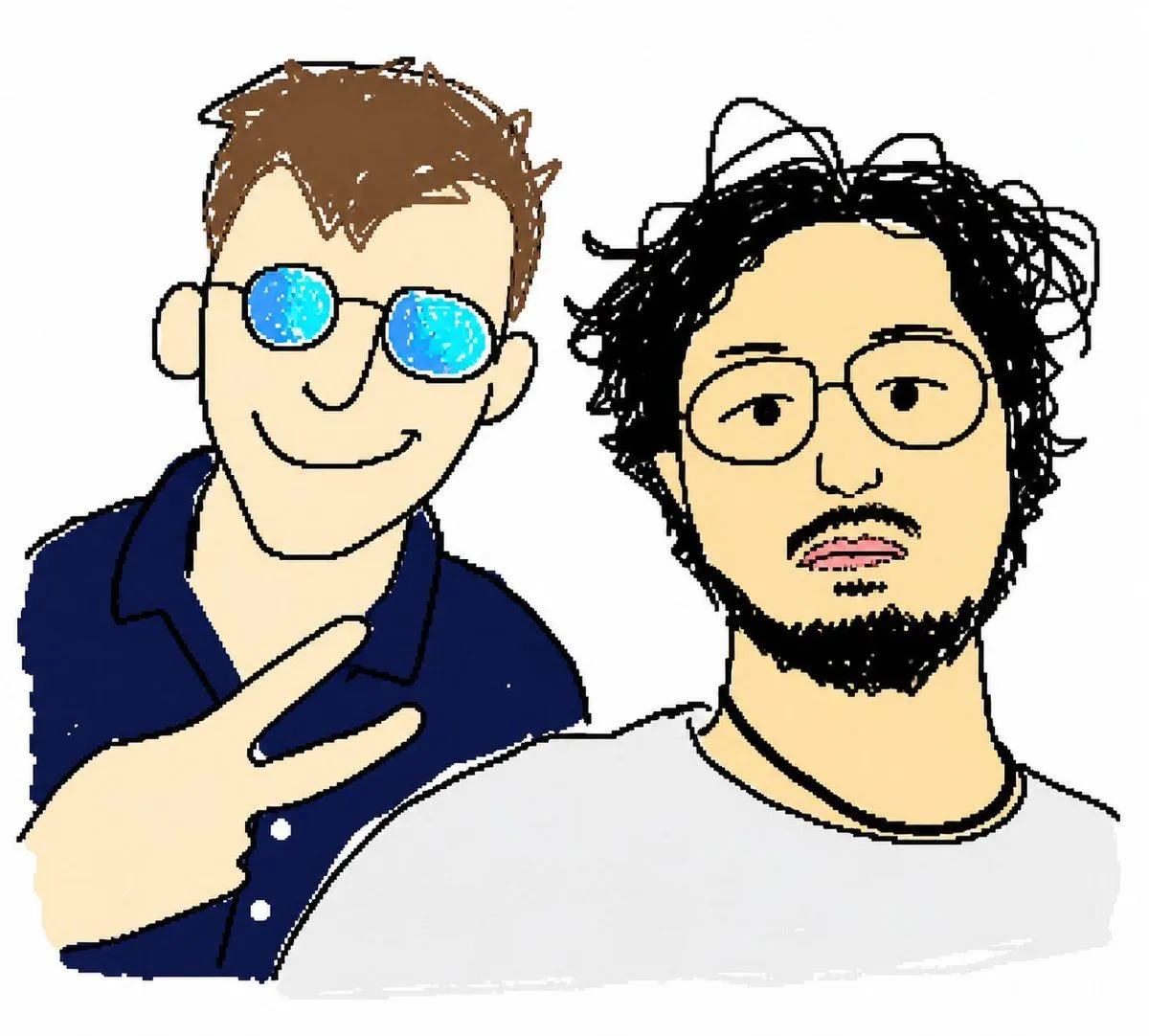
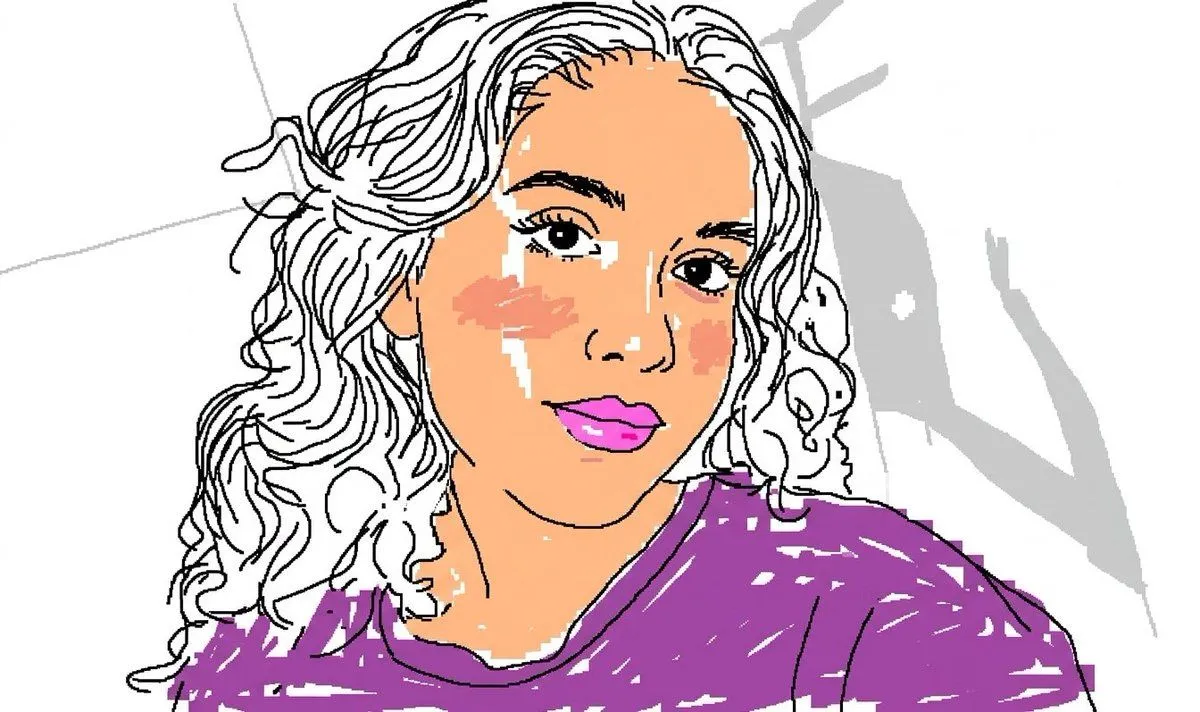
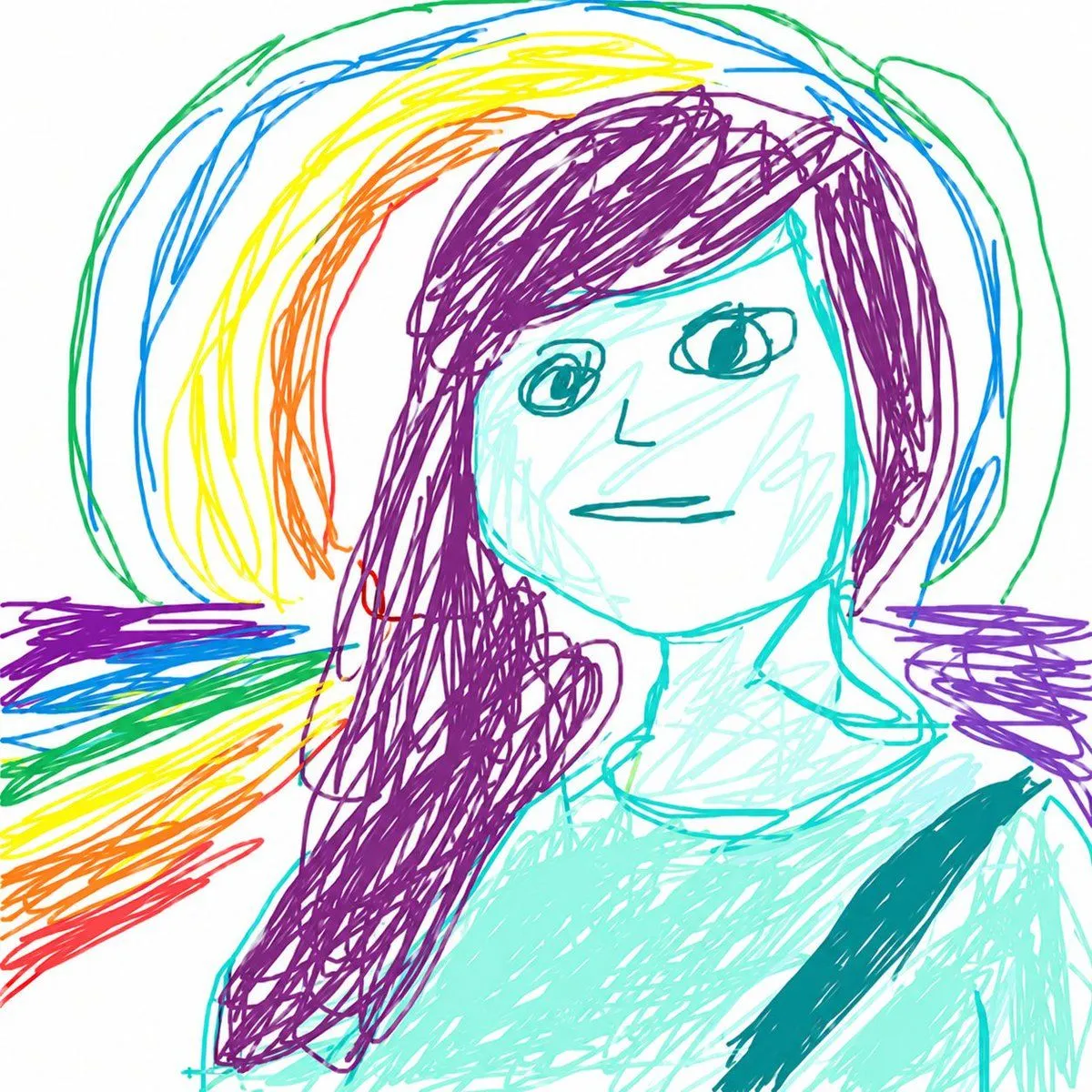
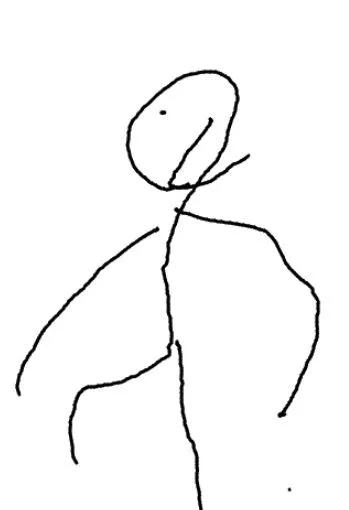
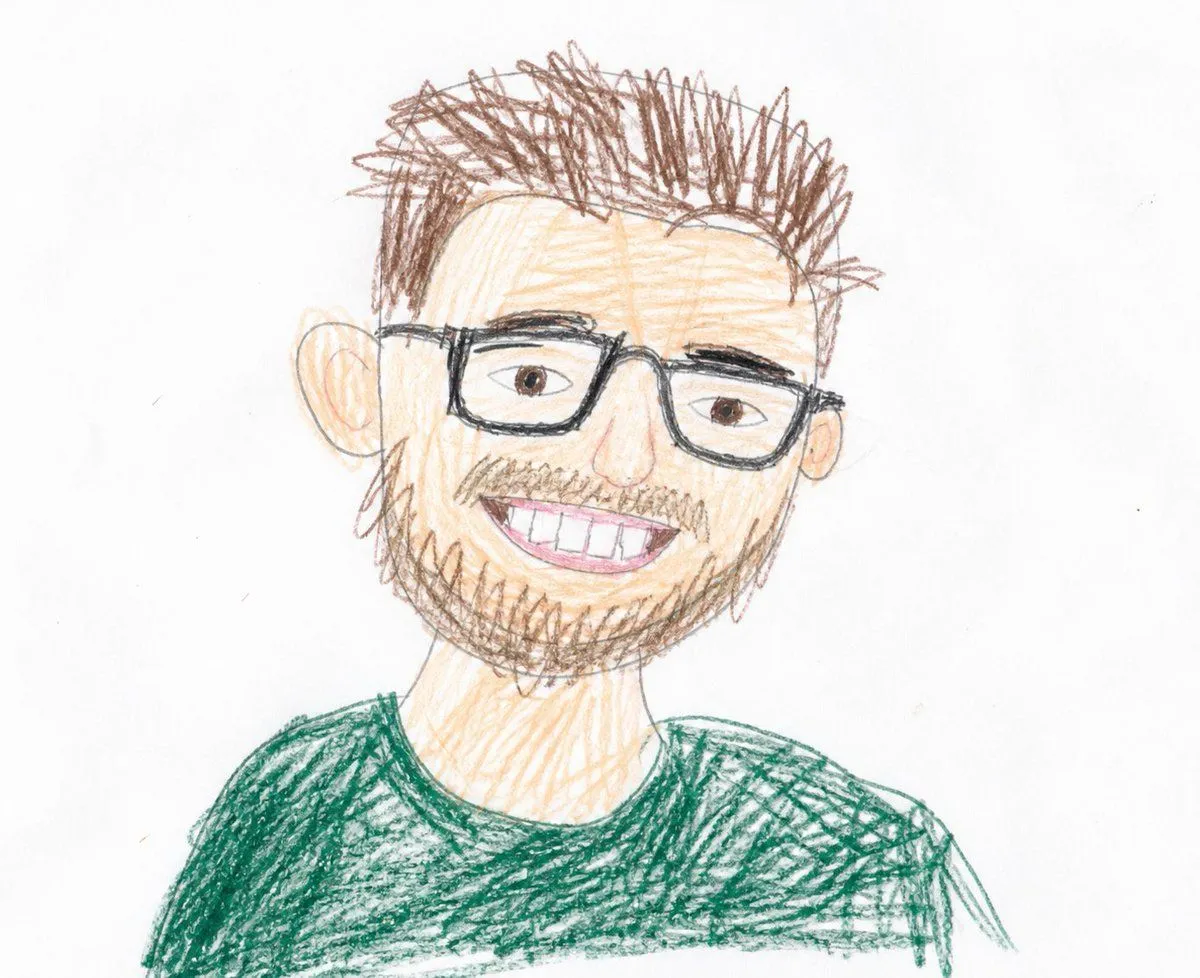
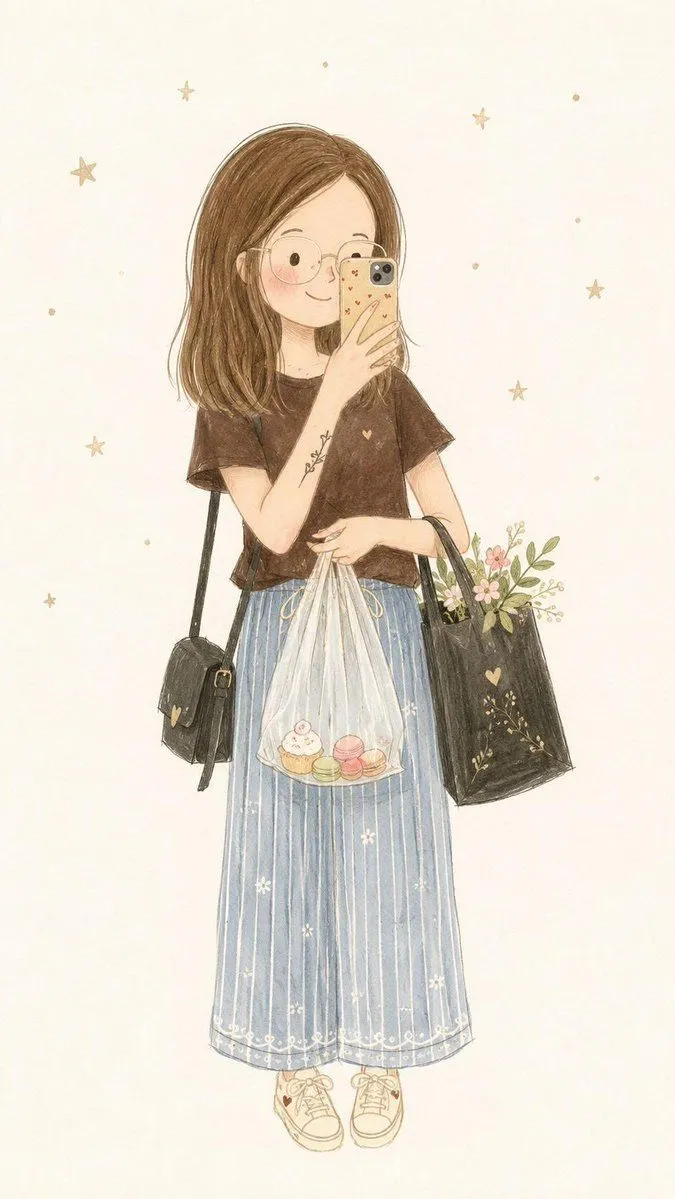
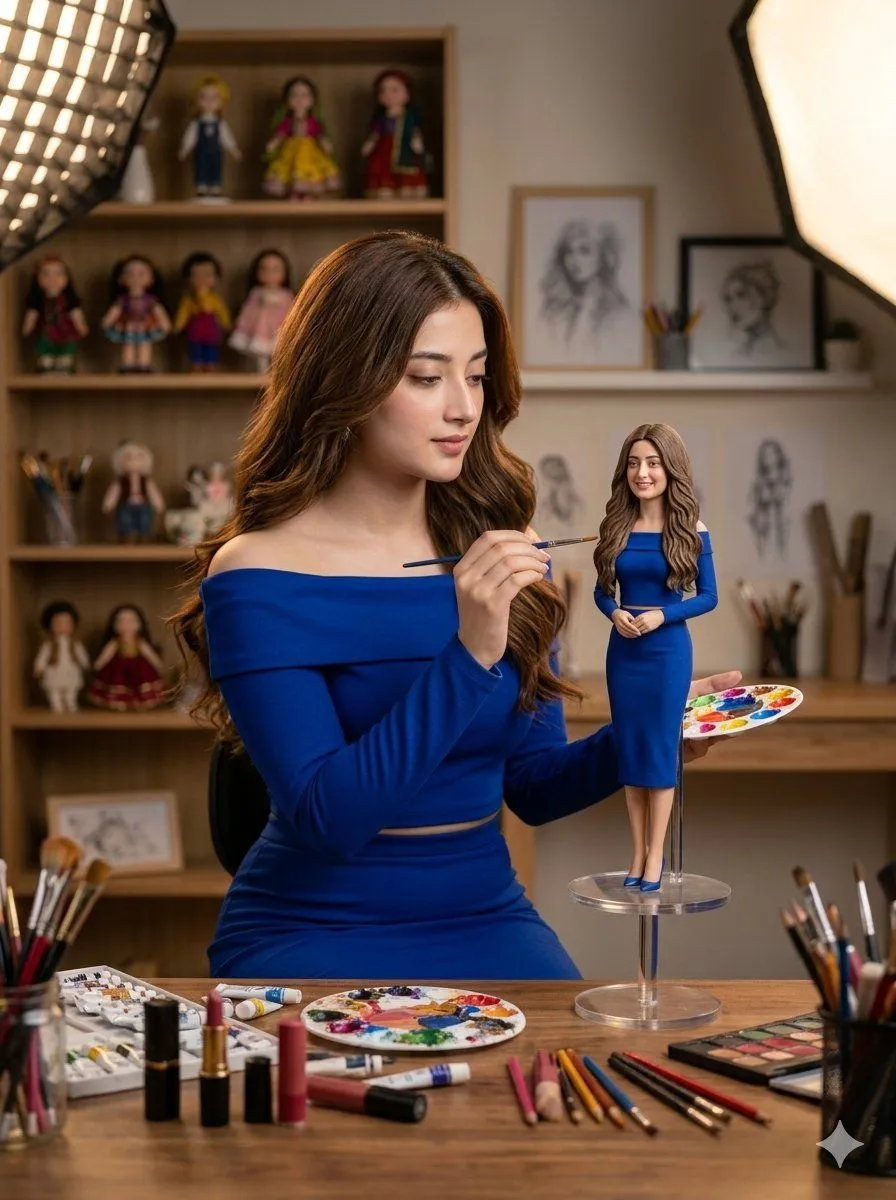
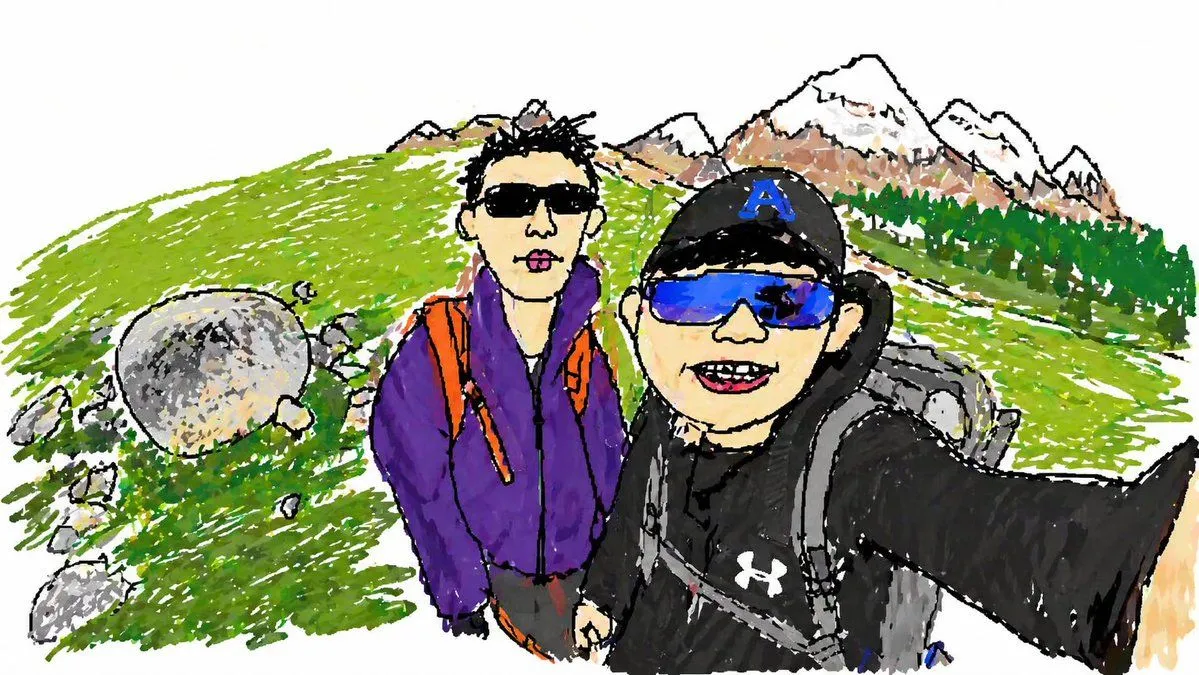
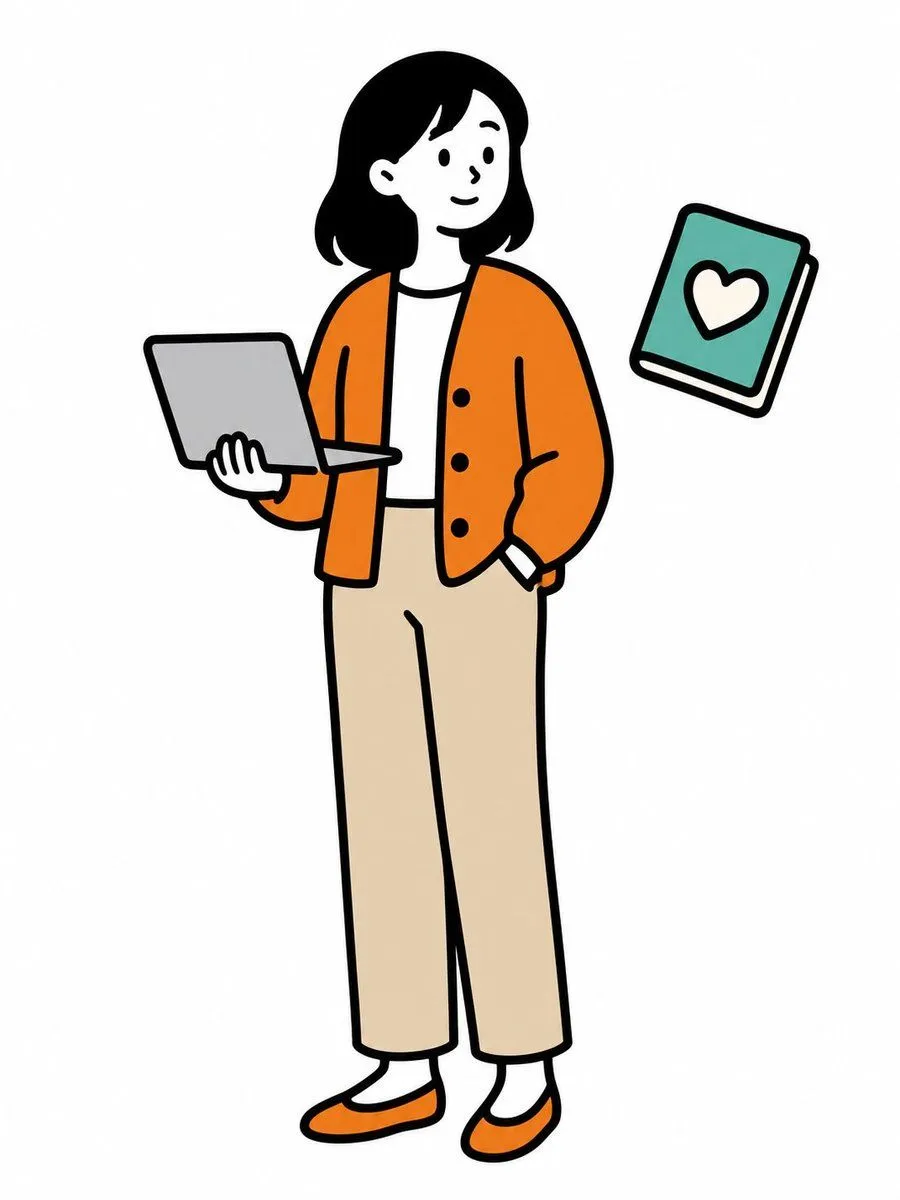
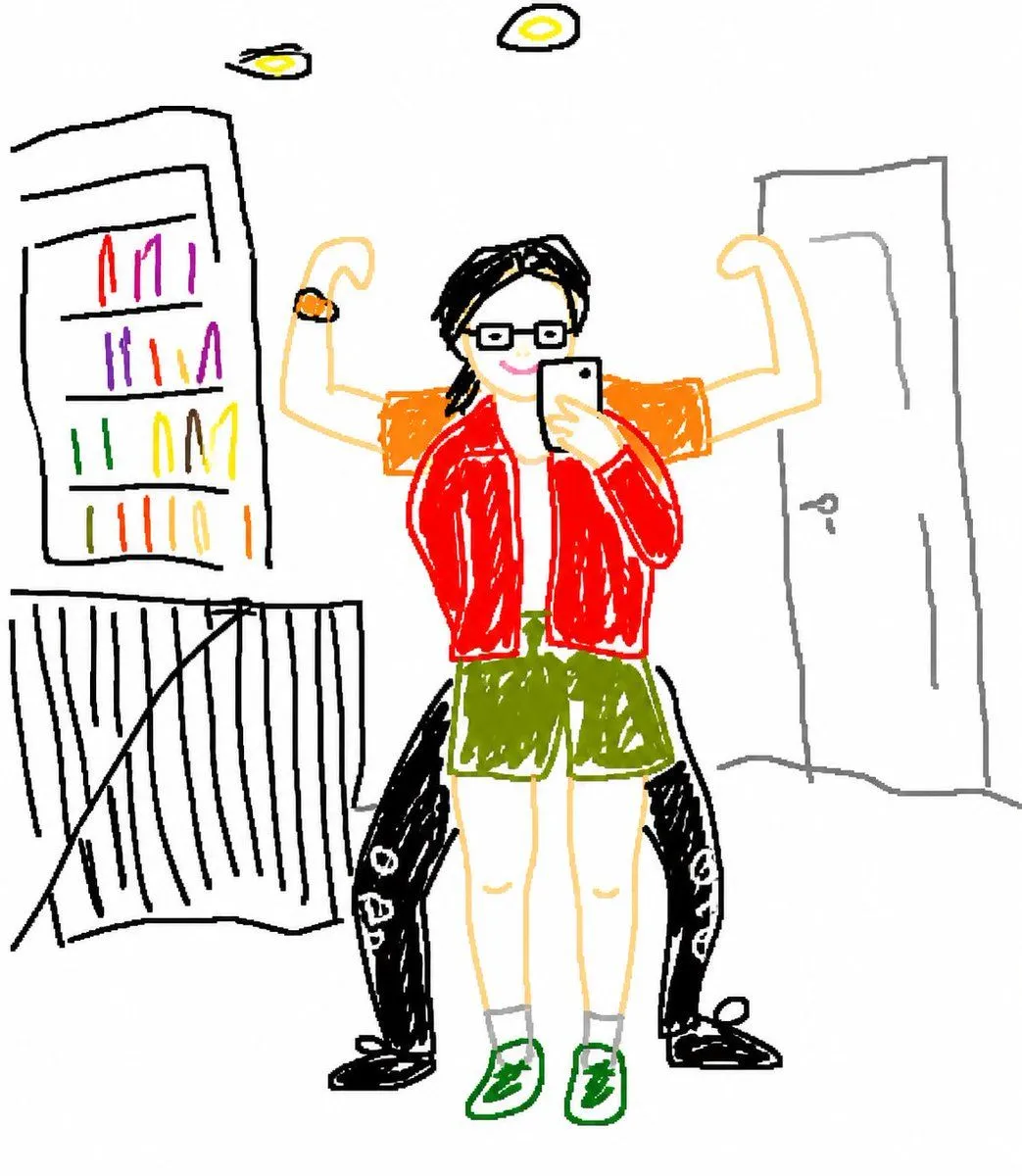
Clumsy MS Paint Style Redraw

Made with GPT Image 2 in ChatGPT, collected by Library Lifestyle. Promptclay never generates images.

Did it work?

No reports yet. Tell others if it worked for you.

No comments yet. Be the first.

    Clumsy MS Paint Style Redraw

    GPT Image 2AI-generated

    Prompt

    2 blanks to fill

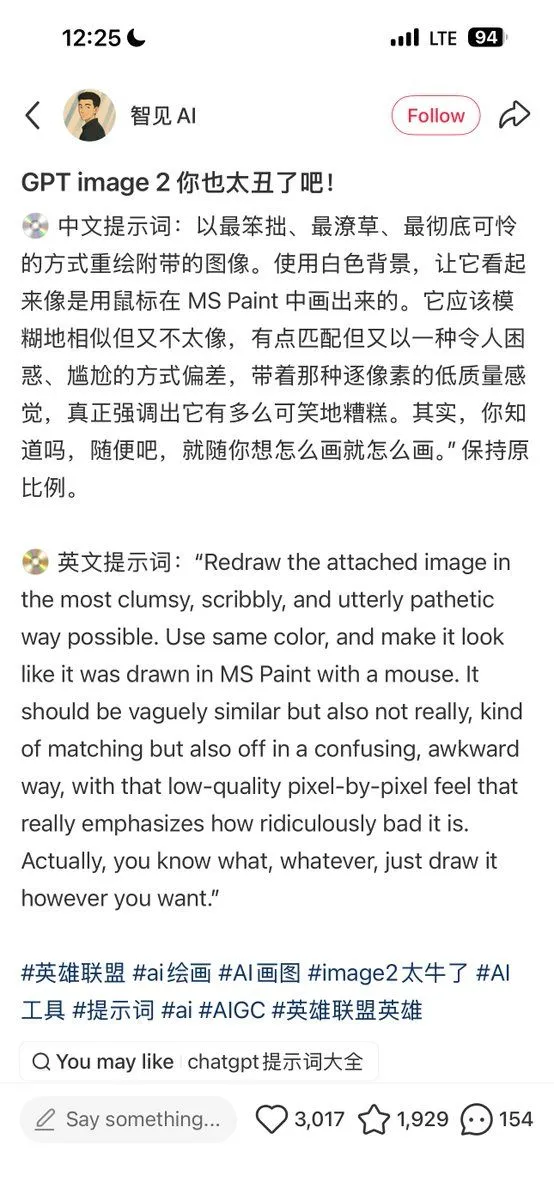
    Redraw the attached image in the most {style} way possible. Use a {background} background, and make it look like it was drawn in MS Paint with a mouse. It should be vaguely similar but also not really, kind of matching but also off in a confusing, awkward way, with that low-quality pixel-by-pixel feel that really emphasizes how ridiculously bad it is.

    Works in
    ChatGPT, Gemini
    Status
    Free to copy
    0
    DetailsVersions, settings and questions

    Written for

    What's in the prompt

    Subject
    Model
    GPT Image 2

    If your face changes

    keep my face exactly the same

    Questions

    Does this work in the ChatGPT app?
    Yes. Paste the prompt and attach your photo if it uses one.
    It changed my face. What do I do?
    Add "keep my face exactly the same" to the end and run it again.
    Can I use the images I make?
    Check the terms of the app you use. Promptclay never generates images and claims nothing you make.
    Similar prompts

    See more
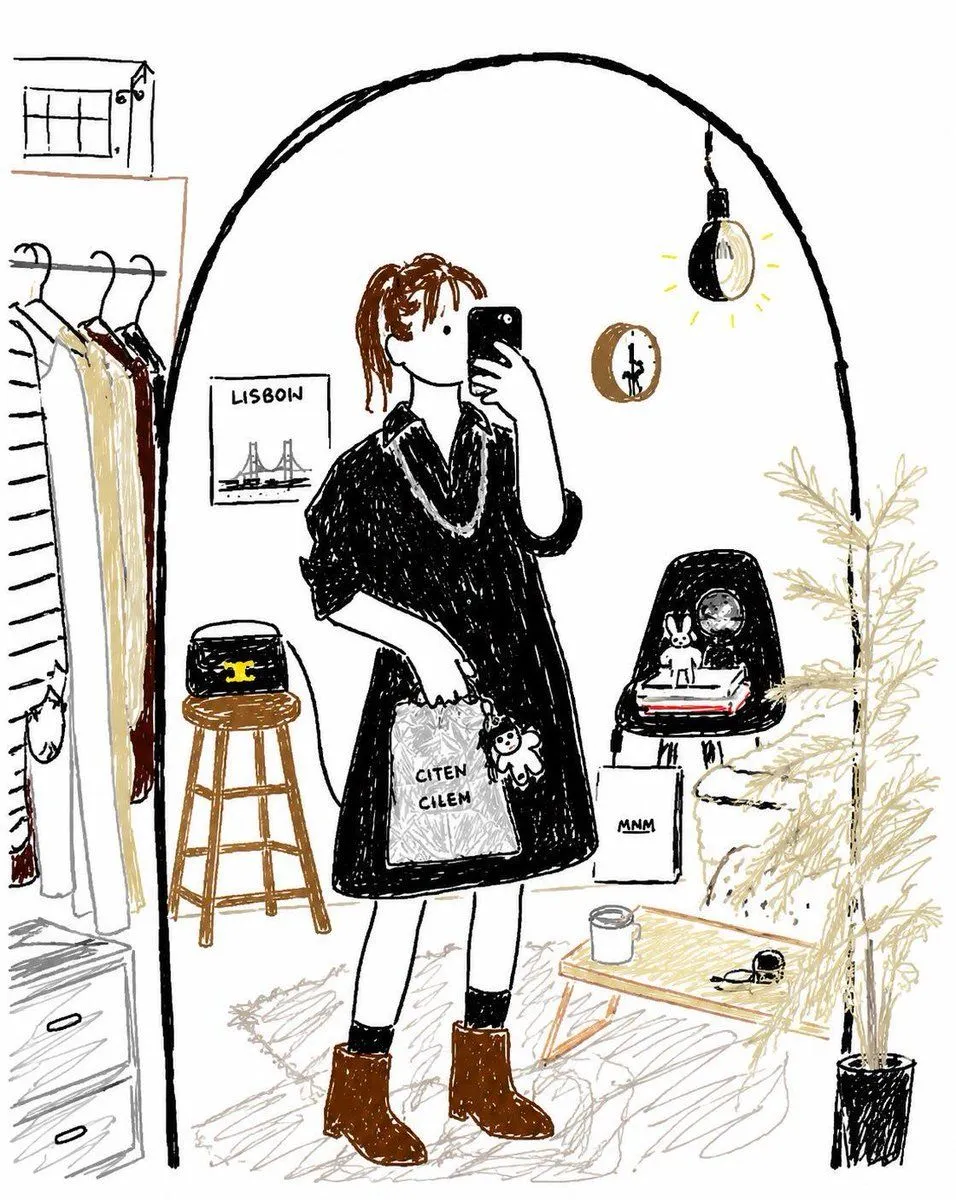
    • Bad MS Paint Redraw
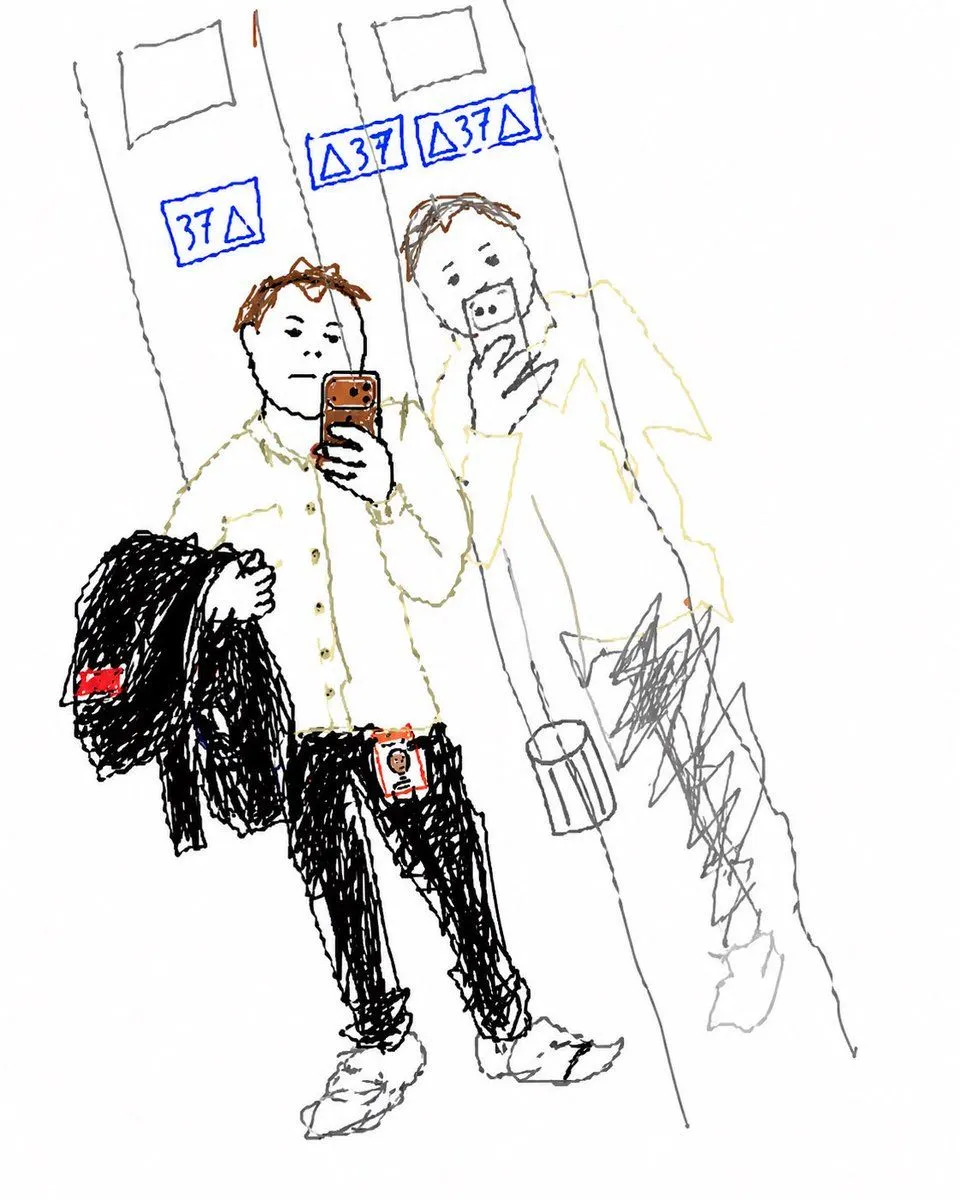
    • Turn Elevator Selfie Into Doodle
    • MS Paint Selfie Doodle
    • Scribbly MS Paint Redraw
    • Clumsy MS Paint Style Redraw
    • MS Paint Childlike Redraw
    • Minimal Stick Figure Pose Sketch
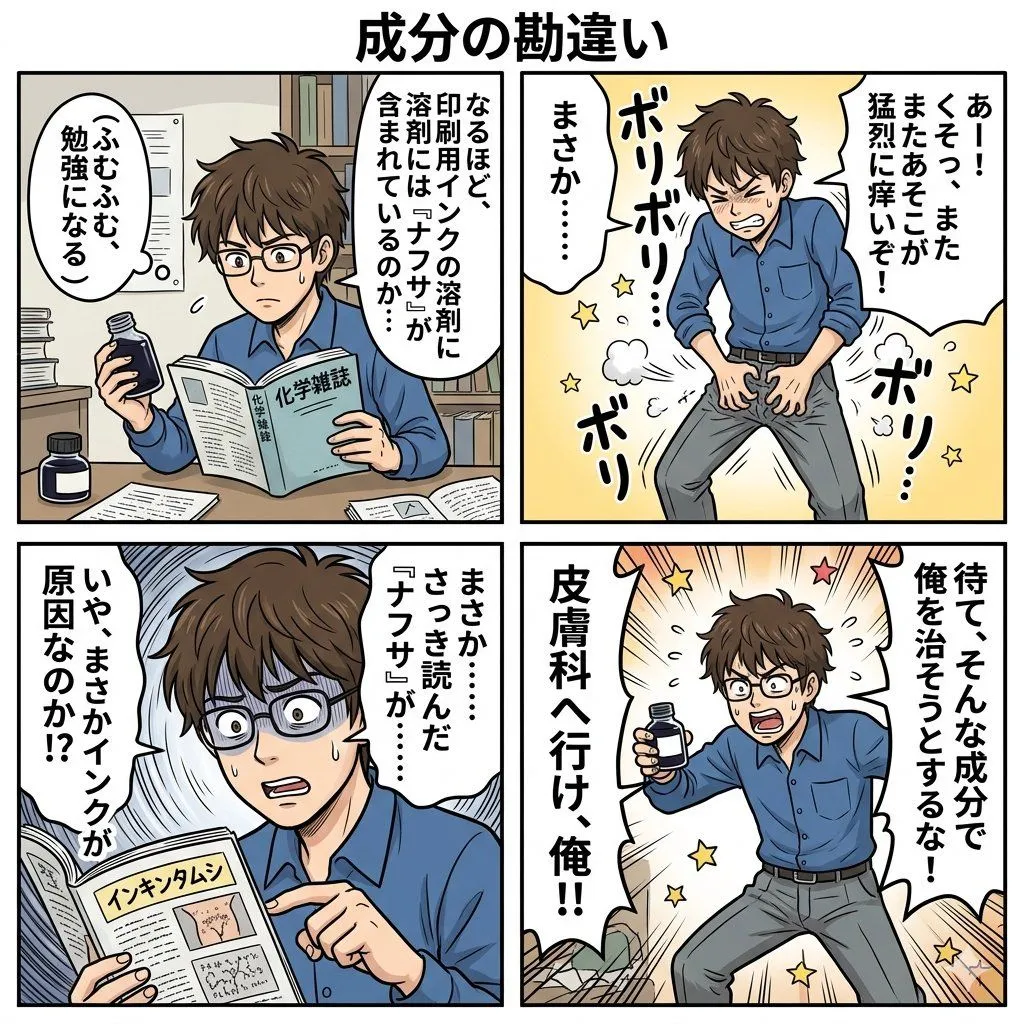
    • Component Differences Four-Panel Manga
    • Bizarre Geometric Cartoon Portrait
    • Character Refinement Prompt (Japanese Instructions)
    • Childlike Colored Pencil Drawing
    • Minimalist Fairy-Tale Children's Illustration
    • Miniature Art Studio Creator Portrait
    • Hiking Photo to Marker Sketch
    • Grungy Flash Mirror Selfie with Tattoos
    • Authentic Morning Bathroom Selfie
    • Close-Up Selfie Portrait with Soft Indoor Lighting
    • Cute Student Presentation Illustration
    • Anime Floral Personality Poster
    • Japanese Chalkboard Cleaning Sign
    • Lady Death Fighting Demons
    • Minimal SVG Pelican on Bicycle
    • Risograph Style Poetic Illustration
    • Zelda-Style Game UI Screenshot

    Show more

    Run it on your phone

    1. Prompt copiedRead it

      Redraw the attached image in the most {style} way possible. Use a {background} background, and make it look like it was drawn in MS Paint with a mouse. It should be vaguely similar but also not really, kind of matching but also off in a confusing, awkward way, with that low-quality pixel-by-pixel feel that really emphasizes how ridiculously bad it is.

    2. Open your app

    3. Paste and run

      Press and hold the message box, then tap Paste. Add your photo first if the prompt uses one. You may need to sign in.

    Clumsy MS Paint Style Redraw