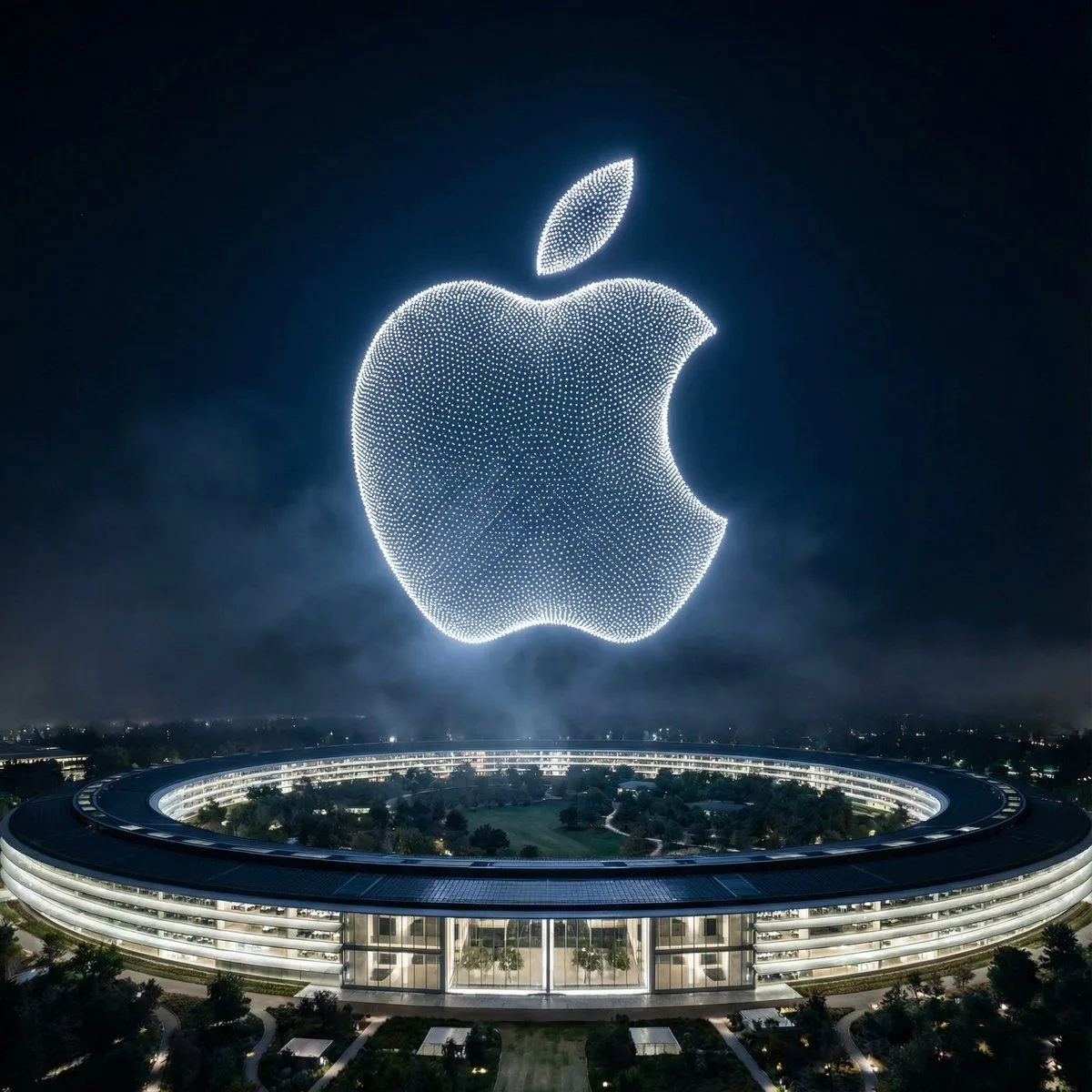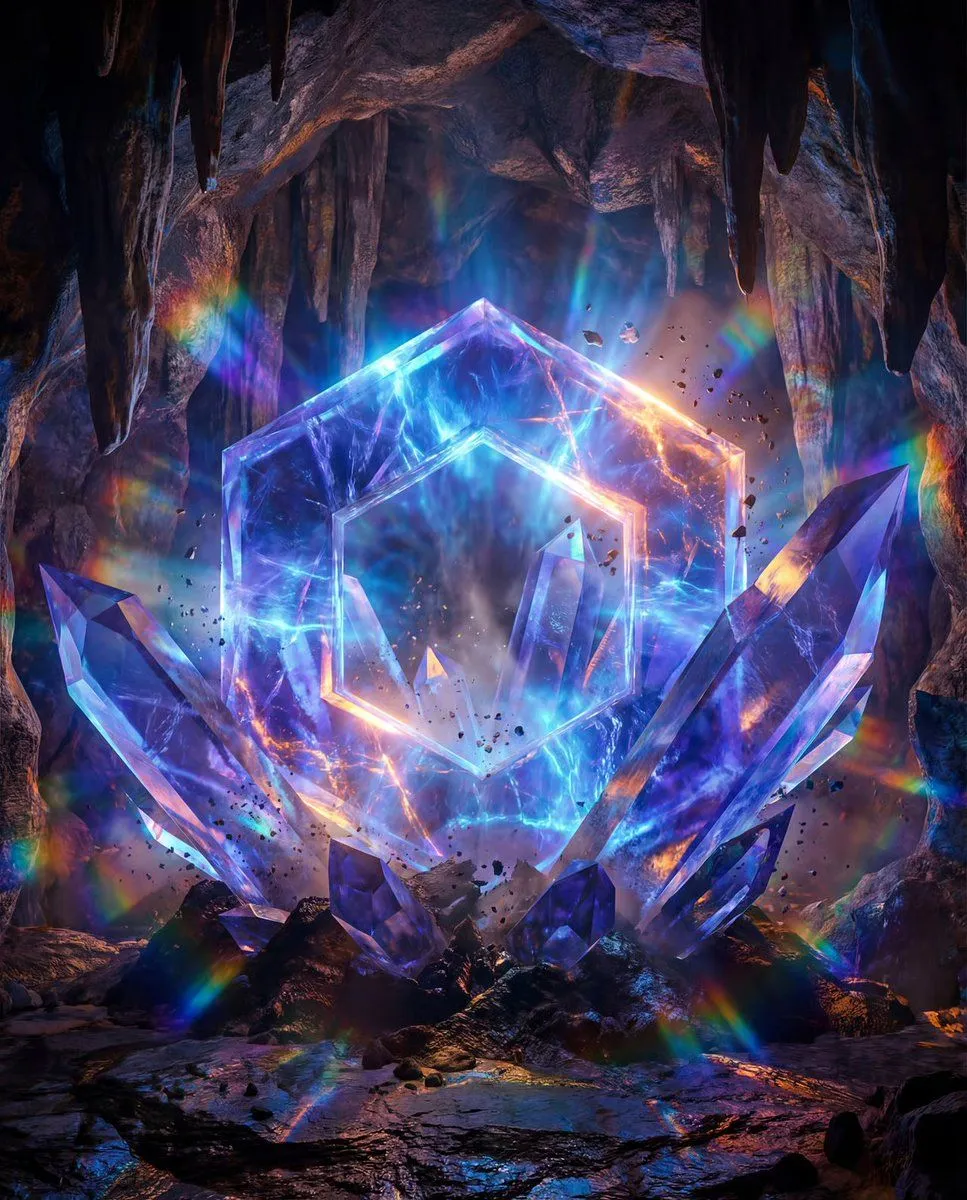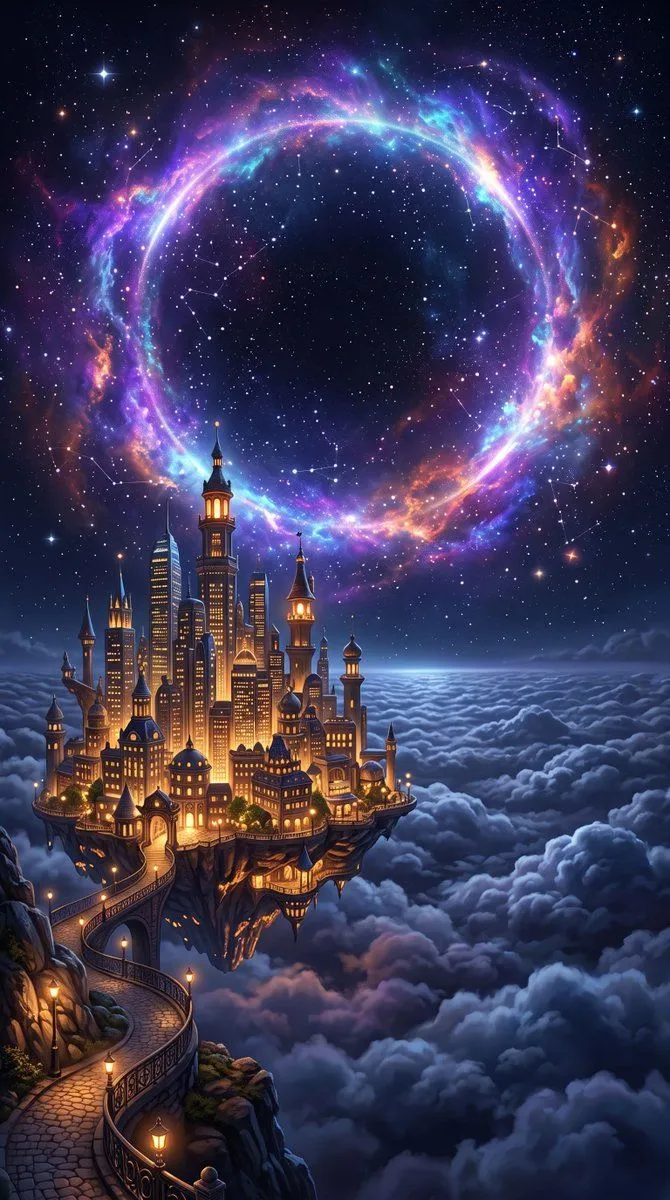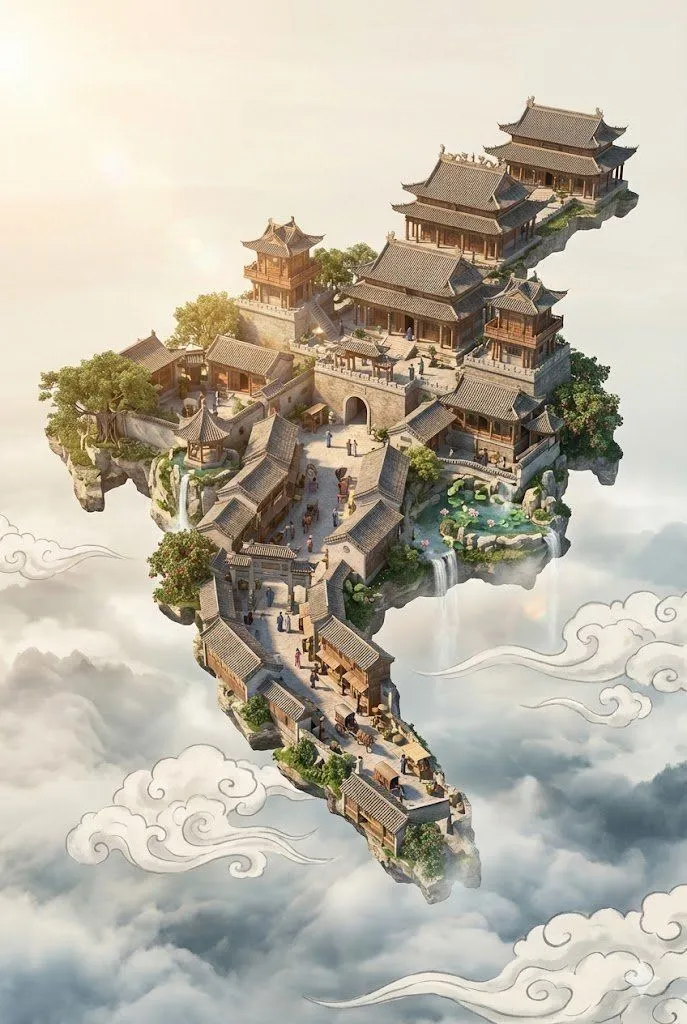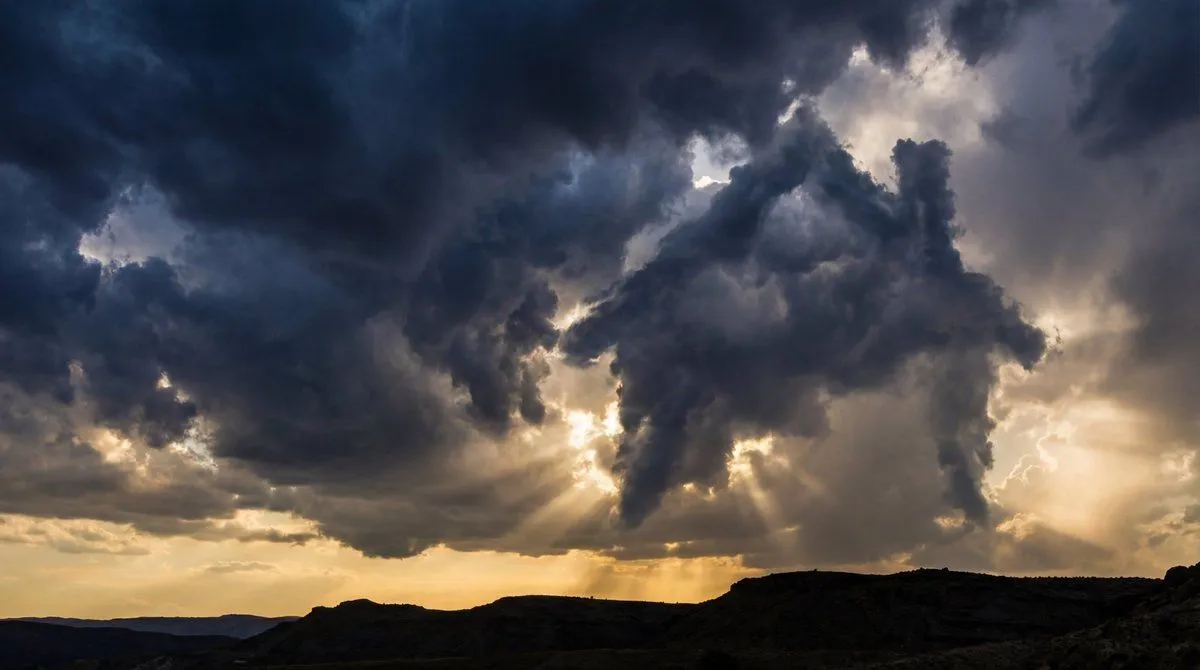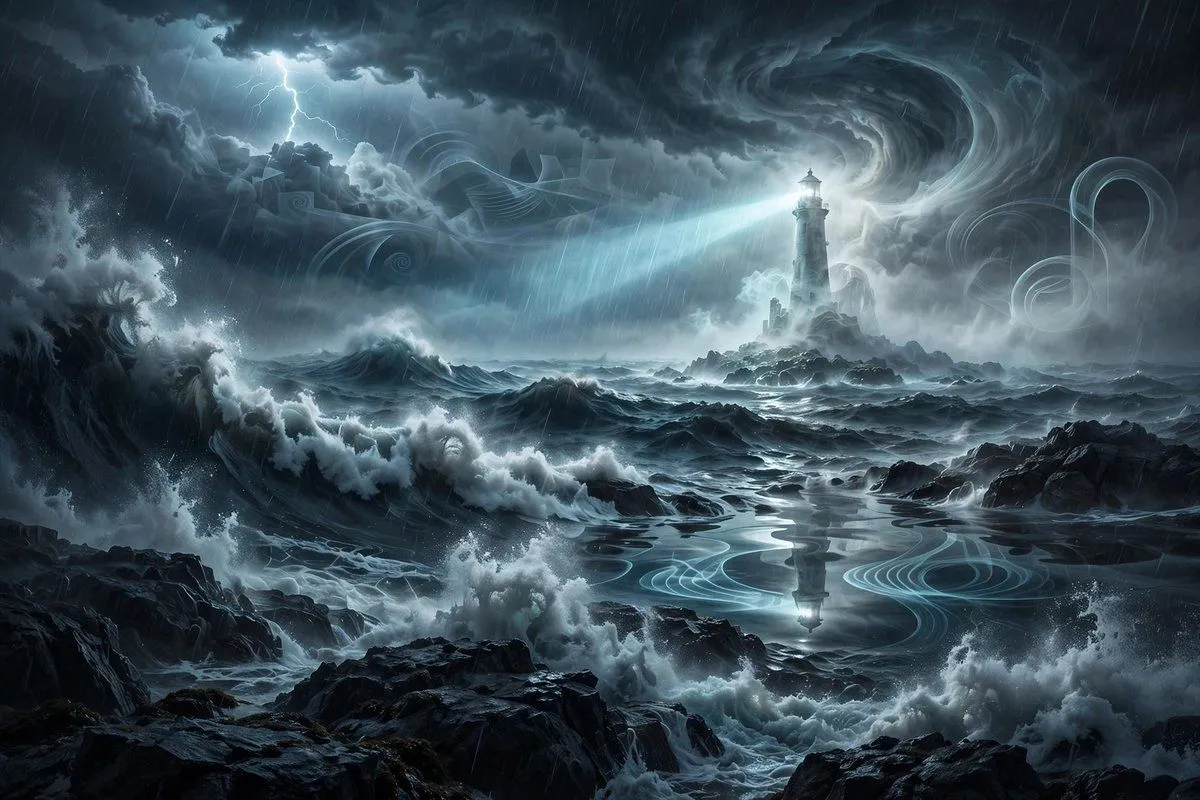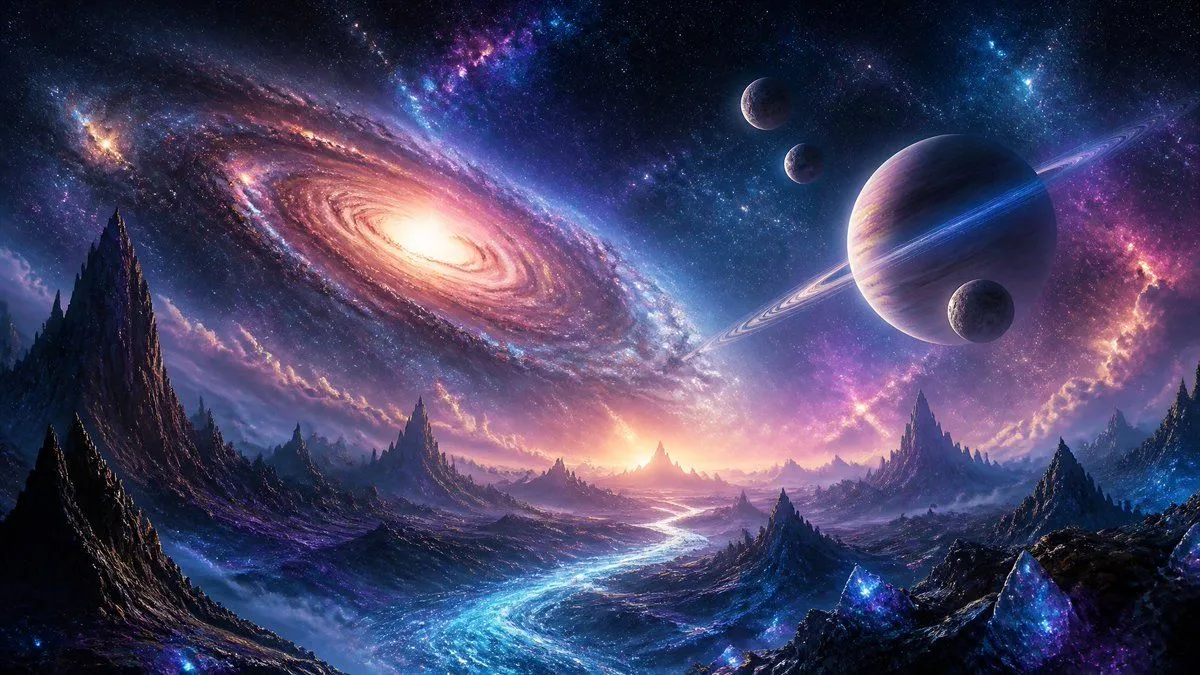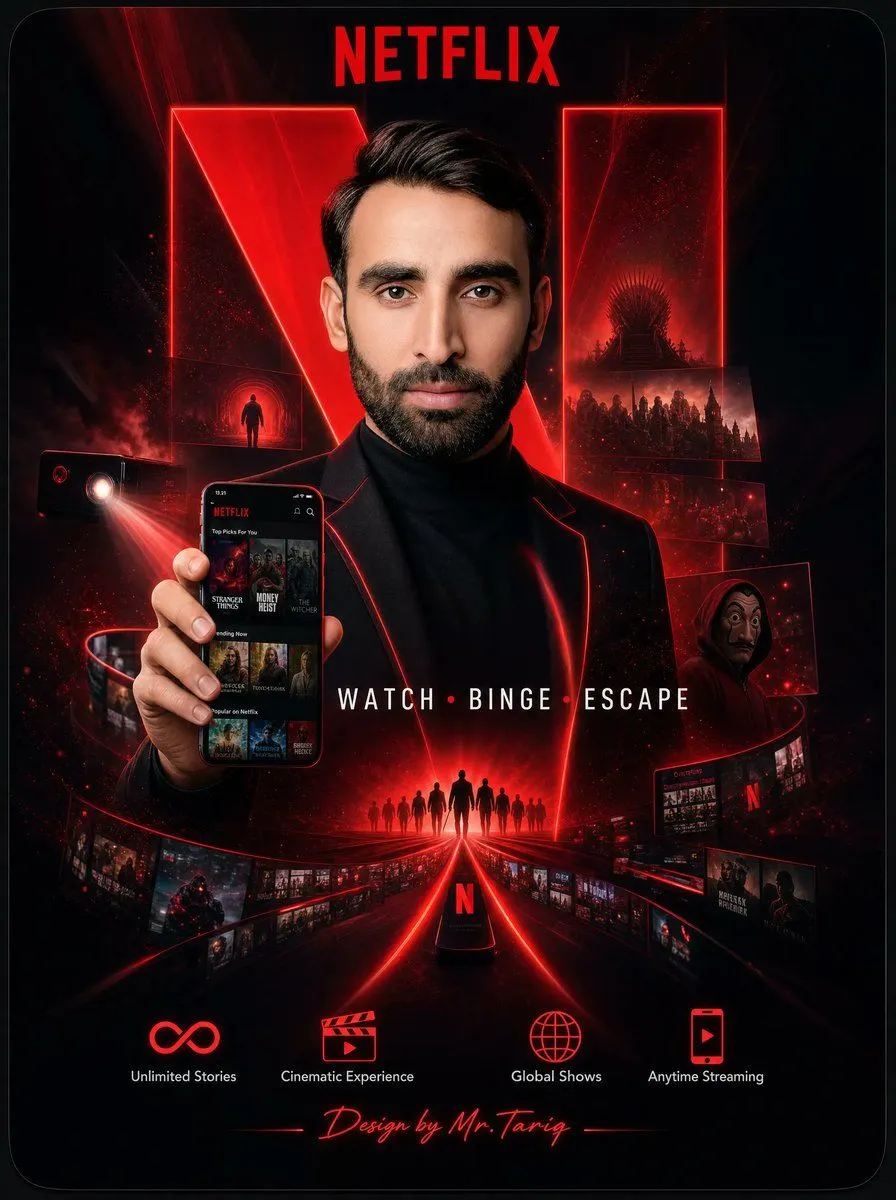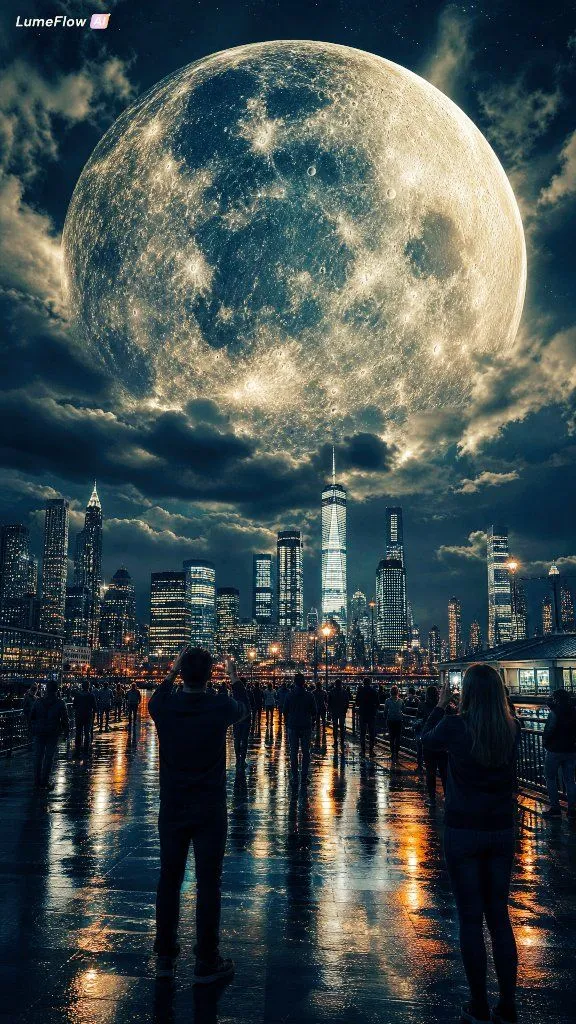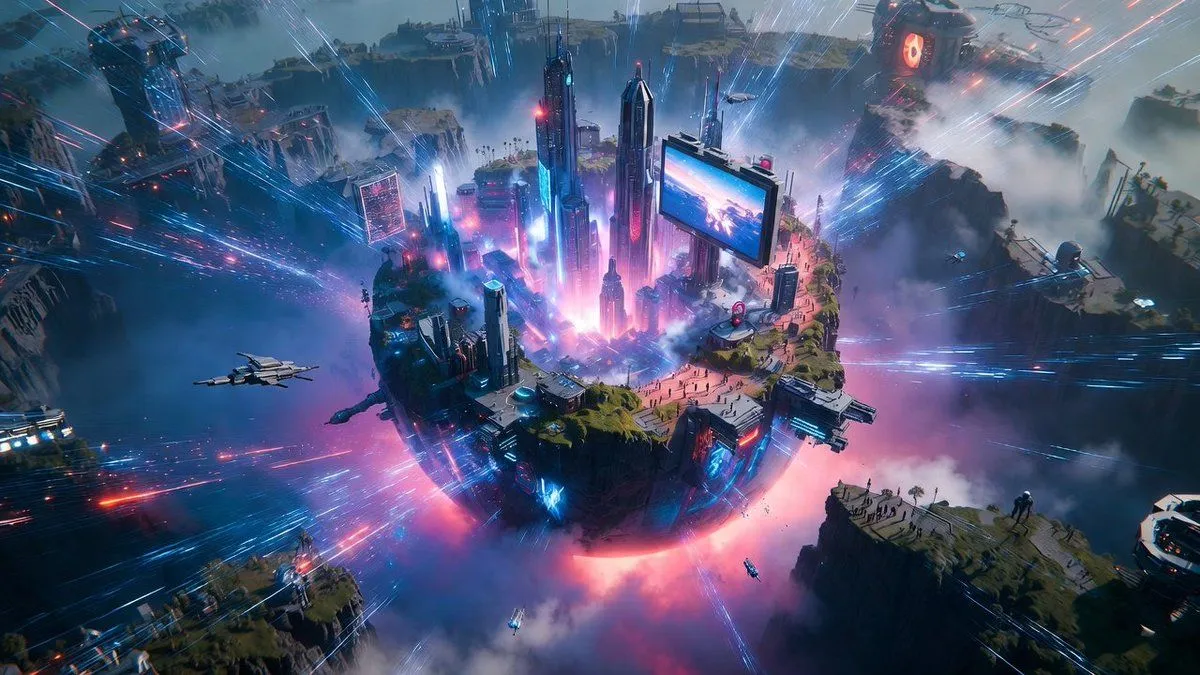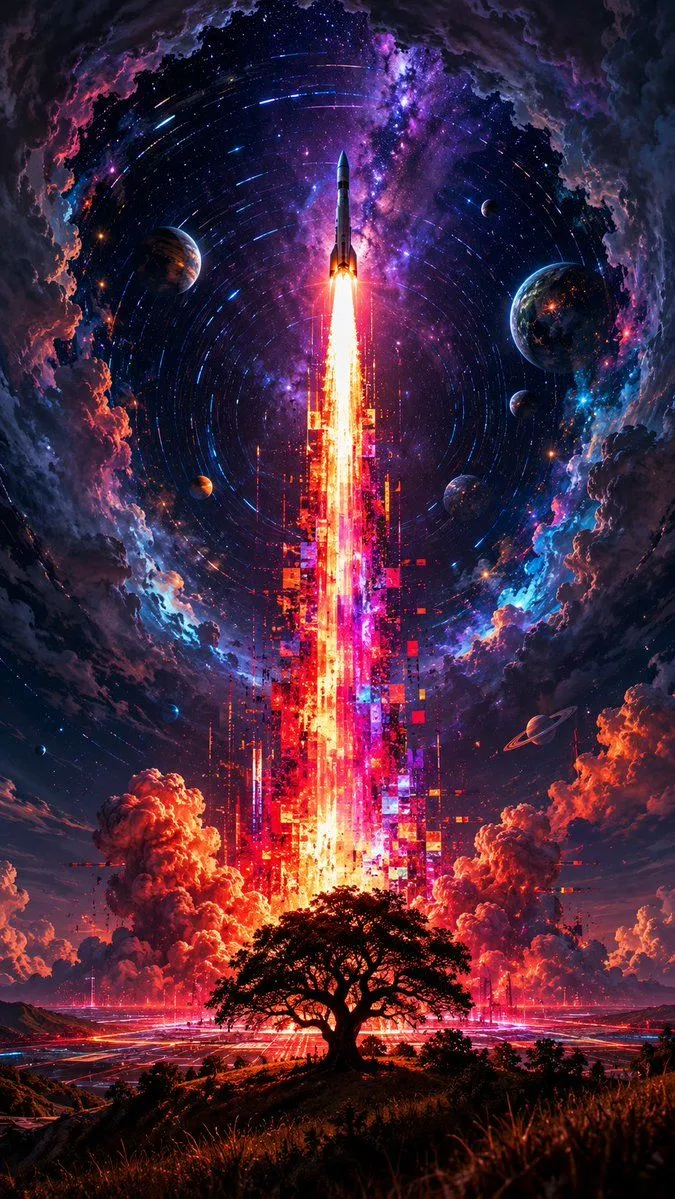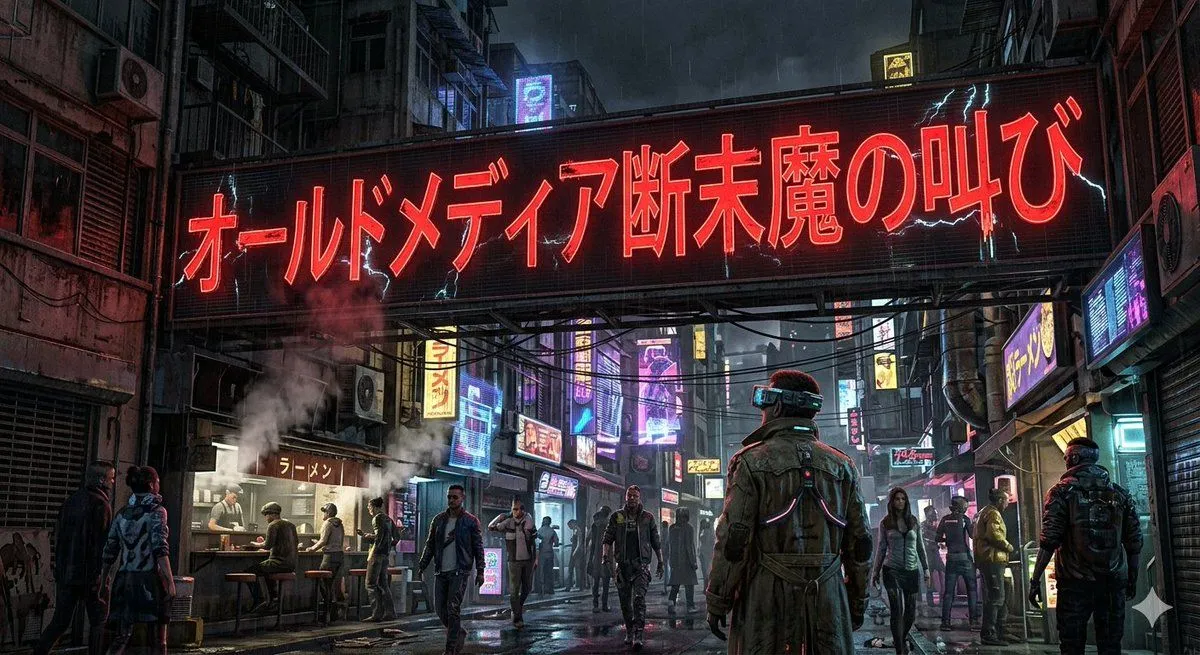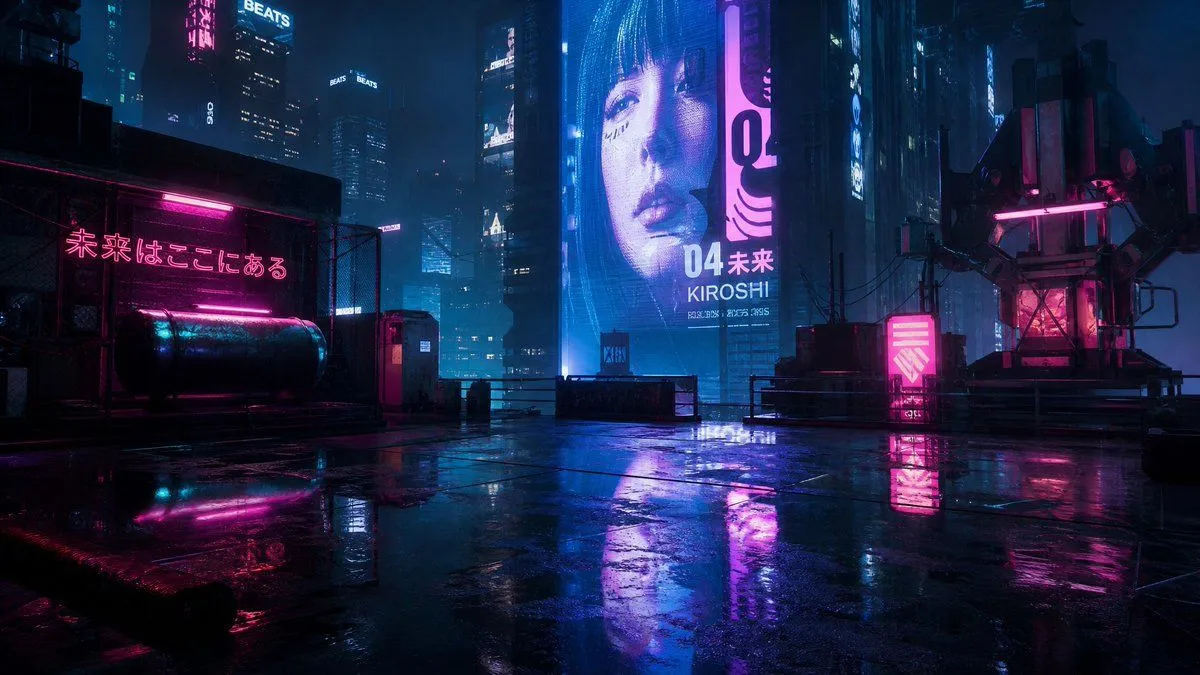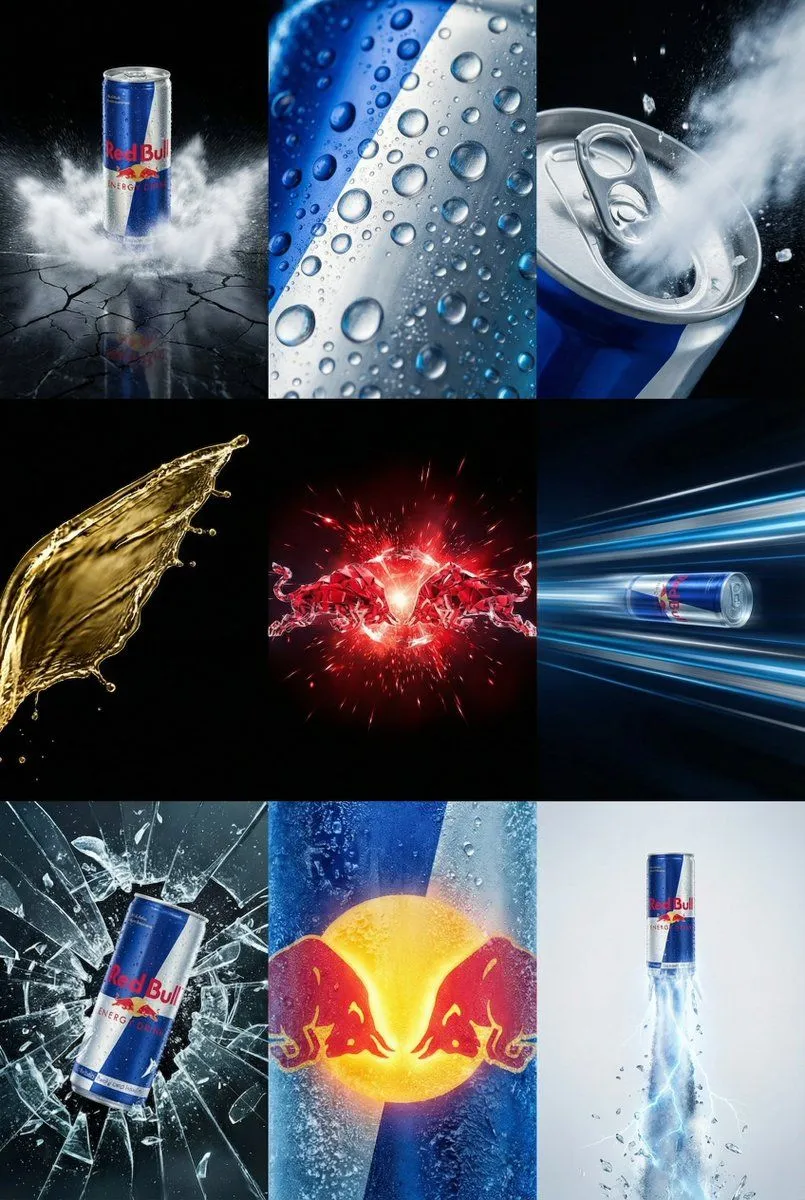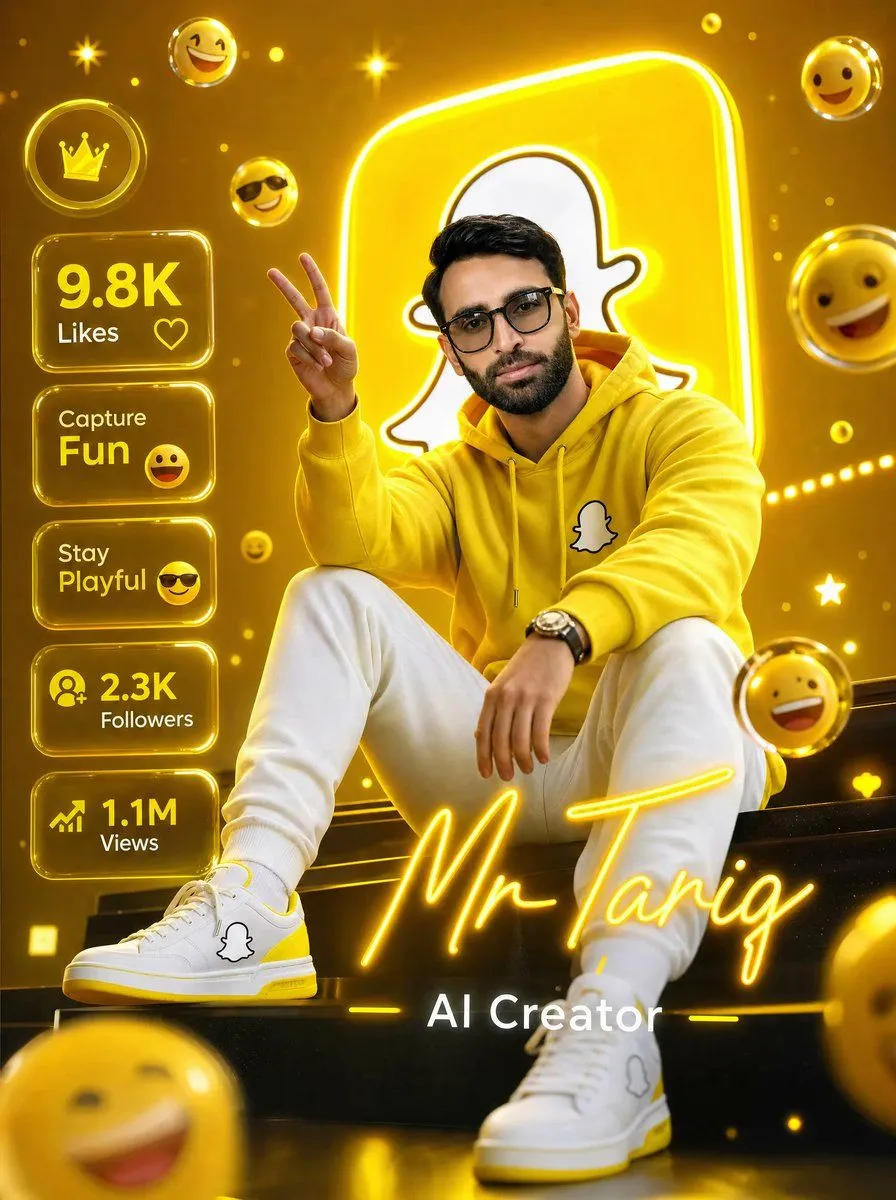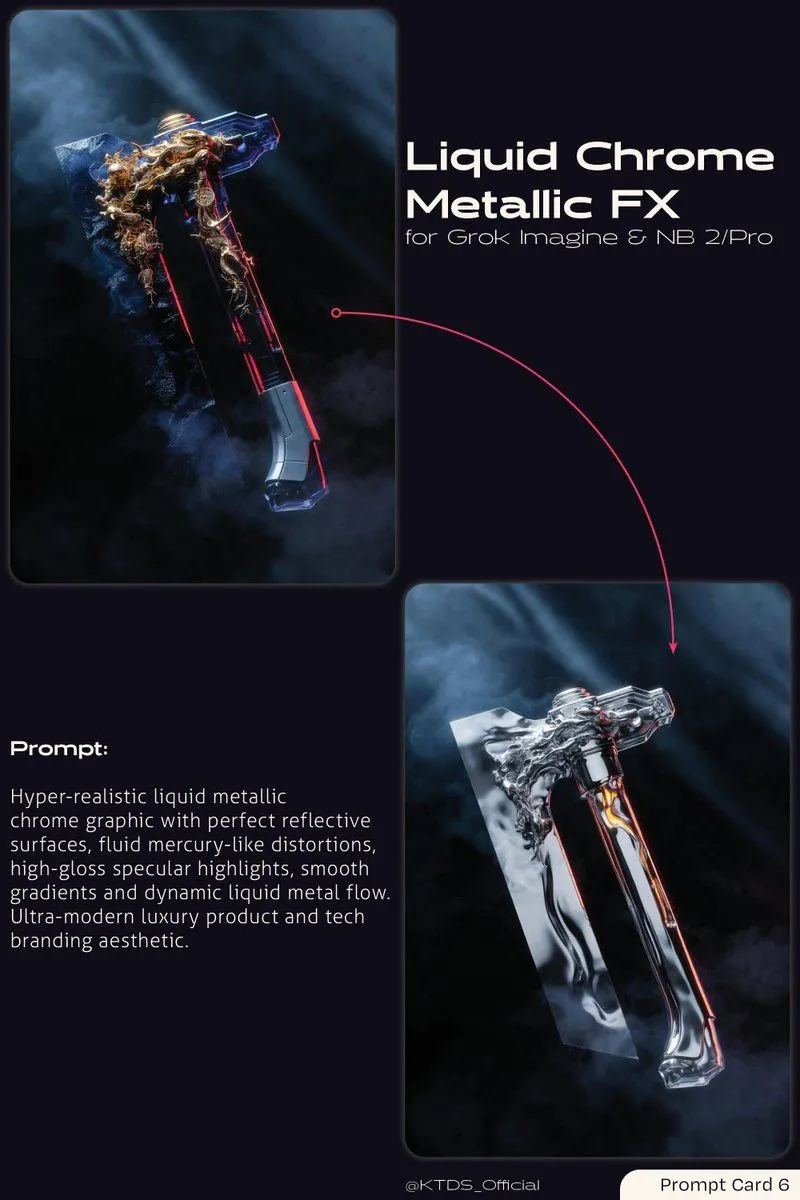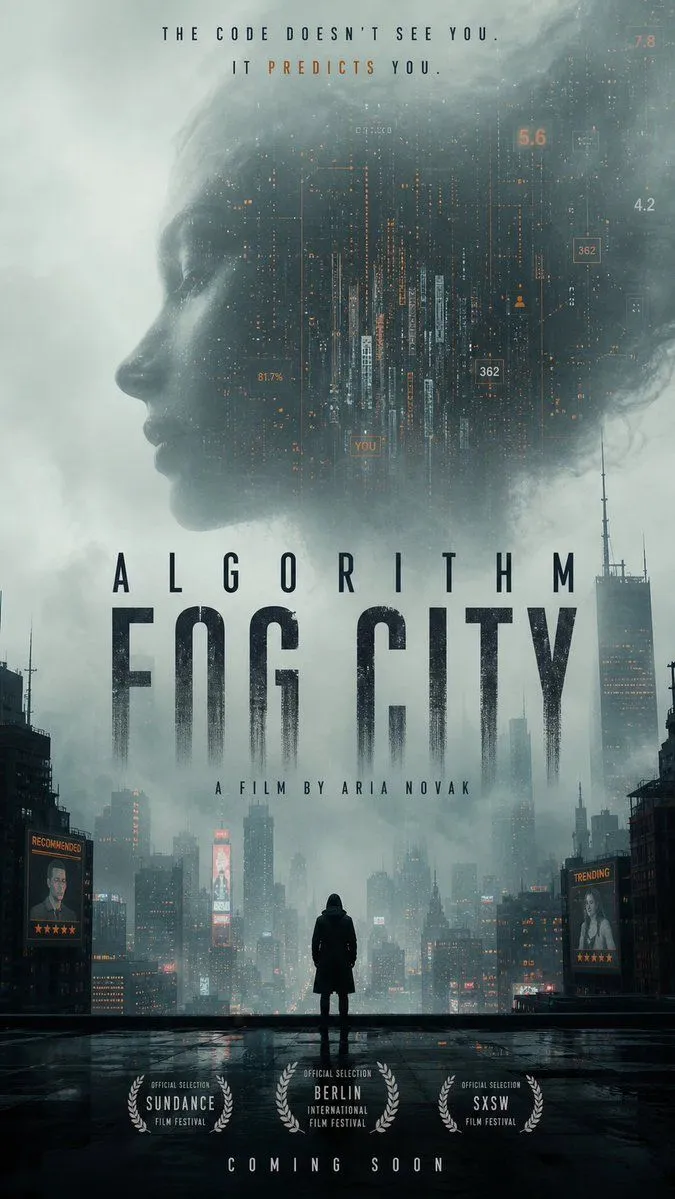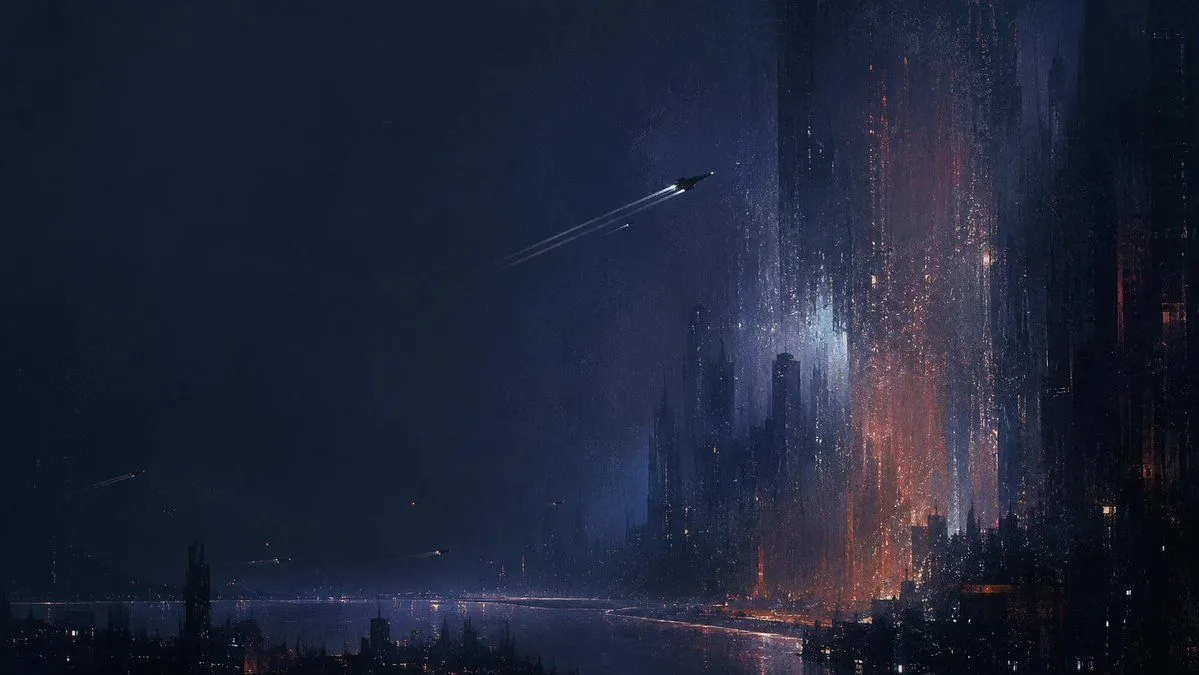
Made with GPT Image 2 in ChatGPT, collected by Library Brand. Promptclay never generates images.
Did it work?
No reports yet. Tell others if it worked for you.
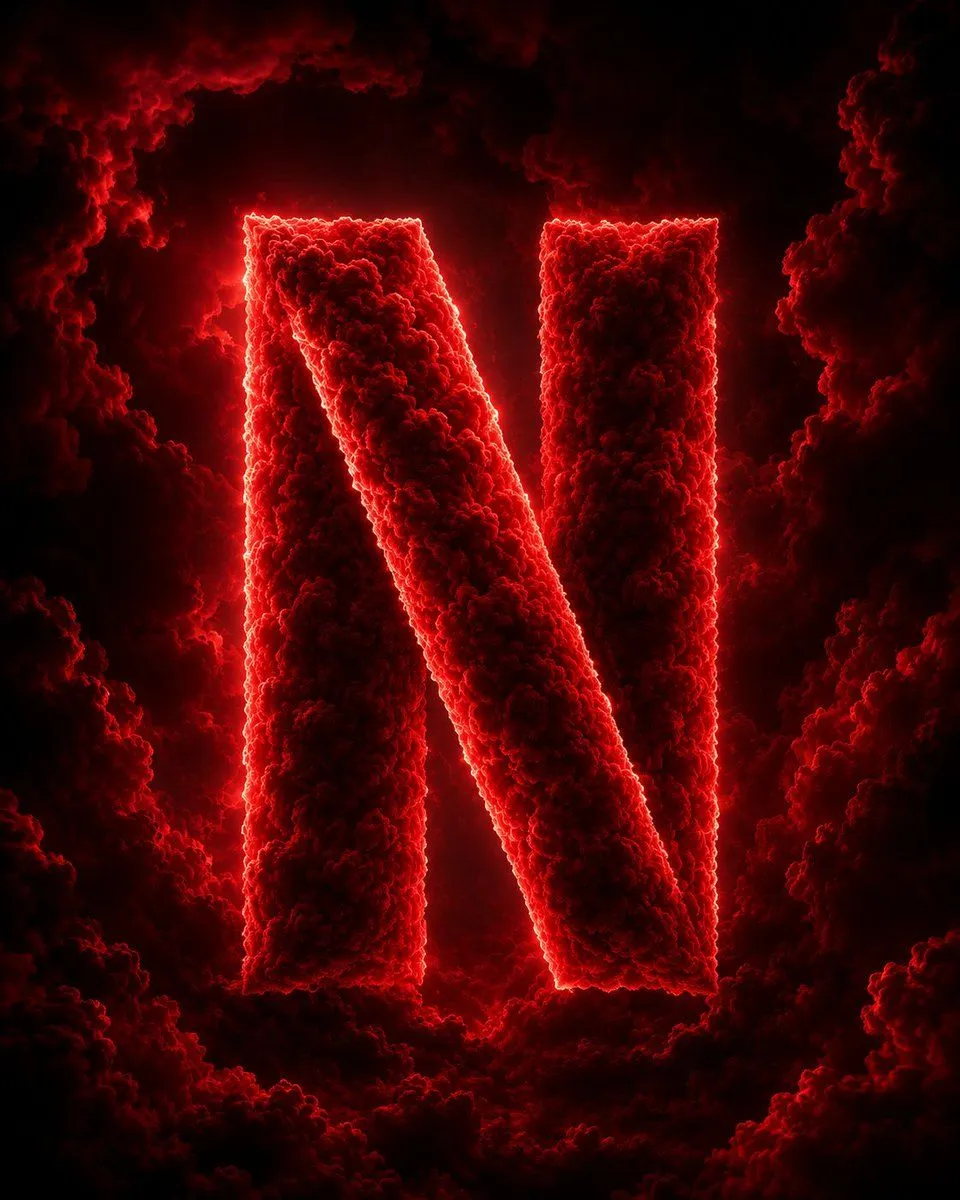
Cloud Formed Brand Logo Scene
Prompt
1 blank to fillA highly detailed cinematic 3D scene featuring a {brand_logo} formed entirely from thick volumetric clouds. The clouds are dense, realistic, and richly textured, glowing with dramatic rim lighting and soft atmospheric diffusion. The logo emerges clearly in the center of a vast storm-filled sky, surrounded by swirling mist, depth-heavy cloud layers, and cinematic lighting effects. The environment is surreal and epic, with strong contrast between light and shadow, ultra-realistic volumetric rendering, and atmospheric depth. The logo shape is perfectly defined but made entirely of natural cloud formations, giving it a powerful and divine presence. Lighting is dramatic, with glowing edges, subtle bloom, and cinematic color grading. The mood is grand, futuristic, and visually striking, like a high-budget fantasy film shot. Ultra-detailed, 8K quality, depth of field, soft fog diffusion, HDR lighting, highly realistic cloud physics, cinematic composition, centered framing.
Preview of your prompt
A highly detailed cinematic 3D scene featuring a famous brand logo formed entirely from thick volumetric clouds. The clouds are dense, realistic, and richly textured, glowing with dramatic rim lighting and soft atmospheric diffusion. The logo emerges clearly in the center of a vast storm-filled sky, surrounded by swirling mist, depth-heavy cloud layers, and cinematic lighting effects. The environment is surreal and epic, with strong contrast between light and shadow, ultra-realistic volumetric rendering, and atmospheric depth. The logo shape is perfectly defined but made entirely of natural cloud formations, giving it a powerful and divine presence. Lighting is dramatic, with glowing edges, subtle bloom, and cinematic color grading. The mood is grand, futuristic, and visually striking, like a high-budget fantasy film shot. Ultra-detailed, 8K quality, depth of field, soft fog diffusion, HDR lighting, highly realistic cloud physics, cinematic composition, centered framing.
DetailsVersions, settings and questions
Written for
What's in the prompt
- Subject
- Model
- GPT Image 2
If your face changes
keep my face exactly the sameQuestions
- Does this work in the ChatGPT app?
- Yes. Paste the prompt and attach your photo if it uses one.
- It changed my face. What do I do?
- Add "keep my face exactly the same" to the end and run it again.
- Can I use the images I make?
- Check the terms of the app you use. Promptclay never generates images and claims nothing you make.