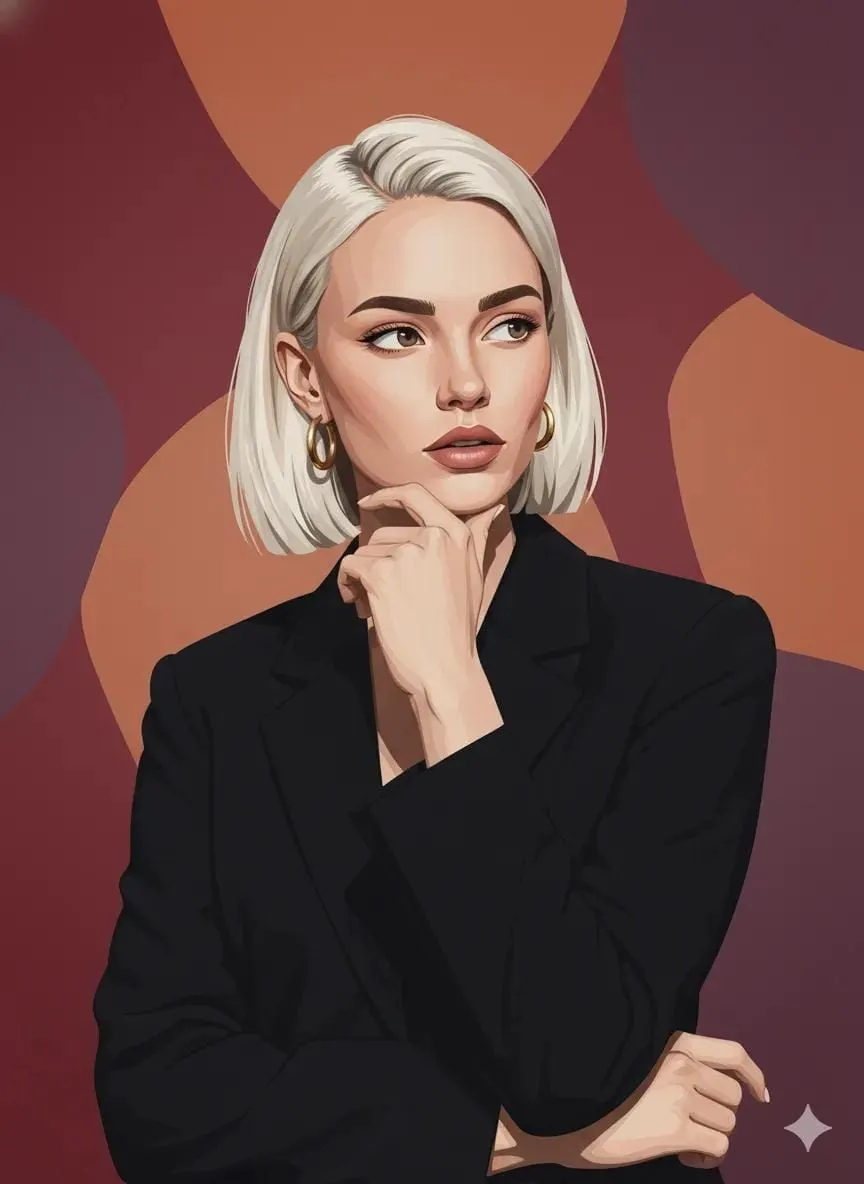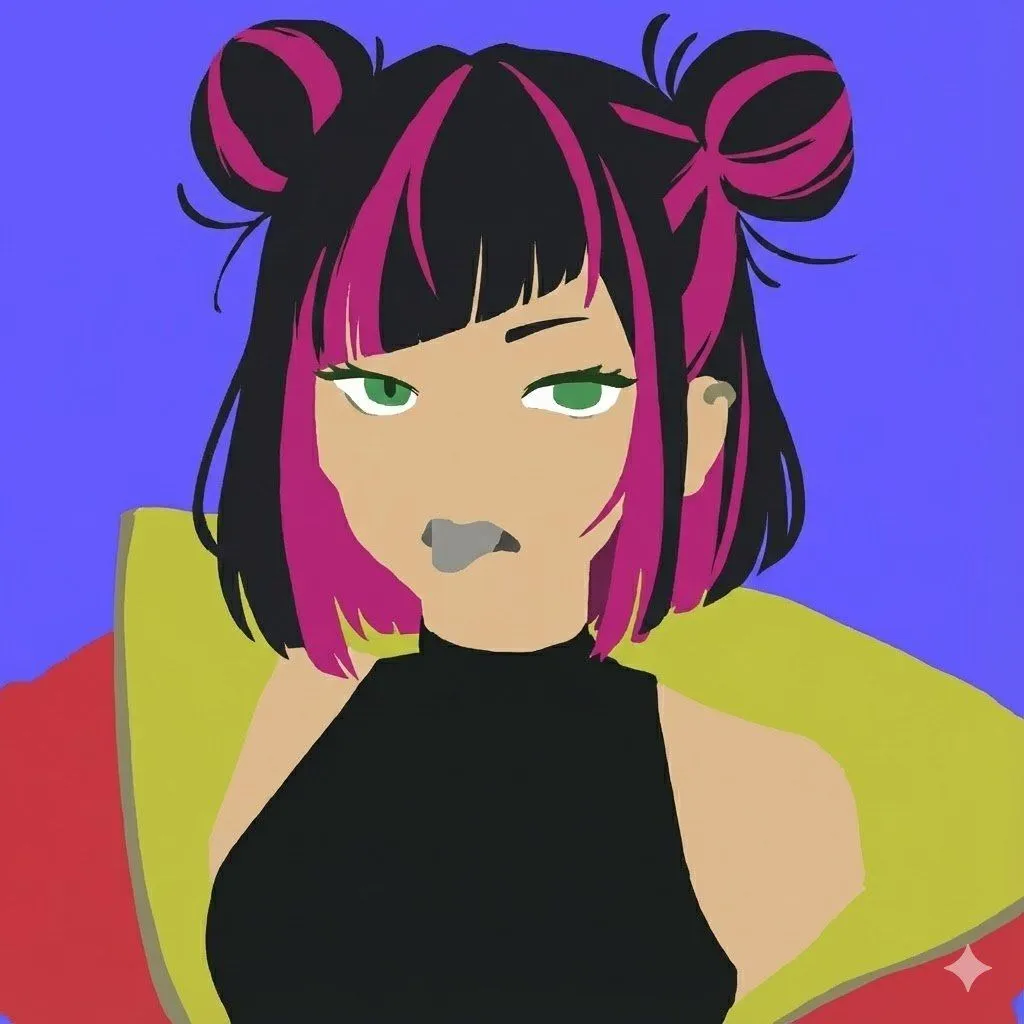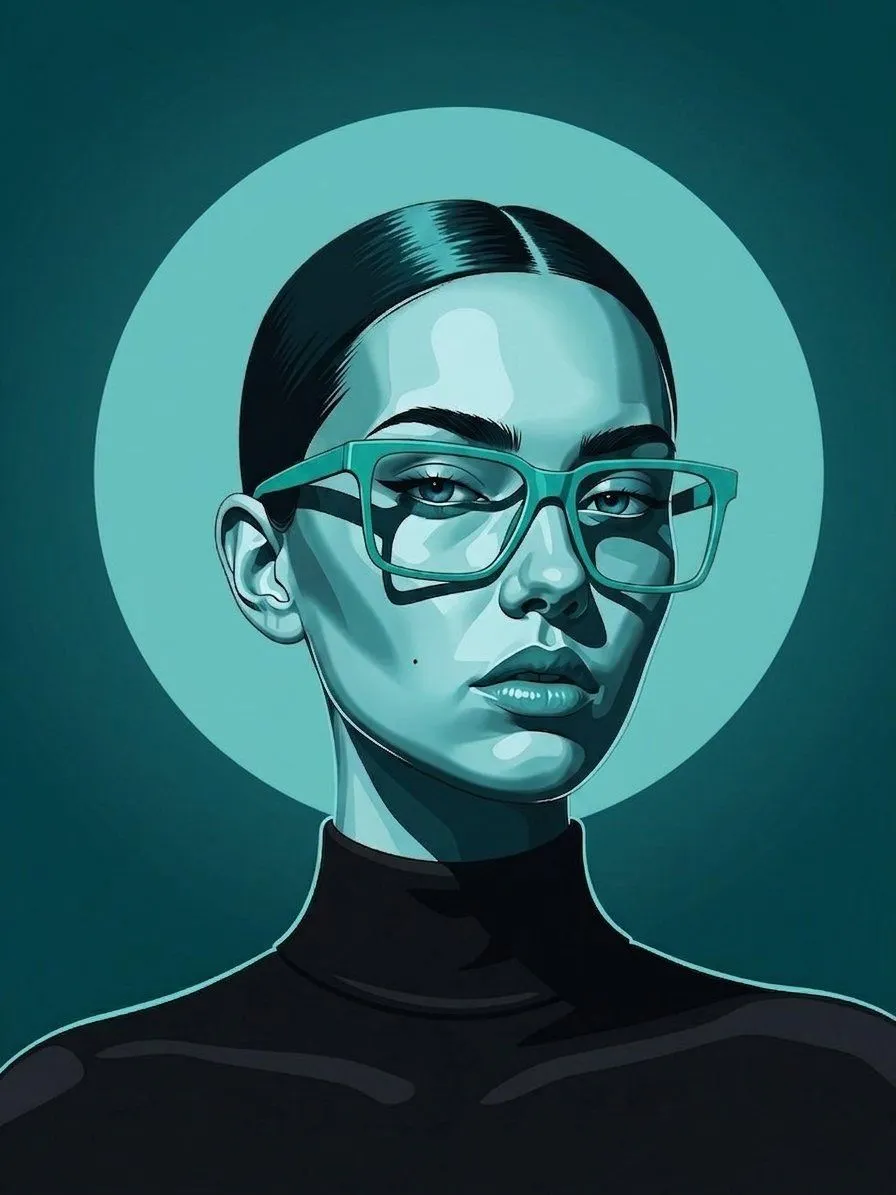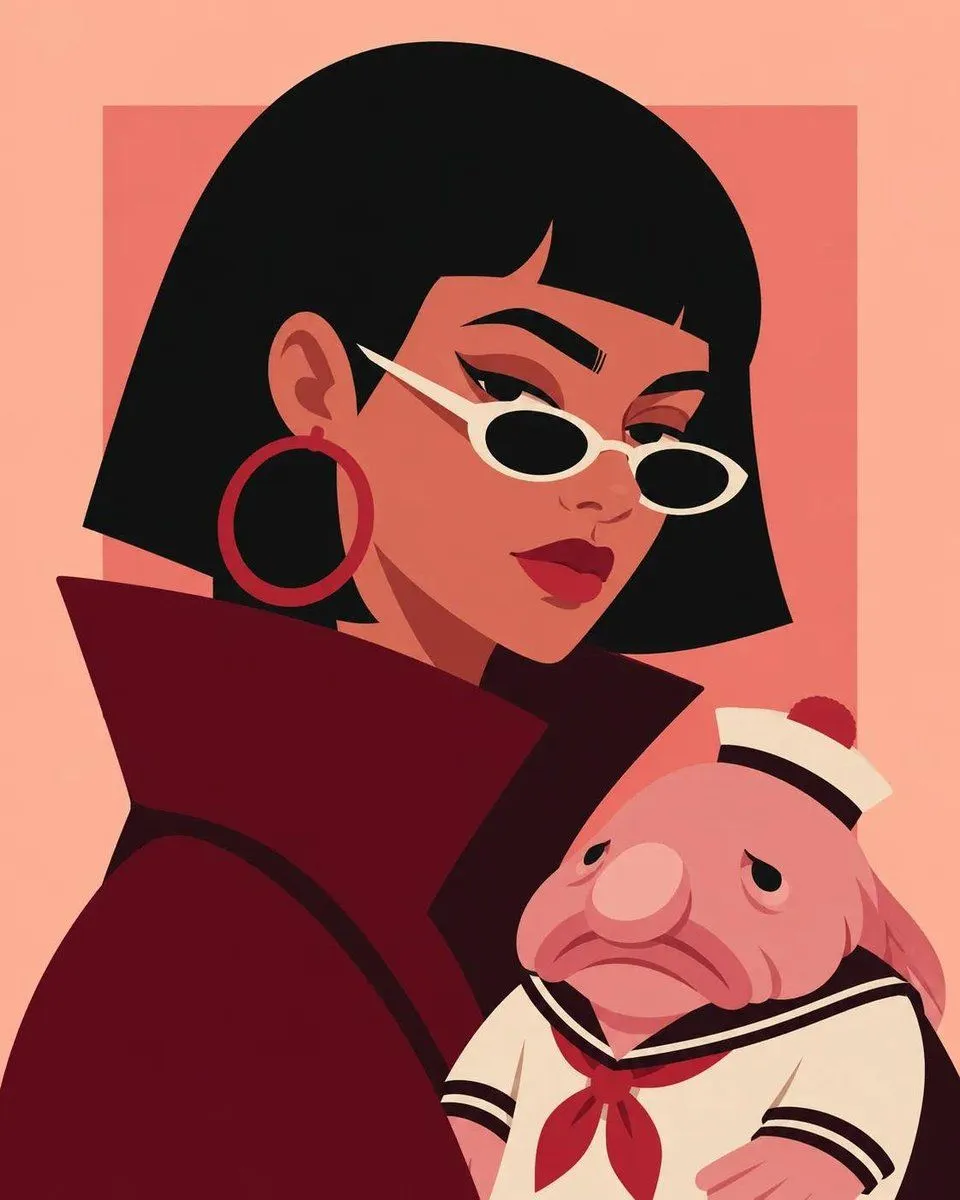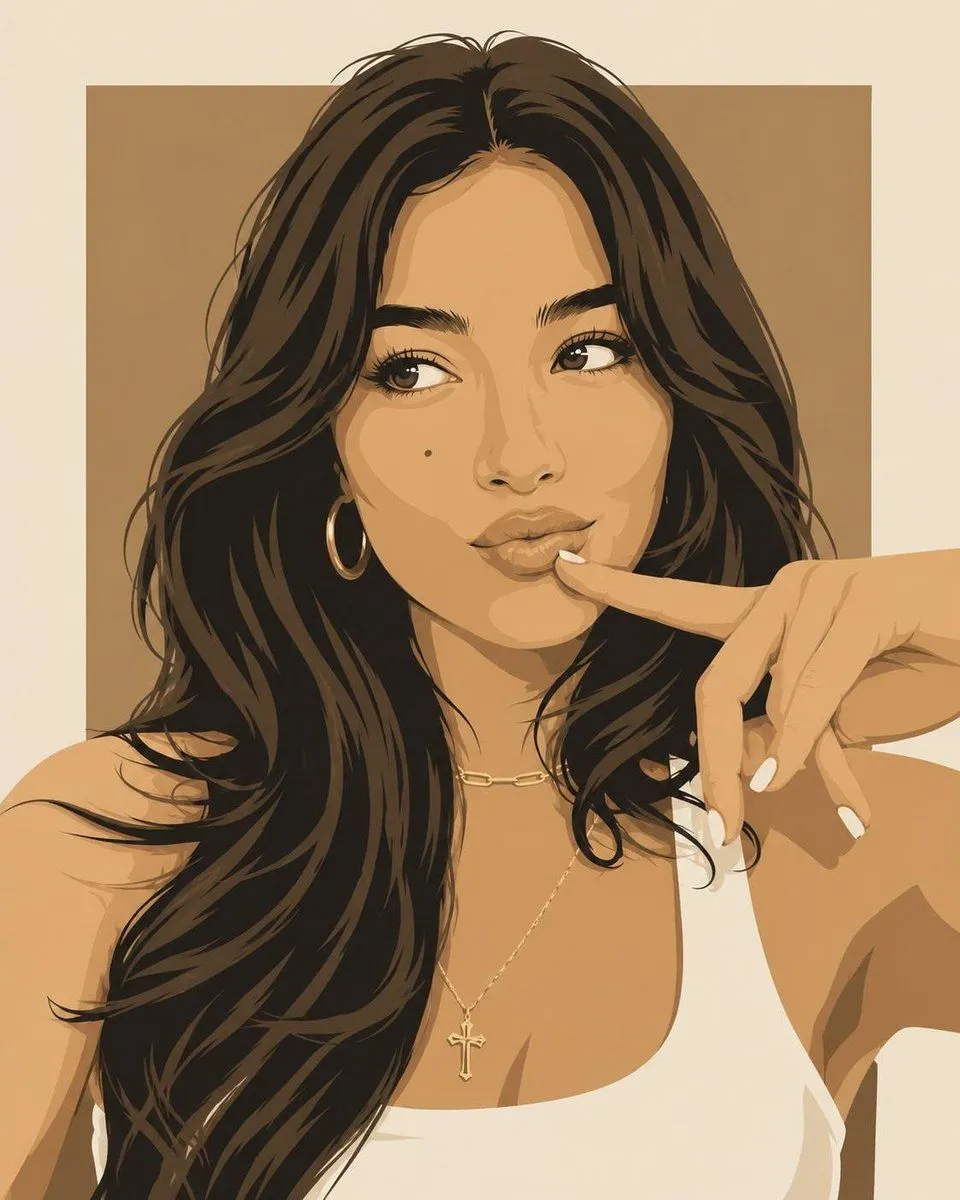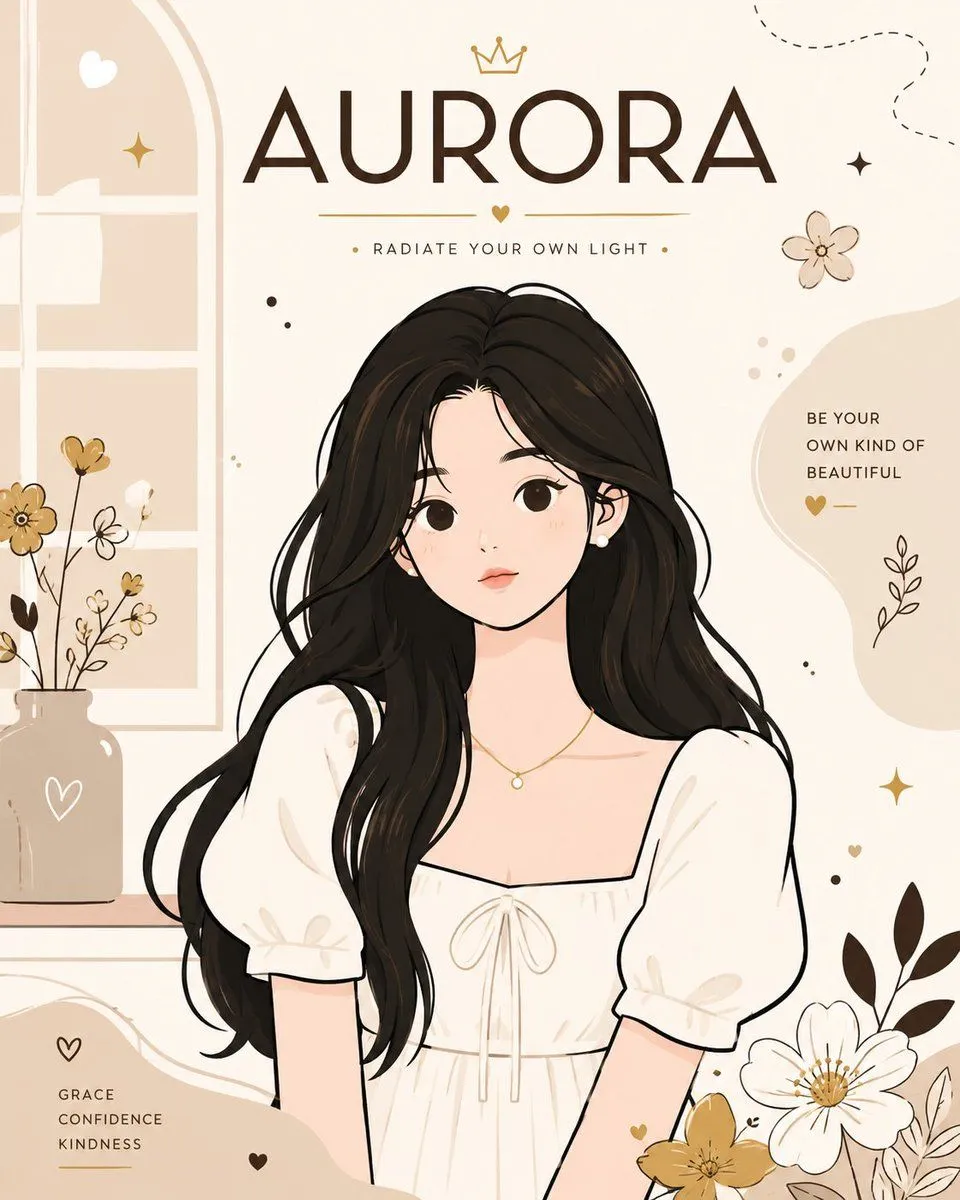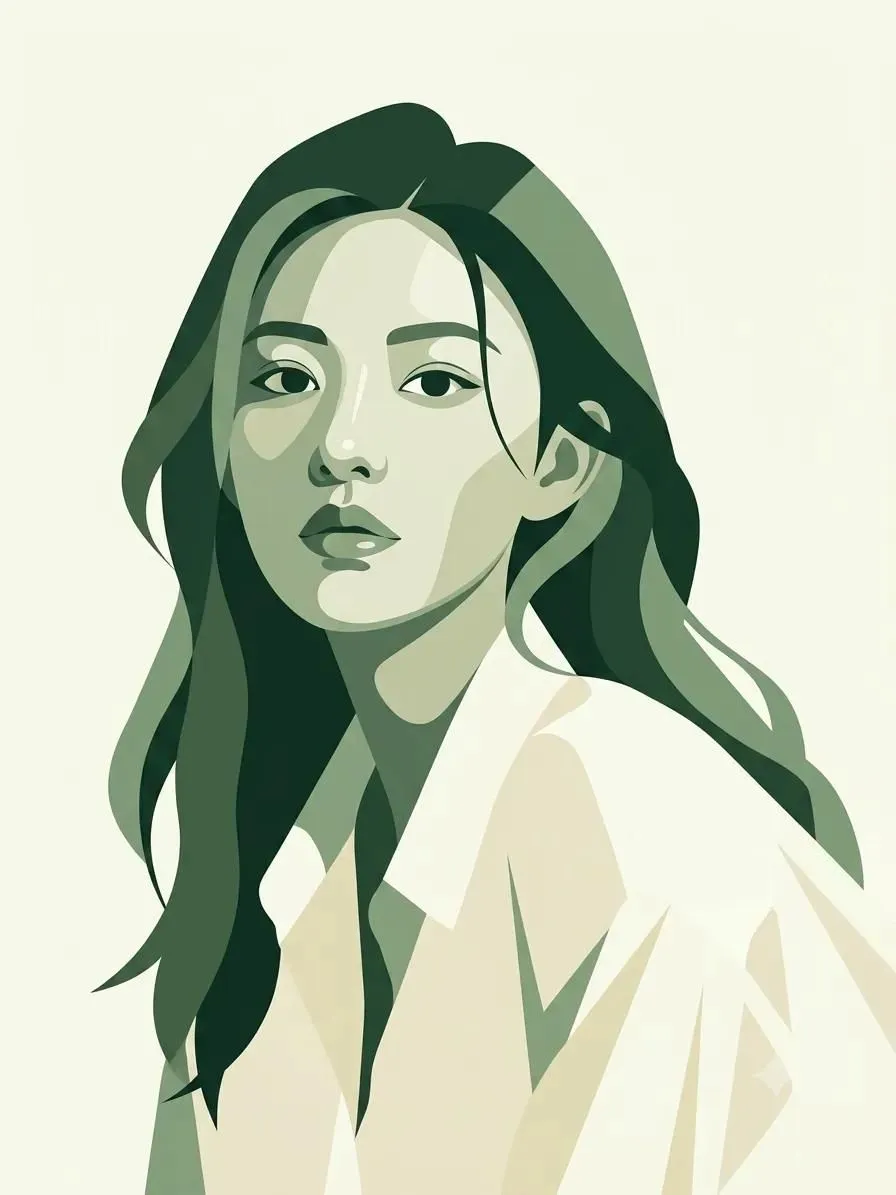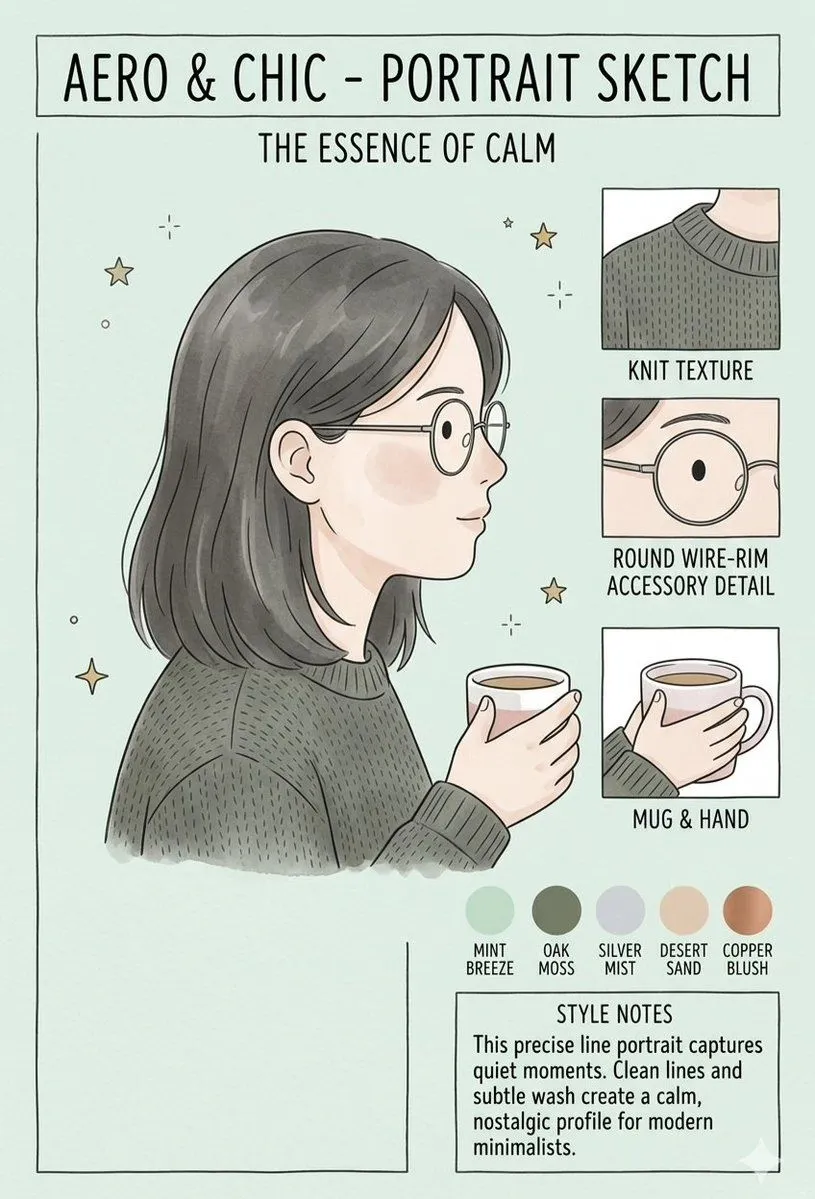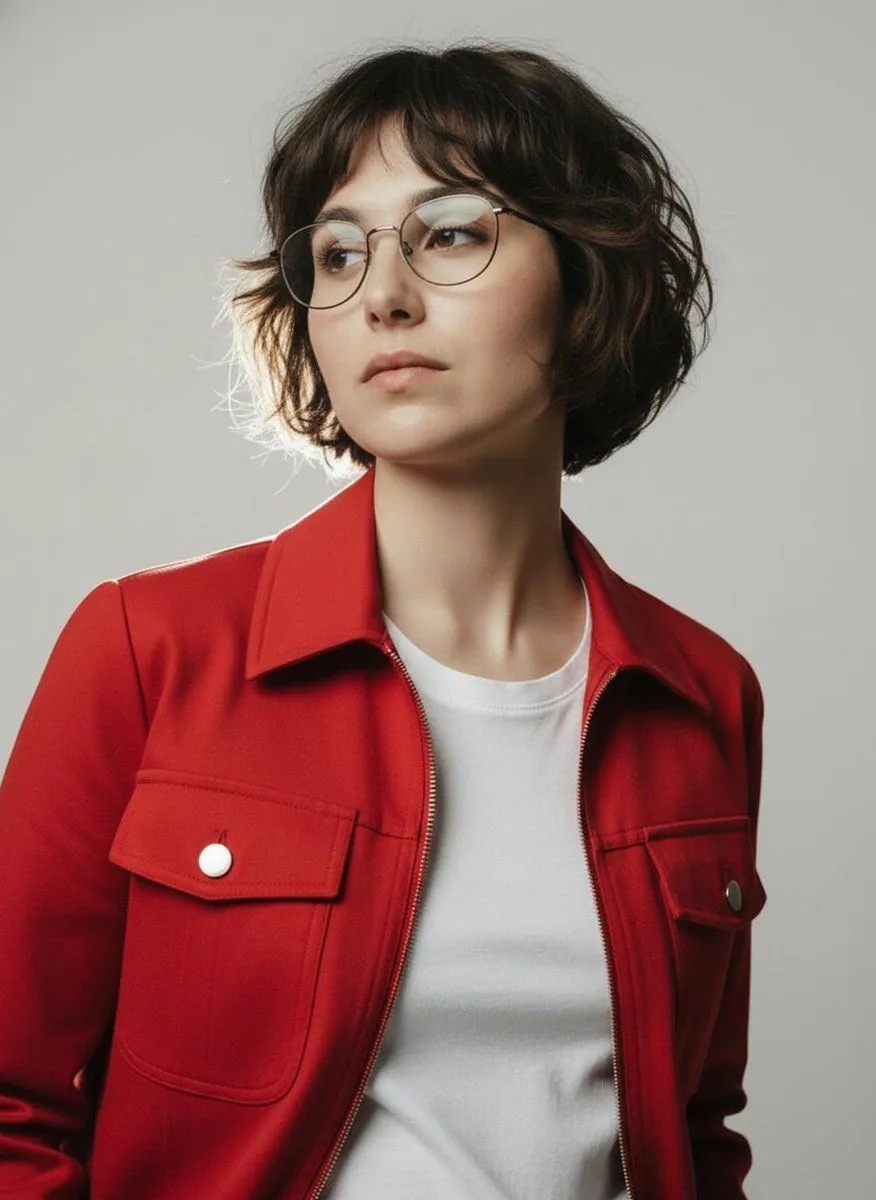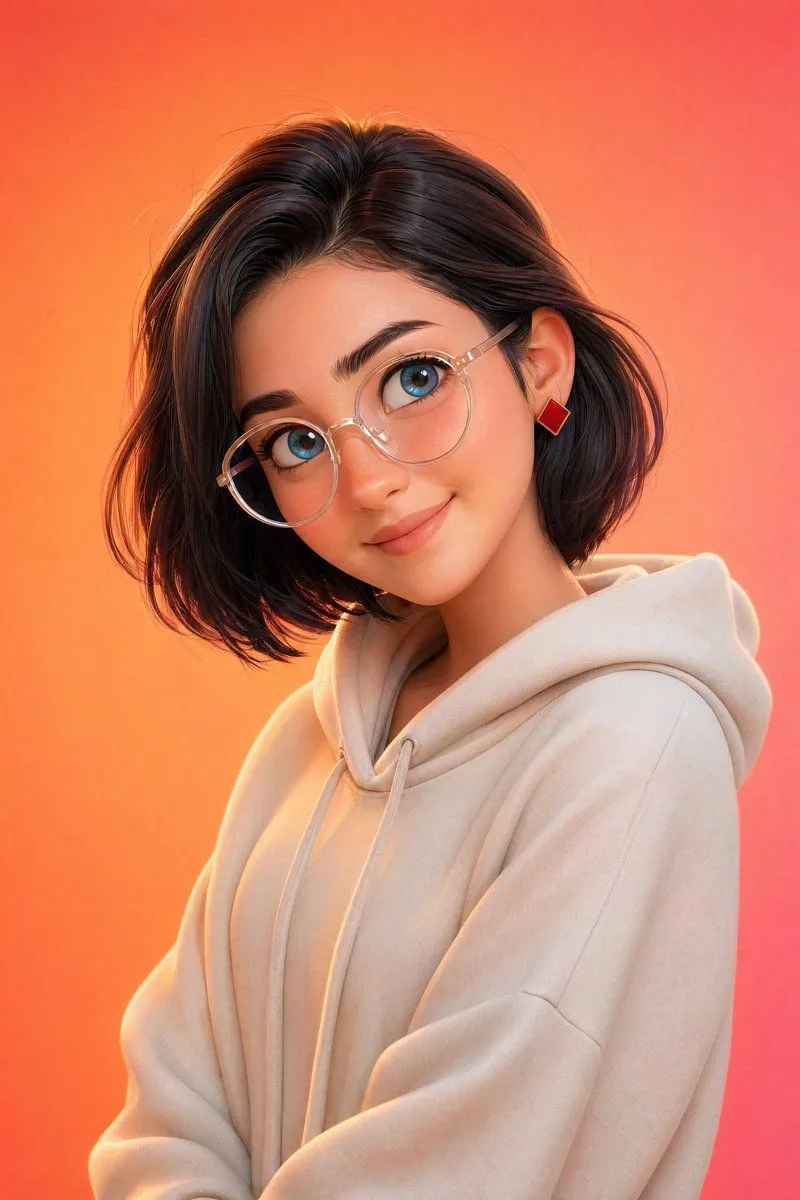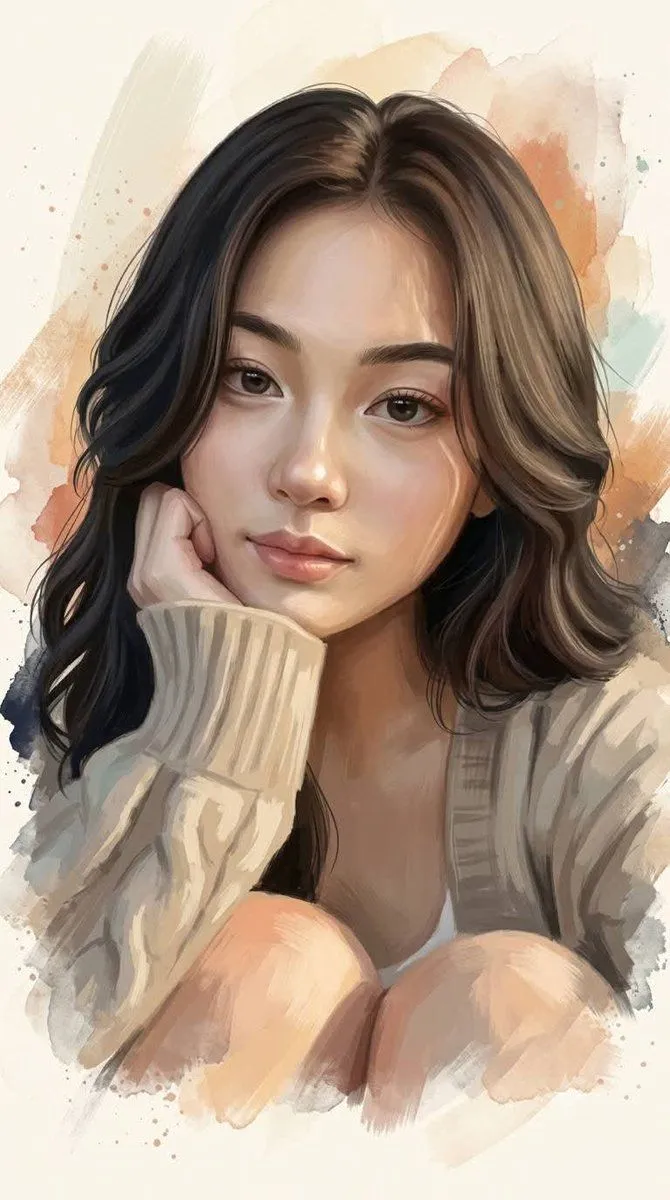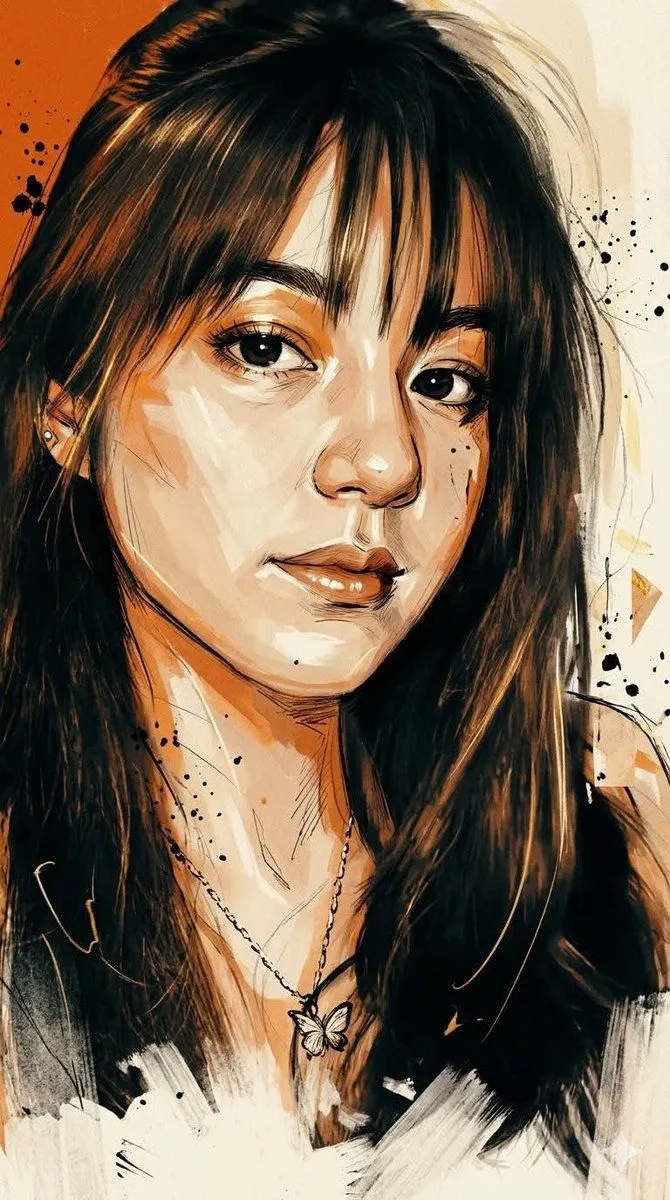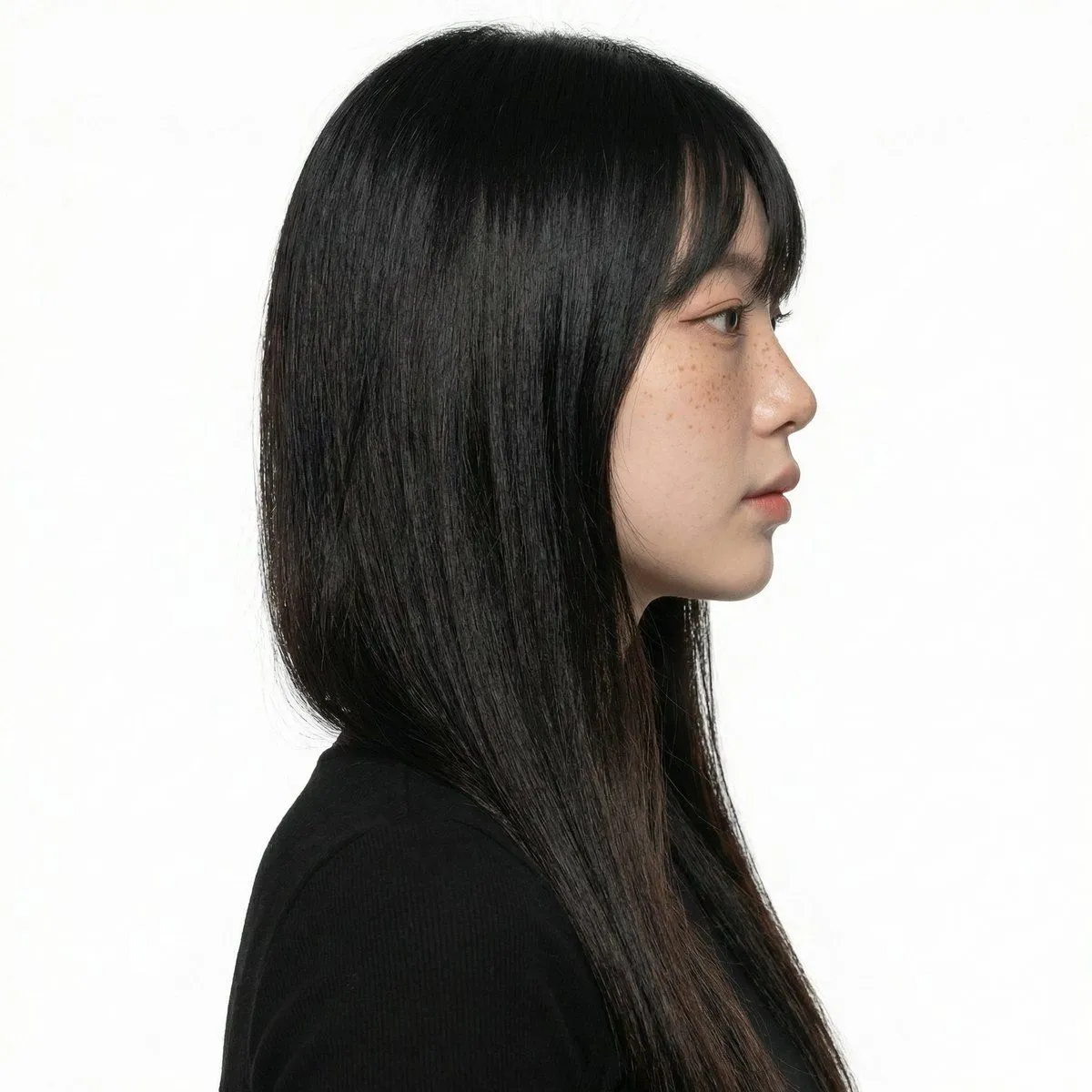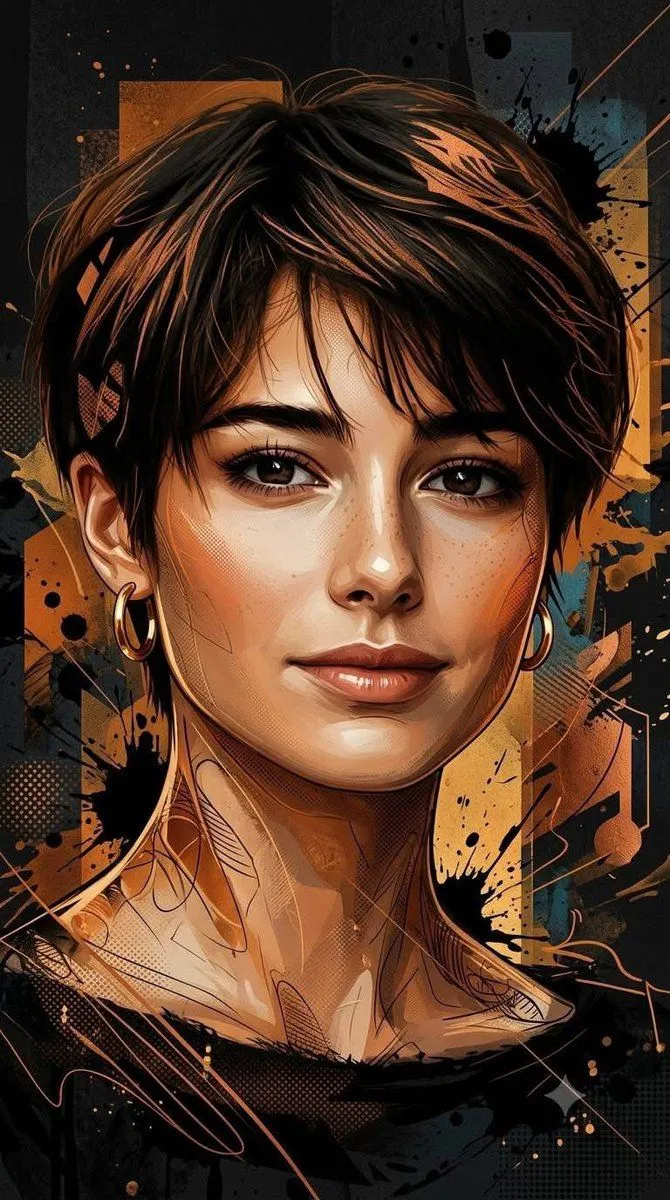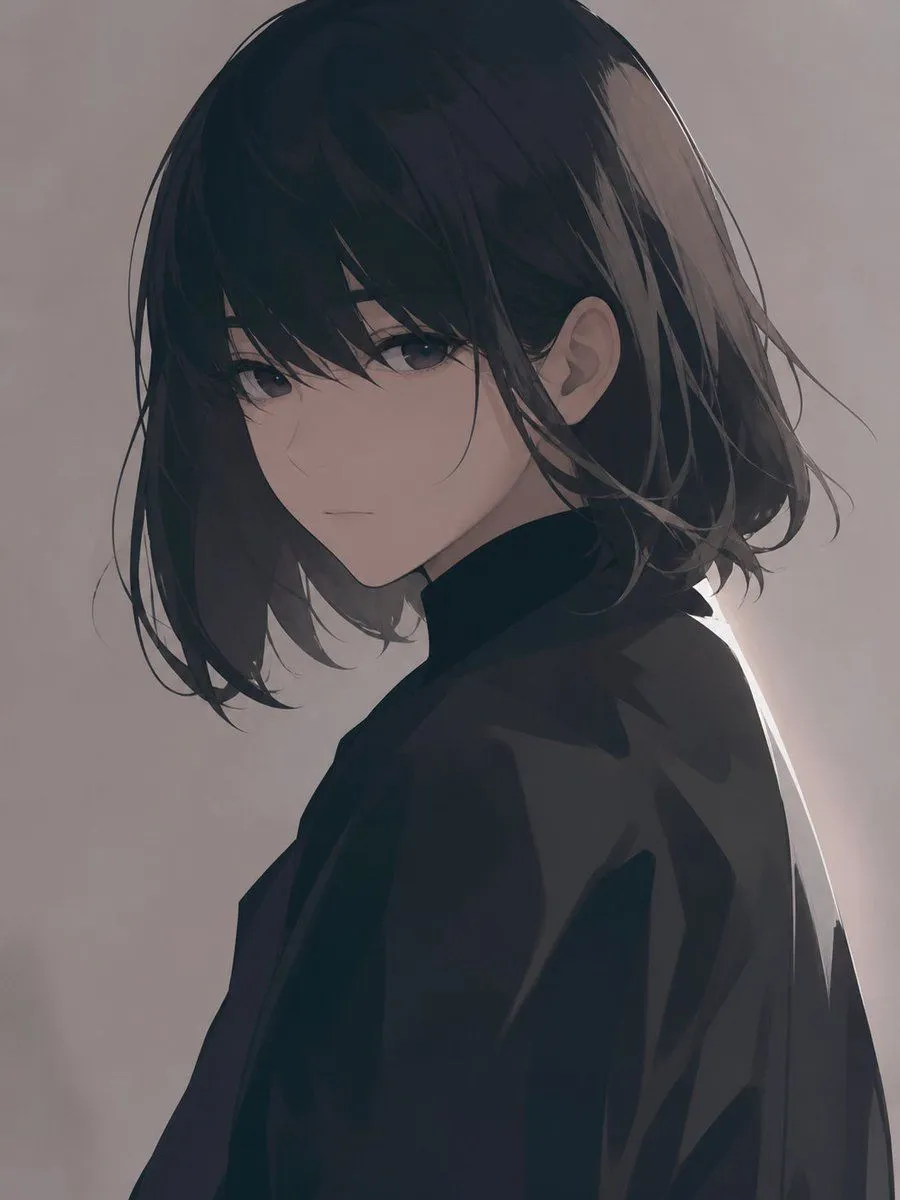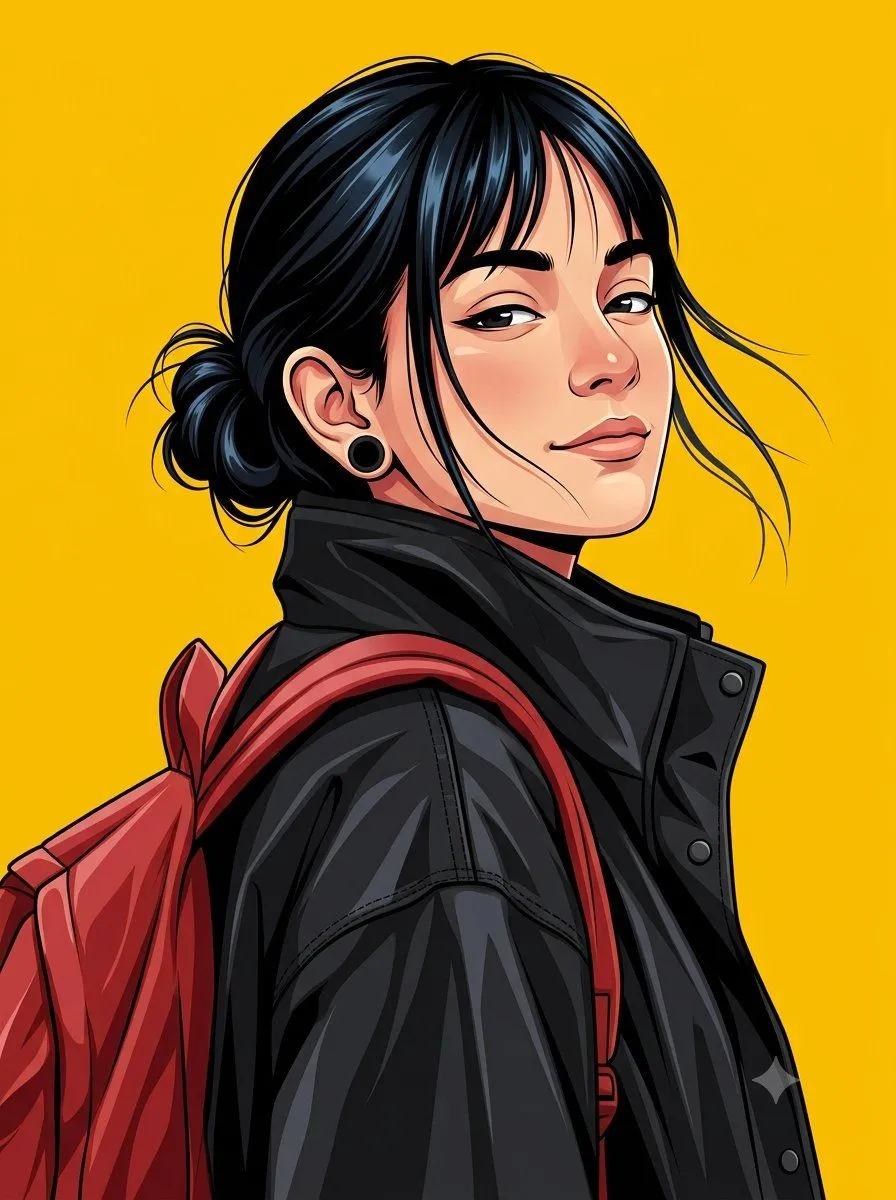
Made with GPT Image 2 in ChatGPT by Library Avatars. Promptclay never generates images.
Did it work?
No reports yet. Tell others if it worked for you.
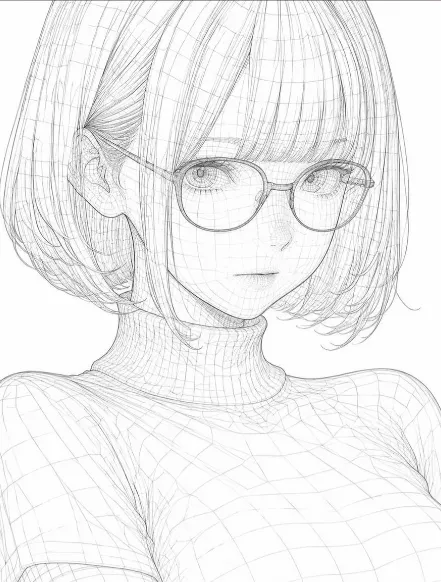
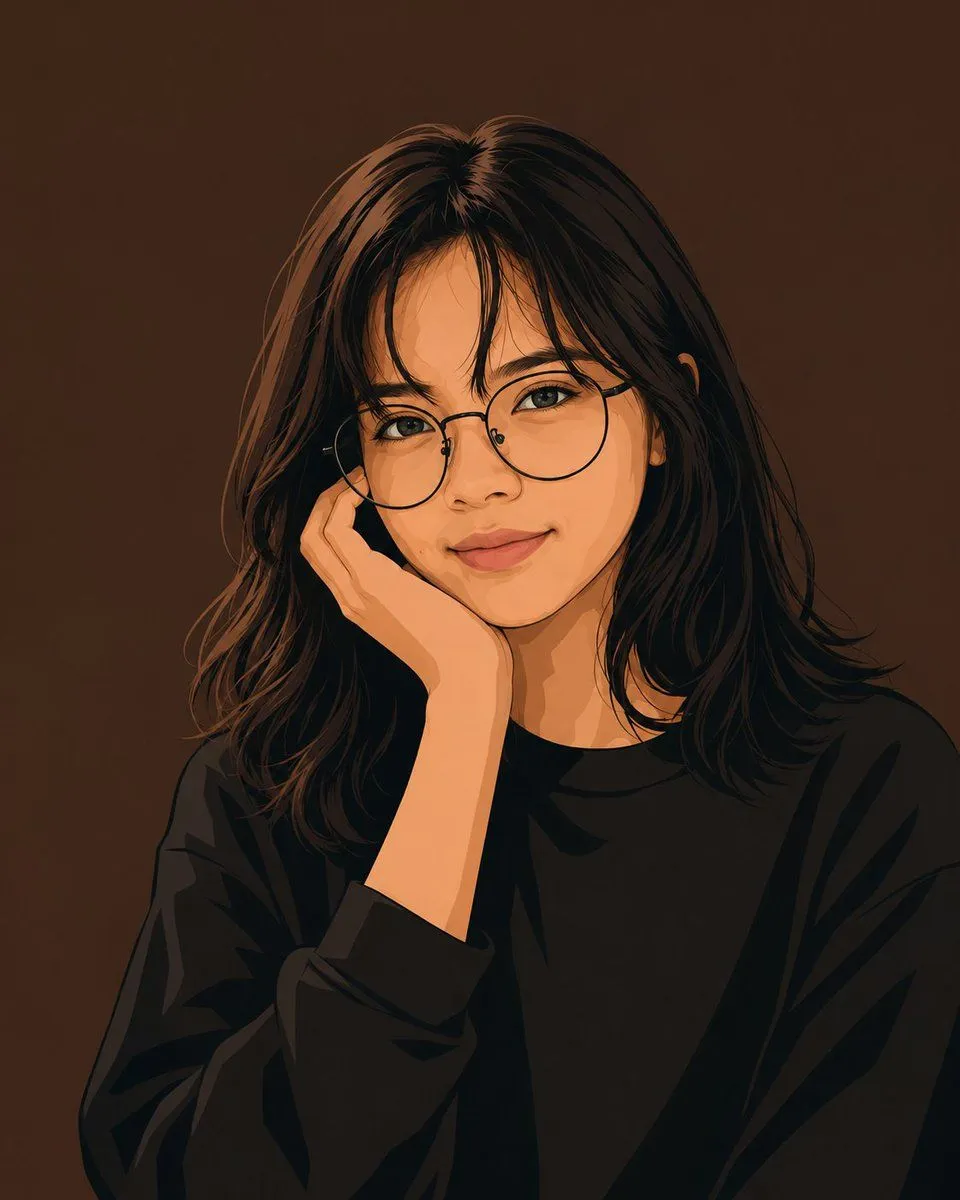
Clean Vector Portrait of Woman with Glasses
Prompt
5 blanks to fillCreate a minimalist clean flat vector portrait of {character_description} shown from the chest up, centered on a square canvas. She has {hair_color_and_style}, warm light-medium skin, delicate facial features, almond-shaped open eyes looking calmly forward, subtle eyeliner, natural lips, and a soft closed-mouth smile. She wears {glasses_style} and {outfit}. Pose her with one hand gently resting against her cheek near the glasses frame, elbow implied below the crop, relaxed and thoughtful. Use a modern digital vector illustration style with smooth simplified shapes, crisp dark outlines, painterly cel-shaded shadows, warm orange highlights on skin and hair, detailed but stylized hair strands, and no visible texture or text. Set the portrait against a solid {background_color} background, with soft frontal lighting, high contrast between the black clothing and warm face, clean edges, no accessories besides the glasses, no watermark, no border.
Preview of your prompt
Create a minimalist clean flat vector portrait of a young woman shown from the chest up, centered on a square canvas. She has long straight dark brown-black hair with soft wispy bangs and loose shoulder-length layers, warm light-medium skin, delicate facial features, almond-shaped open eyes looking calmly forward, subtle eyeliner, natural lips, and a soft closed-mouth smile. She wears thin black-rimmed round glasses and an oversized plain black crewneck sweatshirt. Pose her with one hand gently resting against her cheek near the glasses frame, elbow implied below the crop, relaxed and thoughtful. Use a modern digital vector illustration style with smooth simplified shapes, crisp dark outlines, painterly cel-shaded shadows, warm orange highlights on skin and hair, detailed but stylized hair strands, and no visible texture or text. Set the portrait against a solid dark warm brown background, with soft frontal lighting, high contrast between the black clothing and warm face, clean edges, no accessories besides the glasses, no watermark, no border.
DetailsVersions, settings and questions
Written for
What's in the prompt
- Subject
- Model
- GPT Image 2
If your face changes
keep my face exactly the sameQuestions
- Does this work in the ChatGPT app?
- Yes. Paste the prompt and attach your photo if it uses one.
- It changed my face. What do I do?
- Add "keep my face exactly the same" to the end and run it again.
- Can I use the images I make?
- Check the terms of the app you use. Promptclay never generates images and claims nothing you make.