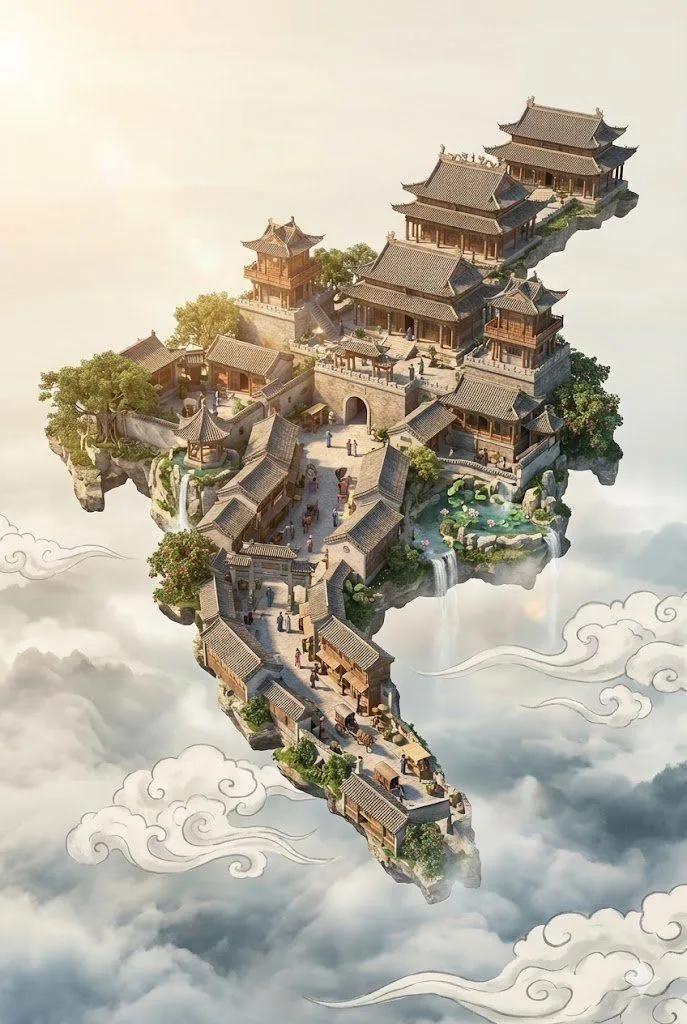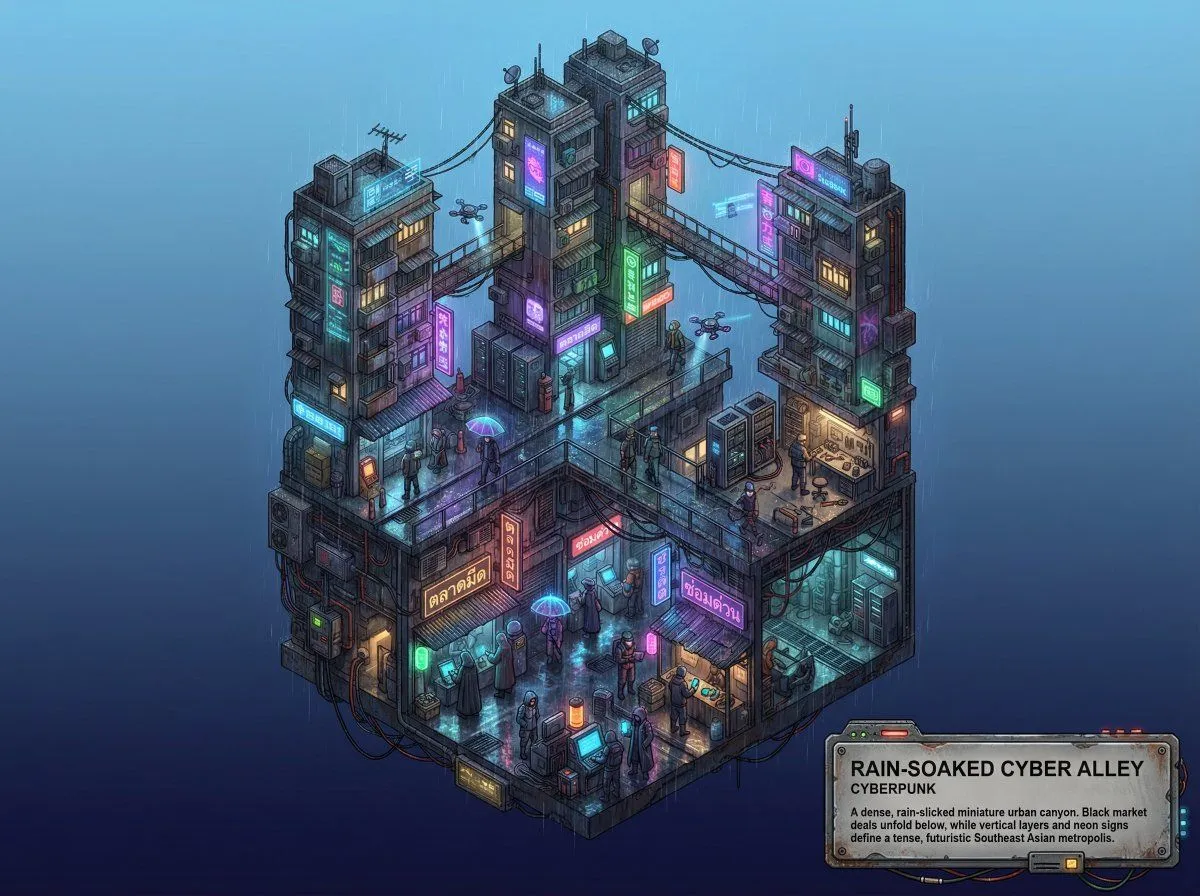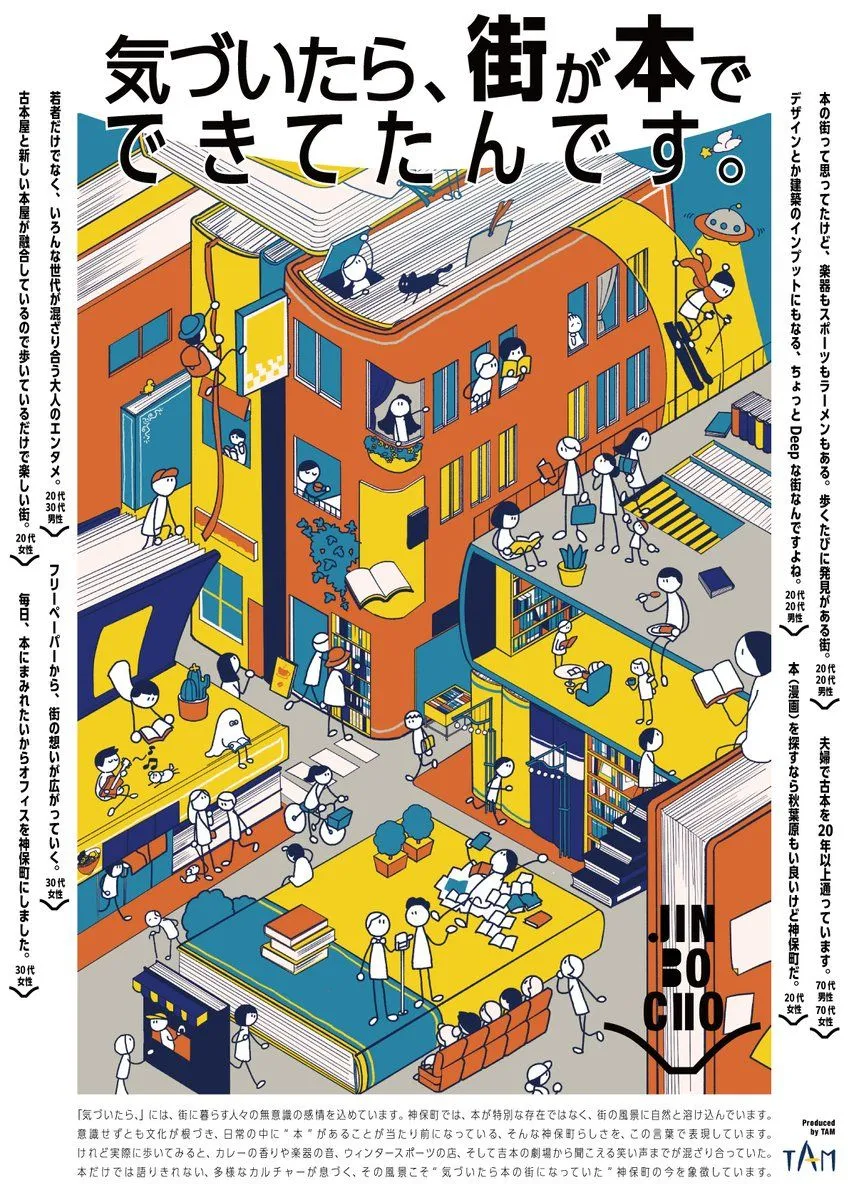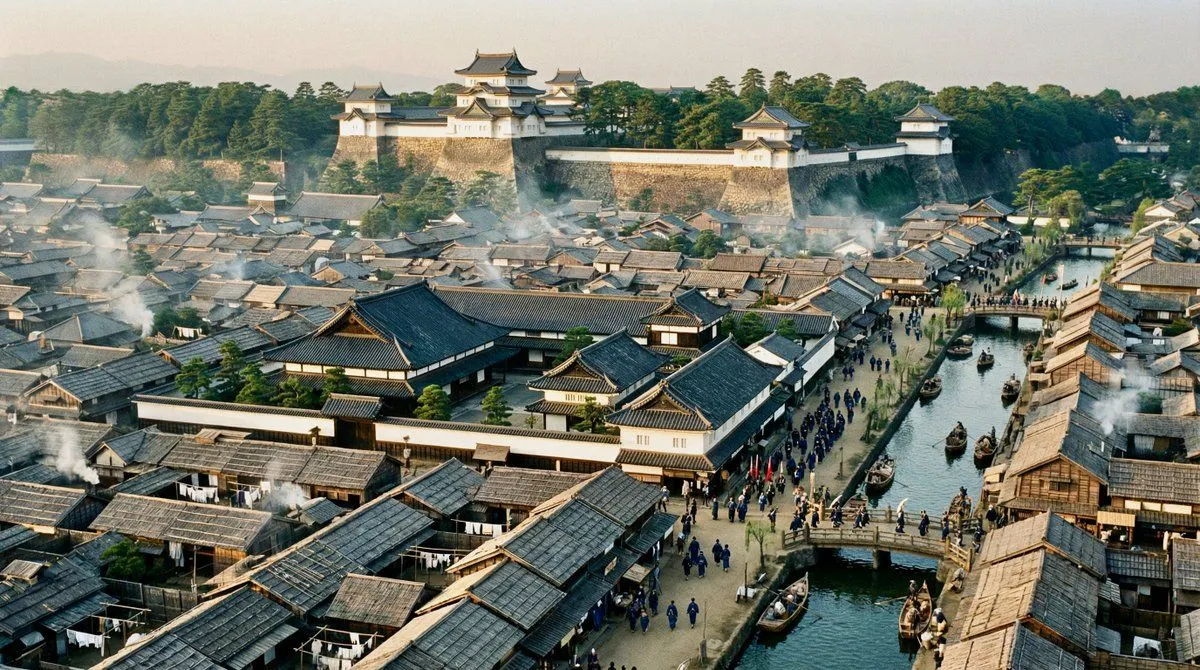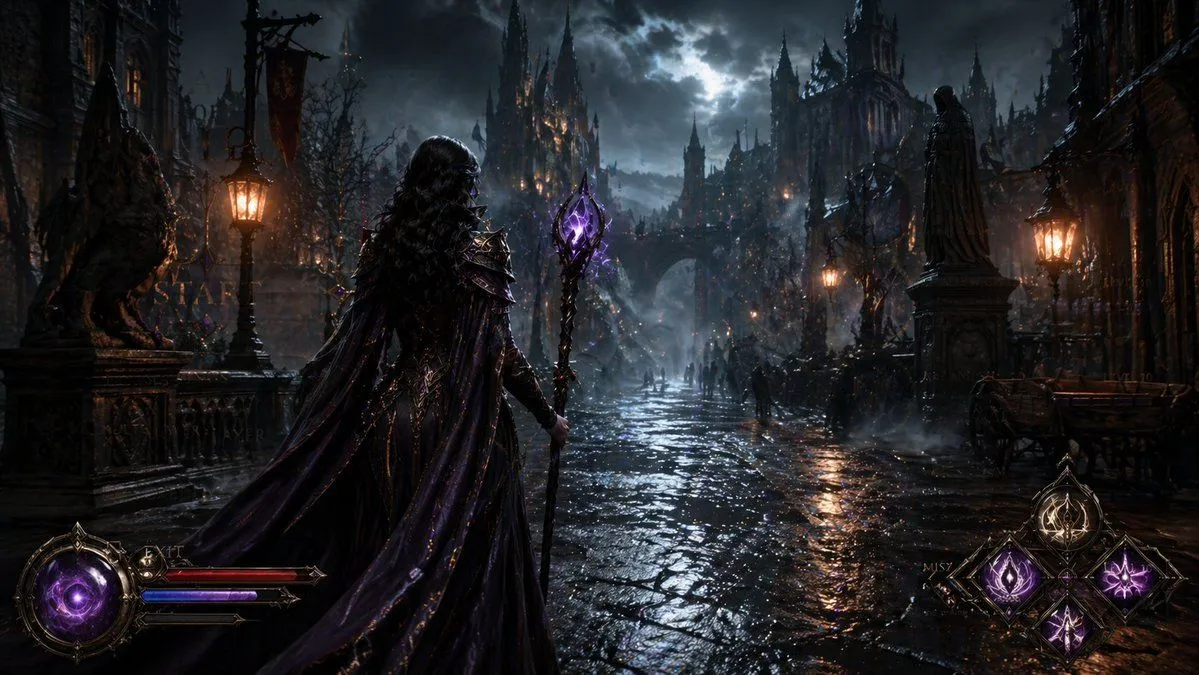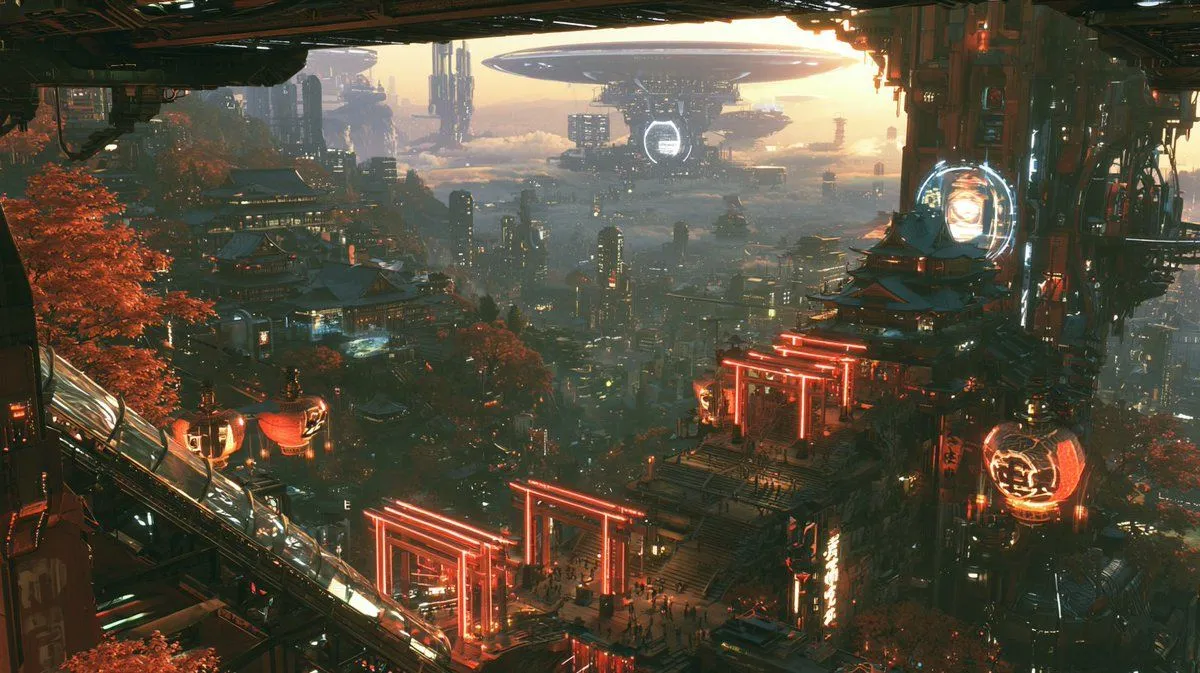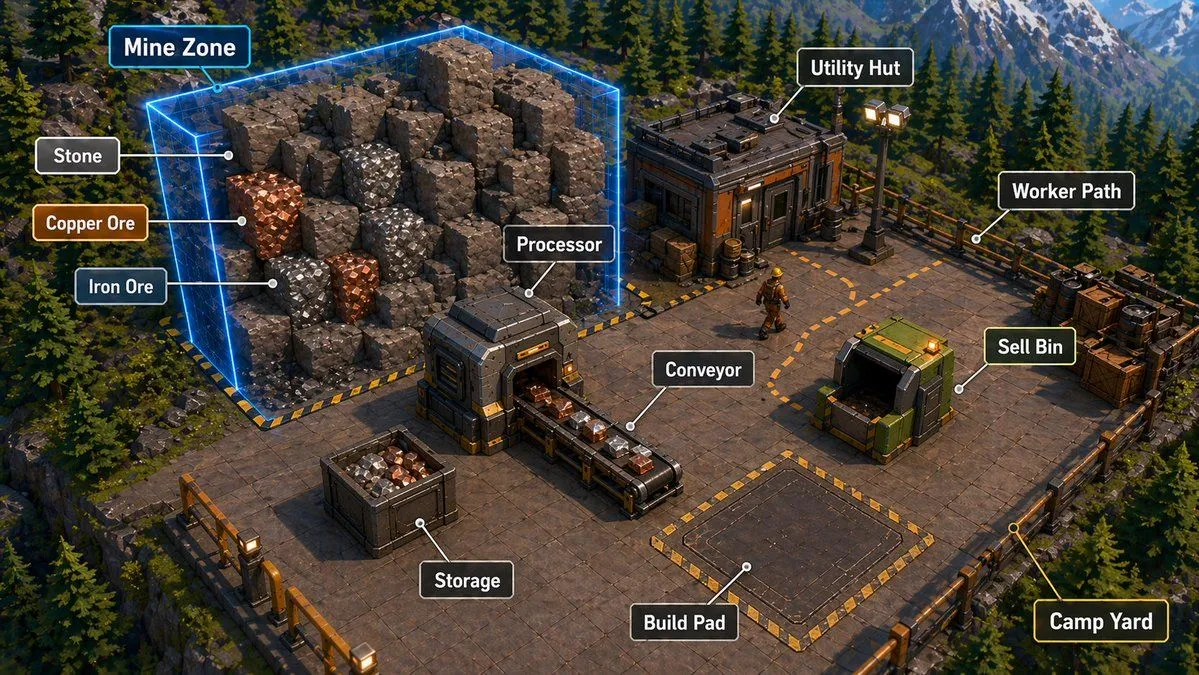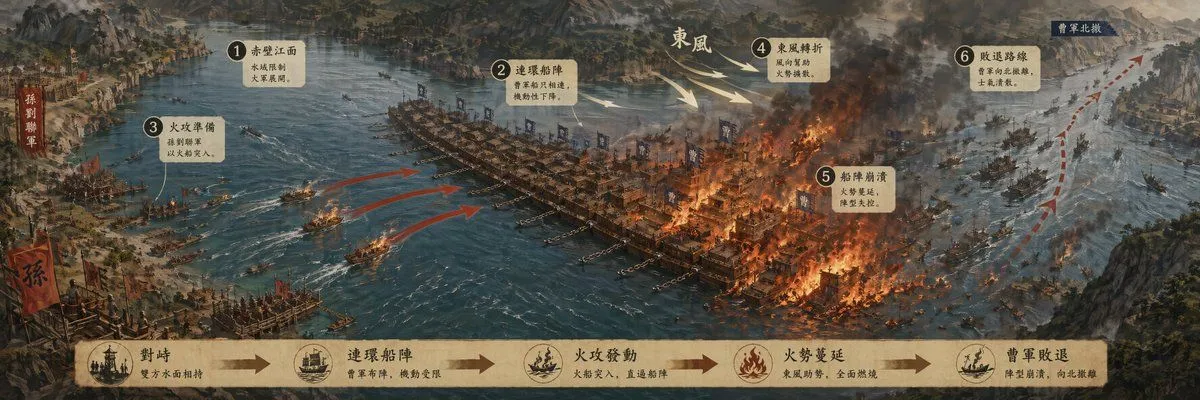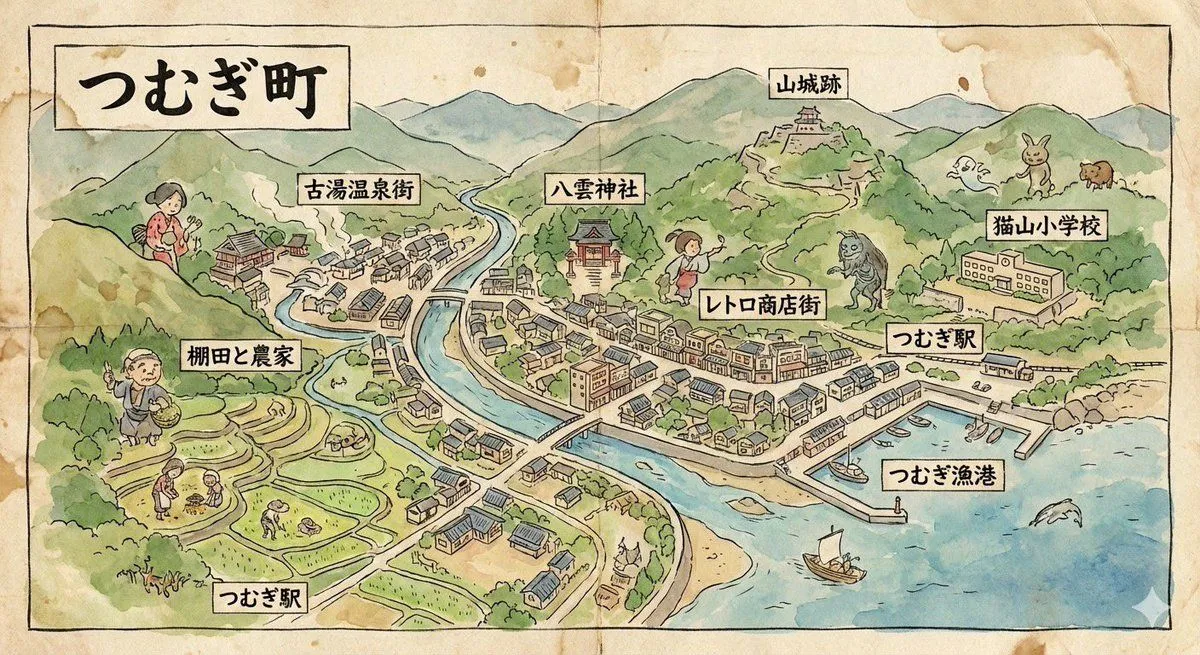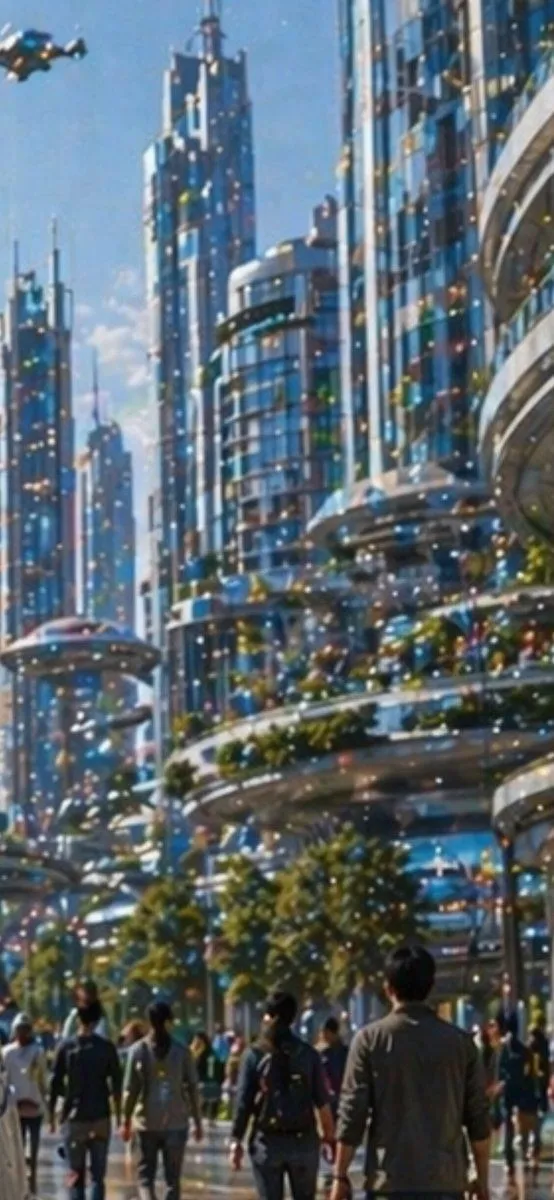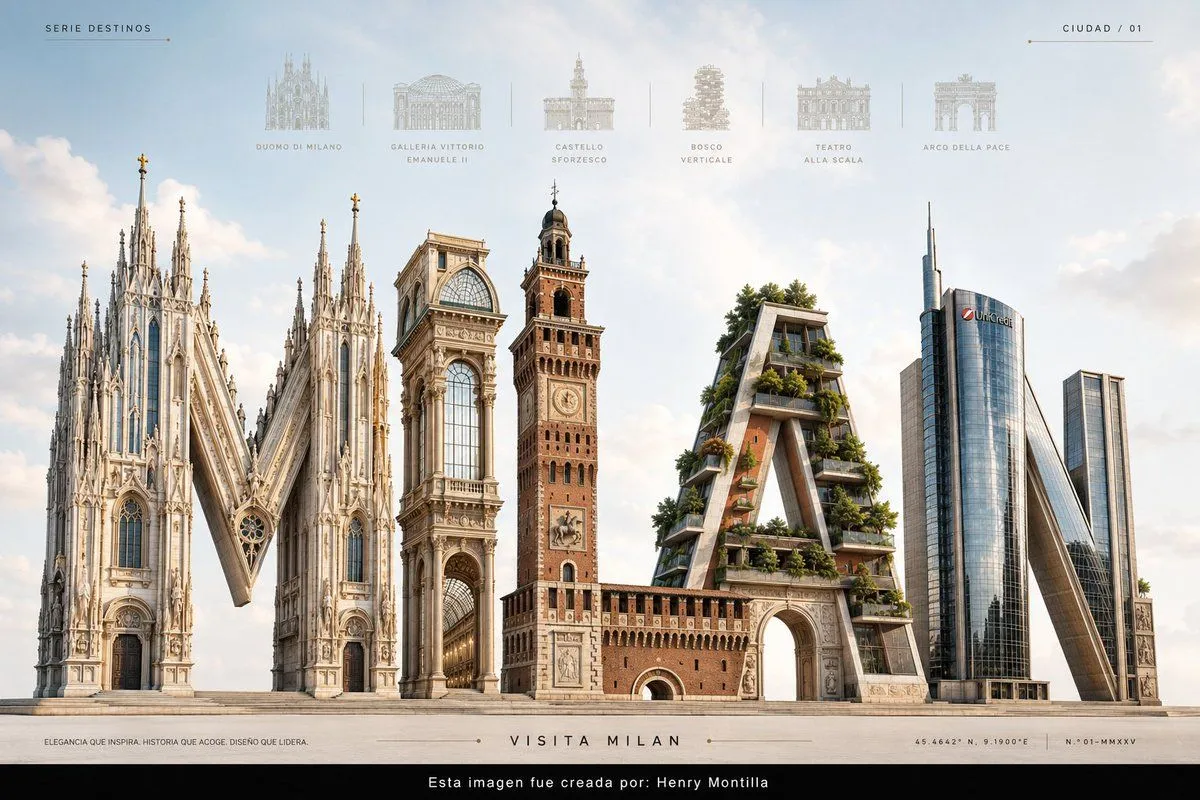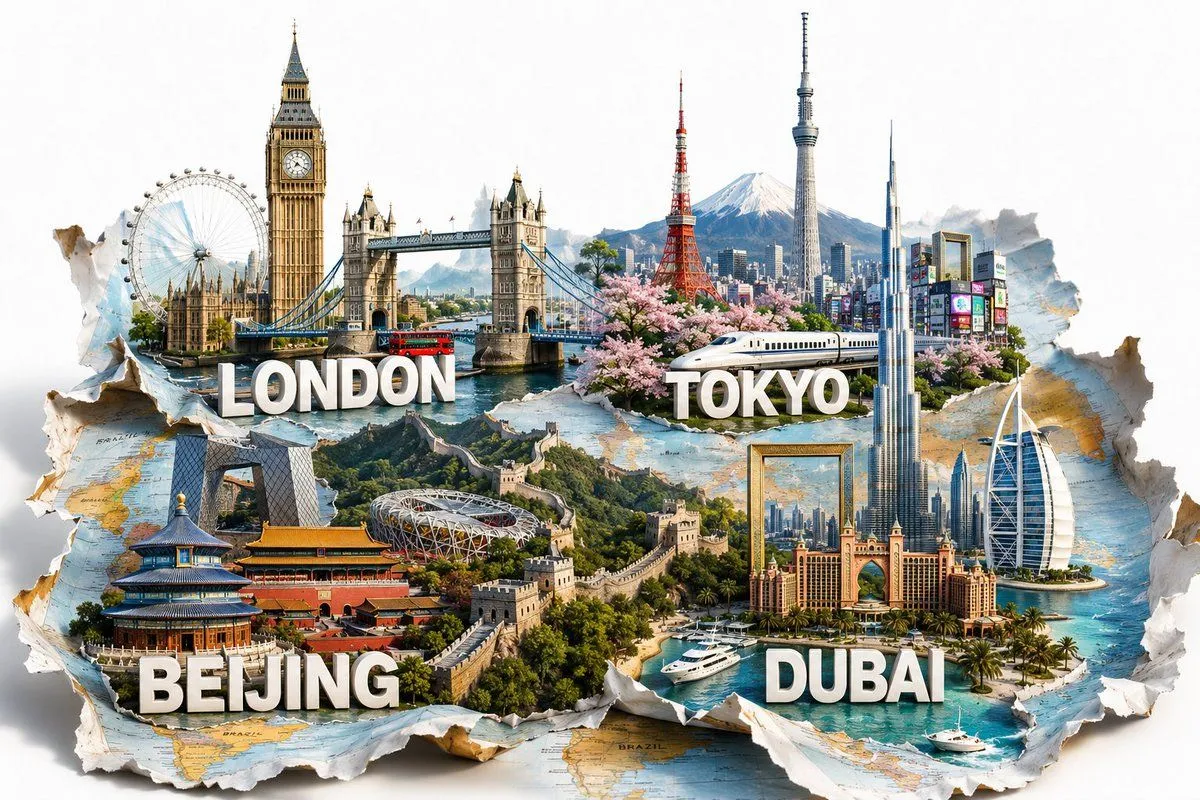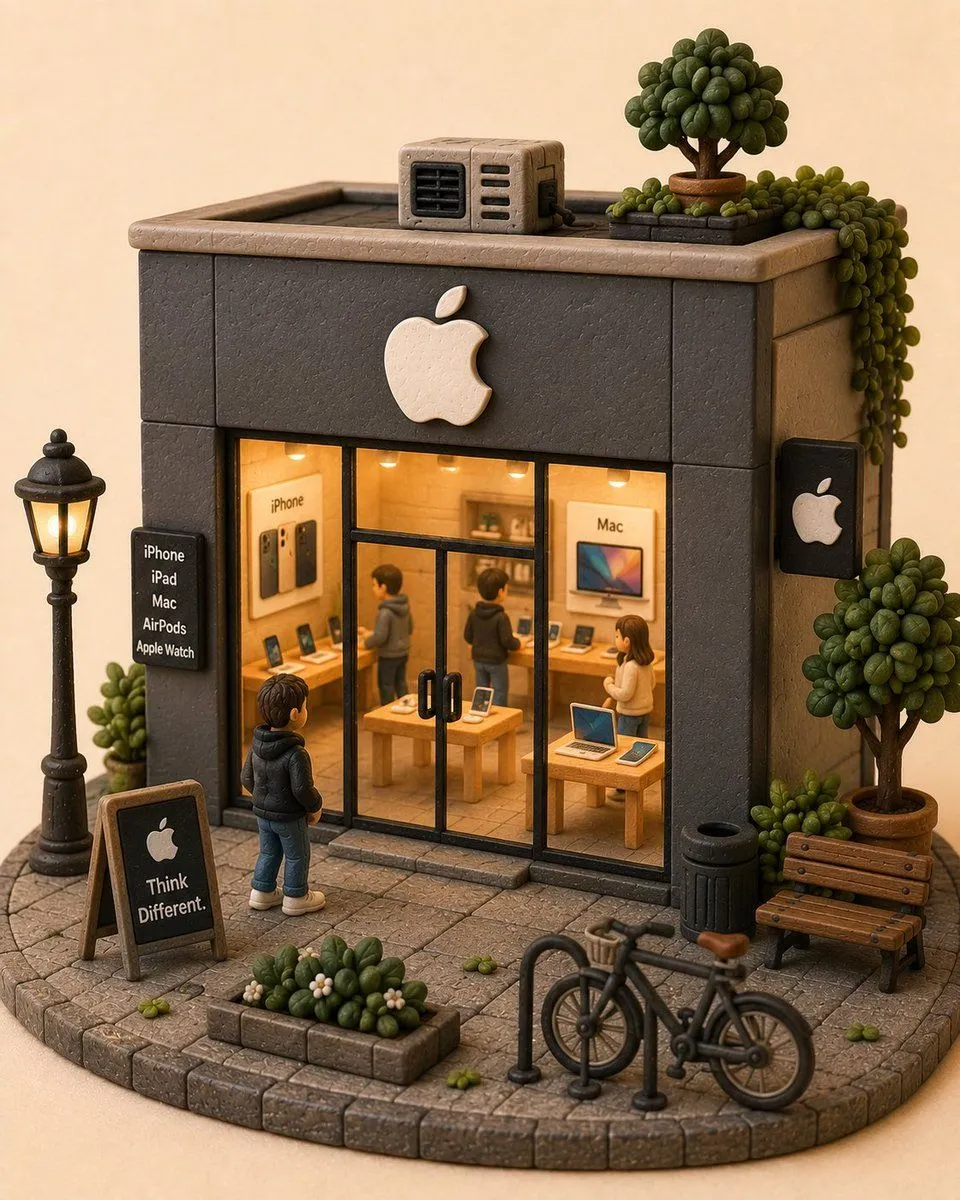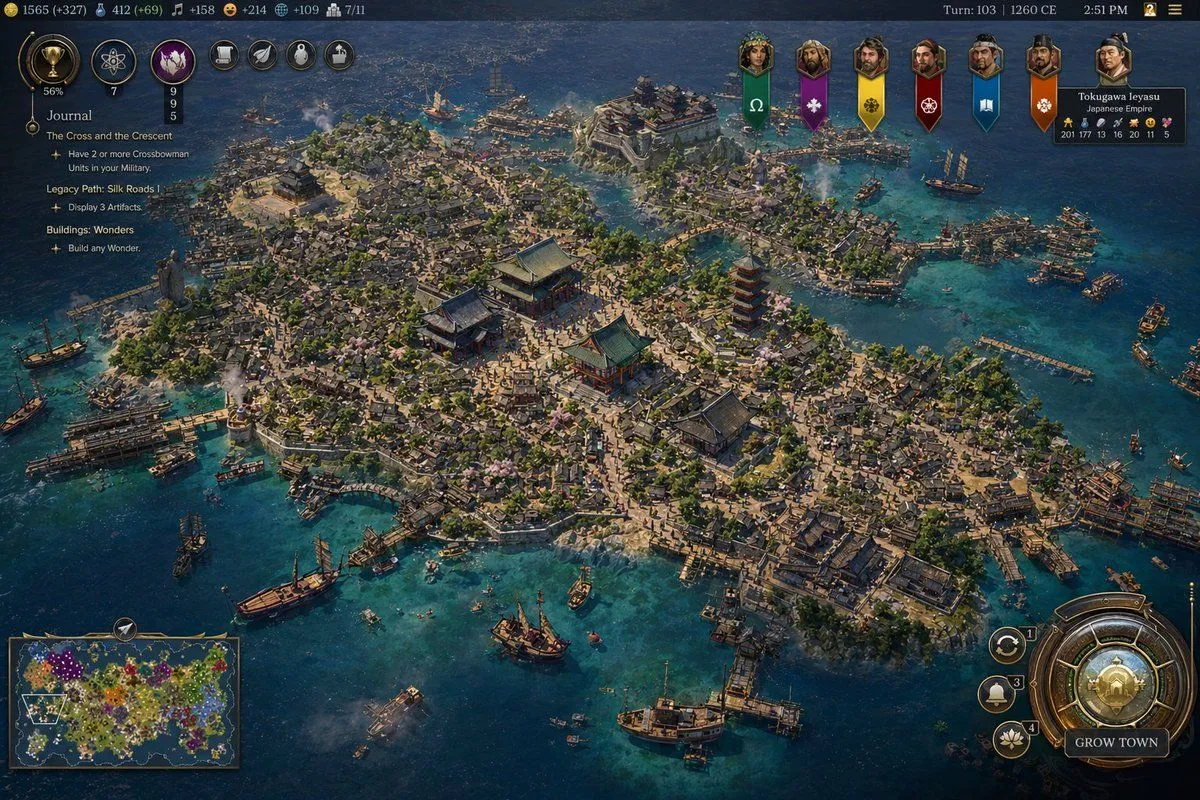
Made with GPT Image 2 in ChatGPT by Library Game Art. Promptclay never generates images.
Did it work?
No reports yet. Tell others if it worked for you.
Civilization-Style Japanese Island City
Prompt
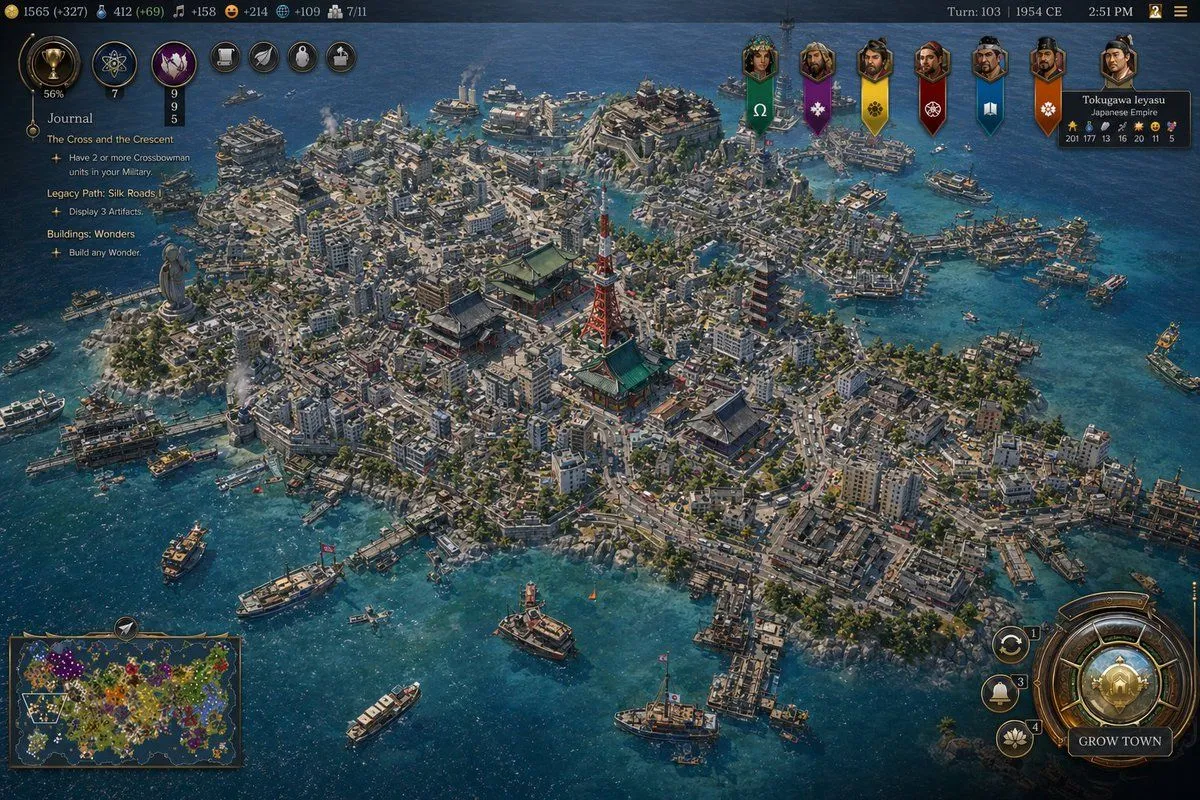
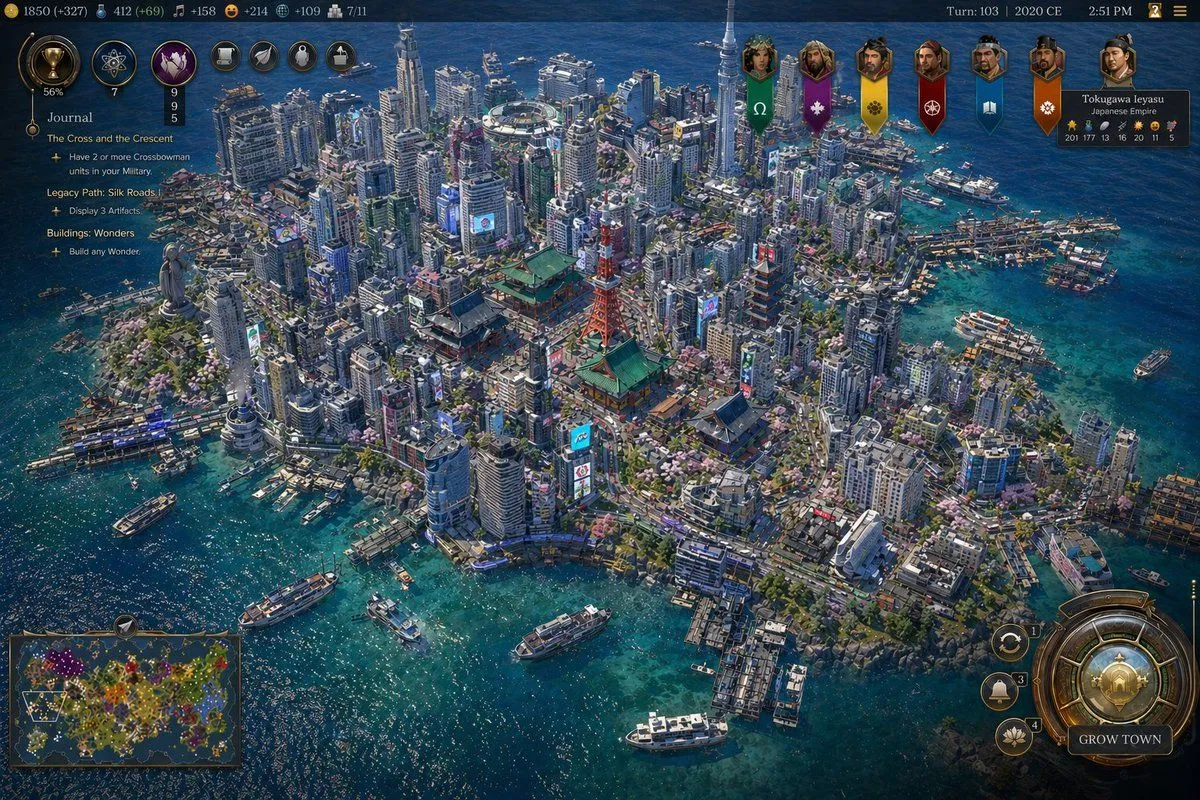
4 blanks to fillA highly detailed isometric grand-strategy game screenshot in the style of a modern historical 4X interface, showing a dense island port city of the {civilization_name} during the {era}. The city fills almost the entire island and is surrounded by vivid turquoise coastal water and darker deep-blue sea. The urban layout is extremely dense and organic, with hundreds of tightly packed low wooden buildings, narrow winding streets, many docks and piers, and bustling harbor infrastructure wrapping around the shoreline. At the center of the island are 4 prominent landmark structures: 3 large traditional East Asian temple or palace buildings with layered green-blue tiled roofs arranged around a broad plaza, and 1 tall red pagoda slightly to the right of center. Include many smaller shrines, courtyards, stone paths, patches of trees, and scattered pale pink cherry blossoms among the rooftops. The island terrain should have slight elevation changes, rocky edges, and several harbor inlets, with bridges and wooden waterfront platforms connecting different neighborhoods. Populate the surrounding waters with exactly 16 visible vessels of mixed sizes: large sailing ships, medium trade ships, and small boats, some docked and some anchored offshore. Show light smoke rising from several points in the city and harbor, suggesting industry and daily activity. The overall lighting is bright afternoon sunlight with crisp shadows and richly saturated colors, emphasizing clear water, weathered wood, ceramic roof tiles, and coastal stone. The camera angle is high, wide, and slightly tilted, like a premium strategy game city overview. Add a full game UI overlay closely resembling a polished civilization-building game: a dark ornate top bar with many resource counters on the left, the text Turn: 103 | {year_label} and 2:51 PM on the right, a vertical quest panel on the upper left titled {journal_title} with multiple objective lines beneath it, a row of 6 hanging banner icons for rival factions across the upper right-center, a leader portrait panel in the top right for Tokugawa Ieyasu labeled Japanese Empire, a rectangular minimap in the bottom left, and a large circular bronze-and-gold city management button in the bottom right labeled GROW TOWN, with 3 smaller circular action buttons stacked beside it. The image should feel like an authentic gameplay screenshot from a fictional Civilization VII-like game, ultra-detailed, historically grounded, cinematic, and believable.
Preview of your prompt
A highly detailed isometric grand-strategy game screenshot in the style of a modern historical 4X interface, showing a dense island port city of the Japanese Empire during the 1260 CE. The city fills almost the entire island and is surrounded by vivid turquoise coastal water and darker deep-blue sea. The urban layout is extremely dense and organic, with hundreds of tightly packed low wooden buildings, narrow winding streets, many docks and piers, and bustling harbor infrastructure wrapping around the shoreline. At the center of the island are 4 prominent landmark structures: 3 large traditional East Asian temple or palace buildings with layered green-blue tiled roofs arranged around a broad plaza, and 1 tall red pagoda slightly to the right of center. Include many smaller shrines, courtyards, stone paths, patches of trees, and scattered pale pink cherry blossoms among the rooftops. The island terrain should have slight elevation changes, rocky edges, and several harbor inlets, with bridges and wooden waterfront platforms connecting different neighborhoods. Populate the surrounding waters with exactly 16 visible vessels of mixed sizes: large sailing ships, medium trade ships, and small boats, some docked and some anchored offshore. Show light smoke rising from several points in the city and harbor, suggesting industry and daily activity. The overall lighting is bright afternoon sunlight with crisp shadows and richly saturated colors, emphasizing clear water, weathered wood, ceramic roof tiles, and coastal stone. The camera angle is high, wide, and slightly tilted, like a premium strategy game city overview. Add a full game UI overlay closely resembling a polished civilization-building game: a dark ornate top bar with many resource counters on the left, the text Turn: 103 | 1260 CE and 2:51 PM on the right, a vertical quest panel on the upper left titled Journal with multiple objective lines beneath it, a row of 6 hanging banner icons for rival factions across the upper right-center, a leader portrait panel in the top right for Tokugawa Ieyasu labeled Japanese Empire, a rectangular minimap in the bottom left, and a large circular bronze-and-gold city management button in the bottom right labeled GROW TOWN, with 3 smaller circular action buttons stacked beside it. The image should feel like an authentic gameplay screenshot from a fictional Civilization VII-like game, ultra-detailed, historically grounded, cinematic, and believable.
DetailsVersions, settings and questions
Written for
What's in the prompt
- Subject
- Model
- GPT Image 2
If your face changes
keep my face exactly the sameQuestions
- Does this work in the ChatGPT app?
- Yes. Paste the prompt and attach your photo if it uses one.
- It changed my face. What do I do?
- Add "keep my face exactly the same" to the end and run it again.
- Can I use the images I make?
- Check the terms of the app you use. Promptclay never generates images and claims nothing you make.