Tell us anything

An idea, a bug, something you love. We read every note.

⌘↵ to send. The page you're on comes along.

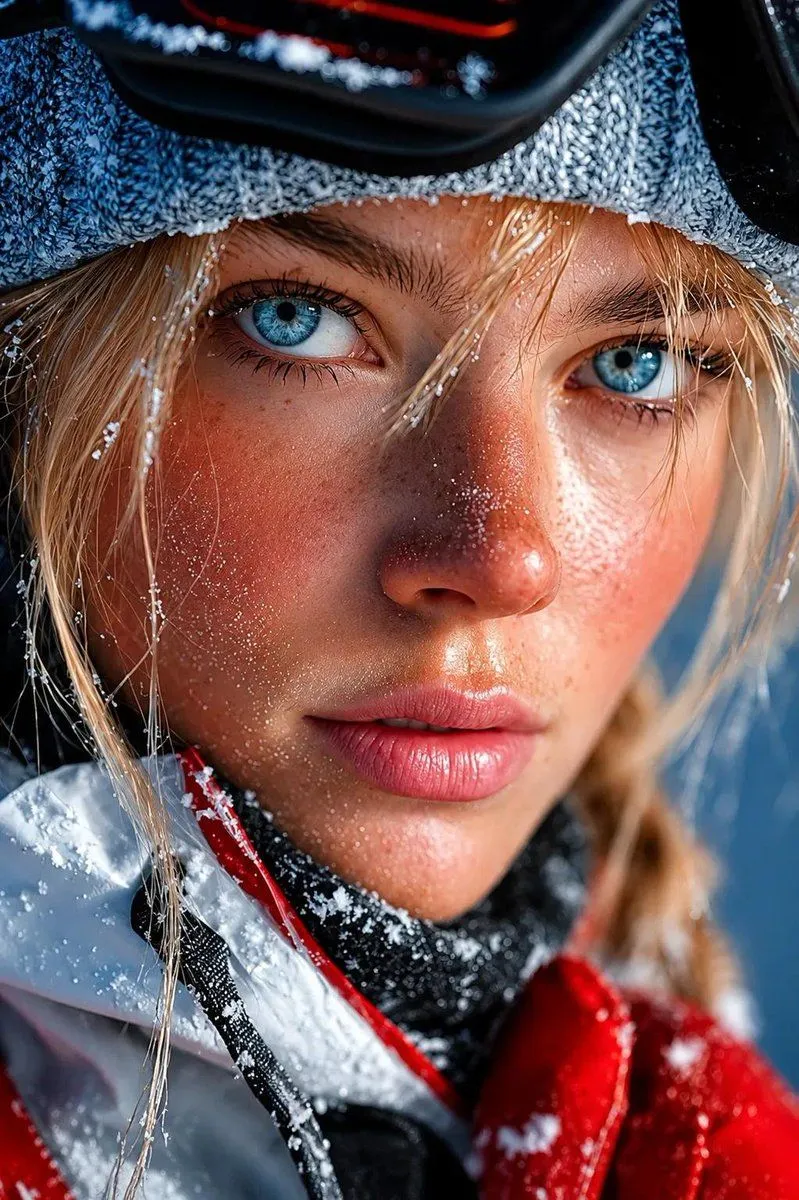
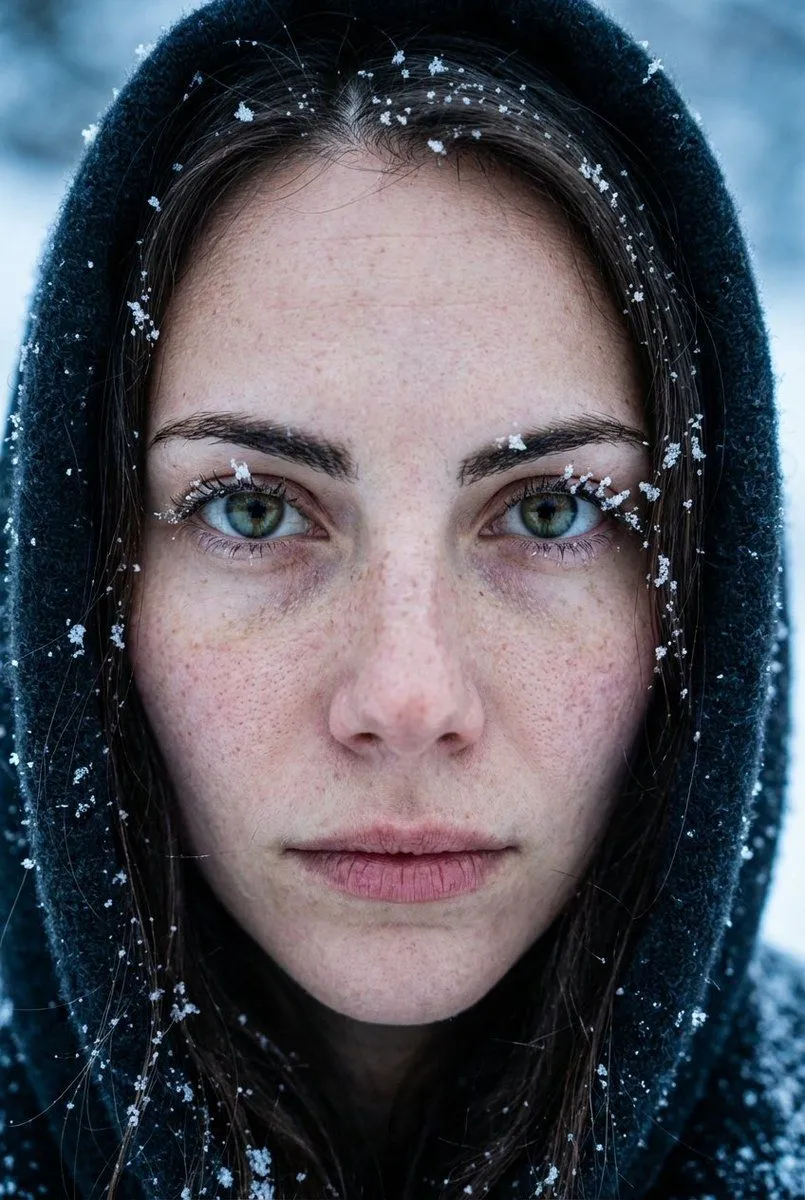
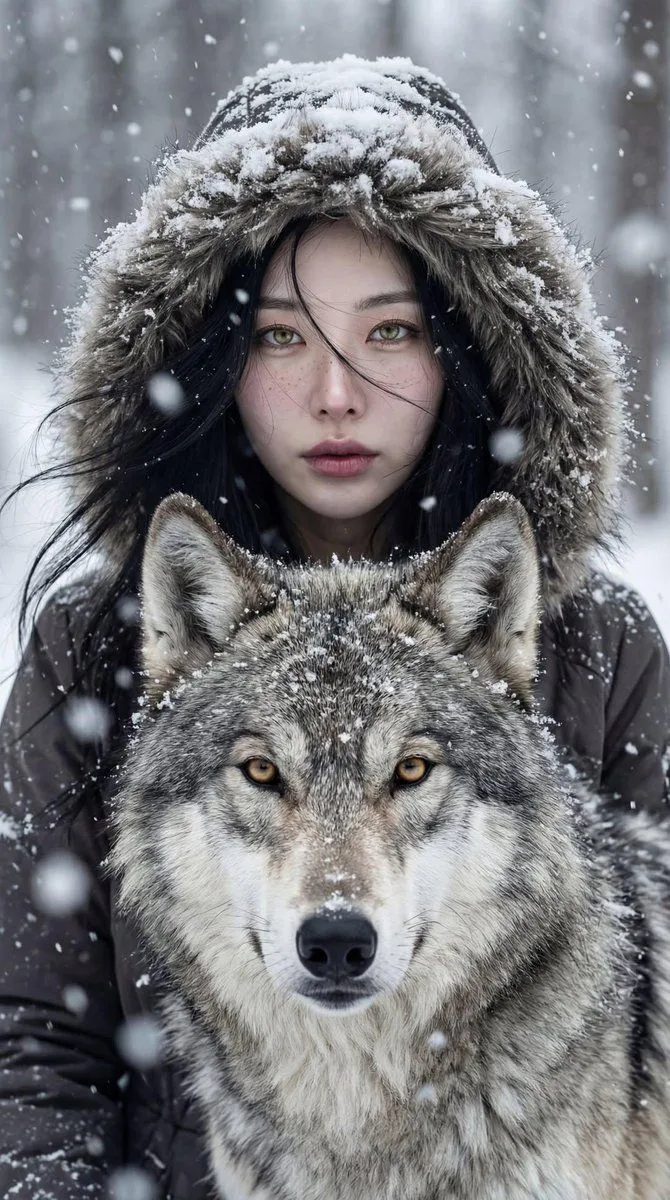
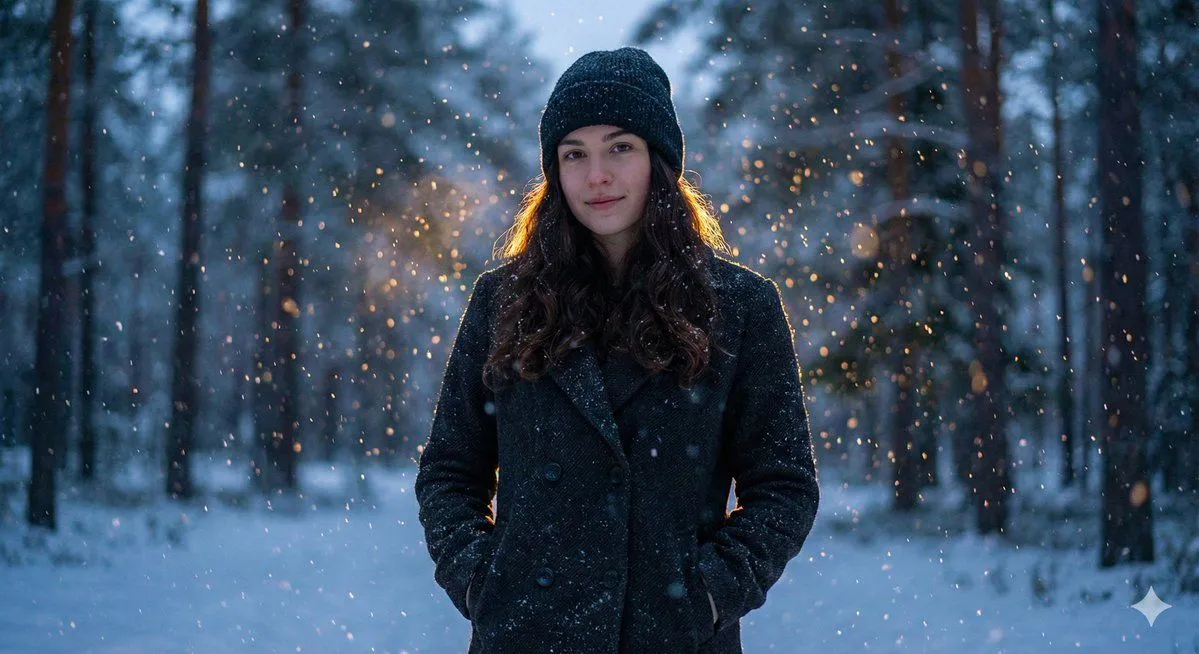
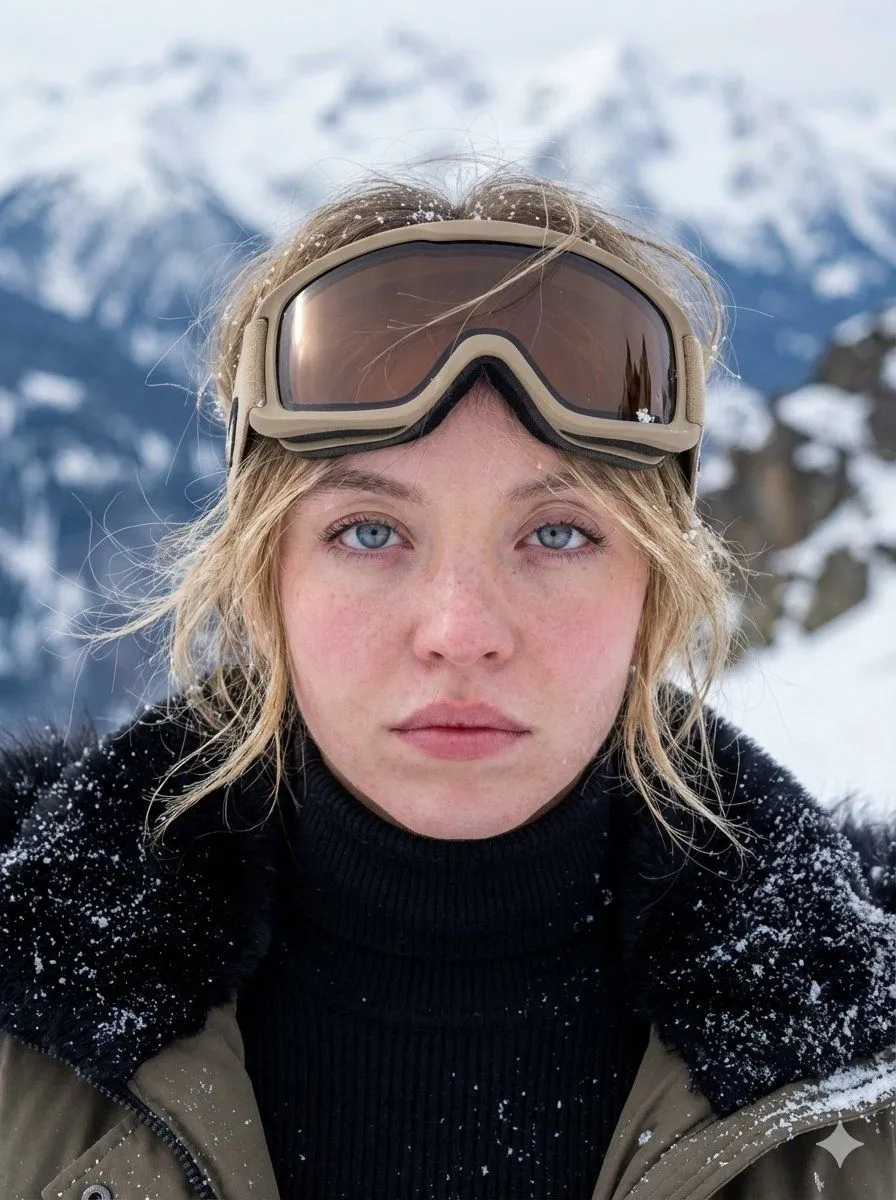
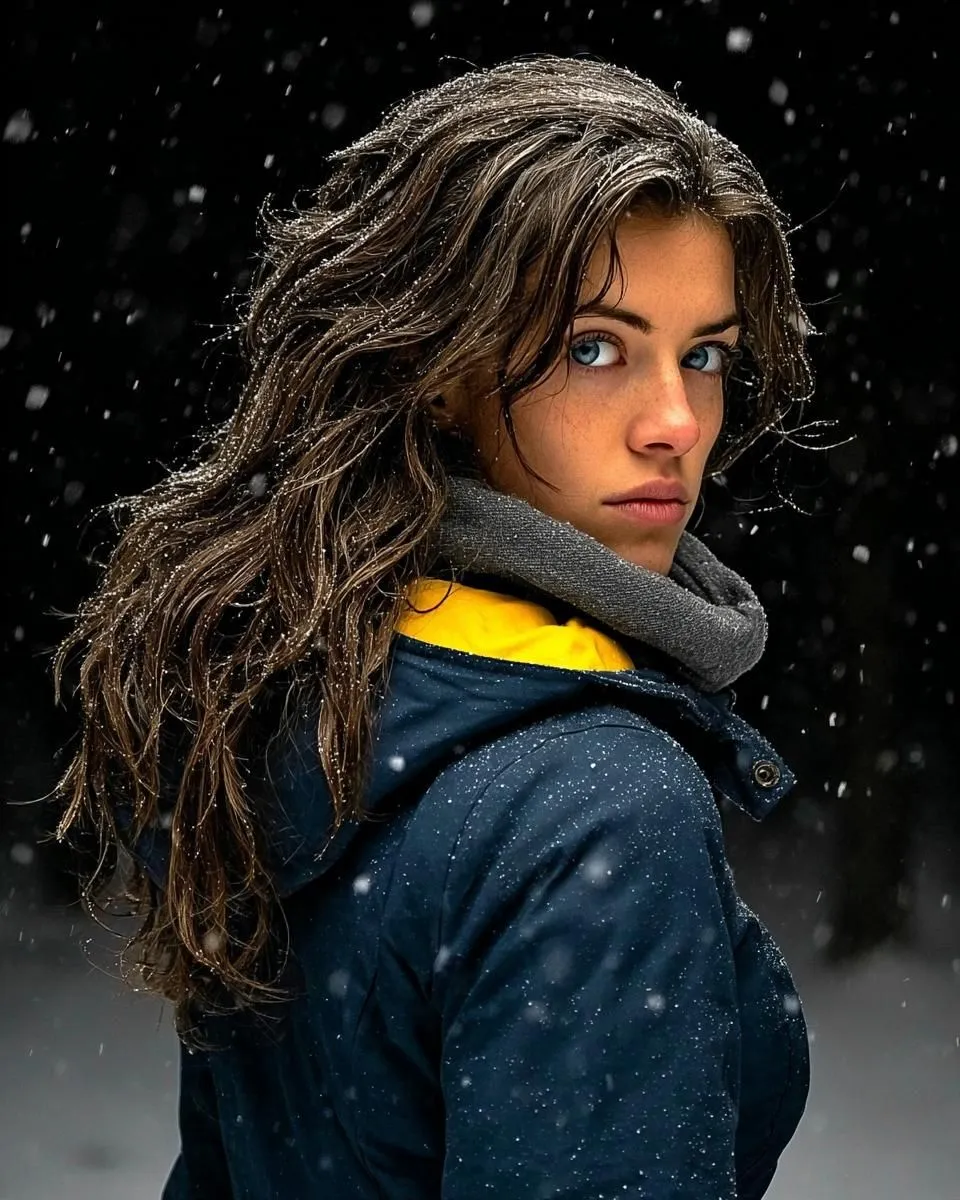
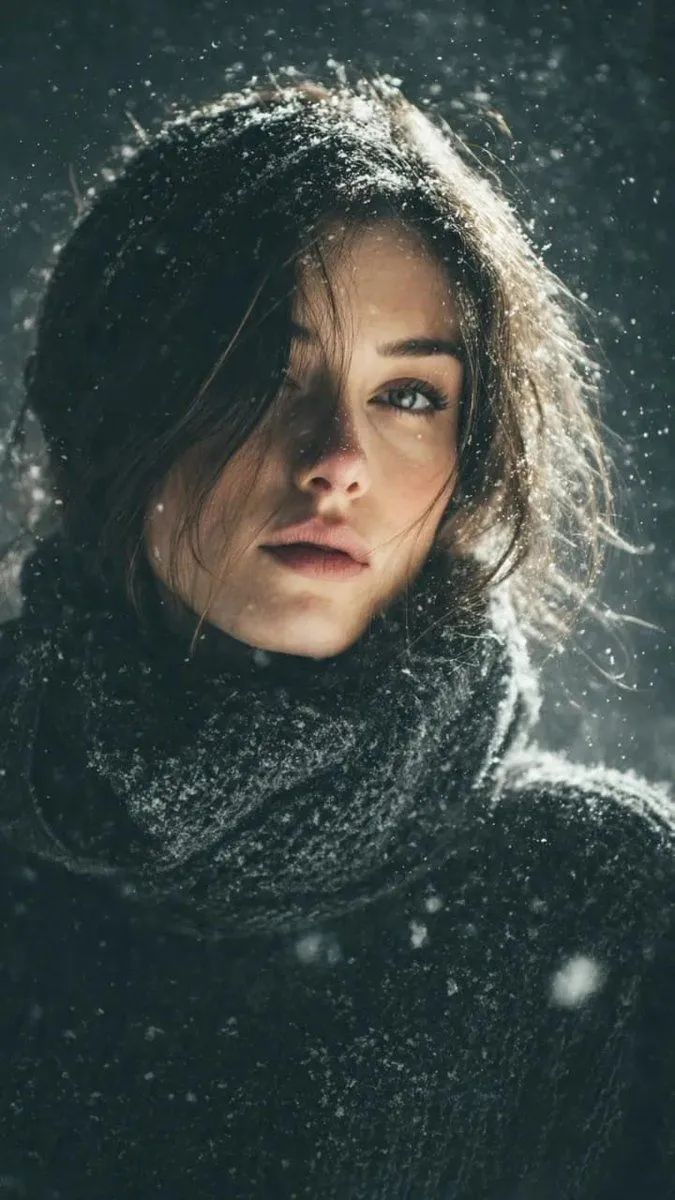
Cinematic Winter Portrait with Hyper-Detail

Made with Nano Banana Pro in Gemini by Library Social. Promptclay never generates images.

Did it work?

No reports yet. Tell others if it worked for you.

No comments yet. Be the first.

    Cinematic Winter Portrait with Hyper-Detail

    Nano Banana Pro4:5AI-generated

    Prompt

    { "Objective": "Create an ultra-realistic cinematic winter portrait that captures emotional depth, cold atmosphere, and hyper-detailed realism in a natural outdoor setting.", "Persona_Details": { "Subject": "Young adult woman", "Facial_Features": { "Eyes": "Piercing blue eyes with sharp focus", "Skin": "Natural skin with visible pores and realistic texture", "Freckles": "Natural freckles across the face", "Expression": "Calm, introspective, slightly intense" }, "Hair": { "Color": "Brown", "Style": "Long, wavy hair", "Interaction_With_Environment": "Lightly dusted with snowflakes" } }, "Wardrobe": { "Outerwear": "Dark winter jacket", "Inner_Layer": "Muted yellow inner layer visible beneath jacket", "Accessory": "Soft gray scarf wrapped around the neck", "Style": "Practical winter clothing with subtle color contrast" }, "Scene_and_Environment": { "Location": "Outdoor winter forest setting", "Weather": { "Snowfall": "Gentle snowfall with flakes frozen mid-air" }, "Background": { "Treatment": "Softly blurred forest backdrop", "Depth": "Strong background separation due to shallow depth of field" } }, "Lighting_and_Mood": { "Lighting": "Natural diffused cold daylight", "Contrast": "Soft contrast with cool tonal balance", "Mood": "Moody, quiet, contemplative, cinematic winter atmosphere" }, "Photography_Style": { "Genre": "Professional cinematic portrait photography", "Lens": "85mm", "Aperture": "f/1.8", "Depth_of_Field": "Shallow depth of field", "Focus": "Eyes razor-sharp with smooth falloff", "Framing": "Close-up to medium-close portrait" }, "Color_and_Grading": { "Palette": [ "Cool winter blues", "Soft forest greens", "Neutral grays", "Muted yellow accent" ], "Grading": "Cinematic color grading with cool shadows and restrained highlights" }, "Detail_and_Quality": { "Texture_Detail": [ "Skin micro-texture and pores", "Fine hair strands", "Fabric weave of jacket and scarf", "Individual snowflakes" ], "Realism": "Hyper-realistic, photorealistic rendering", "Resolution": "High resolution, professional-quality output" }, "Quality_Tags": [ "Ultra-realistic", "Hyper-realism", "Photorealism", "Cinematic winter portrait", "Professional photography", "Moody atmosphere" ], "Negative_Prompts": [ "Over-smoothed skin", "Cartoon or illustration style", "Harsh lighting", "Text", "Logo", "Watermark", "Low resolution", "Motion blur on subject" ], "Output_Constraints": { "Text_Overlay": false, "Branding": false, "Watermark": false }, "Response_Format": { "Type": "Single image", "Aspect_Ratio": "3:4 or 4:5 recommended", "Use_Case": "Cinematic portraiture, winter editorial photography, e" } }

    Works in
    Gemini, ChatGPT
    Status
    Free to copy
    0
    DetailsVersions, settings and questions

    Written for

    What's in the prompt

    Subject
    Model
    Nano Banana Pro

    If your face changes

    keep my face exactly the same

    Questions

    Does this work in the Gemini app?
    Yes. Gemini runs Nano Banana, so paste the prompt and attach your photo if it uses one.
    It changed my face. What do I do?
    Add "keep my face exactly the same" to the end and run it again.
    Can I use the images I make?
    Check the terms of the app you use. Promptclay never generates images and claims nothing you make.
    Similar prompts

    See more
    • Cinematic Winter Forest Portrait Prompt
    • Winter Forest Portrait with Backlight
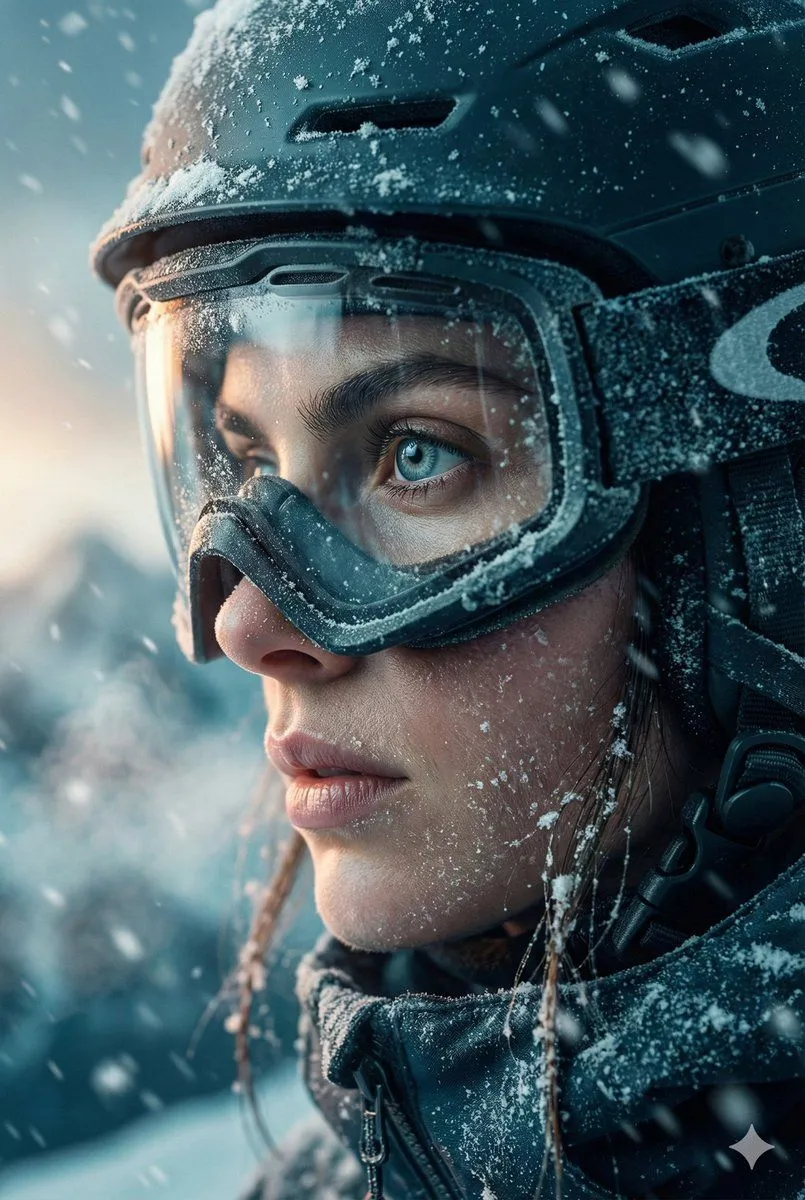
    • Hyper-Realistic Winter Ski Portrait
    • Extreme Close-Up Portrait with Realistic Skin Texture
    • Cinematic Winter Portrait: Woman and Wolf
    • Cinematic Winter Portrait with Teal and Orange Grading
    • Hyper-Detailed Arctic Cinematic Portrait
    • Photoreal Claire Face Restoration
    • Bold Winter Fashion Portrait (Ester Expósito)
    • Fisheye Snow Streetwear Portrait
    • Photorealistic Portrait with Absolute Facial Identity Lock
    • Nostalgic Cinematic Hair-Peeking Portrait
    • Ultra-Realistic Cinematic Close-up of Tribal Warrior Woman
    • Surreal Fantasy Portrait Prompt (Fire and Ice)
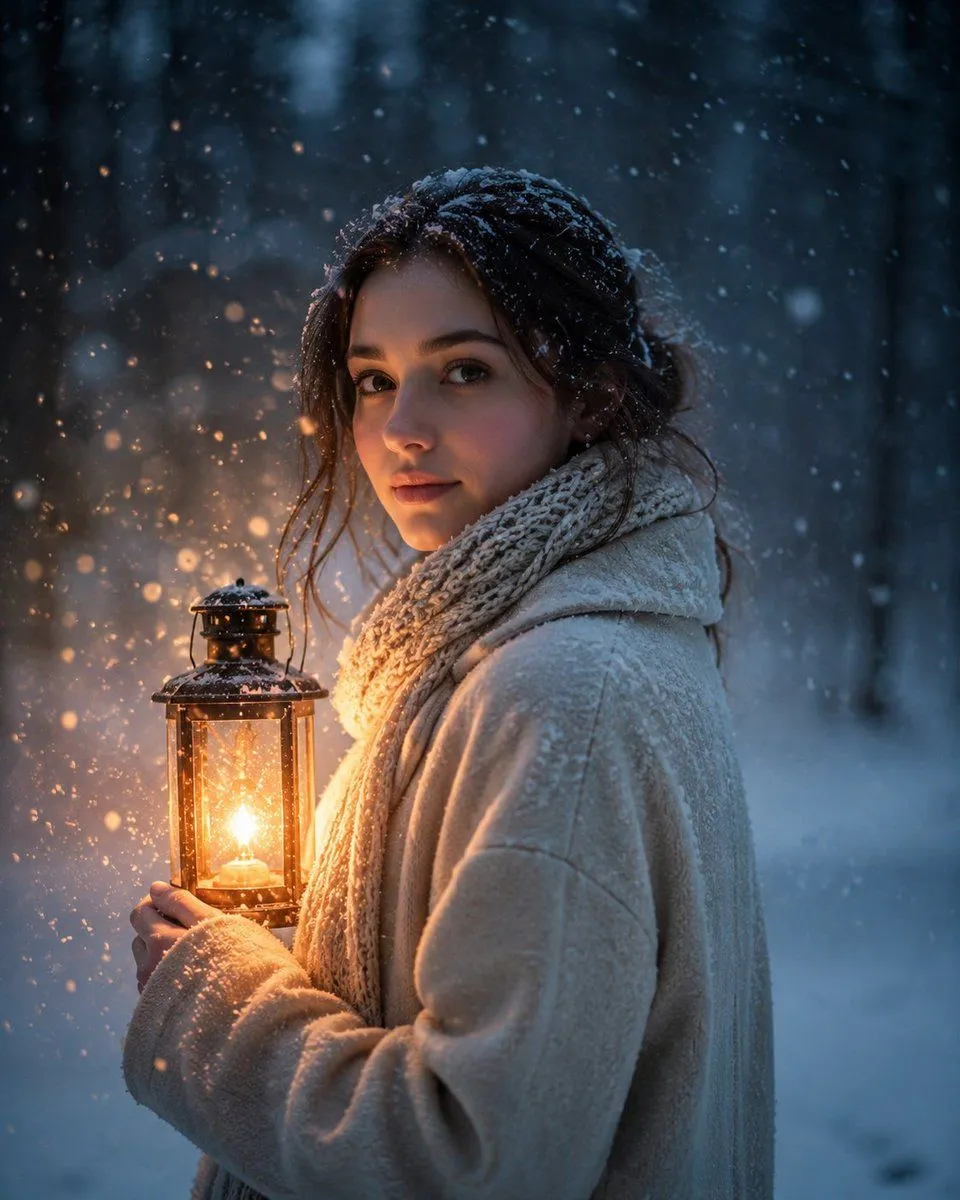
    • Lantern in the Winter Twilight Photography
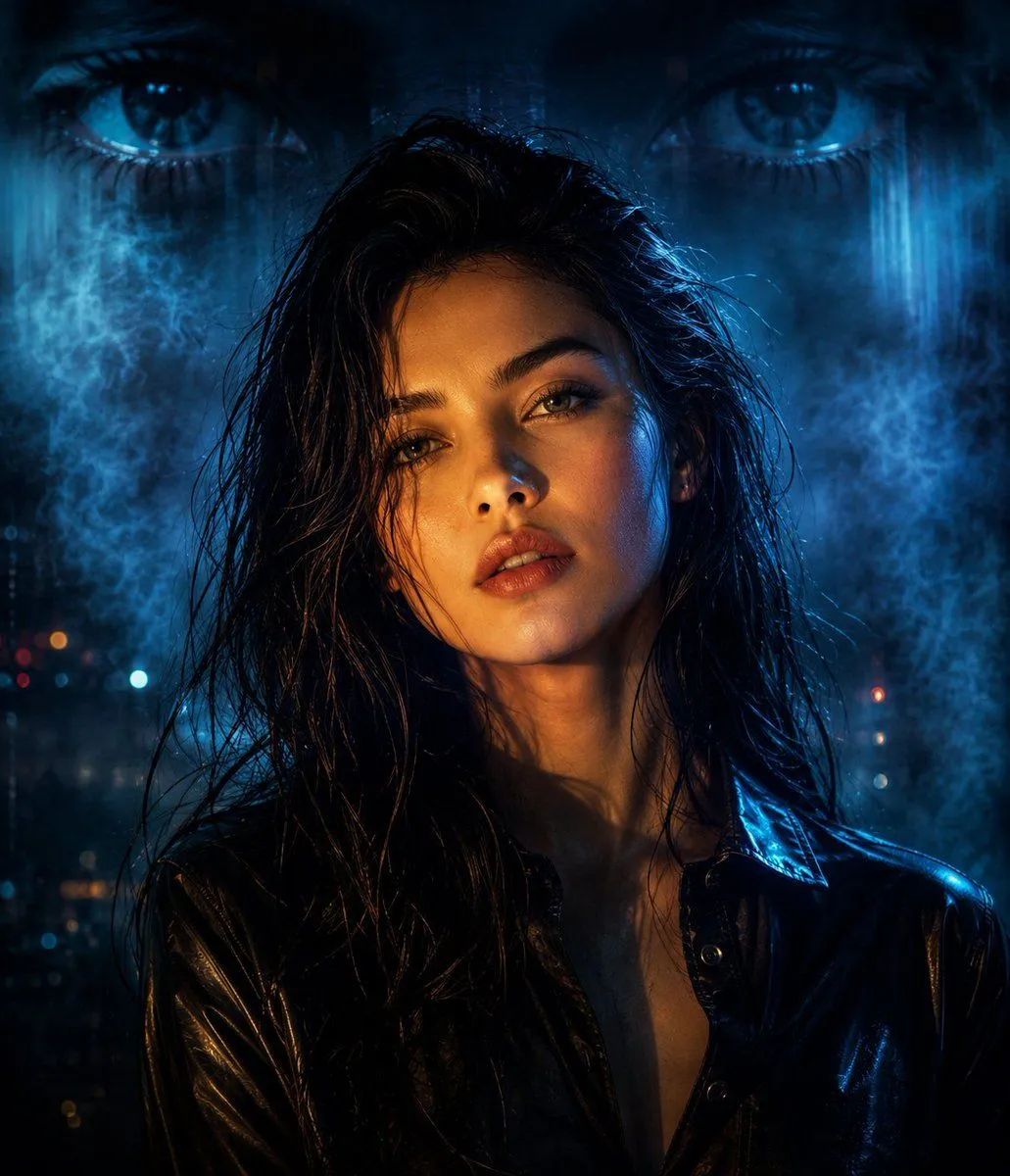
    • Cyberpunk Split Lighting Portrait
    • Cinematic Close-up Portrait Prompt of Winter Sports Athlete
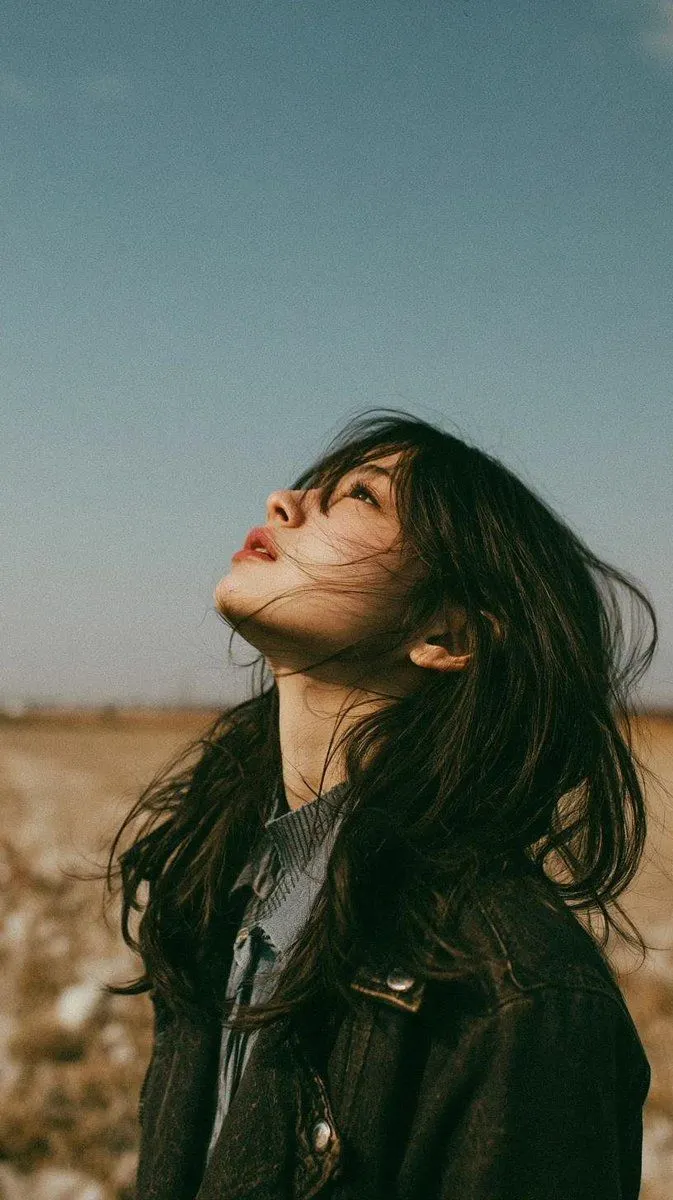
    • Minimalist Meadow Portrait
    • Cinematic Night Street Scene Prompt
    • Hand-Carved Wooden Miniature Figure
    • Multi-Angle Scene Generation Prompt (Oshi no Ko Style)
    • Nano Banana Pro Thumbnail Generation Example
    • Newspaper Collage Shadow Portrait
    • The Lighthouse Keeper Storyboard

    Show more

    Run it on your phone

    1. Prompt copiedRead it

      { "Objective": "Create an ultra-realistic cinematic winter portrait that captures emotional depth, cold atmosphere, and hyper-detailed realism in a natural outdoor setting.", "Persona_Details": { "Subject": "Young adult woman", "Facial_Features": { "Eyes": "Piercing blue eyes with sharp focus", "Skin": "Natural skin with visible pores and realistic texture", "Freckles": "Natural freckles across the face", "Expression": "Calm, introspective, slightly intense" }, "Hair": { "Color": "Brown", "Style": "Long, wavy hair", "Interaction_With_Environment": "Lightly dusted with snowflakes" } }, "Wardrobe": { "Outerwear": "Dark winter jacket", "Inner_Layer": "Muted yellow inner layer visible beneath jacket", "Accessory": "Soft gray scarf wrapped around the neck", "Style": "Practical winter clothing with subtle color contrast" }, "Scene_and_Environment": { "Location": "Outdoor winter forest setting", "Weather": { "Snowfall": "Gentle snowfall with flakes frozen mid-air" }, "Background": { "Treatment": "Softly blurred forest backdrop", "Depth": "Strong background separation due to shallow depth of field" } }, "Lighting_and_Mood": { "Lighting": "Natural diffused cold daylight", "Contrast": "Soft contrast with cool tonal balance", "Mood": "Moody, quiet, contemplative, cinematic winter atmosphere" }, "Photography_Style": { "Genre": "Professional cinematic portrait photography", "Lens": "85mm", "Aperture": "f/1.8", "Depth_of_Field": "Shallow depth of field", "Focus": "Eyes razor-sharp with smooth falloff", "Framing": "Close-up to medium-close portrait" }, "Color_and_Grading": { "Palette": [ "Cool winter blues", "Soft forest greens", "Neutral grays", "Muted yellow accent" ], "Grading": "Cinematic color grading with cool shadows and restrained highlights" }, "Detail_and_Quality": { "Texture_Detail": [ "Skin micro-texture and pores", "Fine hair strands", "Fabric weave of jacket and scarf", "Individual snowflakes" ], "Realism": "Hyper-realistic, photorealistic rendering", "Resolution": "High resolution, professional-quality output" }, "Quality_Tags": [ "Ultra-realistic", "Hyper-realism", "Photorealism", "Cinematic winter portrait", "Professional photography", "Moody atmosphere" ], "Negative_Prompts": [ "Over-smoothed skin", "Cartoon or illustration style", "Harsh lighting", "Text", "Logo", "Watermark", "Low resolution", "Motion blur on subject" ], "Output_Constraints": { "Text_Overlay": false, "Branding": false, "Watermark": false }, "Response_Format": { "Type": "Single image", "Aspect_Ratio": "3:4 or 4:5 recommended", "Use_Case": "Cinematic portraiture, winter editorial photography, e" } }

    2. Open your app

    3. Paste and run

      Press and hold the message box, then tap Paste. Add your photo first if the prompt uses one. You may need to sign in.

    Cinematic Winter Portrait with Hyper-Detail