Tell us anything

An idea, a bug, something you love. We read every note.

⌘↵ to send. The page you're on comes along.

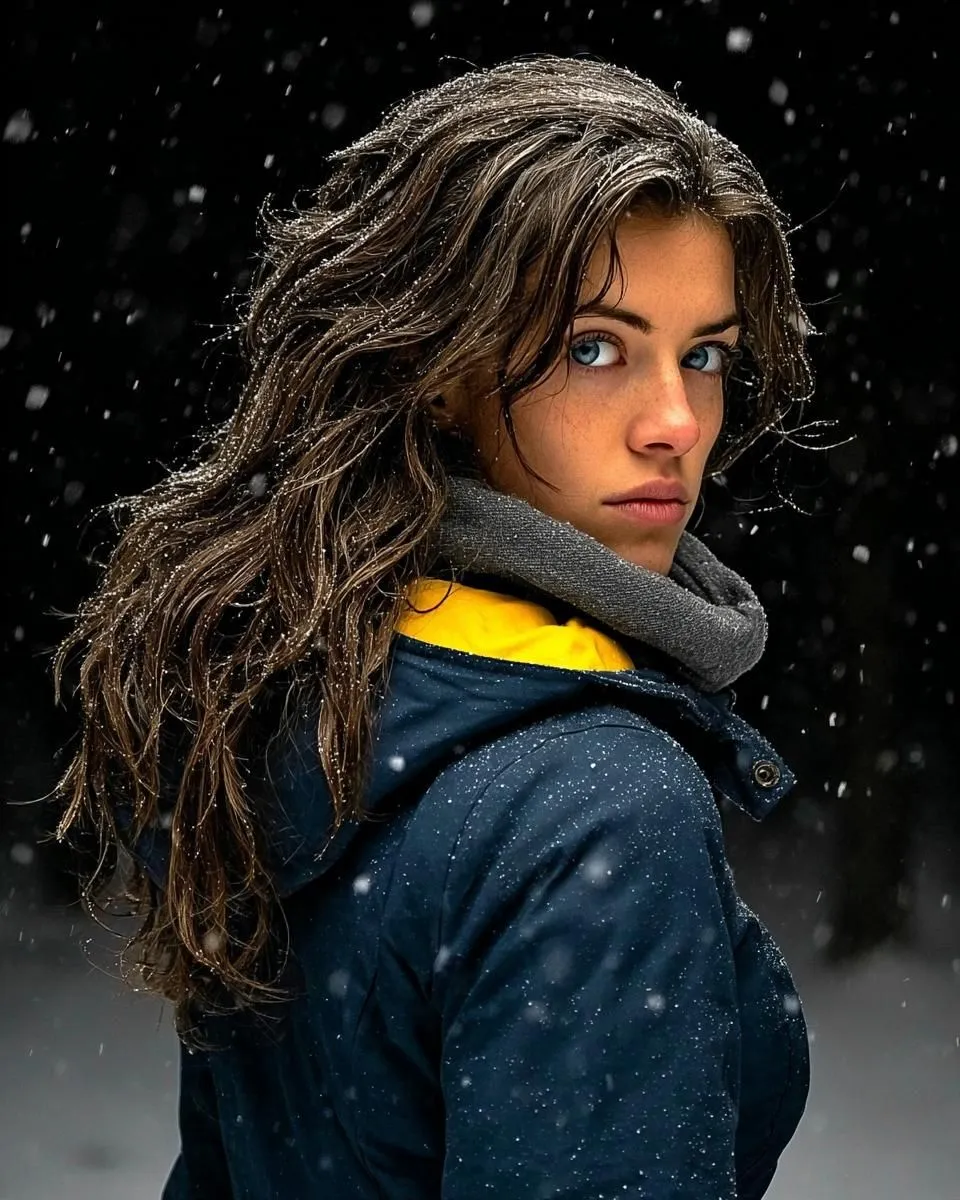
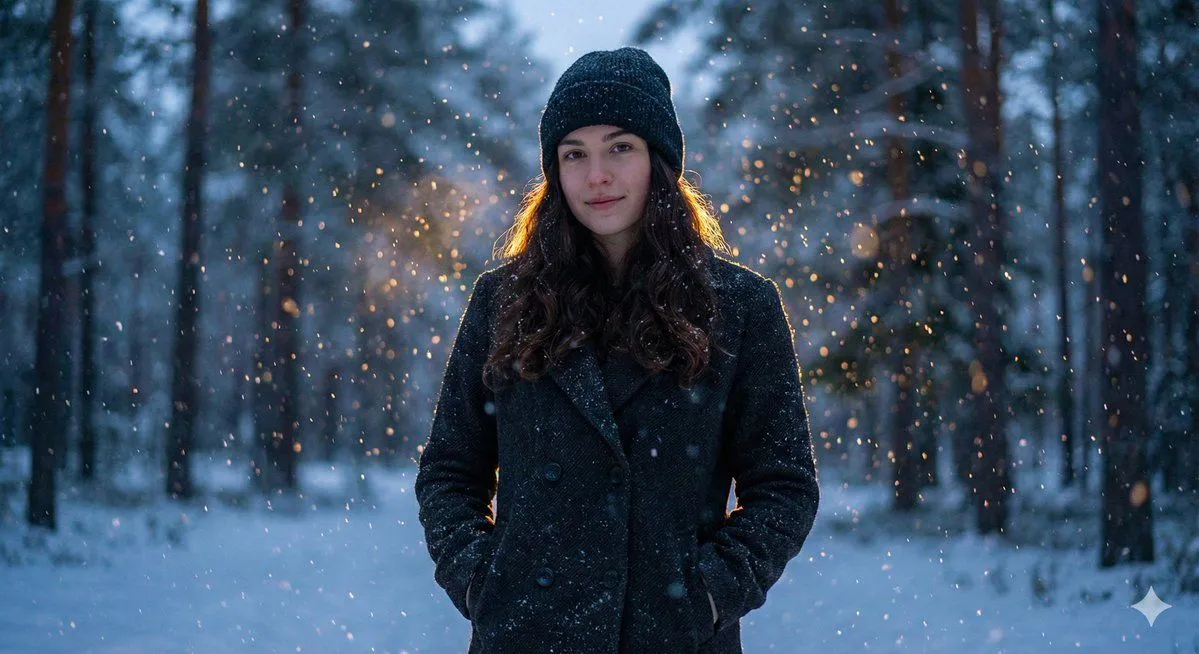
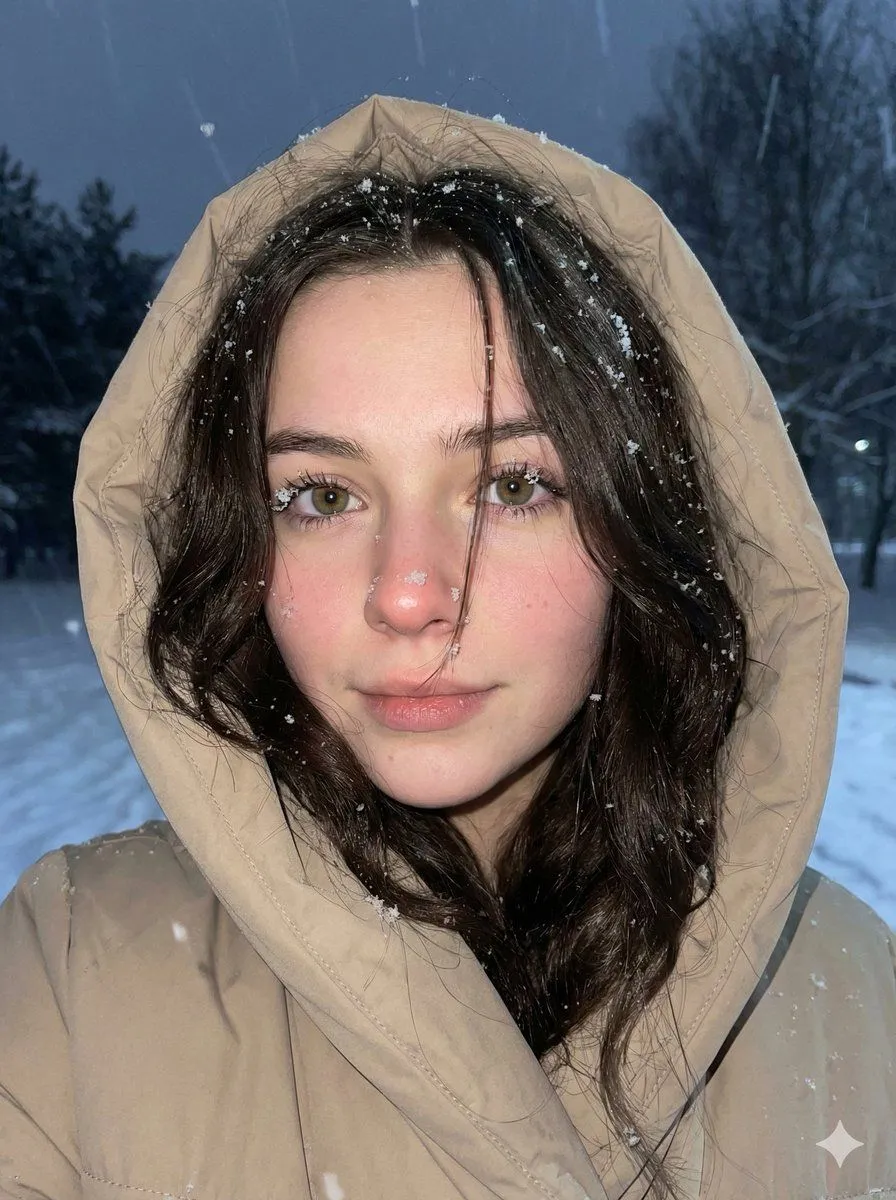
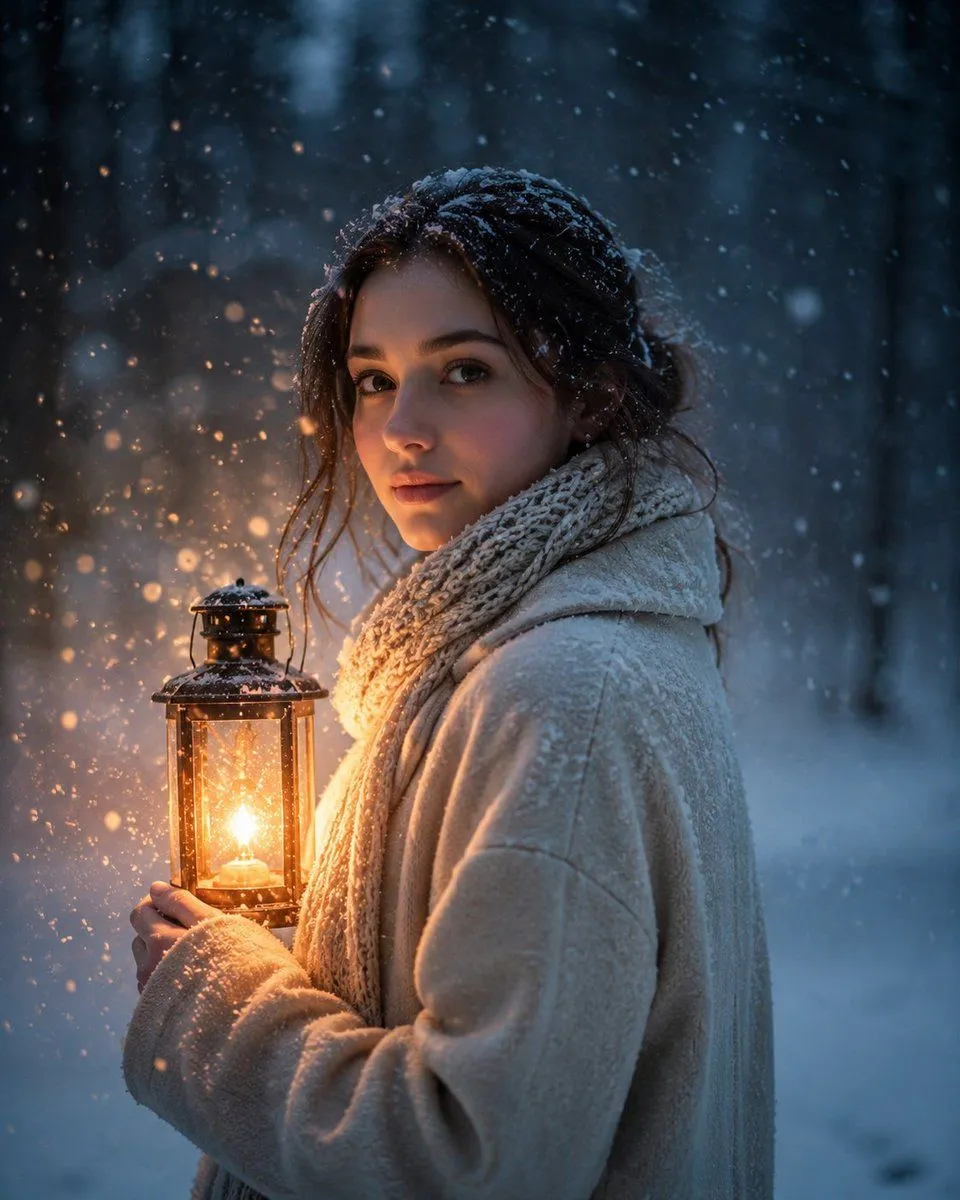
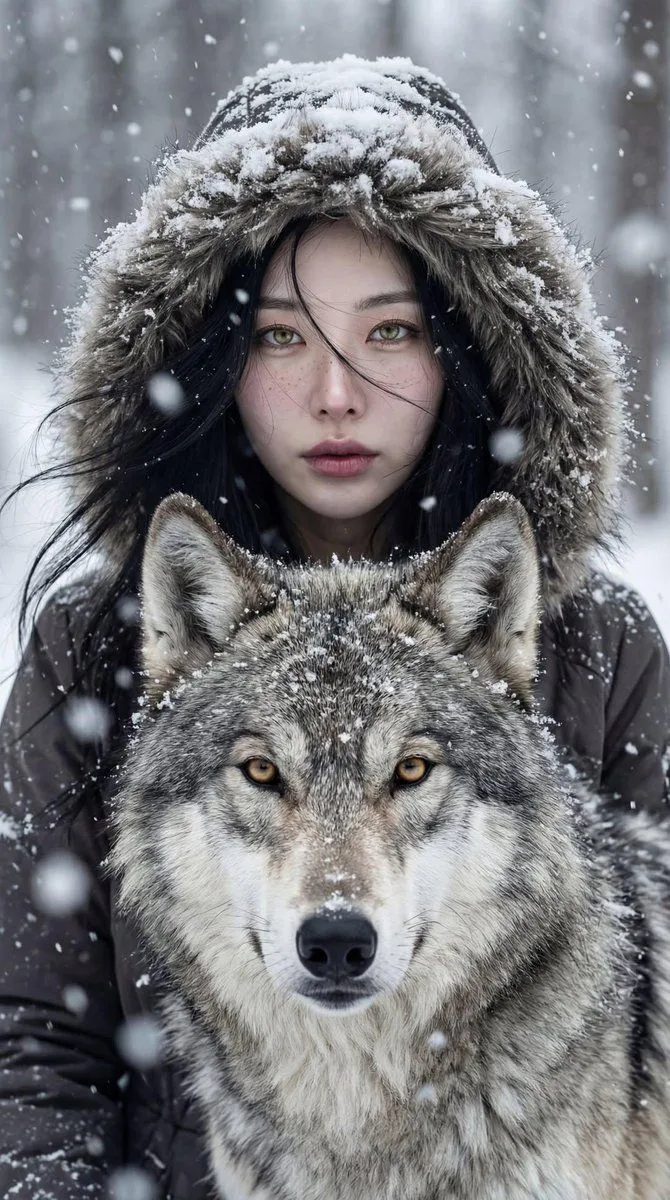
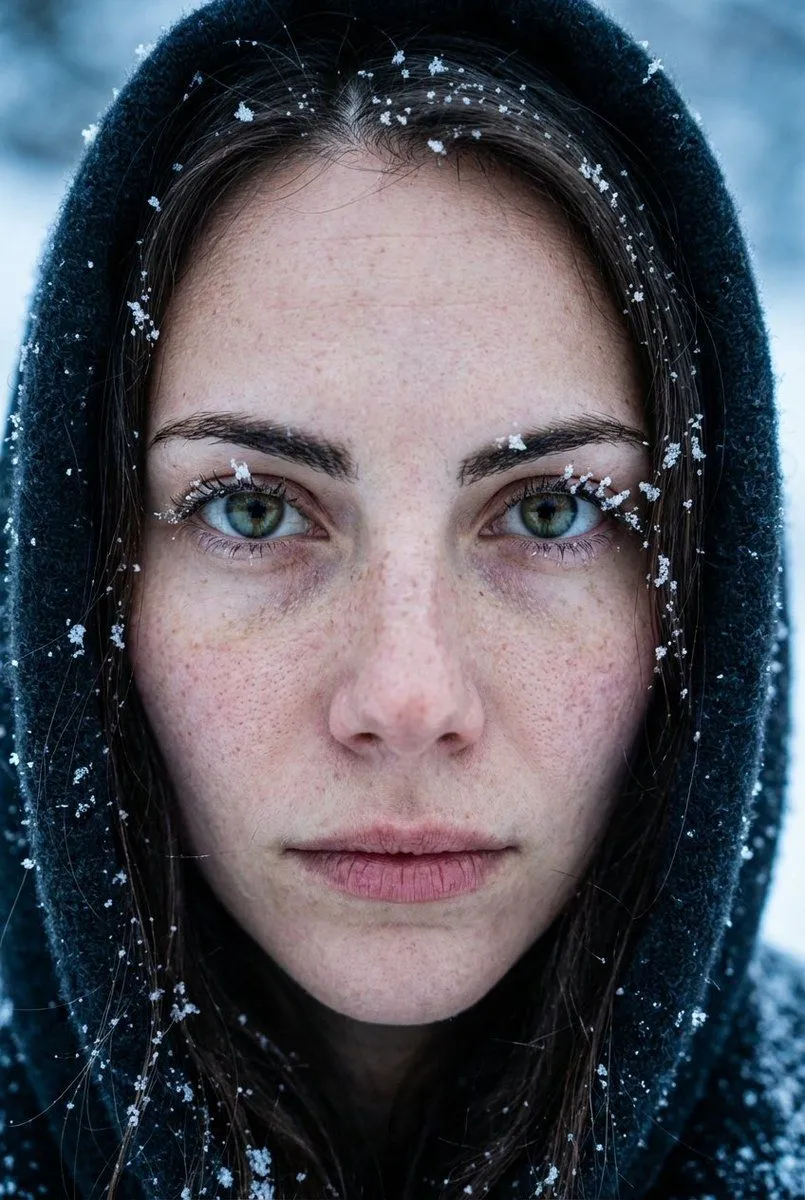
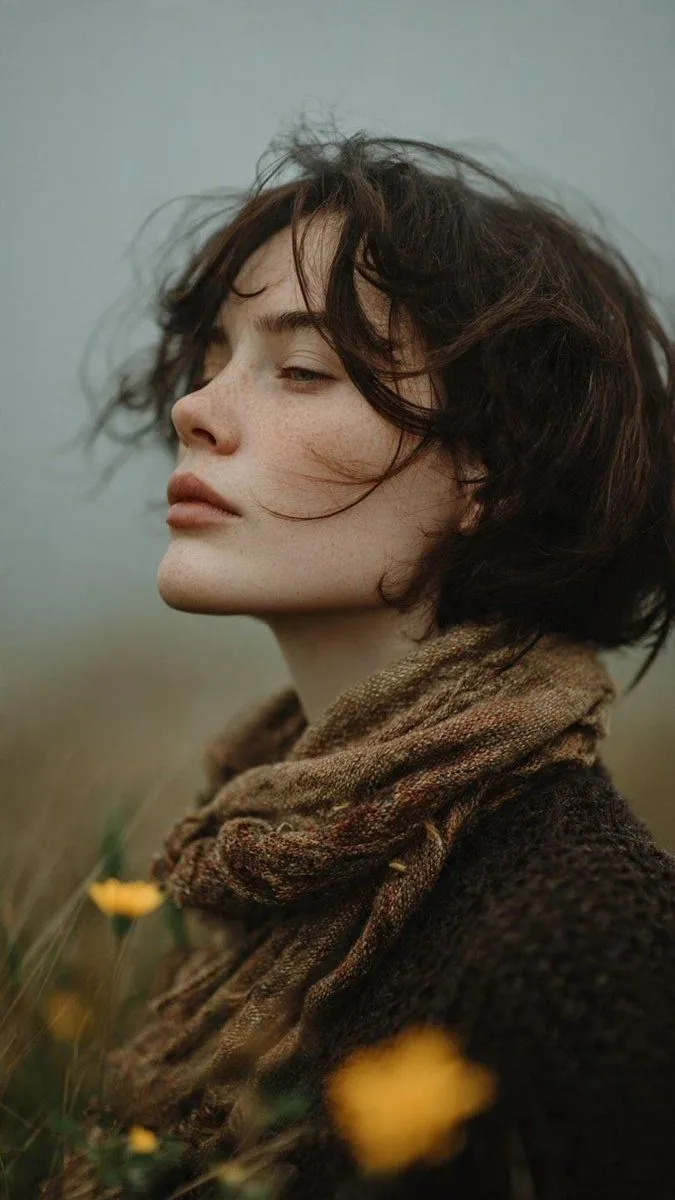
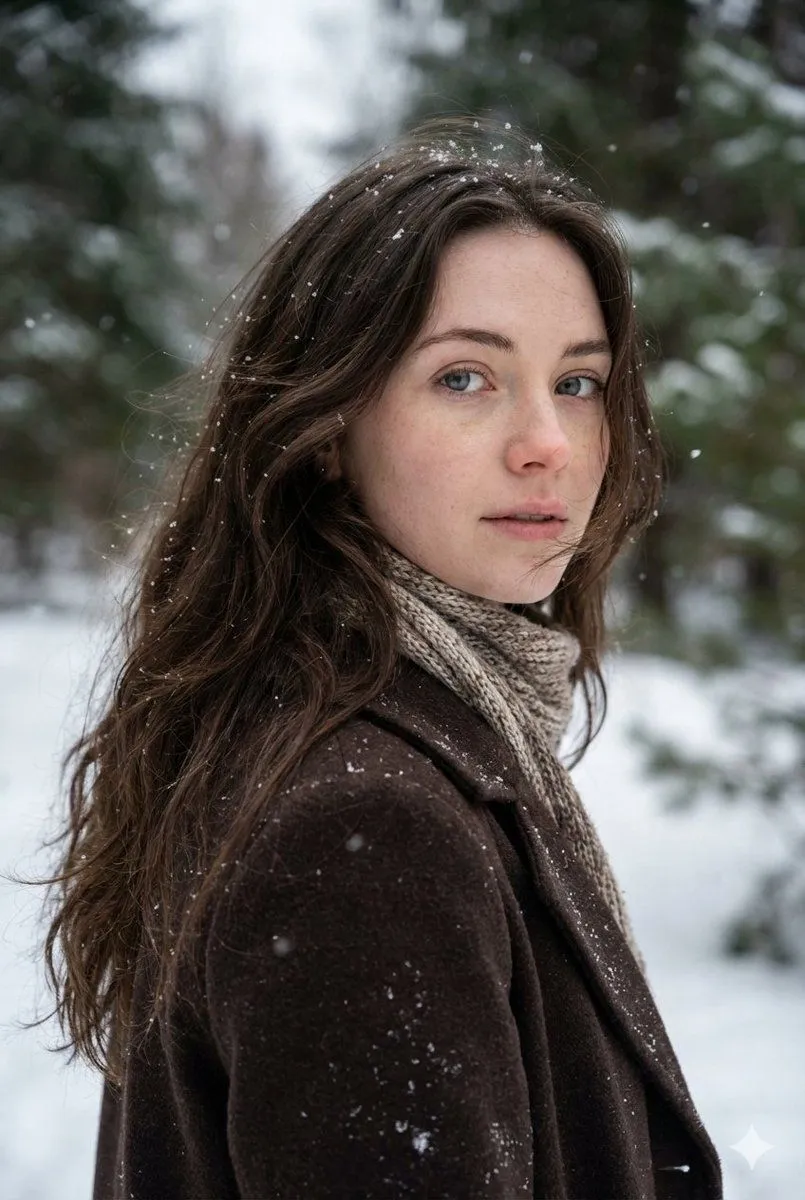
Cinematic Winter Forest Portrait

Made with Nano Banana Pro in Gemini, collected by Library Social. Promptclay never generates images.

Did it work?

No reports yet. Tell others if it worked for you.

No comments yet. Be the first.

    Cinematic Winter Forest Portrait

    Nano Banana Pro2:3AI-generated

    Prompt

    { "Objective": "Generate a cinematic, photorealistic portrait inspired by a winter forest atmosphere", "PersonaDetails": { "Subject": "Young woman", "Appearance": { "Hair": "Long, wavy dark brown hair, slightly windblown", "Eyes": "Light blue", "Skin": "Fair with natural freckles", "Expression": "Soft, introspective, slightly wistful" }, "Clothing": { "Outerwear": "Dark brown wool coat", "Accessories": "Knitted scarf in neutral tones" } }, "SceneDescription": { "Environment": "Snowy forest with soft-focus evergreen trees", "Weather": "Gentle snowfall", "Season": "Winter", "Mood": "Quiet, cinematic, melancholic, ethereal" }, "PhotographyStyle": { "Type": "Cinematic portrait photography", "Lighting": "Soft natural light, overcast winter lighting", "DepthOfField": "Shallow depth of field with creamy bokeh", "CameraAngle": "Three-quarter profile, subject looking back over shoulder", "Resolution": "Ultra high resolution, sharp facial details" }, "ArtDirection": { "ColorPalette": "Muted earth tones, cool greens and soft whites", "Texture": "Natural skin texture, visible snow particles", "RealismLevel": "Highly photorealistic" }, "NegativePrompt": [ "cartoon", "anime", "overly smooth skin", "harsh lighting", "blurry face", "distorted anatomy", "oversaturated colors" ], "ResponseFormat": { "Type": "Single image", "Orientation": "Portrait", "AspectRatio": "2:3" } }

    Works in
    Gemini, ChatGPT
    Status
    Free to copy
    0
    DetailsVersions, settings and questions

    Written for

    What's in the prompt

    Subject
    Model
    Nano Banana Pro

    If your face changes

    keep my face exactly the same

    Questions

    Does this work in the Gemini app?
    Yes. Gemini runs Nano Banana, so paste the prompt and attach your photo if it uses one.
    It changed my face. What do I do?
    Add "keep my face exactly the same" to the end and run it again.
    Can I use the images I make?
    Check the terms of the app you use. Promptclay never generates images and claims nothing you make.
    Similar prompts

    See more
    • Cinematic Winter Portrait Prompt for Gemini
    • Filmic Winter Portrait Prompt with Face Preservation
    • Cinematic Winter Portrait with Hyper-Detail
    • Cinematic Winter Portrait with Teal and Orange Grading
    • Moody Winter Close-Up Portrait Prompt
    • Lantern in the Winter Twilight Photography
    • Cinematic Winter Portrait: Woman and Wolf
    • Extreme Close-Up Portrait with Realistic Skin Texture
    • Bold Winter Fashion Portrait (Ester Expósito)
    • Cinematic Fine-Art Portrait Series
    • Melancholic Cinematic Portrait
    • Cinematic Winter Cabin Solitude
    • Mysterious Dark Forest Ritual Portrait
    • Cinematic Skyline Portrait with Identity Reference
    • Surreal Botanical Fashion Editorial
    • Hand-Carved Wooden Miniature Figure
    • Human Fragments Editorial Poster
    • Hyper-realistic Cobalt Blue Coconut Still Life
    • Hyperrealistic Tattooed Elf Couple
    • Multi-Angle Scene Generation Prompt (Oshi no Ko Style)
    • Nano Banana Pro Thumbnail Generation Example
    • Newspaper Collage Shadow Portrait
    • Sophisticated Oil Portrait Painting
    • The Lighthouse Keeper Storyboard

    Show more

    Run it on your phone

    1. Prompt copiedRead it

      { "Objective": "Generate a cinematic, photorealistic portrait inspired by a winter forest atmosphere", "PersonaDetails": { "Subject": "Young woman", "Appearance": { "Hair": "Long, wavy dark brown hair, slightly windblown", "Eyes": "Light blue", "Skin": "Fair with natural freckles", "Expression": "Soft, introspective, slightly wistful" }, "Clothing": { "Outerwear": "Dark brown wool coat", "Accessories": "Knitted scarf in neutral tones" } }, "SceneDescription": { "Environment": "Snowy forest with soft-focus evergreen trees", "Weather": "Gentle snowfall", "Season": "Winter", "Mood": "Quiet, cinematic, melancholic, ethereal" }, "PhotographyStyle": { "Type": "Cinematic portrait photography", "Lighting": "Soft natural light, overcast winter lighting", "DepthOfField": "Shallow depth of field with creamy bokeh", "CameraAngle": "Three-quarter profile, subject looking back over shoulder", "Resolution": "Ultra high resolution, sharp facial details" }, "ArtDirection": { "ColorPalette": "Muted earth tones, cool greens and soft whites", "Texture": "Natural skin texture, visible snow particles", "RealismLevel": "Highly photorealistic" }, "NegativePrompt": [ "cartoon", "anime", "overly smooth skin", "harsh lighting", "blurry face", "distorted anatomy", "oversaturated colors" ], "ResponseFormat": { "Type": "Single image", "Orientation": "Portrait", "AspectRatio": "2:3" } }

    2. Open your app

    3. Paste and run

      Press and hold the message box, then tap Paste. Add your photo first if the prompt uses one. You may need to sign in.

    Cinematic Winter Forest Portrait