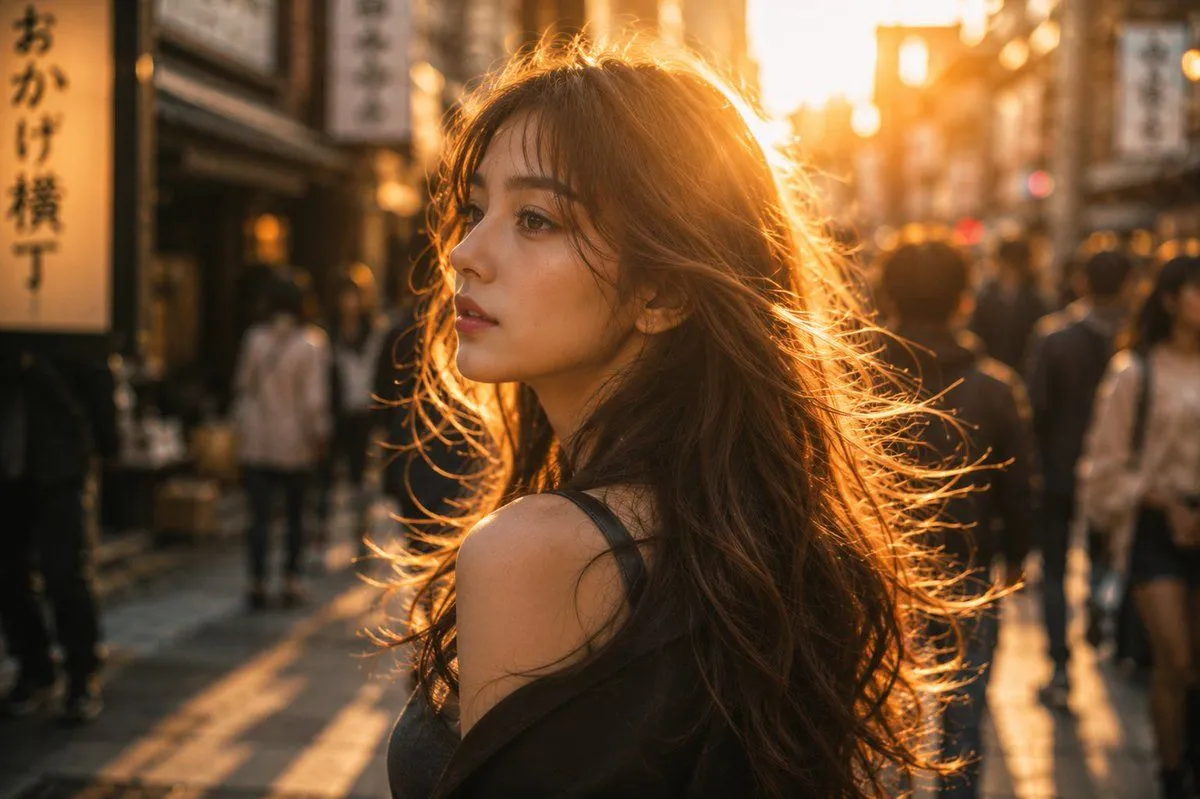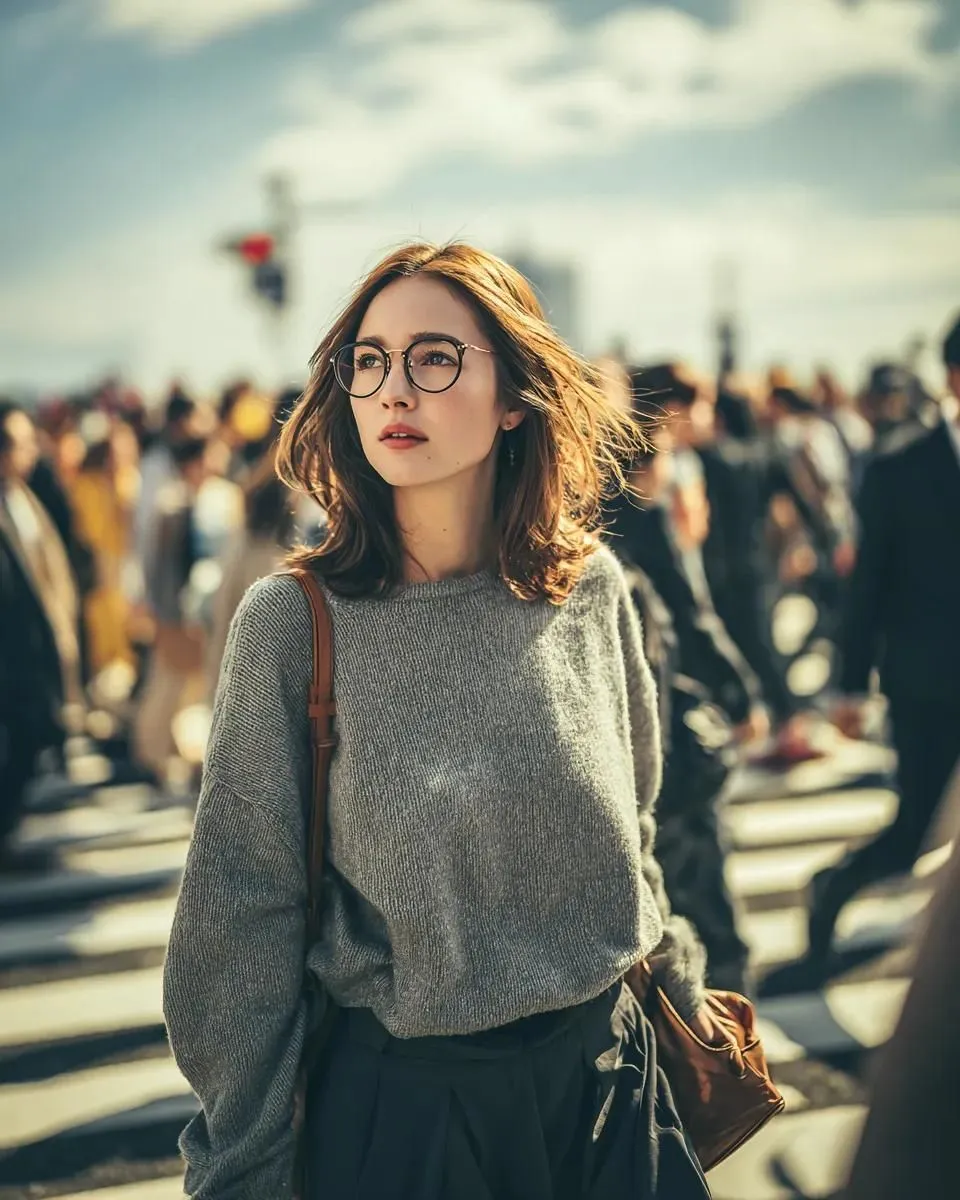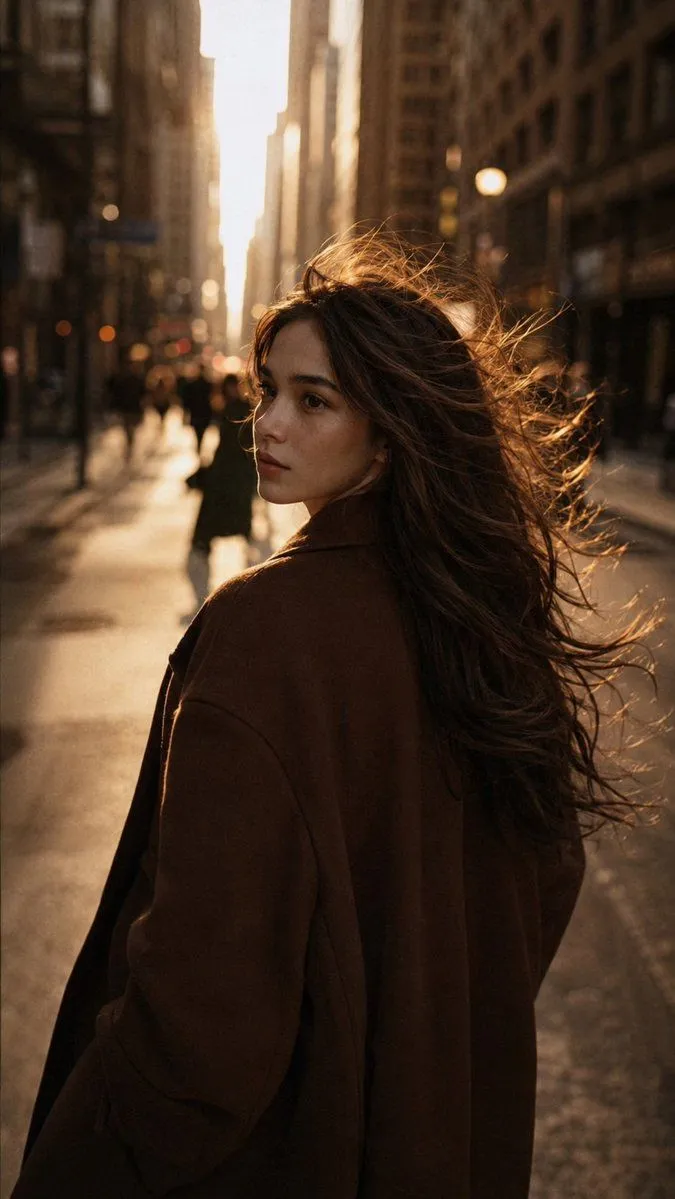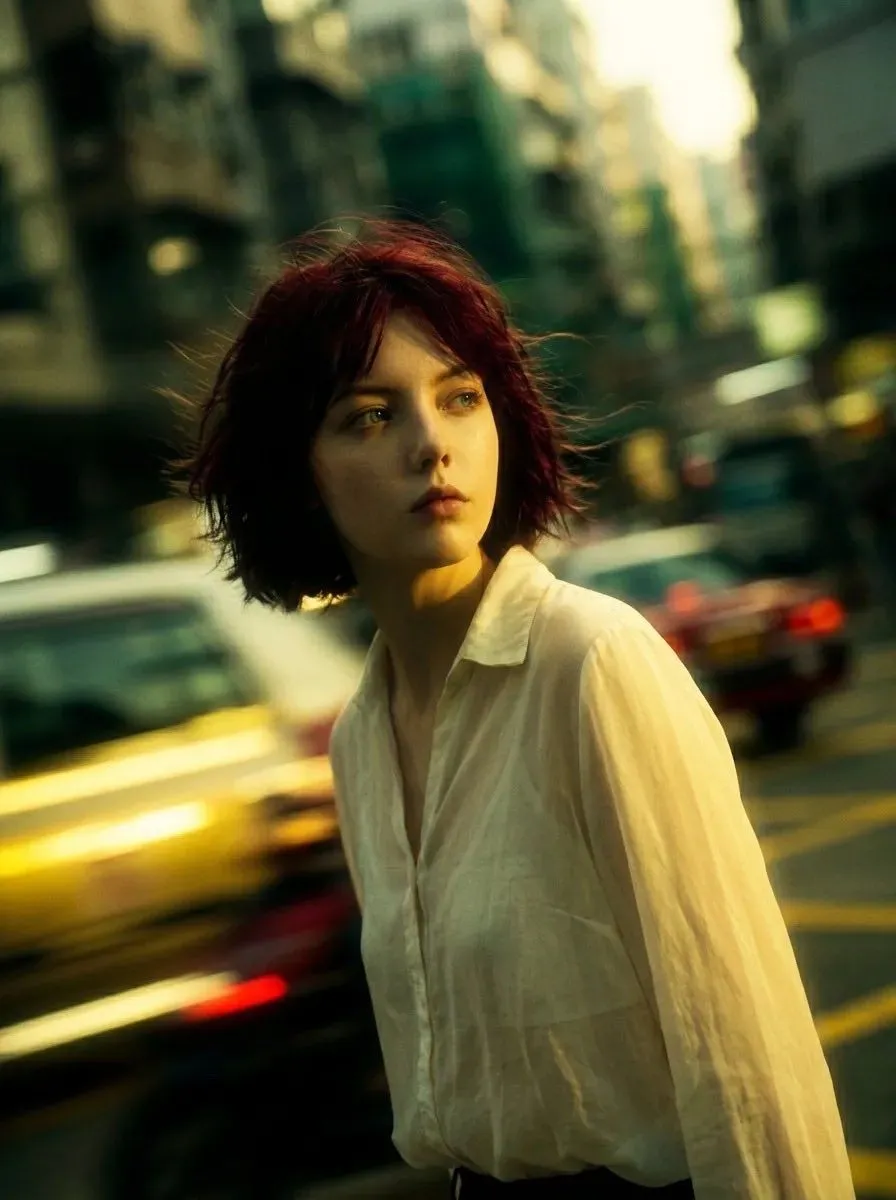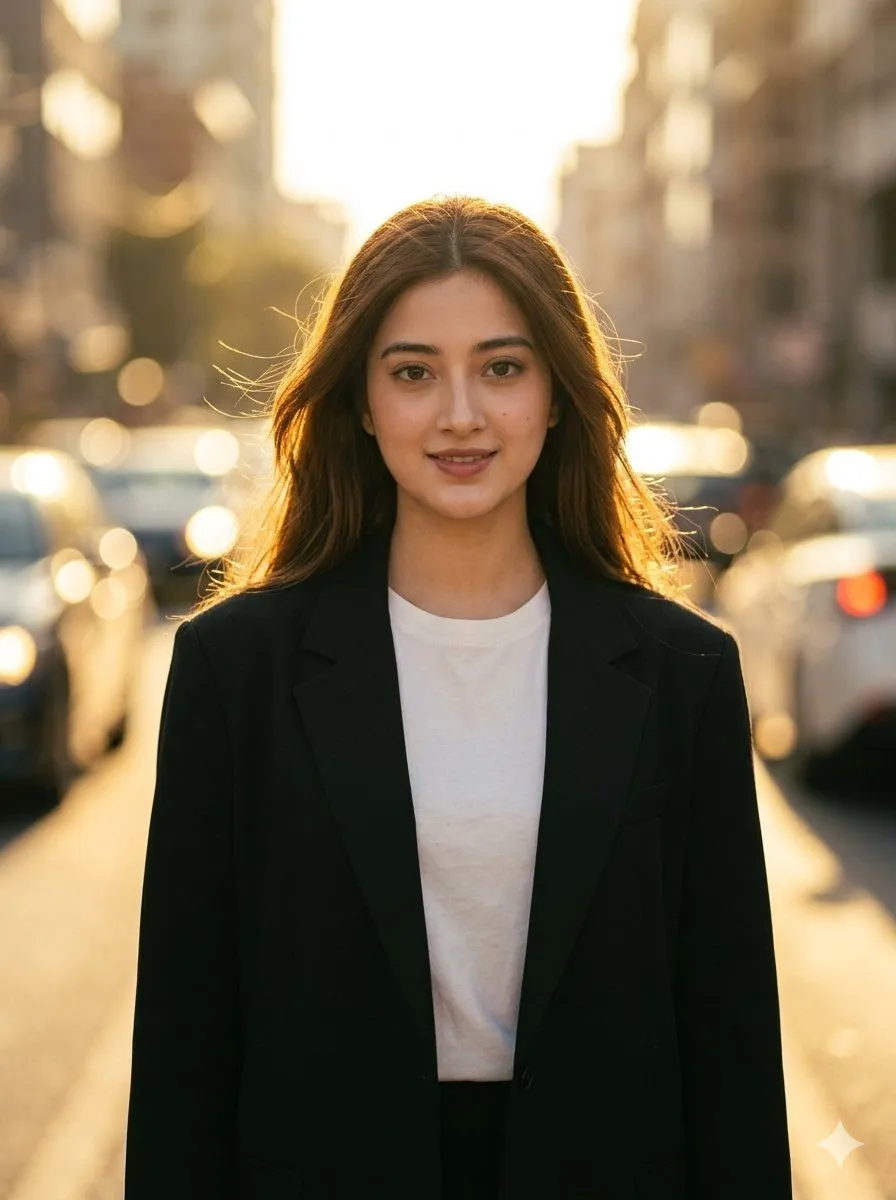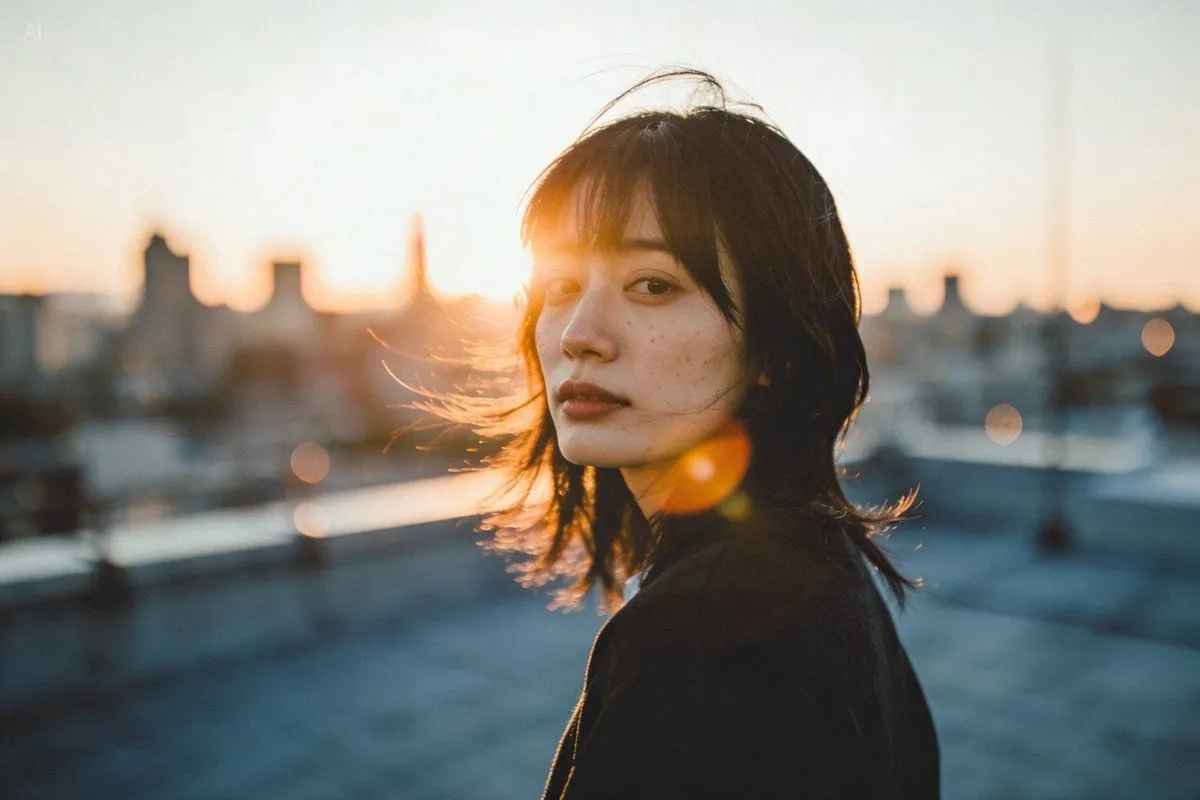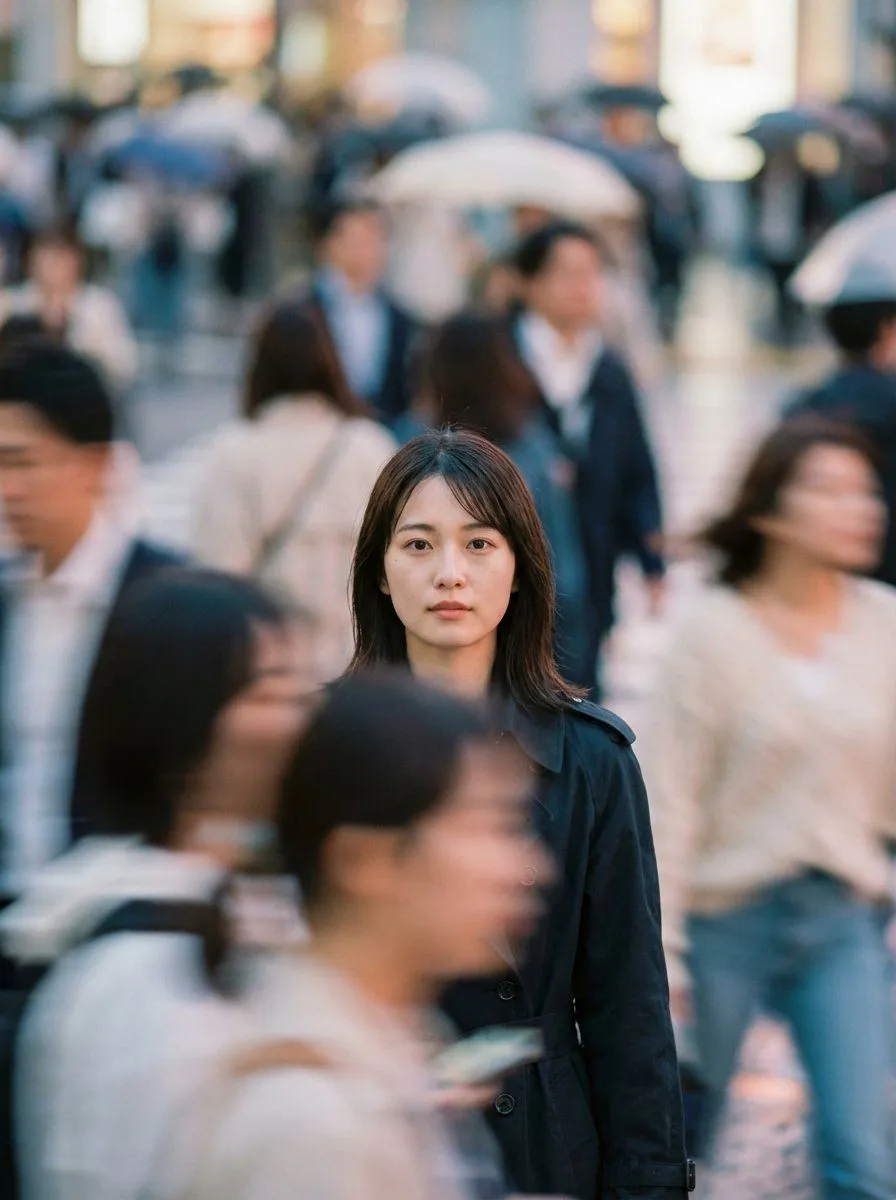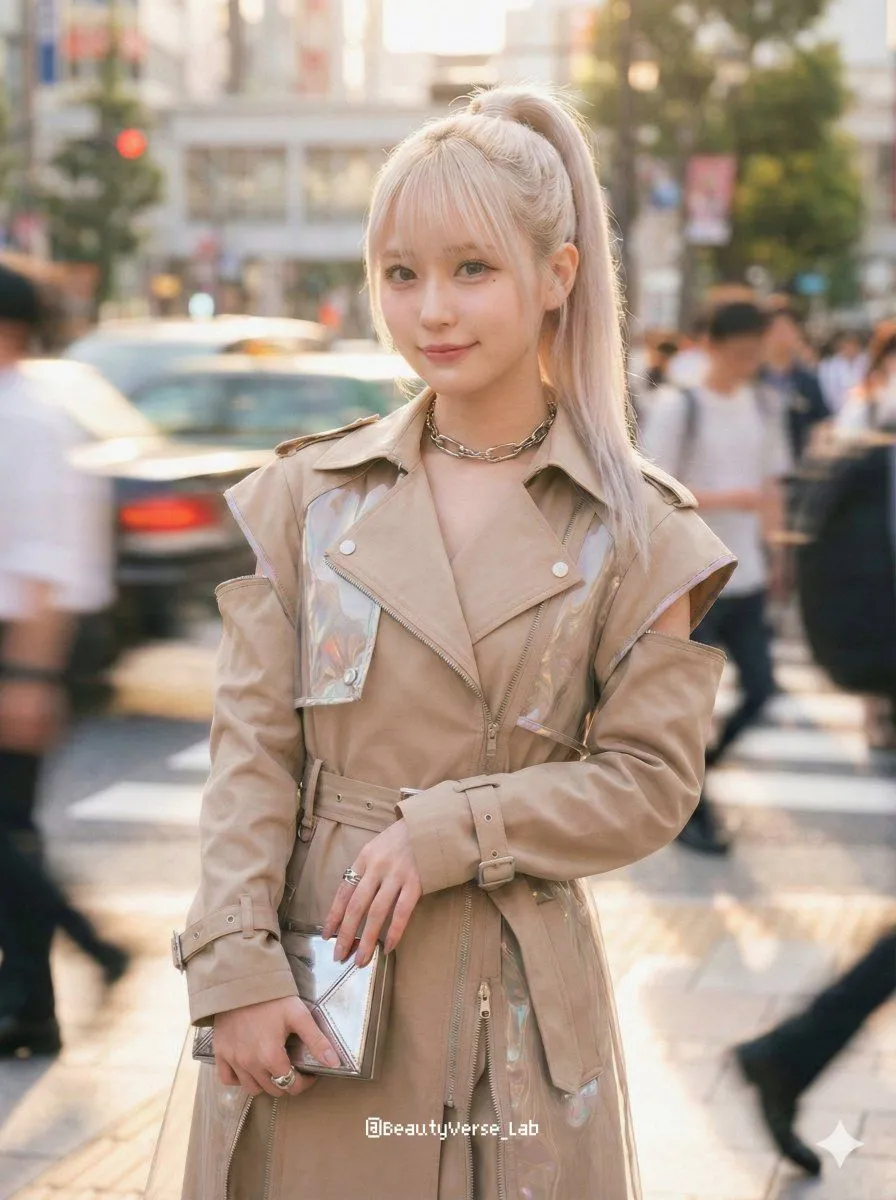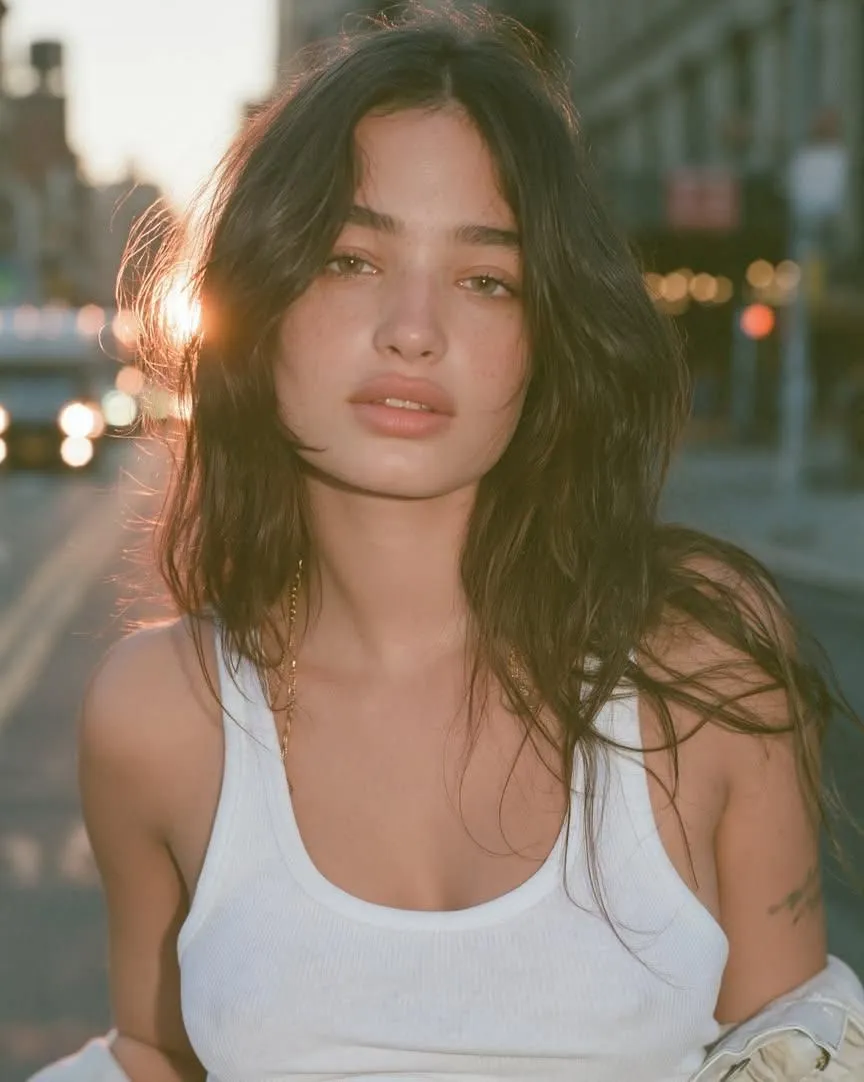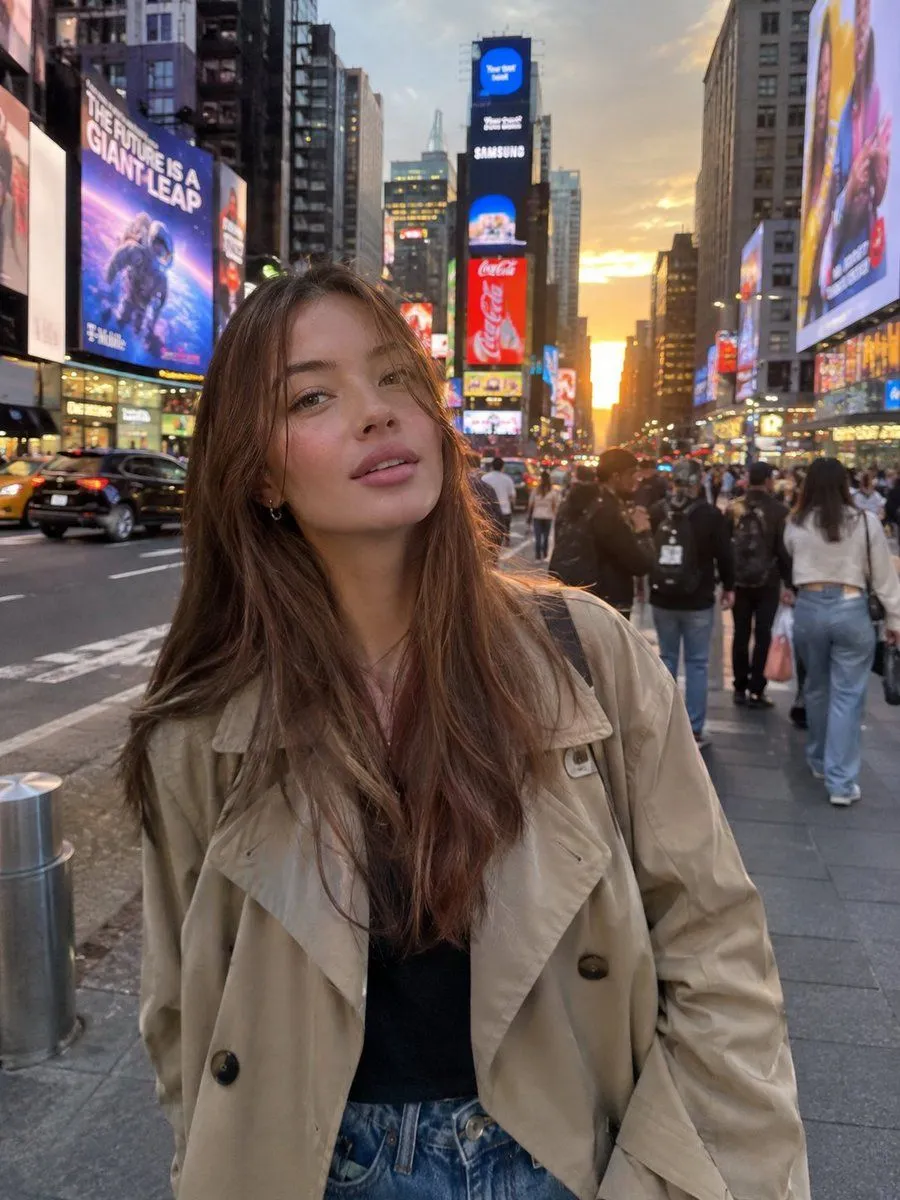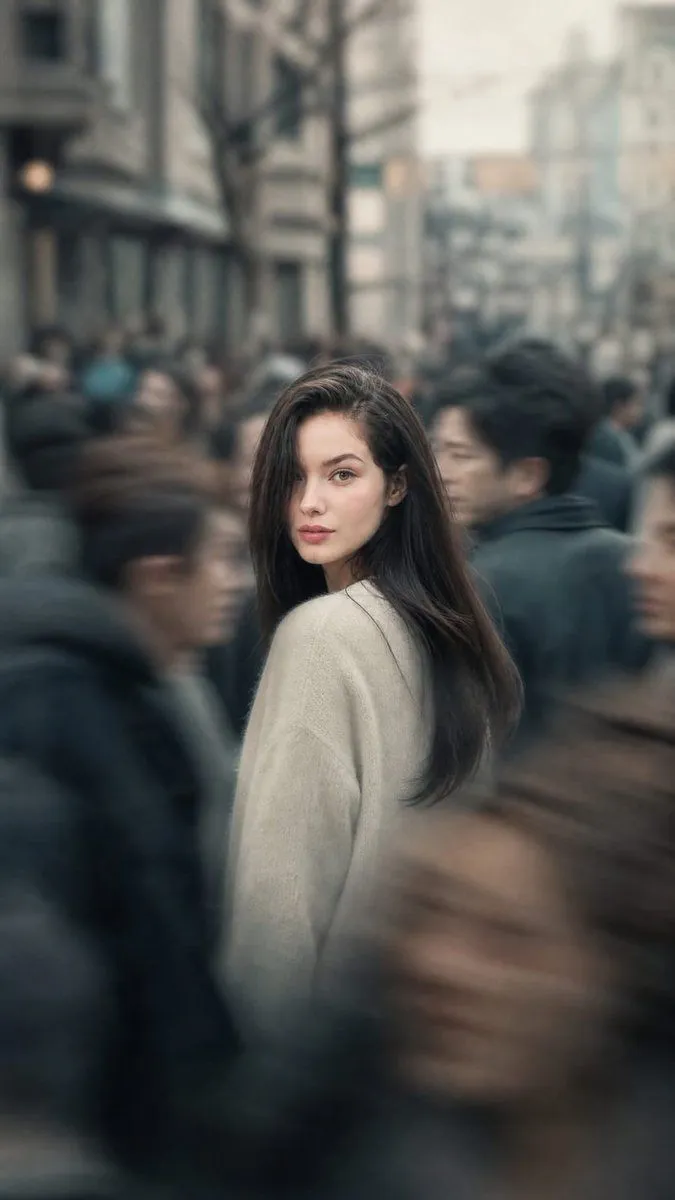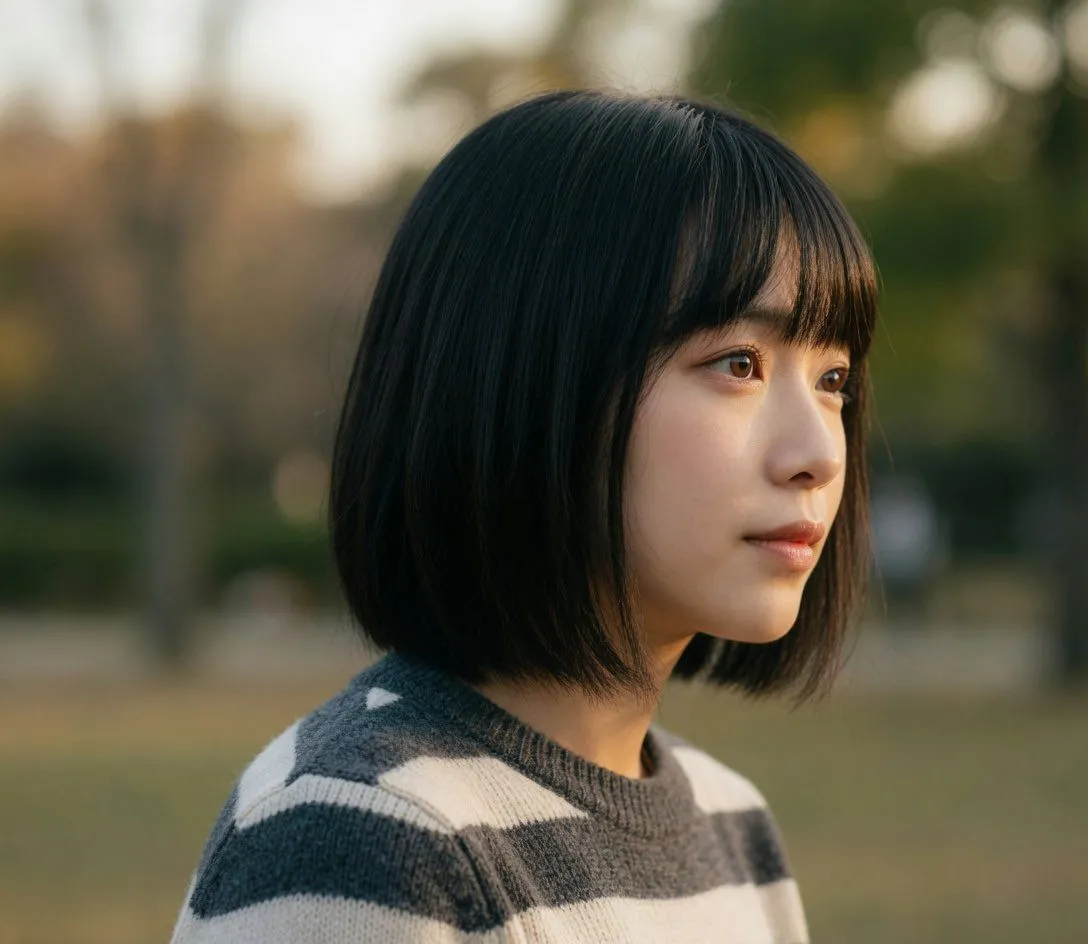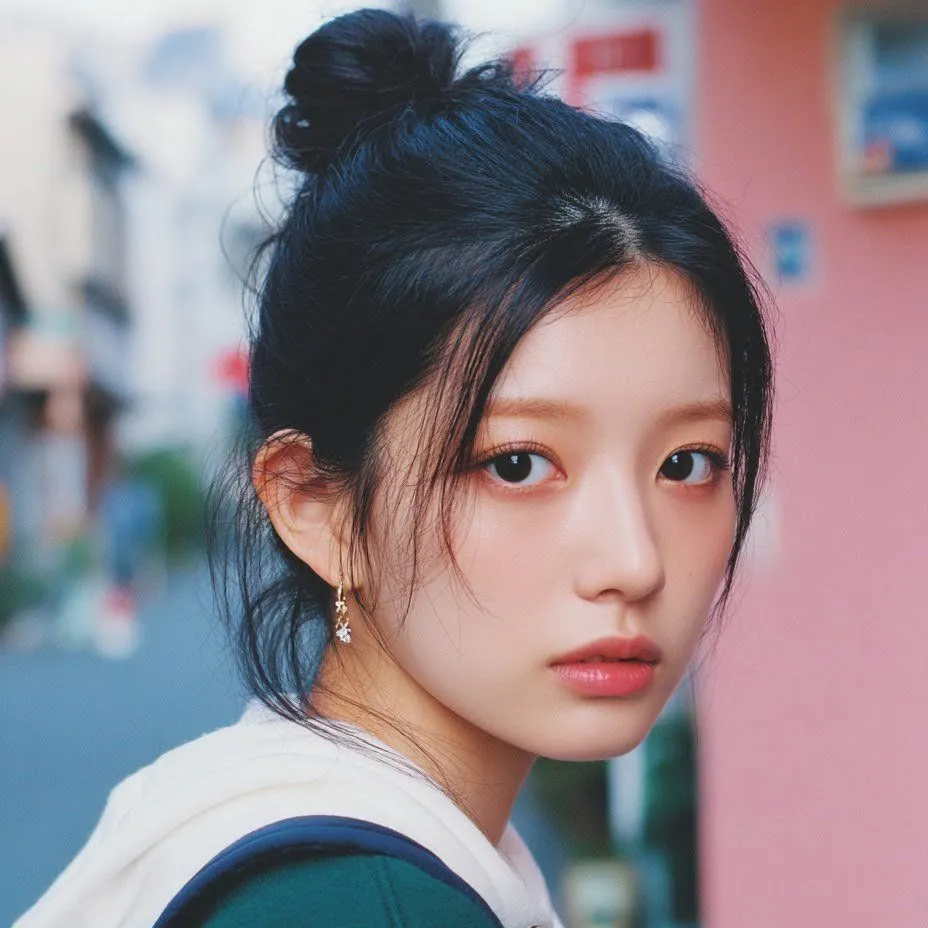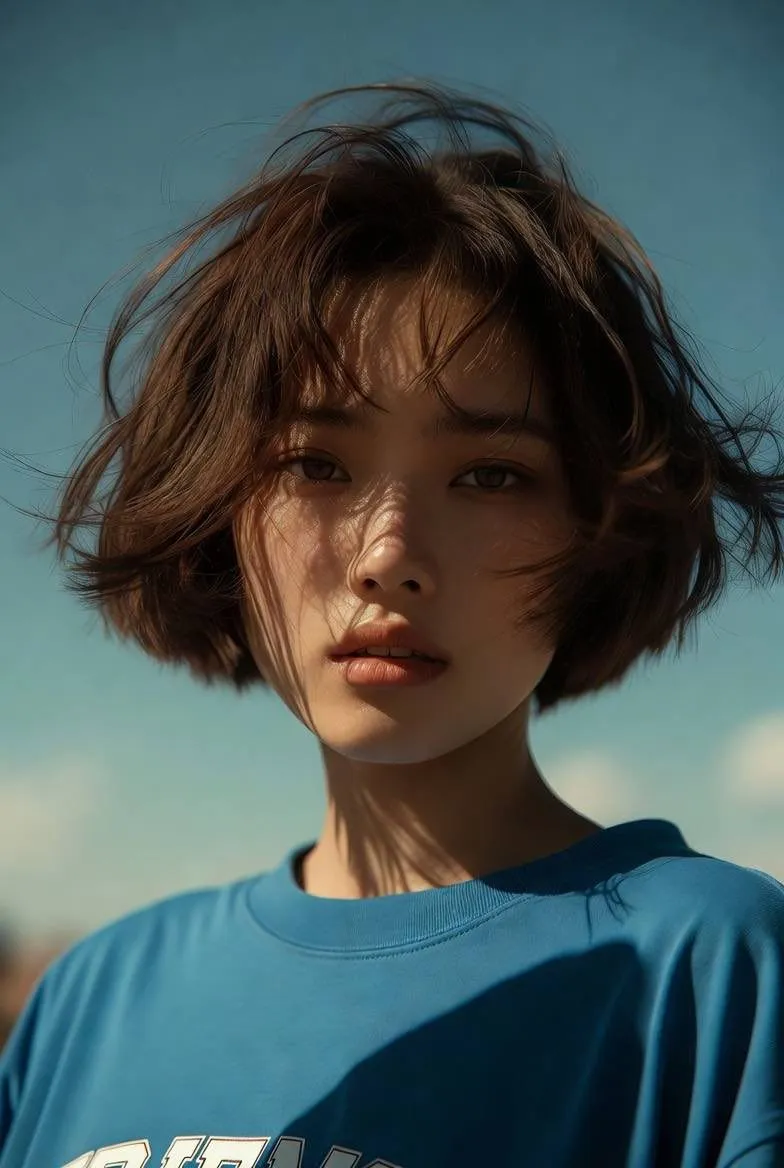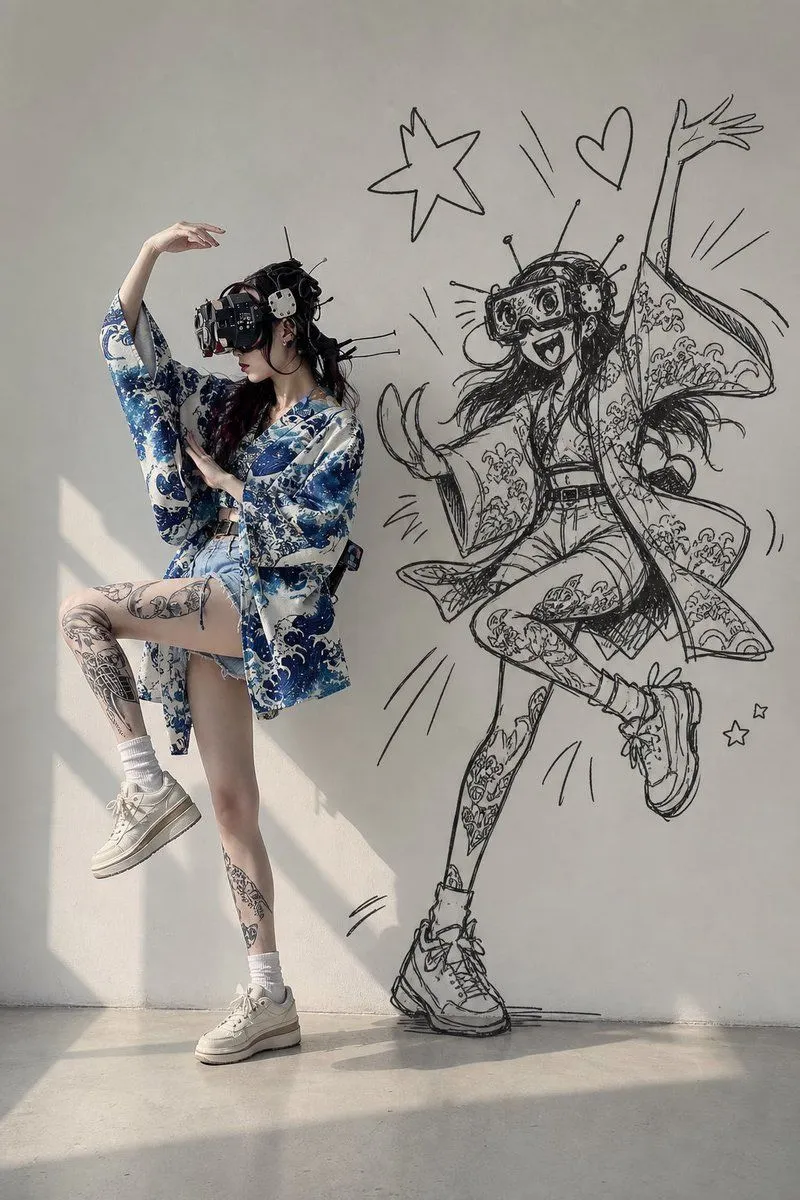
Made with GPT Image 2 in ChatGPT by Library Lifestyle. Promptclay never generates images.
Did it work?
No reports yet. Tell others if it worked for you.
Cinematic Urban Street Portrait
Prompt
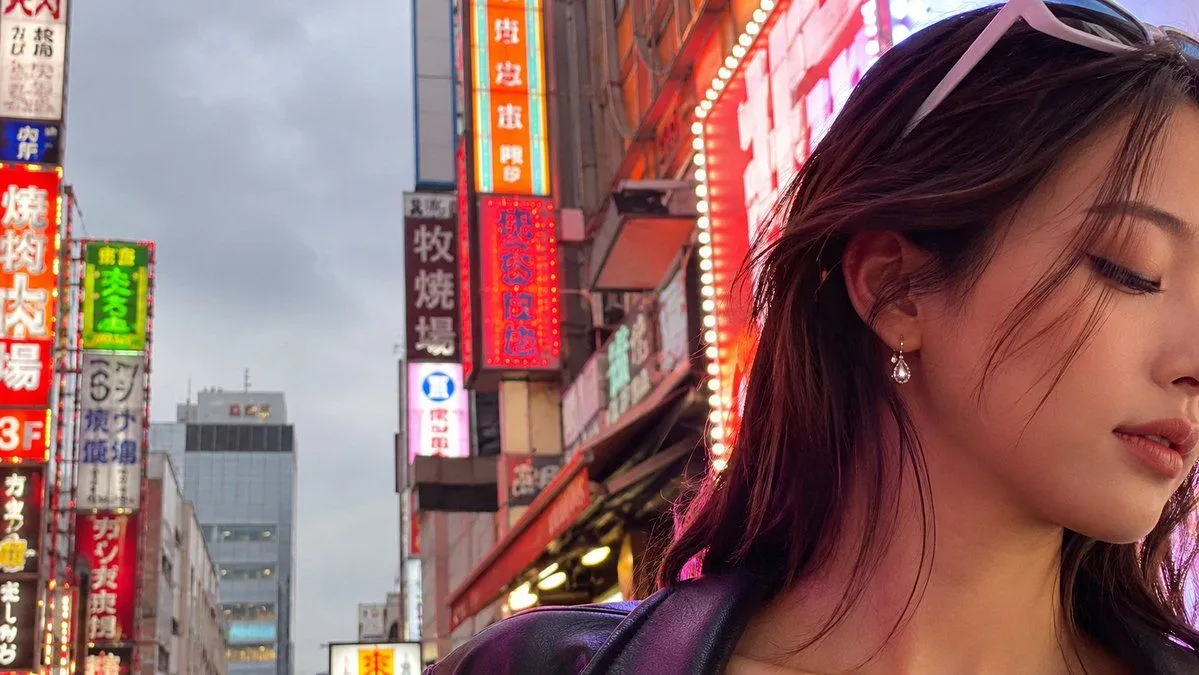
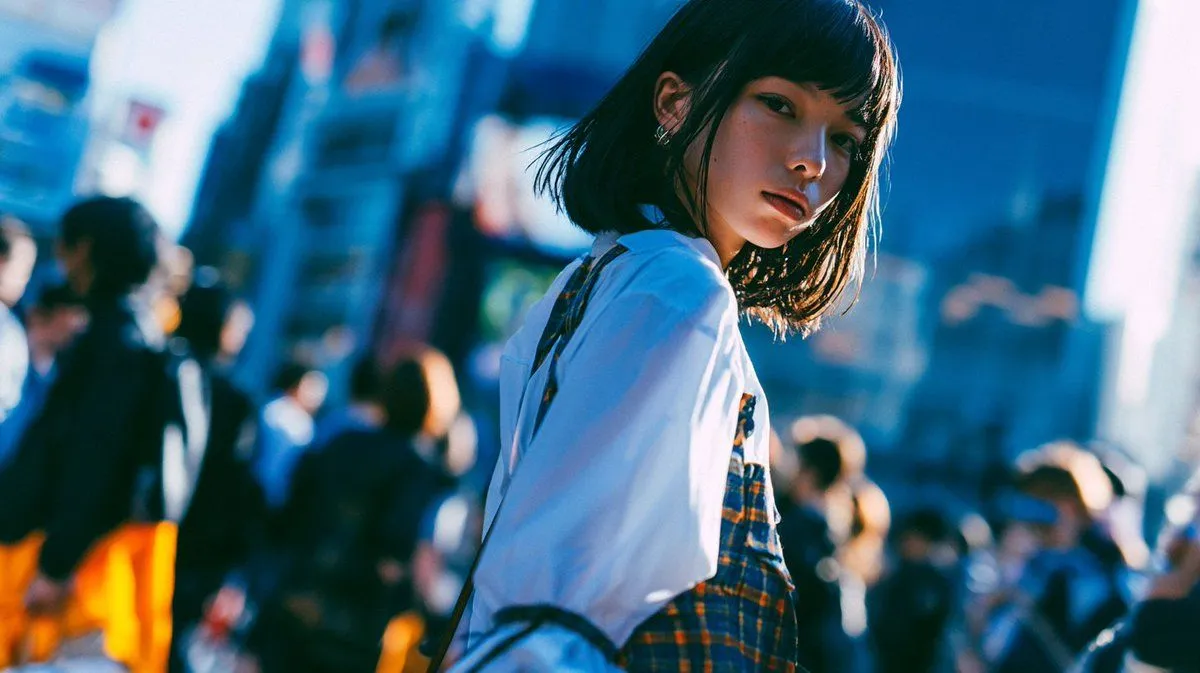
2 blanks to fillCreate a cinematic, high-aesthetic street photograph of {subject} walking through a crowded urban crosswalk or busy city street in Japan. She is shown from the side in a close medium shot, slightly off-center to the right, wearing {outfit}, with a thin shoulder strap visible and small earrings catching the light. Her face is intentionally obscured by a soft rectangular privacy block, while her hair and clothing remain sharply lit. The background contains a bustling crowd of pedestrians, tall city buildings, signage, and traffic shapes, all rendered as heavy bokeh and motion blur. Use a dynamic Dutch angle, shallow depth of field, 35mm film photography look, vibrant teal-blue shadows and warm orange highlights, strong backlight from the late afternoon sun, high contrast, lens bloom, slight chromatic aberration, candid snapshot energy, fashion street-style mood, ultra aesthetic composition, natural imperfections, no readable text.
Preview of your prompt
Create a cinematic, high-aesthetic street photograph of a young woman with a short dark bob haircut walking through a crowded urban crosswalk or busy city street in Japan. She is shown from the side in a close medium shot, slightly off-center to the right, wearing a loose white shirt layered over a dark plaid dress or pinafore, with a thin shoulder strap visible and small earrings catching the light. Her face is intentionally obscured by a soft rectangular privacy block, while her hair and clothing remain sharply lit. The background contains a bustling crowd of pedestrians, tall city buildings, signage, and traffic shapes, all rendered as heavy bokeh and motion blur. Use a dynamic Dutch angle, shallow depth of field, 35mm film photography look, vibrant teal-blue shadows and warm orange highlights, strong backlight from the late afternoon sun, high contrast, lens bloom, slight chromatic aberration, candid snapshot energy, fashion street-style mood, ultra aesthetic composition, natural imperfections, no readable text.
DetailsVersions, settings and questions
Written for
What's in the prompt
- Subject
- Model
- GPT Image 2
If your face changes
keep my face exactly the sameQuestions
- Does this work in the ChatGPT app?
- Yes. Paste the prompt and attach your photo if it uses one.
- It changed my face. What do I do?
- Add "keep my face exactly the same" to the end and run it again.
- Can I use the images I make?
- Check the terms of the app you use. Promptclay never generates images and claims nothing you make.