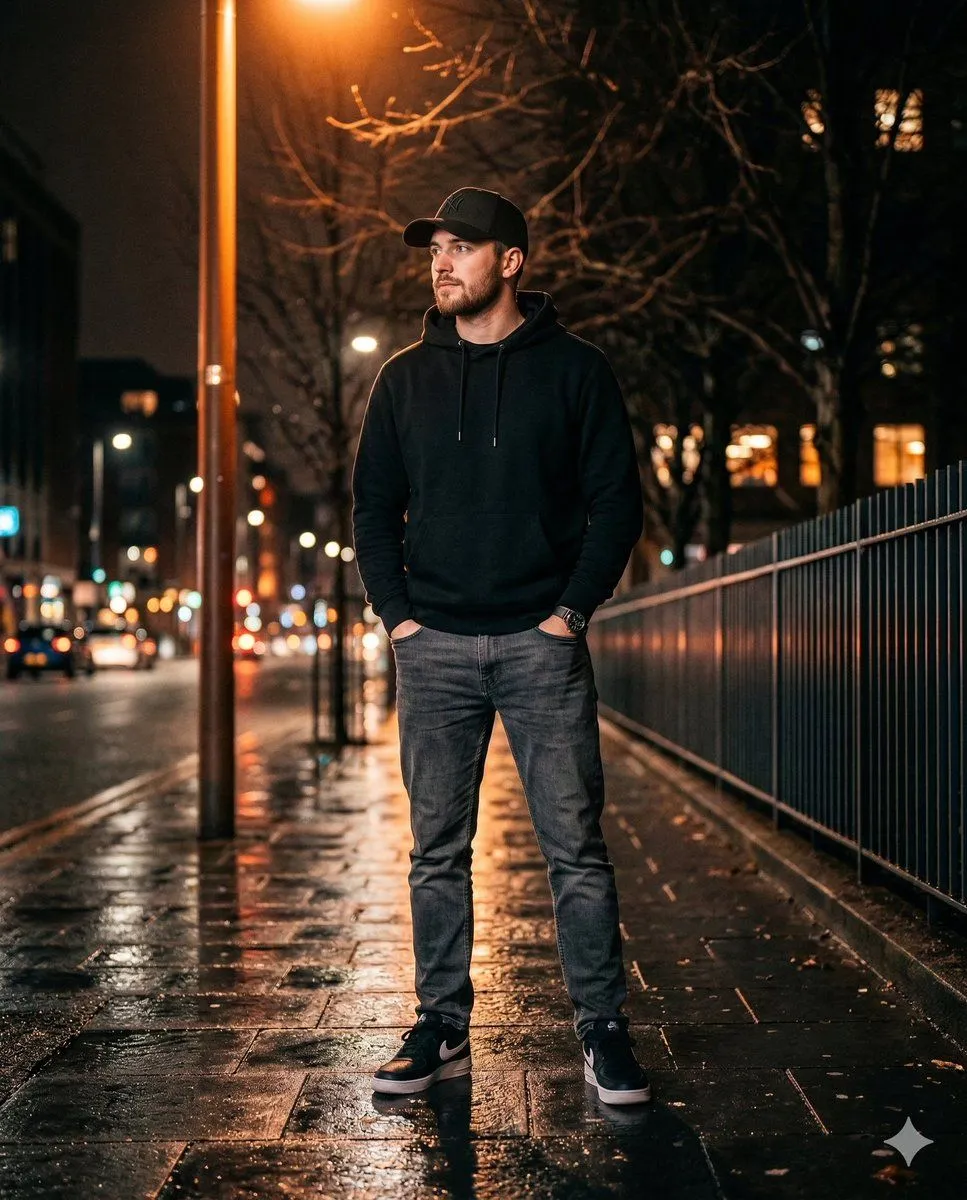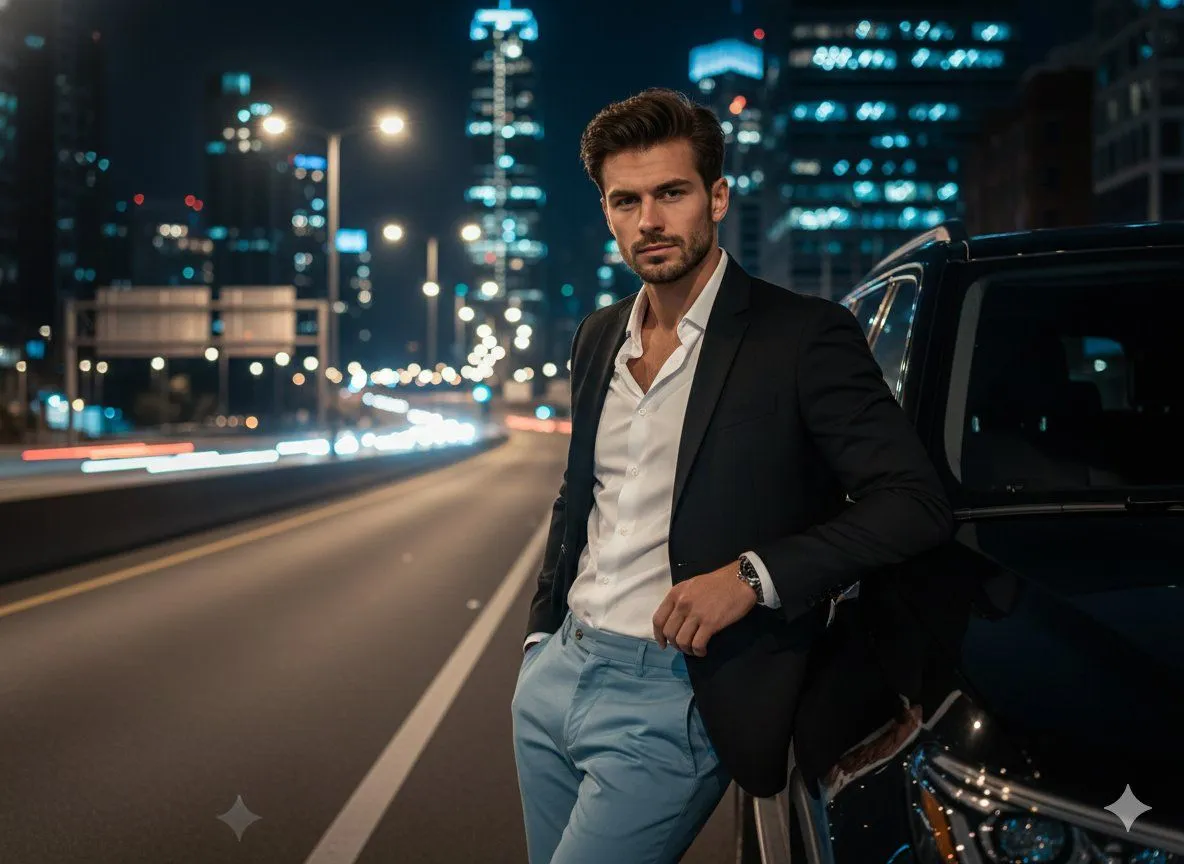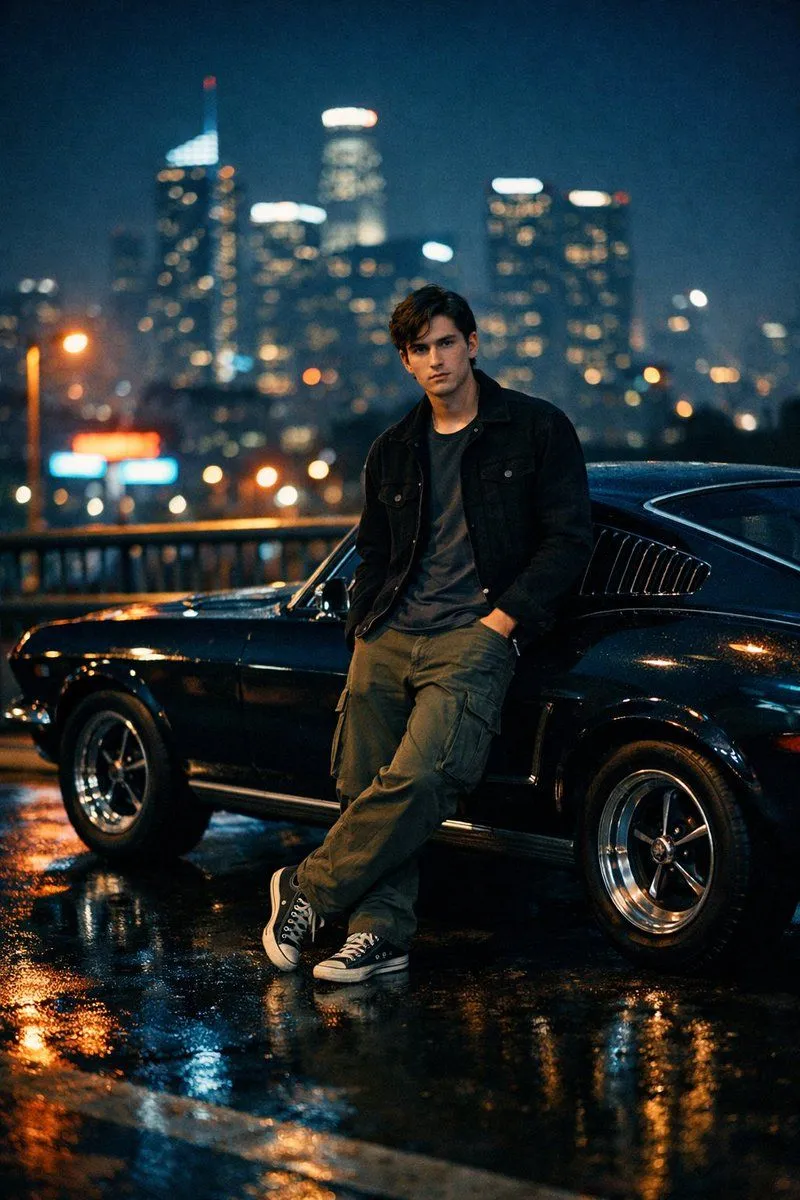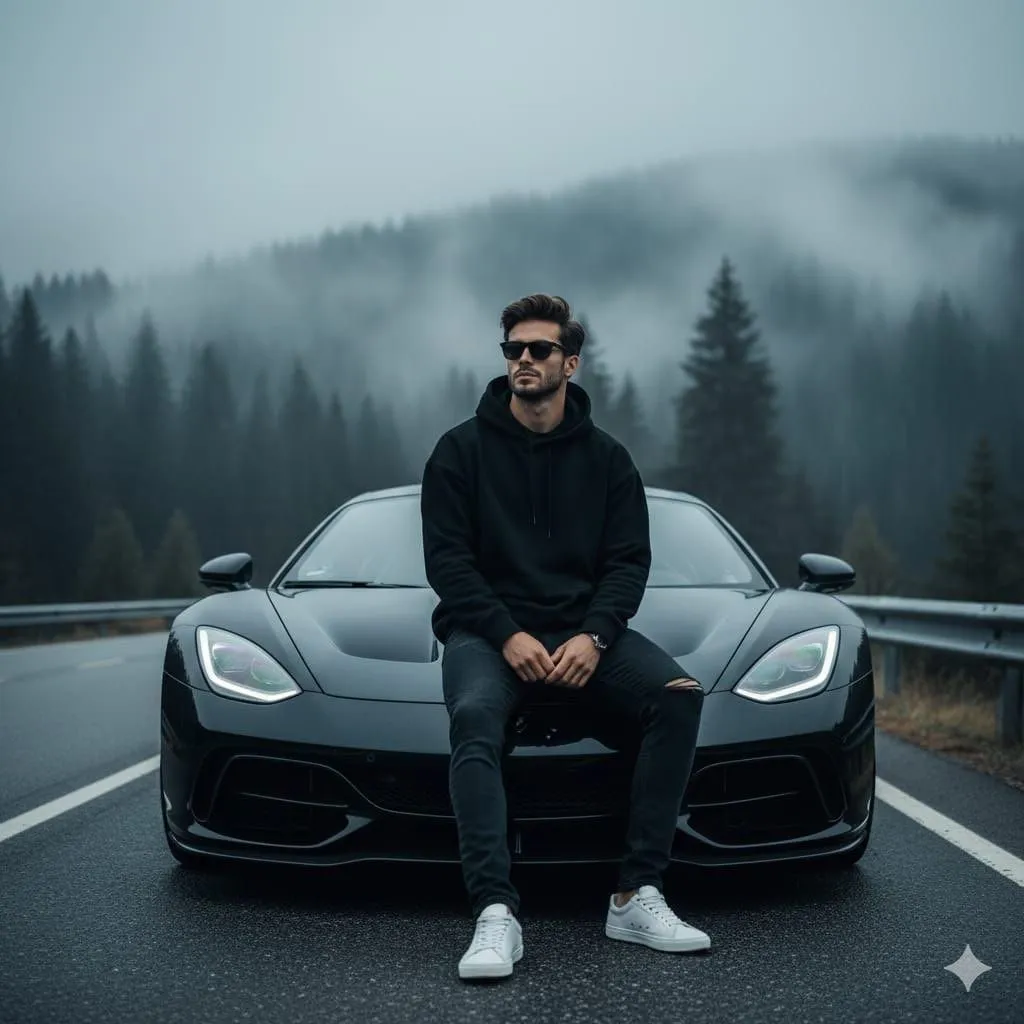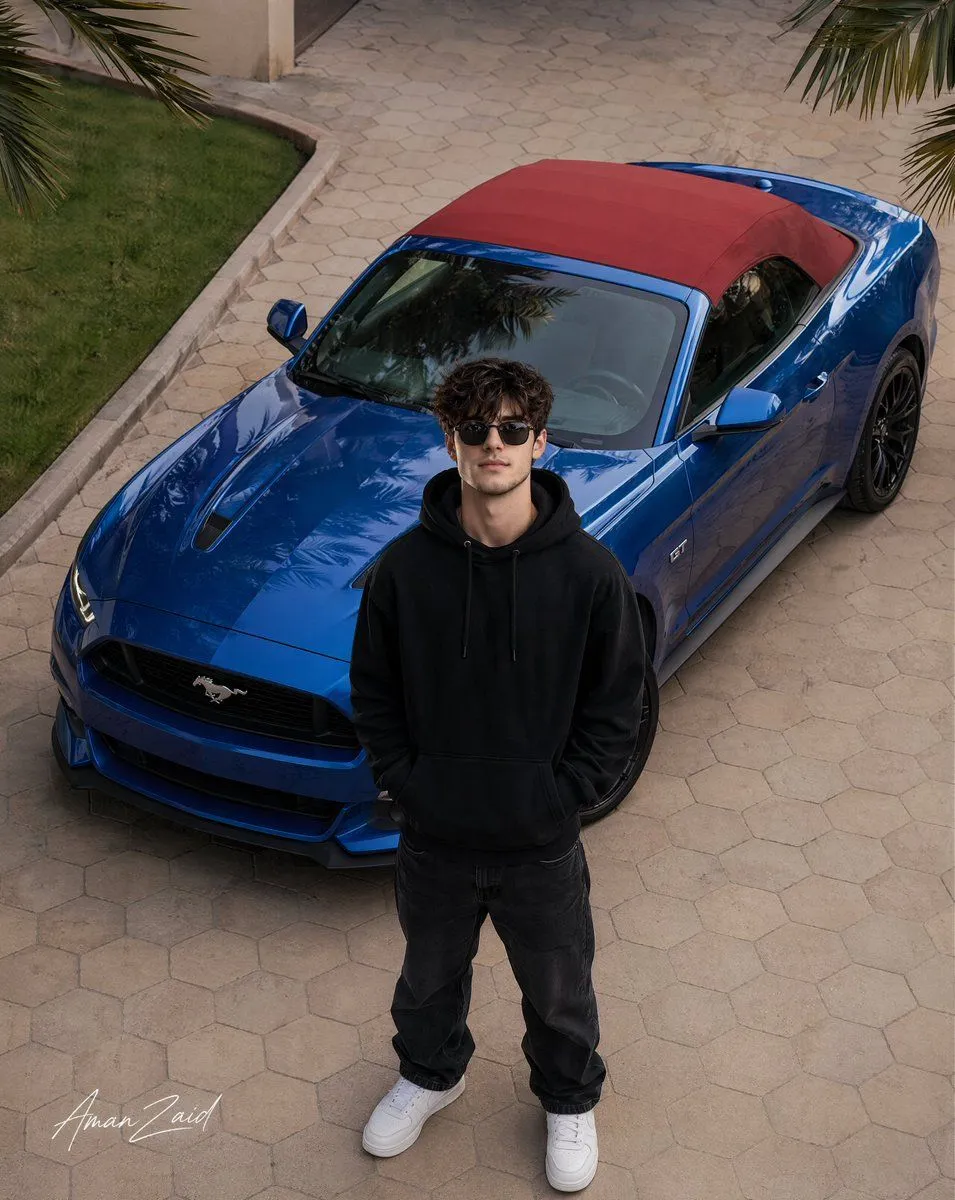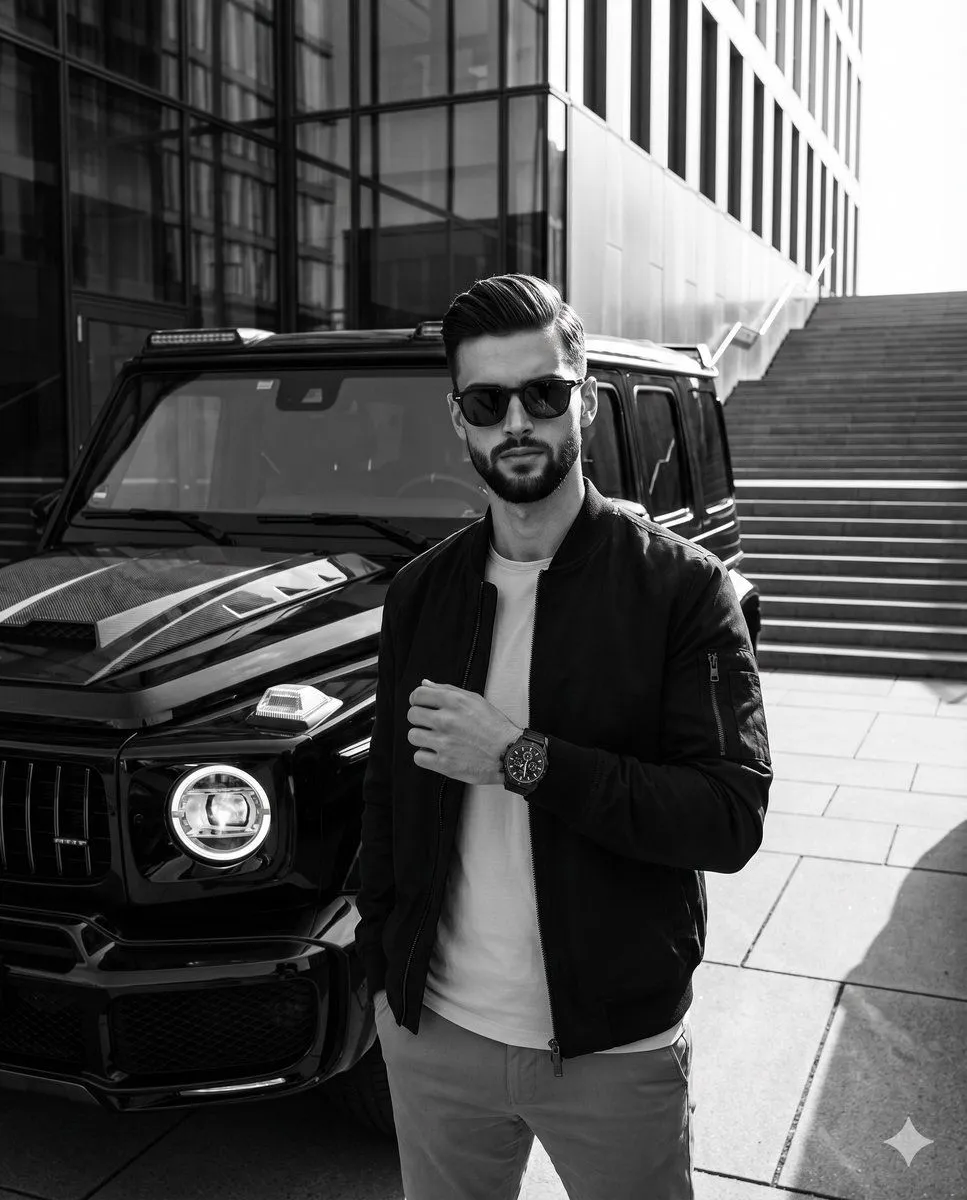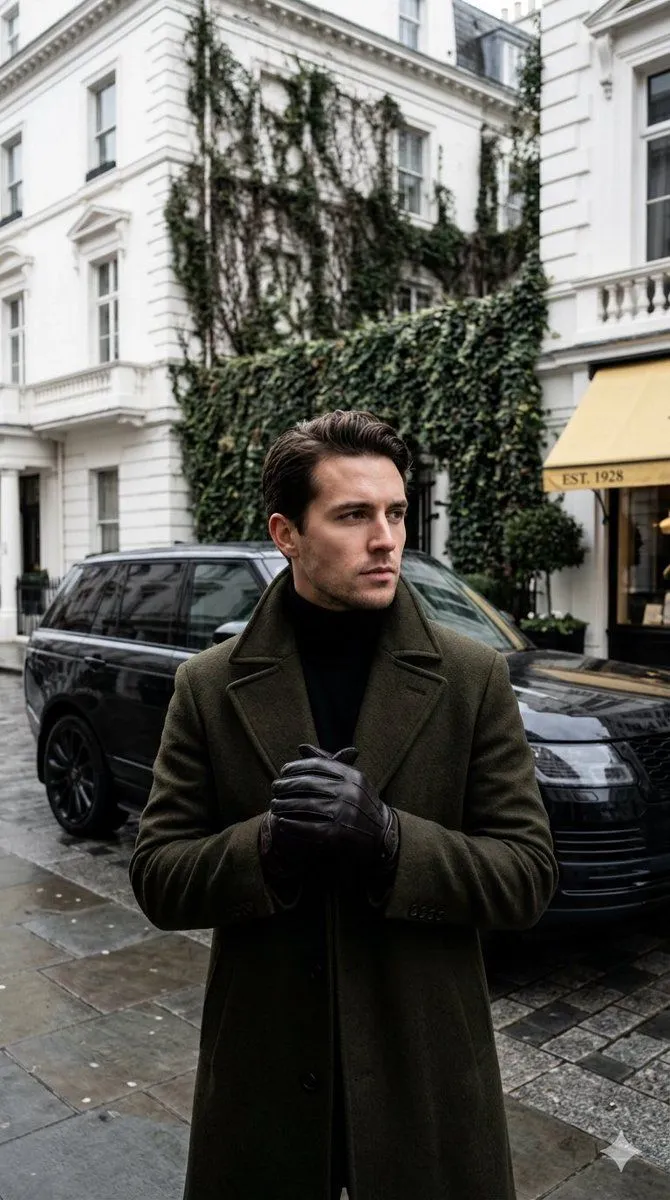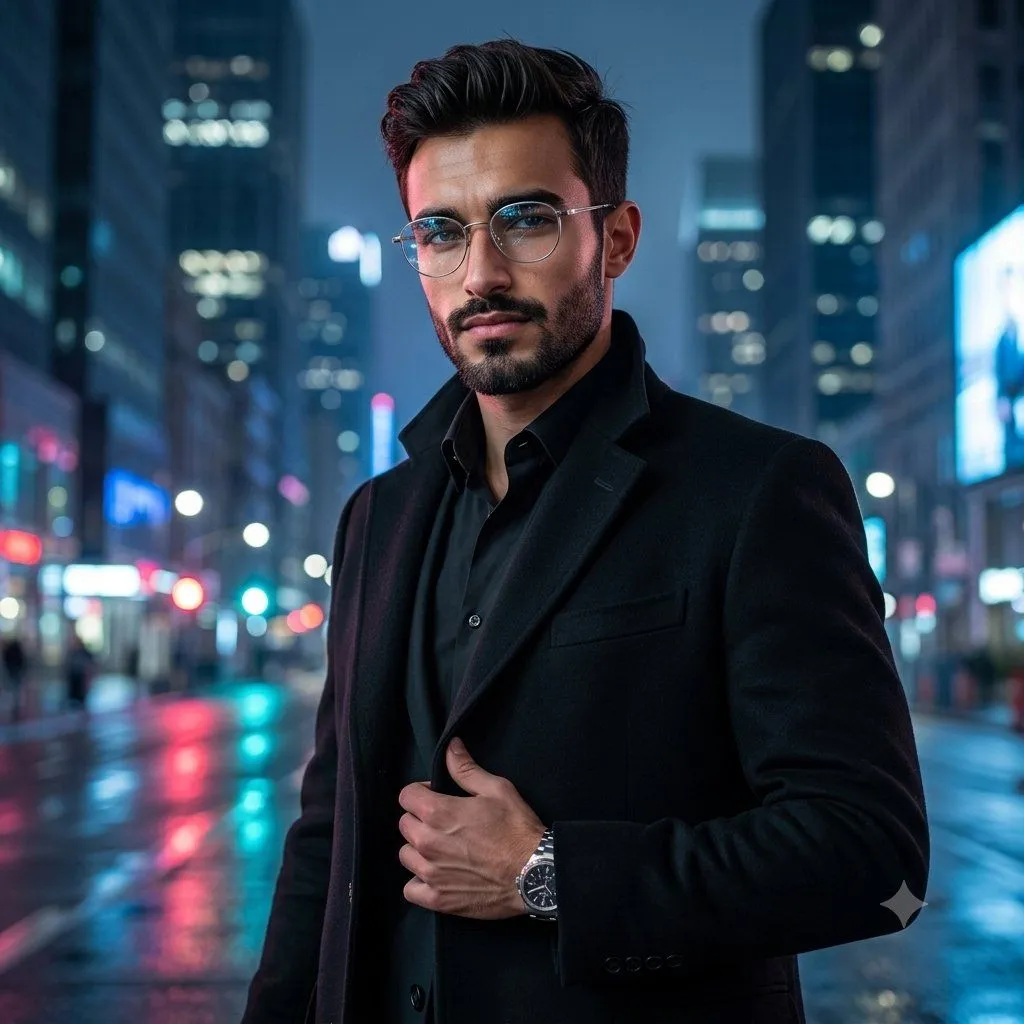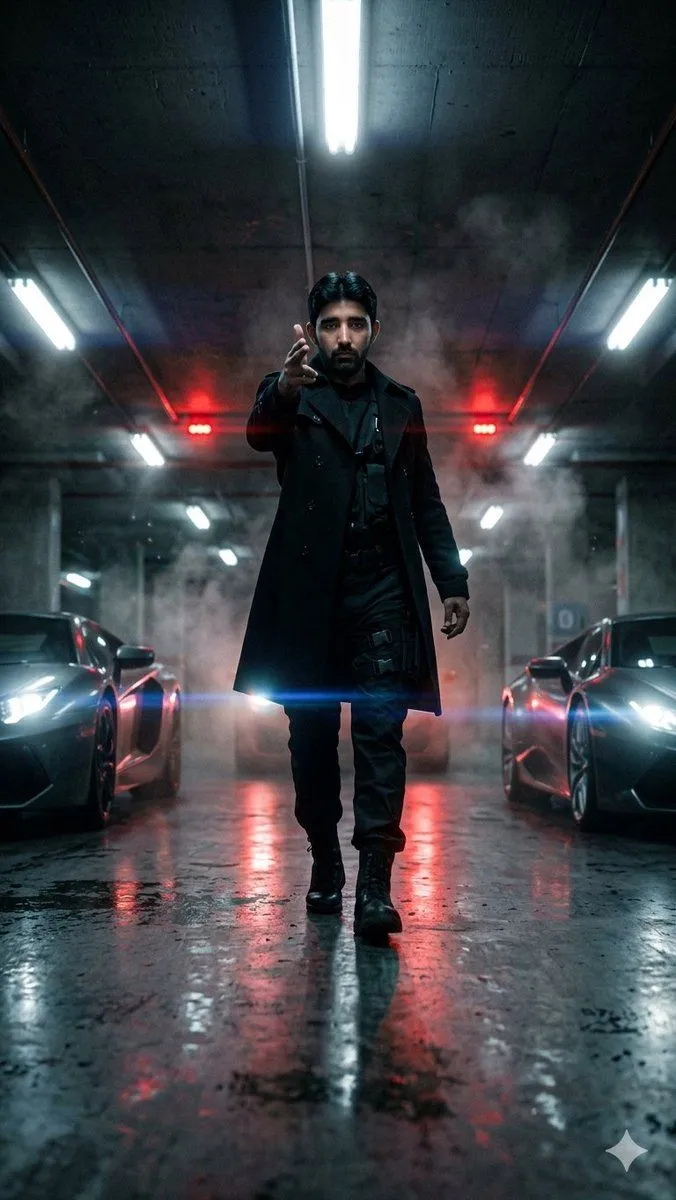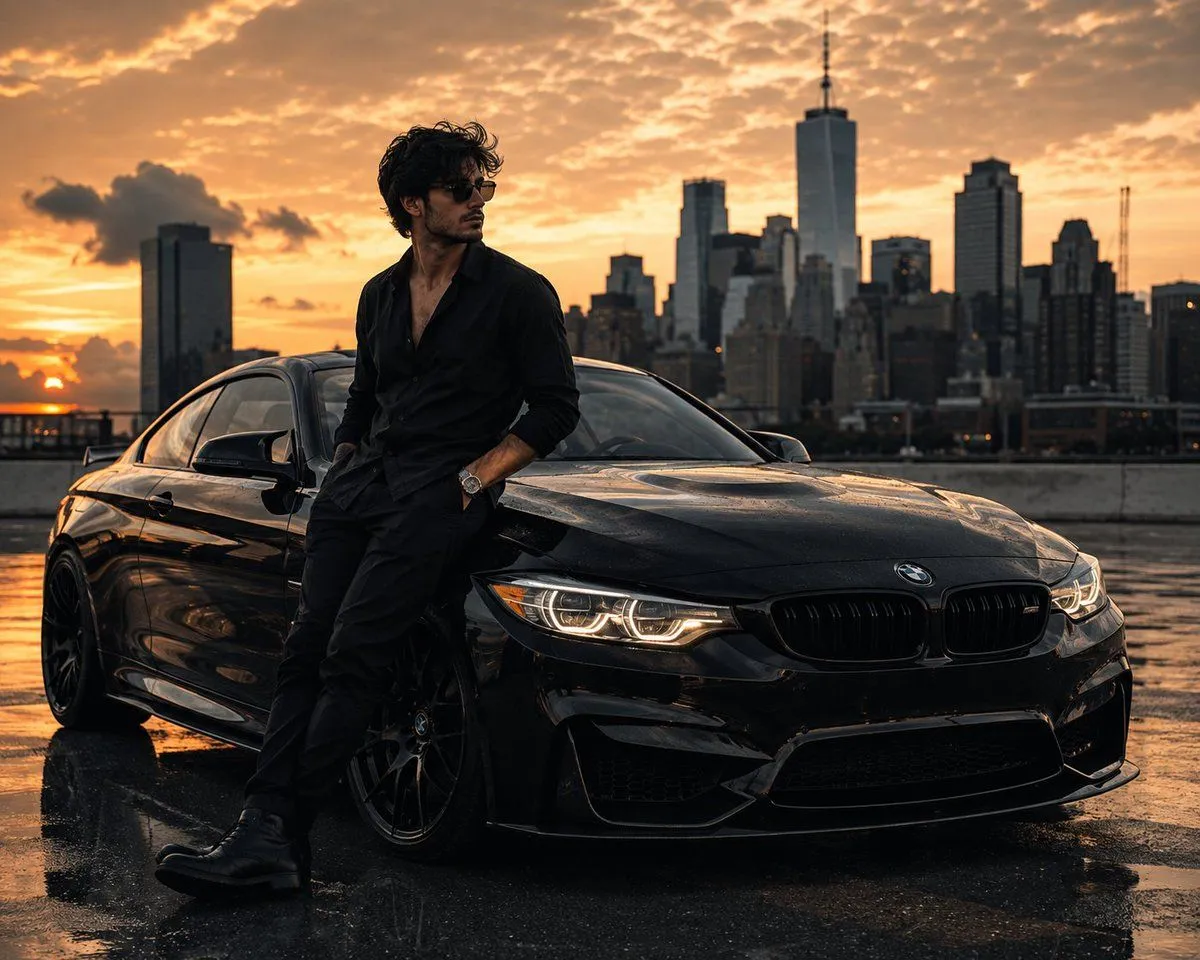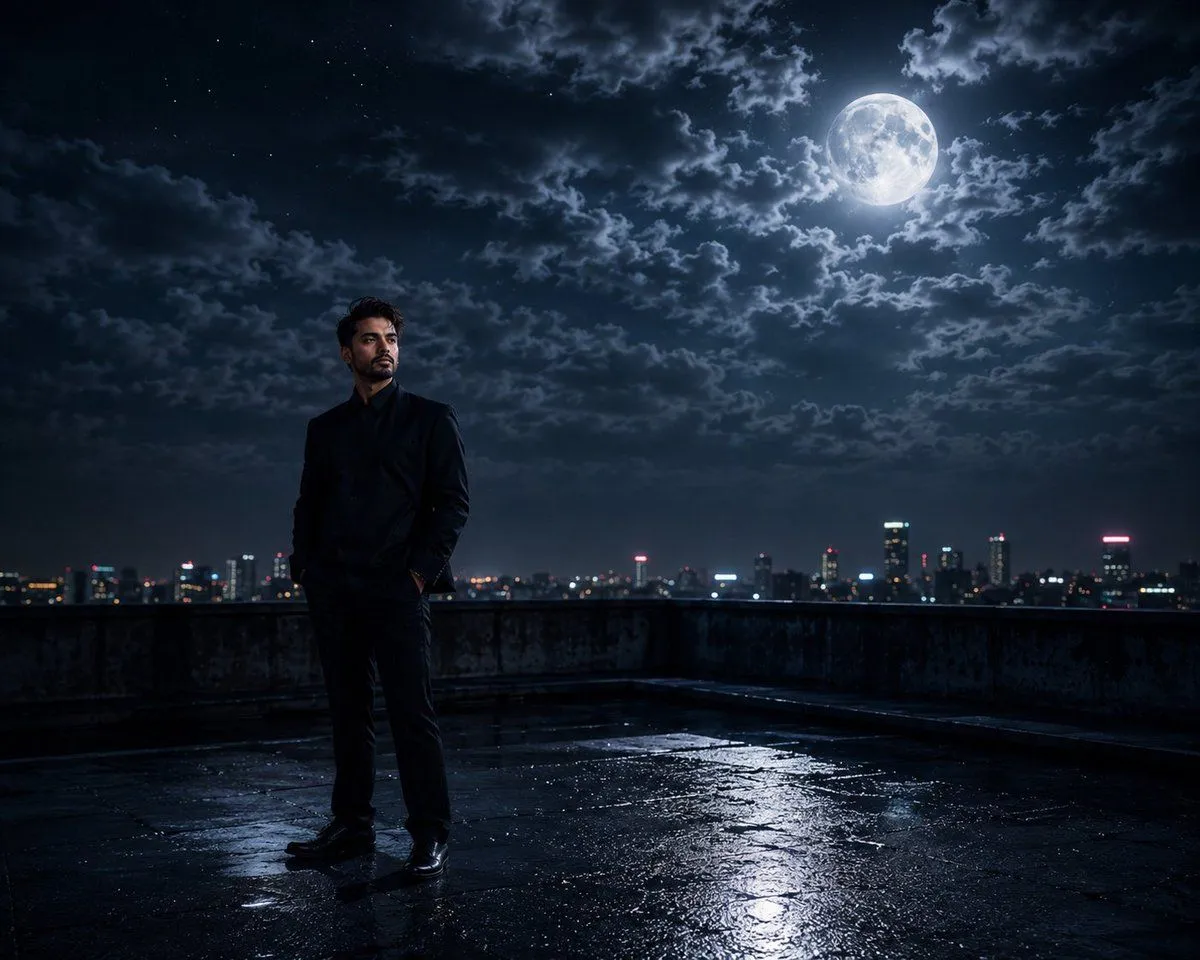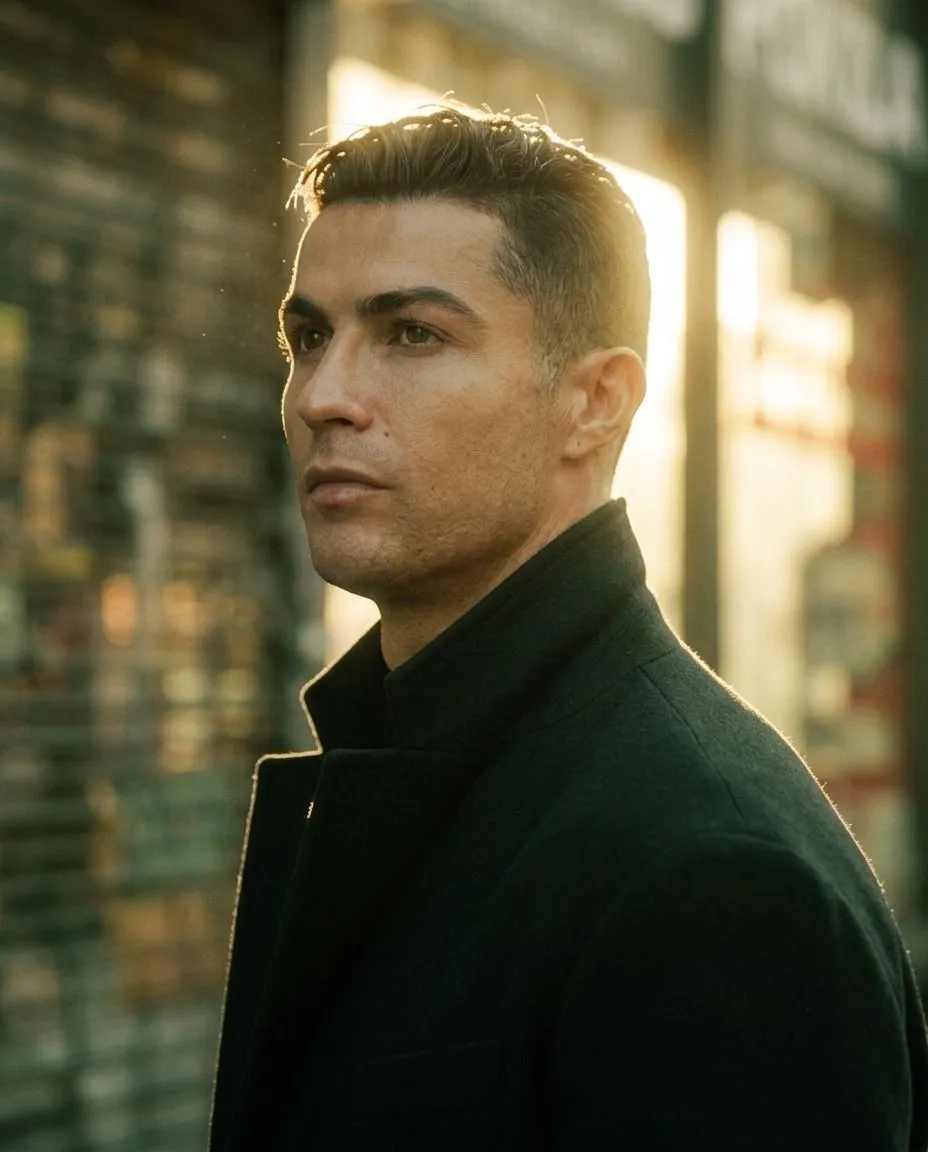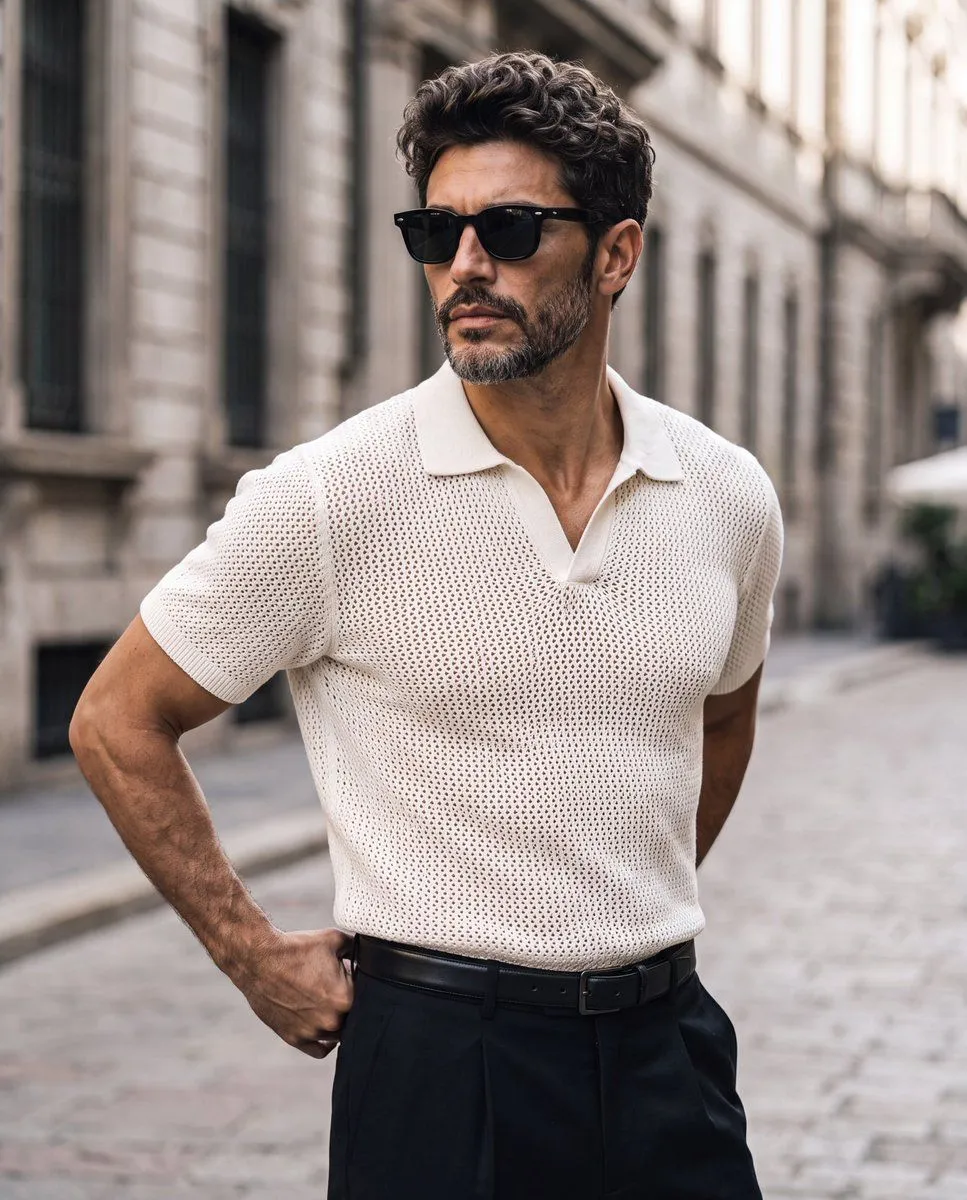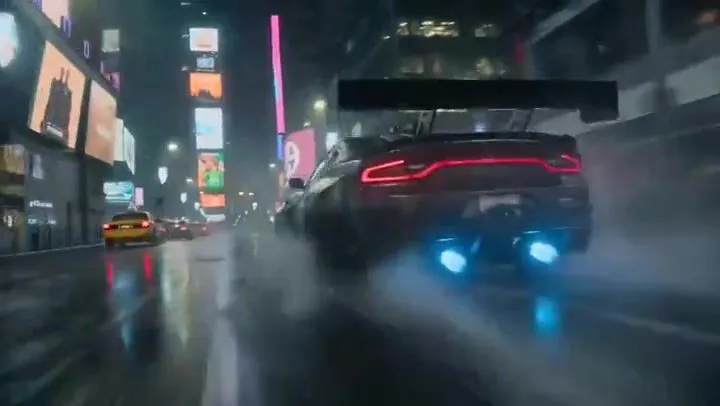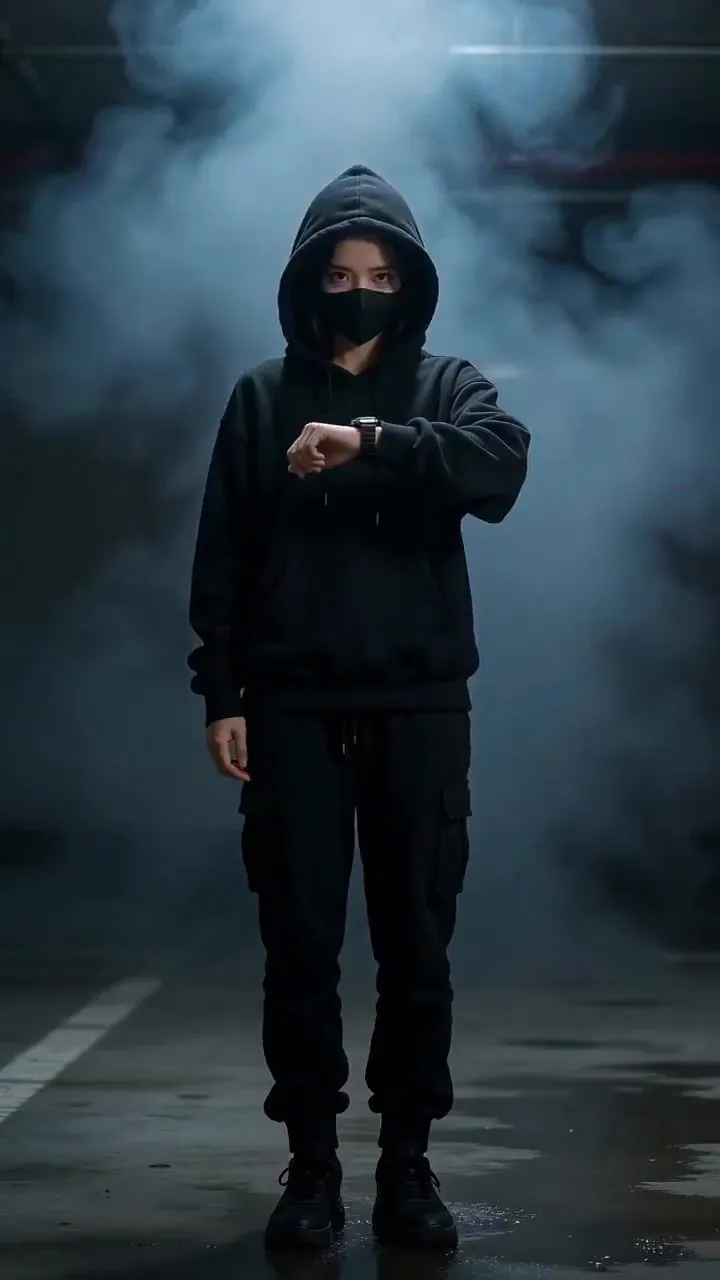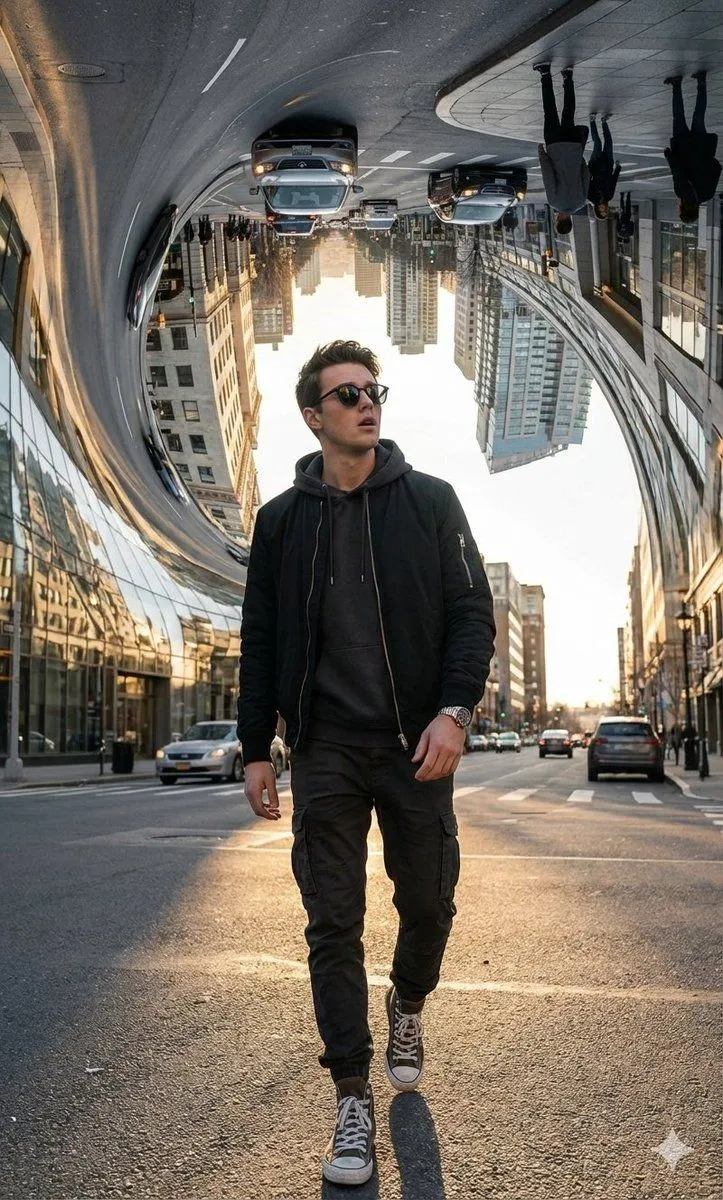
Made with Nano Banana Pro in Gemini by Library Social. Promptclay never generates images.
Did it work?
No reports yet. Tell others if it worked for you.
Cinematic Urban Night Street Portrait Prompt
Prompt
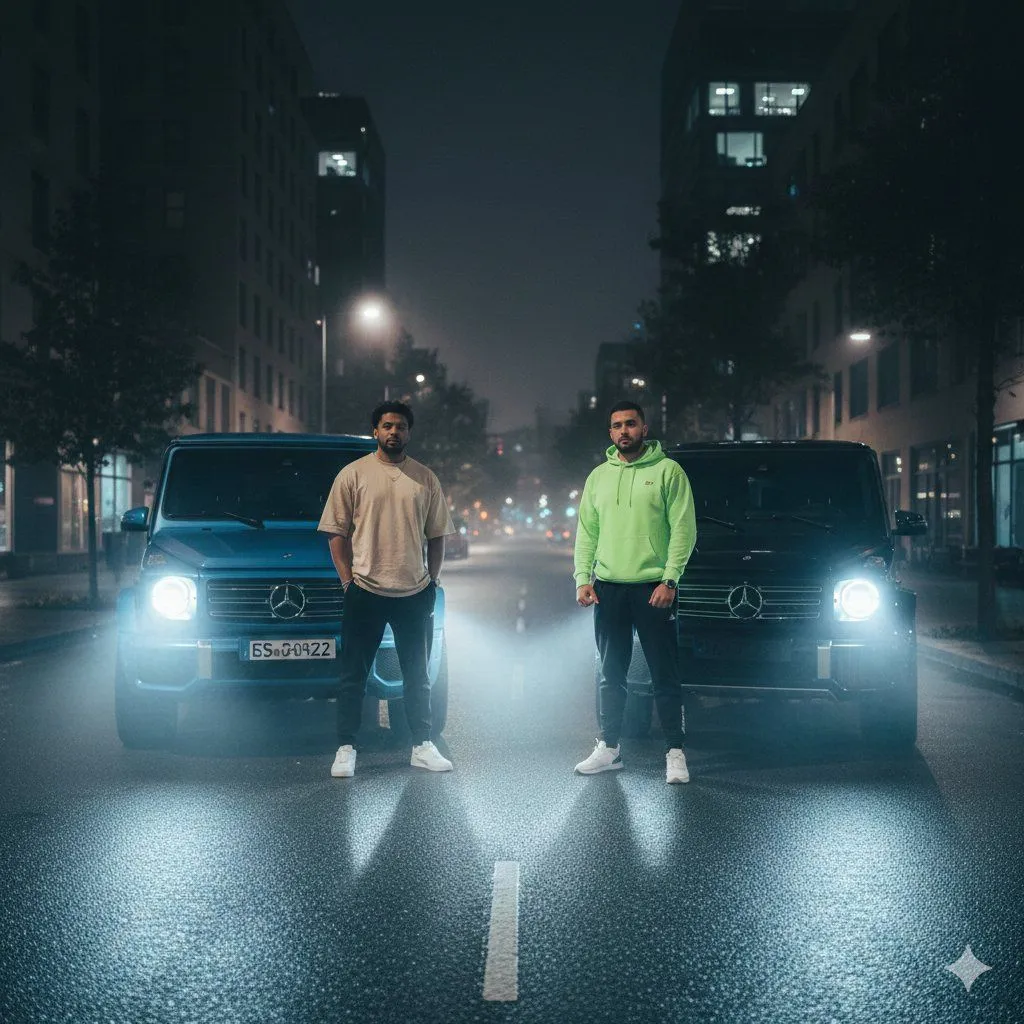
2 blanks to fill{ "image_generation_task": { "metadata": { "genre": "Urban Night Street Portrait", "style": "Ultra-realistic, cinematic, high-definition", "lighting": "Foggy night lighting, strong car headlight backlight, soft ambient city glow" }, "scene": { "setting": { "location": "Empty city street at night", "background_elements": [ "modern buildings on both sides", "street lights creating bokeh", "wet reflective road surface", "light fog enhancing depth" ] }, "subjects": [ { "label": "Person A", "position": "standing in front of a {car_color_1} Mercedes G-Wagon", "clothing": { "top": "oversized beige t-shirt", "bottom": "black joggers", "shoes": "white sneakers" }, "pose": "relaxed stance, arms by side, looking at camera" }, { "label": "Person B", "position": "standing in front of a {car_color_2} Mercedes G-Wagon", "clothing": { "top": "bright neon green hoodie", "bottom": "black joggers", "shoes": "white sneakers" }, "pose": "confident stance, hands relaxed, facing camera" } ], "vehicles": [ { "model": "Mercedes G-Wagon", "color": "Blue", "lights": "headlights on, emitting strong beams through fog" }, { "model": "Mercedes G-Wagon", "color": "Black", "lights": "headlights on, casting dramatic rim light" } ], "camera": { "angle": "eye-level wide shot", "lens": "35mm", "depth_of_field": "shallow, with cinematic bokeh", "vibe": "moody, powerful, urban cinematic" } } } }
Preview of your prompt
{ "image_generation_task": { "metadata": { "genre": "Urban Night Street Portrait", "style": "Ultra-realistic, cinematic, high-definition", "lighting": "Foggy night lighting, strong car headlight backlight, soft ambient city glow" }, "scene": { "setting": { "location": "Empty city street at night", "background_elements": [ "modern buildings on both sides", "street lights creating bokeh", "wet reflective road surface", "light fog enhancing depth" ] }, "subjects": [ { "label": "Person A", "position": "standing in front of a blue Mercedes G-Wagon", "clothing": { "top": "oversized beige t-shirt", "bottom": "black joggers", "shoes": "white sneakers" }, "pose": "relaxed stance, arms by side, looking at camera" }, { "label": "Person B", "position": "standing in front of a black Mercedes G-Wagon", "clothing": { "top": "bright neon green hoodie", "bottom": "black joggers", "shoes": "white sneakers" }, "pose": "confident stance, hands relaxed, facing camera" } ], "vehicles": [ { "model": "Mercedes G-Wagon", "color": "Blue", "lights": "headlights on, emitting strong beams through fog" }, { "model": "Mercedes G-Wagon", "color": "Black", "lights": "headlights on, casting dramatic rim light" } ], "camera": { "angle": "eye-level wide shot", "lens": "35mm", "depth_of_field": "shallow, with cinematic bokeh", "vibe": "moody, powerful, urban cinematic" } } } }
DetailsVersions, settings and questions
Written for
What's in the prompt
- Subject
- Model
- Nano Banana Pro
If your face changes
keep my face exactly the sameQuestions
- Does this work in the Gemini app?
- Yes. Gemini runs Nano Banana, so paste the prompt and attach your photo if it uses one.
- It changed my face. What do I do?
- Add "keep my face exactly the same" to the end and run it again.
- Can I use the images I make?
- Check the terms of the app you use. Promptclay never generates images and claims nothing you make.