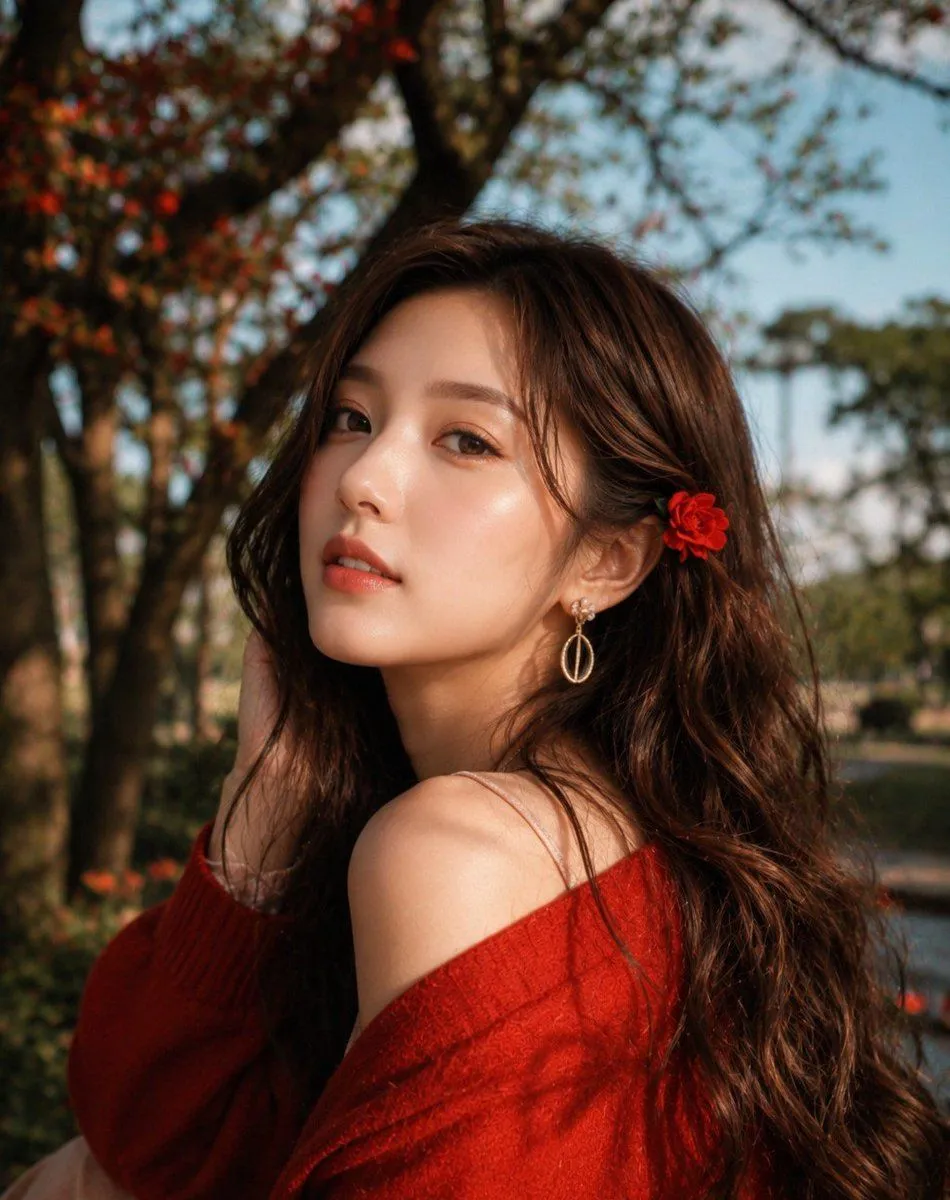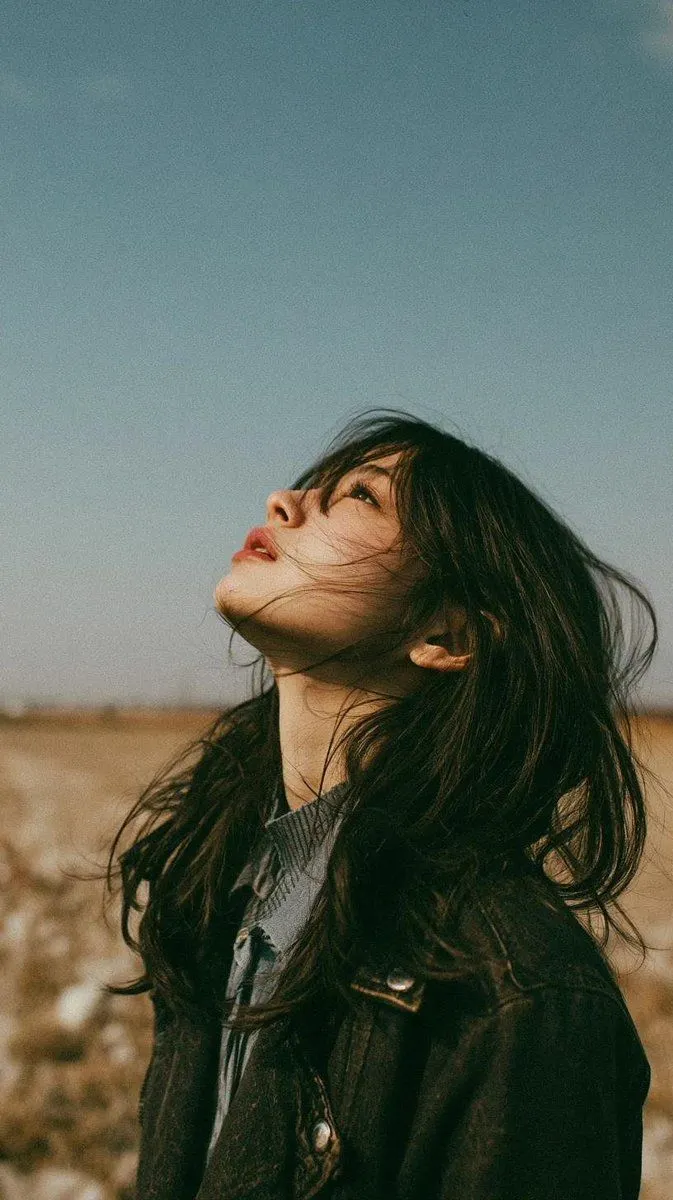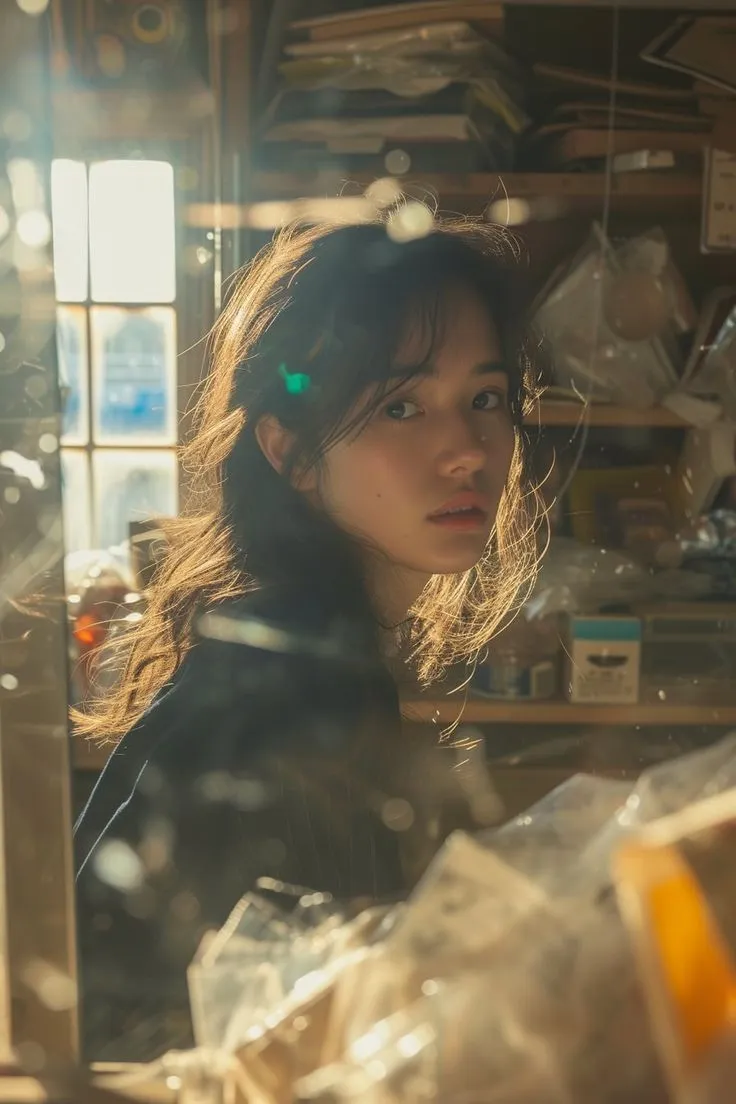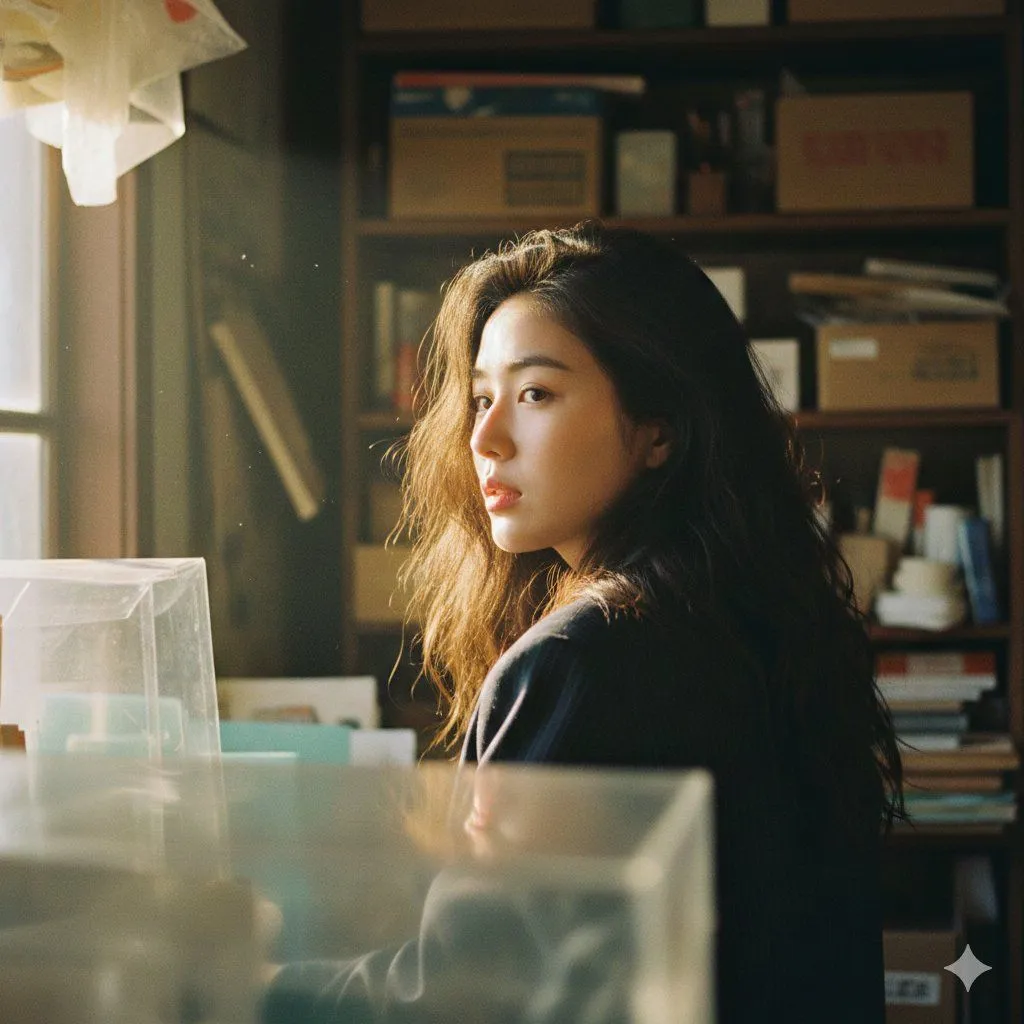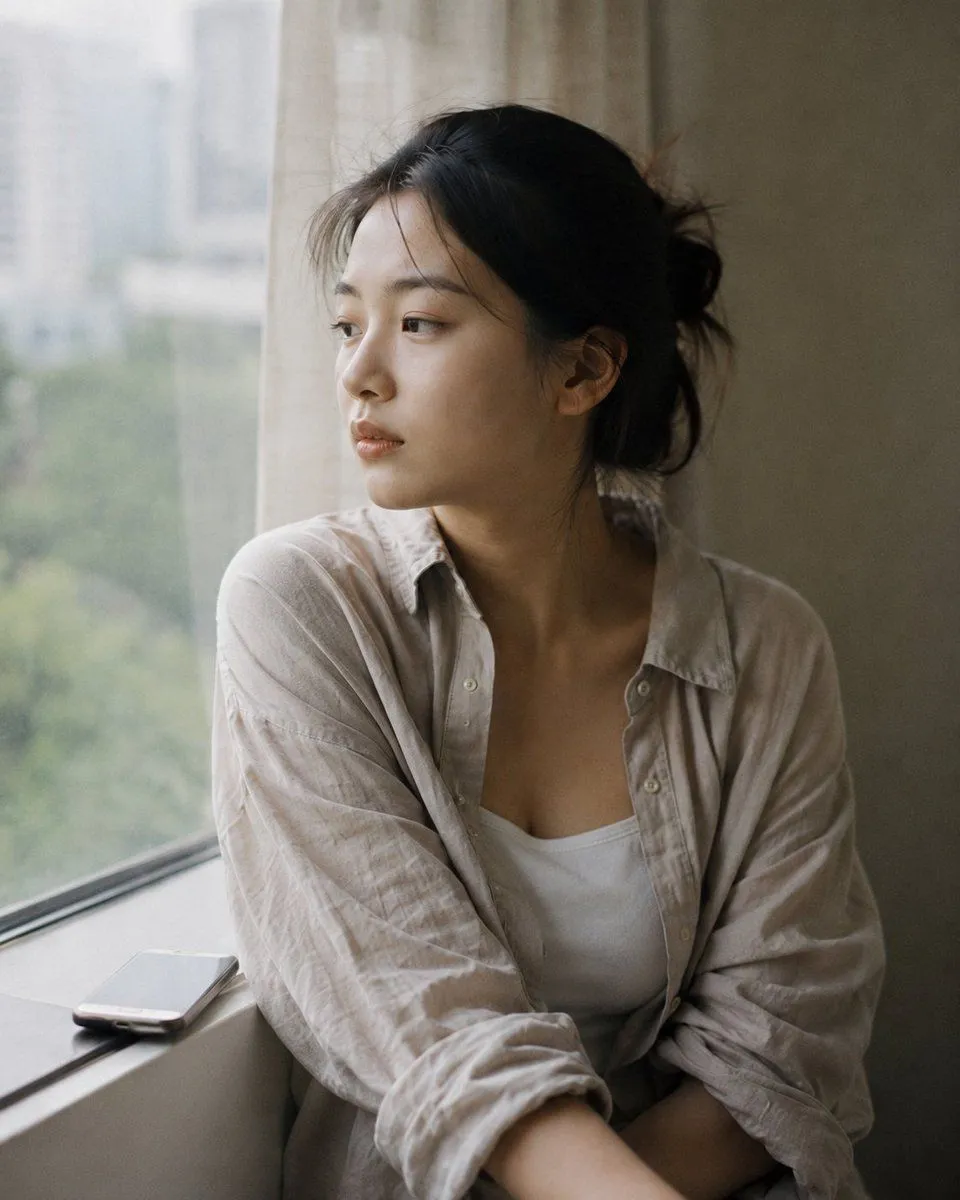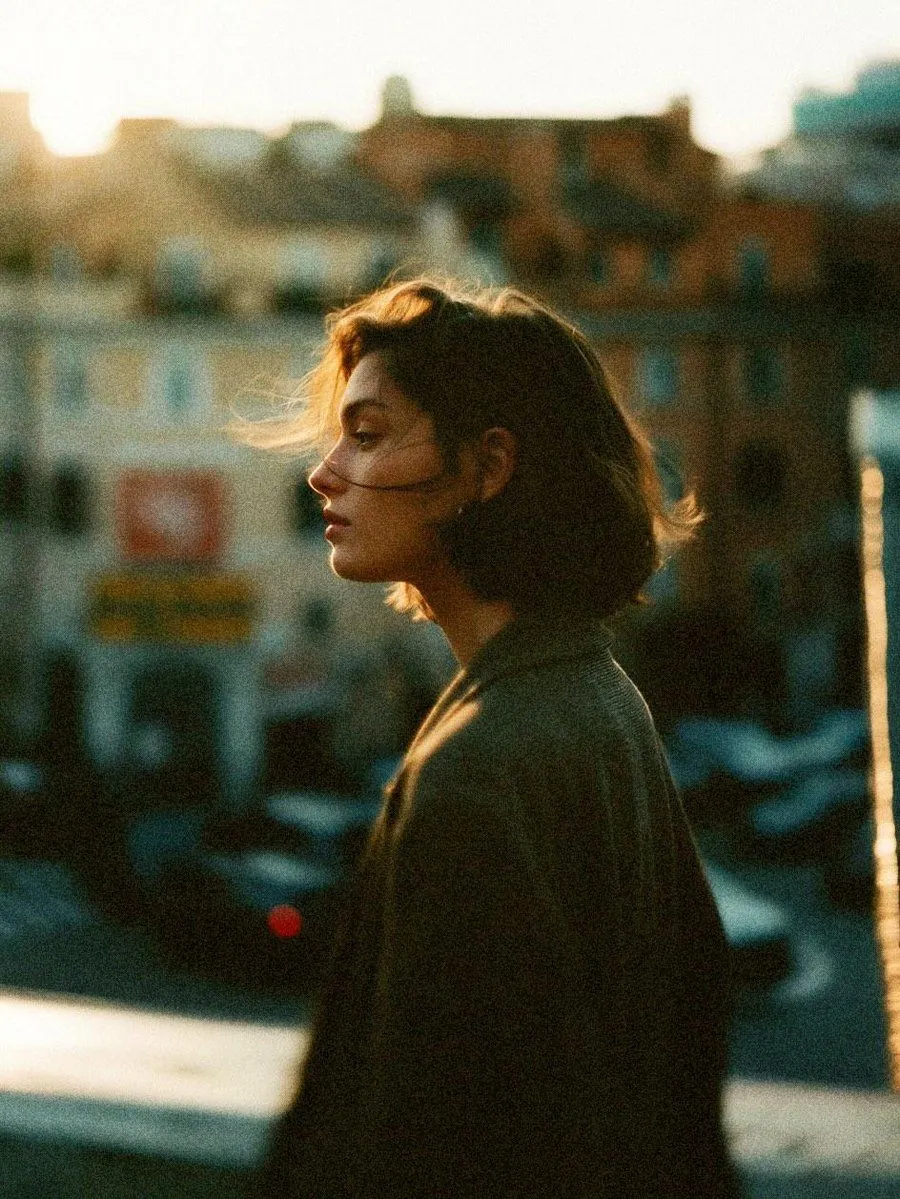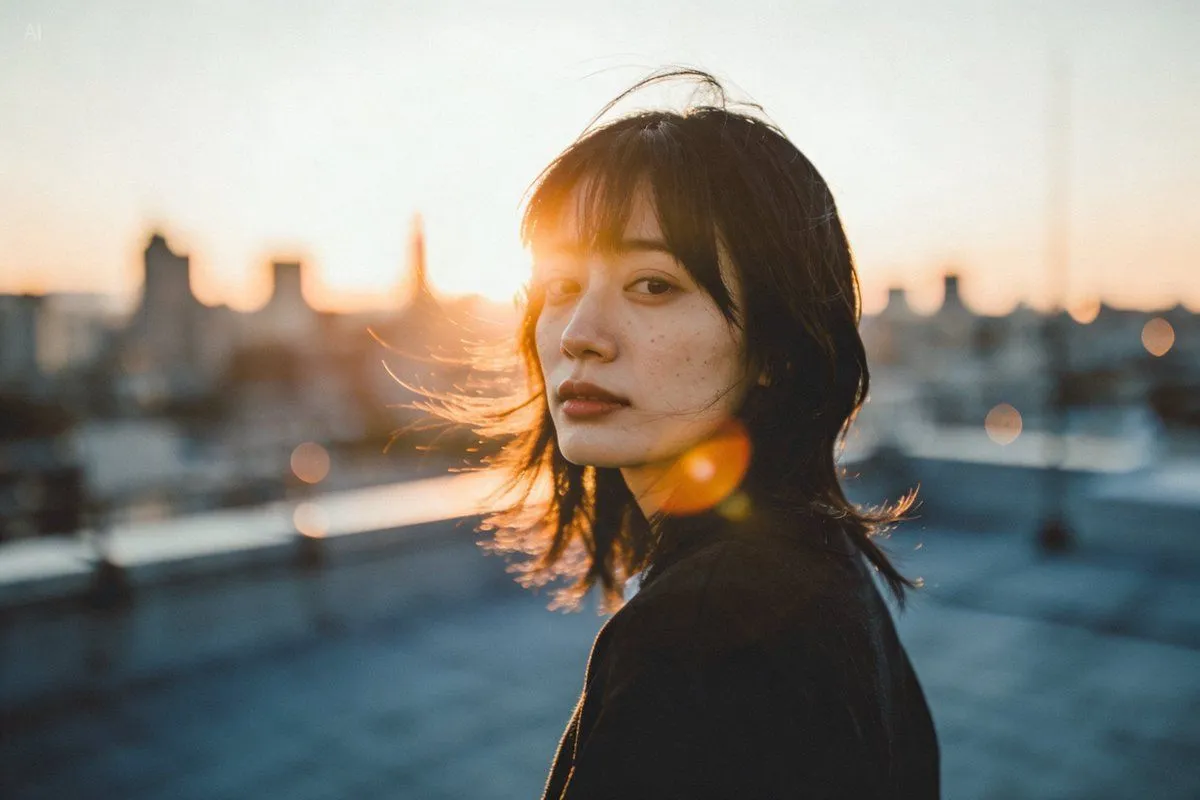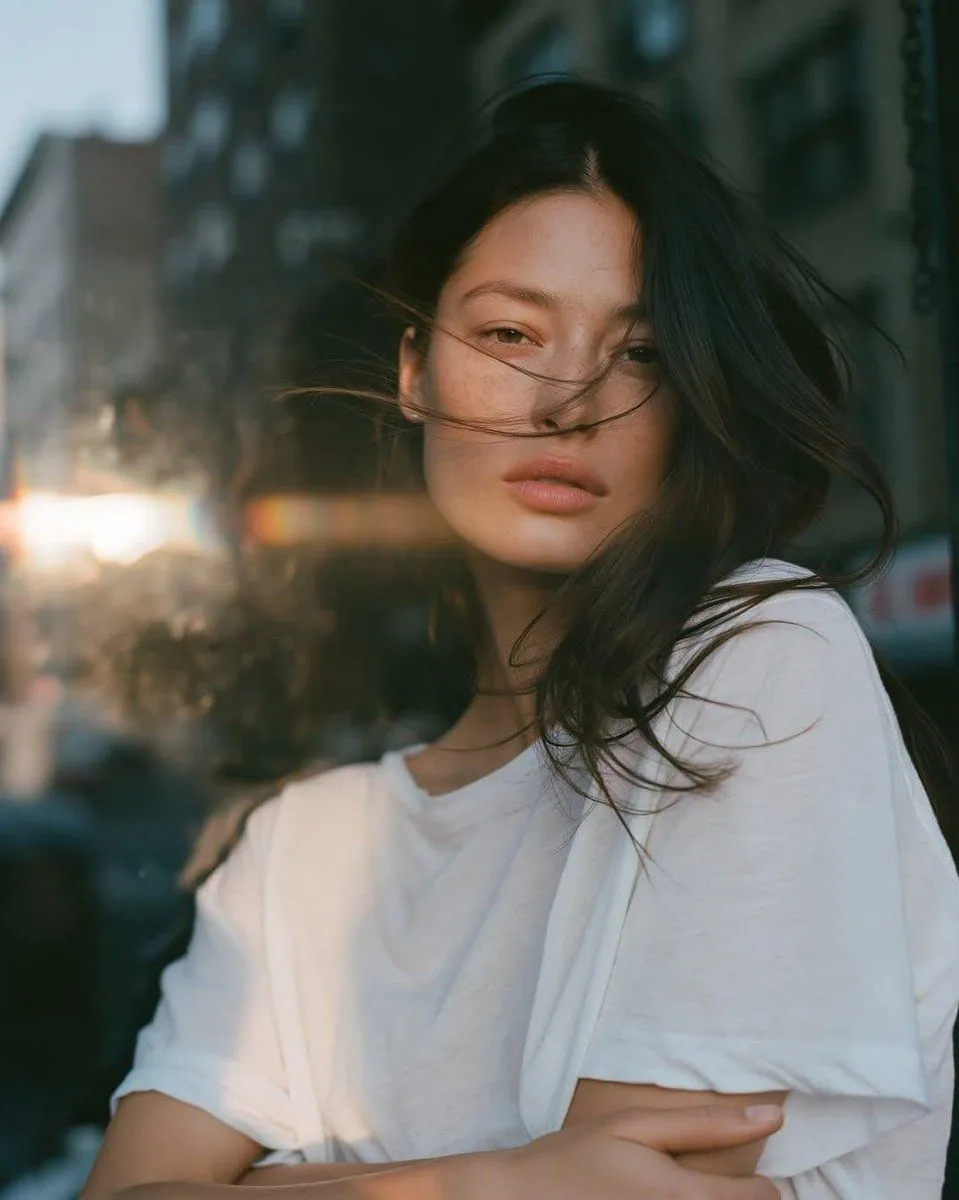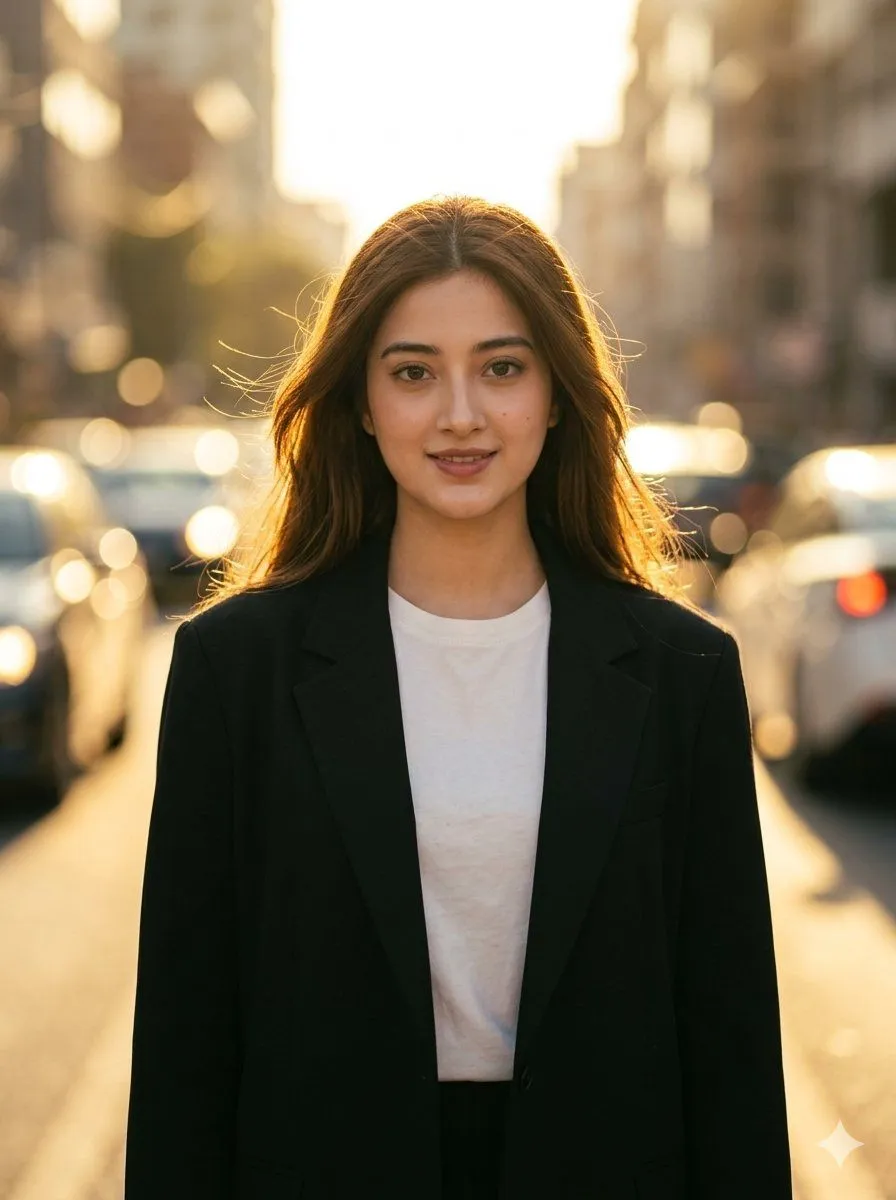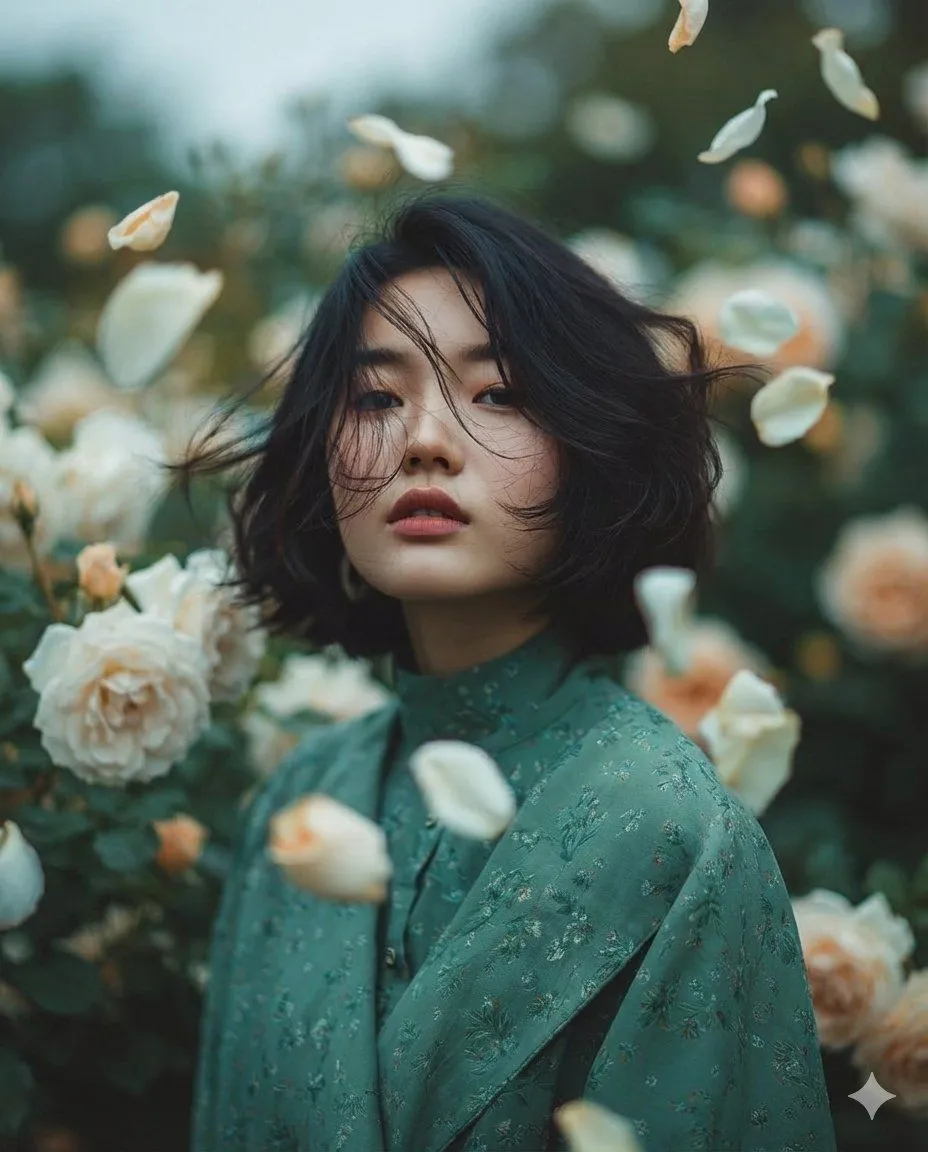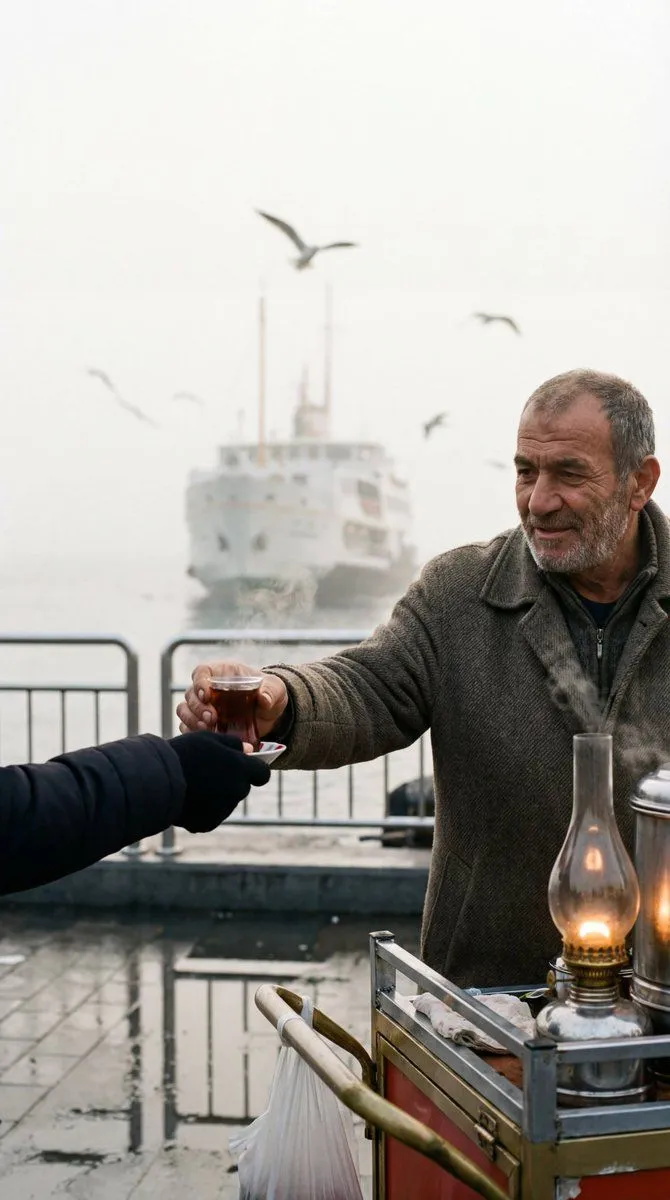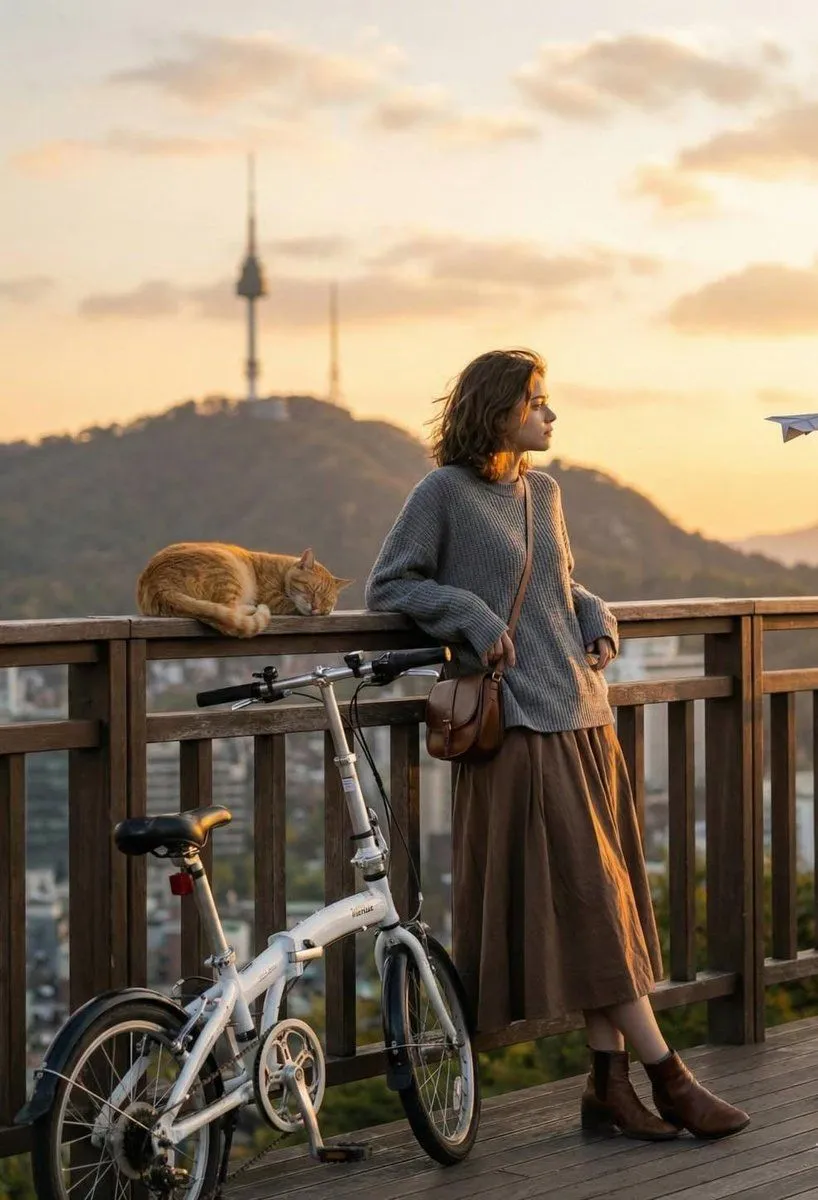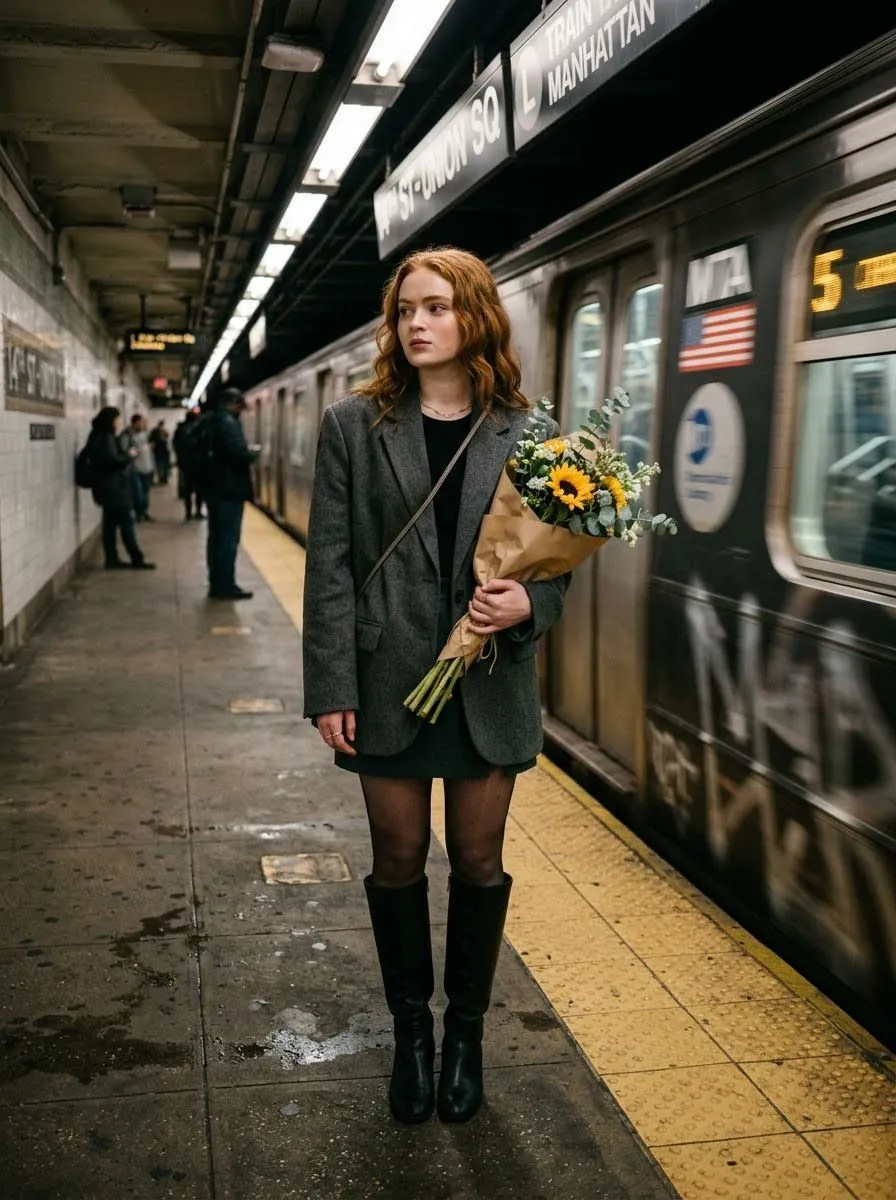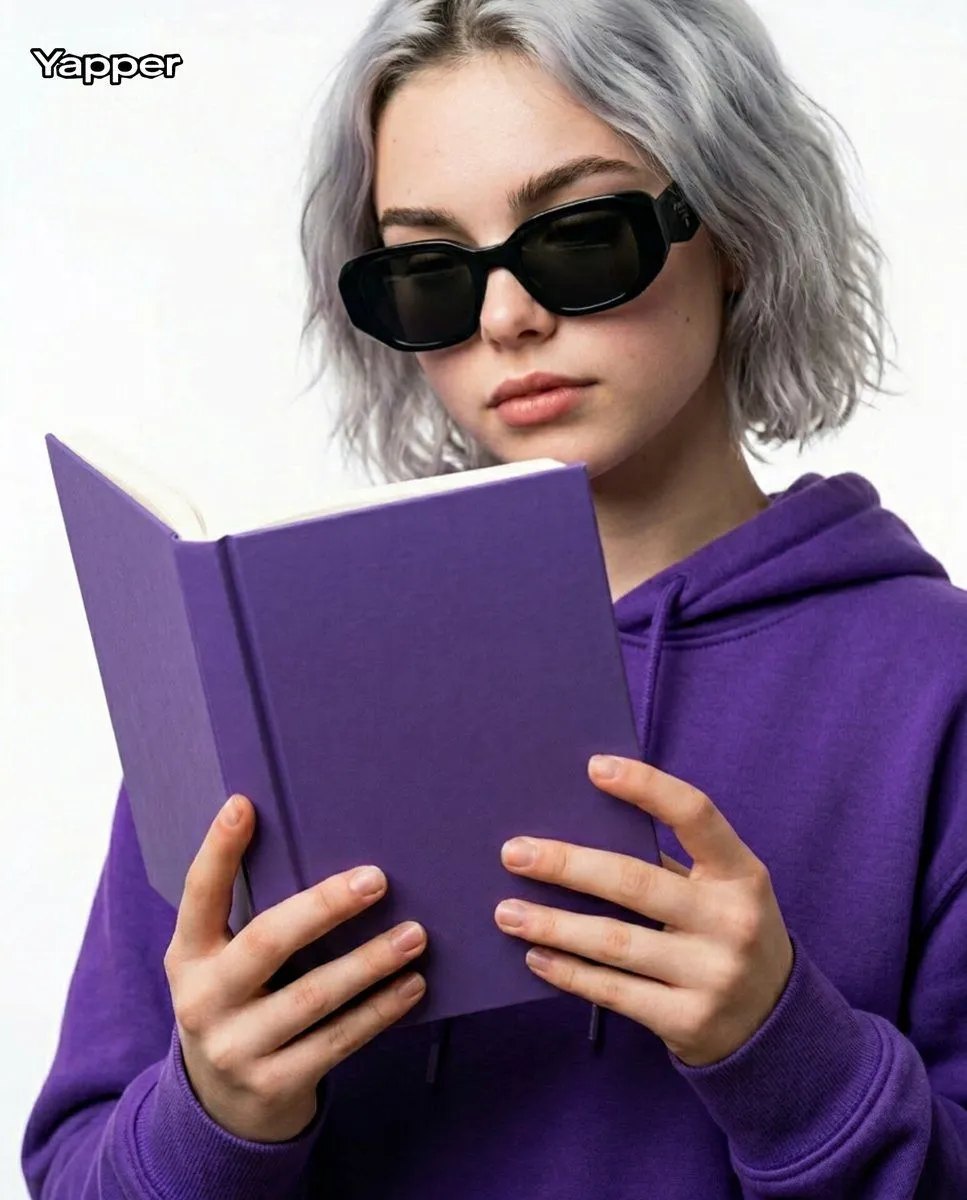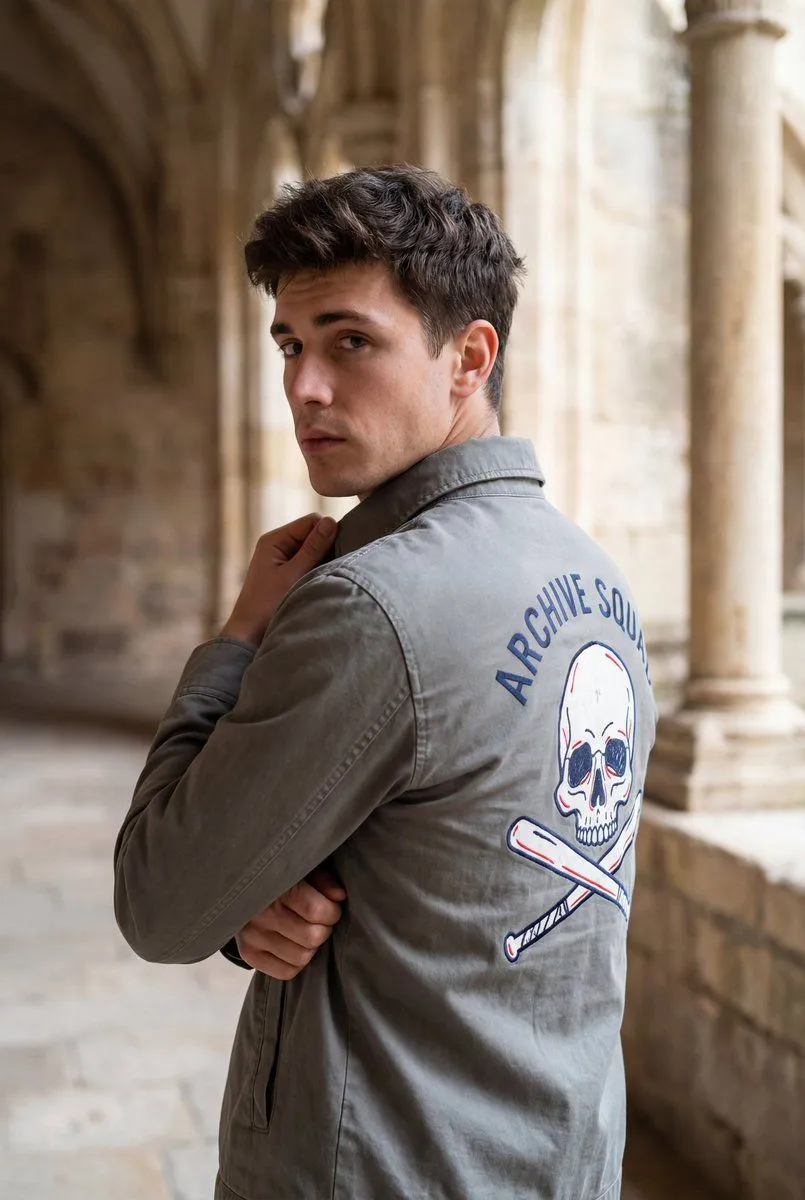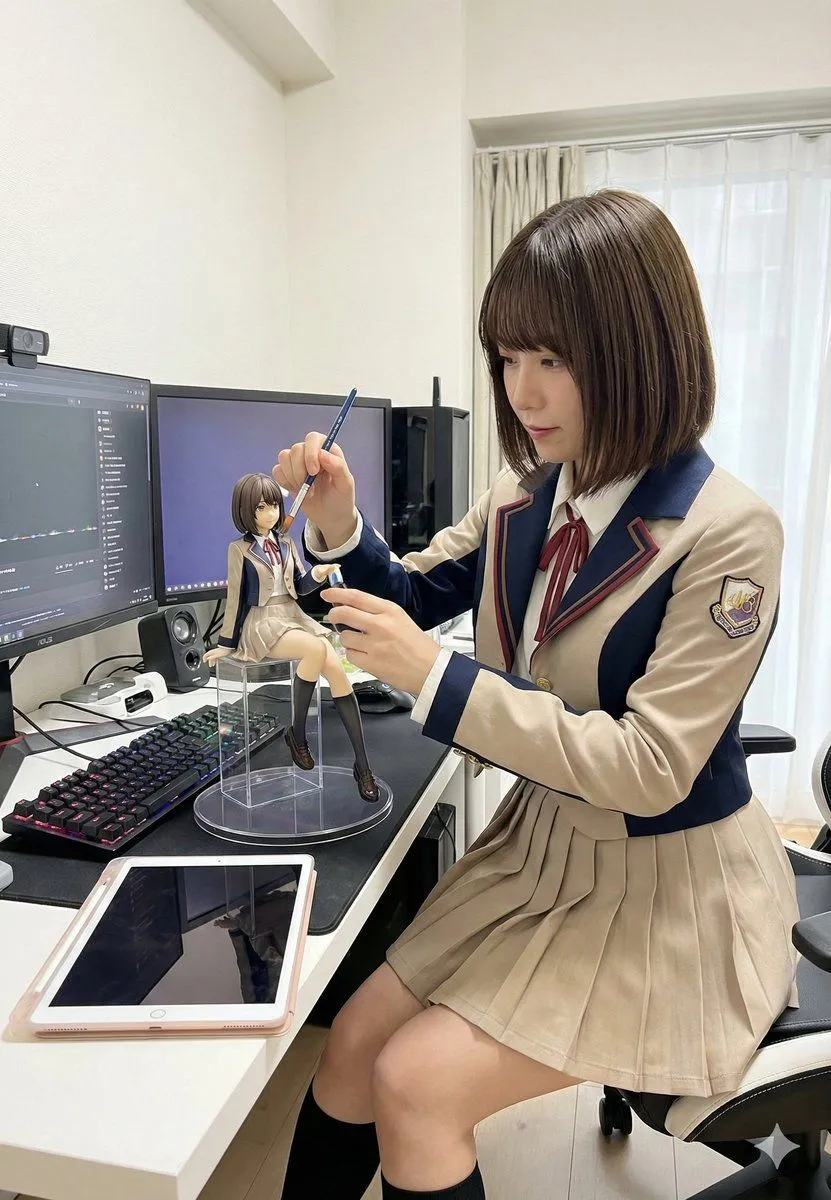
Made with Nano Banana Pro in Gemini by Library Social. Promptclay never generates images.
Cinematic Sunset Portrait Prompt
Prompt
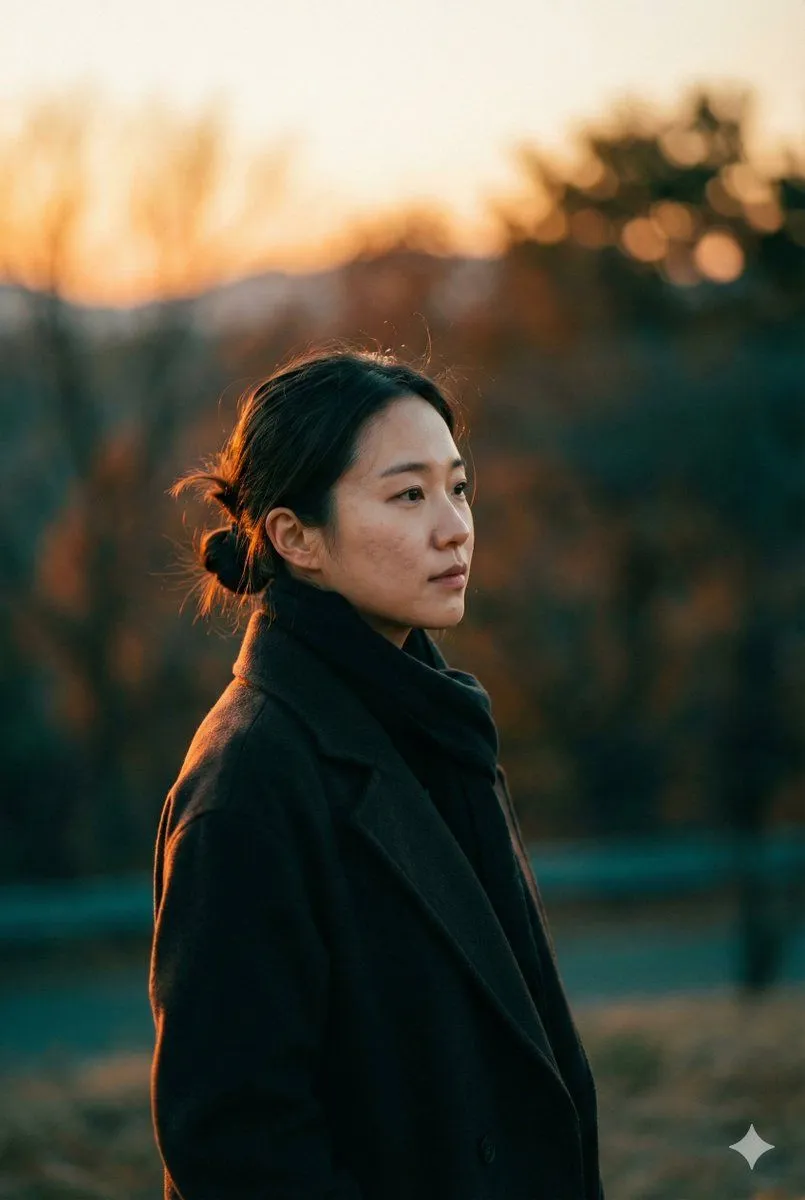
1 blank to fill{ "meta": { "title": "Cinematic Sunset Portrait", "style": "photorealistic cinematic portrait", "resolution": "8K", "aspect_ratio": "2:3", "color_grading": "warm orange and teal", "dynamic_range": "high", "mood": "dramatic, atmospheric, moody film still" }, "subject": { "description": "young East Asian woman", "pose": "side-profile close-up, standing outdoors, looking thoughtfully into the distance", "expression": "calm and contemplative", "hair": "loosely tied back with soft natural strands framing the face", "makeup": "minimal", "skin": "natural texture, realistic facial details" }, "wardrobe": { "coat": "{coat_color} coat", "scarf": "dark scarf" }, "lighting": { "type": "golden hour sunset", "direction": "soft warm light illuminating one side of the face", "quality": "soft, natural, cinematic" }, "environment": { "location": "outdoor landscape", "background": "blurred scenery with smooth bokeh", "sky": "soft gradient transitioning from warm orange to cool green tones" }, "camera": { "lens": "85mm", "aperture": "f/1.8", "depth_of_field": "shallow", "focus": "sharp facial detail with blurred background", "composition": "cinematic framing" }, "rendering": { "style": "ultra-realistic", "details": "high detail, smooth bokeh, realistic lighting and shadows" } }
Preview of your prompt
{ "meta": { "title": "Cinematic Sunset Portrait", "style": "photorealistic cinematic portrait", "resolution": "8K", "aspect_ratio": "2:3", "color_grading": "warm orange and teal", "dynamic_range": "high", "mood": "dramatic, atmospheric, moody film still" }, "subject": { "description": "young East Asian woman", "pose": "side-profile close-up, standing outdoors, looking thoughtfully into the distance", "expression": "calm and contemplative", "hair": "loosely tied back with soft natural strands framing the face", "makeup": "minimal", "skin": "natural texture, realistic facial details" }, "wardrobe": { "coat": "black coat", "scarf": "dark scarf" }, "lighting": { "type": "golden hour sunset", "direction": "soft warm light illuminating one side of the face", "quality": "soft, natural, cinematic" }, "environment": { "location": "outdoor landscape", "background": "blurred scenery with smooth bokeh", "sky": "soft gradient transitioning from warm orange to cool green tones" }, "camera": { "lens": "85mm", "aperture": "f/1.8", "depth_of_field": "shallow", "focus": "sharp facial detail with blurred background", "composition": "cinematic framing" }, "rendering": { "style": "ultra-realistic", "details": "high detail, smooth bokeh, realistic lighting and shadows" } }
DetailsVersions, settings and questions
Written for
What's in the prompt
- Subject
- Model
- Nano Banana Pro
If your face changes
keep my face exactly the sameQuestions
- Does this work in the Gemini app?
- Yes. Gemini runs Nano Banana, so paste the prompt and attach your photo if it uses one.
- It changed my face. What do I do?
- Add "keep my face exactly the same" to the end and run it again.
- Can I use the images I make?
- Check the terms of the app you use. Promptclay never generates images and claims nothing you make.