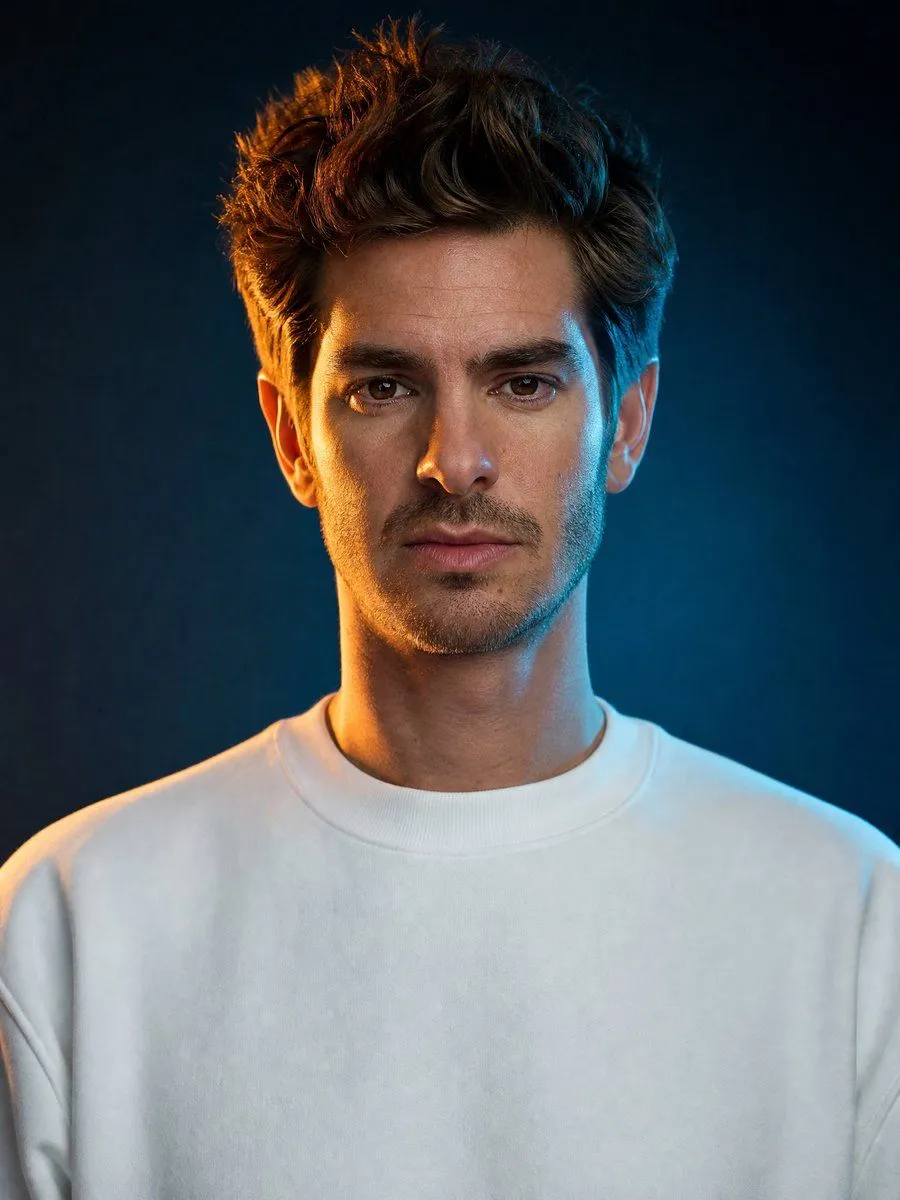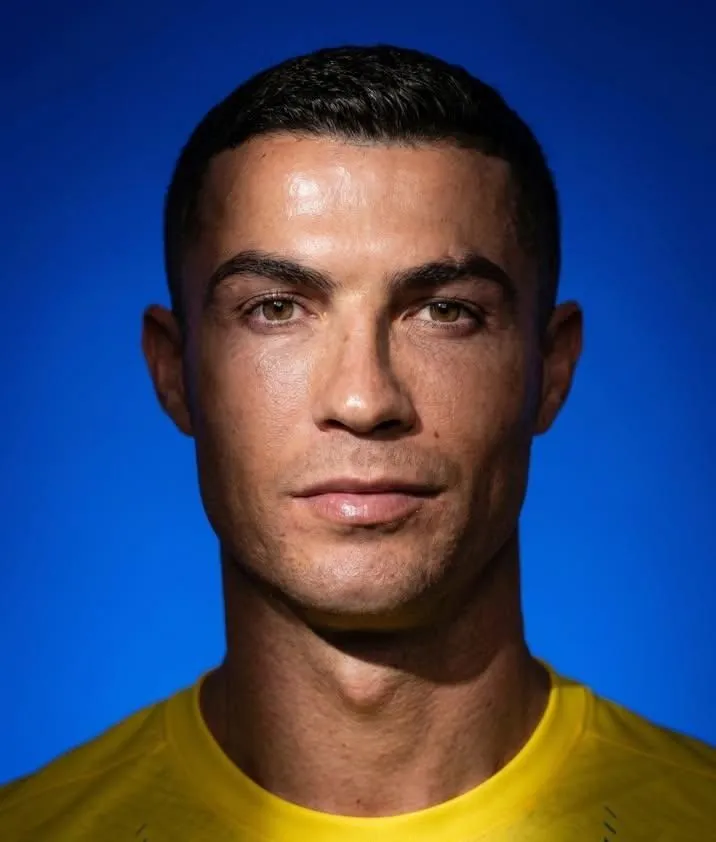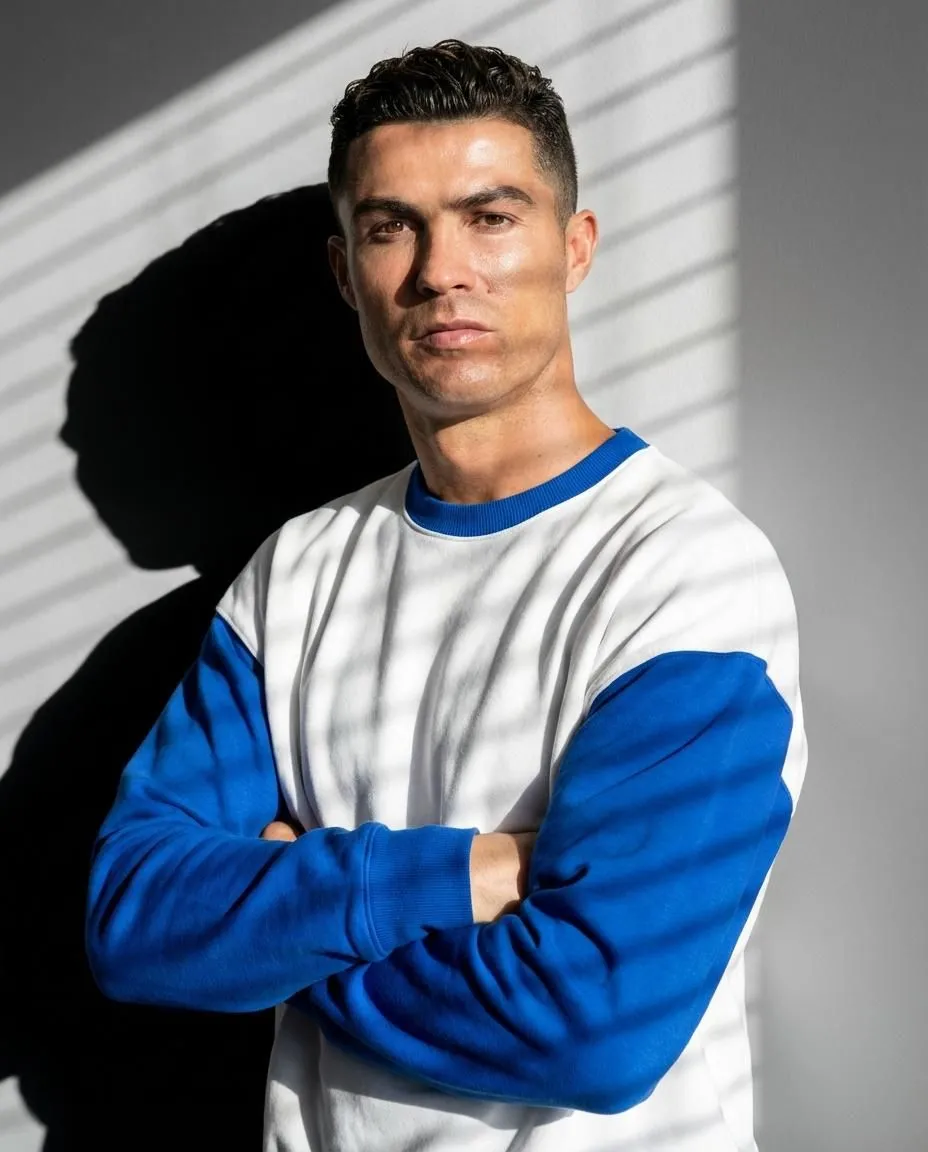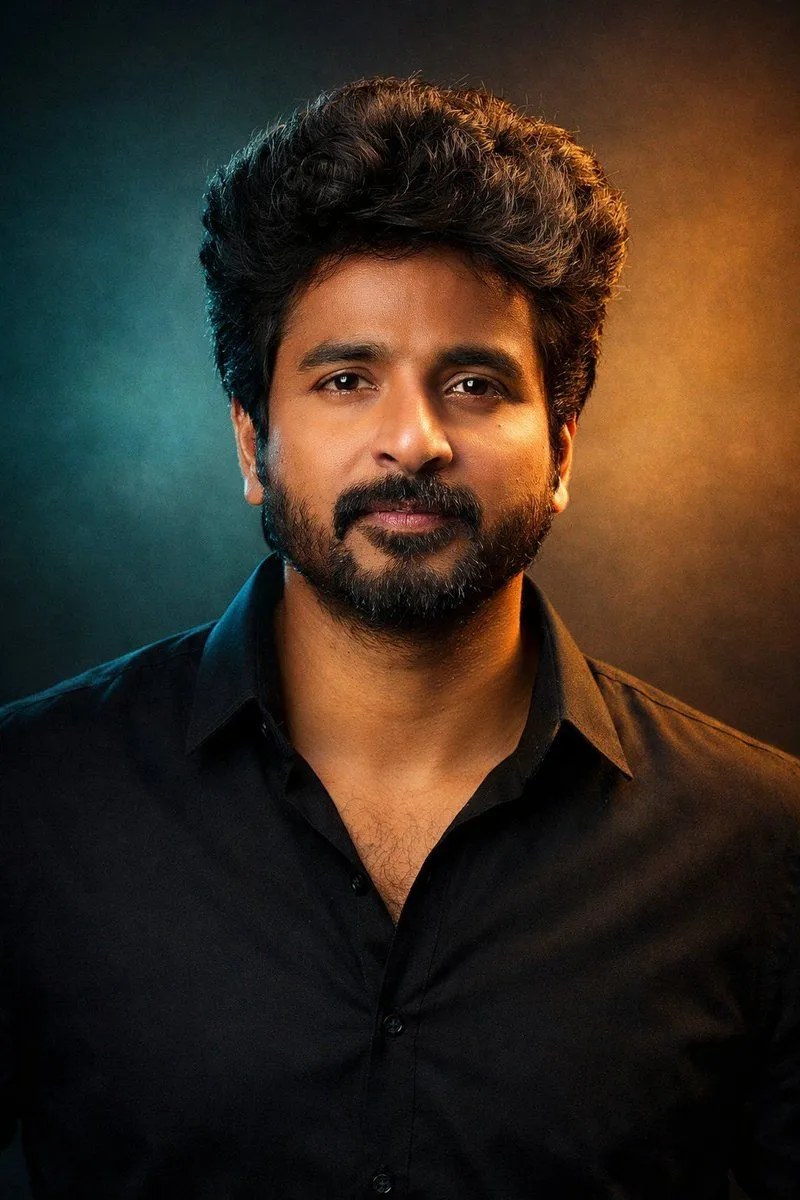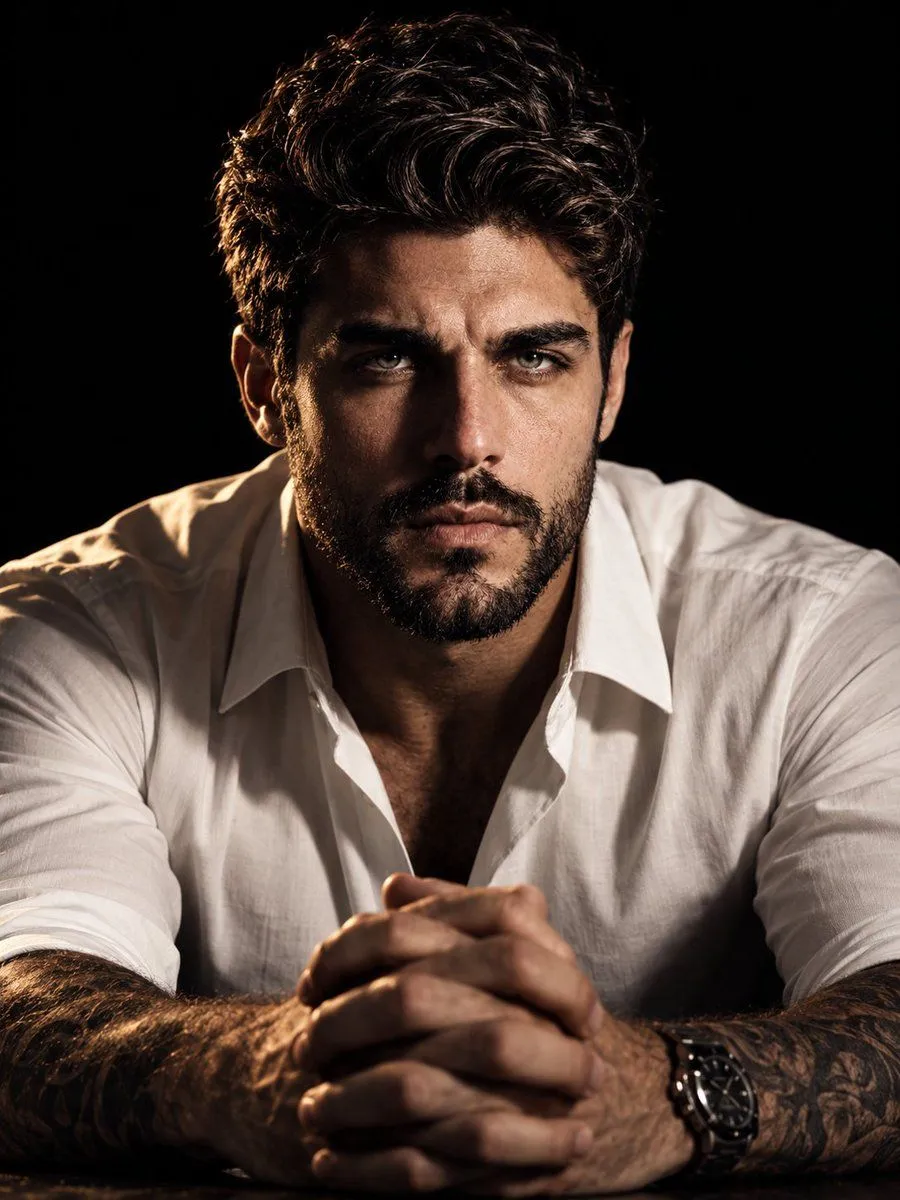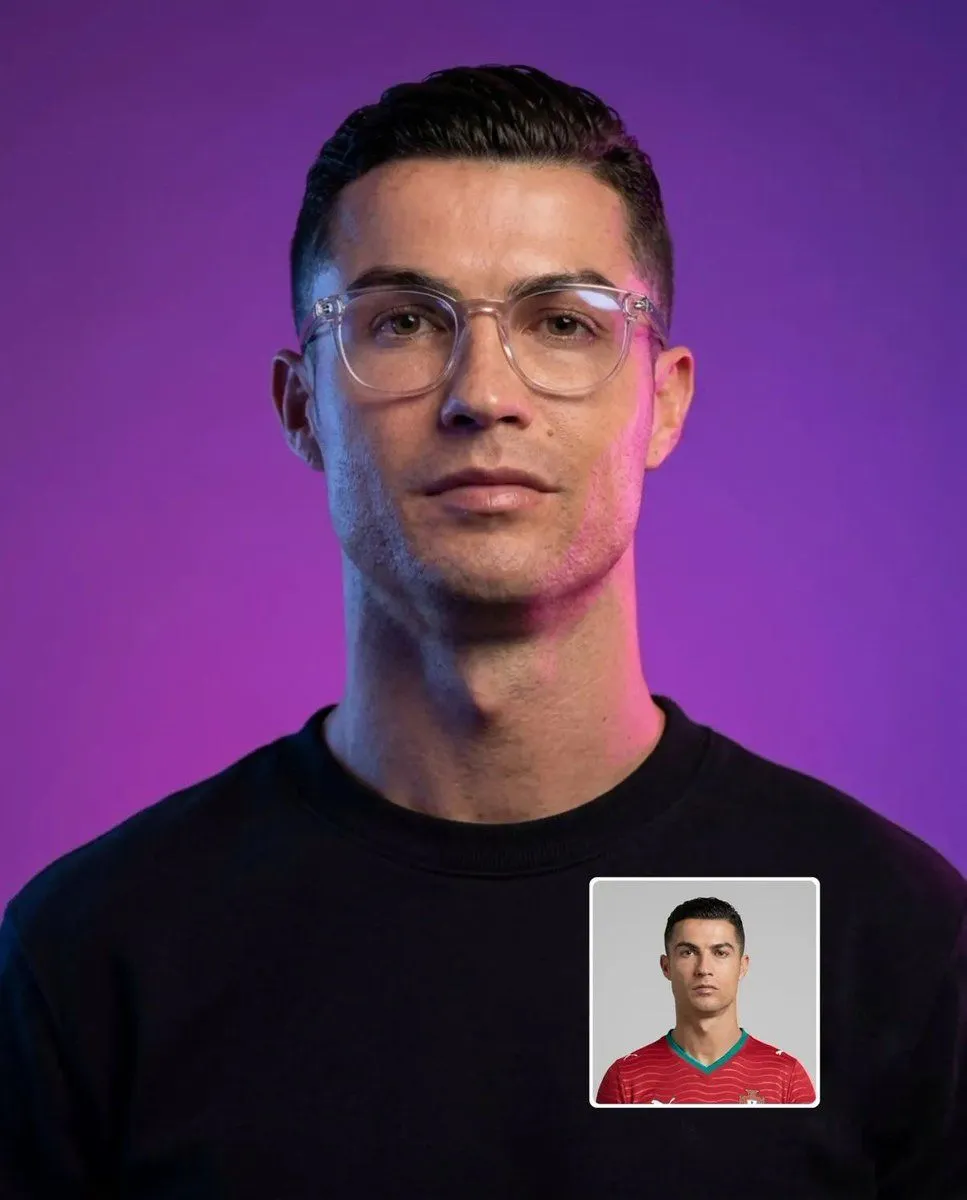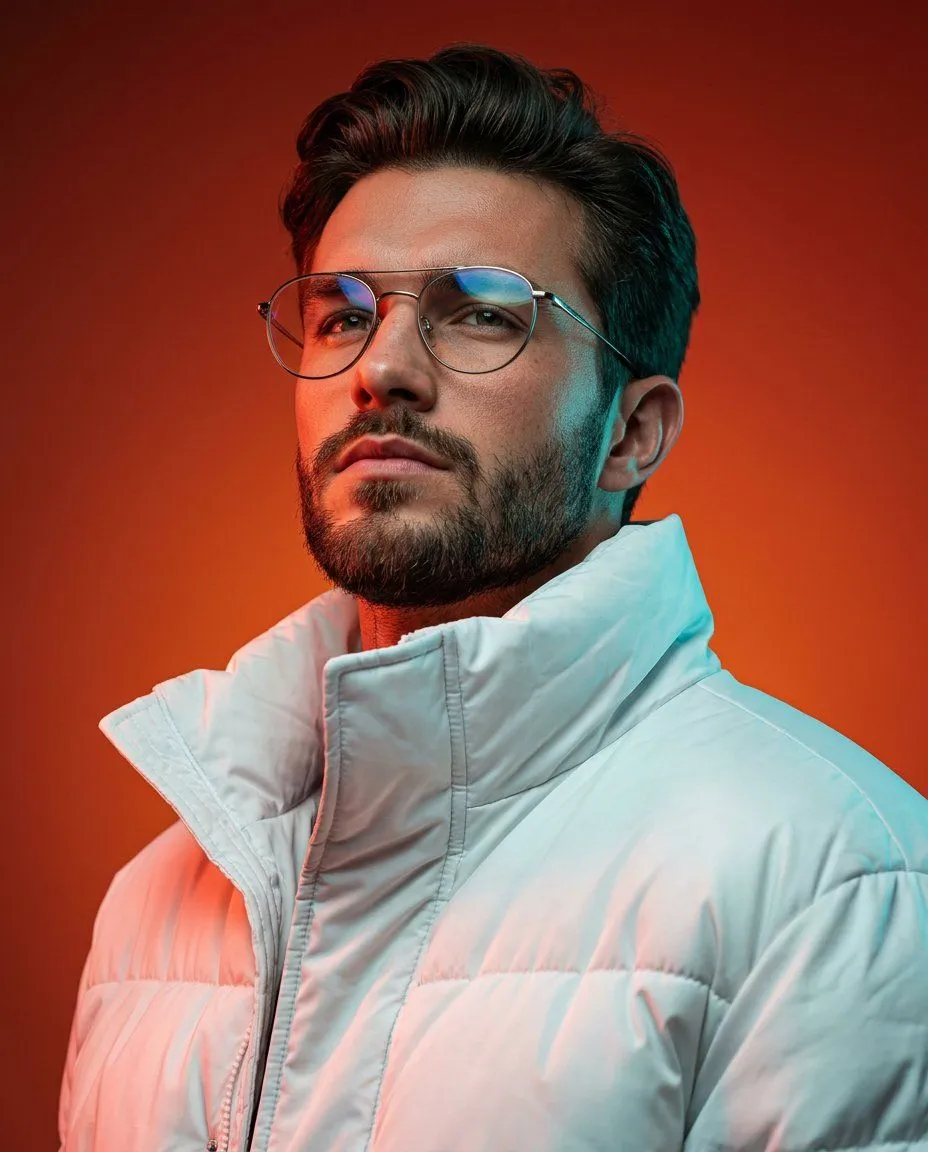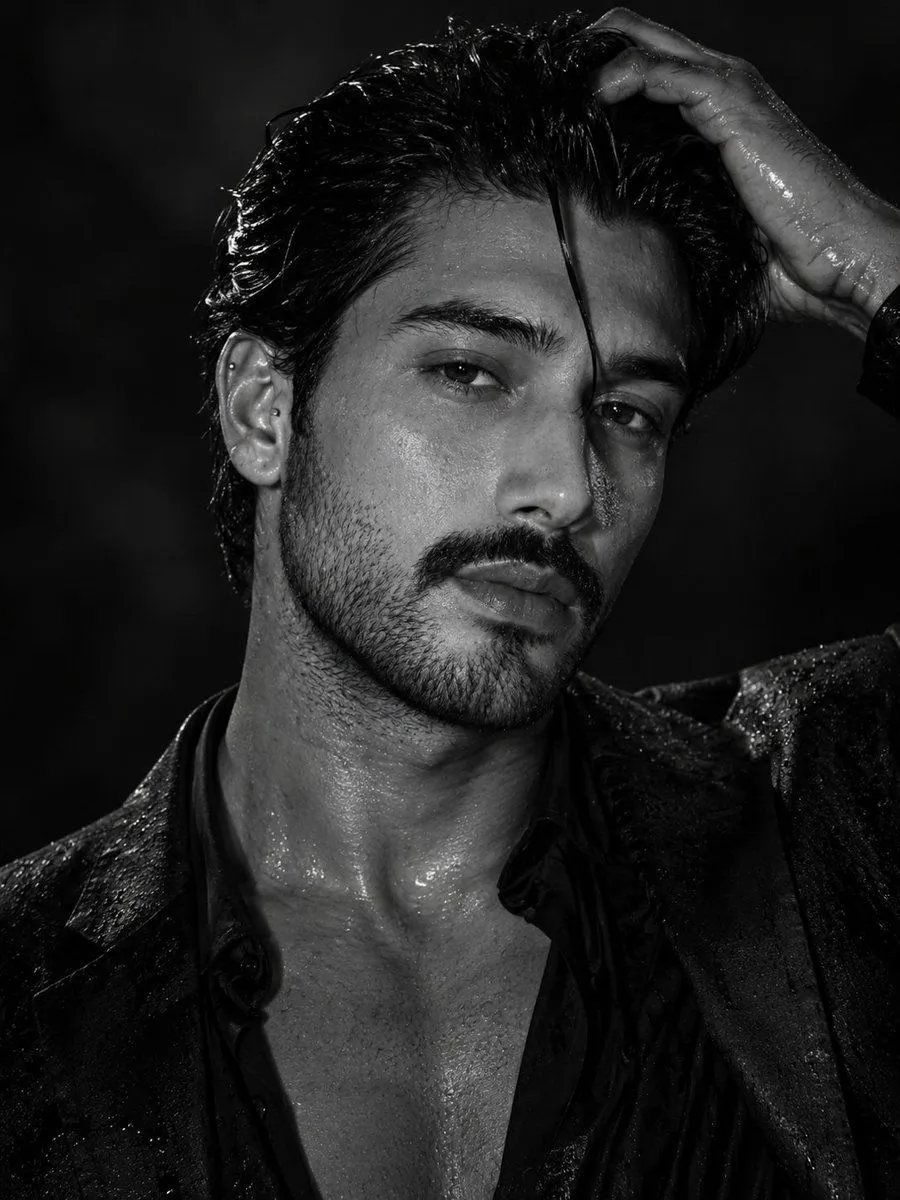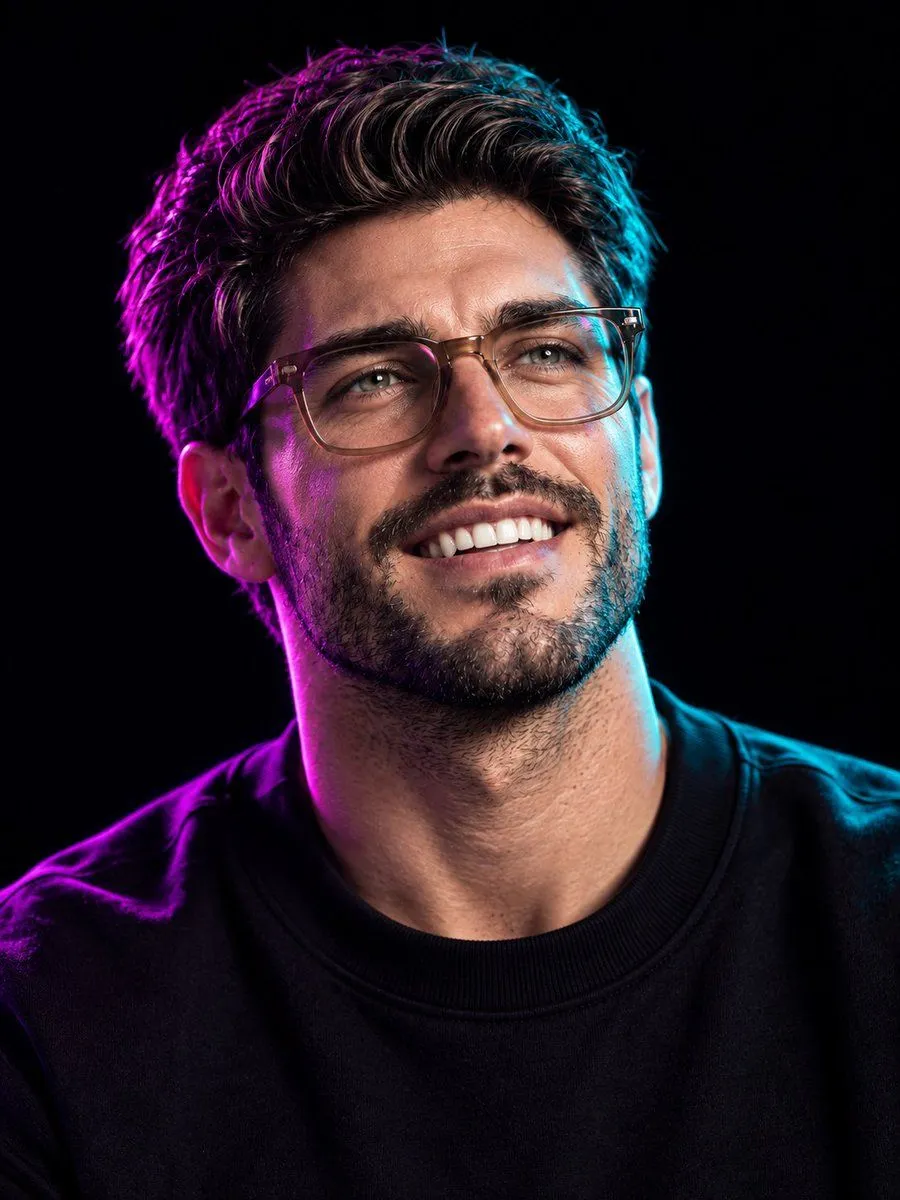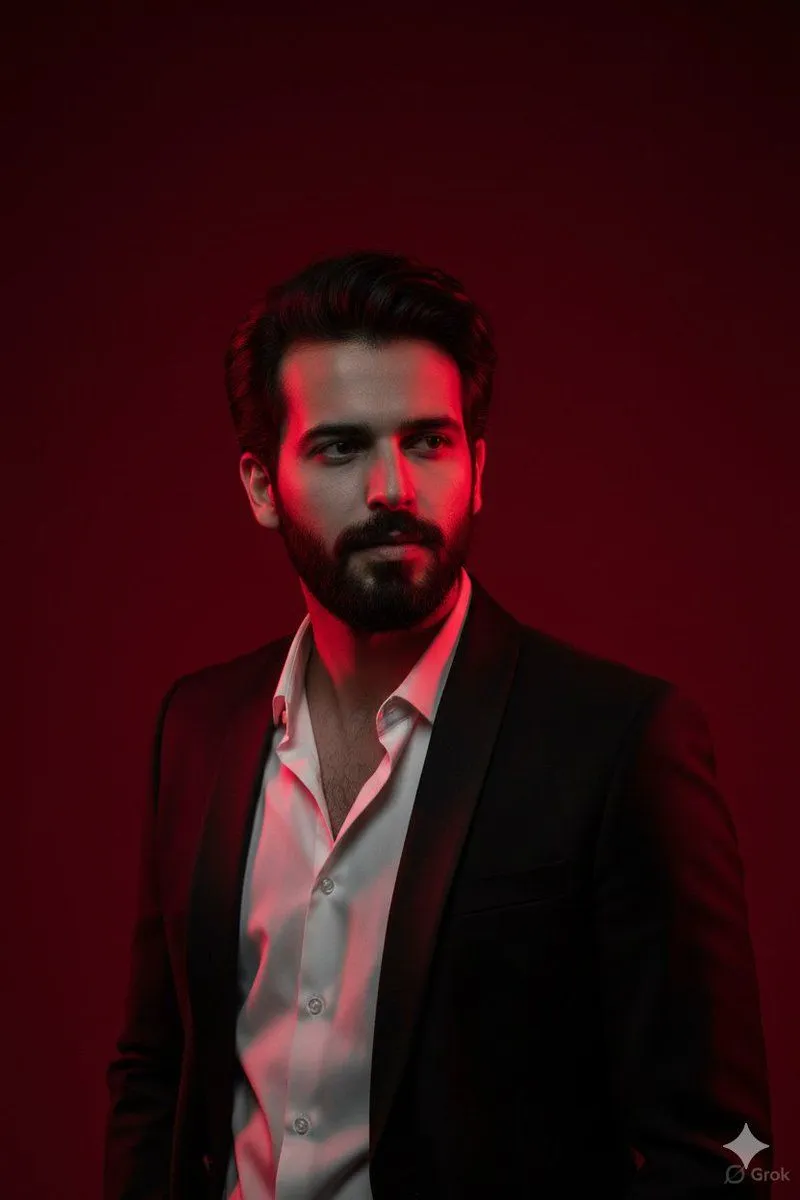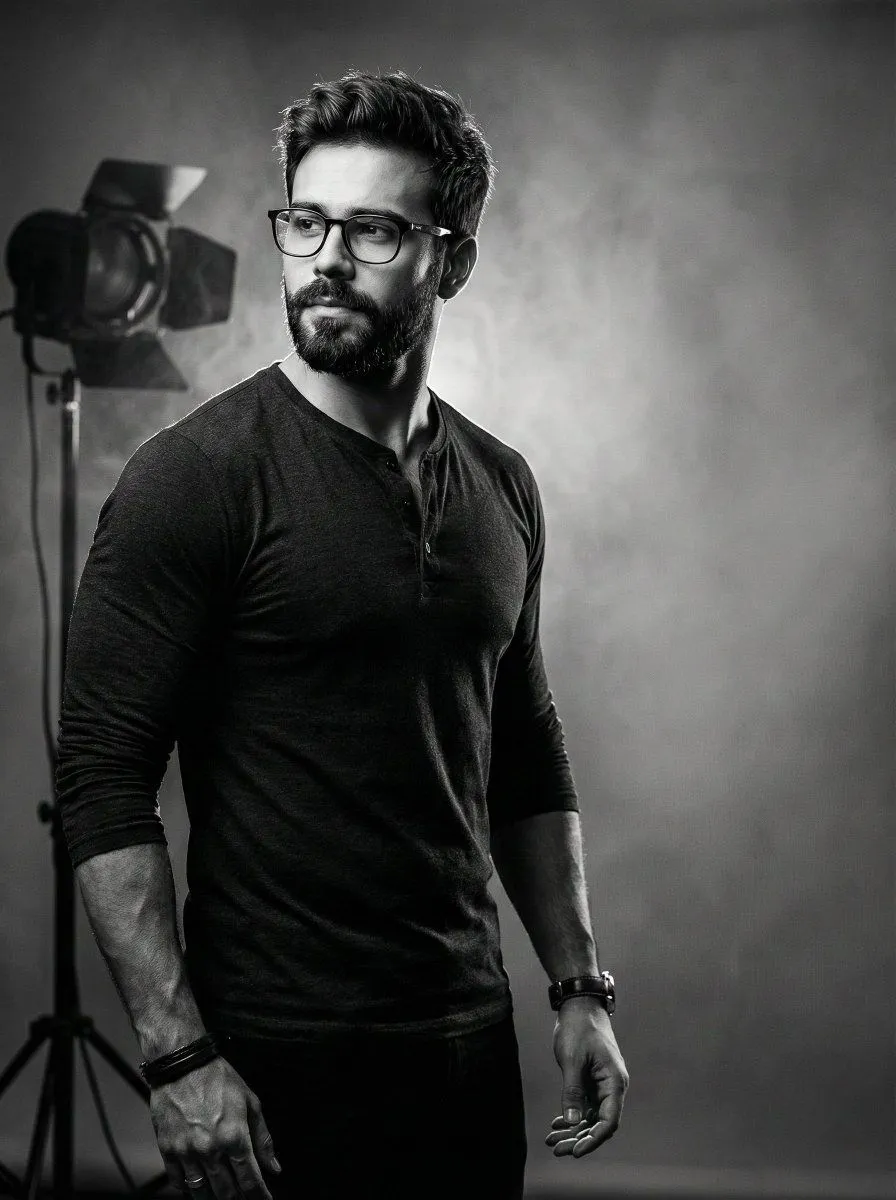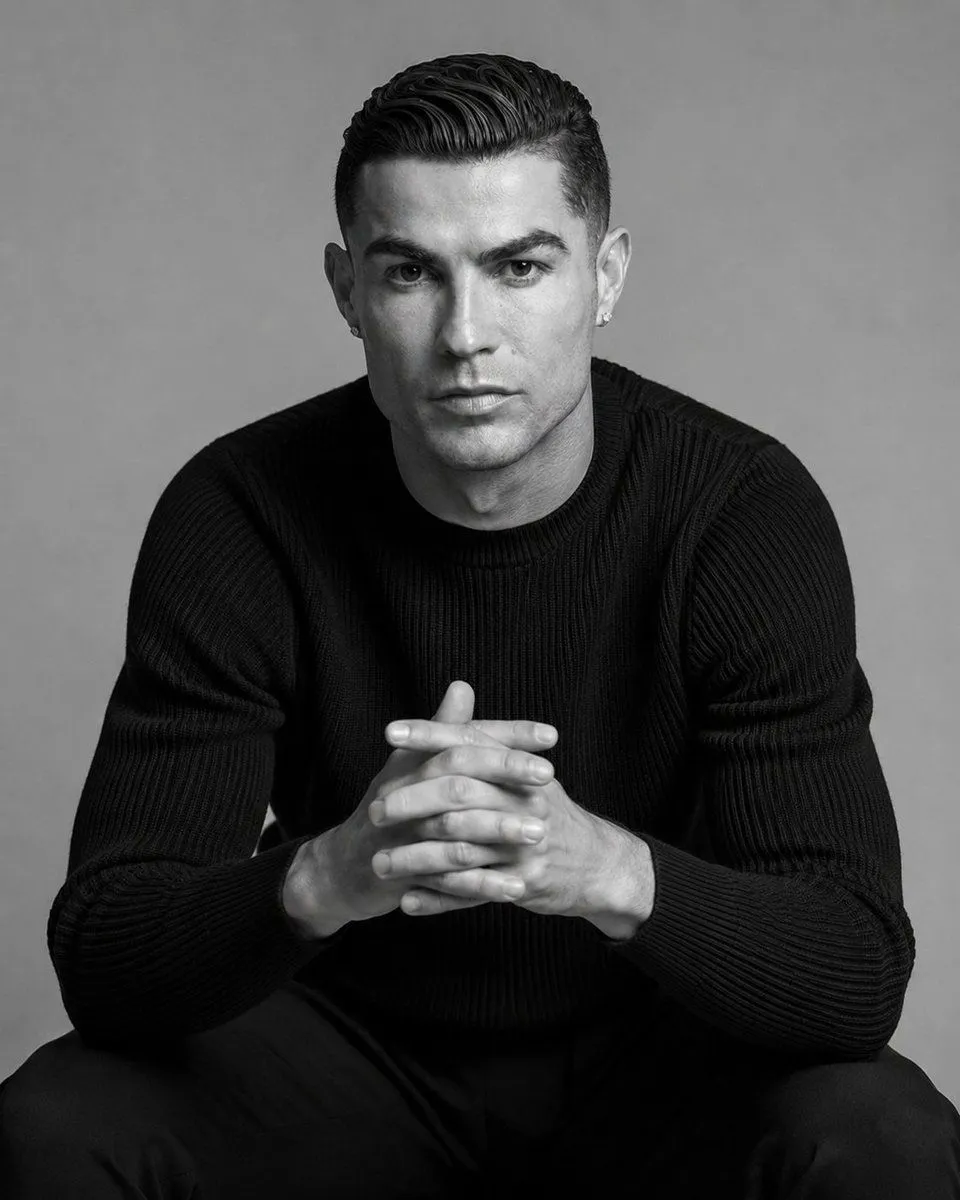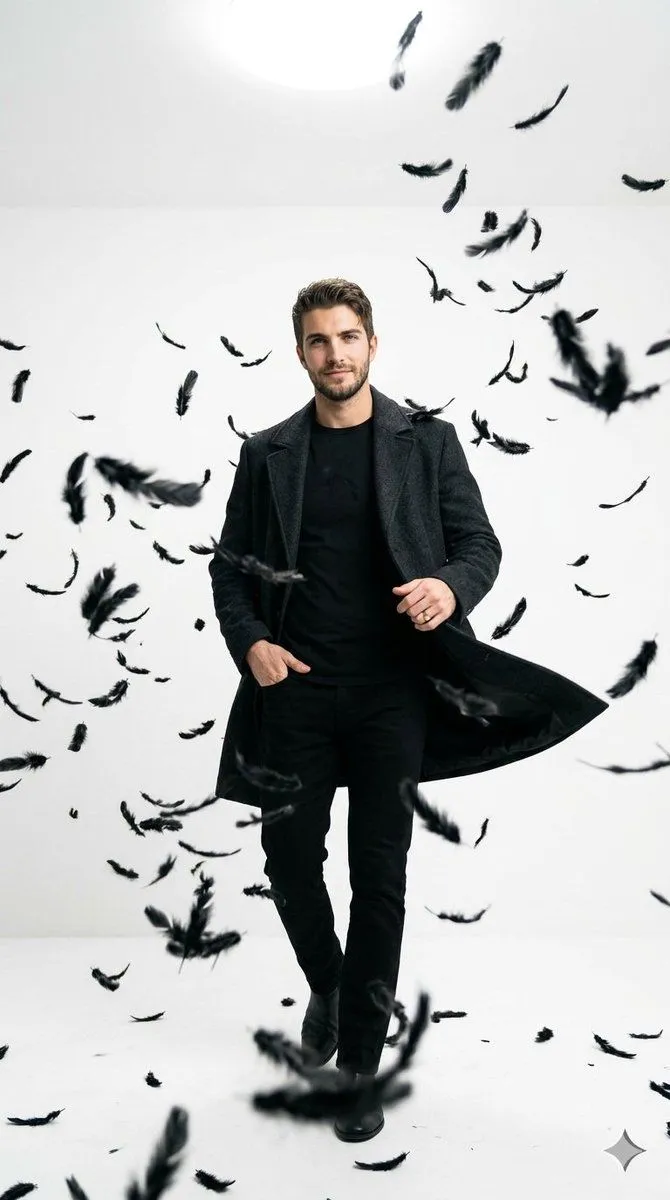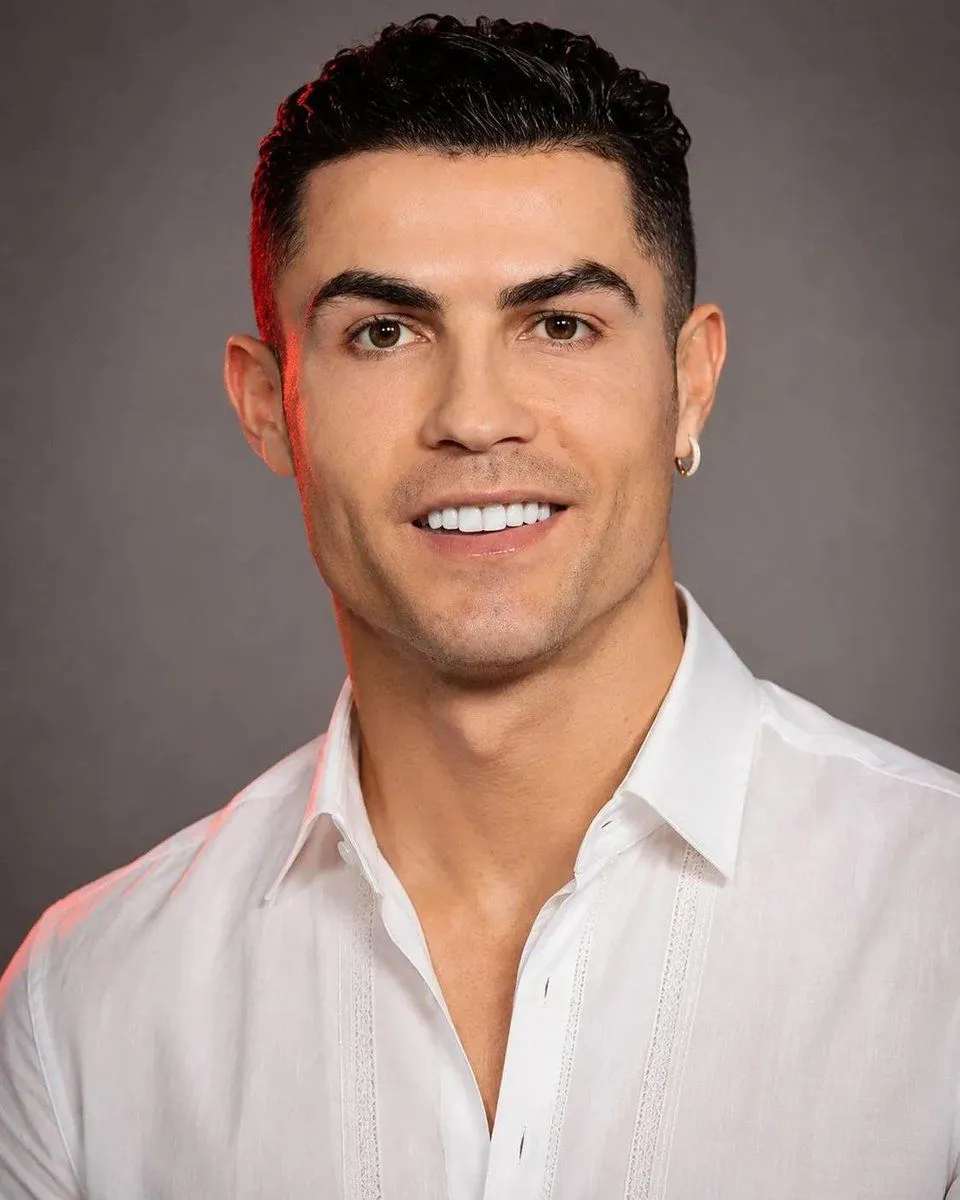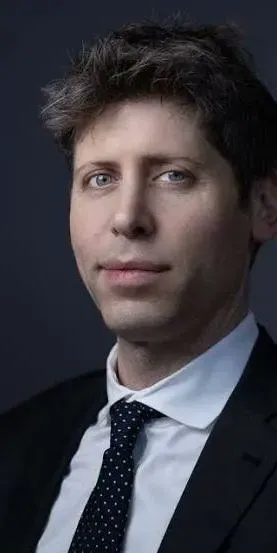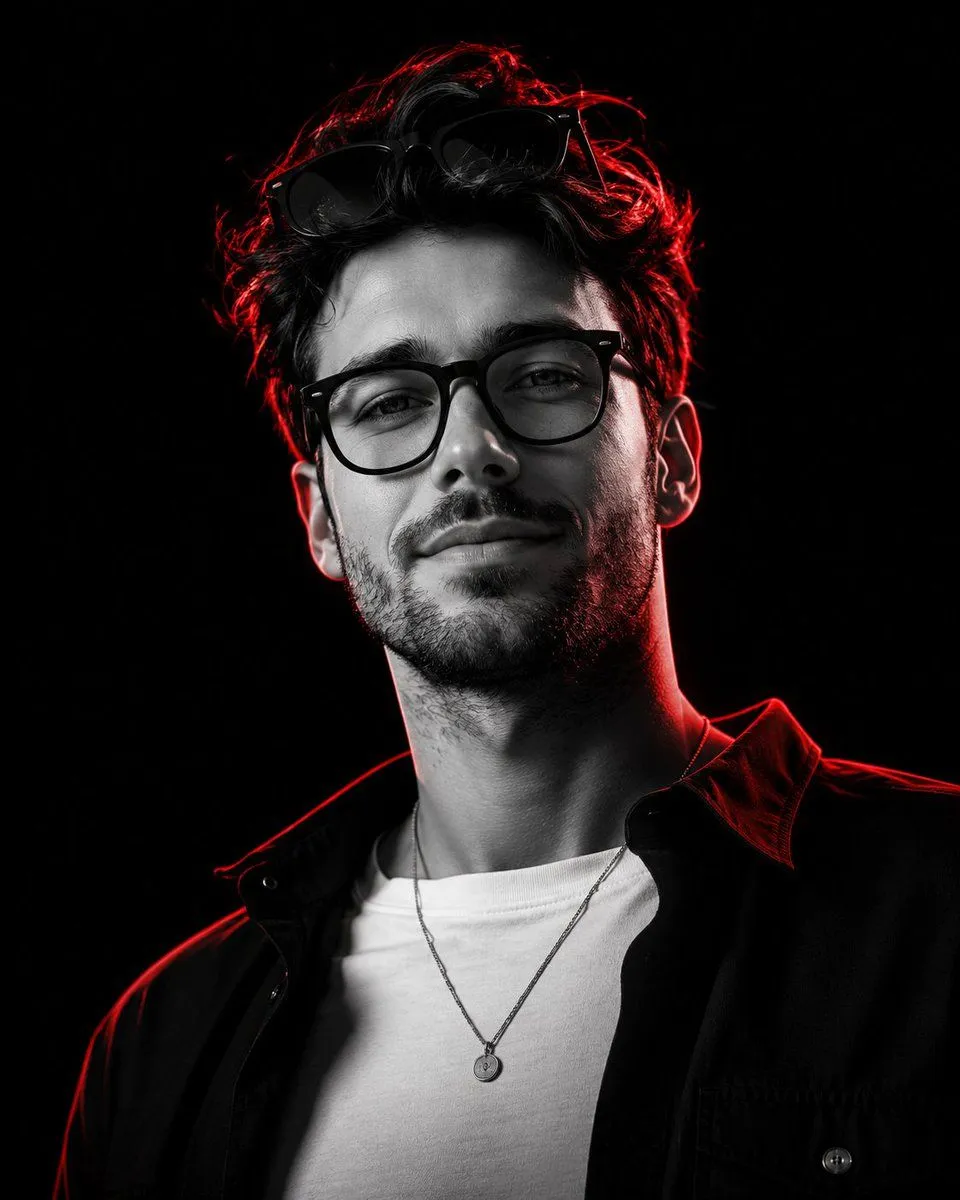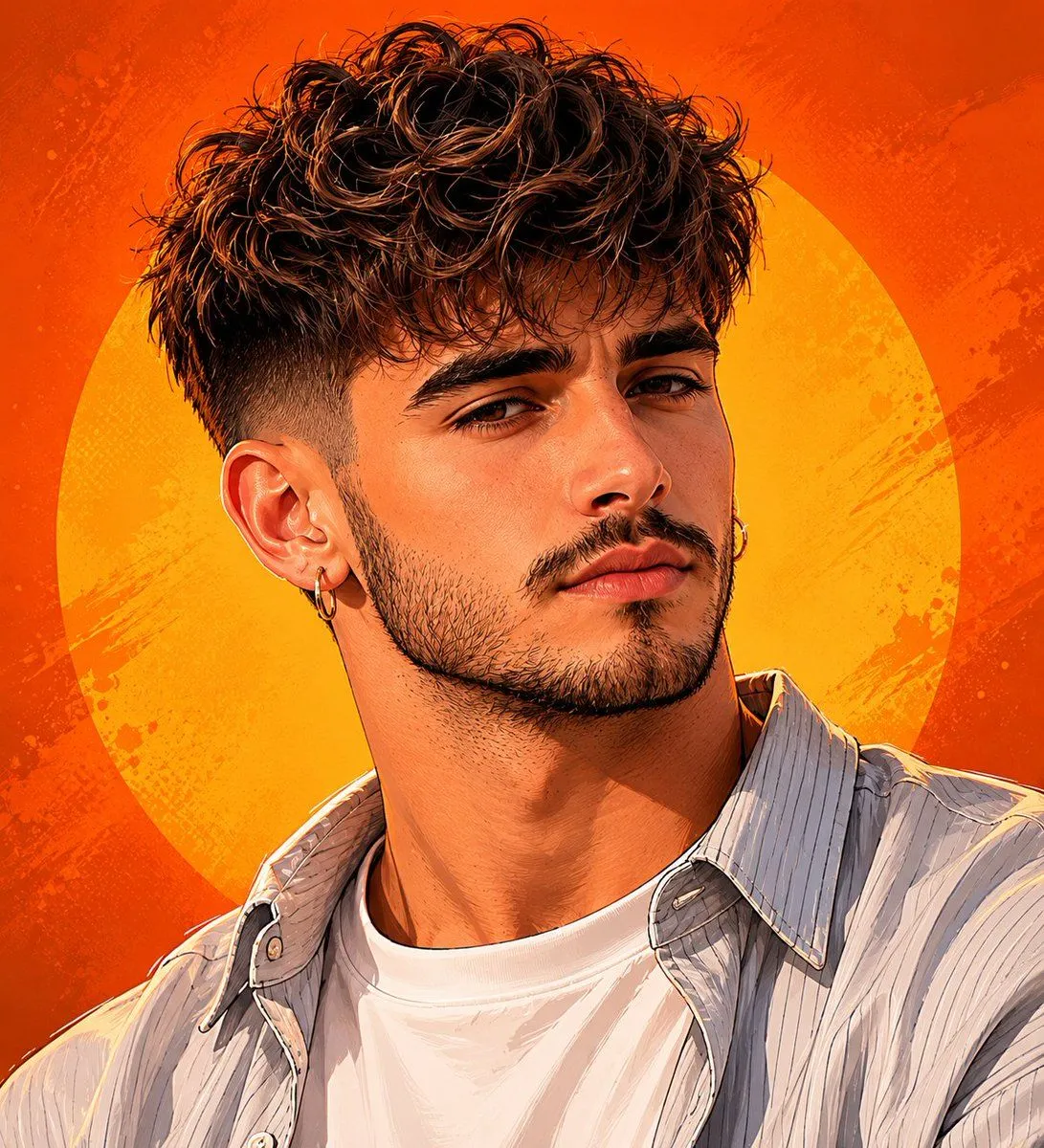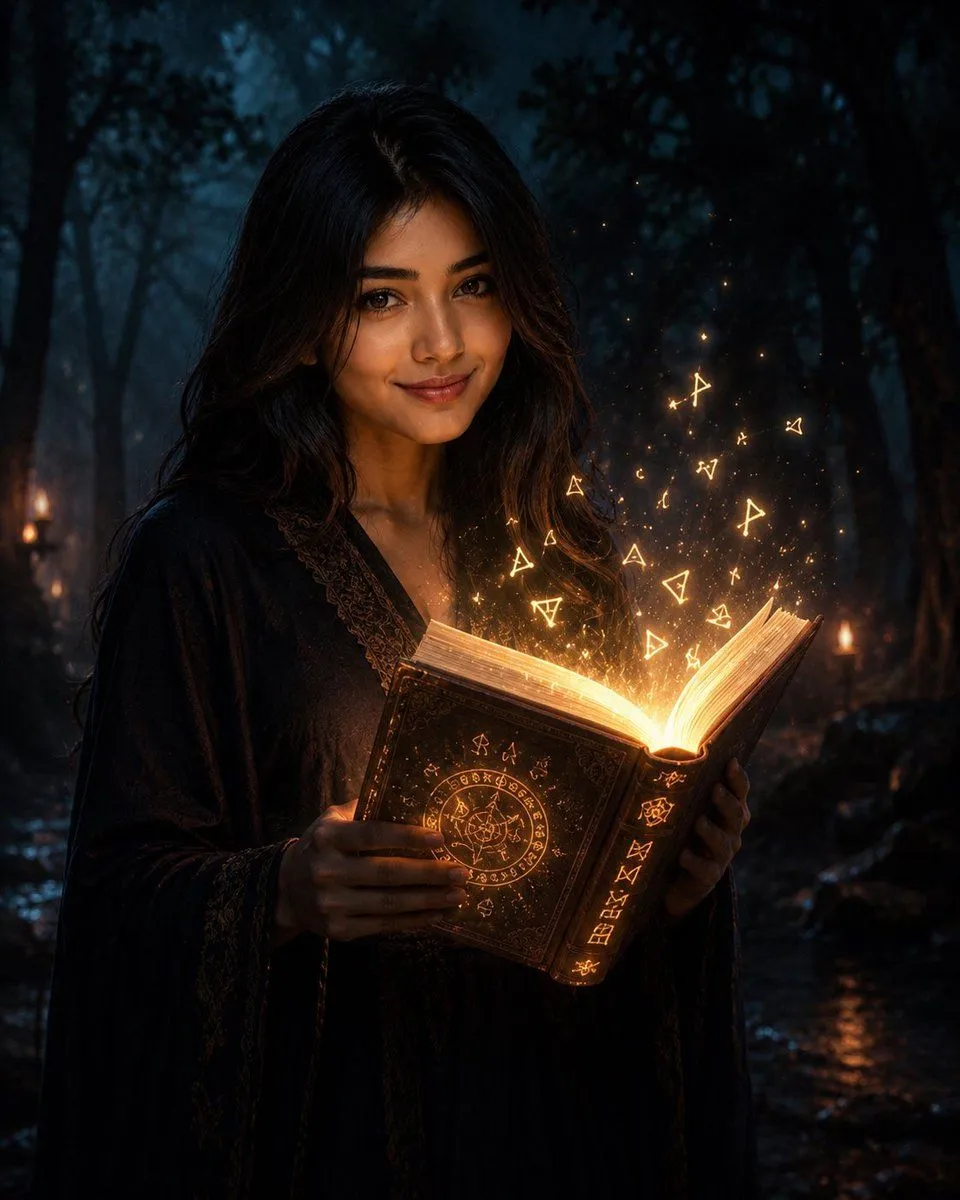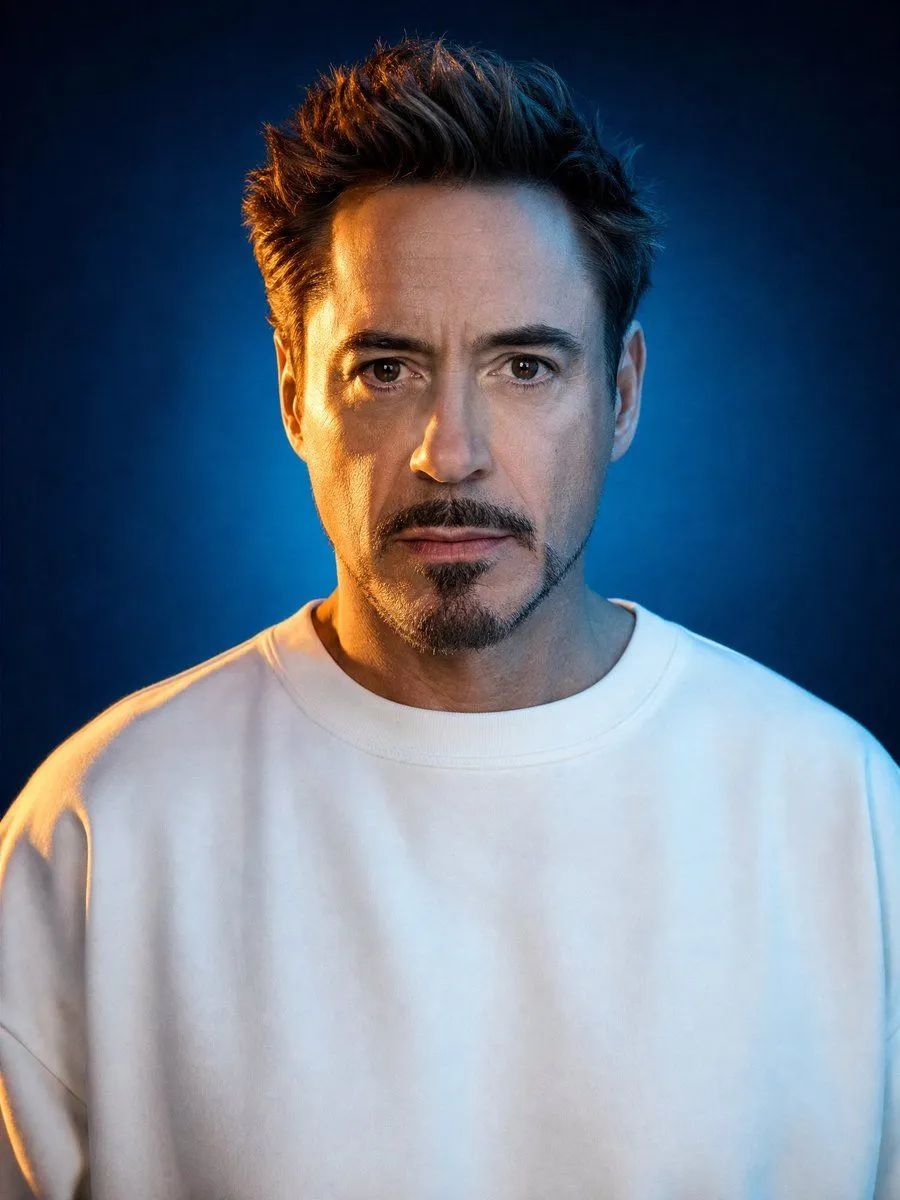
Made with GPT Image 2 in ChatGPT by Library Avatars. Promptclay never generates images.
Cinematic Studio Portrait Lighting Setup
Prompt
1 blank to fill{ "prompt_template": { "subject": "{subject}", "style": "hyperrealistic studio portrait photograph, cinematic dual-tone lighting", "composition": { "framing": "chest-up close crop portrait", "position": "perfectly centered, symmetrical", "orientation": "vertical, portrait aspect ratio 4:5", "gaze": "direct eye contact with camera, head facing forward, chin level" }, "expression": { "mood": "calm, neutral, slightly serious", "mouth": "closed, relaxed lips", "eyes": "sharp, alert, direct" }, "wardrobe": { "clothing": "plain oversized white crewneck t-shirt or sweatshirt", "details": "no logos, no patterns, relaxed loose fit, shoulders fully visible", "color": "pure white, slightly glowing under fill light" }, "lighting": { "setup": "dual-tone split lighting", "key_light": "warm amber/orange rim light from camera-left, raking across one side of face, neck and shoulder", "fill_light": "cool blue ambient light filling the rest of the face and body", "background_light": "soft glow gradient matching blue ambient tone", "contrast": "high contrast between warm highlight and cool shadow zones", "quality": "soft studio diffusion with a crisp rim highlight, no harsh shadows on facial features" }, "background": { "type": "seamless studio backdrop", "color_gradient": "deep navy blue to teal, darker at edges", "vignette": "subtle darkening toward corners", "texture": "smooth, no props, no patterns" }, "camera_specs": { "lens": "85mm equivalent portrait lens", "aperture": "shallow depth of field, f/2.8 look", "focus": "tack sharp on eyes and facial features", "sensor_feel": "medium format digital, ultra high resolution, 8k detail" }, "skin_and_hair_detail": { "skin": "natural realistic texture, visible pores, subtle sheen from lighting, no over-smoothing or plastic look", "hair": "natural texture and volume matching subject's real hairstyle, individual strands visible under rim light" }, "color_grade": "cinematic teal and orange color grade, warm highlights vs cool shadows, filmic contrast", "post_processing": "professional retouch level, subtle skin evenness, retain natural imperfections, no beautify filter, no plastic AI look", "negative_prompt": "no text, no watermark, no extra objects, no inset image, no reference photo overlay, no multiple people, no distorted face, no blurry eyes, no cartoon or illustration style, no harsh unnatural shadows", "output_settings": { "resolution": "high resolution, ultra detailed 8k", "aspect_ratio": "4:5 portrait", "realism_level": "photorealistic, indistinguishable from a real studio photograph" } } }
Preview of your prompt
{ "prompt_template": { "subject": "Person Name/Uploaded Image", "style": "hyperrealistic studio portrait photograph, cinematic dual-tone lighting", "composition": { "framing": "chest-up close crop portrait", "position": "perfectly centered, symmetrical", "orientation": "vertical, portrait aspect ratio 4:5", "gaze": "direct eye contact with camera, head facing forward, chin level" }, "expression": { "mood": "calm, neutral, slightly serious", "mouth": "closed, relaxed lips", "eyes": "sharp, alert, direct" }, "wardrobe": { "clothing": "plain oversized white crewneck t-shirt or sweatshirt", "details": "no logos, no patterns, relaxed loose fit, shoulders fully visible", "color": "pure white, slightly glowing under fill light" }, "lighting": { "setup": "dual-tone split lighting", "key_light": "warm amber/orange rim light from camera-left, raking across one side of face, neck and shoulder", "fill_light": "cool blue ambient light filling the rest of the face and body", "background_light": "soft glow gradient matching blue ambient tone", "contrast": "high contrast between warm highlight and cool shadow zones", "quality": "soft studio diffusion with a crisp rim highlight, no harsh shadows on facial features" }, "background": { "type": "seamless studio backdrop", "color_gradient": "deep navy blue to teal, darker at edges", "vignette": "subtle darkening toward corners", "texture": "smooth, no props, no patterns" }, "camera_specs": { "lens": "85mm equivalent portrait lens", "aperture": "shallow depth of field, f/2.8 look", "focus": "tack sharp on eyes and facial features", "sensor_feel": "medium format digital, ultra high resolution, 8k detail" }, "skin_and_hair_detail": { "skin": "natural realistic texture, visible pores, subtle sheen from lighting, no over-smoothing or plastic look", "hair": "natural texture and volume matching subject's real hairstyle, individual strands visible under rim light" }, "color_grade": "cinematic teal and orange color grade, warm highlights vs cool shadows, filmic contrast", "post_processing": "professional retouch level, subtle skin evenness, retain natural imperfections, no beautify filter, no plastic AI look", "negative_prompt": "no text, no watermark, no extra objects, no inset image, no reference photo overlay, no multiple people, no distorted face, no blurry eyes, no cartoon or illustration style, no harsh unnatural shadows", "output_settings": { "resolution": "high resolution, ultra detailed 8k", "aspect_ratio": "4:5 portrait", "realism_level": "photorealistic, indistinguishable from a real studio photograph" } } }
DetailsVersions, settings and questions
Written for
What's in the prompt
- Subject
- Model
- GPT Image 2
If your face changes
keep my face exactly the sameQuestions
- Does this work in the ChatGPT app?
- Yes. Paste the prompt and attach your photo if it uses one.
- It changed my face. What do I do?
- Add "keep my face exactly the same" to the end and run it again.
- Can I use the images I make?
- Check the terms of the app you use. Promptclay never generates images and claims nothing you make.