Tell us anything

An idea, a bug, something you love. We read every note.

⌘↵ to send. The page you're on comes along.

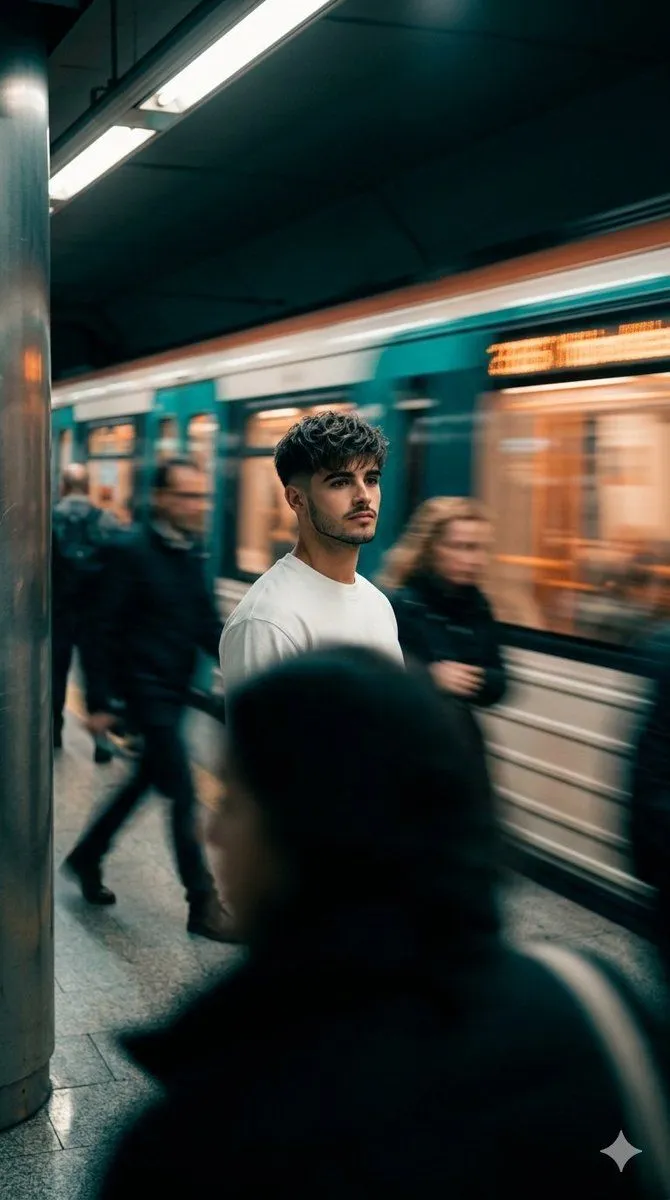
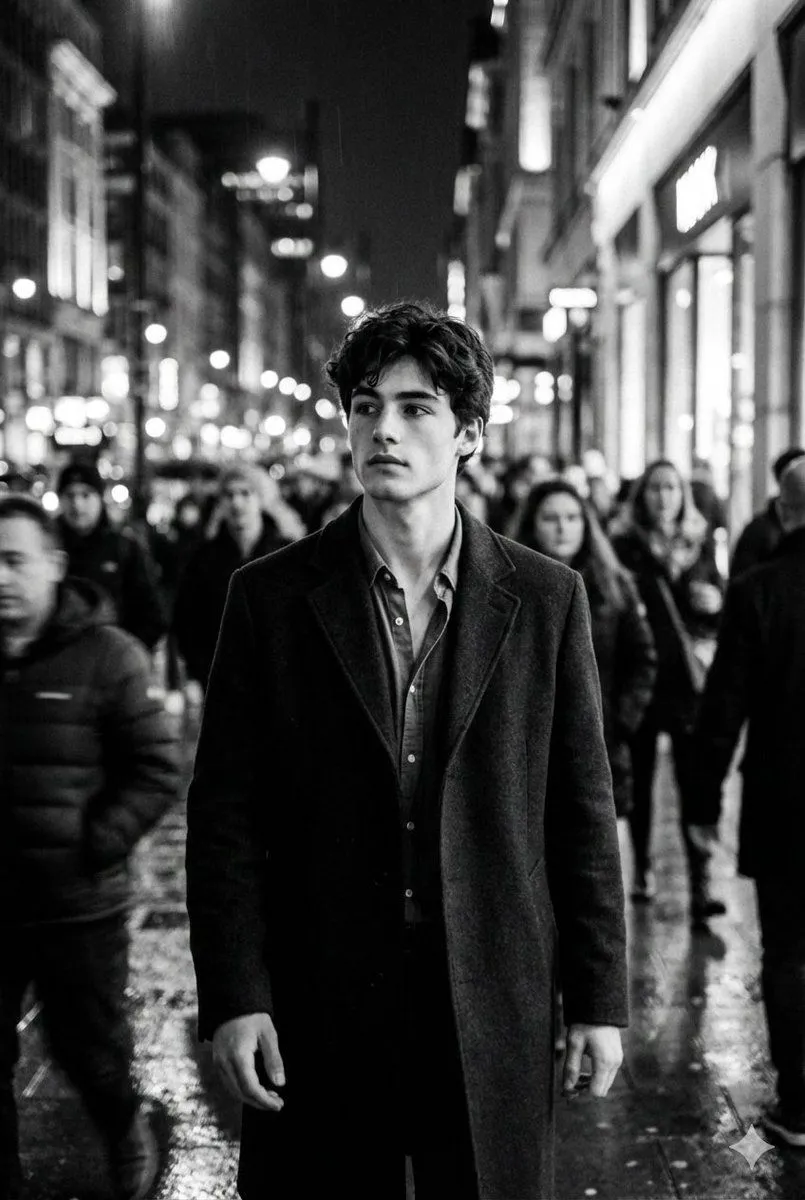
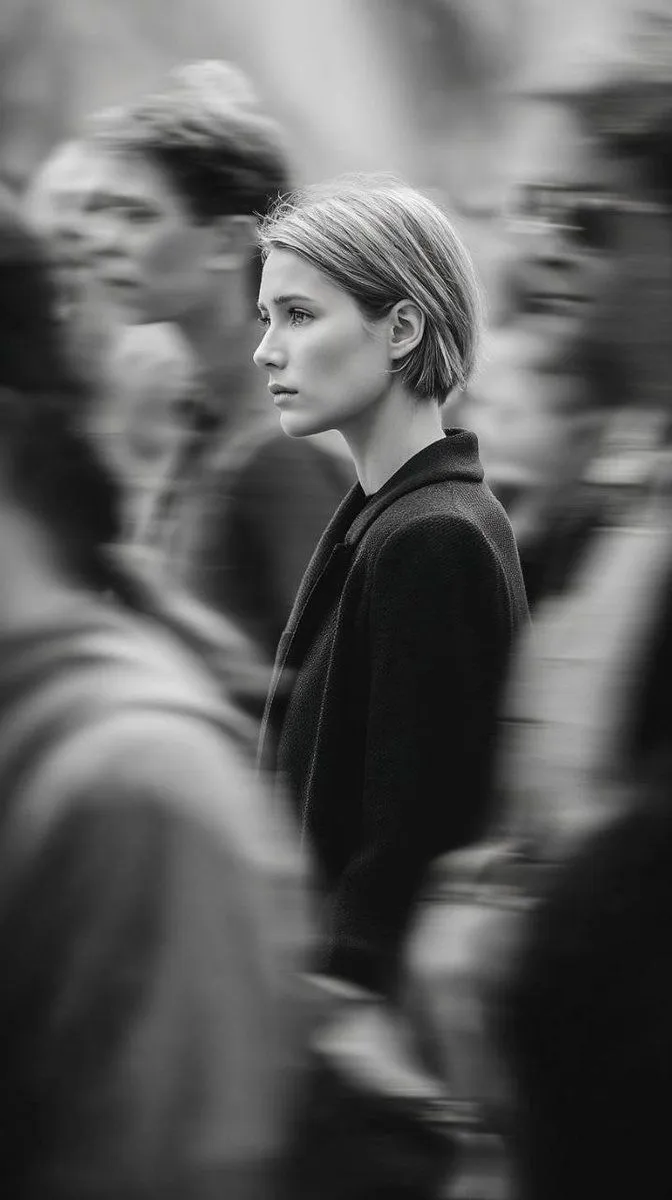
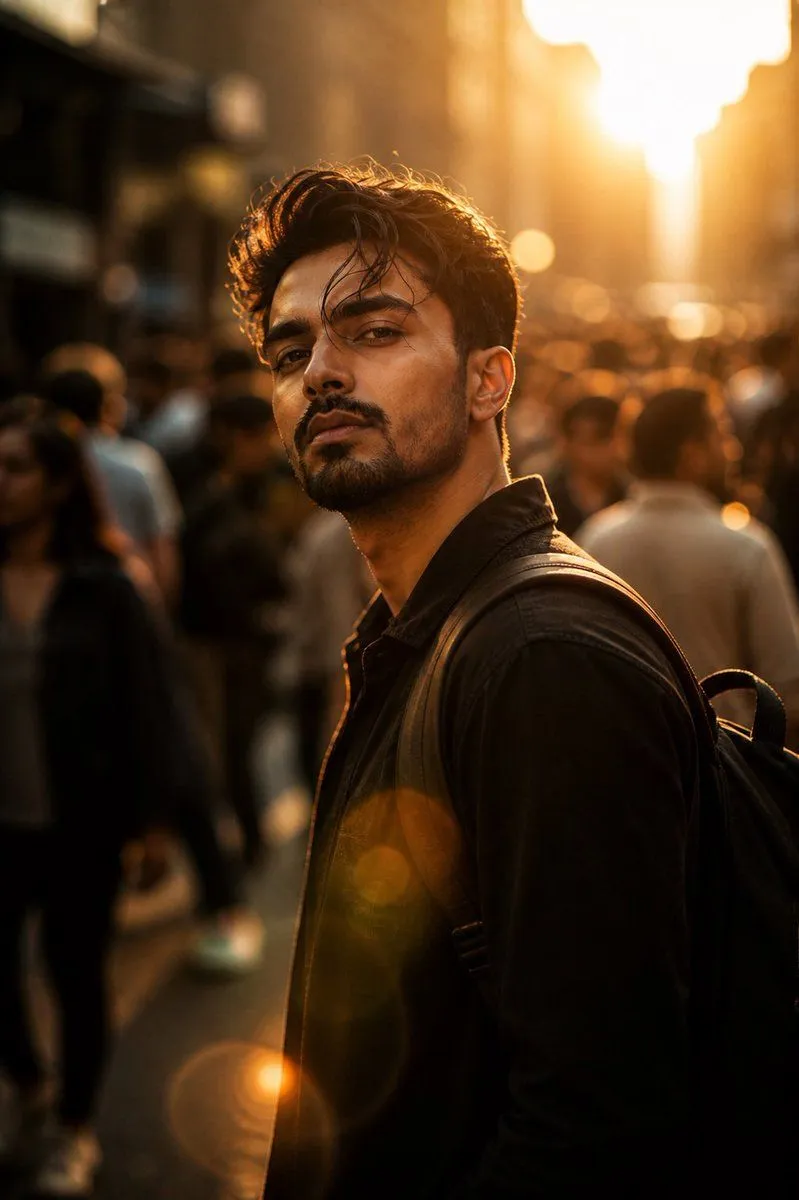
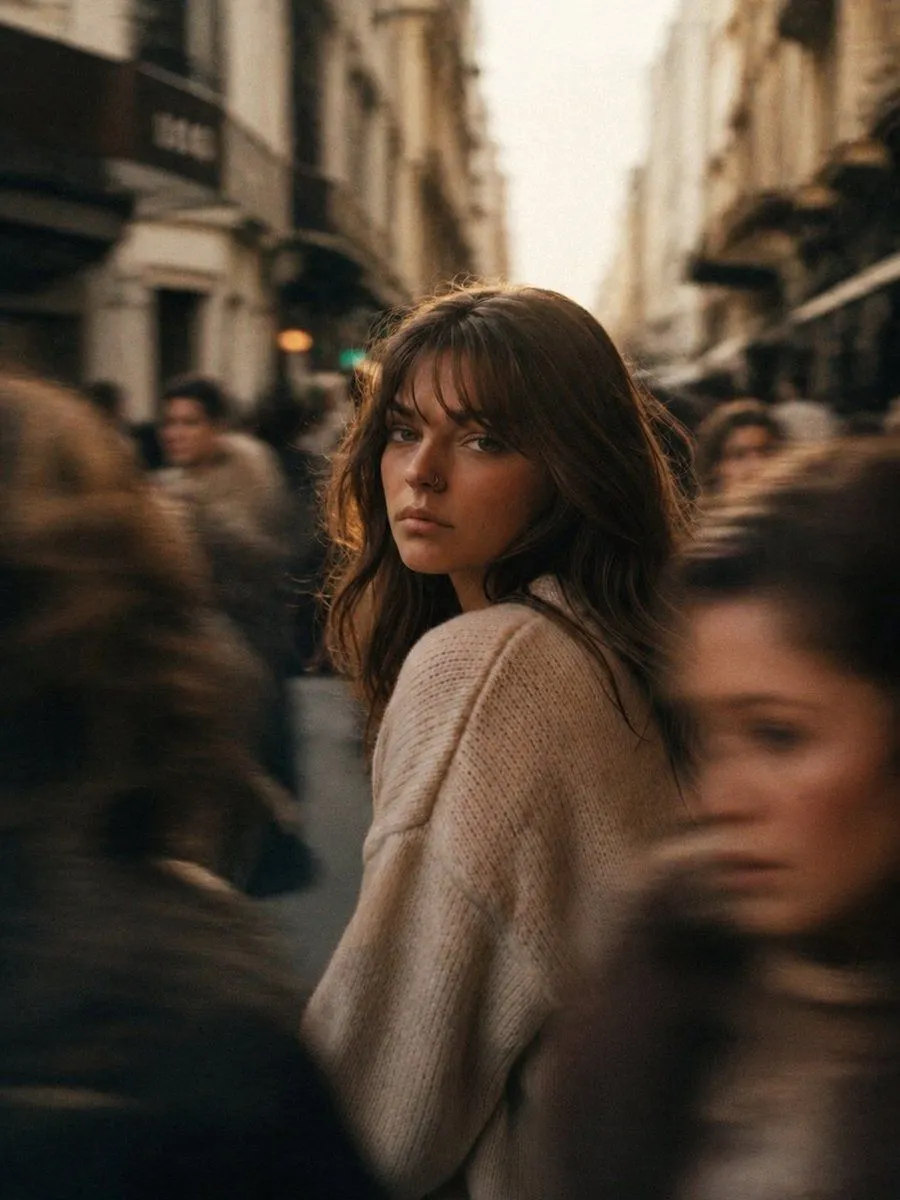
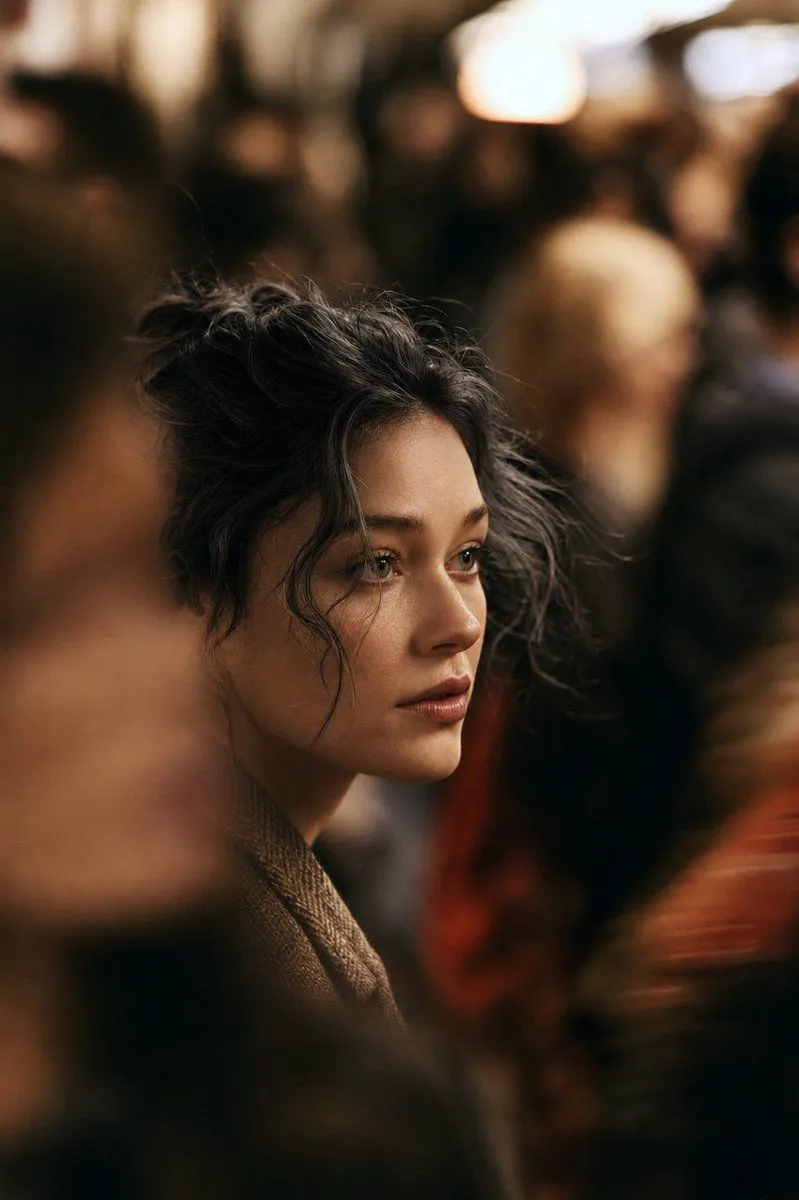
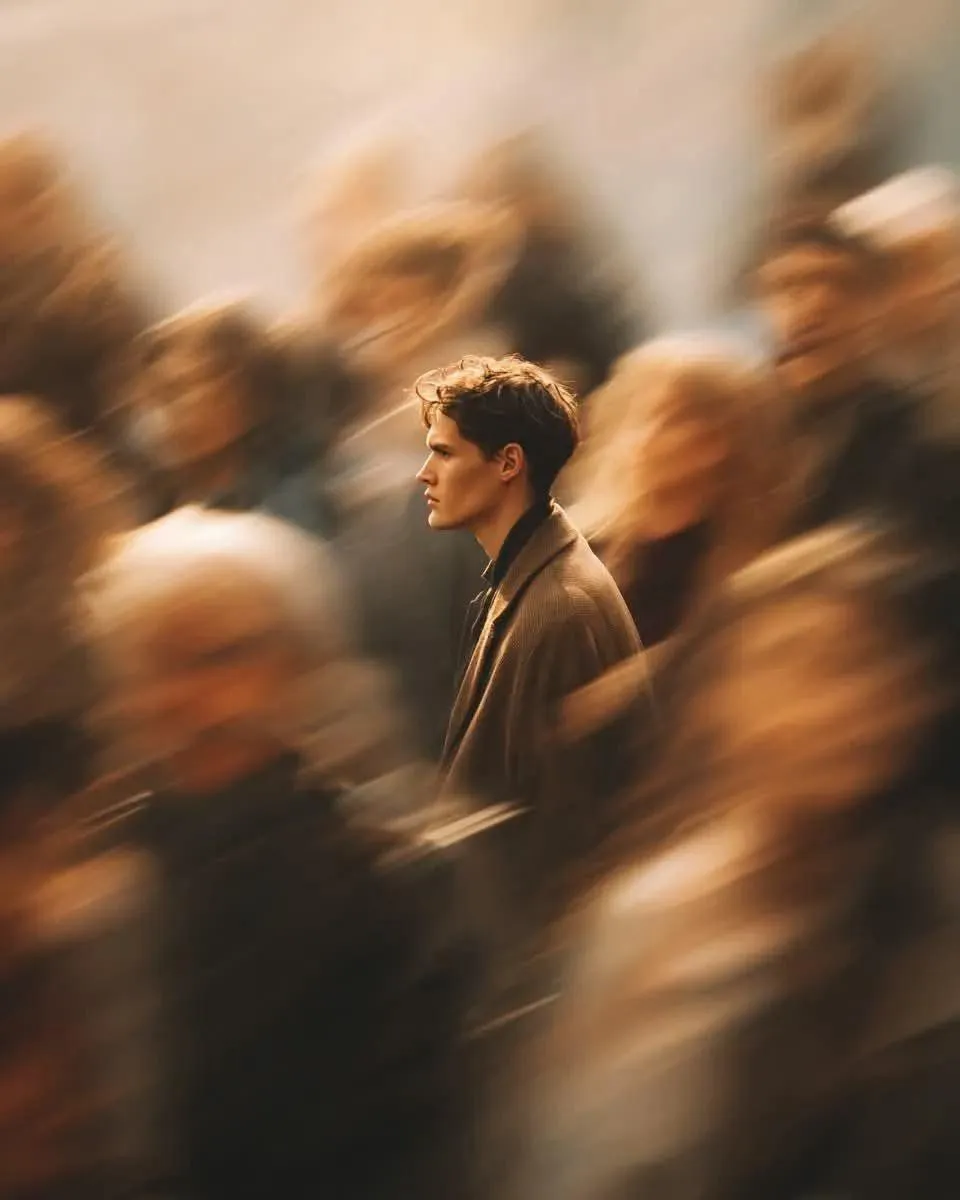
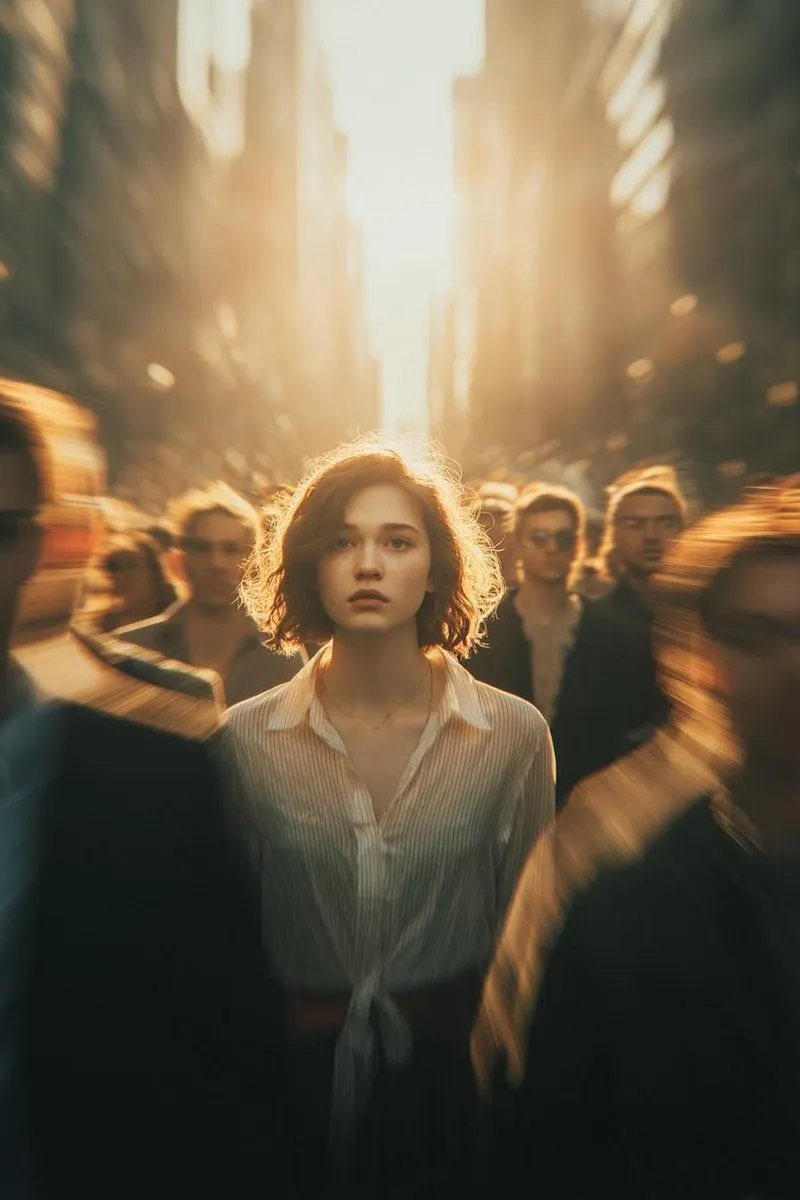
Cinematic Street Portrait with Motion Blur

Made with GPT Image 2 in ChatGPT by Library Lifestyle. Promptclay never generates images.

Did it work?

No reports yet. Tell others if it worked for you.

No comments yet. Be the first.

    Cinematic Street Portrait with Motion Blur

    GPT Image 24:5AI-generated

    Prompt

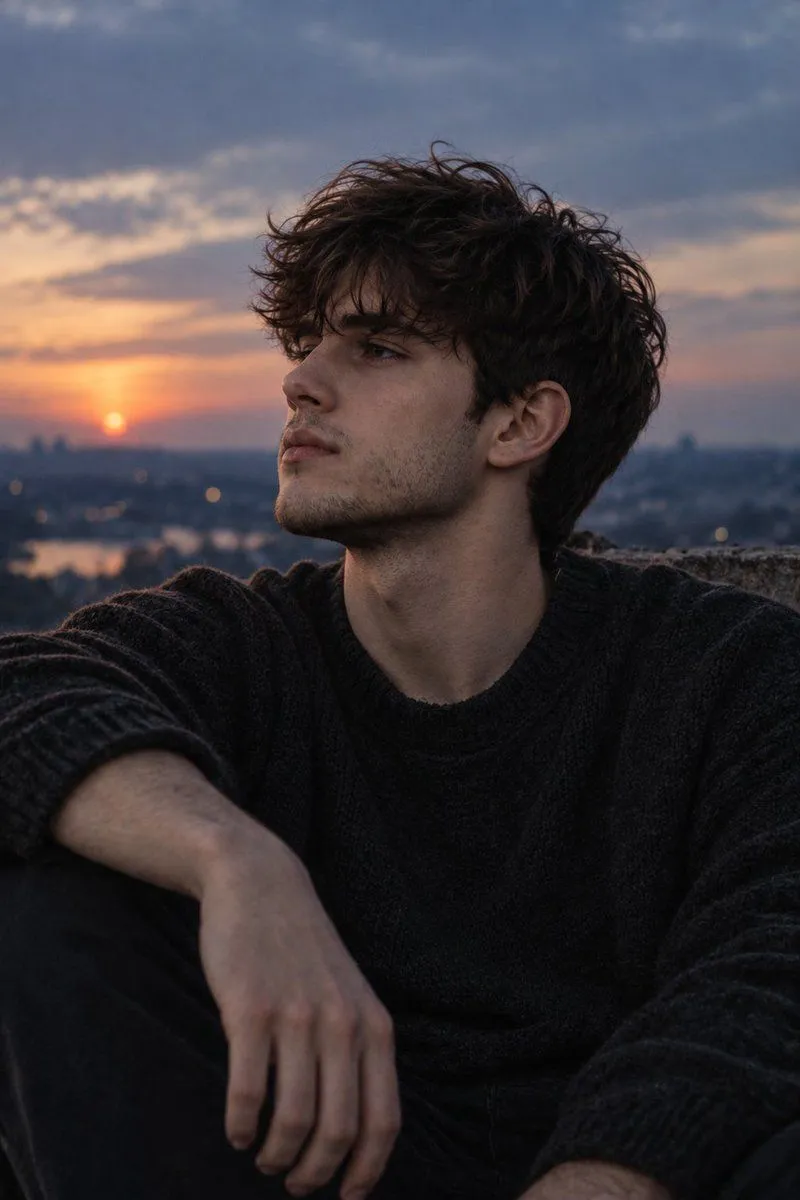
    A cinematic street portrait of a solitary young man standing perfectly still in the middle of a fast-moving crowd, everyone around him transformed into soft motion blur while he remains razor-sharp and calm. He wears a timeless wool overcoat layered over a minimalist knit sweater, hands in pockets, thoughtful expression, looking into the distance, symbolizing isolation in a busy world. Shot with slow shutter speed and panning technique, dynamic radial motion blur created by rushing pedestrians, warm golden-hour sunlight streaming through a modern urban plaza, soft amber glow, volumetric light, atmospheric haze, rich cinematic contrast, muted earth-tone palette, emotional storytelling, shallow depth of field, creamy bokeh, realistic skin texture, Kodak Portra 400 film look, subtle analog grain, Leica SL2, Summilux 50mm f/1.4, 1/10s shutter, photorealistic, editorial fashion photography, ultra-detailed, award-winning composition, 8K HDR, masterpiece.

    Works in
    ChatGPT, Gemini
    Status
    Free to copy
    0
    DetailsVersions, settings and questions

    Written for

    What's in the prompt

    Subject
    Model
    GPT Image 2

    If your face changes

    keep my face exactly the same

    Questions

    Does this work in the ChatGPT app?
    Yes. Paste the prompt and attach your photo if it uses one.
    It changed my face. What do I do?
    Add "keep my face exactly the same" to the end and run it again.
    Can I use the images I make?
    Check the terms of the app you use. Promptclay never generates images and claims nothing you make.
    Similar prompts

    See more
    • Cinematic Portrait with Motion Blur Crowd
    • Cinematic Conceptual Portrait with Radial Motion Blur
    • Cinematic Subway Motion Blur Portrait
    • Overhead Escalator Mall Portrait
    • Urban Romance Cinematic Still
    • Black and White Cinematic Motion Portrait
    • Editorial Monochrome Street Photograph (Leica SL3)
    • Cinematic Urban Portrait
    • Golden Hour Footballer Editorial
    • Cinematic 35mm Analog Film Photo Series
    • Urban Isolation Portrait in Motion
    • Moody Blue Hour Rooftop Portrait
    • Urban Golden Hour Male Portrait
    • Cinematic Golden Hour Portrait Transformation
    • Cinematic Night City Street Portrait
    • Dark Cinematic Silhouette SceneVideo, 0:10
    • Gentle Beachside Portrait of an East Asian Woman
    • Gothic Catgirl Cosplay Dressing Room
    • Humorous Temple Signboard with Goofy Monk
    • Indoor Arena Cheerleader Performance
    • Tokyo Alley Vending Machine Snapshot
    • Trendy Car Interior Portrait
    • Upside-Down Sky Schoolgirl
    • Urban Night Portrait by Radio Tower

    Show more

    Run it on your phone

    1. Prompt copiedRead it

      A cinematic street portrait of a solitary young man standing perfectly still in the middle of a fast-moving crowd, everyone around him transformed into soft motion blur while he remains razor-sharp and calm. He wears a timeless wool overcoat layered over a minimalist knit sweater, hands in pockets, thoughtful expression, looking into the distance, symbolizing isolation in a busy world. Shot with slow shutter speed and panning technique, dynamic radial motion blur created by rushing pedestrians, warm golden-hour sunlight streaming through a modern urban plaza, soft amber glow, volumetric light, atmospheric haze, rich cinematic contrast, muted earth-tone palette, emotional storytelling, shallow depth of field, creamy bokeh, realistic skin texture, Kodak Portra 400 film look, subtle analog grain, Leica SL2, Summilux 50mm f/1.4, 1/10s shutter, photorealistic, editorial fashion photography, ultra-detailed, award-winning composition, 8K HDR, masterpiece.

    2. Open your app

    3. Paste and run

      Press and hold the message box, then tap Paste. Add your photo first if the prompt uses one. You may need to sign in.

    Cinematic Street Portrait with Motion Blur