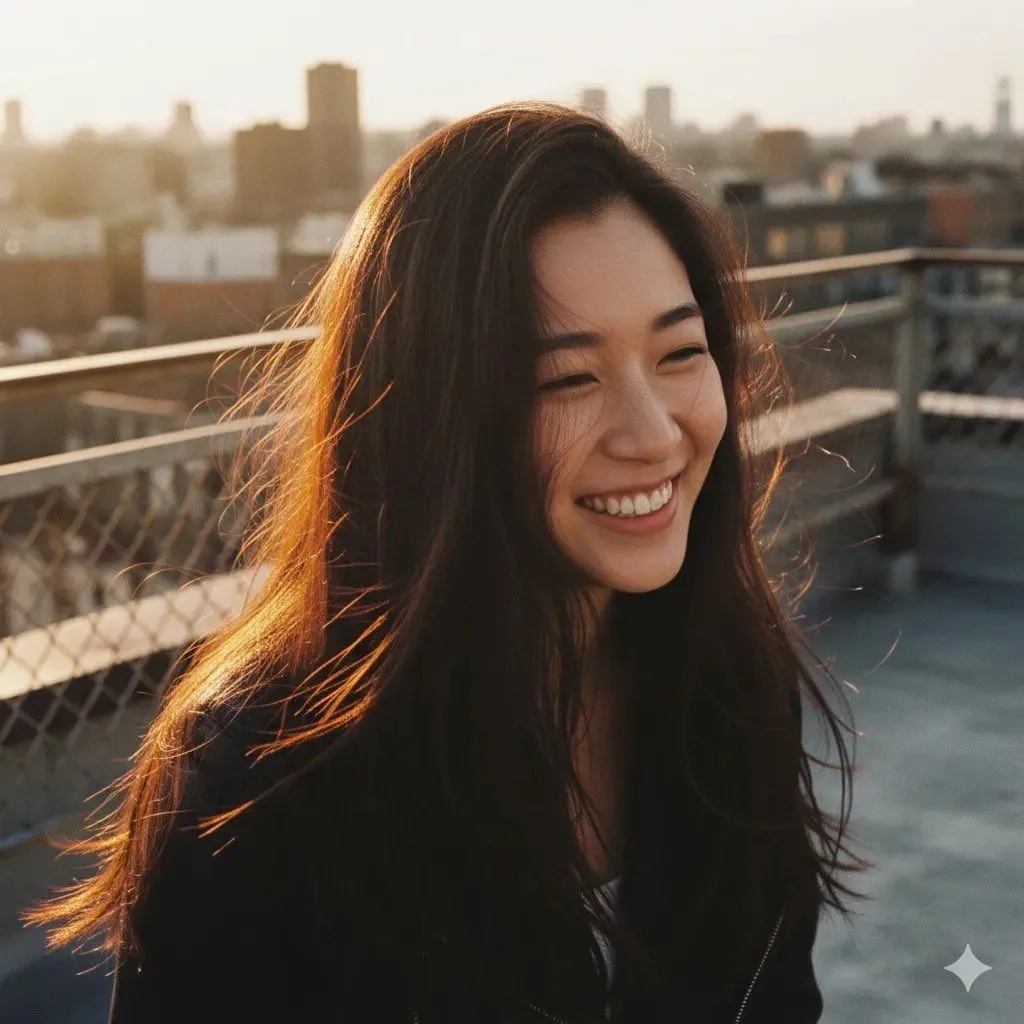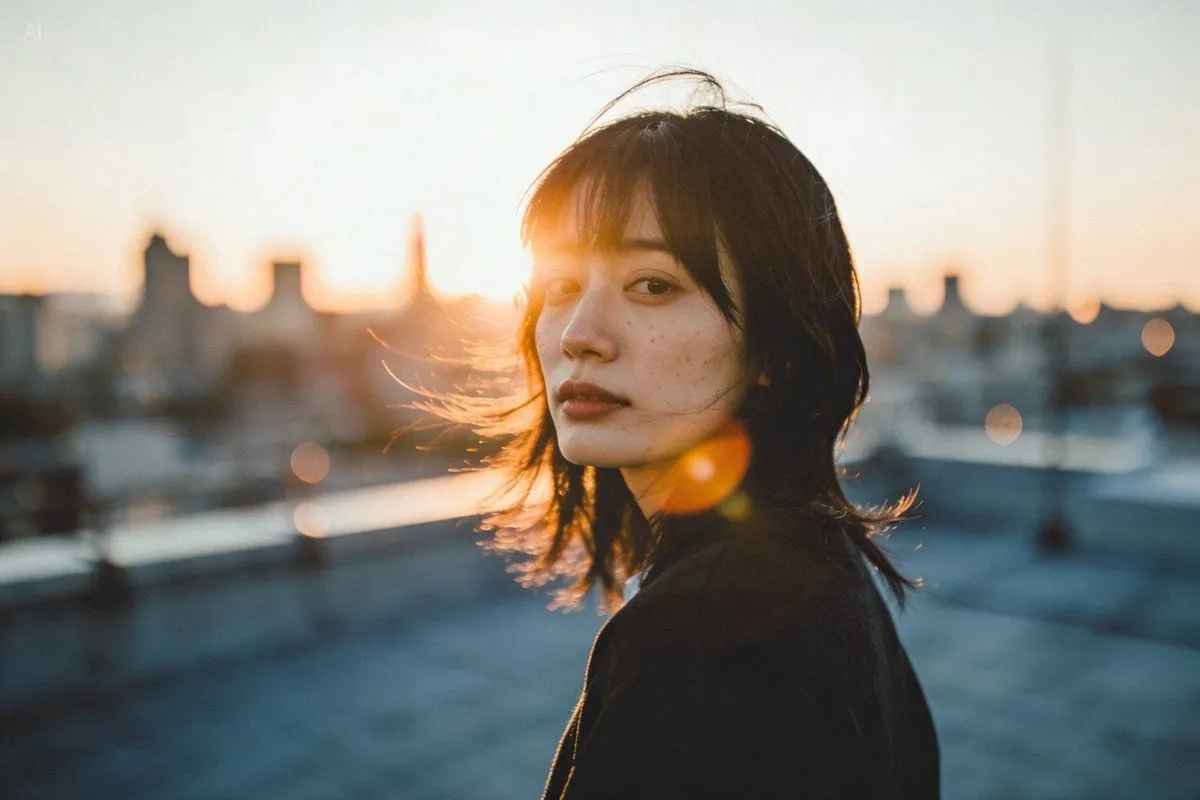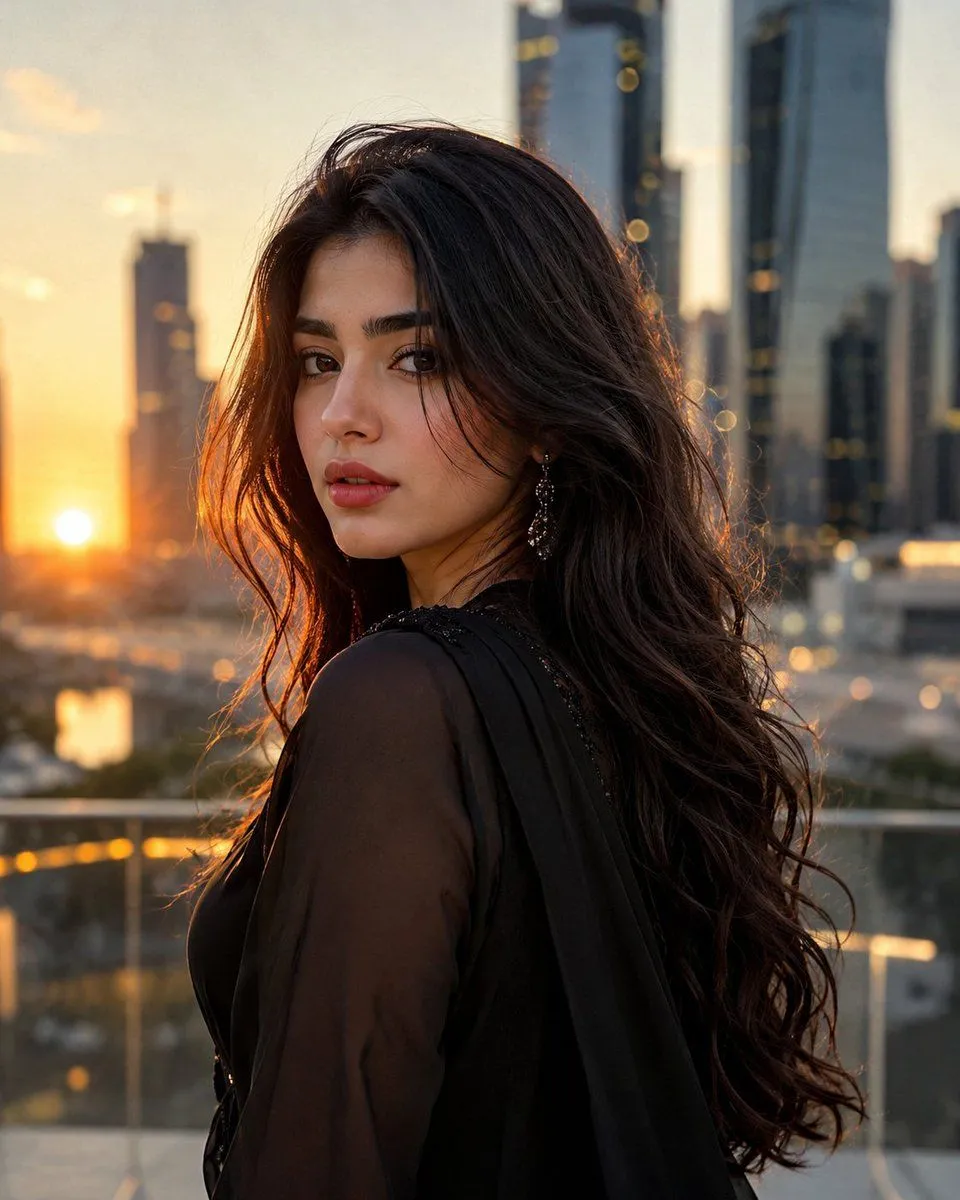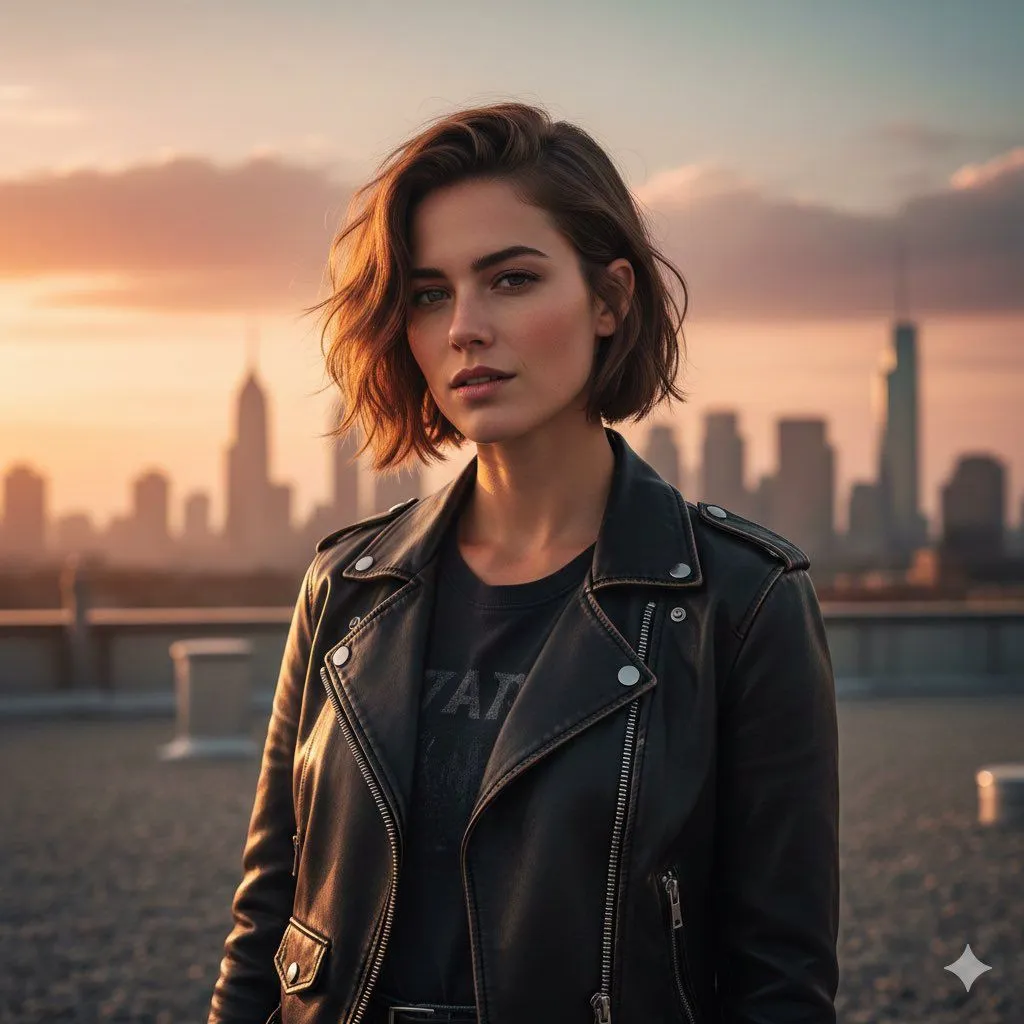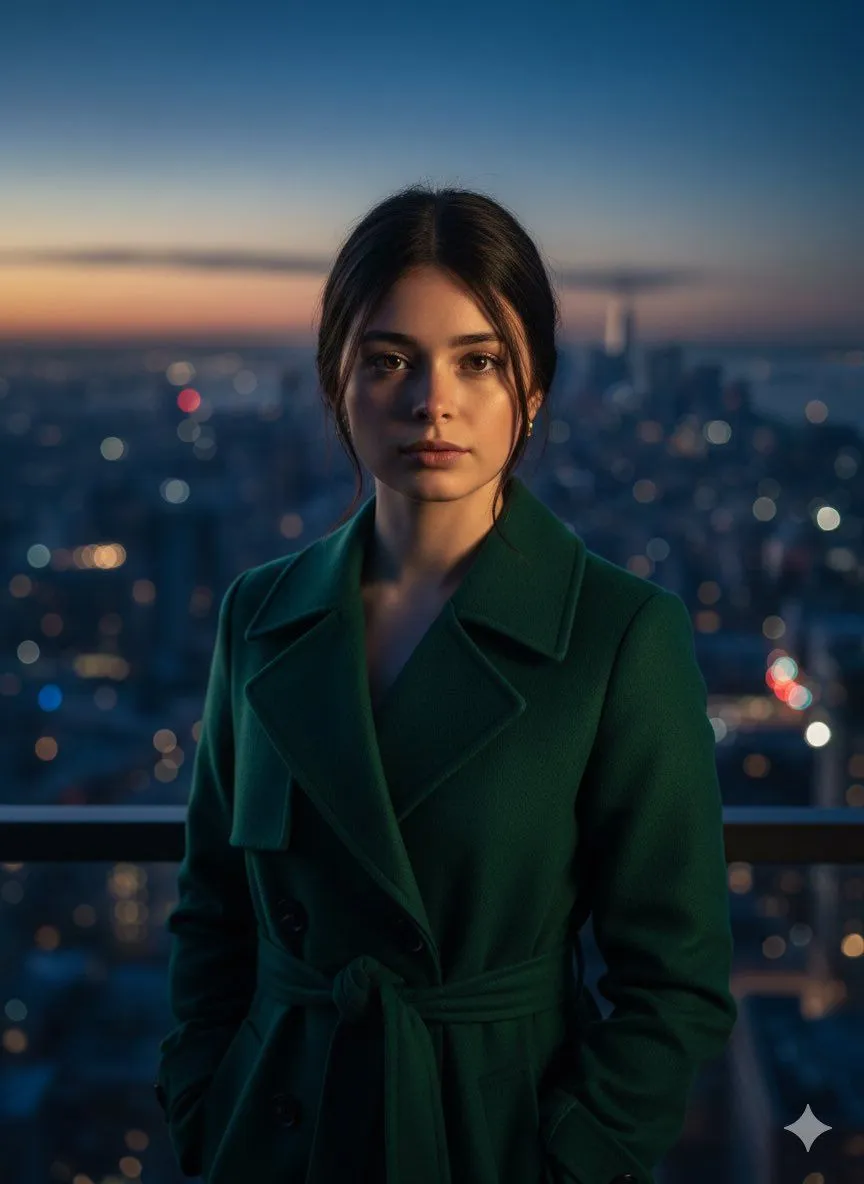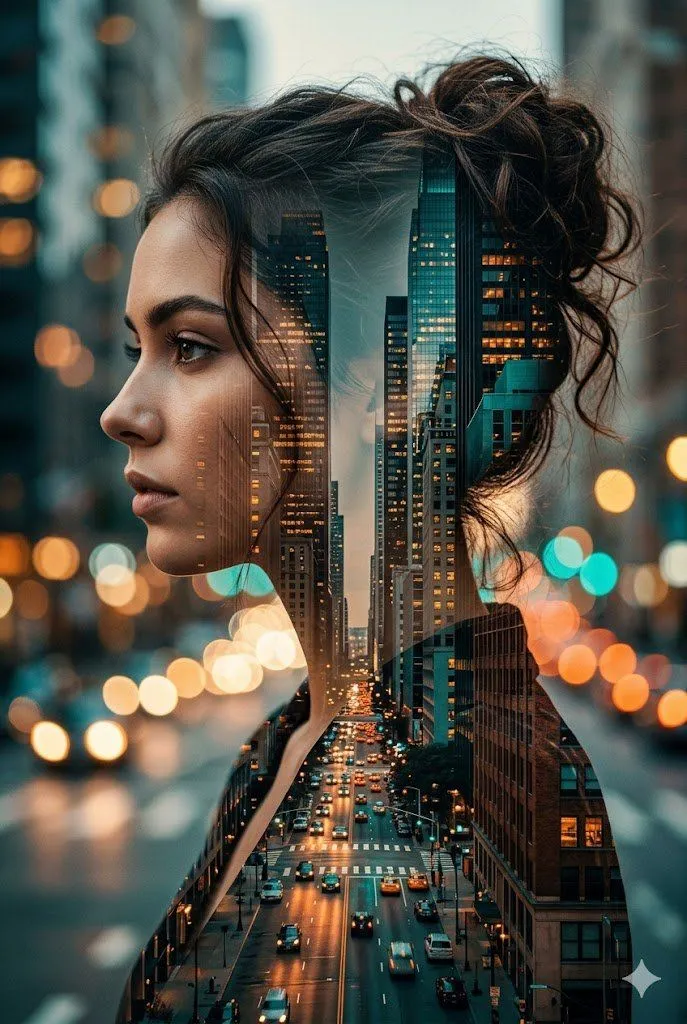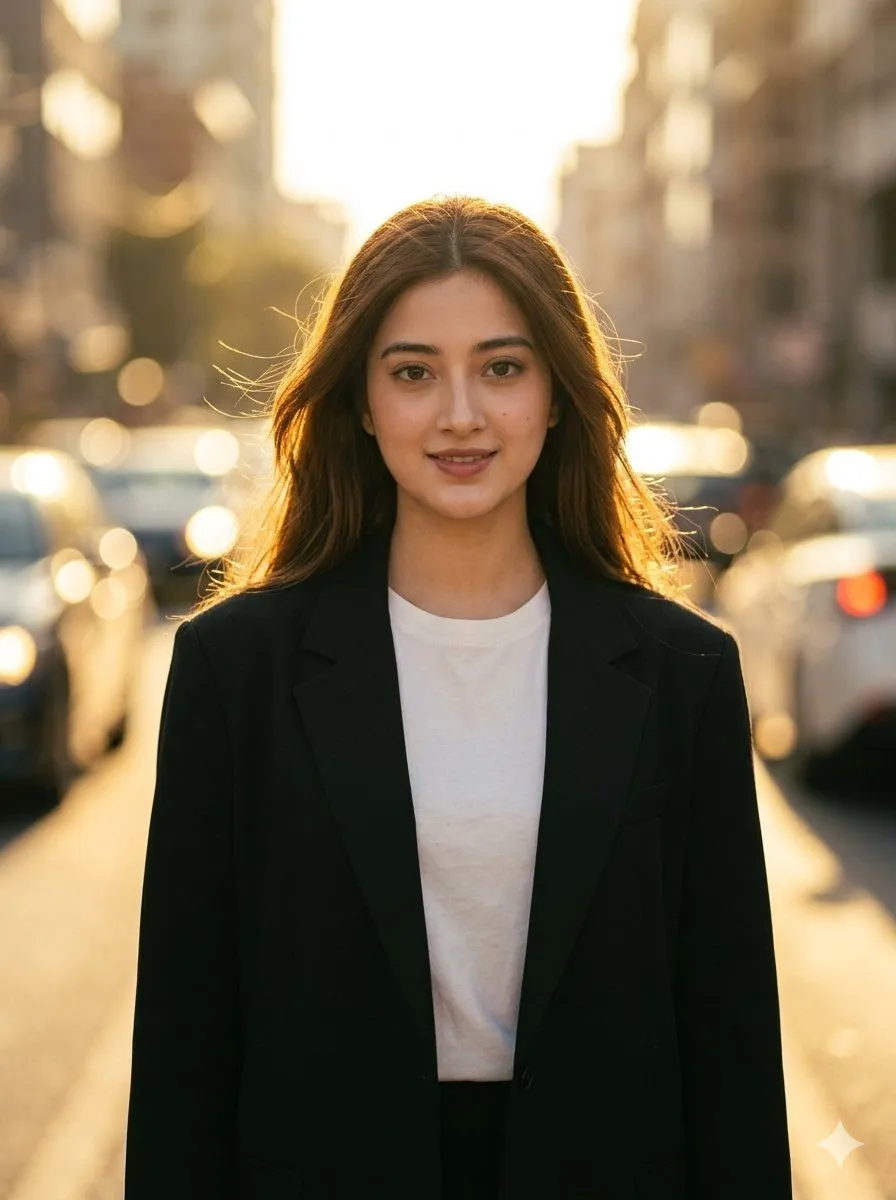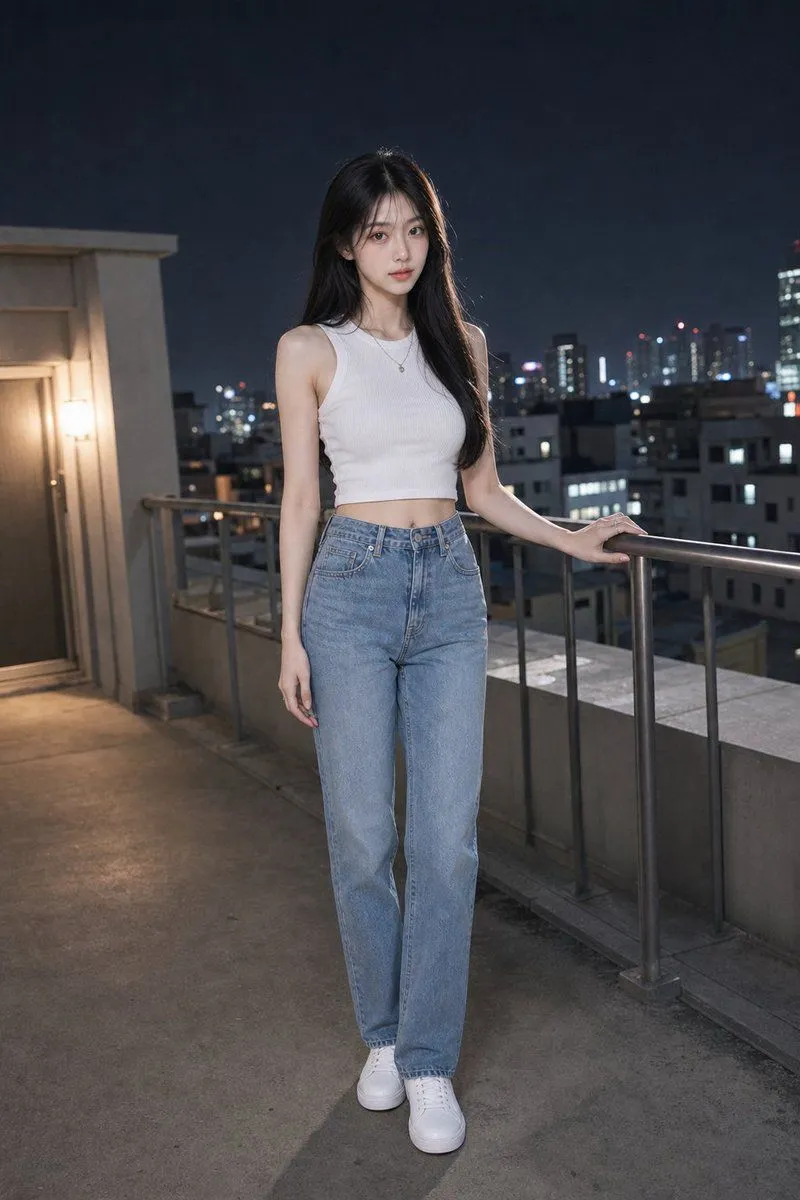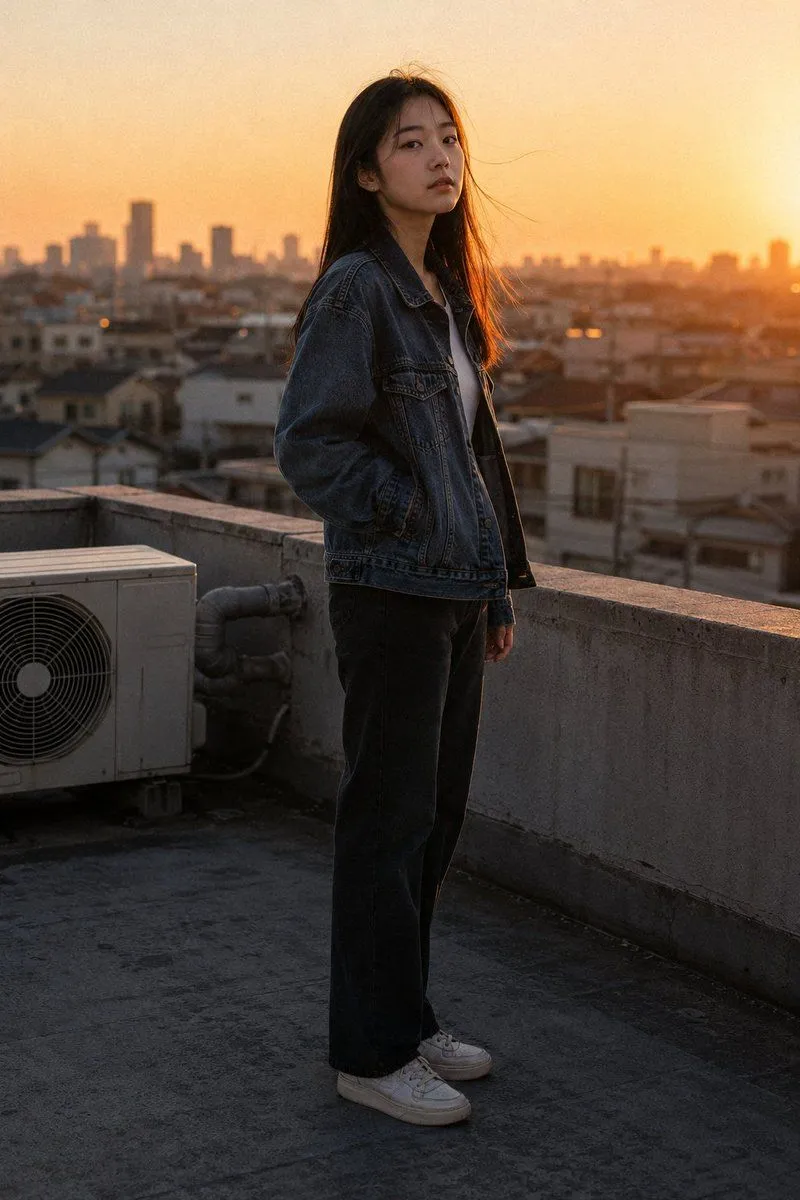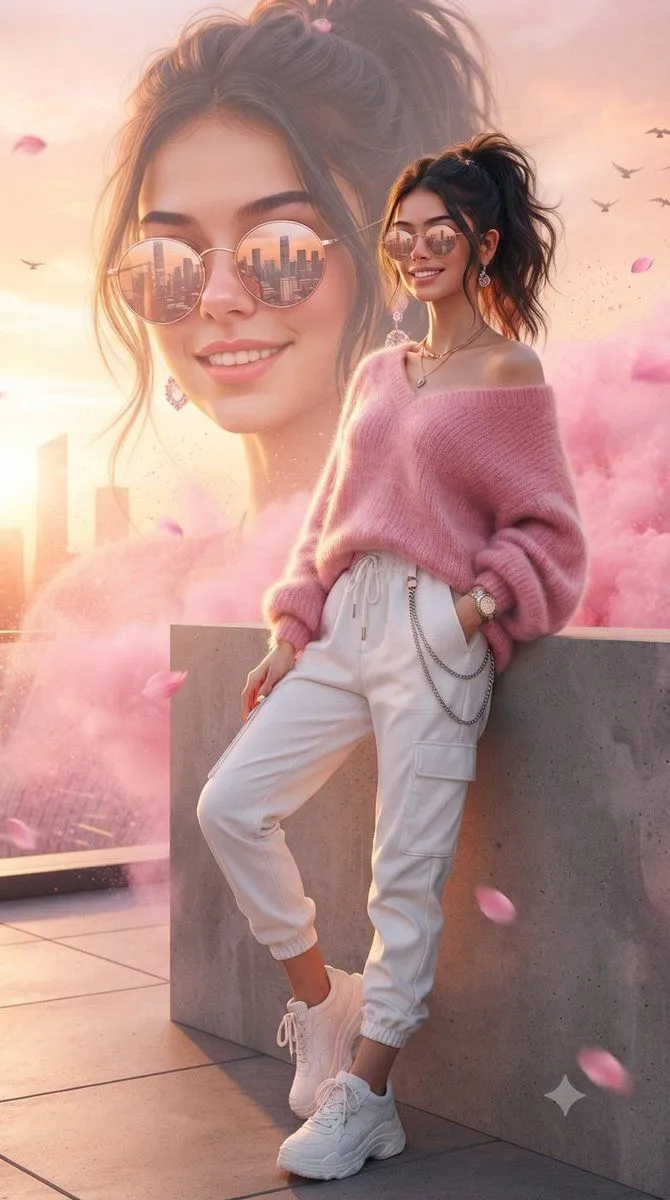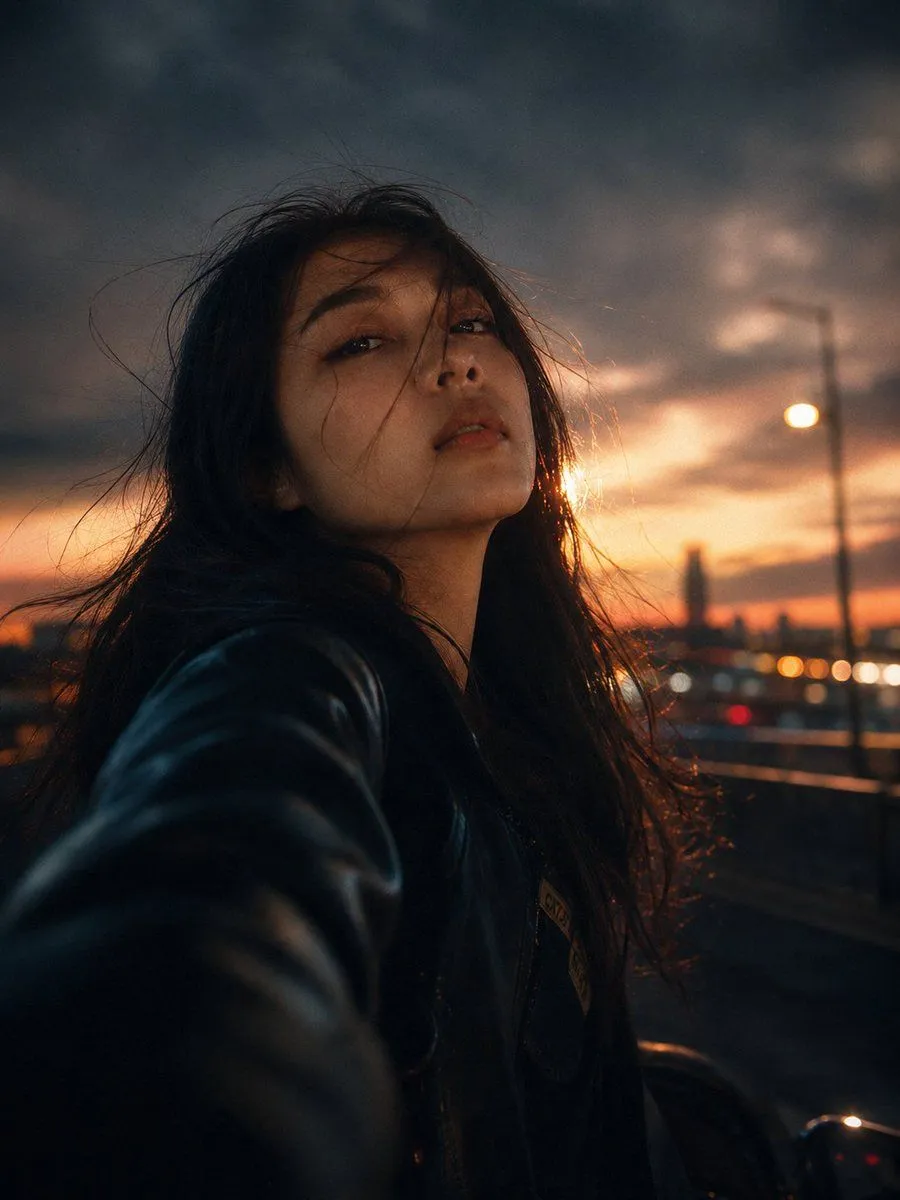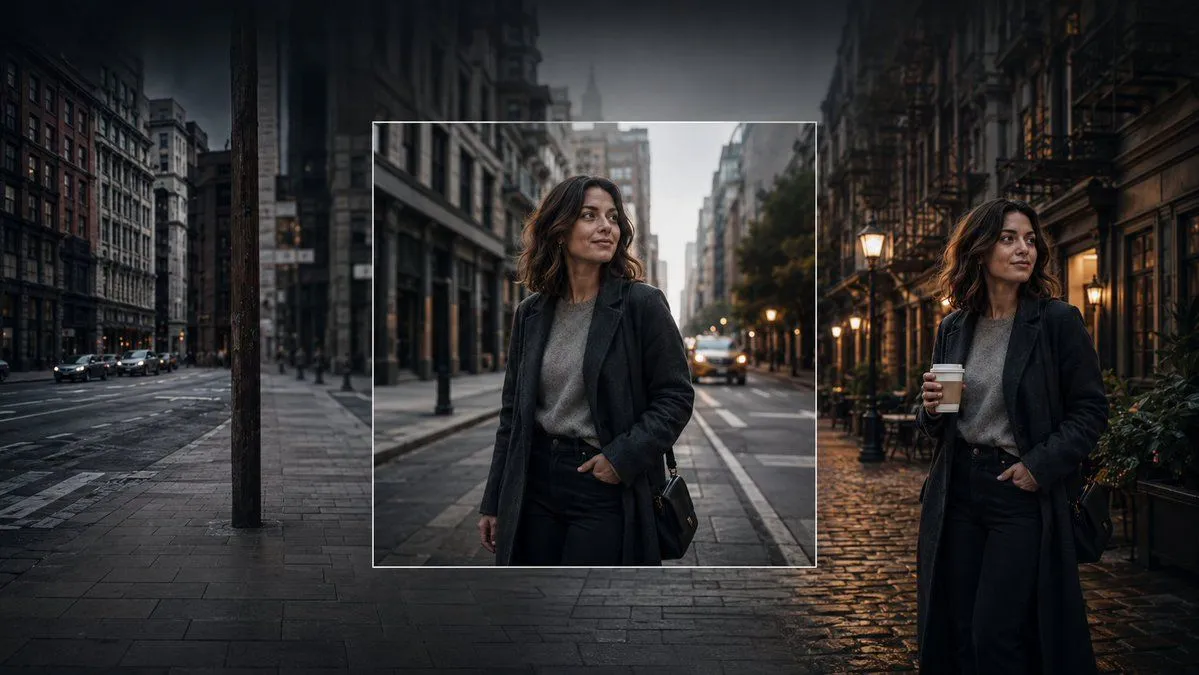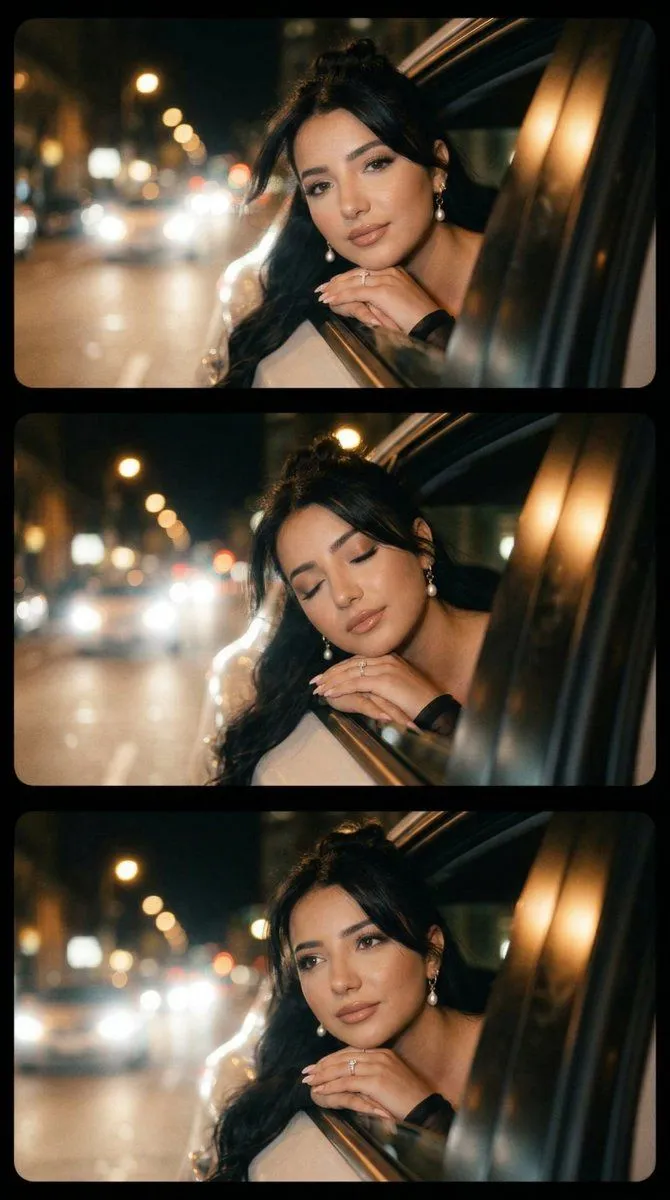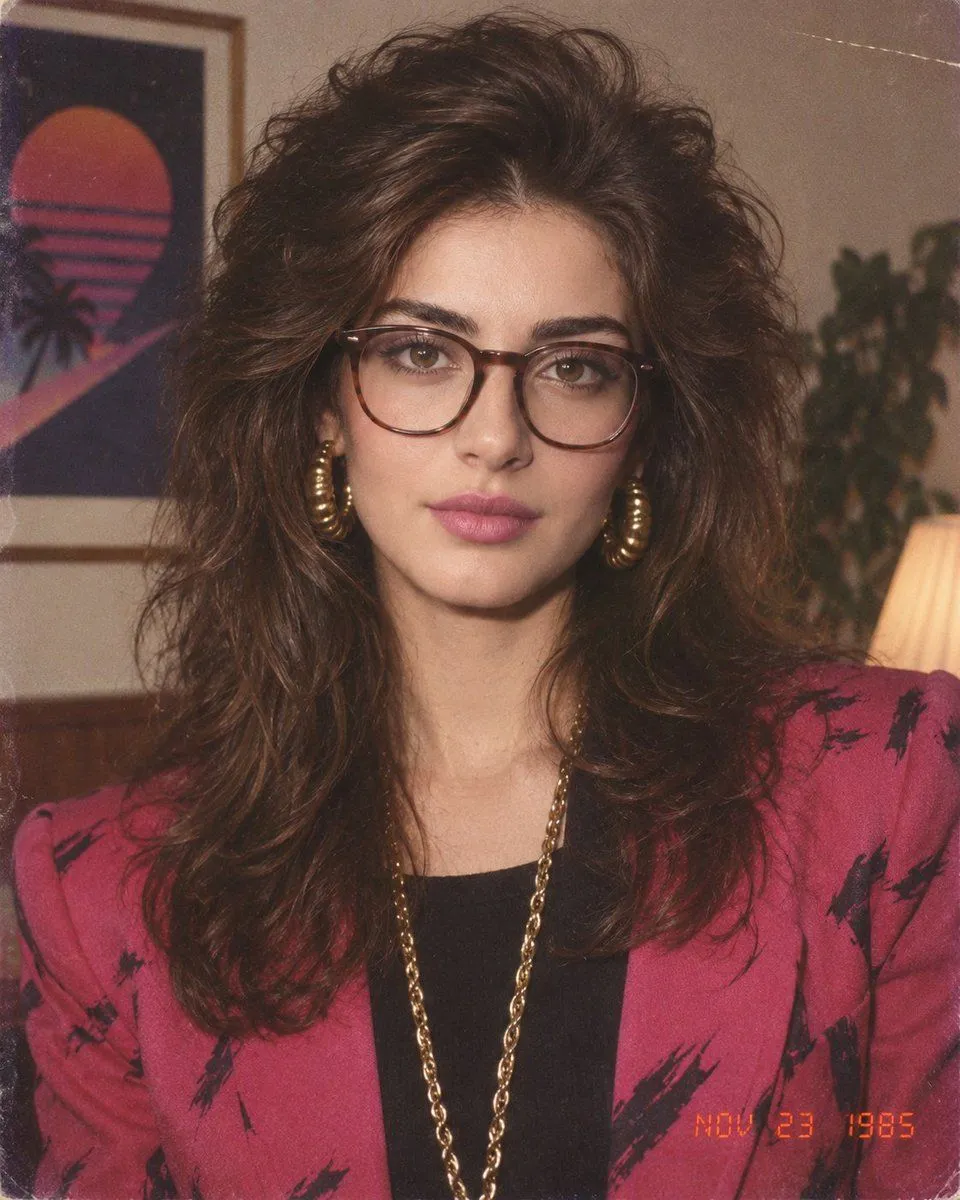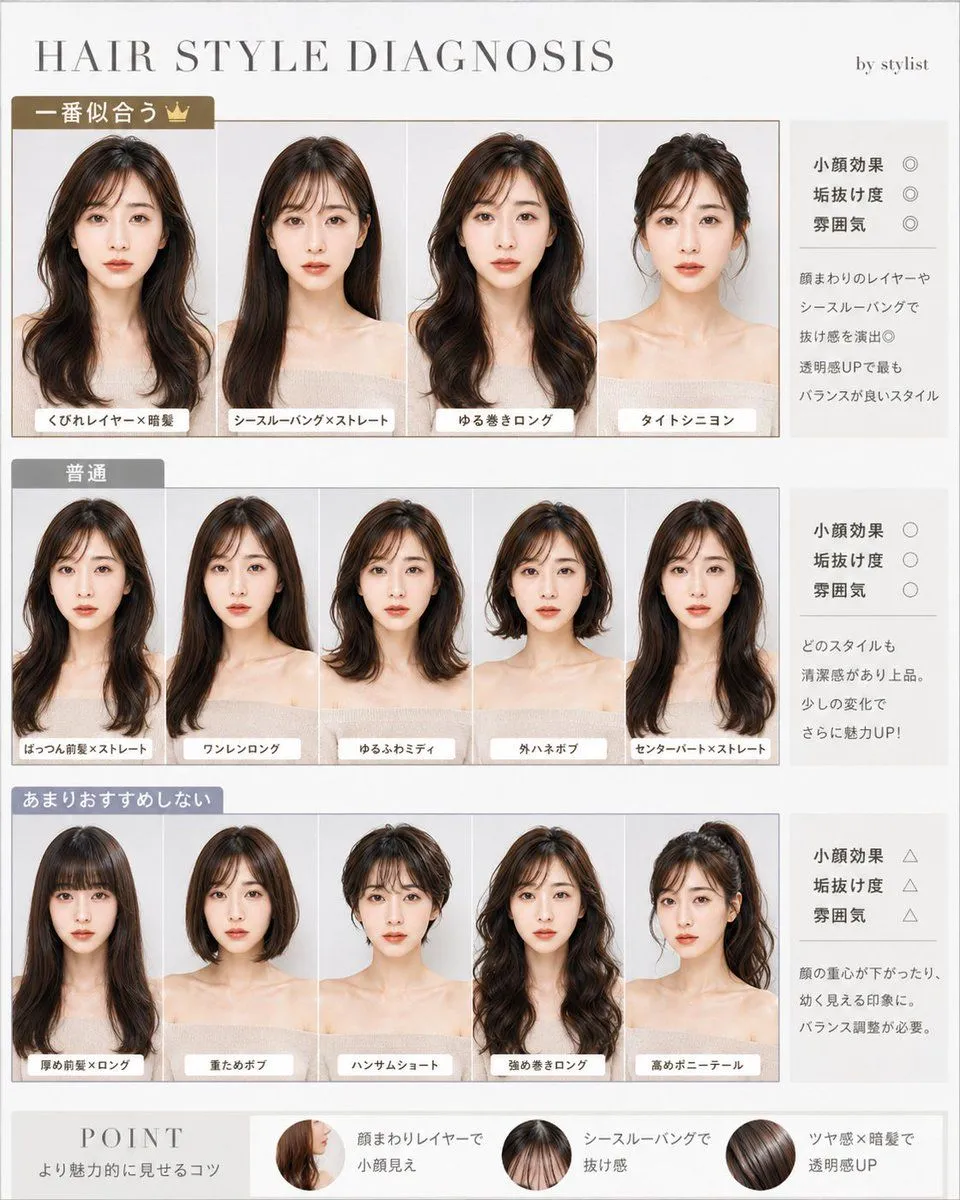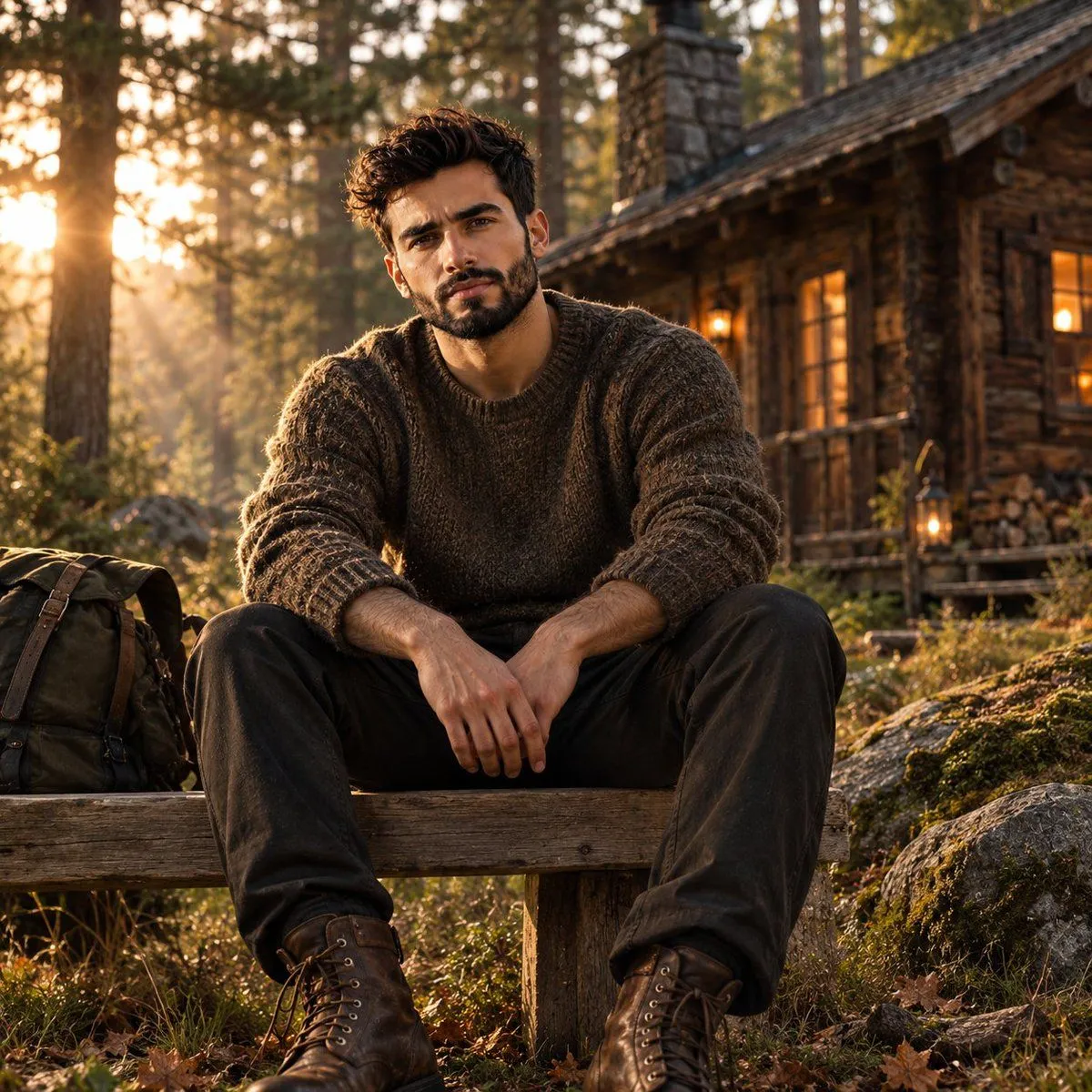
Made with GPT Image 2 in ChatGPT by Library Lifestyle. Promptclay never generates images.
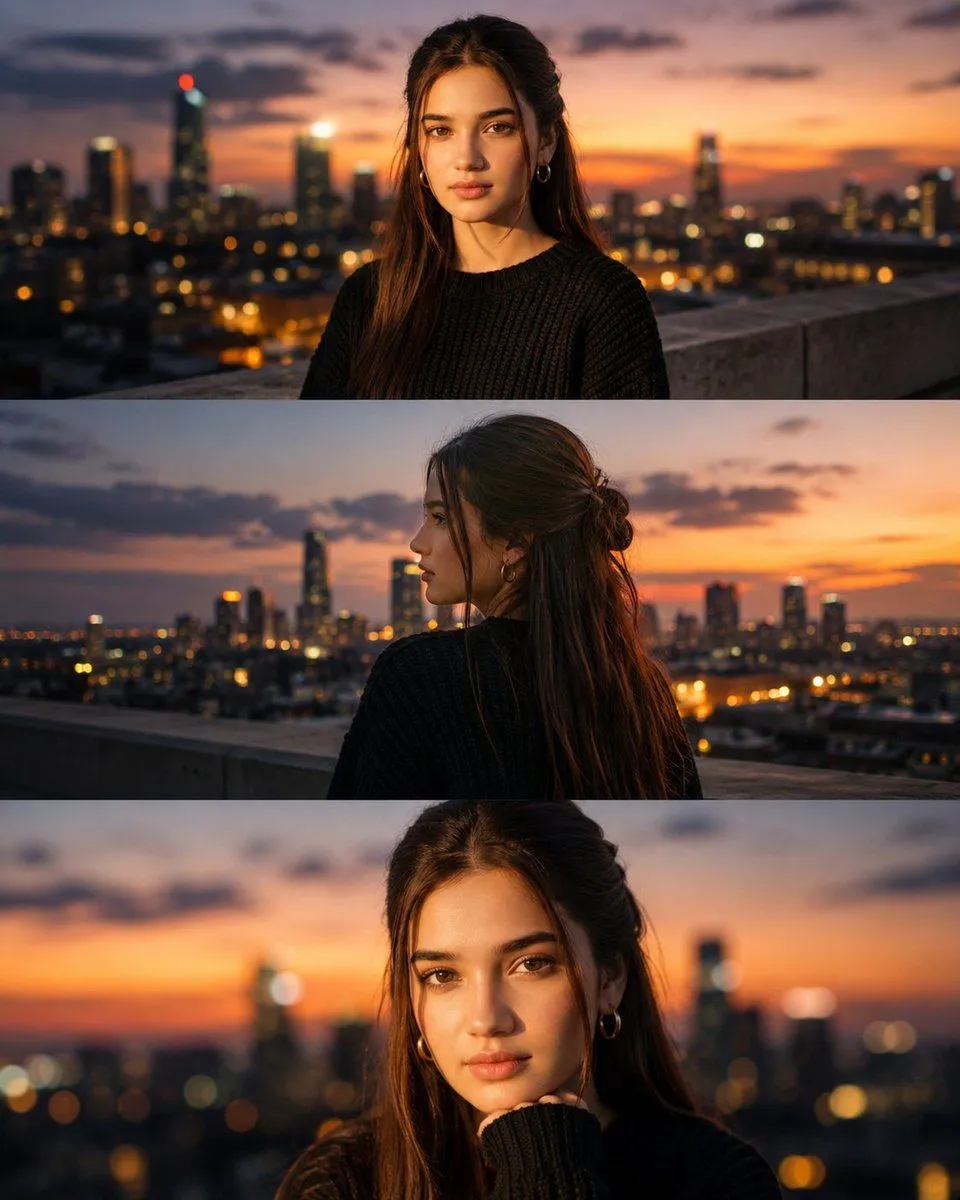
Cinematic Rooftop Blue Hour Portrait
Prompt
1 blank to fillUltra-realistic luxury cinematic rooftop portrait of a beautiful young woman during blue hour sunset, wearing an {clothing} with a natural messy bun and loose hair strands framing her face. She is standing on a modern city rooftop overlooking a glowing skyline at dusk, with warm orange and pink sunset colors blending into deep blue evening skies. Capture multiple cinematic angles: looking away, back view toward the city, and a close-up portrait with her hand near her chin. Soft golden hour lighting, realistic skin texture, shallow depth of field, dreamy bokeh city lights, volumetric atmosphere, natural candid expression, premium editorial fashion photography, HDR, ultra-detailed, realistic shadows, subtle film grain, 85mm lens, f/1.4, professional color grading, high dynamic range, masterpiece, 8K, photorealistic.Use the uploaded image as the only identity reference. Preserve the exact facial identity, hairstyle, facial features, skin tone, and expression with 100% accuracy while changing only the environment and cinematic composition.
Preview of your prompt
Ultra-realistic luxury cinematic rooftop portrait of a beautiful young woman during blue hour sunset, wearing an oversized black knit sweater with a natural messy bun and loose hair strands framing her face. She is standing on a modern city rooftop overlooking a glowing skyline at dusk, with warm orange and pink sunset colors blending into deep blue evening skies. Capture multiple cinematic angles: looking away, back view toward the city, and a close-up portrait with her hand near her chin. Soft golden hour lighting, realistic skin texture, shallow depth of field, dreamy bokeh city lights, volumetric atmosphere, natural candid expression, premium editorial fashion photography, HDR, ultra-detailed, realistic shadows, subtle film grain, 85mm lens, f/1.4, professional color grading, high dynamic range, masterpiece, 8K, photorealistic.Use the uploaded image as the only identity reference. Preserve the exact facial identity, hairstyle, facial features, skin tone, and expression with 100% accuracy while changing only the environment and cinematic composition.
DetailsVersions, settings and questions
Written for
What's in the prompt
- Subject
- Model
- GPT Image 2
If your face changes
keep my face exactly the sameQuestions
- Does this work in the ChatGPT app?
- Yes. Paste the prompt and attach your photo if it uses one.
- It changed my face. What do I do?
- Add "keep my face exactly the same" to the end and run it again.
- Can I use the images I make?
- Check the terms of the app you use. Promptclay never generates images and claims nothing you make.