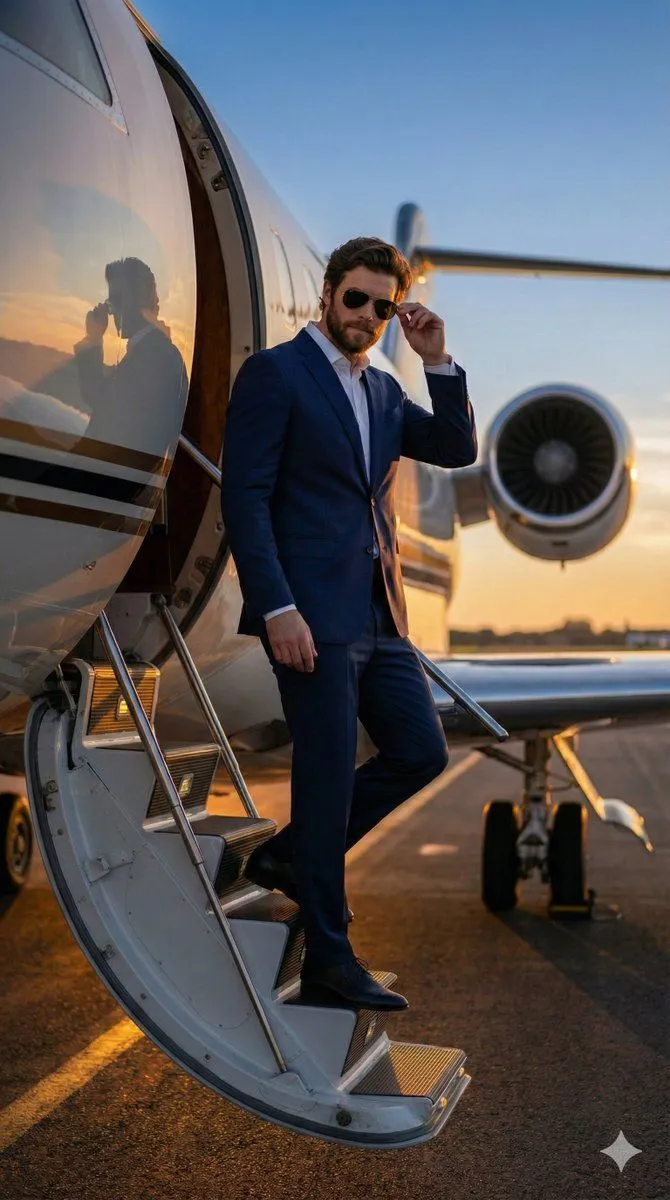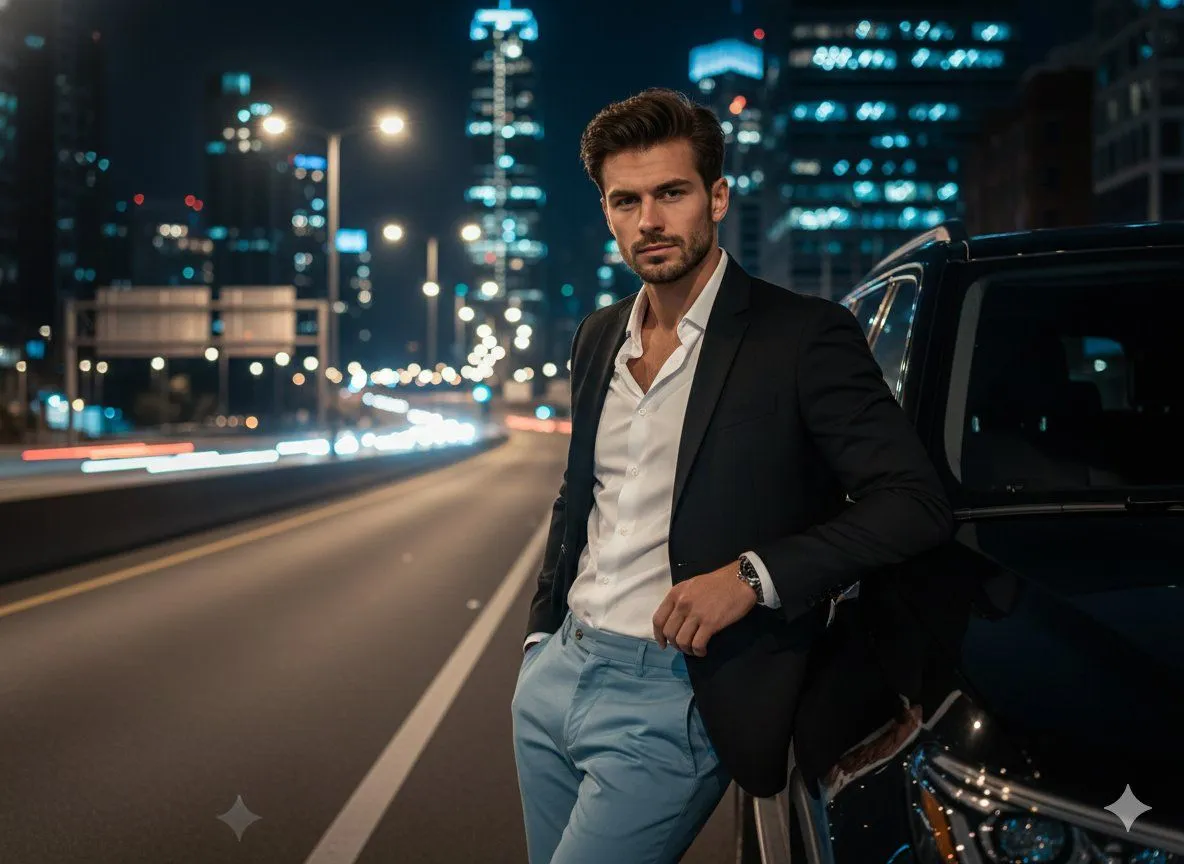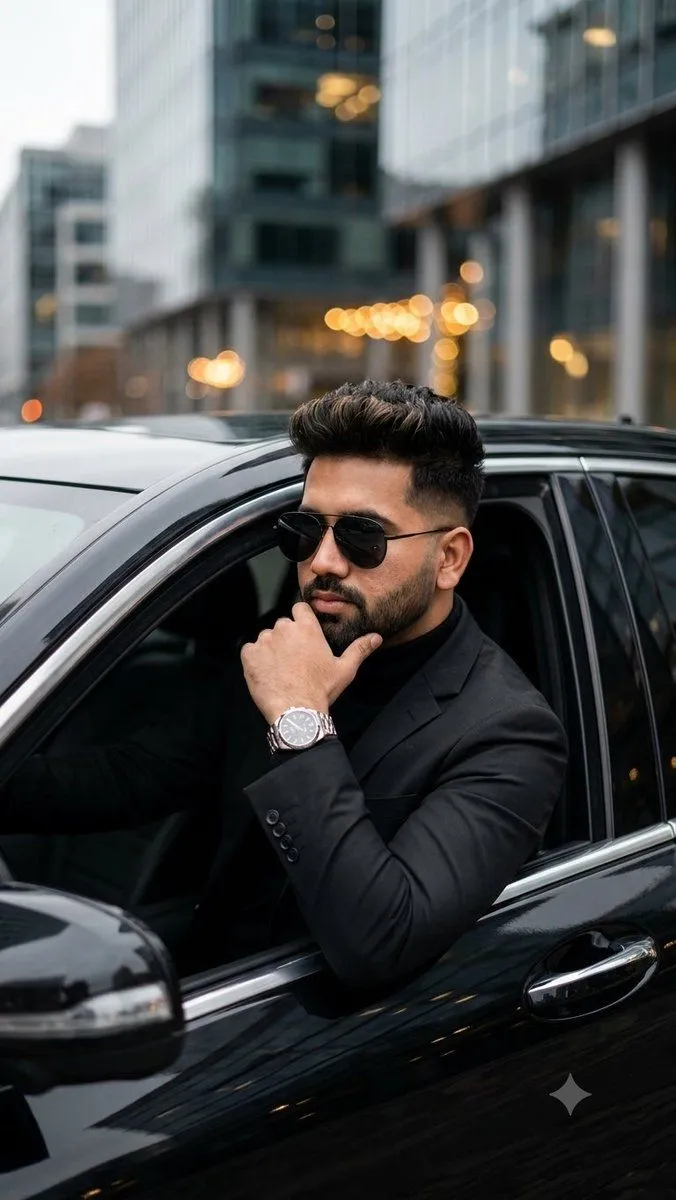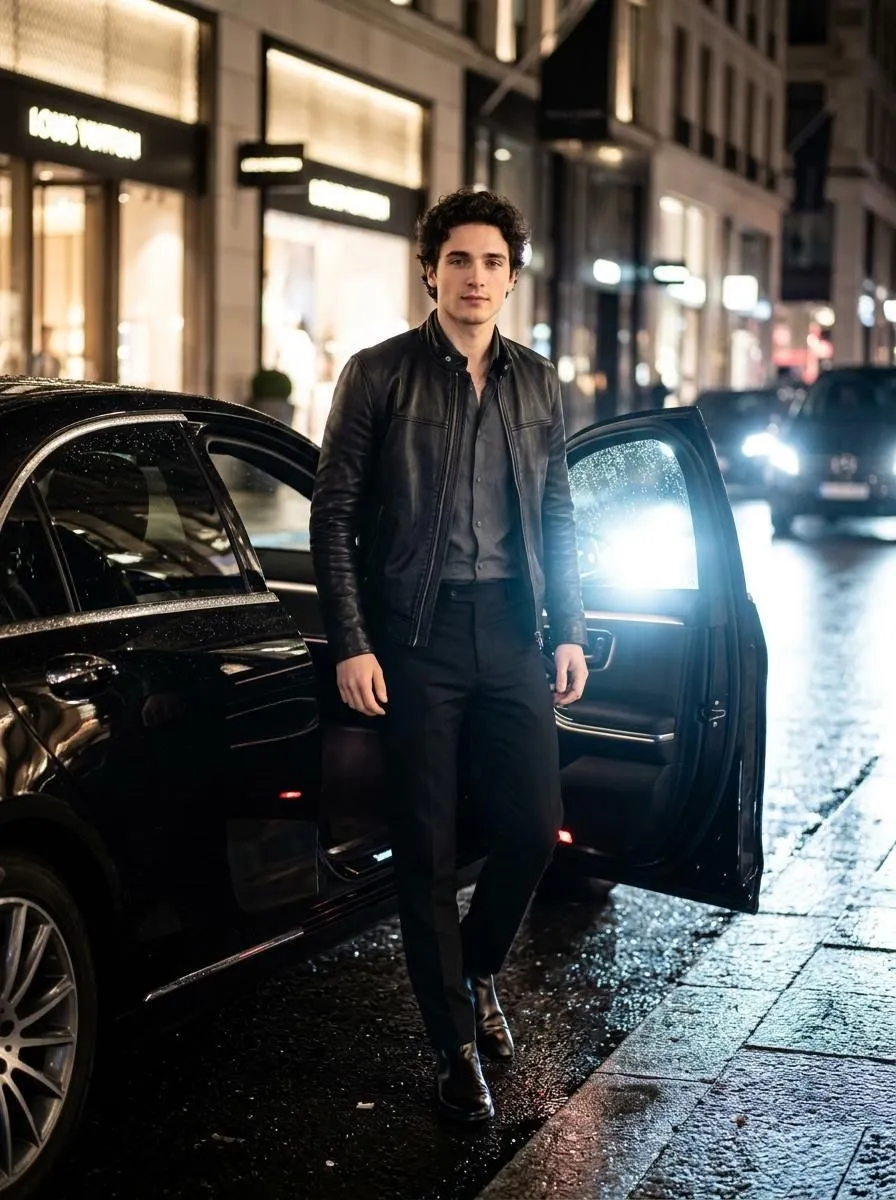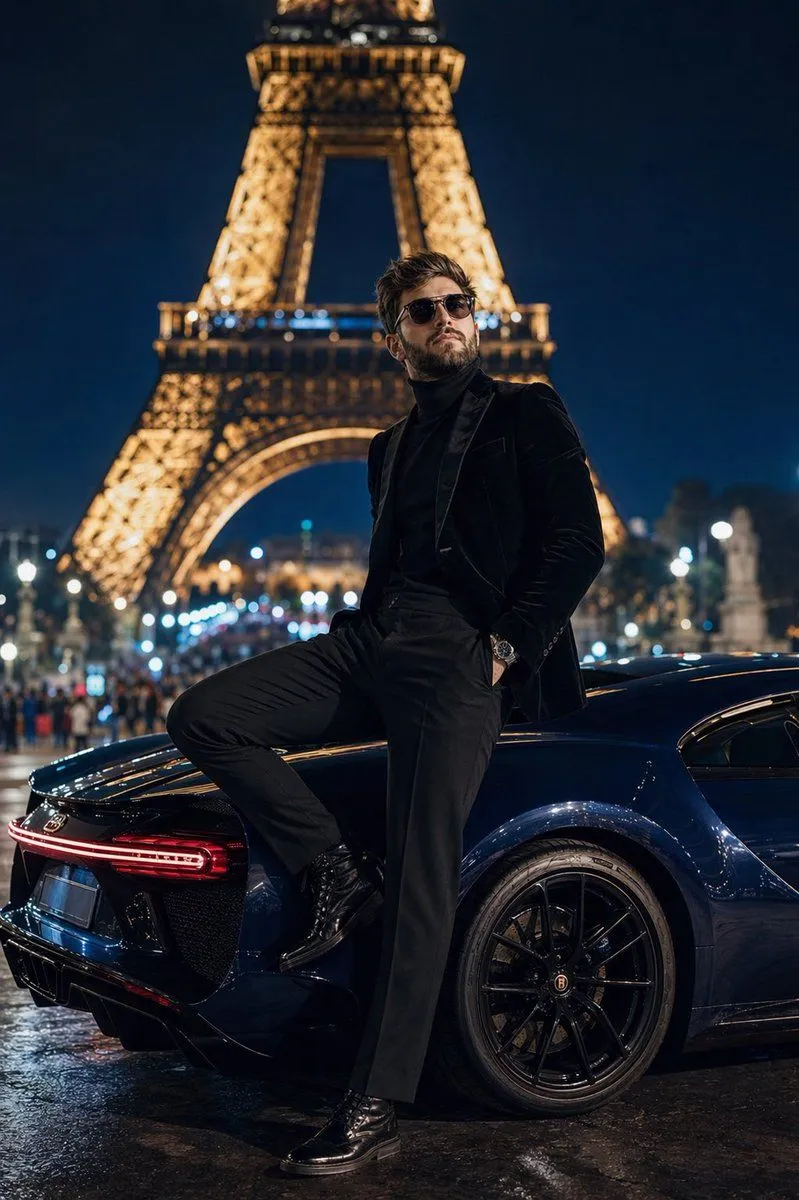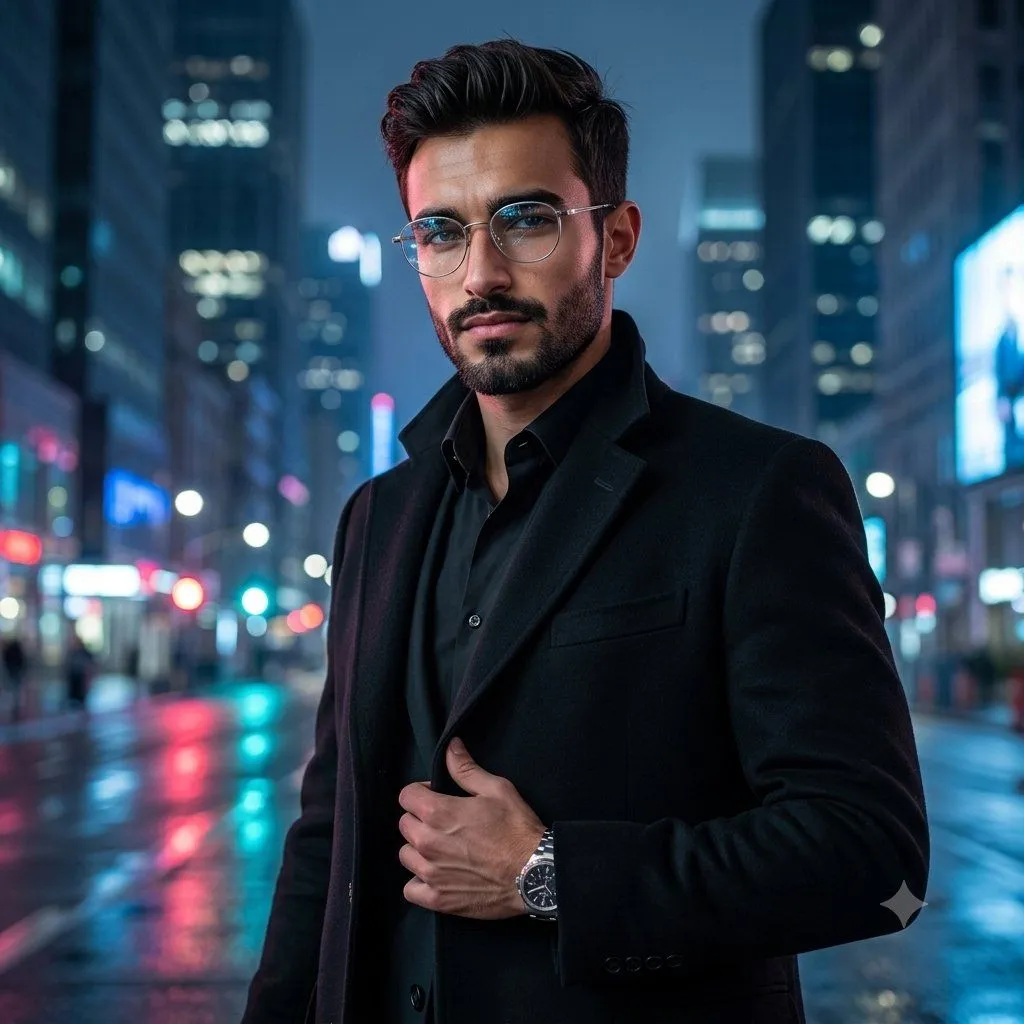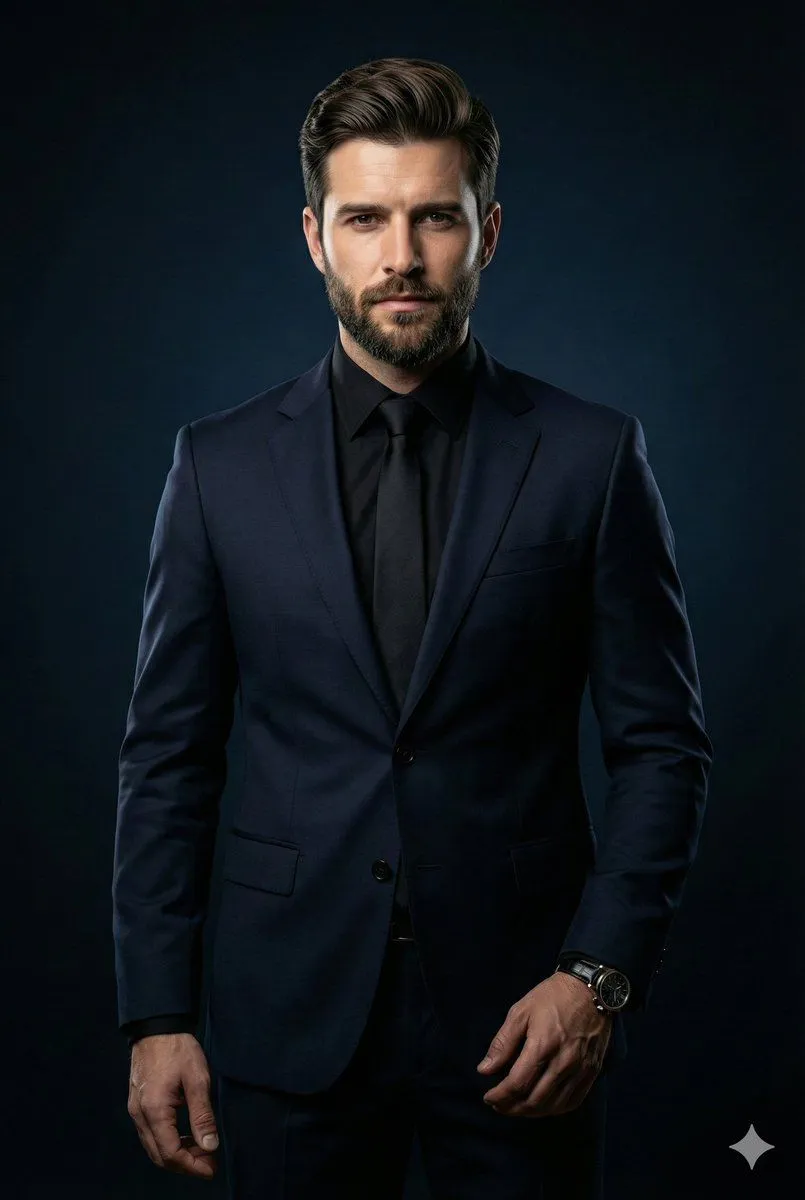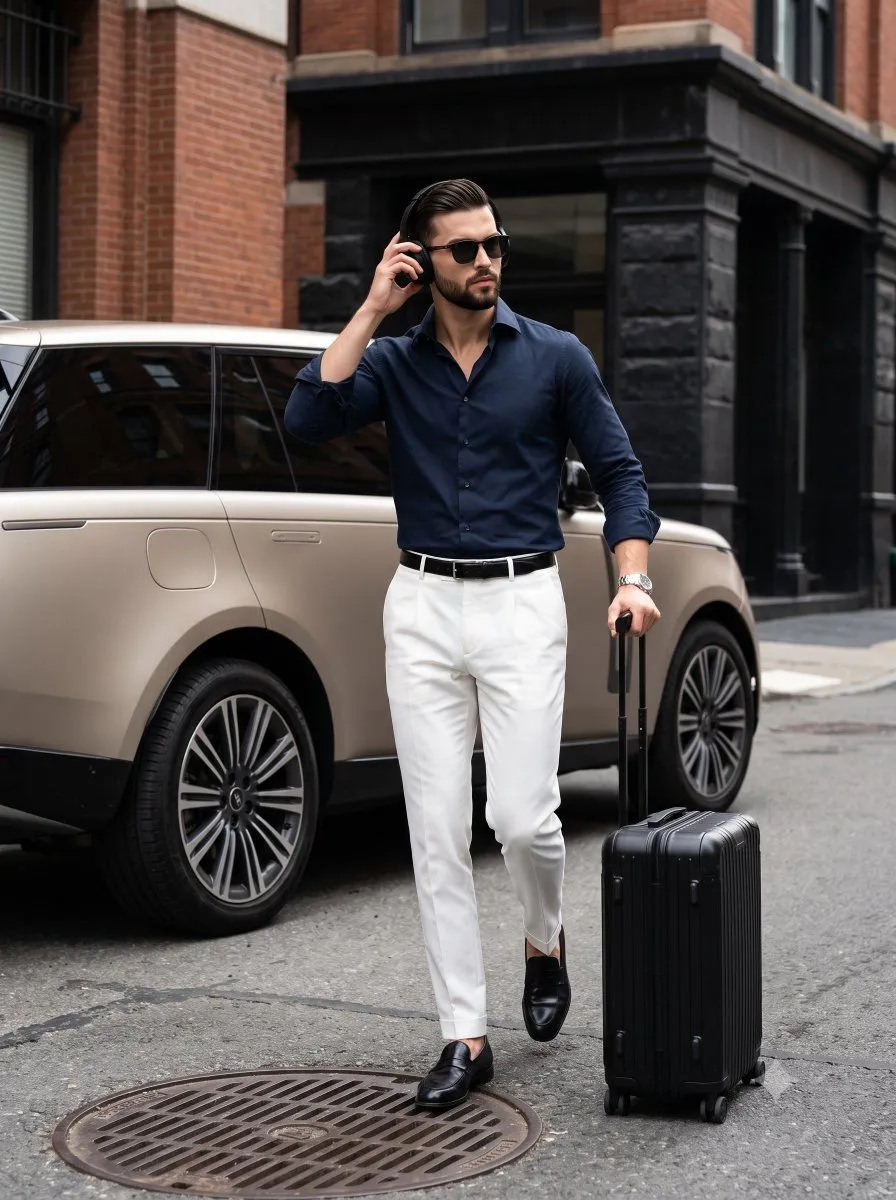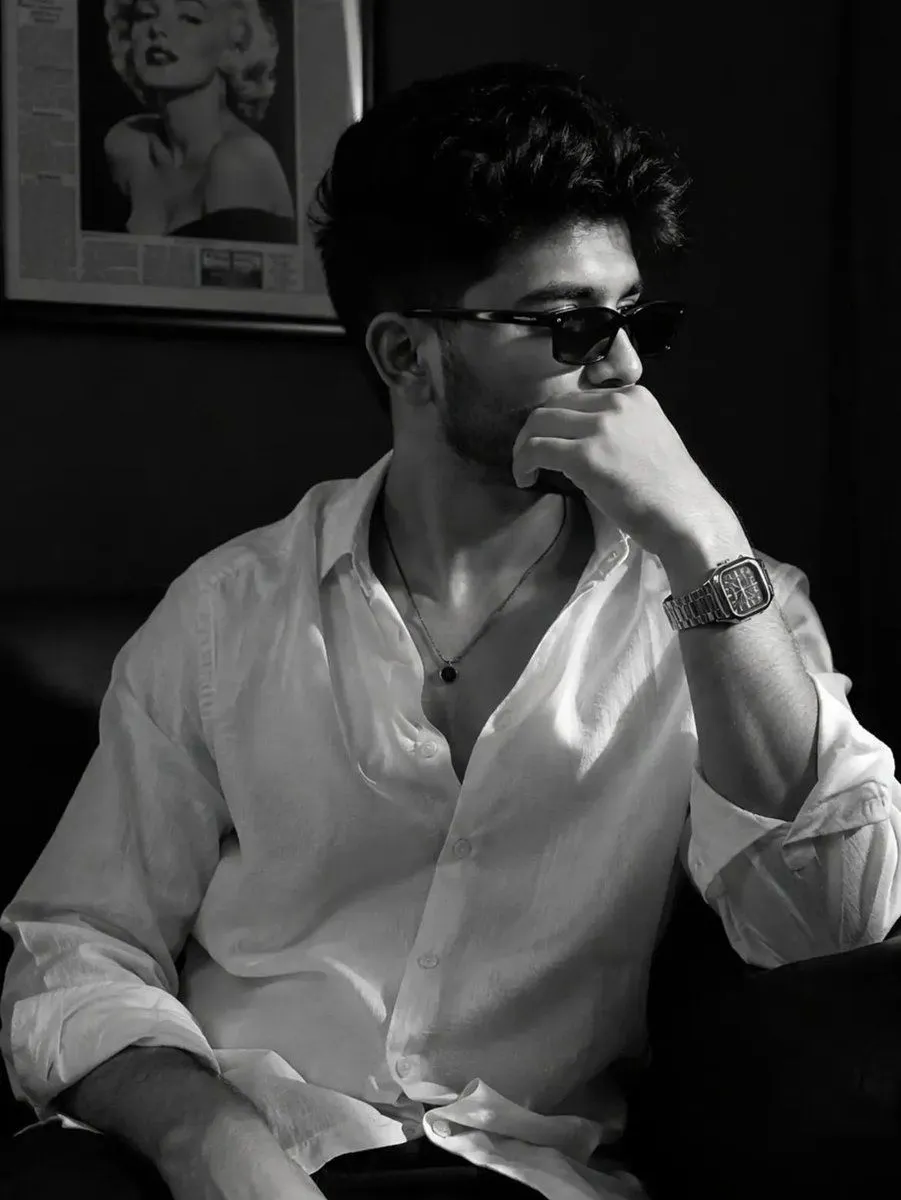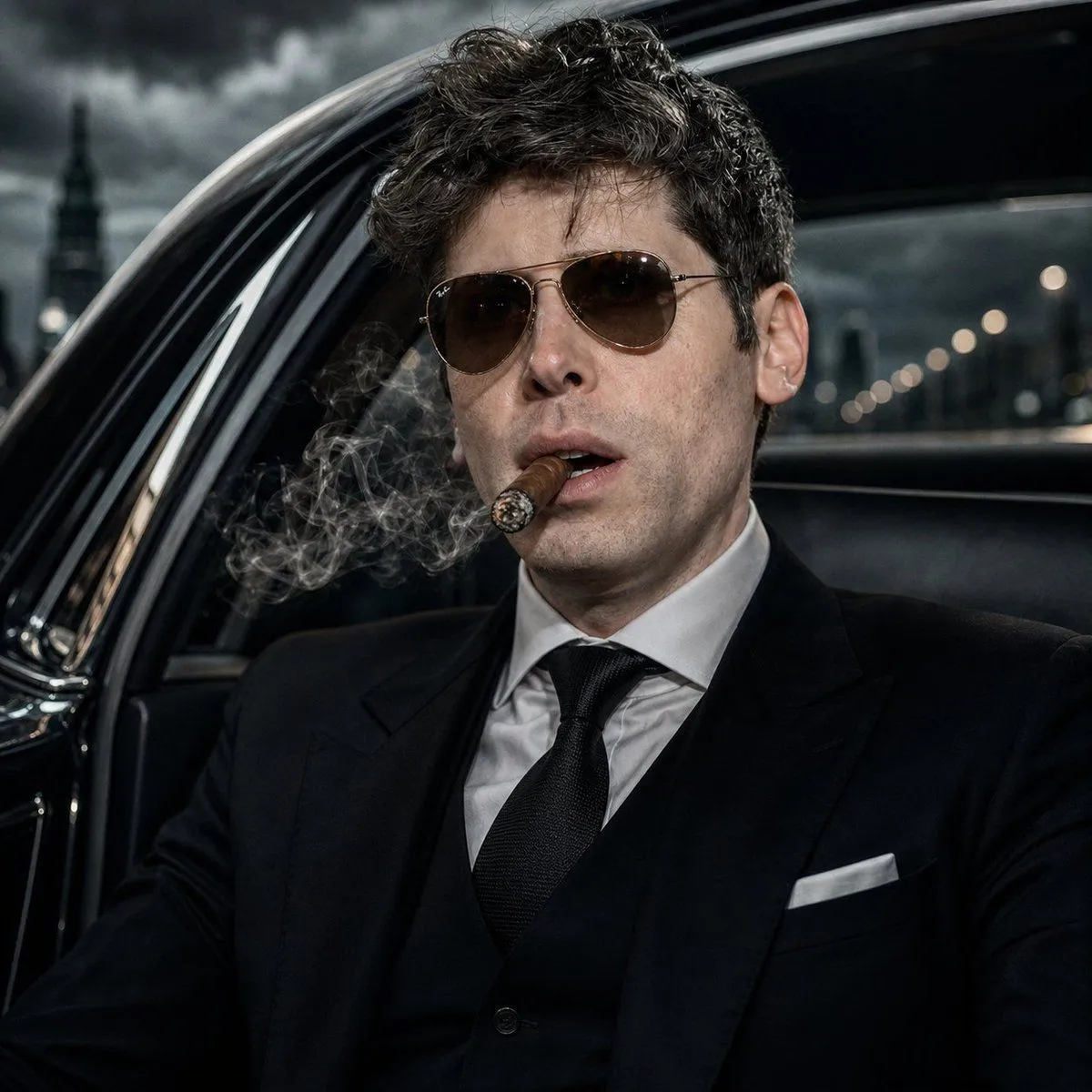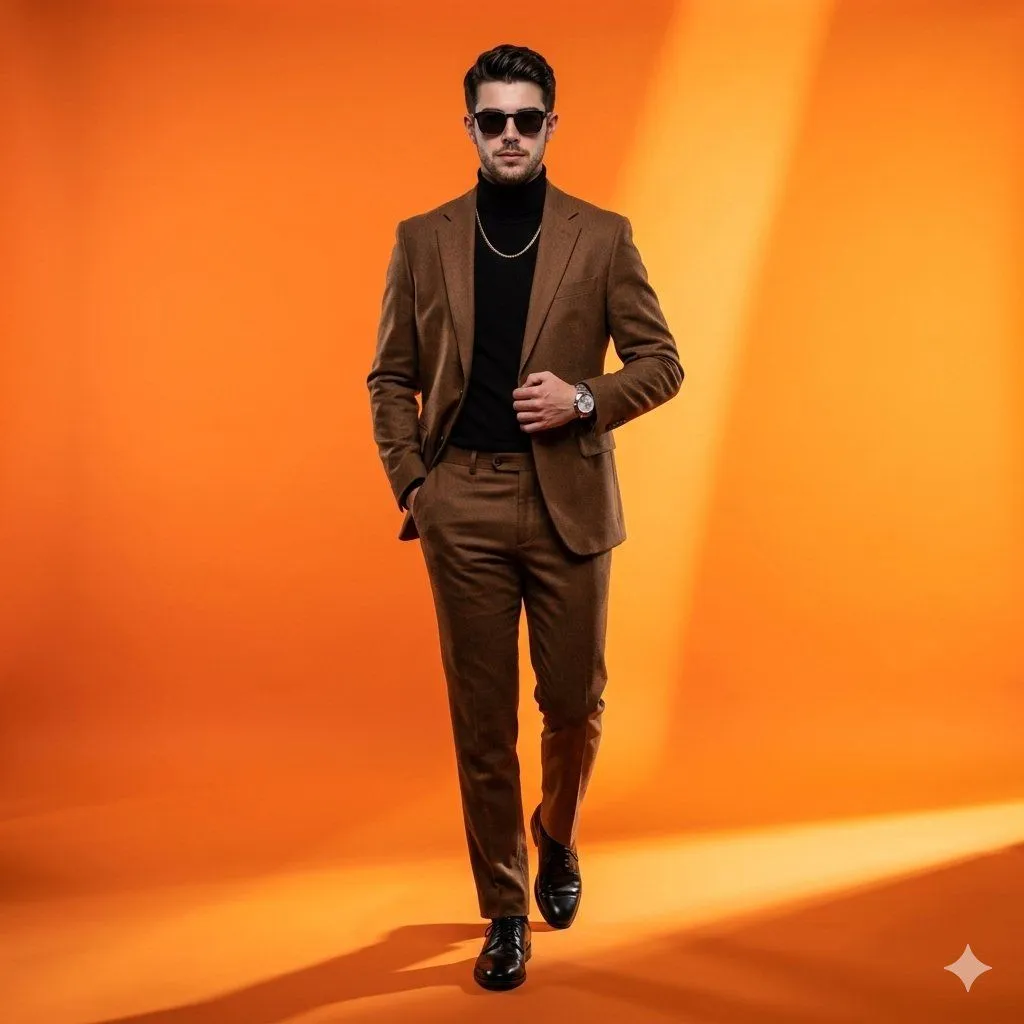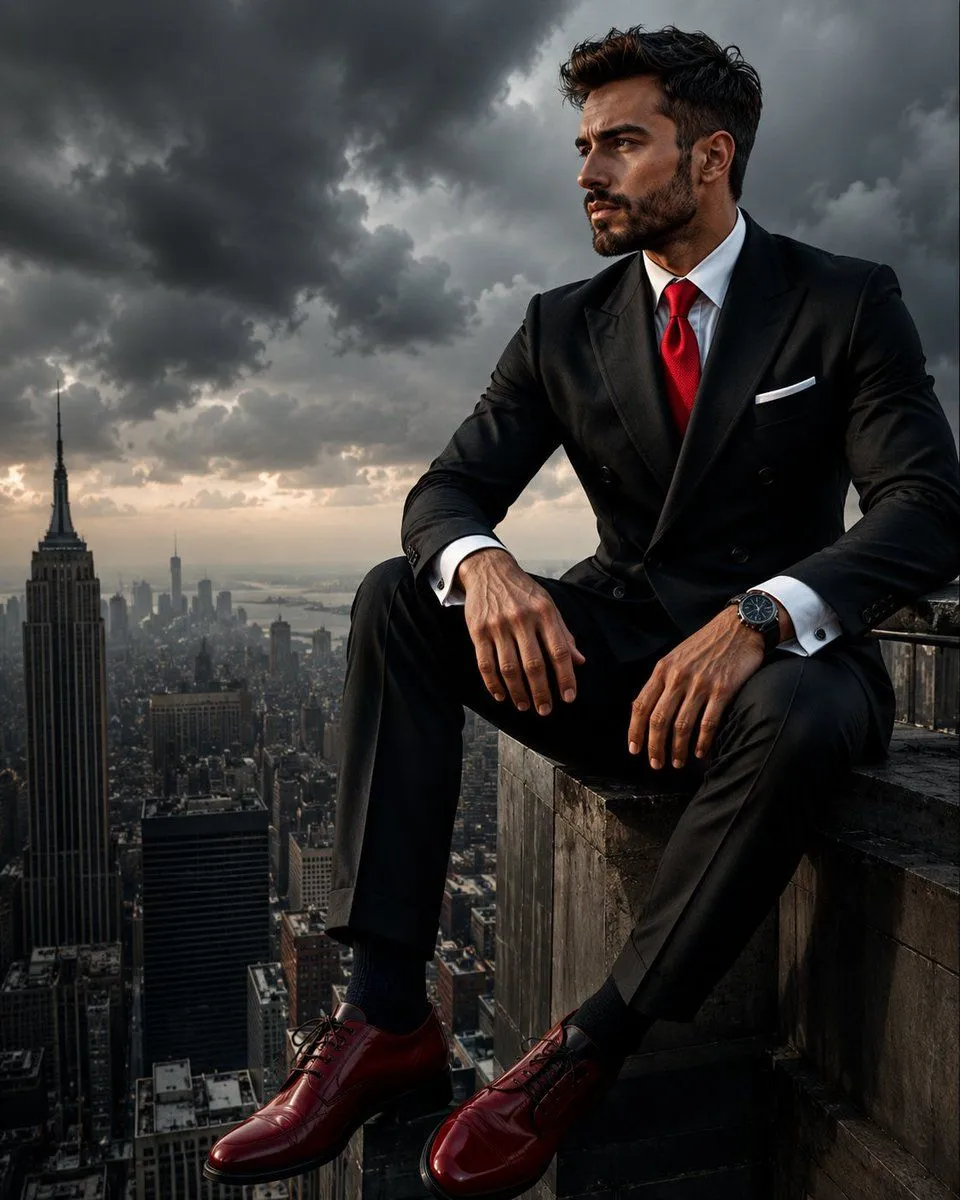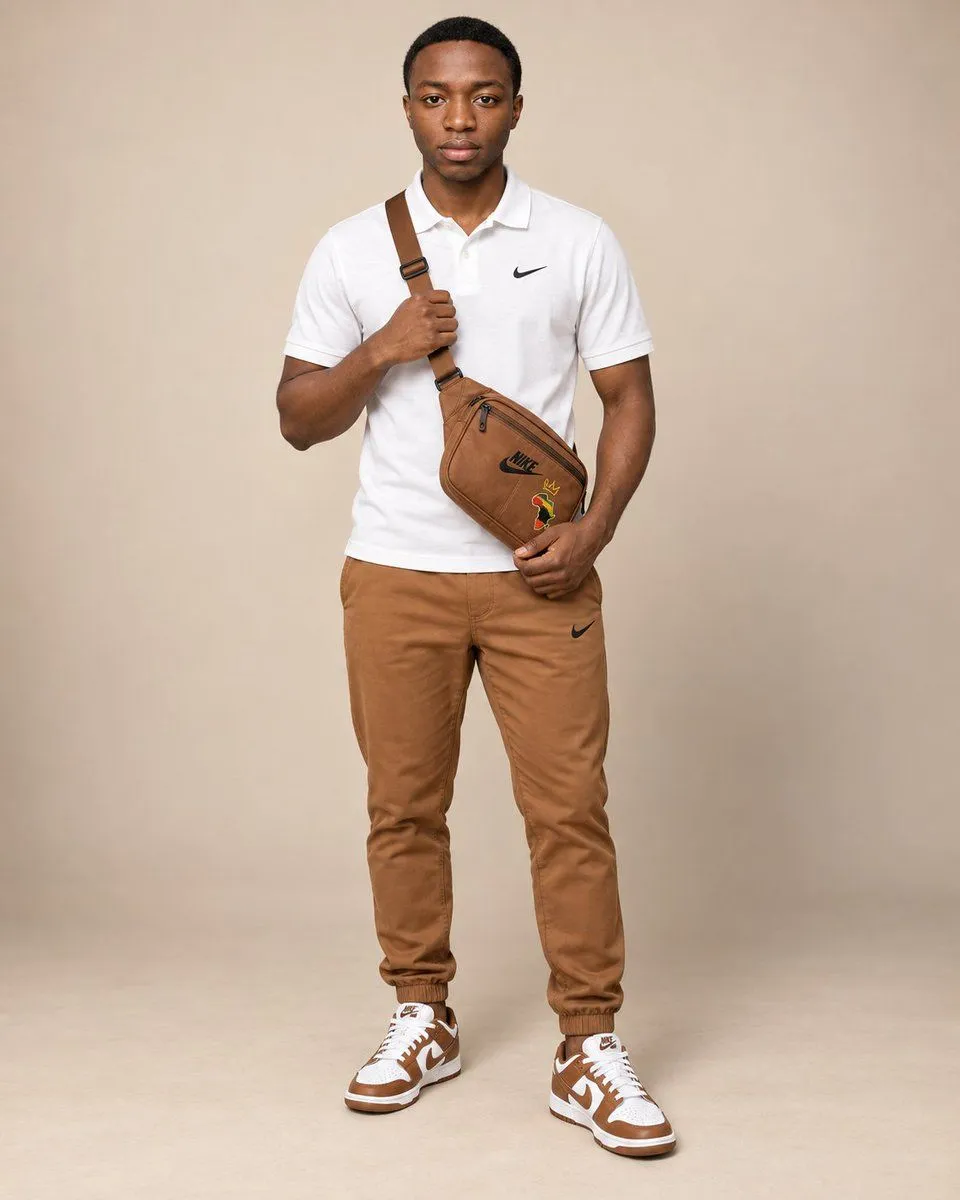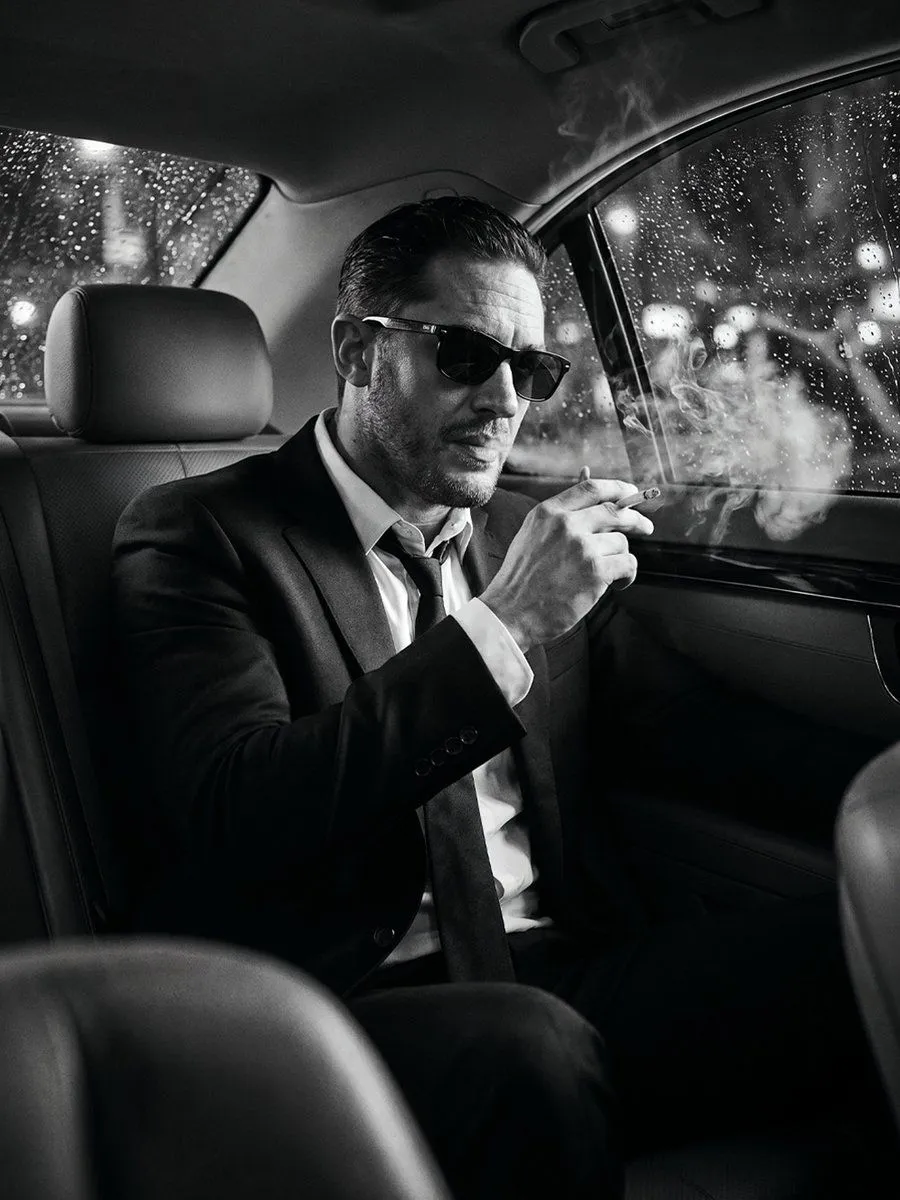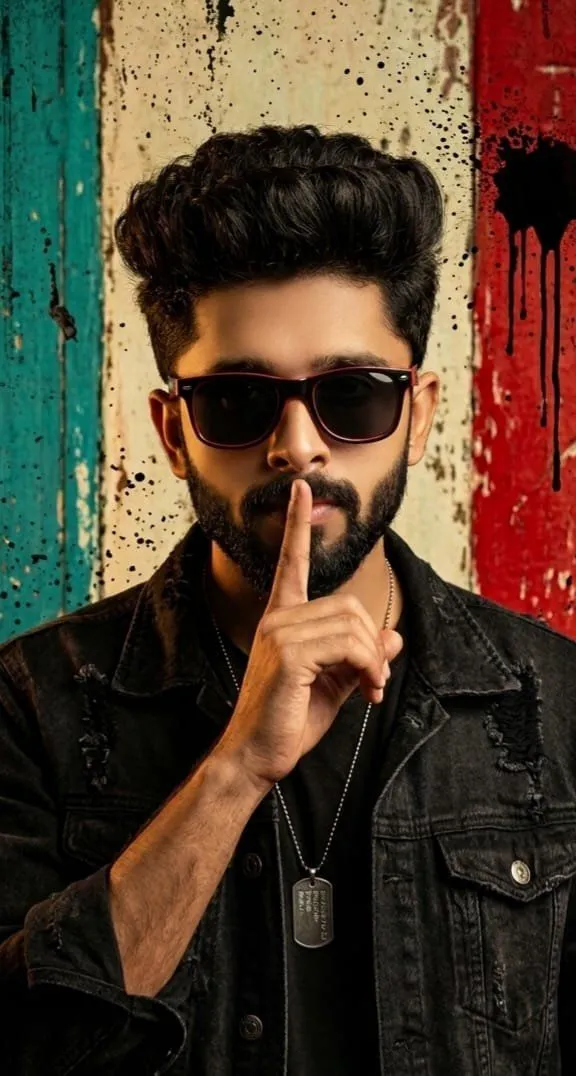
Made with GPT Image 2 in ChatGPT by Library Lifestyle. Promptclay never generates images.
Cinematic Private Jet Hangar Portrait
Prompt
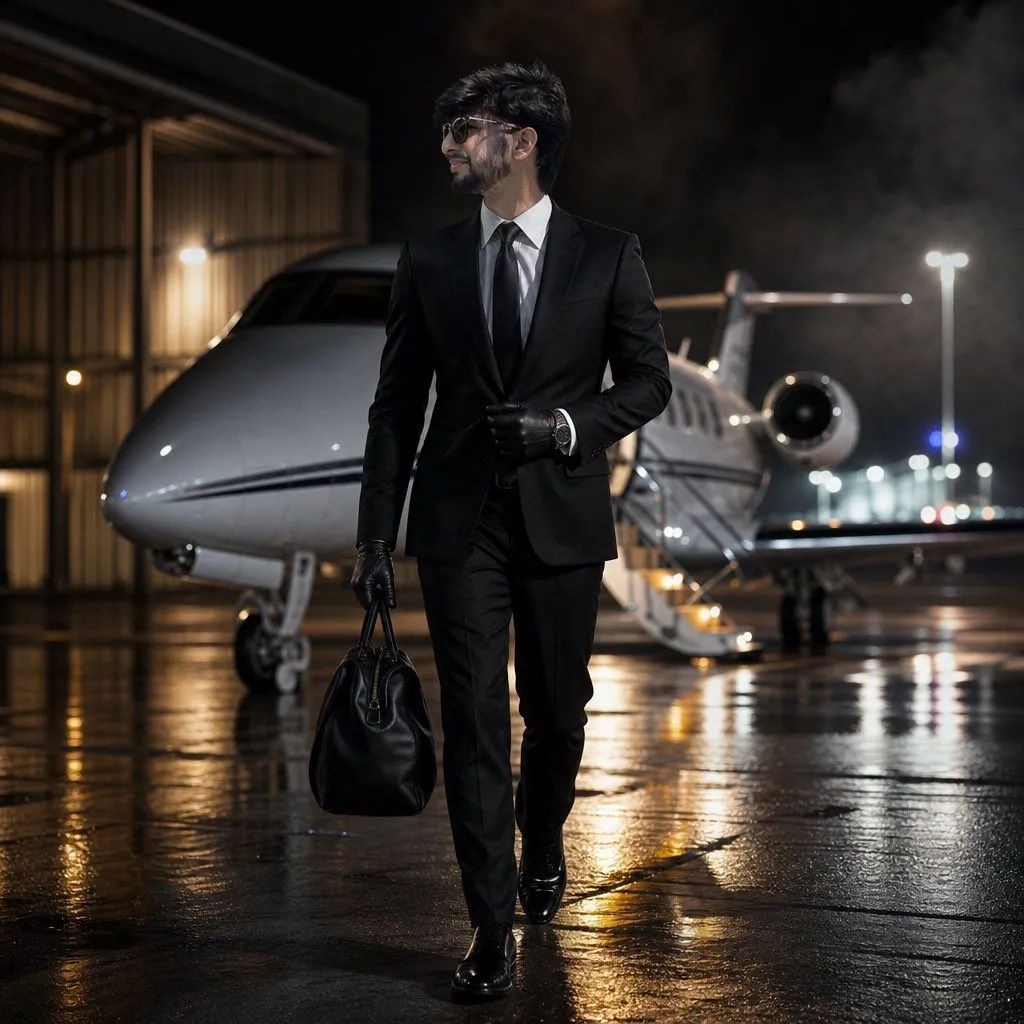
1 blank to fillUse the uploaded reference image as the exact identity reference. Preserve the same face shape, eyes, nose, lips, beard, haircut, age, skin texture, facial proportions, and overall masculine identity. Do not redesign the face. Create an ultra-realistic cinematic luxury portrait of the same man walking out of a private jet hangar at night. He wears a perfectly tailored {outfit}, dark sunglasses, leather gloves, and an expensive watch. One hand holds a small black leather travel bag, the other adjusts his cuff. His expression is calm, rich, focused, and intimidating. Background: private jet partially visible behind him, wet concrete runway, soft fog, airport lights, luxury travel atmosphere. Lighting: strong white rim light from the jet, warm runy lights, cinematic contrast, realistic fabric texture, editorial luxury campaign style. Composition: vertical 4:5, full body walking posd, 016 low-angle perspective, no text, no logo, no
Preview of your prompt
Use the uploaded reference image as the exact identity reference. Preserve the same face shape, eyes, nose, lips, beard, haircut, age, skin texture, facial proportions, and overall masculine identity. Do not redesign the face. Create an ultra-realistic cinematic luxury portrait of the same man walking out of a private jet hangar at night. He wears a perfectly tailored black suit, white shirt, black tie, dark sunglasses, leather gloves, and an expensive watch. One hand holds a small black leather travel bag, the other adjusts his cuff. His expression is calm, rich, focused, and intimidating. Background: private jet partially visible behind him, wet concrete runway, soft fog, airport lights, luxury travel atmosphere. Lighting: strong white rim light from the jet, warm runy lights, cinematic contrast, realistic fabric texture, editorial luxury campaign style. Composition: vertical 4:5, full body walking posd, 016 low-angle perspective, no text, no logo, no
DetailsVersions, settings and questions
Written for
What's in the prompt
- Subject
- Model
- GPT Image 2
If your face changes
keep my face exactly the sameQuestions
- Does this work in the ChatGPT app?
- Yes. Paste the prompt and attach your photo if it uses one.
- It changed my face. What do I do?
- Add "keep my face exactly the same" to the end and run it again.
- Can I use the images I make?
- Check the terms of the app you use. Promptclay never generates images and claims nothing you make.